Specs are compiled from manufacturer listings and verified buyer reviews and can change over time — please confirm the key details on the product page before buying.
If a wash-down hose, a greasy kitchen line, or a dusty shop floor sits within arm’s reach of your screen, the front IP rating decides everything. That rating is the number that says how well the panel is sealed against water and dust. Below are six open-frame touch monitors where that seal is stated outright, with plain words on what each one is built to survive.
This guide is built by comparing the manufacturers’ published specifications and the patterns across verified customer reviews, so you get each pick’s real strengths and trade-offs instead of marketing spin.
You will see how sealing, touch points, resolution and mounting shape the choice, plus which panel suits a kiosk and which suits a workshop bench. The points below explain how to read a sealed panel before you commit to the best Waterproof Touch Screen Monitor.
Top Picks
How To Choose The Best Waterproof Touch Screen Monitor
The first thing to understand is that “waterproof” on these industrial panels is a front-of-glass claim. The seal protects the face of the screen from splashes, oil, dust and cleaning spray; the rear of an open-frame unit is still an exposed assembly you fit into your own cabinet or enclosure. Once you accept that, the rest of the shopping gets much simpler.
Read the IP number before anything else
IP65 is the rating shared by every monitor on this list. The first digit covers dust and the second covers water jets — so IP65 means the front is sealed against dust ingress and against low-pressure water sprayed from a nozzle. For a kitchen display or a hose-down workstation, that is the line you want. Where a unit also lists IK08 or IK09, that is a separate impact rating for how much physical knock the glass survives, and it tells you how the panel handles a bumped trolley or a dropped tool.
Touch points and glass construction
Ten-point touch means the panel tracks ten fingers at once, which matters far less for a single operator than it does for a self-service kiosk where several people tap in fast succession. G+G is shorthand for glass-on-glass construction, and it describes how the touch sensor and cover layer are bonded — generally giving better optical clarity and a tougher surface than a film-based stack. Every monitor here uses 3mm tempered cover glass over that sensor.
Resolution, brightness and size trade-offs
A 7-inch panel at 1024 x 600 is a button-and-readout screen, not a document viewer. Step up to 1280 x 800 on a 10.1-inch frame and text gets comfortable. Full 1920 x 1080 belongs on the 13.3-inch and 21.5-inch units, where it earns its keep by keeping small labels crisp. Brightness in candela per square meter (nits) follows the same logic — 250 nits is fine indoors under controlled light, while 400 nits pushes through glare near a window or a bright shop floor.
Mounting and interface planning
Open-frame panels are designed to be dropped into a cut-out or bolted to a VESA pattern, so measure your opening and your bracket before you buy. On the connection side, HDMI and VGA appear across the board, and DVI shows up on two of the larger units for legacy machines. One detail trips up first-timers: the touch signal usually travels on its own USB cable, separate from the video cable, so plan two runs to the host computer.
Side-by-Side Comparison
| Model | Best For | Screen / Resolution | Brightness | Seal & Impact | Amazon |
|---|---|---|---|---|---|
| GreenTouch 10.1″ Open Frame | All-round workshop and kiosk panel | 10.1″ — 1280 x 800 | 400 cd/m² | Front IP65, IK08 | Amazon |
| RIUIIN 7″ Open Frame | Tight cabinets and small control panels | 7″ — 1024 x 600 | 300 nits | Front IP65, IK09 | Amazon |
| Bosunre 10.1″ Open Frame | Sharp text on a compact frame | 10.1″ — 1280 x 800 | 400 cd/m² | Front IP65 | Amazon |
| Bosunre 13.3″ FHD Open Frame | Full HD detail in a kiosk build | 13.3″ — 1920 x 1080 | 400 cd/m² | Front IP65, IK08 | Amazon |
Detailed Reviews
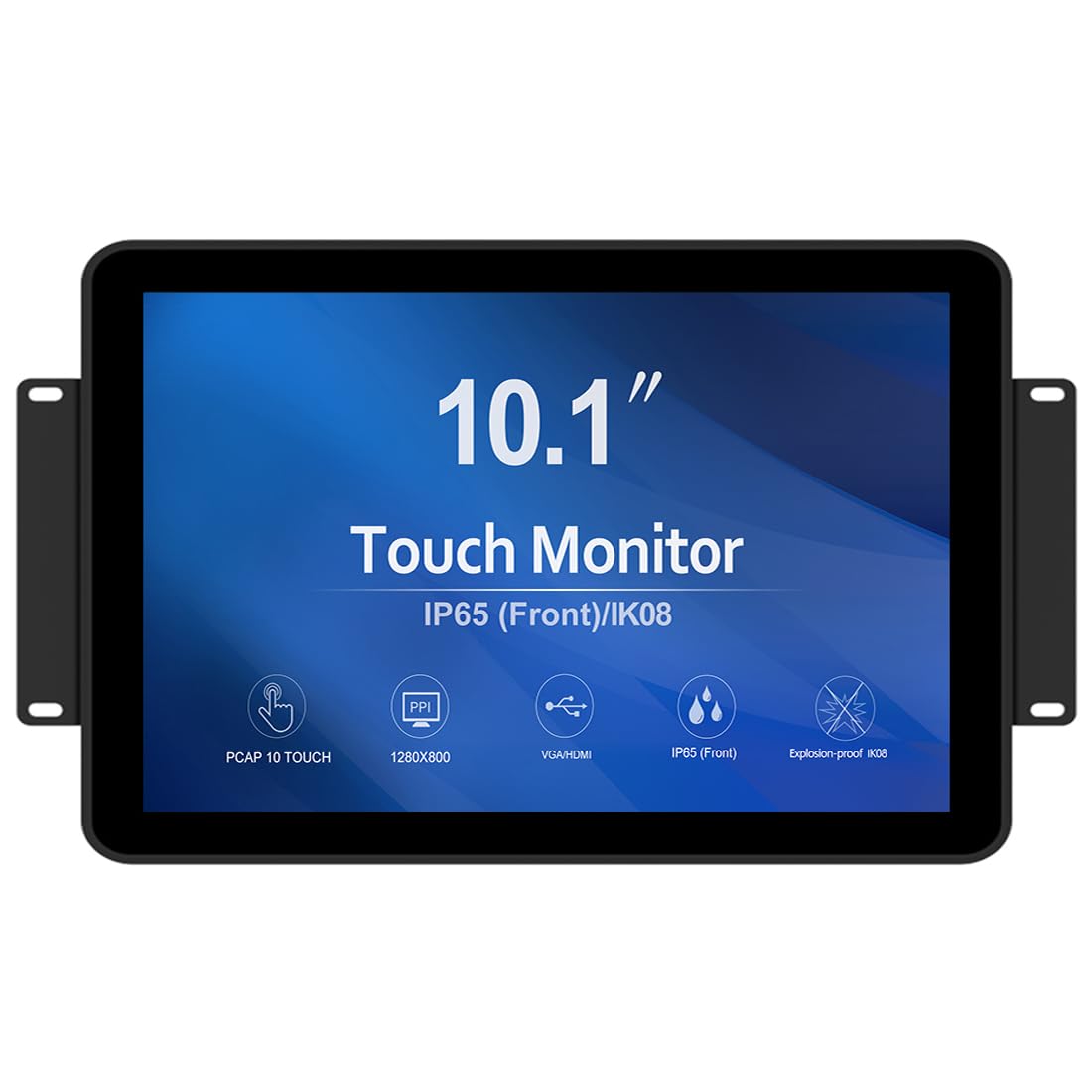
1. GreenTouch 10.1 inch Open Frame PCAP Touch Screen Monitor
The panel with a track record on real shop floors — and the one most buyers keep.
This 10.1-inch GreenTouch takes the top slot because it pairs a 400 nit bright LCD with a front IP65 seal on one frame. The 400 nits push the image through glare, and the IP65 seal keeps cleaning spray and dust off the glass. At 1280 x 800 resolution, labels stay readable on a control panel without forcing you into a bigger cut-out. Ten-point projected capacitive touch (a screen that reads up to ten fingers at once) sits behind 3mm tempered cover glass rated IK08 (an impact rating for knocks), so taps land on glass rather than a soft film layer.
Reviewers consistently praise build quality and daily function, and the touch layer draws steady praise for registering several fingers at once without visible lag. The panel also feels solid under a firm press — reassuring in a unit that will get leaned on. On connectivity you get HDMI, VGA, DVI and audio together, so an older controller box and a modern PC can share the same screen without an adapter hunt.
Compared with the 7-inch RIUIIN below, this is the far more comfortable daily screen — 10.1 inches against 7, and 1280 x 800 against 1024 x 600. The trade-off is scale: this frame is the physically larger of the two in its class, so verify your enclosure opening before ordering. It also lacks the shock rating printed on the 7-inch unit, which only matters if your install sits where things get thrown around.
Where this panel shines
- Front IP65 seal plus 3mm tempered cover glass with IK08 vandal resistance
- 400 cd/m² brightness reads clearly near windows and bright work areas
- HDMI, VGA, DVI and audio all on board for mixed-generation hosts
- Ten-point PCAP touch that tracks multiple fingers at once
What to plan around
- 1280 x 800 is fine for controls, not for dense document work
- The touch signal rides its own USB cable — budget a second run to the host
Reach for this one: if you want a mid-size sealed panel that already has a track record behind it and bright enough glass for a sunlit bench.
Look elsewhere if: your cabinet will only take a compact 7-inch opening or you need true full-HD detail.
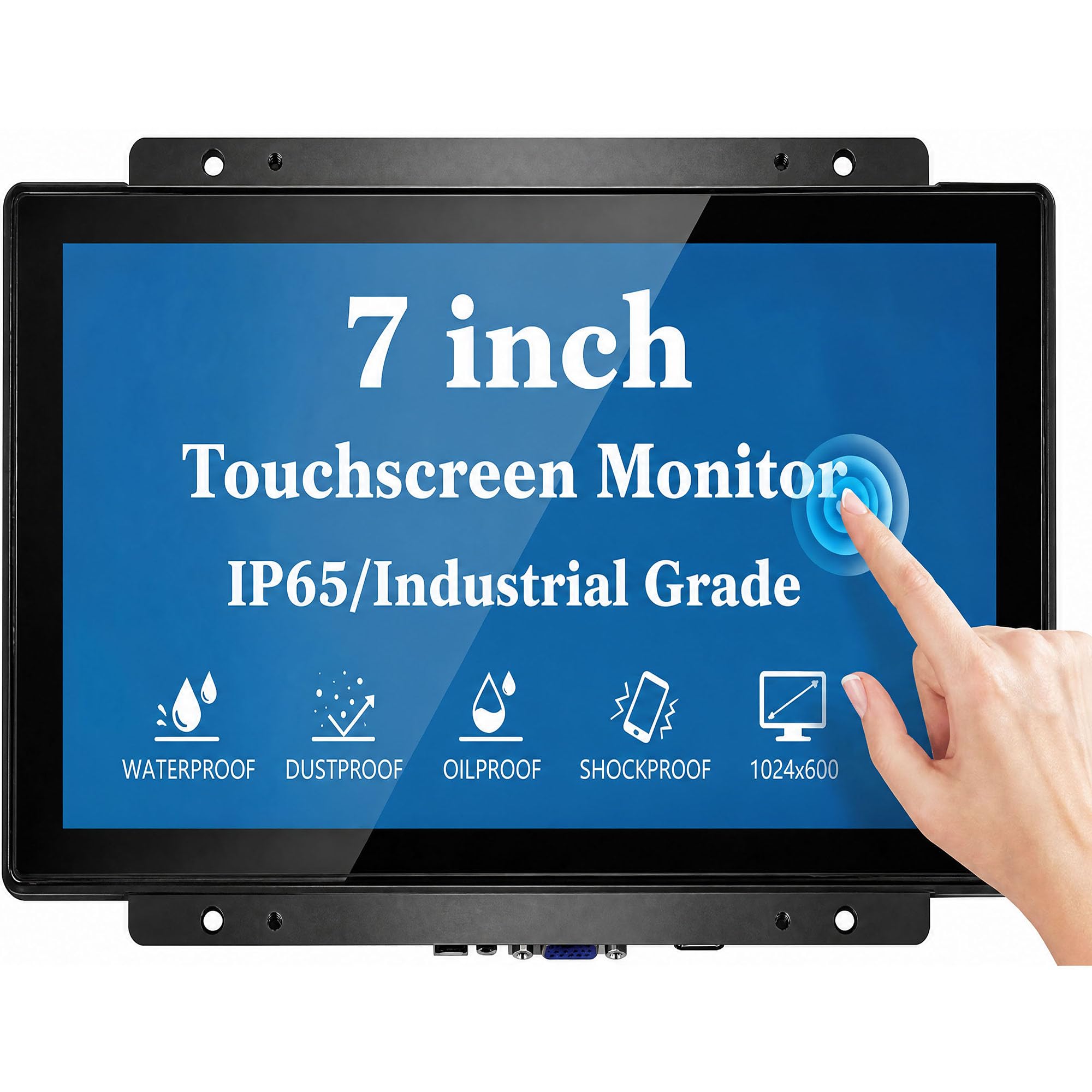
2. 7 Inch Open Frame Capacitive Touchscreen Monitor
Small enough to vanish into a control cabinet, with IK09 glass that takes a knock.
Start with the number that separates this RIUIIN from the rest of the list: IK09. That is the highest impact rating in this group, and it is paired with 3mm tempered cover glass that the maker builds to EN/IEC 62262 standards. Against the GreenTouch’s IK08, that is a step up in how much punishment the face survives — the sort of thing that matters on a kiosk where a shopping trolley or a dropped wrench finds the glass. The 7-inch 1024 x 600 panel at 300 nits is a compact, indoor-duty screen, and the front IP65 seal handles dust, oil and liquid spill right where it counts.
Where this unit makes its case is industrial endurance for a small footprint. Each unit is aged 72 hours at 50°C before shipping and rated for 24/7 duty in kiosks, POS terminals and automation panels. Mounting is flexible — panel mount or a 50 x 50mm VESA pattern, portrait or landscape.
On contrast this monitor posts 2000:1 against the 7-inch Bosunre below at 1000:1 — double the depth on paper, which shows up as deeper blacks in a signage loop. Compatibility covers Windows 11, 10, 8 and 7 plus Linux, with HDMI and VGA video inputs. skip it if you need a big control surface or full-HD text; this one is built to disappear into a frame, not dominate a wall.
Small-frame endurance: the 72-hour 50°C aging test, IK09 glass and 15-year supply commitment suit embedded equipment that runs unattended.
One thing to check: at 1024 x 600 on a 7-inch screen, fine print and dense dashboards will feel cramped — this is a button screen first.
Built for: machine builders and kiosk installers who need a sealed display that fits a small aperture and survives daily abuse.
pass on it if: an operator will read charts or long documents from this panel.
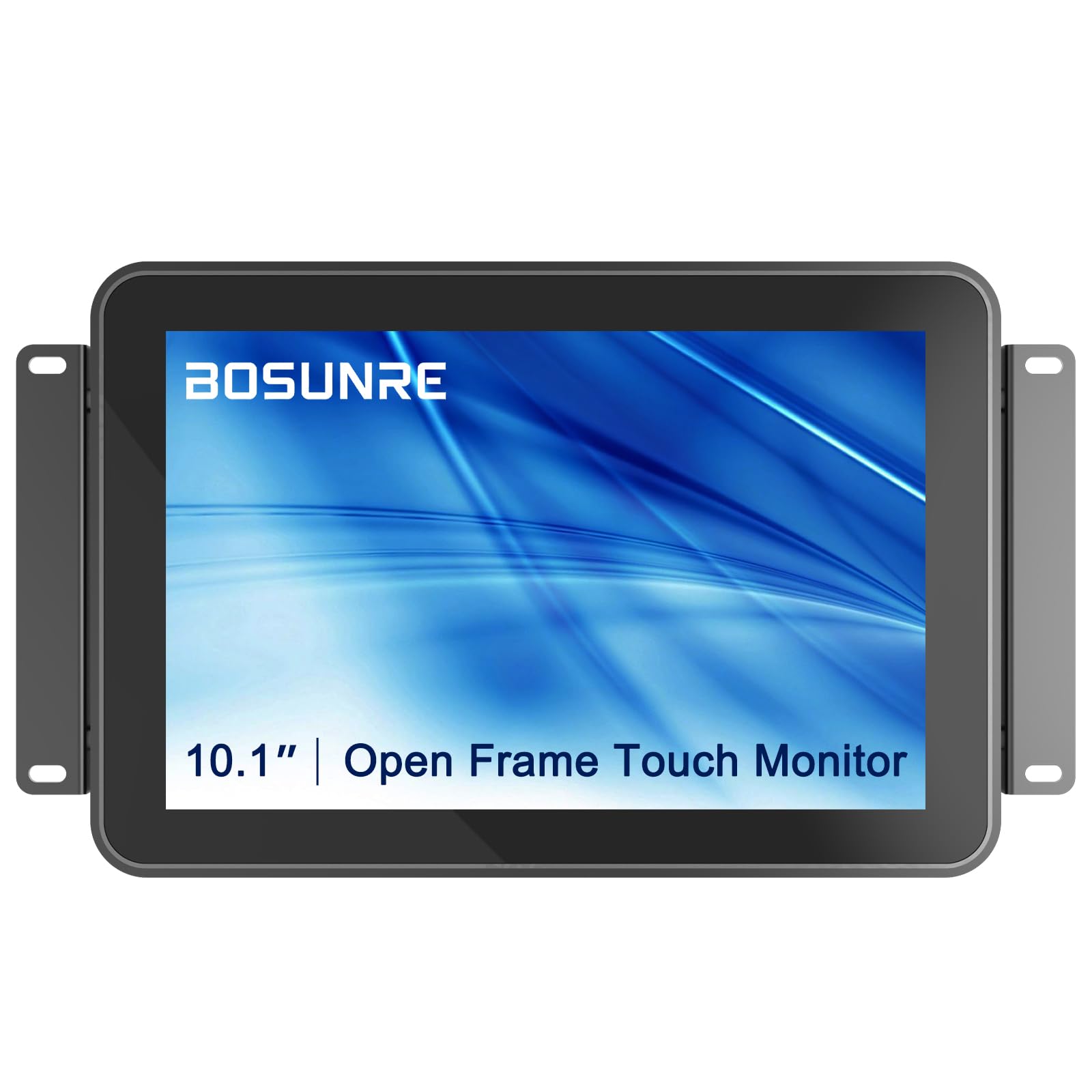
3. 10.1 Inch Open Frame Capacitive Touch Screen Monitor
The same 10.1-inch size as the winner, but built on an IPS panel for off-angle viewing.
Here is the quiet difference that decides a lot of installs: this Bosunre runs an IPS LCD rather than a generic LCD. In plain terms, an IPS panel keeps colours and contrast steady when you look at it from an angle — critical on a counter-mounted terminal where the operator stands off to the side rather than dead centre. Everything else about the face matches the size class: 10.1 inches at 1280 x 800, 400 cd/m² of brightness, and a front IP65 seal on 3mm tempered glass with the G+G construction that keeps multi-touch steady.
Bosunre builds this for continuous duty, and the parts kit in the box shows it expects a real installation, not a desk. You get an HDMI cable, a VGA cable, a USB touch cable, a power cable and an OSD button board (the on-screen menu buttons). VESA mounting (the standard bolt-hole pattern on the back) and bracket installation both work, in portrait or landscape. Ten-point touch runs on Windows 7, 8, 10 and 11 plus native Android and Linux; on Windows XP you switch the touch mode to mouse mode instead.
Set against the Bosunre 21.5-inch further down, this is the sharper-feeling small panel — same ten-point touch, but crammed onto 10.1 inches where 1280 x 800 looks denser than the bigger screens. The catch is brightness headroom at the top end: if your install faces a window, the wider-screen units give you more room to work. The 24-month warranty excludes human-error damage, so treat the glass with the respect any sealed panel deserves.
Why the panel matters: IPS viewing angles plus 400 nits are the two specs that keep a shared counter terminal readable for every operator who walks up to it.
Honest limit: 1280 x 800 is a comfort-resolution, not a detail-resolution — full 1080p lives on the 13.3-inch and 21.5-inch picks.
The right call for: a fixed counter or POS position where staff approach at an angle and the screen runs all day.
Think twice if: your enclosure needs DVI input from an older controller — this one carries HDMI and VGA only.
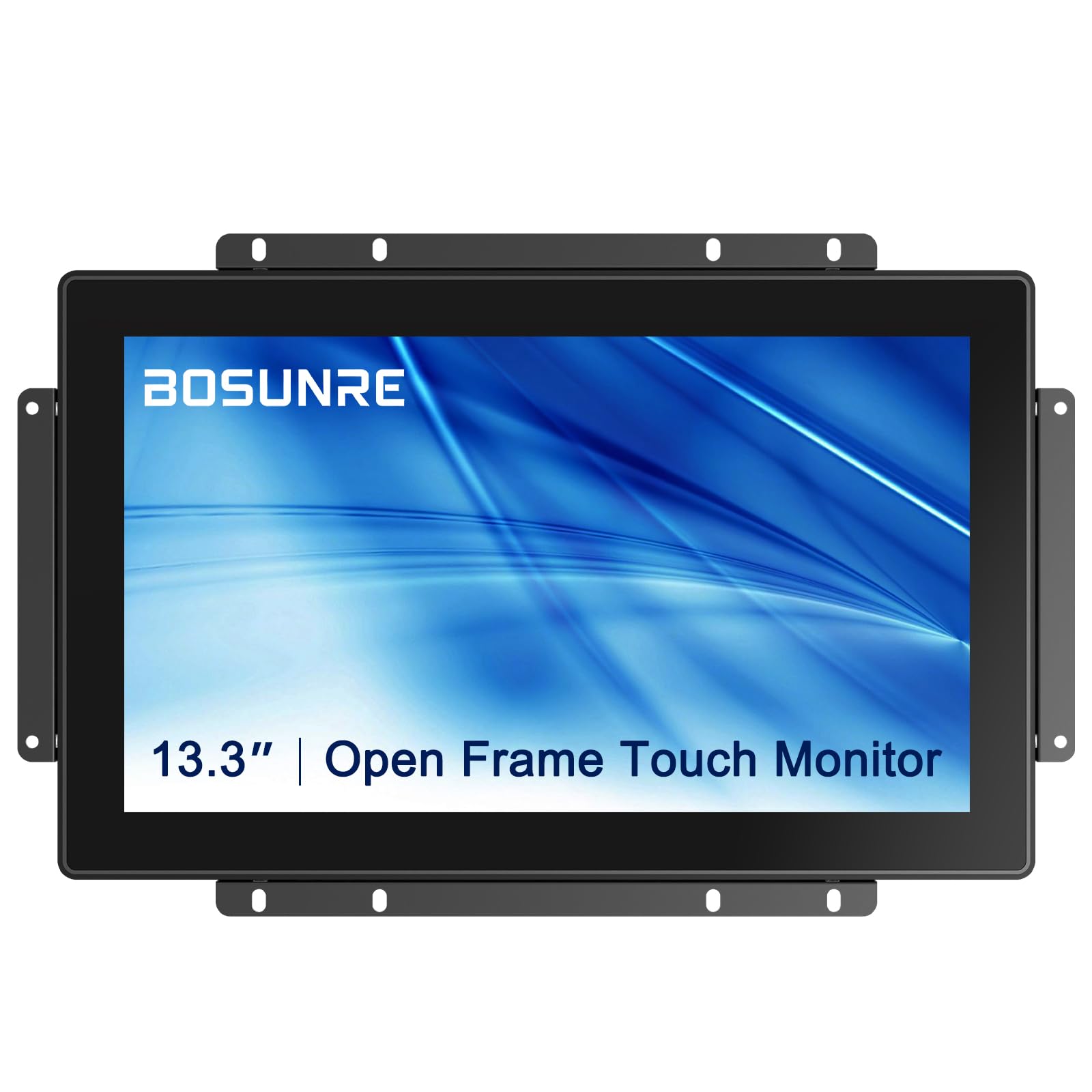
4. 13.3 Inch Open Frame Touch Screen Display
Full 1920 x 1080 in a 13.3-inch frame — the pixel count that keeps small labels readable.
Sharpness is where this 13.3-inch Bosunre pulls ahead of the 7-inch unit. It carries 1920 x 1080 pixels against that unit’s 1024 x 600, so the image is far denser on a screen barely bigger. That gap decides whether a serial number, a barcode readout or a shipping label is legible at a glance. Brightness sits at 400 cd/m² (a measure of screen brightness), so the extra detail survives a lit shop floor. The face is 3mm tempered glass with a front IP65 seal and an IK08 impact rating, and ten-point touch runs on the same G+G capacitive stack (glass-on-glass touch layers) as its stablemates.
For installers, this is the most flexible unit in the group on connection: HDMI, VGA and DVI all appear, alongside the usual USB touch lead. That DVI port is the practical answer for an older embedded controller that has no HDMI out. Open-frame design means VESA mounting or bracket installation, portrait or landscape, and it is built for 24/7 continuous operation with a 24-month warranty behind it.
The obvious question is whether the extra pixels are worth the larger cut-out. If your kiosk shows images, menus or fine text, yes — this is the crispest small panel on the list. If it only ever shows big buttons, the 10.1-inch Bosunre above does the same job for less enclosure space. Either way, budget for the separate USB touch cable alongside your video run.
What it gets right
- 1920 x 1080 FHD on a 13.3-inch IPS panel for genuinely sharp text
- 400 cd/m² brightness keeps detail visible under shop lighting
- HDMI, VGA and DVI inputs cover new and legacy controllers
- Front IP65 plus IK08 on 3mm tempered glass
The realism check
- Bigger frame needs a bigger mounting cut-out than the 10.1-inch picks
- Full-HD only pays off if your content actually has fine detail to show
The fit here: kiosk and signage builds where readable small text is the whole point of the screen.
Less of a fit if: you are mounting into a tight panel opening already cut for a 10-inch display.
5. 18.5 Inch Multi-Touch Open Frame Display
Ten-point touch and G+G glass
Ten-point touch means the panel tracks ten contact points at once — useful for a queue of people tapping quickly, less relevant for one operator. G+G stands for glass-on-glass, describing how the touch sensor and cover layer are bonded for better optical clarity and a tougher surface than film-based alternatives. Every monitor here layers 3mm tempered cover glass over that stack, so the touch surface you physically press is real glass, not a plastic membrane.
Resolution and why 1280 x 800 vs 1920 x 1080 matters
Resolution is simply how many pixels the panel has to draw with. 1280 x 800 on a 10.1-inch screen keeps labels and buttons comfortable; 1920 x 1080 packs in far more detail, so small text, barcodes and images stay crisp. On a 7-inch panel, 1024 x 600 is a button-and-readout screen rather than a document viewer. Match the pixel count to what you actually display, because more pixels usually mean a larger frame and a bigger cut-out.
Brightness in nits and contrast ratio
Brightness is measured in candela per square meter, often called nits. A 250 nit screen is comfortable indoors under controlled light; 400 nits pushes through glare near a window or a bright shop floor. Contrast ratio describes how deep the blacks are next to the whites — 2000:1 reads deeper than 1000:1, which matters if your content leans on dark backgrounds. Neither number makes a monitor “better”; they tell you which environment it suits.
Common Questions
Does a front IP65 rating mean the whole monitor is waterproof?
Will these monitors work with Windows and Linux?
Why is there a separate USB cable if the monitor uses HDMI?
Can I mount these in portrait orientation?
What is the difference between IK08 and IK09 on a touch display?
Is 1280 x 800 sharp enough for a 10.1-inch touch panel?
Will a 250 nit screen be visible near a window?
Can I use these monitors 24 hours a day without a break?
Do I need to worry about the mounting cut-out size?
The Bottom Line
For the widest set of installs, the GreenTouch 10.1-inch open frame monitor is the strongest single pick. It gives you front IP65, 400 nits of brightness on an IK08-rated face, and HDMI, VGA, DVI and audio ports for whatever host you already own. If your build is tight and endurance is everything, the RIUIIN 7-inch unit brings the highest IK09 impact rating and a 3-year warranty into a small aperture. And where the screen has to be sharpest, the 13.3-inch Bosunre FHD monitor gives you full 1920 x 1080 behind sealed glass.
How we choose
We do not accept paid placement. Every pick is matched to a real buyer and a real use-case; we do not hands-on test units.
Sources
Specifications: manufacturer listings and product documentation. Review insights: verified customer reviews, as of November 2026. Pricing: not shown on this page (it changes often); check the current price via the retailer link.
As an Amazon Associate, Tactical Gear Guy earns from qualifying purchases. This does not affect which products we feature.