Specs are compiled from manufacturer listings and verified buyer reviews and can change over time — please confirm the key details on the product page before buying.
If you shoot video or photos on a recent iPhone, you already know the storage warning that pops up mid-shoot. A USB-C SSD fixes that by giving your phone somewhere to write directly — but only if the drive speaks the right protocol and holds onto the phone without dropping. The nine picks below are the ones that actually work with an iPhone’s USB-C port, sorted by what each one does best, from pocket-sized dual-connector sticks to magnetic drives built for on-the-go 4K recording.
This guide is built by comparing the manufacturers’ published specifications and the patterns across verified customer reviews, so you get each pick’s real strengths and trade-offs instead of marketing spin.
Speed numbers on the box only tell part of the story, because your iPhone’s port caps how fast any drive can actually run. That is why the first thing to check is whether a drive is built for USB 3.2 Gen 2 or the faster Gen 2×2 interface, and whether its connector stays put while you move. This breakdown shows you exactly how to match a drive to your phone before you spend on the best USB-C SSD for iPhone.
Top Picks


How To Choose The Best USB-C SSD for iPhone
The mistake most people make is buying the drive with the biggest speed number on the label. Your iPhone will not run at that speed anyway. What matters is whether the drive is compatible with your specific iPhone model, whether its connector locks on securely enough to survive a moving shoot, and whether the real-world transfer rate holds up when you plug it in.
Match the drive to your iPhone’s port, not the spec sheet
Only iPhones with a USB-C port can use these drives directly. If you are on an iPhone 14 or earlier, the Lightning port will not connect to a USB-C SSD without an adapter, and some drives specifically state they do not support the older port. Check your model before anything else.
Even on a USB-C iPhone, the phone’s own port speed sets a ceiling. A drive rated for 2000MB/s over USB 3.2 Gen 2×2 may run slower when connected to a device that only supports Gen 2 or slower. The drive is simply capped by the phone’s slower port.
ProRes recording changes what you need
If you plan to record ProRes video straight to the drive, the drive must be fast enough to keep up with the write. ProRes files are huge, so a drive that drops speed under sustained load causes recording to stop. Look for drives that explicitly support ProRes direct recording and match your iPhone’s ProRes capability.
Side-by-Side Comparison
| Model | Best For | Read Speed | Capacity | Connector | Amazon |
|---|---|---|---|---|---|
| Transcend 1TB ESD310★ Best Overall | Everyday iPhone transfers | Up to 1050MB/s | 1TB | USB-C & USB-A | Amazon |
| fanxiang 256GB F901Best Value | Budget iPhone 15 Pro recording | Up to 520MB/s | 256GB | USB-C & USB-A | Amazon |
| ORICO 512GB K5PLUSMagnetic Pick | Magnetic phone mounting | Up to 460MB/s | 512GB | USB-C & USB-A cable | Amazon |
| SSK 500GB Portable SSD | 20Gbps desktop speed | Up to 2000MB/s | 500GB | USB-C & USB-A cables | Amazon |
| fanxiang 500GB External SSD | Fastest read of the group | Up to 2050MB/s | 500GB | 2-in-1 USB-C/USB-A cable | Amazon |
| Lexar D70E 512GB | Premium build, cable-free | Up to 2000MB/s | 512GB | Dual USB-C & USB-A | Amazon |
| DIGIERA 1TB Magnetic | Magnetic 1TB for iPhone 15+ | Up to 2000MB/s | 1TB | USB-C cable | Amazon |
| KingSpec MemoStone 1TB | Compact 1TB storage | Up to 2000MB/s | 1TB | USB-C | Amazon |
| SanDisk 1TB Portable SSD | Rugged everyday carry | Up to 1000MB/s | 1TB | USB-C | Amazon |
Detailed Reviews
1. Transcend 1TB ESD310 Portable SSD
Our pick — 4.5+★ from 2,000+ verified ratings; the strongest balance of quality and price.
The thumb-drive shape that slips into a pocket and plugs into nearly anything.
The Transcend ESD310 earns the top spot because it does the one thing an iPhone owner actually needs: it transfers a full card’s worth of photos and clips and then gets out of the way. Read speeds reach 1050MB/s and write speeds reach 950MB/s over its USB 3.2 Gen 2 connection — quick enough that a folder of RAW shots copies over without you waiting around. That 10Gbps ceiling is where most iPhones land anyway, so you are not leaving speed trapped inside the drive.
What makes it the pick for most people is the dual-interface design. One end is USB-C, the other is USB-A, so the same drive moves files from your iPhone, then plugs into an older laptop or a car audio system without a dongle. It comes formatted as exFAT, which means both iOS and macOS read it on first plug-in. At 1TB you are carrying serious room, and the 2.81 × 0.79 × 0.31-inch frame is small enough to ride in a coin pocket.
The honest catch is heat. Speeds like this generate warmth during a long transfer, and sustained large-file moves will leave the aluminum shell noticeably warm to the touch. The other point buyers raise is value — this is a mid-range-plus drive, and cheaper 256GB options exist if you only need a little extra room. But for a single drive that handles iPhone, laptop, and camera card duties, the ESD310 balances capacity and compatibility better than anything else on this list.
What earns its spot
- 1050MB/s read and 950MB/s write over USB 3.2 Gen 2 — fast enough for RAW stills and 4K clips
- Dual USB-C and USB-A connectors mean no adapter hunting between devices
- Ships pre-formatted exFAT so iPhone and Mac read it on first plug-in
- 1TB capacity in a 2.81 × 0.79 × 0.31-inch body that fits a pocket
- OTP password protection via Transcend Elite software with email recovery
Where it asks for patience
- Aluminum shell gets warm during sustained large-file transfers
- Costs more than a smaller-capacity drive if you only need light storage
- Not compatible with the Lightning port on iPhone 14 and earlier
Top of the heap: the pick for anyone who wants one drive that handles iPhone footage, laptop backups, and camera cards without adapters.
Measure twice: if you shoot long continuous takes, budget for the heat and let the drive breathe between big transfers.
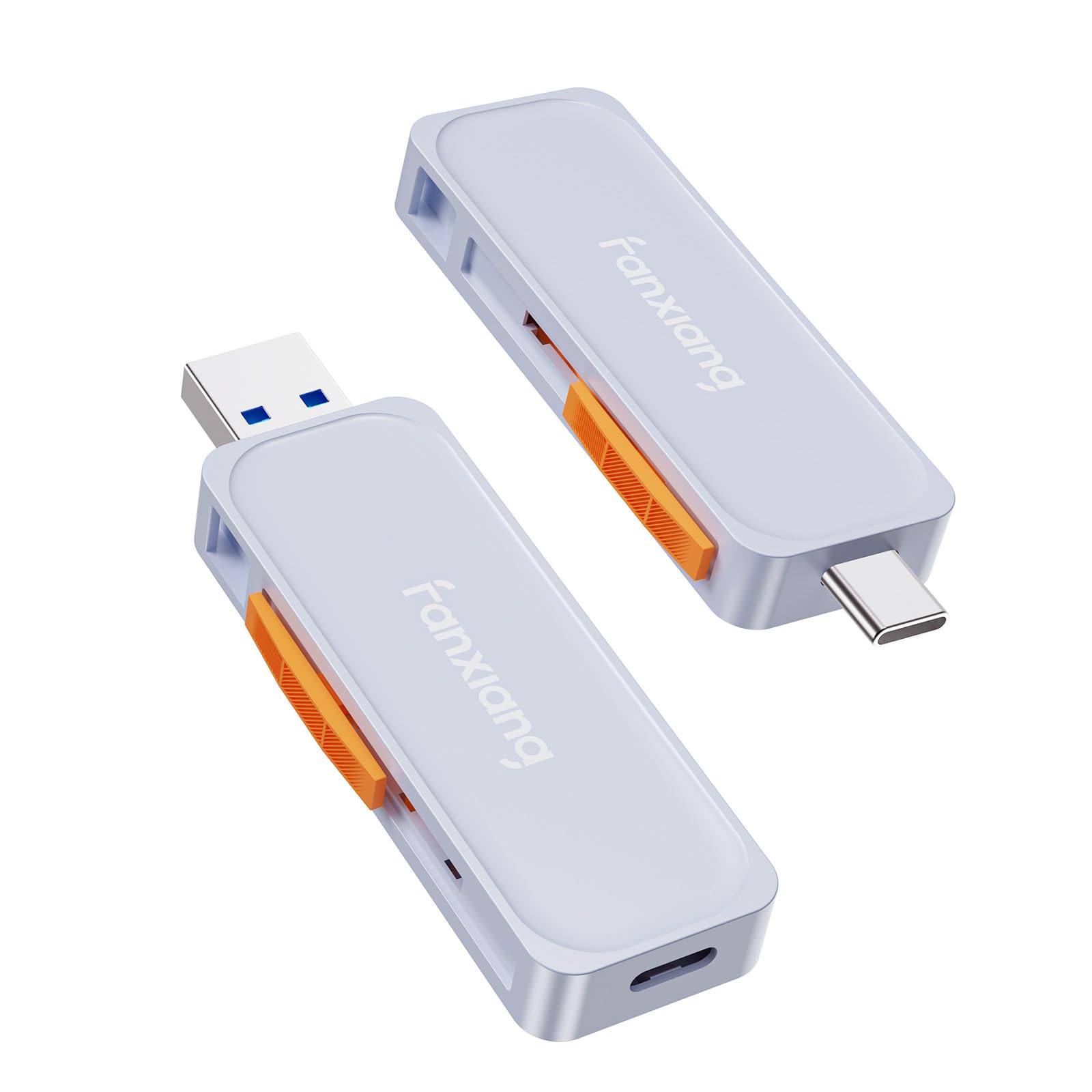
2. fanxiang 256GB External SSD F901
A budget stick made for one job: feeding ProRes from an iPhone 15 Pro.
This is an entry-level pick with a clearly stated purpose. It supports 4K ProRes direct recording on iPhone 15 Pro and Pro Max or later, which means you can shoot that heavy ProRes footage straight onto the drive instead of clearing storage first. Read speeds reach 520MB/s and write speeds reach 450MB/s — modest against the faster drives here, but the F901 is built to keep pace with what ProRes recording actually needs.
The push-pull design hides both connectors inside a zinc alloy housing, so you slide out the USB-C end for your phone or the USB-A end for a laptop, and there is no loose cap to lose. A lanyard hole lets you clip it to a bag or keychain. The zinc body also spreads heat during high-speed transfers, which matters when a drive is writing continuously.
Where it gives ground is sheer speed. It reads at 520MB/s while the fanxiang 500GB drive reads at 2050MB/s — a much slower stick. If you are copying a huge library in one go, that difference shows. For shooting ProRes on the go or backing up a phone, though, the F901 is the cheapest way onto this list that still does the iPhone 15 Pro recording job the box promises.
Plain value read: a 256GB drive with a stated ProRes recording feature, a 5-year after-sales service, and a metal body — for a buyer who needs phone-direct recording more than raw transfer speed.
Real trade-off: slowest read of the bunch, so treat it as a recording target, not a bulk-copy workhorse.
The budget fit: filmmakers and vloggers on iPhone 15 Pro who want direct ProRes recording without paying for speed they will not use.
Look past it if: you regularly copy hundreds of gigabytes at a time — the faster drives will save you hours.
3. ORICO 512GB Magnetic Portable SSD
It clips onto the back of your phone and records while you move.
The ORICO K5PLUS is the pick for anyone who records while walking, talking, or chasing a moving subject. Its magnetic design attaches the drive directly to your phone, and the box includes a magnetic attraction ring for devices that are not already magnetic. No dangling cable, no drive swinging from a port — it rides along as part of the phone.
It supports 4K 120 fps ProRes HDR recording on iPhone 16 Pro and Pro Max, so high-frame-rate footage saves as you shoot and edits straight off the disk without a second transfer. Read speeds come in at up to 460MB/s, which is on the lower end here. Against the fanxiang 500GB drive at 2050MB/s read, the ORICO is much slower for bulk copies — you are paying for the mount and the on-phone recording workflow, not raw transfer grunt.
The 512GB capacity is a real bump over the 256GB F901, double the room on paper. The aluminum alloy body helps shed heat during transfers. If you own an iPhone 14 or earlier, though, you will need ORICO’s own LC10 Lightning adapter, and third-party adapters are not supported. That is a compatibility note worth knowing before you commit.
Where it shines: magnetic mounting plus 4K 120 fps ProRes HDR recording on iPhone 16 Pro and Pro Max, in an aluminum body sized 2.36 × 3.15 × 0.47 inches.
Slow lane runner: at up to 460MB/s it is the slowest of the 512GB-class drives here — fine for recording, slower for big backups.
Snap it on: mobile videographers shooting handheld 4K 120 fps on an iPhone 16 Pro who want storage stuck to the phone, not dangling from it.
Don’t reach for it if: your main need is moving large folders fast — the 2000MB/s drives win there.
4. SSK 500GB Portable SSD

A 20Gbps drive that pairs a fast cable for speed and a slower one for older ports.
Here is a drive whose headline is the connection itself. The SSK runs USB 3.2 Gen 2×2 and is rated to 2000MB/s under a CrystalDiskMark 7.0 test — the same peak as the fanxiang 500GB model. The difference is in the box: SSK ships a 20Gbps USB-C cable for the fast lane and a 10Gbps USB-A cable for older machines. Plug either end into your iPhone and the drive drops to the phone’s own ceiling, which is normal.
Real-world use is where the SSK separates itself from the pack. The drive carries S.M.A.R.T. health diagnostics that watch drive condition over time, and adaptive TRIM that keeps write speeds from sagging across the drive’s life. A blue LED shows activity during transfers so you do not unplug mid-write. The thick zinc alloy shell resists knocks and spreads heat.
The trade-offs are honest. Reaching 2000MB/s requires a host with USB 3.2 Gen 2×2 — Thunderbolt ports and many Macs cap out at 10Gbps, so the drive spends a lot of its life running slower than the box claims. Overheating comes up in enough buyer feedback to note, and some buyers mention the drive running warm during sustained transfers. At 500GB the capacity is mid-pack, not generous.
Why speed chasers pick it
- Ratings show a strong focus on performance and speed — the drive earns strong marks.
- Two cables in the box cover both fast 20Gbps USB-C and legacy USB-A hosts
- S.M.A.R.T. health monitoring and adaptive TRIM keep the drive running efficiently over time
- Blue activity LED prevents premature unplugging mid-transfer
Where it holds back
- Full 2000MB/s only with a USB 3.2 Gen 2×2 host — iPhones and most Macs top out below that
- Buyer feedback flags heat under sustained transfers
- 500GB is mid-pack next to the 1TB options
Best for a desktop with the right port: buyers who live on a USB 3.2 Gen 2×2 machine and want top speed with both cable types packed in.
Not for iPhone-first users: your phone’s port caps the drive, so you will never see the 2000MB/s headline on mobile.
5. fanxiang 500GB External SSD

The drive with the highest read number in this whole roundup — 2050MB/s.
Speed is the whole pitch. Sequential read tops out at 2050MB/s and write at 1500MB/s over USB 3.2 Gen 2×2 — a touch ahead of the SSK’s 2000MB/s read and the fastest figure on this list. Against the 256GB F901 at 450MB/s write, this fanxiang writes 1500MB/s, so large video and game files clear in a fraction of the time. It ships with a 2-in-1 cable covering USB-C to C and USB-C to A connections.
Portability is a genuine feature here, not an afterthought. It weighs 1.6 ounces and measures 85 × 50 × 8.6mm, so it disappears into a jacket pocket. The aluminum alloy casing adds shock resistance and spreads heat during heavy use, which keeps sustained writes stable. It is listed as compatible with iPhone 15 and iPhone 15 Pro, plus Windows, Android, Mac, PS5, and Xbox.
The drawback is one the whole fast-drive class shares: your iPhone does not have a USB 3.2 Gen 2×2 port, so 2050MB/s is unreachable from the phone. The speed pays off on a desktop with the right port. The drive also needs that 20Gbps host to hit its rated figure at all — slower ports scale it back. If iPhone transfers are the main job, a cheaper drive will do the same thing.
The case for it
- Highest rated read on the list at 2050MB/s and 1500MB/s write
- 1.6 oz and 85 × 50 × 8.6mm — pocket-portable without bulk
- Aluminum body adds shock resistance and heat spread
- 2-in-1 USB-C to C and USB-C to A cable included
- 5-year service or 256TBW stated
The catch to know
- 2050MB/s requires a USB 3.2 Gen 2×2 host — your iPhone will run well below that
- Write speed trails read speed, so big writes take longer than copies off the drive
Built for speed: a strong pick for a desktop user who wants the highest read number here and also carries the drive for phone backups.
Skip if you’re phone-only: the speed you paid for stays locked behind a port your phone doesn’t have.
6. Lexar D70E 512GB External SSD

Metal-bodied, cable-free, and built to be carried every day.
Lexar takes the highest rating on this list and pairs it with a design that needs no cables at all. The D70E has both a USB-C and a USB-A connector built into the body, so it plugs directly into your iPhone or a laptop without a wire dangling from the port. Read speed reaches 2000MB/s and write reaches 1800MB/s over USB 3.2 Gen 2×2; over USB-A it runs at up to 1000MB/s read and 900MB/s write for older machines. The read speed doubles the Transcend ESD310’s 1050MB/s on paper.
Everyday carry is the strong suit. It weighs just 55g and has a metal housing plus an integrated lanyard loop, so it clips to a bag. The Lexar App adds automatic photo and video backup from your phone, which is the low-effort way to clear space. Real feedback on the drive focuses on build quality and speed, with video work called out as a strong use.
The honest limit is the word “cable-free” itself — with no cable in the box, the connectors live on the body, so there is nothing to replace if one wears. The 512GB capacity is respectable but not the largest here, and the drive is a premium build with a price to match.
Premium read: 2000MB/s read and 1800MB/s write in a 55g metal body with a lanyard loop and both connectors integrated.
Value balance: the 512GB size trails the 1TB picks, and the cable-free design means no replaceable cable if a connector gives trouble.
The carry-every-day pick: anyone who wants a metal, cable-free drive that clips to a bag and backs up phone photos automatically.
Think twice if: you need the biggest capacity — the 1TB options below give you double the room.
7. DIGIERA 1TB Magnetic Portable SSD
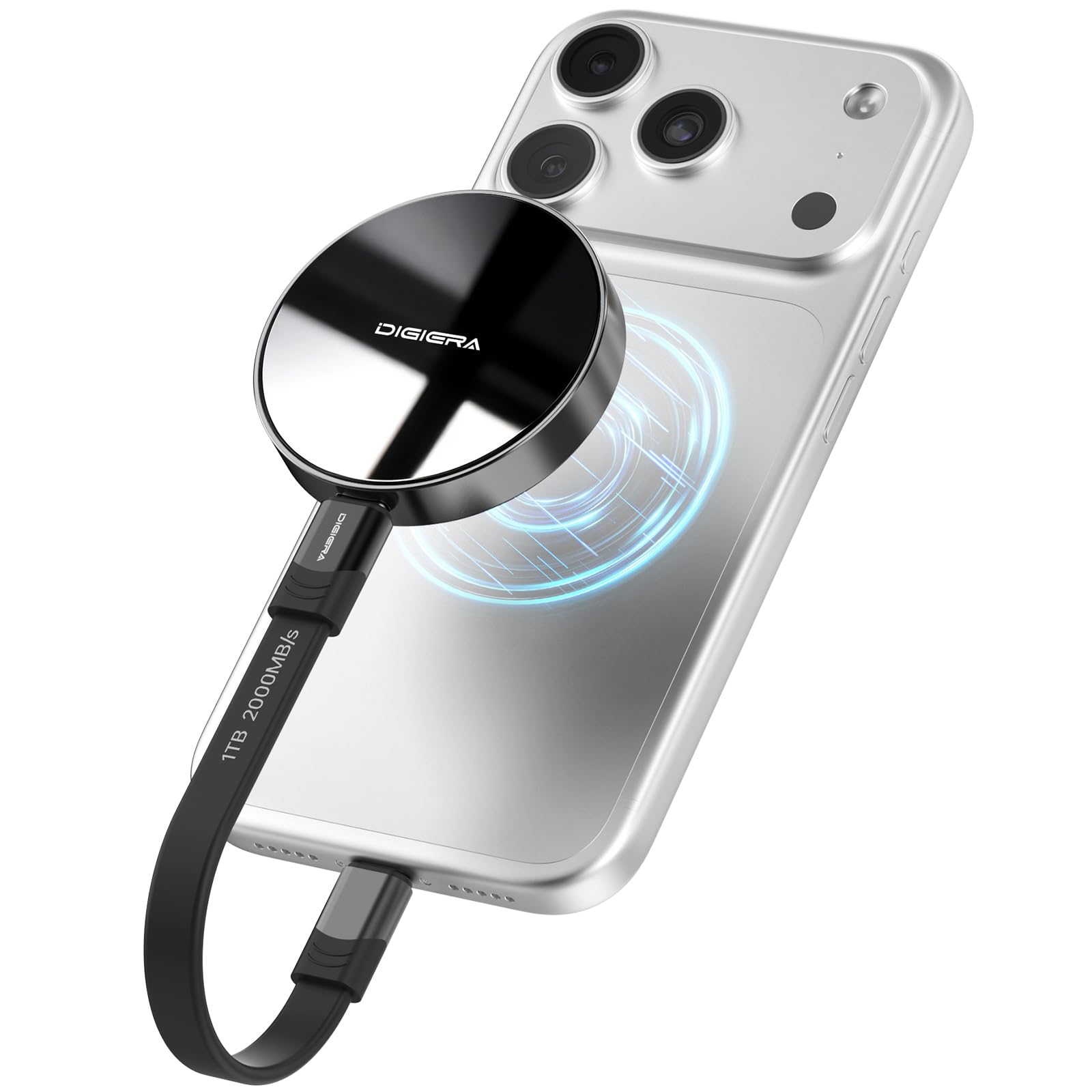
Magnets and a terabyte of room, but check your iPhone model first.
The DIGIERA lets you record without holding a drive out of the way. Its magnetic design sticks the SSD to the back of your phone, and the company says it stays put while you shoot or follow a moving subject. It is only compatible with iPhone 15 series and newer — iPhone 14 and earlier will not work, no adapter bridge offered. If you are on a recent Pro model, that is no issue.
Capacities run 512GB, 1TB, 2TB, and 4TB, and this version is 1TB — double the room of the 512GB drives here. Speeds hit 2000MB/s read and 1800MB/s write on a compatible USB 3.2 Gen 2×2 host, and ProRes direct recording is supported on iPhone 15 Pro and iPhone 16 Pro models at 4K 60p or 4K 120p. The aluminum casing is rated for shock at 1500G, vibration at 10-2000Hz, and drops up to 3.94 feet, and the drive weighs only 1.58 oz.
This is the weakest of the premium picks on delivered reliability. Transfer speed and connectivity both come up mixed in buyer feedback — some report fast transfers, others slower, and connection issues appear in the negative notes. If you want the magnetic-and-1TB combo, the DIGIERA delivers it; if you want the most dependable drive at this size, look at the SanDisk or the Lexar.
Where the appeal lies
- Magnetic attachment holds the drive on the phone while you record
- 1TB capacity — the most room among the magnetic drives here
- ProRes direct recording support at 4K 60p or 4K 120p on iPhone 15/16 Pro models
- Rugged aluminum housing rated for 1500G shock, 10-2000Hz vibration, 3.94-foot drops
What to weigh carefully
- Speed and connectivity feedback is mixed — some report slow transfers and connection issues
- Only works with iPhone 15 series and newer
- Lower rating than the other premium drives on this list
If magnets matter: a 1TB magnetic drive for iPhone 15+ users who want to record on the go with a phone-mounted SSD.
If reliability leads: the SanDisk or Lexar hold higher ratings — this one trades consistency for capacity and the magnet.
8. KingSpec MemoStone 1TB Portable USB-C External SSD 2000MB/s
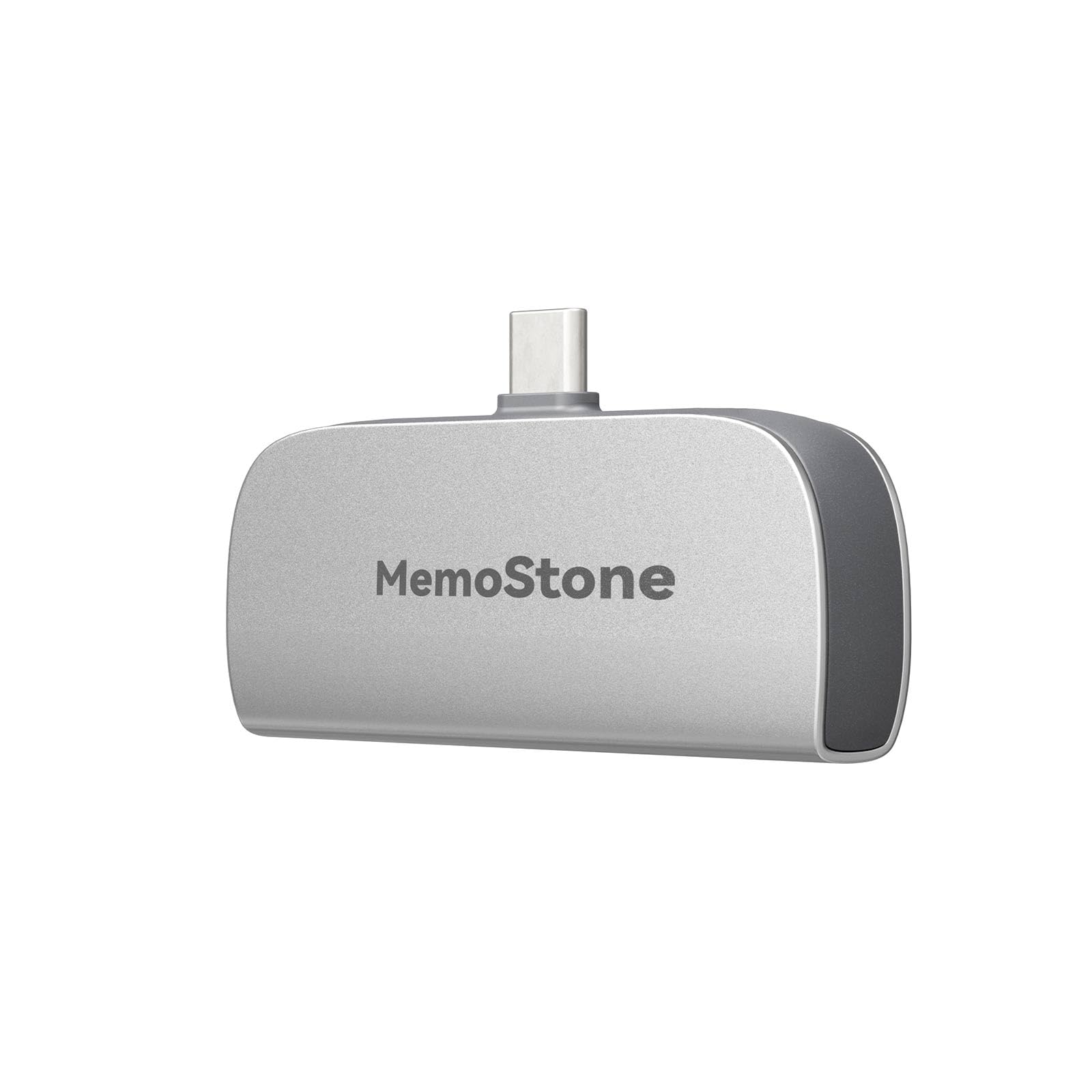
A compact terabyte of aluminum — but only a short connector to hold your iPhone.
The MemoStone is one of the smallest 1TB drives here, and that size is the draw. Its aluminum alloy shell helps dissipate heat during fast operation, and it is plug-and-play with no setup. Read speeds reach 2000MB/s over USB 3.2 Gen2x2 — though the maker notes that is limited to 10Gb/s on Apple devices, so your iPhone will run at the lower figure.
ProRes-supported storage is listed, which points it at creators editing HD video and multimedia projects on the go. The 1TB capacity puts it in the same room as the DIGIERA and SanDisk. If you mostly want to back up Mac and iPhone files, the compact format is easy to toss in a bag and forget about.
The main hesitation from buyers is the connector. Feedback notes the USB-C connector is on the short side, and transfer speed comes up mixed — some find it fast, others report slower performance. That short connector is worth checking against a phone case, because a thick case can block the plug from seating fully. Weigh that against the small body and 1TB capacity and you have a drive that fits a niche: compact capacity for the price.
Compact capacity: 1TB in an aluminum body with 2000MB/s read on a Gen 2×2 host, capped at 10Gb/s on Apple devices.
Connector caution: the USB-C plug is short, so a chunky phone case may stop it seating fully — test it before relying on it.
Compact and simple: a fit for anyone who wants a 1TB drive small enough to disappear into a bag for Mac and iPhone backups.
Check your case first: that short connector is the real deciding factor — a thick case can get in the way.
9. SANDISK 1TB Portable SSD, Up to 1000MB/s Read Speeds, Black
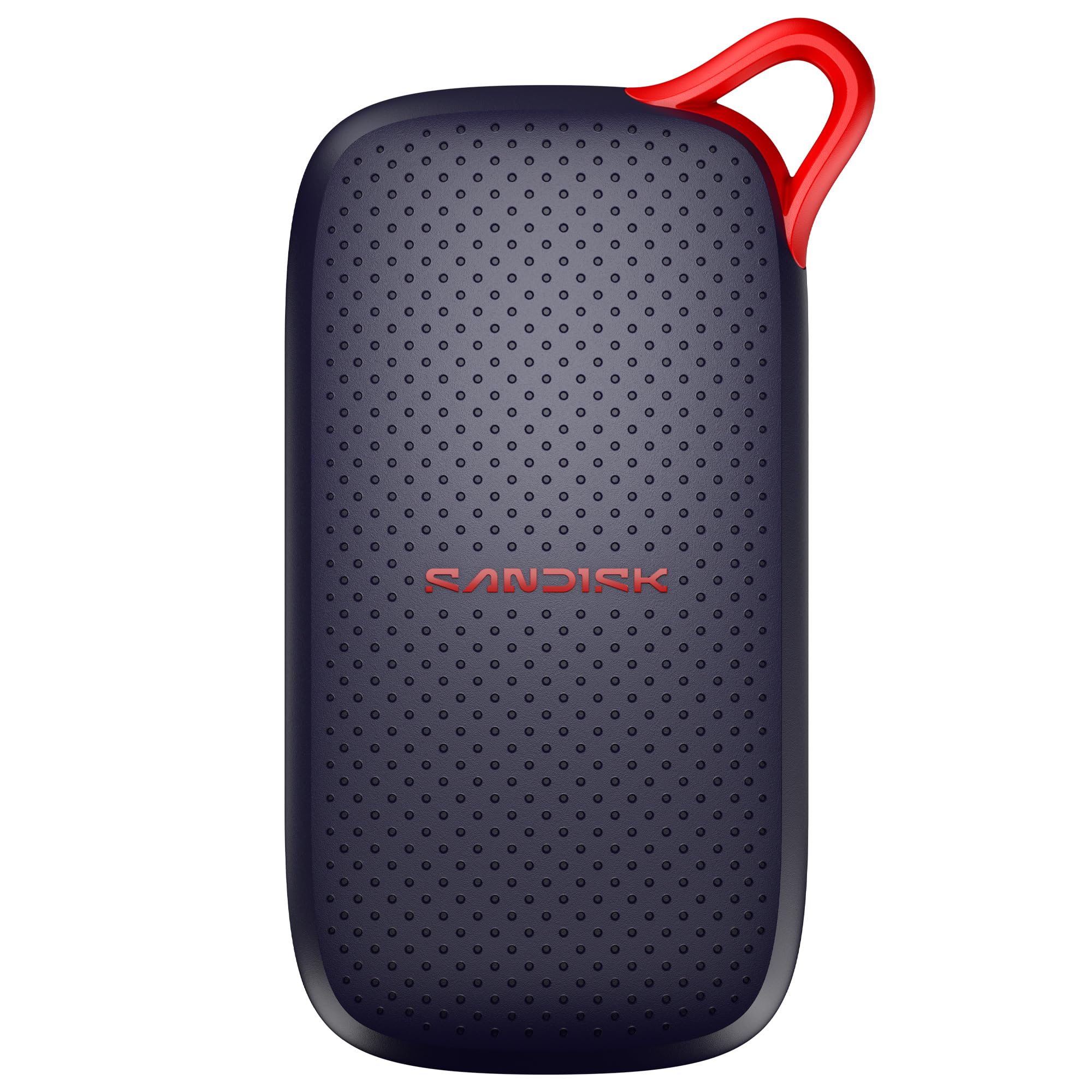
Drop-rated to 2 meters, and it does not care if you handle it roughly.
Durability is the reason to buy this one. With no moving parts and drop protection rated to 2 meters, the SanDisk is built to survive the tumble off a table that would end a cheaper drive. It is also rated for dust and water resistance. Read speeds reach 1000MB/s, and it plugs in via USB-C with no drivers or setup — your iPhone sees it immediately.
At 1TB the capacity matches the premium picks. The drive is thin and light enough to slide into a pocket, and buyers consistently place quality and speed at the top of what they notice. Owner feedback describes it as a drive people reach for daily and trust with their files. The 1.77″ by 3.35″ by 0.39″ body is a genuinely pocketable shape.
It is not the fastest drive here — 1000MB/s read sits below the 2000MB/s drives, and Apple devices cap it lower still. If you want peak speed, the fanxiang or SSK beat it. But if you want a 1TB drive that survives real life and is rated to take a 2-meter drop, this is the one.
Built for handling: 2-meter drop protection, dust and water resistance, and no moving parts — the pick for a drive that lives in a bag or pocket.
Speed check: 1000MB/s read is roughly half the fast drives here, so lean toward this one for durability over raw transfer pace.
For the rough handler: anyone who wants a 1TB iPhone drive that shrugs off drops and dust, and does not mind a slower read than the speed chasers.
Not the fastest: if bulk transfer time is your priority, the 2000MB/s drives finish first.
Know the Specs
Read vs. write speed
Read speed is how fast you pull data off the drive; write speed is how fast you push data onto it. For recording ProRes video straight to the drive, write speed is the number that matters — a slow write causes recording to drop frames or stop. For backing up photos from your phone, read speed is what you feel when copying files back off.
USB 3.2 Gen 2 vs Gen 2×2
The interface sets the ceiling on speed. USB 3.2 Gen 2 runs up to 10Gbps; USB 3.2 Gen 2×2 doubles it to 20Gbps. A 2000MB/s drive needs a Gen 2×2 host to hit that figure — iPhones and many Macs sit at 10Gbps or lower, so the drive runs slower on those devices. The 10Gbps port, not the drive, sets that ceiling.
Common Questions
Will a USB-C SSD work with my iPhone?
Can I record ProRes video directly to an external SSD from my iPhone?
Why is my SSD slower on my iPhone than the box claims?
What is the difference between USB 3.2 Gen 2 and Gen 2×2?
How do magnetic portable SSDs attach to an iPhone?
Do I need a separate cable to use these SSDs with my iPhone?
Will my files work across iPhone, Mac, and Windows?
How much storage does a 1TB drive actually give me?
Can I use one of these SSDs with an iPad or Android phone?
Is a faster SSD worth it if my iPhone caps the speed anyway?
The Bottom Line
For most iPhone owners, the usb-c ssd for iphone winner is the Transcend 1TB ESD310 because it balances 1050MB/s speed, dual USB-C and USB-A connectors, and 1TB capacity in a pocket-sized body. If you want the fastest read here for desktop work, grab the fanxiang 500GB External SSD at 2050MB/s. And for recording 4K 120 fps ProRes while the drive rides on your phone, the ORICO 512GB Magnetic Portable SSD is the one to reach for.
How we choose
We do not accept paid placement. Every pick is matched to a real buyer and a real use-case; we do not hands-on test units.
Sources
Specifications: manufacturer listings and product documentation. Review insights: verified customer reviews, as of November 2026. Pricing: not shown on this page (it changes often); check the current price via the retailer link.
As an Amazon Associate, Tactical Gear Guy earns from qualifying purchases. This does not affect which products we feature.