Specs are compiled from manufacturer listings and verified buyer reviews and can change over time — please confirm the key details on the product page before buying.
Buy the protector that matches how you actually play. If your ROG Ally lives under ceiling lights or on a train, the matte anti-glare pick wins. If you want the screen to look untouched, go clear glass with an alignment tray. Everything below fits the 7-inch ROG Ally panel — and one popular listing does not fit the newer ROG Xbox Ally, which is the mistake worth avoiding first.
This guide is built by comparing the manufacturers’ published specifications and the patterns across verified customer reviews, so you get each pick’s real strengths and trade-offs instead of marketing spin.
Most buyers obsess over hardness ratings and forget the install tray, which is what actually decides whether you get a clean, bubble-free result. Below you’ll find the fit, finish, and installation details that separate a protector you forget about from one you peel off in frustration, all in one rog ally screen protector roundup.
Top Picks

How To Choose The Best ROG Ally Screen Protector
A screen protector for a handheld is not the same job as one for a phone. You press this screen with your thumbs for hours, you carry it in a bag next to keys, and you angle it toward whatever light is in the room. That changes what matters: the finish, the touch response, and whether the thing goes on straight the first time.
Start with the fit, not the hardness number
The ROG Ally, the Ally X, and the newer ROG Xbox Ally are different devices with different button layouts around the display. A protector cut for one may leave a gap or clash with the bezel on another. Check the listing’s compatible-device list before anything else — a perfect 9H sheet that does not fit is useless.
Decide matte or glossy before you buy
A glossy clear protector keeps the panel looking exactly as ASUS shipped it, with full color punch. A matte finish scatters reflected light, so overhead lamps and windows stop washing out the image, and fingerprints show far less. The trade is a slightly softer texture under your thumb and a touch less sparkle.
The install tray is the real quality signal
Dust and misalignment are what ruin most installs, not the glass itself. A protector that ships with an auto-alignment frame lets you drop the sheet on in one motion, often in under a minute. Kits that rely on loose alignment stickers ask more of your hands and your patience.
Check what a pack actually contains
Two protectors in the box means a spare if the first install picks up a speck of dust. Some kits add dust-removal stickers, a microfiber cloth, and wipes. Read the contents line closely — a single-sheet listing at a similar tier leaves you with no second chance.
Side-by-Side Comparison
| Model | Best For | Hardness | Finish | Pack Size | Amazon |
|---|---|---|---|---|---|
| Spigen GlasTR EZ FIT★ Best Overall | Most Ally owners | 9H | Clear glossy | 2 pack | Amazon |
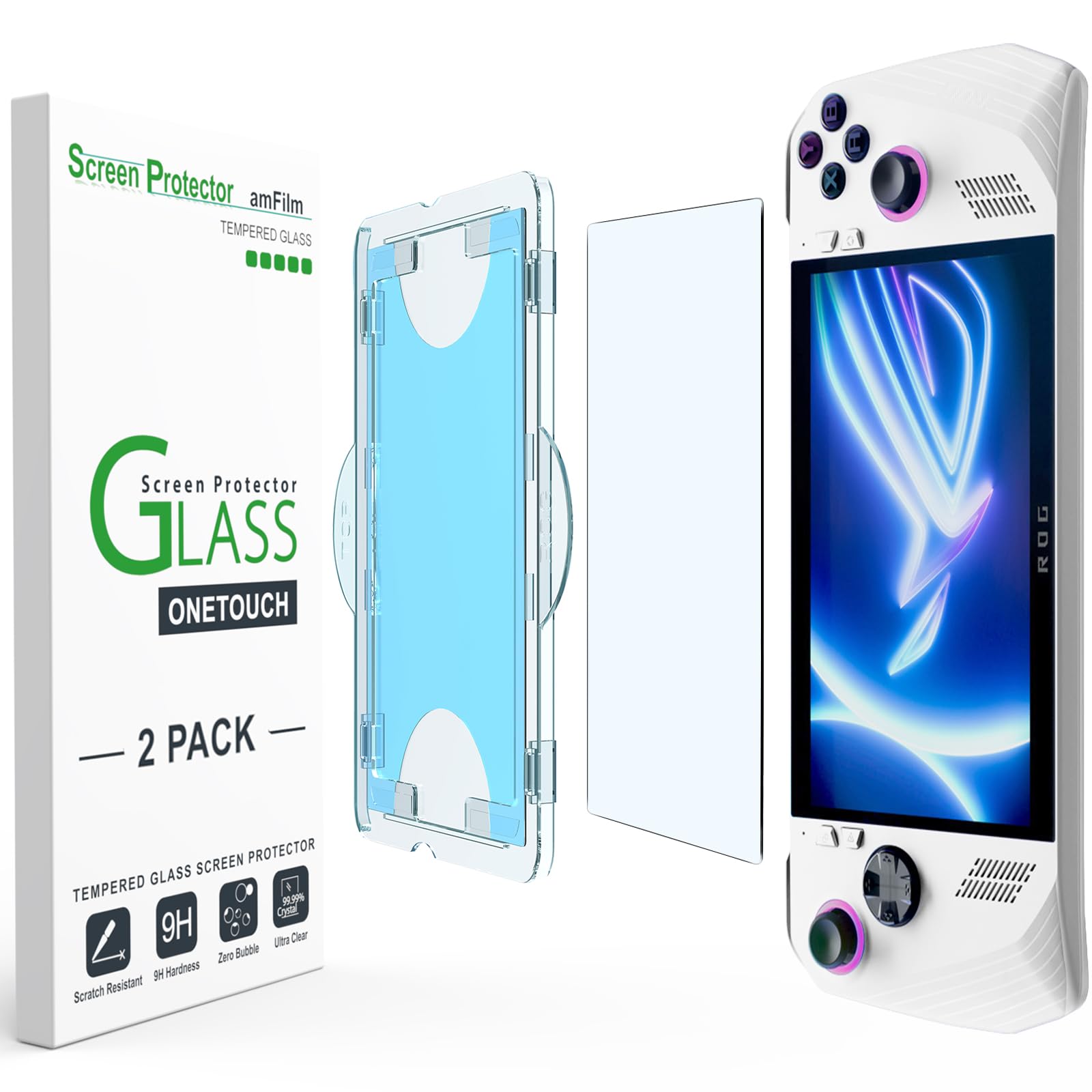
| amFilm OneTouchBest Install Kit | Fastest one-motion install | 9H | Clear, 99.9% clarity | 2 pack | Amazon |
| Spigen GlasTR Slim (multi-device) | Ally X and ROG Xbox Ally owners | 9H | Clear glossy, 99% clarity | 2 pack | Amazon |
| MagGlass Anti-Glare Matte | Bright rooms and glare haters | 9H | Matte anti-glare | Single | Amazon |
| WYQLTD 3 Pack (HomeView) | Multi-pack backup value | 9H | Glossy clear, 99% clarity | 3 pack | Amazon |
Detailed Reviews
1. Spigen GlasTR EZ FIT ROG Ally
Our pick — 4.5+★ from 400+ verified ratings; the strongest balance of quality and price.
The clear-glass default that drops on in under a minute and gets the fit right.
For a flat-out everyday Ally protector, this is the safest hand. It leans on a 9H hardness rating (the top score on the pencil-scratch scale), so keys and coins in a bag rub across it without marking the glass underneath. The finish is clear and glossy, so colors and sharpness stay as ASUS tuned them.
What wins people over is how dead-simple the install is. Spigen’s EZ FIT tray sits over the Ally and positions the glass for you, which is why the protector going on straight in under 60 seconds keeps coming up. A silicone adhesive layer under the glass helps it settle flush, and the oleophobic coating (an oil-repelling surface layer) means a quick sleeve wipe clears the thumb smudges.
It also plays well with a case — a slim, edge-inset cut keeps your shell from hooking the edge and lifting it. Now the honest part: precision is the thing to watch here. A few buyers report the alignment tool resting on the left d-pad so the tray could not lay perfectly flat. It rarely caused a real problem, but it tells you to check the tray is seated before you press down. Buyers see the Spigen name and set their expectations for the value sky-high too, so go in knowing you are paying for the tray.
What Earns Its Keep
- EZ FIT auto-alignment tray gets it placed in under 60 seconds
- 9H tempered glass rated top of the pencil hardness scale
- Oleophobic coating makes daily fingerprint cleanup a light wipe
- Anti-shatter film helps hold glass fragments together on impact
- Two protectors per box, plus dust stickers and a microfiber cloth
Where It Asks More
- Costs more than the cheapest clear kits for the same 9H grade
- The tray can sit on the left d-pad, so verify seating before pressing
- Glossy finish still mirrors overhead lights
Buy this if: you want a clear, case-friendly protector with the least fuss on install day.
skip it if: bright-room glare drives you crazy — the matte pick below solves that instead.
2. amFilm OneTouch ASUS ROG Ally X
Two protectors pre-loaded into a frame — swipe down the middle and you’re done.
The OneTouch design is the trick here. Each protector comes already seated inside a plastic frame cut to the Ally, so you set the frame over the screen and sweep down the center. amFilm claims a perfect install within 60 seconds, and owners mention the frame makes the whole kit a quick, forgiving job. That is a tighter, more forgiving process than most clear-glass rivals.
Coverage is the widest of the clear picks — it is cut specifically for the ASUS ROG Ally 2023 and the Ally X 2024. The glass is thin at 0.33mm, so touch sensitivity and menu taps in fast games still register cleanly, and it carries the same 9H surface hardness for scratch resistance. amFilm rates clarity at 99.9% transparency, a hair above the Spigen multi-device GlasTR Slim at 99%. That gap is negligible in use, and both keep the panel close to its bare-screen brightness and color.
The catch is the bubble question. Finish results split here — plenty of installs come out perfect, while others report bubbles forming during application or dust already trapped inside both sheets from the start. It is also worth knowing: if you own the newer ROG Xbox Ally X, this specific kit is not the one, because its alignment frame will not sit flush next to those buttons. For the Ally and Ally X it is aimed at, it is a strong install-first choice.
What tips the decision: widest fit coverage of the clear picks plus the simplest frame-based install, at 99.9% clarity.
The trade to size up: bubble and dust outcomes are the one thing that varies most between installs here.
Right match when: you own an Ally 2023 or Ally X and want the frame to do the alignment for you.
Look elsewhere when: you have a ROG Xbox Ally X — its button layout defeats this frame.
3. Spigen MSI Claw 7 AI+
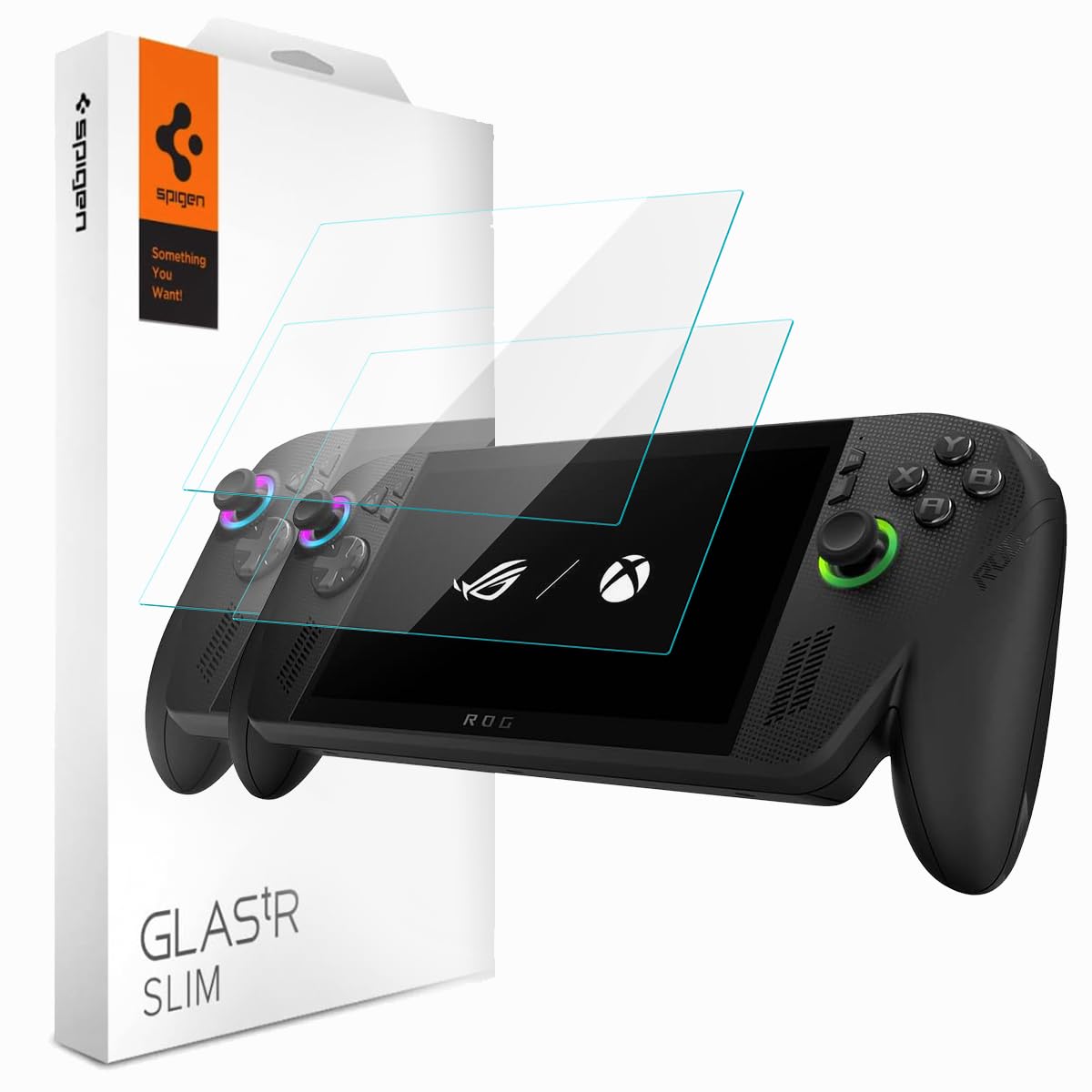
One sheet that covers the Ally, the Ally X, and the ROG Xbox Ally family.
If you are buying for the newer ROG Xbox Ally or Xbox Ally X, this is the listing built for it. Spigen cuts this glass to fit the Rog Xbox Ally, Xbox Ally X, Asus Rog Ally, Ally X, and MSI Claw 7 AI+ — a broader compatibility spread than the standard GlasTR EZ FIT. The panel fit itself is precise, matching the Ally’s 6.44 inch length and 4.13 inch width, so you get accurate alignment and a clean, flush edge.
Instead of a full tray, this one uses an installation wing film — thin handling tabs stuck to the glass that help you line it up, then peel away. Quality is what carries it: a 9H surface rated top of the pencil hardness scale, 99% clarity to keep colors true, and an oleophobic coating for quick wipe-downs. The slim, edge-inset cut means it stays put inside a case, and customers note it aligns cleanly between the edges of a killswitch-style shell. One note worth catching: it can flex inside a dbrand case but still fits fine.
Newer listings mean fewer voices so far, but the pattern is consistent — strong glass, good fit, and spread-out install results where some find it very easy and others find it takes care. If you already know Spigen glass, you know the feel. It leads on clarity over the matte MagGlass below, but gives up the glare control that pick offers.
Who it targets: the ROG Xbox Ally and Ally X crowd, or anyone sharing one protector across the Ally family and MSI Claw 7 AI+.
What to expect on install: wing-tab alignment asks a steadier hand than a full auto-tray, so take it slow.
Grab this one if: your device is a ROG Xbox Ally or Ally X that most single-device kits miss.
Not the first pick if: you want a drop-in tray and nothing else — the Spigen EZ FIT above is simpler.
4. MagGlass Anti-Glare ASUS ROG Ally

For anyone who has squinted into an overhead lamp reflecting off a glossy handheld screen.
This is the pick you reach for when reflections, not scratches, are your daily enemy. The matte texture scatters grabbed light so the panel stops behaving like a mirror — reviewers point out it “cuts down the reflection tremendously. Screen no longer acts as a mirror.” The oleophobic matte surface also fights fingerprint smudging, which matters on a touchscreen you press nonstop.
Fit runs nearly edge to edge, with buyers on the Ally X noting it goes right to the edge of the screen with no gaps. It carries the same 9H hardness as the clear picks, wraps the display in tempered glass, and ships with a microfiber cloth and cleaning kit. That armor does add heft — the sheet weighs 3 ounces and measures 8 by 5 inches overall — but on a handheld that is a fair trade for glare control.
Here is the honest edge: this is a matte film, not a true etched matte panel. It diffuses light and gives a pleasant texture under your thumb, but it will not perfectly replicate the look of a factory matte display. The highest praise lands on the glass quality and the anti-glare effect together, and stock is a single sheet — so an install slip means a reorder. For glare-heavy rooms, that is still an easy call.
Why Glare Haters Pick It
- Matte finish knocks down reflections so the screen stops mirroring lamps and windows
- Resists oil smudges and fingerprint marks on a heavily pressed display
- Nearly edge-to-edge fit on the Ally X with no gaps
- 9H tempered glass with a microfiber cloth and cleaning kit in the box
What You Give Up
- Only one sheet per pack, so an install mistake costs a reorder
- Matte diffusion is not the same as a true etched matte panel
- Slightly softer image sparkle than a clear-glass protector
Made for: gamers who play under bright light and want reflections killed at the glass.
Think again if: you prize maximum color punch over glare control.
5. WYQLTD 3 Pack Apple HomeView 7 Inch
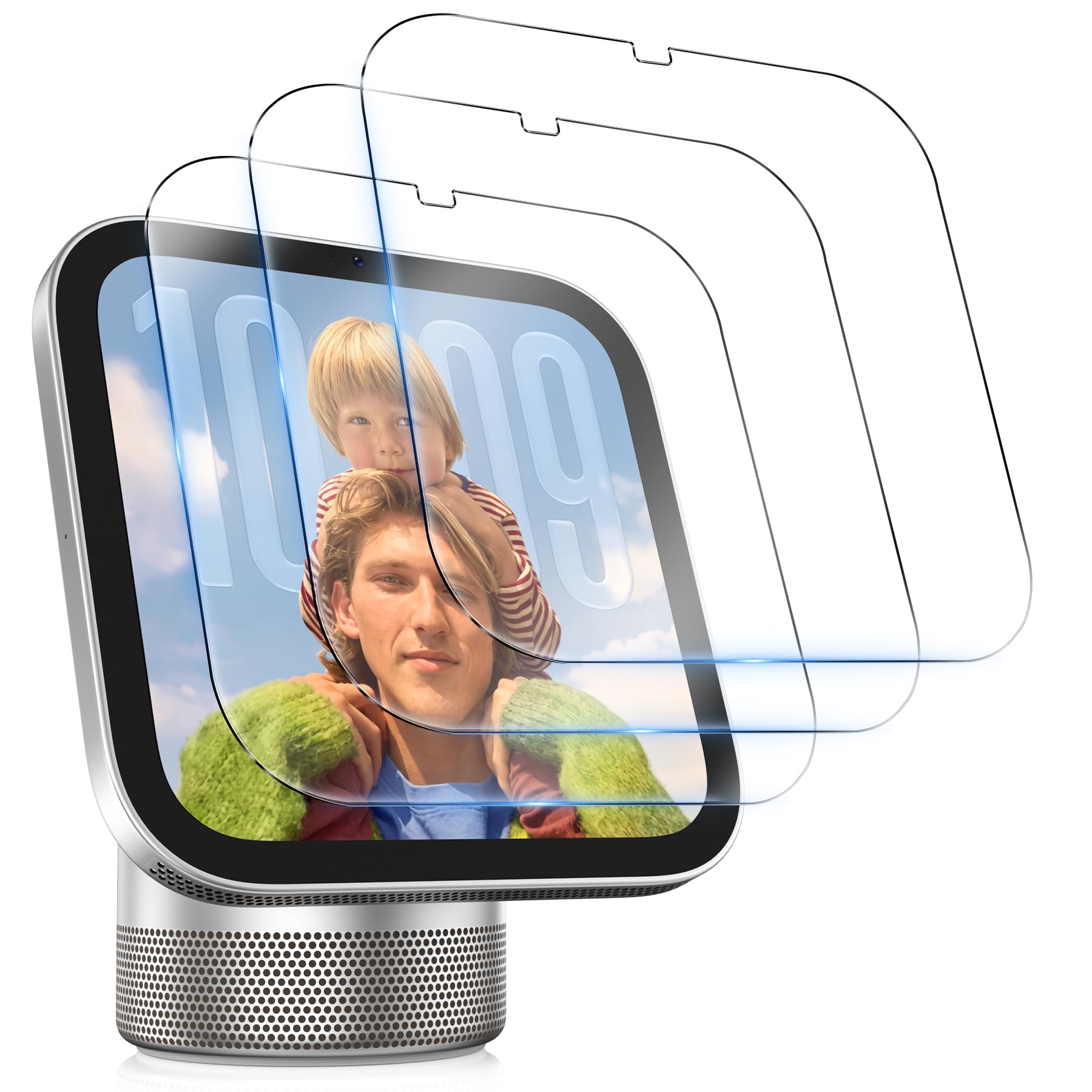
Three 7-inch sheets of 9H glass, sized closer to a phone panel than a full handheld face.
Called out honestly: this three-pack is cut for a different 7-inch device, not the ROG Ally specifically. It is a 4.9 by 4.9 inch square of glass, which is narrower than the Ally’s wider aspect, so it will not cover the full ROG Ally display edge to edge. Buy it only if a smaller 7-inch screen is your target; as an Ally protector, it falls short on coverage.
What it does bring is a true multi-pack and solid glass. You get three 9H tempered sheets with 99% HD clarity, a shatter-resistant build, and a nano-oil-repellent coating to keep swiping smooth. The kit includes alignment stickers, dust-removal stickers, and a microfiber cloth, and the adhesive layer expels air as it seats. If bubbles do appear, you lift one corner and reapply, with no sticky residue left behind.
The honest limit sits in the dimensions. A 4.9 inch width — versus the amFilm’s 3.54 inch width and the Spigen Slim’s 6.44 inch length — tells you this panel is shaped for a squarer 7-inch screen, not the wide ROG Ally. Treat it as a value spare for the device it actually names, and pick a true Ally-cut protector for your handheld.
Where the value is: three 9H sheets with 99% clarity, dust stickers, and a cloth — a generous spare count for a squarer 7-inch panel.
The fit caveat: its 4.9 by 4.9 inch shape will not wrap the wider ROG Ally screen edge to edge.
Pick it for: a 7-inch squarer device where a three-pack of 9H glass is the goal.
Pass on it if: you need a ROG Ally protector — you want a panel cut to the Ally’s width.
Know the Specs
9H Hardness Rating
This is a score on the pencil hardness scale, where 9H sits at the top. It means the glass takes scrapes from keys and coins so the panel beneath stays unmarked. In practice, that is why a bag ride or a dropped pair of earbuds leaves no etch on your screen.
Oleophobic Coating
An oil-repelling layer on the surface that keeps thumb grease and fingerprints from clinging. On a touchscreen you swipe for hours, it turns a smeary mess into a quick sleeve wipe, so you spend less time cleaning and more time playing.
Clarity Percentage
How much of the panel’s original brightness and color passes through the glass. A higher number means the screen looks closer to its bare, unshielded self, while a lower one can slightly dull colors. Matte finishes trade a bit of this for glare control.
Auto-Alignment vs. Wing Tabs
An auto-alignment tray drops over the device and positions the glass for you in one motion — the fastest, most forgiving install. Wing tabs are thin handling films you line up by hand and peel away. Both work; the tray asks less of your hands.
Common Questions
Will this protector fit the ROG Ally X as well as the original Ally?
Does a screen protector dull the ROG Ally touch response?
Matte or clear — which is better for a handheld?
How do I avoid bubbles during installation?
Will the protector still work with a case on my Ally?
Is a 9H protector strong enough to survive a drop?
How many protectors come in a pack?
Can I use these protectors on the ROG Xbox Ally or Xbox Ally X?
Does a matte protector affect image sharpness?
The Bottom Line
For most Ally owners, the rog ally screen protector to beat is the Spigen GlasTR EZ FIT, because the auto-alignment tray and 9H tempered glass make a clean, case-friendly install the easy default. If you want the widest model coverage and a one-motion frame install, grab the amFilm OneTouch. For play under bright lamps, the matte MagGlass Anti-Glare is the one that kills reflections instead of mirroring them.
How we choose
We do not accept paid placement. Every pick is matched to a real buyer and a real use-case; we do not hands-on test units.
Sources
Specifications: manufacturer listings and product documentation. Review insights: verified customer reviews, as of November 2026. Pricing: not shown on this page (it changes often); check the current price via the retailer link.
As an Amazon Associate, Tactical Gear Guy earns from qualifying purchases. This does not affect which products we feature.