Specs are compiled from manufacturer listings and verified buyer reviews and can change over time — please confirm the key details on the product page before buying.
If your PS4 is still feeding a flat office panel, you are watching a chunk of every game sit at the edges of your vision, half-ignored. A curved screen bends those edges toward your eyes, so the corners of the field pull in close and the action reads as one continuous picture. The catch is that many curved gaming monitors are tuned for a desktop PC over DisplayPort, not for the HDMI port on the back of your PlayStation. Below are the curved panels that get the basics right for PS4: a 16:9 shape the console actually outputs, HDMI that accepts the signal without fuss, and a curve that wraps the view rather than fighting it.
This guide is built by comparing the manufacturers’ published specifications and the patterns across verified customer reviews, so you get each pick’s real strengths and trade-offs instead of marketing spin.
Getting a console to look right on a monitor is mostly about matching the panel to the signal the PS4 sends: 1080p at 16:9, over HDMI, with no ultrawide stretching. This breakdown sorts the curved options by who they suit — console-only, console-plus-PC, or tight desk — so you can skip the specs that do not affect a PS4.
Top Picks

How To Choose The Best PS4 Curved Monitor
Most console monitors are sold on numbers borrowed from competitive PC gaming, and that can lead you toward the wrong screen. Your PS4 does not care about a 280Hz ceiling or a 0.3ms response figure, because it is not pushing frames at that rate. What it does care about is shape, signal, and size — the three things that decide whether the picture fills your view correctly.
Resolution and the 16:9 rule
The PS4 tops out at 1920 x 1080, which is the same 1080p figure listed on most of these panels. That makes a 1080p curved screen a clean match: the console sends a full-HD picture and the panel shows it one-to-one, with no scaling blur. It also means you should favor a 16:9 screen, because that is the shape the PlayStation outputs. A 21:9 ultrawide like the Alienware or the 34-inch Sceptre is built for a PC graphics card driving a wider desktop, not for a console picture.
Curve depth: 1500R versus 1800R
The “R” number is the radius of the curve, measured in millimeters — a smaller number means a tighter bend. So 1500R wraps around you more than 1800R, which is a gentler sweep across a 27-inch panel. Tighter curves list you closer to the screen for the immersion to work, while gentler ones stay comfortable on a desk where you sit a little further back. Neither curve is better in the abstract: 1500R suits sitting close, 1800R suits sitting further back at a desk.
HDMI, ports, and the refresh ceiling
The PS4 connects over HDMI, so the HDMI port count on the monitor is what actually matters. Several of these screens carry two HDMI inputs, which lets you keep the PlayStation on one and a laptop on the other without crawling behind the desk. DisplayPort is the PC-side connector; it is nice to have, but it does nothing for a PS4 on its own. One honest limit worth knowing: most of these high-refresh panels reach their top number only through DisplayPort, which is a PC thing.
Side-by-Side Comparison
| Model | Best For | Resolution | Curve | Refresh Rate | Amazon |
|---|---|---|---|---|---|
| Alienware AW3425DWM 34″★ Best Overall | Big rich PC and console setup | 3440 x 1440 (WQHD) | 1500R | 180Hz | Amazon |
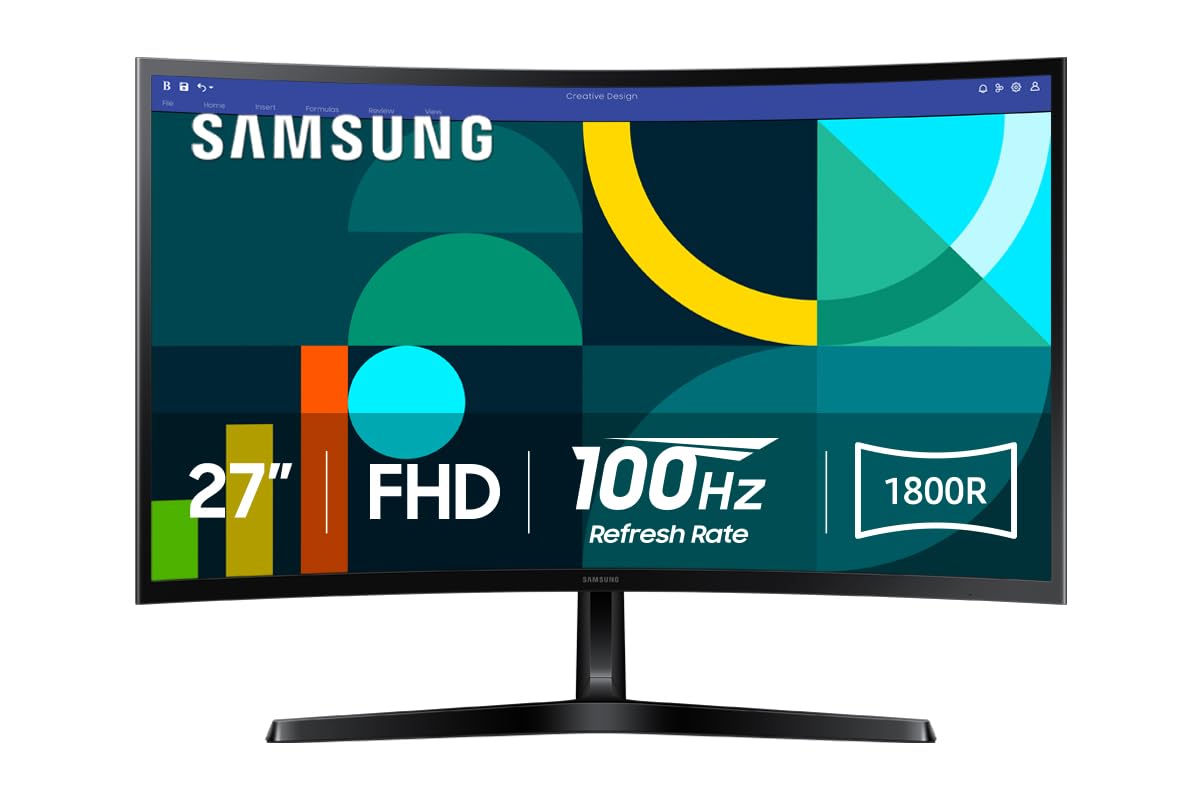
| Samsung 27″ Essential S3Budget Champion | Budget everyday browsing and light play | 1920 x 1080 (FHD) | 1800R | 100Hz | Amazon |
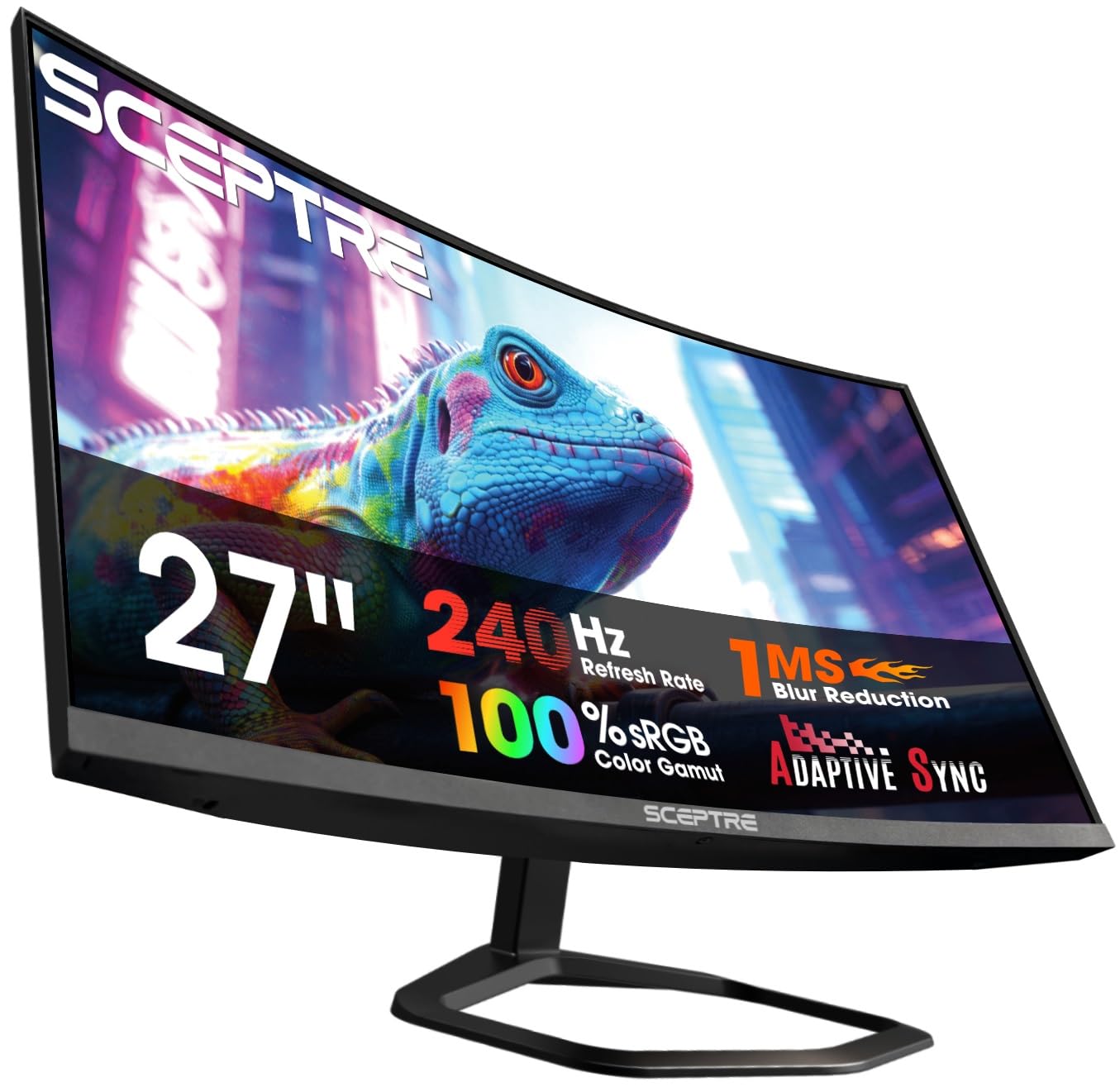
| Sceptre C275B-FWT240 27″Fast Performer | Fast console action with speakers built in | 1920 x 1080 (FHD) | 1500R | 240Hz | Amazon |
| CRUA 27″ White Curved | Clean white desk with console support | 1920 x 1080 (FHD) | 1800R | 100Hz | Amazon |
| KTC H24S17P 24″ | Tight desks and small rooms | 1920 x 1080 (FHD) | 1500R | 240Hz | Amazon |
| AOC C27G4ZH 27″ | Ergonomic desk fit with high speed | 1920 x 1080 (FHD) | 1500R | 280Hz | Amazon |
| ZZA 27″ 200Hz Curved | All-in-one desk with console and PC | 1920 x 1080 (FHD) | 1800R | 200Hz | Amazon |
| Z-Edge 27″ 300Hz Curved | Console plus secondary PC gaming | 1920 x 1080 (FHD) | Curved | 300Hz | Amazon |
| Acer Nitro XZ270 27″ | Adjustable stand for shared desks | 1920 x 1080 (FHD) | 1500R | 280Hz | Amazon |
| LG 32G600A-B 32″ | Sharper picture on a bigger screen | 2560 x 1440 (QHD) | 1000R | 180Hz | Amazon |
| Sceptre C345B-QU240T 34″ | Wide console and PC workstation | 3440 x 1440 | 1500R | 240Hz | Amazon |
Detailed Reviews
1. Alienware 34 Curved Gaming Monitor – AW3425DWM
Our pick — 4.5+★ from 750+ verified ratings; the strongest balance of quality and price.
The console-ready ultrawide that treats your PlayStation as a first-class citizen.
The AW3425DWM earns the top spot for a PS4 setup because it has a dedicated console mode. That mode is built for console timing, not bolted onto a PC picture like many monitors do. The 34-inch panel runs 3440 x 1440 WQHD (wide quad high definition, a sharp resolution), with a 1500R curve (a gentle bend that wraps the edges toward you). It is certified VESA DisplayHDR 400 (a brightness standard for highlights) with DCI-P3 95% color coverage (a wide color range). In plain terms, HDR400 brightens highlights beyond a standard panel, and 95% DCI-P3 widens the color range so game worlds don’t look washed out.
The aspect ratio here is 21:9, so read this carefully before you buy for a console: the PS4 outputs a 16:9 picture, and an ultrawide stretches that wider frame across a wider screen. This is the honest catch for pure PS4 play, and it is the trade-off you accept for the extra width that makes the Alienware so good as a shared work-and-play display. The picture side backs it up regardless. The 1ms gray-to-gray response keeps fast motion clean, and sharp money sits at 5ms on the CRUA — this panel leads on that measure with real margin, 1ms against 5ms. The 180Hz refresh and AMD FreeSync Premium pair with VESA Adaptive Sync to hold frames steady, and a hardware-based low blue light setting trims eye strain on long nights without muddying the colors.
You get a large, sharp, color-accurate panel that handles gaming and real work in the same session, like a game window open beside your email. The recurring gripe is small: both USB ports are Type A (the older rectangular USB), so a USB-C cable needs another route. One honest note on scale: the budget Samsung below has more ratings, 794 to 191 here, but this Alienware holds the higher score at 4.5+ stars and is a different class of screen.
What earns it the crown
- A dedicated console mode so a PS4 gets a picture tuned for it, not adapted after the fact
- DCI-P3 95% coverage with VESA DisplayHDR 400 for a wide, punchy color range
- 1ms gray-to-gray response versus the CRUA’s 5ms — faster pixel switching for cleaner motion
- 1500R curve plus 3440 x 1440 WQHD pulls you into the frame
What to weigh first
- The 21:9 shape is wider than the 16:9 a PS4 sends, so console images stretch
- Both USB ports are Type A, no USB-C on the front
- Size draws mixed reactions — it dominates a smaller desk
Reach for this if: you want one large curved screen that handles PS4 sessions and desktop work with equal composure.
Look elsewhere if: your only job for it is console play and a stretched 16:9 image would annoy you.
2. Samsung Essential S3 (S36GD) Curved Monitor
The entry point that gets the curve right and keeps the picture honest at 1080p.
Start here if the budget is the deciding factor and you want a curved screen that does not ask much of your wallet. The Essential S3 runs a 27-inch VA panel at 1920 x 1080, with an 1800R curve that sweeps gently around your view. Its 250 cd/m2 brightness number is modest on paper, but the trade is that it is rated by TÜV for eye comfort, with technology that cuts blue light and screen flicker for long sessions in a dark room. For a PS4 feeding a 1080p signal, this is the correct resolution match, and the 100Hz refresh keeps motion tidier than a standard 60Hz office panel.
This Samsung lists a 0.95 color gamut figure against the CRUA’s 120, but those numbers are not on the same scale, so treat the gap loosely and let your eyes decide. What a spec sheet will not tell you is that the curve itself earns the praise: owners call the wrap-around feel surprisingly easy on the eyes, and people come back to this line for the third time without complaint. The VA panel (a screen type with deep blacks) lists a 3000:1 contrast ratio, so dark scenes hold their depth instead of turning gray.
Where it shines: the smooth 100Hz update over a 16:9 1080p frame is exactly what a PS4 wants, and the TÜV-rated eye care keeps fatigue down when you play into the night.
Worth a fair warning: a few screens have arrived behaving oddly from the start, and this is a model that leans on general computing strengths more than hardcore gaming specs. If you want blistering frame rates for a future console, the higher-refresh picks lower on this list do that better.
Confident call: a smart first curved monitor for a PS4 owner who mostly plays, browses, and works on one screen.
The fine print: it tops out at 100Hz and 1080p, so it is the modest performer of this group by design.
3. Sceptre 27-Inch Curved Gaming Monitor C275B-FWT240
Two HDMI ports, two DisplayPorts, and speakers already built in — no extra boxes.
The headline here is connectivity: this Sceptre gives you two HDMI ports and two DisplayPort inputs, so a PS4 goes on one HDMI while a PC or laptop takes the other and you never swap cables. The 27-inch VA panel runs 1920 x 1080 with a 1500R curve and hits 240Hz, more than triple the Samsung’s 100Hz ceiling above. A 1ms response time (listed as BR, or blur reduction) keeps fast pans clean, and the panel is rated at 99% sRGB for accurate color on creative work as well as games. The built-in speakers mean you can drop the soundbar and clear your desk.
The picture quality is the thing most people comment on — vivid color that holds up against own-brand panels costing more, and a curve that people say pulls them into the game rather than sitting flat. The 8-inch depth and 25-inch width keep it manageable on a normal desk. If you connect both a console and a gaming PC, the dual-port layout alone makes it the lowest-friction pick in this range.
Reasons this earns a spot
- Two HDMI plus two DisplayPort inputs handle a console and a PC at once
- 240Hz refresh leaves headroom if you upgrade your console or gaming rig later
- Built-in speakers keep the desk free of extra clutter
- 99% sRGB color and a 1ms blur-reduction response for clean motion
Where it asks you to compromise
- The speakers run quiet, so plan on a headset for real volume
- A curved screen this size wants a stable stand — treat it gently on a crowded desk
- At 6.62 kg the panel has some heft to position
Best paired with: a desk shared by a PS4 and a PC, where switching inputs beats swapping cables.
Think twice if: full sound from the built-in speakers is a must — bring a headset or set of external speakers.
4. CRUA 27 Inch FHD 100Hz White Curved Computer Monitor

A white curved panel that lists the PS4 in its own compatibility notes.
The CRUA spells out the PlayStation connection in its own hardware list, naming PS4/5 and Switch among the devices it takes over HDMI 1.4 and VGA. For a console-first buyer, that listed PS4 support removes the guesswork about whether it will accept the PlayStation’s HDMI signal. The 27-inch 1800R panel cleans up at 120% sRGB with 250 cd/m2 brightness and a 3000:1 static contrast ratio, pushing 16.7 million colors for richer detail in games and movies. Its curve bends more gently than the 1500R Sceptre above, and the three-sided narrow bezel makes a dual-screen setup feel open rather than boxes stacked together.
Buyers keep describing this monitor as sleek, thin, and a statement piece on a white desk; the bright white finish plus the curve makes it read as furniture, not just a peripheral. The 100Hz panel (100 refreshes per second) and 5ms response (how fast pixels change) keep motion honest for console play, and the wide tilt range handles comfort. The honest caveat is long-term reliability: a handful of these panels have developed screen issues well inside a year, so know that before you commit it to a permanent desk.
What wins people over: the white body with its gentle 1800R sweep is genuinely lovely, and it clearly states console support so setup is not a gamble.
The catch worth a thought: 100Hz and 5ms are the plainest specs here — fine for a PS4, but the higher-refresh panels lower down do the same job with more speed in reserve.
Suits you best when: your setup has a light, airy look and you want a PS4-ready panel that matches it.
Surest caution: a small number of these have failed to hold up long-term, so keep the warranty details handy.
5. KTC 24 Inch 240Hz Curved Gaming Monitor H24S17P
The brightest small curved screen here, built for a snug desk and a fast refresh.
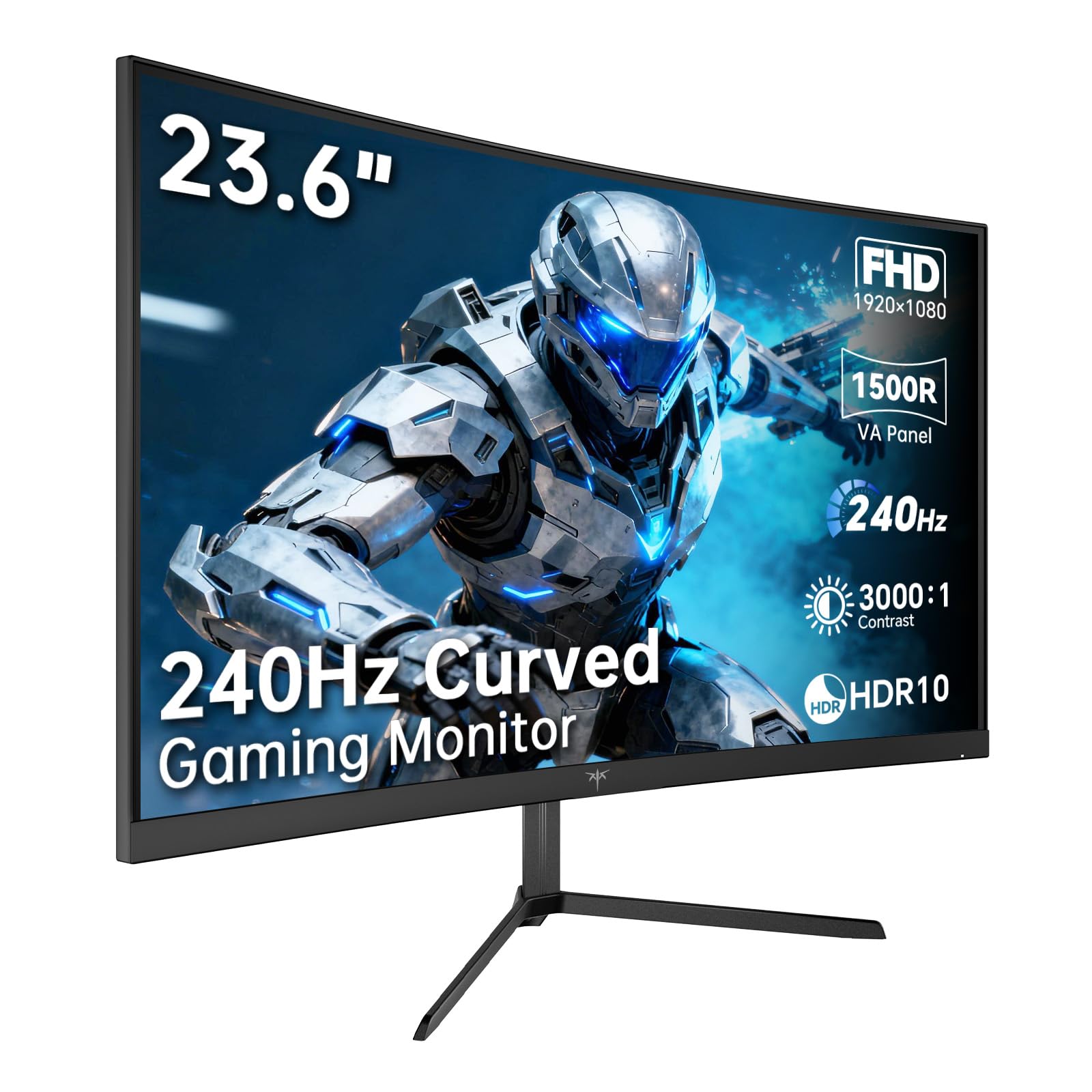
At 23.6 inches with a 1500R curve, this KTC slips into places a 27-inch panel simply will not fit — a dorm room, a narrow shared desk, or a bedroom with limited wall space. Do not mistake small for soft. The FHD 1920 x 1080 panel pushes 350 cd/m2 of brightness, well ahead of the CRUA’s 250 cd/m2, so daytime viewing stays punchy in a bright room. A 240Hz refresh and Adaptive-Sync cut screen tearing and latency, and the 106% sRGB area with 16.7 million colors and a 3000:1 contrast ratio gives it true color depth for the size.
The practical detail worth knowing: KTC backs it with a 3-year quality guarantee and lifetime technical support. For a 23.6-inch panel that may get moved between rooms, a 3-year guarantee is a genuine plus. It is a clean first desktop screen for a console tucked beside it.
What stands out
- 350 cd/m2 brightness beats the CRUA’s 250 cd/m2 for daytime visibility
- The 23.6-inch footprint fits desks where a 27-inch will not
- A 3-year quality guarantee with lifetime support backs the panel
- 240Hz refresh and Adaptive-Sync for tear-free motion
The honest trade-offs
- The small 23.6-inch size means less immersion than a 27-inch panel
- FHD resolution is a match for the PS4 but shows its limits on a big desk
Picks you if: space is tight and you still want a bright, fast curved panel.
Might not suit: a buyer who wants a big wrapping picture — go up to 27 inches for that.
6. AOC 27″ Curved Gaming Monitor FHD 280Hz C27G4ZH
A console and PC monitor with an adjustable stand that actually moves with you.
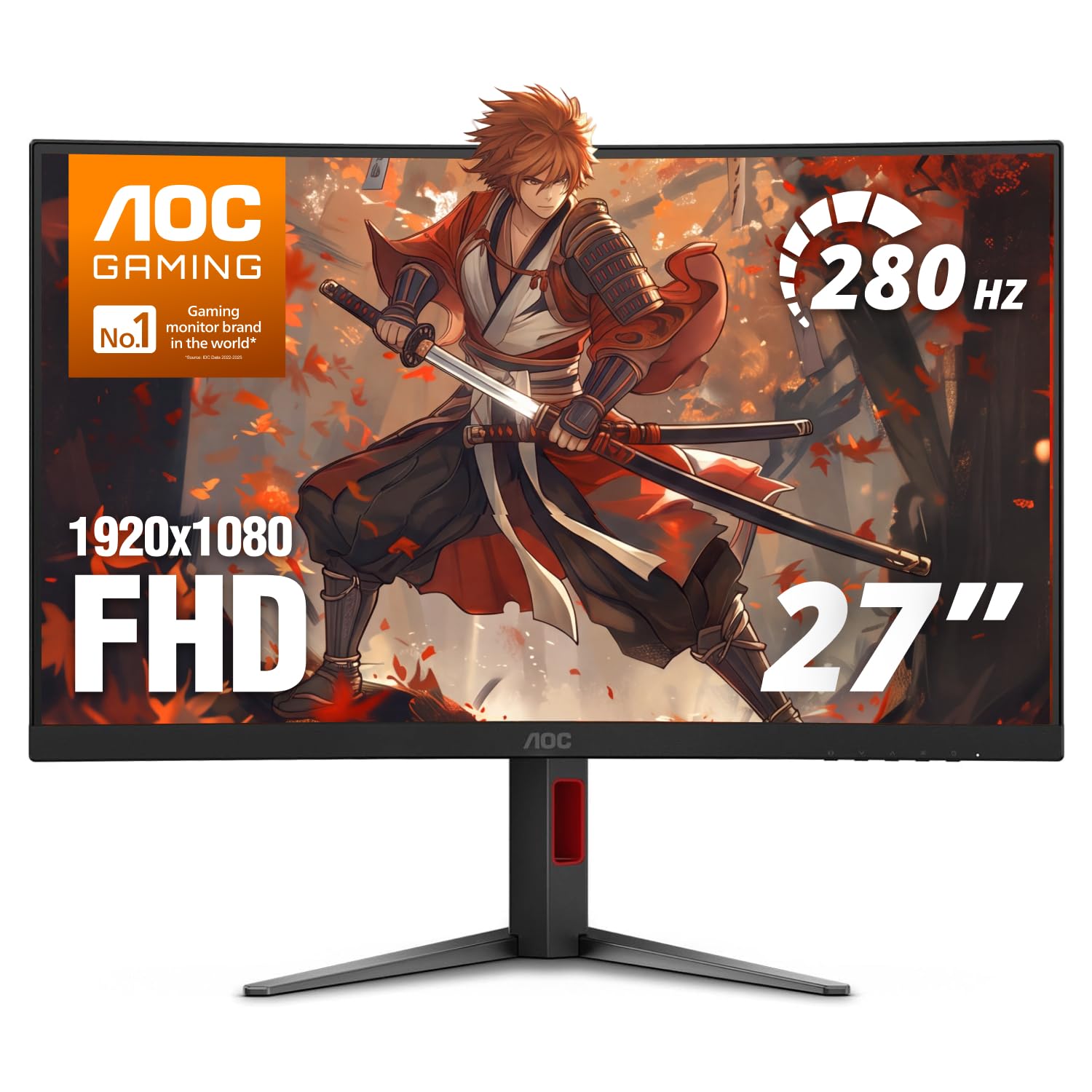
This AOC keeps appearing on shortlists because of its picture quality and build. The 27-inch 1500R curved panel runs 1920 x 1080 (Full HD) at a 280Hz refresh rate (280 refreshes per second) with a 0.3ms MPRT response (moving-picture response time, how quickly the image resolves when things move), so fast pans stay crisp. It is HDR ready (high dynamic range for brighter highlights) with a high dynamic contrast ratio, and Adaptive Sync (smooths frame timing) plus flicker-free tech keep long sessions steady. Owners who moved up from 144Hz and 240Hz panels describe the tracking as noticeably more precise.
The standout ergonomic feature is the stand, which tilts, swivels and changes height, plus VESA compatibility for wall mounts — rare in this bracket and a real win on a shared desk. The honest caveat is that this is the pick where some units have shown flicker or short blackouts over time, and the color quality draws its share of mixed notes. That makes it a great choice for a competitive player who plans to upgrade the panel in a few years, and a slightly riskier one for a forever-desk.
Why it earns a seat: 280Hz with a 0.3ms MPRT response plus a fully adjustable stand is a fast, comfortable combination for a serious player.
The fair warning: some units have developed flickering or brief blackouts, so if you want the safest bet for a permanent setup, weigh that against the speed you gain.
Made for: the rapid-response player who wants tilt, swivel, and height adjustment without giving up speed.
Not for: someone who needs the most dependable long-term panel and cannot tolerate intermittent flicker.
7. ZZA 27 Inch Curved Monitor 1800R FHD 200Hz
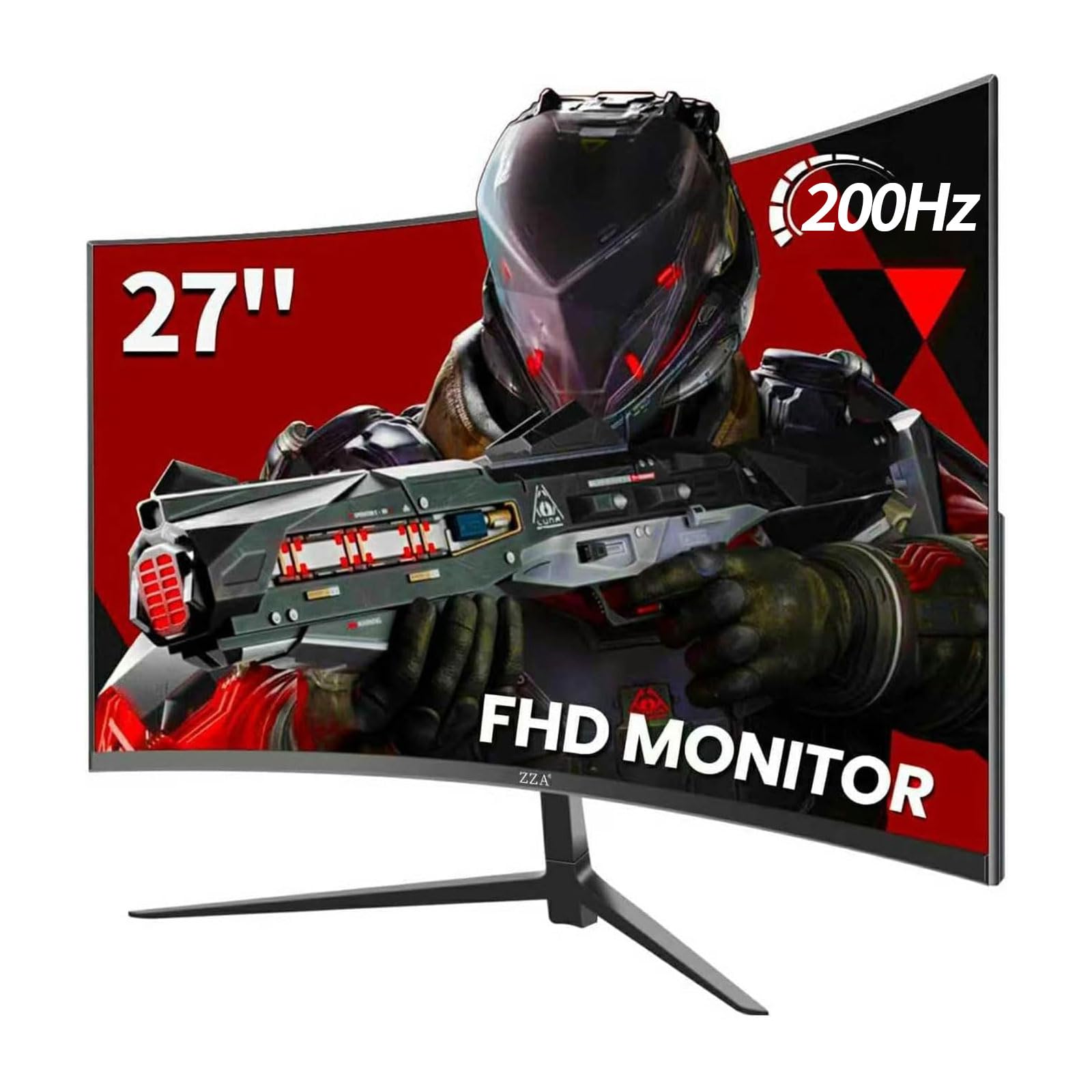
The rare panel that spells out a console refresh rate for its HDMI port.
This ZZA does something few of these monitors bother to do: it states exactly what HDMI can deliver. HDMI 2.0 supports up to 144Hz for a PS5, Xbox, Switch, or laptop, while DisplayPort 1.4 is the route to the full 200Hz, which is a PC figure. That clarity matters when you are wiring a console, because you know the HDMI port caps at 144Hz before you buy. The 27-inch 1800R VA panel runs 1920 x 1080 at 200Hz with 1ms MPRT, and the 4000:1 contrast ratio is the highest on this list, so dark scenes get real depth.
The 120% sRGB color gamut with 4000:1 contrast gives it a rich picture for games, movies, and home office work alike, and low blue light handles the late sessions. The curve is the gentler 1800R, a smooth sweep for a desk where you sit back a bit.
Why it fits a console desk
- States HDMI 2.0 tops out at 144Hz for consoles, so you know what to expect
- 4000:1 contrast ratio is the deepest on this list
- 120% sRGB for a wide, vibrant color spread
- Three ports — DisplayPort, HDMI, and USB Type B — for a full desk
Plan around this
- No built-in speakers, so you need a headset or a 3.5mm audio route
- The 200Hz number only applies over DisplayPort for a PC, not the console
Go for it when: you appreciate a manufacturer that tells you the console refresh limit up front and want deep blacks.
Count the cost: there are no speakers inside, so audio is on you.
8. Z-Edge 27 inch Curved Gaming Monitor 300Hz

The fastest refresh here, with two DisplayPort inputs to feed a PC and a console together.
If you split your time between a console and a gaming PC, the port layout here is the draw. Two DisplayPort inputs both support the full 300Hz, and two HDMI ports cap at 240Hz for a console or secondary device. That makes it the most flexible fast panel on this list for a dual-source desk. The 27-inch 1080p VA screen lists a 130% color gamut, the widest figure here, and a 3000:1 contrast ratio for deep blacks and bright highlights. A 1ms response keeps fast action clean.
The frameless design and 100 x 100mm VESA support (standard mounting holes) let it sit cleanly on an arm, and the flicker-free tech keeps long sessions steady. Buyers who use it heavily describe a fast, responsive picture that suits Fortnite-style play and a sharp, clean image. The honest side: durability draws the most mixed notes here — a few units have developed yellow lines or stopped working after about a year, and some find 1080p a touch soft on a screen this size. Know that going in; it is not a reason to rule it out.
Off-centre strong suit: the dual DisplayPort and dual HDMI combo at 300Hz makes it a rare bridge between console and PC without a switch box.
Read this before you buy: a small share of these panels have failed inside the first year, and 1080p looks a little softer here than a higher-resolution panel would.
Built for: the player who wants the highest refresh rate here and keeps a PC and a console side by side.
Second thoughts if: you want the safest long-term reliability or a sharper picture than 1080p offers.
9. Acer Nitro 27in Curved Gaming Monitor XZ270 Zbmiiphx

A monitor built around the person sitting at it, not the pedestal it stands on.
Acer made the stand part of the design rather than an afterthought. The ErgoStand tilts from -5 to 25 degrees, swivels plus or minus 15, and rises 3.93 inches on a quick-release column, so you can find exactly the height that lines the curve up with your eyes. That adjustability is the feature that separates it from a fixed pedestal. The 27-inch FHD 1920 x 1080 VA panel runs a 280Hz refresh with a 1ms VRB response, plus HDR 10 and 99% sRGB color, and AMD FreeSync Premium keeps it tear-free.
The ZeroFrame narrow-bezel design lets you sit two of these side by side with almost no seam, and the ports (one DisplayPort and two HDMI) cover console and PC at once, with both cables in the box. The picture draws mixed reactions — some love the clean, fast image, others note screen bleed and ghosting at speed. That variation is the worth-knowing part: if you demand flawless uniformity across dark scenes, this one can disappoint; if speed and adjustability are what you are after, it delivers.
Standout strengths
- The ErgoStand gives 3.93 inches of height travel plus swivel and tilt
- One DisplayPort and two HDMI ports cover both a console and a PC
- 280Hz with 1ms VRB and FreeSync Premium for fast, tear-free play
- ZeroFrame bezels make a two-monitor setup look nearly smooth
Reasons to pause
- Screen bleed and ghosting surface in some units, so dark scenes can look uneven
- The 1080p resolution is a match for a PS4 but not a step up
Right choice for: a shared or multi-person desk where being able to raise and angle the screen matters daily.
Keep in mind: uniformity across dark scenes is its weaker area, so a movie-first buyer should weigh that.
10. LG 32G600A-B 32-inch Ultragear QHD Curved Gaming Monitor
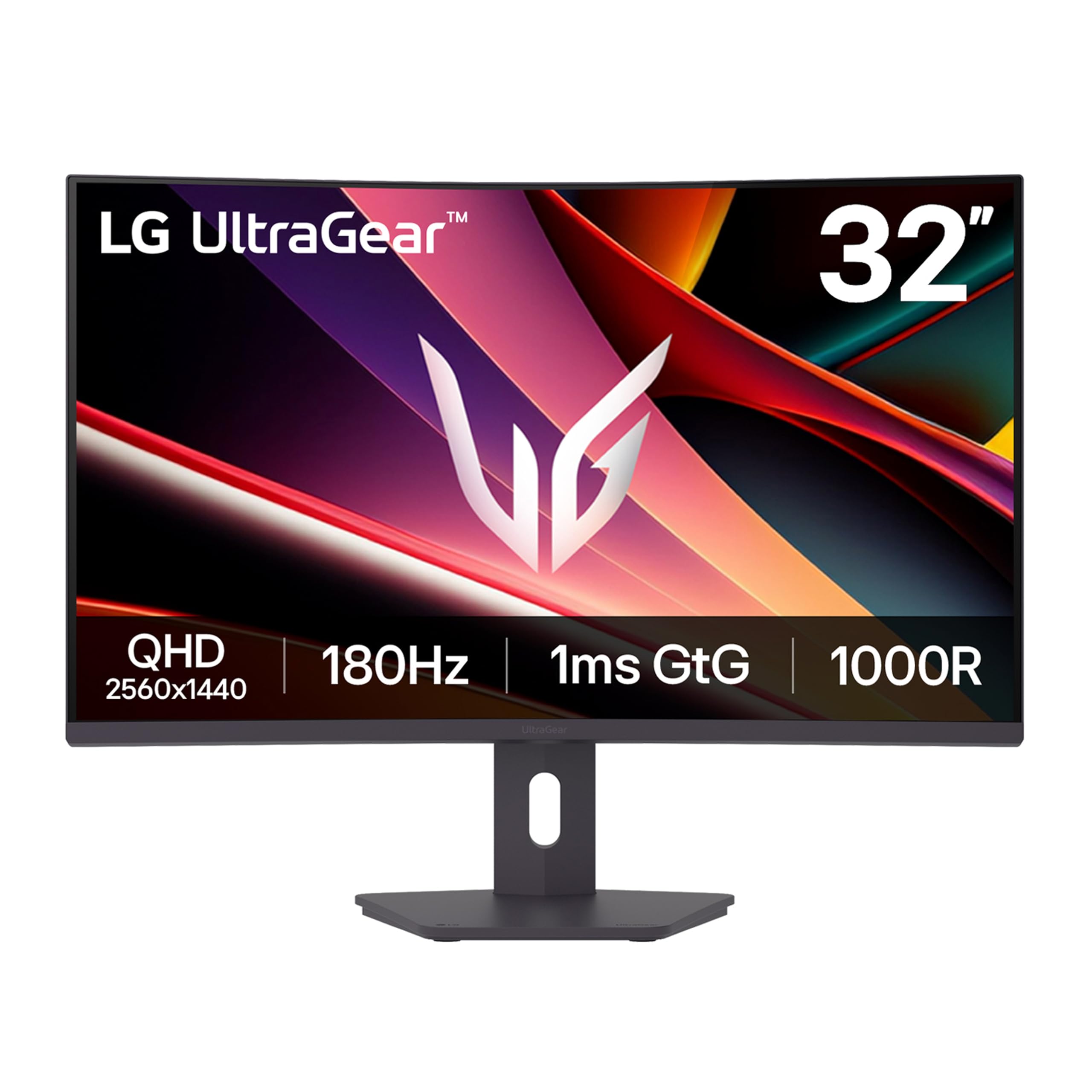
The tightest curve and the highest resolution here, on the biggest screen of the group.
That tighter wrap starts to pay off at this width, holding the picture in your field of view instead of letting the corners drift. Resolution is the other standout: 2560 x 1440 QHD across a 32-inch frame, which puts far more pixels into the picture than the 1920 x 1080 panels here. At 180Hz with a 1ms gray-to-gray response and AMD FreeSync, fast games stay smooth, and HDR10 with up to 99% sRGB keeps color rich.
The catch for a PS4 owner is direct: the console sends 1080p, so it will not feed this panel its native 2560 x 1440 image — that extra sharpness is a PC-graphics-card benefit. If you run a powerful PC alongside your console, this is the crispest, most wrapping picture here; for a solo PS4, you are paying for resolution the console cannot use.
The resolution lead: 2560 x 1440 QHD on a 32-inch screen simply shows more detail than any 1080p panel on this list, and the 1000R curve is the tightest of the group.
The console caveat: a PS4 outputs 1080p, so the QHD resolution only reaches its full potential with a PC driving it.
Spring for it when: a gaming PC sits alongside your PS4 and you want the sharpest, most wrapping picture available here.
Hold back if: the console is your only source — the QHD panel would run below its native resolution.
11. Sceptre Curved 34-inch Prime Gaming Monitor C345B-QU240T
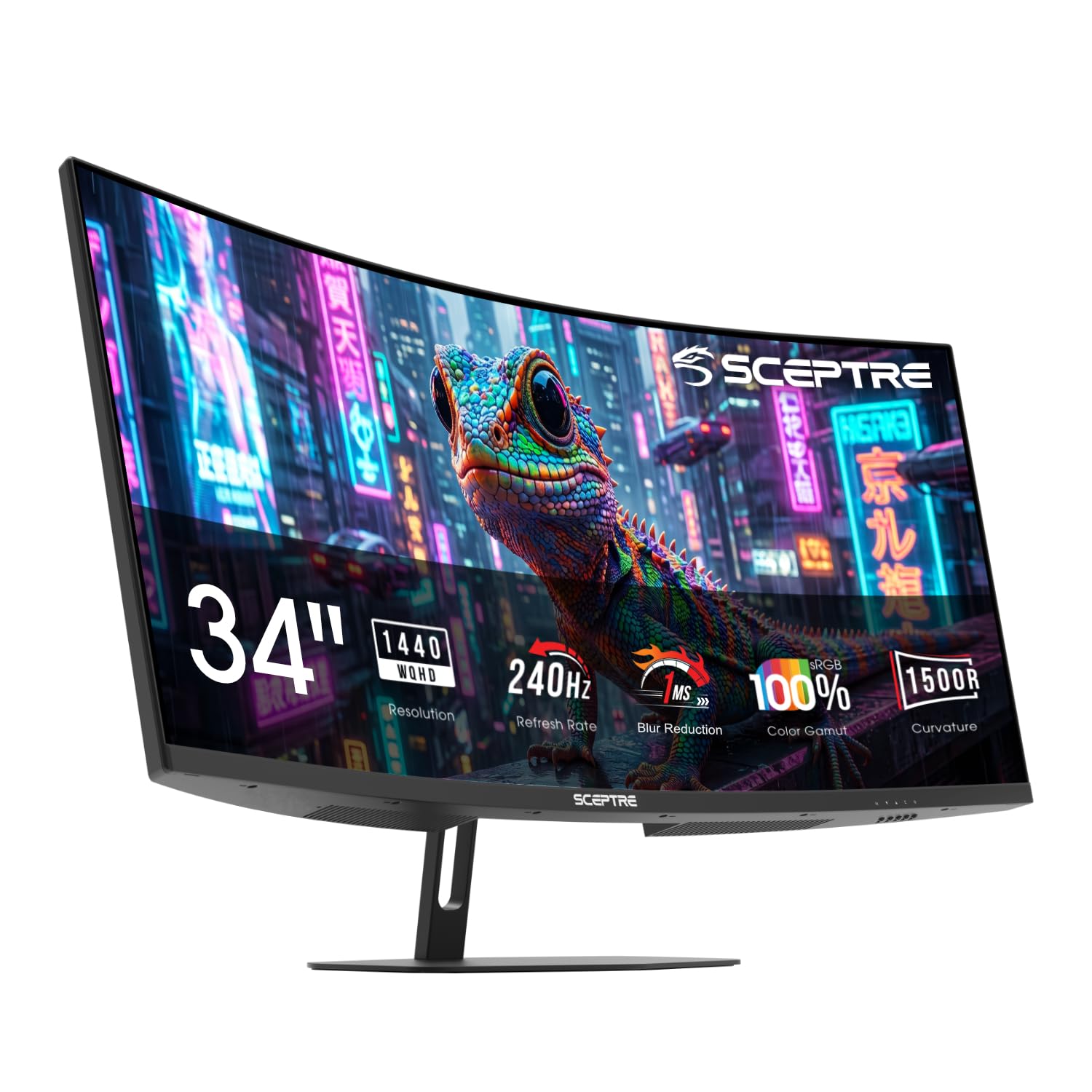
A big, bright ultrawide that also feeds a PS5 and a PC from four ports.
Sceptre went all-in on connections: two HDMI and two DisplayPort inputs, plus built-in speakers and an audio out jack. That is a lot of flexibility for one screen, and the panel is a proper 3440 x 1440 ultrawide at 1500R with a 240Hz refresh and a 1ms blur-reduction response. The 100% sRGB coverage and 3000:1 contrast keep color true, and blue light shift handles long sessions. For a desk that hosts an Xbox, a PS5, and a PC, the input count alone makes life easier.
Owners describe the picture as crisp and the color popping, and the setup as quick and painless. The 21:9 shape (ultra-wide) is the honest catch for a console: it is wider than the 16:9 a PlayStation outputs, so a console image stretches across the width. Adjustability draws the sharpest negative notes, with a few units arriving with a stiff, non-tilting hinge. If you mostly want a wide desktop and occasionally game on console, it is a value-packed pick; if pure console play is the goal, be ready for the stretch.
What it does well
- 3440 x 1440 ultrawide with a 240Hz refresh and 1ms blur reduction
- Four inputs — two HDMI and two DisplayPort — plus built-in speakers
- 100% sRGB color keeps the picture accurate across the wide panel
- Built-in sound and an audio out jack for flexible setups
Fit notes
- The 21:9 shape stretches a PS4’s 16:9 image across the wider frame
- The built-in speakers run quiet, so plan on a headset
- An occasional stiff hinge has shown up in the tilt adjustment
Suits a wide desk best: one ultrawide that takes a console, a PC, and a laptop without a switch box.
Worth knowing: console images stretch on the 21:9 frame, so this is the widest-screen pick, not the purest console one.
Know the Specs
The “R” in 1500R and 1800R
That letter R stands for radius, and the number beside it is the radius of the curve in millimeters — so 1500R bends a tighter circle than 1800R. A tighter curve wraps more of the picture around you, but it works best when you sit fairly close. A gentler 1800R sweep stays comfortable at a normal desk distance with a console controller in your hands.
Refresh rate versus response time
The refresh rate is how many times per second the screen redraws the image — 100Hz means 100 times a second, 240Hz means 240. The response time, given in milliseconds, is how fast each pixel changescolor. A higher refresh keeps motion fluid; a faster response keeps it crisp. On a PS4, which tops out well below these panels’ refresh ceilings, the response time often matters more day to day than the refresh headroom.
Common Questions
Will a curved monitor actually improve my PS4 picture?
Does a 1080p curved monitor match what the PS4 sends?
Can I use a 21:9 ultrawide curved monitor with a PS4?
Do I need DisplayPort or is HDMI enough for a PS4?
Why do some monitors only hit their top refresh rate over DisplayPort?
Is a tighter 1000R curve better than 1800R for a console desk?
Will a QHD curved monitor make my PS4 games look sharper?
Do these curved monitors have built-in speakers for console sound?
How much desk space does a 27-inch curved monitor take up?
Can I wall-mount any of these curved monitors?
The Bottom Line
For most people wiring a PlayStation to a curved screen, the strongest all-rounder is the Alienware AW3425DWM. Its dedicated console mode, 1500R curve, and DCI-P3 95% coverage give it a picture that suits games and work alike, and it holds the top score here. If you want the smoothest budget entry that gets the 16:9 1080p match right, the Samsung 27″ Essential S3 is the quiet, reliable pick. And for a console-plus-PC desk where multiple inputs save daily hassle, the Sceptre C275B-FWT240 earns its place with two HDMI and two DisplayPort inputs and speakers already inside.
Whatever you choose, the deciding factor stays the same: a 16:9 panel that matches the 1080p your PS4 sends will always give you a cleaner console picture than a wider screen that stretches the frame. Start there, pick your curve depth to suit your seat, and the rest is comfort and ports.
How we choose
We do not accept paid placement. Every pick is matched to a real buyer and a real use-case; we do not hands-on test units.
Sources
Specifications: manufacturer listings and product documentation. Review insights: verified customer reviews, as of November 2026. Pricing: not shown on this page (it changes often); check the current price via the retailer link.
As an Amazon Associate, Tactical Gear Guy earns from qualifying purchases. This does not affect which products we feature.