Specs are compiled from manufacturer listings and verified buyer reviews and can change over time — please confirm the key details on the product page before buying.
If your card fills up mid-shoot, the answer is not always the biggest drive — it is the fastest one your workflow can actually use. A slow external drive turns a ten-minute photo dump into a coffee break, and a fragile spinning disk in a camera bag is a data-loss story waiting to happen. What matters most is read speed, shock resistance, and whether the drive talks to your Mac, PC, or phone without a fight.
This guide is built by comparing the manufacturers’ published specifications and the patterns across verified customer reviews, so you get each pick’s real strengths and trade-offs instead of marketing spin.
This list breaks down nine external drives by the spec that matters for image and video work — sustained transfer speed — plus the rugged build and capacity that keep a shoot safe. The nine drives below are ranked on sustained transfer speed, rugged build, and capacity.
Top Picks

How To Choose The Best Photography Hard Drive
For photo and video work, you are not really shopping for storage space — you are shopping for time and safety. A drive that moves a full card in under a minute and survives a knock against a car door is worth more than one with double the room and half the speed. Here is what actually decides a good pick.
Speed first, capacity second
Sustained read speed is the number that governs how long you stare at a progress bar. Solid-state drives (SSDs) with no moving parts typically win here, while mechanical hard drives (HDDs) use spinning platters and read heads. For large RAW batches or 4K clips, the faster drive saves real minutes every single day.
Solid-state vs spinning disk
A solid-state drive stores data on flash memory chips, so there is nothing mechanical to jolt loose. A mechanical drive spins a platter, which makes it more susceptible to knocks and drops. If your drive lives in a camera bag and travels, the no-moving-parts design tends to hold up better.
Ports and phone compatibility
Check the connector before you buy. A USB-C drive plugs straight into most modern laptops and tablets, while a USB-A drive may need an adapter. If you want to offload straight from an iPhone or Android phone, confirm the drive lists that device as compatible — not every external drive does.
Side-by-Side Comparison
| Model | Best For | Transfer Speed | Capacity | Drive Type | Amazon |
|---|---|---|---|---|---|
| Samsung T7 Shield 2TB★ Best Overall | All-around rugged speed | Up to 1,050 MB/s read | 2 TB | SSD | Amazon |
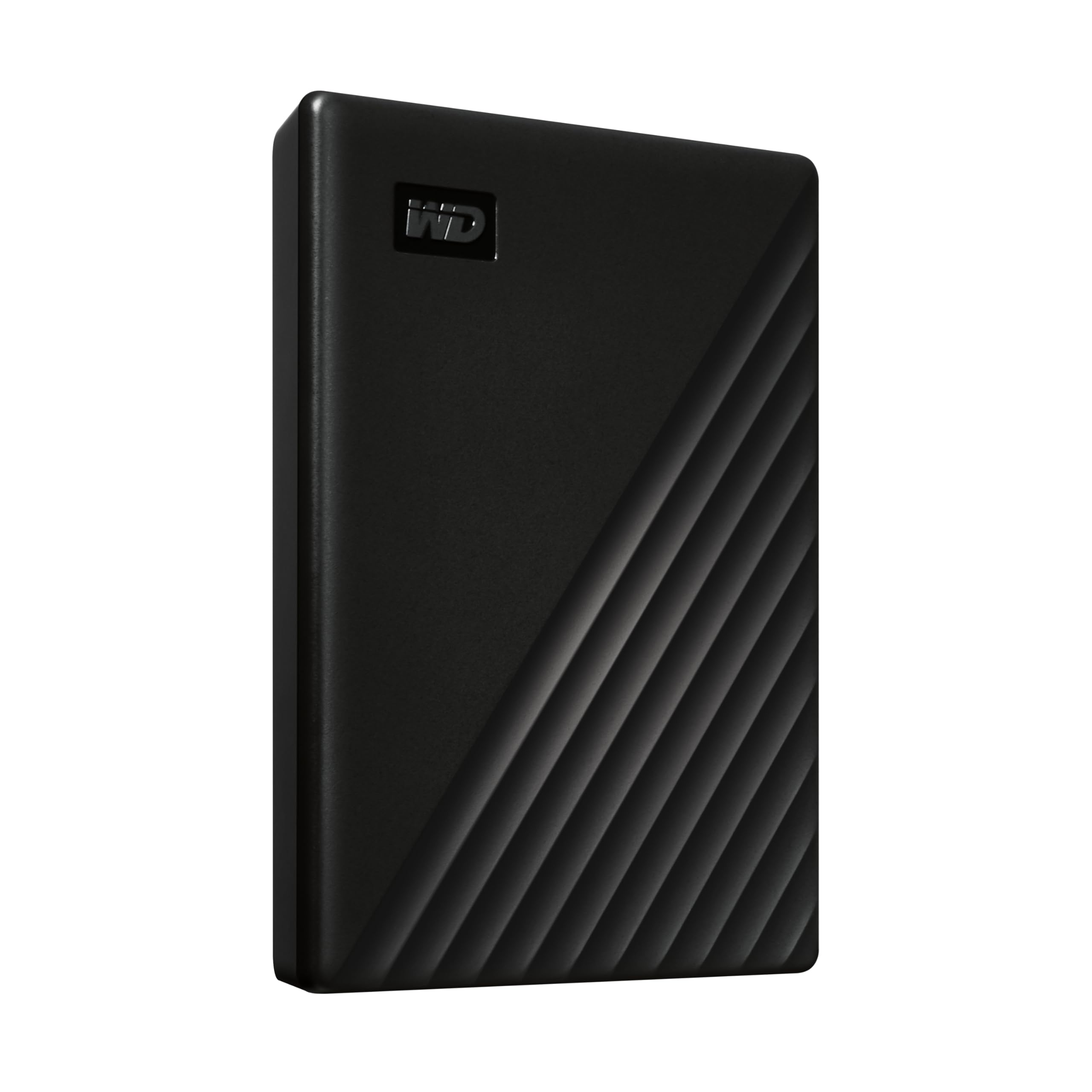
| WD My Passport 1TBBudget Starter | Simple everyday backup | USB 3.1/3.0 | 1 TB | HDD | Amazon |
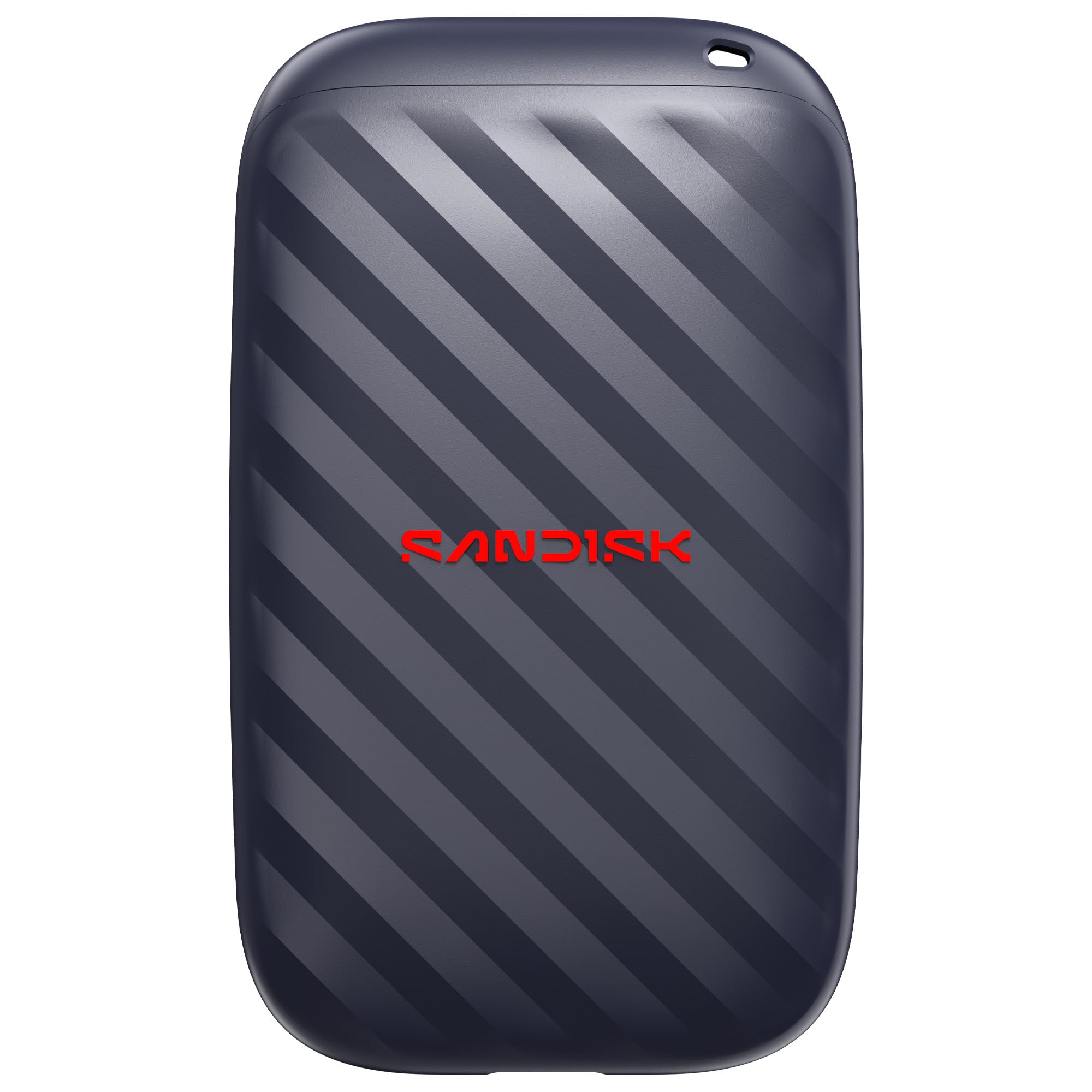
| Sandisk 1TB Portable DrivePocket Speedster | Pocket-sized speed | Up to 600 MB/s read | 1 TB | SSD | Amazon |
| Toshiba Canvio Basics 2TB | Plug-and-play Windows storage | USB 3.0 | 2 TB | HDD | Amazon |
| iDiskk 2TB for iPhone | Phone-to-drive offload | USB 2.0/3.0 | 2 TB | HDD | Amazon |
| Seagate Portable 4TB | Bulk archive space | USB 3.0 | 4 TB | HDD | Amazon |
| WD My Passport 5TB | Big-capacity archive | USB 3.1/3.0 | 5 TB | HDD | Amazon |
| Samsung T9 1TB | Fastest sustained transfers | Up to 2,000 MB/s | 1 TB | SSD | Amazon |
| Lexar ES3 2TB | Two-cable all-device freedom | Up to 1,050 MB/s read | 2 TB | SSD | Amazon |
Detailed Reviews
1. Samsung T7 Shield Portable SSD 2TB
Our pick — 4.5+★ from 16,000+ verified ratings; the strongest balance of quality and price.
The rugged speedster that swallows a full card dump without flinching.
Here is the pick that happens to top the ratings chart — 4.5+ stars across 16,000+ owners — and it earns that spot on hardware, not hype. Think of a solid-state drive (SSD) as storage with no spinning parts, just flash chips, so the Samsung T7 Shield has nothing mechanical to knock loose. It reads and writes at up to 1,050/1,000 MB/s through USB 3.2 Gen 2, and that speed is the difference between clearing a 64 GB card in a couple of minutes and watching a bar crawl.
The durability is where it pulls away from the pack. An IP65 rating (a standard score for dust and water resistance) means dust cannot get in and water sprayed at it will not break it, and Samsung rates it for falls up to 9.8 feet. For a drive that rides in a rucksack next to a camera body, that rugged shell is the whole appeal. It also holds 2 TB, roughly double the room of the 1 TB WD My Passport below, so a full wedding shoot lives on one palm-sized drive.
The crowd agrees on what it does well: performance is the thing people rave about, with speed right behind it. As buyers report, the drive “can hold up to 1050MB/s and record 1 hour 23 minutes of 6K raw footage.” That is a 6K video workflow running off a pocket drive. Compatibility runs wide too — PC, Mac, Android, gaming consoles, and iPhone 15/16, with Samsung Magician software for monitoring drive health and setting up encryption.
rugged shield build
- Up to 1,050/1,000 MB/s read and write over USB 3.2 Gen 2
- IP65 dust and water resistance plus protection from falls up to 9.8 feet
- 2 TB of solid-state space on a drive the maker says fits in a pocket
- Works with Mac, PC, Android, consoles, and iPhone 15/16
pricey per gigabyte
- Reliability sits as a mixed theme rather than a clear strength
- The rugged shell and Gen 2 speed put it in the premium tier
- To hit the full rated speed you need a USB 3.2 Gen 2 port, not an older USB 3.0 one
buy for travel: you shoot RAW or 6K, work outdoors, and want one drive that handles transfers and survives the bag.
budget buyers: your laptop only has older USB 3.0 ports — you would be paying for speed that port cannot deliver.
2. WD 1TB My Passport Portable External Hard Drive
A slim, straightforward backup drive that just does the job on a desk.
If your photos live on a laptop that is filling up and you want a simple offload without spending SSD money, this is the obvious entry point. It is a mechanical hard drive (a spinning-platter design) in a slim 2.5-inch shell, so it is built for a drawer or a desk rather than a bouncing camera bag. It holds 1 TB and connects over USB 3.1/3.0.
The software is the quiet selling point. WD bundles device management and backup software with defense against ransomware (malicious software that locks your files), plus password protection and hardware encryption. For a photographer storing client images, that is a real layer of security for a value-tier drive. There is also a 3-year limited warranty behind it.
Where it trails the Samsung T7 Shield is transfer pace — this drive is rated far slower, so large RAW batches take noticeably longer to copy. That said, for nightly backups of finished JPEGs and documents while you sleep, the slower pace costs you almost nothing. Think of it as the safe desk drive, not the field drive.
pocket hard drive staple: a home workstation backup where the drive sits still and speed is not the priority.
spinning disk fragility: it is a spinning-platter drive, so treat it gently and keep magnets and big knocks away from it.
cheap bulk storage: you want encrypted, hands-off backup and the drive never leaves your desk.
speed seekers: you need to clear huge cards fast or carry the drive into the field.
3. Sandisk 1TB Portable Drive
A pocket-sized solid-state drive built for phones and quick offloads.
This is the drive for the shooter who works off a phone or a slim laptop with only USB-C ports. It reads at up to 600 MB/s and packs that into a solid-state body with no moving parts, so there is nothing to rattle loose. Sandisk rates it for drops up to 2 meters, which is exactly the kind of tumble a drive takes when it slides out of a jacket pocket.
Where a full archive drive holds every shoot you have ever done, this one is about the working set — the card you are clearing today. Owners lean on its storage capacity as the headline strength, with functionality and compact size close behind. It plugs in and gets to work with no setup, and the USB-C connector means it talks to modern phones and tablets directly.
The honest limit is capacity against the bigger drives here: 1 TB is real, but it fills up if you shoot heavy video. Compare it to the Seagate Portable below that holds 4 TB, and you can see the trade — you are swapping raw room for pocketable speed. For day-to-day stills and phone footage, that is a trade worth making.
grab for basics: your workflow starts on a phone or USB-C laptop and you want speed that fits in a pocket.
security needs: you need a multi-terabyte video archive in a single drive.
4. Toshiba Canvio Basics 2TB Portable External Hard Drive

The plug-in-and-go storage boost for a PC, with zero setup fuss.
Sometimes you just need more room on a Windows machine and you do not want to install a thing. This is a mechanical hard drive (spinning platters, so it is a desk companion) that arrives pre-formatted for Windows and works with no software at all. It adds 2 TB of space, is USB 3.0 and USB 2.0 compatible, and needs no external power brick.
The spec sheet reads plainly: a matte, smudge-resistant finish on a polycarbonate shell, and a design meant to sit on a desk without drawing attention. For a photographer whose laptop library has hit the ceiling, dropping a full year of RAW files onto this drive is a ten-minute job. It also keeps your working drive lean without buying a whole new machine.
The fair caveat comes from its own type — a spinning drive is the slower and more fragile option, and Toshiba notes it must be reformatted for Mac. If you are a Mac photographer, budget time for that step. For a Windows setup, though, this is about as frictionless as storage gets.
plain reliable capacity: a no-software Windows storage boost you can plug in and use immediately.
no software bundle: reformatting if you are on a Mac, and gentler handling than a solid-state drive needs.
desktop backup pick: PC users adding archive room without extra software or a power cable.
rugged demands: shooters who carry the drive around or work primarily on a Mac.
5. iDiskk 2TB Portable External Hard Drive

The drive built for clearing a packed phone, no laptop required.
Plenty of photographers shoot on an iPhone and hit the storage wall at the worst moment. This drive is aimed squarely at that problem — it is MFi certified (Apple’s stamp that a device is built to its connector standard) and plugs straight into an iPhone or iPad to pull photos and video off the phone. It holds 2 TB and has a built-in 2000 mAh battery, so it does not lean on your phone for power.
The one-tap backup is the feature that makes it usable on the road. It pulls your album across with a single press, and later backups only add the new files so you are not duplicating everything. There is an in-app camera that writes shots straight to the drive, plus password protection so shared files stay private on a computer.
Be honest about the pace: this is a mechanical drive with a 50 Mb/s transfer rate, and that difference next to the WD My Passport is on the spec sheet. Offloading a big phone library takes patience. Functionality is the mixed area in owner feedback too — most are happy, but a few report units that quit overnight. It is a specialist tool for phone offloads, not a speed demon.
iphone direct transfer: MFi-certified iPhone and Android support with a battery of its own.
slow usb speeds: a 50 Mb/s transfer rate means large offloads move slowly, so start them early.
phone shooters pick: your camera is your phone and you need 2 TB of offload without a laptop.
desktop speedsters: you need fast transfers or a drive for pro-camera RAW batches.
6. Seagate Portable 4TB External Hard Drive
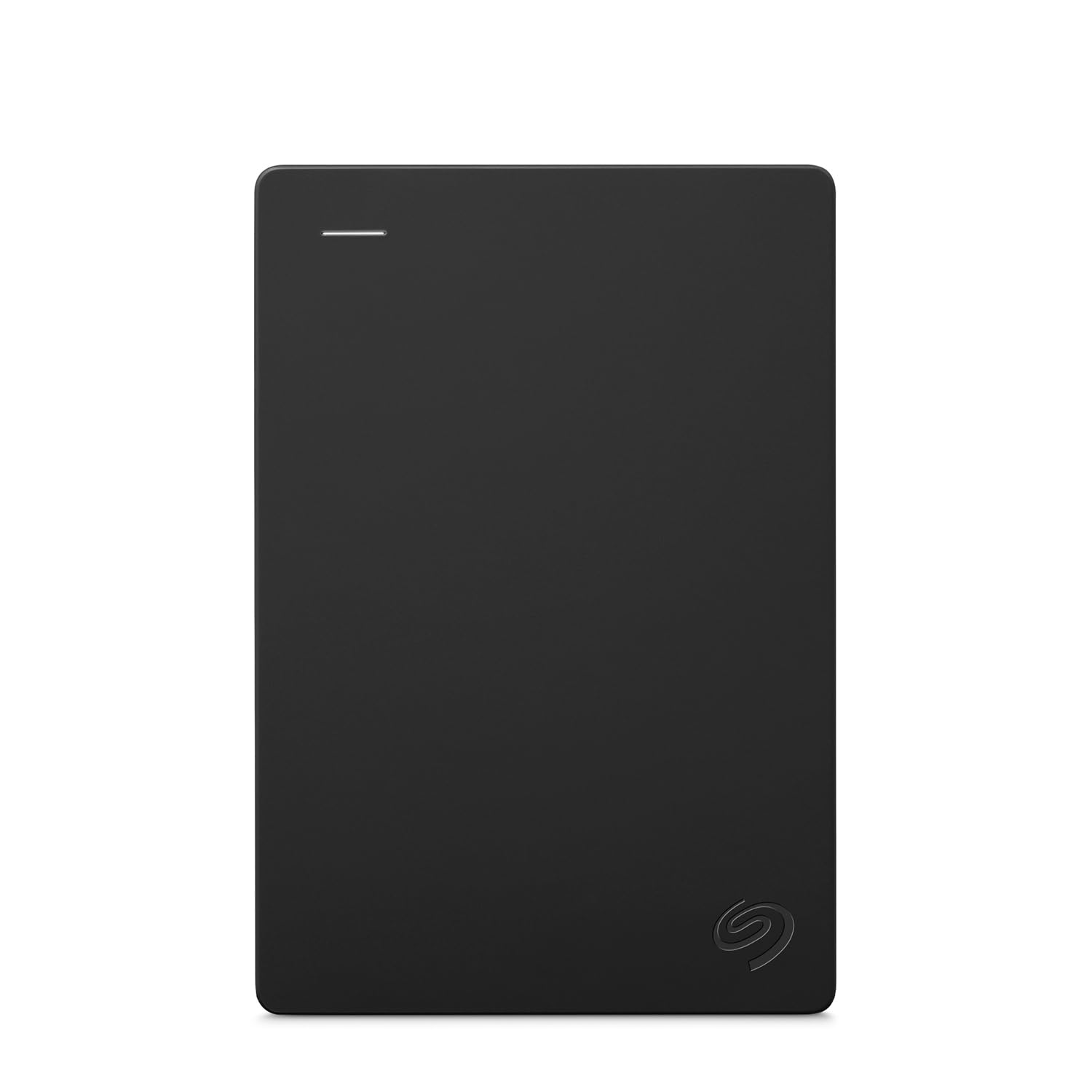
Four terabytes of archive room that plugs into a Mac or PC with no setup.
When you have years of shoots to park somewhere, capacity wins and speed can take a back seat. This is a mechanical hard drive with 4 TB on board — enough to hold a serious library of RAW files and finished edits. It works with Windows and Mac by drag and drop, needs no software, and includes an 18-inch USB 3.0 cable so you can start right away.
The included 1-year Rescue data recovery service is the detail worth knowing about for a photographer guarding irreplaceable images. It is a safety net rather than a speed feature, and that fits what this drive is for: cold storage of the library you are not actively working on.
The honest catch is exactly what you would expect from a spinning drive — pace varies and can feel slow on big transfers. It also leans toward PC and console use; Mac owners mention more friction getting it set up. Treat this as your long-term vault, and let a fast solid-state drive handle the day-to-day work.
archive media files: parking a large photo library that you do not touch every day.
portable purists: you need fast transfers or a drive that lives in your bag on location.
7. WD 5TB My Passport Portable External Hard Drive

Pushes storage to five terabytes for shooters who never want to delete a frame.
If your rule is that no photo ever gets deleted, this drive is built for that instinct. At 5 TB it holds the biggest library on this list, all in a slim 2.5-inch mechanical hard drive that slides into a laptop sleeve. It brings the same WD backup software with ransomware defense, plus password protection and hardware encryption, and carries a 3-year limited warranty.
Capacity is where it earns its place — enough room to keep an entire multi-year archive in one spot instead of scattering it across drives. That single-drive library is easier to search and easier to back up than a pile of smaller disks. For a photographer whose catalog keeps growing, that consolidation is the whole point.
The thing to weigh honestly is reliability, which is the most-discussed theme in owner feedback and runs mixed rather than glowing. A drive this size is also a mechanical one, so it is a desk and archive tool, not a field drive. Back it up to a second location — good practice for any single drive holding your only copy of anything.
largest passport capacity
- 5 TB — the largest capacity in this lineup
- Ransomware defense software and hardware encryption built in
- 3-year limited warranty
heavier than smaller drives
- Reliability is a mixed theme in owner feedback, so keep a second copy
- Mechanical drive — slower than SSD and more knock-sensitive
- It is a desk archive, not something to carry on a shoot
media hoarders: a photographer who wants one enormous archive drive for the whole catalog.
light travelers: you need portability and speed on location — this one belongs on a desk.
8. Samsung T9 Portable SSD 1TB

The speed king — built to push sustained 2,000 MB/s without breaking a sweat.
For a video shooter editing footage off the drive itself, sustained speed is everything, and this is the fastest pick here. It reads and writes at up to 2,000 MB/s over USB 3.2 Gen 2×2 — roughly double the Samsung T7 Shield’s rated ceiling — so large 4K and 6K files move in a fraction of the time. The Dynamic Thermal Guard (a heat-control system) keeps it cool during long transfers, which matters when you are moving footage for hours.
The rugged side is not an afterthought either: Samsung rates it for drops up to 9.8 feet, and the solid-state body has no moving parts to break. It works across PC, Mac, tablets, iPhone 15/16, and even game consoles. Magician software adds firmware updates, encryption, and drive-health monitoring.
Where the T7 Shield above gives you 2 TB for archive room, this T9 trades some of that capacity for out-and-out speed in a 1 TB body. Owners praise the performance and speed most, with reliability close behind — this is a drive people trust for demanding edits. The one honest limit is that its fastest rate needs a Gen 2×2 host port; plug it into a standard USB 3.0 port and it drops back to what that port allows.
editors on deadline: video editors who work straight off the drive and need the fastest sustained pace available.
casual savers: your computer has a USB 3.2 Gen 2×2 port to open up the rated speed.
9. Lexar 2TB ES3 External SSD

Two cables in one, so it plugs into anything in your camera bag.
The small detail that sells this drive is the cable — a 2-in-1 USB-C/USB-A design means it fits an older laptop and a modern tablet without hunting for an adapter. Underneath the shell it is a solid-state drive reading at up to 1,050 MB/s and writing at 1,000 MB/s, on a 2 TB body. It handles a wide spread of devices, from desktops and laptops to phones, tablets, and game consoles.
It also respects the heat question with built-in double-layer graphite sheets (thin panels that pull heat away from the chips), so it can keep transferring without throttling down. Drop resistance runs up to 2 meters, and the listing adds dust- and water-resistant notes to the spec set. For an on-the-go backup drive that lives in a pouch, that layering of protection is welcome.
Against the Samsung T7 Shield, the Lexar matches its rated speed but adds that dual-cable flexibility and a Silver finish. Reliability is the theme that earns the most praise from owners, with quality right behind it. The honest caveat is that it has far fewer reviews than the big names here, so the long-term track record is thinner — though what is there leans positive.
value ssd buyers: shooters who mix old USB-A gear and new USB-C gear in one kit.
speed chasers: you want a longer, deeper reliability record before you commit.
Know the Specs
Transfer Speed (MB/s)
This is how fast data moves to or from the drive, measured in megabytes per second. A higher figure means a card clears quicker and video files copy in less time. Just remember the drive can only run as fast as your computer’s port allows, so a Gen 2×2 drive on an older port will not hit its rated number.
SSD vs HDD
A solid-state drive (SSD) stores data on flash chips with no moving parts, so it is faster and more shock-tolerant. A mechanical hard drive (HDD) spins a platter, which makes it cheaper per terabyte but slower and more sensitive to knocks. Match the type to the job — SSD for field work, HDD for desk archives.
Capacity and Form Factor
Capacity is the room on the drive in terabytes. Bigger drives hold more archives but are often mechanical. Portability covers both weight and size — a drive the maker describes as pocket-sized slips into a bag, while a larger one tends to sit on a desk.
Rugged Ratings
An IP rating (a standard score for dust and water resistance) tells you how well a drive handles the elements. Drop protection is a rated fall height, in feet or meters. For a drive that travels, both numbers are worth checking before you trust it with a shoot.
Common Questions
Is an SSD better than a hard drive for photography work?
Can I plug these drives straight into an iPhone?
How much capacity do I need for RAW photo files?
Will a faster drive speed up my Lightroom imports?
Are mechanical hard drives safe to carry in a camera bag?
What does the drop rating on a drive actually mean?
Do Mac and Windows both work with these drives?
Is encryption worth turning on for a photo drive?
Can I edit video directly from an external SSD?
Should I keep a second copy of everything on the drive?
The Bottom Line
For most photographers, the photography hard drive winner is the Samsung T7 Shield 2TB: 1,050 MB/s reads, an IP65 rating, and 9.8-foot drop protection, backed by 4.5+ stars across 16,000+ owners. If raw speed for video edits is your priority, grab the Samsung T9 1TB and its 2,000 MB/s ceiling. And for parking a huge library at a desk, the WD My Passport 5TB gives you the most room in this lineup. Whichever you pick, match the drive to the job: a fast SSD for field work, a big HDD for the desk archive.
How we choose
We do not accept paid placement. Every pick is matched to a real buyer and a real use-case; we do not hands-on test units.
Sources
Specifications: manufacturer listings and product documentation. Review insights: verified customer reviews, as of November 2026. Pricing: not shown on this page (it changes often); check the current price via the retailer link.
As an Amazon Associate, Tactical Gear Guy earns from qualifying purchases. This does not affect which products we feature.