Specs are compiled from manufacturer listings and verified buyer reviews and can change over time — please confirm the key details on the product page before buying.
You want smooth 1080p gaming without blowing past your budget, and the answer is simpler than the spec sheets make it look: buy the strongest graphics card your budget allows, then accept a mid-tier processor to keep the total down. That single trade — GPU up, CPU down — decides more of your frame rate than any other choice in the tower. Below are the prebuilts that get that balance right, plus the ones where a weak power supply or a shared-memory graphics chip quietly costs you.
This guide is built by comparing the manufacturers’ published specifications and the patterns across verified customer reviews, so you get each pick’s real strengths and trade-offs instead of marketing spin.
Prebuilts now cover everything from an 8GB Radeon RX 580 to a 3060 Ti, so the gap between two similarly priced towers can be huge. Here is how to read the spec sheet before you spend on a pc build under $1000 and end up with the wrong chip.
Top Picks

How To Choose The Best PC Build Under $1000
The mistake almost every first-time buyer makes is shopping by processor name. A Ryzen 7 badge sounds better than a Ryzen 5 badge, but the graphics card decides whether your games run at 60 frames per second or stutter at 25. In this bracket you are always trading one part against another, so decide which one you refuse to compromise on.
Start with the graphics card, not the CPU
A dedicated card carries its own video memory, called VRAM, which is the pool it uses to hold textures and frames. An 8GB card like the Radeon RX 580 or the RTX 3050 8GB gives a game far more room than a 4GB card like the Radeon RX 6500 XT. That memory figure is the number to check before anything else on the listing.
Watch for integrated graphics disguised as a gaming card. A system running Radeon RX Vega graphics has the graphics built into the processor and shares your main memory, so it has no VRAM of its own. That is fine for esports titles at 1080p, but it will not hold up in heavier games.
Match your storage and memory to how you actually play
An SSD (solid state drive) loads games in seconds instead of minutes, and every tower here uses one. Capacity matters more than speed at this price: a 512GB drive fills quickly once you install three or four large titles, so a 1TB drive saves you from uninstalling games to make room.
16GB of RAM is the practical floor for gaming plus a browser and voice chat running together. DDR5 is the newer memory standard and DDR4 the older one; both appear in this bracket, and 16GB of either is enough for 1080p play.
Check the ports before you buy the monitor
Your monitor plugs into the graphics card, not the motherboard, so the outputs on the card are what count. HDMI and DisplayPort are the two you will use. Some cards here offer three DisplayPort outputs plus HDMI, which lets you run multiple screens without an adapter.
Side-by-Side Comparison
| Model | Best For | Graphics Card | VRAM | Memory / Storage | Amazon |
|---|---|---|---|---|---|
| WIWB Ryzen 7 4700LE / RX 580★ Best Overall | Best value entry tower | Radeon RX 580 | 8 GB | 16GB DDR4 / 512GB SSD | Amazon |
| CyberPowerPC Ryzen 5 5500 / RX 6500 XTBest Value Starter | Budget 1080p starter | Radeon RX 6500 XT | 4 GB | 8GB DDR4 / 500GB SSD | Amazon |
| LXZ Ryzen 7 4700LE / RTX 3050 8GBRay Tracing Pick | Ray tracing on a budget | GeForce RTX 3050 | 8 GB | 16GB DDR4 / 512GB NVMe SSD | Amazon |
| STGAubron R5 5500 / RTX 3050 6G | Widest game compatibility | GeForce RTX 3050 | 6 GB | 16GB DDR4 / 512GB SSD | Amazon |
| ZYNEEX R5 5500 / RTX 3050 6GB | Fastest boot and loads | GeForce RTX 3050 | 6 GB | 16GB DDR4 / 1TB NVMe SSD | Amazon |
| Olialia RTX 3060 Ti / R5 5500 | 1440p frame rate | GeForce RTX 3060 Ti | 8 GB | 16GB DDR4 / 512GB SSD | Amazon |
| BYTE DEPOT Gamer Master i7 / RTX 3050 | Memory for editing and streaming | GeForce RTX 3050 | 6 GB | 32GB RAM / 1TB SSD | Amazon |
| Olialia RTX 3060 Ti 8GB / R5 5500 | Multi-monitor setup | GeForce RTX 3060 Ti | 8 GB | 16GB DDR4 / 512GB PCIe SSD | Amazon |
| BEASTCOM Q3 Ryzen 7 5700G | Quiet, compact desktop use | Radeon RX Vega 8 | 2 GB | 16GB RAM / 512GB NVMe SSD | Amazon |
| HP OMEN Ryzen 7 5700X / GTX 1660 SUPER | Brand-name eight-core tower | GeForce GTX 1660 SUPER | 6 GB | 16GB DDR4 / 512GB NVMe SSD | Amazon |
| iBUYPOWER Element SE R5 8400F / RTX 3050 | Newest CPU and DDR5 memory | GeForce RTX 3050 | 6 GB | 16GB DDR5 / 1TB NVMe SSD | Amazon |
Detailed Reviews
1. Prebuilt Gaming PC Ryzen 7 4700LE
Eight cores, an 8GB card, and the lowest price of the group — the value math here is hard to argue with.
This is the tower to buy if you want the most hardware for the smallest outlay. The Radeon RX 580 carries 8GB of its own video memory, which is double what the CyberPowerPC below offers with its 4GB RX 6500 XT. Those extra gigabytes are the difference between a game running on medium textures at 1080p and the same game warning you that you are out of memory.
Behind that card sits a Ryzen 7 4700LE running 8 cores and 16 threads with boost speeds up to 4.2GHz. That is a lot of processing for school assignments, browser tabs, voice chat and a game all open at once. The 16GB of 3200MHz DDR4 keeps those apps moving, and the 512GB SSD gets you from power button to desktop without a coffee run.
WiFi 6 is onboard, which means a newer wireless standard that holds a steadier connection than older WiFi — useful if your router is not in the same room as the desk. The A520M-A PRO motherboard is a modest platform, so you are buying this to use rather than to upgrade piece by piece later. Owners consistently report that performance holds up in everyday gaming and study use, and that the value lands where it should. The honest caveat is setup luck: a small share of buyers end up troubleshooting instead of gaming on day one.
Where this tower earns its keep
- 8GB of dedicated graphics memory on the RX 580 — room for textures at 1080p
- Ryzen 7 with 8 cores and 16 threads boosting to 4.2GHz handles game plus homework at once
- 16GB DDR4 at 3200MHz and a 512GB SSD keep load times short
- WiFi 6 built in, so no adapter needed for a wireless desk setup
What you should know going in
- A520M-A PRO is an entry platform, so future upgrades are limited
- Arrives assembled but a few units land with a fault that needs sorting first
Buy this one if: you want the strongest memory and core count per dollar in this bracket and plan to play at 1080p.
Look elsewhere if: you want a brand-name warranty and a machine built for later part swaps.
2. CyberPowerPC Gaming PC Ryzen 5 5500
A tidy, well-supported starter box — just be honest with yourself about that 4GB card.
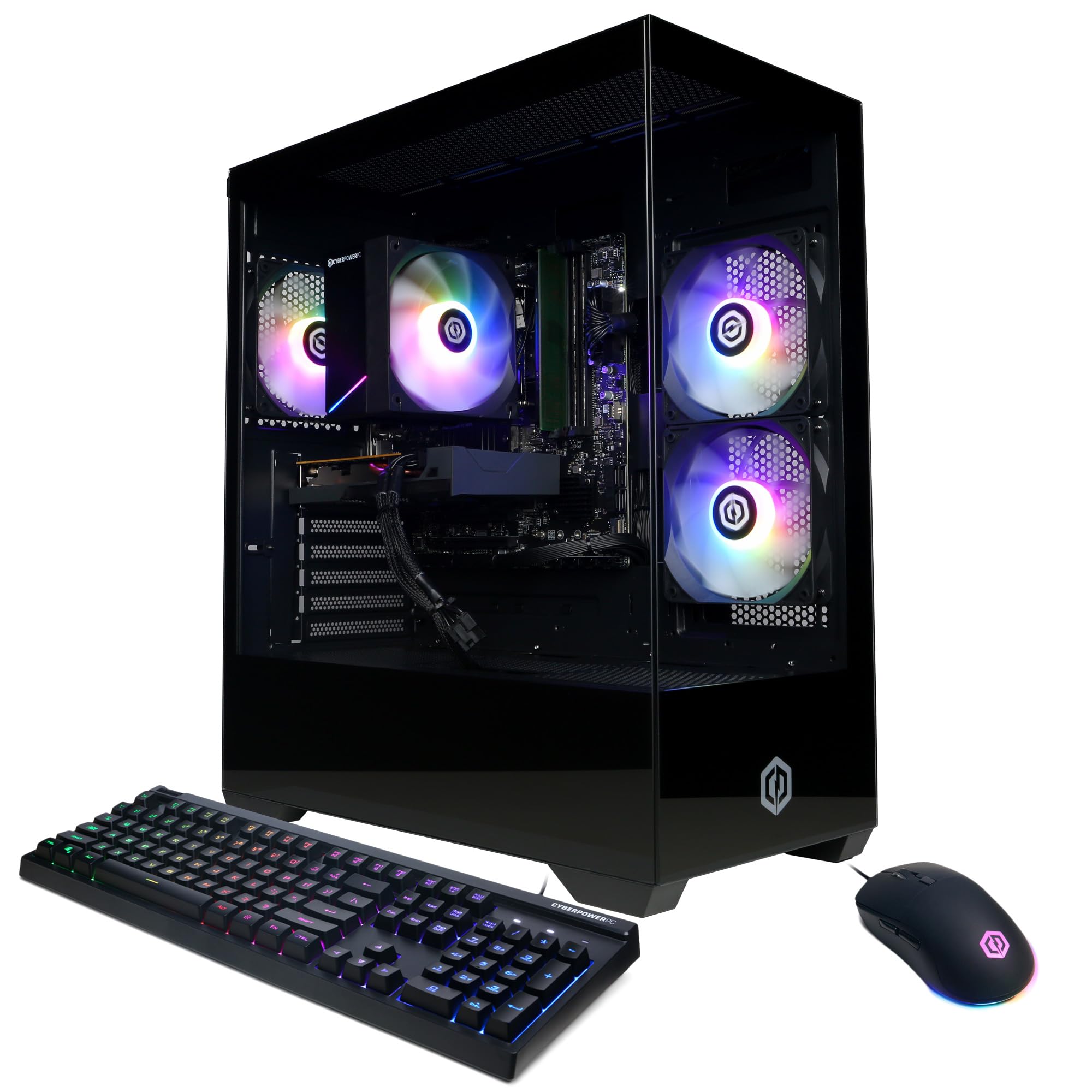
The Ryzen 5 5500 with 6 cores is a proven pairing, and it runs at 3.6GHz on the B550 chipset with Windows 11 Home already installed. A 500GB PCIe 4.0 NVMe SSD (a fast drive that talks to the motherboard over a high-bandwidth connection) makes boot and load times short. The tower also brings 4 USB-A 3.2 ports, 4 USB-A 2.0 ports, one LAN port, WiFi 5 and Bluetooth 5.0, plus a tempered glass side panel and custom RGB lighting.
Where this one parts company with the pick above is memory — and it is the whole story. The RX 6500 XT has 4GB of VRAM against the WIWB’s 8GB, so it sits at half the graphics memory, and the machine carries 8GB of system RAM versus the WIWB’s 16GB. Those figures are also half the LXZ’s 16GB of system memory. In practice you are tuning settings down sooner in demanding titles.
The 1-year parts and labor warranty with free lifetime tech support is the real draw for a first-time buyer who wants a number to call. Performance and value both land on the positive side of owner experience. Reliability is the split topic — a portion of owners run into crashes or shutdowns, so buy from a seller with an easy return path and test it thoroughly in the first weeks.
Why it still makes sense: a known brand, a real warranty and a fast NVMe drive for a first build, with 6 cores that handle esports titles without complaint.
Where it gives ground: 4GB of VRAM and 8GB of system RAM are the tightest combo on this list, so treat high settings as a goal rather than a promise.
Right for: a first gaming PC where the warranty and support line matter as much as the frame rate.
Think twice if: you already own heavier AAA titles — the 4GB card will ask you to drop quality settings.
3. LXZ Gaming Desktop PC Ryzen 7 4700LE
Eight gigabytes of RTX silicon with ray tracing and DLSS switched on, at a mid-range price.
Ray tracing is the lighting technique that bounces light realistically around a scene, and DLSS is Nvidia’s upscaling trick that renders at a lower internal resolution to protect your frame rate. Both need an RTX card, and this is where the RTX 3050 8GB lands. Its 8GB of GDDR6 video memory (dedicated graphics memory) is double the 4GB on the CyberPowerPC’s RX 6500 XT, so textures and effects have room to breathe at 1080p.
The processor side mirrors the top pick: a Ryzen 7 4700LE with 8 cores and 16 threads, 3.6GHz base and 4.2GHz boost, built on the 7nm Zen 2 architecture and rated at 65W TDP (thermal design power, the heat it puts out). Because it draws less power, the cooler runs quieter. Compare that to the CyberPowerPC’s 6 cores and the LXZ leads on core count for the same general job.
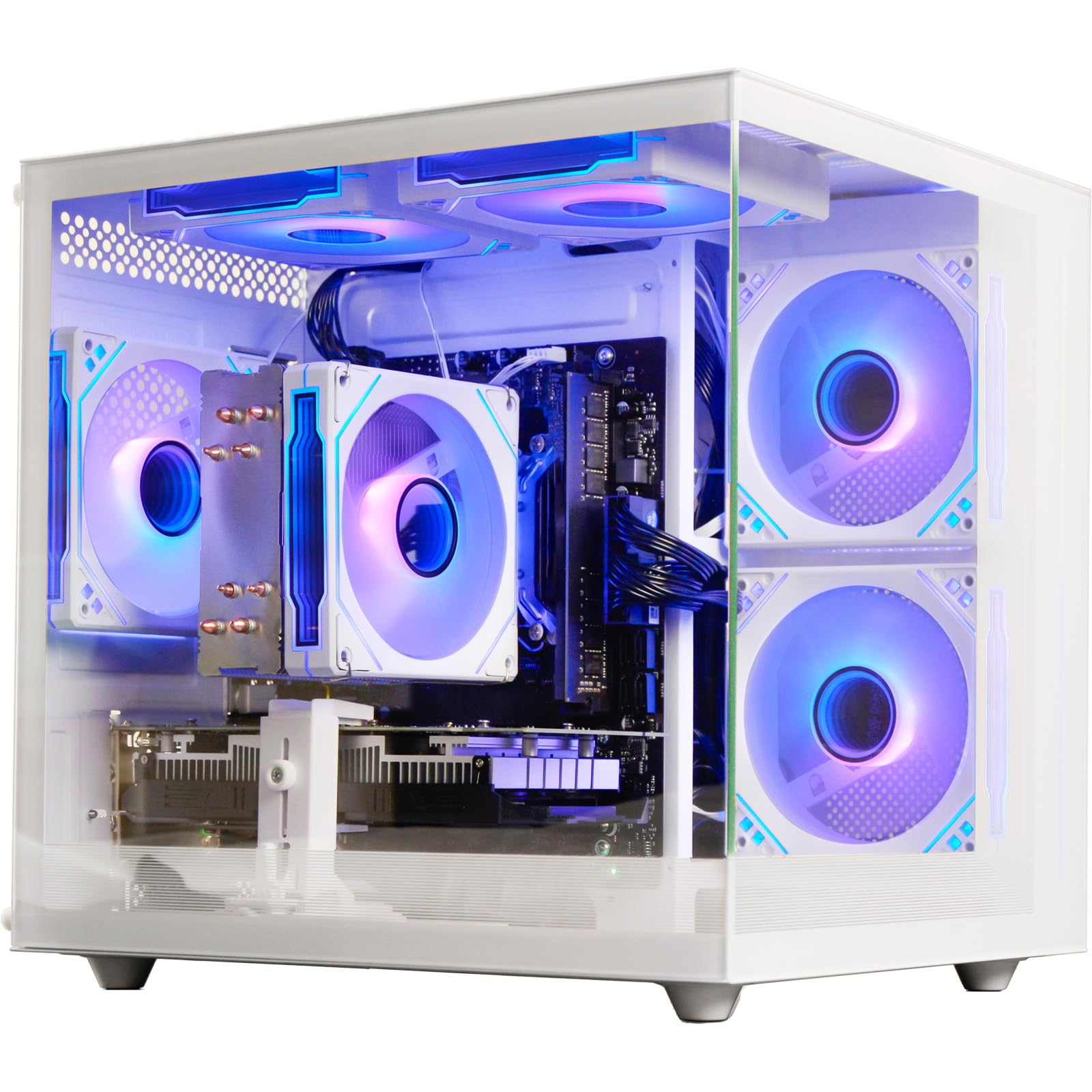
Seven RGB cooling fans do the airflow work, and the lighting is a look you either want or do not. You get WiFi 6 and a Gigabit LAN port, plus HDMI, DVI and multiple USB outputs for monitors and peripherals. The 16GB of 2666MHz DDR4 is slightly slower than the 3200MHz in the WIWB above, which is a footnote rather than a problem for 1080p play. It also comes in white, so it fits a lighter desk setup instead of the usual black slab.
The differentiator: ray tracing and DLSS support — features the Radeon cards in this bracket simply cannot offer — packaged with 8GB of VRAM.
The honest note: 2666MHz memory is a step below the fastest DDR4 here, and the seven-fan RGB styling is not for a quiet, plain office corner.
Suits you if: you want Nvidia features and a white build, and 1080p at high settings is your target.
Not your pick if: you would rather put the extra cost toward a stronger card than toward RGB fans.
4. STGAubron Gaming PC Desktop R5 5500
Built for the friend who names twelve games at once — this tower is listed against all of them.
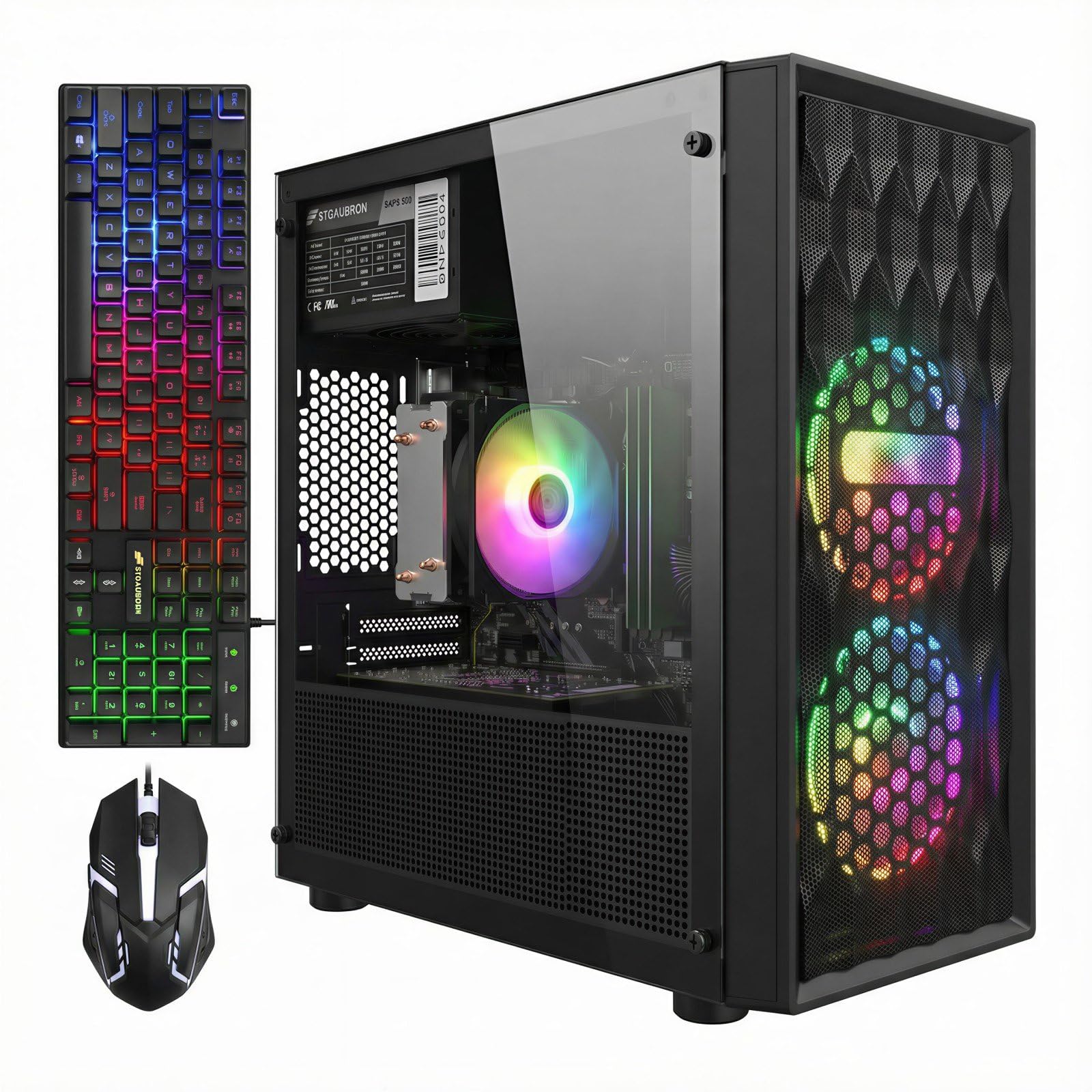
The system pairs an AMD Ryzen 5 5500 running up to 4.2GHz with 6 cores and 12 threads against a GeForce RTX 3050 6G. That combination is advertised as holding 60+ FPS (frames per second) across a long roster that includes Fortnite, Call of Duty Warzone, Escape from Tarkov, GTA V, Valorant, Apex Legends, Elden Ring and Hogwarts Legacy. Add 16GB of DDR4, a 512GB solid state drive and genuine Windows 11 Home 64-bit and you have a machine set up for both play and study.
Its SSD is 512GB against the CyberPowerPC’s 500GB — a small edge, but on the right side of the line. Connectivity is generous: two RGB fans, an RJ-45 network port, WiFi 6, Bluetooth 5.2, HDMI and DisplayPort. The bundle even includes an RGB gaming mouse and keyboard, so you are not buying peripherals separately on day one.
Build quality is the thing this desktop is liked for most, and it reads as a solid base-level machine rather than a showpiece. Owners describe games running beautifully and the system feeling quick. The recurring story to weigh is reliability and WiFi: some units stop unexpectedly, and a portion of buyers fight dropped wireless connections. If your desk has an Ethernet run, use it. A 1-year parts and labor warranty with free lifetime tech support backs the purchase either way.
Pick this if: your library is broad and you want a machine advertised against the big multiplayer titles with peripherals included.
Ask yourself first: can you wire it to your router? The wireless connection is the shakiest part of this one.
5. Prebuilt Gaming Desktop PC Ryzen 5 5500
Double the game library space of most rivals — the 1TB drive is the whole pitch.
Storage is where this ZYNEEX tower separates itself. It carries a 1TB NVMe SSD, which is double the 512GB found in the LXZ and STGAubron above and well clear of the CyberPowerPC’s 500GB. In plain terms, you can keep a full library installed without deleting one game to make room for the next. NVMe is the fast drive type that plugs straight into the motherboard, so boot and load times stay short.
Under the hood sits an AMD Ryzen 5 5500 with 6 cores and 12 threads boosting to 4.2GHz, paired with a GeForce RTX 3050 6GB card that supports ray tracing at 1080p. The 16GB of DDR4 runs at 3200MHz — the faster memory speed in this bracket, matching the WIWB above rather than the 2666MHz in the LXZ.
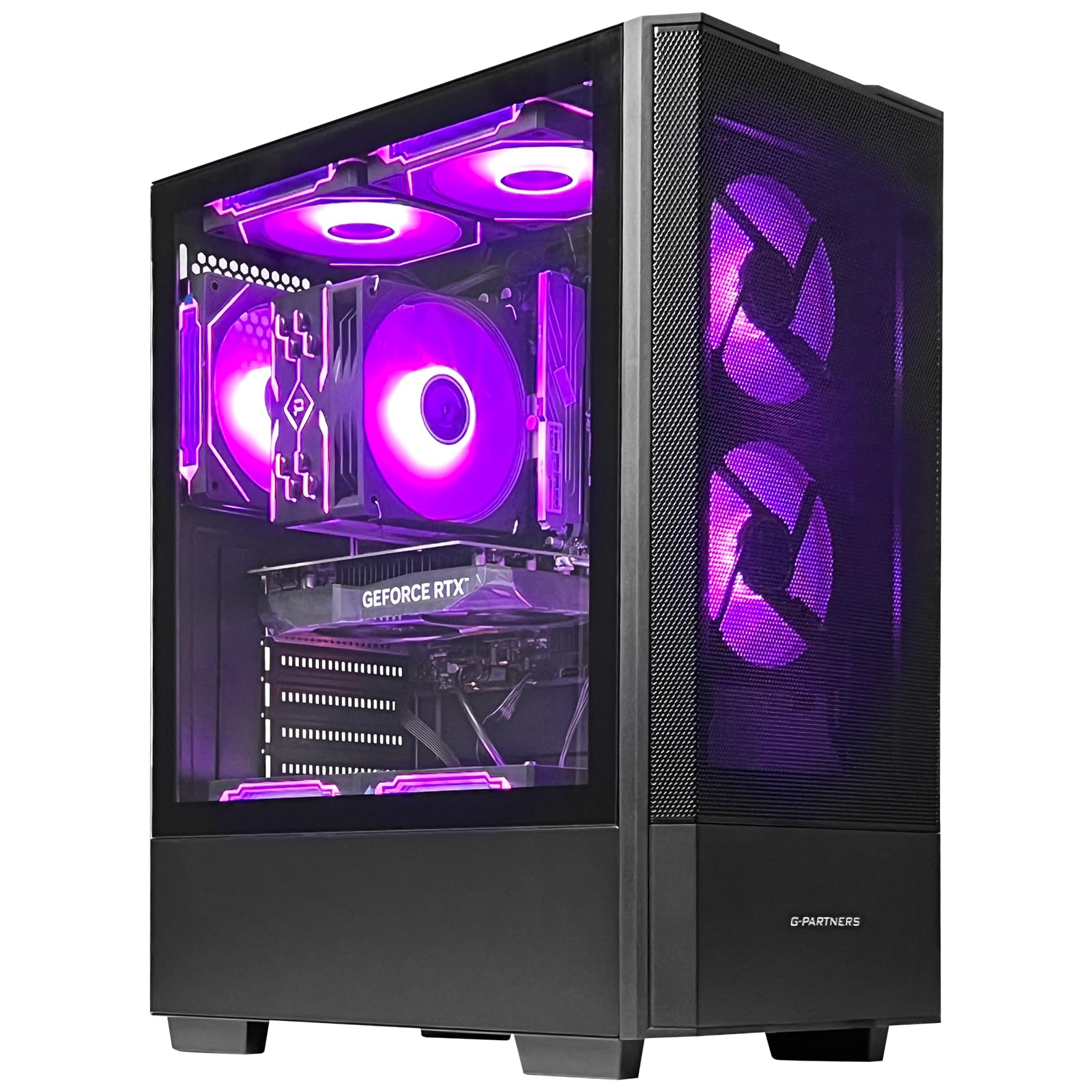
Cooling comes from an ARGB air system with multiple fans (addressable RGB, meaning the lights can be set to individual colours). The spec sheet also promises stable, low-noise running during long sessions. Ports include Wi-Fi, several USB, HDMI and DisplayPort. What owners praise most is raw performance, with setup close behind — this one is genuinely plug-and-play. Value rounds out the picture, and the tower ships with a screwdriver in the box, which tells you the maker expects you to be hands-on later.
The case for it: 1TB of NVMe storage plus 3200MHz memory and a 4.2GHz six-core chip — a balanced spec sheet with no obvious soft spot.
The trade-off: a 6GB card, not 8GB, so the heaviest texture packs will want settings pulled back a notch.
Good fit for: a large Steam library, or anyone who streams and keeps a lot installed at once.
Skip past if: you plan to push 1440p, where that 6GB buffer gets tight quickly.
6. Gaming PC Prebuilt, RTX 3060 Ti, AMD Ryzen 5 5500, 16GB RAM
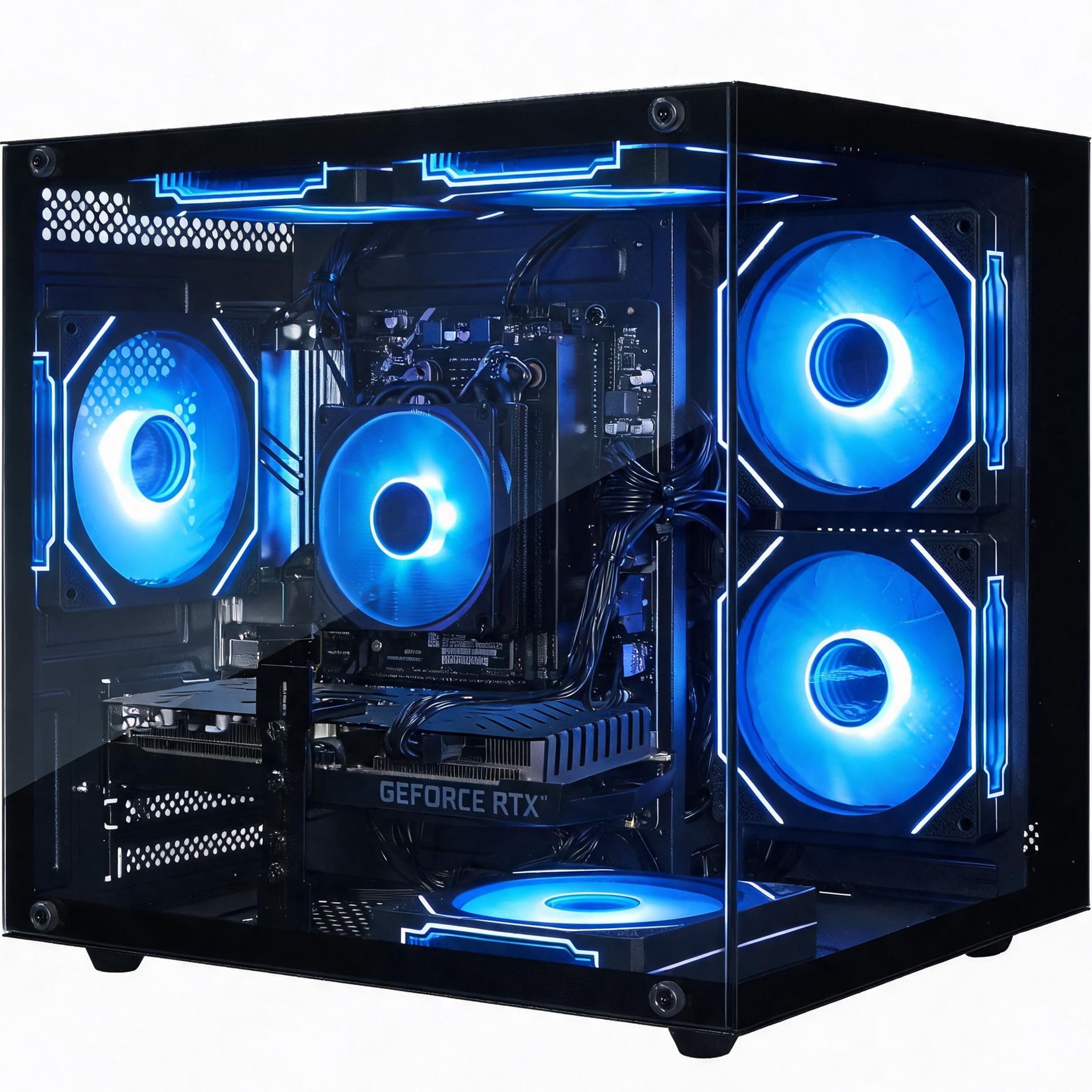
The card that turns 1440p into a real option instead of a compromise.
Everything else in this list settles for a 3050-class card. This one steps up to an RTX 3060 Ti with 8GB of GDDR6, and the listing quotes smooth 60+ FPS in 1440p AAA titles such as Black Myth: Wukong with DLSS engaged. Compared to the RTX 3050 6GB cards elsewhere here, the extra headroom shows up exactly when a game gets busy on screen.
The rest of the build is familiar in a good way: a Ryzen 5 5500 with 6 cores and 12 threads up to 4.2GHz, 16GB of new RAM and a 512GB SSD. A compact mid-tower with dual tempered glass panels and 6 adjustable RGB fans gives you the look without hiding the parts. Ventilated top and side panels, dust filters and an RGB CPU cooler round out the airflow.
Windows 11 comes pre-installed, and the rear has HDMI, DisplayPort and high-speed Ethernet for your monitor and network. The 1-year manufacturer warranty is explicit that repairs and replacements happen in the United States, which is note if you want local service rather than a shipped-off box. There is a catch in the review data worth flagging plainly: the feedback for this listing is mixed up with another product’s reviews about a magnetic phone case, so treat the star figure with caution and lean on the spec sheet and warranty instead.
What pushes it ahead
- RTX 3060 Ti with 8GB GDDR6 — the strongest card at this tier of the list
- Six RGB fans, RGB CPU cooler and dual glass panels for a showcase build
- Windows 11 pre-installed with HDMI, DisplayPort and Ethernet ready
- US-based repair and replacement under a 1-year warranty
Where to set expectations
- Still a 6-core Ryzen 5 5500, so CPU-heavy tasks are not the upgrade here
- The listing’s review history does not cleanly describe this tower
Best match for: a 1440p monitor you already own and want to finally feed properly.
Look at the Olialia below instead if: you want the same card with a clearer port selection for multiple screens.
7. Gamer Master Gaming Desktop PC Intel Core i7

Twice the RAM of everything else here, aimed squarely at editors and streamers.
Thirty-two gigabytes of memory is the headline. Every other tower on this list runs 16GB, and this BYTE DEPOT build doubles it — the kind of headroom that matters when you are rendering a video timeline while a browser and a game are also open. The 1TB ultra-fast SSD matches the ZYNEEX above for library space, so installing your whole collection is not an issue.
The processor is an Intel Core i7 quad-core running 3.4GHz with turbo boost up to 3.9GHz, paired with a GeForce RTX 3050 with 6GB of GDDR6. That combination is advertised for 1440p Quad HD visuals and 60+ FPS in many titles, and the listing names a long roster from Fortnite and Valorant to Baldur’s Gate 3 and Black Myth Wukong. Windows 11 comes installed with no bloatware, plus a free gaming keyboard and mouse.
Connectivity covers WiFi 6, Bluetooth 5.2, Gigabit LAN and a full spread of USB ports, with one HDMI and one DisplayPort for your monitor. The byte depot case has a tempered glass side panel and the machine is assembled in the USA, backed by a 1-year parts and labor warranty plus free technical support. The honest read: this quad-core i7 sits below the 6-core Ryzen 5 5500, so you are gaining memory, not core count, and pure gaming frame rate does not jump. Owners frame it as a strong entry-level system that meets expectations and feels fast.
Why it earns a spot: 32GB of RAM and a 1TB SSD together make this the most comfortable tower for editing, streaming and heavy multitasking.
What it is not: a frame-rate upgrade over the six-core machines — the RTX 3050 6GB is the same card class as the ZYNEEX and STGAubron.
Worth it for: content creators and streamers who need memory and storage more than raw GPU power.
Better option elsewhere if: gaming frames are your only metric and you would rather spend on a 3060 Ti.
8. Gaming PC RTX 3060 Ti Ryzen 5 5500

Three DisplayPorts and a 600W power supply — built to drive a whole desk of screens.
If you already run two or three monitors, this is the tower that was designed for it. The RTX 3060 Ti with 8GB of GDDR6 carries HDMI and three DisplayPort outputs, which means a triple-screen setup without an adapter or a splitter box. The same card is advertised for frame rates above 144 FPS in popular titles and handles 1440p gaming, VR and GPU-accelerated content creation.
The Ryzen 5 5500 is the same 6-core, 4.2GHz processor as the Olialia above, so the two towers are near twins on graphics and CPU. Where this one pulls ahead is support hardware. It runs a 600W 80 PLUS Bronze power supply — a certified efficiency rating on the unit that feeds every part — and it adds USB-C connectivity plus a PCIe WiFi 6 AX200 wireless card with Bluetooth. Seven ARGB fans keep the internals cool during a long session.
Storage and memory are the standard 16GB DDR4 and 512GB PCIe SSD, so boot and load times are quick. The tempered glass front and side panels show off the build, and the whole thing is black with customizable lighting. The same 1-year manufacturer warranty applies, again with repairs and replacements handled in the United States. What you give up versus the LXZ above is the larger 8GB frame buffer being paired with a faster card here — the LXZ offers 8GB too, but on a 3050, while this pairs that memory with the stronger 3060 Ti core.
Built for you if: your desk already has two or three monitors and you want the card to feed all of them cleanly.
Not necessary if: you run a single screen — the Olialia twin above does the same job for less complexity.
9. BEASTCOM Q3 Gaming PC Ryzen 7 5700G
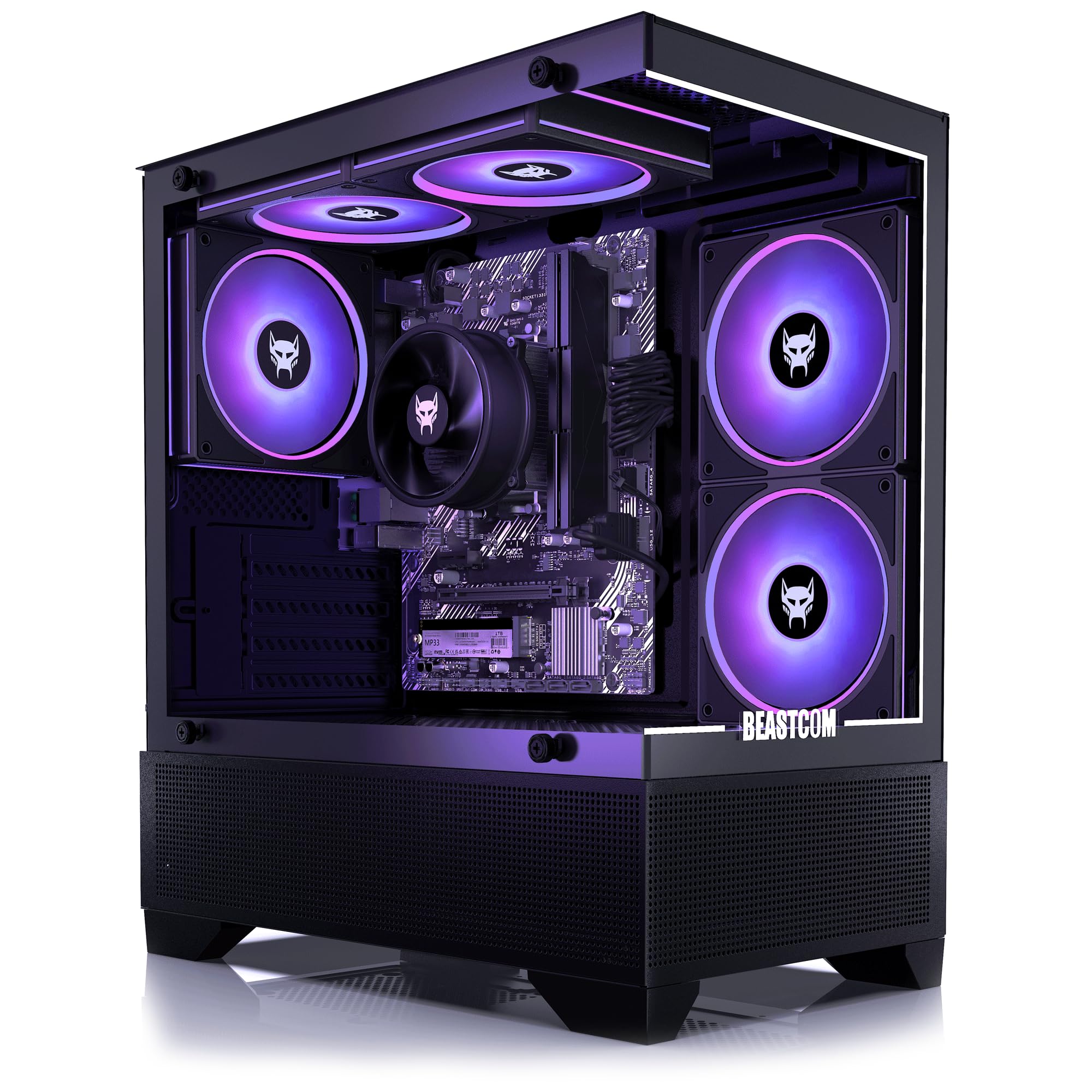
One chip does the work of two — no separate graphics card, no card to fail on you.
This is the odd one out, and you should understand why before you buy it. The graphics are Radeon RX Vega 8 built inside the Ryzen 7 5700G processor — integrated graphics, not a separate card. That means there is no dedicated card drawing power, so the system runs cooler and quieter, and there is one fewer component that can go bad. It also means the graphics share memory with the rest of the system rather than having their own VRAM pool.
The processor itself is a capable Ryzen 7 5700G on Zen 3 architecture, boosting up to 4.6GHz, matched with 16GB of memory and a 512GB NVMe drive. The maker states the machine is hand-assembled and tested in their own shop before shipping, a claim they back with their own build history. Popular esports titles run at 1080p Full HD on high settings, and it handles office work and video calls right after.
RGB fans are set with an included remote, and you get built-in WiFi plus HDMI and DVI outputs for running two displays. That DVI port is a nod to older monitors, which can be handy if you are repurposing a second screen from an older desktop. The trade-off is clear: with no dedicated card, demanding AAA games will not run the way they do on the RTX 3050 and 3060 Ti towers here. You are buying a quiet, simple desktop that games on the side.
The smart angle: a fast 4.6GHz Ryzen 7 and 512GB NVMe drive with no graphics card to fail — fewer parts, less noise, less to troubleshoot.
The limit to accept: integrated Vega graphics share system memory, so heavy AAA titles are off the table at high settings.
Reach for this if: you play esports titles at 1080p and want a quiet, low-hassle desktop for work too.
Do not pick it if: your library is built around demanding single-player games — the shared graphics will struggle.
10. HP OMEN Gaming PC Desktop Ryzen 7 5700X
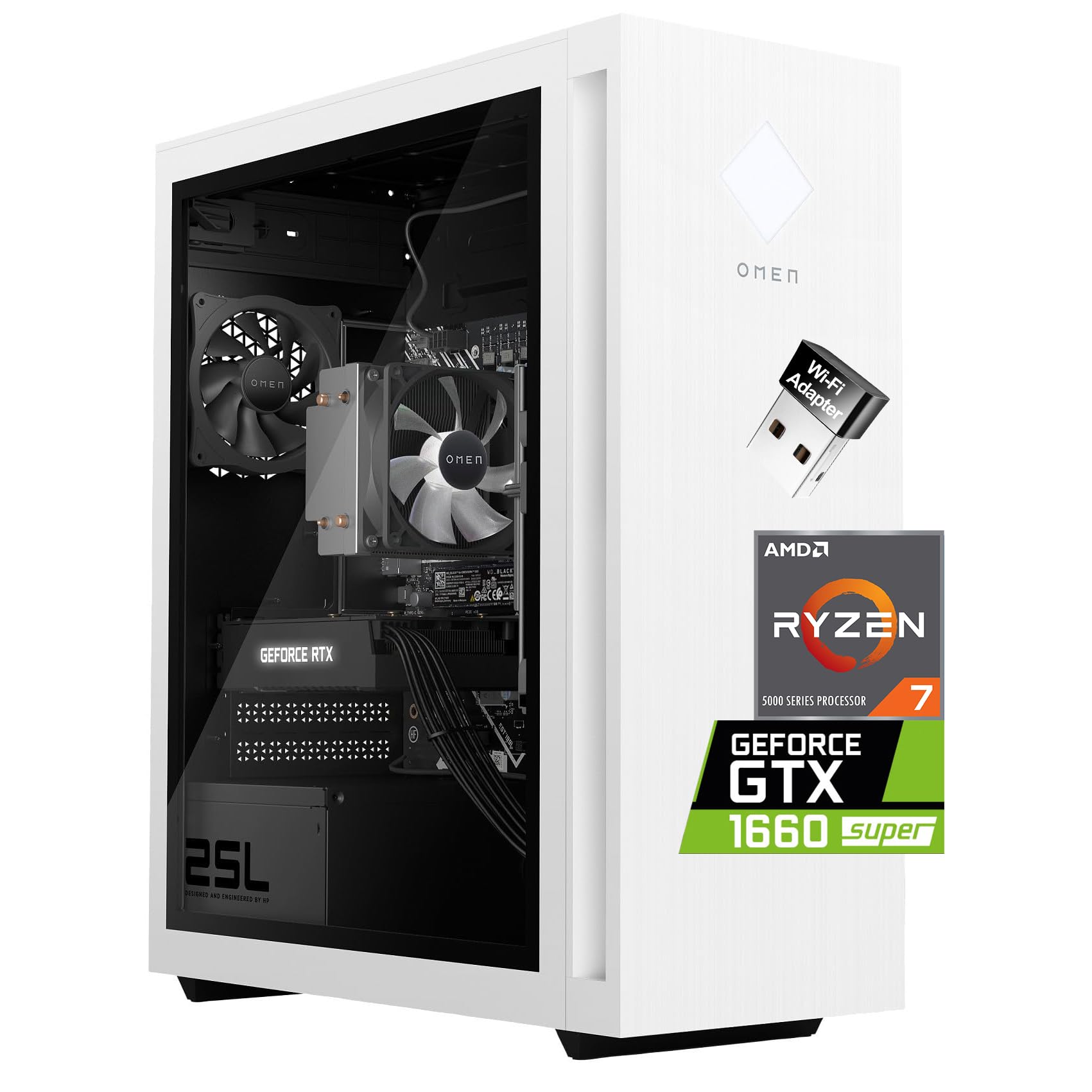
The most processor you can get in this bracket, wrapped in a snow-white HP chassis.
An eight-core Ryzen 7 5700X with 16 threads and up to 4.60GHz boost is the strongest CPU on this list, and it comes with 32MB of cache — the processor’s fast on-chip scratchpad that holds recent data so it does not have to fetch it again. For gaming and streaming at the same time, or for editing video between matches, that is real headroom.
The graphics side is a GeForce GTX 1660 SUPER with 6GB of GDDR6. It handles 1080p gaming at high settings and accelerates video editing and streaming, but it is not a ray-tracing card the way the RTX models above are. Compared to the RTX 3060 Ti towers, the 1660 SUPER is the older, less capable option — it is the sacrifice this system makes to fit that eight-core chip inside the budget.
The rest of the machine reads thoughtfully: 16GB DDR4, a 512GB PCIe NVMe M.2 SSD for fast boots, and front-panel USB Type-A at 5Gbps with a headphone/mic combo for easy access. The rear adds a USB Type-C port at 10Gbps, DisplayPort 1.4, HDMI 2.0 and DVI for multi-monitor setups, with 5.1 surround sound and Gigabit Ethernet. A 500W power supply keeps it fed. The white finish with tempered glass and OMEN Light Studio software for RGB control gives it a look most budget towers lack. A keyboard, mouse and wireless USB WiFi adapter are included, though a wired Ethernet connection will always be steadier for online play.
What the HP brings to your desk
- Ryzen 7 5700X with 8 cores, 16 threads and 32MB cache — the top CPU here
- Snow-white tempered glass design with OMEN Light Studio RGB control
- USB-C at 10Gbps plus DisplayPort 1.4, HDMI 2.0 and DVI for screens
- Keyboard, mouse and wireless adapter included
The part that costs you frames
- GTX 1660 SUPER is older than the RTX cards in this bracket and lacks ray tracing
- Only a wireless USB adapter for WiFi, not a built-in card
Choose this when: your work is CPU-heavy — editing, streaming, trading — and gaming is the second job.
Pass if: gaming frame rate sits first, where the 3060 Ti picks clearly lead.
11. iBUYPOWER Element SE Gaming PC Ryzen 5 8400F

The newest CPU and the newer memory standard — this tower is built for the next few years.
Two specs put this ahead of the pack on paper. The first is the AMD Ryzen 5 8400F boosting to 4.7GHz, the fastest clock speed on this list. The second is 16GB of DDR5 memory running at 4800MHz — the newer memory generation, which every other tower here does without in favour of DDR4. Add a 1TB NVMe SSD and you get speed and storage together.
The graphics card is a GeForce RTX 3050 with 6GB of GDDR6, the same card class as the ZYNEEX and STGAubron. Around it you get a tempered glass case with 16-colour RGB lighting, 802.11AC WiFi, and a free iBUYPOWER gaming keyboard and mouse. Connectivity covers 6 USB 3.1 ports, an RJ-45 Gigabit Ethernet port and onboard audio. Windows 11 Home is installed with no bloatware, so you start with a clean system.
What owners respond to most is the performance the processor, GPU and memory deliver together, and how simple the setup is — it is described as quiet in use too. The honest caveat is the power supply: buyer feedback on it turns consistently negative, with units reported as failing. That is a fair reason to buy from a seller with a straightforward return window and to test the tower thoroughly in the first couple of weeks. Do that, and the newest platform on this list is a genuine advantage for the years ahead.
Why it stands out: the Ryzen 5 8400F at 4.7GHz and 16GB of DDR5 at 4800MHz make this the most current platform in the group, with a 1TB NVMe drive to match.
What to watch: the power supply is the weak link reported by buyers — test the tower hard while your return window is open.
Fits you if: you want the longest useful life from a new build and a clean Windows install with no bloatware.
Hold off if: you are not prepared to put the machine through a stress test in week one.
Know the Specs
VRAM and what it does for your frames
VRAM is the video memory sitting on the graphics card, kept separate from your system RAM. It holds the textures, shadows and effects a game is using right now. An 8GB card such as the Radeon RX 580 or the RTX 3050 8GB can hold a fuller set of high-resolution textures than a 4GB card like the Radeon RX 6500 XT. When VRAM runs out, the game starts swapping to slower system memory and the frame rate dips. That is why the card’s memory figure is the first number to compare between two towers of similar cost.
Dedicated versus integrated graphics
A dedicated card is a separate piece of hardware with its own memory, sitting in a slot on the motherboard. Integrated graphics are built into the processor and draw on the main system memory instead. Radeon RX Vega 8, found in the BEASTCOM Q3, is integrated — perfectly good for esports titles and everyday work, but not built for heavy AAA games at high settings. A listing that says “integrated” or names Vega should be read as a light-gaming machine, not a card-equipped tower.
CPU cores, threads and clock speed
A core is a processing unit inside the chip, and threads are the streams of work it can handle at once. A Ryzen 7 4700LE runs 8 cores and 16 threads; a Ryzen 5 5500 runs 6 cores and 12 threads. More cores help when you game while streaming, recording or editing. Clock speed, measured in GHz, is how fast each core works — 4.2GHz on most towers here, 4.6GHz on the BEASTCOM and 4.7GHz on the iBUYPOWER. For pure 1080p gaming, six fast cores are usually enough; the graphics card still decides your frames.
SSD type, capacity and the power supply
An SSD stores your files with no moving parts, which is why games load in seconds. NVMe is the faster variety that plugs directly into the motherboard. Capacity matters more than raw speed at this price — a 512GB drive fills after a few large installs, while the 1TB drives on the ZYNEEX and iBUYPOWER leave room to spare. The power supply (PSU) feeds every component, and its wattage and efficiency rating tell you how much it can deliver and how much is wasted as heat. A shaky PSU is the most common cause of an early death in a budget tower, so check the wattage and efficiency rating on the listing before you buy.
Common Questions
Is a 4GB graphics card enough for 1080p gaming?
Can I upgrade the graphics card later in these prebuilts?
What is the difference between dedicated and integrated graphics?
Do I need 16GB or 32GB of RAM for gaming?
Will these PCs run games like Fortnite, Valorant and Call of Duty Warzone?
Should I pick DDR4 or DDR5 memory in a budget gaming PC?
How much storage do I need for a gaming library?
Can these prebuilts handle video editing and streaming?
Do these PCs come with Windows and peripherals included?
Is it worth paying more for an RTX 3060 Ti over an RTX 3050?
The Bottom Line
For most buyers shopping a pc build under $1000, the winner is the WIWB Ryzen 7 4700LE with the Radeon RX 580 because it puts 8GB of dedicated graphics memory and an 8-core chip together at the lowest cost here — and it holds 4.5+ stars across 30+ owner reviews. If you want ray tracing and DLSS in a white build, reach for the LXZ RTX 3050 8GB. And for 1440p frames on a single screen, the Olialia RTX 3060 Ti is the one to reach for.
How we choose
We do not accept paid placement. Every pick is matched to a real buyer and a real use-case; we do not hands-on test units.
Sources
Specifications: manufacturer listings and product documentation. Review insights: verified customer reviews, as of November 2026. Pricing: not shown on this page (it changes often); check the current price via the retailer link.
As an Amazon Associate, Tactical Gear Guy earns from qualifying purchases. This does not affect which products we feature.