Specs are compiled from manufacturer listings and verified buyer reviews and can change over time — please confirm the key details on the product page before buying.
You never buy ink again with an inkless thermal printer: it has no ink cartridge to run dry, so paper is the only consumable you replace. That is the whole appeal for a notary signing a contract in a parking lot, a truck driver printing a bill of lading at a dock, or a student cranking out notes in a dorm room. Your decision really depends on three things — speed, battery, and whether the phone app actually connects on the first try. Below, the picks are sorted so the strongest all-rounder sits at the top, the smaller travel-focused units fill the middle, and the paper-frugal bundle kit rounds out the list.
This guide is built by comparing the manufacturers’ published specifications and the patterns across verified customer reviews, so you get each pick’s real strengths and trade-offs instead of marketing spin.
Thermal printing trades color for convenience: black-and-white text, no wet ink, and a battery that decides how far you roam. Here is what separates a genuinely great portable inkless thermal printer from a frustrating one.
Top Picks
How To Choose The Best Portable Inkless Thermal Printer
These printers are small, battery-powered machines that burn an image onto special paper with heat instead of spraying ink. You are not replacing a desktop laser printer — you are adding a tool you can carry. Pick the one whose paper size, app, and battery match the places you actually print.
Paper size decides more than you think
Full-page US Letter (8.5 x 11 inches) thermal paper is what legal contracts, shipping labels, and study notes expect. Most of these units handle it, but a few rely on narrower folded rolls. Confirm the paper format matches your documents before you buy — a printer that only accepts short rolls cannot hand over a signed contract page.
Resolution and speed, in plain terms
Resolution is measured in DPI, or dots per inch — the number of tiny dots the printhead lays down to build a letter. 203 DPI is standard and fine for crisp body text, while 300 DPI tends to keep small print and thin lines sharper. Speed is quoted in pages per minute, so a model rated at 6 pages per minute clears a multi-page document quickly, while a 3-page-per-minute unit is better suited to short receipts and forms.
Battery and pairing, the daily friction points
Battery capacity in mAh tells you how much printing fits in one charge, and a few models here list how many sheets they manage per charge. Pairing is the other make-or-break: nearly all of these connect to phones through the manufacturer’s own free app rather than your phone’s Bluetooth settings menu. Check that the app exists for your device before you commit.
Side-by-Side Comparison
| Model | Best For | Print Speed | Paper Size | Print Resolution | Amazon |
|---|---|---|---|---|---|
| D90E Inkless Portable Thermal Printer★ Best Overall | All-rounder, comes with a travel case | — | 8.5″ x 11″ (US Letter) | — | Amazon |
| Rongta Portable Printers Wireless for Travel (Gray)Fastest Output | Fast printing in shared, quiet spaces | 3.5 pages per minute | 4 to 8.5″ widths (US Letter, Legal, A4) | 203 DPI | Amazon |
| Rongta Portable Printer F81 (Purple)Featherweight Carry | Lightest carry, one-hand printing | 3 pages per minute | 8.5″, 8″, 7″, 5.8″ (US Letter, A4, B5, A5) | 203 DPI | Amazon |
| JADENS Portable US Letter Thermal Printer | Private app printing with AI tools | 20 pages per minute | 8.5″ x 11″ (US Letter) | 203 DPI | Amazon |
| iDPRT MT610Pro Portable Thermal Printer | Sharp 300 DPI detail on the go | 6 pages per minute | A4 with 3.1″ width paper support | 300 DPI | Amazon |
| iDPRT MT610 Pro Wireless (Black) | Multi-size paper in one handheld body | 35 (as listed) | 8.5″ x 11″ US Letter, A4, A5 | 300 DPI | Amazon |
| Inkless Portable Printer Kit with 200pcs Paper | High-volume users who want the case and paper bundled | 6 pages per minute | US Letter, A4, A5, B5 | 300 DPI | Amazon |
| Phomemo M08D Portable Printer | On-device touchscreen status and tutorials | 7 pages per minute | 8.5″ x 11″ (US Letter) | — | Amazon |
| P1 Pro Portable Inkless Printer | CamScanner users printing full letter pages | 4 pages per minute | 8.5″ x 11″ (US Letter) | 300 DPI | Amazon |
Detailed Reviews
1. D90E Inkless Portable Thermal Printer
Our pick — 4.0+★ from 700+ verified ratings; the strongest balance of quality and price.
Full letter pages, no ink refills, and a carry case in the box — this is the one most buyers should start with.
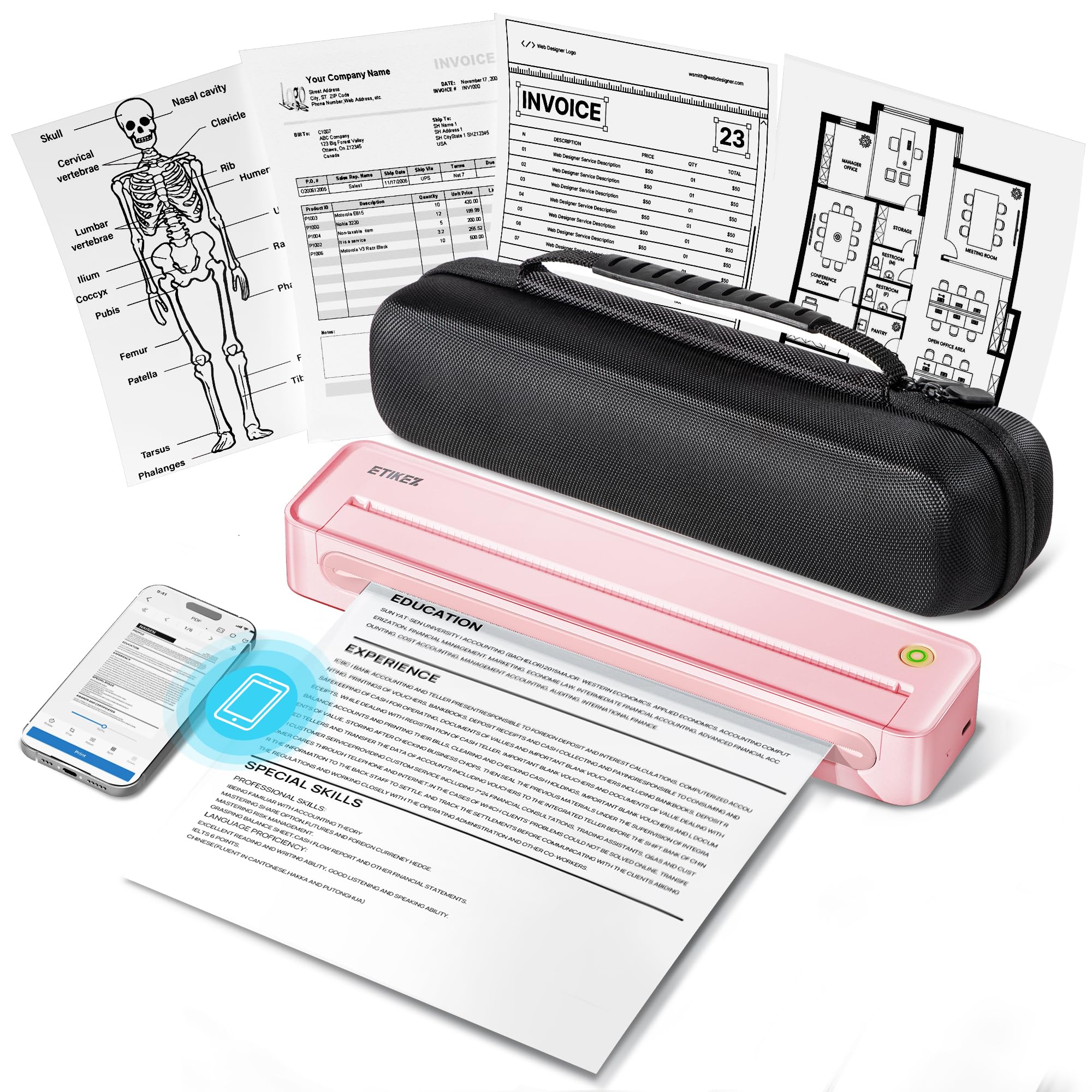
What you get is a complete travel kit rather than a bare printer. The D90E arrives with a carry case, a USB-C cable, a USB-to-Type-C adapter, and a 10-sheet thermal paper starter pack, so you can print your first page the day it lands. At 2.08 lb it is the heaviest pick on this list by a real margin — the Rongta travel unit weighs 0.99 lb, which makes that model 2.1x lighter than this one. That weight matters for daily carry; for occasional contract printing, the extra heft just feels sturdy.
Printing is black-and-white only, and it takes 8.5 x 11 inch US Letter thermal paper — the same size as a standard contract page. Connectivity covers iPhone and Android over Bluetooth through the Labelnize app, and Windows PCs over USB after you install the driver. One hard limit to note: it does not work with Chromebooks. For a mobile notary, a truck driver, or a business traveler who needs a signed page in hand, that covers the common cases.
The print quality is where this pick earns its spot, and file scans come out clean and readable rather than grainy. Owners describe the whole routine as easy — download the app, enable Bluetooth, tap connect, and print without fuss. Quality is what wins people over here, and the portability follows close behind: it slips into backpacks and briefcases and gets taken places a desktop printer never could. Jams have a built-in fix, too — press the power button once and the machine ejects the jammed sheet on its own.
What makes it the all-rounder
- Full 8.5″ x 11″ US Letter output for real contracts and documents
- Carry case, paper starter pack, and USB-C cable all in the box
- Zero ink or toner costs — paper is the only consumable
- One-touch jam ejection
Where it asks for patience
- Heaviest pick at 2.08 lb for daily carry
- No Chromebook support, and PC use needs a driver download
- Thermal paper only — regular copy paper will not feed
Go for it if: you want one printer that handles full-size documents and travels with its own case.
Think twice if: you print on a Chromebook or refuse to install an app for phone printing.
2. Rongta Portable Printers Wireless
Prints faster than its sibling and stays whisper-quiet under 60dB — built for libraries and shared desks.
If you print in a place where noise is frowned upon, this is the model to consider. Its rated noise level sits under 60dB — roughly the level of a quiet conversation — so you can run it in a library, a coffee shop, or a meeting room without drawing stares. This gray Rongta prints at 3.5 pages per minute versus 3 pages per minute on the purple F81, a 17% faster throughput. On a long document, that difference shows up as a shorter wait.
Paper flexibility is a genuine strength here. It handles print widths from 4 to 8.5 inches, so US Letter, Legal, A4, and 4-inch thermal paper all work. Loading standard letter paper gives you a full contract page; loading a narrow 4-inch roll turns it into a receipt machine. The 203 DPI resolution (dots per inch — the fine grid that forms each letter) is standard for this category and keeps ordinary text readable.
Performance is the headline, and the printer handles everyday documents without stalling. Ease of setup gets strong marks too, since the RONGTA app walks you through pairing your iPhone or Android step by step. The honest caveat is consistency: some units print cleanly while others report blurry output or Bluetooth pairing that fights back, and a few stop working entirely. Set it up and test a page early so you know you have a good unit inside the return window.
The quiet-printing case: Under 60dB of operating noise and 3.5 pages per minute put it ahead of the purple F81 on speed, and the 4-to-8.5-inch width range covers letter documents and narrow receipts with the same machine.
The consistency question: Print clarity and Bluetooth pairing are both hit-or-miss across units, so test a document the day it arrives rather than the week before you need it.
Reach for this if: you print in quiet shared spaces and want the faster of the two Rongta models.
Look elsewhere if: you need a printer you can trust without testing it first.
3. Rongta Portable Printer F81 (Purple)
Under a pound, one-hand sized, and quiet enough for a café table — the lightest option here.
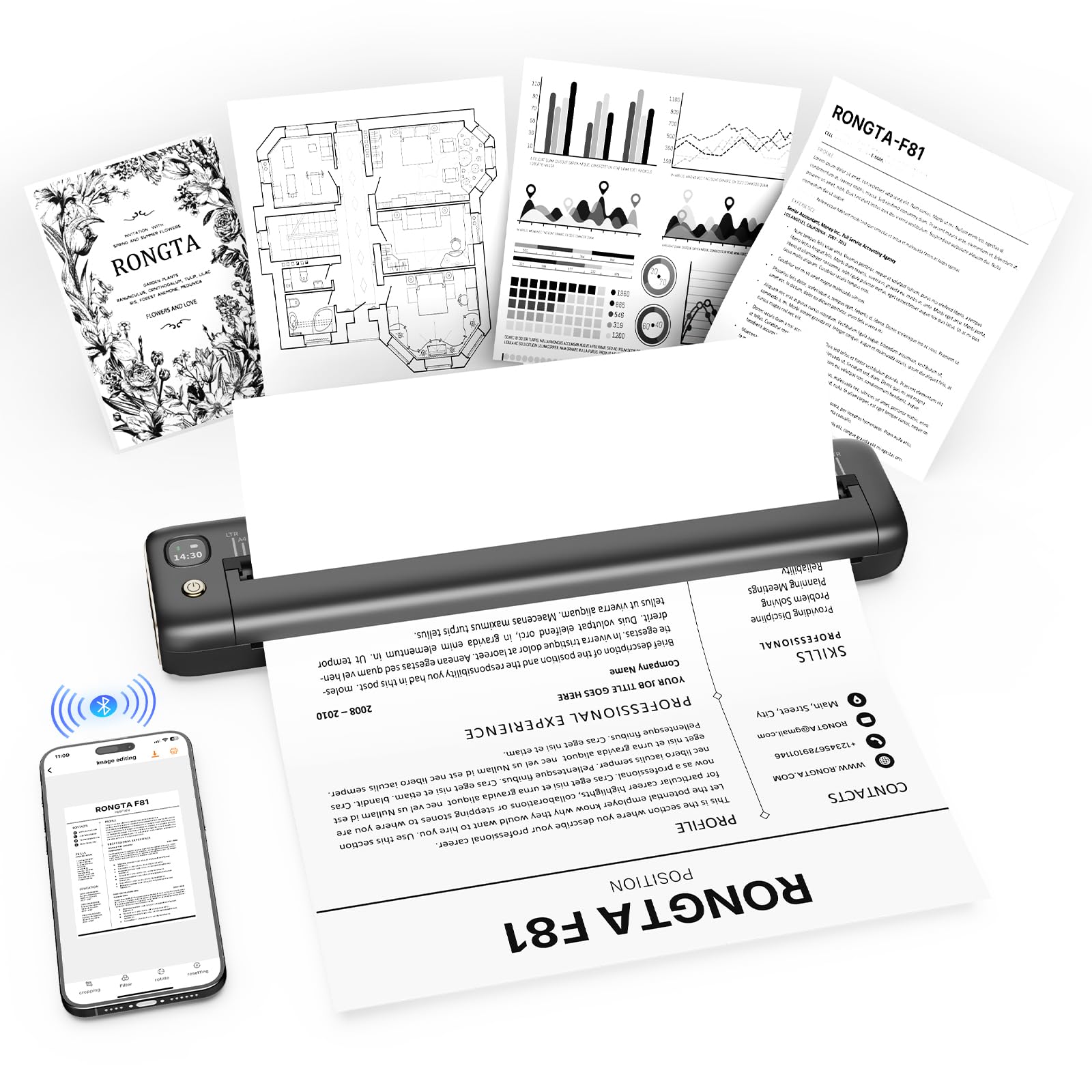
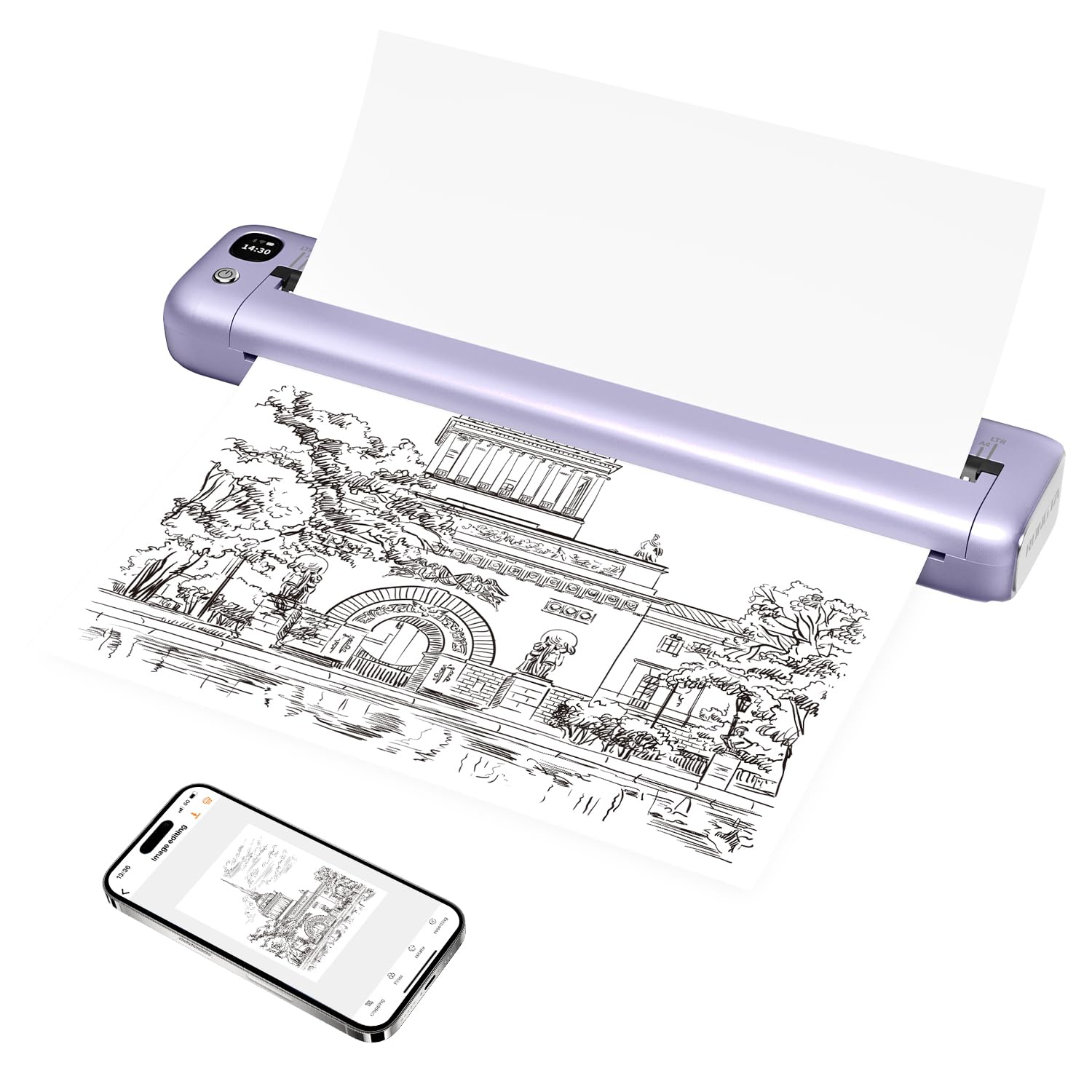
At 0.99 lb and roughly a foot long, this is a printer you can hold in one hand and drop into a tote bag without thinking about it. At that weight it disappears into a tote bag, so the printer travels wherever you do. It handles multiple paper formats — 8.5 inches, 8 inches, 7 inches, and 5.8 inches, covering US Letter, A4, B5, and A5 — so a single machine feeds different document sizes.
The motor is tuned for quiet operation, rated below 60dB, so library and meeting-room printing is genuinely practical. Setup is app-driven: download the RONGTA app, pair the F81 over Bluetooth inside the app, then pick your file type. Word, PDF, TXT, Excel, and images all print from your phone, and laptops connect over USB since they cannot pair by Bluetooth. Two notes cut the surprise factor: Linux and Chrome OS are not supported, and the printed sheet may need flipping if a third-party paper brand prints blank.
Print quality is the clear strength here — crisp, clean output that holds up on documents and study materials. Portability follows, since owners take it anywhere and store it without fuss. The recurring honest note is that some number of units simply quit working, and a few arrive with thin instructions, so lean on the app until you have the routine down. Test yours promptly after delivery.
Bottom line on weight: It is the lightest printer in this guide at 0.99 lb, yet it still supports four paper sizes and an 8.5-inch letter page — light enough to toss in a bag and still print a full letter document.
Setup caveat: No Chromebook or Linux support, and the paper may need a flip on non-Rongta brands.
Fits you best if: you want the least weight in your bag and print from a phone or tablet.
Not for you if: you rely on a laptop over Bluetooth or a Chromebook as your primary device.
4. JADENS Portable US Letter Thermal Printer with Bluetooth
A 1800mAh battery, up to 360 sheets per charge, and AI tools baked into the app.
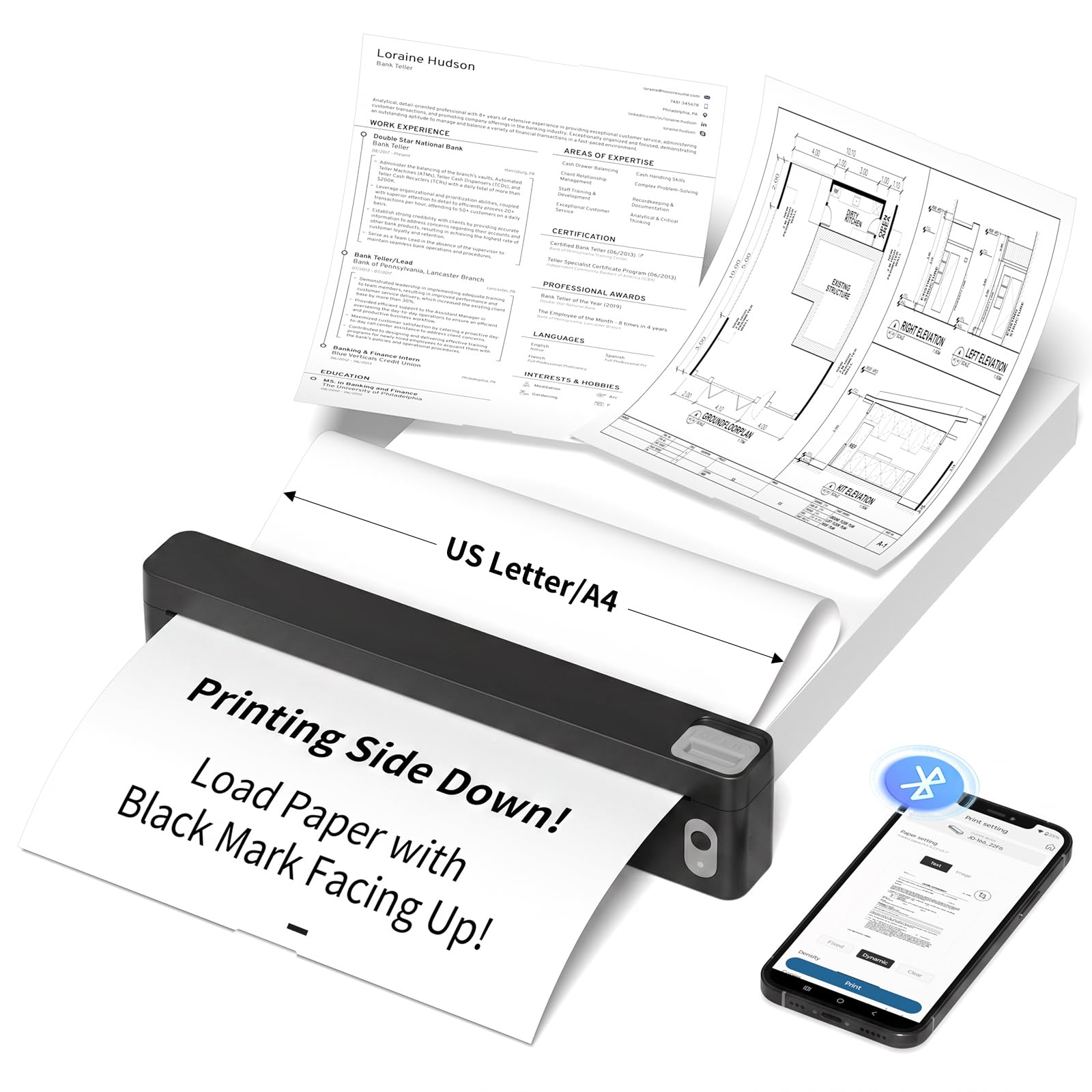
The rated endurance is the reason to look here: a built-in 1800mAh rechargeable battery that the maker states covers up to 3 hours of continuous printing and up to 360 sheets per charge. For a long field day, that means you are not hunting for a wall outlet. The body is built compact enough to slide into a backpack or briefcase, so it lives in the same slot as a tablet.
The JADENS app is the other draw. Beyond printing documents and spreadsheets, it includes AI image generation, AI erasing, and AI translation tools — useful if your printouts are study sheets, flashcards, or creative projects. Files print straight from your phone without going through the cloud, which keeps personal documents local to your device. Resolution is 203 DPI, black-and-white only, with a speed spec listed at 20 pages per minute.
One compatibility detail to lock in before checkout: this printer only works with JADENS JD-166 US Letter thermal paper. Buy a stack of that paper alongside the printer and you are set. Buyers report the setup is straightforward and the printed output reads as excellent on the pages that matter.
Why it earns a spot
- Up to 360 sheets from one charge on the 1800mAh battery
- Local printing with no cloud upload for private documents
- AI image, erasing, and translation tools inside the app
- Comes with 10 sheets of thermal paper and a USB-C cable
Where it tightens up
- Paper choice is narrow — only JADENS JD-166 sheets
- Black-and-white only, no color
- Smaller review base than the top picks
Best fit for: students and home-office users who want a full day of battery and app-side creative tools.
Second thought if: you already own a stash of generic thermal paper that this model will not accept.
5. iDPRT MT610Pro Portable Thermal Printer, 300DPI
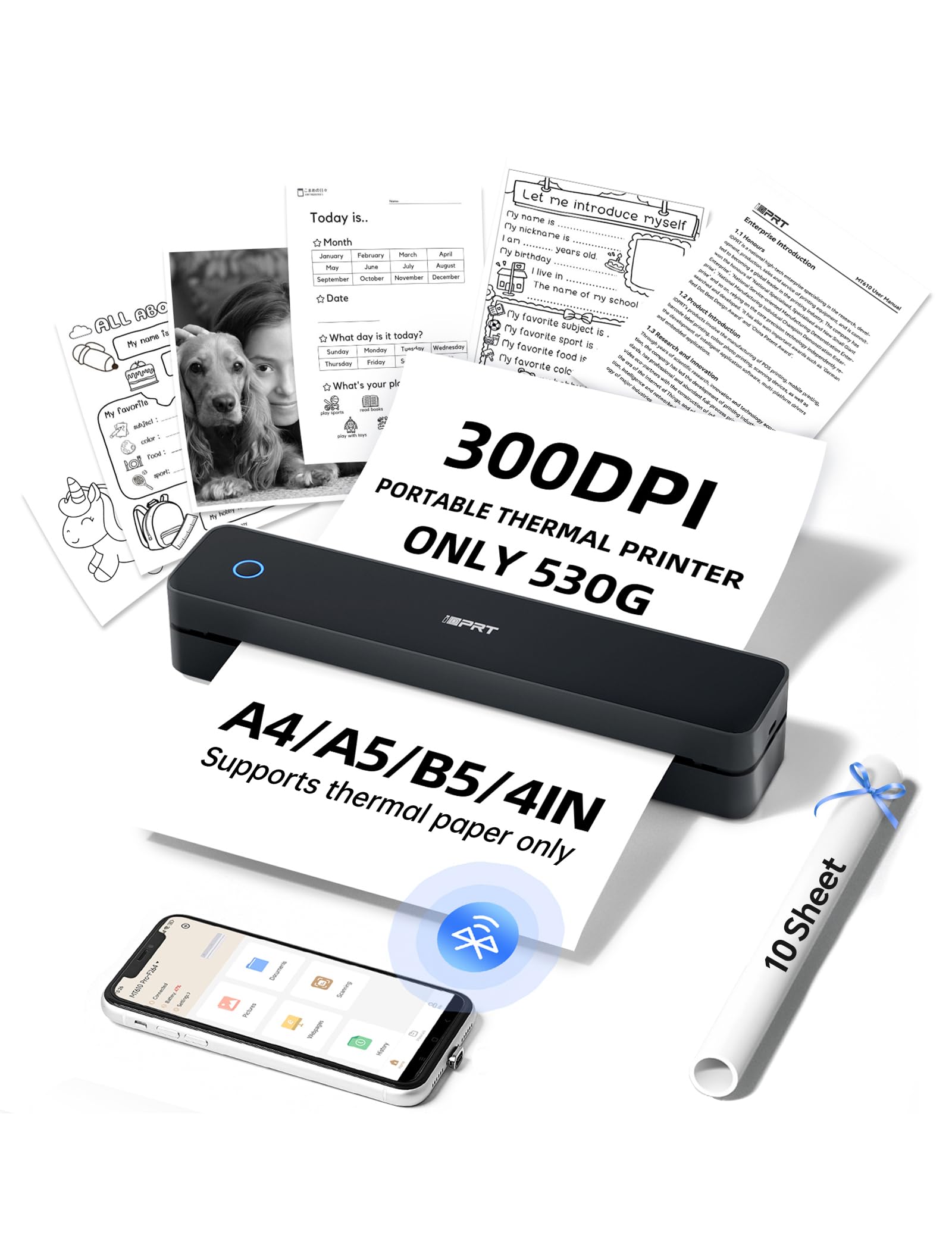
300 DPI resolution that makes small print legible, with a battery rated for 200 pages per charge.
Sharper output is the reason to pick this one: 300 DPI (dots per inch, the measure of print sharpness) delivers finer detail than the 203 DPI resolution shared by several picks in this guide, so small print, thin lines, and dense tables stay readable. The printhead handles an A4 page in 4 to 6 seconds according to the manufacturer. The 2000mAh battery is rated for 200 pages or up to 4 hours of continuous use — enough to cover a manual plus a week of meeting notes.
The body weighs 1.2 lb and stretches 10.2 inches long, with a textured grip surface and a matte finish that hides scuffs from constant commuting. Pairing to a smartphone over Bluetooth takes about 90 seconds through the HerePrint app. Print photos straight from Instagram or turn handwritten notes into PDFs. For laptops, plug in the USB-C cable and it behaves like a normal printer — though you will want to install the driver first.
One manufacturer note worth keeping: skip images that are entirely black, since they hurt print quality. Ease of use is the strongest signal here, and setup lives up to it. Print quality on long multi-page runs is the moving part — some jobs print cleanly while others stall partway through or fail to cancel cleanly. Verify a longer document early if your work depends on big print jobs.
The resolution win: 300 DPI versus the 203 DPI on most of this list means sharper small print, and the 2000mAh battery’s 200-page rating covers a full working day.
The honest caveat: thermal paper sells separately, and multi-page jobs are the area to test.
Pick this if: legible fine print matters to you more than a bargain price.
Hold off if: you only ever print one-page receipts and want to keep costs lean.
6. iDPRT Portable Thermal Printer MT610 Pro Wireless (Black)

One handheld printer that swallows US Letter, A4, and A5 without swapping machines.
Versatility is the theme: a single 300 DPI printhead handles receipts, full documents, and logs, and the body folds into a one-hand grip that fits a tote bag. Paper support spans 8.5 x 11 inch US Letter, A4, and A5, so a grocery list and a signed itinerary page come out of the same device. For a digital nomad or field worker juggling formats, one printer covers letter contracts, A4 reports, and A5 slips.
The 2000mAh lithium battery is rated for 240 sheets of continuous printing, and Type-C fast charging brings it back to full in 2 hours according to the maker. Inkless thermal printing keeps consumable costs down, and the daily-use scenarios range from family study guides and kids’ homework to itinerary slips, passport copies, and household lists.
Owners respond to how well it performs and how simple setup turns out — the HerePrint app handles the Bluetooth connection, and printing from a phone is quick. The reliability record is the honest trade-off: some units run great, others only work half the time, and a few report printing the same page repeatedly. That page-repeat quirk is the specific thing to watch for in your first week.
The multi-size advantage: One 300 DPI printer covers US Letter, A4, and A5, and a 240-sheet battery rating spans a full travel day with a 2-hour recharge time.
The reliability watch: Repeated-page printing is a reported fault, so confirm your first multi-page job behaves normally.
Matches your workflow if: you switch between letter pages, A4, and small slips often.
Better to look past if: you want the safest bet on long-term consistency.
7. Inkless Portable Printer
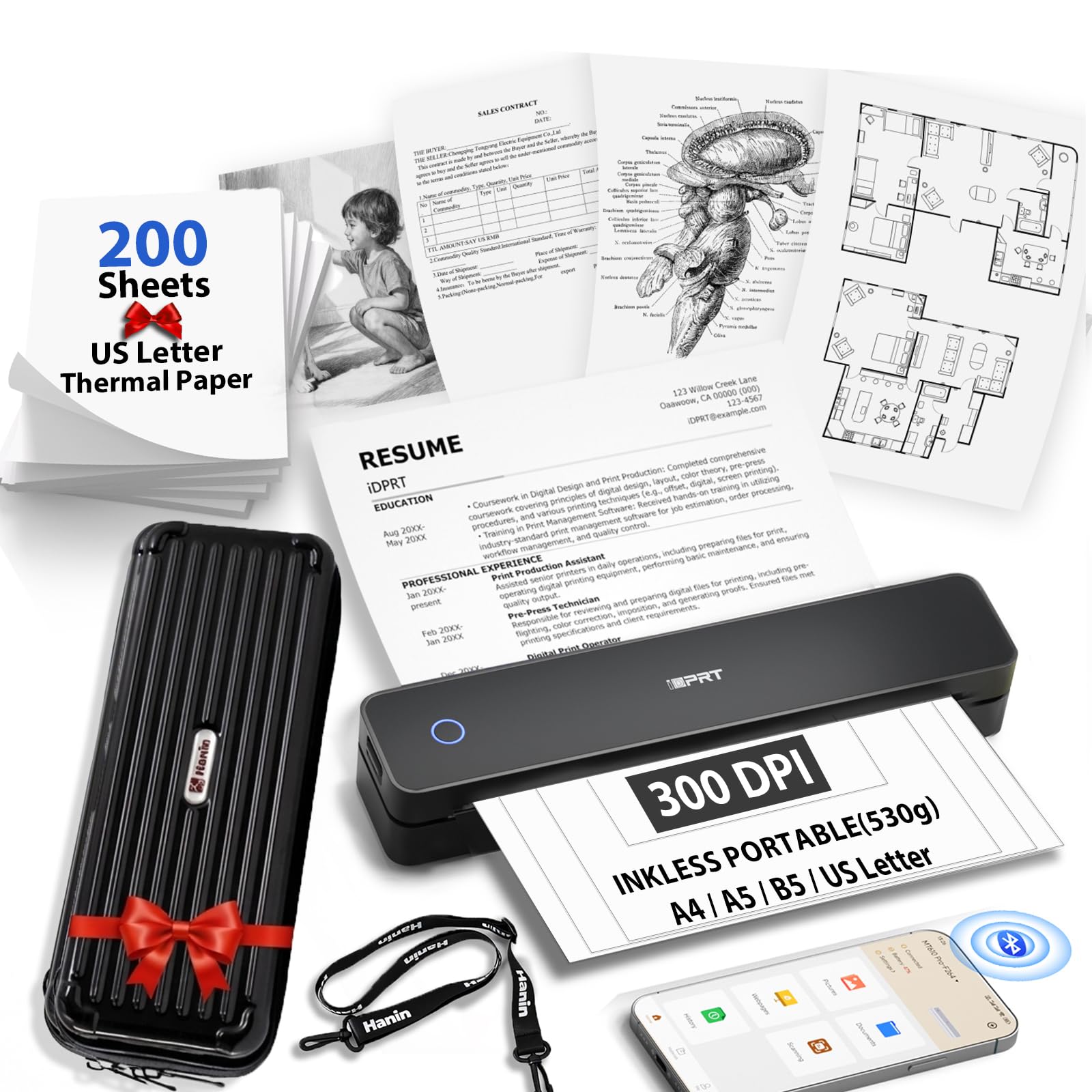
Buy once and stop hunting accessories — printer, hardshell case, and 200 sheets in one box.
This bundle is built around the iDPRT 610Pro printer, then adds a premium hardshell carrying case and 200 sheets of high-quality thermal paper. For high-volume printing, the bundled 200 sheets and fitted hardshell case mean no separate paper reorders and no case hunt. The printer itself is the same 300 DPI inkless unit, output suitable for contracts, shipping labels, and study notes.
Portability leans on the shockproof case: at 1.2 lb and 1.6 inches thick, the printer drops into a backpack or luggage and the case takes the beating instead of the body. Bluetooth 5.0 pairs with iPhone, iPad, and Android through the HerePrint app, and a Windows, Mac, or Chrome OS laptop connects over USB-C. Paper support spans US Letter, A4, A5, and B5, so business reports and exam papers print from one machine.
The honest limit here is connection friction. Owners mention the printer itself runs great, but Bluetooth pairing is the area where experiences split, so set up the app and test a printout on arrival. Once paired, the flat 300 DPI output and the included paper supply make this the low-fuss option for field work and education.
Why the bundle earns its keep
- 200 thermal sheets plus hardshell case in the box
- 300 DPI output on US Letter, A4, A5, and B5
- Printer body weighs just 1.2 lb
- Bluetooth 5.0 with laptop USB-C support
Where the friction lives
- Bluetooth pairing records mixed, so test early
- PC printing needs a driver install
- Black-and-white only
Suited to: high-volume users who want paper and protection included from day one.
Less suited to: anyone who prints rarely and wants the smallest possible spend.
8. Phomemo M08D Portable Printer with Touchscreen
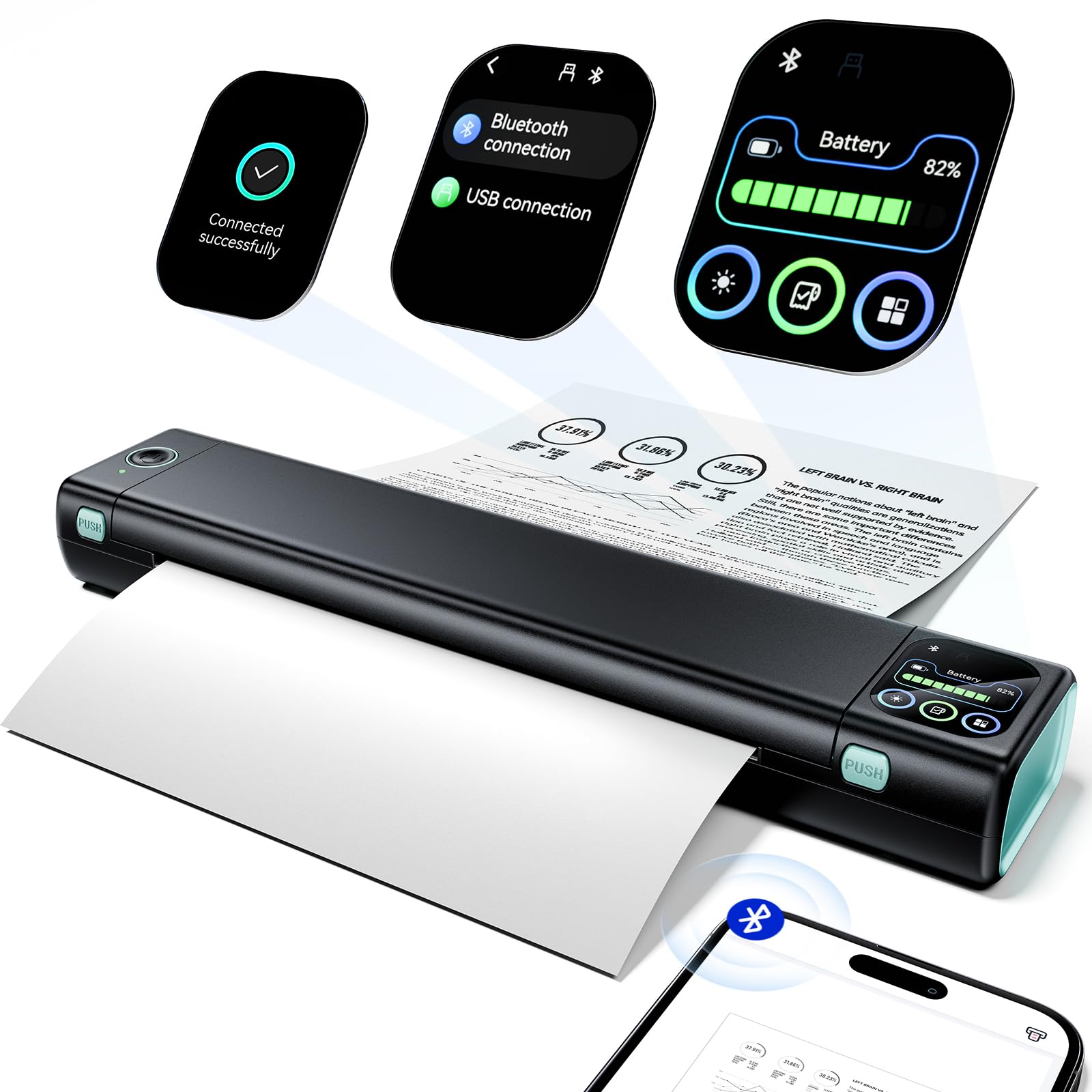
The only printer here with an on-device display that shows battery, status, and step-by-step help.
First-time printer owners get the most out of this one. The M08D adds an upgraded smart display to the M08D formula — it shows battery level, Bluetooth status, and printer state at a glance, and hands new users step-by-step tutorials and troubleshooting on the screen itself. When a job stalls, the screen shows the cause instead of leaving you to guess. That display is the standout feature and the main reason this pick costs more than the app-only models.
Printing is inkless thermal, with no ink, toner, or ribbon to buy. The 7-page-per-minute rating is the fastest listed speed in this guide, and the brand describes the resolution as crisp. Paper support covers 8.5 x 11 inch US Letter, so full-size documents print without resizing. A built-in battery is rated for up to 150 pages of continuous printing on a single charge, and the 1.5 lb body slides into a backpack, briefcase, or car for home-office work or printing boarding passes on the road.
Setup runs through the Phomemo app for iOS and Android, and computers connect over USB with a driver install. Owners prize the print quality and describe it as excellent, and the setup as easy. The mixed part is functionality — some units need extra coaxing to get working at all. Budget extra time for the first session and follow the on-screen tutorials, and setup gets quick after that.
Why the screen matters: A smart display that shows battery and connection state, plus on-screen tutorials, removes the guesswork that trips people up on app-paired printers.
Price of admission: You pay for that display and the 7-page-per-minute speed, and some units need effort to get going.
Worth it for: buyers who want visual feedback and the fastest listed print speed in this guide — 7 pages per minute.
Take a pass if: your budget is tight and you would rather spend on paper than on a screen.
9. P1 Pro Portable Inkless Printer, 300 DPI, Grey
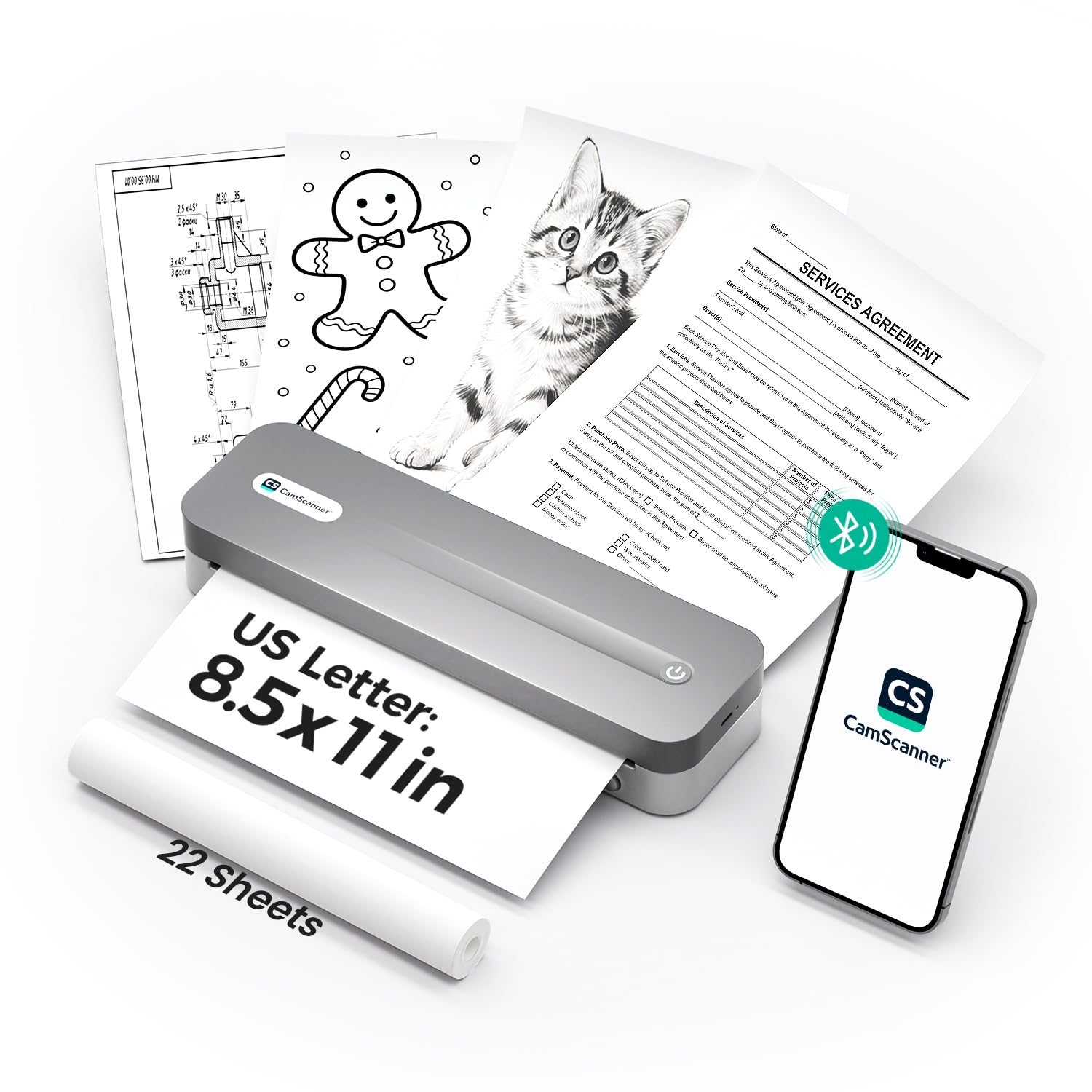
The CamScanner printer with 300 DPI output and a 2600mAh battery rated for 200 pages per charge.
For anyone already scanning documents with CamScanner, this printer ties directly into the app. It brings 7 tune filters for contracts, receipts, tax forms, handwritten notes, and photos, plus batch printing so you set the quantity once and send multiple documents in a single tap. Resolution is 300 DPI, which the brand says delivers sharper prints than most 203 DPI portable thermal printers — you see the detail on small tax-form print and fine contract text.
Battery life is the standout here: a 2600mAh built-in pack, the largest listed in this guide, charges fully in 3 hours via USB-C (the oval, reversible charging plug) and delivers up to 200 pages of continuous printing. Even below that, printing continues while charging as long as the battery stays above 10%. The body weighs 1.61 lb and a carrying bag is included.
Paper support is a full 8.5 x 11 inch US Letter page rather than a narrow roll — big enough for a signed contract, a school assignment, or a tax return. Phones pair over Bluetooth, and Windows PCs and Macs connect via the included USB-C cable after a driver install. Quality notes are positive, while print quality gets mixed marks on document images, so test a photo or image-heavy file before relying on one.
The CamScanner advantage: 7 tune filters and batch printing inside the app turn scanned contracts and receipts into sharp 300 DPI pages quickly.
The honest note: Image-heavy documents are the area to check, and the CamScanner tie-in only pays off if you use that app.
Made for: CamScanner users who print full US Letter contracts, receipts, and reports on the move.
Second guess it if: you want to print without leaning on a specific scanning app.
Know the Specs
Resolution in DPI
DPI means dots per inch — the number of tiny dots the printhead strikes to form each letter. 203 DPI is standard and handles ordinary body text clearly. 300 DPI lays down a finer grid, so small print, thin lines, and dense tables stay sharper. If you print contracts, tax forms, or detailed reports, 300 DPI is the number to favor.
Pages per Minute and Battery mAh
Pages per minute tells you how quickly a document clears. In this category the range runs from 3 pages per minute on the lightest travel models up to 20 on one faster unit. Battery capacity in mAh gauges how much printing fits in a charge — only a few models quote a sheet count, so check the rating against your daily output before you commit.
Common Questions
Do portable inkless thermal printers need ink or toner?
Can I use regular copy paper in a thermal printer?
Why does the printer need the manufacturer’s app to connect?
Will these printers work with a Chromebook?
Is 300 DPI worth choosing over 203 DPI?
How many pages can I print on one charge?
Can these print in color?
What happens if paper jams in the printer?
Do they print full US Letter pages or only small labels?
Can I print from a laptop, or only from a phone?
The Bottom Line
For most buyers, the portable inkless thermal printer pick is the D90E Inkless Portable Thermal Printer, because it handles full 8.5 x 11 inch US Letter documents, arrives with its own carry case and paper starter pack, and skips ink costs entirely. If finer detail matters more than weight, grab the iDPRT MT610Pro for its 300 DPI printhead, which keeps small print and thin lines sharp. And for high-volume users who want paper and protection in one box, the iDPRT kit with 200 sheets and a hardshell case is the one to reach for.
How we choose
We do not accept paid placement. Every pick is matched to a real buyer and a real use-case; we do not hands-on test units.
Sources
Specifications: manufacturer listings and product documentation. Review insights: verified customer reviews, as of November 2026. Pricing: not shown on this page (it changes often); check the current price via the retailer link.
As an Amazon Associate, Tactical Gear Guy earns from qualifying purchases. This does not affect which products we feature.