Specs are compiled from manufacturer listings and verified buyer reviews and can change over time — please confirm the key details on the product page before buying.
Most laptop chargers that die early do not die from bad electronics — they die from a mismatched tip. HP laptops use a blue-tipped barrel plug in two different sizes, and buying the wrong one is the single most common mistake. These nine adapters all fit the common 4.5 x 3.0mm blue tip, and the guide below tells you which wattage and cord length suits your machine.
This guide is built by comparing the manufacturers’ published specifications and the patterns across verified customer reviews, so you get each pick’s real strengths and trade-offs instead of marketing spin.
You will see wattage, connector size and cord length laid out side by side, so matching a replacement to your HP takes a minute rather than an afternoon of guessing. That is exactly how this hp charger for laptop breakdown is organised, so you can match a plug and wattage to your own machine in a single pass.
Top Picks
How To Choose The Best HP Charger for Laptop
Buying an HP charger is a three-part check, not a brand loyalty exercise. You are matching a connector shape, an output wattage and a voltage, in that order. Get the first one wrong and nothing else matters.
Start with the tip, not the laptop name
The connector on most HP laptops in this group is the blue tip at 4.5 x 3.0mm — a small round barrel with a centre pin. A wider 7.4 x 5.0mm plug exists on other HP machines and will physically refuse to go in. Two laptops from the same family can carry different ports, so check the port on your own machine or the label on your old adapter before you order.
Match the wattage, then allow headroom
HP machines here run at 19.5V, and the wattage splits into 45W (2.31A) and 65W (3.33A) versions. A 65W adapter is built to also serve a 45W laptop, which most of these listings state outright. A 45W unit is the one to be careful with — if your machine asks for 65W, it can charge slowly or refuse under load. Gaming machines are a separate tier entirely and need far more power than either.
Look at cord length and input range
Input of 100-240V means the adapter tolerates different mains voltages, which matters if you travel. Cord length is the quiet deciding factor for daily use: a short cable pins you near the wall socket, while a longer one lets you sit on a sofa or bed. One listing here runs a 10FT cord against 100-240V on a rival, and that extra reach is a real comfort difference, not a spec-sheet nicety.
Check the safety claim, and check the build
Several of these adapters state they were tested by a US consumer product testing laboratory, and list short-circuit, overvoltage, overcurrent and overheat protection. Those protections matter because a cheap uncertified brick can push a bad voltage into your board. The honest trade-off across this whole category is longevity — a replacement adapter is a wear item, and a few units in every batch quit early. Buy from a listing with a return window and lifetime or 12-month replacement backing where it is offered.
Side-by-Side Comparison
| Model | Best For | Output | Connector | Cord Length | Amazon |
|---|---|---|---|---|---|
| HIBBO 10FT Extra Long★ Best Overall | Charging from across the room | 19.5V 3.33A 65W | 4.5 x 3.0mm blue tip | 10FT | Amazon |
| Haxyla 65W ProBookTop Performer | ProBook and EliteBook owners | 19.5V 3.33A 65W | 4.5mm x 3.0mm blue tip | — | Amazon |
| FUNNYERA 65WPavilion Pick | Pavilion and Envy owners | 19.5V 3.33A 65W | 4.5 x 3.0mm blue tip | — | Amazon |
| GKLSPL Replacement 65W | EliteBook and ZBook owners | 19.5V 3.33A 65W | 4.5 x 3.0mm blue tip | — | Amazon |
| SZGUDULO 45W | Low-power HP laptops | 19.5V 2.31A 45W | 4.5mm x 3.0mm blue tip | — | Amazon |
| QXA 65W | 45W or 65W flexibility | 19.5V 3.33A 65W | 4.5 x 3.0mm blue tip | — | Amazon |
| NDWQGFS Slim 65W | Throwing in a bag | 19.5V 3.33A 65W | 4.5 x 3.0mm blue tip | — | Amazon |
| HP Original 65W | Staying with genuine HP | 65W | HP standard 4.5mm | — | Amazon |
| BIYTC 200W | Victus and Omen gaming laptops | 19.5V 10.5A 200W | 4.5mm x 3.0mm blue tip | — | Amazon |
Detailed Reviews
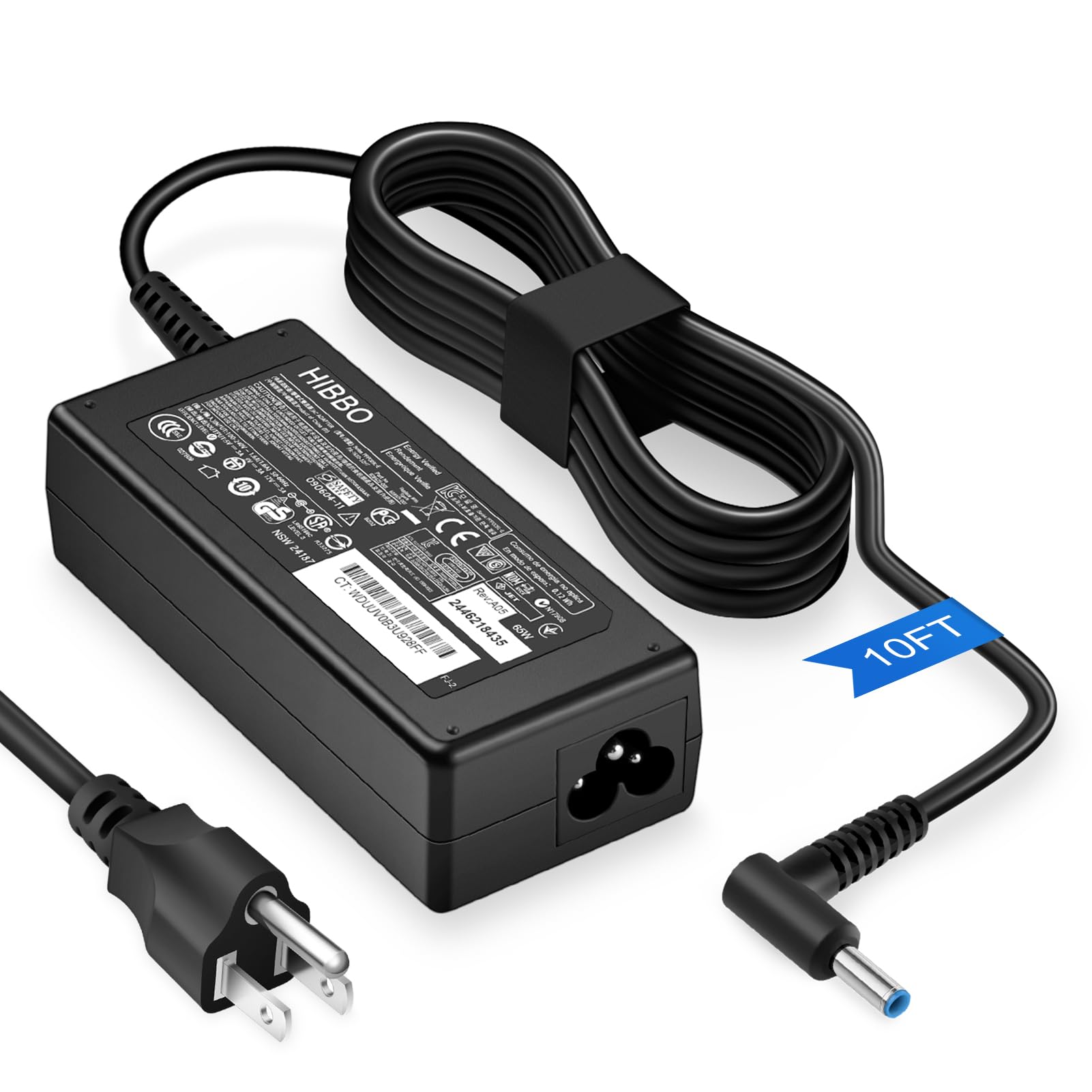
1. HIBBO Extra Long 10FT 65W Blue Tip Charger
Our pick — 4.5+★ from 10,500+ verified ratings; the strongest balance of quality and price.
Ten feet of cord is the longest reach here, so the outlet stops deciding where you sit.
Ten feet is the whole pitch. A standard adapter cord tethers you to the nearest outlet; this one lets you sit on the far end of a sofa, a hotel bed or a crowded library table and still stay plugged in. The business end is the 4.5 x 3.0mm blue tip that most HP laptops take, and the output is 19.5V 3.33A for 65W, with 45W machines (19.5V 2.30A) also supported. Input runs 110-240V, so the same brick tolerates different mains voltages when you travel.
The compatibility list is the longest here by a wide margin — EliteBook 830 and 840 through several generations, 850, ProBook 430, 440, 450, 640, 650, Pavilion x360, Stream 11 Pro, Chromebook 11 EE and Spectre x360. Those long HP part numbers like 710412-001 and 741727-001 are also printed on the listing, which is what you actually cross-check against the sticker on your dead adapter. HIBBO also states the unit was tested by a US consumer product testing laboratory against US and Canada electrical safety standards, with multi-layer protection against short circuit, overvoltage, overcurrent and overheating. The 30-day return window and lifetime replacement cover on defective units is the strongest backing on this list.
What wins people over is simply that it works — the adapter powers older HP machines reliably and the cord fits snugly, which is the consensus across more than 900+ ratings and a 4.5+ star showing. The recurring gripe is longevity on some units, and charging behaviour is genuinely split: some machines top up inside an hour, others do not. Treat it as a wear item and buy with that expectation. If you own a gaming HP, look at the 200W pick instead — 65W will not feed it.
Where the 10FT cord pays off
- The 10FT cord is the longest in this group, so the wall socket stops dictating where you sit
- 65W output covers both 65W and 45W HP laptops that take the blue tip
- 110-240V input range suits travel between different mains supplies
- Lifetime replacement offer on defective units plus a 30-day return window
- Very broad model list including EliteBook, ProBook, Pavilion, Stream and Spectre
What to weigh before you buy
- Longevity is the honest weak spot — some units quit within a few months and the listing has to be treated as a wear item
- Charging behaviour splits between machines: some top up in an hour, others do not
- 65W only, so it is the wrong adapter for a Victus or Omen gaming laptop
Reach for this if: your laptop lives on a couch, bed or cluttered desk and the outlet is never quite close enough — the 10FT cord solves that in one move.
Look elsewhere if: you want a brick for a gaming HP that needs far more than 65W, or you want the smallest possible bag footprint.
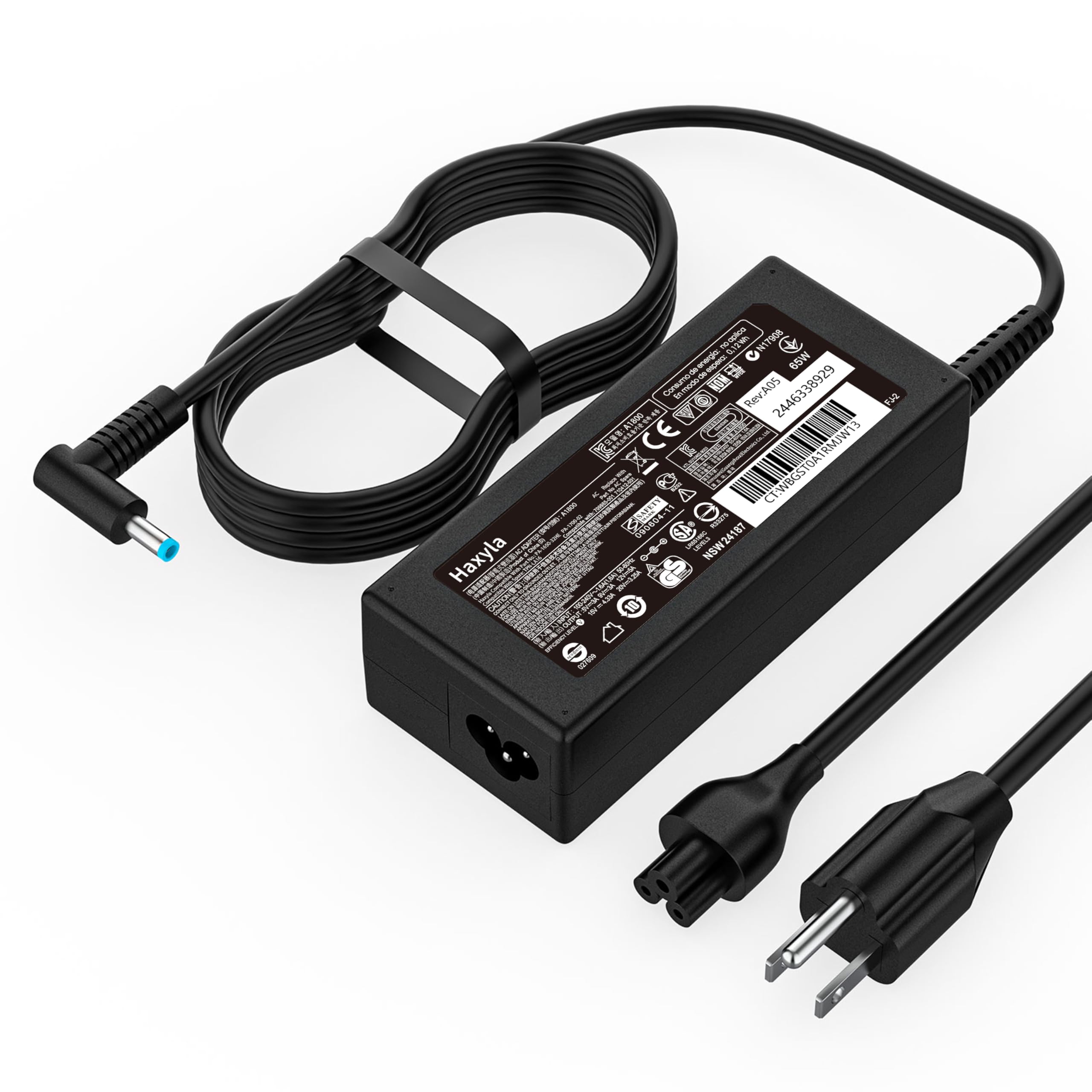
2. Haxyla 65W AC Charger for HP ProBook and EliteBook
A 65W ProBook and EliteBook specialist that names the plug size and warns you off the 7.4 x 5.0mm port.
If your HP wears a ProBook or EliteBook badge, this is the adapter written for you. The spec line is straightforward — 19.5V 3.33A at 65W output, and it also serves 19.5V 2.31A 45W machines. Input is 100-240V at 50-60Hz. The connector is the 4.5 x 3.0mm blue tip, and the listing is refreshingly blunt about the alternative: not 7.4 x 5.0mm. That one line saves a lot of returns, because the wider plug will never go into a blue-tip port.
You can likely charge the HP you already own, because the model list reaches the generations people still use: ProBook 440, 450, 470 G3 through G5, EliteBook 725 and 850 G3 to G5, ZBook 14u and 15u, Spectre x360 13 and 15 series, Stream 11 and 13, Chromebook 14, and a long run of Pavilion 15 variants. In the box you get one adapter and one power cord, plus round-the-clock email support. The plastic shell has no metal, so it stays light, and the rectangular brick shape lies flat in a bag pocket.
What holds this at the front of the pack is that it does its job without drama — compatibility and function are the two things buyers bring up in the reviews, and both land on the positive side. The catch is the smaller owner base relative to the top pick, so there is less long-term wear history to judge. Still, nothing in the feedback points to a pattern of early failure, and for a business HP this is a very sensible replacement.
Who it is for: ProBook, EliteBook, ZBook, Spectre and Stream owners who want a straight 65W swap with no guesswork, and who value a listing that warns you off the wrong plug size before you order.
The honest note: it is a two-piece kit with a separate cord, so pack both, and it has a smaller review base than the 10FT pick, so you are trusting a shorter track record.
The verdict: the cleanest match for a business HP and the least likely to end in a connector mismatch.
One thing to know: the box holds an adapter and a cord — the brick does not have an attached cable, so remember both when travelling.
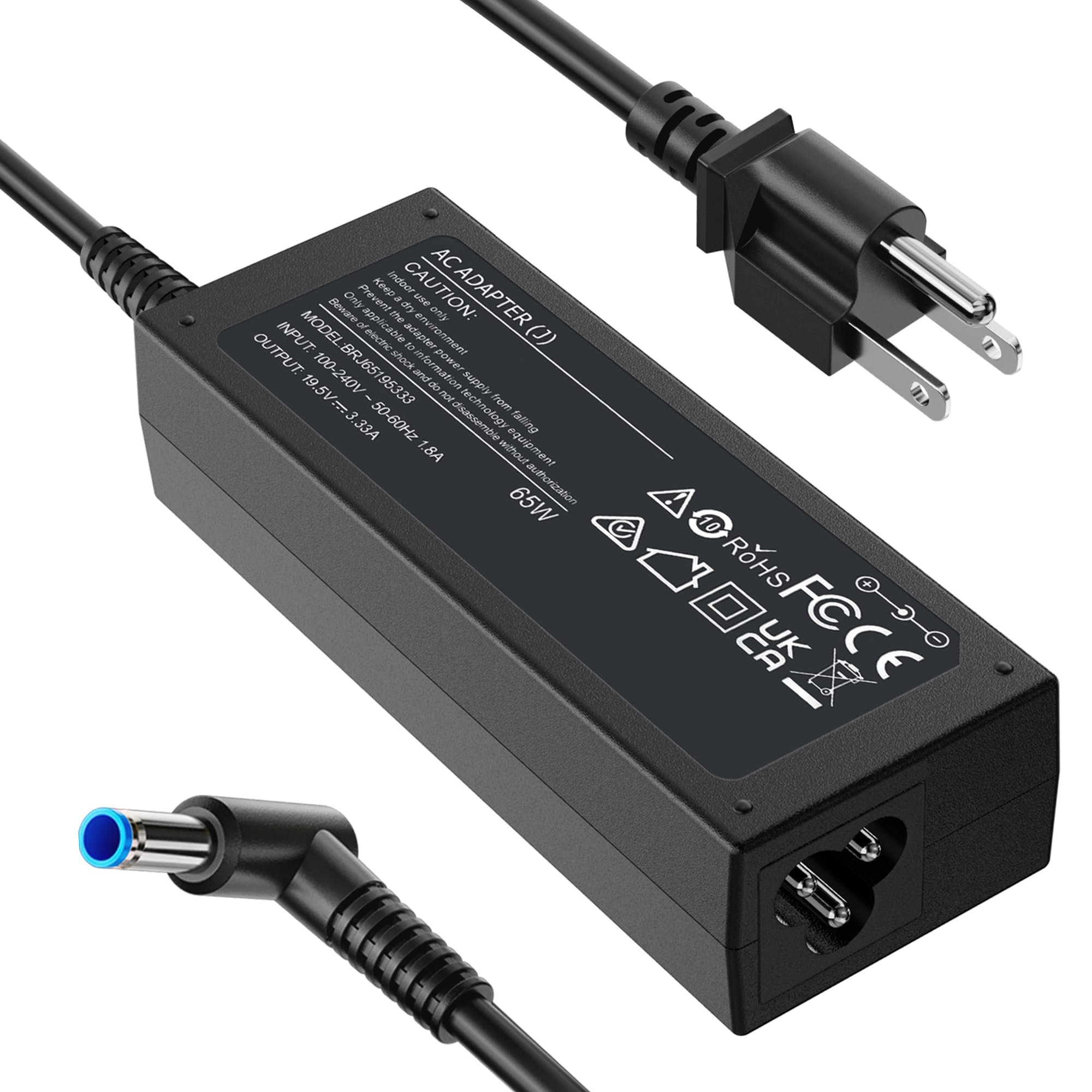
3. FUNNYERA 65W 45W Blue Tip Power Adapter
A compact 65W brick for Pavilion and Envy owners who want a second adapter that lives in a backpack.
This one leans on portability. The listing describes an adapter that fits into backpacks or even pockets, which is realistic for a compact brick with a detachable cord. Output is 19.5V 3.33A at 65W, and the same unit handles 19.5V 2.31A 45W machines. Input spans 100-240V at 50-60Hz, and the connector is the 4.5 x 3.0mm blue tip. One detail worth noticing: this one ships with a Type B three-pin North American plug, not the two-pin Type A many rivals use, so check your wall socket situation.
Coverage centres on Pavilion x360 11, 13 and 15, Envy 13, 15 and M6 X360, plus EliteBook 830, 840 and 850, ProBook 430, 440, 450, 640 and 650, Stream 11 Pro, Chromebook 11 EE and Spectre x360. A long list of HP part numbers is included for cross-checking, from 213349-109 to L24008-001. The listing also states the adapter was tested against industry safety standards and carries protection against short circuit, overvoltage, overcurrent and internal overheating.
Functionality carries this review page — it is the thing buyers bring up most, and compatibility follows right behind it, with the overall read being that it replaces an original charger cleanly. The trade-off is scale: this is a small owner base relative to the top pick, so you get less evidence about how it holds up over years. Nothing in the feedback suggests a fault pattern, but if long-term durability is your top concern, the 10FT pick has far more history behind it.
Best for: a Pavilion or Envy owner who wants a second adapter that lives in a bag and takes up little room.
Skip if: you need a three-pin Type B plug replaced with a two-pin Type A — this one ships as Type B.
4. GKLSPL Replacement 65W 45W Blue Tip Charger
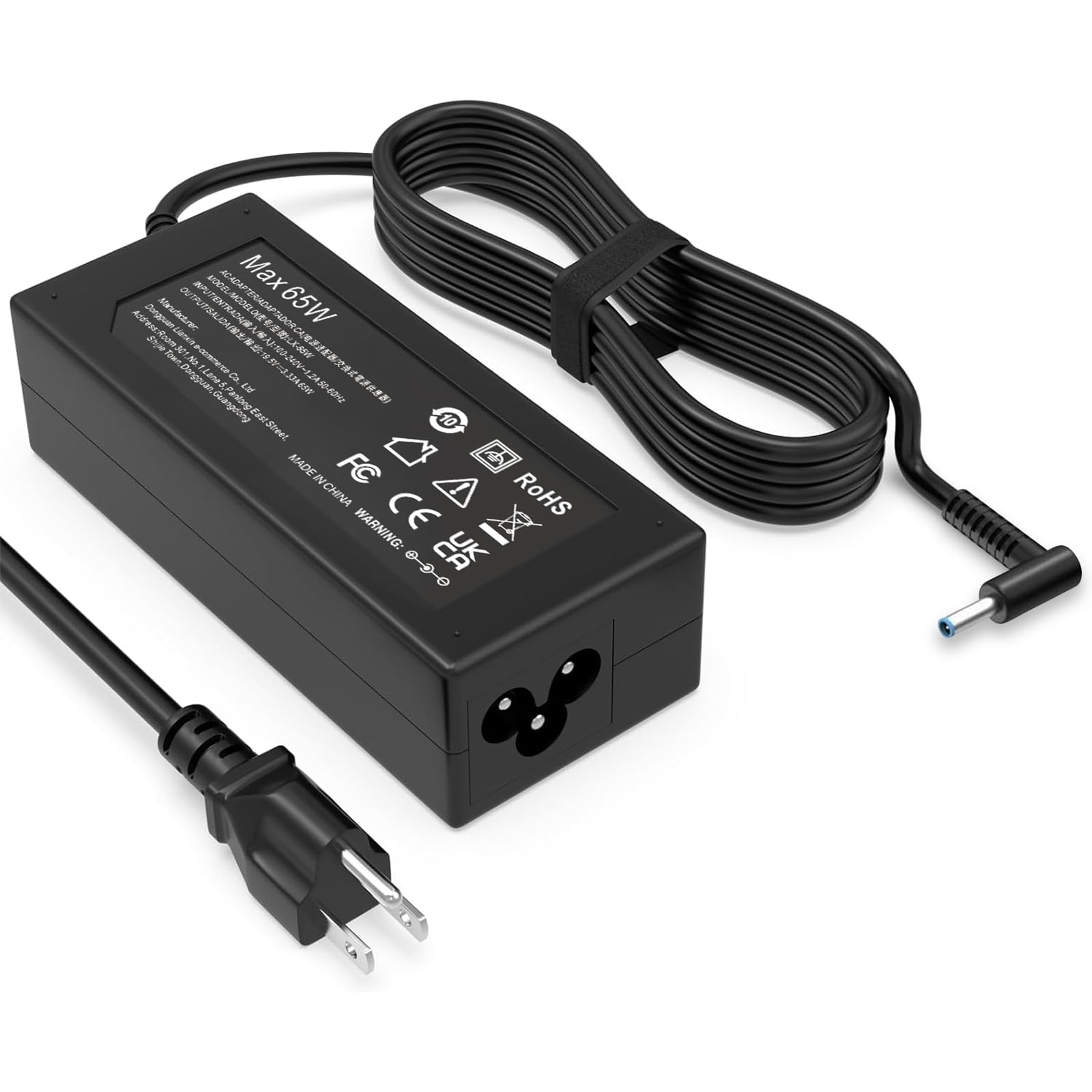
The listing that states outright it will not fit 7.4 x 5.0mm ports or USB-C, which saves the most common return.
Read the fine print on this one and you will avoid the most common HP charger mistake. The connector is a 4.5mm x 3.0mm blue tip round plug with a centre pin, and the listing states plainly that it is not a USB-C charger and will not fit 7.4mm x 5.0mm large round ports. Output is 19.5V 3.33A at 65W max, with 45W HP machines that share the same connector and voltage also supported. Input is 100-240V at 50/60Hz, and the enclosure is a metal and plastic mix rather than plain plastic.
Your odds of a match are good, because the list covers a lot of ground: Pavilion 15-f111dx, 15-f211wm and the n-series, Envy 15-u110dx and m6-w010dx, Stream 11-r010nr and 13-c010nr, ProBook 430 through 470 in G3 to G6, ProBook 640, 645 and 650, EliteBook 820, 830, 840, 850, 725, 745 and 755 across generations, EliteBook Folio 1020, 1030 and 1040, and select ZBook 14u and 15u. The box holds one 65W adapter (65 watts of output) and one cord.
Where this pick wins is charging consistency — charging performance is the second most-discussed point on its page and every one of those mentions is positive, with the overall read being that it works as advertised. The honest catch: it is capped at 65W, and the listing says so, so a higher-wattage HP configuration needs a different supply entirely. If your machine is a standard 45W or 65W blue-tip model, there is nothing to worry about.
The case for it: you know exactly what you are getting, because the compatibility list is clear and honest and the shell is metal and plastic. Charging performance draws only positive sentiment on its page, which makes this the safest pick for Pavilion and EliteBook owners.
What to keep in mind: a matching laptop series name does not guarantee compatibility — the listing itself says so. Before you order, check that your original adapter is 19.5V (19.5 volts), needs no more than 65W and has the same blue tip.
My read: the pick for anyone burned by a connector mismatch before, because the listing spells out the plug size and the wrong size in the same breath.
Where it stops: at 65W — a machine that demands more power needs the gaming adapter, not this one.
5. SZGUDULO 45W 19.5V 2.31A Smart Blue Tip Charger
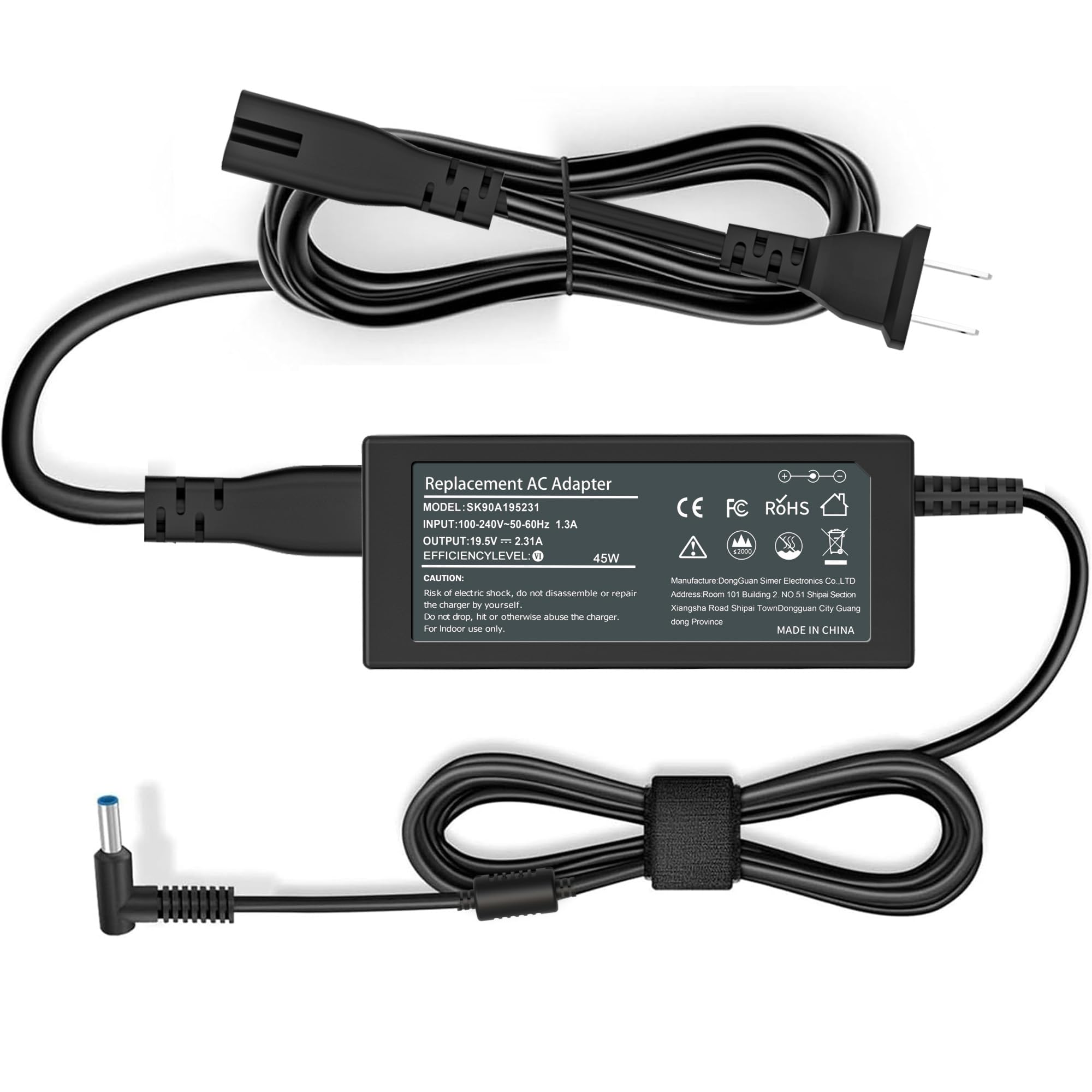
The 45W specialist at 19.5V 2.31A for lighter HP laptops that ask for 45W and no more.
Here is the number that decides everything: 19.5V 2.31A, which is 45W. This adapter is built for HP laptops that ask for 45W and no more. If your machine wants 65W, this is not the unit for you, and the listing says so by naming its 65W models separately. The connector is the 4.5mm x 3.0mm blue tip, input runs 100-240V at 50-60Hz, and the shell is plastic with a plug form factor that sits flat against the wall socket. It also states it was listed by a US consumer product testing laboratory as meeting electrical safety and design standards in the US and Canada.
The part number cross-reference is long and practical, covering 741727-001, 721092-001, 213349-109, 719309-001, 740015-001 to 740015-004, 854054-001 to 854054-004 and the TPN-CA04, TPN-CA14, TPN-DA15 and TPN-LA15 codes. Model coverage takes in EliteBook 830, 840 and 850, Pavilion x360 11, 13 and 15, Envy 13, 15 and M6 X360, ProBook 430 and 440, Stream 11 Pro, Chromebook 11 EE and Spectre x360. The slim body slips into a backpack, purse or pocket, and a 12-month after-sales window covers quality issues.
Compatibility is what carries this page — buyers describe it as a straight replacement that meets their needs, and fit follows closely, with the adapter seating properly in the port. The catch is baked into the spec: at 45W it is the lower-power option, so if you are unsure which wattage your HP takes, the 65W units here are the safer bet because they also serve 45W machines.
Why this one works for light laptops
- Exactly the right output for 45W HP machines at 19.5V 2.31A, so no wasted headroom and a lighter brick
- Wide part number cross-reference including 741727-001 and the 74xxxx and 85xxxx families
- 100-240V input range travels between different mains voltages
- 12-month after-sales window covers quality issues
The limits to accept
- 45W only — a 65W HP laptop can charge slowly or not keep up under load
- Plastic shell rather than metal, so it is the lighter but less armoured option
- Smaller review base than the category leaders, so less long-term history to lean on
Go for it when: you have confirmed your HP wants 45W and you would rather carry a lighter brick.
Think twice when: you have not checked your wattage — if it turns out to be 65W, this one will not keep up.
6. QXA 65W 45W Smart Blue Tip Charger
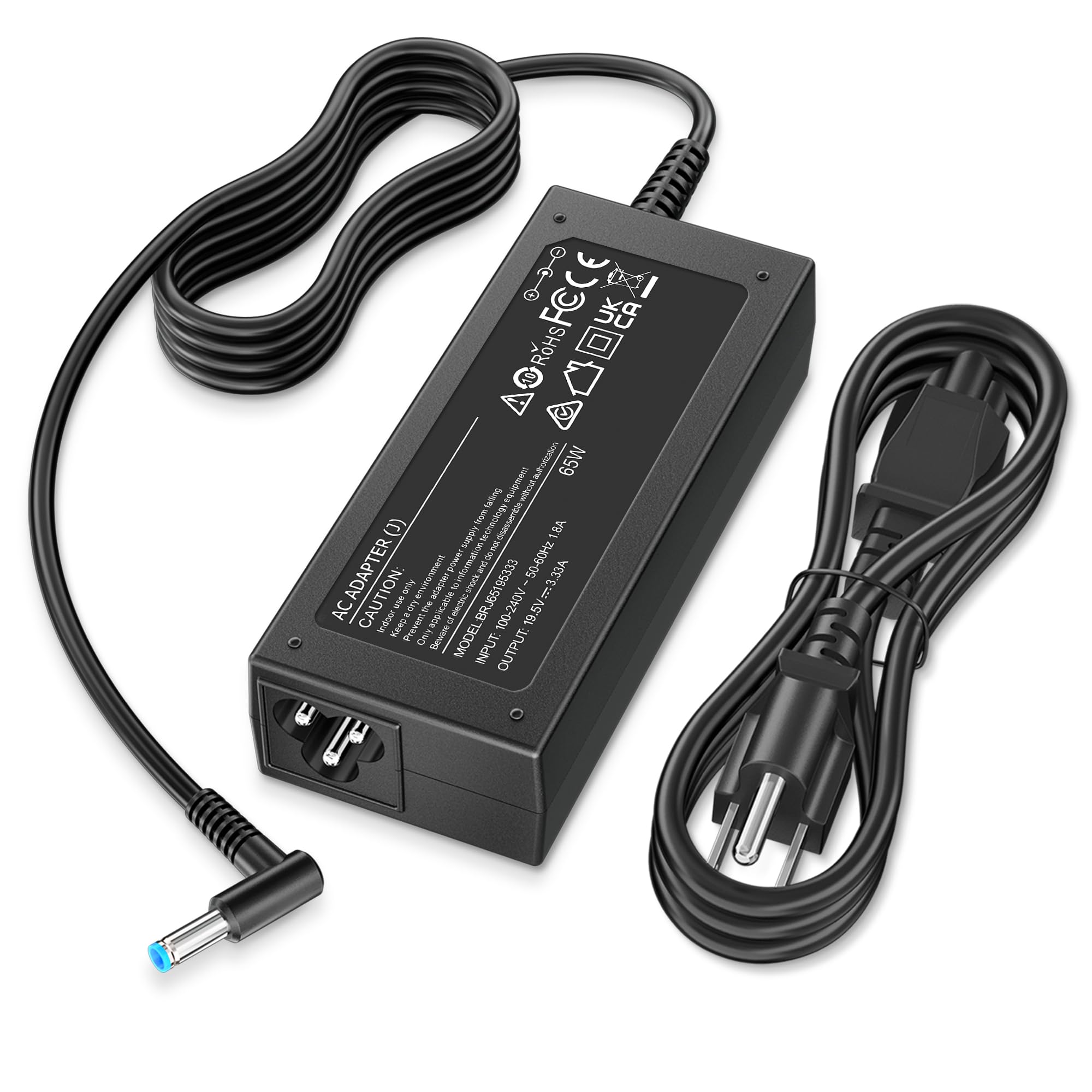
One brick covering both 19.5V 3.33A 65W and 19.5V 2.31A 45W machines through the same blue tip.
This adapter is designed to do double duty. Output heads at 19.5V 3.33A for 65W, and the same unit is stated to work with 19.5V 2.30A or 2.31A 45W laptops. Input is 100-240V at 50-60Hz, and the tip is the 4.5 x 3.0mm blue tip. That dual-wattage behaviour is what makes it a safe gift or a safe spare — you do not need to know your exact wattage in advance, within reason. It ships with a Type B three-pin North American plug.
You can check your own machine against a broad model list: EliteBook 830, 840 and 850 across G3 to G8, ProBook 430, 440, 450, 640, 645 and 650, Pavilion x360 11, 13 and 15, Envy 13, 15 and M6 X360, Stream 11 Pro, Chromebook 11 EE, Spectre x360 and ZBook. The part number list spans 710412-001, 741727-001, 693716-001, 714657-001, 709985-001 through 004, 213349-109, 854054-002, 740015-002 and 003, L24008-001, L25296-001 and 002, plus TPN-LA15 and AD9043-022G2. It also lists built-in protection against short circuits, overvoltage (too much voltage), overcurrent (too much current) and internal overheating, with a 12-month return or exchange policy and lifetime product support.
The strength here is that it charges well at both capacities — that is the point reviewers keep coming back to — and the fit lands where it should. The recurring trade-off is value perception: a handful of buyers feel the price-to-performance case is thinner than on the budget options, though the protection suite and the 12-month window balance that out. Where it stands apart from the 45W pick above is headroom — that one is fixed at 45W, while this one covers 65W machines too.
Why it earns a slot: dual 45W and 65W support means fewer wrong purchases, and the 12-month return window plus lifetime product support gives you a genuine exit if a unit misbehaves.
What to flag: the Type B three-pin plug limits it to compatible sockets, and the overall sentiment on price is warmer on the cheaper picks than here.
Pick this one for: a household with more than one HP laptop, where a single adapter needs to serve both a 45W and a 65W machine.
The trade-off: the three-pin Type B plug will not suit every socket arrangement, so check your wall before you commit.
7. NDWQGFS Slim 65W 45W Blue Tip Charger
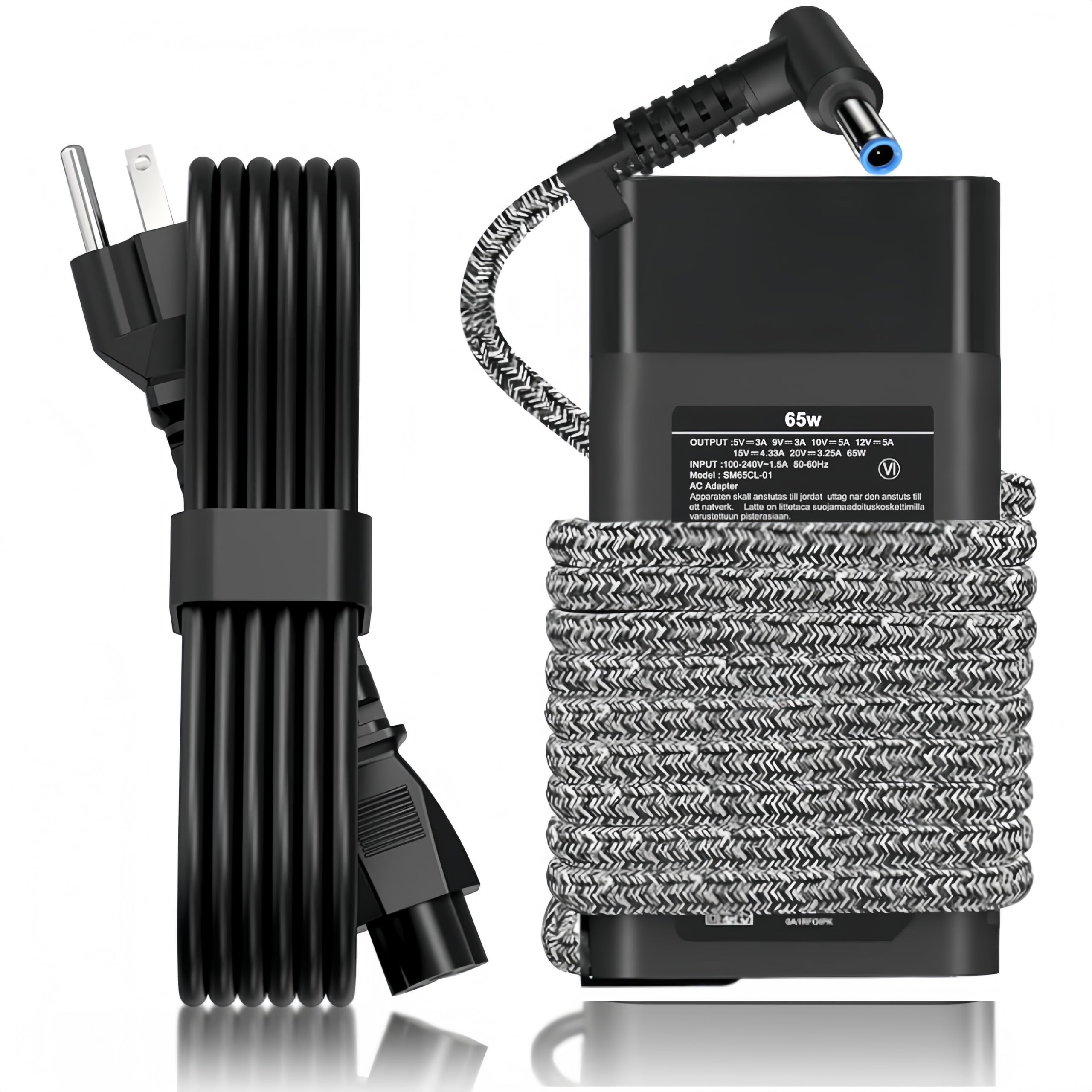
A slim brick with 65W and 45W output modes that fits in a bag pocket.
Two output modes in one body: 19.5V 3.33A for 65W and 19.5V 2.3A for 45W, both through the same 4.5 x 3.0mm smart blue tip. The listing describes the body as 30% smaller than OEM chargers, which is the kind of claim you would verify against your own original rather than take at face value. The portability pitch is real though — a compact, lightweight brick with a slim profile is the difference between an adapter that goes in the bag and one that gets left at home.
Coverage names EliteBook 840 G3, G4 and G5, Pavilion x360, Envy x360, Stream 11 Pro, Chromebook 11 EE and the ProBook 450 and 650 series. Part numbers 741727-001, 693716-001 and 714657-001 are listed as replacements. The safety claim is specific: the listing says it was approved by a leading US consumer safety lab to meet UL/ETL standards, with protection against short-circuiting, overvoltage, overcurrent and overheating. A 12-month warranty and 30-day returns sit behind it.
Quality is what people talk about most with this one — a wide margin of the feedback leans positive and recommends it, with functionality close behind on machines like the Spectre x360 and Envy. Durability is the mixed note: some units run fine, and a few stop working around the 10-week mark. That is a fair warning rather than a reason to pass, but it makes the 12-month warranty and 30-day return window the parts to remember. Compared with the 10FT pick, this one gives up cord length for a smaller bag footprint.
Where it shines
- Dual 65W and 45W output from one 4.5 x 3.0mm blue tip
- Slim, compact body that fits in a bag or pocket
- Stated UL/ETL testing with short-circuit, overvoltage, overcurrent and overheat protection
- 12-month warranty plus a 30-day return window
Where it can disappoint
- Durability is genuinely mixed — a few units give up around 10 weeks, so keep the warranty receipt
- The 30% smaller claim is the maker’s own figure and worth checking against your original
- No long cord, so you sit close to the outlet
Worth it if: you carry your HP daily and want an adapter that disappears into a bag rather than dominating it.
Be aware: the durability record is mixed, so buy this one expecting to use the warranty if a unit fails early.
8. HP Original 65W Smart AC Power Adapter
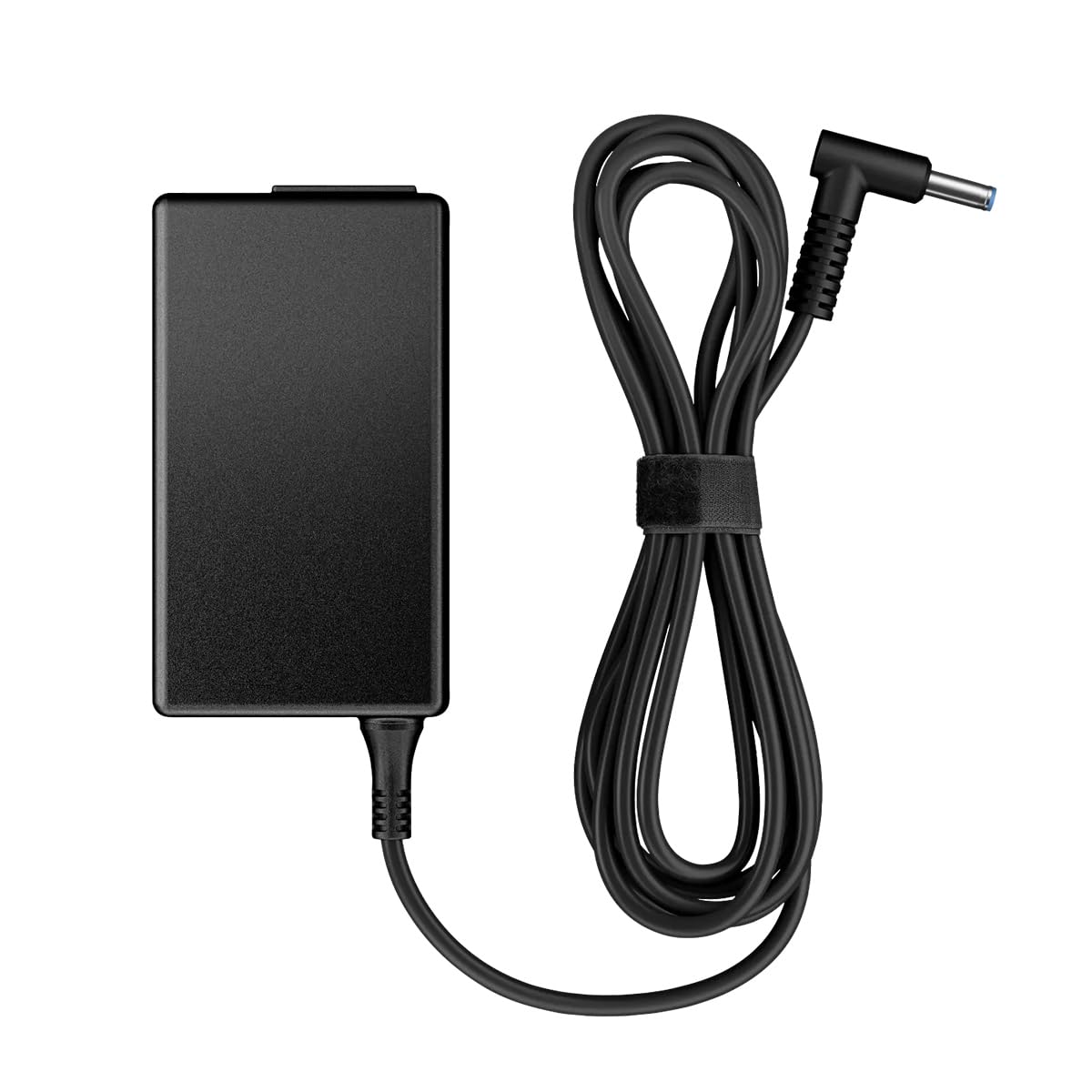
The genuine HP 65W adapter, with a right-angle 4.5mm tip and a bundled loop fastener for cable tidy-up.
If you want the OEM part rather than a compatible one, this is it. The output is 65W through the HP standard 4.5mm connector. Two design details are worth more than they sound: the right-angle 4.5mm connector points the cable sideways instead of straight out of the port, and the listing says the cable is built to reduce stress from bending. The bundled loop fastener keeps the cable tidy in a bag, which is the small thing you notice every single day.
The stated compatibility list is narrower than the third-party options, naming the EliteBook 640 14 inch G9, EliteBook 645 14 inch G10, Pro mt440 G3 Mobile Thin Client and ProBook 440 14 inch G9. That short list is not a flaw — it is a signal that you should verify your exact model against the listing rather than assume. The right-angle connector also frees up the neighbouring ports when the adapter is plugged in.
Quality is the strongest signal on this page, with every mention of it landing positive, and function following with the same clean record. Compatibility is where opinions split — some machines take it happily and others report it is only suited to older models. So the check is on you: confirm your model number appears on the list before you order. It is the most you will spend here, and what you buy is the HP name, the right-angle plug and the cable management, not extra wattage or a longer cord.
Best suited to: owners of the listed EliteBook and ProBook G9 and G10 machines who want the genuine HP part and value the right-angle connector, which keeps the cable out of your other ports.
The compatibility caveat: the supported model list is short and some HP owners find it does not suit their generation — verify your exact model before buying rather than trusting the HP badge alone.
Choose this if: you own one of the listed EliteBook or ProBook G9 and G10 models and want the OEM adapter with the tidy cable loop.
Do not choose this if: your laptop is not on the stated list — a compatible third-party unit will cover far more HP models.
9. BIYTC 200W Laptop Charger for HP Victus and Omen
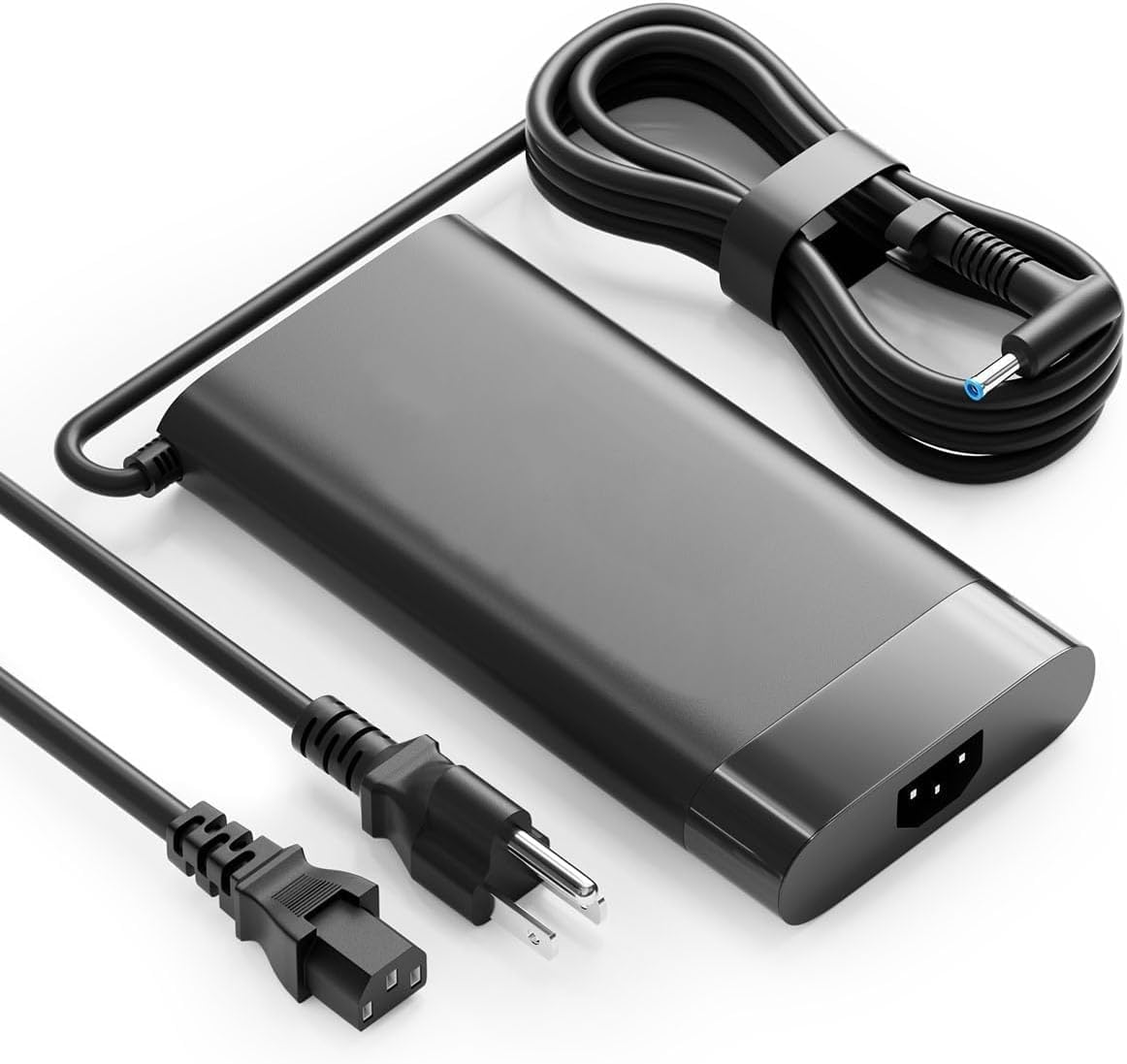
The gaming-sized brick: 19.5V 10.5A, 200W, and the only one here built for a Victus or Omen.
Every other charger on this list tops out at 65W. This one runs 19.5V 10.5A for 200W, which is the difference between a gaming laptop that holds its frame rate while plugged in and one that drains anyway. The connector is the same 4.5mm x 3.0mm blue tip, and input is 100-240V at 50-60Hz. Stated coverage takes in HP Victus Gaming 15 and 16, Omen Gaming 15 and 16, and Pavilion 15 and 16, with part numbers TPN-DA10, L00818-850, N43500-001 and L03468-025 listed. The package holds one 200W charger and one AC cord.
The safety layer is described as overcharge, overvoltage, overcurrent and short-circuit protection. Be clear about what this adapter is: a high-wattage unit for power-hungry machines. Putting 200W into a standard 45W or 65W HP is not what it is for, so this one only makes sense if your laptop is genuinely a gaming model that shipped with a large brick.
Reliability is the weakest in the group, and it is worth stating plainly: a cluster of complaints centres on units that stopped charging or failed inside the first month, and charging performance splits roughly down the middle. Functionality and compatibility are the two things people praise most, so plenty of buyers get exactly what they wanted. Treat the return window as your safety net: buy it, test it hard in the first week, and act fast if a unit is a dud.
The case for the 200W brick
- 200W output at 19.5V 10.5A is the only heavy-duty option here for Victus and Omen gaming laptops
- Same 4.5mm x 3.0mm blue tip as the rest of the family
- Overcharge, overvoltage, overcurrent and short-circuit protection listed
The risks to weigh
- Reliability is the weakest on this list — several units failed inside the first month
- Charging performance splits roughly evenly between good and bad outcomes
- Overkill and pointless on a standard 45W or 65W HP laptop
Built for: Victus and Omen gaming laptop owners who need 200W and nothing less.
Be careful if: your HP is a normal 45W or 65W machine — this is far more power than it needs, and the reliability record here demands a hard test in the return window.
Know the Specs
Output wattage and amperage
Wattage is volts times amps, and HP laptop adapters here split into 45W (19.5V 2.31A) and 65W (19.5V 3.33A) versions, with a 200W gaming tier at 19.5V 10.5A. A 65W adapter can feed a 45W laptop because the laptop only draws what it needs. A 45W adapter feeding a 65W laptop is the risky direction — the machine can charge slowly or fail to keep pace while you work. Check the label on your old adapter for both the voltage and the amperage before you swap.
Connector size and shape
The blue tip on most HP laptops measures 4.5 x 3.0mm — a small round barrel with a centre pin. A wider 7.4 x 5.0mm plug exists on other HP machines and physically will not enter a blue-tip port, so the listing that names the size outright is the one that saves you a return. Same-family HP names do not guarantee the same port; verify against your own machine’s socket or the sticker on your original adapter.
Input voltage range
An input of 100-240V at 50-60Hz means the adapter tolerates different mains voltages, which matters if you travel between regions. It does not change the output — the laptop still receives its 19.5V — it just means the brick copes with what comes out of the wall in different countries. All the adapters on this list state a 100-240V input range except where noted otherwise.
Protection circuits and testing
Short-circuit, overvoltage, overcurrent and overheat protection are the four circuit safeguards each of these adapters lists, and several name a US consumer product testing laboratory or UL/ETL standard. Those matter because an uncertified brick can push a bad voltage into your motherboard. They do not make an adapter eternal — a replacement charger is a wear item, and the return window and replacement policy carry as much weight as the protection list.
Common Questions
How do I know whether my HP laptop takes a 45W or a 65W charger?
Will a 4.5mm blue tip charger fit my HP if it has a 7.4mm port?
Can I use a 65W HP charger on a 45W HP laptop?
Is a 200W HP Victus charger safe to use on a normal Pavilion laptop?
Do these HP chargers work in other countries with different wall voltages?
How long should an HP replacement charger last?
Does a genuine HP adapter charge faster than a compatible one?
What does the 4.5 x 3.0mm measurement on an HP charger actually mean?
Can a 45W charger slow down my HP laptop while I am using it?
Why do some HP chargers ship with a two-pin plug and others with three?
What should I check on my old HP adapter before buying a replacement?
The Bottom Line
For most people, the hp charger for laptop that solves the most problems is the HIBBO 10FT Extra Long 65W, because that 10FT cord ends the tether-to-the-wall problem and the 65W output covers both 45W and 65W blue-tip HP machines. It also carries the widest model list and a lifetime replacement offer on defective units. If you own a ProBook or EliteBook and want the cleanest possible match, grab the Haxyla 65W — its listing names the plug size and warns you off the wrong one. And if you are on a Victus or Omen gaming laptop, the BIYTC 200W is the only adapter here with the 19.5V 10.5A output (19.5 volts at 10.5 amps) those machines actually need.
One last practical note: before any of these goes in your bag, confirm your original adapter’s amperage and tip size against the listing. That single check is the difference between a charger that works on arrival and a return label. Whichever you pick, test it hard in the first week while the return window is still open — that habit matters more than any spec on this page.
How we choose
We do not accept paid placement. Every pick is matched to a real buyer and a real use-case; we do not hands-on test units.
Sources
Specifications: manufacturer listings and product documentation. Review insights: verified customer reviews, as of November 2026. Pricing: not shown on this page (it changes often); check the current price via the retailer link.
As an Amazon Associate, Tactical Gear Guy earns from qualifying purchases. This does not affect which products we feature.