Specs are compiled from manufacturer listings and verified buyer reviews and can change over time — please confirm the key details on the product page before buying.
If you own an iPad, the printer you want is the one that just shows up in the print menu without a driver disc or a trip to the app store. Every model below speaks Apple AirPrint, the built-in iOS printing standard, so you can tap the share icon and send a page straight from Safari or Pages. The trickier part is picking one that keeps its grip on your Wi-Fi and does not burn through ink on homework pages.
This guide is built by comparing the manufacturers’ published specifications and the patterns across verified customer reviews, so you get each pick’s real strengths and trade-offs instead of marketing spin.
You will see that page speed, paper handling, and connection stability separate the winners far more than any single headline feature, and a steady connection is what actually keeps an iPad printing. Below is a straight breakdown of the best printers for iPad.
Top Picks

How To Choose The Best Printers for iPad
An iPad has no USB port you can hand a document to, so the whole relationship depends on the wireless link between tablet and printer. Get that link right and everything after it is easy. Get it wrong and you will spend more time in network settings than printing.
AirPrint is the one feature that must be there
AirPrint is Apple’s built-in printing system, and it means the iPad finds the printer on its own — no app, no setup wizard on the tablet side. Every pick here carries it. When you shop, look for the words “Apple AirPrint” in the listing, because a printer with only a proprietary app can leave you transferring files to a computer first.
Laser or inkjet, depending on what you print
Laser printers use powder toner and print fast text pages; inkjet printers use wet cartridges and are the better route for colour documents and photos. If your iPad prints mainly school worksheets, invoices, and forms, a monochrome laser handles that first page in seconds. If colour matters, look at an inkjet or a colour laser.
Page-per-minute ratings and the first-page time
Pages per minute tells you how fast a long job finishes once it starts. First-page time is a separate number — how long the machine warms up before page one appears. Both matter when you are standing at the printer holding an iPad.
Paper trays, duplex, and document feeders
A 250-sheet tray means fewer refills. Automatic duplex prints on both sides without you flipping sheets. An ADF (automatic document feeder) pulls and scans stacked pages so you can copy a multi-page packet in one go.
Side-by-Side Comparison
| Model | Best For | Print Speed | Duplex | Color / Mono | Amazon |
|---|---|---|---|---|---|
| HP LaserJet MFP M140w★ Best Overall | Fast black-and-white text | 21 ppm | Automatic | Monochrome | Amazon |
| HP Envy 6155Best Value | Everyday home colour | 10 ppm black / 7 ppm color | Automatic | Colour inkjet | Amazon |
| HP OfficeJet Pro 8125Best for Home Office | Home office colour volume | 20 ppm black / 10 ppm color | Automatic | Colour inkjet | Amazon |
| Brother Work Smart 1410 | Cloud-app printing from iPad | 16 ppm black / 9 ppm color | Automatic | Colour inkjet | Amazon |
| Canon imageCLASS LBP646Cdw | Colour laser, print-only | 26 ppm | Automatic | Colour laser | Amazon |
| Brother HL-L3300CDW | Compact colour laser for small offices | 19 ppm | Automatic | Colour laser | Amazon |
| Canon imageCLASS MF753Cdw II | Full 4-in-1 colour laser | 35 ppm | Automatic | Colour laser | Amazon |
Detailed Reviews
1. HP LaserJet MFP M140w Wireless Monochrome All-in-One Printer
Our pick — 4.0+★ from 200+ verified ratings; the strongest balance of quality and price.
A 21 ppm monochrome laser all-in-one that turns an iPad text job into a finished page in seconds.
Twenty-one pages per minute is the number that decides this one. That is the rated black-and-white output, and it makes the LaserJet MFP M140w the fastest monochrome machine here for sheer text throughput — more than double the HP Envy 6155’s 10 pages per minute. When your iPad job is a school form, a shipping label, or a stack of invoices, this is the machine that gets you back to the couch fastest.
It is a genuine three-job device: print, copy, and scan in one compact white body that Amazon buyers describe as having a small footprint. Automatic duplex (two-sided printing) is standard, so a long PDF comes out on half the paper without you re-feeding anything. Auto-On/Off technology wakes the printer when a job arrives and powers it down after, which keeps it quiet between uses.
The catch is colour — there is none, so photos and colour homework will come out grey. The other honest note is setup: plenty of owners get it on Wi-Fi quickly through the HP Smart app, and some find the connectivity dance fussy. Pair it with a strong 2.4GHz router signal and the AirPrint link from your iPad holds steady.
Where it pulls ahead
- 21 pages per minute in black-and-white outruns every inkjet here for text.
- Print, copy, and scan in one compact footprint.
- Automatic duplex saves paper on multi-page iPad documents.
- Auto-On/Off keeps it silent between print jobs.
What to know before you buy
- Monochrome only — no colour photos or colour worksheets.
- HP Smart app setup divides owners; a solid Wi-Fi signal matters.
Pick it for: homes and small offices that print mostly black-and-white text and want the quickest page turnaround.
Think twice if: colour is part of your week, because this printer simply cannot do it.
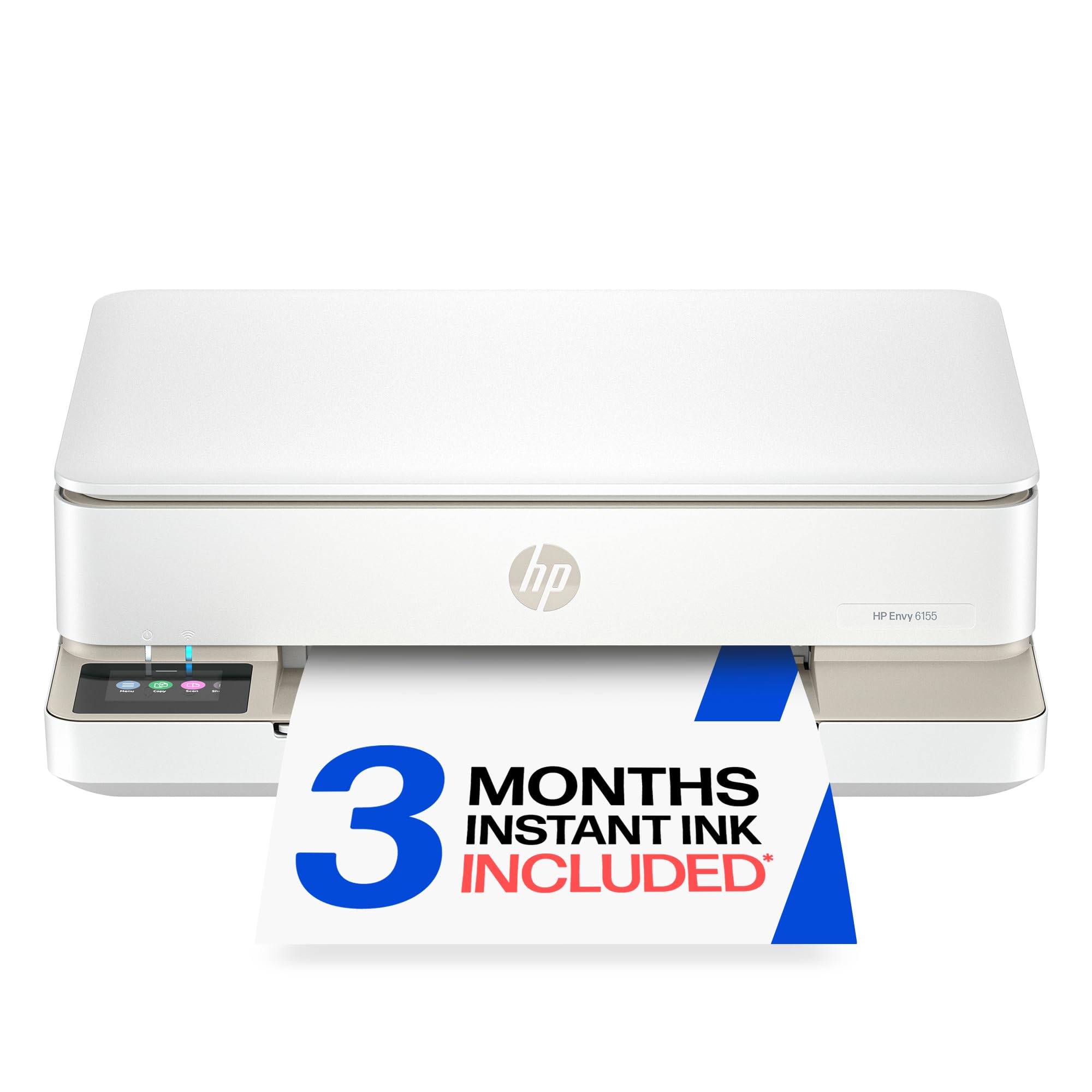
2. HP Envy 6155 Wireless All-in-One Color Inkjet Printer
A 10 ppm black / 7 ppm colour inkjet with a 2.4-inch touchscreen and automatic two-sided printing for home colour jobs.
Colour work is the entire point of the Envy 6155. It prints at 10 pages per minute in black and 7 pages per minute in colour, and that colour figure trails the HP OfficeJet Pro 8125’s 10 pages per minute — a fair gap if you print colour in bulk. For homework, a single photo, and a form or two a day, it is plenty.
The touchscreen is the friendly part: a 2.4-inch colour panel that walks you through the basics without a manual. Automatic two-sided printing is built in, the input tray holds 100 sheets, and HP’s P3 technology is designed to keep printed colour close to what you saw on the iPad. A three-month Instant Ink trial is bundled in, which delivers cartridges to your door on a subscription once the trial ends.
What wins people over is the print and copy quality itself plus how easily it sets up — those are the top two things the review pages keep coming back to. Connection, though, is the recurring gripe: some owners sail onto Wi-Fi, and others fight slow network performance, especially over wireless. Keep it near your router and the AirPrint handshake from the iPad behaves.
Colour that earns its keep: borderless photos and colour documents are the reason to choose this over a monochrome laser, and the 2.4-inch touchscreen plus 100-sheet tray make daily iPad jobs painless.
The wireless caveat: the connectivity gripes are real enough to plan around, so treat a strong dual-band signal as part of the purchase.
Reach for this if: you print colour at home and want the touchscreen and Instant Ink trial to do the heavy lifting.
Look elsewhere if: you routinely print stacks of black text fast — the 10 pages per minute mono figure is where a laser wins.
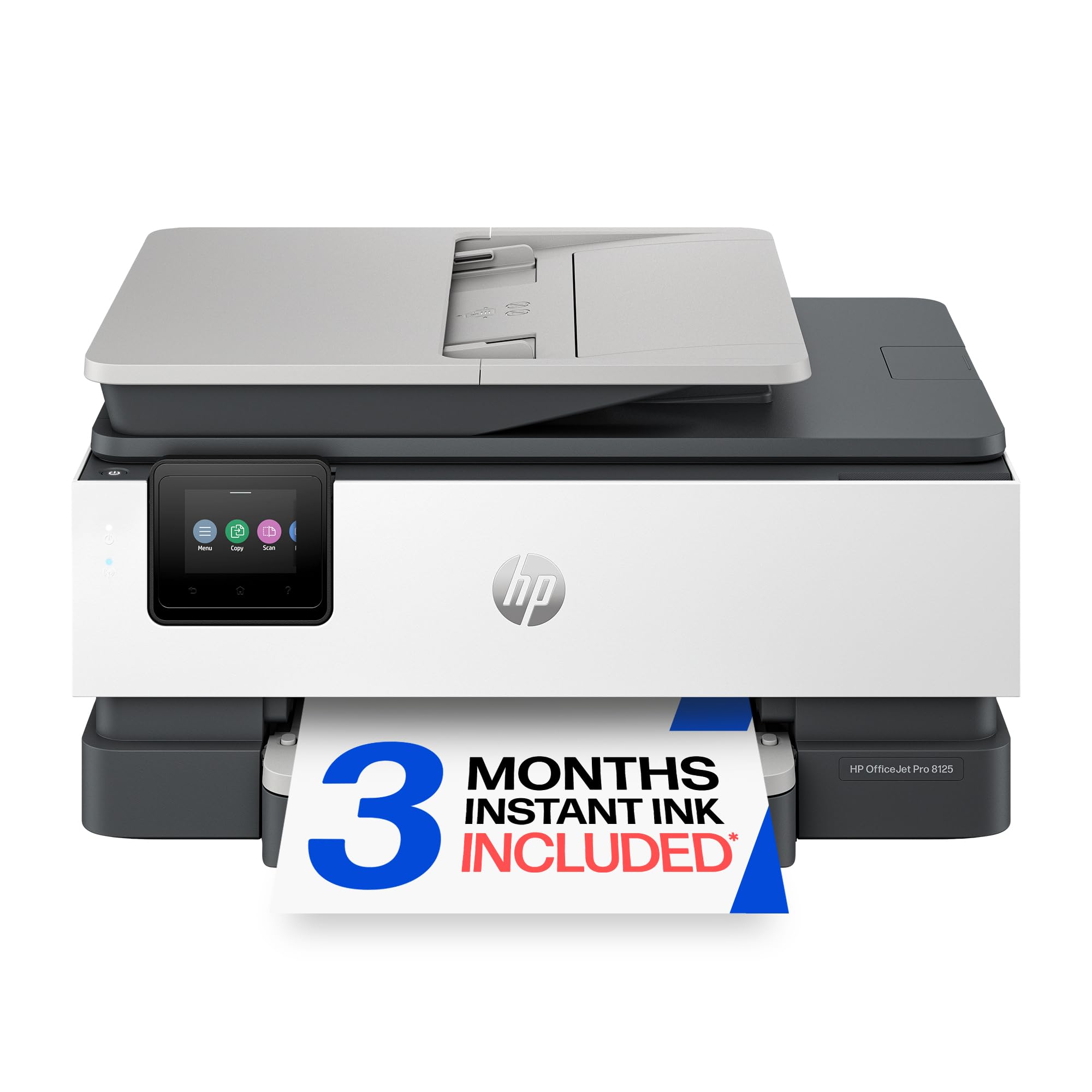
3. HP OfficeJet Pro 8125
A 20 ppm black / 10 ppm colour inkjet with a 225-sheet tray and auto document feeder for multi-page office packets.
Paper handling is where the OfficeJet Pro 8125 separates itself. If your iPad sends a 40-page client packet, that combo means fewer refills and no manual page flipping.
It prints colour at 10 pages per minute and black at 20 pages per minute — that colour figure beats the Envy 6155’s 7 pages per minute, so colour jobs here move meaningfully faster. A 2.7-inch colour touchscreen with a phone-like interface handles navigation, automatic two-sided printing is standard, and HP Wolf Essential Security is built in to guard the network your iPad shares.
Here is the honest flip side: this is the most debated printer on the list, and quality is the most-discussed topic of all — some owners find it excellent for copying, others call it terrible. Connectivity gets mixed treatment too, with some setups working and others not connecting at all. When it is dialed in, though, the 18-second first-page time and that big tray make it a serious small-office tool.
Why it suits a busy desk
- 225-sheet tray cuts refills on long iPad print runs.
- Auto document feeder scans stacked pages in one pass.
- 20 ppm black and 10 ppm colour move colour jobs faster than the Envy.
The honest trade-off
- Quality is the most-debated topic among owners, split down the middle.
- Connectivity can be stubborn; a clean 2.4GHz network is worth setting up.
Best fit for: a home office that prints multi-page colour reports and copies documents regularly.
Pass if: you want a fuss-free setup from the start and print only the occasional page.
4. Brother Work Smart 1410
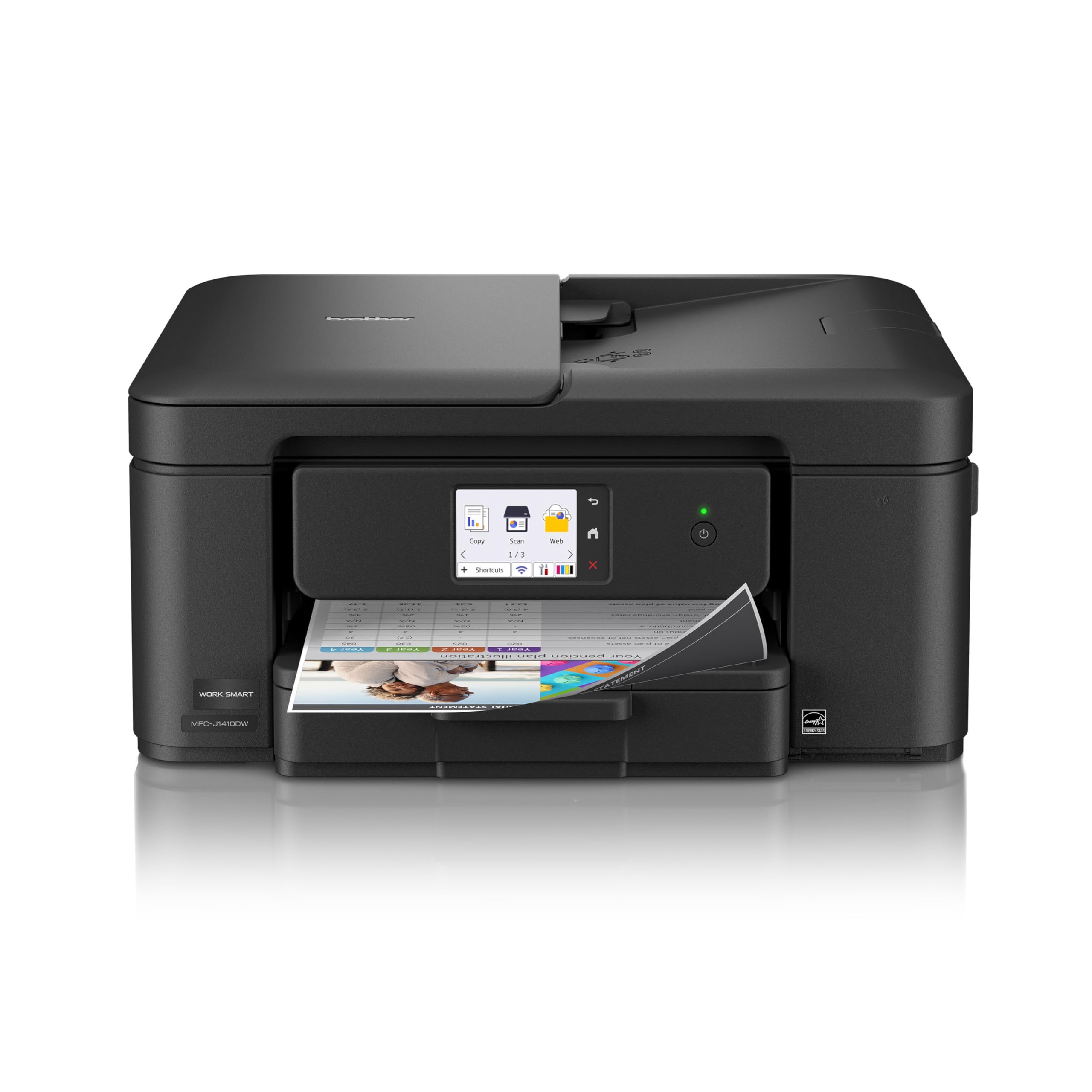
A 16 ppm black / 9 ppm colour inkjet that prints from Google Drive, Dropbox, Box, and OneDrive via its 2.7-inch touchscreen.
Cloud apps are the differentiator here. The Work Smart 1410 prints from and scans to Google Drive, Dropbox, Box, and OneDrive right from its 2.7-inch colour touchscreen — so your iPad files that live in the cloud never need to touch a laptop first. That is a genuinely useful trick when you are printing from a tablet on the go.
Page throughput sits at 16 pages per minute in black and 9 pages per minute in colour, and the first page lands in roughly 6.2 seconds for black and 9.6 seconds for colour. A 20-sheet automatic document feeder handles stacked copies, the paper tray holds 150 sheets, and automatic two-sided printing is standard. Brother Genuine LC501 ink is the branded cartridge path.
Quality is what earns the praise — owners rate it above HP models in the same class, and setup is the second thing that goes smoothly. Reliability is the split topic: some report the ink system performing great, while others hit a unit that quits around the three-month mark. Wireless is the same story, perfect for some and hours of connecting for others.
Cloud-first workflow: printing straight from Drive or Dropbox without a computer is the feature that makes this pick stand out for iPad users who keep files online.
Where owners split: the wireless handshake and long-term reliability both divide reviewers, so buy from a source with an easy return path.
Choose this one if: your documents live in cloud apps and you want to print them from the touchscreen without a PC.
Rather not if: you depend on rock-solid wireless every single day and want the least network drama.
5. Canon Color imageCLASS LBP646Cdw Wireless Laser Printer
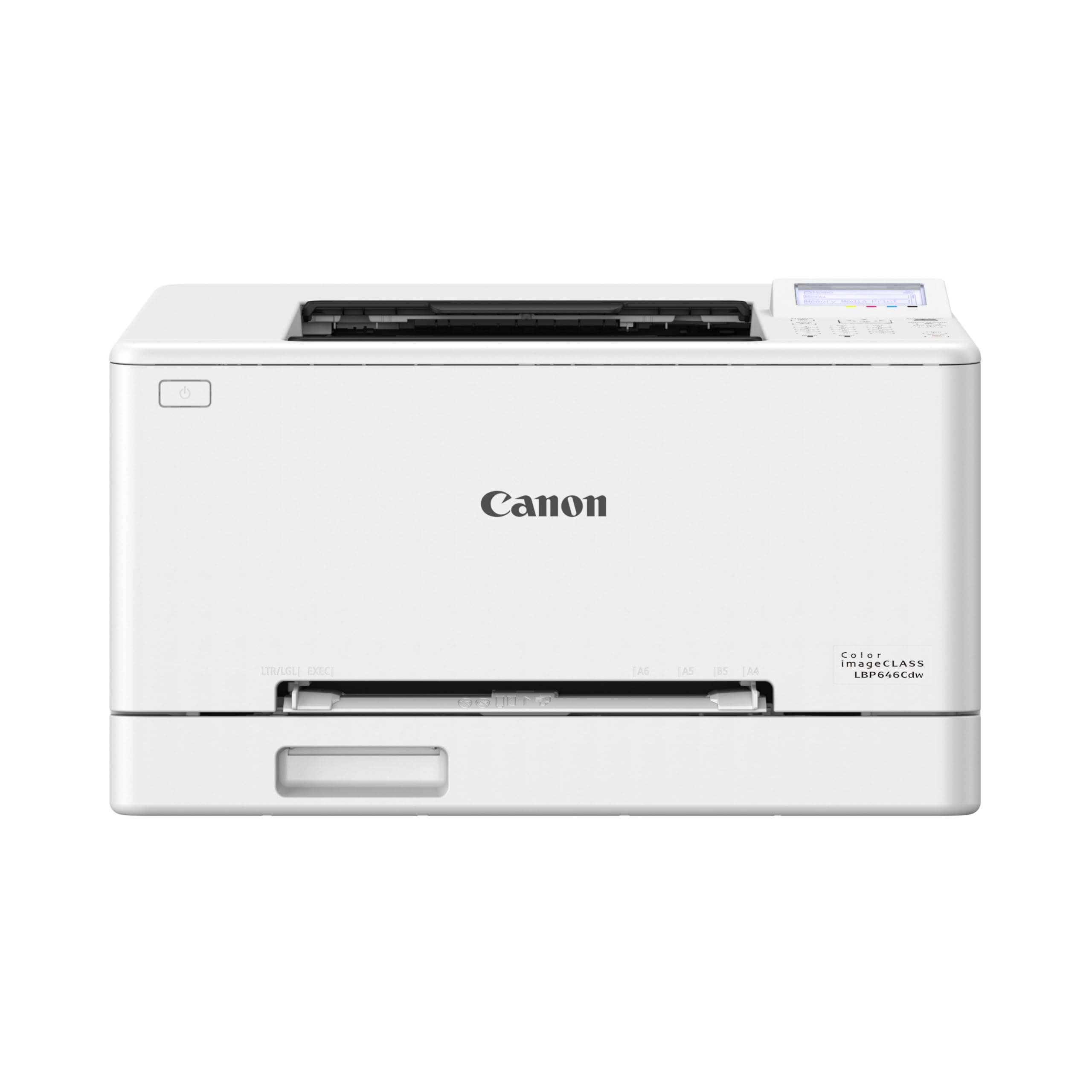
A print-only colour laser at 26 ppm in both black and colour, with a 250-sheet cassette and no scanner.
Speed is the whole story with the LBP646Cdw. It prints at 26 pages per minute in both colour and monochrome, and the first page appears in roughly 10.3 seconds — fast enough that a colour PDF from your iPad is out before you have stood up. That 26 ppm colour figure beats every inkjet in this group by a wide margin.
It is a print-only machine, so there is no scanner or copier, as the listing plainly states. What you do get is a 250-sheet cassette plus a 1-sheet multipurpose tray, automatic two-sided printing, a 5-line LCD, and Canon’s mobile printing path via the free Canon PRINT app, Apple AirPrint, and Mopria. Canon Genuine Toner 075 keeps output consistent.
Print quality is the praise magnet, and colour comes out bright. The notes worth weighing are these: wireless setup is easy for some and clunky for others, and there is a run of reports of units that stop printing after a few days. The official Canon app occasionally fails to detect the printer, a compatibility snag worth knowing before you lean on it.
What it does brilliantly
- 26 ppm in both colour and mono outpaces every inkjet here.
- Bright colour output backed by Canon Genuine Toner 075.
- 250-sheet cassette plus multipurpose tray means fewer refills.
What it will not do
- No scanning or copying at all — print only.
- Wireless setup and app detection divide owners.
Worth it when: you only ever print and want colour pages flying out at laser speed from your iPad.
Not for you if: you need to scan or copy anything, because this machine cannot.
6. Canon imageCLASS MF462dw II
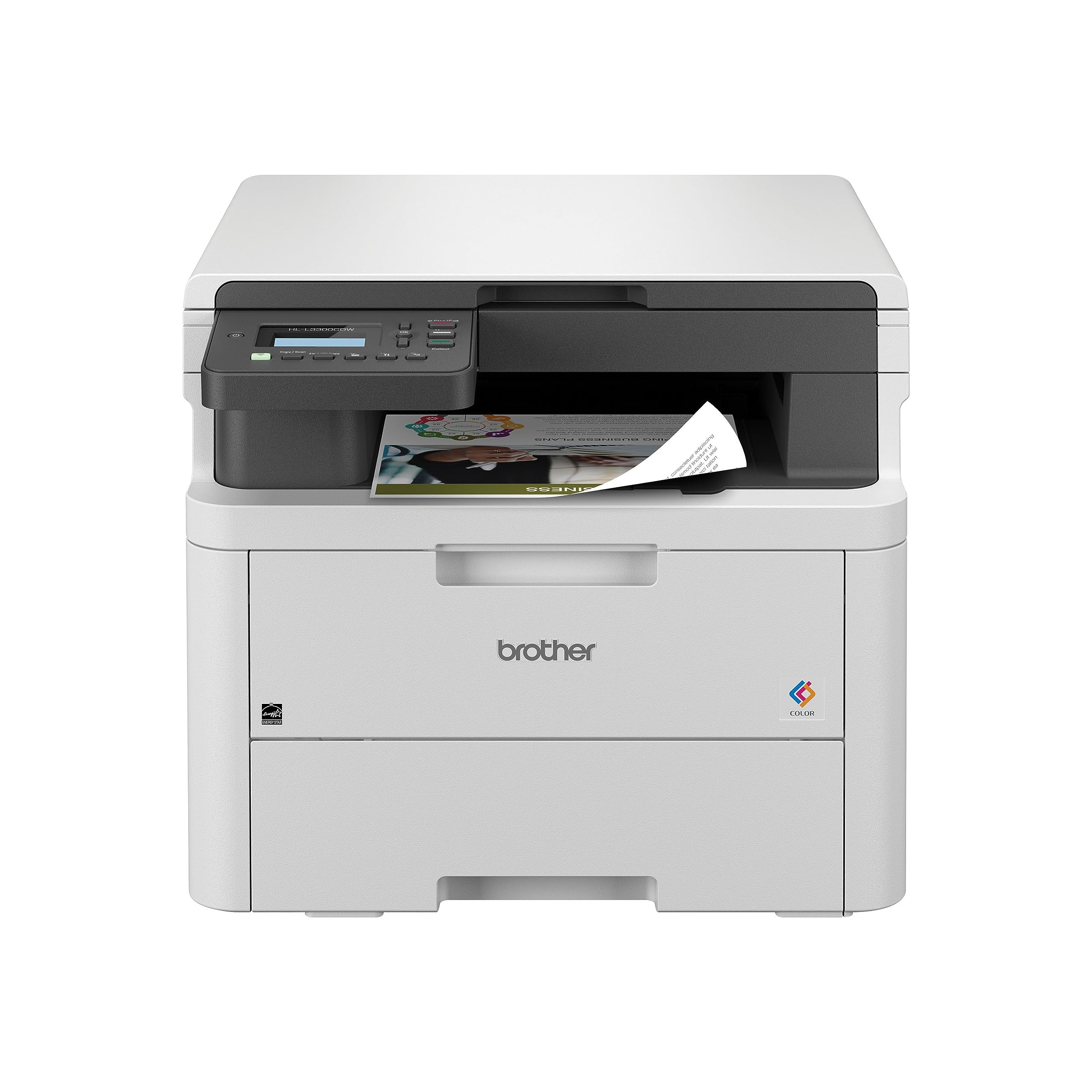
A 19 ppm colour laser three-in-one with dual-band Wi-Fi, Wi-Fi Direct, and a flatbed glass for iPad scans.
Dual-band wireless — 2.4GHz and 5GHz — plus Wi-Fi Direct is the feature that sets the HL-L3300CDW apart for iPad printing. A 5GHz band is the less crowded lane in a busy home, and fewer dropped connections means your AirPrint job actually lands. There is also a USB interface for a direct local connection to a single computer.
This is a three-in-one: print, copy, and scan from a flatbed glass on one compact machine. Speed tops out at 19 pages per minute in both colour and mono. It prints what owners describe as laser-quality digital colour, and the toner path runs through Brother’s TN229 series cartridges in standard and high-yield versions for longer stretches between swaps.
What wins people over is that print quality — genuinely superb, close to photo quality by some accounts — plus quick setup. Where reviews diverge is running cost: some find it well worth it, others call the toner expensive to operate. Reliability is the splitter, with loyal reports of trouble-free use alongside a run of units that start misbehaving.
Network-friendly: the dual-band radio and Wi-Fi Direct are the reason this compact laser holds a steady AirPrint link where single-band printers wobble.
Watch the ink spend: toner cost is the admitted weak spot, so price out the TN229 cartridges before you commit to a heavy-printing habit.
Reach for it if: you want a compact colour laser that behaves on a congested home network.
Look past it if: the lowest possible running cost is your deciding factor.
7. Canon imageCLASS MF753Cdw II

The top of the lineup: 35 pages per minute in full colour, with fax and a seven-second first page.
Thirty-five pages per minute in both colour and black-and-white is what puts the MF753Cdw II at the head of the class for colour volume. The first page appears in roughly 7 seconds, so a colour job from your iPad starts almost immediately. This is the printer that keeps up when several people share it.
It covers every function: print, scan, copy, and fax, with automatic two-sided printing on board. Canon Genuine Toner 069 ships as a starter set with a 1,100-page estimate for colour and a 2,100-page black yield. That starter load gets you printing real volume from day one rather than rationing the first cartridge.
Quality and speed are the two things that please owners most — colour prints look good and it prints right away. The honest catch is setup and network: some describe installation as dead easy, while others hit cumbersome software and constant Wi-Fi disconnections. If your iPad and printer sit close to the router, the odds tilt clearly in your favour.
Colour volume champion: 35 pages per minute in colour plus a 7-second first page is the strongest colour-throughput combination here.
Setup varies by network: the installation experience is divided, so a clean 5GHz-capable router setup is the difference between an easy afternoon and a frustrating one.
Best for: a shared home or small office that needs fast colour output plus fax.
Not for one-person: a light-duty desk, where this much colour speed and toner is more machine than you need.
Know the Specs
Pages per Minute (ppm)
This is the rated speed once a print job is running, measured in pages per minute. Higher numbers matter for long jobs — 37 ppm in black-and-white clears a stack far faster than 16 ppm. Just remember that ppm and first-page time are different figures: a printer can be fast at page 20 and still take several seconds to warm up for page one. Pair the two when you compare.
AirPrint and Dual-Band Wi-Fi
AirPrint is Apple’s wireless printing standard, so an iPad finds the printer without any app. Dual-band Wi-Fi means the printer can sit on the 2.4GHz band (longer reach) or the 5GHz band (less congestion). A crowded home network tends to drop single-band printers, so dual-band is the safer bet for reliable iPad printing.
Duplex and Automatic Document Feeder
Duplex means automatic two-sided printing — the printer flips the page for you and uses half the paper. An ADF (automatic document feeder) pulls a stack of pages through the scanner one by one, so copying a multi-page packet takes one pass. A single-sheet ADF is fine for occasional copies; a 50-sheet duplex ADF suits heavier use.
Laser vs Inkjet and Toner vs Ink
Laser printers use powder toner and deliver fast, sharp text with a long shelf life between cartridges. Inkjet printers use wet ink cartridges and shine on photos and colour documents. Both are represented here. Toner cartridge yields are quoted in pages — a starter toner and a high-capacity toner will carry you different distances.
Common Questions
Will an iPad print to these printers without installing an app?
Do iPad print jobs need the printer connected to the internet or just Wi-Fi?
Is a monochrome laser or a colour inkjet better for iPad homework printing?
How long does a toner cartridge last before I need a new one?
Why does my iPad keep losing the wireless printer connection?
Can these printers scan directly to an iPad?
Does a colour laser printer cost more to run than an inkjet?
Can I print from an iPad to a printer with no screen?
Will these printers handle two-sided printing on their own?
Can multiple iPads and phones share one of these printers?
The Bottom Line
For most homes using an iPad as the main print source, the winner is the HP LaserJet MFP M140w, because 21 pages per minute of monochrome text, automatic duplex, and a compact body cover the everyday document job with the least fuss. If you want colour photos and a touchscreen, the HP Envy 6155 is the natural step up. And if you print colour at volume and want the longest warranty behind it, the Canon imageCLASS MF662Cdw earns the reach.
How we choose
We do not accept paid placement. Every pick is matched to a real buyer and a real use-case; we do not hands-on test units.
Sources
Specifications: manufacturer listings and product documentation. Review insights: verified customer reviews, as of November 2026. Pricing: not shown on this page (it changes often); check the current price via the retailer link.
As an Amazon Associate, Tactical Gear Guy earns from qualifying purchases. This does not affect which products we feature.