Specs are compiled from manufacturer listings and verified buyer reviews and can change over time — please confirm the key details on the product page before buying.
Here is the truth up front: Samsung doesn’t sell a TV stick. Samsung TVs run their own smart system, and if you want to turn a TV into a streaming set, you are buying a stick from Amazon, Roku, Xiaomi, or a small Android brand. So the real question is which HDMI dongle gives you the smoothest picture, the least buffering, and a remote that actually responds. That’s what this list sorts out for you.
This guide is built by comparing the manufacturers’ published specifications and the patterns across verified customer reviews, so you get each pick’s real strengths and trade-offs instead of marketing spin.
A streaming stick is a small dongle you plug into your TV’s HDMI port (the video input socket on the back). It needs strong Wi-Fi and a simple remote to keep up. The crowd favorite is the Fire TV Stick 4K Plus, holding 4.5+ stars across 110,000+ owners. Every pick in this samsung tv stick guide is scored on the same few things.
Top Picks
How To Choose The Best Samsung TV Stick
Since Samsung doesn’t make its own stick, your job is picking the dongle that fits your TV and your Wi-Fi. Three things decide that: the wireless standard, the streaming platform, and whether the stick takes its power from the wall or from the TV’s own USB port.
Match the Wi-Fi standard to your router
A stick with Wi-Fi 6 (the newer wireless standard that handles crowded networks better) keeps a 4K picture steady even when phones and laptops are online. If your router is older, a plain dual-band Wi-Fi stick still works fine. The point is not to buy more radio than your router can feed.
Pick the platform you’ll actually browse
Amazon’s Fire TV, Roku’s interface, and Google TV each organize apps differently. Fire TV leans on Alexa+ voice search, Roku keeps a simple grid with lots of free live channels, and Google TV pulls recommendations from across your subscriptions. Whichever remote you’ll reach for daily is the one worth having.
Check the power source and the fit
Some sticks draw power straight from the TV’s rear USB port, so they need no wall outlet and no extra cord. Others ship with a power adapter you’ll need to plug in. Also look at width: a slim stick sits flush and leaves the neighboring HDMI port free for a game console or soundbar.
Side-by-Side Comparison
| Model | Best For | Top Resolution | Wireless | Storage / RAM | Amazon |
|---|---|---|---|---|---|
| Amazon Fire TV Stick 4K Plus★ Best Overall | Most buyers | 4K Ultra HD | Wi-Fi 6 | — | Amazon |
| Roku Streaming Stick PlusSimplest Setup | Plug-in-from-TV simplicity | 4K & HDR10+ | Bluetooth, Wi-Fi | — | Amazon |
| Android TV Stick 4K (EASYTONE)Most Storage | Tinkerers and travelers | 4K HDR10+ | Wi-Fi 6 dual-band | 16 GB / 2 GB | Amazon |
| ONN Android TV 2K FHD | Budget bedrooms | 2K FHD | Wi-Fi, HDMI | — | Amazon |
| Roku Streaming Stick (HD) | Free live TV lovers | HD | HDMI | — | Amazon |
| KICKPI KP2 Android TV Stick | Google-certified budget pick | 4K Ultra HD | Bluetooth, Wi-Fi | 8 GB / 2 GB | Amazon |
| Like-New Fire TV Stick 4K Max | Fast app launches | 4K Ultra HD | Wi-Fi 6E | — | Amazon |
| XGIMI Streaming Dongle | XGIMI projector owners | 4K@60Hz | USB (power) | — | Amazon |
| XIAOMI TV Stick 4K (2nd Gen) | Dolby Vision on the go | 4K Ultra HD | Wi-Fi 6 | 8 GB / — | Amazon |
Detailed Reviews
1. Amazon Fire TV Stick 4K Plus
Our pick — 4.5+★ from 116,500+ verified ratings; the strongest balance of quality and price.
The Wi-Fi 6 stick that keeps 4K smooth when the whole house is online.
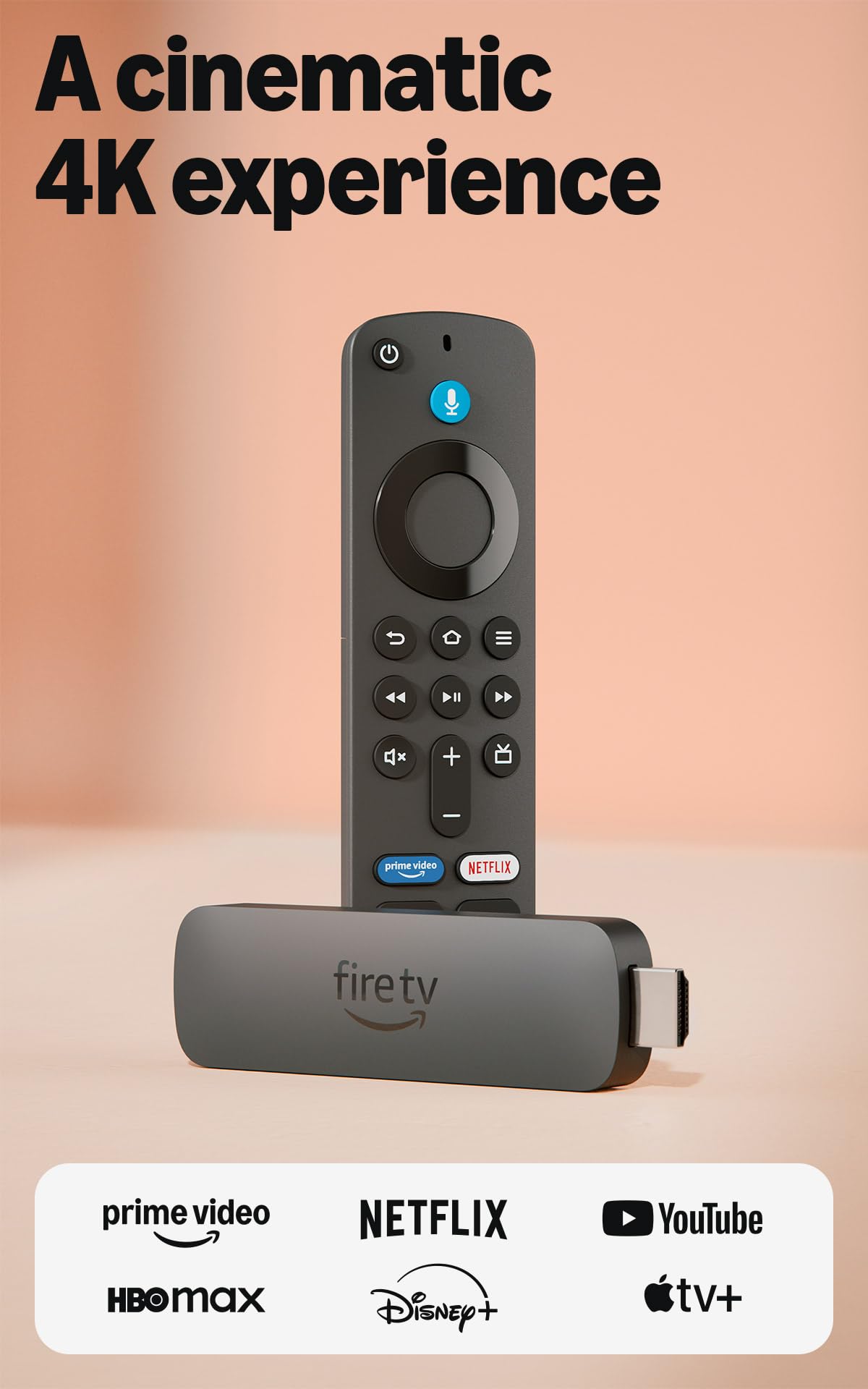
If you want the safest single purchase in this whole category, this is it. The Fire TV Stick 4K Plus is the crowd favorite at 4.5+ stars across 110,000+ owners, and it earns that with the one thing that ruins streaming for most people: a weak connection. Wi-Fi 6 (the newer wireless standard built to share a busy router) keeps a 4K picture steady even when phones and laptops are pulling bandwidth at the same time.
Alexa+ voice search is the other daily win: press the remote button, talk naturally, and it looks across your apps instead of one at a time. It also controls TV power and volume from the same remote, so the coffee-table remote pile shrinks to one.
Cloud gaming is a bonus most sticks skip — with an Xbox Game Pass or Luna subscription and a controller (both sold separately), you can stream titles like Call of Duty: Black Ops 7 without a console. The honest catch sits with the remote: the remote is the one mixed note in owner feedback, with pairing trouble showing up now and then, so keep the pair-button instructions handy on day one. That is a small gripe against a huge happy base, not a reason to skip it.
What earns it the top spot
- Wi-Fi 6 keeps 4K steady on a crowded home network
- 4K Ultra HD with Dolby Vision, HDR10+, and Dolby Atmos
- Alexa+ voice search across apps, plus TV power and volume on one remote
- Free live channels and cloud gaming without a console
What to keep in mind
- Remote pairing is the weak link — set it up carefully first time
- Game Pass and Luna need their own subscription and a controller
Go for it if: you want one stick that handles 4K, voice search, and a busy router without fuss.
Think twice if: you’d rather have a plug-from-the-TV design with no separate power adapter run.
2. Roku Streaming Stick Plus with Voice Remote
Slim enough to vanish behind the TV and draw its power straight from it.
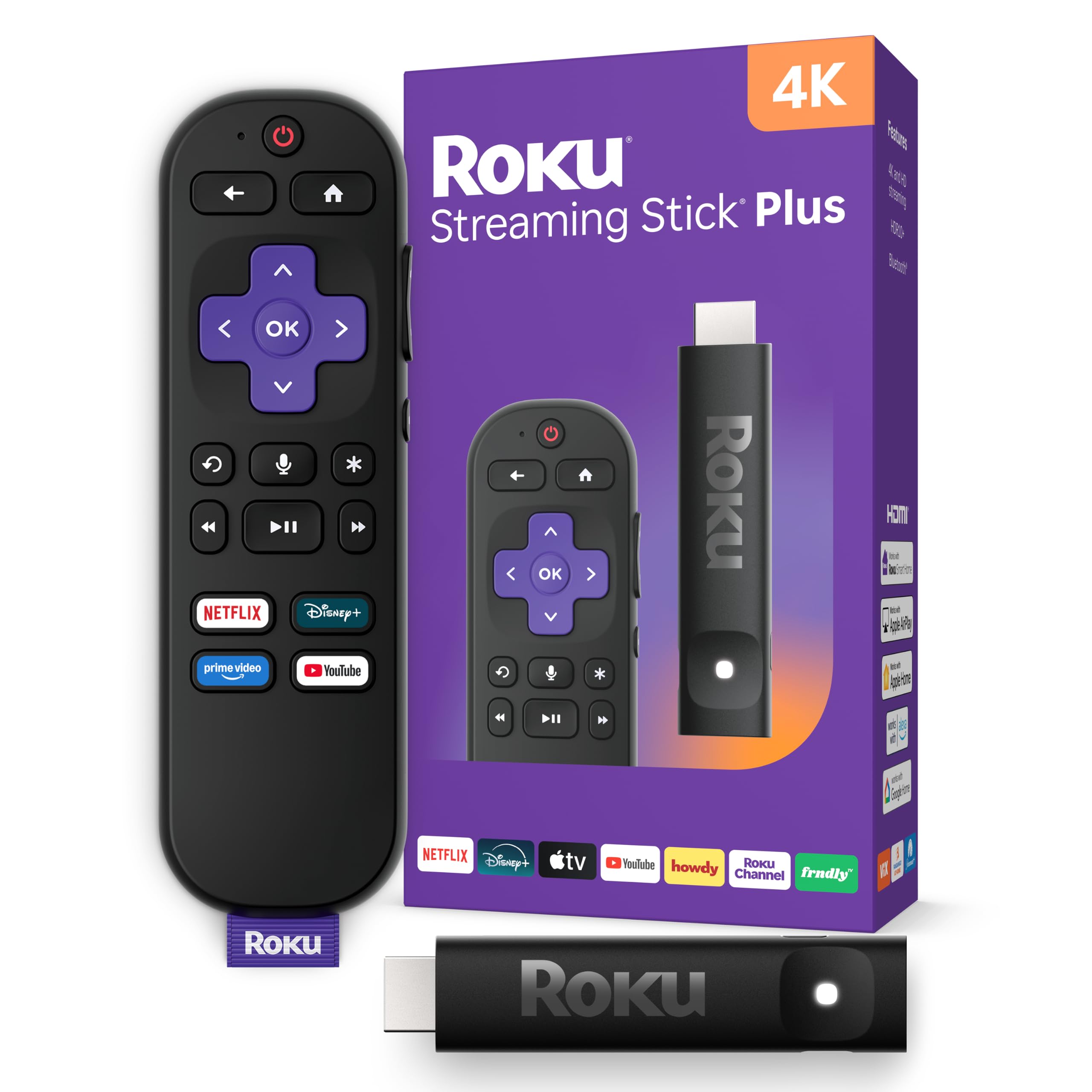
It draws power from the TV’s own USB port, so there’s no wall outlet and no extra cord to run. At 80 g, it hangs light enough to sit flush behind the panel.
You get a 4K picture (four times the detail of standard HD) with vivid HDR color (a wider range of brightness and shade). Roku’s interface is the easy one to hand to a guest or an older family member: a simple app grid, a home screen that gets you to a show fast, and 200+ free live TV channels with news and weather. The voice remote powers the TV, adjusts volume, and searches by voice, so one remote does the whole job. Buyers report running it for years without trouble, and it works fine with older TVs that never had smart features built in.
The recurring gripe is the remote, which doesn’t always respond on the first press — a mild irritation, not a failure. And note this model tops out at HDR10+ rather than Dolby Vision, so if your TV leans on the Dolby format, the Fire TV Stick 4K Plus above covers it. For a tidy, cord-free install, the Roku is the calmer choice.
Size and power: a narrow 0.8″W body that won’t block the port next door, fed by the TV’s own USB — no outlet needed.
The trade-off: HDR10+ only, no Dolby Vision, so Dolby-first TVs are better served by the Amazon pick.
Best fit for: anyone who wants a hidden, no-clutter install and an interface a whole household can navigate.
Look elsewhere if: Dolby Vision on your TV is a must-have rather than a nice-to-have.
3. Android TV Stick 4K (EASYTONE)
The open Android stick with real storage for sideloaders and app hoarders.
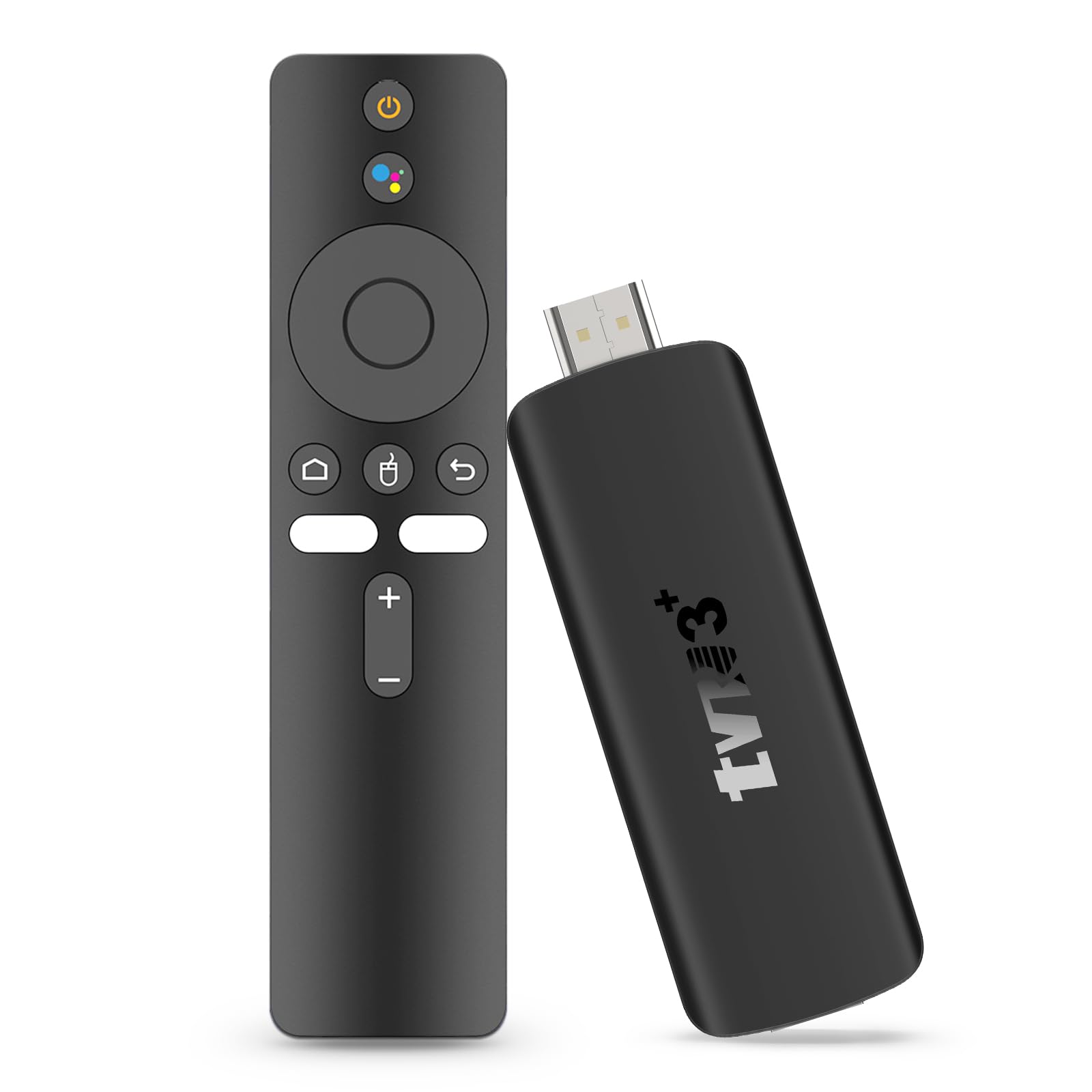
Most sticks hide their memory. This one leads with it: 16GB ROM of storage backed by 2GB RAM, running Android 14 on a quad-core RK3518 CPU. That 16GB matters in practice — it gives you room for your apps and content without the low-storage warnings that slow a cheap stick down. The spec sheet looks generous for the tier, and it accepts a USB 3.0 connection plus Bluetooth 5.4 for headphones, speakers, or a controller.
On picture, it outputs native 4K and decodes 8K (a higher-resolution format), with HDR10+ support (a dynamic brightness standard). It connects over Wi-Fi 6 (the newer, faster Wi-Fi standard) on both 2.4G and 5G bands. That dual-band Wi-Fi 6 holds a steadier signal when other devices are online, which is the usual cause of endless loading wheels. For travelers it’s a strong pick: the slim body plugs into any HDMI display — hotel TV, vacation-rental set, even a monitor — and it includes an HD extension cable and IR cable (infrared, for remote signals) so awkwardly placed ports aren’t a blocker. Size runs 3.6″L x 1.3″W x 4″H.
Now the honest part. This is a newer listing at 3.0+ stars, and reliability is genuinely mixed — the USB dongles are where things go wrong for some buyers, and the voice remote draws its own split verdict (loved for its keyboard, dinged for connectivity). Buy it as a tinkerer’s stick you’re willing to set up yourself, not as a set-and-forget box for a technophobe.
Why it’s here: 16GB of real storage and full Android 14 flexibility — you can load far more than the certified boxes typically allow.
The honest limit: reliability is uneven, and the bundled remote connectivity is the weak spot, so budget time for setup.
The right pick for: anyone comfortable sideloading apps and who needs roomy 16GB storage on a travel stick.
Not the one for: a family that wants zero tinkering — go certified instead.
4. ONN Android TV 2K FHD Streaming Stick
A no-frills 2K stick for the bedroom set you don’t watch in 4K anyway.
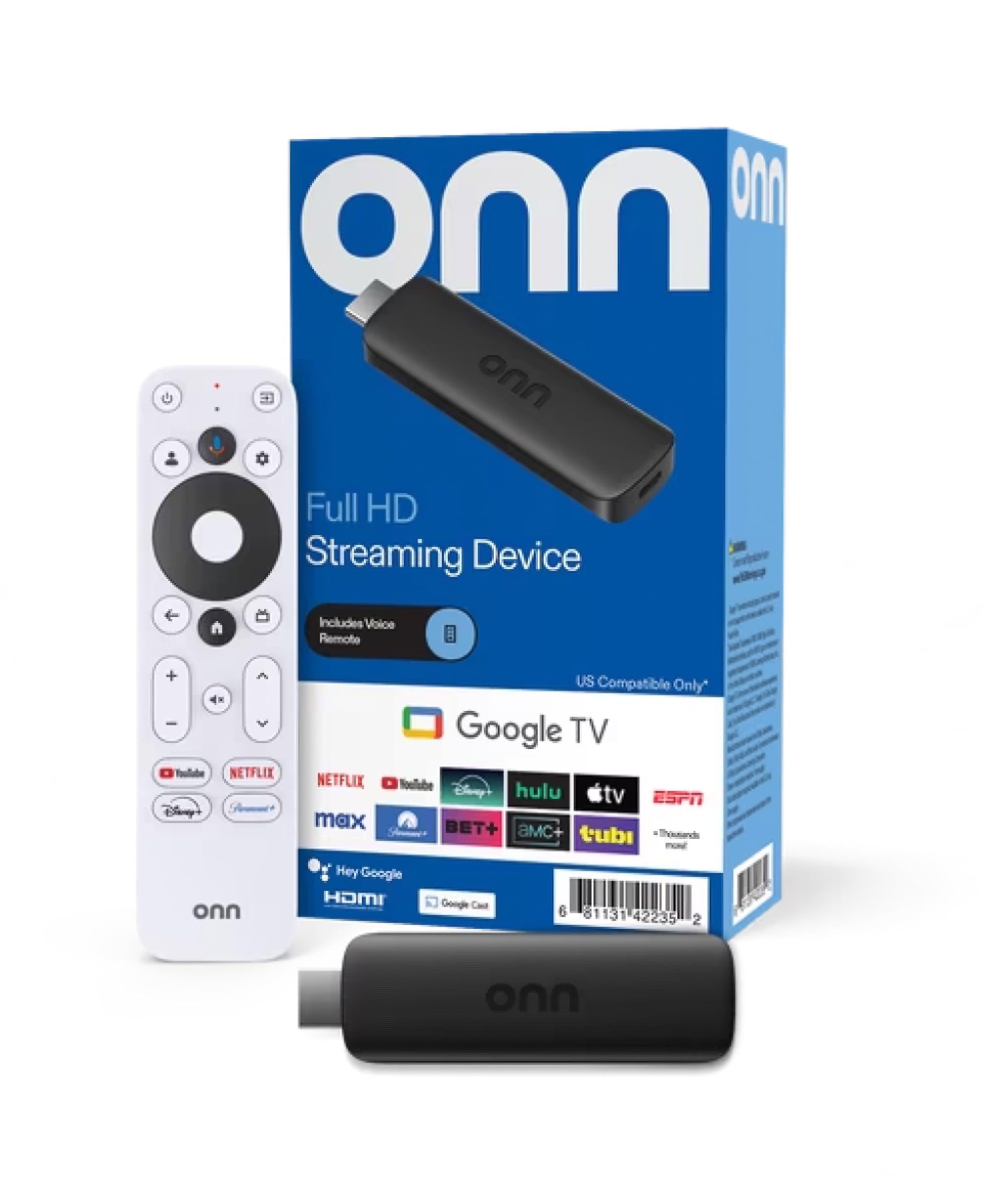
This one sets expectations plainly: 2K FHD resolution, not 4K. On a smaller bedroom or kitchen TV that’s completely fine, and the trade buys you a simple, voice-driven setup. Press the mic button on the remote to control the TV by voice, and cast photos, videos, and music straight from your phone, tablet, or PC thanks to Chromecast built in. YouTube and Play Movies & TV come preloaded, and the box includes the HDMI cable, power adapter, and even the two AAA batteries for the remote.
It’s easy to set up and a solid performer for the money, with a built-in 16:9 aspect ratio and Dolby audio output feeding a straightforward TV. It’s the least complicated way to make an old TV smart without paying for 4K you won’t use.
The one real caution concerns connectivity: Wi-Fi and phone-hotspot hookups are the recurring trouble spot for a small share of units, so make sure your router reaches the room before you commit. Value is otherwise the story — some buyers find it a bargain and a few feel it could be cheaper. On a spare-room TV with a strong signal, it does the job quietly.
The value read: 2K is the honest limit here, and for a secondary TV that’s the right call — you’re not paying for pixels you can’t see.
Check before buying: strong Wi-Fi in that room, since connectivity is the weak point on a minority of units.
Worth grabbing for: a secondary or older TV where 2K is plenty and easy casting matters.
Pass on it if: you want 4K for a main living-room TV — this isn’t built for that.
5. Roku Streaming Stick (HD)
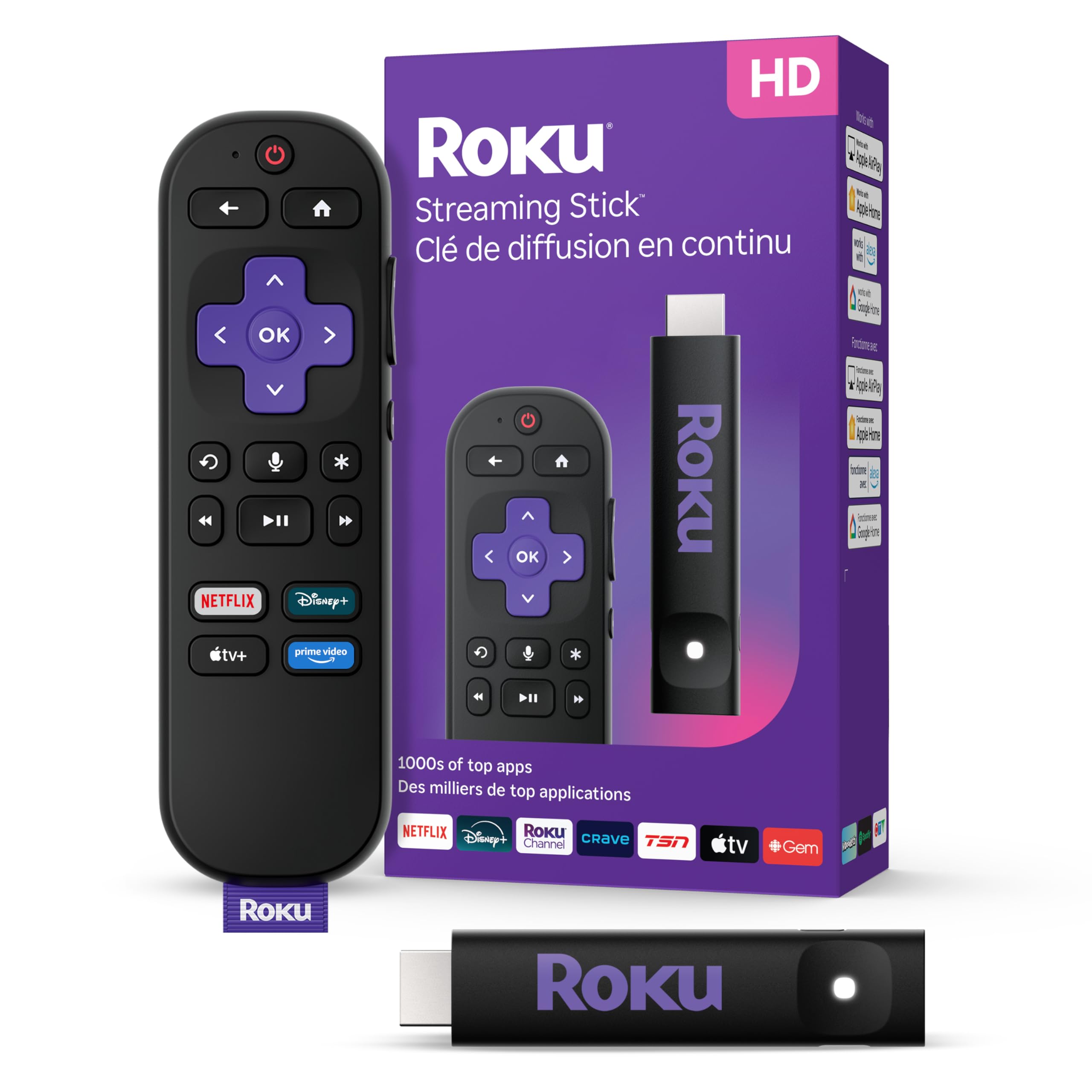
HD streaming with a free live-TV lineup that costs nothing extra to watch.
This is the Roku for cord-cutters who want something on without hunting for it. The headline is 200+ free live TV channels — news, weather, and sports coverage — sitting right alongside the paid apps, all reachable from a home screen built to get you watching fast. It’s HD rather than 4K, so pair it with a 1080p TV and you lose nothing.
The build keeps the Roku habits that work: a sleek body that won’t block the HDMI port next to it, and power drawn from the TV itself for a clutter-free rear panel. One voice remote handles power, volume, and content search, and the portable design means you can take your own interface to a hotel without logging into someone else’s account. Setup is quick — power up, connect to the internet, and you’re in.
The honest follow-up is resolution: if your main TV is 4K, spending on the 4K-capable Roku Streaming Stick Plus above makes more sense. This one is for the spare room, the older set, or the traveler who wants free channels and an easy remote. It’s a small, focused HD stick that delivers free channels and an easy remote without extras.
The draw: 200+ free live channels plus all the top apps in one place, with a remote that also runs your TV.
The caveat: HD only — a 4K set is better matched with a 4K stick.
Right for: a 1080p TV or travel setup where free live channels are the main attraction.
Skip if: your screen is 4K and you want every pixel of it used.
6. KICKPI KP2 Android TV Stick

A certified Google stick with 4K over HDMI 2.1 and Atmos on a budget.
Certification is the reason to consider this one. The KICKPI KP2 is Google-certified, which means the big streaming platforms — Netflix, YouTube, Prime Video, Disney+ — install and behave properly rather than fighting the hardware. It runs Android 14 on an Amlogic S905Y4 quad-core processor with 2GB RAM and 8GB ROM, and it pushes 4K Ultra HD through HDMI 2.1 with HDR support for richer contrast and color depth.
Chromecast is built in, so casting from a phone or laptop is one tap, and Google Play opens the door to 5,000+ apps across streaming, music, and lifestyle. Dolby Atmos audio adds a surround feel on compatible gear. The body is compact at 3.74″L x 1.38″W x 0.47″H and light at 0.04 kg, so it travels well and tucks behind the TV without a fuss.
Owners consistently praise the build quality. The remote is the mixed note, so expect to spend a few minutes getting it paired and mapped to your preferences. It sits in the premium tier on specs while giving you the certified Android experience most budget sticks lack; treat it as a solid mid-tier performer with a hardware pedigree.
Reasons it holds up
- Google-certified, so Netflix and Disney+ install and run properly
- 4K Ultra HD over HDMI 2.1 with HDR and Dolby Atmos
- Chromecast built in for one-tap phone casting
- Compact 0.47″H body that travels easily
Where it asks patience
- Remote setup is the weak spot — pair and map it yourself
- 8GB ROM is modest if you load a lot of apps
Consider it when: you want a certified Android stick with Atmos and true 4K without paying flagship money.
Weigh the alternative if: you need plenty of storage — 8GB fills quickly with big apps.
7. Like-New Amazon Fire TV Stick 4K Max
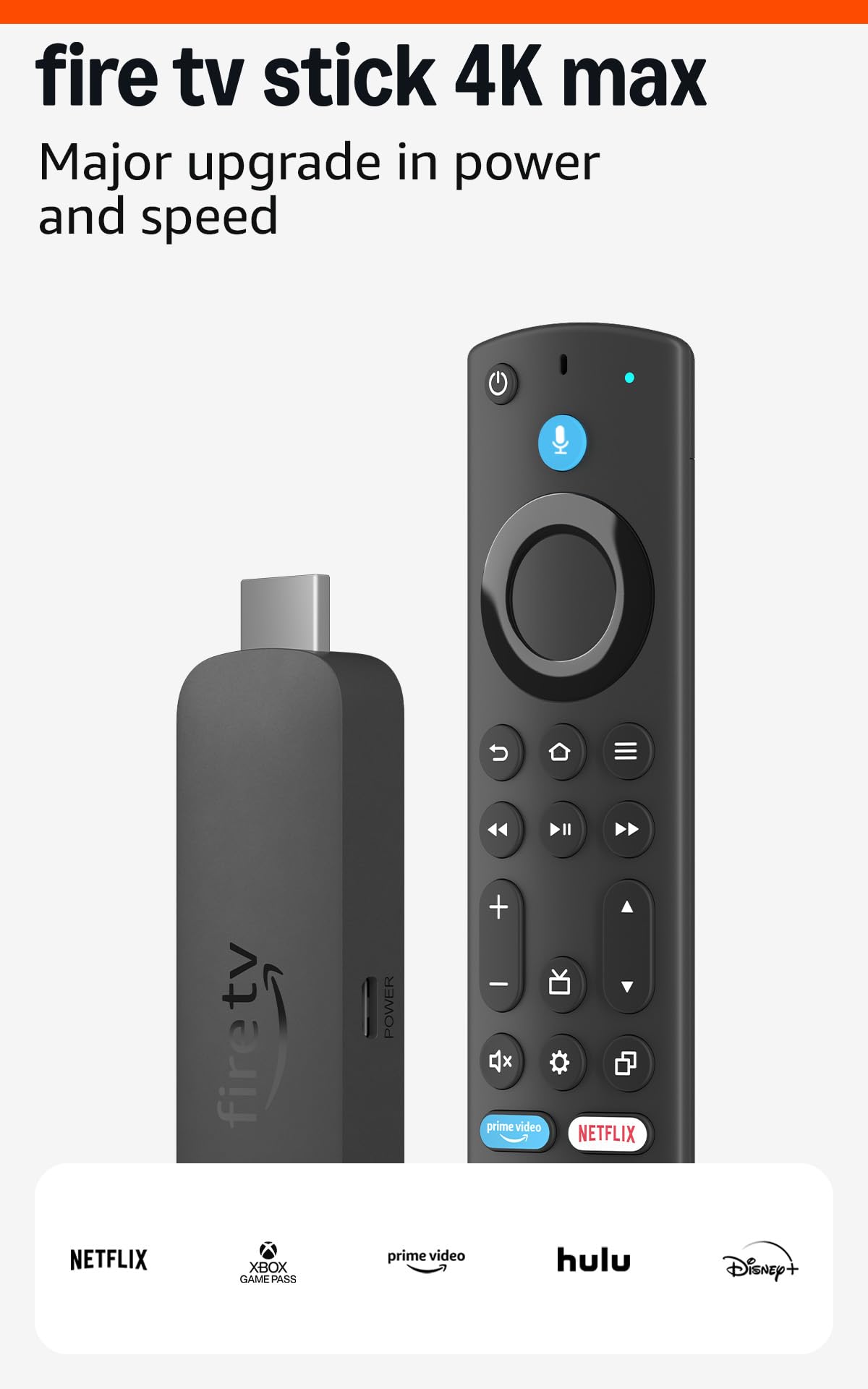
The refurbished speed demon that turns your TV into an art gallery when idle.
This is a certified refurbished unit — checked to look and work like new, backed by the same limited warranty as a new device, and sometimes shipped in a plain Amazon box. On top of that you get the quickest Fire TV experience in the lineup: a powerful processor for fast app starts and fluid menu navigation, plus Wi-Fi 6E (an extended wireless band that uses a cleaner slice of spectrum if your router supports it).
The standout party piece is Fire TV Ambient Experience, which displays over 2,000 pieces of museum-quality art and photography when the TV is idle — a small thing that makes a big room feel less blank when nothing’s on. Picture quality is 4K Ultra HD with Dolby Vision (a premium HDR format), HDR10+, and Dolby Atmos (surround-style audio), and the upgraded remote adds voice control, a recents button, and dedicated channel buttons for surfing live TV. Movies and shows number over 1.8 million across the major apps.
Owners single out picture quality and app-launch speed, and downloads can run past 300 MBPS on a strong connection. The honest catch is connectivity for a slice of buyers — some setups report drops just like the FIOS boxes they’re replacing — so strong Wi-Fi at the TV matters. Buying refurbished is the real story here: same warranty, sometimes a plain box, and the app-launch speed of a flagship.
Why it stands out: Wi-Fi 6E plus a fast processor means apps start before you finish sitting down, and Ambient Experience fills the idle screen with art.
The caveat: it’s refurbished, and connection drops hit some setups — so give it clean Wi-Fi.
For the buyer who: wants flagship Fire TV speed and Wi-Fi 6E, and is happy with a certified refurb to get it.
Steer clear if: you insist on brand-new-in-box only.
8. XGIMI White Streaming Dongle

A dongle built to slot into XGIMI projectors, not just any TV.
Read the spec sheet carefully and this one makes sense: it’s a streaming dongle designed around XGIMI devices. It outputs 4K content at up to 4K@60Hz, runs an official Android TV system with the official Netflix, HBO Max, and Disney+ apps on board, and draws its power straight from the XGIMI device’s USB port. You control it from the XGIMI remote through HDMI CEC — the standard that lets one remote drive connected gear — so there’s no second remote to juggle.
The form factor is tiny at 1.37″L x 0.63″W x 3.3″H, which is why it’s the clean fit for a projector rig where cable clutter shows on a big screen. If you already own an XGIMI projector, this turns it into a fully official streaming setup without an extra box hanging off the back. That’s the specific job it’s built for, and it slots in without an extra box or a second remote.
The caution is scope: this is a small-listing, specialist item with a modest owner base, and it’s aimed at XGIMI hardware rather than a generic living-room TV. As a projector companion it’s a tidy solution; as a general-purpose TV stick you’ll want one of the mainstream picks above.
The niche fit: official Android TV apps plus 4K@60Hz output and single-remote HDMI CEC control — ideal for an XGIMI projector.
The narrow scope: it’s tuned to XGIMI devices, so it’s not the pick for a standard TV upgrade.
Perfect for: XGIMI projector owners who want official streaming apps and one remote.
Wrong tool for: a normal TV, where a mainstream stick fits better.
9. XIAOMI TV Stick 4K (2nd Gen)
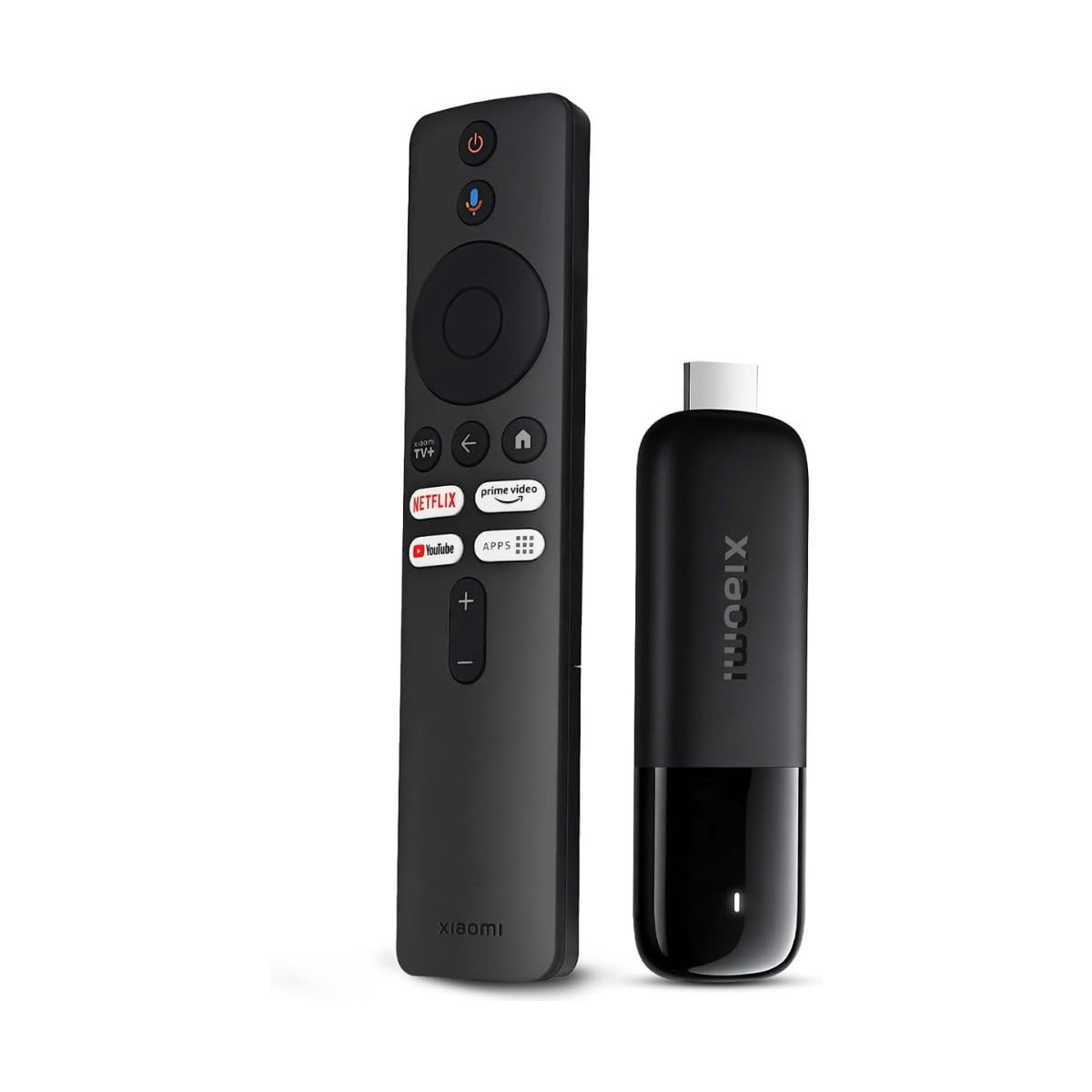
The pocket-sized stick with both Dolby Vision and DTS:X in its corner.
For a main TV where picture and sound are the point, this Xiaomi brings the full toolkit: 4K Ultra HD with Dolby Vision and HDR10+ for visuals, and Dolby Atmos plus DTS:X for surround audio. That DTS:X support is the detail most sticks skip, and it matters if your soundbar or receiver leans on that format. The engine behind it is a 6nm, 2.5GHz quad-core CPU with dual-band Wi-Fi 6 feeding a steadier 4K stream when others are online.
Google TV organizes shows across all your apps so you’re not app-hopping to find something, and the Bluetooth voice remote searches, plays, and even controls smart-home devices. Free live channels for news and sports are in, Google Cast handles one-tap phone casting, and setup is plug-into-HDMI simple. At 28 g it’s the lightest stick here, which is exactly why it disappears behind the TV — or into a bag for a hotel stay, where your profiles follow you.
The honest note: it’s premium-tier for a stick, and storage sits at 8GB, so heavy app users should keep an eye on space. If your TV is a basic 1080p set, you won’t use half of what this offers — but on a good 4K panel, the Dolby Vision and DTS:X combo is the reason to pick it.
What sells it
- Dolby Vision and HDR10+ picture, plus Dolby Atmos and DTS:X sound
- 6nm, 2.5GHz quad-core CPU with dual-band Wi-Fi 6
- 28 g body that vanishes behind the TV or packs for travel
- Google TV curation, free live channels, and Google Cast
What to weigh
- 8GB storage is tight for app-heavy users
- Premium-tier for a stick — overkill on a basic 1080p TV
The one for you if: you have a good 4K TV and want Dolby Vision and DTS:X in the smallest possible package.
Better to skip if: your panel is 1080p — you won’t tap its full picture tech.
Know the Specs
4K, HDR10+, and Dolby Vision
4K Ultra HD means roughly four times the pixels of a standard HD set, so edges and text look sharper on a big screen. HDR10+ and Dolby Vision are two formats that adjust brightness and color scene by scene, so bright skies don’t wash out and dark scenes keep their detail. Not every stick carries both, so check which format your TV prefers before you buy — a Dolby Vision panel is best paired with a stick that supports it.
Wi-Fi 6 and Wi-Fi 6E
Wi-Fi 6 is the newer wireless standard built to juggle many devices on one router without dropping a 4K stream. Wi-Fi 6E goes a step further and adds a fresh band of spectrum, which helps if your router supports it and your home is crowded. A 4K picture needs steady throughput, so the wireless standard often decides whether you see smooth playback or a spinning wheel.
RAM and Storage (ROM)
RAM is the stick’s working memory — more of it keeps menus snappy when several apps are open. ROM is the storage where apps and downloads live; 8GB is workable, while 16GB leaves more room so you’re not deleting apps to make space. Neither number changes picture quality, but both shape how smooth and roomy the stick feels day to day.
Power Source and HDMI Fit
Some sticks draw power from the TV’s own USB port, needing no wall outlet and no extra cord — the cleanest install. Others ship an adapter you plug into a socket. Width matters too: a slim body sits flush and leaves the neighboring HDMI port free, while a wider dongle can block it. Check both before you commit to a spot behind the TV.
Common Questions
Does Samsung make its own TV stick?
Will a streaming stick work on a Samsung TV?
Do I need Wi-Fi 6 or 6E for a 4K stick?
What is the difference between 4K and 2K on a stick?
Can a stick draw power from the TV itself?
Do these sticks support Dolby Vision and Dolby Atmos?
Is a refurbished Fire TV Stick 4K Max worth buying?
How much storage do I need on a streaming stick?
Can I take a streaming stick to a hotel?
Which stick is best for an older non-smart TV?
The Bottom Line
For most people, the streaming stick to beat is the Amazon Fire TV Stick 4K Plus — Wi-Fi 6, 4K with Dolby Vision and Atmos, and Alexa+ voice search, all in one tidy dongle that holds up when the router gets busy. If you want a hidden, cord-free install that powers off the TV itself, the Roku Streaming Stick Plus is the cleaner fit. And if Dolby Vision plus DTS:X (an rich audio format) in the smallest possible package is what you’re after, the Xiaomi TV Stick 4K is the one to reach for. Whichever you choose, buy for your router and your TV’s resolution — not for the longest spec sheet.
How we choose
We do not accept paid placement. Every pick is matched to a real buyer and a real use-case; we do not hands-on test units.
Sources
Specifications: manufacturer listings and product documentation. Review insights: verified customer reviews, as of November 2026. Pricing: not shown on this page (it changes often); check the current price via the retailer link.
As an Amazon Associate, Tactical Gear Guy earns from qualifying purchases. This does not affect which products we feature.