Specs are compiled from manufacturer listings and verified buyer reviews and can change over time — please confirm the key details on the product page before buying.
If you have ever dragged a stylus across a big screen and watched the ink appear half a second later, you already know the single thing that matters here: how fast and how naturally the pen follows your hand. A touch screen TV with pen lives or dies on that split second. Get it right and notes, annotations, and lessons flow. Get it wrong and every meeting turns into a fight with the board. Below are six real interactive displays that ship with or support an active stylus (a pen that talks to the screen), ranked so you can pick the one that fits your room and your budget tier.
This guide is built by comparing the manufacturers’ published specifications and the patterns across verified customer reviews, so you get each pick’s real strengths and trade-offs instead of marketing spin.
Smart board spec sheets are noisy: certification badges, touch-point counts, and storage figures get thrown around without context. This breakdown translates each number into what you will actually feel at the board. The goal is simple — find the best touch screen tv with pen for the way you teach, present, and collaborate.
Top Picks
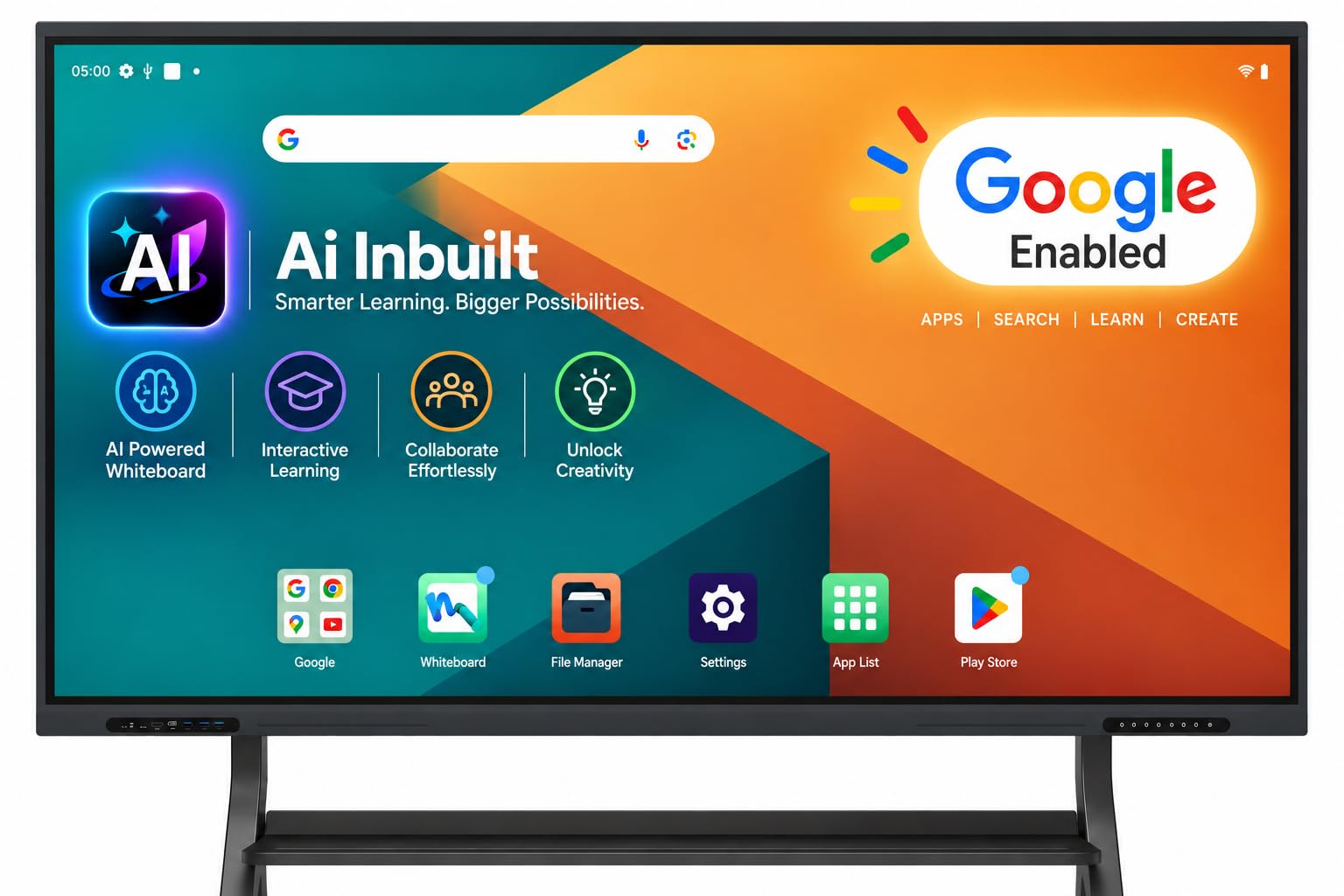
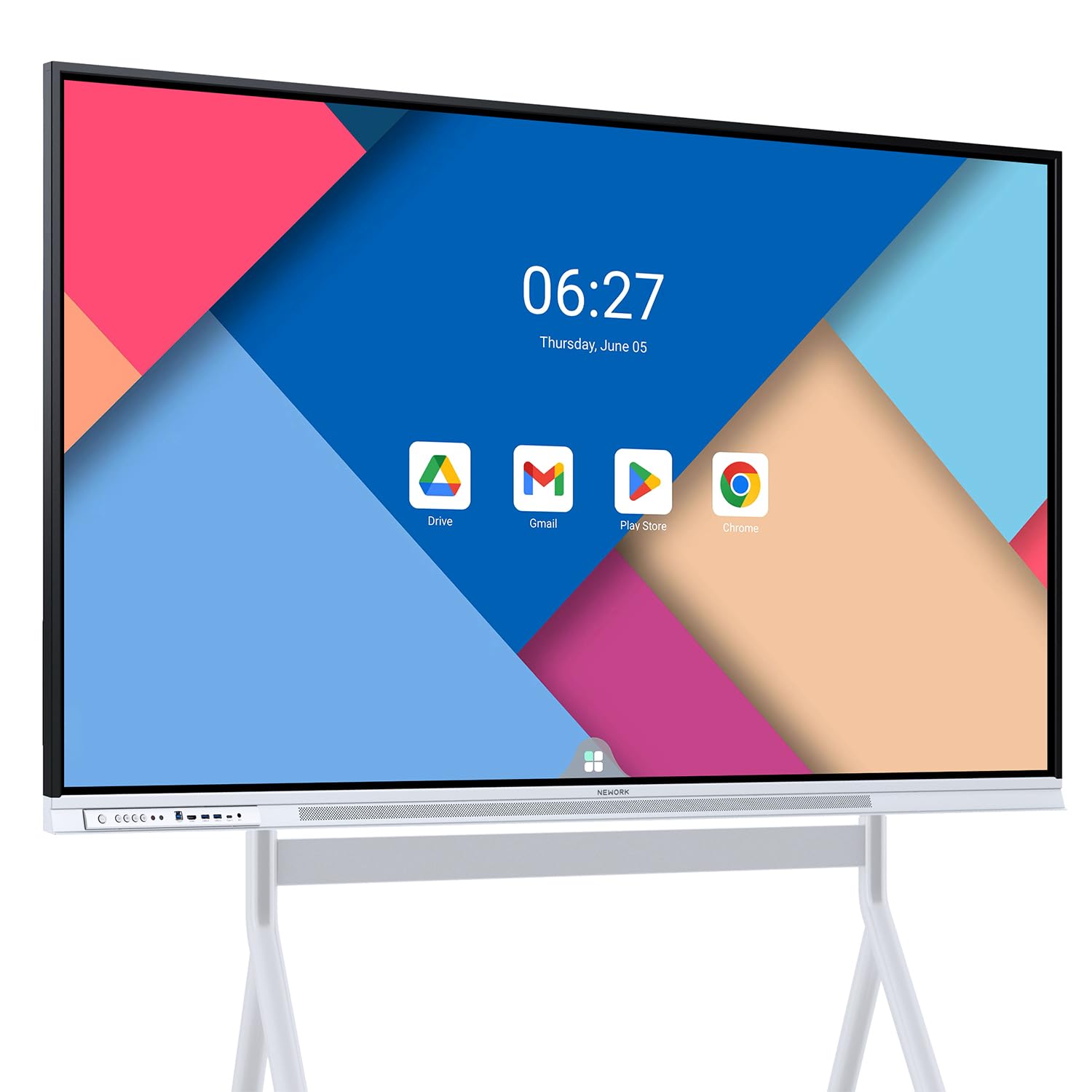
How To Choose The Best Touch Screen TV with Pen
Buying an interactive display is closer to buying a piece of furniture than a gadget. It goes on a wall, it stays there for years, and everyone in the room touches it. The pen is the part people forget to test, and it is the part that decides whether the board gets used or ignored. Here is what to lock down before you commit.
Pen response and touch precision beat touch-point bragging
A board advertising 40 or 50 touch points sounds impressive, but most rooms never have that many hands on the glass at once. What you feel every single day is pen latency (the delay between your stroke and the ink appearing) and touch accuracy (how close the ink lands to where the pen tip actually is). Precision measured in millimeters, like ±1mm, and response measured in milliseconds tell you far more about the writing feel than a big touch-point number. If handwriting is the main job, weight these two figures heavily.
Screen size sets the room, not the other way around
A 55-inch board suits a small huddle space where people sit close. A 65-inch display is the classroom and conference-room middle ground. A 75-inch or 86-inch panel belongs in a room where the back row needs to read small text from several rows away. Measure the wall first, then check the mounting type — most of these are wall-mount units, and a few accept a mobile stand. Weight matters too, because the bigger panels can run to double digits in kilograms.
Certification and ports decide what the board can actually do
Google EDLA certification (Enterprise Device Licensing Agreement) means the board is officially licensed to run the Google Play Store and Google Workspace apps — Drive, Docs, Sheets, Meet, Classroom — with regular over-the-air updates. A board without it may still run Android, but app access and update cadence are less predictable. On the hardware side, count your ports before you buy: HDMI, USB, USB-C, and a dedicated TOUCH port for wiring a laptop’s touch input back to the panel. If you plan to add a Windows module later, look for an OPS slot.
Side-by-Side Comparison
| Model | Best For | Screen Size | Touch Points | RAM + Storage | Amazon |
|---|---|---|---|---|---|
| Pluss 65″ 4K UHD Interactive Smart Board★ Best Overall | Everyday classroom and conference use | 65 in | 40-point | 8GB + 128GB | Amazon |
| NewBoard 65E 65 Inch 4K Smart BoardMost Shared Hands | Bright rooms and multi-user writing | 65 in | 50-point | 8GB + 64GB | Amazon |
| JASZDOT 75” Smart Board | Large rooms with lots of legacy gear | 75 in | 20-point | 8GB + 128GB | Amazon |
| Shiarffe X5 Smart Board 75 Inch | Daily K-12 durability | 75 in | 20-point | 8GB + 128GB | Amazon |
| Samsung Pro 55” 4K WMB Interactive Display | Home and hybrid work setups | 55 in | 20-point | — | Amazon |
| Dornium 86” Smart Board | Big rooms and remote collaboration | 86 in | 20-point | 8GB + 128GB | Amazon |
Detailed Reviews
1. Pluss 65″ 4K UHD Interactive Smart Board
Our pick — 4.0+★ from 50+ verified ratings; the strongest balance of quality and price.
Two pen tips in one stylus, so fine notes and bold markup both feel right.
Start with the pen, because that is the whole reason you are shopping this category. The Pluss ships with two styluses and a board that recognizes two pen tip sizes — a 2.8mm fine point for handwriting and an 8mm broad tip for marking up slides. That pairing is the difference between a board people scribble on once and a board they actually use for lesson notes every morning. Nothing feels worse than trying to write a parent’s name with a fat marker-size tip.
The plumbing underneath is equally complete. You get Android 14 running on 8GB of RAM and 128GB of storage, with a Google EDLA certification that opens the Play Store and Google Workspace apps like Drive and Meet without workarounds. Screen mirroring works over AirPlay, Miracast, and Chromecast, so a phone, tablet, or laptop can throw content up without an app install. Wired options land on USB-C, HDMI, and a USB Touch-Out (Type-B) port that pipes touch input back to a connected Windows 11 or macOS laptop. That last port is the one people forget, and it is what makes the board feel native when you are driving it from a computer.
Before you lift it, know this: the unit weighs 40 kg with an aluminum and glass build, so plan for a two-person wall install. There is also an OPS slot (a bay for a plug-in PC module) for adding a Windows module later if you want dual-system Android plus Windows — the module itself is sold separately. The 65-inch panel in the mid-range tier is the size most classrooms and conference rooms actually need, and it lands in the balance between a huddle display and an auditorium board.
Where it earns its keep
- Dual pen tips (2.8mm fine and 8mm broad) handle both handwriting and big markup
- 40-point touch with zero perceptible lag for group work at the glass
- 128GB storage and 8GB RAM keep apps and cloud files moving without stutter
- Full port set plus an OPS slot for a future Windows module
Before you mount it
- At 40 kg it is a two-person install, so book help for wall day
- Windows module adds cost on top of the board if you need dual OS
Go for this if: you want one complete 65-inch pen board that covers Android apps, laptop touch-out, and wireless casting without add-ons.
Plan around this: the 40 kg weight and separate Windows module mean a wall team and a little extra budget if dual-OS matters.
2. NewBoard 65E 65 Inch 4K Smart Board, Google EDLA-Certified
Fifty touch points on a 65-inch panel — this is the group-work board.
Where the Pluss above tops out at 40 simultaneous touch points, this NewBoard jumps to 50. That matters if your room regularly has a cluster of students or colleagues at the glass at the same time: the specs state up to 10 users can write together without strokes colliding or dropping out. For a collaborative classroom, a design review, or a brainstorming wall, that extra headroom is real, not decorative.
What wins people over with this board is the picture. Owners describe it as working like a really big tablet, with crisp image quality and straightforward installation, and the panel backs that up with 450 nits of brightness, a 3840 x 2160 resolution, and a 3000:1 contrast ratio on a VA LCD. Wide 178-degree viewing angles mean a student sitting off to the side of the room still reads the board clearly. The 85% NTSC color gamut keeps lesson slides and video looking natural rather than washed out.
Storage is the one place it gives ground to its sibling. You get 64GB of ROM (built-in storage) against the Pluss’s 128GB, and if you juggle a lot of local video files or offline apps, that difference will show up. The wired connections are HDMI-based, and the kit includes HDMI, USB-C, and touch cables plus a touch pen and a wall mount. Teachers say it slots easily into existing classroom setups, but compatibility is where opinions split most — check your laptop or legacy device against its HDMI and USB-C inputs before you commit. Reviewers repeatedly call it one of the best values in this group.
The multi-user case: if two or more people are writing on the same board most days, 50 touch points with up to 10 simultaneous writers is the feature you will notice first.
The honest catch: Storage is 64GB versus 128GB on the 65-inch Pluss, so lean on cloud storage if your files are video-heavy, and verify your laptop’s connection type before mounting day.
Reach for this if: your room is built around group writing and a bright, crisp display tops your priority list.
Look elsewhere if: you need generous on-board storage or you are connecting an older device you have not confirmed will pair.
3. JASZDOT 75” Smart Board
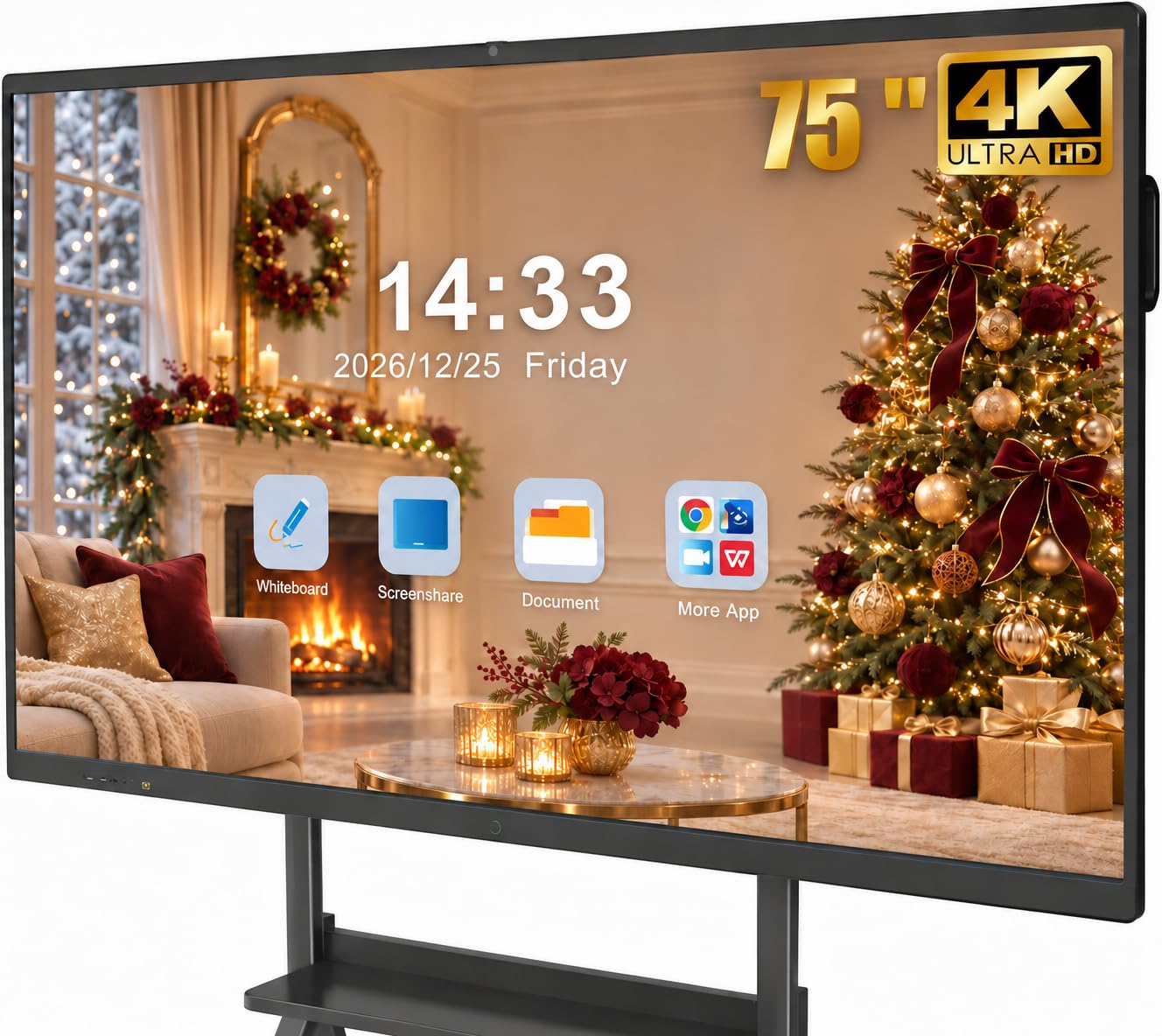
A 75-inch board that speaks to every old cable in the closet.
The headline for pen users is the 6ms response time — that is how quickly the board registers a stroke — paired with ±1mm precision on a 20-point infrared touch system. In plain terms, the ink lands close to your pen tip and appears fast enough that your handwriting stays legible. Teachers who write long math problems across the board will feel that precision sooner than anyone else.
You get 8GB of RAM and 128GB of storage on Android 14, and the display is a true 4K UHD panel rated over 400 nits with flicker-free, eye-care technology for long sessions. The 75-inch size is the one that lets the back rows read the board without squinting. That is a meaningful jump from the 65-inch Pluss and NewBoard panels — the Shiarffe below matches this size, but you get 128GB here without paying for the extra growth. If you want a big board with plentiful storage, this is the value lane.
The real differentiator is connectivity. Front-facing ports include two USB, one HDMI, and a TOUCH input, so you can plug in a USB drive or laptop without reaching behind the panel. The rear adds TOUCH, two USB, a TF card slot, HDMI, RS232, and a headphone jack. The bottom edge piles on LAN IN, LAN OUT, HDMI, VGA, VGA IN, MIC IN, AV IN, AV OUT, COAXIAL, and DisplayPort. The kit also includes a stylus pen, wall mount, remote, screen casting box, and a 60-inch AC power cord. That breadth is the point — it slots into rooms full of legacy AV gear where a simpler board would need adapters. The trade-off to weigh is the 20-point touch ceiling, which is fine for solo and small-group work but sits well below the 40 and 50 points on the 65-inch picks if large group writing is your priority.
What it nails
- 6ms response and ±1mm precision keep handwriting sharp
- Front-mounted USB and HDMI mean no reaching behind the panel
- 128GB storage and 75-inch 4K make it a large-room workhorse
Weigh this first
- 20-point touch is modest if many people write at once
- Legacy port variety suits AV-rich rooms but adds cabling clutter
Best for: a 75-inch room with a wall full of old cables and a teacher who writes longhand all day.
Not for: large simultaneous group writing, where the higher touch-point 65-inch boards pull ahead.
4. Shiarffe X5 Smart Board 75 Inch 4K Interactive Whiteboard
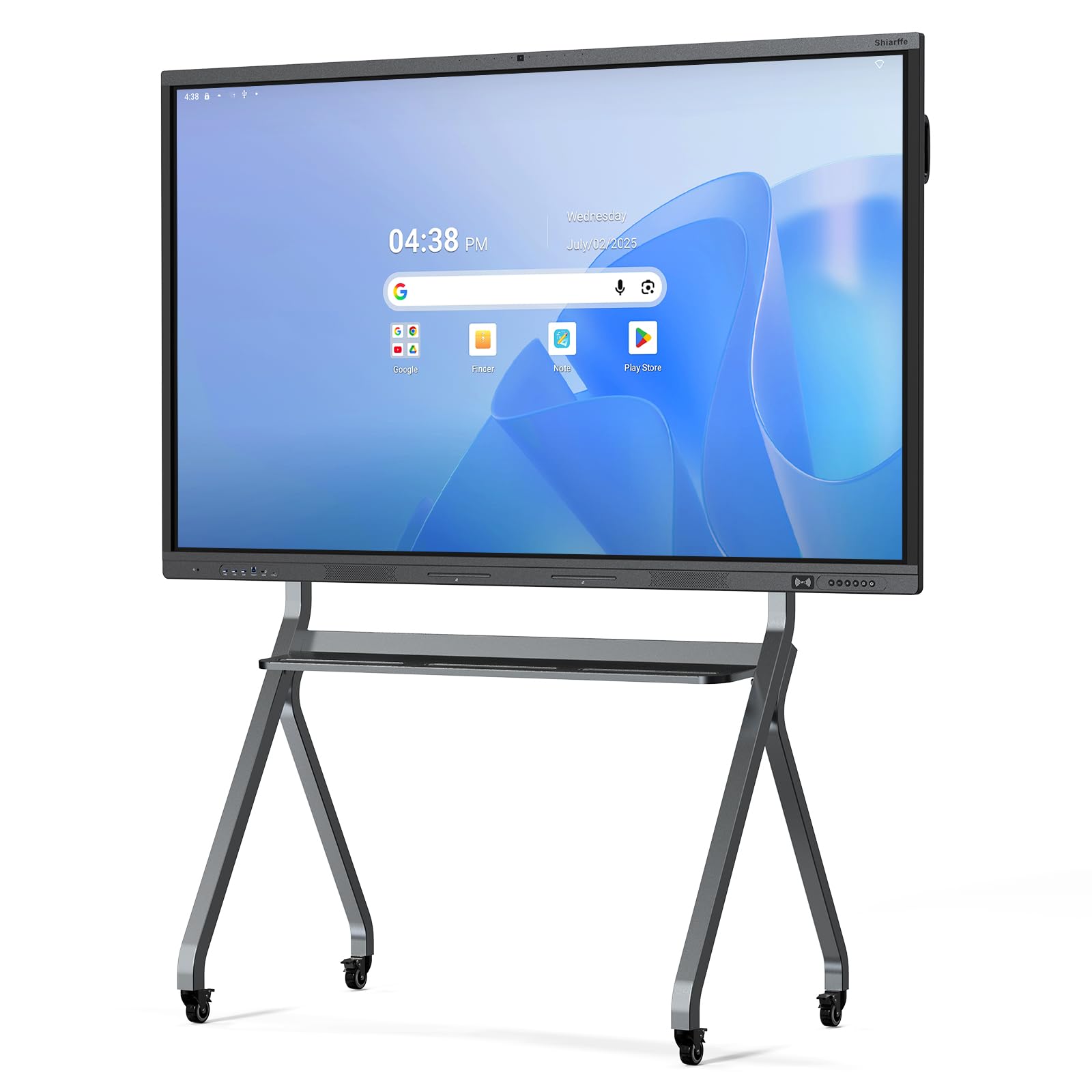
Reinforced for real classrooms, with 128GB and a 48MP camera built in.
The chassis is the first thing worth mentioning for anyone buying for a school. Shiarffe built this as an industrial-grade touchscreen with a reinforced frame meant to survive constant multi-student interaction, so daily taps and leans do not wear it out. You get a 4K anti-glare IPS screen that adjusts brightness automatically, which keeps it readable when the sun shifts across the room. The pen experience relies on 20-point multi-touch and stylus support, and the board includes two styluses in the box.
Storage is where it stands out against its 65-inch 128GB peers: this is a 128GB board at 75 inches, and the bigger screen is the upgrade most rooms notice. What comes with the size is dual-system flexibility — an OPS-style all-in-one design, 8GB of RAM, and a built-in 48MP camera with microphones and a speaker for hybrid sessions. The included kit covers a power cable, HDMI and USB 3.0 cables, a remote, two styluses, a wall-mount bracket, a user manual, and an NFC card. It also offers HDMI, USB, Type-C, and LAN connectivity for plug-in or networked setups.
The catch is the touch ceiling. If you are choosing between this and the Pluss, know that the Pluss offers 40 touch points to this board’s 20 — better if large groups write at once, while this one wins on room-friendly size and storage. It is also wall-mount or portable-stand compatible, and the 75-inch panel is what justifies the step up in price. Budget for the stand if you need mobility, since the mount bracket is the included option. A secondary option to note: the line comes in 55, 65, 75, and 86-inch sizes if you want to scale across rooms.
Why schools favor it: the industrial-grade touchscreen and reinforced chassis are built for daily K-12 duty, and the 75-inch anti-glare IPS panel keeps the back row reading.
Choose carefully between: this and the 65-inch Pluss if group writing is heavy — 40 points on the Pluss against 20 here is the deciding factor.
Worth it for: daily classroom or workshop use where the board takes years of taps and you want a big 4K screen with the camera baked in.
Think twice if: many hands write at once — a higher-touch-point 65-inch board fits that pattern better.
5. Samsung Pro 55” 4K WMB Interactive Display

A 55-inch 4K interactive display that slots into the family calendar, not the classroom.
Samsung’s play here is a home and small-office hub rather than a K-12 teaching board. You get a 55-inch 4K UHD LED touchscreen with a 3840 x 2160 resolution and a 4000:1 contrast ratio, plus 20 touch points so a few people can work the same screen. The included kit has two pens, an OPS box, a power cable, and a USB upstream cable — the pen support is genuine, not an afterthought, and the stylus-or-finger writing works with embedded templates.
Where it leads its peers is device handling. SmartView+ lets you connect wirelessly to up to 50 devices and view up to six screens at once, so a family presentation, a chore list, and a video call can share one wall. Universal pairing casts content from Apple, Google, and other devices, and the board has built-in speakers plus Wi-Fi, Bluetooth, and Ethernet on board. If your goal is a shared household productivity screen or a small hybrid-work setup, that flexibility is hard to match on the other 65 and 75-inch boards here.
The trade is size and focus. At 55 inches, this is the smallest panel in the group — great for a room where people sit close, less suited to a lecture hall where the back rows need to read. The kit includes an OPS box, but at 34.93 kg it is heavy for a 55-inch panel. It also leans toward home and business productivity rather than classroom tools like an EMR-style AI assistant. If you are a teacher deciding between this and the classroom-focused panels, this board’s strength is family and hybrid-office versatility rather than lesson tools.
What makes it different
- SmartView+ connects up to 50 devices and shows up to six screens at once
- Built-in speakers and onboard Wi-Fi, Bluetooth, and Ethernet
- Two pens included, with stylus or finger writing on templates
Know before you buy
- 55 inches is small for a big teaching room
- Home-and-office focus rather than classroom AI tools
Pick it for: a home hub or small hybrid-office wall where casting from many devices matters more than classroom size.
Pass if: you need a large teaching panel for a lecture hall — the 75 and 86-inch options cover that better.
6. Dornium 86” Smart Board, 4K Interactive Whiteboard
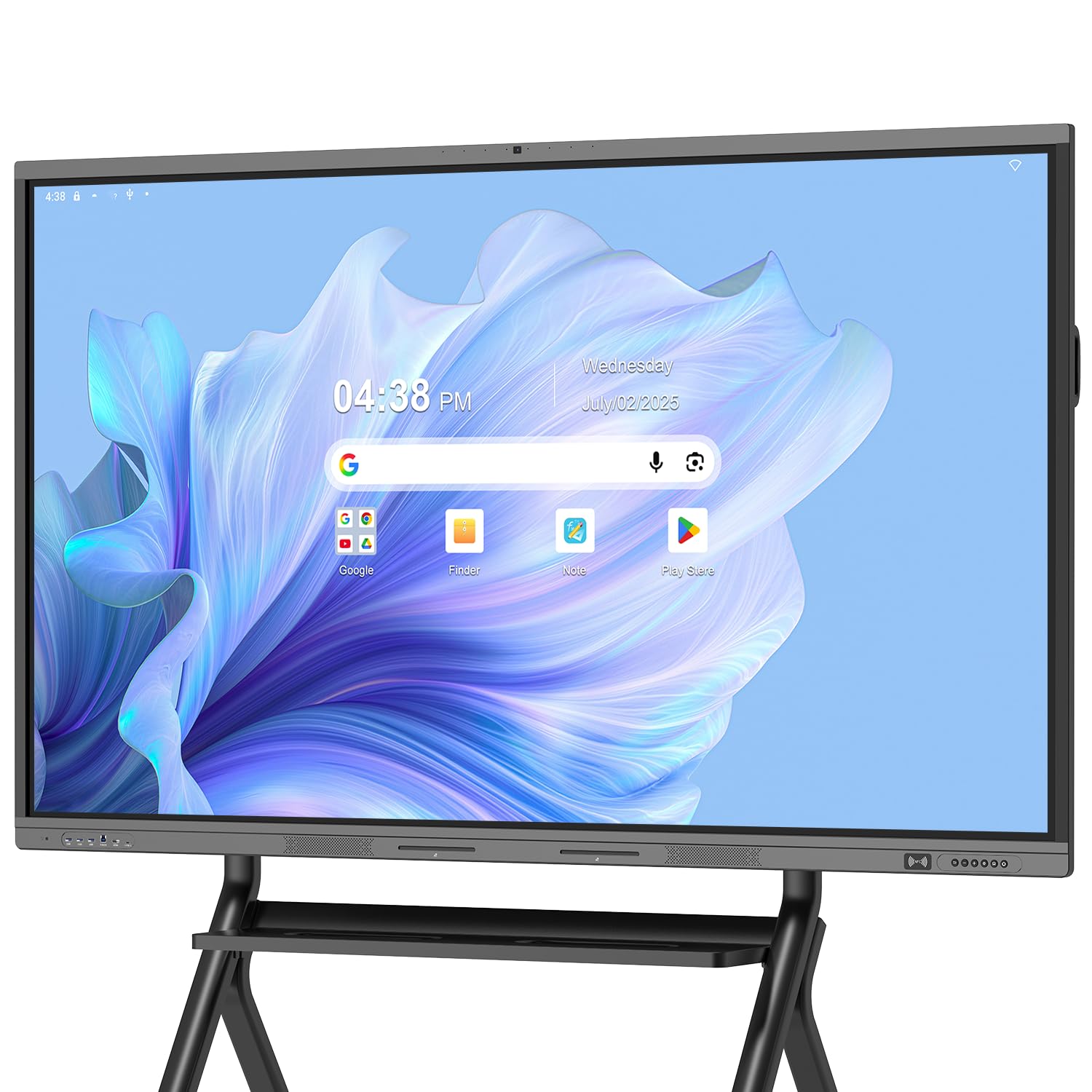
Eighty-six inches of 4K glass for the room where the back row really is far back.
Size is the reason you would pick this one. The 86-inch 4K UHD panel is the largest in this group, and it uses 3.5mm anti-glare tempered glass with a 178-degree viewing angle, so the whole room reads the board without glare washing out the lesson. Touch runs on 20-point multi-touch with ±1mm accuracy and a 60-hertz refresh rate, and the box includes a touch pen with wall-mount bracket. If your room is a lecture hall, a large training space, or an auditorium, the size alone justifies the look.
Remote collaboration is its second strength. A 48-megapixel camera pairs with video conferencing apps, and an 8-mic array (eight microphones working together) captures sound from up to 8 meters with echo cancellation (cuts the speaker feedback) and automatic gain control (keeps quiet voices audible) — that means a presenter across the room still comes through clearly on a call. Android 14 runs on quad-core A73 and A53 processors (a chip with four main cores) with 8GB of RAM and 128GB of storage. Google EDLA certification (Google’s approval for enterprise devices) brings the Play Store and Drive with regular over-the-air updates, plus NFC-based multi-user management (tap-to-log-in for different people) and USB data transfer protection for shared public spaces.
Port selection is generous: HDMI, DP, Type-C, VGA, USB 2.0, USB 3.0, and LAN cover video, audio, touch, and network. Sharing is quick too — notes and documents on the current page can be pushed out via QR code. Expect a heavy install and a room with enough wall for it; the included mount is wall-only and a standing bracket is sold separately. Compared to the 75-inch Shiarffe, this is an 86-inch panel built for rooms where the camera and mic array matter. If you are deciding between the 75-inch choices and this one, the deciding question is simply how far back your furthest viewer sits.
The size answer: 86 inches of 4K with a 178-degree view means nobody in a large room squints, and the 8-mic array keeps remote listeners hearing the presenter.
Budget the install: the wall bracket is included but a standing bracket is separate, and a panel this large wants a solid wall and a mounting team.
Choose this when: your room is genuinely big and hybrid meetings need a large 4K screen with a real camera and mic array.
skip it if: your room is small — a 55 or 65-inch board fills a tight space better without the install effort.
Know the Specs
Touch points and pen precision
Touch points (also called touchpoints) count how many fingers or styluses the board can track at the same moment. A 20-point board handles a teacher plus a handful of students; a 40 or 50-point board handles a whole group writing at once. Precision measured in millimeters tells you how closely the ink follows the pen tip. A ±1mm figure means the stroke lands very close to where the tip touches. Response time, measured in milliseconds, is the delay before ink appears — a 6ms figure keeps handwriting crisp, while a longer lag makes letters look wobbly.
RAM, storage, and Android version
RAM is the board’s short-term working memory — 8GB keeps apps and multiple windows responsive without stutter. Storage (listed as ROM, like 64GB or 128GB) holds apps and offline files. If you save lots of local video, more storage helps; if you work from the cloud, 64GB is usually enough. Android 14 is the current operating system on the boards here, and it determines which apps and features you can run. A Google EDLA certification means the board is officially licensed to run the Play Store and Google Workspace apps with regular updates.
Common Questions
Do these touch screen TVs come with a pen in the box?
Does a touch screen TV with pen work with my Windows laptop?
How many people can write on the board at the same time?
Can I use a touch screen TV with pen for a home office rather than a classroom?
Do I need a Google EDLA certification, or is plain Android enough?
How do I mount a large interactive board safely?
Which display is bright enough for a sunny classroom?
Can I add a Windows PC to one of these Android boards?
How do I share my laptop screen wirelessly to the board?
What ports should I look for before I commit?
The Bottom Line
For most rooms, the touch screen tv with pen that balances a real pen experience, size, and app access is the Pluss 65″ 4K UHD Interactive Smart Board. Its dual pen tips, 40-point touch, 128GB storage, and full port set cover Android apps, laptop touch-out, and wireless casting without add-ons. If group writing is the priority, the NewBoard 65E leads on touch points with 50, while the JASZDOT 75-inch wins on sheer input variety for AV-heavy rooms. And for a room where the back row sits far away, the Dornium 86-inch delivers the size, 48MP camera, and 8-mic array that hybrid meetings need.
How we choose
We do not accept paid placement. Every pick is matched to a real buyer and a real use-case; we do not hands-on test units.
Sources
Specifications: manufacturer listings and product documentation. Review insights: verified customer reviews, as of November 2026. Pricing: not shown on this page (it changes often); check the current price via the retailer link.
As an Amazon Associate, Tactical Gear Guy earns from qualifying purchases. This does not affect which products we feature.