Specs are compiled from manufacturer listings and verified buyer reviews and can change over time — please confirm the key details on the product page before buying.
Your iPad is telling you it’s out of space, and the photos you actually want to keep are the ones at risk. The fix is a USB-C flash drive — a tiny stick that plugs straight into the iPad’s charging port and holds your files outside the tablet. The catch most buyers hit is that a drive with only the old rectangular USB-A plug won’t fit an iPad at all, and a drive that fits physically can still be fussy about formats. This guide is built around the drives that plug in cleanly, transfer without drama, and give you somewhere to put the overflow.
This guide is built by comparing the manufacturers’ published specifications and the patterns across verified customer reviews, so you get each pick’s real strengths and trade-offs instead of marketing spin.
Ports are the first fork in the road: a dual-head drive carries both a USB-C plug and a USB-A plug, so it works with your iPad today and your older laptop tomorrow. Everything below has been checked for that. Here is how each usb-c flash drive for ipad actually behaves once the honeymoon phase ends.
Top Picks

How To Choose The Best USB-C Flash Drive for iPad
Buying for an iPad narrows the field fast. You need a USB-C plug that seats fully into the port, a file system iPadOS can read without a reformat, and enough capacity to actually clear the space you were worried about. Everything else is preference.
Check the plug before anything else
The drive must have a USB-C connector — the small oval plug that goes into a modern iPad. A drive with only USB-A (the old wide rectangle) cannot connect to your iPad without an adapter, and an adapter dangling off the side is one more thing to lose. A dual-head drive carries both plugs, so you can move files from the iPad to an older laptop in one trip.
Respect how tight your iPad case is
A low-profile drive sits almost flush against the iPad, which matters if you use a thick folio or keyboard case — some cases block part of the port opening. A longer drive body can bump against the case before it seats. If your case has a tight cutout, favor the compact bodies here.
Know what the drive is formatted as
Drives leave the factory pre-formatted. Larger drives commonly arrive as exFAT, which handles big files (a video over 4GB) without complaint. Some smaller drives arrive as FAT32, which caps any single file at 4GB — a real limit if you dump long recordings. Check the format before you assume your drive is broken.
Read speed vs write speed — they are not the same
Read speed is how fast the drive hands files back to you. Write speed is how fast it accepts files. Advertised specs almost always lead with read speed, because that number is bigger. When you are offloading 60GB of iPad video, write speed is what makes you wait.
Side-by-Side Comparison
| Model | Best For | Capacity | Rated Read Speed | Connectors | Amazon |
|---|---|---|---|---|---|
| SanDisk 128GB Extreme Fit★ Best Overall | Leaving in the iPad | 128GB | Up to 400MB/s | USB-C | Amazon |
| SSK 64GB Dual USBDual-Plug Value | Phone and laptop in one | 64GB | Up to 240MB/s | USB-C + USB-A | Amazon |
| Lexar JumpDrive D400Backup Specialist | Backing up photos | 128GB | 130MB/s | USB-C + USB-A | Amazon |
| SanDisk Ultra Dual Drive Go | Do-it-all everyday drive | 128GB | Up to 150MB/s | USB-C + USB-A | Amazon |
| ORICO 128GB Dual Drive | Metal build on a budget | 128GB | Up to 150MB/s | USB-C + USB-A | Amazon |
| JOIOT 256GB Dual Drive | Raw capacity on a budget | 256GB | Up to 130MB/s | USB-C + USB-A | Amazon |
| PNY Elite-X Fit Type-C | Low-profile port sitting | 256GB | Up to 200MB/s | USB-C | Amazon |
| SSK 512GB USB SSD | Moving big media fast | 512GB | Up to 1000MB/s | USB-C + USB-A | Amazon |
Detailed Reviews
1. SanDisk 128GB Extreme Fit USB-C Flash Drive
Our pick — 4.5+★ from 950+ verified ratings; the strongest balance of quality and price.
A nearly flush USB-C drive that reads at up to 400MB/s.
This is the one to buy if you want to plug a drive into your iPad and mostly forget it is there. It reads at up to 400MB/s — 400 megabytes a second, the speed the drive hands files back to your tablet — which is the fastest read figure among the dual-purpose 128GB drives here. In practice that means a folder of iPad photos opens instead of spinning. Compare that to the Lexar D400 below, which reads at 130MB/s, and the gap is 3.1x.
What wins people over is the footprint. The body is tiny and sits snug against the tablet, and the review pages are dominated by people delighted at how compact it is — describing it sliding in between a wired hub and a charger, or vanishing into a slim laptop. For an iPad in a case, that low profile is the whole point. It weighs 4.54 g (about the weight of a paperclip), so you will not notice it in a pocket, and the black body disappears against a dark tablet.
Here is the honest limit: this is a USB-C only drive. There is no second USB-A plug, so moving files to an older laptop needs an adapter. It also runs to 128GB, which is plenty for photo overflow but not a whole video library. If your house is all USB-C, that is a non-issue.
What earns it the top spot
- Reads at up to 400MB/s — the fastest of the 128GB drives with a USB-A option here
- Sits almost flush, so it plays nicely with an iPad in a case
- 4.54 g of drive that disappears in a pocket
- The SanDisk Memory Zone app lets you organise and manage files from Windows or Mac
Where it stops short
- USB-C only — no USB-A plug for an older computer
- Tops out at 128GB, so it is an overflow drive, not an archive
- Speed is rated for read; writing files back takes longer, as it does on any drive here
Reach for this one if: your iPad is the hub of your setup and you want the drive to live in the port without snagging on the case.
Something to weigh: if you still shuffle files onto an old USB-A laptop, the SSK 64GB below gives you both plugs for less bulk in your bag.
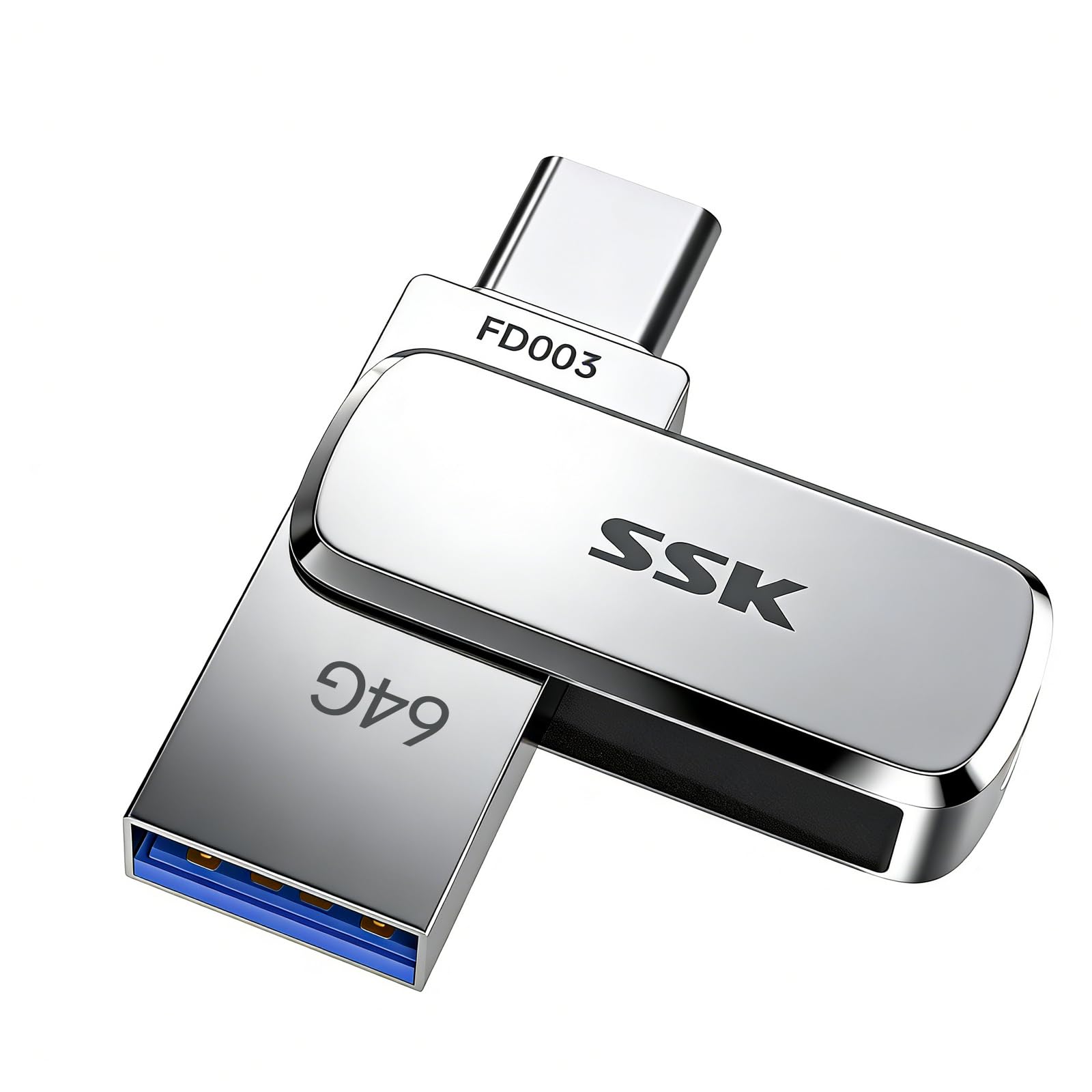
2. SSK 64GB Dual USB Flash Drive
A zinc-alloy dual-plug drive with a keyring hole for iPad-to-laptop transfers on the go.
If your day involves an iPad, a phone and a Windows work laptop, this is the drive that stops you carrying adapters. It has both a USB-C plug for the iPad and a USB-A plug for the older machine, so the same stick crosses the whole desk. Read speed is rated up to 240MB/s (240 megabytes a second, the handover rate when the drive gives a file back to your iPad) — 3 to 4 times faster than an ordinary USB thumb drive, according to SSK’s own benchmark. Treat that as the maker’s claim, not a lab result.
What owners talk about most is simply how well built it feels. The zinc alloy shell is the standout: it also does double duty as a heat spreader (it pulls heat away from the drive), and one owner reports transferring a 10GB single file in roughly 2.5 minutes — buyers report the write speed lands around 54–83MB/s (megabytes a second, the rate at which the drive accepts files from your iPad) in good conditions. That write figure is the honest part of the spec sheet: reads are quick, but writing big video back to the drive takes real time.
The other thing to know is capacity. This is the 64GB version, and compared to the ORICO’s 128GB that is a 2.0x difference in room. That still covers a lot of photos and documents, but if you are archiving full-resolution video, half the space fills up twice as fast.
Build that earns its keep: The alloy shell is rated for water, dust and drop resistance thanks to UDP encapsulation — a process that seals the chip inside the body rather than an open case. For a drive that lives loose in a bag, that is the spec that matters.
Who it suits: Anyone who crosses between an iPad and a non-USB-C computer daily and wants one stick to rule both.
Best paired with: a mixed-device household — the dual head means it works with the iPad today and the older laptop tonight.
Room to grow: 64GB is the smallest capacity here, so heavy video shooters should look up the list to the 256GB and 512GB options.
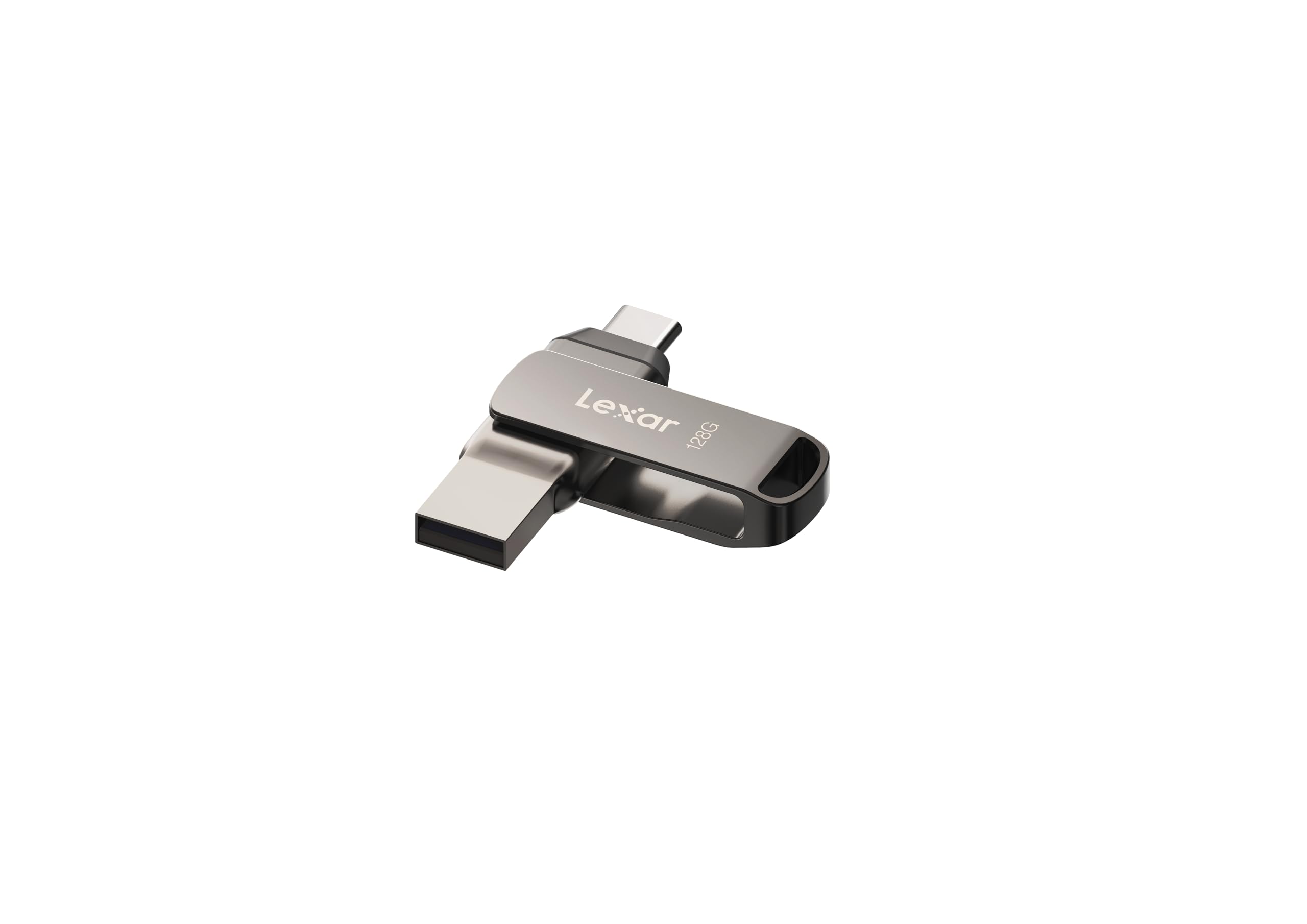
3. Lexar 128GB JumpDrive D400 Dual Flash Drive
A dual-plug drive built around the Lexar app for backing up iPad photos.
Think of this as the drive for the person whose iPad is always photographically full. The point of the JumpDrive D400 is the Lexar App — a companion that backs up photos and videos from your mobile device so you can free space without hunting through folders. Combined with a sturdy metal housing and a swivel design that protects the connector in a pocket, it reads like a drive designed to be carried daily and used weekly.
It reads at 130MB/s (130 megabytes a second, the speed at which it hands files back to your iPad) and carries both a USB-C and a USB-A plug, so the same drive works with your tablet and a desktop. That 130MB/s figure is honest but modest — compared to the SanDisk Extreme Fit’s 400MB/s, the difference is 3.1x, so large transfers take longer. The drive does not pretend to be a speed demon; it is a steady one.
The other reason to consider it: built-in Lexar DataShield software, which lets you password-protect sensitive files. If your backup drive travels, that extra layer of security is worth owning. The 5-year limited warranty is the kind of backing that reflects confidence in the metal build.
The photo-backup angle: This drive pairs a modest read speed with a purpose-built app for pulling media off a phone or iPad. If your use case is neatly “move photos, clear space,” it was designed for exactly that.
Go for it when: you want a drive that handles photo backup through an app you can lean on, not just raw drag-and-drop.
Don’t buy it for: speed-critical work — write times are ordinary and the read speed trails the top of this list.
4. SanDisk 128GB Ultra Dual Drive Go

A tiny reversible dual-plug drive that reads at up to 150MB/s.
Of everything here, this is the model the market has already settled on — 4.5+ stars across 39,000+ ratings makes it the most reviewed pick by a wide margin. Part of that is price-to-performance: it carries reversible USB-C and USB-A connectors, reads at up to 150MB/s, and weighs just 3.7 g. At 3.7 g versus the ORICO below at 24.9 g, this thing is a fraction of the weight in your pocket. The 150MB/s read speed is enough for photo and document work; it stops short of the Extreme Fit’s 400MB/s.
The clever part is the Auto-Backup on the SanDisk Memory Zone app — it can automatically back up photos from a USB-C smartphone so you stop thinking about clearing space. In practice it fits an iPad in a case without the extra bulk some drives bring, and it is almost the size of a AAA battery, so it neither snags nor dangles.
The honest wrinkles: the speed and compatibility are the most mixed reviews on this list, and buyers notice it on large file transfers more than on everyday work. Think of it as a sturdy all-rounder rather than a speed specialist — the best default choice for most people, but not the tool for shifting 50GB of video in a hurry.
The default for a reason: The combination of reversible connectors, a tiny body and the Memory Zone Auto-Backup covers nearly every iPad storage story without fuss. As the review pages put it, there are no special tricks or software needed — it plugs in and appears.
The one caveat: The speed is rated up to 150MB/s on reads only, and the write side is slower — so if you are moving huge video, expect to wait.
Solidly the safe pick if: you want a dual-plug drive that has been in more hands than any other here and rarely disappoints.
Hold off if: your routine is bulk video transfer — half the read speed of the Extreme Fit means more waiting.
5. ORICO 128GB USB C Flash Drive, Zinc Alloy

A 24.9 g zinc-alloy drive with USB-C and USB-A plugs and no driver needed.
This drive is for the buyer whose main worry is durability. The body is zinc alloy — a metal shell that resists scratches and wear and pulls heat away from the chip during long transfers. At 24.9 g it is noticeably heavier than the SanDisk Ultra below at 3.7 g, but the trade you make is a drive that feels like a tool rather than a plastic capsule. Read speed is rated at up to 150MB/s, with a note in the specs that plugs into a USB 2.0 port drop it to 15–25MB/s, so port speed is worth checking.
The dual connectors do the heavy lifting for compatibility: USB-C for your iPad and phone, USB-A for the older laptop or car audio system. It works with the iPhone 15/16/17 series, iPads and Macs without installing a driver. One format note worth knowing: the larger capacity versions leave the factory as exFAT, which has no fixed per-file limit, so a big single video file is not a problem.
Two honest limits: this is a newer listing, so the body of owner experience is thin compared to the giants on this list, and the heavier metal body is something you will feel if you want the drive to vanish in a pocket.
Why the alloy matters
- Zinc alloy shell resists scratches and disperses heat during long transfers
- Dual USB-C + USB-A plugs cover iPad, phone and laptop
- Up to 150MB/s read speed for everyday photo and document moves
- Cool-touch metal body that stays stable in heavy use
The trade-offs
- 24.9 g — you will feel it in a light pocket
- Fewer buyer reviews than the flagship models, so less of a consensus track record
- Rated read speed trails the Extreme Fit’s 400MB/s
Choose this if: you want a drive that feels solid and can survive a bag, a keyring or a drop onto concrete.
Pick something else if: you want the lightest possible chip in your pocket — the SanDisk Ultra is 3.7 g by comparison.
6. JOIOT 256GB Dual USB-C Thumb Drive
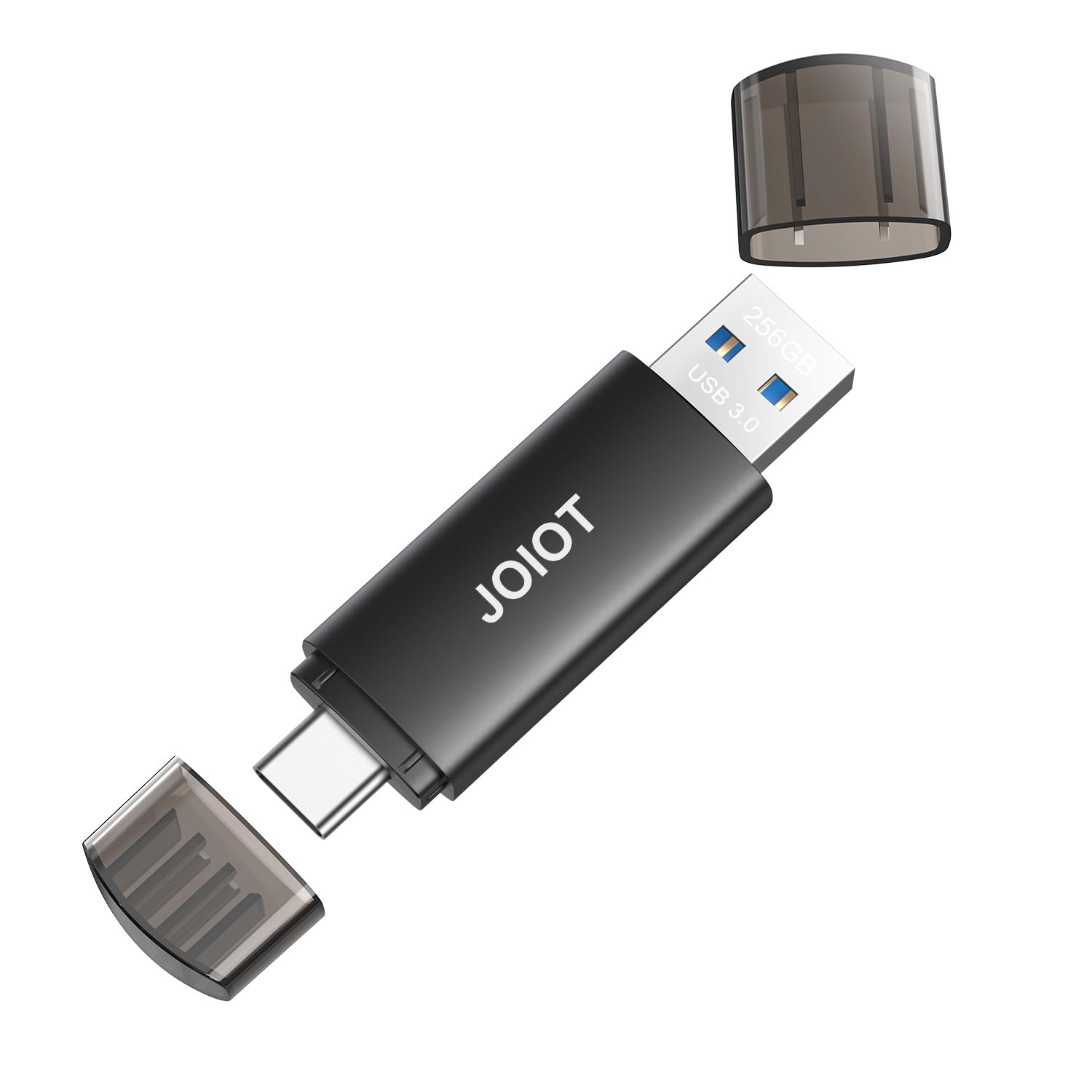
256GB of storage — double the 128GB drives here — with a cap over the dual plugs.
The number that matters here is 256GB — the same capacity as the PNY above and the highest on this list short of the SSK 512GB. That doubles up on the 128GB drives (a 2.0x jump compared to the ORICO), so if your iPad is full of family video rather than documents, this is the one to look at. Read speed is rated up to 130MB/s and write speed up to 35MB/s, which JOIOT describes as 10 times faster than a USB 2.0 drive. Those read figures are the maker’s numbers, not measured here.
The dual-plug design puts a USB-C connector on one end and a USB-A on the other, covering your iPad, iPhone 15/16/17/18 series, tablets, Macs and consoles. Unlike the sealed drives above, this one uses a cap that protects the connectors from dust and damage — a nice touch if the drive lives loose in a bag with keys. It is also shockproof, which is the kind of spec you never notice until the drive drops.
The catch, and it is worth reading carefully: compatibility is the recurring theme in owner feedback, with a notable number of buyers saying it does not work with their particular phone. It works with iPad and most USB-C devices, but before you rely on it for a specific phone, check the model list. It also does not support Lightning iPhones or iPads — old Apple models are out.
Capacity is the pitch: 256GB at a budget-friendly tier is the reason to buy this one. For photo and document overflow, that headroom means you clear your iPad out and still have room to spare.
Read the compatibility note: Some pairs of phone and drive just do not agree. If your iPad is the target, this is fine — if you are also counting on a specific Android phone, verify it first.
Built for: the household piling up photos, video and music on an iPad, where 256GB of space is the difference between full and fine.
Check first: the incompatible-with-some-phones pattern means testing your specific device early rather than the day before a trip.
7. PNY 256GB Elite-X Fit Type-C USB 3.2 Flash Drive

The slimmest way to add 256GB without a plug poking out of your iPad’s edge.
Buy this if you want to plug a drive in and leave it. The housing is a compact, low-profile design with a sliding connector — the plug retreats inside the body when not in use, so it also protects the tip. That gives you an iPad with a little extra storage sticking out the side rather than a dongle dangling in mid-air. Rating-wise, storage capacity is exactly where buyers are happiest: the 256GB here matches the JOIOT above and doubles on the 128GB drives, which is the kind of room that clears a photo library and gives you space back.
Speed is rated up to 200MB/s read and up to 100MB/s write — a read figure that sits between the everyday 150MB/s drives and the 400MB/s Extreme Fit. PNY notes that for best performance your device case should not block the USB-C port, which is exactly the risk with a low-profile body on a thick folio. The drive is USB-C only, so an older USB-A laptop needs an adapter — that’s the one place this pick asks something of you.
There is one real track record to consider: reliability is the single most-discussed topic on this drive, and the sentiment there is genuinely mixed, with some buyers reporting data quirks and some happy long-term owners. That is not a reason to write it off — but it is a reason to keep backups and not make this your only copy of anything irreplaceable.
What this drive does well
- Low-profile slider body leaves other ports usable and sits cleanly on an iPad
- 256GB across every drive on this list at mid capacity
- Up to 200MB/s read, up to 100MB/s write
- Retractable connector protects the tip in a bag
What to keep in mind
- Reliability is genuinely mixed in owner accounts — treat backups seriously
- USB-C only, so older USB-A laptops need an adapter
- A thick iPad case can block the port; check the cutout first
The right pick when: a clean profile matters more than a spare port — this leaves the drive barely showing on your iPad.
Think twice if: you want a single drive that doubles as an archive master — mixed reliability reports make a second copy sensible.
8. SSK 512GB USB SSD Flash Thumb Drive
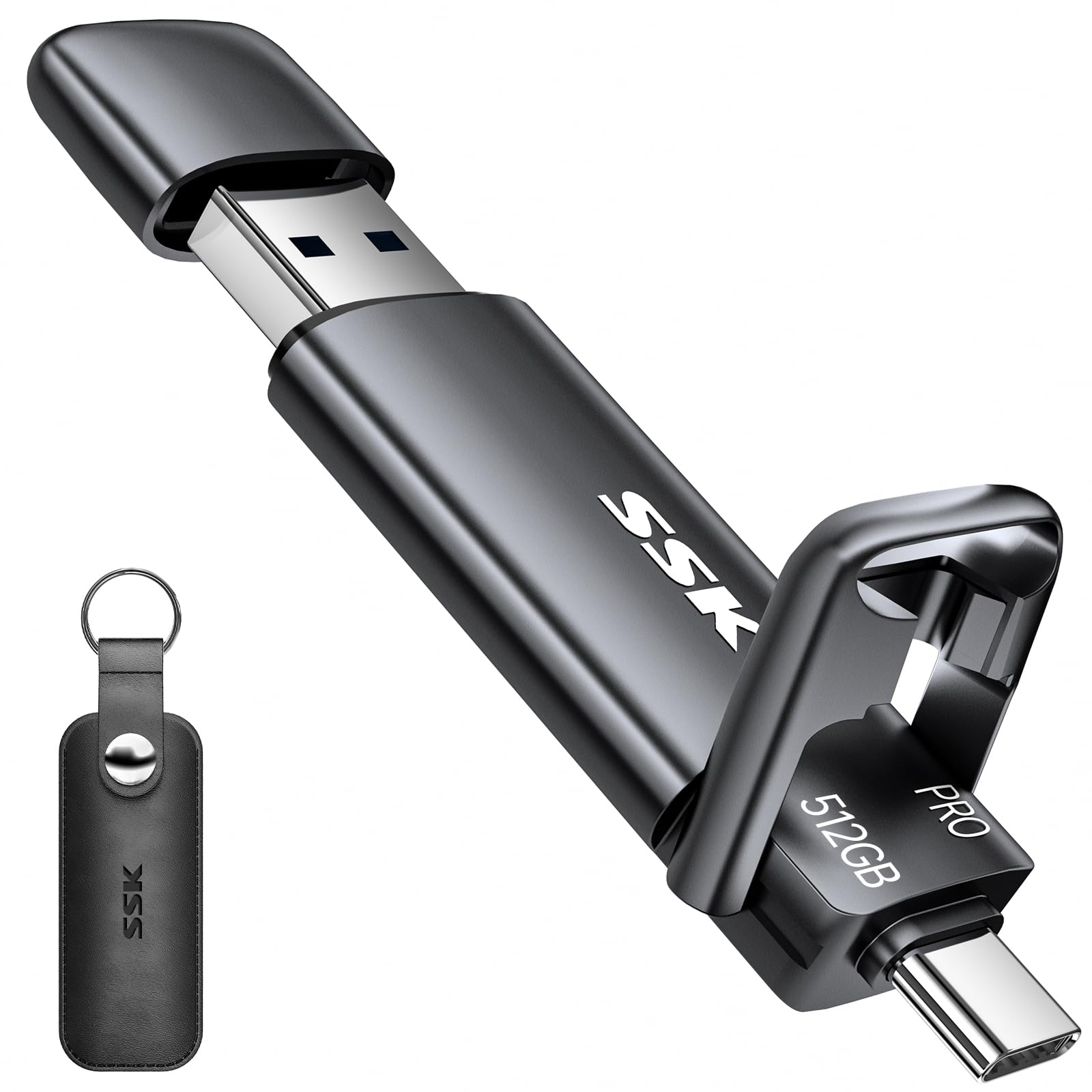
The drive that moves files like a portable SSD — because, inside, that’s what it is.
This is the pick for the person who has given up on flash-drive patience. It reads and writes at up to 1000MB/s (1000 megabytes a second, the handover rate when the drive gives files back to your iPad) thanks to an SSD-style build rather than a standard memory stick — SSK claims 20 times faster than a USB 2.0 drive, which is the maker’s own figure. In practice, that means large ProRes video clips and high-resolution photo bursts move in seconds, not the coffee-break pace of an ordinary thumb drive.
The capacity is 512GB — four times the room of the 128GB drives on this list — while the drive itself is small enough to fit in a shirt pocket. It has a dual USB-C and USB-A head, a zinc alloy shell for shock resistance and heat dispersion, and a double-ended protective cover. The speed is what owners lead with when they talk about this drive; it is also what earns it the top performance score on this list.
What it will cost you is value in the owner ledger — that is, owner sentiment on value is mixed, with some buyers feeling they paid for speed they did not need. That is a fair question to ask yourself: if your use is family photos and school documents, the Extreme Fit above gives you a much nicer price for the same job. This is the drive for people who are moving video.
The speed case: There is nothing else on this list within touching distance of the 1000MB/s figure. If you are transferring 4K video off an iPad Pro, that is the difference between a copy job and a lunch break.
The money question: value for money is a genuine debate among owners, and it is the fairest one to have. Rent out the speed if you need it; stick with the smaller drives if you do not.
For the media mover: the strongest pick if you shoot video on the iPad and cannot stomach the wait on a transfer.
Fair to skip if: your routine is documents and travel photos — the speed will not pay you back in time saved.
Know the Specs
USB-C vs USB-A: why the second plug matters
USB-C is the small oval connector on a modern iPad. USB-A is the older wide rectangle on most computers. A dual-head drive has both, so one stick moves files between an iPad and a non-USB-C machine without an adapter. If you only ever use the iPad, a USB-C-only drive is slimmer and simpler. If you move files between an iPad and an older USB-A laptop, a dual-head drive saves you buying an adapter.
Read speed vs write speed
Read speed is how fast a drive gives a file back to your iPad — that is the number on the box. Write speed is how fast it accepts a file, and it is almost always lower. Copying 8GB of video to a drive happens at the write speed; opening that folder later happens at the read speed. When a spec sheet only lists one rate, assume it is the read rate and expect the write to take longer.
Capacity, in plain terms
Capacity is the room on the drive. 64GB holds a generous photo library; 128GB gives you room to spare; 256GB is for households with video and music; 512GB is archive scale. Buying too small means clearing space again in a few months. Buying bigger than you need means paying for room you never use.
exFAT, FAT32 and what iPadOS will open
The format of a drive decides which files it can hold. exFAT handles very large files — a video over 4GB is fine. FAT32 caps any single file at 4GB, which matters if you shoot long recordings. Drives leave the factory pre-formatted, and larger drives commonly arrive as exFAT. If your iPad says a drive is unreadable, the format is the first thing to check.
Common Questions
Will a USB-C flash drive actually work with my iPad?
Do I need to format a drive before using it on an iPad?
Is 64GB enough for an iPad photo library?
Why is my drive so slow when I copy files to the iPad?
Can I move files between an iPad and a Windows laptop with one drive?
Will a thick iPad case block a low-profile drive?
How long should I expect a USB-C flash drive to last?
Is a USB-C flash drive faster than an external hard drive?
What does OTG mean and why does it matter?
Can I password-protect files on a flash drive?
The Bottom Line
For most iPad owners, the usb-c flash drive for ipad winner is the SanDisk Extreme Fit because its up-to-400MB/s read speed and nearly flush body make it the easiest drive to actually live with. If your desk has both an iPad and an older USB-A laptop, the SanDisk Ultra Dual Drive Go is the everyday all-rounder that covers both ends. And if you are moving video rather than photos, the SSK 512GB delivers the speed to make transfers painless. The honest nudge: the Ultra Dual Drive Go has the strongest track record of the lot — 4.5+ stars across 39,000+ ratings — so if you cannot decide, start there.
How we choose
We do not accept paid placement. Every pick is matched to a real buyer and a real use-case; we do not hands-on test units.
Sources
Specifications: manufacturer listings and product documentation. Review insights: verified customer reviews, as of November 2026. Pricing: not shown on this page (it changes often); check the current price via the retailer link.
As an Amazon Associate, Tactical Gear Guy earns from qualifying purchases. This does not affect which products we feature.