Specs are compiled from manufacturer listings and verified buyer reviews and can change over time — please confirm the key details on the product page before buying.
Your Xbox Series X fills up faster than you expect, and deleting a game you still want to play stings every time. The fix is not always the fastest drive on the shelf — it is the right kind of drive for what you actually want to do. A USB hard drive lets you store and play Xbox One games and archive your Series X titles. A USB SSD only makes those transfers quicker, and no external drive will run a native Series X game. Only a plug-in expansion card can do that. So the real choice is how much room and transfer speed you need on USB versus paying for the one card that runs Series X games directly.
This guide is built by comparing the manufacturers’ published specifications and the patterns across verified customer reviews, so you get each pick’s real strengths and trade-offs instead of marketing spin.
Some drives here are built for archiving a huge library, others for moving big files in seconds. Below you will find the capacity, the transfer speeds, and the compatibility notes that actually change how you play. This breakdown of the xbox series x storage options separates the drives that play games from the ones that only hold them.
Top Picks


How To Choose The Best Xbox Series X Storage
Before you buy storage for a Series X, answer one question: do you want to play next-gen games from the drive, or just park them there? That answer settles the rest, because a USB drive only plays Xbox One games and archives Series X titles, while an expansion card runs Series X games directly.
Play-versus-archive is the first fork in the road
A USB hard drive or USB SSD connects through a standard port and lets you play Xbox One games and store Xbox Series X titles. To actually run a Series X game, you move it back to internal storage first. An expansion card slots in and runs Series X games directly, with no moving around. If your library is mostly last-gen titles and old favorites, a USB drive covers it. If you want new releases playable straight off the extra space, you need the card.
Capacity: think in game libraries, not gigabytes
Capacity is the spec you notice every time a new game asks you to free up space. A 1TB drive gives you a working shelf for a handful of large games. A 5TB or 6TB drive turns into a vault you can stop pruning. Ask yourself how many big titles you keep installed at once, then size up from there.
Speed: what MB/s and Gbps actually change
A mechanical hard drive moves data far slower than a solid-state drive. That gap shows up when you copy a 100GB game between drives — a 1600 MB/s SSD against a 130MB/s hard drive. Once a game is stored, transfer speed only affects how long it takes to move that game on or off the drive.
Side-by-Side Comparison
| Model | Best For | Capacity | Transfer Speed | Drive Type | Amazon |
|---|---|---|---|---|---|
| WD_BLACK 5TB P10 Game Drive★ Best Overall | Huge game vault on a budget | 5 TB | Up to 130MB/s | Mechanical HDD | Amazon |
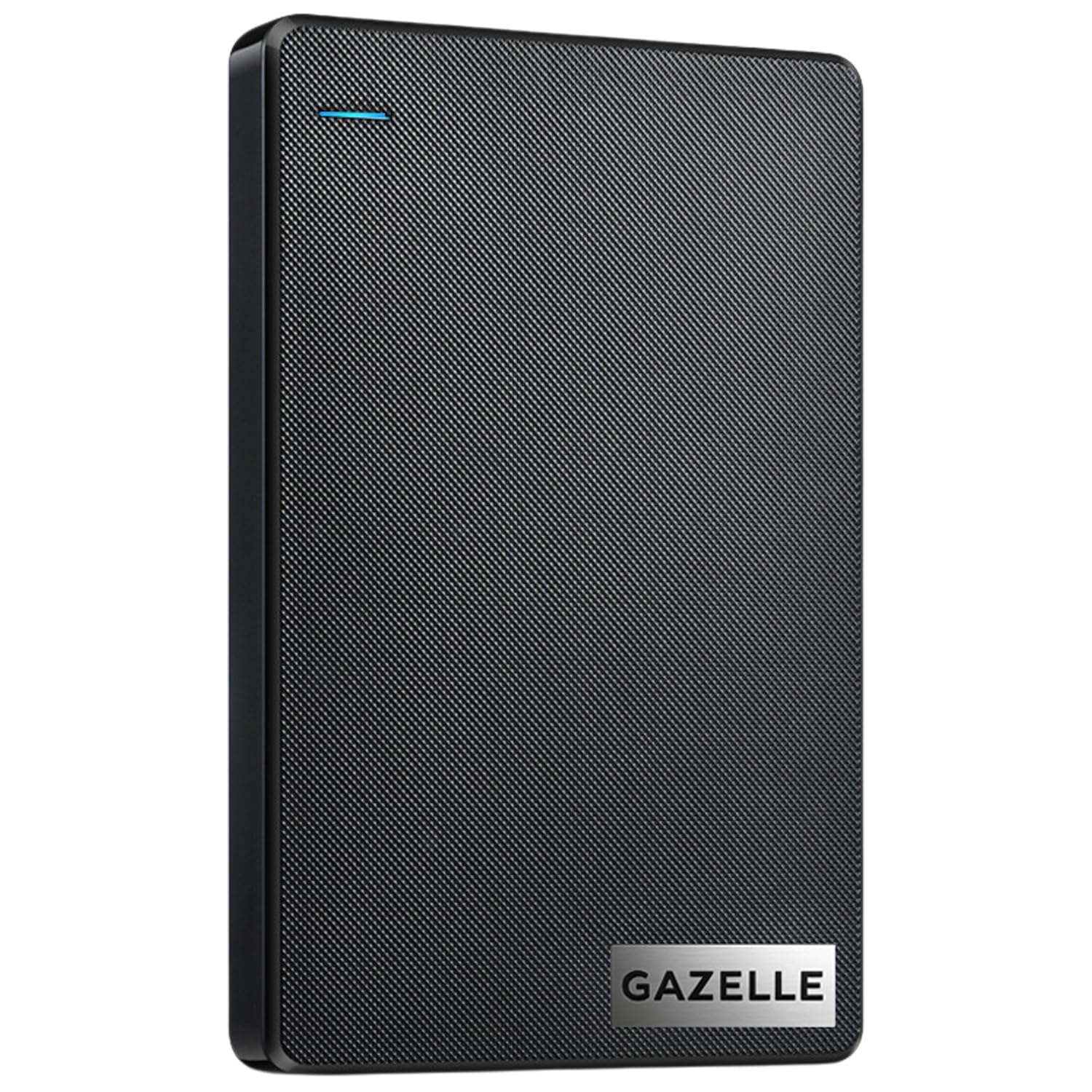
| GAZELLE 1TB Ultra SlimBest for Travel | Light travel and quick backups | 1 TB | 120 MB/s | Mechanical HDD | Amazon |
| YOTUO 1TB External HDDShock-Protected Pick | Shock-protected everyday storage | 1 TB | Up to 5 Gbps | Hybrid Drive | Amazon |
| Seagate 2TB Game Drive for Xbox | Xbox-matched look and capacity | 2 TB | 600 MB/s | External HDD | Amazon |
| DATO External SSD 2TB | Rugged high-speed transfers | 2 TB | Up to 1600 MB/s | Solid State Drive | Amazon |
| WD_Black 6TB P10 Game Drive | Maximum capacity on USB | 6 TB | Up to 130MB/s | Mechanical HDD | Amazon |
| Tianken Expansion Card for Xbox | Playing Series X games off-drive | 1 TB | 3500 MB/s | NVMe SSD Card | Amazon |
| Samsung T7 Shield 2TB | Rugged portable speed | 2 TB | Up to 1,050 MB/s | Portable SSD | Amazon |
Detailed Reviews
1. WD_BLACK 5TB P10 Game Drive
Our pick — 4.5+★ from 25,000+ verified ratings; the strongest balance of quality and price.
Five terabytes of game vault that ends the weekly delete-and-redownload ritual.
If you want to stop deleting games to make room, this is the drive to buy. It holds 5 TB, which the maker frames as room for up to 150 games — plenty for a deep library of Xbox One titles and archived Series X releases. It connects over USB and works with Xbox Series X|S, letting you play and store Xbox One games and archive Series X|S games. That is exactly the job most players need done, and it does it without asking you to manage your library like a spreadsheet.
The drive moves data at speeds up to 130MB/s (megabytes per second — the pace files copy from one place to another). It is a mechanical hard drive, so it will not match a solid-state drive for raw speed. But for storing and playing last-gen games, 130MB/s is more than enough to keep a game loading smoothly. Compared with the GAZELLE 1TB, which tops out at 120 MB/s, this WD_BLACK holds 5 TB against the GAZELLE’s 1 TB.
A sleek metal top gives the drive a sturdy feel and helps it shed heat during long sessions. A 3-year limited warranty backs it. The honest trade-off: because it is an HDD (a spinning hard drive), copying a big Series X game onto it takes longer than a fast SSD (a solid-state drive with no moving parts) would take. And native Series X games still need to be moved to internal storage before they run.
Where the P10 earns its place
- 5 TB holds up to 150 games per the maker, so you stop deleting titles you still play
- Plays and stores Xbox One games and archives Series X titles over USB
- Metal top cover adds a solid, cool-to-the-touch feel
- Backed by a 3-year limited warranty
What to weigh before buying
- Mechanical drive at up to 130MB/s — slower at copying big files than an SSD
- Cannot run native Xbox Series X games directly off the drive
Best for: anyone with a deep Xbox One library and a Series X that fills up fast, who wants maximum room without paying SSD prices.
Think twice if: you want next-gen games playable straight off external space — that needs an expansion card, not a USB drive.
2. GAZELLE 1TB Portable External Hard Drive
A pocketable drive that switches between old and new ports without an adapter hunt.
The GAZELLE earns its spot for portability above all. At roughly 150g and a compact frame, it slips into a laptop bag or jacket pocket and travels with you to a friend’s place for a gaming session. It ships with both a USB 3.0 cable and a Type-C adapter, so it plugs into older ports and newer ones without you digging for the right cord. It works across Windows, macOS, Linux, Android, and consoles including Xbox.
Speed lands at 120 MB/s (megabytes per second). That is a clear step down from what an SSD delivers — the DATO SSD in this list runs to 1600 MB/s. But for backing up media or shuttling Xbox One titles, 120 MB/s keeps the job moving. Owners find the drive easy to use, with setup being a plug-in-and-go affair and no software required.
The honest catch shows up in longer use. Owners are split on reliability and connectivity, with some reporting the drive disconnecting from a PC and others finding it really slow. Some compatibility experiences are smoother than others. Treat this as a companion drive for travel, not the workhorse your whole game library leans on.
What buyers respond to
- Both a USB 3.0 cable and a Type-C adapter come in the box
- About 150g and compact enough for a bag or pocket
- Plug and play with no software install needed
- LED indicator light shows power and transfer status
The fit note worth knowing
- Feedback on reliability and connectivity is mixed across buyers
- 120 MB/s is slower than what a solid-state drive offers
Reach for this if: you want a light, dual-port drive to carry between machines and consoles.
Look elsewhere if: you need a single drive to hold your entire Xbox library with rock-solid, always-connected performance.
3. YOTUO 1TB External Hard Drive
A drive wrapped in a shock-absorbing sleeve for people who toss their gear in a bag.
Where the YOTUO stands out is protection. A built-in silicone sleeve surrounds the drive and cushions it against bumps and drops — the reasoning being that game saves and backed-up photos deserve a little armor. It weighs just 0.16 kg, so it rides along without adding noticeable heft. The mirrored and frosted finish keeps it looking tidy on a desk.
Capacity runs to 1 TB, and it moves data over USB 3.0 at up to 5Gbps (gigabits per second — the connection’s raw bandwidth, not the real-world file-transfer rate). It handles PS4, PS5, Xbox One, and Xbox Series X|S, plus Windows, Mac, and Linux. Note the compatibility line the maker spells out: PS5 and Xbox Series X|S games cannot be run or stored directly from an external hard drive. It frees up internal space by offloading your last-gen games instead.
Buyers report plenty of storage, simple setup, and quick transfers as the everyday wins. The drive is a hybrid type (it combines flash memory with a spinning disk), and the silicone jacket is the detail that separates it from the plain plastic enclosures here. If you want confidence about knocks, this is the pick.
Why it earns a spot: the silicone sleeve is the difference-maker for a drive that lives in a backpack, and 1 TB with USB 3.0 connectivity covers backups and last-gen game storage comfortably.
The practical limit: it cannot run or store native Xbox Series X games directly, so plan on freeing space by moving older titles off internal storage.
Good match for: a traveler or commuter who wants a protected drive to keep game saves and media safe on the move.
Not the one if: you specifically want to play next-gen games off the drive — this offloads last-gen titles instead.
4. Seagate 2TB Game Drive for Xbox
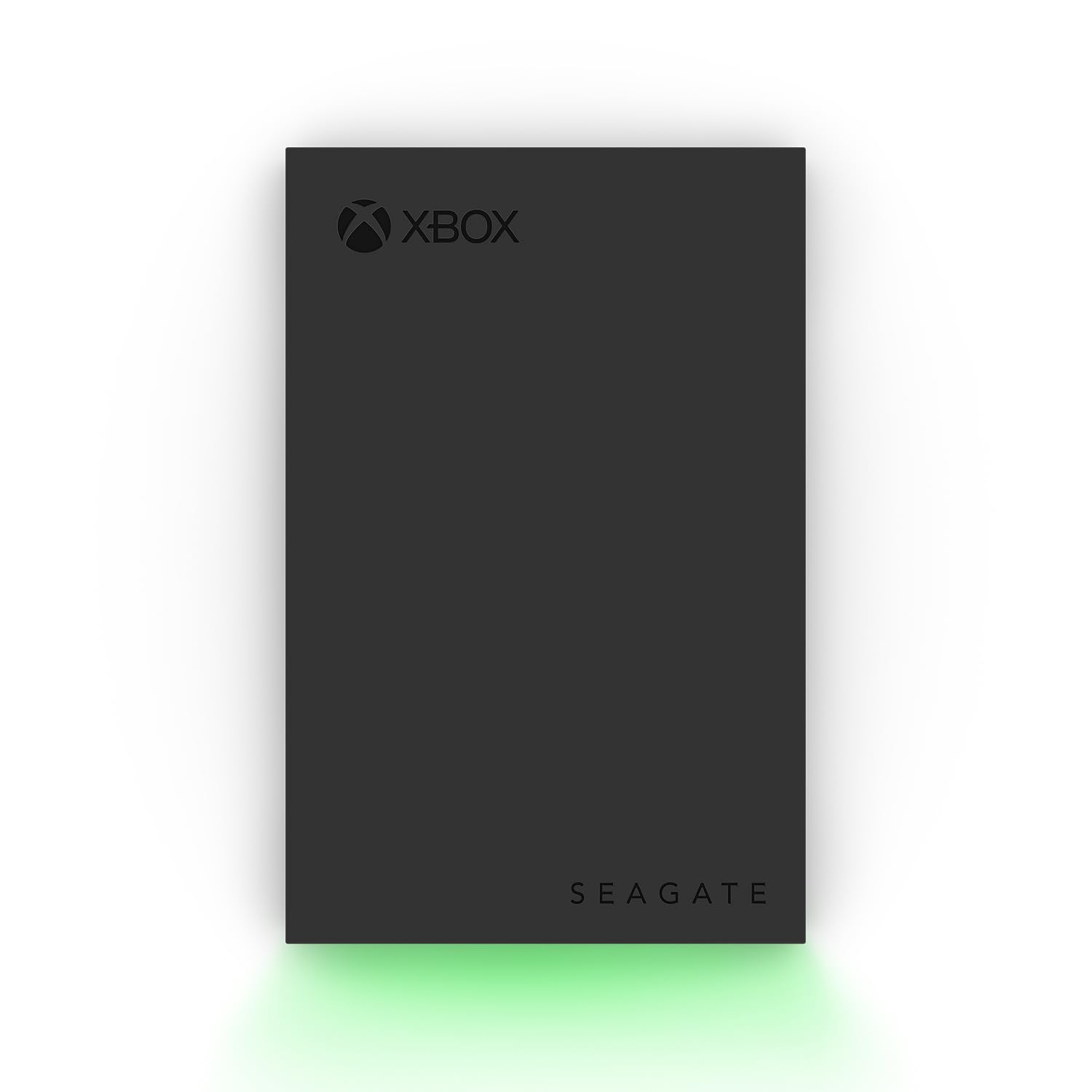
An Xbox-certified drive with a green glow that matches the console it sits beside.
This one wears its Xbox connection openly. It is certified for Xbox Series X, Series X|S, and all generations of Xbox One, and a built-in LED bar lights up in Xbox green to match your setup. The 2 TB capacity is the middle ground in this lineup — enough to build a real Game Vault without going into vault-scale territory. It comes with 3-year Rescue Data Recovery Services and a 1-year limited warranty.
The transfer rate is listed at 600 MB/s. What owners actually report is more nuanced — some find it pretty fast and others say it is not fast enough for their taste. For moving games between internal storage and the drive, it does the job, though it cannot run Series X games straight off the external unit; those move back to internal storage first.
Storage capacity gets the warmest reception: it holds lots of games while not taking up much physical space. The bold, refined casing is built to sit beside the console without looking out of place. Capacity and a matching look are what you are buying here.
Strengths worth noting
- Certified for Xbox Series X, Series X|S, and all Xbox One generations
- 2 TB stores a large game library while keeping a small footprint
- Rescue Data Recovery Services plus a 1-year limited warranty included
- Xbox-green LED bar ties the look to your setup
Honest caveats
- Transfer speed gets mixed reactions — adequate for some, slow for others
- Series X games cannot be played directly off the external drive
Pick it if: you want an Xbox-branded look and a 2 TB cushion for a growing library, plus the warranty confidence.
Pass it if: raw transfer speed is your top priority — the DATO and Samsung SSDs move files faster.
5. DATO External SSD 2TB
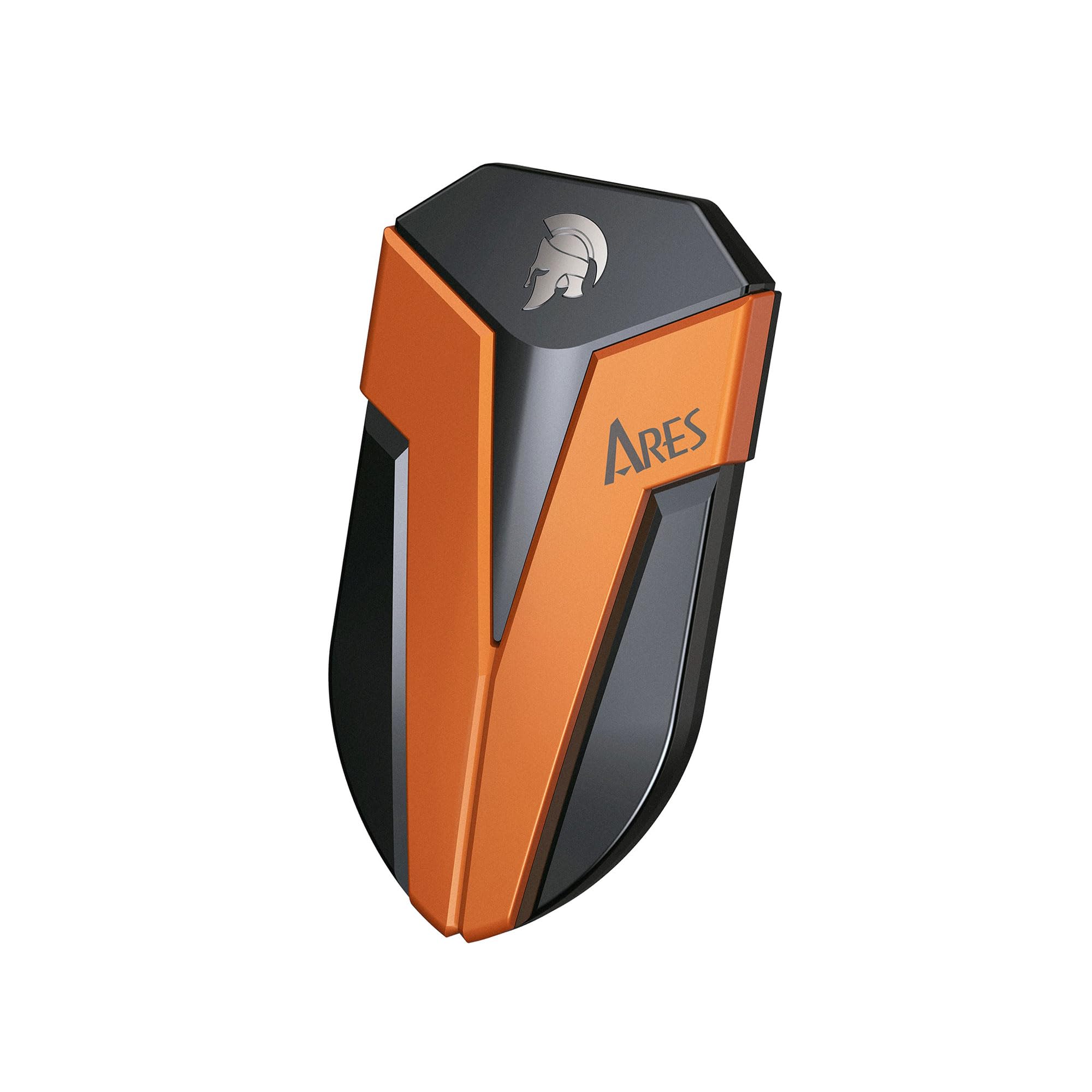
The speed outlier of the group, with a rugged shell that shrugs off water and drops.
When the DATO says it is fast, the number backs it up: up to 1600 MB/s (megabytes per second), which compares against the 120 MB/s of the GAZELLE hard drive here. That gap matters when you are copying a huge game file between drives. It runs USB 3.2, supports OTG transfer from Type-C devices, and ships with both a 20Gb/s Type C-to-C cable and a 10Gb/s C-to-A cable so you can hook up across ports.
This is also the toughest drive in the list on paper. It carries an IP67 rating (a dust and water-resistance standard — the 6 means full dust protection and the 7 means it can handle temporary water immersion). The maker states it is tested to 1 meter under water for 30 minutes per SGS (an independent testing and certification company), and it withstands a 4-foot free drop. A graphene interior helps manage heat so performance stays steady.
Owners praise the gaming performance and describe transfers as fast. The recurring watch-out is reliability and value — a few report it not working with Windows 11, and some find the price steep. Where the price concern lands, weigh the speed against a slower but larger hard drive if capacity is what you need more.
Speed-to-size standout: 1600 MB/s in a palm-sized drive makes it the quickest USB option here, and the IP67 rating plus 4-foot drop tolerance mean it travels without a case.
The honest trade-off: reliability reports are mixed and a handful of buyers hit Windows 11 problems, so treat it as a fast working drive rather than a bottomless archive.
Buy it for: moving large game and project files in seconds and carrying a drive that survives real-world knocks.
Skip it for: hoarding a giant library cheaply — a high-capacity hard drive gives you far more room per terabyte.
6. WD_Black 6TB P10 Game Drive

The biggest shelf in the lineup, built for players who refuse to delete anything.
This is the top of the capacity ladder. The maker bills it as the world’s first 6TB 2.5-inch portable hard drive, and the number translates to room for up to 150 games. If your problem is a library that keeps spilling over, this is the drive that solves it — the storage capacity is what owners talk about most, and for good reason. It plays and stores Xbox One games and archives Series X titles over USB, the same core function as the 5TB model above.
It moves data at speeds up to 130MB/s, identical to the smaller 5TB P10. That means it is not a speed upgrade over the 5TB — it is a volume upgrade. Owners find it good value and report decent transfer speeds. The metal top cover keeps the look and feel consistent with the WD_BLACK line.
Two things to keep in mind. Durability opinions are mixed, with long-term longevity uncertain in the feedback. And game playability is a sticking point — Series X games cannot run from this external drive, matching every USB drive here. Buy it for the vault, not for playing next-gen titles off the shelf.
What stands out
- 6 TB is the largest capacity in this list — room for up to 150 games
- Plays and stores Xbox One games and archives Xbox Series X|S titles
- 130MB/s transfer and a metal top cover
- Good-capacity and value feedback from owners
Weigh before committing
- Same 130MB/s speed as the 5TB — no speed gain for the larger capacity
- Cannot run native Xbox Series X games off the drive
Best for: the collector with a sprawling library who wants maximum room and never wants to see a “storage full” prompt again.
Less ideal for: someone chasing raw speed — this is a capacity play, not a performance one.
7. Tianken Storage Expansion Card for Xbox Series X|S (1TB)

The one card here that runs Series X games directly — no moving titles to internal storage.
Here is the fundamental difference from every USB drive above: this is an expansion card that slots into the console and plays Xbox Series X|S games straight from the drive. The maker states you can play without sacrificing graphics, latency, framerates, or load times, and switch between titles in seconds. That is the one capability no external hard drive in this list can offer. The NVMe SSD inside is rated to 3500 MB/s (megabytes per second), and it comes in 1 TB of storage.
The build is an all-aluminum, anti-scratch body just 0.3 inch thick, which helps heat spread away from the drive. It is plug and play with no software install. For someone who wants the console to behave as if it has more internal space — with new releases playable instantly — this is the only option that fits the bill.
Weigh the risks honestly. Owners mention a split experience on reliability, with some saying it works great and others noting it lasted a short time. Some find it is not the full advertised 1TB, and compatibility with Xbox system updates is a reported concern. This is a fit-your-situation purchase: accept the higher risk in exchange for the one thing no USB drive can do.
The unique value: it runs Series X|S games directly with rated 3500 MB/s throughput and no software to install — the only pick here that expands playable next-gen space.
The honest caution: reliability and compatibility feedback is mixed, so a smooth return policy matters if you go this route.
This is your pick if: you must run next-gen games off added storage and speed is the whole point.
Reconsider if: proven long-term reliability matters more to you than playing Series X titles off an external card.
8. Samsung T7 Shield Portable SSD 2TB

A palm-sized SSD built to take a drop and a downpour without flinching.
The T7 Shield’s calling card is durability packed into a tiny body. It carries an IP65 rating (a water and dust standard — the 6 means dust-tight and the 5 means it handles sprayed water), and Samsung rates it for drops up to 9.8 feet. All of that fits in a drive small enough to carry in a pocket, which is why portability is one of the things owners value most. The 2 TB of storage gives you real room for games and files.
Speed comes in at read and write up to 1,050/1,000 MB/s via USB 3.2 Gen 2, using embedded PCIe NVMe technology. It works across PC, Mac, Android, gaming consoles, and even iPhone 15 Pro Res 4K at 60fps video capture. Samsung Magician software lets you monitor drive health and set LED color combinations.
The footnotes are where a buyer should slow down. It handles gaming consoles, including Xbox Series X, but like all USB drives here it cannot run native Series X games directly — those move to internal storage. Reliability and value feedback is mixed, and some find the price steep. You are paying for speed and a rugged shell that goes anywhere.
Why it travels well
- IP65 dust-tight and water-spray rated, with drop protection up to 9.8 feet
- Read and write up to 1,050/1,000 MB/s over USB 3.2 Gen 2
- Small enough for a pocket, with 2 TB of capacity
- Samsung Magician software for health monitoring and LED control
What to keep in mind
- Cannot run native Xbox Series X games directly off the drive
- Value feedback is mixed — the rugged speed does not come cheap
Go for it if: you want a fast, pocketable SSD that survives drops and rain and moves big files for editing or backups.
Skip the upgrade if: a slower, larger hard drive would cover your Xbox library needs for less.
Know the Specs
Capacity (TB and GB)
Capacity is the raw amount of space a drive holds, measured in terabytes (TB) or gigabytes (GB). A 1 TB drive offers a working shelf for a handful of big games, while a 5 TB or 6 TB drive becomes a library you can stop pruning. The maker of the 6 TB P10 frames that capacity as room for up to 150 games. Pick the size based on how many big titles you keep installed at once, not on the biggest number on the box.
Transfer speed (MB/s and Gbps)
Two ways to describe speed show up on these listings, and they mean different things. MB/s (megabytes per second) is a file-transfer pace — how quickly data actually copies. Gbps (gigabits per second) is the connection’s raw bandwidth, a bigger, looser number. A mechanical drive that lists 120–130MB/s and an SSD that lists 1600 MB/s are describing the same kind of figure, so they can be compared directly. The connection’s Gbps rating tells you the port’s ceiling, not the drive’s real pace.
IP ratings for dust and water
An IP rating (Ingress Protection) tells you how well a drive resists dust and water. The first digit covers solids and the second covers liquids. An IP65 rating means dust-tight and protected against water spray, while IP67 adds tolerance for temporary immersion. For a drive that heads outdoors or rides in a bag, a higher second-digit rating means less to worry about.
Play versus archive
This is the spec no number captures. USB drives play Xbox One games and store Series X titles, but they cannot run native Series X games — those must move to internal storage first. An expansion card runs Series X|S games directly. Before you buy, decide if you need to play Series X games from the drive or just store them until you move them back to internal storage.
Common Questions
Can I play Xbox Series X games directly from an external hard drive?
What is the difference between a USB external drive and an expansion card?
Is 1TB enough storage for an Xbox Series X?
Do I need a fast SSD or is a slower hard drive fine for Xbox storage?
Will these drives work with both Xbox Series X and Series S?
What does IP65 or IP67 water resistance mean for an external drive?
How long do these external drives last?
Can I run a Series X game from a USB SSD that is faster than the internal drive?
Do these drives need to be formatted before use on Xbox?
The Bottom Line
For most players, the xbox series x storage winner is the WD_BLACK 5TB P10 Game Drive because it pairs a huge 5 TB library with the play-last-gen-and-archive-series-x job the console actually needs. If you want maximum room, grab the WD_Black 6TB P10 Game Drive for its 6 TB shelf. And for the one thing no USB drive can do — playing Series X games straight off added storage — the Tianken Expansion Card is the only pick that fits.
How we choose
We do not accept paid placement. Every pick is matched to a real buyer and a real use-case; we do not hands-on test units.
Sources
Specifications: manufacturer listings and product documentation. Review insights: verified customer reviews. Pricing: not shown on this page (it changes often); check the current price via the retailer link.
As an Amazon Associate, Tactical Gear Guy earns from qualifying purchases. This does not affect which products we feature.