Specs are compiled from manufacturer listings and verified buyer reviews and can change over time — please confirm the key details on the product page before buying.
You want a giant screen without owning a giant TV, and XR smart glasses are how you get one — a wearable display that throws a private cinema in front of your eyes. The catch most buyers miss: brightness and field of view decide whether the picture looks crisp or washed out, so check those two numbers first. This guide compares the real specs and owner experience so you can pick the pair that actually fits your face, your phone, and how you watch.
This guide is built by comparing the manufacturers’ published specifications and the patterns across verified customer reviews, so you get each pick’s real strengths and trade-offs instead of marketing spin.
Below you’ll find brightness, field of view, and comfort broken down in plain English, with the honest trade-offs owners hit. Every pick here is a working USB-C video display, so the question becomes which balance of picture and fit suits you — exactly what this rundown of the xr smart glasses covers next.
Top Picks


How To Choose The Best XR Smart Glasses
Start with the screen, not the badge. The virtual size figure (measured in inches at a set distance) tells you how big the picture feels, while field of view in degrees tells you how much of it fills your vision. A larger field of view wraps the image around you; a smaller one keeps it looking like a floating tablet. Both numbers matter far more than how the glasses look on a shelf.
Brightness and the room you watch in
Brightness is rated in nits, a measure of how much light the display throws at your eye. A 1000-nit panel stays readable in a lit room or on a plane, while a dimmer one washes out in daylight. If you mostly watch in a dark bedroom, 600 nits is enough. If you want to use these on a bright commute, aim high.
Will these play nice with your phone?
These glasses are plug-and-play monitors, so your device needs a USB-C port that outputs video (DisplayPort over USB-C). Many recent iPhones, Android phones, handhelds, laptops, and consoles qualify. Older phones and HDMI-only consoles often need an adapter or dock sold separately. Check your phone model against the compatibility list before you commit, because a mismatch is the most common reason a pair gets returned.
Nearsighted without contacts? Look for a dial
Several pairs here carry built-in focus adjustment measured in diopters, a unit opticians use to describe how strongly lenses bend light. If you’re nearsighted up to a certain limit, a dial lets you sharpen the image without prescription inserts. Higher prescriptions and astigmatism usually still need custom lenses, which some models accept through a sample you take to an optician.
3DoF versus 6DoF tracking
Head tracking keeps the screen steady as you move. 3DoF (three degrees of freedom) follows your head turns and tilts. 6DoF adds positional tracking so the screen stays pinned to a spot in your room as you walk — truer spatial feel, but often needs an accessory and only works on certain platforms. If you mostly sit and watch, 3DoF keeps the screen steady without extra hardware. If you want a floating workstation, check whether 6DoF needs extra hardware.
Side-by-Side Comparison
| Model | Best For | Virtual Screen | Brightness | Refresh Rate | Amazon |
|---|---|---|---|---|---|
| RayNeo Air 3s Pro★ Best Overall | Brightest picture for the money | 201″ | 1,200 nits | 120Hz | Amazon |
| Rokid Max2Biggest Screen | Biggest picture, no battery | 215″ | 600 nits | 120Hz | Amazon |
| RayNeo Air 4 ProBest for 3D | 3D movies and HDR color | 201″ | — | 120Hz | Amazon |
| RayNeo GT Max | Widest cinematic view | 267″ | 1,200 nits | 120Hz | Amazon |
| XREAL 1S | 3D on everything, huge screen | 500″ | — | 120Hz | Amazon |
| VITURE Luma Pro | Sharp 1200p for work and play | 152″ | 1,000 nits | 120Hz | Amazon |
| XREAL One Pro | Wide 57° view for productivity | 171″ | 700 nits | 120Hz | Amazon |
| VITURE Luma Ultra | Brightest 1200p with 6DoF potential | 152″ | 1,500 nits | 120Hz | Amazon |
Detailed Reviews
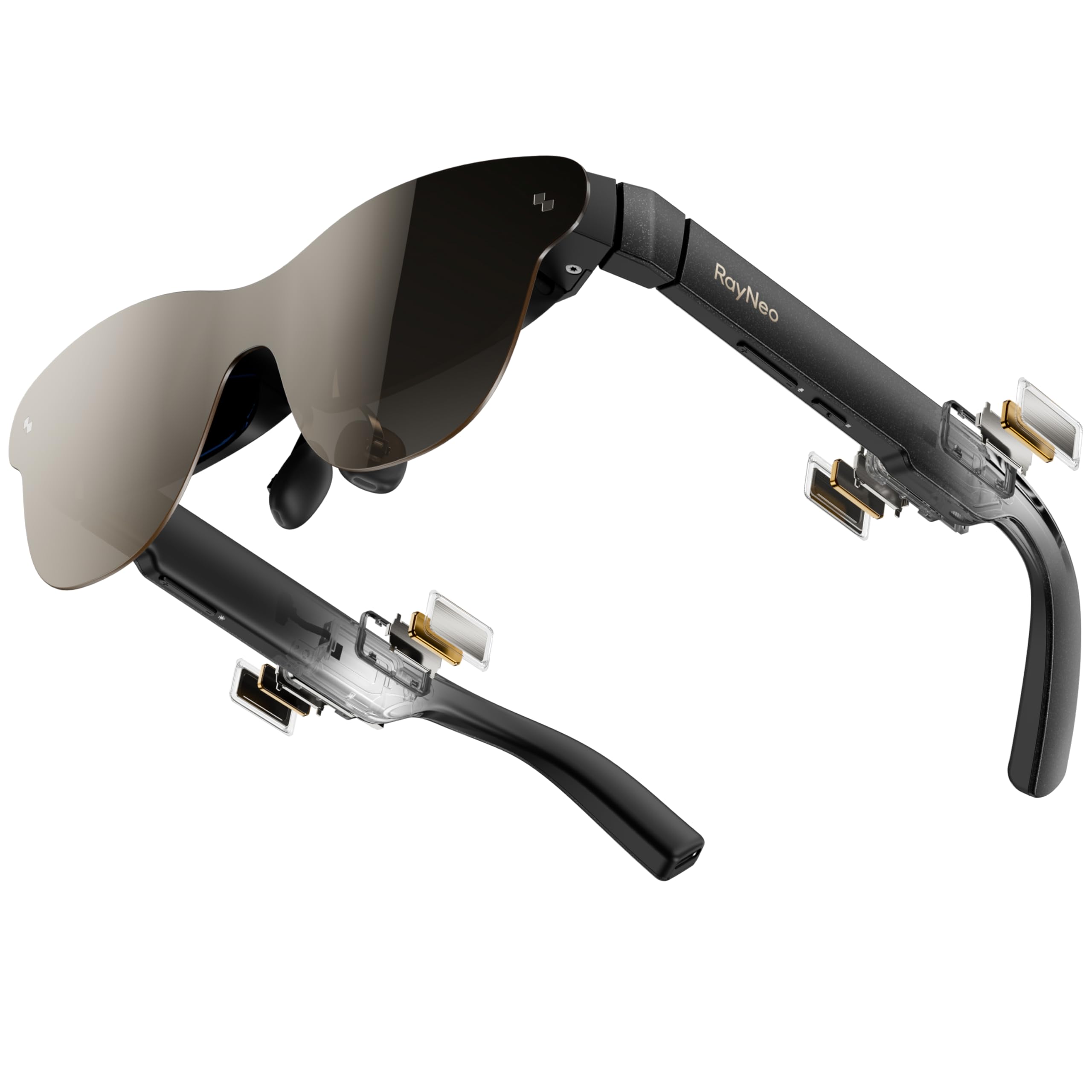
1. RayNeo Air 3s Pro AR/XR Glasses
Our pick — 4.0+★ from 550+ verified ratings; the strongest balance of quality and price.
The brightest picture you can wear for the money — 1,200 nits and a 201-inch screen.
The headline here is a to-eye brightness of 1,200 nits, and that number does real work. Nits measure how much light the panel throws at you, so a brighter display keeps the picture readable in a lit room or on a plane instead of fading to grey. The 201-inch virtual screen (sized as if it sat 6 meters away) turns a phone, PS5, or Steam Deck into a private cinema without a wall to hang anything on.
The panel underneath is a 5.5th-gen tandem Micro-OLED paired with HueView 2.0, rated at 200,000:1 contrast and 98% DCI-P3. In plain terms, contrast is how deep the blacks go and DCI-P3 is the share of the colour range it can show, so dark space scenes stay dark and colour looks true. Owners consistently single out the picture quality, and the display holds detail in shadowy footage that would otherwise look flat.
Eye comfort gets real attention too, with TÜV SÜD Low Blue Light and Flicker-Free dual certification plus 3,840Hz high-frequency PWM dimming. That dimming rate describes how the screen pulses to control brightness — a higher rate means less visible flicker, which helps on long sessions. Built-in speakers cover spatial audio, though the sound is the honest weak spot: the volume runs low for some, so plan on earbuds for a loud room. Nearsighted users take the included prescription lens sample to an optician for custom lenses. The crowd backs this pick with 4.0+ stars across 500+ ratings.
What wins people over
- 1,200 nits keeps the picture visible in a lit room
- 201-inch virtual screen needs no TV or wall
- Dual TÜV SÜD certification for low blue light and flicker
- Runs off USB-C from phone, console, or handheld
Where it asks a little patience
- Built-in speaker volume runs low for some rooms
- Nearsighted wearers need custom lenses made by an optician
Grab this one if: you want the brightest picture at this price and mostly watch movies, games, or streams on the go.
Think twice if: you expect loud built-in audio without adding earbuds.
2. Rokid Max2 AR Glasses
A 215-inch screen on your nose, with no battery to charge and a dial for your eyes.
If sheer screen size is your goal, this is the one to beat. The Rokid Max2 projects a 215-inch virtual image at a 6-meter distance, and that is the largest picture in this group — bigger than the 146-inch VITURE Pro 2 by a wide margin. A 50° field of view wraps it around your vision, so the image feels like a screen rather than a floating tablet.
Two practical touches set it apart. There is no internal battery at all — the glasses draw power straight from your phone, laptop, or console over the included USB-C cable, so they never need charging and stay lighter on your face. And the adjustment dial on top fine-tunes myopia up to 600 diopters, meaning nearsighted wearers can dial the picture sharp without ordering inserts. Astigmatism and presbyopia are not supported, so those eyes still need custom lenses.
The 120Hz refresh rate keeps motion smooth for gaming and sport, and the 600 nits brightness is comfortable indoors but dimmer than the brightest panels here, so a sunlit window seat is not its strong suit. The airy cushioning nose pad is designed to stop slipping and cut fatigue, and the lightweight frame is built to fit faces up to 16cm wide. With only a short run of early ratings, it is still building its track record — a solid pick if maximum size matters most.
The size argument: a 215-inch image is the biggest here, and running without a battery means one less thing to keep charged.
The one to weigh: at 600 nits it trails the 1,200- and 1,600-nit panels, and the myopia dial tops out at 600 diopters with no astigmatism support.
Reach for this if: a huge picture and corded power from your own device sound like the simplest setup.
Look elsewhere if: you need to watch in bright daylight or have astigmatism.
3. RayNeo Air 4 Pro AR/XR Glasses
For the movie buff who wants films to feel three-dimensional, not just big.
Movies are the point here. This is an HDR10 display — a high-dynamic-range format that shows more than 10 billion colours and deeper contrast — projected on a 201-inch virtual screen. HDR means the bright highlights in a film stay bright while the shadows stay rich, which is exactly what makes an in-bed or on-a-flight movie night feel bigger than your phone.
The Vision 4000 chip, co-developed with Pixelworks, upscales standard SDR video into HDR in real time and keeps 120Hz motion smooth for PS5, Steam Deck, and Switch 2. There is also native 3D playback plus AI conversion that turns ordinary 2D video into 3D depth — a genuine reason to pick this over a plain screen pair. Audio comes from four Bang & Olufsen-tuned speakers with a whisper mode for quiet public listening, and there is no battery inside, so setup is a single USB-C plug.
The honest trade-off is sound reliability: the speakers receive touchy feedback, with some units reported not working, so treat built-in audio as a bonus rather than a guarantee. The optional Sound Tube accessory boosts volume but is sold separately. At 2.88 ounces it stays light on the face, and the picture clarity and easy plug-in setup are what most buyers highlight.
Why it earns a spot: HDR10 colour, real 3D and 2D-to-3D conversion, and B&O audio make this the most film-forward pair in the list.
Clear the runway for: speaker reliability — some owners get no sound, so keep a pair of earbuds handy.
Your pick if: 3D films and HDR movies are the main event and you want them on a 201-inch canvas.
skip it if: built-in audio is a must-have you cannot supplement.
4. VITURE Pro 2 XR/AR Glasses
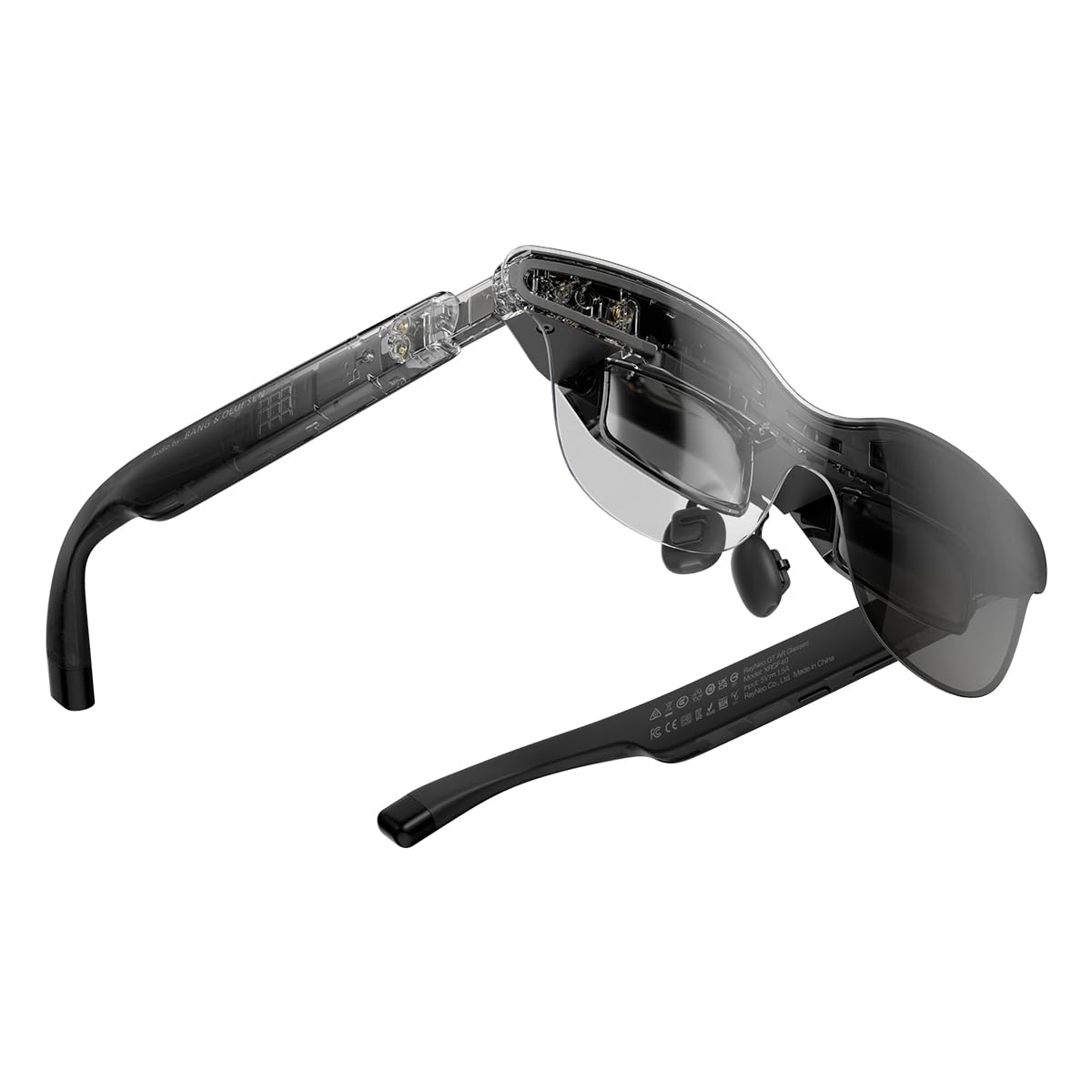
A 59-degree window that wraps the picture around you — the most cinematic field of view here.
Field of view is where this pair makes its stand. At 59° it is the widest in this lineup, ahead of the 50° Rokid Max2 and 52° VITURE options, and a wider window means the picture wraps around your vision instead of floating like a tablet. It drives a 267-inch virtual screen with adjustable 227-inch and up-to-307-inch sizing, so you can dial the scale to the seat you are in.
The dual-chip setup matters for stability. The Vision 4000 handles image processing while the Zone 360 chip provides native 3DoF spatial tracking directly on the glasses — no external box needed. Choose Steady, Pinned, or Follow mode to park the screen where you want it. Audio comes from a Racetrack Quad-Speaker system co-tuned by Bang & Olufsen, with a 38% larger speaker area and 5dB sensitivity boost over the earlier design, plus head-tracked spatial sound.
The picture runs up to 1200 nits with 145% sRGB, 98% DCI-P3, 200,000:1 contrast, and 120Hz. Here is the honesty note: owners are split on image quality, and the recurring gripe is that the Dolby Vision mode can produce dim pictures. Three IPD sizes (S under 64mm, M for 64–67mm, L over 67mm) help you match the optics to your eyes, and 3840Hz hybrid dimming cuts flicker.
The case for it: the widest 59° field of view and native 3DoF tracking make this the most wrap-around watch in the group.
The catch: Dolby Vision is reported to dim the image, and only a handful of early reviews exist to judge long-term reliability.
Best for: buyers who want the biggest, most surrounding picture and stable pinned screens without an extra box.
Not for: anyone who expects Dolby Vision to stay bright — it often does not.
5. XREAL 1S AR Glasses
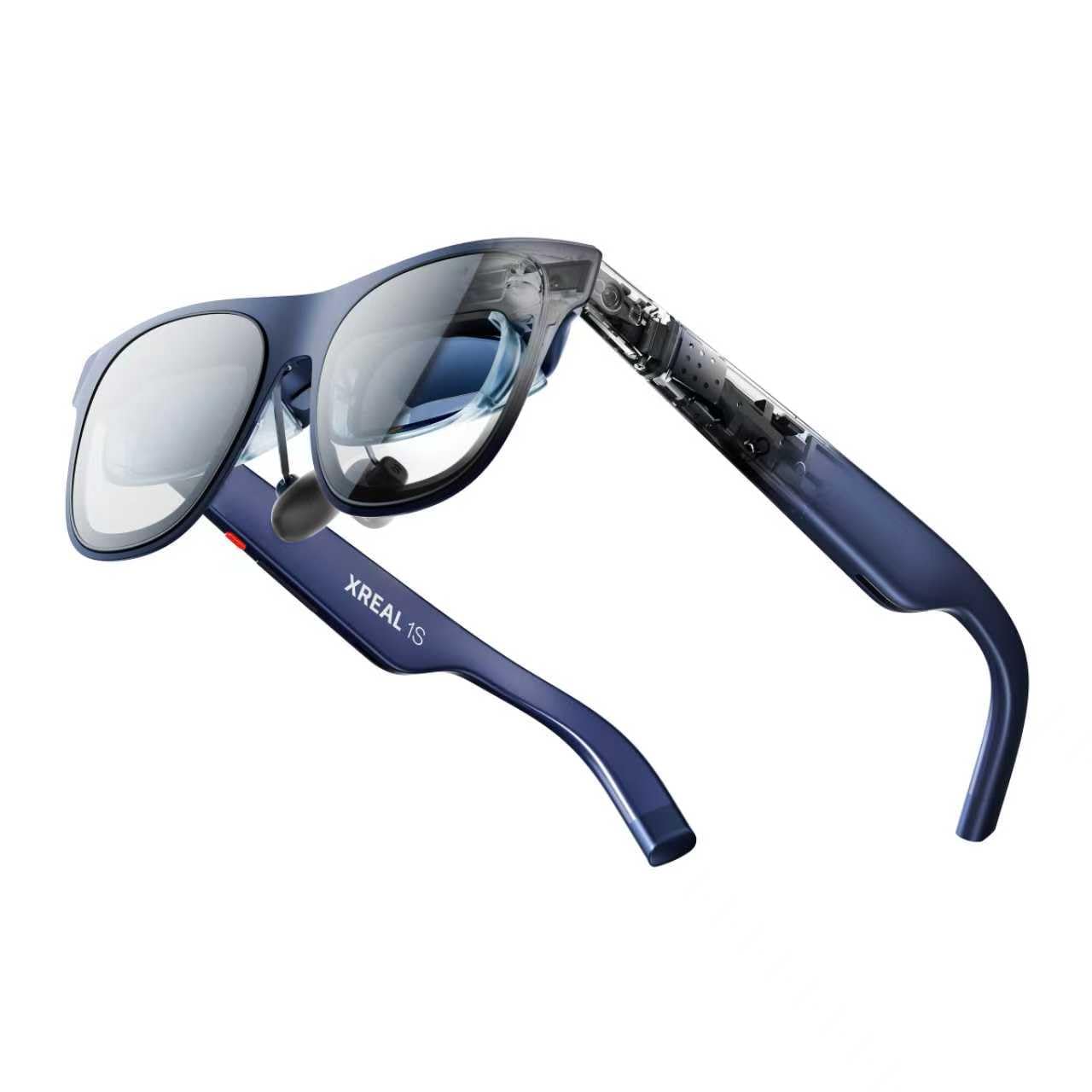
A claimed 500-inch screen and one switch that turns anything you watch into 3D.
The size claim is the loudest in this list: a virtual screen up to 500 inches. A redesigned optical engine sharpens clarity by 9%, and each unit is individually colour-tuned so hues stay natural. The field of view is 52°, backed by a 120Hz refresh in 3DoF mode and a 90Hz global refresh that keeps motion blur down.
The XREAL 1S debuts what the maker calls the first on-glasses REAL 3D spatial technology — one switch turns games, movies, apps, and photos into true 3D depth. It runs at up to 30fps with 90–100ms latency, which is a notice-every-so-often delay rather than a smooth game refresh, so treat REAL 3D as a viewing treat, not a competitive-gaming feature. The self-developed X1 chip handles 3ms motion-to-photon latency at 120Hz for stable tracking.
Comfort gets serious attention: TÜV Rheinland certification for low blue light and flicker-free viewing, 100% UV protection, and an IPD range of 59.5–70.5 mm that the maker says fits roughly 95% of people. Bose-tuned open-ear audio rounds it out. It stands out for 3D and versatility across gaming and work, and the adjustable screen size travels well. Plan on a USB-C DisplayPort device for plug-and-play.
What stands out
- Up to 500-inch virtual screen, the biggest claimed figure here
- One-switch 3D on all your content
- TÜV Rheinland eye comfort and 100% UV protection
- X1 chip gives 3ms motion-to-photon latency at 120Hz
Worth knowing first
- REAL 3D runs at up to 30fps with 90–100ms latency, so it is a viewing feature, not fast gaming
- 6DoF needs the separate XREAL Eye accessory
Made for you if: you want 3D on everything you watch and the largest stated screen in the group.
Pass if: you need positional 6DoF without buying an add-on.
6. VITURE Luma Pro XR/AR Glasses
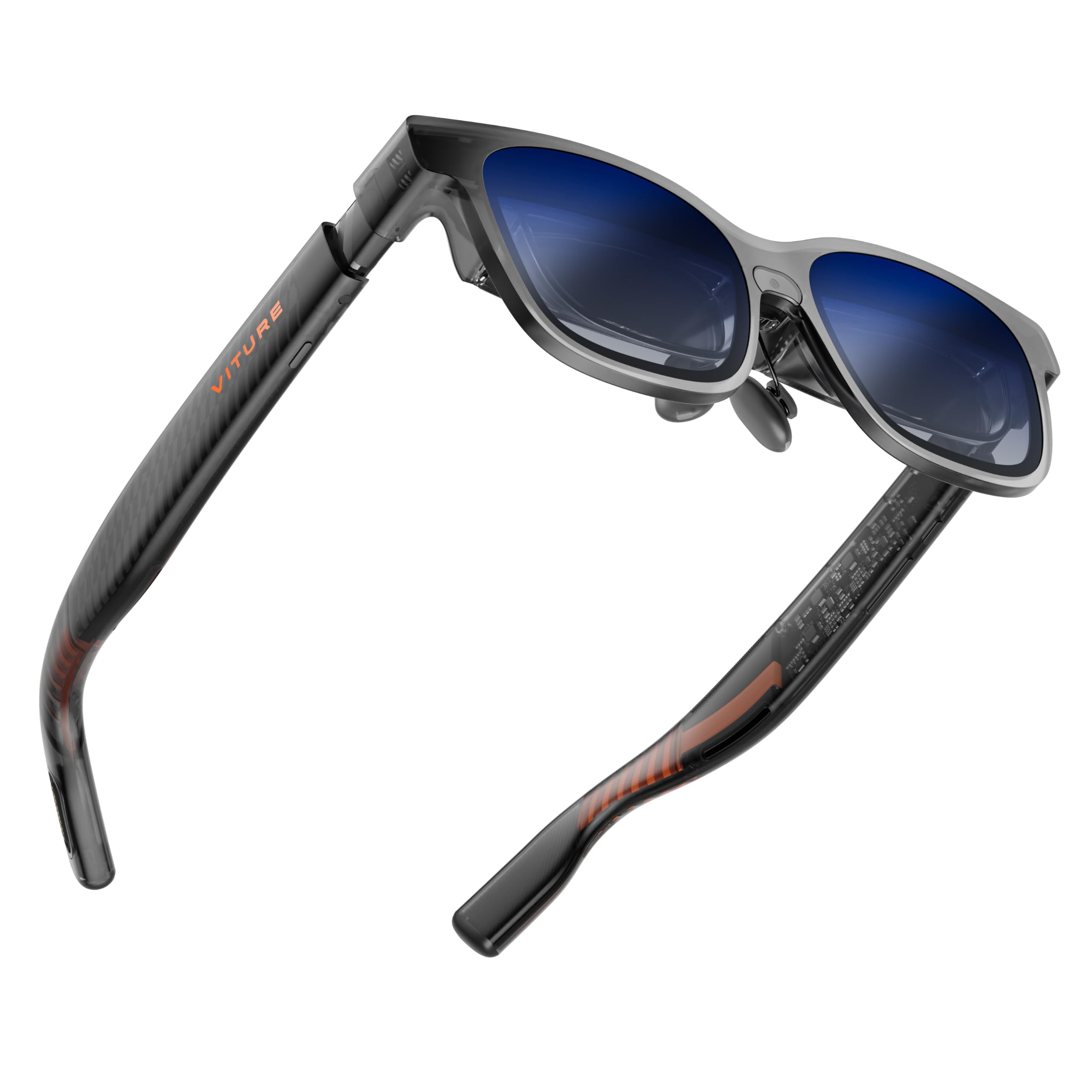
Sharp 1200p text on a 152-inch screen — the pair built for reading, coding, and long sessions.
If you read spreadsheets and code in these, resolution wins. The Luma Pro pushes 1200p across a 152-inch virtual screen, and the maker claims that clarity beats its own VITURE Pro. A 52° field of view and up to three virtual screens via SpaceWalker turn any room into a wide desktop, whether you lay them out flat, stacked, or in code mode.
Brightness sits at 1000 nits with a 120Hz refresh and colour accuracy rated at DeltaE under 2 — a tight colour-error figure that keeps hues consistent from scene to scene. Harman-tuned audio gives the sound a fuller low end than basic speakers. There is real-time 2D-to-3D conversion, and an electrochromic film darkens the lenses with one tap for total focus without a shade.
Two sizes cover different IPD ranges, and the magnetic nose pad with tilt-adjustable temples aims for all-day comfort. What wins people over is the picture quality, and comfort holds up over long stretches for most wearers. This one also carries a first for XR — programmable RGB lighting on the frame. Just peel the protective film off the front camera before you first use it.
Built around clarity: 1200p on a 152-inch screen with DeltaE under 2 keeps text crisp for work and gaming.
The honest limit: a smaller virtual image than the 215-inch and 267-inch options, and a few buyers question the value at this tier.
The workhorse choice: buy it if sharp text and multiple virtual screens for productivity are what you are after.
Look around if: you want the biggest possible picture and do not care about resolution density.
7. XREAL One Pro AR Glasses

A 57-degree workspace that hits 6DoF when you add the XREAL Eye.
For a floating workstation, this is the pair to study. A 57° field of view — one of the widest here, between the 52° VITURE options and the 59° GT Max — powers a 171-inch virtual screen at four meters, driven by Sony 0.55-inch Micro-OLED at 120Hz. That combination is aimed squarely at reading small text and spreadsheets for a full workday.
The X1 spatial chip delivers native 3DoF tracking with 3ms motion-to-photon latency, so the screen stays stable during fast head moves. Pair the optional XREAL Eye and it upgrades to full 6DoF, anchoring the screen to a real spot in your room so it stays fixed as you walk and lean. In plain terms, 3DoF follows your head, while 6DoF leaves the screen where you put it.
Two IPD sizes (M for 57–66mm, L for 66–75mm) cover the maker’s claimed 95% of users, with three nose-pad sizes and a spring hinge for a secure fit. Brightness runs up to 700 nits with electrochromic dimming, which is dimmer than the 1200- and 1600-nit panels, so a bright sunlit room is the weak spot. Sound comes from a Bose-tuned chamber. Gamers and movie watchers find it useful, and productivity users treat it as a full-day tool.
Where it leads: the 57° field of view plus 3ms latency and optional 6DoF make it a serious spatial workspace.
Set expectations on: 700 nits is on the low side for daylight, and 6DoF requires the XREAL Eye purchase.
Right for you if: you want a wide, stable virtual desktop that can grow into true 6DoF later.
Skip if: you mainly watch outdoors in daylight or refuse to buy the Eye for 6DoF.
8. VITURE Luma Ultra XR/AR Glasses
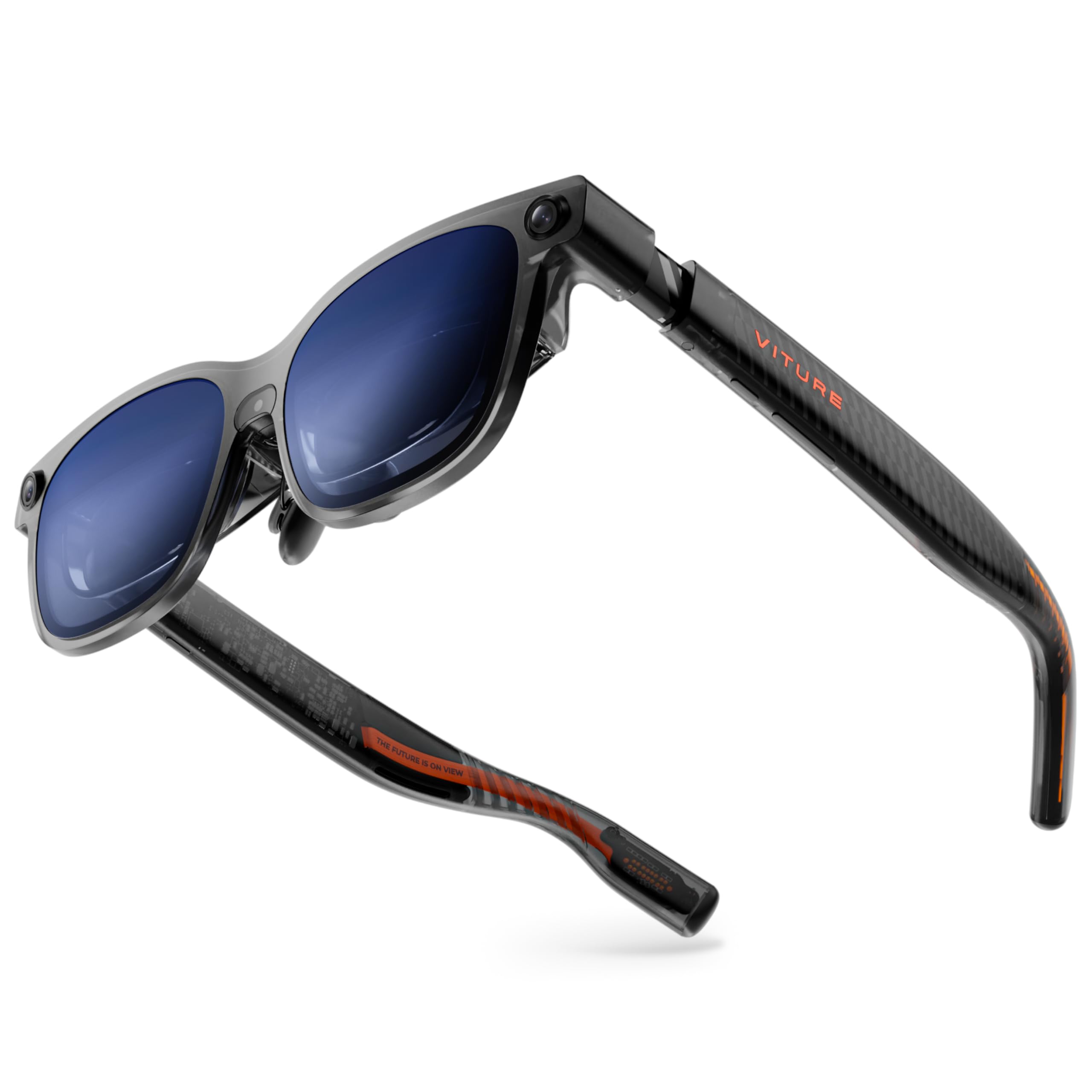
A 1500-nit 1200p screen that can grow into hand-tracked 6DoF with the Pro Neckband.
Brightness and resolution together are the draw. A 152-inch screen at 1200p with 1500 nits of Sony Micro-OLED keeps text razor-sharp and readable even in a lit living room or under a bright desk lamp. The 120Hz refresh and 52° field of view round out a picture that aims at both working and watching.
You can reach into a spatial interface instead of just watching, because this model adds a front RGB camera and dual depth cameras (sensors that read how far away things are) for more advanced XR interaction. That is the extra hardware the Luma Pro lacks. Paired with the VITURE Pro Neckband, it supports full 6DoF tracking (six degrees of freedom, meaning it follows your head in every direction) and hand-gesture control. Software limits that, though — 6DoF and gestures are not supported on SpaceWalker for iOS or Android, and gesture tracking is planned for a future update on Mac and Windows. So if you mainly pair with a phone, expect a viewer, not a gesture-driven XR setup.
Built-in myopia adjustment goes up to -4.0D for nearsighted wearers, and a magnetic prescription frame covers stronger scripts. Harman-tuned open-ear audio keeps you aware, and the latest panels draw 35% less power for longer sessions. The honest trade-off is the display edges: focus on the edges is the recurring gripe, and at this tier that is a fair thing to test carefully.
Why it stands out
- 1500 nits with 1200p resolution for bright, sharp viewing
- Front RGB and dual depth cameras enable advanced XR interaction
- Full 6DoF and gesture control with the Pro Neckband
- Built-in myopia adjustment up to -4.0D
Check before buying
- Edge focus is the noted weak point on the display
- 6DoF and gestures need the Pro Neckband and do not work on iOS or Android via SpaceWalker
Pick it if: you want a bright 1200p screen and plan to add the Pro Neckband for hand-tracked 6DoF.
Hold off if: edge-to-edge focus is a deal you cannot bend on, or you need 6DoF on iOS or Android.
Know the Specs
Field of view (FOV) in degrees
Field of view describes how much of your vision the virtual screen fills. A wider figure like 57° or 59° wraps the picture around you, while a narrower 50° keeps it looking more like a floating panel. For work, a wider field spreads resolution over more area and softens text; for movies and games, more degrees feel more cinematic.
Brightness in nits
A nit measures how much light the display throws at your eye. Higher nits hold up better against daylight and bright rooms; lower nits are fine for dark bedrooms. Panels at 1000 nits and up stay readable in a lit room; a 600-nit panel suits dimmer settings. Match this figure to where you actually watch.
3DoF vs 6DoF tracking
Degrees of freedom describe how the glasses follow your head. 3DoF tracks turns and tilts so the screen stays aligned with your face. 6DoF adds position, so the screen stays anchored to a real spot as you move around the room. 6DoF feels more spatial but often needs a companion accessory and does not run on every platform — check support before counting on it.
Myopia adjustment in diopters
Diopters are the unit opticians use for lens strength. Built-in focus dials, rated in ranges like 0 to -5.00D or up to 600 diopters, let nearsighted wearers sharpen the display without inserts. Astigmatism and stronger prescriptions usually still need custom lenses, which some models support through a sample taken to a local optician. Match the range to your own prescription.
Common Questions
Do XR smart glasses work with my iPhone?
Will these glasses replace my TV for movies?
Do I need prescription lenses to use them?
What is the difference between 3DoF and 6DoF on these glasses?
Can I use XR smart glasses with a Steam Deck or Nintendo Switch?
Do these glasses have a battery I need to charge?
Will I get motion sickness wearing them?
How sharp is the picture compared to a normal monitor?
Can I wear my own glasses underneath?
Do these glasses block out the room around me?
What does field of view actually change about the picture?
The Bottom Line
For most people, the xr smart glasses winner is the RayNeo Air 3s Pro, because 1,200 nits of brightness and a 201-inch virtual screen deliver a private cinema that stays readable in a lit room. If sharp text for work and a wide floating desktop matter more, the VITURE Luma Pro gives you 1200p clarity on a 152-inch screen, with up to three virtual displays for productivity. And for movie fans who want films to feel three-dimensional, the RayNeo Air 4 Pro brings HDR10 colour and real-time 2D-to-3D conversion to the table.
Start with the RayNeo Air 3s Pro unless your eyes or your workday point you elsewhere: it earns the top spot on the strength of its picture and a track record built across hundreds of owners. If you are nearsighted within -5.00D (a diopter reading of your prescription), the twin focus dials on the VITURE Pro 2 are the single feature most likely to save you a fitting appointment. If maximum screen size is the whole reason you are shopping, the Rokid Max2 throws the biggest picture here with no battery to remember. Check your phone against each model’s compatibility list first, since a mismatch is the top reason a pair gets returned.
How we choose
We do not accept paid placement. Every pick is matched to a real buyer and a real use-case; we do not hands-on test units.
Sources
Specifications: manufacturer listings and product documentation. Review insights: verified customer reviews, as of November 2026. Pricing: not shown on this page (it changes often); check the current price via the retailer link.
As an Amazon Associate, Tactical Gear Guy earns from qualifying purchases. This does not affect which products we feature.