Specs are compiled from manufacturer listings and verified buyer reviews and can change over time — please confirm the key details on the product page before buying.
If you own an Xbox Series S, you already know the pain: that 512GB drive fills up after a handful of big titles, and suddenly you are deleting games you paid for. The fix is external storage, but not every drive behaves the same on a Series S. Some let you play straight from the drive; others only hold games until you copy them back. This guide separates the two, so you buy once and stop juggling installs.
This guide is built by comparing the manufacturers’ published specifications and the patterns across verified customer reviews, so you get each pick’s real strengths and trade-offs instead of marketing spin.
Below you will find nine drives, from big mechanical hard drives to official expansion cards, each matched to a real kind of player. The one thing that decides whether a drive is right for you is whether it can run current-gen games or only park them, which is the whole game with xbox s storage.
Top Picks


How To Choose The Best Xbox S Storage
The first thing to understand is that your Series S treats storage in two completely different ways depending on the drive. A USB hard drive or USB SSD can hold Xbox One games and play them directly. It can also hold Series X|S games, but only as a parking spot — you copy them back to the console before you can play. An expansion card that plugs into the dedicated rear slot is the only add-on that runs current-gen games straight from the card, with no copying.
Decide what you actually need the drive to do
If your library is mostly older Xbox One titles, a USB drive lets you play them without touching the console’s internal storage. If you keep buying new releases, the internal drive is the bottleneck and only an expansion card solves it properly. Be honest with yourself here, because this one choice decides whether you spend modestly or a lot more.
Then match capacity to your habits
Capacity numbers assume an average game size, so a 2TB drive is commonly quoted at around 50 games. Big-budget titles run well past that average, so treat the game counts as a rough guide rather than a promise. A 5TB drive gives you room to keep a whole library parked and stop deleting things, which is the real relief most Series S owners are chasing.
Speed matters, but less than the sales page suggests
A mechanical hard drive moves data at a modest pace, and a solid state drive moves it far quicker. That gap mostly shows up when you copy a game back onto the console, which is exactly the routine a USB drive forces on you with Series X|S titles. For Xbox One games, the difference in actual play is smaller than the spec sheet implies.
Side-by-Side Comparison
| Model | Best For | Capacity | Drive Type | Plays Series X|S Games Directly | Amazon |
|---|---|---|---|---|---|
| Toshiba Canvio Gaming 2TB★ Best Overall | All-round value | 2 TB | Mechanical hard drive | No — store only | Amazon |
| Seagate Portable 5TBBiggest Library | Biggest library for the money | 5 TB | Mechanical hard drive | No — store only | Amazon |
| WD_BLACK 2TB D30 Game SSDFastest Copying | Faster copying, Xbox styling | 2 TB | Solid state drive | No — store only | Amazon |
| DATO External SSD 2TB | Rugged, fast USB drive | 2 TB | Solid state drive | No — store only | Amazon |
| SanDisk Optimus GX C50 2TB | Best expansion card | 2 TB | NVMe expansion card | Yes — plays straight from card | Amazon |
| Avolusion 1TB (White) | Cheapest plug-and-play | 1 TB | Mechanical hard drive | No — store only | Amazon |
| Avoluxion 1TB | Simple pre-formatted drive | 1 TB | Mechanical hard drive | No — store only | Amazon |
| Xbox Game Drive 5TB LED | Showpiece for the shelf | 5 TB | Mechanical hard drive | No — store only | Amazon |
| Tianken 1TB Expansion Card | Lowest-cost card attempt | 1 TB | NVMe expansion card | Yes — claims direct play | Amazon |
Detailed Reviews
1. Toshiba Canvio Gaming 2TB
Our pick — 4.5+★ from 4,500+ verified ratings; the strongest balance of quality and price.
A 2TB USB hard drive that doubles a cramped Series S’s storage for Xbox One games.
Two terabytes is the number that matters here, because Toshiba quotes it as room for around 50 games based on a 36GB average. That capacity lands right where a Series S owner needs it: big enough that you stop uninstalling a favorite to make space, small enough that you are not paying for drive space you will never fill. It is a mechanical hard drive, so it moves data at a listed 5 gigabits per second over USB 3.0 — quick enough for a game library, not a speed demon.
What owners talk about most is simply that it works, and works smoothly. The firmware-customized “Always-On” mode is built for a console that never truly sleeps, and the experience stays responsive while browsing and launching Xbox One games. Compatible consoles include Xbox Series S and Series X, PlayStation 5, and PC and Mac, with a note to check Toshiba’s compatibility page for your exact setup.
Here is the catch you need to hear before buying: this is a store-and-play drive for Xbox One games, not a launch pad for Series X|S titles. Those you copy back to the console’s internal storage first. That is a limit of the USB port itself, not this drive, but it is the one thing that surprises new Series S owners most.
What earns its keep
- 2TB of space, quoted as roughly 50 games at an average file size
- Always-On firmware tuned for console use
- Works across Series S, Series X, PS5, PC and Mac
- Two-year manufacturer’s limited warranty
Where it stops
- Series X|S games must be copied to the console to play
- Mechanical drive, so copying large games takes patience
- Compatibility varies by hardware configuration, per Toshiba
Who it fits: the Series S owner with a growing Xbox One library who wants room to breathe without spending card money.
Know this first: current-gen titles still have to shuttle back to the internal drive before they boot.
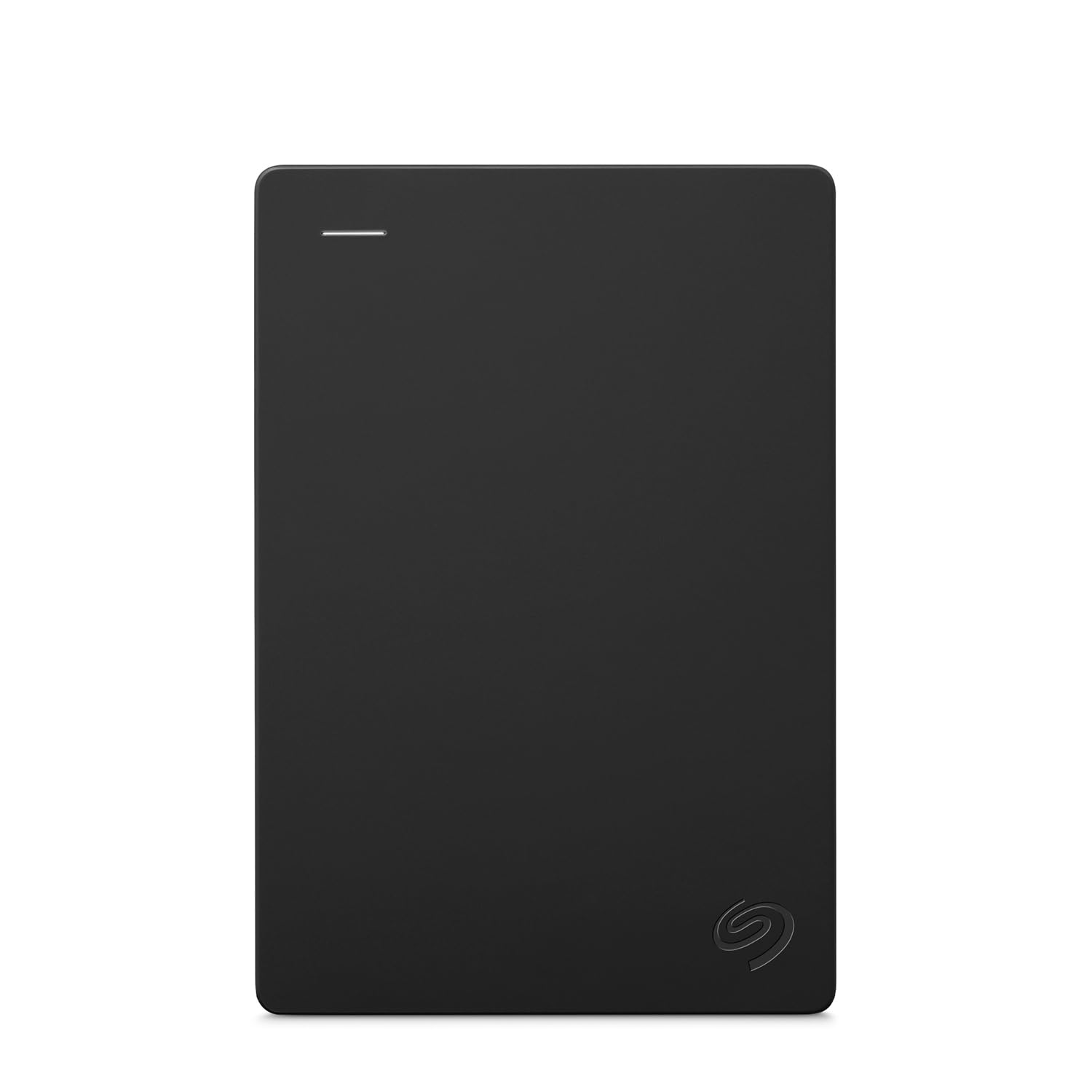
2. Seagate Portable 5TB External Hard Drive HDD (STGX5000400)
Five terabytes of parking space, with compatibility listed for Xbox, PS4, Windows and Mac.
Put the capacity side by side and the gap is enormous: 5TB here against the 1TB on the budget Avoluxion drive. For a Series S owner who keeps a deep catalog of Xbox One games and wants every one of them installed, that is the whole argument in one line. Seagate lists compatibility with Xbox 360, Xbox One, Series S and Series X, plus PlayStation 4, Windows and Mac.
Setup is drag-and-drop simple, and the steel-and-glass look fits next to a console rather than behind it. The aluminum enclosure keeps the drive feeling solid, and the compact body slips into a bag if you carry your library between rooms or houses. A one-year Rescue Service plan is bundled in, which is peace-of-mind for a drive holding years of saves.
Two honest notes. Speed is the split verdict in owner feedback — plenty of people find it snappy, some find large transfers slow, which is normal for a mechanical drive of this size. And like every USB drive here, Series X|S games have to be copied back to the console before they play, so the 5TB is storage depth, not a shortcut past the internal SSD.
Space-per-console math: You stop deleting games for good with 5TB, the largest capacity in this guide and the cheapest way to get there — as long as your library leans on Xbox One titles.
The trade-off to accept: mechanical transfer speed means big files crawl, and current-gen games still need the copy-back step before launch.
Grab this if: you want maximum shelf space and want it to work across an old Xbox 360, an Xbox One, and a Series S in one house.
Pass if: most of what you install is Series X|S and you are chasing load times rather than storage room.
3. WD_BLACK 2TB D30 Game SSD – Portable External Drive
A 900MB/s solid state drive that shortens the copy-back wait for archived Series X|S games.
You stare at a progress bar for less time with read speeds listed at up to 900MB/s (megabytes per second — the figure that sets how fast a game moves between the drive and your console). That speed is the reason to pick this over a mechanical drive. WD_BLACK says it cuts down on long load screens, based on internal testing, with performance varying by host device and usage.
The 2TB capacity is quoted as holding up to 50 games at a 36GB average, and the body is styled to sit alongside an Xbox rather than hide behind one. A one-month Xbox Game Pass Ultimate trial is bundled for new members, one per person. It plays and stores Xbox One games directly, and archives Series X|S games for transfer later.
The honest limiter is the port, not the drive: Series X|S titles archived here still have to be moved onto the console before they run. You are paying for fast copying and a nicer look, not for bypassing the internal SSD. If that copy-back step is your main frustration, the expansion cards further down solve it properly.
The speed story: up to 900MB/s read speed makes moving a large game noticeably quicker than a mechanical drive would, according to WD_BLACK’s own internal testing.
What it will not do: launch Series X|S games straight from the drive — those still need a transfer to the console first.
Suits you if: you archive big current-gen games regularly and resent how long a mechanical drive takes to shuffle them.
skip it if: your library is almost entirely Xbox One titles you can play straight off any USB drive.
4. DATO External SSD 2TB
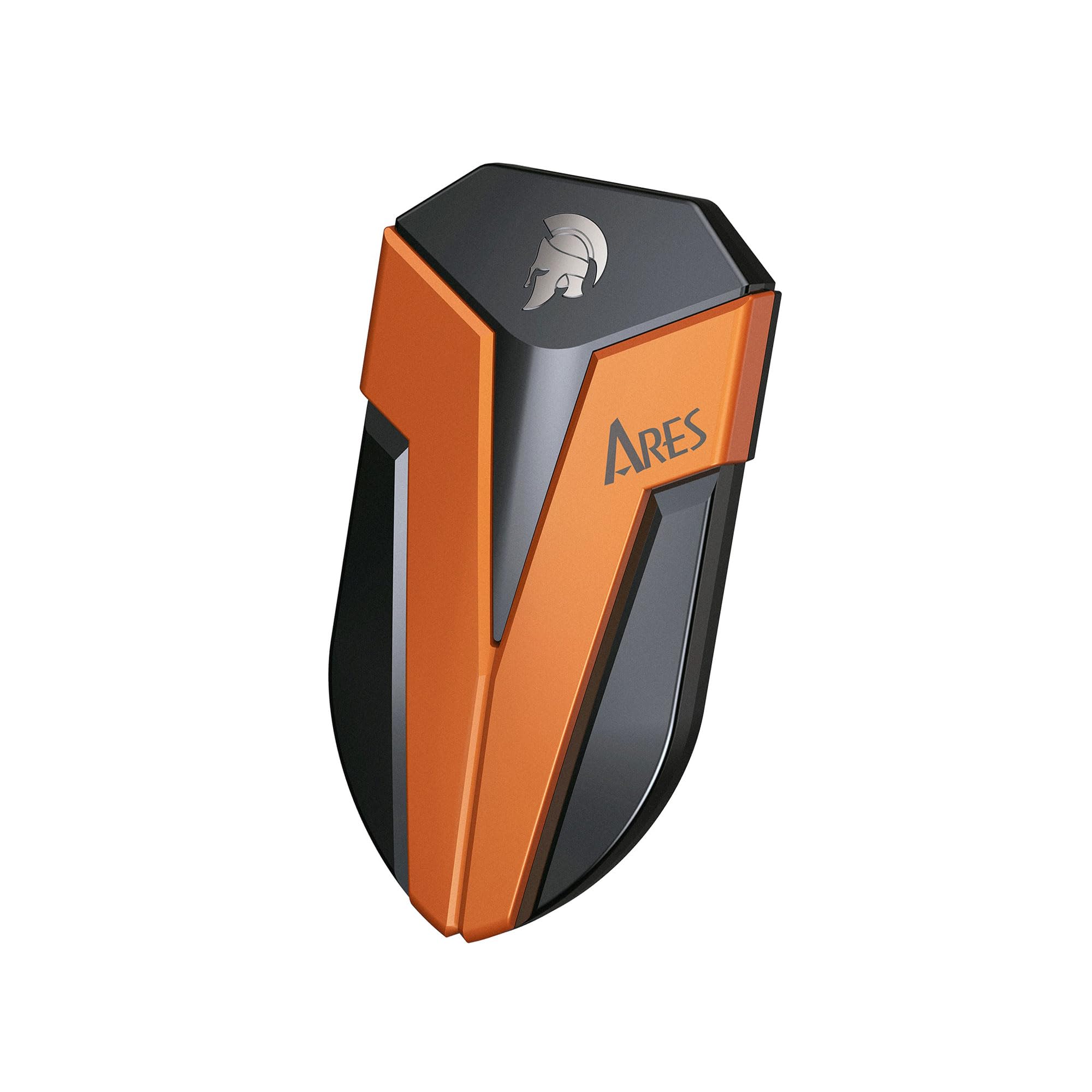
A palm-sized IP67 SSD rated at 1,600MB/s, for shuttling games between an Xbox and a PC.
The standout number is 1,600MB/s, which DATO describes as 15 times faster than a regular external hard drive. That is the difference between a routine copy and a long coffee break when you move a game back to your Series S. It is rated IP67 for dust and water resistance — tested to survive a meter of water for 30 minutes under an SGS-run test — and built to shrug off a four-foot drop.
The form factor is the other half of the appeal: it sits in your palm, so it travels in a pocket or a small pouch without adding bulk to a bag. Both cables are included, a 20Gb/s Type C to C and a 10Gb/s C to A, so it plugs into newer laptops and consoles alike. Graphene is used inside for heat control, which keeps performance steady across a long transfer.
The catch is that this is still a USB drive, so current-gen games park here and copy back before playing. Some owners found reliability and Windows 11 cooperation uneven, which is worth knowing before you plan to use it across both an Xbox and a PC. It is at its best as a fast, tough shuttle drive between machines.
Reach for it if: you move games between an Xbox and a PC and want speed plus a shell that survives a backpack.
Look elsewhere if: you need Series X|S games to launch on the spot — you want an expansion card instead.
5. SanDisk 2TB Optimus GX C50 Storage Expansion Card for Xbox
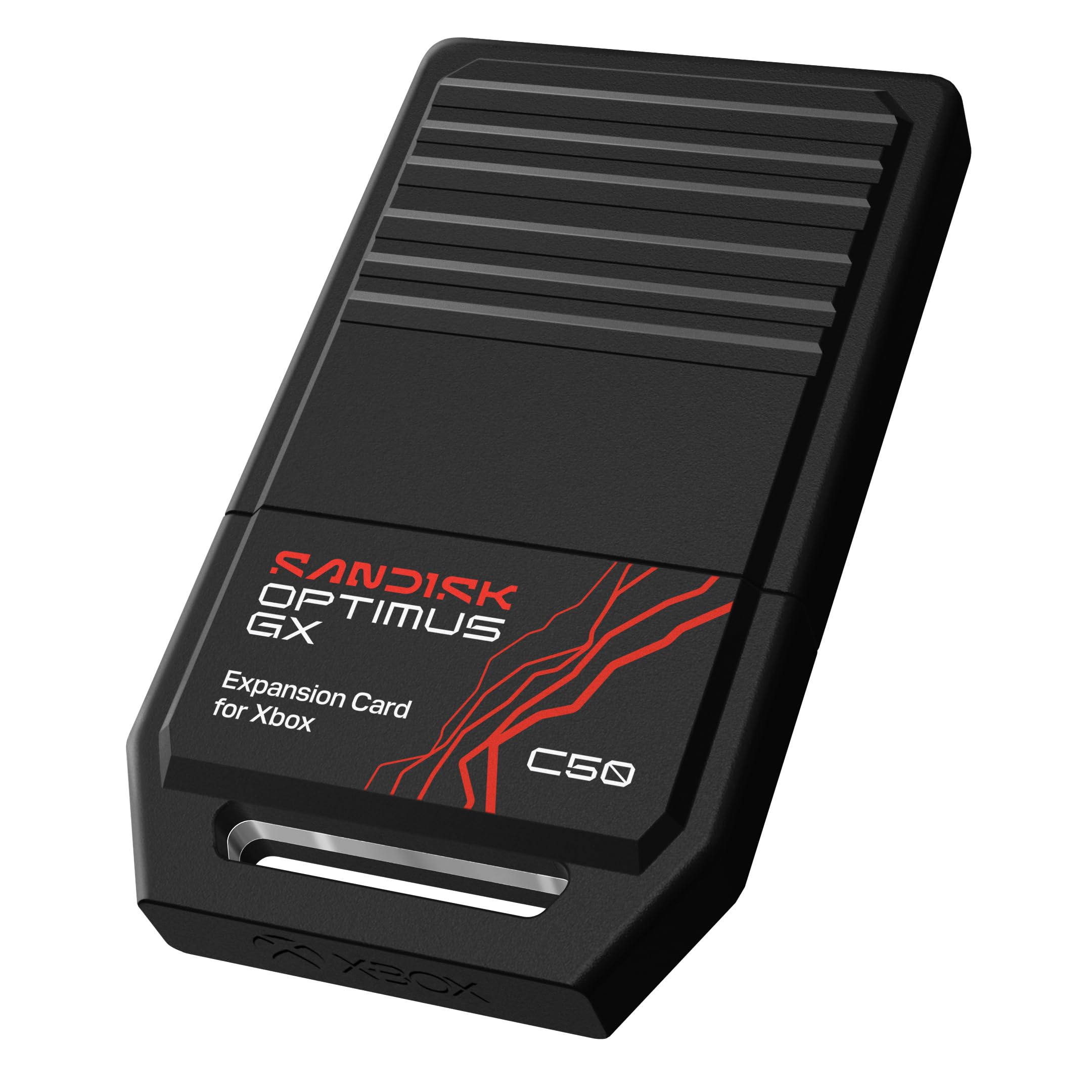
An officially licensed NVMe card that runs Series X|S games straight from the rear slot.
You get extra room that actually plays games, which no USB drive in this guide can do. This card is officially licensed for Xbox Series X|S, and its NVMe memory (a fast flash storage type) matches the console’s Velocity Architecture — the internal pipeline the console uses to stream game data. In plain terms, Series X|S games play directly from the card with no transfer step, so the extra space you add is playable room, not just parking space.
Quick Resume works too, so you can switch between suspended games without losing progress or sitting through a reload. Up to 2TB of space is quoted as room for 50 more games, and installation is plug-and-play into the rear slot with no software to set up. A one-month Xbox Game Pass Ultimate trial comes bundled for new members.
The obvious trade-off is price — owners consistently call it pricey, and there is no way around that with any expansion card. What you are buying is the absence of the copy-back routine: no more moving a game onto the console before you can play it. For a Series S owner tired of that step, it is the only real answer.
The genuine advantage
- Plays Series X|S games directly off the card, no copying
- Quick Resume support means instant game switching
- Up to 2TB, quoted as 50 more games
- Plug-and-play, officially licensed for Xbox
What it costs you
- Owners widely find expansion cards pricey
- Only usable in the dedicated Xbox slot
- Does nothing for your PC or an older console
The straight answer: if you want the Series S to behave like a bigger console without the copy-back chore, this is the card to buy.
The honest cost: it is the priciest card in this guide, so it justifies itself only if current-gen games fill your library.
6. Avolusion 1TB Portable External Gaming Hard Drive

A 1TB bus-powered drive, pre-formatted for Xbox and ready the moment it is plugged in.
One terabyte is the smallest capacity here, and it is plainly the beginner route into more space. It arrives pre-formatted for Xbox, plugs straight in, and draws power over the USB cable so there is no separate adapter cluttering your shelf. The pearl-white, mirror-finish shell is a deliberate break from the usual black plastic look.
Avolusion is refreshingly blunt about the limits: it states plainly that external USB hard drives only store Series X|S games rather than run them. You play Xbox One games straight off it, and for current-gen titles you copy data back to the console — still a whole lot quicker than re-downloading, as the listing points out. It fits Xbox One S, One X, the original Xbox One, and Series X and S.
The mirror finish is the one thing to treat with care, since glossy surfaces show fingerprints and scuffs. Beyond that this is a simple drive with a simple job, and it does that job well enough for a first-time expander. If you want a big library later, the 5TB Seagate is a different equation entirely.
The beginner’s case: a 1TB drive with no setup fuss and no power brick, sized for anyone who has never added storage to a console.
Straight from the listing: Avolusion itself says USB drives store Series X|S games rather than play them, so expect a copy step on newer titles.
Worth it for: a student or casual player who just needs breathing room on a Series S and mostly plays Xbox One games.
Not for: anyone whose new releases are Series X|S and who wants to launch them without a transfer.
7. Avoluxion 1TB USB 3.0 Portable External Gaming Hard Drive

A slim 1TB drive pre-formatted for Xbox, with a two-year warranty card in the box.
The pitch is pure simplicity: 1TB of USB 3.0 storage, pre-formatted on the console so it is plug-and-play the first time, and slim enough to sit unobtrusively beside the console it feeds. Avoluxion lists a 5 gigabits-per-second data transfer rate, a two-year warranty card in the box, and compatibility with Xbox One X, Xbox One S, the original Xbox One, and Series S and X.
Because it tops out at 1TB, it works out as a modest top-up rather than a permanent fix — enough to park a dozen or so games, not a whole collection. For a Series S owner who mainly wants a home for older Xbox One titles and a place to stash current-gen downloads between sessions, that is a fair trade for how little it asks of you.
Be realistic about what a 1TB entry drive delivers, because owner experience here splits between people for whom it works perfectly and people who found it did not cooperate with the newer console generations. The warranty card in the box gives you a route if that happens. It is a low-stakes way to test whether external storage helps your setup before committing to a bigger drive.
Where it fits: 1TB of pre-formatted storage that plugs in and works, with a two-year warranty card included for backup.
Where it lands short: entry-level capacity and a mixed reliability picture across the newer consoles mean it is a starter, not a finishing move.
Pick it if: you want the least involved drive to park Xbox One games and free up the console’s built-in space.
Look up the list if: you want a large library or a drive with a longer track record behind it.
8. Xbox Game Drive 5TB Storage, LED Light Bar

A 5TB drive that glows Xbox green and is built to be seen, not hidden.
The 5TB capacity is the headline: massive storage to build an extensive collection without deleting a title you are midway through. Around it sits a built-in LED light bar in Xbox’s signature green, which is the sort of detail you either love as part of the setup or ignore entirely. A three-year data recovery service and a one-year limited warranty are both bundled in, which is more coverage than most drives here offer.
The brand labels it officially certified for Xbox Series X, Series S and all generations of Xbox One, and it connects over USB at a listed 5 gigabits per second. So it holds Xbox One games for direct play and parks Series X|S titles for transfer, the same USB rule as everything else here. If your goal is a visible, glowing drive that holds an entire library, this delivers that clearly.
The catch is verification: this listing carries a comparatively small body of owner feedback for a 5TB drive, so you are leaning more on the spec sheet and the bundled coverage than on a long track record. If you want certainty from a deep review base, the Seagate 5TB portable above has a far longer history. If you want the glow and the capacity, this one is built for exactly that.
You’ll want this if: the look of your Xbox corner matters and you want a huge library parked in one glowing box.
Think twice if: you want a proven track record over a light bar — a smaller feedback pool means less to go on.
9. Tianken Storage Expansion Card for Xbox Series X|S (1TB)

An aluminum-clad expansion card claiming the slot-in convenience for less.
It promises what the official card does: play Xbox Series X|S games direct from the card without sacrificing graphics, latency, framerates or load times. The NVMe drive is described as able to hold thousands of games, switch between titles in seconds, and install with no software needed. At 0.3 inch thick in an all-aluminum, anti-scratch shell, it is a slim piece of kit that dissipates heat as it works.
You get the same slot-in convenience for less money on paper, and that earns it a place here — a 1TB card is real capacity for players who want playable extra room rather than parking space. The design is built for the console’s rear slot, so it fits the Series S with no cable or adapter.
The purchase decision rests on one thing: reliability. Owner experience with this card is a genuine split, with a portion of buyers saying it works great and others reporting it only lasted a month or that it does not cooperate with Xbox system updates. That is a real fit-note, not a hidden flaw — if a rock-solid track record matters most, the officially licensed SanDisk card above is the safer spend. If you want to try the slot-in route for less, this is that attempt.
The attractive bit: an NVMe card in a slim, all-aluminum body that claims direct play with no software and no cable.
The risk you accept: reliability is a mixed picture across owners, including reports of short lifespans and update conflicts, so buy with that in mind.
Try this if: you want the expansion-slot experience at a lighter outlay and can accept some risk on longevity.
Pay more for: the official card if reliability and ongoing update support outweigh saving money here.
Know the Specs
Playable vs. Parking Storage
The single most important distinction for a Series S is whether a drive lets you run Series X|S games directly or only hold them. USB drives — even fast ones — store current-gen games but require you to copy them back to the console before playing. Only an expansion card in the rear slot runs them straight from the drive with no copy step.
Capacity in Games, Not Just Gigabytes
Manufacturers quote a game count based on an average file size — around 36GB is a common figure. Modern blockbusters often run larger, so treat listed game counts as a rough guide. A 2TB drive is commonly quoted around 50 games; a 5TB drive gives you room for a full collection without deleting anything mid-playthrough.
Speed (MB/s vs Gbps)
Drive listings mix two units. Gigabits per second (Gbps) describes the USB link, while megabytes per second (MB/s) describes how much data actually moves. Faster reads matter most when you copy large games back to the console, which is exactly what a USB drive makes you do with Series X|S titles.
Warranty and Recovery Coverage
Storage holds saves, screenshots and downloads that take hours to rebuild, so what happens when a drive fails matters. Coverage ranges here from a two-year manufacturer’s warranty to a bundled data recovery service plan, and it is worth weighing alongside capacity when two drives look otherwise similar.
Common Questions
Can I play Xbox Series X|S games from a USB external hard drive?
Is an expansion card worth it over a cheap USB hard drive?
How many games will a 2TB Xbox Series S storage drive hold?
Do I need to format a new external drive before using it on a Series S?
Will an Xbox external drive also work with my PC?
Does a faster drive mean faster loading in games?
What happens if my external drive fails with games saved on it?
Can I use a 5TB drive on a Series S without issues?
Do I need a separate power adapter for these drives?
Why are expansion cards so much costlier than USB drives?
The Bottom Line
You stop deleting titles you love with the Toshiba Canvio Gaming 2TB, because 2TB of space is quoted at around 50 games. Its Always-On firmware is tuned for a console that never fully sleeps, and 2TB is the capacity most Series S owners land on. If parking a whole collection matters more than anything else, the Seagate Portable 5TB holds 5TB where a 1TB drive holds 1TB. And when the copy-back step is what drives you up the wall, the SanDisk Optimus GX C50 is the officially licensed pick that lets Series X|S games play straight off the card — a real jump in daily convenience if your library is mostly new releases.
How we choose
We do not accept paid placement. Every pick is matched to a real buyer and a real use-case; we do not hands-on test units.
Sources
Specifications: manufacturer listings and product documentation. Review insights: verified customer reviews, as of November 2026. Pricing: not shown on this page (it changes often); check the current price via the retailer link.
As an Amazon Associate, Tactical Gear Guy earns from qualifying purchases. This does not affect which products we feature.