Specs are compiled from manufacturer listings and verified buyer reviews and can change over time — please confirm the key details on the product page before buying.
If you want your Xbox to leave the living room without dragging a TV along, the answer is simple: buy a portable screen with a real HDMI input and a stand that holds it upright. Skip anything that only lists phone mirroring. In short: an 18.5-inch panel gives you the most Xbox screen per bag, a 144Hz 16-inch panel gives you the smoothest motion, and a screen built to bolt onto the Series S gives you the least to pack. Below, every pick is a display that actually takes an Xbox feed over HDMI or USB-C.
This guide is built by comparing the manufacturers’ published specifications and the patterns across verified customer reviews, so you get each pick’s real strengths and trade-offs instead of marketing spin.
One note before you scroll: every pick here connects to an Xbox over HDMI or USB-C, though not every one is the exact size or panel you pictured. The goal is simple — help you find the right xbox portable screen without guessing.
Top Picks
How To Choose The Best Xbox Portable Screen
Buying for an Xbox is not the same as buying a second screen for a laptop. The console sends its picture out through HDMI, and it needs that signal to land on a panel that understands it. If a monitor only advertises USB-C phone mirroring, it is the wrong tool, no matter how good the picture looks in the listing photos.
Start with the port, not the panel
You want a genuine HDMI input on the back, and a full-size one is sturdier than a mini-HDMI when a console cable is hanging off it. Several picks here include the HDMI cable in the box, which saves you a second trip to the store. If you plan to power the screen from the console itself, check how much current the display expects, because a console that cannot supply enough power shows up as flicker rather than a clean picture.
Then decide how much panel you can carry
The trade is always size against weight. An 18.5-inch screen gives you a desktop-sized Xbox picture but takes up real bag room. A 16-inch panel at 1.5 lb slips into a laptop sleeve and still looks big. A screen built onto the Series S itself is the most compact option of all, because the console and display travel as one lump instead of two.
Refresh rate and resolution set the feel
Higher refresh rates, the number of times per second the screen redraws the image, make fast camera pans and quick turns look less smeary. For Xbox play, anything at 60Hz works, 120Hz feels quicker, and 144Hz or 180Hz is the smoothest end of this list. Resolution works the other way: 1080p is easy on a small panel, and stepping up to 2560×1600 buys you sharper text on menus and smaller game HUD elements.
Do not overlook the stand
A portable screen with no kickstand means propping it against a backpack. Look for a built-in stand that adjusts, and consider VESA mounting holes, which let you bolt the panel to an arm or stand later. VESA holes turn a travel screen into a permanent desk setup.
Side-by-Side Comparison
| Model | Best For | Resolution | Refresh Rate | Weight | Amazon |
|---|---|---|---|---|---|
| cocopar 16″ 2.5K 144Hz★ Best Overall | All-round travel pick | 2560 x 1600 | 144 Hz | 1.5 lb | Amazon |
| Maovz 18.5″ 100HzBiggest Picture | Biggest picture for the money | 1920 x 1080 | 100 Hz | 2.45 lb | Amazon |
| EVICIV 18.5″ 120HzFast and Deep | Fast 18.5-inch console play | 1920 x 1080 | 120 Hz | — | Amazon |
| ARZOPA 17.3″ 1080P | Mid-size desk and travel | 1920 x 1080 | — | — | Amazon |
| InnoView 18.5″ 100Hz | Mounting flexibility | 1920 x 1080 | 100 Hz | 3.3 lb | Amazon |
| ARZOPA 16.1″ 180Hz QHD | Fastest refresh here | 2560 x 1440 | 180 Hz | — | Amazon |
| VisionOwl 16″ 2.5K 144Hz | Color-accurate premium screen | 2560 x 1600 | 144 Hz | 1.48 lb | Amazon |
| G-STORY 12.5″ Series S | Console-locked gaming | 1920 x 1080 | — | — | Amazon |
| UPspec Gaming xScreen | Zero-cable Series S setup | 1920 x 1080 | 60 Hz | — | Amazon |
Detailed Reviews
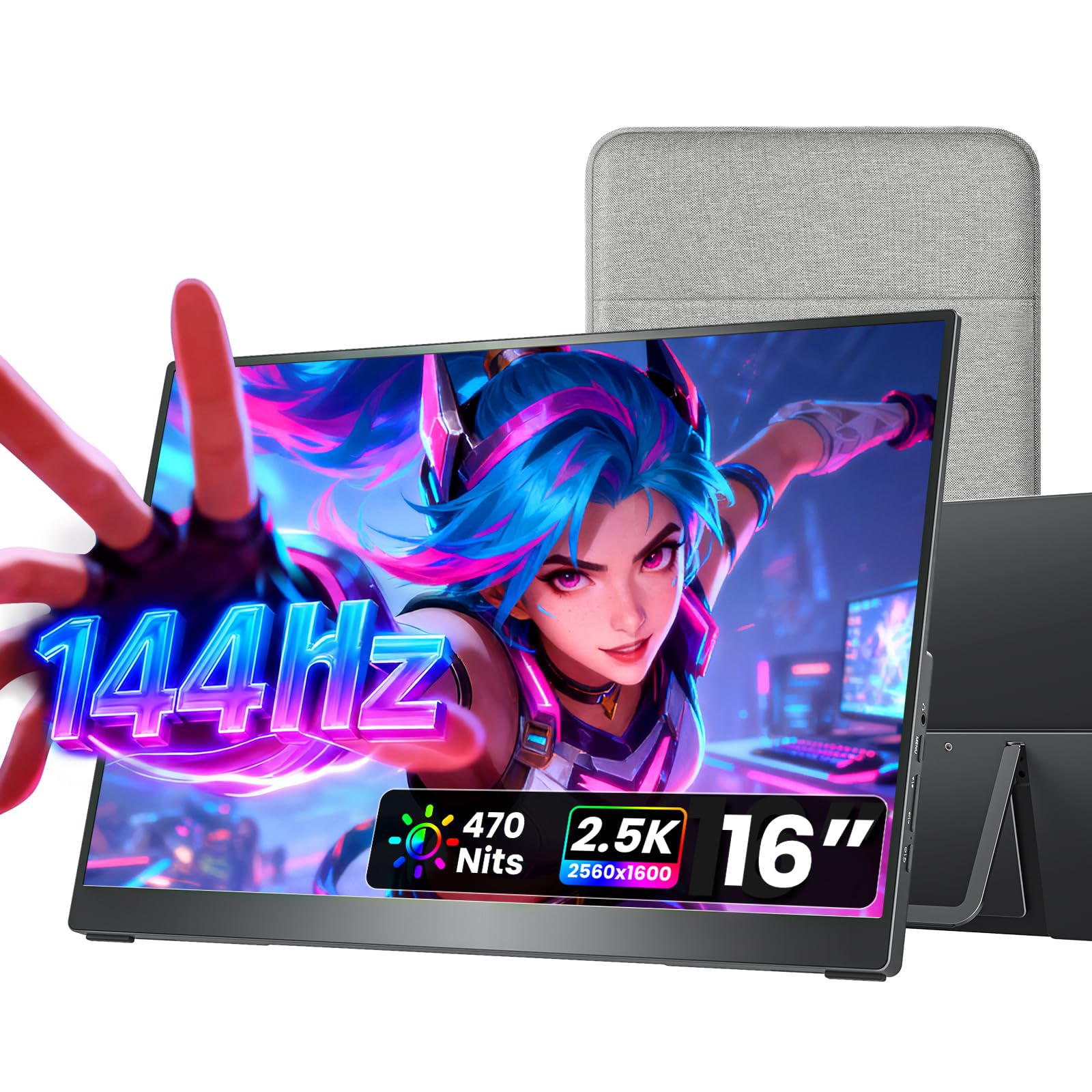
1. cocopar Portable Monitor 16 Inch 2.5K QHD 144Hz USB-C
Our pick — 4.5+★ from 6,000+ verified ratings; the strongest balance of quality and price.
The panel that gives you desktop sharpness without making your bag notice it
Plug an Xbox into this one and the first thing you gain is sharpness. The panel runs a 2560 x 1600 picture, which means game menus, map labels, and small on-screen text stay crisp instead of blurring into a smear. It also refreshes 144 times a second, so fast turns in a shooter track cleanly rather than trailing.
Brightness is where it separates from the big 18.5-inch EVICIV. This panel pushes 470 nits (a nits rating is a measure of screen brightness, so a higher number means the picture holds up better near a window) against the EVICIV’s 350. The contrast figure is tighter, 1200:1 against 2000:1, so the EVICIV does darker blacks. Colors sit at 110% sRGB with HDR support, which is plenty for gaming and fine for photo touch-ups.
Portability is the part that sells it. It measures 0.2 inches at its slimmest and weighs 1.5 lb, so it slides into the included fabric sleeve and disappears into a backpack. You get two full-function USB-C ports plus HDMI, and the full metal chassis with a kickstand that swings 0° to 90° means it props itself up anywhere. Dual VESA holes are there if you later want it on an arm. As owners put it, the thing they keep coming back to is simply how good the picture looks for a screen this thin.
What it does better than the big panels
- 2560 x 1600 resolution keeps Xbox text and HUD elements sharp
- 470 nits brightness outshines the 350-nit EVICIV
- 1.5 lb and 0.2 inches slim, with a protective sleeve in the box
- Full metal body, kickstand, and dual VESA mounting holes
Where the bigger screens still win
- 1200:1 contrast against the EVICIV’s 2000:1, so blacks are less deep
- A 16-inch picture next to an 18.5-inch one shows noticeably less game
- Single-cable USB-C video needs a device that supports DP Alt Mode
Reach for this if: you want one screen that handles Xbox play and laptop work without weighing down your bag.
Look elsewhere if: you sit far from the panel and want the biggest possible Xbox picture — the 18.5-inch picks below cover that.
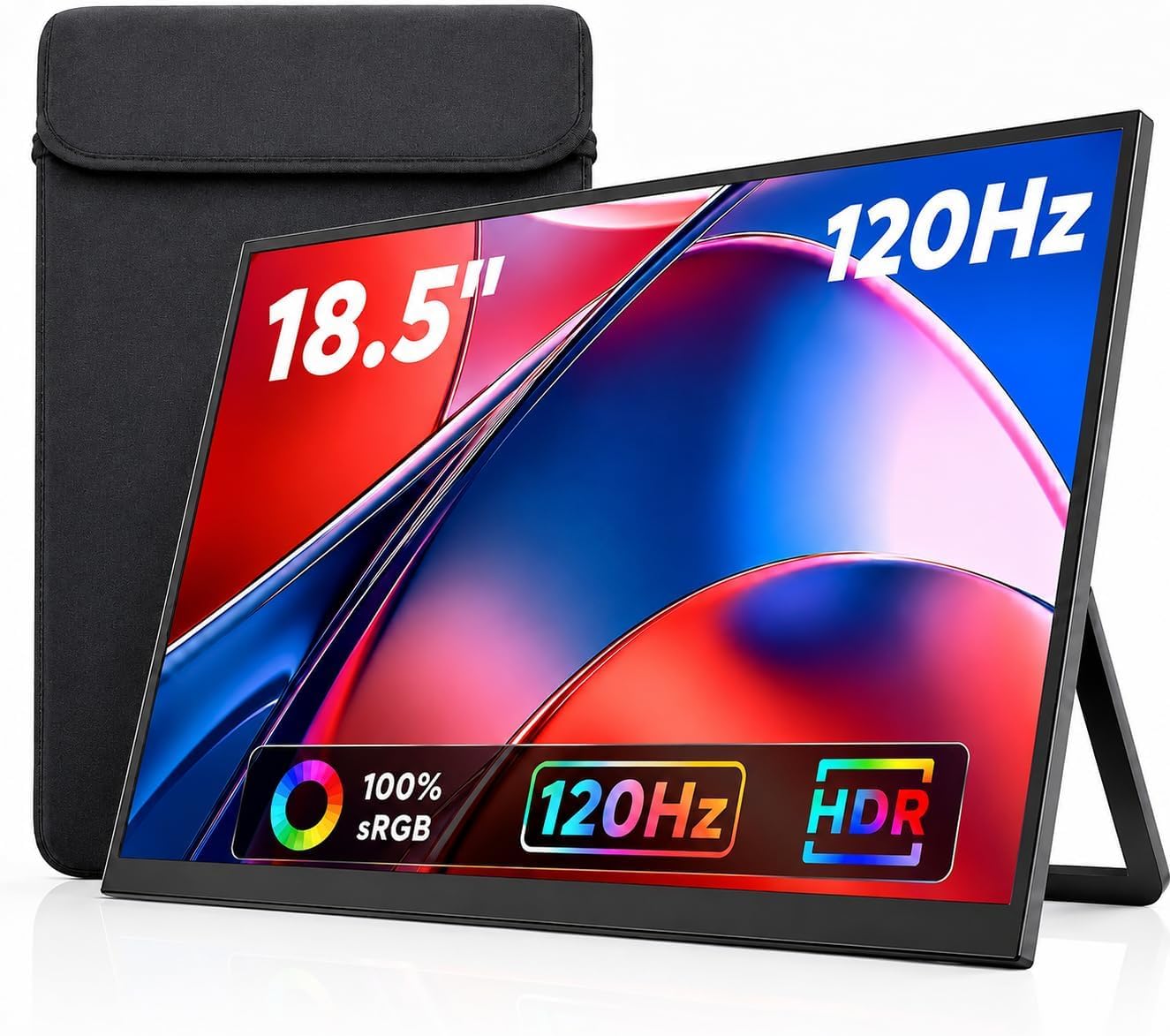
2. Maovz 18.5 Inch Portable Monitor, 100Hz 1080P FHD IPS
A near-desktop Xbox canvas that still folds down into a backpack
If your complaint with small travel screens is that split-screen co-op shrinks to nothing, this is the fix. The panel measures 18.5 inches diagonally at 1920 x 1080, which is enough room for two players to actually see their corners. Color coverage runs 125% sRGB at 8-bit depth across 16.7 million colors, and a 100Hz refresh keeps pans from stuttering.
Compare it against the cocopar and the trade becomes obvious. This one is 2.45 lb and 0.59 inches thick, while the cocopar is 1.5 lb and 0.2 inches at its slimmest. You are trading bag space for screen area, and only you know which your trip can spare. The three-sided frameless design does help it feel less bulky than the footprint suggests.
Around back you get dual USB-C ports plus HDMI, and the box includes a case bag plus a power adapter. That adapter matters, because the maker notes that a low-power source shows up as a flickering screen rather than an obvious error. There is a kickstand for portrait or landscape use and VESA compatibility for a stand or wall. What buyers praise most here is the screen quality itself, and the size is the reason they bought in.
The one real catch: this is a 100Hz panel, so it sits behind the 120Hz and 144Hz options here for fast-motion smoothness. For slower games and menus you will not notice; for twitch shooters you might.
Best fit: couch co-op, dorm rooms, and hotel-room Xbox sessions where picture size matters more than grams.
Think twice if: you fly carry-on only and count every pound — two and a half pounds of screen plus a console adds up.
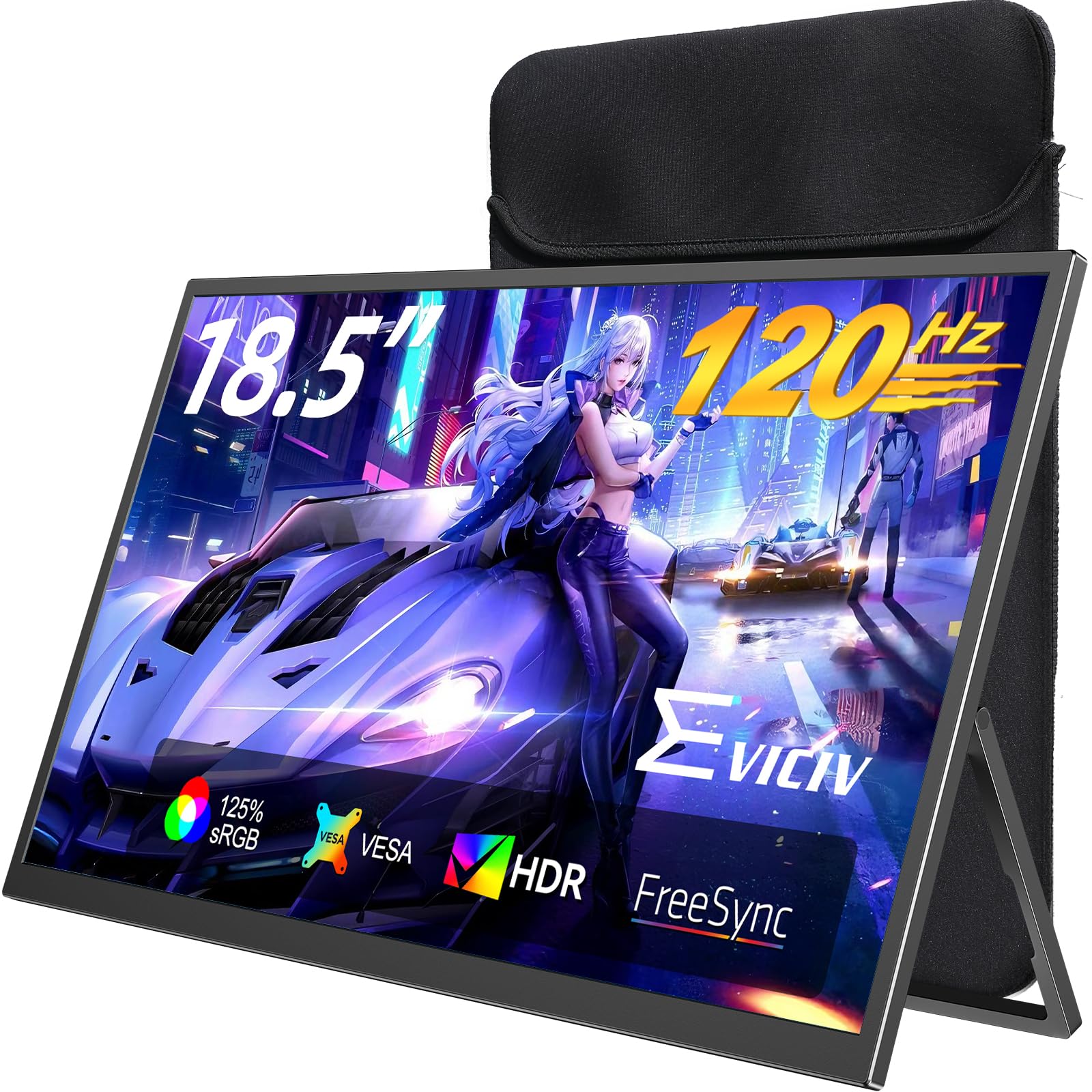
3. EVICIV Portable Monitor 18.5″
The 18.5-inch screen built for players who hate waiting on a frame
This is the pick where the gaming numbers come first. A 1ms response time (how fast a pixel changes color, so a lower figure means less ghosting behind moving objects) pairs with a 120Hz refresh and FreeSync, which syncs the screen to the console’s output so you do not get torn frames. On an Xbox, that combination reads as a picture that keeps up with your thumbs.
In a dark room, shadows in a game look like shadows instead of gray haze. Color sits at 125% sRGB, and brightness is 350 nits, which is where the cocopar pulls ahead with its 470. Think of 350 nits as fine indoors and workable in a shaded room, but not the panel you want facing a sunny window.
The rest of the package suits travel. A sleeve made of multi-layer shock-absorbing foam with a soft microfiber lining guards the screen on the move, and a 360° adjustable bracket bends to whatever angle your table allows. VESA 75x75mm mounting with the included screws lets you hang it on an arm later. Owners describe the picture as clear and note how readily the screen works across different devices.
Read this before you buy: the connection on this model is mini-HDMI, which is a smaller and more delicate plug than the full-size HDMI port on the VisionOwl and cocopar. It works fine; just treat the cable end gently and do not yank it.
The short version: a big, fast, high-contrast Xbox screen for a modest outlay — this is the value angle on 18.5-inch gaming.
Skip if: you plan to use it by a bright window; the 350-nit panel is the dimmest here.
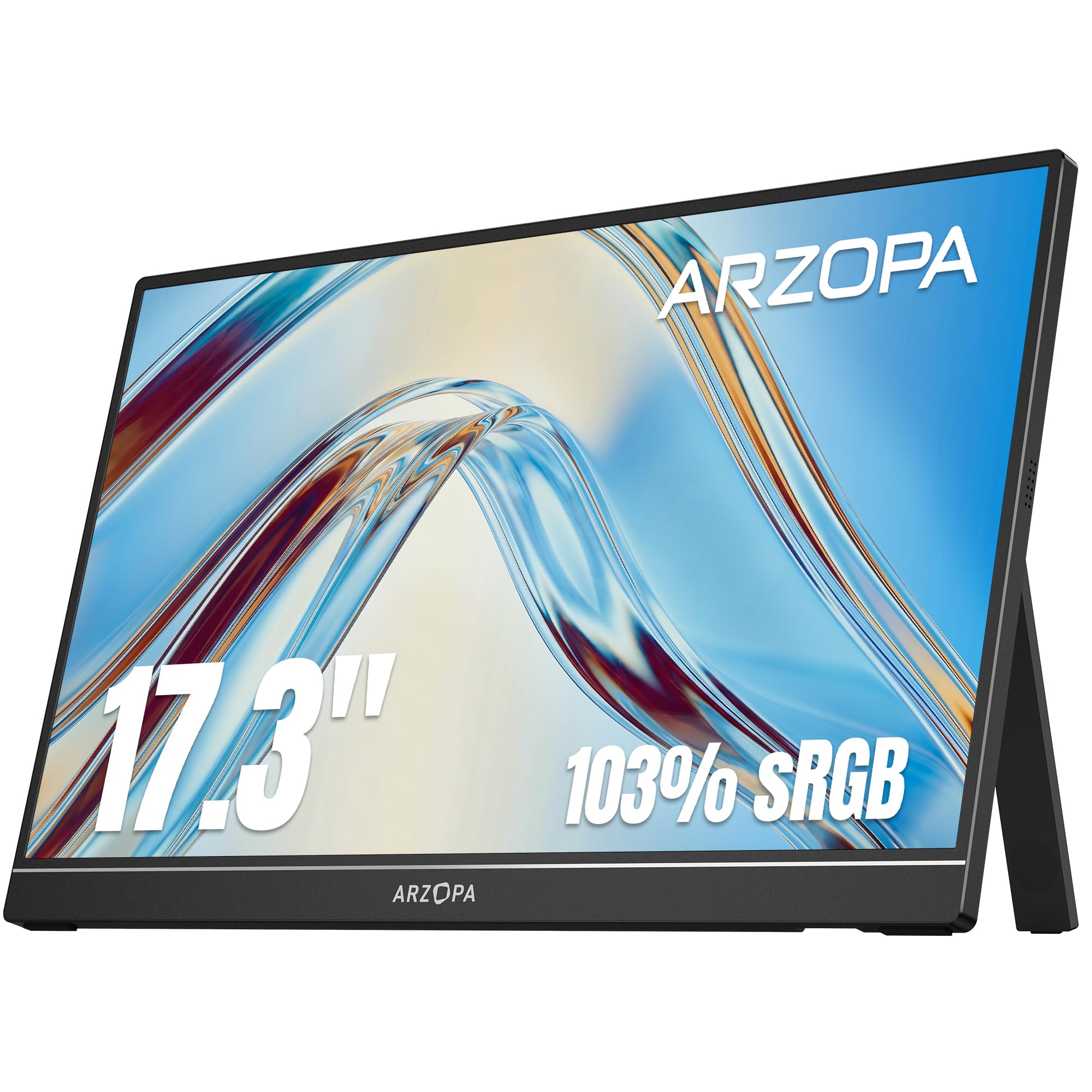
4. ARZOPA 17.3″ Portable Monitor, 1080P FHD 103% sRGB IPS
The 17.3-inch middle ground that keeps Xbox play readable without a huge footprint
Seventeen inches is that useful in-between size, and this panel makes the most of it. The 1920 x 1080 IPS screen covers 103% sRGB, so game worlds look properly colored without oversaturating, and the stand flips between landscape and portrait so you can read documents upright or play in widescreen. It is G-Sync Compatible, a syncing spec aimed at PC cards, so treat the Xbox benefit as a stable, tear-free picture rather than a labeled feature.
Connectivity is where this earns its spot. Type-C and mini HDMI ports cover laptops, phones, and consoles, with Xbox named explicitly among the supported devices. A single USB-C cable can carry both the video signal and the power, though phones need a full-featured USB port. There are three display modes — duplicate, extend, and second screen — which is the difference between mirroring your game and running a map on the side screen.
Owners lean on this one for travel, and the 17-inch picture is the reason. It reads clearly, sets up fast, and the built-in kickstand means it stands without extra parts. The built-in stand means no separate prop to forget at home.
The travel argument
- 17.3-inch IPS panel that stays readable in landscape or portrait
- Type-C and mini HDMI inputs, with Xbox listed among supported gear
- Three modes: duplicate, extend, and second screen
- Built-in stand, so no separate prop to lose
What to expect
- 1080p resolution, so a step behind the 2.5K panels on this list for fine text
- 300 nits brightness is on the lower side for bright rooms
- No published refresh figure, so treat smoothness as standard-tier
Who it suits: players who want a screen that is bigger than a laptop but not a two-hand lift.
The caveat: if refresh rate is your priority, the ARZOPA 180Hz model further down is the faster sibling.
5. InnoView Portable Monitor 18.5 inch 100Hz 120% sRGB

Three ways to stand it up, so your Xbox setup is never propped on a pillow
This one is for the person who hates improvising a stand. It ships with three mounting options: a monitor stand for a wall or desktop, an included adjustable stand you can angle or hang, and no need to buy anything extra. Mount it once at home and the Xbox screen is always ready.
The panel itself is an 18.5-inch 1080p IPS with a 100Hz refresh and FreeSync, plus 120% sRGB and 8-bit color depth covering 16.7 million colors. HDR support gives movies and games more punch. Ports are two USB-C plus one standard HDMI, which is the sturdier plug type for a console cable. Picture quality is what gets talked about most, with portability close behind, and both land where you would want them for a screen this size.
And the maker warns that weaker power output causes flicker, so plan to power it separately with 20W or more rather than relying on a single cable from a low-power port.
The color story: 120% sRGB and 16.7 million colors mean game environments look rich, but the 300-nit brightness and 1000:1 contrast place it behind the EVICIV and Maovz on punch in a dark room.
Pick this for: a semi-permanent setup where the screen lives on a stand or arm and travels only occasionally.
Pass it over if: you want the lightest possible bag load — 3.3 lb is the heavy end here.
6. ARZOPA 16.1” 180Hz 2.5K Portable Monitor – Z3FC
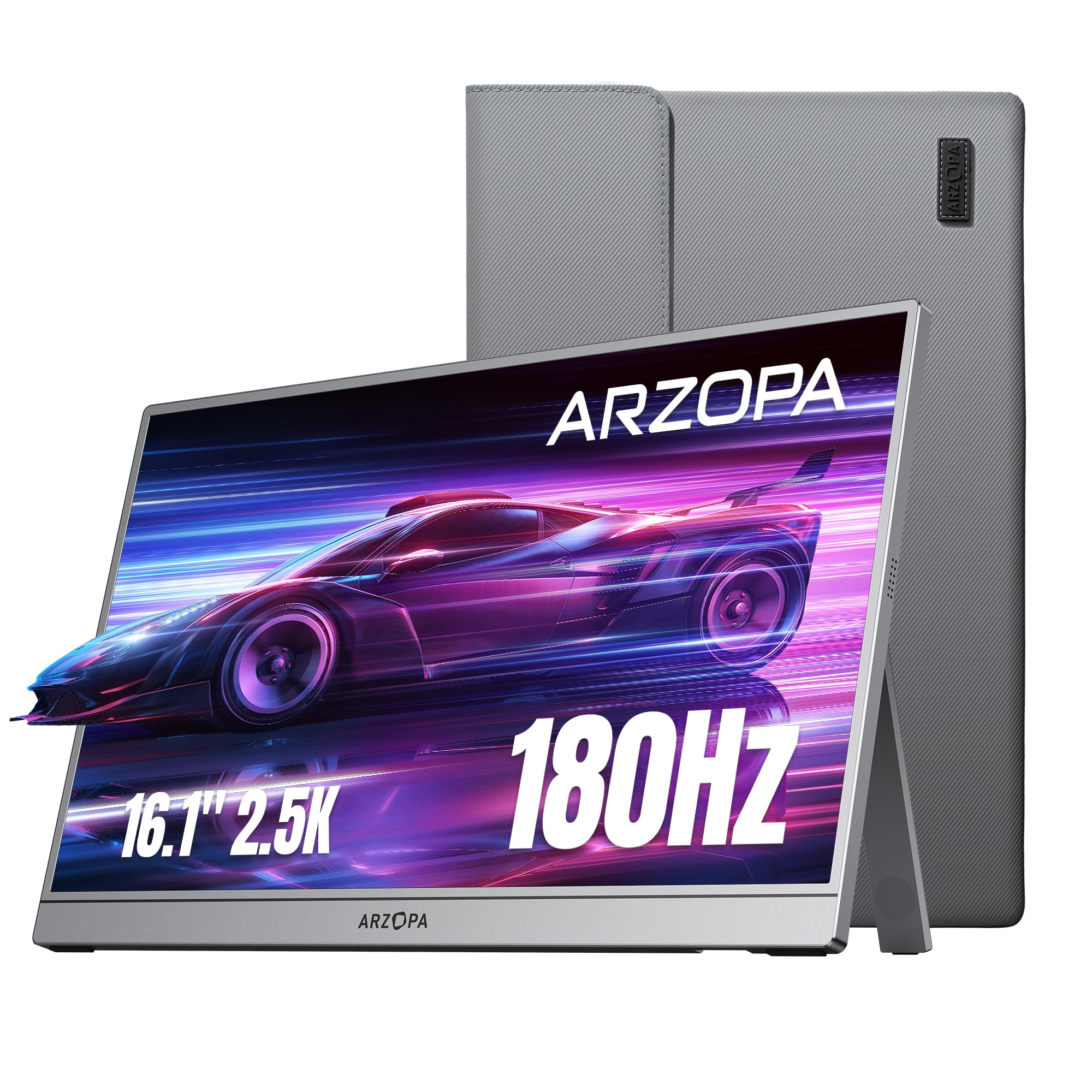
The 180Hz screen that makes every camera swing look like glass
If smoothness is the whole point for you, start here. This 16.1-inch panel redraws 180 times a second, the fastest figure on this list, and pairs it with a 2560 x 1440 QHD picture. On an Xbox that shows up as motion clarity — quick strafes and panning shots hold their shape instead of blurring into streaks. Colors sit at 107% sRGB with a 1000:1 contrast ratio and 400 nits brightness.
Set it beside the cocopar and the difference is in color depth, not speed. The cocopar runs 144Hz and a slightly wider 110% sRGB; this one gives you 180Hz and a 400-nit panel. For a shooter, the refresh is the part your hands notice. For image work, the cocopar’s color and 1200:1 contrast are the better fit.
The kit is genuinely complete: a sleeve bag, a mini HDMI to HDMI cable, two USB-C cables, and a user guide. Two full-function USB-C ports and a mini HDMI port connect it to laptops, Macs, an Xbox, a PS5, or a Steam Deck with no drivers. A built-in kickstand tilts to your angle. The main honest note is that Mac compatibility draws some grumbling — if your second use is a MacBook, budget a little setup patience.
The gaming case
- 180Hz refresh, the highest here, for the smoothest motion
- 2560 x 1440 resolution keeps detail sharp on a 16.1-inch panel
- 400 nits brightness, ahead of the 350-nit EVICIV and the 300-nit InnoView
- Sleeve, HDMI cable, and two USB-C cables all included
Where it asks for patience
- 1000:1 contrast is well behind the EVICIV’s 2000:1 for deep blacks
- 107% sRGB is the narrowest color gamut among the premium picks
- Mini HDMI, not a full-size port, so the plug deserves care
Ideal for: competitive players who would trade a little color depth for the quickest panel they can carry.
Not ideal for: photo or design work, where the contrast and gamut numbers trail the alternatives.
7. VisionOwl Portable Monitor 16 Inch 2.5K QHD 144Hz
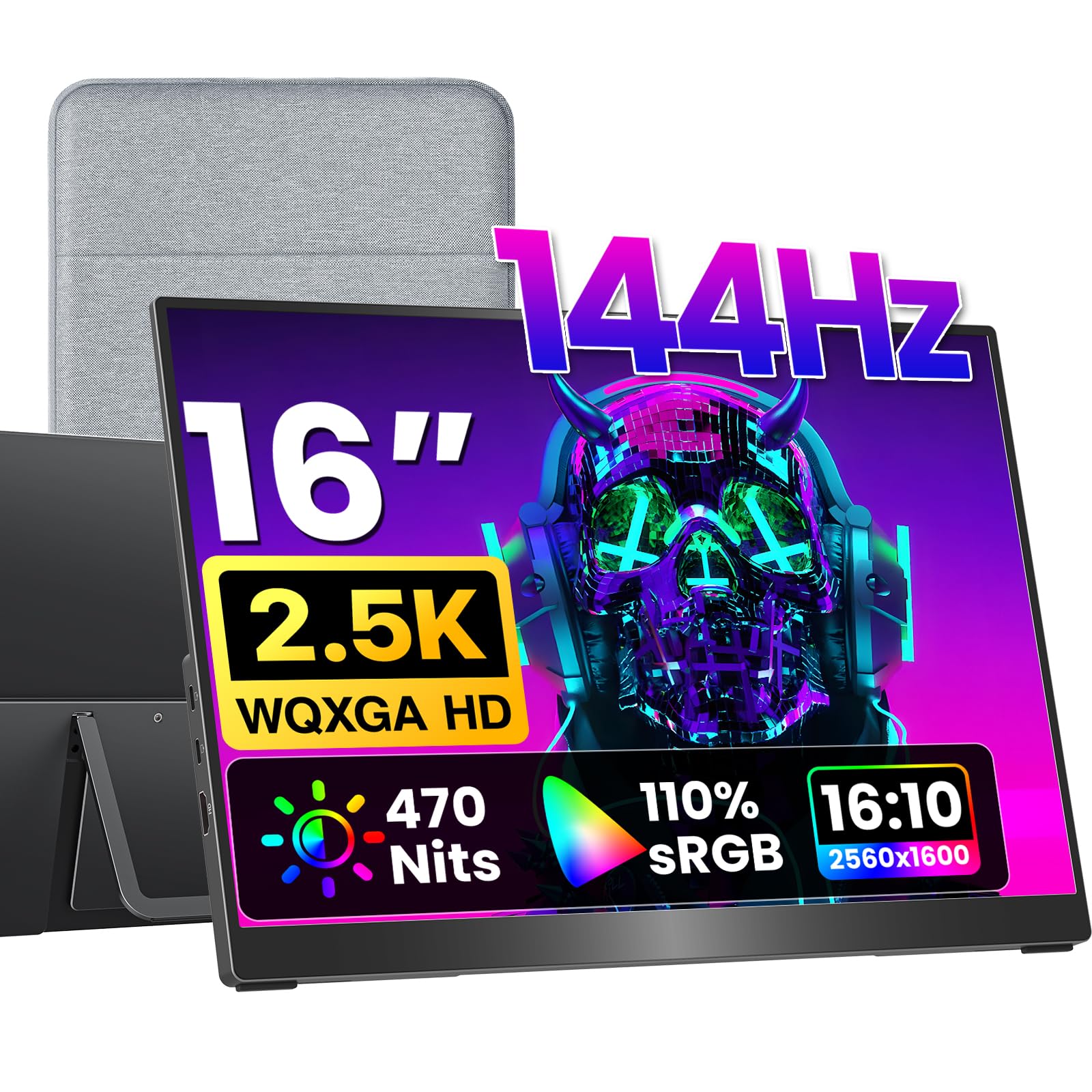
Full-size HDMI, a metal body, and the richest color of the 16-inch group
This is the small-screen pick with the fewest corners cut. You get a 2560 x 1600 panel at 144Hz with a 16:10 shape, which means the screen is a little taller than a standard widescreen and shows more of the game vertically. The full-size standard HDMI port is the standout practical detail — no fragile mini plug between your console and your screen, just the same connector a TV uses.
Color is the headline spec. The IPS panel uses 8-bit plus 2FRC processing to display up to 1.07 billion colors, and that extra color depth is what stops dark-to-light fades in a game from showing visible banding. Add 110% sRGB coverage, 470 nits brightness, and a 1200:1 contrast ratio, and you have a picture tuned for both play and creative work. The brightness here is 470 nits versus the EVICIV’s 350.
Craft is metal, not plastic, at 1.48 lb, with a kickstand and dual VESA holes for an arm. The kit includes a sleeve case, power adapter, standard HDMI cable, and two USB-C display cables, so nothing extra to buy. Owners rate the overall quality first and portability right behind it — the two things you want a premium travel screen to get right.
The trade-off to know: at 16 inches it shows less picture than the 18.5-inch models, and you pay extra for the build, the port type, and the color depth rather than for screen area. If you want maximum size, look at the Maovz or EVICIV instead.
Choose it when: you want the best-built 16-inch screen, with a full-size HDMI port that will not flinch at a console cable.
Look elsewhere when: bigger screen size matters more to you than build quality and color depth.
8. G-STORY 12.5″ Portable Gaming Monitor

A screen shaped to the Series S, so the console and display travel as one piece
This is the pick for someone who bought a Series S specifically because it is small. The monitor is built to integrate with the console, so you carry them together rather than packing a display and a box separately. That is the whole point of this one, and it is why a 12.5-inch screen makes sense here where it would not elsewhere.
The panel itself is 1920 x 1080 native, so games render at true 1080p rather than an upscaled approximation. FreeSync cuts image tearing and stutter, and HDR support adds range to bright and dark areas. Two HDMI ports mean it is not locked to the Xbox — a laptop, an iPad, or a Switch can use it too, which is a nice bonus for one screen doing several jobs.
There is one quirk worth knowing before you buy. A USB-to-DC cable lets you run it without external power, but only under specific conditions: brightness below 30% and speaker volume below 50%. Turn the volume down further and you can raise brightness. Think of it as a battery-saving trick, not full-brightness freedom. Owners call the picture beautiful and like how easily it snaps onto the console.
Why it earns its spot
- Designed to integrate with the Xbox Series S for one-piece carrying
- Native 1920 x 1080 resolution with FreeSync and HDR
- Two HDMI inputs, so it is not tied to one device
- Snaps on without screws
What you give up
- 12.5 inches is the smallest picture among the standalone screens
- The cable-free mode only works at reduced brightness and volume
- Series S console itself is not included
Tailor-made for: Series S owners who want a self-contained console-and-screen package for trips.
Wrong pick if: you also game on other consoles or a PC and want one larger display for everything.
9. UPspec Gaming xScreen for Xbox Series S – 11.6″ 1080P 60Hz

The only screen here that bolts on and runs without a single extra cable
Start with the design, because that is what you are buying. The xScreen fits inside the Series S footprint, and its USB and HDMI ports are built into the frame. The only cable you need is the original Xbox power cable. On a plane, a train, or a friend’s kitchen table, that means no tangle of display cables to plug in and unplug.
The display is an 11.6-inch 1920 x 1080 IPS panel at 60Hz, with a 1500:1 contrast ratio and 350 nits brightness. Compared with the 2000:1 EVICIV, blacks are slightly less deep, but on a screen this compact the difference is minor. Built-in stereo speakers save you from carrying a headset for casual sessions, and on-screen controls handle brightness and volume. There is even a crosshair overlay for first-person shooters, which is a small but genuinely thoughtful touch for console shooters.
Then there is the safety feature, which is easy to overlook until it matters. When the screen is closed, the xScreen powers off the console using HDMI-CEC, the same protocol your TV remote uses to talk to a console. That prevents the Xbox from running inside a closed shell. Xbox has also lab tested the monitor, a useful reassurance for a screen that sits directly on the console. Owners describe the effect as a mini Xbox laptop.
The headline limit: 60Hz is the lowest refresh on this list, so fast games feel less glassy than on the 144Hz and 180Hz panels. For slow games and casual play, it is a non-issue; for competitive multiplayer, you will notice.
The verdict: if owning an Xbox that closes up like a laptop is the dream, this is the only product here that delivers it.
Not for you if: you want one display that also drives a laptop or PS5 at high refresh — this screen is purpose-built for the Series S.
Know the Specs
Refresh Rate in Hz
Refresh rate is how many times per second the screen redraws the picture. 60Hz means 60 redraws, and higher numbers make fast motion look cleaner. For an Xbox, 60Hz is standard and perfectly playable, while 120Hz, 144Hz, and 180Hz reduce blur during quick turns. Think of it like the difference between a smooth pan and a choppy one on a camera.
Brightness in Nits
A nit is a unit of screen brightness. 300 nits is comfortable indoors, 400 nits holds up better in a bright room, and 470 nits is the brightest on this list. If you often play near a window or outdoors, go for the higher figure. If your setup is a dim room or a basement, the difference matters less.
Contrast Ratio
Contrast ratio compares the brightest white to the darkest black. A 2000:1 panel shows deeper shadows than a 1000:1 one. In games with dark caves or night levels, the higher figure keeps detail from washing out to gray. This is separate from brightness — a screen can be bright and still have weak contrast.
Resolution and Aspect Ratio
Resolution is the number of pixels across and down. 1920 x 1080 is standard HD, and 2560 x 1440 or 2560 x 1600 is sharper, so small text and game HUDs stay clean. Aspect ratio is the shape of the screen: 16:9 is widescreen, and 16:10 is a little taller, which shows more vertically and lines up neatly with many laptops.
Common Questions
Will any portable monitor work with an Xbox Series X?
Can I power a portable screen straight from the Xbox console?
What is the difference between 60Hz and 144Hz on a portable Xbox screen?
Do I need a separate HDMI cable to connect my Xbox?
Is a 1080p portable screen enough for Xbox gaming?
Can the xScreen really run without any cables?
How much does a portable Xbox screen weigh?
What is FreeSync and does it matter for my Xbox?
Can I mount these screens on a monitor arm?
Will a mini-HDMI cable work with my Xbox?
The Bottom Line
The best Xbox portable screen for most people is the cocopar 16″ 2.5K 144Hz, because it gets the hard parts right: a sharp 2560 x 1600 panel, a 144Hz refresh, 470 nits, and a full metal body at 1.5 lb. It also holds a 4.5+ star rating across 6,000+ owners. If you want the biggest Xbox picture you can carry, the EVICIV 18.5″ 120Hz gives you the deepest contrast and a 1ms response for fast play. And if you want a screen that bolts onto the Series S and runs on the console’s own power cable, the UPspec Gaming xScreen is the only one here built that way.
The one nudge worth making: if you cannot decide between the cocopar and the EVICIV, buy on where you play. A bright room and laptop work favor the 470-nit cocopar; a dark room and fast games favor the 2000:1 EVICIV.
How we choose
We do not accept paid placement. Every pick is matched to a real buyer and a real use-case; we do not hands-on test units.
Sources
Specifications: manufacturer listings and product documentation. Review insights: verified customer reviews, as of November 2026. Pricing: not shown on this page (it changes often); check the current price via the retailer link.
As an Amazon Associate, Tactical Gear Guy earns from qualifying purchases. This does not affect which products we feature.