Specs are compiled from manufacturer listings and verified buyer reviews and can change over time — please confirm the key details on the product page before buying.
The quick answer: any USB 3.0 external hard drive adds space to your Xbox One S, but the one worth buying arrives pre-formatted, stays ready instead of spinning down, and holds the games you actually replay. You do not need to open the console or void a warranty — you plug a drive into a side port and the Xbox does the rest.
This guide is built by comparing the manufacturers’ published specifications and the patterns across verified customer reviews, so you get each pick’s real strengths and trade-offs instead of marketing spin.
Nine drives below genuinely fit an Xbox One S, sorted so you can match capacity and price tier to your own library size. Every option here is a portable USB drive you plug into a side port, format once, and forget.
Top Picks


How To Choose The Best Xbox One S Storage Expansion
Start with capacity, not brand. A 1TB drive is the standard size here, and Toshiba’s own listing estimates that 1TB stores up to 25 games based on a 36 GB average game size. If you delete and reinstall titles constantly, a 2TB drive gives you room to keep a whole rotation installed.
Pre-formatted versus format-it-yourself
A pre-formatted drive arrives set up for the Xbox, so you plug it in and the console recognizes it right away. A standard drive like the Seagate Portable is built primarily for PC and Mac, and Mac use may require reformatting — on Xbox you simply let the console format it for game storage. Either path works; pre-formatted just removes a step.
The Series X|S game catch
Xbox One games run directly from a USB drive, which frees space on your console. Xbox Series X|S games must play from the internal SSD, so an external HDD acts as a holding buffer — you copy the game back to internal storage to play it, which is faster than re-downloading. If your library is all Xbox One titles, this distinction does not affect you at all.
Speed, in plain terms
You will notice speed mostly when you move big files on and off the drive, not during in-game loading. The fastest drive here lists a 10 Gbps transfer rate (10 gigabits per second, a measure of how fast data moves); the Toshiba lists 5 Gbps. On an Xbox One S, USB 3.0 (the connection standard the console uses) is the ceiling that matters most.
Side-by-Side Comparison
| Model | Best For | Capacity | Transfer Rate | Pre-Formatted | Amazon |
|---|---|---|---|---|---|
| Toshiba Canvio Gaming 1TB★ Best Overall | Gamers who want sleep-free access | 1 TB | 5 Gbps | No — format on console | Amazon |
| Ultra Slim 750GB USB 3.1 Type CBudget Entry | Tight-budget first expansion | 750 GB | 10 Gbps | Formatted, plug and play | Amazon |
| Caraele 1TB Ultra Slim MetalSlim Traveller | Slim, sturdy travel drive | 1 TB | 10 Gbps | No — format on console | Amazon |
| Avolusion 1TB HD250U3-X1 | Plug-and-play Xbox One S upgrade | 1 TB | 5 Gbps | Yes — pre-formatted | Amazon |
| YOTUO 1TB External Drive | Drop-protection and multi-device use | 1 TB | 5 Gbps | No — format on console | Amazon |
| Seagate Portable 1TB | One drive for PC, Mac and Xbox | 1 TB | — | No — format on console | Amazon |
| Avolusion 2TB HD250U3-X1-2TB | Big libraries on one drive | 2 TB | 5 Gbps | Yes — pre-formatted | Amazon |
Detailed Reviews
1. Toshiba Canvio Gaming 1TB Portable External Hard Drive
Our pick — 4.5+★ from 4,500+ verified ratings; the strongest balance of quality and price.
The one piece of firmware that makes a real difference: an Always-On mode built for gaming.
That Always-On tuning is why this tops the list despite not being the biggest drive on it. The Canvio Gaming ships with a firmware-customized “Always-On” mode — the drive is tuned to stay ready instead of spinning down between sessions. It is a 1TB mechanical drive (a spinning hard disk, not a flash chip) built into a compact 2.5-inch body, and Toshiba frames 1TB as room for up to 25 games at a 36 GB average.
Owner feedback centers on performance rather than capacity. Storage capacity is the second thing buyers talk about, and for an Xbox One S owner the math is simple: your installed library stops competing for the console’s own drive.
Compare it directly to the Avolusion T1: the Toshiba lists a data transfer rate of 5 Gbps, the same as the Avolusion drives, so you are not buying a speed jump there. You are buying the tuning and the track record. The honest catch is compatibility, which is the one mixed note in the data — it works with PS4 and Xbox Series S and plays and stores PS4 games on a PS5, but it does not play PS5 games, so a PS5-heavy household should look elsewhere. For an Xbox One S, that caveat never comes up.
What earns the top slot
- Firmware-customized Always-On mode keeps the drive ready for a responsive gaming session
- 1TB of space — Toshiba estimates up to 25 games at a 36 GB average
- Compact 2.5-inch body that rides along in a bag
- Backed by a 2-year manufacturer’s limited warranty
What to weigh first
- Lists a 5 Gbps transfer rate, so it does not lead the pack on paper speed
- PS5 games are not supported — a non-issue for Xbox One S owners
Reach for this if: you want the drive that stops your games from stalling at startup and you keep a library of Xbox One titles rotating.
Pass if: you need PS5 game support or you archive an enormous collection that needs the 2TB Avolusion.
2. Ultra Slim Portable External Hard Drive 750GB
The cheapest way into extra Xbox space — and the fastest drive in this lineup on paper.
Adding your first drive and want to spend the least? This is the one to look at. The headline number is speed: it lists a USB 3.1 Type C connection (a small oval plug that fits either way) rated at up to 10Gbps, which is double the 5 Gbps the Toshiba and the Avolusion drives list — the biggest gap in this whole group.
It ships formatted and ready to use, so there is no software to install — you plug it in and start saving files, movies, or games. The included 2-in-1 USB-Type C cable matches different ports, so you are not hunting for a specific cord. It is a sturdy plastic anti-scratch body at 0.6 inch thick, thin enough to slip into a bag pocket next to the controller.
Be clear-eyed about the trade-off, though. Owner sentiment on this one is genuinely split — some call it excellent and a good unit for the tier, while others push back hard on quality and value. That split is the story here, not a hidden flaw you can spec your way around. Buy it as an inexpensive first expansion and keep your console drive as the primary home for anything you cannot re-download quickly.
Where it wins: a 10Gbps-rated USB 3.1 Type C interface and a 750GB capacity at the entry tier — the fastest listed transfer rate of any drive here, and the simplest starting point if your library is small.
The split verdict: quality and value draw mixed reactions, so treat this as a secondary drive rather than your only copy of a saved game library.
Best fit: a small first-time expansion where speed on paper matters and the outlay should stay low.
Think twice if: you want the reassurance of a long track record — the pricier picks carry far more owner history behind them.
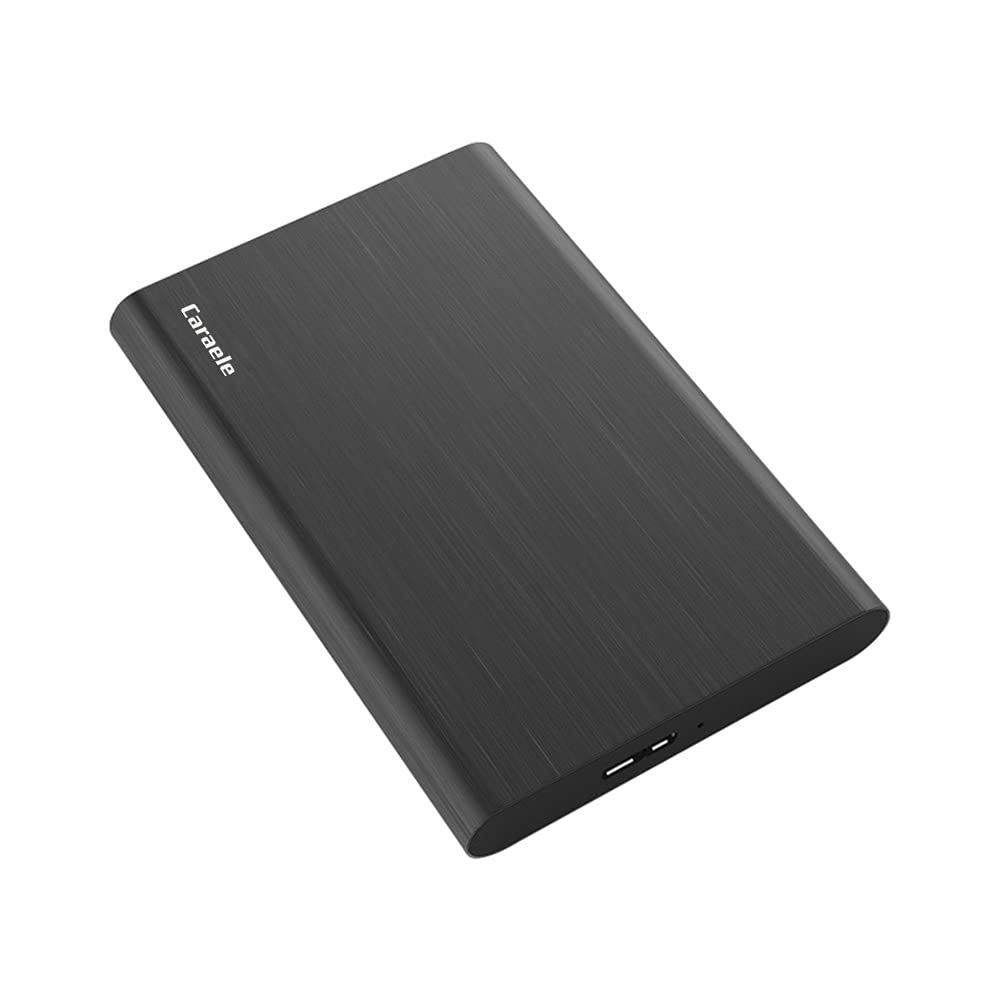
3. Caraele 1TB Ultra Slim Portable External Hard Drive
A 1TB drive thin enough to forget about in a bag pocket, with the odd accessories already in the box.
At 0.47 inch thick, this is the slimmest drive on the list, and the 1TB capacity puts it in the same bracket as the Toshiba. The shell is ABS plastic with an aluminum finish, described as shockproof and anti-pressure — useful if the drive lives in a backpack that gets tossed around. It runs off a single USB 3.0 port with no external power supply, so the cable is the only thing you carry.
Here is the part that makes it easy to live with: the package includes the USB 3.0 cable and a USB to Type C adapter, plus a three-year manufacturer’s warranty. That adapter means the same drive connects to a laptop with only USB-C ports as easily as it does to your console. It lists a 10 Gbps transfer rate and comes ready to use with no software to install.
What holds it back is confidence rather than spec. Reliability is the loudest theme in owner feedback and it splits both ways — plenty say it works exactly as promised, and some ran into trouble. That matters if you plan to make this drive the only home for a large game library. Used as overflow storage beside the console’s own drive, it does the job at 1TB with very little to carry.
Thin-and-tough checklist: 0.47 inch thickness, aluminum-finish shell over ABS plastic, a USB 3.0 cable plus a USB to Type C adapter in the box, and a three-year warranty — the complete set without buying extras.
The contested bit: reliability is the most-discussed topic and it is split, so keep your most re-downloadable games here first.
Good match for: someone who carries a drive between an Xbox One S and a USB-C laptop and wants the slimmest body and the longest stated warranty.
Look elsewhere if: you want the drive with the heaviest owner consensus behind it — this one is newer and less settled.
4. Avolusion 1TB Portable External Gaming Hard Drive

Built for the Xbox One family and formatted before it ships, so the setup is genuinely plug-and-play.
This is the drive to pick when you want zero fiddling. It arrives pre-formatted on a game console and is listed as working with the Xbox One X, One S, the original first-generation console, and the Series S and X. You plug the USB 3.0 cable in, the console sees 1TB of space, and you move games onto it. There is no formatting menu and no software.
Owners describe it as genuinely easy to use, and the capacity is what they single out — the phrase that keeps coming up is more console storage without the hassle. That lines up with what the drive is: a 1TB mechanical 2.5-inch unit that spins at a listed 5 Gbps transfer rate. It ships with the drive, the USB cable, and a 2-year warranty card in the box.
Now the fair warning. Reliability and performance draw mixed notes in owner feedback — the drive works great for most, and a share of buyers report it stops working over time. That is worth knowing before you commit a whole library. Keep the games you would hate to re-download on the console’s internal drive, and use this for the titles you can always pull down again. The 1TB here versus the 2TB Avolusion at the top tier is the main capacity decision.
Why it suits an Xbox One S
- Pre-formatted on a game console — plug it in and play, no setup menus
- Explicitly listed for Xbox One S, One X, original Xbox One, Series S and Series X
- 1TB of space with a 2-year warranty card included
Keep in mind
- Reliability draws mixed owner reports, so treat it as secondary storage
- 5 Gbps transfer rate is standard for this group, not a standout
Go with it if: you want to plug in and be done, and the drive will hold games you can reinstall without losing sleep.
Instead choose: the 2TB Avolusion if the drive will become the main home for a large library.
5. Avolusion HD250U3-WH 1TB Portable External Gaming Hard Drive

A drive with built-in armor — the silicone sleeve is there for the moment it slips out of your hand.
Drops happen, and this is the only drive here that ships with drop protection as part of the design. A patented built-in silicone sleeve wraps the body and cushions it against bumps and falls.
The compatibility list is unusually broad for a gaming drive. It is listed for PS4, PS5, Xbox One, and Xbox Series X/S, plus Windows, Mac, and Linux computers. So the same drive that holds Xbox One games can also back up work documents or family photos. It comes with USB 3.0 and USB-C connectivity in the description, which covers modern laptops and the console alike.
Where it asks for faith is the internal spec. The listing calls it a hybrid drive with a cache listed at 8 GB and a plastic enclosure under the sleeve — so the protection is the sleeve, not a metal shell. If your drive gets dropped or tossed into a backpack, the silicone sleeve is the reason to pick this one. If you want the most proven long-running reliability, the bigger brands here have more history.
The case for the sleeve: patented silicone protection, a 5 Gbps USB 3.0 interface, USB-C coverage, and 0.16 kg — the only drive here built around surviving a drop.
Read the fine print: the enclosure is plastic under that sleeve, and the drive is described as a hybrid with an 8 GB cache, so the toughness is the sleeve rather than a metal body.
Pick it for: a drive that gets carried, bumped, and stuffed in a bag and needs a cushion around it.
Weigh the alternative if: drop protection is not a concern and you would rather have the aluminum shell of the Avolusion.
6. Seagate Portable 1TB External Hard Drive
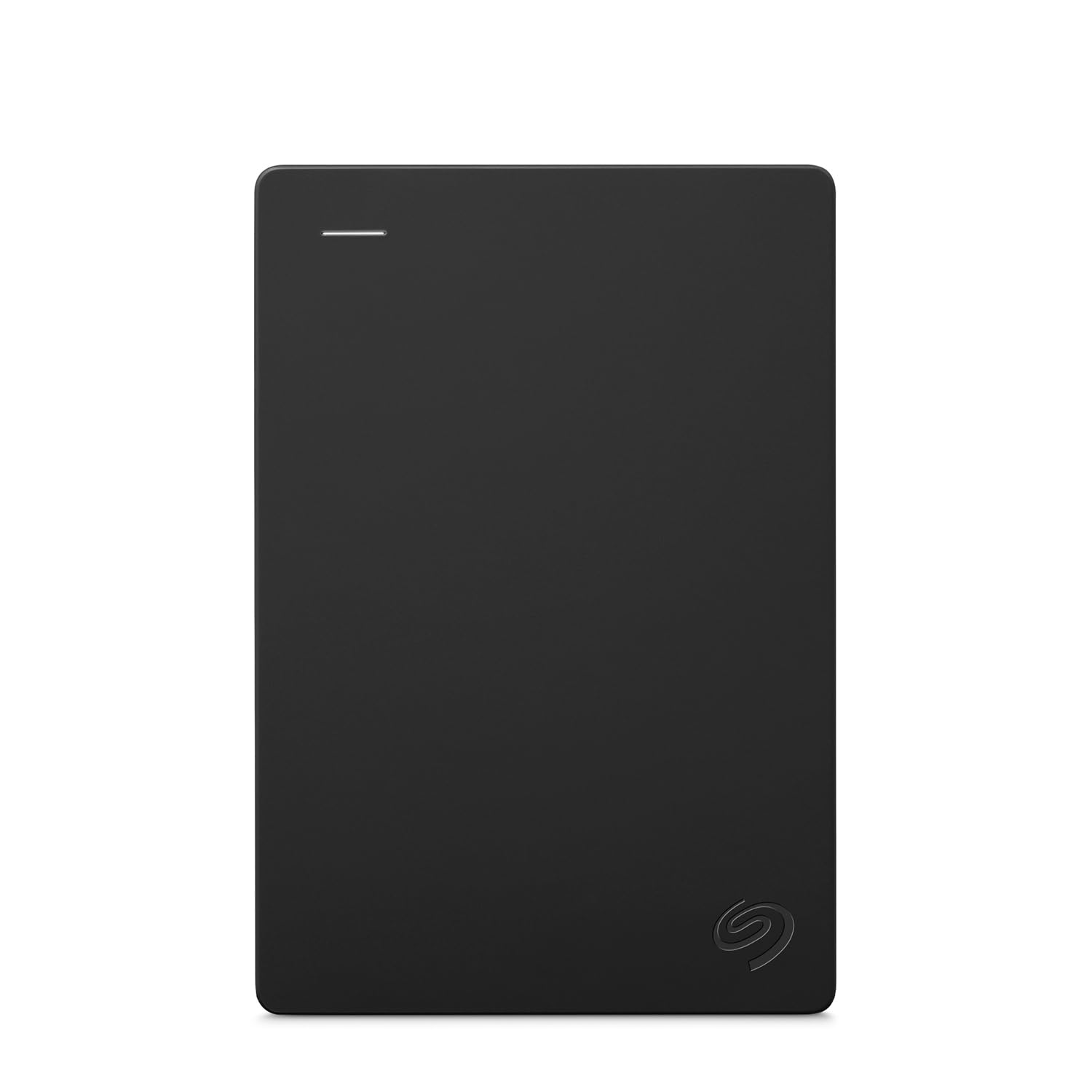
One drive that does backup duty on the laptop and game duty on the Xbox.
You can back up a laptop during the week and park Xbox One games on it for the weekend. The Seagate Portable 1TB is designed for Windows and Mac computers first — drag and drop backup, no software needed, automatic recognition when you plug it in — and it is also listed with Xbox One among its compatible consoles. Mac use may require reformatting, which is the one extra step.
The bundle is straightforward: the 1TB drive and an included 18 inch USB 3.0 cable. That short cable is a nice detail — it is sized for sitting the drive right next to a laptop or console rather than dangling off a longer cord. It is a mechanical portable drive, consistent with the rest of this group.
Set your expectations on two fronts. This listing is a general-purpose portable drive rather than a gaming-tuned one, so you are not getting an Always-On gaming mode. And Xbox One is the console listed, so if you are on a Series X|S and want copy-back behavior spelled out, the Avolusion T1 covers that better. For a household that needs one drive to serve a PC and an Xbox One S, this fits neatly.
Why a mixed household likes it
- 1TB with drag-and-drop backup on Windows and Mac, no software needed
- Listed for Xbox One alongside PC and Mac — one drive, two jobs
- Included 18 inch USB 3.0 cable sized for a desk setup
- 1-Year Rescue Data Recovery Service included
The honest limits
- Not gaming-tuned — no Always-On style mode like the Toshiba
- Mac use may require reformatting, an extra step for Apple owners
Right for you if: one drive needs to serve a laptop backup and an Xbox One S in the same house.
Prefer the Toshiba when: you only care about the console and want the gaming-specific tuning.
7. Avolusion 2TB Portable Xbox One External Hard Drive
Twice the room of every other drive here, and the only one that gives a big library a single home.
If you keep a large rotation of games installed and hate the delete-reinstall cycle, capacity is the spec that decides it for you. This is the only 2TB drive on the list — every other option tops out at 1TB except the 750GB entry pick. It is listed at 2000 GB, which is the largest capacity on the list, and it is pre-formatted on a game console, so it is plug-and-play for the Xbox One S, One X, and original Xbox One.
Owners describe it as easy to use with Xbox One, and the phrase that keeps coming up is room for many games — which is exactly what 2TB buys you. It lists a 5 Gbps USB 3.0 transfer rate in a 2.5-inch portable body, with a cache listed at 2 and a 2-year warranty card included. At 2TB, it is a drive you fill once and rarely revisit.
The catch is straightforward: 2TB of mechanical storage in this shell is the largest drive here, and it is a single drive — if it ever fails, everything on it is at risk. The safe habit is the same as with any single external drive: keep the titles you cannot replace on the console’s internal storage and use this for the bulk. Also, it is listed for the Xbox One family, so Series X|S buyers should check the copy-back caveat before committing.
Capacity math: 2000 GB, twice the 1TB picks and by far the most room on the list, pre-formatted and plug-and-play for the Xbox One S.
One-drive risk: a single 2TB mechanical unit holds everything, so a failure is a big event — split your most precious saves onto the console drive too.
Built for: a large library that needs one big drive and zero formatting steps.
Look at a 1TB if: you only install a handful of games at a time and would rather not put all your storage in one drive.
Know the Specs
Transfer Rate (Gbps)
This is the drive’s rated data speed — how fast files move on and off it. A 5 Gbps drive is the standard here; a 10 Gbps drive is twice that on paper. On an Xbox One S, USB 3.0 is the connection that matters, so the biggest real-world difference is how long a large game takes to copy across. For playing Xbox One games, a 5 Gbps drive handles the job.
Pre-Formatted vs Format-Yourself
A pre-formatted drive arrives set up for the game console, so the console recognizes it right away when you plug it in. A standard PC/Mac drive is recognized too, but the console may ask you to format it for game storage first. Either way you are not opening the console — this is all done through the USB port.
Capacity and Game Count
A 1TB drive is the standard size in this group, with one 750GB entry pick and one 2TB option. Toshiba’s estimate puts 1TB at up to 25 games based on a 36 GB average game size. Actual games vary widely, so treat that as a rough guide rather than a guarantee — a few huge titles can eat a big chunk of any drive.
Cache and Drive Type
Most of these drives are listed as mechanical hard disks in a 2.5-inch body, with cache sizes that range from a few megabytes up to an 8 GB listing on the YOTUO. Cache acts as a small fast buffer for the drive. A mechanical drive is the norm for portable external storage; it plays Xbox One games fine, and the label “hybrid” on one listing signals a mix of drive types.
Common Questions
Will any of these drives actually work with an Xbox One S?
Do I have to open my Xbox One S to install one of these?
What does pre-formatted mean and do I need it?
Can I play Xbox Series X|S games straight from one of these USB drives?
How many games will a 1TB drive hold?
Does a faster 10 Gbps drive load games faster on an Xbox One S?
Can a drive fail and lose my games?
Which drive is best if the drive gets carried around and dropped?
Can I use one of these drives for a laptop backup and my Xbox too?
What is the difference between a 1TB and 2TB drive here?
The Bottom Line
The easiest call here is the Toshiba Canvio Gaming 1TB — its firmware-tuned Always-On mode is the one feature that speaks directly to a gamer’s frustration with startup stalls, and it runs well with Xbox One games. If you want the drive that simply plugs in and works, grab the Avolusion 1TB HD250U3-X1, pre-formatted for the Xbox One S. Either pick ends the delete-reinstall cycle, and the pre-formatted Avolusion skips the console formatting step entirely.
How we choose
We do not accept paid placement. Every pick is matched to a real buyer and a real use-case; we do not hands-on test units.
Sources
Specifications: manufacturer listings and product documentation. Review insights: verified customer reviews, as of November 2026. Pricing: not shown on this page (it changes often); check the current price via the retailer link.
As an Amazon Associate, Tactical Gear Guy earns from qualifying purchases. This does not affect which products we feature.