Specs are compiled from manufacturer listings and verified buyer reviews and can change over time — please confirm the key details on the product page before buying.
Here is the short answer: for the safest all-round buy on an Xbox Series X or Series S, pick the ASUS TUF VG27AQL5A. It keeps up with the console’s 120Hz output, it costs the least of anything here, and it looks fine on a desk. Every other pick answers one specific question — do you want 4K, do you want OLED blacks, do you want an ultrawide curve wrapping your vision. One honest note before you read on: this list matches gaming capability flexibly — a 120Hz-or-higher refresh rate (how many times per second the screen redraws) or variable refresh support — so not every pick is the exact number you typed into the search bar. The nearest same-type size and spec does the same job, and we say plainly which is which.
This guide is built by comparing the manufacturers’ published specifications and the patterns across verified customer reviews, so you get each pick’s real strengths and trade-offs instead of marketing spin.
What follows separates the panels that genuinely make an Xbox look its best from the ones that only claim to. You will see exactly which numbers matter for console play — refresh rate, response time, resolution, and the HDMI and variable refresh support that decide whether 120fps actually reaches your screen — and which numbers are decoration. Below is the clearest breakdown of the xbox monitor market you will find, sorted by what each panel is actually good at.
Top Picks
How To Choose The Best Xbox Monitor
An Xbox Series X can push 4K at up to 120 frames per second, and a Series S targets 1440p at up to 120. The monitor you pair it with is the ceiling on all of that. Buy the wrong panel and you are paying for console power you never see — 60fps capped, tearing on every fast pan, muddy motion in every firefight.
Refresh rate is the first number to check
Refresh rate is how many times per second the screen redraws the picture, measured in hertz (Hz). A 120Hz panel redraws 120 times a second, so a game running at 120fps looks fluid instead of chopped. Anything at 144Hz, 160Hz, 180Hz, 200Hz or higher on this list comfortably covers the console’s 120fps ceiling with headroom to spare on a PC later.
Then look for variable refresh rate support
Variable refresh rate means the screen matches its own redraw speed to the frame rate the console is producing, moment to moment, which kills tearing and stutter. You will see this sold as FreeSync, FreeSync Premium, FreeSync Premium Pro, or G-SYNC Compatible. Any of them is good news for an Xbox. FreeSync Premium adds a low-frame-rate compensation feature that keeps the smoothing working when a game drops frames.
Response time decides whether motion stays clean
Response time is how fast a pixel changes from one color to the next, measured in milliseconds (ms). Lower is cleaner. At 0.03ms an OLED panel changes color almost instantly; at 1ms to 4ms an IPS or VA panel is still fast enough for console play, though very fast panning can show a faint trail.
Resolution and panel type trade blows
4K means 3840 x 2160 pixels and gives you the sharpest picture; 1440p means 2560 x 1440 and is easier on a graphics card if you also game on PC. On panel type, IPS gives you accurate color and wide viewing angles, VA gives you deep contrast, and OLED gives you near-perfect blacks because each pixel switches off completely. OLED panels tend to be dimmer in a sunlit room, so think about where your setup actually sits.
Side-by-Side Comparison
| Model | Best For | Resolution | Refresh Rate | Response Time | Amazon |
|---|---|---|---|---|---|
| ASUS TUF VG27AQL5A★ Best Overall | Best all-round Xbox buy | 2560 x 1440 | 210Hz (OC) | 0.3ms GTG | Amazon |
| LG 27G610A-B UltraGearBudget Speed | Best budget 1440p speed | 2560 x 1440 | 200Hz | 1ms GTG | Amazon |
| Dell S2725QC4K Entry | Best desk-and-console hybrid | 3840 x 2160 | 120Hz | 4ms | Amazon |
| LG 27G810A-B UltraGear | Best dual-mode flexibility | 3840 x 2160 (or FHD) | 180Hz / 360Hz | 1ms GTG | Amazon |
| Samsung Odyssey G7 G75F 40” | Best ultrawide immersion | 5120 x 2160 | 180Hz | 1ms GTG | Amazon |
| MSI MAG 321UP QD-OLED | Best OLED value | 3840 x 2160 | 165Hz | 0.03ms GTG | Amazon |
| LG 32GX850A-B UltraGear OLED | Best glossy OLED picture | 3840 x 2160 (or FHD) | 165Hz / 330Hz | 0.03ms GTG | Amazon |
| ASUS ROG PG32UCDP | Best big-screen OLED speed | 3840 x 2160 (or FHD) | 240Hz / 480Hz | 0.03ms | Amazon |
Detailed Reviews
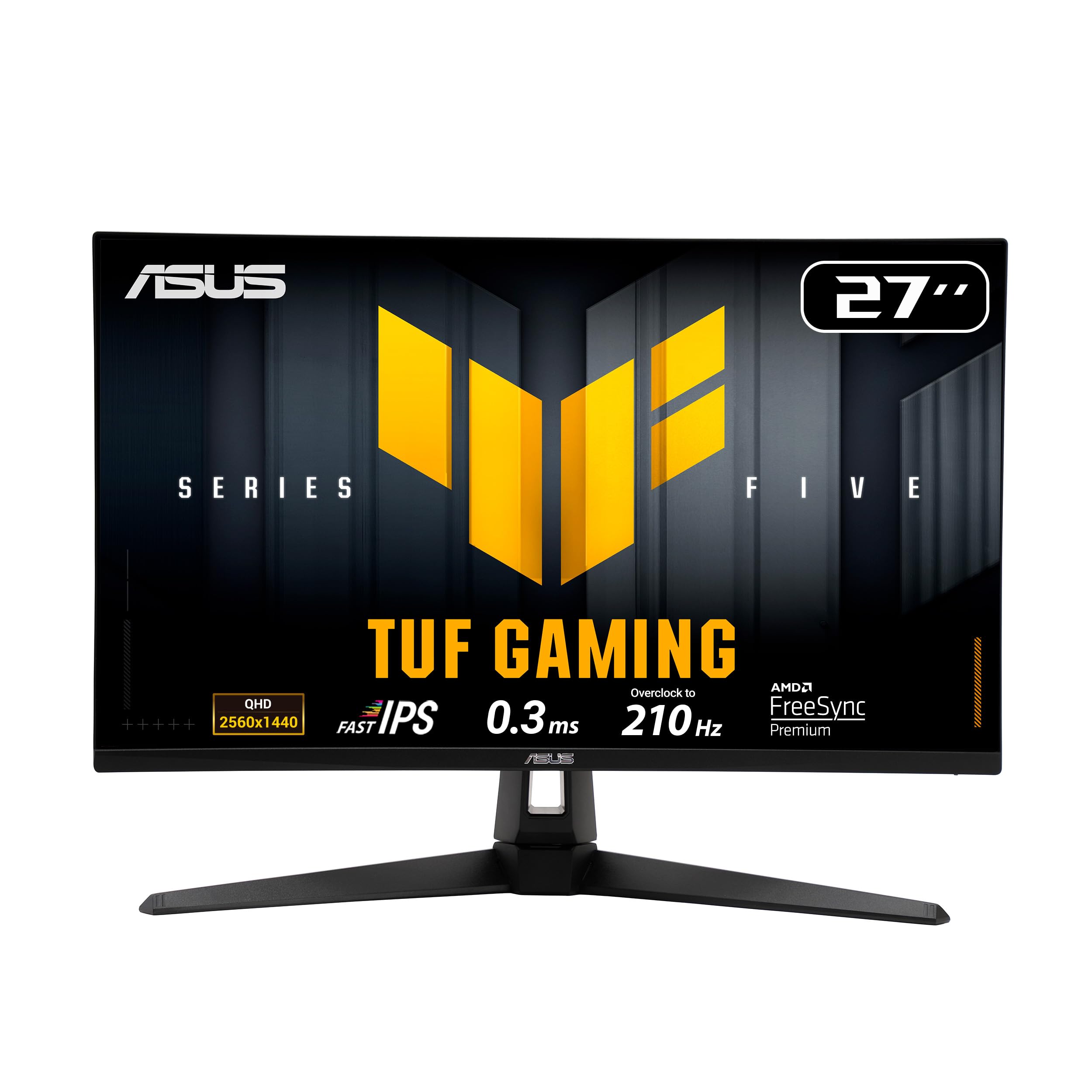
1. ASUS TUF Gaming VG27AQL5A 27 Inch Gaming Monitor
Our pick — 4.5+★ from 150+ verified ratings; the strongest balance of quality and price.
The panel that turns a 120fps console into something you can actually see.
Start with the motion, because that is the whole point. This ASUS runs a 0.3ms GTG response time — the time a pixel needs to change color, measured in milliseconds — and that makes it the quickest IPS panel on this list by a wide reach. Against the Dell S2725QC’s 4ms, that is a 13.3x gap in pixel response. You will not see that as a number on screen; you will see it as an enemy that stays a solid shape instead of smearing into a trail when you whip the camera around.
Your games never wait on the screen, because the 210Hz refresh rate (how many times per second the screen redraws) sits well above what an Xbox Series X actually outputs. It also outpaces the Dell’s 120Hz, and that extra headroom is there for the day you plug in a PC. FreeSync Premium handles the variable refresh side, so the screen stays synced to whatever frame rate the game is holding. And ELMB Sync lets motion-blur reduction and variable refresh run at the same time instead of forcing you to pick one.
The panel itself earns the most praise in its reviews, with color accuracy and tuning flexibility close behind. Settings changes happen through the DisplayWidget Center, which lets you adjust the monitor with a mouse instead of jabbing at buttons. The honest catch: image quality draws a genuinely split reaction, and a handful of units arrive with dead pixels. That is a quality-control lottery, not a design flaw, and ASUS covers it. On a 4.5+ star panel with 150+ ratings behind it, it is worth knowing before you unbox rather than after.
Where the TUF pulls ahead
- 0.3ms GTG response — the sharpest motion handling here
- 210Hz refresh leaves room above the console’s 120fps ceiling
- FreeSync Premium plus ELMB Sync works together, not one or the other
- Height-adjustable stand for long sessions
What to verify on arrival
- Check the panel for dead pixels within the return window
- Picture quality splits opinion in the review pages
The verdict: if you want one monitor that does console duty now and PC duty later without a compromise you will feel, this is the one.
Look elsewhere if: you insist on 4K sharpness or you have zero tolerance for a panel-lottery gamble.
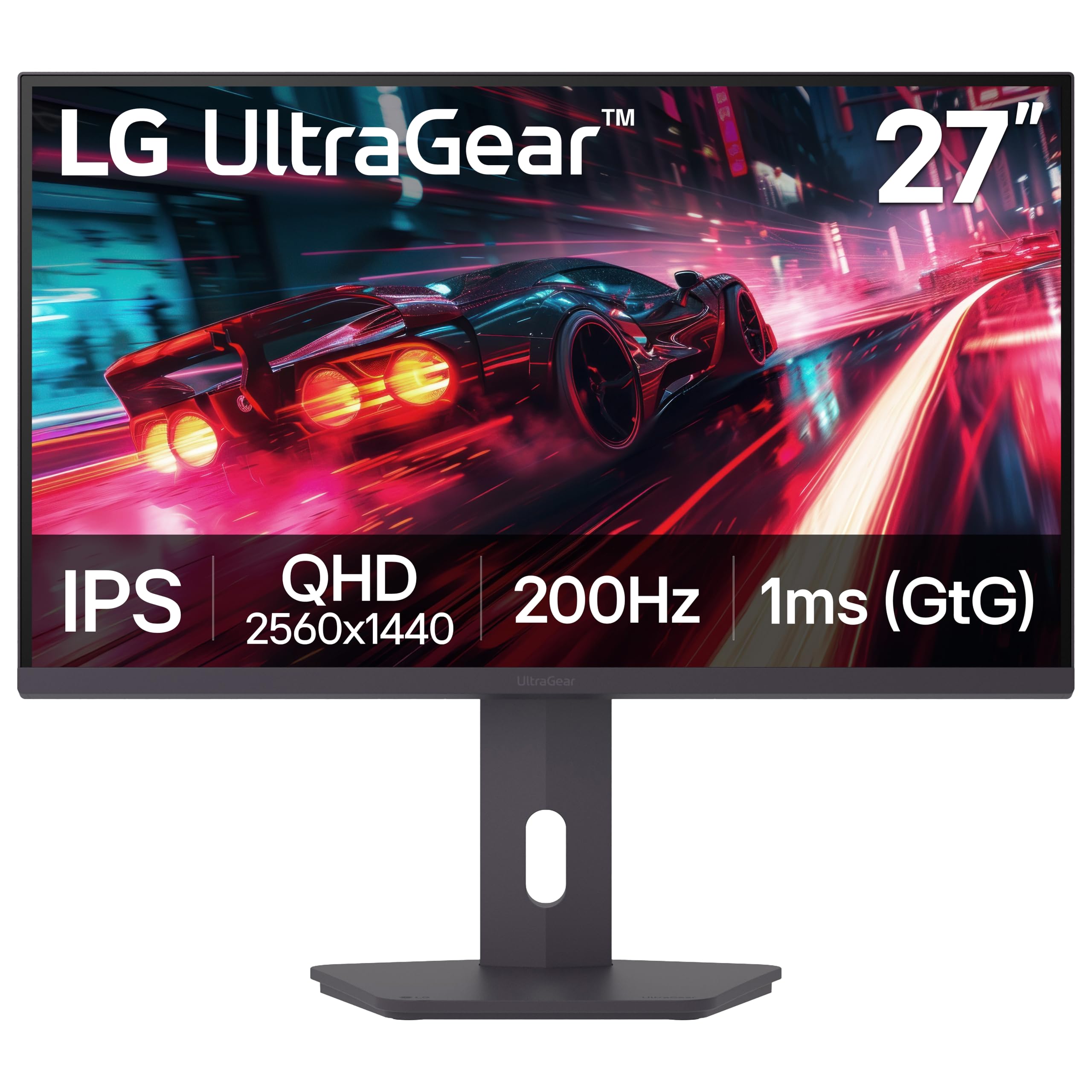
2. LG 27G610A-B 27-inch Ultragear Gaming Monitor
The cheapest way to get a genuinely fast 1440p screen on your desk.
A 200Hz native refresh rate paired with a 1ms GTG response (the millisecond figure for how fast a pixel changes color) means this LG keeps up with everything an Xbox throws at it and has room left over. FreeSync Premium does the tear-free syncing across PC and next-gen console. The QHD panel — 2560 x 1440 pixels — hits up to 99% sRGB color coverage, so games look properly saturated rather than washed out.
Build quality is the trait mentioned most often in its reviews, with value for money right behind it. That tracks. Nothing about this monitor feels like a corner was cut to hit its position on the shelf. The stand tilts, swivels, pivots and adjusts for height, which matters more than people expect when you are four hours into a session.
Your button press lands sooner thanks to Dynamic Action Sync, which trims input lag (the delay between your press and the on-screen action). Black Stabilizer lifts the shadows so a camper in a dark corner is not invisible, and the Switch app splits the screen into up to 6 sections for work between matches. The catch is the screen-quality notes — a few owners find theirs imperfect — and the 1000:1 contrast ratio (the difference between the brightest white and darkest black) means blacks sit at a fairly ordinary depth. Against the Dell S2725QC’s 1500:1, that is the Dell leading on contrast. Fair trade for the speed you get.
Why it earns its spot: you are buying refresh rate and build quality here, and this LG delivers both without asking you to spend like it is a flagship.
The realistic limit: contrast is unremarkable, so don’t buy it expecting cinematic black levels in a dark room.
Reach for this if: speed per pound is your whole priority and 1440p is the resolution you have settled on.
Think twice if: you want deep contrast and picture uniformity above everything else.
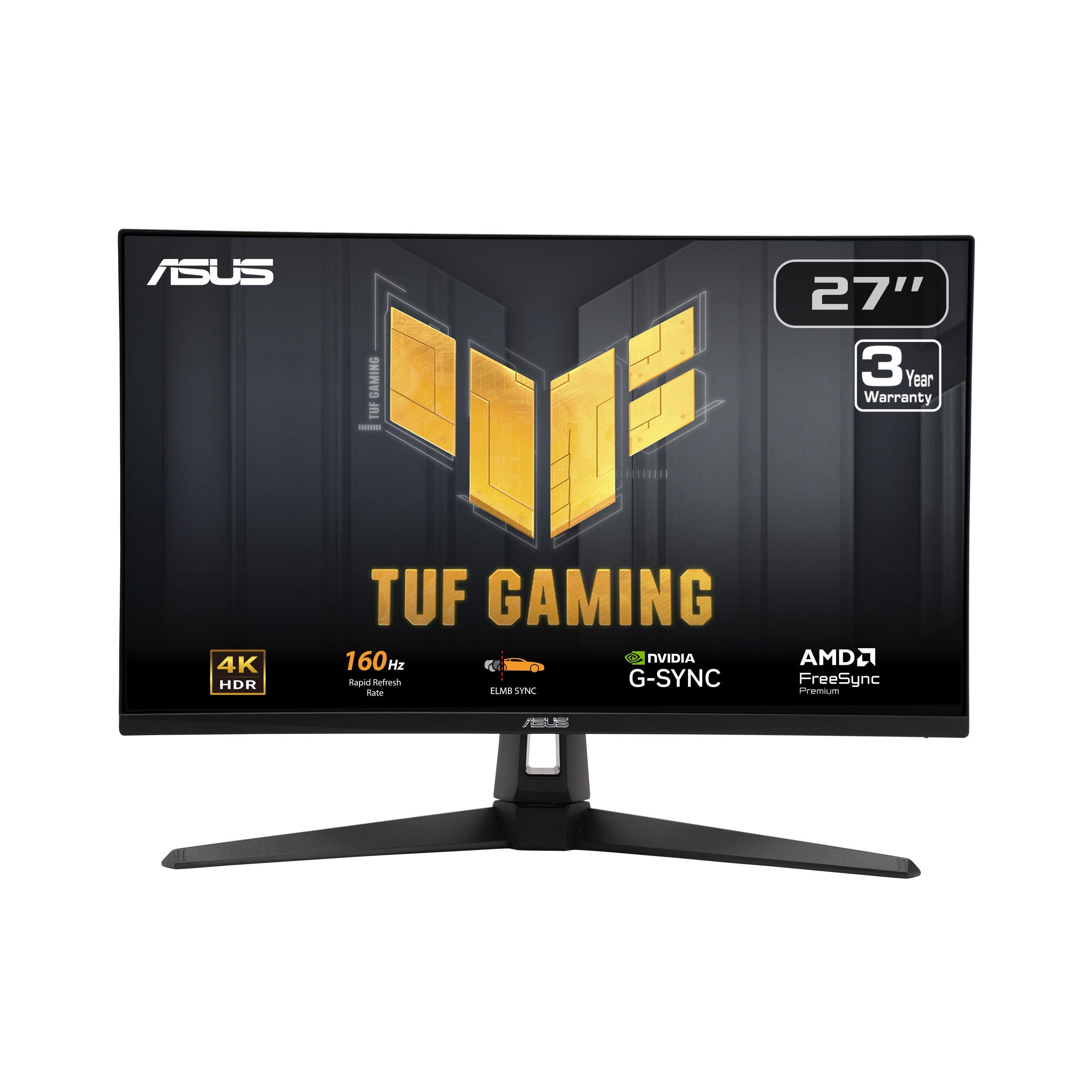
3. ASUS TUF Gaming VG27UQ1A 27 Inch Gaming Monitor
The one your Xbox shares with your work laptop, and neither feels cheated.
Your desk stays free of a second charger, because a single USB-C cable carries the picture and pushes up to 65W of power back to a laptop. That is the feature that makes this the most sensible monitor on the list for someone who games at night and works by day. Buyers report it as genuinely convenient.
For the console, you get 3840 x 2160 at 120Hz with FreeSync Premium handling the sync, which covers the Series X’s ceiling exactly. The IPS panel hits 99% sRGB color, and the 1500:1 contrast ratio is the strongest on this list outside the OLEDs and the Samsung VA panel — against the LG 27G610A-B’s 1000:1, the Dell clearly leads on contrast. ComfortView Plus keeps blue light at ≤35% without wrecking color accuracy — useful on a screen you stare at for eight hours. Sound got attention too, with greater output power and deeper frequency response than the previous generation.
The 4ms response time is the slowest figure on this list, and that is the honest trade: it is perfectly adequate for console play, but it is not a competitive-shooter weapon the way the 0.3ms ASUS is. Dell’s return policy is the quiet reassurance — and with a 4.0+ star score backed by 950+ ratings, more buyers have lived with this one than almost anything else here.
The hybrid argument: one cable, one screen, both jobs done well — that is a workspace win you feel every single day.
The honest trade: 4ms response is fine, not exceptional, so twitch shooters get a slightly softer edge than on a faster panel.
Built for you if: your monitor has to be a work display first and a gaming display second.
Not your panel if: response time is the spec you check first on every listing.
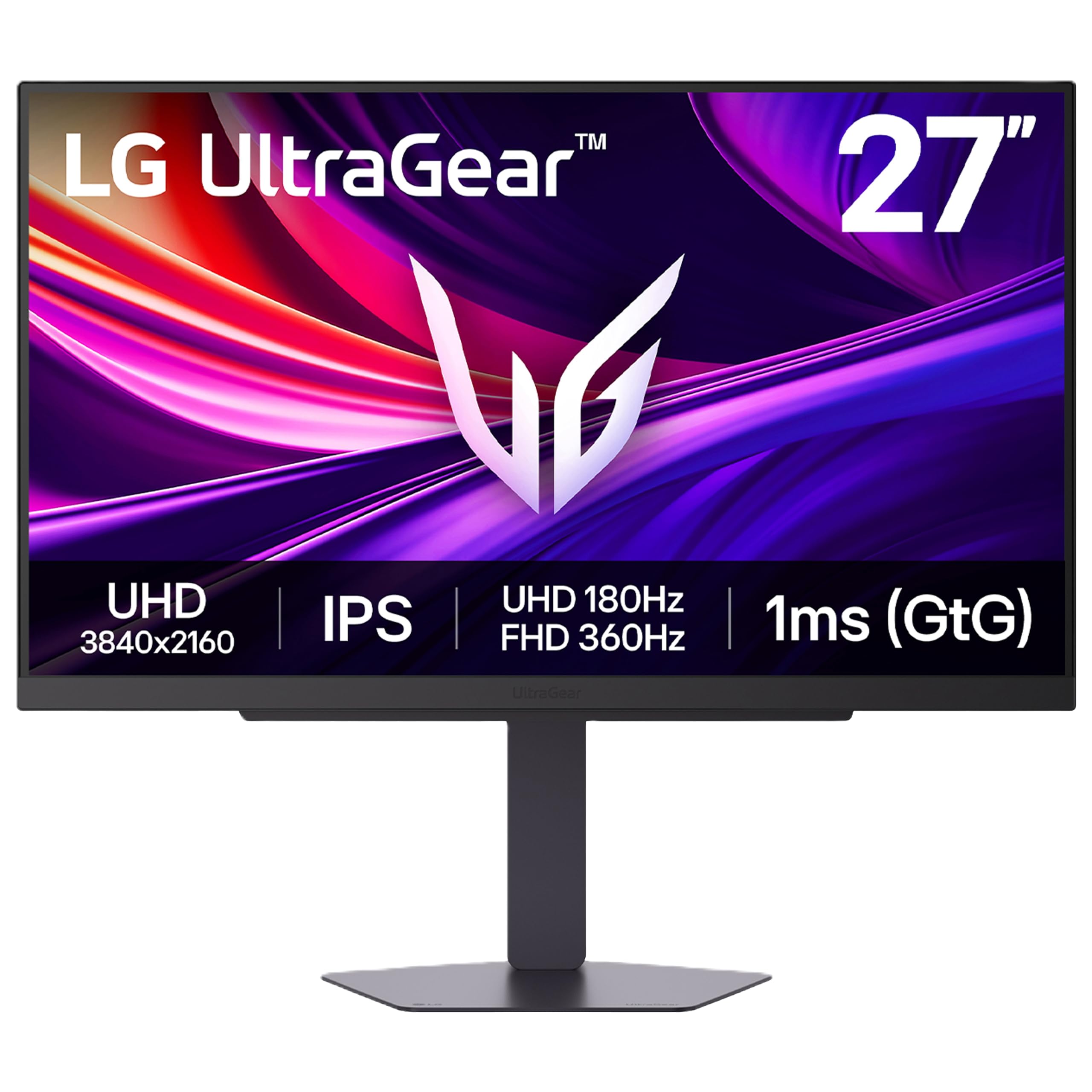
4. LG 27G810A-B 27-inch Ultragear Gaming Monitor
Two monitors in one panel — hit a hotkey and swap 4K detail for 360Hz speed.
Dual Mode is the reason to stop here. You can run native 4K at 180Hz for a story-driven game and see every texture, or press the hotkey and drop to Full HD at 360Hz for a shooter where every frame is a decision. A 1ms GTG response time keeps motion clean in either mode, and the included HDMI 2.1 cable means the console’s full-bandwidth signal arrives without you buying anything extra.
The 27-inch IPS panel covers up to 95% DCI-P3 color with VESA DisplayHDR 400, so games look rich rather than flat. NVIDIA G-SYNC compatibility and AMD FreeSync Premium both work, and the stand adjusts for height, tilt, swivel and pivot. Dynamic Action Sync trims input lag, Black Stabilizer lifts dark corners, and the Crosshair overlay puts a center-screen aim point on for FPS play. There is also a 4-pole headphone jack that carries stereo audio and mic input through one connection, plus DTS Headphone spatial sound.
The display is the most-praised trait in its reviews, with refresh rate close behind, and dual mode is the feature people single out most. Set your expectations on color, though: a few owners find the out-of-the-box colors dull and the responsiveness occasionally uneven. Calibration helps. It is a 4.5+ star panel, so most buyers are clearly happy with what they got.
Two modes, one purchase
- 4K at 180Hz for detail, Full HD at 360Hz for speed
- HDMI 2.1 cable in the box for console bandwidth
- G-SYNC and FreeSync Premium both covered
Two things to tune
- Colors can look dull before you calibrate
- Responsiveness draws mixed notes in the review pages
Your monitor if: one day you want cinematic 4K and the next you want a 360Hz reaction-time advantage.
Not for you if: you want a factory-perfect picture with zero setup work.
5. ASUS ROG XG27UCG 27 Inch Gaming Monitor
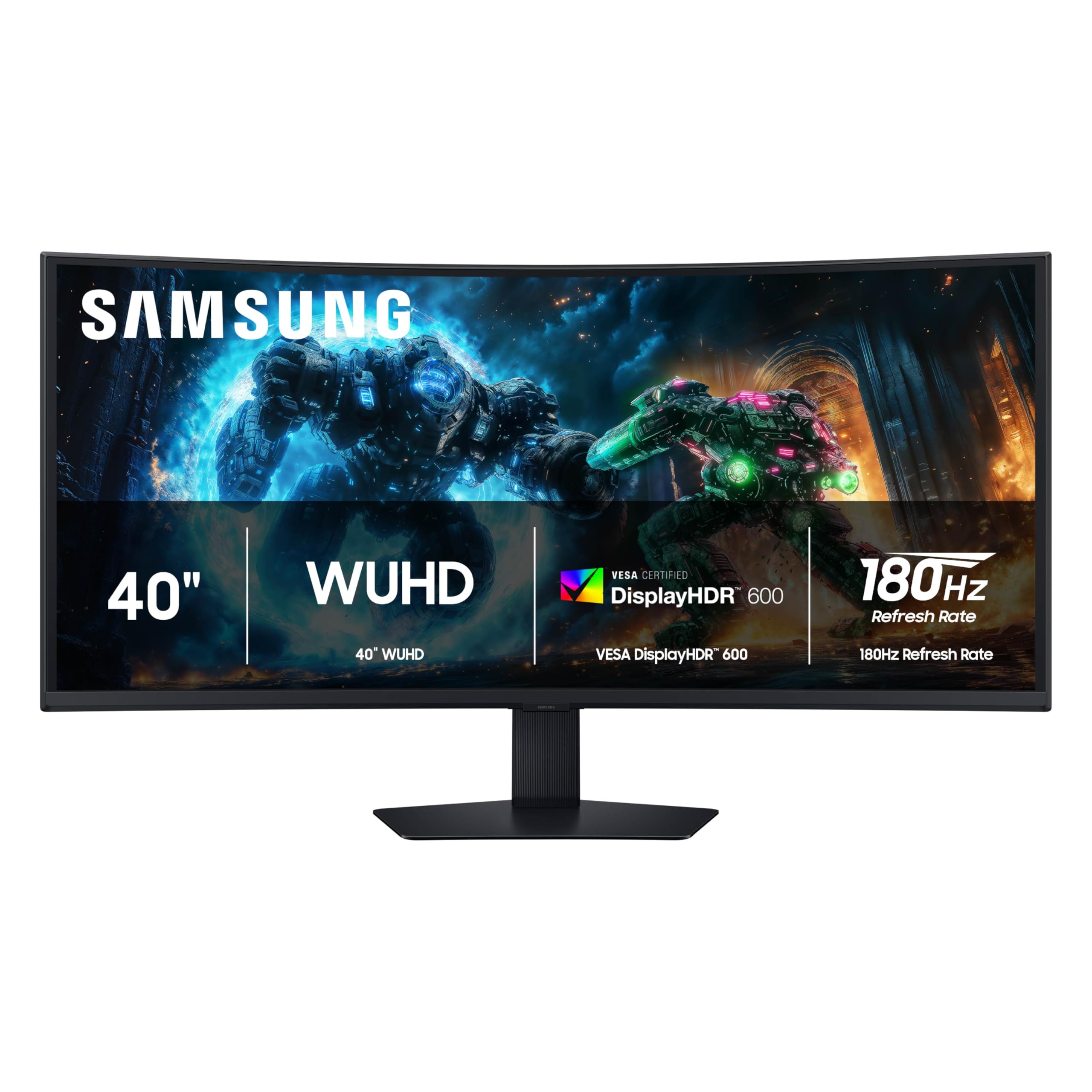
A 40-inch curve wide enough that the edges of the screen sit at the edge of your vision.
The 1000R curve is the spec that defines this monitor — that number describes how tightly the panel bends, and at 40 inches across a 21:9 frame, the sides wrap toward you instead of drifting out of sight. The resolution is 5120 x 2160, an ultrawide 4K that gives you a much wider field of view than a 27-inch panel. A 180Hz refresh rate and 1ms GTG response keep that huge canvas moving cleanly.
The panel is VA rather than IPS, and that shows up in the 3000:1 contrast ratio — deeper blacks than any IPS here — helped along by VESA DisplayHDR 600 for brighter highlights and darker shadows. FreeSync Premium Pro handles the sync on both PC and console. Buyers consistently call the picture excellent, with text and image clarity holding up at this size, and plenty note how much less it costs than the big-name ultrawide alternatives.
Here is the thing to weigh honestly: functionality and screen reliability both draw mixed reactions, with a subset of owners reporting a unit that quit working early. That is the real risk on a panel this large and this curved.
What you’re really buying: immersion. A 40-inch 1000R curve at 5120 x 2160 wraps your whole field of view in a way no 27-inch flat panel can.
The honest risk: a minority of units have failed early, so keep the receipt and buy where returns are painless.
Right for you if: you want the widest, most enveloping picture on this list and you accept a VA panel to get it.
Wrong for you if: you want a set-and-forget purchase with zero unit variance.
6. MSI MAG 321UP QD-OLED 32-inch 4K 165Hz Gaming Monitor
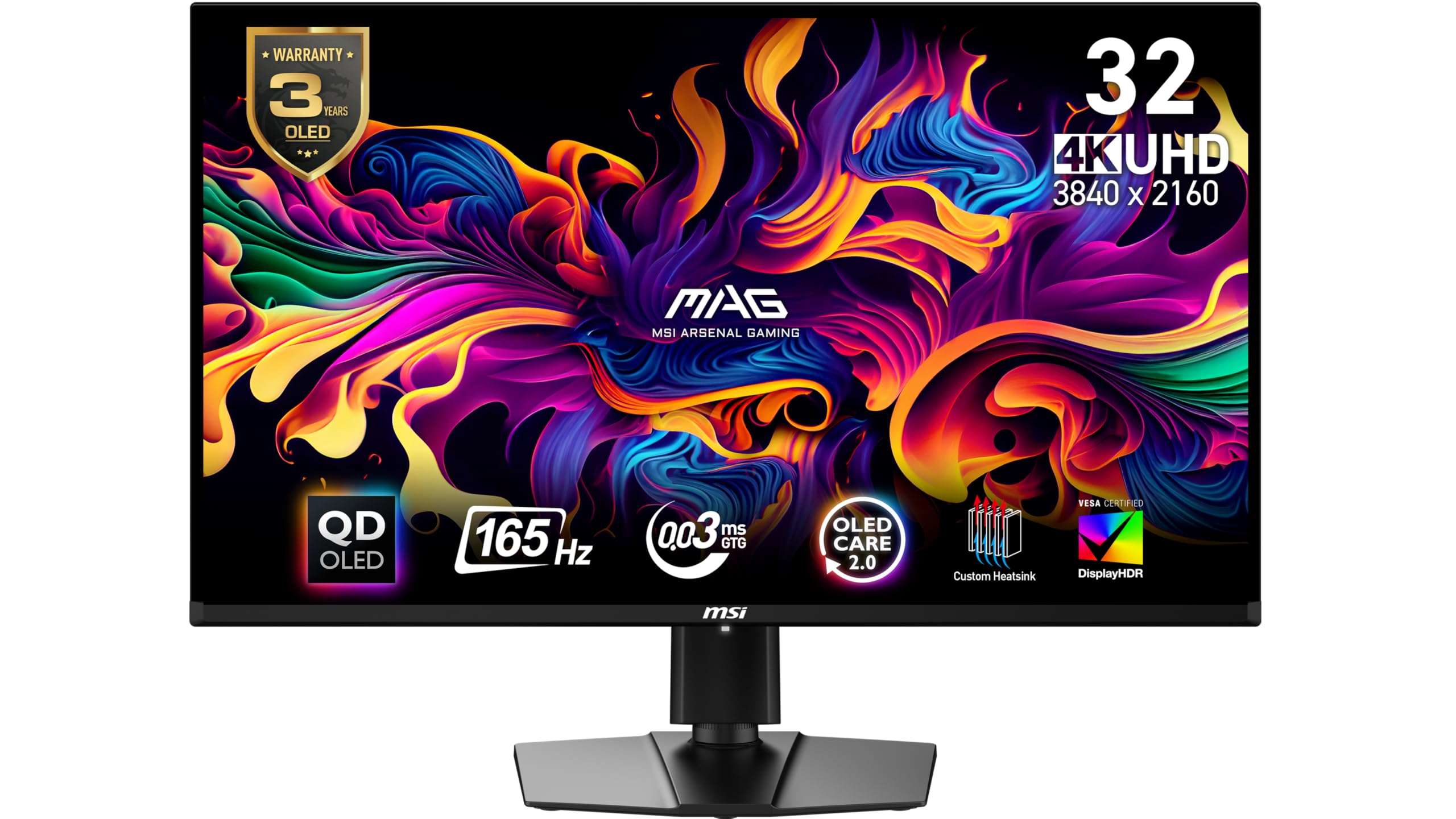
The cheapest door into QD-OLED blacks, and it does not feel like a compromise.
A 0.03ms GTG response time is the headline — that is the pixel-change speed that makes OLED feel like the image is simply there rather than being drawn. Paired with a 165Hz refresh rate and 3840 x 2160 resolution, fast console play stays crisp and sharp at the same time. This is the fastest response figure in the guide alongside the other OLEDs, and it is a different order of thing from the 1ms IPS panels.
Colors land where they should, because the QD-OLED panel brings QD Premium Color rated to Delta E≤2 — a measurement of how far displayed color drifts from the reference, so a low number means accurate. VESA DisplayHDR True Black 400 adds genuinely dark blacks. MSI OLED Care 2.0 is built in to lower the burn-in risk (permanent image ghosting) that comes with any OLED. Console Mode provides HDMI 2.1 at full 48 Gbps bandwidth (the cable’s data-carrying capacity), which is what lets 4K at 165Hz travel from console to panel without squeezing.
Color and picture quality are the traits that get the most praise in its reviews, with the deep blacks and frame rate called out repeatedly. On connectivity, the ports are plentiful but there is no built-in USB hub, so plan for that. A small number report early failures, which on any OLED argues for buying with a solid return window. FreeSync Premium Pro covers the sync side.
Why OLED earns its name here
- 0.03ms GTG response — essentially instant pixel change
- Delta E≤2 color accuracy straight from the panel
- HDMI 2.1 at 48 Gbps for full-bandwidth console 4K
- OLED Care 2.0 built in to manage burn-in risk
Plan around these
- No built-in USB hub despite the port count
- A fraction of units have failed early — keep the receipt
Worth it if: you want OLED contrast and near-zero response without jumping to the top price bracket.
Not the pick if: a built-in USB hub is on your must-have list.
7. LG 32GX850A-B 32″ UltraGear OLED Gaming Monitor
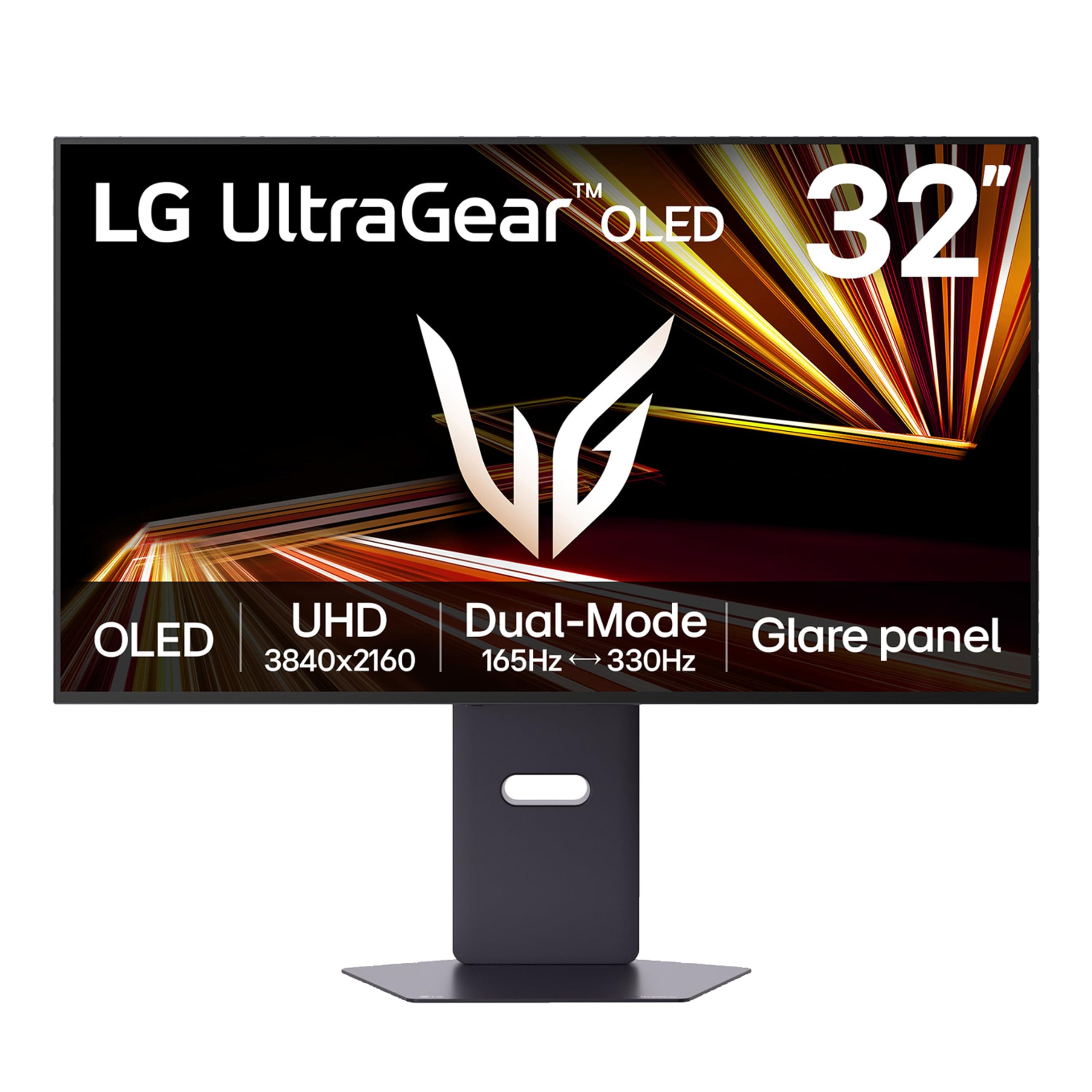
The glossy OLED finish you notice before you even boot a game.
Glossy OLED is the differentiator here, and it does real work: a 1.5M:1 contrast ratio means blacks go properly black while color stays vivid, and up to DCI-P3 98.5% coverage keeps that color wide. The 0.03ms GTG response makes motion practically instant, and Dual Mode lets you run 4K at 165Hz for detail or drop to Full HD at 330Hz when a fast shooter demands it.
LG’s Micro Lens Array+ brightness work means this panel turns in a 275-nit typical brightness figure and better viewing angles than earlier UltraGear OLEDs. G-SYNC Compatible and AMD FreeSync Premium Pro sync the picture, and three separate UL certifications — Anti-Glare, Flicker-Free and Low Blue Light — cover the comfort side. Dynamic Action Sync, Black Stabilizer, an FPS Counter and a Crosshair overlay round out the gaming toolkit.
Display quality is the trait that gets the most praise in its reviews, with picture quality close behind — crisp colors and the resolution are what owners describe. Ease of setup lands well too. The honest caveat: brightness draws mixed reaction, and in a room with a lot of daylight some owners mention glare. A glossy panel is a deliberate trade for that pop in a dimmer room. An occasional unit has shown flickering lines, so test yours properly in the return window.
The glossy bet: a 1.5M:1 contrast ratio and 98.5% DCI-P3 color in a finish that makes games look like they are behind clean glass.
The glare reality: that same glossy surface reflects a bright room, so this panel wants dimmer surroundings.
Made for you if: you game in a controlled-light room and want OLED color that pops off the glass.
Keep looking if: your desk faces a window at midday.
8. ASUS ROG PG32UCDP 32 Inch 4K 240Hz OLED Gaming Monitor
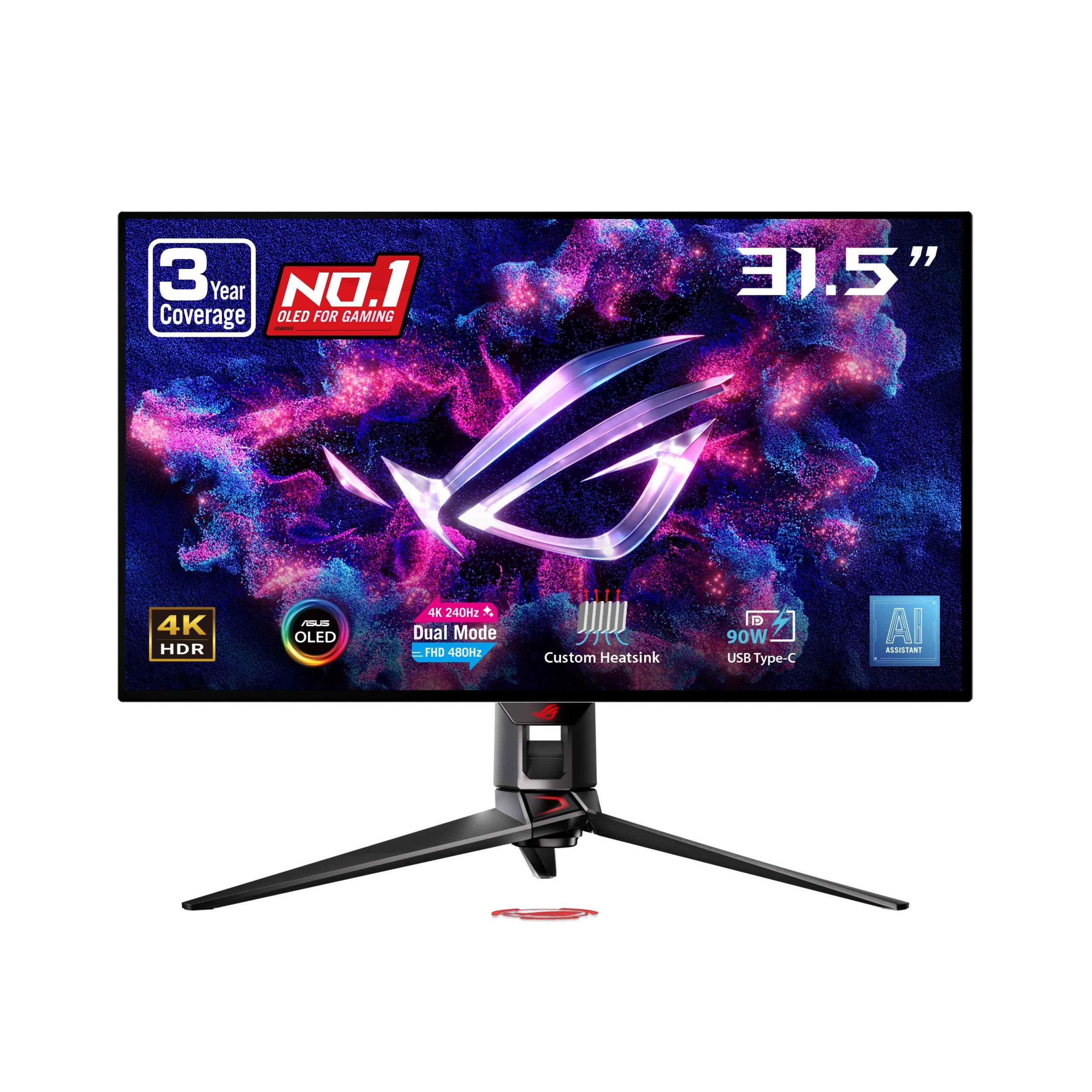
A 32-inch WOLED that switches from 4K at 240Hz to 480Hz in a blink.
You get the highest refresh number in this guide: dual mode on this ROG runs 4K at 240Hz for detail, or Full HD at 480Hz when you need every frame. The 32-inch WOLED panel produces true blacks because each pixel switches off. 99% DCI-P3 coverage with true 10-bit color depth (a wider color range with finer steps between shades) keeps everything accurate. The USB-C port pushes 90W of power to a laptop while carrying the picture.
ROG’s touches are what make it livable over long sessions. OLED Anti-Flicker helps steady the image during refresh swings, a custom heatsink provides passive cooling to lower burn-in risk, and the Neo Proximity sensor turns the screen black when you leave your seat. AI Crosshair, AI Sniper and AI Visual give you on-screen aids, and the Uniform Brightness setting keeps luminance even across the panel. A 3-year warranty includes burn-in coverage.
Display quality is what people praise most here, with color close behind — the response time gets noticed as much as the picture. Set realistic expectations on the rest: value for money, image quality and brightness all pull mixed reactions, and reliability draws some negative notes. It is a 4.5+ star panel, so the majority are happy, but at this level of spend you should buy where returns are easy.
The dual-mode ceiling: 240Hz at 4K or 480Hz at FHD on a 32-inch WOLED — nothing else here goes higher.
What to plan for: burn-in coverage is included for three years, which tells you OLED care still matters at this tier.
For the buyer who wants it all: big screen, true blacks, and a refresh rate headroom few panels can touch.
Before you commit: make sure the seller’s return process is painless — this is a large investment and mixed reliability notes exist.
Know the Specs
Refresh Rate — The Ceiling On Your Console
Refresh rate is how many times per second the screen redraws, measured in hertz (Hz). An Xbox Series X can output up to 120 frames per second, so a 120Hz panel shows all of it and anything higher means the panel never limits the console. On a PC later, that headroom matters more — a 210Hz or 240Hz screen lets fast games run smoother than the console can drive. The catch worth understanding: high refresh does nothing if your console game is targeting 60fps, so buy it for the games that actually offer a performance mode.
Response Time — What Decides Motion Clarity
Response time is how fast a pixel changes color, measured in milliseconds (ms). At 0.03ms an OLED pixel changes almost instantly, while 1ms to 4ms IPS panels are still fast enough for console play. The gap is visible in very fast camera pans and flick shots, where a slower panel leaves a faint smear behind a moving object. GTG means gray-to-gray, the standard way this number is measured, so figures marked GTG are directly comparable across brands.
Common Questions
Does an Xbox Series X actually output 120Hz on a gaming monitor?
Is 4K or 1440p better for an Xbox Series X?
Do I need a special HDMI cable for 120Hz on a monitor?
What does FreeSync Premium add over plain FreeSync?
Is OLED worth it for console gaming, or is burn-in still a problem?
How do I get 4K at 120Hz out of a monitor that also does 1440p or FHD?
Will a curved ultrawide work with an Xbox console?
Does a monitor with USB-C still work with an Xbox?
What is VESA DisplayHDR 400 and does it matter for games?
Is a 27-inch or 32-inch monitor better for console gaming?
The Bottom Line
For most people hunting a xbox monitor, the answer is the ASUS TUF VG27AQL5A. It pairs a 0.3ms response time with a 210Hz refresh rate — the fastest combination on this list — for the least money, and 4.5+ stars from 150+ owners backs it up. If you want true 4K, grab the ASUS TUF VG27UQ1A, which handles 4K at 120Hz over HDMI 2.1 without chroma subsampling (a compression step that can soften fine detail). And for the most rich picture here, the Samsung Odyssey G7 G75F wraps a 40-inch 1000R curve (a tight bend that fills your view) around your whole field of view.
One last thought on where the money actually goes. If you have never seen an OLED panel in a dim room, the MSI MAG 321UP is the least expensive way to find out what true blacks look like — 0.03ms response, Delta E≤2 color, and HDMI 2.1 at 48 Gbps. If your monitor has to earn its keep during the workday too, the Dell S2725QC does that with one cable for the laptop and one for the console. Buy the one that matches how you actually play.
How we choose
We do not accept paid placement. Every pick is matched to a real buyer and a real use-case; we do not hands-on test units.
Sources
Specifications: manufacturer listings and product documentation. Review insights: verified customer reviews, as of November 2026. Pricing: not shown on this page (it changes often); check the current price via the retailer link.
As an Amazon Associate, Tactical Gear Guy earns from qualifying purchases. This does not affect which products we feature.