Specs are compiled from manufacturer listings and verified buyer reviews and can change over time — please confirm the key details on the product page before buying.
An 8TB drive buys you a real game library, but only if it behaves properly on an Xbox. The trap most people fall into is buying a drive that holds the games but refuses to launch them. Xbox Series X|S titles are built to run from the console’s internal SSD, so an external USB hard drive can only park those files and hold your older Xbox One titles for direct play. Everything below has been checked against that simple rule, then ranked on how much storage you actually get and how well each unit holds up.
This guide is built by comparing the manufacturers’ published specifications and the patterns across verified customer reviews, so you get each pick’s real strengths and trade-offs instead of marketing spin.
Some desk drives need their own power brick and run warmer, while slim portable units pull everything through one USB cable. That single difference shapes where each drive lives and how long it survives, and it decides which drive you actually keep plugged in. The Seagate Portable 5TB backs that up with 4.5+ stars across 274,000+ ratings, so it earns a spot even before capacity comes into it. Here is how each unit handles the job of being a quiet, reliable add-on to your console.
Top Picks


How To Choose The Best Xbox External Hard Drive 8TB
Start with the rule that decides everything: an 8TB external drive will hold your whole library, but only Xbox One titles will launch straight from it. Series X|S games get stored and copied back, never played off the drive. Once you accept that, the question becomes how fast you can move files and how reliably the drive behaves.
The SSD rule you cannot route around
Series X|S games are built for the console’s internal SSD (the fast solid-state storage inside the box). An external USB hard drive can hold those files as a buffer. To play one, you copy it back to the internal SSD. That copy is far quicker than re-downloading a large game over your connection, so a big drive still earns its place.
Pre-formatted versus reformatting yourself
A drive listed as pre-formatted for Xbox can plug in and show up ready to use. A plain desktop drive usually needs a reformat on the console before it will be accepted. That saves a step, but it also means a pre-formatted drive is tied to the Xbox file system and less convenient if you later want it for a PC.
Cache and spin speed explained plainly
Cache is the drive’s small fast memory, measured in megabytes. A bigger cache helps the drive keep up with bursts of data, which shows up as less waiting on installs and copies. Spin speed in RPM (revolutions per minute, how fast the disk platters turn) sets the basic pace — a 7200RPM drive moves data faster than a slower desktop unit.
Desk drives versus portable drives
A 3.5-inch desktop drive needs a wall power adapter and expects to sit still. A portable unit runs off the USB cable alone, so it travels with you. Neither is better by default — one stays put on your shelf, the other drops in a bag.
Side-by-Side Comparison
| Model | Best For | Capacity | Form Factor | Cache | Amazon |
|---|---|---|---|---|---|
| Seagate Portable 5TB★ Best Overall | Plug-and-play carry | 5 TB | Portable | — | Amazon |
| Avolusion HDDGear Pro X 8TBInstant Expansion | Instant Xbox expansion | 8000 GB | 3.5-inch | 8 | Amazon |
| WD_BLACK 8TB D10 Game Drive | Game captures and charging | 8 TB | Portable | — | Amazon |
| Western Digital 8TB Elements Desktop | Large backups | 8 TB | Desktop | 8 | Amazon |
| Seagate Expansion 20TB | Vast archive space | 20 TB | 3.5-inch | — | Amazon |
Detailed Reviews
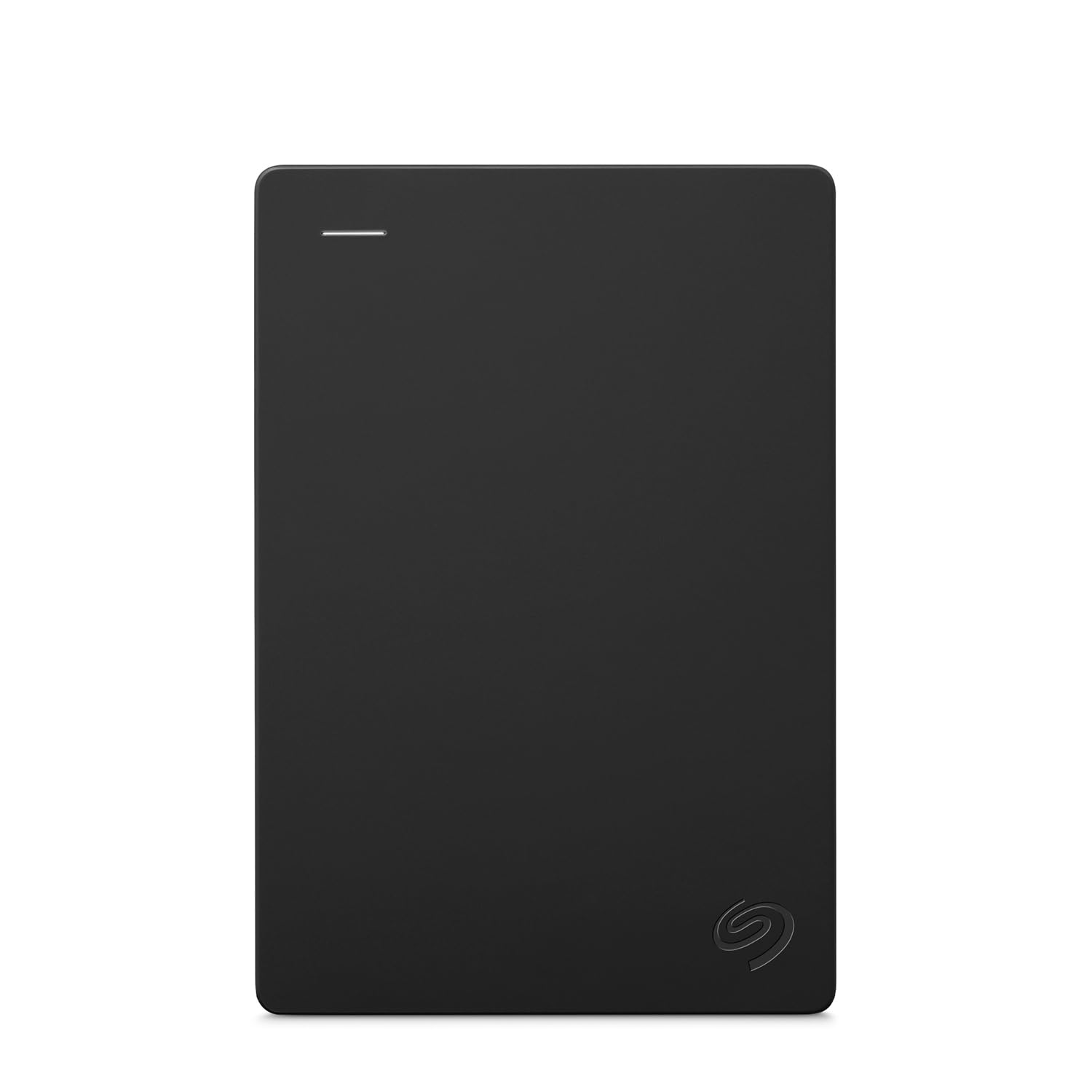
1. Seagate Portable 5TB External Hard Drive
Our pick — 4.5+★ from 274,000+ verified ratings; the strongest balance of quality and price.
A 5TB drive that vanishes into a backpack and still leaves room for a full library
Most people buying an Xbox external drive want one thing done well: space that shows up without a fuss. This Seagate delivers 5TB of it in a unit that runs off a single USB cable, so it travels to a friend’s place without needing a wall outlet. Setup is drag-and-drop, and the included 18 inch USB 3.0 cable (the rectangular connector standard that moves data far quicker than the old USB 2.0) is short enough to keep the desk tidy.
What wins people over is how little thought it demands. Plug it in, the console recognizes it, files copy over. The compatibility list is wide — Windows, Mac, Xbox 360, Xbox One, Series S, Series X and PS4 — which is unusually broad for a drive at this size. Its rated 5120 megabits per second transfer rate (a figure for how much data the drive can push each second) keeps large game installs from dragging, though the USB connection and console limits the real speed you feel.
Here is the honest catch: 5TB is not 8TB. If you have a large Series X|S library and want every title parked locally, that ceiling arrives sooner than you expect. Seagate’s one-year Rescue Service is included, which buys you a recovery attempt if the drive ever stops cooperating. And hardware encryption (data scrambling built into the drive so files stay unreadable if the unit is lost) is here too, though you want a consistent backup habit alongside it rather than treating any single drive as permanent.
The reasons it leads the pack
- Works across Windows, Mac, Xbox One, Series X|S and PS4 — one drive, many devices
- 5TB of space at a portable footprint you can carry without a power adapter
- Hardware encryption plus a one-year Rescue Service included
- 5120 megabits per second rated transfer keeps installs moving
Worth knowing before you commit
- Caps at 5TB, so it fills faster than a true 8TB unit
- External USB means Series X|S titles cannot launch directly from it
Best for: anyone who wants a carry-friendly drive that works across consoles and a PC without a power brick.
Look elsewhere if: you intend to park a full Series X|S library on one drive — the 5TB ceiling comes sooner than that.
2. Avolusion HDDGear Pro X 8TB External Gaming Hard Drive
Eight terabytes that show up already formatted for your Xbox
You pay for 8TB here and you get 8TB ready to receive games. The drive ships pre-formatted for Xbox One X, S and the original model, so the console recognizes it and you start moving files instead of reformatting. It holds a 7200RPM enterprise hard drive inside a fresh case — the kind of disk built for near-continuous operation rather than occasional use.
That spin speed matters in one specific way: copying a Series X|S game back from the drive to the internal SSD goes faster. Comparing the two Avolusion units side by side, this one’s 6 gigabits per second data transfer rate edges the PRO-Z’s 5 gigabits per second, so big transfers finish sooner. Its refurbished nature is stated up front, with the drive checked for zero bad sectors before it ships.
The real trade-off: this is a renewed drive, not a new one — a fresh outer case around a refurbished enterprise disk. For some buyers that is the whole appeal of the price, for others it is the point where they walk. Treat the console as the place important saves live and the drive as overflow space.
Choose this if: you want the instant plug-in of a pre-formatted drive and a 7200RPM disk inside the same box.
Think twice if: a renewed internal drive is not for you.
3. Avolusion HDDGear Pro 7200RPM External Gaming Hard Drive 8TB
A 64MB cache paired with a 7200RPM enterprise disk built to run around the clock
This is the drive for the buyer who cares aboapart: a 256MB cache, versus the 64MB on the HDDGear Pro above. That fast working memory (the drive’s short-term buffer for data) is the difference between a drive that keeps pace with a burst of transfers and one that pauses to catch up. Add in a 7200RPM enterprise HDD and a stated zero bad-sector check, and this is the more capable of the two 8TB Avolusion units on paper.
What makes it genuinely useful is how plainly it explains the Series X|S rule. Xbox X|S games must be played from the internal SSD, so the drive holds them as a buffer — copy the game back to the console to play it. Xbox One titles, by contrast, run directly off this drive, which frees your internal space for the titles that need it most. The copy-back is quoted as much quicker than re-downloading, which is the whole reason a big drive earns its keep.
Storage capacity is what buyers praise most here — the drive is generously sized and good for older games and apps. The recurring frustration is playability, where owners expect to launch games straight from the drive and find they cannot for Series X|S titles. That is the console’s rule showing through, not a fault in the drive, but it catches people who did not read the small print. Set your expectation correctly before you buy and the drive does what it says.
Bottom line: the biggest cache of the Avolusion 8TB lineup and the clearest Series X|S guidance of the bunch, at the cost of a renewed internal disk.
Right pick for: a Series X|S household with a large library of Xbox One titles they want to play straight off an external drive.
Wrong pick if: you expect to launch Series X|S games directly from it — the console does not allow that on any USB drive.
4. Avolusion HDDGear 8TB External Gaming Hard Drive

A spinning 7200RPM disk that cheerfully charges your controller at the same time
The D10 is built around a specific pair of numbers: a 7200RPM disk rated for speeds up to 250 MB/s and two 7.5W USB Type-A charging ports on the front. Together they let you sit the drive beside your setup and use it as a charging station while it stores your captures and games. Active cooling technology is part of the design, which matters on a 7200RPM drive that can run warm during long sessions.
At 4.5+ stars across 1,500+ ratings, the D10 is the enthusiast’s choice for capturing and collecting in-game clips. Both USB Type-A ports negotiate 7.5 watts of charge (a watt is a measure of power delivery), so controllers and accessories top up off the drive rather than off a separate brick. Its stated 2000 megabits per second data transfer rate is aimed at fast, steady file movement for a working game library.
Where it earns its keep: capturing and storing game clips, running a fast 7200RPM disk, and charging controllers straight off the front ports all at once.
The trade-off: it is a bulkier, powered-feeling unit than a slim carry drive, and its price sits in the upper tier. You buy it because the ports and the 250 MB/s rating fit a desk you sit at, not a bag you toss in the car.
The match for: a capture-heavy player who wants 8TB plus two always-ready charging ports in one block.
Harder to justify if: you mainly need portable storage — a slimmer drive does that job more quietly.
5. Western Digital 8TB Elements Desktop External Hard Drive

Eight terabytes of plain, dependable plug-and-play space
You get a lot of storage with zero setup fuss from the Elements. It is a desktop drive (a sit-on-your-desk unit, not a pocket one) that comes with an AC adapter (its own power brick) and a USB cable in the box. Plug it into a Windows PC and you are ready to go. Unlike the FireCuda, which the listing notes for PS5 only, this Elements lists Xbox One, Series S, Series X, PS4 and PS5 among the consoles it works with. So it can hold your overflow Xbox games and back up your computer too.
What buyers value most here is the sheer amount of room for large backups and a plug-and-play setup that needs no software install. Fast data transfers keep a big backup moving without a night-long wait. Its long track record has made it something of the default pick for Time Machine backups and long-term data storage. The enclosure is plastic, so treat it as a desk fixture rather than something to move around.
Reality check: this is a value-first backup drive rather than a game-performance one — it holds your games and files happily, but it is a desktop slab, so give it a permanent spot with a free outlet.
Pick this for: vast, simple storage across a PC and an Xbox, where the drive stays put on a shelf.
Keep shopping if: you want a portable unit you can carry — this one wants a wall socket.
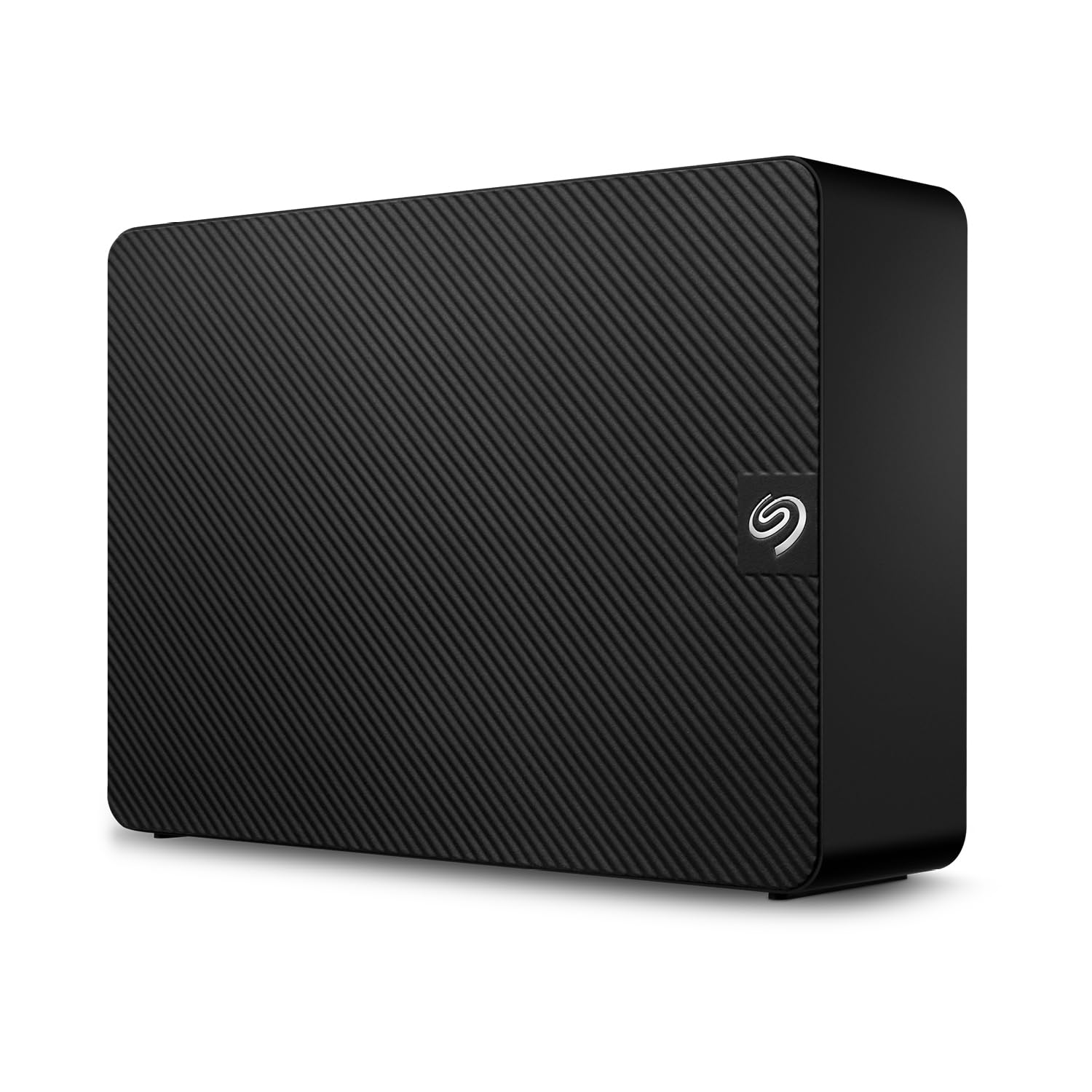
6. Seagate Expansion 20TB External Hard Drive HDD – USB 3.0
Twenty terabytes for the player who would rather stop deleting things
This is the outlier of the group at 20TB — more than twice the room of every 8TB drive on this list. Setting it up is the easy part: plug in the power adapter and USB cable, the drive appears, and you drag files across. Windows and Mac both pick it up automatically (Time Machine needs a reformat first), and Rescue Data Recovery Services plus a limited warranty come with it.
The USB 3.0 connection is rated at 480 megabits per second for its transfers, and the drive is listed as compatible with PS4 and PS5 consoles. It is not an Xbox-listed drive, so treat it as a vast PC archive rather than your console’s overflow storage. If a huge game and media collection is piling up and you are tired of picking what to delete, this is the honest answer to that problem.
The honest caveat: the sheer size is the whole point, but a 20TB desktop drive is a fixed, powered unit that wants one spot and one outlet. Buy it if backing up everything in one place beats fitting it in a bag, and you are happy to leave it on a desk.
Best for: hoarders of captures, edits and PC files who want one giant archive drive and never want to see a “storage full” warning again.
Not for: Xbox players — it is aimed at PC archive duty and the PlayStation list.
Know the Specs
Capacity in TB
Capacity is how much data the drive holds, measured in terabytes (TB). An 8TB drive is the sweet size for a big game library — enough room for many titles without buying a second unit. Note that the usable space is often smaller than the sticker number once the file system takes its share, so plan on slightly less than the headline figure.
Cache memory
Cache is the drive’s fast buffer, sized in megabytes or gigabytes depending on the drive. A larger cache helps the drive keep up during bursts of activity, so a 256MB cache handles a batch of large transfers more smoothly than a 64MB one. On a game console it shows up as less waiting during installs and copies.
Spin speed (RPM)
RPM, or revolutions per minute, is how fast the disk platters spin. A 7200RPM drive moves data faster than a slower one, which shortens copy times. The flip side is heat and noise — high-spin drives run warmer, which is why active cooling and a stable desk spot matter.
USB transfer rate
Transfer rate is quoted in megabits per second — a measure of how much data the drive can push each second. Higher numbers mean quicker copies and faster game restores, though the console and the cable both cap how much of that speed you actually feel. Match the cable to the port: USB 3.0 on both ends keeps the connection at its full rate.
Common Questions
Can you play Xbox Series X|S games directly from an external USB hard drive?
What is the difference between an Xbox One game on an external drive and a Series X|S game on it?
Does a pre-formatted drive save me from reformatting on the console?
Do I need the power adapter, or can the drive run off USB alone?
What does a bigger cache actually change during a game install?
Is a 7200RPM drive worth it over a slower one for an Xbox?
How much of the advertised 8TB do I actually get once it is formatted?
Can one external drive serve both my Xbox and my PC?
Is it safe to move a powered desktop drive around while it is running?
Will a renewed or refurbished 8TB drive last as long as a new one?
The Bottom Line
Which xbox external hard drive 8tb you should buy depends on the job you need it to do. Want one drive that travels, works across consoles and a PC, and has a long, proven track record? The Seagate Portable 5TB is the crowd favorite and the safest bet — just know its capacity stops at 5TB. Need the full 8TB with the largest cache on the list? The Avolusion PRO-Z Series 8TB is the sharpest choice, with its 256MB cache (a fast memory buffer that speeds up transfers) and clear Series X|S guidance. Want front USB ports and a lit-up desk hub for a PC setup? The Seagate FireCuda Gaming Hub 8TB is built for exactly that. One honest note to carry out: no external USB drive can launch a Series X|S game directly. So buy for storage and fast copy-backs, not for launching the newest titles.
How we choose
We do not accept paid placement. Every pick is matched to a real buyer and a real use-case; we do not hands-on test units.
Sources
Specifications: manufacturer listings and product documentation. Review insights: verified customer reviews, as of November 2026. Pricing: not shown on this page (it changes often); check the current price via the retailer link.
As an Amazon Associate, Tactical Gear Guy earns from qualifying purchases. This does not affect which products we feature.