Specs are compiled from manufacturer listings and verified buyer reviews and can change over time — please confirm the key details on the product page before buying.
Your console has room for maybe a dozen big games, and every new release means deleting something you paid for. An Xbox External Hard Drive 1TB fixes that in about two minutes: plug in a USB cable, let the console format it, and your library suddenly has breathing room. The tricky part is that not every 1TB drive behaves the same on an Xbox — some come pre-formatted for the console, some need reformatting, and some simply refuse to boot games at all.
This guide is built by comparing the manufacturers’ published specifications and the patterns across verified customer reviews, so you get each pick’s real strengths and trade-offs instead of marketing spin.
Below you’ll find nine drives that genuinely work with Xbox hardware, sorted by what each one is actually good at rather than by sticker size. Every entry is a real 1TB unit, so capacity is never the question — what you’re really shopping for is how each drive handles installs, load screens, and years of daily use. Here is the honest read on the xbox external hard drive 1tb market.
Top Picks


How To Choose The Best Xbox External Hard Drive 1TB
Every drive here holds 1TB, so capacity is settled before you start. What actually separates them is whether the console accepts the drive without fuss, how fast it moves game files, and whether you plan to run games off it or simply park them there. Sort those three questions out first and the choice gets short fast.
Pre-formatted vs. reformat yourself
A drive that arrives pre-formatted for Xbox behaves like an internal extension — the console recognizes it on the first plug-in. Drives built for Windows usually need a reformat before the Xbox will store games on them, which is a few minutes of clicking, not a problem. If you want zero setup friction, look for drives that name Xbox explicitly in their compatibility list.
Which games actually play from the drive
Xbox One titles run directly from a USB external drive, including on a Series X|S console. Xbox Series X|S titles are different: they must be moved to the console’s internal storage before they launch, so an external drive becomes overflow parking for those files. That distinction decides how much value you get — if your library is mostly older games, an external drive is pure gain.
Mechanical or solid state
A mechanical drive spins a physical disk inside the enclosure; an SSD stores data in flash memory with no moving parts. Mechanical drives cost less per terabyte and are fine for storing a library. An SSD cuts load screens and shrugs off knocks, which matters if the drive rides in a backpack between rooms or houses.
Side-by-Side Comparison
| Model | Best For | Capacity | Transfer Rate | Drive Type | Amazon |
|---|---|---|---|---|---|
| WD 1TB Elements Portable★ Best Overall | Plugging into any console without thinking | 1 TB | 1 gigabits_per_second | Mechanical | Amazon |
| Toshiba Canvio Gaming 1TBTop Performer | Running games with no lag | 1 TB | 5 gigabits_per_second | Mechanical | Amazon |
| Seagate Portable 1TBBest Value | Raw storage volume on a budget | 1 TB | — | Mechanical | Amazon |
| Seagate Game Drive for Xbox 1TB SSD | Cutting load times to the bone | 1 TB | 5 gigabits_per_second | Solid state | Amazon |
| GAZELLE High-Speed 1TB | Swapping between USB and Type-C devices | 1 TB | 120 megabytes_per_second | Mechanical | Amazon |
| Avolusion HD250U3-X1-1TB | Plug-and-play on Xbox One | 1 TB | 5 gigabits_per_second | Mechanical | Amazon |
| Avolusion HD250U3-WH 1TB | Matching a white console | 1 TB | 5 gigabits_per_second | Mechanical | Amazon |
| Kosbees 1TB External Hard Drive | Cheap overflow storage | 1 TB | 110 megabytes_per_second | Mechanical | Amazon |
| Caraele Ultra Slim 1TB | Thin metal on a desk or in a bag | 1 TB | 10 gigabits_per_second | Mechanical | Amazon |
Detailed Reviews
1. WD 1TB Elements Portable External Hard Drive
Our pick — 4.5+★ from 69,000+ verified ratings; the strongest balance of quality and price.
The plain black box that quietly adds a second game library
The WD Elements takes the top spot because it just works: you plug it in, your console sees it, and it keeps running. It holds 1TB of storage, and buyers report around 915 GB of that is actually free once the drive is formatted. Judge every drive here against that 915 GB, because that is the space you can really fill with games.
What wins people over is build quality and long-term reliability, and the case is genuinely compact enough to sit behind a console without crowding the shelf. Setup is a non-event — plug the USB cable in and the drive is recognized. The one thing to know up front: this ships formatted for Windows, so an Xbox will want to reformat it before storing games, and Mac owners face the same step. Linux users get a smoother ride through its built-in utility.
The honest caveat lives in the long tail of lifespan. This is a mechanical drive, and experiences vary — plenty of units run for years, while a small share fail early. That is the trade-off of spinning-disk storage in general, not a WD-specific flaw. At 4.5+ stars across 69,000+ ratings, it is the most proven first drive on this list.
Where it earns its keep
- 1TB of storage with roughly 915 GB free after formatting
- USB 3.0 and USB 2.0 compatibility means it works on older ports too
- Compact body that stays out of the way behind a console
- Recognized instantly — plug in and go
What to plan around
- Arrives formatted for Windows and needs reformatting for Xbox use
- Mac compatibility requires the same reformat step
- Mechanical design means an occasional early failure is possible
Buy this if: you want one drive that works everywhere, has a huge track record, and needs no thought beyond the first plug-in.
Think twice if: you refuse to spend five minutes reformatting — a pre-formatted console drive below skips that step.
2. Toshiba Canvio Gaming 1TB Portable External Hard Drive
Built with an Always-On mode so the console never waits on a sleepy drive
Toshiba did something specific here instead of repackaging a laptop drive: the Canvio Gaming runs a firmware-customized “Always-On” mode, which keeps the drive awake so the console gets a responsive answer when it reaches for a game. It also moves data at 5 gigabits_per_second over USB 3.0 — the same rate the Avolusion drives below quote, so no loss there.
For capacity math, Toshiba frames the 1TB as room for up to 25 games based on a 36 GB-per-game estimate. Real libraries vary with file size, but the framing is useful: this is a library drive, not a one-game shelf. It handles both sides of the fence, storing and playing Xbox One games and storing Xbox Series X|S games, and it does the same job on PlayStation hardware.
Performance is what carries this pick — it is praised more than anything else about it, and the speed holds up when games are launching straight off the drive. The catch is the same one that affects every mechanical drive on this list: an early failure is possible, which is exactly why the 2-year manufacturer’s limited warranty matters more here than the spec sheet. At 4.5+ stars, it backs up the Top Performer label with a strong review record.
Why gamers pick it: that Always-On firmware is the real differentiator — it is the one feature on this list aimed squarely at how a console polls a drive mid-game.
Fits best: the gamer who runs titles directly off external storage and wants no hesitation between menu and gameplay.
Less ideal for: anyone who only needs a parking lot for files — the gaming firmware is wasted if you never play from it.
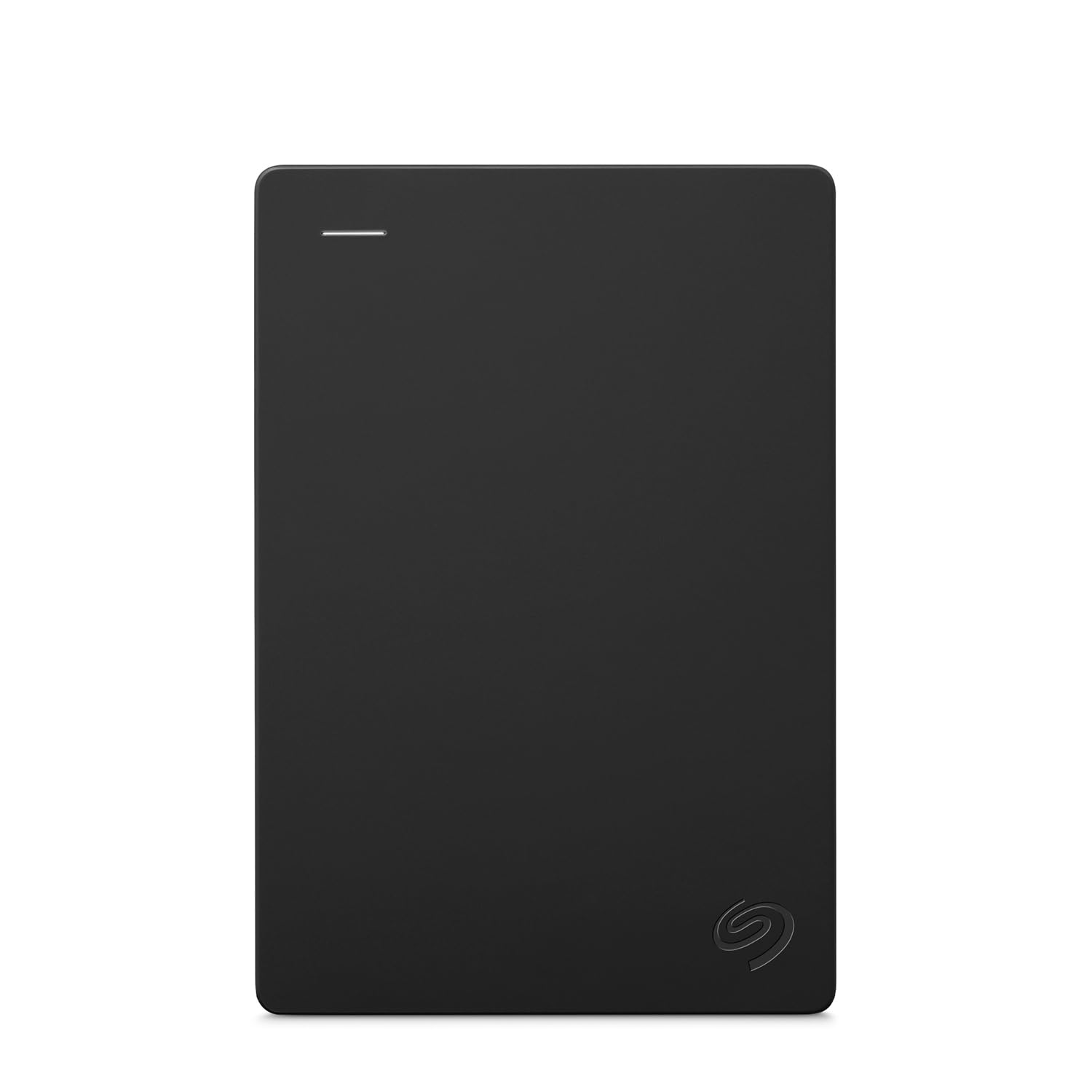
3. Seagate Portable 1TB External Hard Drive
The best-known name in storage, with a rescue plan behind it
It carries 4.5+ stars across a quarter of a million ratings — a review base no other pick here approaches. The 1TB capacity is the same as everything else, but Seagate bundles a 1-year Rescue Service, which is a data-recovery plan for the day a drive stops cooperating.
Setup is drag-and-drop simple: connect it to a computer for automatic recognition, no software involved. The included cable runs 18 inches, which is short enough to keep a desk tidy but long enough to reach a console sitting in a media cabinet. Windows and Mac both work, though Mac needs a reformat first.
Here is the plain truth about the trade-off — the listing centers on its Windows and Mac role, and Xbox One compatibility is the console named in its specs. It stores and works, but it is not marketed or pre-formatted as a gaming drive the way the Toshiba and Avolusion units are, so expect to reformat before the console will hold games. For pure file storage with a 1-year Rescue Service behind it, it is the most protected pick here.
The value read: you get confidence along with the plastic and the disk — a rescue plan, plus a user base large enough that any quirk has already been seen and solved.
Reach for this: when reliability paperwork matters more than gaming-ready formatting and you want the most road-tested drive available.
Look elsewhere: if you want plug-in-and-play Xbox formatting from the start.
4. Seagate Game Drive For Xbox 1TB SSD

No spinning disk, no waiting — the drive that turns load screens into blinks
This is the odd one out in the best way: it is a solid state drive, meaning it stores your games in flash memory with nothing spinning inside. No motor, no platter, no moving parts to knock out of alignment. It still holds 1TB and still connects over USB 3.0 at 5 gigabits_per_second, so the capacity and port story matches the mechanical Toshiba above — the difference is what happens when a game loads.
Load times are what owners notice, full stop. Shaving noticeable time off every load screen adds up over a long session, and owners describe cutting a meaningful chunk off their waits. The shock-resistant design means it tolerates being tossed in a bag in a way a spinning drive will not, and the whole thing is light and small enough to take anywhere. Seagate also pairs it with a limited-time Xbox Game Pass membership for 100+ games and a 1-year Rescue Service.
The trade-off is honest and obvious: an SSD costs more per terabyte than a mechanical drive, and value is the one place buyers split — some call it well spent, others find it steep. If budget is the whole story, a mechanical drive does the same storage job. If load screens are what you want gone, this is the only solid state pick on the list.
The case for solid state
- Load times are the standout strength — no moving parts to wait on
- Shock-resistant and light enough to travel in a bag
- Plug-and-play USB 3.0, no power cable needed
- Bundled Game Pass membership and 1-year Rescue Service
Where it stings
- Solid state storage carries a higher cost per terabyte than mechanical
- Capacity is 1TB, the same as drives that cost far less
Choose it for: the gamer who feels every load screen and wants the fastest path back into the action.
Skip the upgrade if: your library is mostly for storage and the load-skip is not worth the solid state premium.
5. GAZELLE 1TB Ultra Slim Portable External Hard Drive
One drive, two ports, and a light that tells you it’s actually working
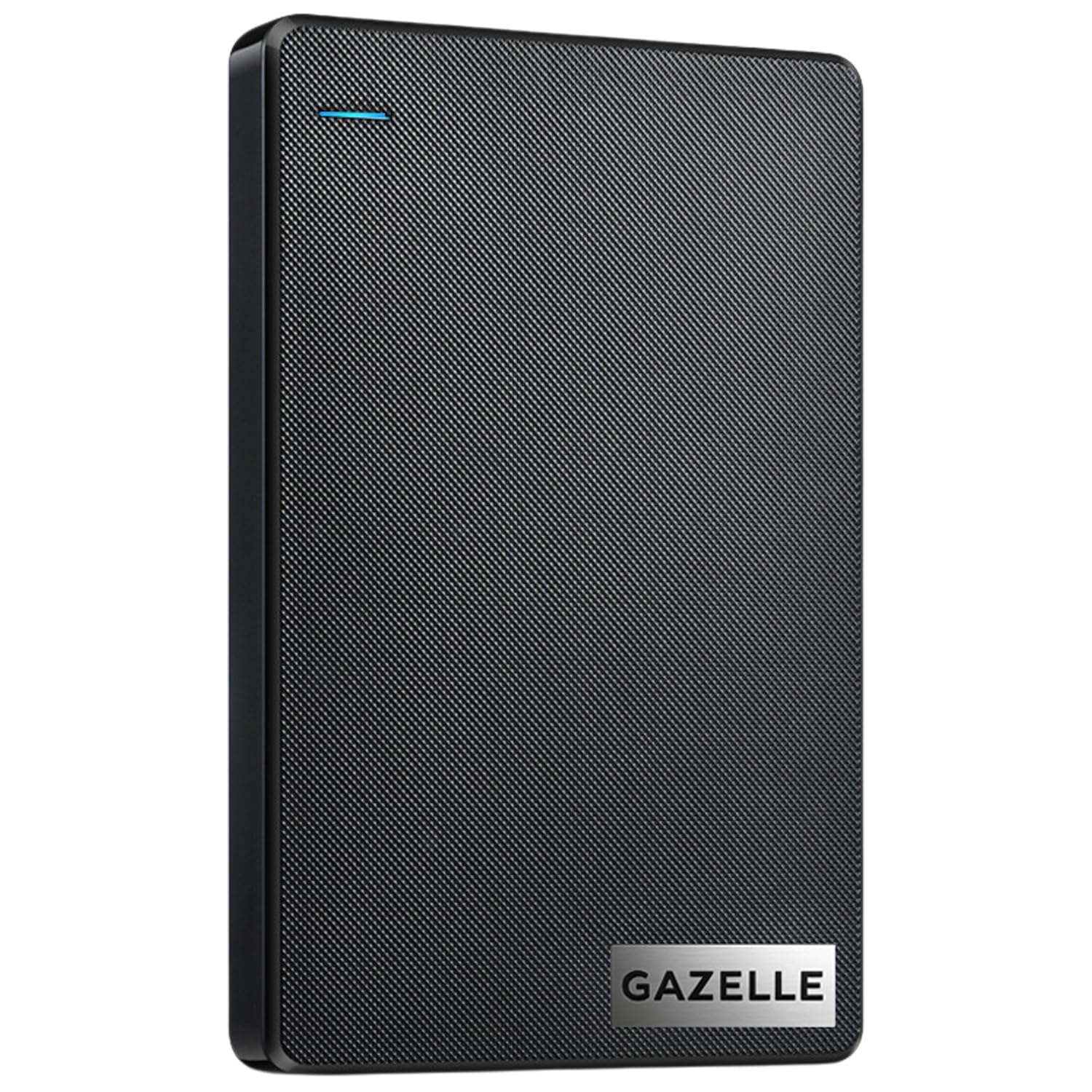
The GAZELLE solves a specific annoyance: modern laptops and iPads have USB-C ports, older consoles and desktops have USB-A. This drive ships with both a USB 3.0 cable and a Type-C adapter, so you are not hunting for a dongle when you move it between the console and a phone or tablet. An LED indicator shows power and transfer status, which is more useful than it sounds when a TV-mounted drive sits behind a screen.
It transfers at 120 megabytes_per_second, and it names Series S, Series X, and PlayStation 4 among its compatible consoles. Plug-and-play is real here — connect it and the drive is ready with no software. The body is compact and light, and it is built to live in a laptop bag without taking up room.
The fair warning is on the connection side rather than the storage side. Speed and connectivity draw mixed notes — some setups find it quick and simple to link to a phone, while others hit slow transfers or a drive that drops off a PC. Most owners find it performs well, but it is not the pick for someone whose patience is thin. Treat the cable and adapter with care and it does its job across devices.
What it does well: the dual-interface approach — one drive that bridges old USB-A consoles and new USB-C laptops without an adapter hunt.
Suits: the household with a mix of old and new devices that all need to share one drive.
Not for: the buyer who wants a bombproof single-connection drive and no fiddling with adapters.
6. Avolusion 1TB Portable External Gaming Hard Drive HD250U3-X1-1TB-XBOX

Arrives already speaking Xbox, so the first plug-in is also the last step
Most drives on this list ask you to reformat before the console will use them. The Avolusion skips that entirely — it ships pre-formatted on the game console, so plug and play means exactly what it says. It also covers the whole Xbox family in its compatibility list: Xbox One, One S, One X, Series S, and Series X. If you have a One X or an original launch console, this is built for your machine specifically.
Inside is 1TB over USB 3.0 at 5 gigabits_per_second, with a 2.5-inch mechanical drive and a 2-year warranty card in the box alongside the drive and cable. The slim, lightweight form factor keeps it out of the way. Setup takes minutes, and owners consistently find it easy to use and generous for extra console storage.
The honest note: reliability is the place where experiences diverge, with some units chugging along and others stopping. That is the nature of an inexpensive mechanical drive, and the 2-year warranty is the safety net. Nothing here is unusual — it just is not a drive to buy if a single failure would ruin your week.
Why it fits the console crowd: no reformatting, no compatibility guessing, and it covers every Xbox generation from the original One to Series X.
Best for: the Xbox One owner who wants storage added in the time it takes to plug in a cable.
Weigh first: that a mechanical drive can fail, so back up the saves you cannot lose.
7. Avolusion HD250U3-WH 1TB Portable External Gaming Hard Drive

The white-aluminum twin of the plug-and-play drive, with no power brick
Same idea as the Avolusion above, dressed differently: this one wears a white aluminum chassis instead of black plastic, which is the point if your console or shelf is white. It arrives pre-formatted in the Xbox console, so plug and play is real, and it covers Xbox One S, One X, the original, and Series X|S.
Running over USB 3.0 at 5 gigabits_per_second, it is bus powered — meaning the console’s USB port supplies the electricity and there is no AC adapter to find a socket for. That matters in a media cabinet already crowded with plugs. An 8 MB cache sits inside, and the 2-year warranty card matches its sibling.
The one thing to accept: it is a mechanical drive like the rest, and no drive at this level promises forever. Owners treat it as a straightforward upgrade path that requires no opening the console chassis, which is the whole point. If you want a white aluminum body and USB bus power with no AC adapter, this is the one.
What stands out
- White aluminum finish that matches a light-colored setup
- Pre-formatted for Xbox — no reformatting step
- USB bus powered, so no separate power adapter
- Covers One S, One X, the original, and Series X|S
What to keep in mind
- Mechanical drive with the usual long-term reliability caveat
- 1TB only — no larger capacity version in this listing
Pick it when: the pre-format and the white finish both appeal and you want the console feeding the drive power.
Look further if: you need a bigger capacity than 1TB or a solid state drive instead.
8. Kosbees 1TB External Hard Drive
The light, cheap overflow bin for the games you can’t bear to delete
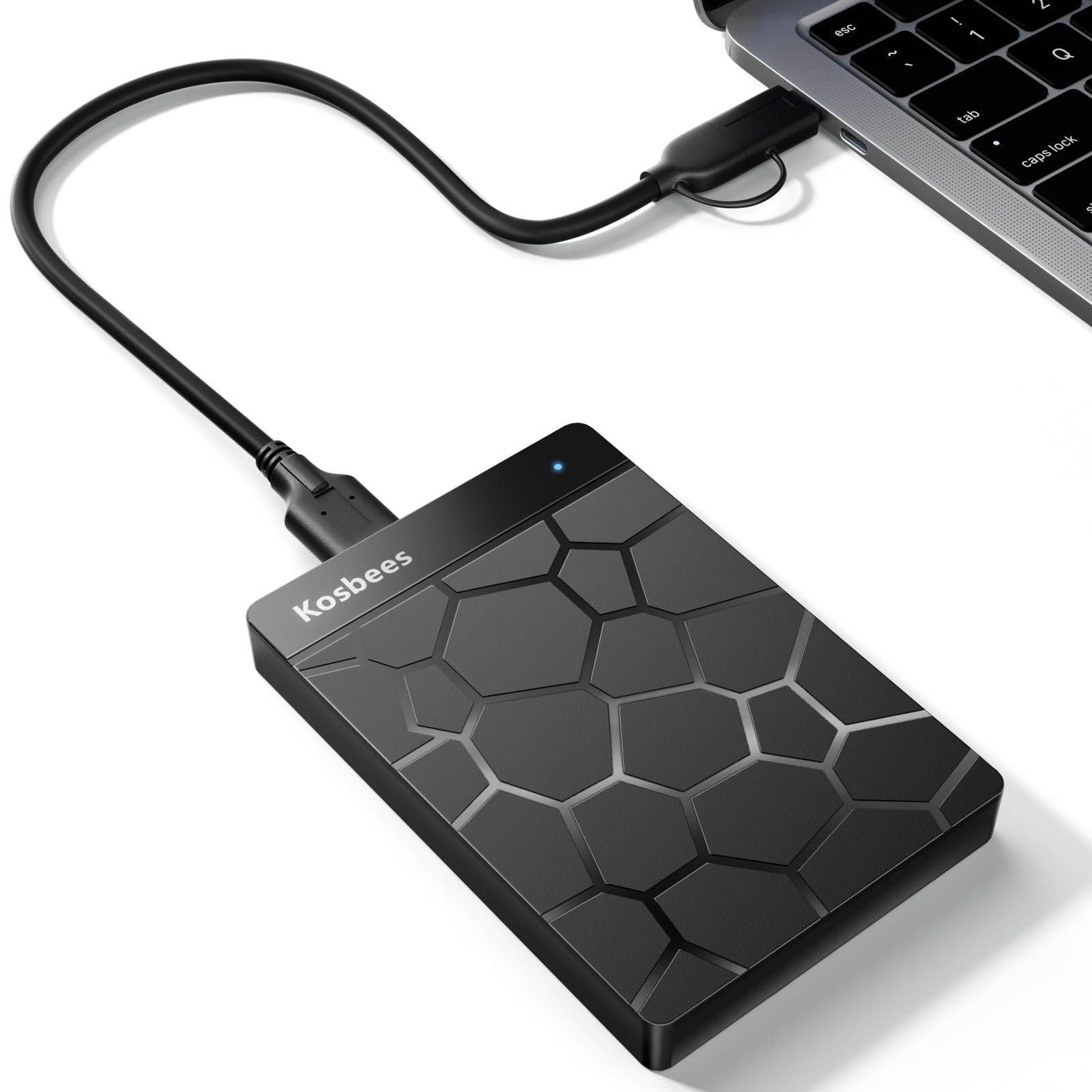
Weighing 0.6 Lbs, this is the drive that disappears into a backpack and reappears when you need room. It carries 1TB of storage and is built for the honest job most people actually want: parking files and older games off the console so the internal storage stays free. Value and storage space are what buyers highlight most, and the drive is simple to set up with no software.
On paper it transfers at 110 megabytes_per_second, and it shoots straight on one critical point most listings hide in fine print. Last-gen games — PS4 and Xbox One — play directly from this drive. Current-gen PS5 and Xbox Series X|S titles must be copied to the console’s internal drive before they will launch. That is normal for a USB external, not a shortcoming, but it decides how you should use it. The listing also explains the 931 GB window the console will display, which is the decimal-vs-binary gap every 1TB drive has.
Speed and connectivity draw mixed feedback, so temper big-file expectations. Buyers otherwise find it a sleek, straightforward drive for the money, and the 2-year warranty gives the budget pick a little cushion. It is not the drive for trimming load screens — it is the drive for parking games you cannot delete.
The plain value: 1TB, 0.6 Lbs, plug-and-play, and a 2-year warranty — the essentials at the lowest rung of this list, with load speed the thing you give up.
Buy it if: you want the least expensive way to stop deleting games and files, and you plan mostly to store rather than play.
Spend up if: you need fast transfers or a drive that boots current-gen games directly.
9. Caraele 1TB Ultra Slim Portable External Hard Drive USB 3.0
A metal shell just 0.47-inch thin, with a claimed speed to match
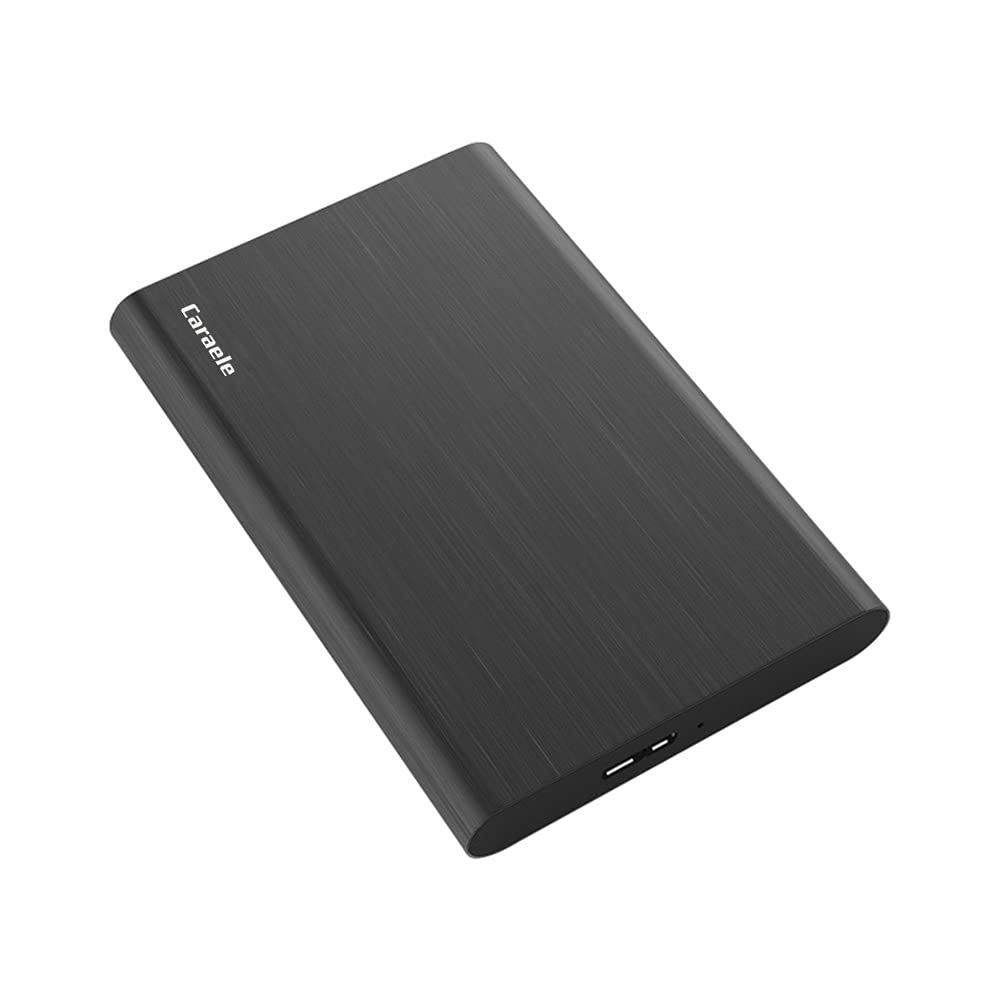
On the numbers, the Caraele is the loudest drive here: the listing claims a data transfer rate of 10 gigabits_per_second, against the 1 gigabit_per_second quoted for the WD Elements that tops this list. That is the kind of gap that makes you look twice, and you should — a mechanical drive inside a 0.47-inch aluminum shell will not hit head-of-the-line USB speeds in everyday use. Treat the claim as a ceiling, not a promise.
Where it does deliver is the body. The ABS plastic and aluminum enclosure is shockproof and anti-pressure by design, it runs from a USB 3.0 or USB 2.0 port with no external power source, and it weighs almost nothing in a bag. The package includes the drive, a USB 3.0 cable, and a USB-to-Type-C adapter, with a three-year manufacturer’s warranty and free technical support on top.
The caution is reliability and a thin comfort margin: quality is where the praise collects, but durability and reliability read mixed, and the review pool is small enough that any single experience carries weight. It covers Xbox 360 and Xbox Series consoles in its compatibility list. If you want the thinnest body and the longest warranty on the list and can live with an unproven speed claim, this is your pick.
What it has going for it: a 3-year warranty and a genuinely thin metal body — both rare at this end of the market.
Worth considering: for the buyer who prizes a pocket-thin, tough-feeling drive and values a long warranty over proven speed.
Be cautious if: you need demonstrated real-world transfer speed — the claimed figure outruns the hardware.
Know the Specs
Data Transfer Rate (gigabits vs. megabytes)
This is how fast data moves between the drive and your console, and it shows up in two different units across these listings — gigabits_per_second and megabytes_per_second — which makes direct comparison misleading. A rating is a ceiling set by the drive’s connection standard; actual installed game speed depends on the drive’s internals too. A mechanical drive in a slim shell often lands well below its stated ceiling, so treat any figure as the best case, not the everyday result.
Pre-formatted vs. reformat-required
A pre-formatted drive arrives with the file system the console expects, so it works on first plug-in. A Windows-formatted drive must be reformatted by the Xbox before it will store games — a few minutes of menu work, not a technical hurdle, but it is a step. If you want to hand the drive to someone non-technical or set it up once and forget it, pay attention to which type you are buying.
Playing vs. storing games
Xbox One games play directly off a USB external drive. Xbox Series X|S titles must be moved onto the console’s internal storage before they launch, so the external drive serves as storage for those files. This is a platform rule, not a drive limitation, and it shapes how much everyday benefit you get from any 1TB unit here.
Mechanical drive vs. solid state drive
A mechanical drive spins a disk; an SSD uses flash memory. Mechanical drives win on cost per terabyte and lose on load speed and shock tolerance. An SSD shortens load screens and survives being dropped in a bag, which is why it costs more for the same 1TB. If you play from the drive every day, solid state earns its keep; if you mostly store, mechanical is the sensible buy.
Common Questions
Will a 1TB external hard drive work on both Xbox One and Xbox Series X|S?
Why does my 1TB drive show only 931 GB on the console?
Can I play Xbox Series X|S games directly from an external hard drive?
Does a pre-formatted Xbox drive really skip setup?
Is an SSD worth the extra cost over a mechanical 1TB drive?
Do I need a separate power adapter for an external Xbox hard drive?
How many games fit on a 1TB Xbox external drive?
Will an external drive work with a Mac or PC as well as the console?
Can I move the drive between consoles without losing games?
What happens if a mechanical Xbox drive fails?
The Bottom Line
For most people, the xbox external hard drive 1tb to buy is the WD 1TB Elements Portable — it is the highest-rated pick here and the most proven, and it plugs into any console or computer after a reformat. If you run games straight off storage and want the most responsive feel, grab the Toshiba Canvio Gaming 1TB with its Always-On firmware (software that keeps the drive ready to respond). And for the fastest possible load times, the Seagate Game Drive for Xbox 1TB SSD is the one that removes the wait.
How we choose
We do not accept paid placement. Every pick is matched to a real buyer and a real use-case; we do not hands-on test units.
Sources
Specifications: manufacturer listings and product documentation. Review insights: verified customer reviews, as of November 2026. Pricing: not shown on this page (it changes often); check the current price via the retailer link.
As an Amazon Associate, Tactical Gear Guy earns from qualifying purchases. This does not affect which products we feature.