Specs are compiled from manufacturer listings and verified buyer reviews and can change over time — please confirm the key details on the product page before buying.
Your Xbox has a storage problem, and a 1TB drive is the cheapest fix that actually works. The catch most buyers hit is simple: a drive can be labelled “Xbox compatible” and still refuse to play your Series X|S games, because those titles must run from the console’s internal SSD. Everything below is judged on whether it genuinely expands your library, how fast games move on and off it, and whether it keeps working after the first month.
This guide is built by comparing the manufacturers’ published specifications and the patterns across verified customer reviews, so you get each pick’s real strengths and trade-offs instead of marketing spin.
You want more games on your Xbox without deleting old ones, and the fastest way there is a 1TB drive that your console recognizes right away. Some drives here come pre-formatted for Xbox, while others need a quick reformat before your console will see them. That difference decides whether you are gaming in five minutes or troubleshooting for an hour. The right pick depends on how you actually use the console, and this breakdown of the xbox 1tb external hard drive market sorts that out for you.
Top Picks


How To Choose The Best Xbox 1TB External Hard Drive
Capacity is the easy part — every drive on this list holds 1TB. The hard part is knowing which of these will actually hold the games you own, and which will hold them but refuse to launch them.
Next-gen games: storage versus playable storage
Xbox Series X|S games have to run from the console’s internal SSD. An external USB hard drive can hold those games so you don’t re-download them, but you copy them back to the console to play. Xbox One games are different — they play directly from an external drive. That split is the single most important thing to understand before you buy, because a drive marketed as “Xbox Series X|S compatible” may only be offering you a parking space, not a launch pad.
Why the USB speed rating matters more than the number on the box
A drive’s data transfer rate (how much data the connection can push through at once) sets how long a game takes to move from console to drive. On this list that rating ranges from 1 gigabit per second to 20 gigabits per second, and a faster connection means less time watching a progress bar when you swap a large game out. For playing Xbox One titles straight off the drive, load times are usually the bigger factor, and that depends on the drive’s own read speed as much as the cable.
Pre-formatted versus reformat-it-yourself
A pre-formatted drive is set up so your Xbox detects it immediately. A general-purpose portable drive usually needs reformatting for Xbox use before the console will treat it as game storage. Neither approach is better in the long run, but pre-formatted saves you a step, and it is one less thing to get wrong on a first setup.
Mechanical or solid state
Most 1TB external drives at this size are mechanical hard drives (spinning disks, abbreviated HDD). They give you the most capacity for the least money. Solid state drives (SSD, no moving parts) load games faster and survive knocks and drops better, but they cost considerably more per terabyte. If your drive sits on a shelf and only moves when you carry it to a friend’s place, a mechanical drive is the sensible call.
Side-by-Side Comparison
| Model | Best For | Capacity | Transfer Rate | Drive Type | Amazon |
|---|---|---|---|---|---|
| WD 1TB Elements Portable★ Best Overall | Everyday Xbox storage | 1TB | 1 Gbps | Mechanical HDD | Amazon |
| Toshiba Canvio Gaming 1TBMost Polished | Gamers who want a console-tuned drive | 1TB | 5 Gbps | Mechanical HDD | Amazon |
| Seagate Game Drive for Xbox 1TB SSDFastest Loads | Fastest load times on this list | 1TB | 5 Gbps | Solid State SSD | Amazon |
| Seagate Portable 1TB | Cross-device backup and storage | 1TB | 20 Gbps | Mechanical HDD | Amazon |
| GAZELLE High-Speed 1TB | Mixed devices with USB-C and USB-A | 1TB | 120 MB/s | Mechanical HDD | Amazon |
| Avolusion HD250U3-WH 1TB | Xbox Series X|S owners parking games | 1TB | 5 Gbps | Mechanical HDD | Amazon |
| Avolusion HD250U3-X1-1TB | Xbox One owners, no setup needed | 1TB | 5 Gbps | Mechanical HDD | Amazon |
| Ultra Slim USB 3.0 HDD (1TB) | Slim everyday file storage | 1TB | 2.4 Gbps | Mechanical HDD | Amazon |
| 1TB Ultra Slim USB3.0 HDD (Caraele) | Budget console storage | 1TB | 10 Gbps | Mechanical HDD | Amazon |
Detailed Reviews
1. WD 1TB Elements Portable External Hard Drive
Our pick — 4.5+★ from 69,000+ verified ratings; the strongest balance of quality and price.
The drive that quietly became the default answer to “my Xbox is full” — small, plain, and widely trusted.
This drive earns the top slot because 69,000+ owners have already put it through the wringer. It holds a 4.5+ star rating across 69,000+ owners, and verified buyers keep reporting the same thing: it plugs in, it shows up, and it works. That makes it the safest place to put your game library. The 1TB capacity is stated plainly, and the drive is listed as compatible with the Xbox Series S, so a Series S owner can park a substantial library on it without opening the console. If you want the lowest-risk pick and you mostly store games rather than shuttle huge files, this is the one. If you move large games back and forth often, read the trade-off below first.
Build quality and reliability dominate the feedback here, far ahead of anything else. Buyers report that the drive keeps performing long after the novelty wears off. One camp measures its life in years without issues, while a smaller group ran into a failure within three months, which is the honest risk with any spinning drive. Storage capacity and the compact footprint both draw steady praise, and the size means it disappears behind the console instead of taking up shelf space.
Weigh this trade-off before you buy. Its data transfer rate is listed at 1 gigabit per second (Gbps, a measure of how fast data moves over the cable), the slowest connection rating on this list. That number is about moving files, not about how fast a game loads once it is running. If you move a lot of large games back and forth, this is not the drive for that job. Mac owners also have a note in the spec sheet: this drive requires reformatting for Mac. As a set-and-play Xbox storage solution, though, the mix of price, capacity, and a track record that long is hard to argue with.
What earns it the crown
- 1TB capacity that holds a large game library
- Build quality is the most-praised thing about it, by a wide margin
- Compact body that tucks away behind the console
- Simple plug-and-play setup with no software step
- Listed as compatible with the Xbox Series S
Where it asks you to compromise
- Listed transfer rate of 1 Gbps is the lowest on this list
- Needs reformatting for Mac use
- A minority of owners saw a failure within three months
Buy this if: you want a large game library on a Series S without thinking about it again.
Look elsewhere if: your priority is moving big game files quickly, since faster-rated drives sit lower on this list.
2. Toshiba Canvio Gaming 1TB Portable External Hard Drive
A drive actually built around console gaming, from its firmware to its game-count math.
Toshiba did something the general-purpose drives on this list don’t bother with. This one runs a firmware-customised “Always-On” mode so it stays awake and responsive for game access instead of idling between sessions. It carries a 2-year manufacturer’s limited warranty, and Toshiba sizes the drive in actual games — up to 25 titles on 1TB, based on an estimated 36 GB per game. That estimate is Toshiba’s, and real game sizes vary, but it gives you a realistic picture of what fitting your library looks like rather than a bare capacity number.
The console compatibility is spelled out clearly, and it is worth reading twice. PS5 owners can play and store PS4 games but only store PS5 games. Xbox Series X|S owners can play and store Xbox One games but only store Series X|S games. That matches how console storage works, and it is more honest than a blanket “works with Xbox” badge. The aluminium and glass enclosure gives it a more finished feel than the plastic-bodied budget picks in this table.
How it behaves in use: Performance is what people talk about most, with the drive showing no lag when pulling up games from a full library. Speed also draws consistent praise, alongside the 5 Gbps transfer rating and the 2.5-inch mechanical drive inside — a solid, console-aware combination rather than a repurposed laptop drive.
What to keep in mind: Compatibility feedback is mixed, mostly from buyers who expected a USB drive to run PS5 games, and value opinions are divided as well. Neither points to a bad drive — it points to a pre-purchase spec check.
The play here: the pick for a buyer who wants a drive tuned for consoles and will read the play-store-versus-store list before plugging in.
Before you commit: confirm which of your games are next-gen — this drive will hold them, not launch them.
3. Seagate Game Drive For Xbox 1TB SSD
No spinning disk inside — this one trades capacity-per-dollar for speed and a shock-resistant shell.
This is the only solid state drive on the list, and that changes the experience more than any other spec here. Loading speed is the thing buyers talk about, and the reports point in the same direction: one buyer measured a full minute saved on a single load. There are no moving parts to fail from a knock, and the drive is designed with a lightweight, shock-resistant body with a sleek black finish to match the Xbox One X. It also ships with a limited-time Xbox Game Pass membership covering 100+ games, plus Seagate’s 1-year Rescue Service.
The spec sheet lists it as compatible with the Xbox One, Xbox Series S, and Xbox Series X, and it runs bus-powered off the console with no separate power cable. At 1TB it holds a real library — but if you are picking between this and a mechanical drive on capacity per terabyte alone, this is the one that asks you to pay for speed instead. For anyone who switches between games frequently and hates waiting, that trade is easy to justify.
Where it pulls ahead: with a 5 Gbps USB rating and flash memory instead of a spinning platter, it gets you into the action faster than the mechanical drives around it in this table.
The cost of speed: value opinions are split, and a few find the compact size divides opinion too. That is the expected pushback on an SSD — you are paying for load times, not storage per dollar.
Best matched to: the player who bounces between several games a night and notices every second of load time.
Think twice if: your goal is the largest possible library for the money — the mechanical drives further down this page beat it there.
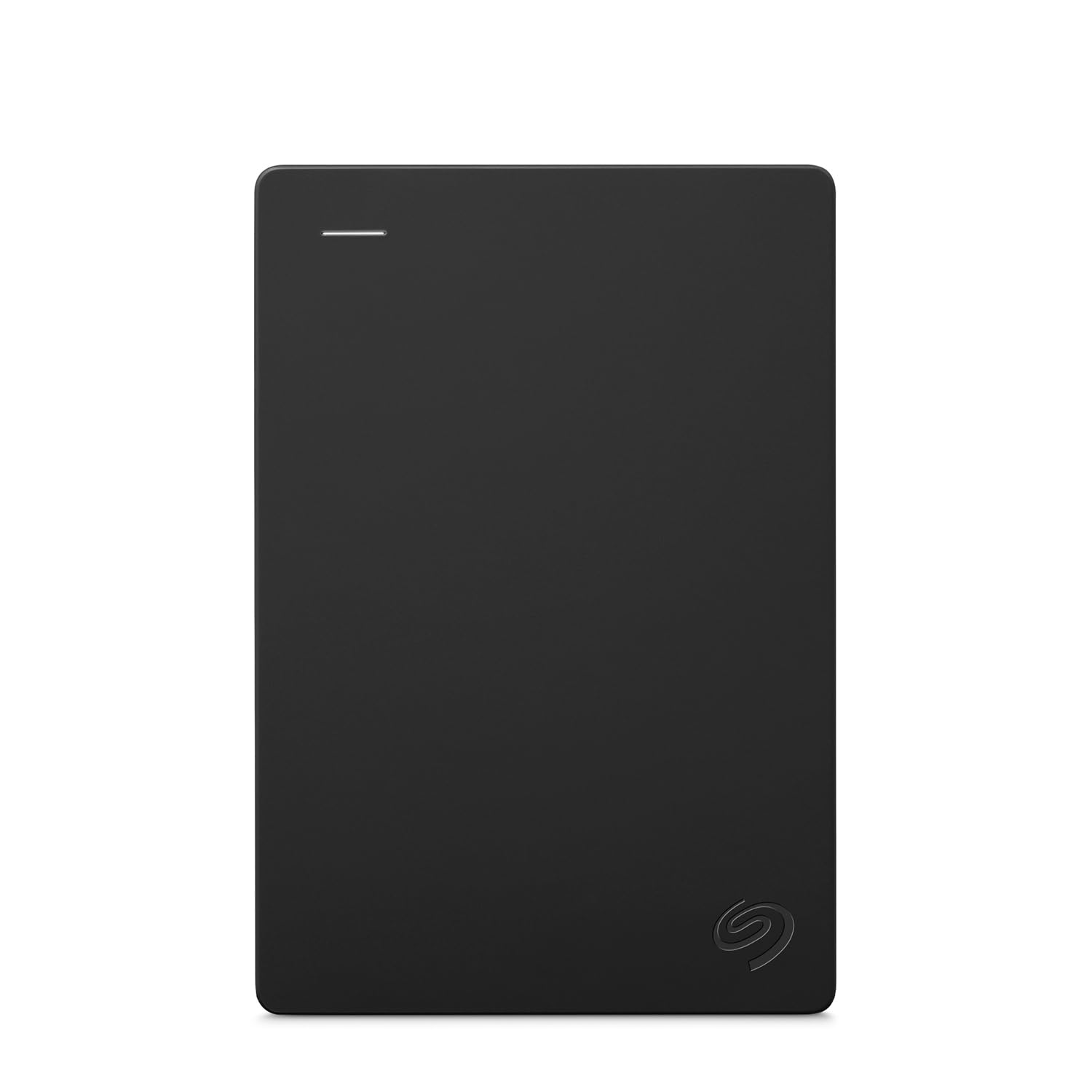
4. Seagate Portable 1TB External Hard Drive
The all-rounder that moonlights as Xbox storage but really earns its keep moving data between machines.
This drive moves files faster than anything else on the page, and that is why it is here. Its listed data transfer rate is 20 gigabits per second (Gbps, a measure of how fast data moves over the cable), the highest number on this entire list and well clear of the 5 Gbps drives around it. It also works with Windows and Mac computers from the start, with the note that reformatting may be required for Mac. Xbox compatibility is specifically listed for the Xbox One. If your drive will carry game saves one day and work files the next, this is the one designed for that split. If you only need cheap Xbox storage and never touch a PC, the WD Elements above covers that for less speed.
Setup is genuinely minimal: you connect the drive and the computer recognises it automatically, with no software to install. Seagate includes an 18 inch USB 3.0 cable so the connection is there in the box, and the drive comes with 1-year Rescue Service. It also uses easy-to-open packaging, which sounds like a footnote until you have fought with a sealed blister pack at midnight. The 1TB capacity is plenty for a large game library plus a photo library behind it.
The strong case for it: a 20 Gbps transfer rating, drag-and-drop backup that just works, and the flexibility to serve a laptop as well as a console.
The catch worth knowing: Xbox compatibility here is listed for Xbox One, not the newer consoles, so a Series X|S owner looking to park next-gen games should look at the Avolusion drives instead. The drive also has a tendency to arrive with less usable capacity than the headline number suggests — which is true of every drive on this list.
Go for it when: you want one drive that handles your game library and your everyday files without fuss.
Step back if: you are on a Series X|S and want official next-gen console compatibility stated on the box.
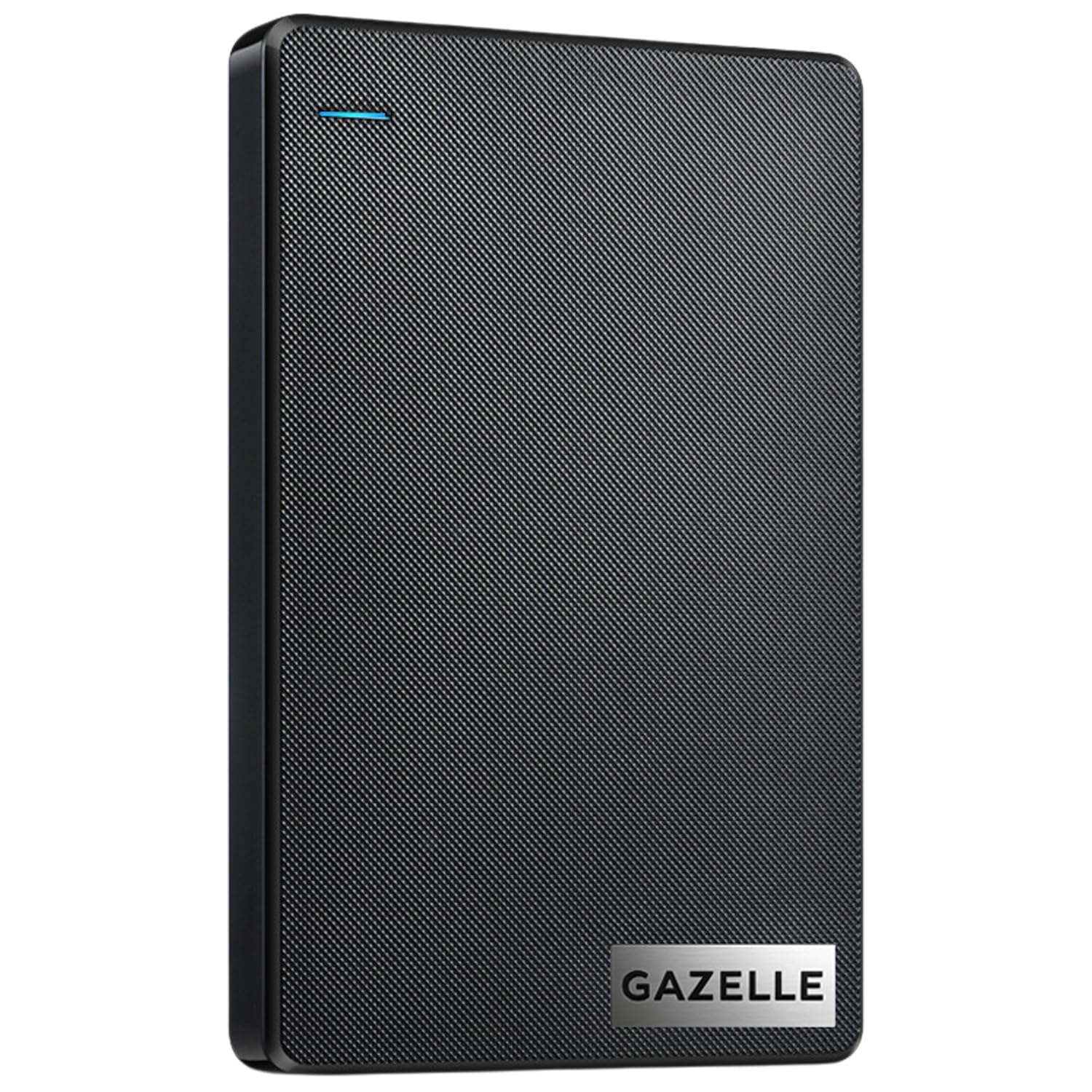
5. GAZELLE 1TB Ultra Slim Portable External Hard Drive
Two connectors in the box, so the drive you bought for the Xbox also talks to your phone.
Two cables in the box is the whole pitch here, and it solves a real problem. The GAZELLE is a mechanical 1TB drive with a dual interface, meaning it connects by USB 3.0 or Type-C, and both cables plus an adapter are included. So it moves between an older console, a laptop, and a modern phone without hunting for an adapter. It carries a 1-year warranty, sets up with no software step, and includes an LED indicator that shows power and data status, which helps you spot a dead connection at a glance. At roughly 150g, it is small enough to live in a laptop bag.
The device list is broad: Windows, macOS, Linux, Android, and both Xbox Series S and Series X appear under its console compatibility. What this is not, though, is a fast drive for moving big games around. Its listed data transfer rate is 120 megabytes per second (MB/s, a measure of how much data moves each second), and speed is one of the mixed points in owner feedback, with some finding it quick and others describing it as slow. Connectivity splits opinions the same way: some connect to phones without trouble, while a few report it dropping off a PC connection. Buy it if you want one cable kit for several devices; skip it if raw transfer speed is your priority.
What it does well: performance is the strongest feedback theme, buoyed by genuine ease of use — plug it in, it works, and the LED tells you what it is doing.
Best read before buying: this is a data drive that happens to be Xbox-listed, so treat the speed and the occasional connection drop as the honest cost of an adapter-equipped, multi-device package.
Reach for this if: the drive will move between a console, a laptop, and a phone, and having Type-C in the box saves you real friction.
Leave it if: your sole job for it is shifting massive next-gen game files quickly — the Seagate and Toshiba drives handle that better.
6. Avolusion HD250U3-WH 1TB Portable External Gaming Hard Drive

The white, console-matched drive that arrives pre-formatted and does not need a single setup step.
Avolusion spells out the next-gen game rule more plainly than any other manufacturer here. The product description states that Xbox Series X|S games must be played directly from the internal SSD, so this external drives stores them as a buffer. Xbox One games, by contrast, play directly from this external storage, freeing up space on your console. Copying a Series X|S game back from the drive is quicker than downloading it again, which is the practical value of having 1TB plugged in. It is pre-formatted in the console, so the drive is recognised as soon as you connect it.
The build is a 2.5-inch mechanical drive in an aluminium chassis, styled in white to sit alongside the console, and it is bus-powered so no extra power adapter is needed. A USB cable, a 2-year warranty card, and the drive itself are all in the box. Game storage is what people value most about it — a straightforward way to hold a large library without opening the console.
The honest picture: compatibility gets mixed reports. It handles Xbox One games the way it is designed to, but a few drives reportedly stopped working after a few months, and value expectations are divided. Both are worth weighing against a straightforward, no-setup experience.
Fits best: a Series X|S owner who wants to park next-gen games and play older titles straight off the drive without setup.
Worth pausing on: if you expect to launch Series X|S titles directly from the drive, no USB hard drive can do that — this one simply tells you so up front.
7. Avolusion 1TB Portable External Gaming Hard Drive HD250U3-X1-1TB-XBOX

A pure plug-and-play console drive, set up for Xbox One the moment it leaves the box.
Its job is narrow and it does it without fuss. The drive is pre-formatted on the console, so it is recognised the minute you plug it in — no reformatting, no software, no guesswork. Avolusion states it works for the Xbox One X, Xbox One S, and the original first-generation Xbox One. It is listed as compatible with the Series S and Series X as well, though the Xbox One focus is where the pre-formatting actually pays off. At 2.5 inches and described as ultra slim and lightweight, it tucks in beside the console rather than competing for shelf space.
A 5 Gbps transfer rate puts it in line with the console-focused drives on this list rather than the general-purpose ones. Storage capacity is what buyers value most — described as a genuinely useful amount of extra console space — and ease of use sits right alongside it. The setup is the whole appeal: double the usable space on an Xbox One with a single cable.
What to expect long-term: reliability and performance reports split. A good number of drives work well from day one and keep going, while a small group found the drive stopped working. With a 2-year warranty backing it, that risk is at least covered on paper.
Made for: an Xbox One owner who wants more storage with an unbox-and-play routine.
Not the one for: Series X|S owners hunting next-gen game capacity — the Series X|S model above is the better-matched drive.
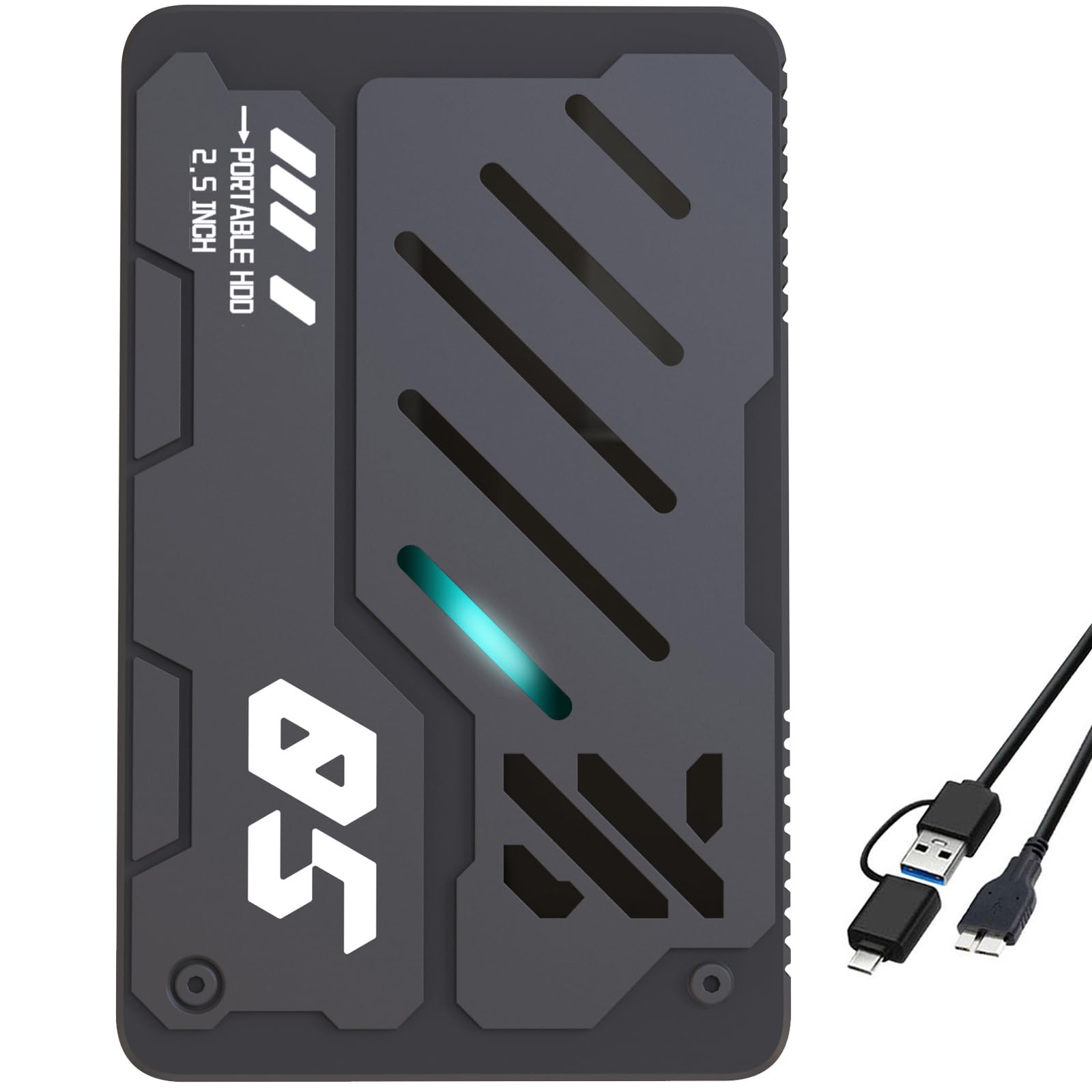
8. Ultra Slim Portable External Hard Drive 1TB
Barely over half an inch thick, with a 2-in-1 cable that covers both port types.
At 0.6 inch thick, this drive is the slimmest body in the group, and the plastic casing is finished anti-scratch to survive being carried in a bag. The included 2-in-1 Micro-USB 3.0 cable is the smart part — one cable that matches different port types and steadies the connection. It ships already formatted and ready to use with no software, and it lists broad compatibility across Windows, Mac OS 10.6.5 and above, Linux, Android, Chromebook, Xbox One, PS4, and PS5. A 2.4 Gbps transfer rating keeps it a step above the slowest drives on this page.
Where it stumbles is the Xbox experience specifically. The owners who bought it for PS5 reported it does not work there, and compatibility feedback is the negative theme in its reviews. Speed splits opinions too, with some finding it quick and others calling it slow. Value is debated in much the same way. Treat it as a slim, inexpensive drive for files and older consoles rather than a next-gen PlayStation or Xbox solution.
Where it holds up: quality is the strongest feedback theme, and plug-and-play ease of use follows close behind — the setup is genuinely as simple as the listing claims.
What buyers should know: this is the drive on the list with the most compatibility friction, and the PS5 limitation is baked into the reality of how consoles handle USB storage rather than being this drive’s fault.
Pick this for: a slim, tidy drive for an Xbox One, a laptop, or a television, where the thin body and one-cable setup matter.
Choose differently if: a PS5 or a next-gen game library is the goal — look at the console-tuned drives above.
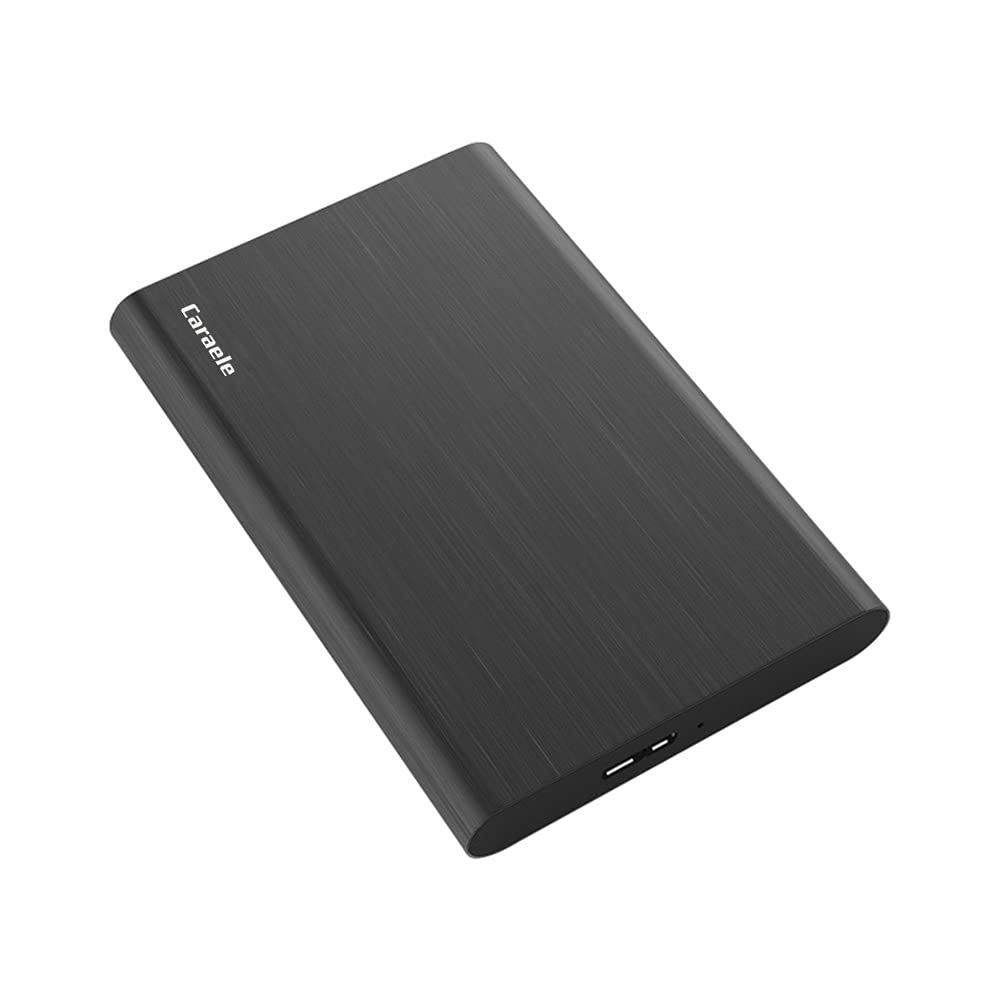
9. 1TB Ultra Slim Portable External Hard Drive
An aluminum-finished drive with a three-year warranty — the most generous cover on this list.
The standout detail here is not the capacity, it is the cover. This drive comes with a three-year manufacturer’s warranty plus free technical support, which runs longer than the warranty on any other pick in this table. The body is an ABS plastic and aluminum combination in an aluminum finish, with a shockproof and anti-pressure design at just 0.47 inch thick — the thinnest body in this article. In the box you get the drive, a USB 3.0 cable, and a USB to Type-C adapter. It lists compatibility with Windows, Mac, Linux, Android, Chromebook, television, PC, laptop, PS4, and the Xbox Series consoles, and it runs from a USB port with no power adapter needed.
On paper its data transfer rate reads 10 gigabits per second, which puts it well ahead of the 1 Gbps WD Elements at the top of this list. That number deserves context, though: it is the connection specification on a mechanical hard drive, so it will not turn a spinning drive into an SSD. The practical read is that this is a budget-friendly drive with unusually long warranty protection, best suited to a first expansion or a spare drive for files.
The honest read: quality is the praise theme, but reliability is the most-discussed topic and the feedback splits — some report it working well, others hit issues. On a drive this inexpensive that division is expected, and the three-year warranty is precisely what makes it tolerable.
The budget case: the cheapest way here to get 1TB with three years of manufacturer cover.
Know before you plug in: a long warranty is not a guarantee of long life, so keep a backup of anything you cannot re-download.
Know the Specs
Data Transfer Rate
This is the speed the USB connection can push data, measured in gigabits per second (Gbps). It sets how long a large game takes to copy from your console to the drive. A higher number means shorter waits, but it does not make an Xbox One game load faster once it is running — that depends on the drive’s own read speed. Some drives list their rate in megabytes per second (MB/s) instead, which is a different unit and cannot be compared directly to a Gbps figure.
Mechanical Hard Drive vs Solid State Drive
A mechanical hard drive (HDD) uses spinning disks and gives you the most capacity per dollar. A solid state drive (SSD) has no moving parts, so it loads games faster and survives drops better, at a higher cost. For a drive that sits still next to your console, an HDD is the practical choice; for load speed and travel, an SSD is worth the premium.
Pre-Formatted for Xbox
Some drives are formatted on the console so your Xbox detects them immediately. A general-purpose drive usually needs reformatting before the console treats it as game storage. Pre-formatting saves a step but does not change how the drive behaves after it is set up.
Playable versus Storage-Only
Xbox One games play directly from external USB storage. Xbox Series X|S games must run from the console’s internal SSD, so an external drive holds them until you copy them back. A drive that lists Series X|S compatibility can store those games, not launch them.
Common Questions
Can I play Xbox Series X|S games directly from a 1TB external hard drive?
Will a 1TB drive hold my whole game library?
Do I need to reformat a new drive before my Xbox recognizes it?
Is a solid state drive faster than a mechanical drive on Xbox?
Does the USB transfer rate matter for playing games?
Can I use one external drive for both my Xbox and my laptop?
Is a portable external hard drive powered by the console?
How long should a 1TB external hard drive last?
Will a PS4 or PS5 drive work on an Xbox?
What is the difference between an Xbox One and Series X|S drive?
The Bottom Line
For most people, the safest 1TB to plug into an Xbox is the WD Elements Portable. It holds a large library, sets up without drama, and has the longest review track record here. If load speed matters more than capacity-per-dollar, the Seagate Game Drive SSD is the only solid state option on the page, and it earns its keep. Gamers who want a drive actually tuned for consoles should look at the Toshiba Canvio Gaming, with its Always-On mode and clear play-versus-store breakdown. And if you are on a Series X|S, the Avolusion Series X|S drive arrives pre-formatted and spells out the next-gen game rule up front. Its listing is the only one here that treats you like an adult about what a USB drive can and cannot launch.
How we choose
We do not accept paid placement. Every pick is matched to a real buyer and a real use-case; we do not hands-on test units.
Sources
Specifications: manufacturer listings and product documentation. Review insights: verified customer reviews, as of November 2026. Pricing: not shown on this page (it changes often); check the current price via the retailer link.
As an Amazon Associate, Tactical Gear Guy earns from qualifying purchases. This does not affect which products we feature.