Specs are compiled from manufacturer listings and verified buyer reviews and can change over time — please confirm the key details on the product page before buying.
If your shots land late and the kill feed disagrees with what you saw, the panel is usually the reason. A WQHD gaming monitor — that’s a 2560 x 1440 display, often written 1440p, which sits between basic 1080p and 4K in sharpness — gives you sharper targets without forcing you to buy a monster graphics card. The trick is picking one whose refresh rate and response time actually match the way you play, because plenty of 1440p screens look great on a spec sheet and feel mushy in a firefight.
This guide is built by comparing the manufacturers’ published specifications and the patterns across verified customer reviews, so you get each pick’s real strengths and trade-offs instead of marketing spin.
You’ll see what separates a genuinely fast panel from a pretty one, plus which sizes and panel types suit close-quarters shooters versus wide open-world sessions. Everything below is a real 1440p-class display, so you can shop the best WQHD Gaming Monitor without guessing at resolutions.
Top Picks


How To Choose The Best WQHD Gaming Monitor
Buying a 1440p screen means choosing between speed, contrast and desk space, and no panel wins all three. Start with the games you actually play, then let the specs follow.
Refresh rate is the number that changes how you play
Refresh rate is how many frames per second the screen can draw — 180Hz means 180 redraws a second. Higher numbers make fast pans and flick turns look continuous rather than stepped. A 180Hz panel is plenty for most players, and a 240Hz or 300Hz screen only pays off if your graphics card is already pushing those frames.
Response time and adaptive sync work as a pair
Response time is how quickly a pixel switches colour; a lower millisecond figure means less smear behind moving objects. Adaptive sync — sold as FreeSync for AMD cards and G-SYNC for NVIDIA — makes the monitor wait for the graphics card so frames arrive without tearing. Both together stop the stutter that makes a fast panel feel rough.
Panel type decides contrast and colour
A VA panel tends to deliver deeper blacks, an IPS panel holds colour across wide viewing angles, and an OLED panel switches individual pixels off for true black. OLED also brings the fastest response figures, but you’ll want to know about brightness and image-retention care before you commit.
27-inch flat or 34-inch curved
A 27-inch 16:9 screen keeps the whole picture inside your natural field of view, which suits competitive shooters. A 34-inch 21:9 ultrawide stretches the view sideways and shows more of the scene, which is great for racing and open worlds but demands more desk depth and more graphics-card muscle.
Side-by-Side Comparison
| Model | Best For | Resolution | Refresh Rate | Response Time | Amazon |
|---|---|---|---|---|---|
| Samsung 27″ Odyssey G5 (G51F)★ Best Overall | All-round first 1440p buy | 2560 x 1440 | 180Hz | 1ms | Amazon |
| Samsung Odyssey G50DColour Favourite | Colour accuracy on a budget | 2560 x 1440 | 180Hz | 1ms (GtG) | Amazon |
| Alienware AW2725DMConsole Ready | Console and PC mix | 2560 x 1440 | 180Hz | 1ms gray-to-gray | Amazon |
| ASUS TUF VG27AQM5A | Fastest LCD refresh | 2560 x 1440 | 300Hz | 0.3ms (GTG) | Amazon |
| INNOCN 34C1R | Ultrawide on a budget | 3440 x 1440 | 180Hz | 1ms (MPRT) | Amazon |
| LG 27GX704A-B | OLED on a smaller desk | 2560 x 1440 | 240Hz | 0.03ms | Amazon |
| Alienware AW3425DWM | Curved ultrawide immersion | 3440 x 1440 | 180Hz | 1ms gray-to-gray | Amazon |
| AOC Q27GAZDV | QD-OLED value | 2560 x 1440 | 240Hz | 0.03ms | Amazon |
| MSI MAG 274QP QD-OLED X24 | 10-bit colour and speed | 2560 x 1440 | 240Hz | 0.03ms (GtG) | Amazon |
| ASUS ROG Strix XG27ACDNG | Top-tier esports speed | 2560 x 1440 | 360Hz | 0.03ms | Amazon |
| LG 34GX90SA-W | Ultrawide OLED plus streaming | 3440 x 1440 | 240Hz | 0.03ms (GtG) | Amazon |
Detailed Reviews
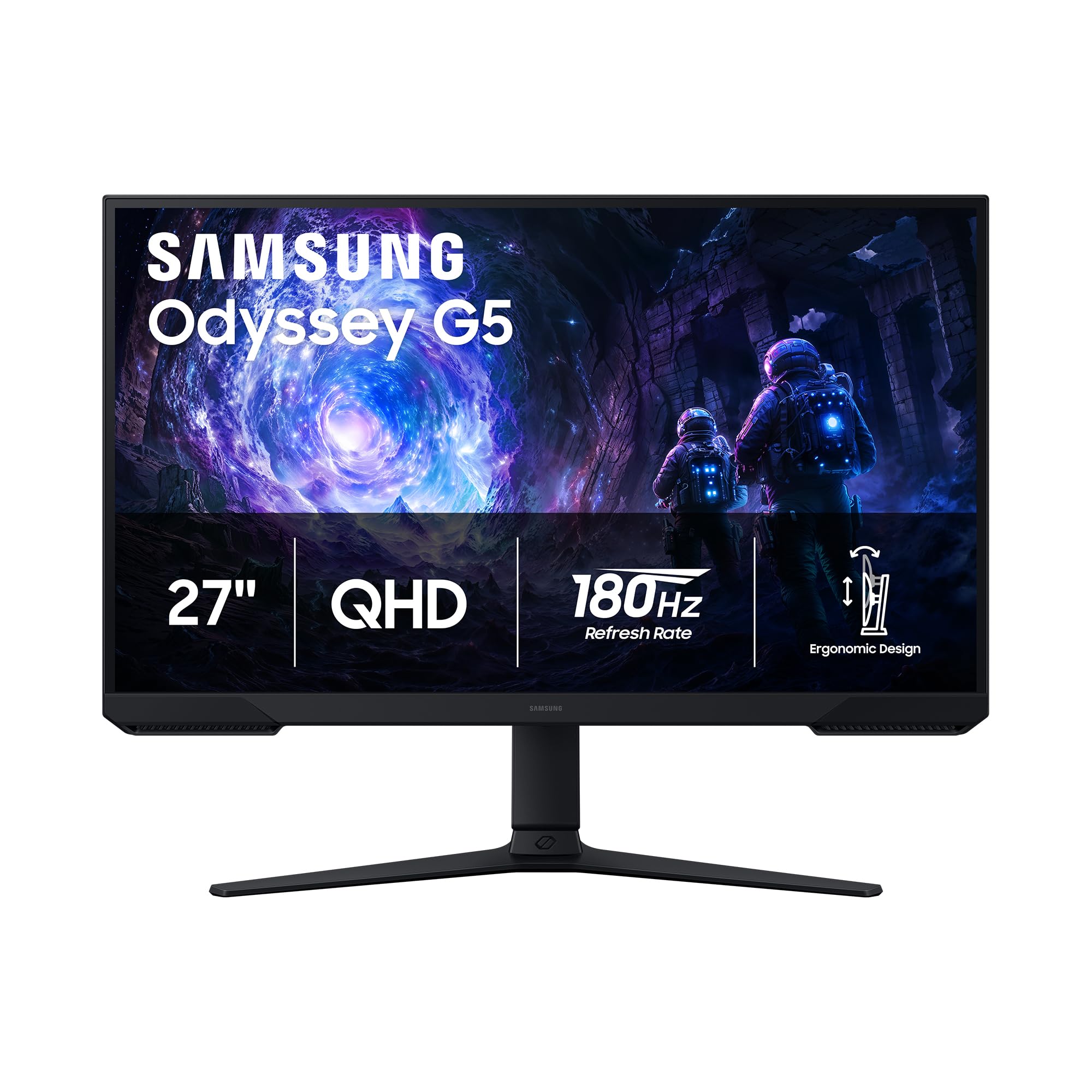
1. Samsung 27″ Odyssey G5 (G51F) Series QHD Gaming Monitor
Our pick — 4.5+★ from 850+ verified ratings; the strongest balance of quality and price.
The straight answer for most desks: fast, deep-black and built to adjust.
This is the pick that balances everything a first serious 1440p buyer wants. The panel runs 2560 x 1440 pixels, which Samsung rates at 1.7 times the pixel density of Full HD — in practice, enemy silhouettes at range resolve into limbs rather than blobs. A 180Hz refresh rate keeps that picture updating 180 times a second, and the 1ms response time means the pixel trails behind a sprinting target stay short. What wins people over most is the picture as a whole: the deep-black look of the VA panel, the sharpness of the QHD image and how simple it is to get dialled in.
Contrast is where this screen pulls ahead of its rivals. The 3000:1 figure is three times the 1000:1 on the Samsung Odyssey G50D, so night maps and shadowed corridors read as actual darkness with detail inside it instead of a grey wash. HDR10 lifts the bright highlights — muzzle flashes, sunsets, neon signage — so those moments carry more punch. Tilt, pivot and height adjustment are all here, which means you can raise the panel to eye level and stop hunching over a five-hour session.
The catch is the panel type itself. VA delivers that contrast, but its colour can shift if you sit well off-centre, so a solo desk setup suits it better than a couch co-op crowd. Black Equalizer is the other thing worth learning — it lifts the dark areas of a game so you can pick out a camper in a basement corner, and once you tune it you’ll leave it on.
What earns the top spot
- 3000:1 contrast — the deepest blacks of any LCD here, and three times the G50D’s 1000:1
- 180Hz with 1ms response keeps fast strafes and flick shots readable
- Tilt, pivot and height adjustment let you set proper eye level
- FreeSync plus Black Equalizer covers tearing and dark-corner camping
Where it asks you to compromise
- VA colour shifts if you watch from a steep angle, so it favours solo play
- 300 cd/㎡ brightness is modest — a bright sunlit room will wash it out
Buy this one if: you want your first genuinely fast 1440p panel and care about deep blacks more than wide-angle viewing.
Look past it if: you regularly play split-screen with someone sitting off to the side, where VA colour drift shows.
2. SAMSUNG Odyssey G50D Monitor
An IPS panel that keeps its colours honest from any seat in the room.
Fast IPS is the reason to pick this over the G5 above. That’s a panel type built to switch pixels quickly while holding colour steady across a 178° viewing angle — so the green of a jungle map looks the same whether you’re square-on or leaning back. The colour gamut figure of 0.99 backs that up with wide coverage, and the whole 2560 x 1440 image is rated at 1.7 times the pixel density of Full HD. Sharpness and colour are what this screen does best.
Speed is on par with the G5 on paper: 180Hz refresh and a 1ms grey-to-grey response, with AMD FreeSync syncing the panel to your graphics card to kill tearing. Where it gives ground is contrast. At 1000:1 it’s a third of the G5’s 3000:1, so black scenes look more charcoal than void — the trade you make for those steadier colours. VESA DisplayHDR 400 certification adds a brightness lift on supported content, and 350 cd brightness gives you a bit more headroom in a lit room than the G5’s 300.
Eye Saver Mode dims the blue light and the panel cuts flicker, both aimed at long sessions. The stand swivels, tilts and adjusts in height, and G-SYNC compatibility means NVIDIA card owners get smooth frames too. The recurring gripe is pixel quality — a handful of panels arrive with a stuck or dead pixel, so check the screen in the first few days while a return is easy.
Best used for: a shared room or a desk where you sit slightly off-centre — the 178° IPS viewing angle holds colour where the VA G5 drifts.
Before you commit: verify the panel on arrival. Pixel defects are the most common complaint on this model, and a quick dead-pixel check on day one settles it.
Reach for this if: colour accuracy and wide viewing angles matter more to you than pitch-black night maps.
Pass if: you play mostly in dark environments and want the deepest blacks an LCD can give.
3. Alienware 27 Gaming Monitor AW2725DM
A 27-inch 1440p panel that treats your PS5 as seriously as your PC.
Alienware builds this one around a dedicated console mode, and that’s the detail PC-only shoppers tend to miss. Plug a current-gen console in and the monitor switches into a tuned picture profile instead of forcing you to fiddle with settings on a controller. The rest of the package is solid mid-tier gaming hardware: 2560 x 1440 resolution, a 180Hz refresh rate and a 1ms grey-to-grey response time, all on a Fast IPS panel.
Colour is the standout spec. It covers 95% of the DCI-P3 gamut — the wider colour space films and modern games are mastered in — so skies and explosions land with more saturation than a standard sRGB panel manages. VESA DisplayHDR 400 certification adds contrast on supported titles. Brightness sits at 400, the highest of the mainstream 27-inch LCDs here, which means daylight gaming doesn’t turn the image to soup. Hardware-based low blue light trims eye strain without washing the colour out, and adaptive sync covers both FreeSync and G-SYNC.
The adjustment range is generous — height, pivot, swivel and tilt — plus an anti-glare coating for rooms with a window behind you. The honest note is that this is an entry point into the Alienware badge, not the top of it: you get the design and the console mode, but not the OLED contrast the pricier models deliver. For a mixed PC-and-console desk, that’s a fair trade.
Where it belongs: on a desk shared by a gaming PC and a current-gen console, where the dedicated console mode saves you a setup headache.
Think twice if: you only ever play on PC and would rather put the money toward an OLED panel’s contrast.
4. ASUS TUF Gaming VG27AQM5A 27 Inch 1440p 300Hz Gaming Monitor
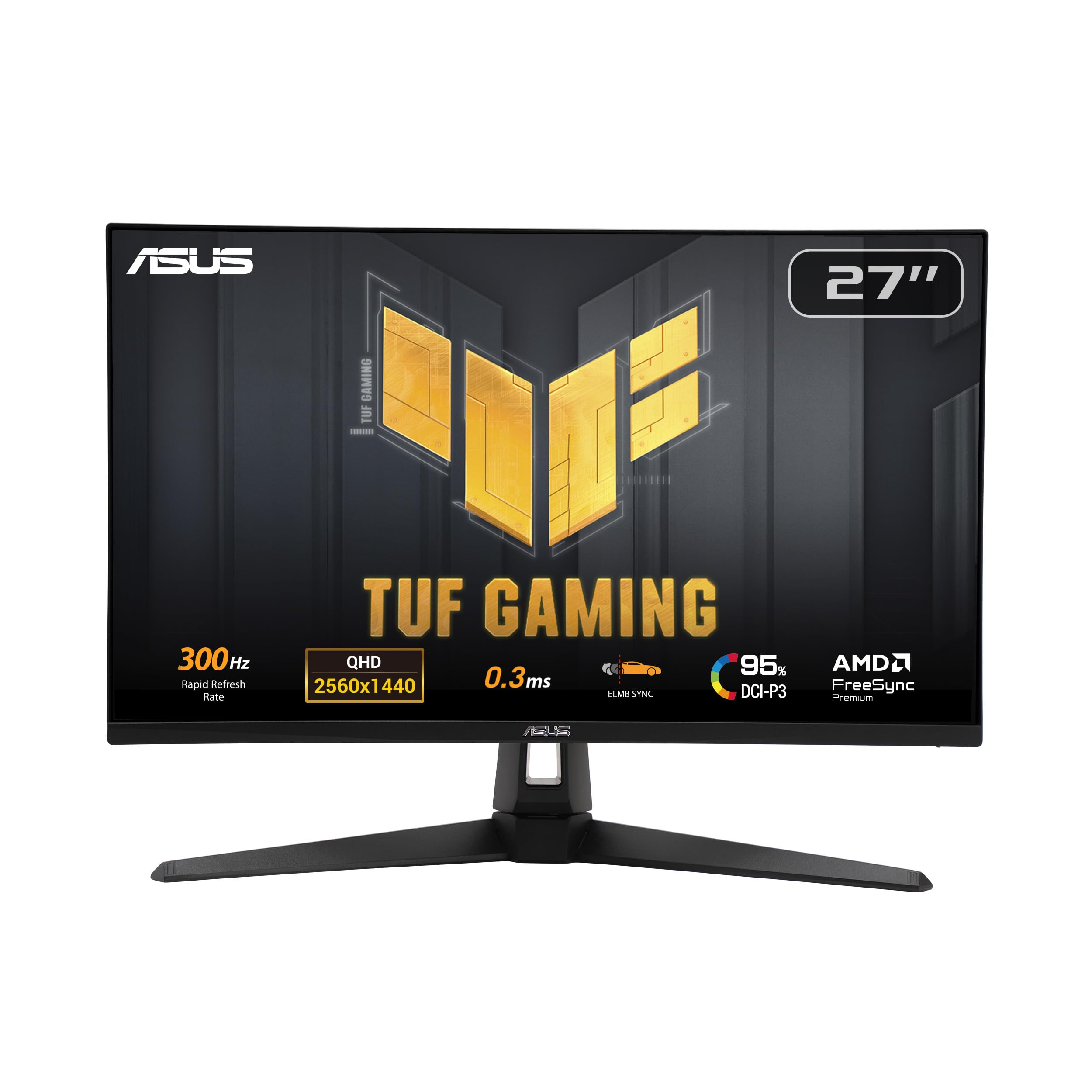
300Hz on an LCD, and a 0.3ms response that undercuts every IPS rival here.
If you chase frames, start with this 300Hz panel. This TUF panel redraws 300 times a second, and its 0.3ms grey-to-grey response time is the quickest of any LCD on this list — roughly one-third of the 1ms quoted by the Samsung G5 and G50D. Put plainly, the trail behind a strafing opponent is shorter, so your crosshair and the target line up with less guesswork. The 1300:1 contrast is also the highest among these LCDs, giving dark scenes more depth than the typical IPS.
ASUS builds in tools aimed straight at competitive play. Extreme Low Motion Blur Sync, which ASUS shortens to ELMB Sync, runs blur reduction and variable refresh at the same time — normally you pick one or the other — so you get crisp motion without tearing. Shadow Boost lifts detail in dark corners without blowing out the bright areas, and the DisplayWidget Center lets you change settings with a mouse instead of fiddly joystick menus. Colour coverage of 95% DCI-P3 keeps the picture rich, and built-in speakers cover you if your headset dies mid-match.
Two things need saying. Brightness draws divided opinions — some find it plenty bright, others find it dimmer than they expected — so a very sunny room may disappoint. And a small number of units arrive that won’t power on, so test yours immediately. Buy from a seller with an easy return path and the 300Hz panel is a superb fast LCD.
Why speed chasers pick it
- 300Hz refresh — the highest of any LCD here, and 67% more than the G5’s 180Hz
- 0.3ms GTG response, the fastest LCD figure on the list
- ELMB Sync keeps blur reduction and variable refresh running together
- 1300:1 contrast leads the LCD group
The honest fine print
- Brightness splits opinion, and 300Hz frames need a graphics card that can feed them
- Isolated units arrive dead on power-up, so check yours on day one
For the frame-chaser: a high-refresh graphics card and a competitive shooter make this the fastest LCD option on the page.
Skip the upgrade if: your card tops out well below 300 frames per second — you’d pay for speed you can’t feed.
5. INNOCN 34C1R Monitor
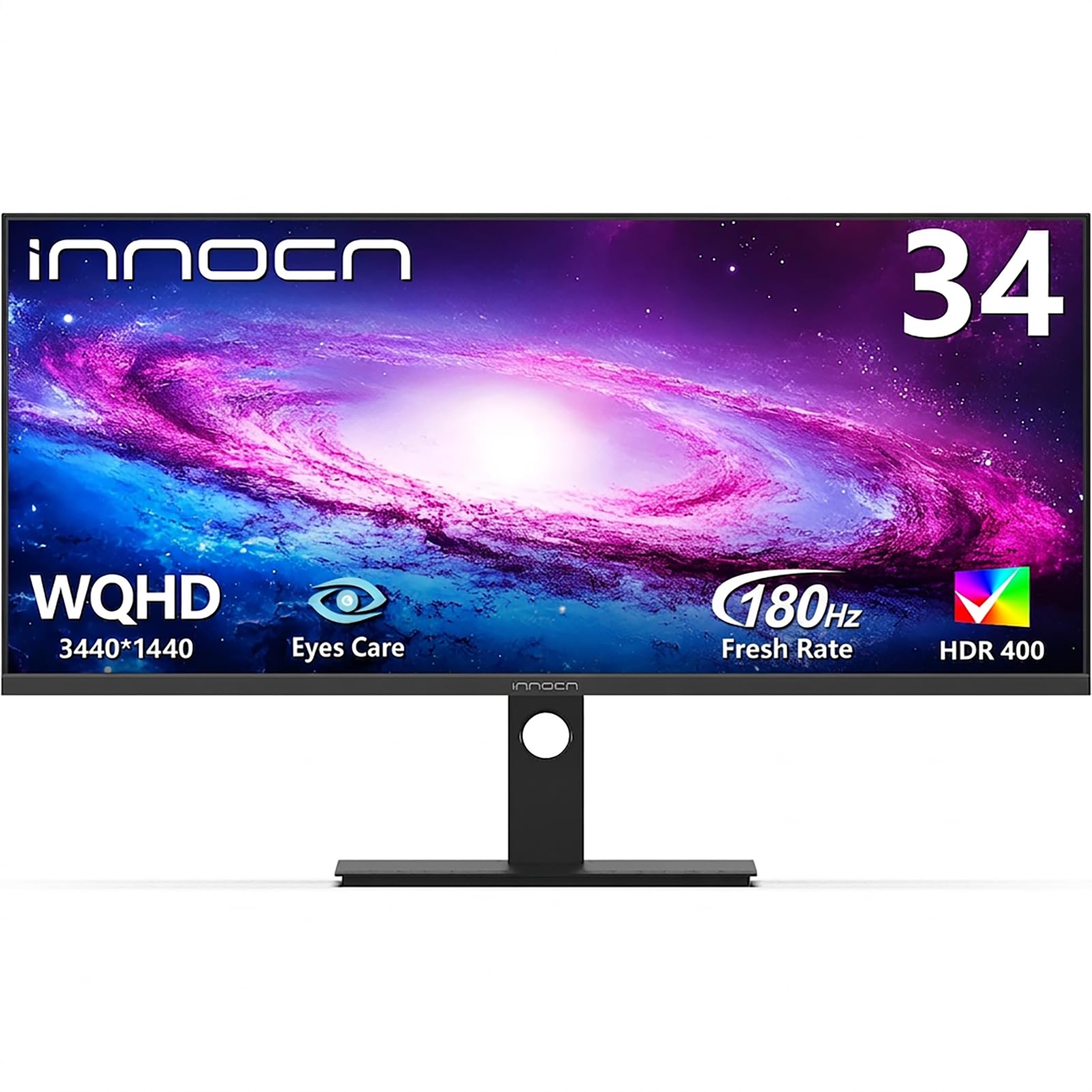
Two screens’ worth of desk space, one cable, and a genuinely wide field of view.
You see more of a racetrack or a battlefield without turning your head, because the screen is 21:9 (21 units wide for every 9 tall, against the standard 16:9). The resolution is 3440 x 1440, a wider version of 1440p, so you get extra width on the sides. The IPS panel (a screen type that keeps colours steady from the side) holds colour across 178° viewing angles, so the picture stays true even when you sit off-centre. If you edit video timelines or compare documents side by side, that extra width earns its keep beyond gaming.
The feature that separates it from every flat panel on this list is PIP and PBP — Picture-in-Picture and Picture-by-Picture. Those let you run two devices at once, say a PC and a console, and see both on the single screen without swapping inputs. The 180Hz refresh with a 1ms MPRT response time is rated for fast titles, and the stand adjusts 130mm in height with a -5° to 15° tilt, so you can sit upright or slouch. Display quality is what buyers talk about most here — many rate the panel’s image against monitors that cost far more.
Set expectations on two fronts. Refresh rate draws mixed reports, with some setups topping out around 120Hz rather than the full 180Hz, so check your cable and port. And an ultrawide needs desk depth — a 34-inch screen sitting close can feel like the front row of a cinema. Sit at the right distance and 3440 x 1440 buys you a lot of screen for the money.
The productivity angle: PIP and PBP turn this into a two-machine workstation, and 3440 x 1440 gives you room for a coding window, a browser and a chat panel at once.
Run your cables first: the mixed refresh reports trace back to connection and settings, so use the DisplayPort 1.4 input and confirm your graphics card is set to the full rate.
Built for: a wide desk, a mix of work and play, and anyone who wants two devices on one panel via PIP or PBP.
Not for: a shallow desk pressed against a wall, where a 34-inch ultrawide sits too close for comfort.
6. LG 27GX704A-B 27-inch Ultragear QHD OLED Gaming Monitor
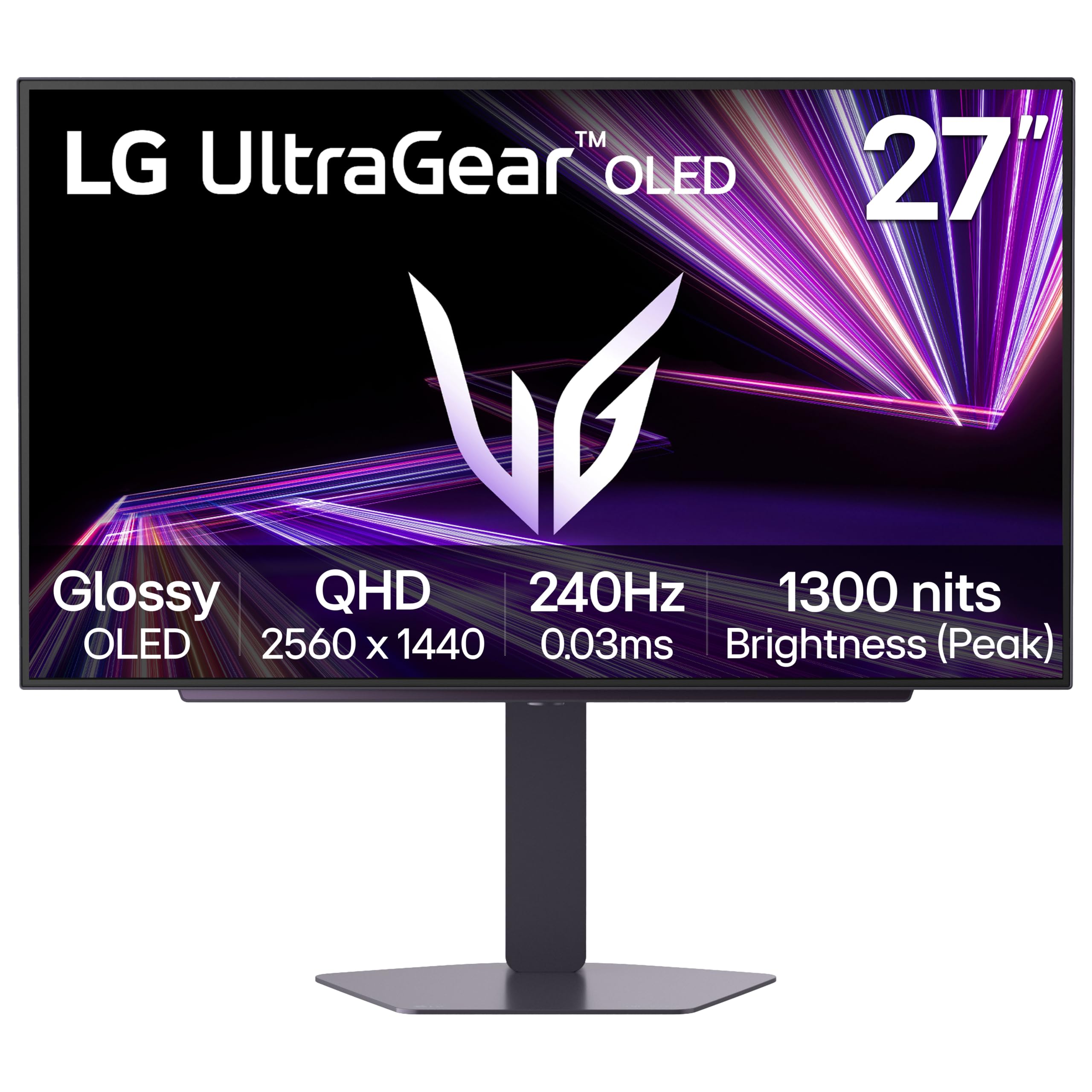
The first OLED that doesn’t demand an ultrawide desk or an ultrawide budget.
OLED changes what black looks like. Instead of a backlight shining through a filter, each pixel lights itself and switches fully off for darkness — which is why the contrast figure here reads 1,500,000:1. In a horror game that means corridors are genuinely unlit rather than grey, and in a shooter the silhouette of a target against shadow is cleaner. Add a 240Hz refresh rate and a 0.03ms response time — the fastest class of panel on this page — and you get motion that stays crisp when the camera whips around.
Brightness is the OLED story worth understanding. The panel runs a standard 275 nits and peaks at 1300 nits, so small bright elements like a muzzle flash punch hard while a full white screen stays moderate. VESA DisplayHDR True Black 400 certification is built around exactly that behaviour. Colour coverage reaches 98.5% of DCI-P3, and the glossy finish makes colours look richer than a matte coating, at the cost of more reflections in a bright room.
The connectivity is unusually complete for the size: dual HDMI 2.1, DisplayPort 1.4 and USB 3.2 in both directions, so consoles, a PC and peripherals all have a home. OLED Care runs automatic pixel-refresh cycles while the monitor is in standby, which is the maintenance routine that keeps image retention in check. The trade-off is brightness discipline — keep it out of direct sun and let those care cycles run.
The right buyer: someone with a standard 27-inch desk footprint who wants true-black contrast and doesn’t need ultrawide width.
Bear in mind: the glossy screen and modest 275-nit standard brightness reward a room you can darken.
7. Alienware 34 Curved Gaming Monitor AW3425DWM

A 1500R curve that wraps the picture around your eyeline, not past it.
The 1500R in the name is a curvature measurement — a 1500-millimetre radius, meaning a gentle bend that keeps the far edges of a 34-inch panel roughly equidistant from your eyes. On a screen this wide, that’s the difference between glancing to the corner of the map and simply seeing it. Resolution is 3440 x 1440 across a 21:9 panel, which gives you noticeably more scene than the 16:9 screens above, and the 180Hz refresh with 1ms grey-to-grey response keeps the motion quick.
Contrast is a strength: 3000:1 on this panel, matching the G5 and well ahead of the 1000:1 IPS models. Combined with 95% DCI-P3 coverage and VESA DisplayHDR 400 certification, open worlds and night races both hold their detail. AMD FreeSync Premium and VESA Adaptive Sync cover the frame-sync duties, so tearing stays out of the picture whether you run AMD or an adaptive-sync-capable NVIDIA card. Brightness sits at 400, giving you headroom for a lit room.
Marathon sessions stay comfortable and a console gets a sensible picture profile, thanks to Alienware’s console mode and hardware low blue light (a setting that cuts blue light at the screen, not just in software). The trade is the usual ultrawide one — some games letterbox the extra width (add black bars on the sides) rather than filling it, and you need desk depth to sit a comfortable distance from a 34-inch curve. For rich single-player and racing, the 1500R curve makes it the most enveloping screen here.
The curve earns its place: a 1500R bend on a 34-inch 21:9 panel keeps the corners within easy view, which matters most in racing and flight games.
Check your library: not every title supports 21:9 natively, so confirm the games you play fill the width before you commit to ultrawide.
Made for: rich single-player campaigns, racing and flight sims where a wider view is a genuine advantage.
Look elsewhere if: you play mostly competitive shooters that render in 16:9 and would leave black bars at the sides.
8. AOC 27″ Gaming Monitor QHD 240Hz QD-OLED Q27GAZDV
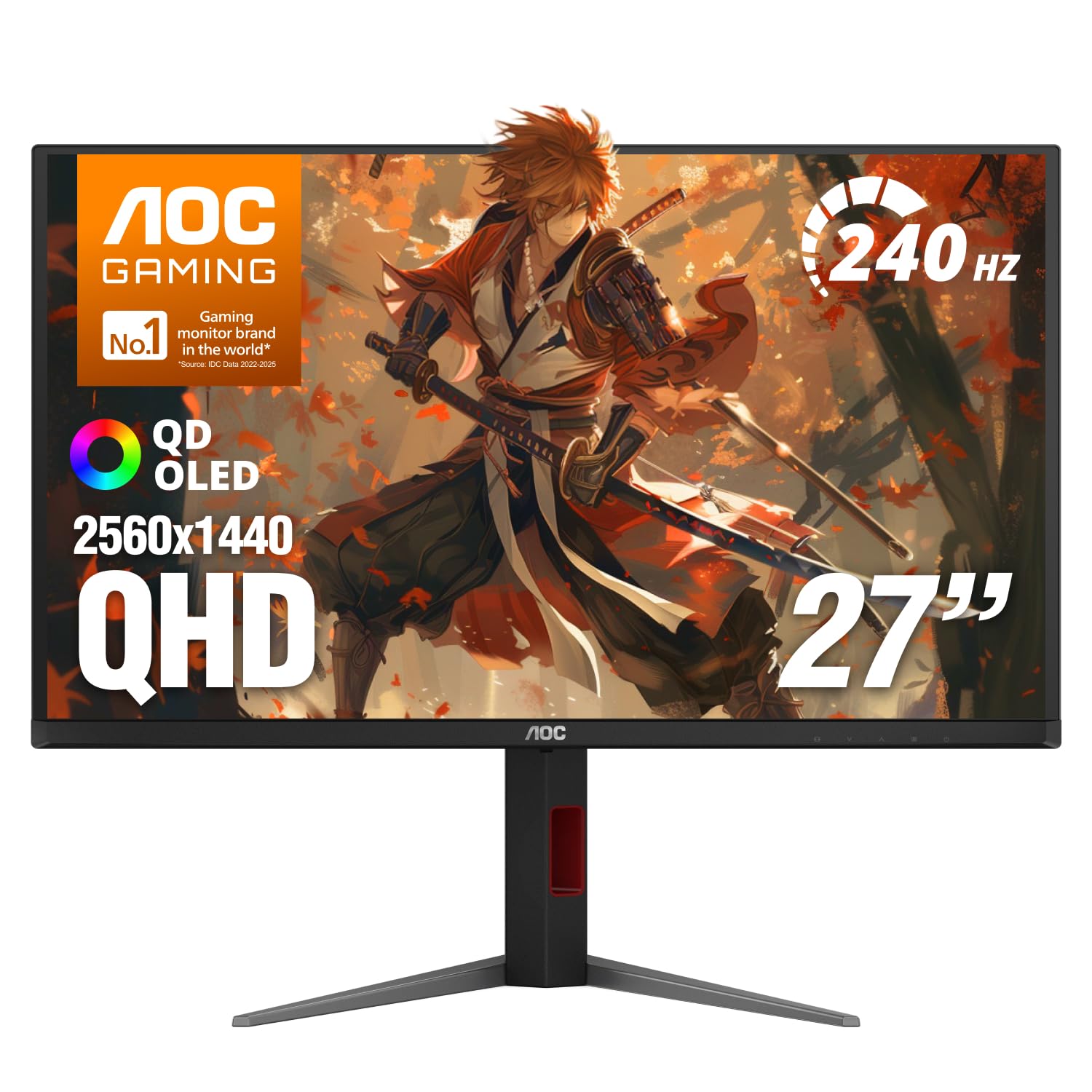
Quantum-dot colour on an OLED panel, without the flagship badge attached.
QD-OLED layers quantum dots — tiny particles that convert light into very pure colour — over self-lit OLED pixels. The result is the colour coverage quoted here: 147% of sRGB and 110% of DCI-P3, which is a wider, more saturated palette than the plain OLEDs above. Blacks come from pixels switching off, giving the 1,500,000:1 contrast figure, and a 240Hz refresh with 0.03ms response puts the speed in the top tier. Screen quality is what gets praised most on this model, and it’s easy to see why — the image glows in a way LCD can’t imitate.
Connectivity is current-gen. HDMI 2.1 and DisplayPort 1.4 both handle high-refresh 1440p from a PC, PS5 or Xbox Series X, and G-SYNC compatibility keeps frames synced. The stand adjusts in height, tilt, swivel and pivot, and there’s a USB 3.2 hub for peripherals plus VESA mounting if you’d rather use an arm. Flicker-Free tech helps on long sessions.
The spec that needs a caveat is brightness, quoted at 200. OLEDs trade full-screen brightness for per-pixel punch, so the highlights still pop but a bright room flattens the overall image. Reports split on exactly that — some find it bright, others want more. Treat it as a panel for a room you can control the light in, and the QD-OLED colour delivers.
Worth it for: saturated QD-OLED colour and 240Hz speed at the friendlier end of the OLED range.
One thing to weigh: the 200-nit brightness rating makes a controlled-light room the best home for it.
9. MSI MAG 274QP QD-OLED X24 27-Inch WQHD Gaming Monitor
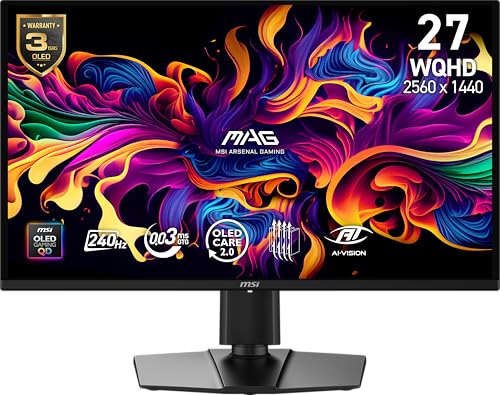
A billion colours and a fanless heatsink that looks after the panel.
Ten-bit colour is the headline. This QD-OLED panel displays 1.07 billion colours at 99% DCI-P3 with Delta E ≤2 accuracy — the last figure being a measure of how far displayed colour drifts from the true value, where lower is better. In practice, gradients in a sky or a fog bank stay smooth instead of banding into stripes. The 1,500,000:1 contrast ratio comes from OLED’s self-lit pixels, and the 240Hz refresh with 0.03ms grey-to-grey response carries a VESA ClearMR 13000 rating, a motion-clarity score for blur.
Cooling is the detail that separates it from cheaper OLEDs: a graphene heatsink with no fan, which manages panel temperature silently — no whine, and no moving part to fail. OLED Care 2.0 is MSI’s burn-in prevention toolkit, and it sits alongside AI-assisted extras like a smart crosshair and dedicated console modes. The 2560 x 1440 panel connects over DisplayPort 1.4a or HDMI 2.1 for PC, Mac, console or laptop at full rate, and the stand adjusts four ways with VESA 100mm mounting.
Peak brightness reaches 400 nits, which gives it more punch than the AOC above on bright content. Colour and contrast are why people buy it — the deep blacks make dark scenes in games look genuinely cinematic. The caveat is OLED’s normal one: vary your content and let the care routines run so static HUD elements don’t linger.
Where it pulls ahead
- 10-bit colour, 1.07 billion shades and 99% DCI-P3 at Delta E ≤2
- 240Hz with 0.03ms GTG and VESA ClearMR 13000 motion clarity
- Fanless graphene heatsink keeps it quiet while managing heat
- OLED Care 2.0 plus AI crosshair and console modes
Worth knowing before you buy
- OLED image-retention care means varying your on-screen content
- 400-nit peak is bright for an OLED but still behind a strong LCD in a sunlit room
The natural fit: colour-critical gamers and creators who want 10-bit gradients and OLED contrast in one panel.
Consider another option if: you leave a static HUD on screen for hours and won’t run the care cycles.
10. ASUS ROG Strix XG27ACDNG Monitor
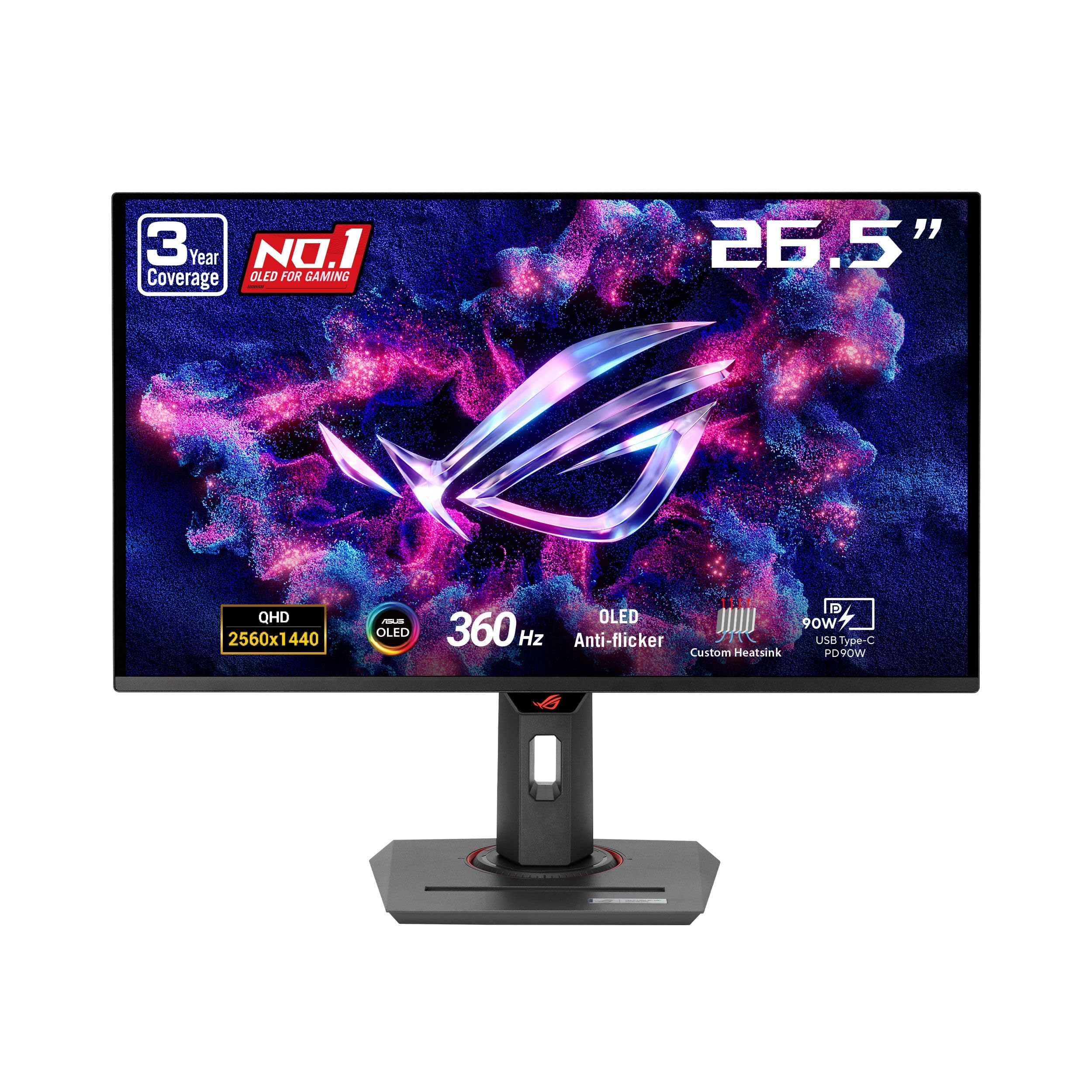
360Hz on an OLED panel — the fastest redraw on this entire page.
Nothing here refreshes quicker. This ROG Strix panel redraws 360 times a second, and because it’s QD-OLED with a 0.03ms response, each of those frames resolves without a smeared pixel trail. For a competitive shooter player, that combination — high refresh plus near-instant pixel switching — is the whole reason to spend at the top of the range. The 26.5-inch panel runs 2560 x 1440, so targets stay sharp rather than stretched.
Colour and HDR are flagship-grade. VESA DisplayHDR 400 True Black certification is the OLED-specific version of the HDR standard, aimed at deep blacks alongside bright highlights, and the panel covers 99% of DCI-P3 with true 10-bit colour and Delta E < 2 accuracy. ASUS adds its OLED Anti-flicker technology to smooth the flicker that can appear when the refresh rate swings — a known OLED quirk that’s handled here. A custom heatsink and airflow design pair with ASUS OLED Care+ to manage burn-in risk, and the 3-year warranty covers burn-in, which is rare and worth noting.
The practical limit is your graphics card. Hitting 360 frames per second at 1440p takes serious hardware, so if your rig tops out lower, you’ll never see the top of the refresh range. The upside is a 360Hz panel that stays ahead of your next graphics card upgrade.
The esports case: 360Hz refresh with 0.03ms response and OLED Anti-flicker handling the rate swings — this is built for people who count frames.
Check your rig: 360 frames per second at 2560 x 1440 is a heavy lift, so confirm your graphics card can push it before paying for the headroom.
For the competitor: a top-end graphics card and a shooter where every frame counts make this the fastest option listed.
Money better spent elsewhere if: your card can’t approach 360 frames per second, or you’d rather have ultrawide width.
11. LG 34GX90SA-W Monitor
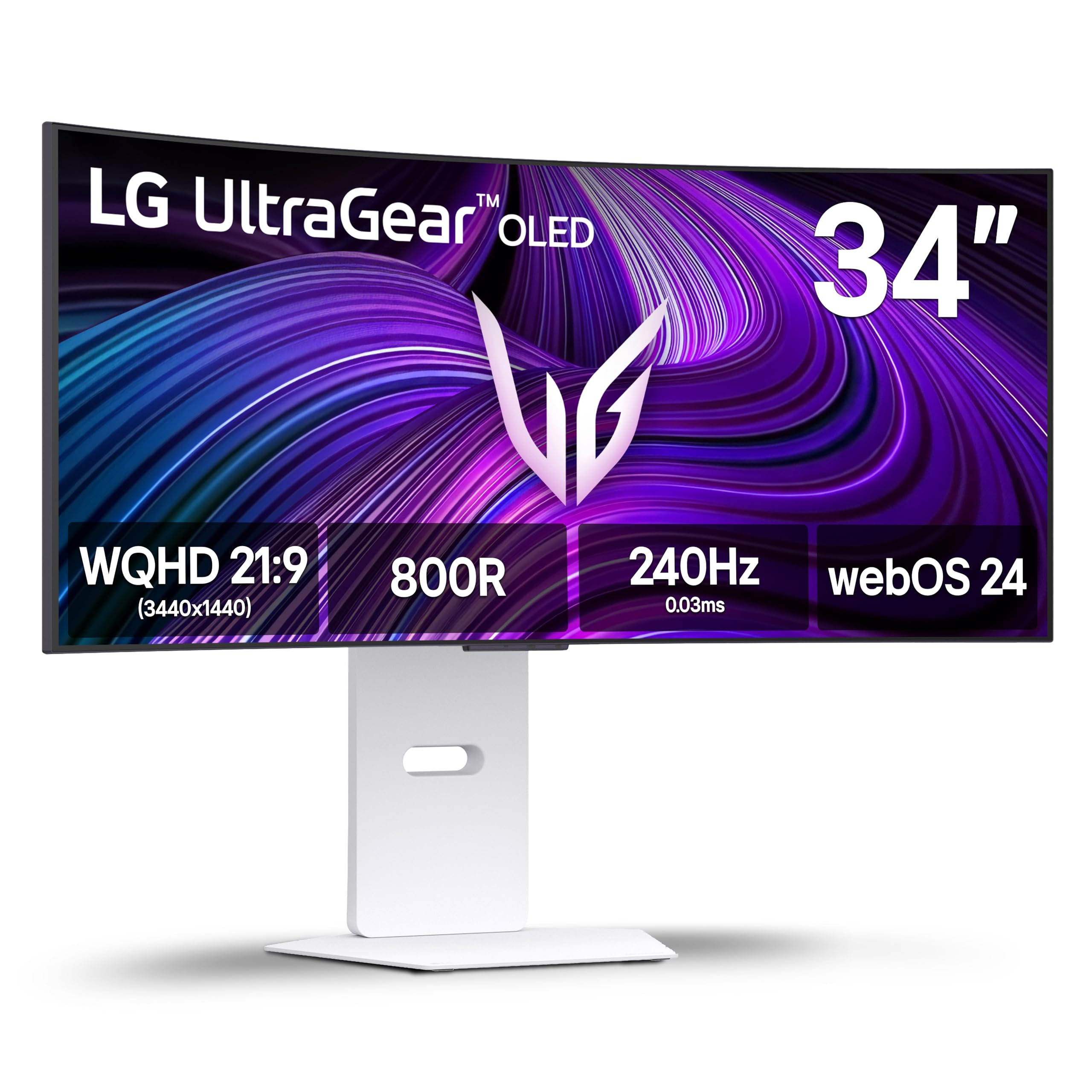
A steep 800R OLED curve, and a smart TV built into the monitor.
Two things make this screen unusual. The first is the curve — 800R is a much tighter bend than the 1500R Alienware above, wrapping a 34-inch 3440 x 1440 OLED panel closely around your view so the edges stay in easy sight. The second is webOS, LG’s smart-TV platform, built right in. That means Netflix, Prime Video, the Apple TV app, Disney+ and HBO Max run on the monitor without a PC, and cloud gaming through services like NVIDIA GeForce NOW and Amazon Luna works from the home screen.
The gaming hardware is flagship OLED: 240Hz refresh, 0.03ms grey-to-grey response, 1,500,000:1 contrast and 98.5% DCI-P3 coverage with DisplayHDR True Black 400. Peak brightness reaches 1300 nits, so highlights carry real punch, and the anti-glare surface cuts reflections. FreeSync Premium and G-SYNC compatibility cover frame sync on both PC and console, and USB Type-C with 65W power delivery means one cable can charge a laptop while feeding the screen. Dynamic Action Sync reduces input lag, and Black Stabilizer brightens the shadows.
Two honest notes. Flicker and screen-uniformity reports are mixed — some panels show visible lines — so inspect yours on arrival. And the 2-year limited warranty covers the OLED panel, which is the component you’d worry about, so register the purchase. For a desk that doubles as an entertainment setup, webOS means one screen covers both.
Why the curve matters: an 800R bend on a 34-inch ultrawide brings the far edges in close, which is more enveloping than a flat panel of the same width.
The streaming bonus: webOS with cloud gaming means a console-free session is possible straight from the home screen.
Built for: a desk that doubles as a streaming and cloud-gaming station, where one screen does the work of a monitor and a TV.
Inspect on arrival: mixed reports of visible screen lines make a day-one check worthwhile before the return window closes.
Know the Specs
Refresh Rate (Hz)
Refresh rate is how many times per second the screen redraws the image — 180Hz means 180 redraws a second. More redraws make fast camera pans and flick turns look continuous rather than stepped. Your graphics card has to produce those frames for the benefit to show, so a 360Hz panel with a card that tops out at 100 frames just runs at 100. Match the panel to your hardware.
Response Time (ms)
Response time is how quickly a pixel changes from one colour to another, measured in milliseconds. A lower figure means moving objects leave a shorter trail behind them. OLED panels switch far faster per pixel than LCD, which is why they quote figures like 0.03ms while LCDs sit around0.3ms to 1ms. Note that manufacturers measure this differently — MPRT, GtG and “gray-to-gray” are not the same test — so compare numbers within the same panel type rather than across it.
Adaptive Sync (FreeSync and G-SYNC)
Adaptive sync makes the monitor wait for the graphics card so each frame arrives in step, which removes the tearing and stutter you get when they drift apart. AMD cards use FreeSync, NVIDIA cards use G-SYNC, and many panels support both. If a listing says “G-SYNC Compatible,” that usually means it works with NVIDIA’s driver through the adaptive-sync standard rather than carrying a dedicated G-SYNC chip.
Panel Type (VA, IPS, OLED)
VA panels give the deepest blacks of the LCD family, IPS panels hold colour across wide viewing angles, and OLED panels switch individual pixels off entirely for true black. OLED brings the fastest response but asks for brightness care and burn-in routines. Contrast ratio measures the gap between the brightest white and darkest black — higher is better in a dark room.
Aspect Ratio (16:9 versus 21:9)
Aspect ratio is the shape of the screen. A 16:9 panel matches a standard TV and most broadcast content; a 21:9 ultrawide stretches the view sideways so you see more of a scene. Ultrawide suits racing, flight and open-world games and gives you extra workspace for editing. Not every title fills a 21:9 frame, so some games will letterbox.
Brightness and HDR
Brightness is measured in nits or candelas per square metre, and it decides how well a screen copes with a lit room. HDR, or High Dynamic Range, uses a wider brightness and colour range so highlights and shadows hold more detail. DisplayHDR 400 and DisplayHDR True Black 400 are certification tiers — the True Black version is the one designed for OLED’s per-pixel contrast.
Common Questions
Is 1440p worth it over 1080p for gaming?
Do I need 240Hz or is 180Hz enough?
What is the difference between GTG and MPRT response time?
Will a FreeSync monitor work with my NVIDIA graphics card?
How long does an OLED gaming monitor last before burn-in?
Is an ultrawide 21:9 monitor good for competitive shooters?
Can a QHD monitor run at 120Hz on a PS5 or Xbox Series X?
Does a curved monitor cause distortion or eye strain?
What cables do I need to hit full refresh rate at 1440p?
Should I buy a 27-inch or 34-inch WQHD gaming monitor?
The Bottom Line
For most players the wqhd gaming monitor to buy is the Samsung Odyssey G5 (G51F). It pairs a 180Hz refresh rate and 1ms response with the deepest blacks of any LCD here at 3000:1, and the tilt, pivot and height stand means you can set it up properly on day one. It carries the highest rating of the flat LCD group — 4.5+ stars across 800+ owners. If you chase frames, the ASUS TUF VG27AQM5A gives you 300Hz and a 0.3ms response for the fastest LCD motion on the page. Want true black and don’t need ultrawide width? The LG 27GX704A-B puts a 240Hz OLED on a standard 27-inch desk. And for the widest view with a console-friendly curve, the Alienware AW3425DWM wraps 3440 x 1440 around your eyeline at 180Hz.
How we choose
We do not accept paid placement. Every pick is matched to a real buyer and a real use-case; we do not hands-on test units.
Sources
Specifications: manufacturer listings and product documentation. Review insights: verified customer reviews, as of November 2026. Pricing: not shown on this page (it changes often); check the current price via the retailer link.
As an Amazon Associate, Tactical Gear Guy earns from qualifying purchases. This does not affect which products we feature.