Specs are compiled from manufacturer listings and verified buyer reviews and can change over time — please confirm the key details on the product page before buying.
Buying a wood laser cutter and engraver is mostly a decision about three things: how much real laser power you get, how big a piece of wood you can fit on the bed, and whether the machine protects your eyes without you babysitting it. Most listings shout wattage and hide everything else. This guide fixes that — each pick below is chosen for a specific kind of buyer, from a first-timer cutting coasters at the kitchen table to a small shop running batch orders. The top pick, the Longer RAY5 20W, holds the strongest overall record here at 4.5+ stars from 100+ owners, and it earns that spot on cutting depth and a built-in touchscreen rather than marketing.
This guide is built by comparing the manufacturers’ published specifications and the patterns across verified customer reviews, so you get each pick’s real strengths and trade-offs instead of marketing spin.
You will see wattage translated into actual cut depth, bed sizes compared in millimetres, and safety ratings explained without jargon. Every claim here traces back to the maker’s spec sheet or the owner feedback on that exact machine, so you can pick the right wood laser cutter and engraver for your bench on the first try.
Top Picks
How To Choose The Best Wood Laser Cutter and Engraver
Start with the wood you actually plan to cut, not the wattage on the box. A 10W diode machine will handle thin basswood and plywood in a couple of passes. Step up to 20W and you get through thicker stock in one pass, which is the difference between a hobby and a small production run. Everything else — bed size, safety class, software — is a filter you apply after that.
Match optical power to your thickest cut
Look for “optical output” watts, not the electrical draw. A 20W machine like the Longer RAY5 cuts 25mm wood according to its maker, while a 10W unit is rated for 5mm basswood in a single pass. If your projects are signs and thick hardwood blanks, buy the power. If you mostly engrave and only occasionally cut thin stock, a 10W saves you money and bench space.
Check the bed in millimetres against your blanks
Bed size is where buyers get caught out. A 300 x 300mm bed fits a coaster run or a small plaque but forces you to tile a full sheet. A 418 x 418mm bed, like the Twotrees TTS-20 Pro, takes a bigger blank in one go. Measure your typical project before you commit — repositioning material mid-job is the fastest way to lose alignment.
Decide on enclosed Class 1 or open frame
An open-frame laser needs safety goggles and a well-ventilated room because the beam is exposed and smoke drifts freely. A Class 1 enclosed machine, like the Twotrees TS5 or xTool M2, blocks the light and contains the smoke, which matters if kids, pets, or a shared workspace are nearby. Enclosed units usually cost more and weigh more, but they let you run indoors without gearing up every time.
Side-by-Side Comparison
| Model | Best For | Laser Power | Working Area | Enclosure / Safety | Amazon |
|---|---|---|---|---|---|
| Longer RAY5 20W★ Best Overall | All-round pick | 20W | 400 x 365 mm | Open frame | Amazon |
| Creality Falcon 10WBudget Starter | Budget first-timer | 10W | 15.7″ × 16.3″ | Anti-UV filter | Amazon |
| ATOMSTACK Swift 12WCompact Pick | Small desk, tight space | 12W | 300 x 300 mm | Magnetic cover | Amazon |
| Ortur Laser Master 2 Pro S2 | Deep cuts, larger stock | 10000mW | 390 x 410 mm | 98% UV filter | Amazon |
| ATOMSTACK A20 Pro V2 | Precision gifts and cards | 20000mW | — | Magnetic cover | Amazon |
| Twotrees TTS-20 Pro | Big bed on a budget | 20W | 418 x 418 mm | Open frame | Amazon |
| AlgoLaser MK3 20W | Touchscreen ease | 20W | 400 x 400 mm | Open frame | Amazon |
| Twotrees TS5 | Sealed, portable, tumblers | Class 1 enclosed | 9.8″×4.8″×4.8″ | Class 1, 99% filtered | Amazon |
| xTool M2 20W | Home workshop safety | 20W | — | Class 1 enclosed | Amazon |
| Creality Falcon A1 Pro | Speed and autofocus | 20W | 460 × 346 mm honeycomb | Class 1 enclosed | Amazon |
| xTool F2 | On-site metal and wood | 15W diode + 5W IR | — | Enclosed | Amazon |
Detailed Reviews
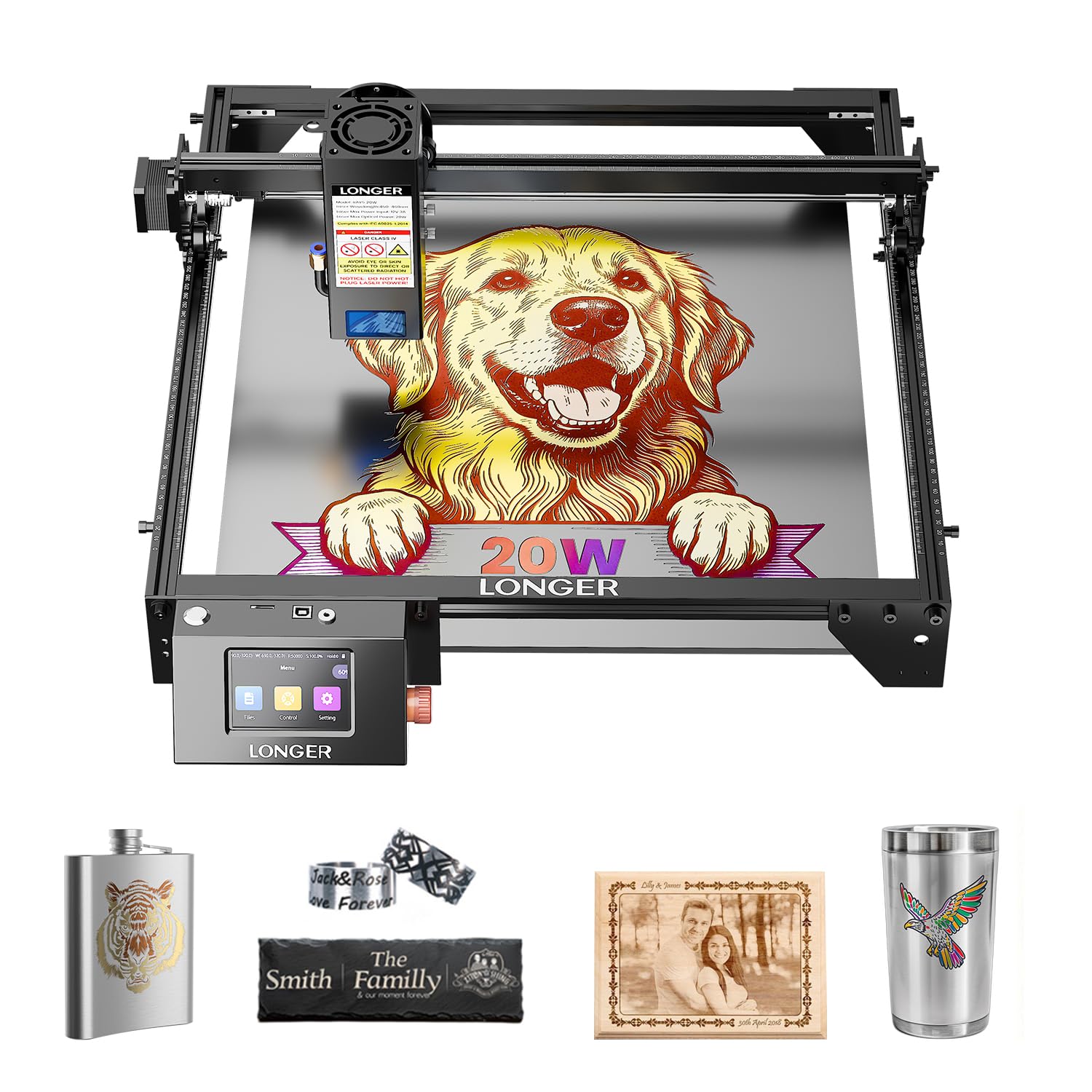
1. Longer RAY5 20W Laser Engraver
Our pick — 4.5+★ from 100+ verified ratings; the strongest balance of quality and price.
Twenty watts of cut power with a screen on the machine, not just an app on your phone.
The RAY5 is the pick for someone who wants one machine that does real cutting, not just engraving, and does not want to tether a laptop to it every session. It runs 20W of output through a 0.08 x 0.1mm compressed beam onto a 400 x 365mm bed. In plain terms, that spot is a very small, tight rectangle of focused light, and a tighter spot means sharper lettering and less charring on fine details. The maker rates it for cutting 25mm wood and 35mm acrylic, which is thick stock for a desktop diode machine.
The built-in 3.5-inch color touchscreen is what separates it from most of this list. You can watch progress, change speed, and start a job without a computer in the loop, and it takes four connection routes: USB, TF card, WiFi, and app. It also plays nicely with LaserGRBL and LightBurn, so you are not locked into one workflow. Against the Creality Falcon 10W below, it carries more laser power — 20W versus 10W — which is the gap between slow multi-pass cutting and single-pass cutting on thicker wood.
Where owners land: the build and cut quality are what keep them happy, and it is routinely called a straightforward machine to run. The honest caveat is a minority who hit a unit that quit after a few months, so treat the one-year warranty as your safety net and register it on day one. It is also heavier than the ATOMSTACK Swift, at 10.68 pounds versus 6.19 pounds, so plan a permanent spot rather than moving it around. An air pump is recommended for cleaner cuts.
What earns it the top slot
- 20W output cuts 25mm wood per the maker’s rating — real stock, not just veneer.
- 3.5-inch touchscreen runs jobs without a laptop attached.
- Four connection modes (USB, TF, WiFi, app) plus LightBurn and LaserGRBL support.
- 400 x 365mm bed fits larger signs in one pass.
Before you commit
- At 10.68 pounds it is a bench fixture, not a portable unit.
- A few units have stopped working early; the one-year warranty covers you.
- Open frame means goggles and ventilation are on you.
Reach for this if: you want the deepest cuts on this list without paying premium-tier money, and a screen on the machine matters to you.
Think twice if: you need a sealed, kid-safe enclosure or a machine you can carry to a craft fair.
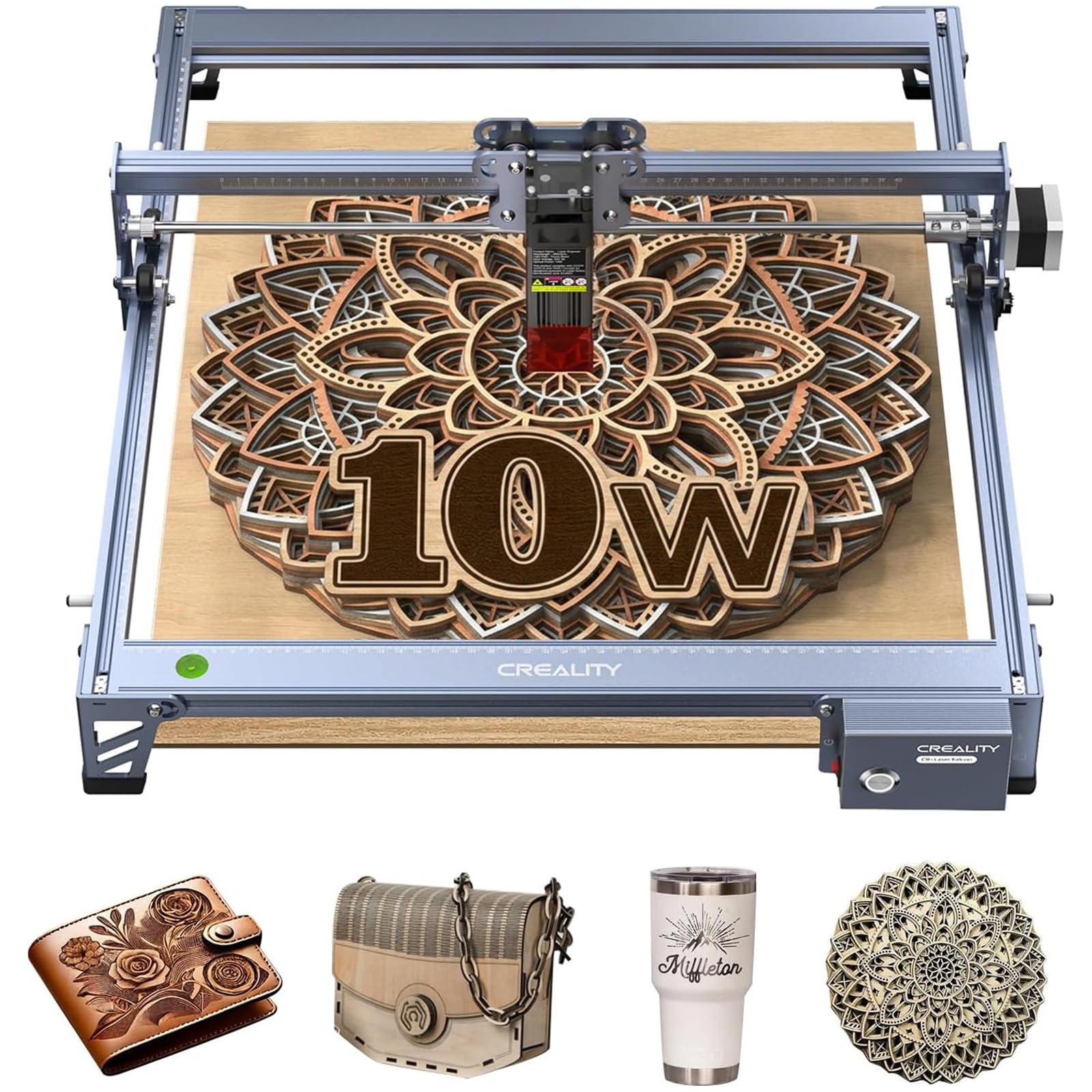
2. Creality Falcon 10W Laser Engraver
The entry point that still engraves like it means it, with a filtered lens built in.
If you are testing whether laser work is for you before committing serious money, this is the machine to start on. Ten watts of optical output gets through 5mm basswood or 3mm black acrylic in a single pass, and it engraves at up to 10,000mm/min. That speed number means the head sweeps the bed quickly between cuts, so a coaster set finishes in one sitting rather than an afternoon. The 15.7″ × 16.3″ working area is generous for the tier.
The detail work comes from a 0.06 × 0.06mm compressed spot, which is a finely focused dot of laser light. That is what lets it pull clean lines and readable small text out of wood, leather, paper, and coated metal. Creality also builds an anti-UV acrylic filter into the laser module that filters 97% of UV rays, and ships protective goggles in the box — a thoughtful touch at this level, since your eyes are the thing most at risk on any open-frame laser. An SD card slot lets it run offline.
Two things to weigh. Owners are split on assembly — some breeze through it and others find the instructions confusing, so give yourself a quiet evening and follow a video. And with 10W you will need a few passes on 1/4″ birch plywood rather than one clean slice. For thinner craft stock it is right at home. The aluminum alloy frame and steel shaft wheel rails keep it stable, and belt tension adjustment lets you dial out wobble.
Where it fits: a first laser for wood signs, leather patches, and personalized gifts where thin-to-medium stock is the norm.
The honest limit: more passes on thicker plywood than the 20W Longer RAY5 — 10W versus 20W of rated output is a real gap in cut speed.
Best matched to: hobbyists who want to learn the craft on a well-built frame and can live with multi-pass cutting.
Pass on it if: your projects start with thick hardwood blanks that need one-pass cuts.
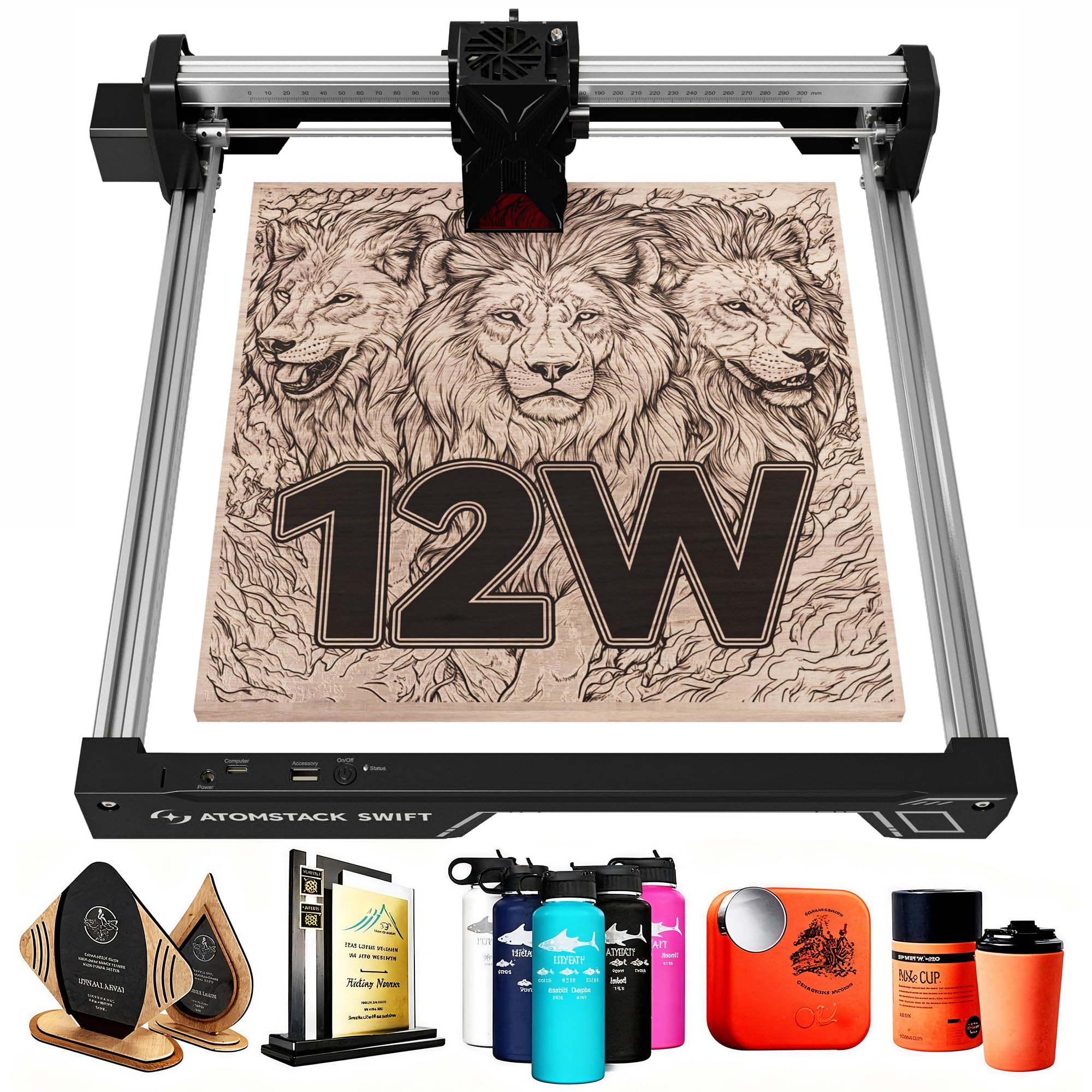
3. ATOMSTACK Swift 12W Laser Engraver Cutter for Wood & Metal
Twelve watts squeezed into a 6.19-pound frame that fits on a crowded desk.
Small workshops and apartment desks are where this one makes sense. At 6.19 pounds it is the lightest machine on this list, against 10.68 pounds for the Longer RAY5, so you can lift it onto a shelf when the desk needs to be a desk again. The 300 x 300mm bed is the smallest here, which is the trade you make for the footprint. Coasters, keychains, small plaques: all fine. A full 12-inch sign blank, not so much.
Twelve watts of power with a 0.06 x 0.08mm spot puts it above the 10W Creality Falcon and below the 20W machines, and double pressure point coupling — the maker’s term for a stiffer, more stable rail assembly — keeps the head tracking straight. A removable magnetic laser protective cover plus included safety glasses cover your eyes, and it connects over Type-C or USB. It runs the ATOMSTACK app and PC software, and it also accepts LightBurn and LaserGRBL if you prefer a mature toolchain.
The smaller bed is the honest catch. If your work grows past small crafts, you will feel the 300 x 300mm ceiling fast. ATOMSTACK backs it with a 365-day warranty and 24/7 support, which softens the risk of a first-generation hiccup. It is a machine that rewards you for staying small and precise rather than chasing big signs.
Why it earns a place: the best balance here between real 12W cutting and a footprint you can pack away.
The trade you accept: 300 x 300mm bed — smaller than the Longer RAY5’s 400 x 365mm — caps your project size.
Pick this when: bench space is the limiting factor and your projects are small, detailed, and frequent.
Look elsewhere if: you regularly cut blanks wider than a small plaque.
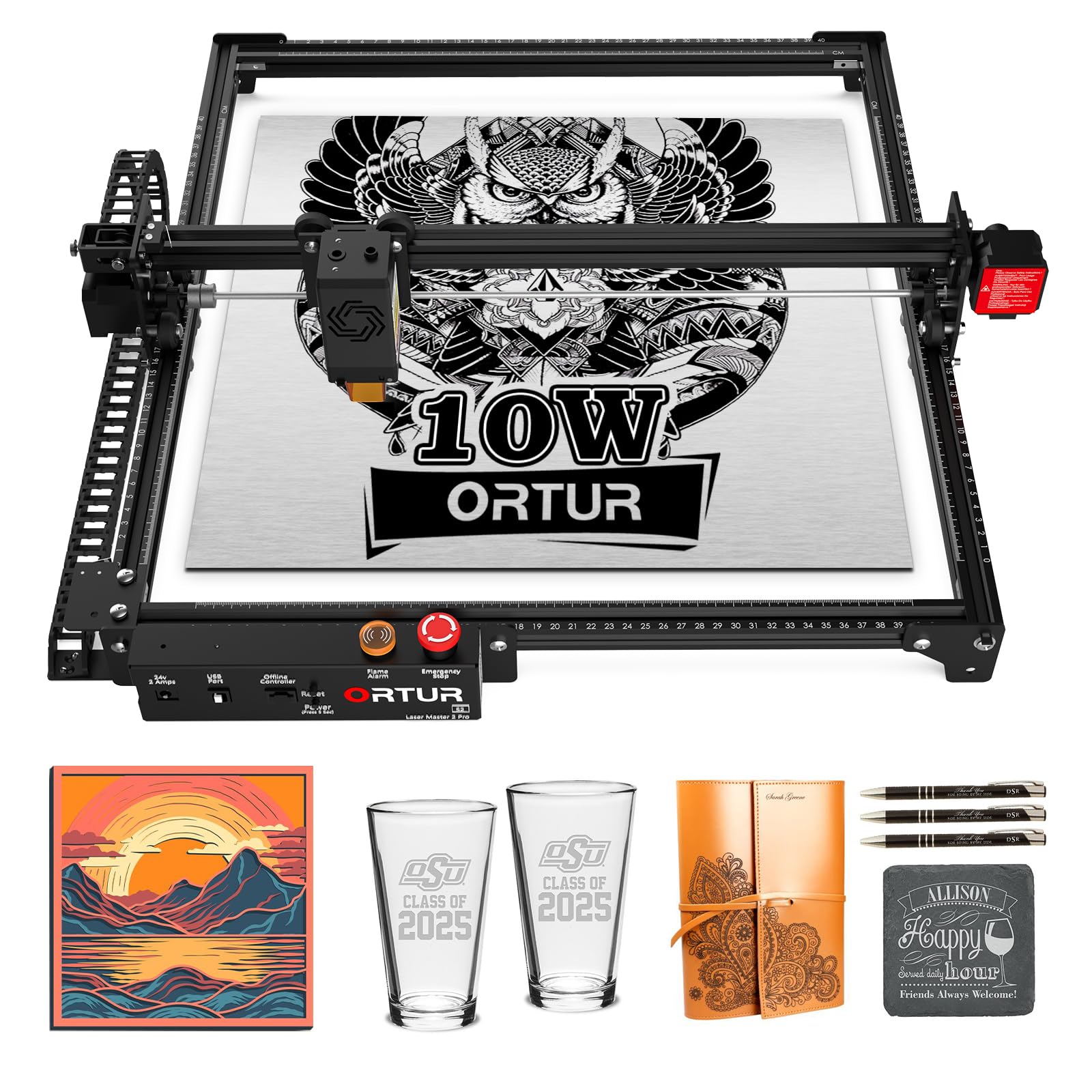
4. Ortur Laser Master 2 Pro S2 10000mW Laser Engraver
A 10W head that plows through 30mm acrylic, with safety features most rivals skip.
Look past the wattage and this machine’s cutting claims are the story. The maker rates it for cutting 30mm acrylic and 20mm wood from a true 10000mW module with dual fan cooling, so it can run hard without the head cooking itself. It also has a built-in air-assist interface — a port for blowing compressed air at the cut point — which is what keeps edges clean and stops flare-ups on wood. The 390 x 410mm engraving area sits just under the 400 x 365mm RAY5 bed but is close enough to handle most sign blanks.
Speed is where it leads the top pick outright: 15000mm/min versus the Longer RAY5’s 10000mm/min, so a dense engraving job finishes noticeably sooner. The LU2-10A module compresses the beam to 0.05mm x 0.1mm for fine detail, and the module itself weighs just 235g, which keeps the gantry light and quick. Assembly is quick by design — industrial-grade full metal structure with a modular layout that the maker says comes together in about 10-15 minutes. A laser protective cover filters 98% of UV light.
The safety package is unusual at this level: active position protection, a stop when the USB cable disconnects, an emergency stop switch with flame alarm, and exposure-time detection. That flame alarm matters — a laser cutting wood can smoulder, and an early warning is worth more than any spec sheet bragging. The genuine caveat is the setup curve. Beginners report it can be tricky to get dialled in, so budget an afternoon and lean on the community for settings.
Standout strengths
- Rated to cut 20mm wood and 30mm acrylic — deep for a 10W-class module.
- 15000mm/min speed beats the 10000mm/min Longer RAY5.
- Flame alarm, emergency stop, tilt and disconnect protection built in.
- Works with LightBurn, LaserGRBL, and the maker’s own app across Windows and Mac.
Note first
- Setup and tuning can frustrate a complete beginner.
- Open frame — you supply goggles and ventilation.
- Air assist needs a pump you add separately.
Go for it if: cutting thicker acrylic and hardwood is your core job and you value a flame alarm over hand-holding.
skip it if: you want plug-and-play on day one with zero tuning.
5. ATOMSTACK 20W Laser Engraver, A20 PRO V2 Laser Cutter
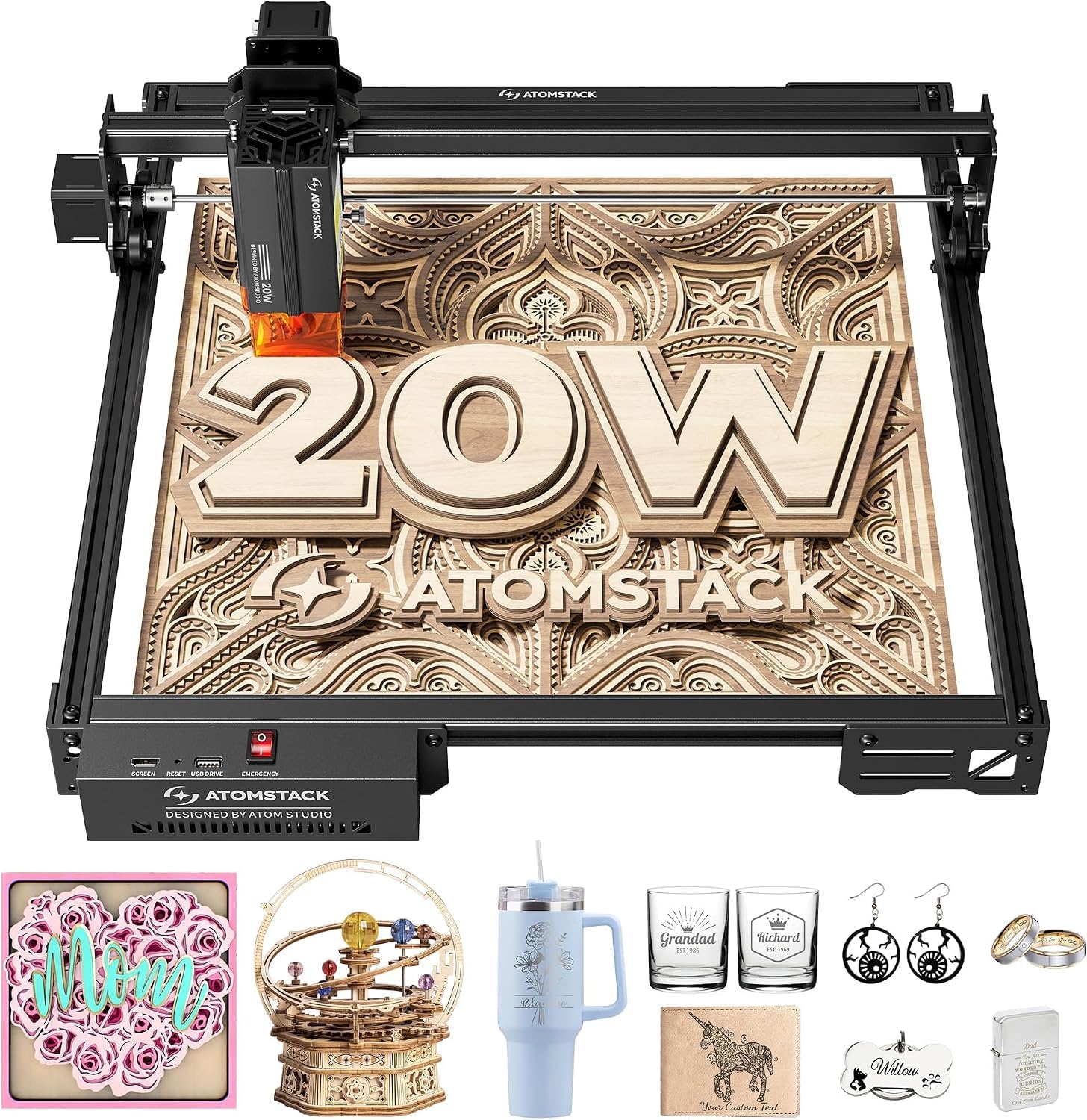
The gift-card specialist: 0.01mm accuracy and a beep if the machine gets tilted.
Personalized business cards, small wooden gifts, and detail-heavy keepsakes are the reason to pick this one. It pushes 20000mW of output, against the Ortur Laser Master 2 Pro S2’s 10000mW, and reaches engraving speeds up to 400mm/s. The speed figure here is about throughput: faster passes mean more finished pieces per evening. Built-in limit switches and a cross-line light help it land 0.01mm accuracy, which is the margin that decides whether tiny text comes out crisp or mushy.
The mechanical design is worth a sentence of its own. An integrated linear guide motion structure keeps the head moving on a fixed rail, which the maker ties to both precision and a longer machine life, and the aluminum alloy frame with modular design means parts are meant to be replaceable. For safety it bundles a removable magnetic protective cover, glasses, and a tilt-angle beep that sounds above 15° — a small thing that protects a big investment if the bench gets bumped.
You can run it from a Type-C cable or a USB stick, and it works with the ATOMSTACK app, LightBurn, and LaserGRBL. The maker quotes up to 10000 hours of diode lifespan and free replacement on faulty parts, backed by 24/7 service. At 13.67 pounds it is on the heavy side for this list, so treat it as a fixed station. The catch to know about: it is built for engraving precision more than bulk cutting, so if thick one-pass cuts are your goal, look at the dedicated 20W cutters above and below.
Built for detail: 0.01mm accuracy and a cross-line light make fine gift engraving repeatable.
Plan around this: 13.67 pounds and a precision-first design mean it stays on the bench rather than travelling.
Choose it if: your money comes from personalized wood gifts and cards where clean detail is the whole product.
Reconsider if: you need to cut thick stock in a single pass as your main job.
6. Twotrees TTS-20 Pro Laser Engraver, 20000mW Machine

The biggest bed on the list, paired with a top-end 30000mm/min travel speed.
When your project outgrows every other machine here, this is the answer. The 418 x 418mm work area is larger than the Longer RAY5’s 400 x 365mm and the ATOMSTACK Swift’s 300 x 300mm, so full signs and batch sheets fit without tiling. It backs that room with a 20W blue diode laser rated at ≥19.5W optical output on a 450±5nm wavelength — that is the colour of blue light the diode emits, and it is the wavelength wood and leather absorb well.
Speed and consistency are the other half of the story. It reaches 30000mm/min with 0.1mm positioning accuracy, helped by TMC2209 silent drivers and 42 stepper motors — quieter electronics and steadier motion. X/Y limit homing recalibrates the origin before every job, which is the feature batch work lives or dies on. It also takes a 4GB TF card for fully offline jobs, plus WiFi and USB, and runs LightBurn and LaserGRBL on Windows, MacOS, and Linux.
Where buyers get stuck: assembly is the recurring gripe, and some find the motor power modest for their taste. The fix is patience — the machine is capable once it is squared and tuned, and the reserved ports for a touchscreen module and air assist let you upgrade later. At 4 kilograms the whole machine is light enough to move and store, and the honeycomb panel and air kit are sold separately, so budget for those if you cut seriously.
What wins people over: the sheer size of the 418 x 418mm bed at this tier, plus offline TF card jobs.
The catch: assembly takes effort and the air assist and touchscreen are add-ons, not included.
A fit for you if: square footage beats every other spec on your list and you can spend a Saturday setting it up right.
Not your machine if: you want it running an hour after the box arrives.
7. AlgoLaser MK3 20W Laser Engraver
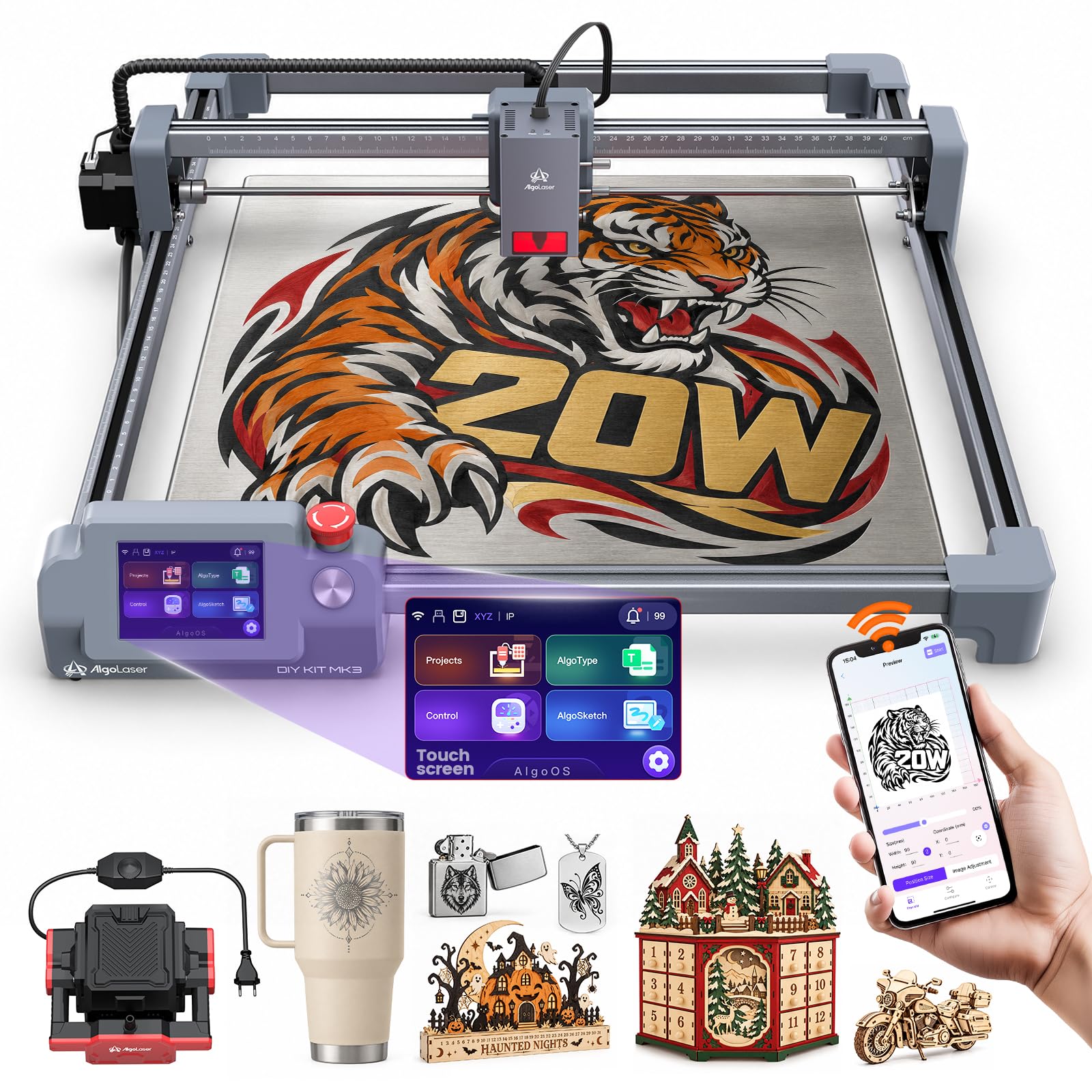
A 20W cutter that treats the onboard screen as the main control, not an afterthought.
The MK3 is for the maker who does not want to design on a laptop and then babysit a connection to start a job. Its 3.5-inch smart touchscreen runs AlgoOS, the maker’s own system, so you can preview a project and fire it from the panel while the computer stays off. Twenty watts of diode power drives speeds up to 15000mm/min — the same top figure as the Ortur on this list — across signs, plaques, and gift work.
The bed is a genuine 400 x 400mm, which is slightly more room than the Longer RAY5’s 400 x 365mm and enough for batch engraving without constant repositioning. Unlike most open-frame machines here, this one ships with an adjustable air assist pump in the box — that is the air blower that keeps cuts clean and suppresses flare-ups — so you are not buying it as a separate upgrade. Connectivity covers WiFi, USB, TF card, and app control, and it takes LightBurn and LaserGRBL on Windows and macOS.
The honest picture is thinner owner history than the big-name picks, and at 12.7 pounds it is a bench machine. Its real value is concentration: the touchscreen, the large square bed, and the included air pump all point at someone who wants to work from the machine itself and skip the add-on shopping.
Its edge: AlgoOS on a 3.5-inch touchscreen plus a bundled adjustable air assist pump — a workflow-first machine.
Keep in mind: a newer name on this list, so lean on the warranty and community settings.
Made for: workshop makers who want to run jobs straight from the panel with clean air-assisted cuts from the start.
Hold off if: you want a long track record of owner reports before you commit.
8. Twotrees TS5 Laser Engraver, Class 1 Enclosed
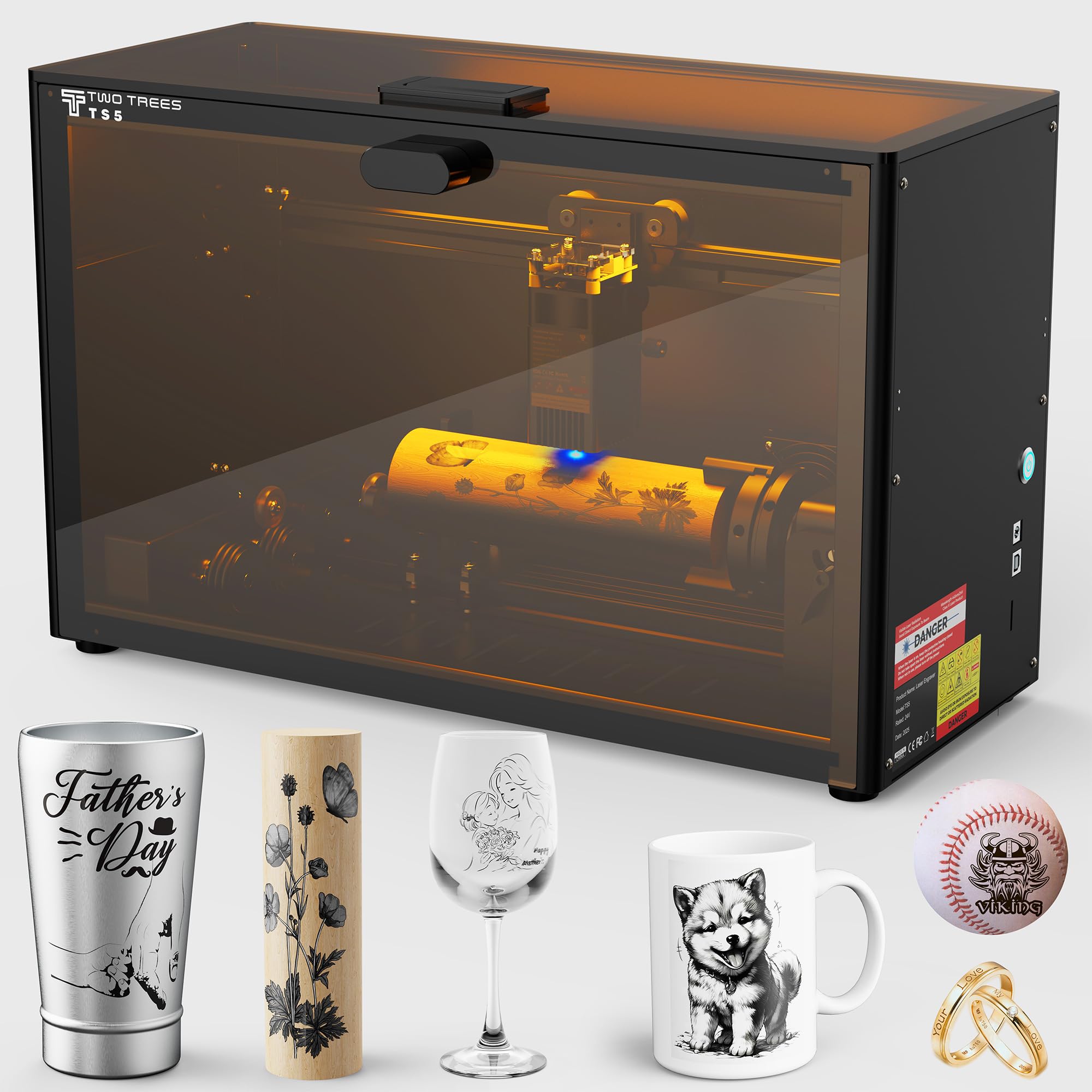
A sealed, tumble-and-gift-box engraver you can carry to a craft fair.
Anyone engraving curved things — tumblers, wine glasses, thermoses, baseballs — should read this one first. The TS5 ships with an original 4-in-1 rotary kit: a chuck rotary for bottles and cups, a ring rotary for rings, a roller rotary for cylindrical glassware, and a sphere rotary for round objects. Its ultra-fine 0.035 x 0.1mm spot pulls 1:1 photo-realistic engravings out of that setup. The workspace is 9.8″×4.8″×4.8″, sized for tumblers and gift boxes rather than flat sign blanks.
The safety story is what makes it livable indoors. It is Class 1 enclosed, meaning the protective cover filters 99% of laser light, so you work without goggles and the enclosure also blocks smoke and noise. Two amber windows let you watch the job without opening the lid. At just 9.13 kg the maker compares it to lifting a small dumbbell, so it travels to parties and markets. The frame is aerospace-grade aluminum, and Twotrees puts each unit through 7 pre-shipment inspections.
The trade is bed style. This is a curated case for round and small objects, not a wide flat bed for posters or large signs — if that is your work, the Twotrees TTS-20 Pro’s 418 x 418mm flat area is the better call. For personalized drinkware and gift engraving, the enclosed design and rotary kit are a more complete package than most.
Why drinkware engravers like it
- 4-in-1 rotary kit covers cups, rings, glassware, and spheres.
- Class 1 enclosure filters 99% of light — no goggles needed.
- 9.13 kg and carry-friendly for markets and fairs.
- 0.035 x 0.1mm spot for photo-realistic detail.
The honest trade
- Small 9.8″×4.8″×4.8″ workspace — not built for large flat signs.
- Printer-style enclosure limits how big a project you can load.
The right tool for: tumbler and gift engravers who want a sealed, portable machine with a full rotary kit included.
Wrong tool for: anyone cutting large flat panels that need a wide open bed.
9. xTool M2 20W Laser Engraver, Dual Cameras, Class 1

Twenty watts, sealed shut, with twin cameras so placement is a drag-and-drop job.
If the machine lives where your family lives, the M2’s fully enclosed Class 1 design is the point. It contains the beam and the work, so kids and pets are not sharing a room with an open laser. Inside, 20W of diode power handles wood, leather, felt, fabric, and paper. The standout is the dual-camera system: it previews your workspace in real time and fuses that view with motion control for a “Place & Go” flow, meaning you drop a blank in, see it on screen, and position the design over it without measuring.
xTool Studio is the software side, and it leans beginner-friendly with hundreds of ready-to-use templates plus an AI image generator that turns a text idea into a design. You can add a CMYK Inkjet module (sold separately) for full-colour printing alongside the laser, or a 3W IR laser (also separate) for metal and plastic work. from the start, this standalone is the 20W laser and the cameras. At 35.9 pounds it is one of the heaviest machines here, so it gets a permanent home.
What buyers value most here is the build and the simplicity of the workflow — it is genuinely easy to get a first project out. The thing to plan for is the add-on economy: the colour printing and infrared engraving that make the M2 special are extras, not in the box. Buy it for the sealed safety and camera accuracy, and add modules only as projects demand.
The draw: dual-camera “Place & Go” positioning inside a Class 1 enclosure — accuracy without measuring.
Budget note: the CMYK inkjet and 3W IR modules that extend its range are sold separately.
Suits you if: safety around a household matters most and you want camera-guided placement to skip the guesswork.
Not for you if: you need the widest flat bed and do not care about an enclosure.
10. Creality Falcon A1 Pro 20W Laser Engraver, Full Enclosed
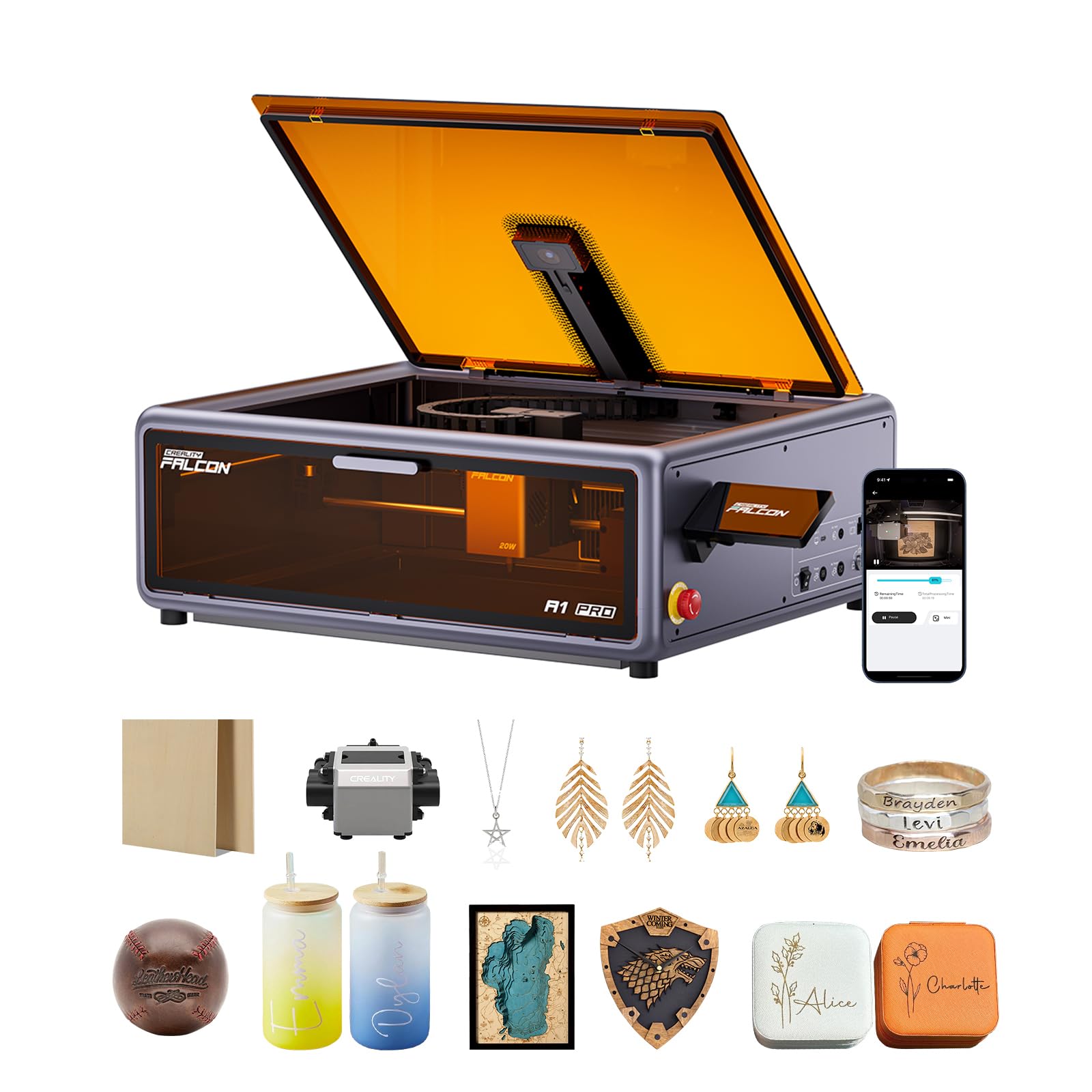
Batch speed, a 3-second autofocus, and a lid that shuts the whole job away.
This is the machine for someone running repeat jobs who is tired of focusing by hand. A high-definition camera previews the workspace, and the camera-control module, AI vision, red-dot ranging laser, and Z-axis auto-lift together focus the head in just 3 seconds, accurate within 0.012 inches. That means less scrap on the first cut of every new material. Twenty watts of blue laser cuts through 10mm basswood and 8mm black acrylic at speeds reaching 600 mm/s.
The safety and enclosure are built to keep the mess contained. Dual protective covers filter 99% of light so you skip goggles, the enclosed body blocks smoke and noise, and an internal fan pushes fumes out. An emergency stop and a lid-open halt give you two hard stops. It arrives 80% pre-assembled, so minimal setup stands between the box and your first job. A smartphone-style touchscreen and app control let you monitor a run remotely — the maker’s pitch is checking progress from another room.
Two things worth knowing before you buy. It only fits 460 × 346mm honeycomb panels, so match your accessories to that size. And the 2W infrared (IR) module that handles fine metal and photo engraving is an optional purchase, not included. At 37.4 pounds it is the heaviest machine here and wants a fixed bench with room around it.
What makes it quick
- 600 mm/s speeds with a 3-second autofocus for fast batch turnaround.
- Dual covers filter 99% of light — no goggles needed.
- 80% pre-assembled with touchscreen and app monitoring.
Read this first
- Only fits 460 × 346mm honeycomb panels — match accessories carefully.
- The 2W IR module for fine metal work is sold separately.
- 37.4 pounds means a permanent spot, not a portable rig.
Buy it for: repeat production runs where autofocus speed and an enclosed work area pay for themselves in saved setup time.
Hold off if: you need fine metal engraving without buying an extra module.
11. xTool F2 5W IR & 15W Diode Dual Laser Engraver
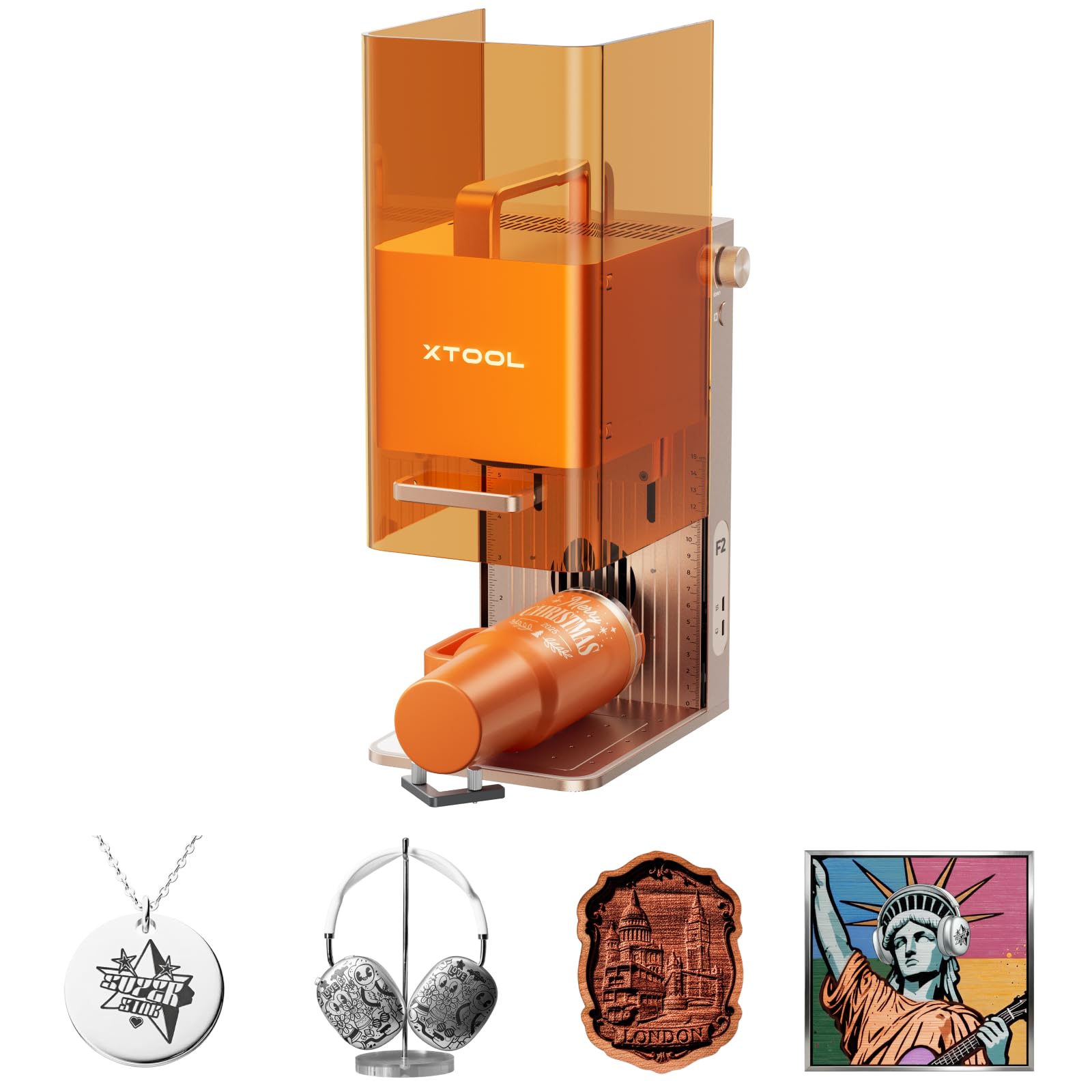
Two lasers in one body — 15W for wood, 5W infrared for dark marks on metal.
Anyone selling engraving at markets or in a shop should start here. The F2 carries a 15W diode laser for 3D embossing and cutting thick wood, plus a 5W infrared (IR) laser that lays deep, dark colour marking on metal — that is the laser type that works on shiny metals a diode alone struggles with. A 50MP camera maps the workspace with up to 0.1mm alignment accuracy on small pieces, so you can position a design on a coaster or phone case without wasting blanks. Speeds reach 6000mm/s, and the maker says a card engraving completes in about 3 seconds.
Portability is the second half of the pitch. It weighs only 4.6 kg and arrives fully assembled, so it travels to fairs and pop-ups. The build is fully enclosed, and with the built-in fan and optional purifier it can run indoors at a store counter. The 50MP camera combines with built-in material presets to cut guesswork on new stock. Accessories like the RA3 rotary and Slide Extension extend it for batch work on cylindrical and flat pieces.
The honest catch is range of use versus a wide-bed machine. It is built for on-the-spot personalization of small items, not large flat signs, so if sign blanks are your bread and butter, a big-bed cutter serves you better. If your business is customising bottles, cards, and gadgets on site, nothing else here fits in a bag and marks metal this well. Engraving results on some materials have drawn criticism, so test on scrap before committing an order.
Its specialty: a 15W diode plus 5W IR laser combo, 50MP camera, and 4.6 kg body that travels to markets.
The trade: a small-item focus — not a wide-bed sign cutter.
Ideal for: on-site personalisation pros marking metal and wood for walk-up customers.
Look past it if: your work is large flat panels rather than portable items.
Know the Specs
Optical Output Wattage
This is the actual laser energy that reaches the wood, measured separately from the electrical power the machine draws. It decides how thick a cut you get in one pass and how fast you can move. A 20W machine like the Longer RAY5 cuts deeper and faster than a 10W unit, which often needs several passes on thicker plywood. Match the watts to your thickest project rather than to your average blank.
Working Area in Millimetres
The bed size is the flat space your material sits on, given as length by width. A 300 x 300mm bed suits coasters and small plaques; a 418 x 418mm bed like the Twotrees TTS-20 Pro takes a full sheet without repositioning. Measure your typical blank first — tiling a design across two halves costs you alignment and time.
Laser Spot Size
The spot is the tiny dot the beam focuses down to, written like 0.06 x 0.06mm. A smaller, tighter spot carves finer lines and keeps small text readable, while a larger spot moves more energy per pass. Fine-detail engravers want a tight spot; bulk cutters care more about raw wattage.
Laser Safety Class
Class 1 means the machine is enclosed so the beam cannot escape during normal use, which lets you work without goggles around family. Class 4 means the laser is exposed and demands real precautions. Enclosed Class 1 units like the Twotrees TS5 and xTool M2 trade portability and cost for that built-in protection.
Common Questions
Can a diode laser cutter actually cut through solid wood?
Do I need safety goggles with an enclosed Class 1 laser?
How big a piece of wood can each machine hold?
Is more laser wattage always better for engraving wood?
What is air assist and do I need it?
Can these laser cutters engrave metal as well as wood?
How long does a diode laser module last?
Which software do these machines run?
Can I run a laser cutter off a memory card without a computer?
Do enclosed machines still need ventilation in a spare room?
The Bottom Line
For most people shopping for the best wood laser cutter and engraver, the Longer RAY5 20W is the pick because it combines 25mm-rated wood cutting, a 400 x 365mm bed, and an onboard touchscreen at a mid-range level — a genuinely complete machine rather than a compromise. If sealed family-safe operation matters more than raw cutting depth, the xTool M2 wraps 20W behind a Class 1 enclosure with camera-guided placement. And for engraving tumblers and curved gifts on the move, the Twotrees TS5 pairs a 99%-filtered enclosure with a full 4-in-1 rotary kit. Match the machine to the wood you actually cut and the room you actually work in, and the right one is easy to spot.
How we choose
We do not accept paid placement. Every pick is matched to a real buyer and a real use-case; we do not hands-on test units.
Sources
Specifications: manufacturer listings and product documentation. Review insights: verified customer reviews, as of November 2026. Pricing: not shown on this page (it changes often); check the current price via the retailer link.
As an Amazon Associate, Tactical Gear Guy earns from qualifying purchases. This does not affect which products we feature.