Specs are compiled from manufacturer listings and verified buyer reviews and can change over time — please confirm the key details on the product page before buying.
If your Wi-Fi dies the moment you walk into the back bedroom, the fix is a booster that relays your router’s signal into that dead corner — and the one most people should buy is the Amazon eero 6+ extender, because it adds up to 1,500 sq. ft. of coverage and handles 75+ devices. But it only works if you already own an eero system. Everyone else needs a universal model, and this guide sorts the nine worth considering by what they actually do well.
This guide is built by comparing the manufacturers’ published specifications and the patterns across verified customer reviews, so you get each pick’s real strengths and trade-offs instead of marketing spin.
This guide flags which units need a matching brand, which top out at 45 devices, and which carry an IP67 enclosure for outdoor use. Below is the honest shortlist of the best WLAN signal booster for your home, with every spec explained in plain words.
Top Picks

How To Choose The Best WLAN Signal Booster
The single most important thing to understand before you buy: a booster takes the signal your router already produces and pushes it further. It does not create new internet speed. TP-Link states this plainly on its own listings — actual speeds through an extender will be 50% or less of your current speeds. What you gain is reliable coverage in rooms your router cannot reach, which is usually the real problem anyway.
Match the booster to your router first
Some boosters only work with a specific brand’s network. The Amazon eero 6+ extender requires an existing eero network and will not function without one. TP-Link’s RE815X works with OneMesh-compatible TP-Link routers but not with mesh systems like Deco. The ASUS RP-BE58 and NETGEAR models work with any router. Check that compatibility line before you buy — a brand-locked booster will not pair with a router from another maker.
Coverage and device count matter more than raw speed
Every spec sheet lists a square-footage figure, and you should compare those directly. The TP-Link RE815X claims up to 2,800 sq. ft. for up to 96 devices, while the NETGEAR Nighthawk EXS27 covers up to 1,500 sq. ft. for up to 45 devices. A gadget-heavy home hits the device ceiling before it hits the square-footage limit, so compare the 20-to-256 device counts below.
Outdoor spaces need a different class of hardware
An indoor booster sitting on a shelf will not survive rain, and its antennas are tuned for a house. WAVLINK’s outdoor units carry a true IP67 weatherproof enclosure, four 8dBi fiberglass antennas, and PoE power so a single Ethernet cable can feed the unit where there is no outlet. If your dead zone is a barn, an RV pad or a fence line, this is the category you need.
Side-by-Side Comparison
| Model | Best For | Stated Speed | Coverage | Devices | Amazon |
|---|---|---|---|---|---|
| Amazon eero 6+ Extender★ Best Overall | Existing eero owners | Up to 900 Mbps | Up to 1,500 sq. ft. | 75+ | Amazon |
| ASUS RP-BE58Top Performer | Wi-Fi 7 on any router | Up to 3600 Mbps | — | — | Amazon |
| TP-Link RE223BEBest Value | Budget Wi-Fi 7 | Up to 3.2 Gbps | Up to 2,400 sq. ft. | 64 | Amazon |
| NETGEAR Nighthawk EXS27 | 2.5G wired port | Up to 5 Gbps (BE5000) | Up to 1,500 sq. ft. | 45 | Amazon |
| TP-Link RE815X | Biggest indoor coverage | Up to 5.4 Gbps | Up to 2,800 sq. ft. | 96 | Amazon |
| NETGEAR Nighthawk EAX17 | Simple Wi-Fi 6 relay | Up to 3.0 Gbps (AX3000) | Up to 1,500 sq. ft. | 20 | Amazon |
| WAVLINK AX1800 (WN573HX1) | PoE outdoor installs | Up to 1800 Mbps | 200–300 m radius | 256 | Amazon |
| WAVLINK AX1800 (RC-WN573HX1-EU) | Starlink on acreage | Up to 1800 Mbps | — | — | Amazon |
Detailed Reviews
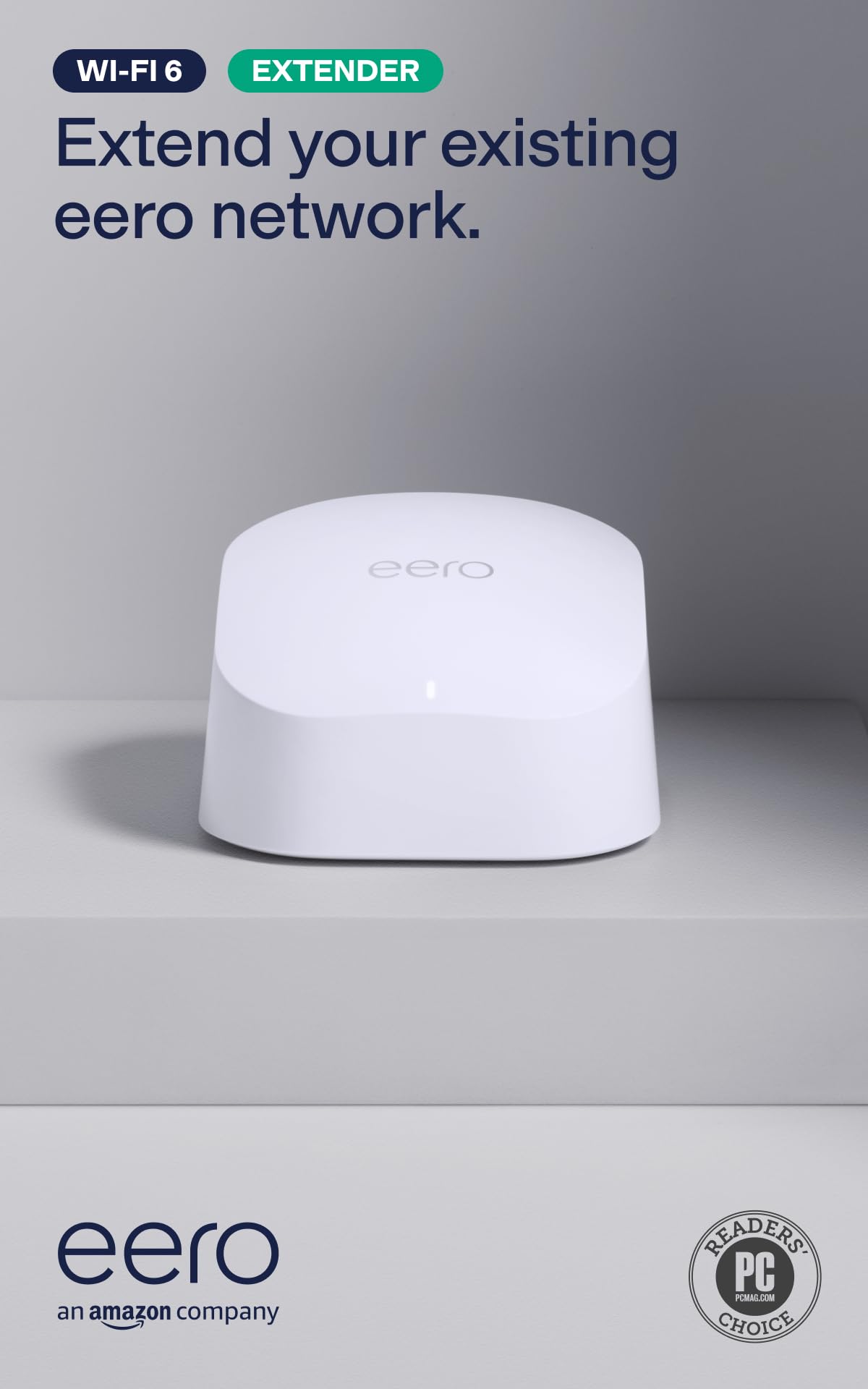
1. Amazon eero 6+ Mesh WiFi Extender
Our pick — 4.0+★ from 10,500+ verified ratings; the strongest balance of quality and price.
The add-on that quietly ends dead zones for anyone already living inside the eero ecosystem.
Here is the crowd favorite of the whole group — 4.0+ stars across 10,000+ ratings — and what wins people over is how little thought it takes. You plug it in, the eero app walks you through the setup, and it joins your existing network without a password dance. That 997-count setup aspect is not a fluke; it is the product’s whole personality.
Each extender adds up to 1,500 sq. ft. of Wi-Fi 6 coverage and supports 75+ devices. TrueMesh is the software that decides which node your phone should talk to, and it tune for wireless speeds up to 900 Mbps. The eero 6+ line is built for internet plans up to 1 Gbps, so it fits a normal cable or fiber connection without choking it. Compare that 900 Mbps ceiling with the ASUS RP-BE58 at 3600 Mbps and this one gives up a lot of headline speed — but the eero is aiming at people who want it to just work, not chase a benchmark.
The catch is hard and worth reading twice: this extender requires an existing eero network. If you own a Linksys or a NETGEAR router, this box will sit there doing nothing. There is also a real second question — connectivity and reliability are the mixed spots in owner feedback, with some people reporting rock-solid connections and others hitting disconnections and crashes. That pattern usually traces back to placement: a booster halfway between router and dead zone works, one jammed in the dead zone itself does not.
Where it earns its keep
- Setup takes minutes through the eero app, and the app also lets you manage the network from anywhere.
- Up to 1,500 sq. ft. of added coverage per unit, and you can stack as many extenders as your home needs.
- TrueMesh steers your devices automatically and tune for wireless speeds up to 900 Mbps.
- Automatic software updates arrive without interrupting your Wi-Fi, and a one-year warranty backs it.
What to weigh first
- Requires an eero network — it will not boost a router from another brand.
- Wireless speeds top out at 900 Mbps, well short of the Wi-Fi 7 models here.
- Device handoffs and long-term reliability are the mixed points in feedback.
Buy it if: you already run eero and want the least-fuss way to stretch coverage into a garage or back room.
Leave it on the shelf if: your router is any other brand — this one simply will not pair with it.
2. ASUS RP-BE58 BE3600 Dual Band WiFi 7 Range Extender
Today’s newest wireless standard, in a booster that does not care which router you own.
The number that matters here is 3600 Mbps. That is the claimed combined speed of this Wi-Fi 7 (802.11be) dual-band unit, roughly four times the 900 Mbps the eero 6+ extender tops out at — a gap that only pays off if your internet plan and your devices are actually modern enough to use it. Wi-Fi 7 is the newest generation of the wireless standard, and this box is built for it.
ASUS also builds in two tricks. 4096-QAM is a denser way of encoding data that ASUS says increases a single frequency band’s transmission speed by 1.2 times. Multi-link operation links to more than one band at once, which is aimed at keeping transfers stable. It all runs on the 2.4 GHz and 5 GHz bands, and it sits in a white shell that weighs 8 ounces — noticeably lighter than the TP-Link RE223BE at 9.92 ounces, so it is easy to move around while you hunt for the best spot.
Compatibility is this model’s real selling point: it works with virtually any router, modem or cable router, and it can also join an AiMesh network if you already run ASUS gear. Setup goes through the ASUS Router app or the ASUS Extender app with a few taps. The honest trade-off is that connectivity and signal strength are the mixed spots in owner feedback — some report reliable connections and strong signals, others hit unreliable links and poor speeds. Place it halfway between router and dead zone and it performs; jam it in the dead zone and it has nothing to repeat.
What it brings to the table: a universal fit plus the newest standard, all in an 8-ounce package you can relocate in seconds.
The caveat worth hearing: tri-band it is not — there is no 6 GHz band here, so the TP-Link RE653BE has one more lane of spectrum if that matters to you.
Reach for this if: your router is older and you want a forward-looking booster that will still be current when you upgrade it.
Think twice if: your devices are all Wi-Fi 5 or older — you would be paying for speed they cannot use.
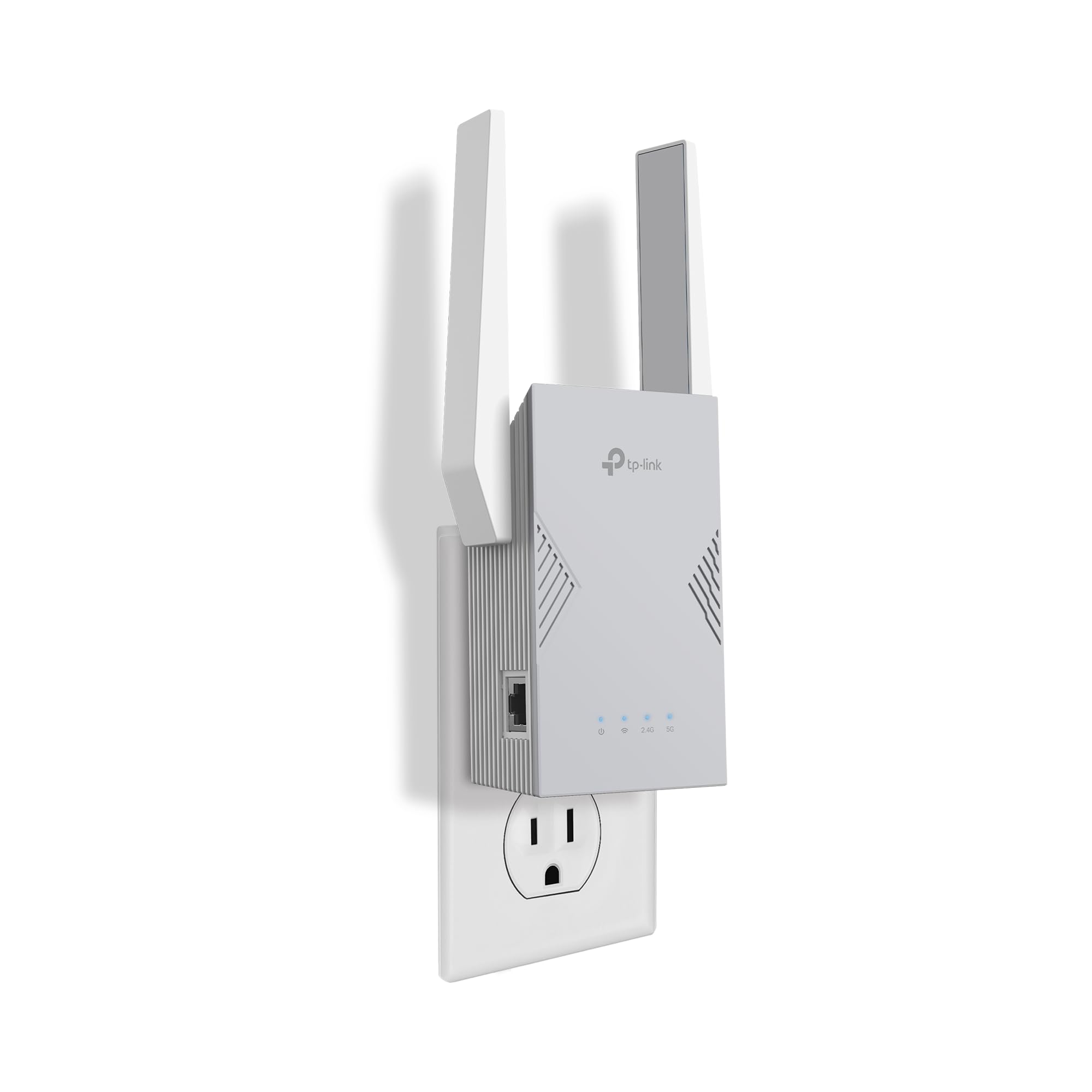
3. TP-Link BE3200 Wi-Fi 7 Dual-Band Range Extender RE223BE
Wi-Fi 7 on a budget, with the square footage to cover a whole floor.
What catches your eye on this one is the coverage claim: up to 2,400 sq. ft. for up to 64 devices, delivered by four antennas using Beamforming — a technique that aims the signal at your devices instead of spraying it evenly. That footprint beats the 1,500 sq. ft. of the NETGEAR EXS27 and the eero 6+ on paper, which matters if you live in a long house rather than a tall one.
The speed breakdown is 2594 Mbps on the 5 GHz band and 688 Mbps on the 2.4 GHz band, for 3.2 Gbps total. Both bands are expressed in megabits per second, so the 5 GHz figure is the one that matters for downloads. It also supports Multi-Link Operation when paired with a Wi-Fi 7 router, which combines bands for better throughput and lower latency. There is an Ethernet port so you can hardwire a smart TV or console.
Setup is where this model shines — a 65-count setup aspect is the thing buyers praise most, with the Tether app handling the walk-through and an intelligent signal indicator helping you pick a spot. Coverage is the second-most-praised trait, with owners reporting it blankets a first floor and a patio. Two things to know: it does not support the 6 GHz band, and it is EasyMesh-compatible with routers like TP-Link’s own but not with mesh systems like Deco.
The case in one line: 2,400 sq. ft. of Wi-Fi 7 coverage with a setup process that most people finish without opening the manual.
The fit note: value and connection stability are the mixed points in feedback, with disconnections from the modem cropping up — usually a placement issue rather than a dead unit.
Pick it for: a mid-size home that wants a big footprint and modern Wi-Fi without the tri-band price.
Skip it for: a Deco household — this extender is not built to join those mesh systems.
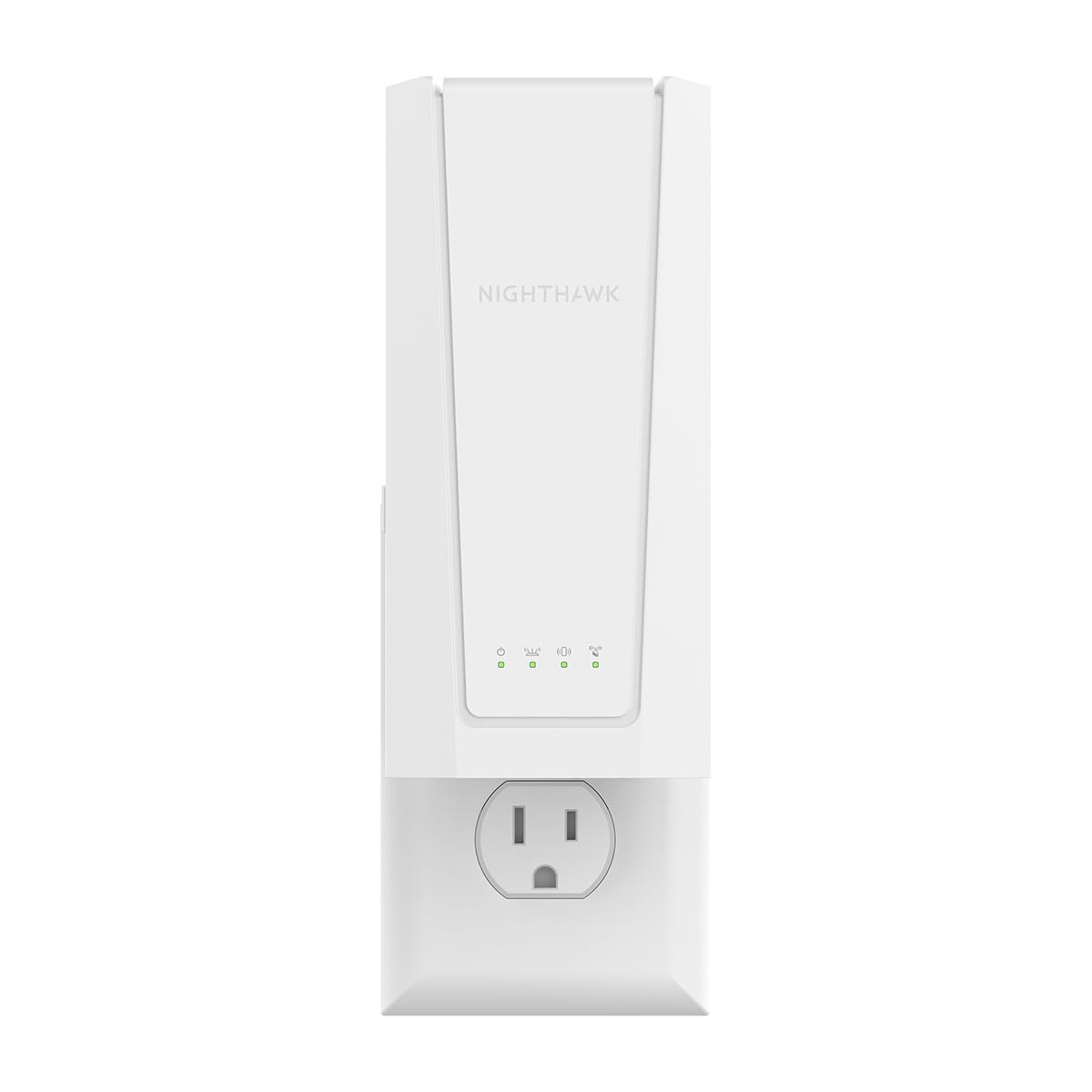
4. NETGEAR Nighthawk WiFi 7 Extender EXS27
The booster that also gives a game console a full-speed cable run.
If a lagging console or a desktop that refuses to run a cable to your router is the real problem, the 2.5 Gigabit Ethernet port on this extender is the feature that earns the spot. It takes a wired device and gives it a direct link through the extender. Wireless speeds reach up to 5 Gbps (BE5000), which NETGEAR describes as around 2.7x faster than previous Wi-Fi — a manufacturer claim, not a promise about your actual connection.
Coverage lands at up to 1,500 sq. ft. for up to 45 devices. That device ceiling is 45 against the TP-Link RE815X’s 96, so a home with cameras, tablets and smart speakers everywhere may feel the limit sooner. Smart Roaming keeps your existing network name and shifts each device to the strongest signal automatically, so you are not manually rejoining a network as you walk from the kitchen to the bedroom.
Feedback is genuinely split here, and buyers report it in their own words: some find it works extremely well while others say it stopped working within six months. Range is the positive constant, with owners describing added coverage up to 1,500 sq. ft. Setup and functionality sit in mixed territory. Owners who get a good unit report strong range, but the six-month failures make the warranty terms worth reading first.
Why it made the list
- Up to 5 Gbps (BE5000) wireless speeds on the Wi-Fi 7 standard.
- A 2.5 Gigabit Ethernet port delivers a full-speed wired link to a console, TV or desktop.
- Smart Roaming keeps one network name so devices move without you switching anything.
Where it asks more of you
- 45-device ceiling is the lowest of the mid-range picks here.
- Long-term reliability is the recurring concern in mixed feedback.
- 1.1 pounds is heavier than the 8-ounce ASUS RP-BE58, so wall placement needs a firm outlet.
Best suited to: gamers and workers who want an Ethernet jack in a room that never got one.
Second-guess it if: you want the longest track record — the mixed reliability notes make the warranty worth checking first.
5. TP-Link RE815X AX5400 WiFi 6 Tri-Band Range Extender

The coverage king of the indoor group, and the one most owners stop thinking about.
Start with the raw footprint: up to 2,800 sq. ft. and up to 96 devices. That is 1,300 more square feet than the NETGEAR EXS27’s 1,500 sq. ft. claim, and more than double its 45-device ceiling — exactly the kind of headroom a busy household needs. Four high-gain directional antennas and six powerful FEM (front-end modules, the amplifier chips that push signal in and out) with Beamforming do the heavy lifting.
Speeds total 5.4 Gbps, split into 2402 Mbps across dual 5 GHz bands and 574 Mbps on the 2.4 GHz band. Tri-band means there are two 5 GHz lanes, so your devices can spread out instead of crowding one channel. There is also a Gigabit Ethernet port, and AP mode lets you turn any wired connection into a Wi-Fi hotspot. The Tether app handles setup, and an intelligent signal indicator points you toward the best placement.
Owner experience backs the spec sheet. Functionality is the thing buyers praise most, with quality and signal strength right behind it — the picture of a booster people install and forget. Owners describe signal reaching the whole house and solid reception out in the garage, and handoff between router and extender feels instant. A small apartment will find 2,800 sq. ft. of coverage overkill, and handoff between router and extender is the one split point in feedback.
Why it stands out: the largest indoor footprint and the highest device count of any mid-range pick here, with tri-band lanes to spread the load.
The honest limit: it is Wi-Fi 6, not 7 — the ASUS RP-BE58 and TP-Link RE223BE both run the newer standard if future-proofing is your priority.
The right call for: a large, busy home that wants one booster to cover a whole floor and every gadget on it.
Look elsewhere if: your priority is the newest wireless standard rather than the widest coverage.
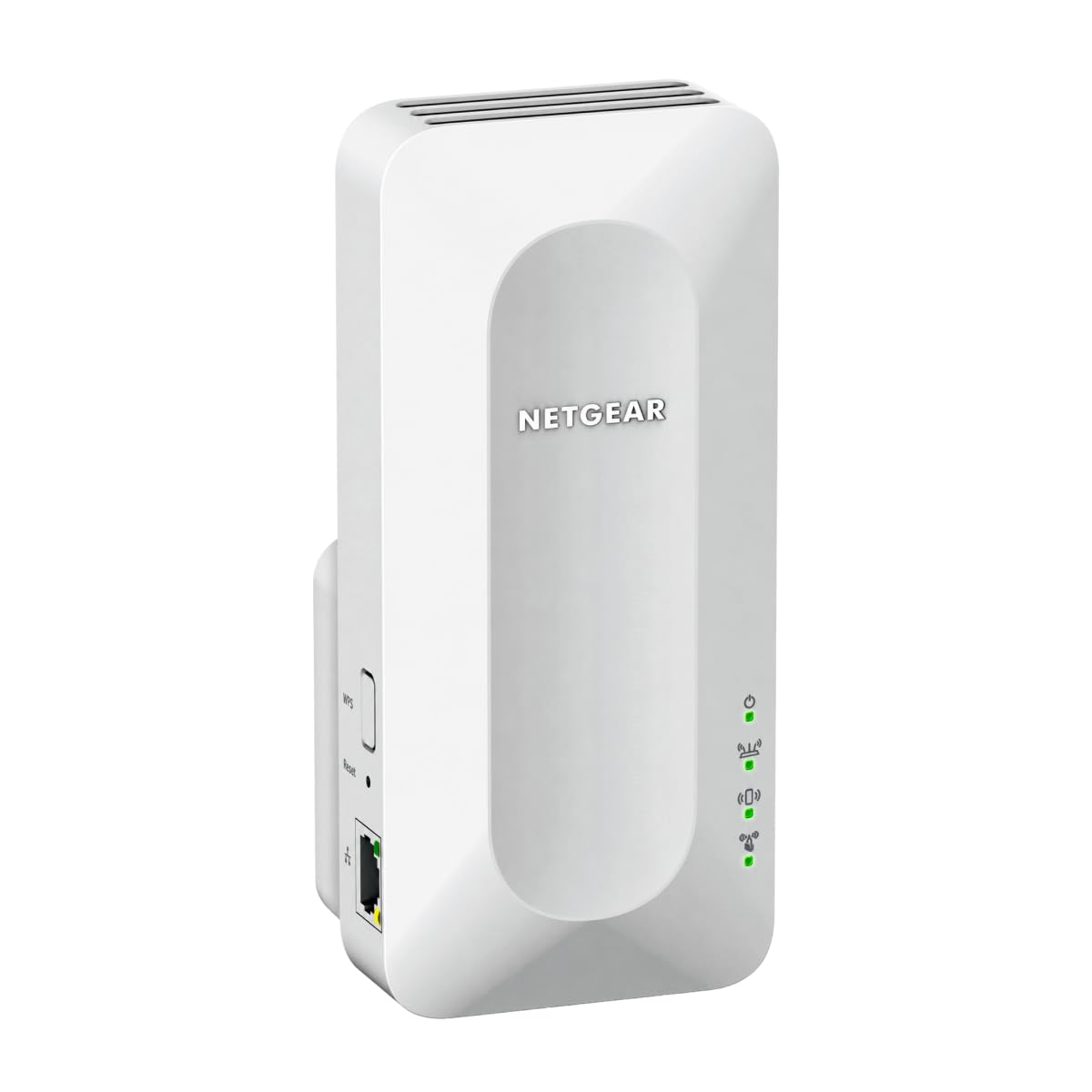
6. NETGEAR Nighthawk WiFi Extender EAX17
A straightforward Wi-Fi 6 relay that leans on your existing router’s name.
This one is aimed at the simple job: bring Wi-Fi 6 to a bedroom, garage, basement or backyard your router cannot reach, with up to 1,500 sq. ft. of added coverage. It handles up to 20 devices and moves data at up to 3.0 Gbps (AX3000). The 20-device ceiling is the lowest in this group by a wide margin — against the TP-Link RE815X’s 96, it tells you this extender assumes a smaller household.
Smart Roaming is the feature that quietly does the work. It keeps your existing network name and shifts each device to the strongest signal, so calls and streams do not drop as you move room to room. A Gigabit Ethernet port lets you wire a TV or console straight into it. WPA3 security is the current encryption standard for Wi-Fi, and the unit is FCC Certified for use in the United States. It connects to any router or gateway from Xfinity, Spectrum, AT&T, Cox or Verizon.
Range is what gets the positive word — owners describe it reaching a basement that the router never touched. Setup is the split point, with some finding it fairly easy and others calling it extremely difficult. Value divides along the same lines. The relay also does not replace your router, only extends it, so it inherits whatever weaknesses the router already has.
Plays well with others
- Connects to any router or gateway from the major ISPs and rebroadcasts the signal.
- Smart Roaming keeps one network name across the whole house.
- WPA3 security protects every connected device, and it is FCC Certified.
The trade-offs
- 20-device ceiling is the tightest of any pick in this article.
- Setup divides opinion sharply rather than being universally easy.
- 13.76 ounces in a wall plug wants a solid outlet.
Worth grabbing for: a small household on an ISP-provided gateway that needs one extra room covered simply.
Not the one for: a gadget-heavy home, where 20 devices will fill up fast.
7. WAVLINK AX1800 Outdoor WiFi 6 Extender (WN573HX1)

Built to sit outside in the rain and still throw Wi-Fi across a yard.
The IP67 rating is the headline. That is an ingress protection score for dust and water — the 6 means dust-tight, the 7 means it survives immersion, and this enclosure is fully sealed and heat-resistant. It runs in temperatures from -20°C to 50°C and resists moisture, dust, lightning (6KV) and static shock (15KV). Your indoor booster on a windowsill cannot do that.
Signal reach comes from four high-gain 8dBi omni-directional detachable fiberglass antennas, which WAVLINK rates for 200-300 m of radius in line-of-sight conditions, for up to 256 devices. Speed is Wi-Fi 6 AX1800, split into 1201 Mbps on 5 GHz and 574 Mbps on 2.4 GHz. It also connects with Starlink Gen 2/3 through a Starlink Ethernet Adapter, which is a real option for rural and off-grid setups. Power arrives over the Ethernet cable through 802.3 AF/AT active or passive PoE, so no outlet is needed at the mounting point.
One thing to plan around: the box includes a 1 meter Ethernet cable, and the PoE adapter itself is not waterproof — it has to live indoors. Mount the adapter above the Ethernet cable’s lowest loop to keep water out. And this unit does not work with any app, so setup is done through the unit itself.
The headline spec: IP67 sealing plus four 8dBi fiberglass antennas and PoE power from a single cable — a genuine outdoor access point, not an indoor booster in a plastic shell.
Plan for this: the included Ethernet run is 1 meter and the PoE adapter needs shelter, so budget for a longer CAT5E-or-better cable before install day.
Made for: yards, farms, RV pads and garages where the booster has to survive the weather.
skip it if: your dead zone is a bedroom — an indoor unit covers that for far less fuss.
8. WAVLINK AX1800 Outdoor WiFi 6 Extender (RC-WN573HX1-EU)

The acreage specialist — four fiberglass antennas aimed at open land, not hallway corners.
WAVLINK positions this one for large open spaces: single-family homes with big yards, farms, estates, garages and RV parking areas. The four custom-engineered 8dBi fiberglass antennas deliver focused signal distribution over extended distances, and the spec sheet is upfront that consistent transmission in demanding outdoor deployments matters more than antenna count. Same true IP67 enclosure, protected against heavy rain, snow, dust, strong winds, UV exposure and extreme temperatures.
Performance is the thing buyers praise most here, with signal strength close behind — the classic profile of a booster working in a hard environment. Owners describe it covering up to 3 acres of open land, working with far-downhill security cameras, and delivering internet speeds in the 100 to 200 MBPS range over 100 yards. Those are outdoor line-of-sight conditions, which is exactly what this class of hardware is designed for.
It runs Wi-Fi 6 AX1800 dual-band on 2.4 GHz and 5 GHz with MU-MIMO and Beamforming, which lets it serve several devices without one hogging the air. Multiple modes — Access Point, Router, Repeater and WISP — let you pick how it joins your network, and PoE (both 802.3af/at and passive) means a single Ethernet cable can carry power and data. Setup is the mixed spot, along with the instructions and value questions that come up around any outdoor networking gear.
What outdoor owners get
- True IP67 housing rated against rain, snow, dust, wind, UV and temperature swings.
- Four 8dBi fiberglass antennas for focused long-distance coverage.
- WISP, AP, Router and Repeater modes plus PoE power from one cable.
- Compatible with Starlink for remote and off-grid internet.
Budget your patience for
- Setup guidance is the weak spot in feedback — plan to read the manual closely.
- At 2.43 kg it needs a solid mount, not a loose bracket.
The match for you: rural properties where the far end of the land has no signal and the cameras live outdoors.
Wrong tool if: you want a plug-in booster for an upstairs bedroom — indoor units handle that without the mounting work.
Know the Specs
Coverage in Square Feet
The square-footage figure tells you roughly how much floor area a booster can serve from one spot. It is a marketing number measured under ideal conditions, so treat it as a ranking tool: a 2,800 sq. ft. claim will usually beat a 1,500 sq. ft. claim in the same house. Walls, floors and appliances all cut into the real number. Place the booster halfway between your router and the dead zone — not inside the dead zone — and you get closer to the advertised figure.
Why Speeds Drop Through an Extender
A booster listens to your router and repeats what it hears, so it spends half its time receiving and half transmitting. TP-Link states on its own listings that actual speeds will be 50% or less of your current speeds. That is normal, not a defect. You buy a booster for reliability in rooms that currently get nothing, and the reason a tri-band model helps is that it can use one lane to talk to the router and another to talk to your devices.
Bands and Wi-Fi Generations
The 2.4 GHz band travels further and through walls better; the 5 GHz band is faster but shorter-range. Wi-Fi 6 (also called AX) and Wi-Fi 7 (802.11be) are generations of the wireless standard, not brand names. Wi-Fi 7 adds a 6 GHz option on tri-band models, plus wider channels and Multi-Link Operation, which combines bands. Older phones and laptops may not connect on 6 GHz at all, so check your devices before paying for that band.
IP Ratings and Outdoor Hardware
An IP rating has two digits. The first covers solids, the second covers liquids, and IP67 means the enclosure is dust-tight and can survive immersion. That matters for a unit bolted to an outside wall through a winter. Outdoor boosters also use PoE — power over Ethernet — so a single cable carries both data and electricity to a spot with no outlet. The PoE adapter itself is often not weatherproof, so it needs to live indoors.
Common Questions
Will a WLAN signal booster work with my existing router, whatever the brand?
Does a booster actually increase my internet speed?
Where should I plug in an indoor signal booster for the best result?
What does the IP67 rating on an outdoor booster actually protect against?
Is a tri-band booster meaningfully better than a dual-band one?
Do I need a Wi-Fi 7 router to use a Wi-Fi 7 extender?
Can I use an outdoor extender with Starlink?
How many devices can a signal booster handle at once?
Will an outdoor booster survive a winter on the side of my house?
Why does my extender show full bars but my laptop is still slow?
The Bottom Line
For most people shopping for the wlan signal booster that actually ends a dead zone, the Amazon eero 6+ extender is the pick to beat — it keeps the highest score in this group at 4.0+ stars across 10,000+ ratings, and its setup process is the one thing owners agree on across the board. The catch is on the box: it requires an existing eero network, so it only makes sense if you already run eero gear.
If you do not own eero gear, the TP-Link RE815X is the smarter universal buy. Up to 2,800 sq. ft. and 96 devices covers a large, busy house, and the tri-band layout spreads the load across two 5 GHz lanes. When a newer standard is what you are after, the RE815X‘s stablemate the TP-Link RE653BE adds the 6 GHz band and a 128-device ceiling — provided your router and devices speak Wi-Fi 7 too.
And when the signal has to leave the house, the outdoor MLO GX-wrapped hardware from WAVLINK is the only class of unit here built for it. The WAVLINK WN573HX1 carries an IP67 enclosure and four 8dBi fiberglass antennas, and its PoE design means one cable feeds the whole installation. Match the IP67 outdoor unit to a yard or barn and an indoor booster to a bedroom, and each space gets the hardware it needs.
How we choose
We do not accept paid placement. Every pick is matched to a real buyer and a real use-case; we do not hands-on test units.
Sources
Specifications: manufacturer listings and product documentation. Review insights: verified customer reviews, as of November 2026. Pricing: not shown on this page (it changes often); check the current price via the retailer link.
As an Amazon Associate, Tactical Gear Guy earns from qualifying purchases. This does not affect which products we feature.