Specs are compiled from manufacturer listings and verified buyer reviews and can change over time — please confirm the key details on the product page before buying.
You want to send Grandma a photo tonight and have it actually show up on her shelf — not sit in a cloud queue or fail because her frame needs a five-step setup. Here is the short answer: the Aura 12-inch frame is the one most families end up happy with, because it connects to WiFi in about a minute and never charges you a subscription to keep adding pictures. The other eight below each solve a different problem, from a big-screen wall piece to a budget starter frame you can gift without stress.
This guide is built by comparing the manufacturers’ published specifications and the patterns across verified customer reviews, so you get each pick’s real strengths and trade-offs instead of marketing spin.
What separates a frame you keep for years from one that ends up in a drawer is boring: how it pulls photos in, and how much storage sits inside it. That single question — app or email, 32GB or 64GB — decides whether your family actually uses it. Read on for the picks that make the wireless internet photo frame decision simple and quick.
Top Picks

How To Choose The Best Wireless Internet Photo Frame
A wireless frame is really two products in one box: a screen, and a delivery system for the photos. The delivery system is the part that decides whether you love it or fight with it. Pick the app your family will actually open, then match the storage and screen size to where the frame will live.
The sharing app decides everything
Frameo, Aura, Nixplay, and AiMOR each work differently. Frameo lets you invite multiple family members to push photos from their own phones. Aura adds unlimited free photo and video storage through its app plus email, text, iCloud, and Google Photos. Nixplay runs on its own cloud account and even accepts photos emailed straight to the frame. If you are buying for a grandparent who will not install anything, choose a frame that can receive photos by email or a preloaded set — not one that requires them to sign in.
WiFi band and connectivity gotchas
Some frames only join a 2.4GHz WiFi band, which is the older, longer-range frequency rather than the faster 5GHz band. If your home router splits the two, the frame may not see your network until you switch it. A phone hotspot can get you connected in the meantime. Check this before you buy if a non-technical person is setting the frame up alone.
Storage: how many photos fit
Built-in storage tells you how large a library the frame holds. A 32GB frame keeps thousands of photos with room to spare, while a 64GB frame holds far more — one large model claims room for 100,000+ photos. Most frames also read an SD card or USB drive, but usually you must import those files into the frame first rather than play from the card.
Side-by-Side Comparison
| Model | Best For | Display Size | Built-in Storage | Sharing App | Amazon |
|---|---|---|---|---|---|
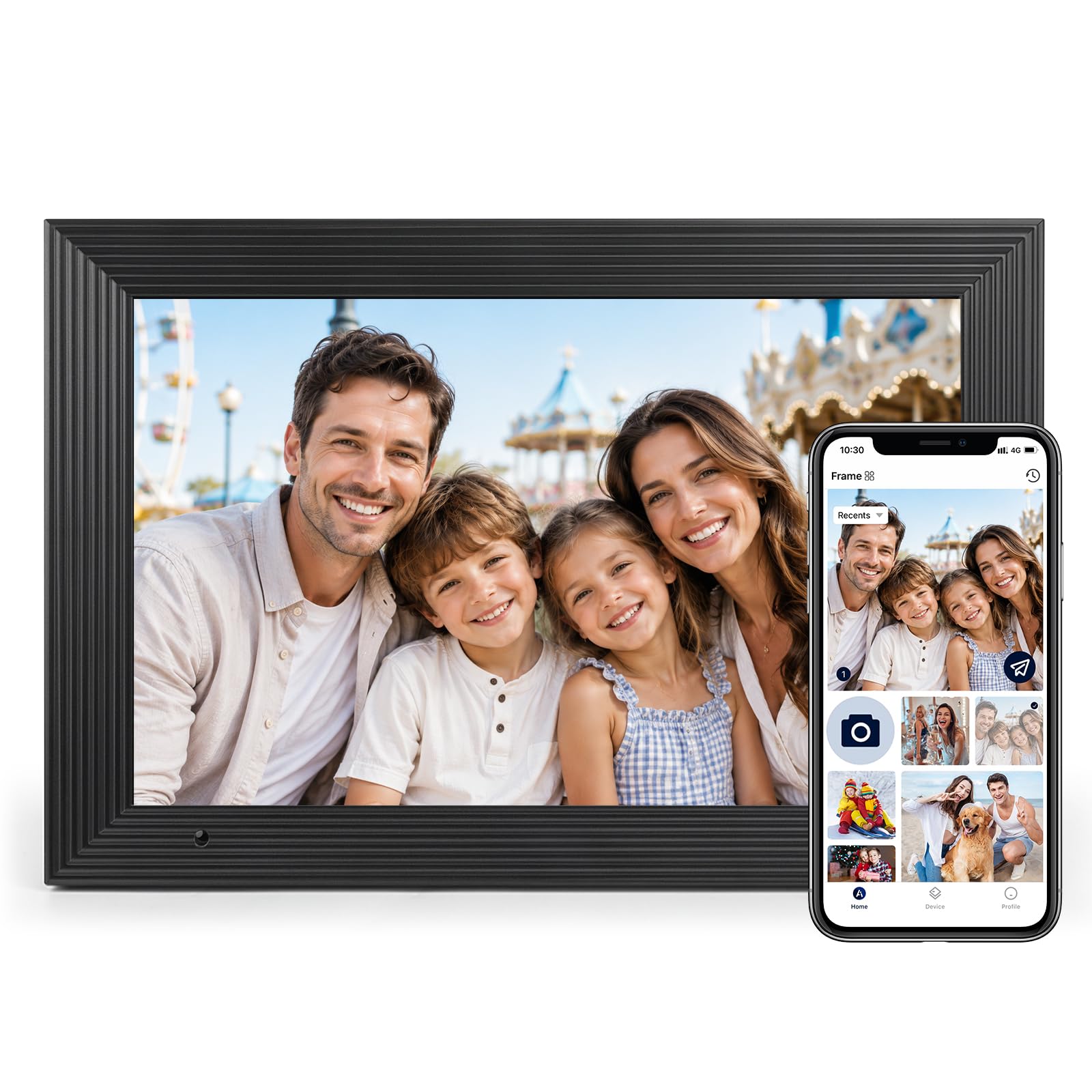
| Aura 12″ Aspen Black★ Best Overall | Overall gifting pick | 12 inches | Free unlimited (app) | Aura app, email, text | Amazon |
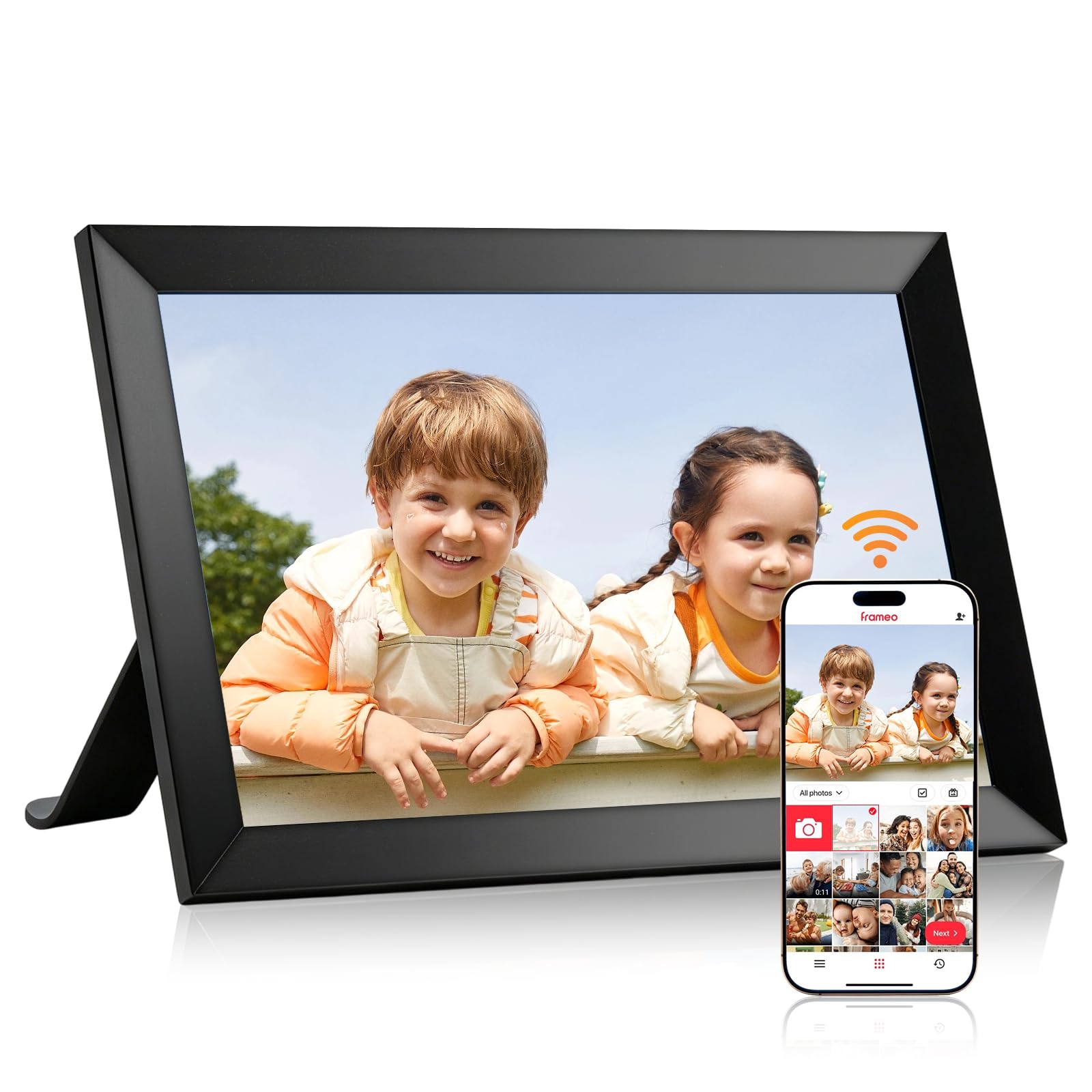
| Frameo 10.1″ (LeaMea)Budget Starter | Budget starter frame | 10.1 inches | 32GB | Frameo app | Amazon |
| AEEZO 10.1″ AiMORBig Library | Big-photo library | 10.1 inches | 32GB | AiMOR app | Amazon |
| Flyruit Frameo 10.1″ | No-WiFi flexibility | 10.1 inches | 32GB | Frameo app, SD/USB | Amazon |
| ApoloSign Nixplay 10.1″ | Cloud + Alexa owners | 10.1 inches | Cloud storage | Nixplay app, email | Amazon |
| BIGASUO 15.6″ Frameo | Large screen, mid-range | 15.6 inches | 64GB | Frameo app | Amazon |
| KPKUE 15.6″ Full HD | Extra ports and audio | 15.6 inches | 64GB | Frameo app | Amazon |
| Pexar 11″ 2K | Sharpest small screen | 11 inches | 32GB | Pexar app | Amazon |
| Arktronic 21.5″ Frameo | Big wall display | 21.5 inches | 64GB | Frameo app | Amazon |
Detailed Reviews
1. Aura Digital HD Picture Frame (12″ – Aspen Black Mat)
Our pick — 4.5+★ from 14,000+ verified ratings; the strongest balance of quality and price.
The frame you hand over already set up, so the first photo lands before the wrapping paper is gone.
The number that wins people over is zero: no subscription fee to add photos and videos. Aura gives you unlimited free storage across its app, email, text, iCloud, and Google Photos, so the gift keeps working without a monthly charge. The 12-inch display is calibrated for color, then adjusts its own brightness to the room, so a bedroom frame dims at night and a kitchen frame stays readable in daylight.
Setup is the thing families actually talk about. Connecting to WiFi and adding the first photos takes about a minute according to Aura, which matters when the person receiving it is a grandparent who will not sit through a manual. You can preload photos, videos, and a written message before the frame ships — the packaging is built for gifting, not for a plain brown box. It also handles iOS live photos and up to 30 seconds of video with sound.
The honest catch: it is a closed ecosystem, so photos live in Aura’s app, not on a card. Your memory is Aura’s app, not an SD card, so if you want to plug in a card or drive you are looking at the wrong frame. Some owners also flag reliability and value as the places they hesitate. Think of it as a long-term gift, not a gadget you swap out every year.
What earns the top spot
- One-minute WiFi setup with photos you can preload before gifting.
- No subscription — unlimited free photo and video storage.
- 12-inch HD display that adapts brightness to the room.
- Gift-ready packaging plus support for iOS live photos and 30-second video with sound.
Where it asks you to commit
- Closed ecosystem — no SD card or USB drive playback.
- Corded power only, so it needs an outlet where it sits.
- Premium tier, so you are paying for the name and the polish.
Buy it for: the person you want to send photos to tonight, with no subscription and no setup headache.
Look elsewhere if: you want to load photos from a memory card or you need a big wall-sized screen.
2. 32GB Frameo 10.1 Inch Digital Picture Frame 1280×800 HD IPS
A first frame for the guest room, the office desk, or the parent who is new to all this.
Start with the screen, because that is where your money goes on a budget frame. You get a 10.1-inch panel at 1280×800 resolution with IPS technology — IPS simply means the colors stay consistent when you look from an angle instead of standing dead-center. It is a touchscreen too, so paging through photos happens with a finger, not a remote. The 32GB of built-in memory sits comfortably ahead of what most families load in a first year.
What makes it easy to live with is the Frameo app, free on iOS and Android. You add photos and short videos from your phone and they appear on the frame from wherever you are. A magnetic stand lets you flip between landscape and portrait, and there is a wall-mount option if you would rather hang it. Setup is described as plug-and-play, and buyers generally confirm it lands that way.
The trade-off is size: 10.1 inches and standard HD keep it a shelf frame, not a wall display. This is a mid-size frame at 10.1 inches, and the display is standard HD rather than the 2K resolution you get higher up this list — fine for a shelf, less impressive as a living-room centerpiece. If you want a no-risk first frame or a second one for a guest room, this is the sensible place to put your money.
Ideal for: a first frame or a secondary one where the budget is tight and the photos are everyday snapshots.
One limit to weigh: 10.1 inches and HD resolution keep it a shelf frame, not a wall statement.
3. AEEZO 10.1” WiFi Digital Picture Frame with 32GB Memory
For the family that has thousands of photos already and wants them all on rotation.
Here is the number that earns this frame its place: over 50,000 photos fit in the 32GB of built-in storage, according to the maker. That is a library, not a slideshow. A 10.1-inch 1280×800 IPS touchscreen gives you a crisp view with adjustable brightness, and a Fill Frame mode lets you stretch a photo to fill the screen rather than leaving black bars. There is also room for an SD card up to 64GB if you want extra file space.
The sharing runs through the AiMOR app. You can invite family and friends to upload their own photos, so the frame slowly fills itself with pictures from everyone. A gravity sensor — a small motion sensor that reads which way the frame is sitting — flips between portrait and landscape automatically. The built-in light sensor dims the screen as the room darkens, which is the difference between a glowing rectangle at bedtime and a frame you forget is on.
A note before you buy: this frame only connects on a 2.4GHz WiFi band and will not see a 5GHz network. If your router hides the 2.4GHz band, you can use your phone’s hotspot to get through setup. It is also corded power only. Set that expectation, and the storage and auto-rotate make it a strong everyday frame for parents and grandparents.
Storage is the headline: 50,000+ photos on internal 32GB means you never prune the library, and the 10.1-inch IPS touchscreen keeps each one sharp.
The one thing to check first: it wants a 2.4GHz WiFi band, so look at your router settings before setup day.
Pick this if: you have a big photo collection and want it all cycling hands-free with auto-orientation.
Think twice if: your home runs only on 5GHz WiFi and you need a frame that just connects.
4. Flyruit Frameo 10.1″ Digital Picture Frame WiFi, 32GB

The frame that still works when the WiFi refuses to cooperate.
Most wireless frames fall apart the moment the network does. This one gives you a second path: pop a Micro SD card or a USB-C drive into the frame and the photos load without any network at all. That is the feature worth paying attention to if you are setting up a frame for someone whose home WiFi is unreliable or who simply does not want an app. The 32GB built-in storage holds over 10,000 photos, and it accepts an additional 32GB of external storage.
When you do use WiFi, the Frameo app handles it — it supports multiple members, so the whole family can share to the frame from their own phones. The 10.1-inch display runs at 1280×800 with IPS panel technology, and the touchscreen makes paging and settings straightforward. It also auto-rotates between portrait and landscape, and sleep mode dims it on a schedule. There is a “Greeting” feature for sending a themed birthday note and a “React” feature for replying with emojis on received photos.
One trade-off is in the connection itself: this frame only joins a 2.4GHz WiFi band, and the connection is the aspect buyers debate most. The photo quality earns the praise, with sharp, clear images on the HD display. For a household that wants offline options and does not need a giant screen, this is a well-rounded pick.
What makes it flexible
- Loads photos by Micro SD or USB-C with no WiFi at all.
- 32GB internal plus room for 32GB external storage.
- 1280×800 IPS touchscreen with auto-rotate and sleep mode.
- Greeting and React features add a fun touch to sharing.
Where it can trip you up
- Only joins a 2.4GHz WiFi band, not 5GHz.
- Must stay plugged into power at all times.
- SD card and USB drive are not included.
Suits: the household with shaky WiFi or a grandparent who prefers a memory card over an app.
Bear in mind: you still need a 2.4GHz network for the wireless sharing, so check your router first.
5. ApoloSign Nixplay 10.1″ WiFi Digital Photo Frame

Email a photo straight to the frame, then tell Alexa to play a playlist.
If your family already lives inside Nixplay’s cloud, this is the frame that slots in with no fuss. It runs on the Nixplay app for Android and iOS, supports the desktop web app, and — the useful part for anyone who will not install anything — accepts photos emailed directly to the frame. Free cloud storage means the frame pulls from a shared account rather than a memory card, which is why there is no SD card slot here at all.
The 10.1-inch IPS screen runs at 1280×800 with a 16:10 aspect ratio, so photos display in vivid color with a wide viewing angle. Nixplay’s SenseMe sensor — a small presence sensor — wakes the frame when you walk in the room and puts it to sleep when you leave. It also works with Amazon Alexa, so you can ask for a playlist without touching the frame. You can mount it on a wall or stand it on a desk, and the content auto-rotates to match.
The thing to understand before you commit is that this is a cloud-first frame. Photos you already have on an old Nixplay account can be migrated to a new frame with one click, which is convenient if you are upgrading within the same system. But if you would rather plug in a card and load photos yourself, this is not that frame. For an Alexa household that shares through an app, it is an easy fit.
Why families like it: a free cloud account plus email-to-frame means photos arrive without anyone touching the frame or installing an app.
The trade-off to accept: no SD card support — everything flows through Nixplay’s cloud account.
Best for: a family already on Nixplay or an Alexa household that wants voice-controlled playlists.
Skip if: you prefer physical card loading or you are not willing to run photos through a cloud account.
6. BIGASUO 15.6″ Frameo Digital Picture Frame, 64GB
A wall-sized memory board that holds a full family archive without ever running out of room.
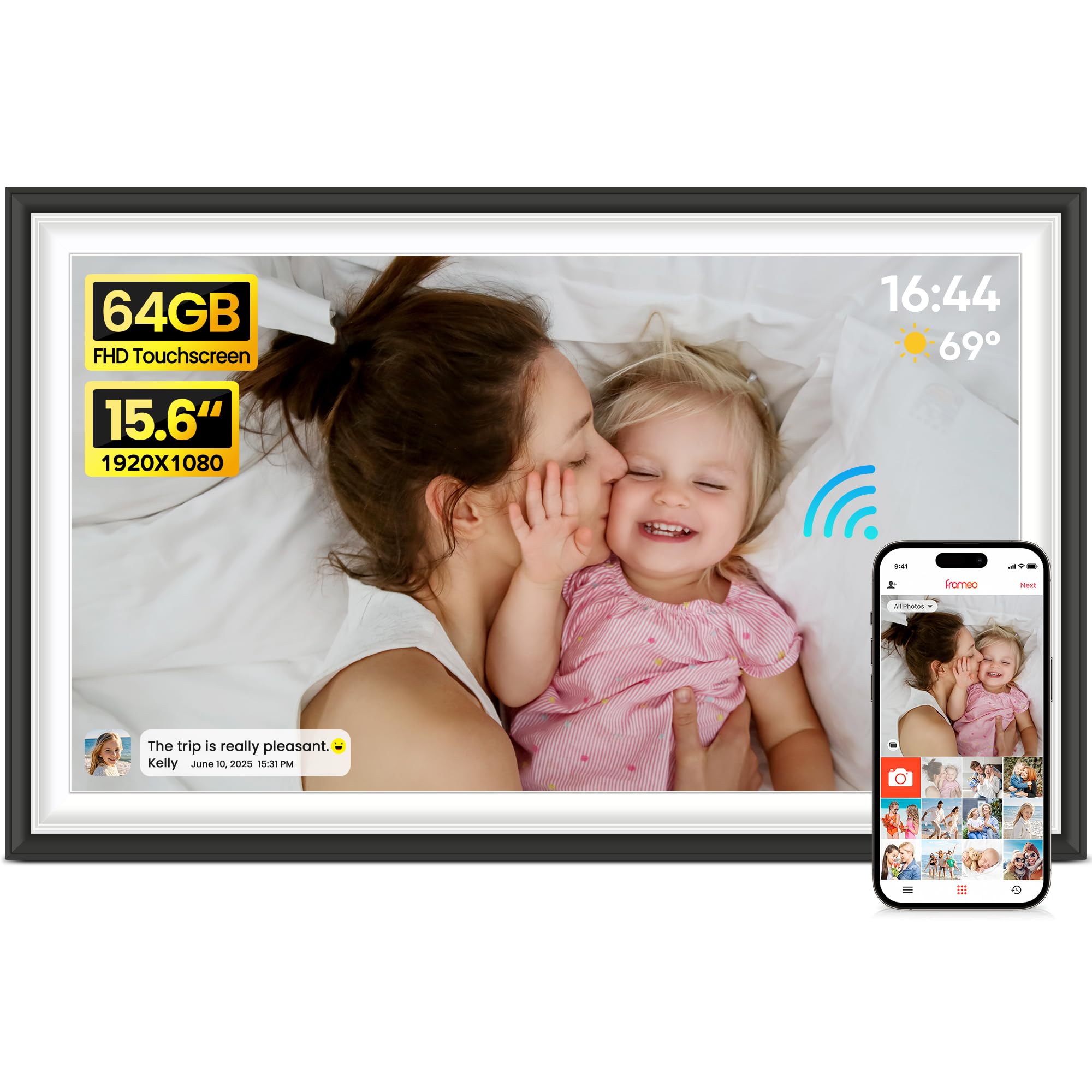
The size jump is the story. A 15.6-inch 1920×1080 IPS touchscreen is roughly the working area of a small TV, and it makes the leap from a desk frame to something you actually hang. Full HD resolution on a screen that size keeps faces and sunsets sharp, and the wide viewing angles mean a whole family can watch it from a couch without the edges washing out. The 64GB of internal storage holds up to 100,000 photos according to the maker.
Sharing runs through the Frameo app on iOS and Android, so family members push photos and videos straight to the frame with a caption. You can also import media from an SD card or USB drive — format to FAT32 first, and the maker recommends a 32GB card or drive since larger sizes may not work reliably. Preloading photos and a video before gifting is supported, which makes it a natural present for parents and grandparents.
The catch here is connection stability: buyers most often doubt whether it keeps receiving photos over WiFi. Connectivity is the aspect buyers raise most doubt about, and a large display is only useful when it keeps receiving photos. If your WiFi is rock-solid this is a lot of screen for the tier. If it is patchy, plan on the WiFi band check before you hang it.
What you gain on size
- 15.6-inch 1920×1080 IPS touchscreen you can watch from across the room.
- 64GB storage for up to 100,000 photos.
- Works with SD card or USB drive as well as the Frameo app.
- Preload photos and a video before gifting.
What to watch for
- Connectivity is the recurring gripe — keep it near strong WiFi.
- Wall space is real estate; this needs a wide stretch.
- SD/USB import recommends a 32GB card, so larger cards may misbehave.
Right for: a living-room wall where the display size is the whole point and your WiFi is dependable.
The follow-up question: can your router keep a 15.6-inch frame fed without drops? If not, a smaller frame is the calmer choice.
7. KPKUE 15.6″ Full HD Touchscreen Digital Picture Frame, 64GB
The frame with the ports and audio gear of a small media player tucked behind the screen.
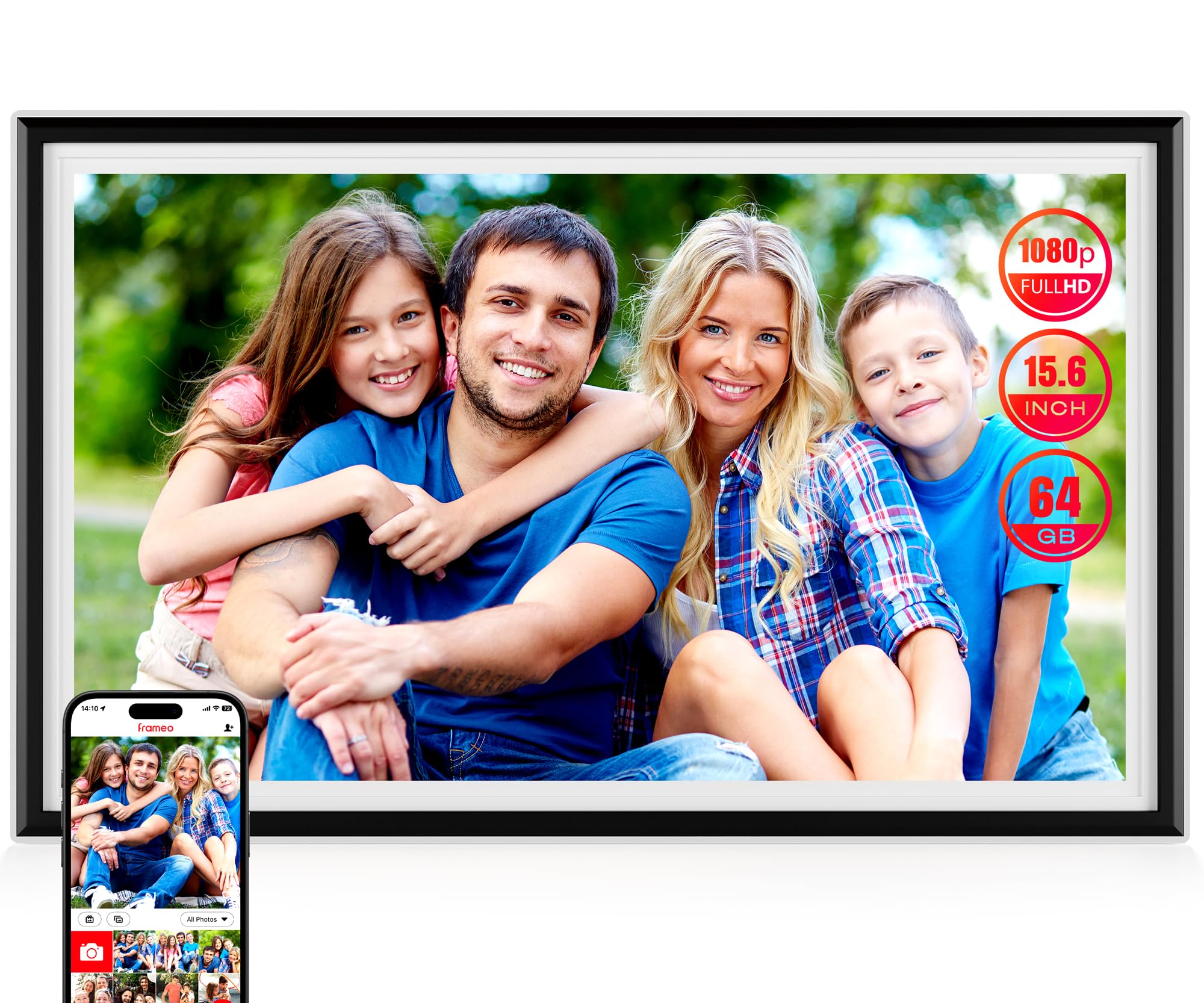
Where most frames end at WiFi and an app, this one adds a headphone jack, dual speakers, a USB port, an SD card slot, and a TYP-C port. That matters if you want to show videos with sound or plug in a drive without going through an app. The 15.6-inch IPS LCD runs at 1920×1080 with adjustable brightness, and 64GB of built-in memory (7GB used by the system) holds over 10,000 photos. It expands via USB or SD cards up to 128GB.
Organization is the standout here. You can group photos into custom albums, build auto-collages, and hide individual photos so a slideshow only shows what you choose. Live widgets add a time, weather, and temperature display via WiFi, and sleep mode lets the frame rest during set hours. The frame is ABS plastic for impact resistance, the screen is described as scratch-resistant, and the power adapter is 5 feet long — worth knowing when you plan where the outlet sits.
The honest note is bulk: at 15.67 inches wide with dual speakers, it is a wall mount, not a shelf frame. At 15.67 inches wide and fitted with dual speakers, this is a real piece of furniture to mount, not a small shelf frame. It is also sold without reviews listed on this page, so you are leaning on the spec sheet rather than a crowd track record. For a video-friendly family, the ports and audio justify the trade.
The reason to choose it: real ports and audio — USB, SD, TYP-C, a headphone jack, and dual speakers — make it far more than a slideshow frame.
A fair caveat: 64GB minus 7GB of system use leaves real space, but the size and speaker build make it a wall mount, not a shelf ornament.
Go for it if: you want to play video with sound and load media from drives as well as the app.
Reconsider if: you want a compact desk frame or you rely on a large body of customer reviews before buying.
8. Pexar 11” 2K WiFi Digital Picture Frame

A small frame that punches above its size with a genuinely sharp 2K screen.
Resolution is the reason this frame exists. Where most compact frames stop at 1280×800, the Pexar runs a 2000×1200 touchscreen on an 11-inch panel. That is roughly double the pixel count of an HD frame of the same size, so portraits and landscapes arrive with noticeably finer detail. The anti-glare coating cuts reflections, which matters if the frame sits near a window or opposite a lamp.
Setup is app-driven and aimed at all ages — plug it in, join WiFi, and push photos from your phone. The built-in 32GB storage holds upwards of 40,000 photos at around 600KB each, and you can also play photos directly from an SD card or a USB-A flash drive. Family and friends can be invited to share their own photos and react to what they see. Auto-rotation, a weather and clock display, and sleep mode round out the everyday features.
The catch worth knowing: an 11-inch canvas is beautiful up close but not a wall-sized display. The price relative to the size is also the place opinions split, since you are paying for resolution over screen area. If sharpness is what you care about in a compact frame, this delivers it.
Choose it when: you want the crispest picture available in a compact frame that fits a nightstand or countertop.
Weigh this: the 11-inch size limits how far away you can stand, and the price leans toward the resolution rather than the screen area.
9. Arktronic FRAMEO 21.5″ Digital Picture Frame, 64GB
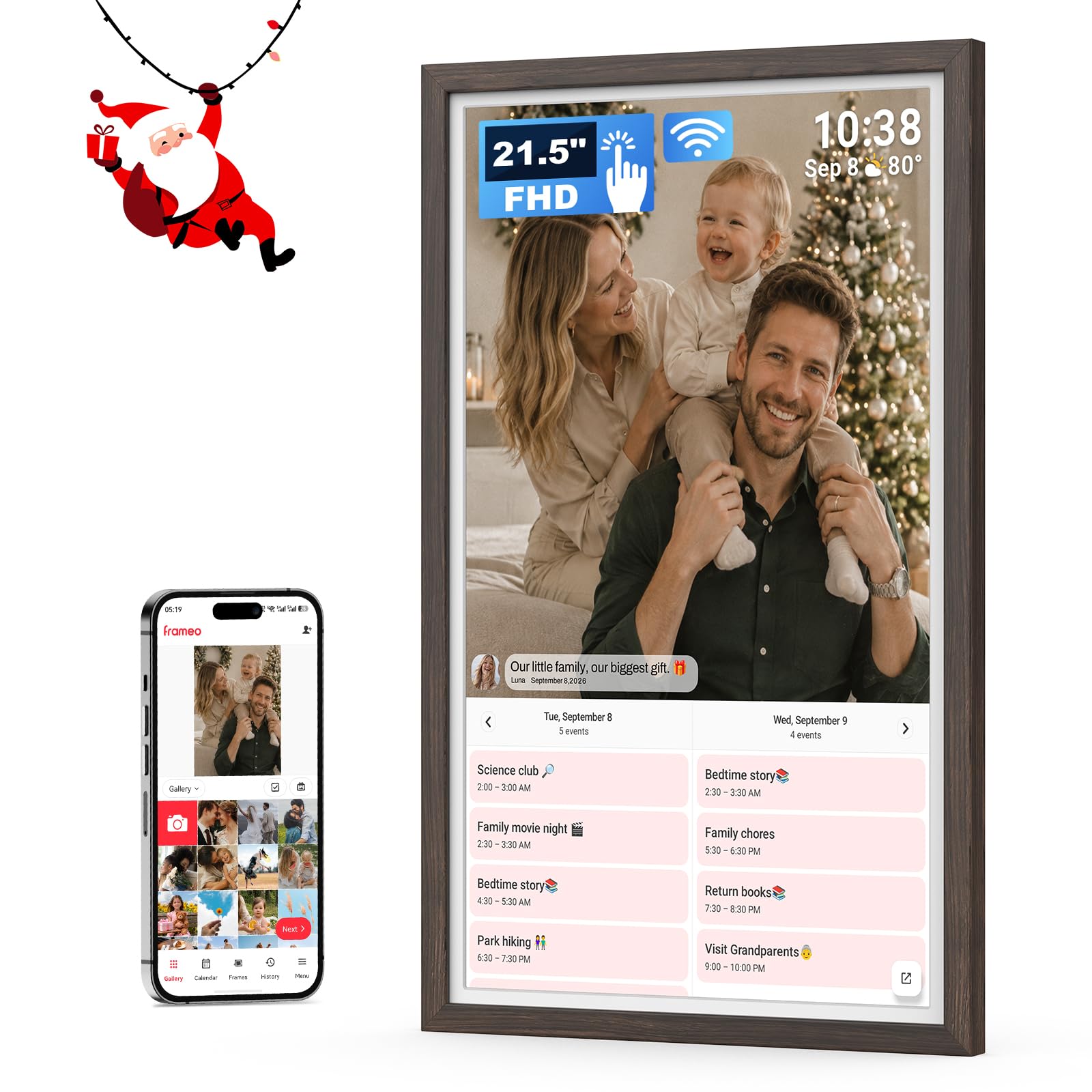
A 21.5-inch screen that turns a wall into a family photo gallery and a shared calendar.
This is the largest frame on the list by a wide margin. The 21.5-inch 1920×1080 FHD IPS display sits at a 16:9 shape, so photos and family videos fill it edge to edge, and the responsive touchscreen makes paging and settings simple. That size lets you read the details from across the room — a screen for a hallway, a kitchen, or a celebration wall rather than a desk.
Family members send photos and videos privately from their phones through the Frameo app, so nobody has to email files or hand over a password. You can link more than one frame to the same app, which keeps a whole network of displays in sync. The calendar sync is what separates it: upcoming plans and photos share one screen, so the frame doubles as a family hub. Collage Mode shows 2 to 6 photos together, and you can set brightness, slideshow timing, clock and weather, and sleep schedules. The 64GB of built-in storage holds thousands of photos, and it takes a microSD card up to 64GB (a small memory card you slot in for extra room).
The trade-offs are honest ones for a screen this big: SD card uploads draw the most doubt, and value is questioned at this size. SD card uploads are the recurring sticking point, and some find the value questionable for the size. The frame material is wood, which suits the “furniture” feel, but you are committing real wall space. If you want a centerpiece, this is it; if you want something discreet, look smaller.
Why it stands out: a 21.5-inch FHD IPS touchscreen plus calendar sync make it a hub the whole family reads, not just a slideshow.
The honest limit: SD card uploads draw the most doubt, and the value question grows with a screen this size.
Made for: a big living-room or kitchen wall where you want photos and a shared family calendar on one large display.
Not for: a small space or anyone who wants to load everything offline from a card.
Know the Specs
Resolution and Panel Type (IPS vs standard)
Resolution is the number of pixels on the screen, written as width × height — like 1280×800 or 1920×1080. More pixels means finer detail, so faces stay sharp when the frame is across the room. IPS is a panel technology that keeps colors consistent when you view from an angle, which matters when a whole family watches at once. A 2K frame at 2000×1200 packs more pixels into a small screen than an HD frame of the same size, so it looks sharper up close.
Built-in Storage vs Cloud Storage
Built-in storage is memory inside the frame — 32GB or 64GB — used to hold photos and videos without a network. Cloud storage means photos live in an online account and the frame pulls them down; Aura and Nixplay both use this model, and some charge nothing for it. A frame with large internal memory keeps working if WiFi drops, while a cloud-first frame depends on a steady connection. Match the storage type to how reliable your home WiFi is.
WiFi Band (2.4GHz vs 5GHz)
A wireless frame connects over WiFi, but many only join the 2.4GHz band — the older, longer-range frequency. Newer routers often split 2.4GHz and 5GHz into separate networks, and a 2.4GHz-only frame will not see the 5GHz one. The fix is switching your router to broadcast the 2.4GHz band, or using a phone hotspot to finish setup. Check this before you buy if a non-technical person is setting the frame up.
Auto-Rotate and Sleep Mode
An auto-rotate sensor reads which way the frame is sitting and flips the photo from landscape to portrait to match. That means you can hang the frame either way and never rotate photos by hand. Sleep mode dims or rests the screen during set hours so a bedroom frame is not glowing at midnight. A light sensor goes one step further, dimming the display automatically as the room darkens.
Common Questions
Do wireless internet photo frames need WiFi to show photos?
Will a 2.4GHz-only frame connect to my home WiFi?
How many photos can a 32GB frame actually hold?
Can I send a photo to a frame by email instead of an app?
Do these frames charge a monthly subscription?
Can a photo frame run on a battery, or does it need an outlet?
Is a 10-inch frame big enough, or should I go 15.6 inches?
Can more than one family member send photos to the same frame?
Will my frame play videos, or only photos?
What happens if the WiFi drops after I set the frame up?
The Bottom Line
For most families, the wireless internet photo frame winner is the Aura 12-inch frame because it connects in about a minute, charges no subscription, and lands as a gift that works from day one. If you want a genuinely big screen on the wall, reach for the Arktronic 21.5-inch with its family calendar built in. And if the WiFi in the house is unreliable, the Flyruit Frameo frame lets you load photos by card with no network at all. Its 4.5+ star rating across 14,000+ owners makes the Aura the safest place to start.
How we choose
We do not accept paid placement. Every pick is matched to a real buyer and a real use-case; we do not hands-on test units.
Sources
Specifications: manufacturer listings and product documentation. Review insights: verified customer reviews, as of November 2026. Pricing: not shown on this page (it changes often); check the current price via the retailer link.
As an Amazon Associate, Tactical Gear Guy earns from qualifying purchases. This does not affect which products we feature.