Specs are compiled from manufacturer listings and verified buyer reviews and can change over time — please confirm the key details on the product page before buying.
Here is the short answer most people need: if you print mostly text and want the fewest headaches, a monochrome laser is the safer buy, and the HP LaserJet Pro 3101sdw is the strongest all-rounder in this group. If you print photos and school projects in color, a refillable ink tank like the Epson EcoTank or Canon MegaTank makes far more sense than a cartridge model. Everything below explains exactly which one fits your desk, your print volume, and your patience for Wi-Fi setup.
This guide is built by comparing the manufacturers’ published specifications and the patterns across verified customer reviews, so you get each pick’s real strengths and trade-offs instead of marketing spin.
Every machine here prints, scans, and copies over Wi-Fi, so the real differences come down to speed, running costs, and how well the wireless stays connected. This breakdown of the wireless all-in-one printer market separates the fast, reliable workhorses from the ink-hungry ones.
Top Picks

How To Choose The Best Wireless All-in-One Printer
You will use your printer more happily if it wakes up fast than if it prints fast. A printer rated at 35 pages per minute (ppm — pages per minute, the rated print speed) sounds brilliant, but if it takes forty seconds to wake up and connect every time you hit print, you will dread using it. Start with what you actually print, then work backward to the machine.
Laser or ink tank — pick your side first
A laser printer fuses dry toner powder onto the page with heat, which is why black text comes out sharp and smudge-proof. Laser models here print black and white only, so they suit contracts, invoices, and school essays. An ink tank printer holds liquid ink in refillable reservoirs instead of sealed cartridges. You pour in bottles, and a single fill set goes a very long way, which is why the Canon MegaTank models list up to 6,000 black and white pages from one set of inks.
Match the paper handling to your workload
An automatic document feeder (ADF — a tray that pulls pages through the scanner on its own) saves you from lifting the lid for every sheet when you scan a multi-page contract. The HP 3101sdw carries a 50-sheet ADF, while the cheaper Brother 1410 offers a 20-sheet single-sided feeder. If you mostly copy single pages, a flatbed glass alone is fine and keeps the machine smaller.
Then check the wireless, honestly
Every printer in this list connects over Wi-Fi, but the connection quality varies widely between models. Look for dual-band Wi-Fi (2.4GHz and 5GHz — the two radio frequencies your router broadcasts) because the 5GHz band is less crowded in apartments and busy offices. A self-reset feature that reconnects on its own is worth more than a flashy app.
Side-by-Side Comparison
| Model | Best For | Print Speed (B&W) | Color Printing | Duplex | Amazon |
|---|---|---|---|---|---|
| HP LaserJet Pro 3101sdw★ Best Overall | Small teams printing text | 35 ppm | No | Automatic | Amazon |
| Brother Work Smart 1410Budget Color Pick | Home office color on a budget | 16 ppm | Yes — 9 ppm | Automatic | Amazon |
| HP LaserJet M234sdwBest Compact Laser | Compact monochrome desk printer | 30 ppm | No | Automatic | Amazon |
| Epson WorkForce Pro WF-4930 | High-volume office color | 25 ppm | Yes — 12 ppm | Automatic | Amazon |
| Canon MegaTank G3270 | Low-cost home printing | 11 ppm | Yes — 6 ppm | Simplex | Amazon |
| Canon MegaTank G3290 | Touchscreen ink-tank value | 11 ppm | Yes — 6 ppm | Automatic | Amazon |
| Brother HL-L2480DW | Fast compact office laser | 36 ppm | No | Automatic | Amazon |
| Epson EcoTank ET-4950 | High-volume color, low ink cost | 18 ppm | Yes — 9 ppm | Automatic | Amazon |
Detailed Reviews
1. HP LaserJet Pro 3101sdw Monochrome Laser All-in-One
Our pick — 4.5+★ from 650+ verified ratings; the strongest balance of quality and price.
The office workhorse that fires out black-and-white pages at 35 per minute without breaking stride.
This is the crowd favorite here — 4.5+ stars across 600+ ratings — and the numbers behind that are genuinely strong. You get 35 pages per minute in black and white, which is the fastest black-and-white figure in this guide and 2.2x the Brother Work Smart 1410’s 16 ppm. A 250-sheet input tray means you can load half a ream and walk away, and the 50-sheet automatic document feeder pulls multi-page scans through on its own. If you run a small team that lives on contracts, invoices, and reports, this is the machine the group leans toward most.
Speed is only half the story for an office laser. The first page lands in about 7 seconds from a cold start, so a one-page letter is done before you sit back down. Automatic two-sided printing is included, which halves your paper use on long documents without you flipping anything by hand. Toner-based printing also means the output sits dry and sharp on the page rather than needing time to cure.
The honest caveat is the wireless. This is a monochrome-only machine, so no colour photos, no school posters. It also uses HP’s chipped toner cartridges and blocks non-HP chips, so budget-brand refills are off the table. The Wi-Fi itself draws mixed reports — plenty of quick setups, but a minority of owners fight connection drops.
Where it earns its keep
- 35 ppm black-and-white output handles a busy print queue without a wait
- 50-sheet ADF plus 250-sheet tray for hands-off multi-page jobs
- Automatic duplex printing cuts paper use on long reports
- Around 7 seconds to the first page from standby
What to weigh first
- Black and white only — no colour at any point
- Locked to HP chipped toner, so cheap third-party refills will not work
- Wi-Fi connection reliability splits opinion among owners
Go for it if: your printing is documents, your team is one to five people, and volume matters more than colour.
Think twice if: anyone on your desk needs photo or colour output, or you want the freedom to buy generic toner.
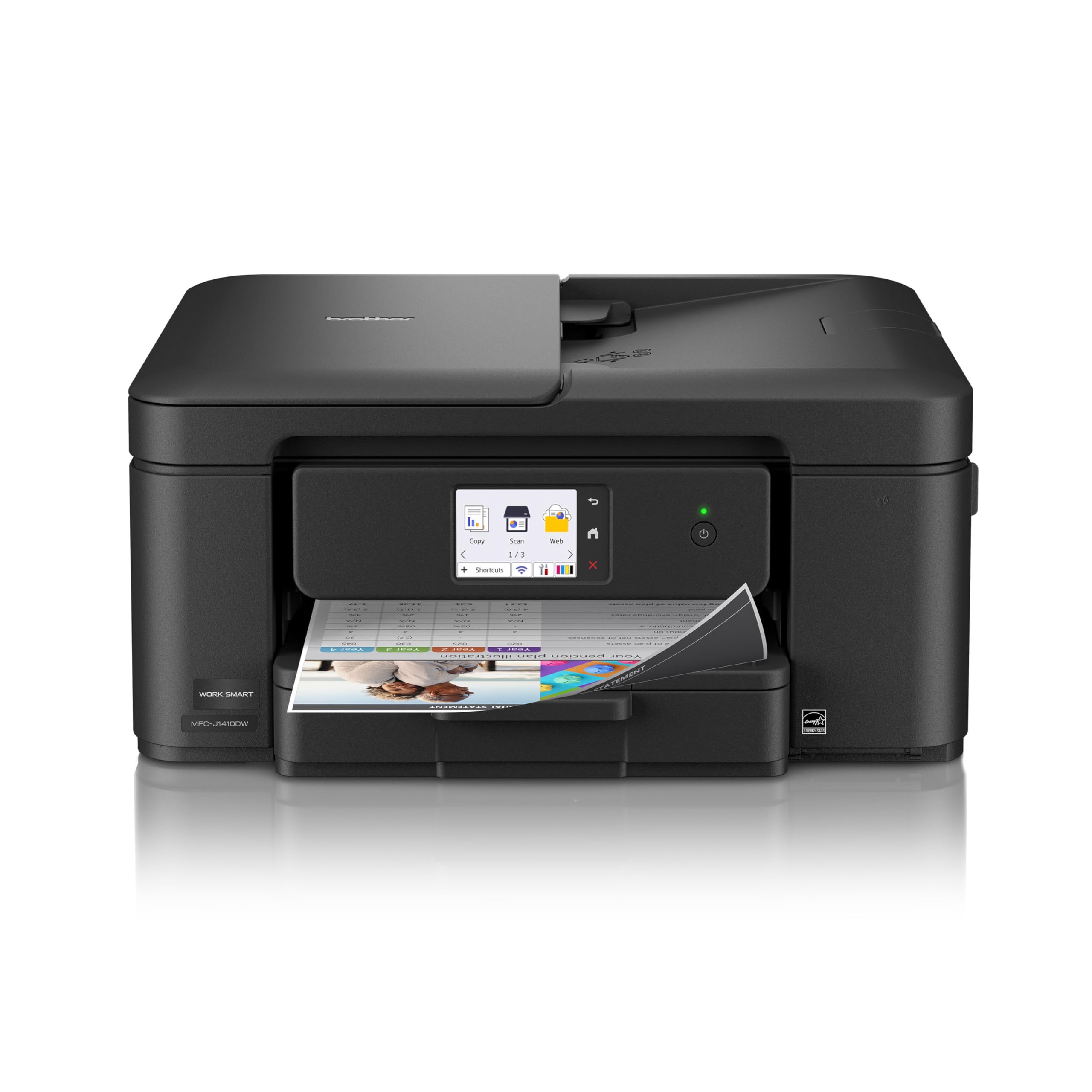
2. Brother Work Smart 1410 Wireless Color Inkjet All-in-One
A compact colour inkjet with a real touchscreen, aimed squarely at the home-office corner desk.
Colour printing for the price of a mid-tier accessory is the pitch here, and it mostly lands. A 2.7-inch colour touchscreen lets you tap through cloud apps like Google Drive, Dropbox, and OneDrive without opening a laptop.
What wins people over is the print quality. Owners consistently describe it as superior to the HP models they had before, and the compact body fits where a full-size office laser will not. Automatic two-sided printing, a 20-sheet single-sided ADF, and a 150-sheet tray round out a genuinely useful home-office package. The first colour page arrives in roughly 9.6 seconds and the first black page in about 6.2.
The catch is reliability and speed consistency. Some buyers report the ink system performing beautifully, while others hit failures after about three months. Print speed also splits opinion — a few describe it as one of the slowest machines they have used. Treat it as a light-duty colour printer, not a daily volume machine.
Best for light colour: school projects, the occasional photo, and colour documents in a home office where one or two people print a few pages a day.
Not built for: a busy shared office that prints hundreds of colour pages a week — the reliability reports and slower colour speed will frustrate a heavy queue.
The smart buy when: you need colour, a touchscreen, and a small footprint without paying premium money.
Look elsewhere if: you need colour at volume and cannot afford downtime.
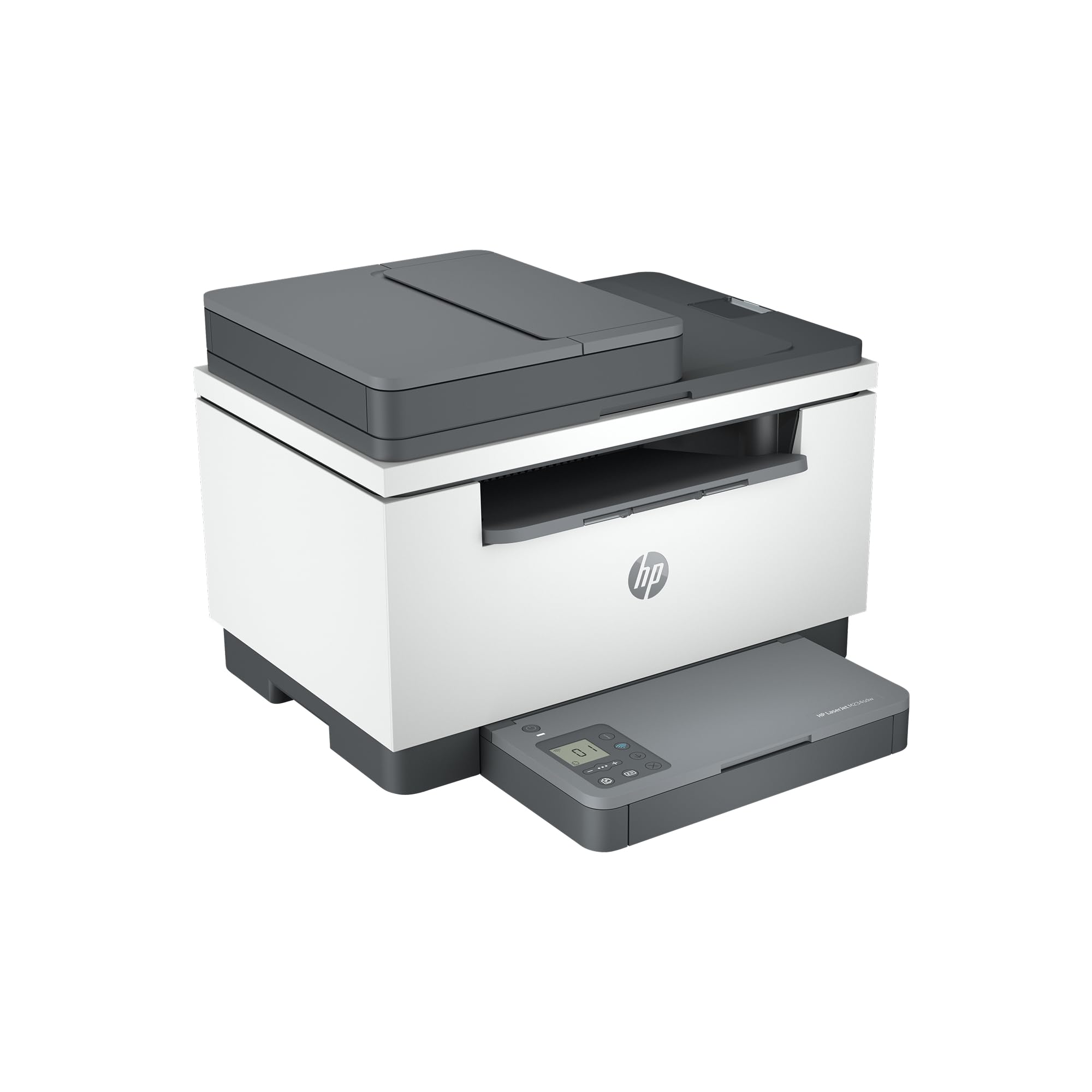
3. HP LaserJet M234sdw Monochrome Laser All-in-One
The desk-sized laser that prints both sides fast and reconnects itself when the Wi-Fi wobbles.
It prints up to 30 black-and-white pages per minute single-sided and up to 19 images per minute two-sided — slower than the HP 3101sdw’s 35 ppm headline, but in a noticeably tighter body. At 12.13 by 16.46 by 11.59 inches, it is about 26% shallower than the Epson WorkForce Pro WF-4930’s 15.3-inch depth — real desk space gained. For a one-person home office that does not want a tower on the desk, this is the tidy answer.
Dual-band Wi-Fi with a self-reset feature is the standout here. It detects a dropped connection and re-establishes it on its own, which is the single most useful feature for anyone whose router sits two rooms away. Built-in security features help keep the printer off the network’s attack surface. The HP Smart app handles repetitive scanning and copying from your phone.
The honest tension is that connectivity still draws mixed reports despite the clever engineering, and reliability splits opinion too — some owners run years trouble-free, others hit paper feeder trouble. What wins people over is the print quality and the easy app setup. It is also black and white only.
The good stuff
- 30 ppm single-sided, 19 images per minute duplex
- Dual-band Wi-Fi with self-reset for stubborn connections
- Compact footprint than the Epson WF-4930 on depth
- App-based setup makes phone printing simple
Worth knowing
- Black and white only
- Wireless reliability still splits owner opinion
- Reliability reports vary, with paper feeder trouble noted by some
Reach for this if: you want a compact text printer that can find its own way back onto the network.
Skip if: colour is non-negotiable or you print on specialty media regularly.
4. Epson WorkForce Pro WF-4930 Wireless All-in-One
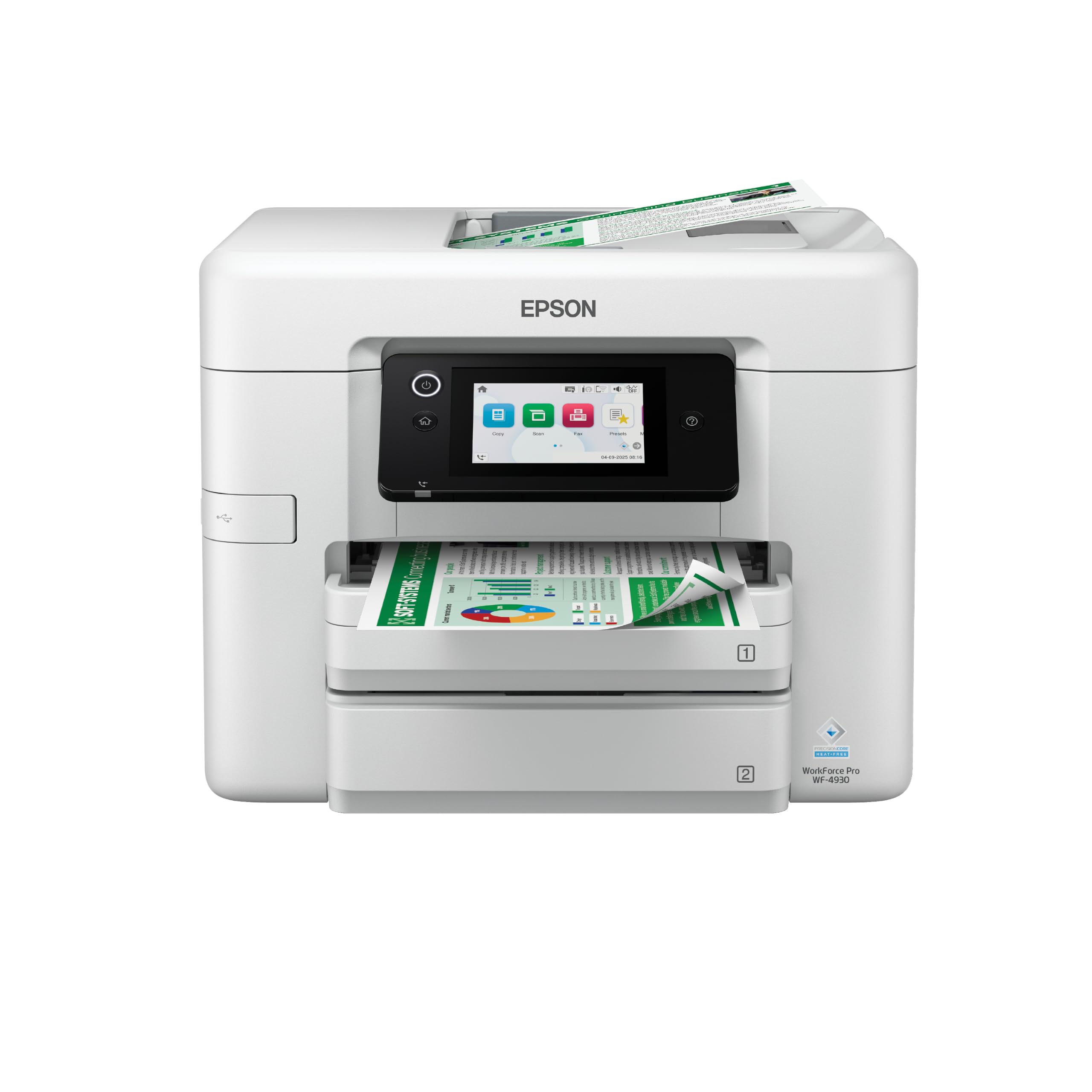
A dual-tray colour office printer built to swallow heavy workloads and keep the pages moving.
This one leads on paper capacity above all else. A 500-sheet total capacity split across two 250-sheet trays means you can keep letter and legal loaded at once and stop refilling. Black runs at 25 ppm.
PrecisionCore Heat-Free technology is Epson’s name for a print head that lays ink without heating it, which the maker claims cuts downtime on heavy workloads. DURABrite Ultra pigment inks dry instantly on the page, so a freshly printed colour sheet will not smudge as you stack it. A 50-sheet ADF and a large 4.3-inch colour touchscreen handle scan, copy, and fax without a laptop. It supports Apple AirPrint, Mopria, and Wi-Fi Direct for router-free printing.
The trade-off is bulk and a small review base. At 23.6 pounds, it is a machine you place once and leave. The colour print quality draws strong praise and setup is described as easy, but the volume of owner feedback is thin compared to the HP and Canon entries.
Standout spec: Fewer refill interruptions on long jobs come from 500-sheet capacity across two 250-sheet trays, the largest paper store in this guide.
Before you commit: at 23.6 pounds it is heavy enough that you want help lifting it onto a shelf, and it needs the desk space to match its 15.3-inch depth.
Made for: a busy office that prints colour in volume and wants dual trays and a big touchscreen.
Not for: a tight desk or a buyer who wants a featherweight machine to move around.
5. Canon MegaTank G3270 All-in-One Wireless Inkjet

The refillable ink tank that promises up to two years of printing before you buy another bottle.
Running costs are the whole point of a MegaTank, and this one delivers the number. A single set of inks is rated for up to 6,000 black and white pages and 7,700 colour pages, which is the real draw: a far lower cost per page than cartridge printing. That is the real draw — you are buying a lower cost per page, not raw speed. Output runs at 11 ppm black and 6 ppm colour, which is the slow end of this group.
What wins people over is the everyday home print quality. Owners describe the picture output as sharp and the machine as well suited to family printing. Setup is simple with a 1.35-inch square LCD to guide you. There is no automatic duplex on this model — it is single-sided only — which is the biggest practical compromise against the G3290 next to it.
Be realistic about speed and reliability. Print speed draws mixed reports, with a fair share noting slow start times and long waits on jobs over 30 sheets, and reliability splits opinion with some machines failing inside two years. This is a light home printer, not a workhorse.
The case for it: the 6,000 black and 7,700 colour page rating means a family can print schoolwork for a long stretch without hunting for ink.
The catch: single-sided printing only, plus slow colour speed that will test you on a big colour job.
Best fit: a family or light home user who wants the lowest running cost per page and can live with single-sided output.
Pass on it if: you need automatic two-sided printing or speed for bigger batches.
6. Canon MegaTank G3290 All-in-One Wireless Printer
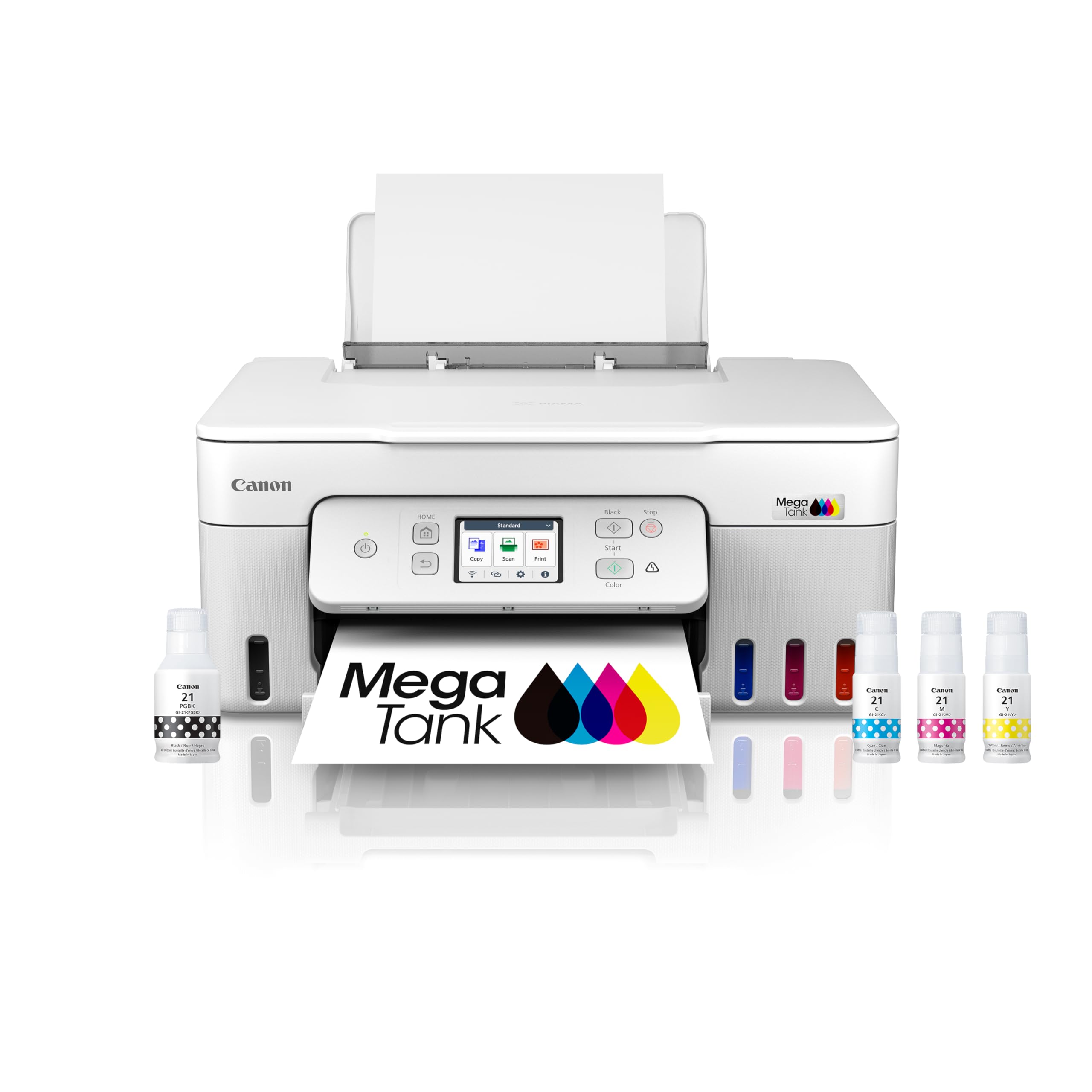
The G3270’s twin, upgraded with a colour touchscreen and automatic two-sided printing.
If the G3270’s single-sided limit put you off, this is the fix. The G3290 carries the same 6,000 black and 7,700 colour page ink set and the same 11 ppm black and 6 ppm colour speeds, but adds automatic two-sided printing and a 2.7-inch colour touchscreen. It is the better all-round home ink tank of the two Canon models precisely because of those two upgrades.
Print quality is the strongest card. Owners describe photos and documents coming out beautiful, and it earns the most praise for its output of anything in this pair. Setup lands on the easy side too, with the touchscreen making the network steps simpler than a button-only menu. Refillable ink bottles keep the running cost low over time.
The honest limits are speed and colour consistency. Print speed splits opinion, with accounts of a single sheet taking up to 15 minutes on a bad day, and a subset of owners mention colour drifting toward a green cast over time. Wireless connectivity is mixed, with some simple setups and some hard-to-establish connections.
Why it earns the extra
- Automatic two-sided printing over the G3270’s single-sided only
- 6,000 black / 7,700 colour pages from one ink set
- 2.7-inch colour touchscreen for simpler setup
The real limits
- 11 ppm black and 6 ppm colour is slow for big batches
- Wireless setup is hit and miss for some buyers
- Colour can shift toward a green cast for a minority of owners
The duplex choice: a home ink tank that prints both sides and keeps ink costs low over years.
The trade-off you accept: slow colour output and a Wi-Fi setup that occasionally fights back.
7. Brother HL-L2480DW Compact Monochrome Laser Multi-Function

The quickest black-and-white laser here, printing 36 pages a minute in a compact footprint.
Speed is the headline. This Brother fires out 36 pages per minute in black and white, just ahead of the HP 3101sdw’s 35 ppm, and it manages that in a compact body built for a work-from-home desk. A 2.7-inch touchscreen handles print-from and scan-to cloud apps like Google Drive, Dropbox, Evernote, and OneNote. Dual-band Wi-Fi on both 2.4GHz and 5GHz gives it the least crowded radio channel in a busy home.
Owners rave about the copies most — crisp output and reliable day-to-day performance are what stand out. The scanner flatbed works well for single-page scans, and the first page lands in about 8.5 seconds. A 250-sheet tray and a manual feed slot for envelopes and specialty paper round it out. Add the quiet operation and it is a pleasant machine to sit next to.
The awkward part is usability. A subset of owners find the interface frustrating, and wireless connectivity — while improved by dual-band — still splits opinion with a few losing their connection over time. It is black and white only, so no colour work at all.
The mic-drop spec: A stack of forms disappears while you are still sipping your coffee, thanks to 36 ppm black-and-white output — the fastest mono figure in this guide.
The friction: the menus frustrate a share of owners, so budget a few minutes on the touchscreen to learn your way around.
Pick it when: text volume is high and you want the fastest mono printer here in a small footprint.
Rule it out if: you need colour, or you would rather have a simpler interface than a fast one.
8. Epson EcoTank ET-4950 Wireless Color All-in-One
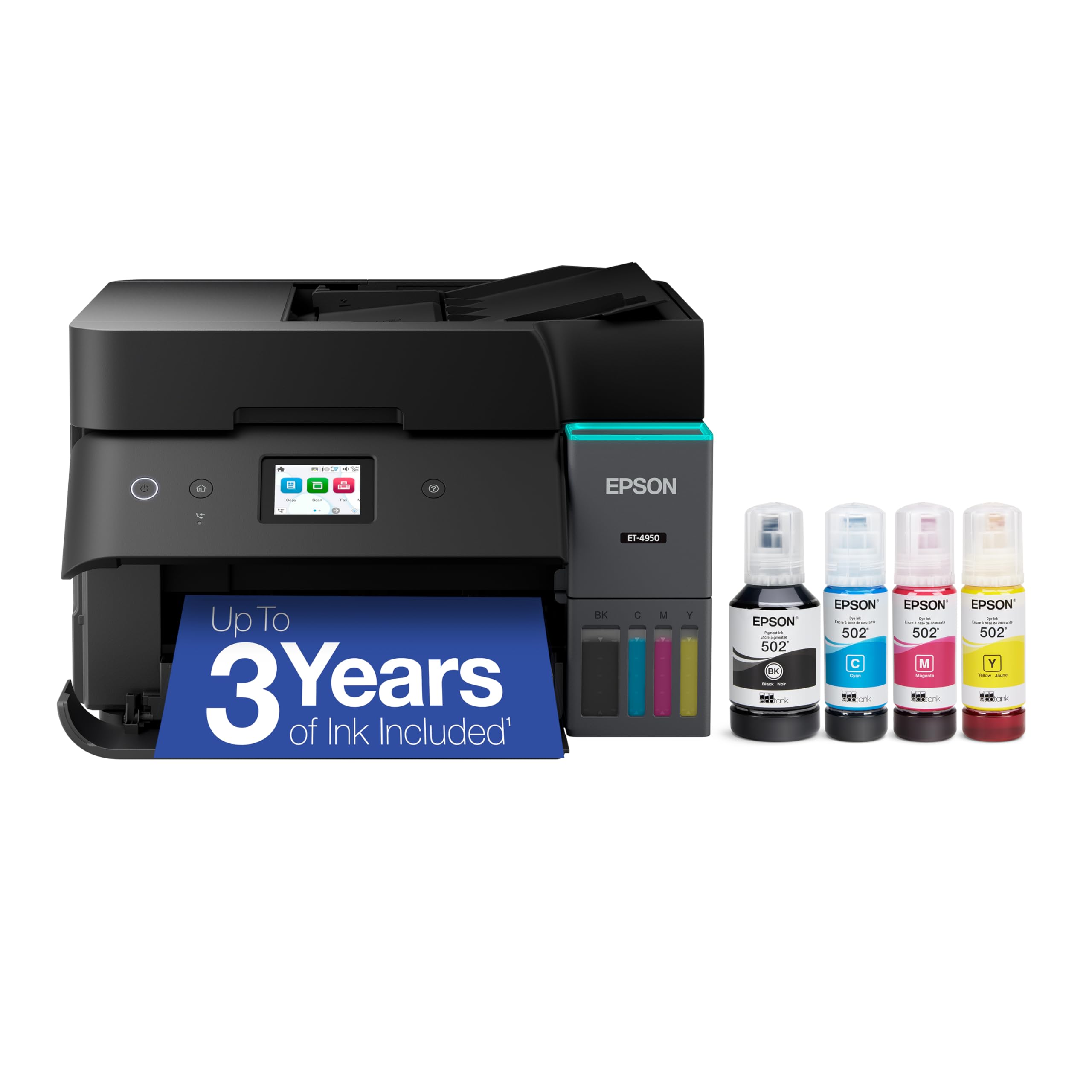
A cartridge-free colour tank that ships with enough ink for thousands of pages.
The economics are the reason to look here. It arrives with enough ink to print up to 6,600 black pages and 5,500 colour pages, and each replacement bottle set is pitched as the equivalent of about 80 cartridges. Supersized tanks and uniquely keyed EcoFit bottles make refilling a no-mess, no-mix-up job — the bottle shape only fits its own colour. Zero warmup time means it starts printing the moment you hit go.
Print quality is what owners celebrate, particularly for two-sided jobs where both sides come out crisp and clean. Setup is guided with detailed step-by-step instructions, and the 2.4-inch colour display makes navigation straightforward. It runs 18 black and 9 colour pages per minute with auto duplex, an ADF, fax, and a 250-sheet tray. The compact body keeps it desk-friendly.
The recurring gripe is connectivity. Some owners get a solid Wi-Fi link, but a real share reports constant connection drops and difficulty keeping the printer on the network. Reliability splits opinion too. It is the price you pay for all that ink economy.
Best for colour volume: households or small offices printing colour flyers, photos, and schoolwork who want to stop buying cartridges.
Book a Wi-Fi session: plan to set it up near your router on the first try — a handful of owners fight the connection and it is the one thing that can sour the experience.
Strongest when: long-run ink cost matters most and you print colour in volume.
Weaker if: your router is far away and you dread troubleshooting a dropped link.
Know the Specs
Pages Per Minute (ppm)
Ppm is the rated print speed — how many pages the machine claims it can churn out in a minute. Higher is better for big batches, but for a one-page letter the first-page-out time matters more. A 35 ppm printer that takes 40 seconds to wake up can feel slower than an 11 ppm machine that starts instantly. Match the number to your real workload, not the label.
Laser Toner vs Ink Tank
A laser uses dry toner powder fused with heat, giving sharp, smudge-proof black text. An ink tank holds liquid ink in refillable reservoirs, so you buy bottles instead of cartridges. Laser wins on text speed and crispness; ink tanks win on colour running costs over years. Pick laser if you print black documents, ink tank if you print colour regularly.
Automatic Document Feeder (ADF)
An ADF is a tray that pulls pages through the scanner by itself, so you can scan a multi-page contract without lifting the lid. Sheet counts vary — a 50-sheet ADF handles a big batch, a 20-sheet single-sided feeder handles smaller jobs. If you mostly copy single pages, a flatbed glass alone is enough.
Duplex and Wi-Fi Bands
Duplex means the printer flips the page and prints both sides, halving your paper use. Some machines are automatic, others single-sided only. Dual-band Wi-Fi means the printer can use either the 2.4GHz or the faster, less crowded 5GHz band, which matters in busy apartments and offices where the airwaves are full.
Common Questions
Will a wireless all-in-one printer work with my phone?
Is a monochrome laser better than a colour inkjet for a home office?
How long does an ink tank set actually last?
Can I use cheap third-party toner or ink?
What does automatic duplex save me?
Why does my wireless printer keep dropping the connection?
Do I need an automatic document feeder for scanning?
Can a colour laser like the Canon imageCLASS print photos well?
Is a bigger paper tray worth it?
What is the difference between the Canon MegaTank G3270 and G3290?
The Bottom Line
For most people, the wireless all-in-one printer to buy is the HP LaserJet Pro 3101sdw because it combines 35 ppm black-and-white speed, a 50-sheet ADF, and automatic duplex in one dependable office machine. If colour volume and low ink costs are your priority, reach for the Epson EcoTank ET-4950 with its 6,600 black page ink set. And if you want the fastest compact mono printer with the cleanest wireless setup, the Brother HL-L2480DW is the one to grab.
How we choose
We do not accept paid placement. Every pick is matched to a real buyer and a real use-case; we do not hands-on test units.
Sources
Specifications: manufacturer listings and product documentation. Review insights: verified customer reviews, as of November 2026. Pricing: not shown on this page (it changes often); check the current price via the retailer link.
As an Amazon Associate, Tactical Gear Guy earns from qualifying purchases. This does not affect which products we feature.