Specs are compiled from manufacturer listings and verified buyer reviews and can change over time — please confirm the key details on the product page before buying.
If your video calls freeze in the back office or your phone clings to one bar in the kitchen, a wireless access point (AP) is the hardware that puts real Wi-Fi into a room instead of hoping a router three walls away can reach it. The fix is usually a ceiling-mounted AP wired back to your switch — not another range extender. The picks below cover every job: a slim indoor unit for a whole house, an outdoor box that survives rain, and premium models built for crowded offices.
This guide is built by comparing the manufacturers’ published specifications and the patterns across verified customer reviews, so you get each pick’s real strengths and trade-offs instead of marketing spin.
You will see how Wi-Fi 6 and Wi-Fi 7 differ in practice, why PoE saves you an electrician, and which unit suits a farm, a café, or a two-storey home. The right pick here is the one that matches your ceiling, your cabling, and how many devices you actually run — and this breakdown of the wireless access point market makes that choice a quick one.
Top Picks


How To Choose The Best Wireless Access Point
Pick the AP that fits the building you actually own, not the one with the biggest number on the box. Three things decide whether you will be happy: how the unit gets power, which Wi-Fi generation it speaks, and whether your network already runs a controller.
Power first: PoE or a wall adapter
Power over Ethernet (PoE) sends electricity and data down one cable, so the AP only needs a network run to the ceiling. Standard 802.3at PoE+ is the common business choice and works with most PoE switches. Passive PoE needs the specific voltage the maker names, so read the listing. Some units ship with a DC adapter and some do not, and that single detail can add a separate purchase.
Match the Wi-Fi generation to your devices
Wi-Fi 6 (802.11ax) is the sensible baseline for phones and laptops bought in the last few years. Wi-Fi 7 gear is worth it only if your clients can use it and your uplink is fast. A 2.5G or 10 Gigabit Ethernet port on the AP stops the wired side from capping the wireless side on a busy network.
Coverage is about mounting, not just antennas
A ceiling AP throws signal outward and down in a dome, so a central hallway ceiling beats a corner shelf every time. Outdoor units need an IP65 housing and a vertical install so water runs off. Plan on more than one AP for a large house, and rely on roaming standards so your phone hops cleanly between them.
Side-by-Side Comparison
| Model | Best For | Wi-Fi Standard | Rated Speed | Power | Amazon |
|---|---|---|---|---|---|
| Omada EAP653★ Best Overall | Whole-home Wi-Fi 6 upgrade | Wi-Fi 6 (dual-band) | 3000 Mbps | 802.3at PoE+ / DC (adapter not included) | Amazon |
| Tenda i27Best for Crowds | Busy offices and hotels | Wi-Fi 6 (dual-band) | 2976 Mbps | 802.3at PoE with injector included | Amazon |
| TP-Link TL-WA1801Most Versatile | Flexible multi-mode use | Wi-Fi 6 (dual-band) | 1800 Mbps | Passive PoE / adapter included | Amazon |
| Cudy AP1300 Outdoor | Yards, farms, parking areas | Wi-Fi 5 (dual-band) | 1200 Mbps | 802.3at/af PoE / passive | Amazon |
| Omada EAP650 | Easy cloud-managed setup | Wi-Fi 6 (dual-band) | 3000 Mbps | 802.3at PoE+ / DC adapter included | Amazon |
| Cudy AP3000 | Crowded multi-AP networks | Wi-Fi 6 (dual-band) | 3000 Mbps | 802.3at/af PoE / 2.5G input | Amazon |
| Zyxel NWA50AXPRO | Multi-gig upgrades on old cable | Wi-Fi 6 (dual-band) | 3000 Mbps (2.5G port) | PoE+ | Amazon |
| Ubiquiti U7 Long-Range | Long indoor reach | Wi-Fi 7 | 1000 Mbps | Ethernet / PoE | Amazon |
| Ubiquiti U7-PRO-XG | Dense enterprise deployments | Wi-Fi 7 (tri-band) | 5.80 Gbit/s | 10 Gigabit Ethernet | Amazon |
Detailed Reviews
1. Omada AX3000 Wireless Access Point (EAP653)
Our pick — 4.5+★ from 350+ verified ratings; the strongest balance of quality and price.
The slim ceiling disc that keeps a whole house connected for years, not months.
Start with the number that matters most here: 3000 Mbps. That is the rated dual-band throughput of this Wi-Fi 6 unit, split across the 5 GHz and 2.4 GHz bands so a 4K stream and a video call do not fight each other. Wi-Fi 6 is the older-but-widely-supported radio that almost every phone and laptop from recent years can use, so you are not paying for a standard your devices ignore. It also brings WPA3, the current password-protection standard, and beamforming, which aims signal toward the device that needs it.
Reliability is what wins people over: owners describe these ceiling units still working after years of service. Part of that comes from how it mounts — an internal antenna under a ceiling plate, no moving parts, and a 5-year warranty behind it. The one honest catch is in the box: there is no DC adapter here, only the mounting kit and guide. If you own a PoE+ switch (a network switch that sends power and data over one cable), that is fine and cheaper. If you do not, budget for the adapter or a PoE injector (a device that adds power to the network cable).
The Omada platform is the quiet bonus. You can run a single AP on its own, or manage several through the Omada app or a cloud controller, and VLAN support lets you put guest devices on their own slice of the network. Compare that with the Ubiquiti U7-PRO-XG below, which pushes 5.80 Gbit/s but drags you into a different ecosystem — the Omada is the easier first step.
dual-band ceiling mount
- 3000 Mbps dual-band Wi-Fi 6 covers a normal house without a second unit
- 802.3at PoE+ means one cable to the ceiling, no socket needed
- 5-year warranty backs a very slim, low-profile ceiling design
- VLAN and WPA3 support keep guest traffic separated from yours
adapter sold separately
- No DC power adapter in the box, so a non-PoE setup needs one bought separately
- Mesh and smooth roaming need an Omada controller, not standalone mode
budget setups: Anyone wiring a house or small office who already has — or plans — a PoE switch.
power injector needs: Add the DC adapter or a PoE injector if your switch does not push PoE.
2. Tenda WiFi 6 AX3000 Wireless Access Point (i27)
A 60-device ceiling AP that ships with everything needed to power it.
If your problem is a hotel lobby or a busy café where two dozen people open laptops at once, this is the pick. It is rated for up to 60 connected devices, and that headroom comes from OFDMA and MU-MIMO — two Wi-Fi 6 tricks that split airtime so devices send data in parallel instead of queuing. The rated speed is 2976 Mbps (2402 Mbps on 5 GHz plus 574 Mbps on 2.4 GHz), and the 160 MHz channel width gives 4K streaming and big file transfers room to breathe.
Coverage is quoted at up to 150 m² (1,615 sq ft) from four 4 dBi high-gain antennas (dBi measures antenna gain — higher means a stronger push in one direction) plus independent signal boosters. For a single-room business that is realistic; for an open-plan warehouse, plan on more than one. The 802.11k/v/r roaming protocols (standards that help devices hand off between APs) let a device move between APs without dropping a call — the exact feature that makes multi-unit offices feel smooth.
The detail that saves a trip to the store: a PoE injector and power adapter come in the box. Mounting brackets are included too, so a ceiling install is a same-day job. WPA3 rounds out the security side, and the 3-year warranty plus Tenda’s lifetime support covers the long haul. The trade-off worth knowing is that the antenna is fixed, so you aim by moving the unit, not by tilting a stick.
tight budgets: You are outfitting a small business and want device capacity plus all the power bits in one box.
advanced VLANs: You need a huge single-Area coverage map and plan to run only one AP.
3. TP-Link TL-WA1801, AX1800 Dual Band WiFi 6 Access Point
Four jobs in one unit — access point, client, extender, or VLAN bridge.
Most access points do one thing. This one runs as an access point, a client, a range extender, or a multi-SSID unit with VLAN support, so you can repurpose it when your network changes. It clocks 1800 Mbps combined across the two bands, with MIMO on both 5 GHz and 2.4 GHz — that is the antenna setup that lets several devices transmit at once instead of taking turns. Four external antennas and beamforming then push that signal across a longer stretch than a single internal disc manages.
Powering it is flexible. Passive PoE over the Ethernet cable lets you place it up to 100 feet from a socket, which is the difference between mounting in the right spot and mounting wherever a plug happens to be. A PoE injector, power adapter, and Ethernet cable all come in the box, so there is no extra trip.
Setup is where this earns its keep: it works on first power-up for most people. A few owners hit a snag pairing it with Cisco PoE hardware, so check your switch’s spec sheet before you assume plug-and-play across brands. If your gear is mainstream, it is a fuss-free install, and the desktop Wi-Fi bridge feature (HE80 support) is a handy bonus for putting a wired-only device onto Wi-Fi.
simple wall mounting
- 1800 Mbps dual-band Wi-Fi 6 with MIMO on both bands
- Passive PoE reach of up to 100 feet from a power outlet
- Switchable between AP, client, extender, and VLAN bridge roles
no PoE injector
- Some setups with Cisco PoE gear report compatibility trouble
- Lower combined speed than the 3000 Mbps units higher up this list
small offices: You want one unit that can change roles as your network grows.
multi-AP roaming: Your PoE switch brand, if it is not a mainstream consumer model.
4. Cudy AC1200 Wi-Fi 5 Outdoor Access Point (AP1300)

The one pick here that shrugs off rain, dust, and a 149°F afternoon.
This is the AP you bolt to a pole at the edge of a yard or a farm. The IP65 housing (that rating means it keeps out dust and handles water spray from any direction when it hangs vertically) is the whole reason it exists. It keeps working from -40 to 65°C (-40 to 149°F) and adds 4kV surge protection — the spec that matters when a strike hits the fence line near your Ethernet run.
Speed sits at 867 Mbps on 5 GHz plus 300 Mbps on 2.4 GHz, and that 1200 Mbps combined rating is lower than the Wi-Fi 6 picks on this page. That is the honest trade: you get weatherproofing and long reach instead of the newest radio. Beamforming and dual external antennas stretch the signal up to 170 m (550 ft) in ideal conditions. It handles up to 128 clients, with 100 recommended — enough for a parklet, a marina dock, or a cluster of security cameras.
The Gigabit port takes 802.3at/af PoE or 24–57V passive PoE, so power and data ride one cable. A PoE adapter, mounting kit, and antennas are included, which means a wall or pole install is fully covered. WireGuard and OpenVPN support, plus a hardware watchdog that reboots the unit if it stalls, round out the reliability story.
backyard coverage: Your Wi-Fi has to leave the building — yard, farm, parking lot, or camera cluster.
dense client loads: You want the fastest indoor radio and have no outdoor need.
5. Omada AX3000 Wireless Access Point with DC Adapter (EAP650)

Same 3000 Mbps radio as the top pick, with the adapter and cloud dashboard bundled in.
The difference between this and the EAP653 above is mostly in the box and the dashboard. You get the same 3000 Mbps dual-band Wi-Fi 6 rating with 1024-QAM, HE60, and Long OFDM Symbol — the encoding tricks that pack more data into the same slice of air. The bundling here is a power adapter, so you can set it up without buying anything extra.
The cloud management is the real headline: it is free, with no subscription and no hardware controller needed. You launch the Omada app, scan the serial number on the package, and you are managing the network from your phone. That is a far gentler start than the Ubiquiti U7 Long-Range below, which assumes you want to run a UniFi controller. For a small office without an IT person, cloud-from-the-app is the easier path.
Performance is what people talk about most: this unit pushes signal into rooms a router left empty and holds stable speeds over long distances. It sits at 4.5+ stars from a large base of buyers. The catch to know is that smooth roaming and mesh still require the Omada controller, same as its sibling.
bundled DC adapter
- Free cloud management with no controller to buy
- 3000 Mbps Wi-Fi 6 with a DC adapter in the box
- Strong signal reach across a full home
single Ethernet port
- Mesh and smooth roaming still need an Omada controller
- Nearly identical hardware to the top pick, so pick one, not both
no-PoE homes: You want the simplest cloud-managed start and a power adapter already in the box.
rack installs: You already own a PoE switch and would rather save the bundled adapter.
6. Cudy AX3000 Access Point AP3000

A 150-device ceiling AP with the horsepower to keep a school hall moving.
Look at the device count first: up to 150 recommended connections. Behind that number is a 1.3 GHz dual-core CPU and 512 MB of RAM, which is what keeps the AP responsive when a lecture hall fills up. The 2.5GbE shielded PoE input port is the second important spec — on a multi-gig network it stops the wired side from becoming the ceiling on your wireless speed. Rated throughput is 2402 Mbps on 5 GHz plus 574 Mbps on 2.4 GHz.
Antenna layout covers the room in a dome: five internal antennas with beamforming spread signal over up to 130 m² (1,400 ft²). OFDMA, MU-MIMO, and BSS Color work together to cut congestion when many devices share the air — BSS Color is the feature that lets neighboring APs ignore each other’s traffic instead of politely waiting.
There is one clear caveat: the power adapter is not included. You feed this over PoE or buy a 12V DC supply, so a non-PoE install adds a purchase. On the management side, the captive portal lets you build a guest login page for visitors, and the hardware watchdog plus scheduled reboot keep a remote install healthy without a site visit.
fast NAS links: Offices, schools, and hotels wiring several APs into one managed network.
wall placement: A PoE switch or 12V supply, since the adapter is sold separately.
7. Zyxel AX3000 Access Point NWA50AXPRO
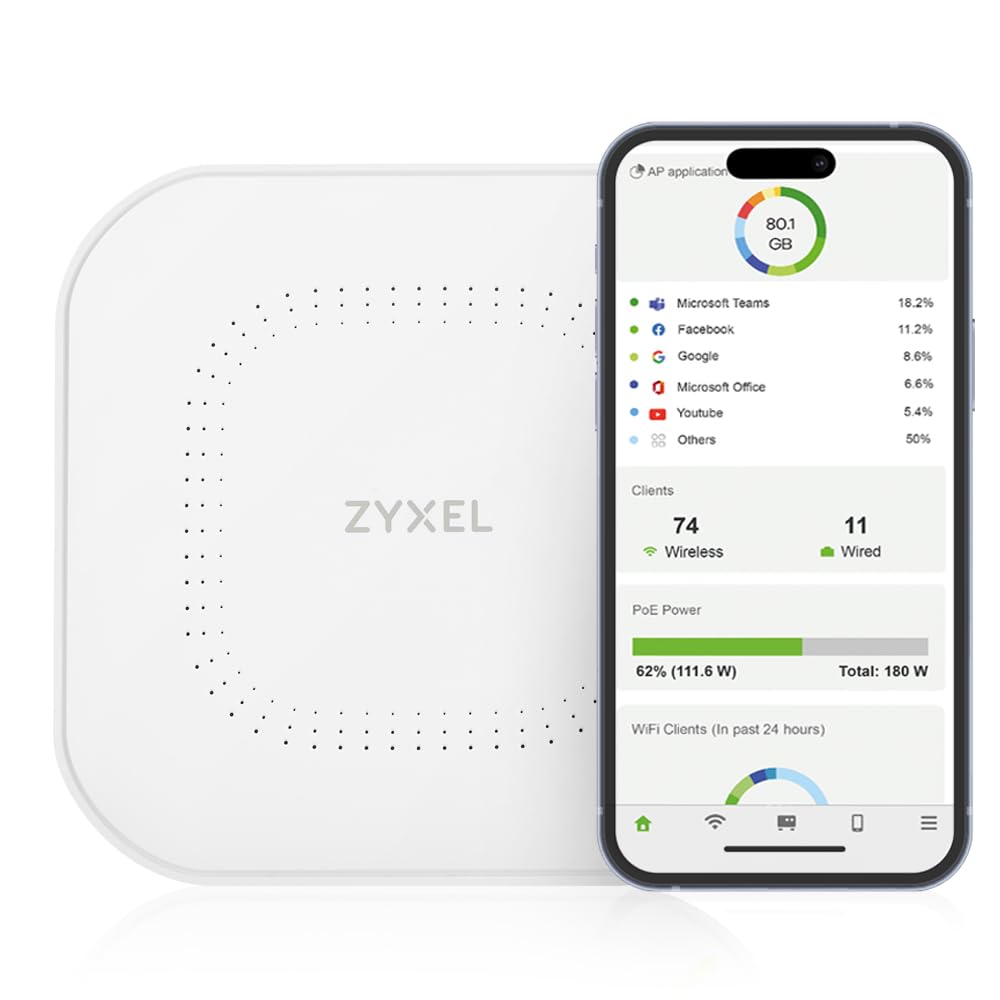
The 2.5G uplink that open up speed without ripping out your old wiring.
The pitch here is simple. A 2.5 Gigabit Ethernet port on the AP removes the 1 Gbps bottleneck and runs on the Cat5e cabling you already have in the walls. No re-cabling, no contractor — just a faster wired feed to a radio rated at 3000 Mbps total with 160 MHz channel support. On a busy network, that wider pipe is what lets several devices pull data at once.
Three high-gain internal antennas push signal to hard-to-reach floors, and the feature list reads like a business checklist: OFDMA, MU-MIMO, VLAN tagging, band steering, 802.11r/k/v fast roaming, WPA3, and 4G/5G interference filtering. There is mesh support too. NebulaFlex lets you choose standalone local management or the cloud Nebula Control Center at no extra fee — that flexibility is rare at this price point.
One honest note: the setup experience splits buyers. Many find the simple configuration mode quick and clean, while some hit configuration snags and lean on support. If you like a guided wizard, it treats you well. If you want deep manual control, budget extra time for the learning curve. Owners praise reliability and firmware quality, so the hardware itself is not the question.
2.5G uplink port
- 2.5G port uses existing Cat5e cable for a faster uplink
- NebulaFlex switches between local and cloud management at no cost
- Full Wi-Fi 6 feature set with fast roaming and WPA3
clunky web interface
- Configuration experience is mixed — some installs need support help
small business: Businesses with existing Cat5e wiring who want a faster uplink without re-cabling.
easy cloud setup: A configuration step that favors a patient installer over a plug-and-go one.
8. Ubiquiti U7 Long-Range WiFi 7 Access Point
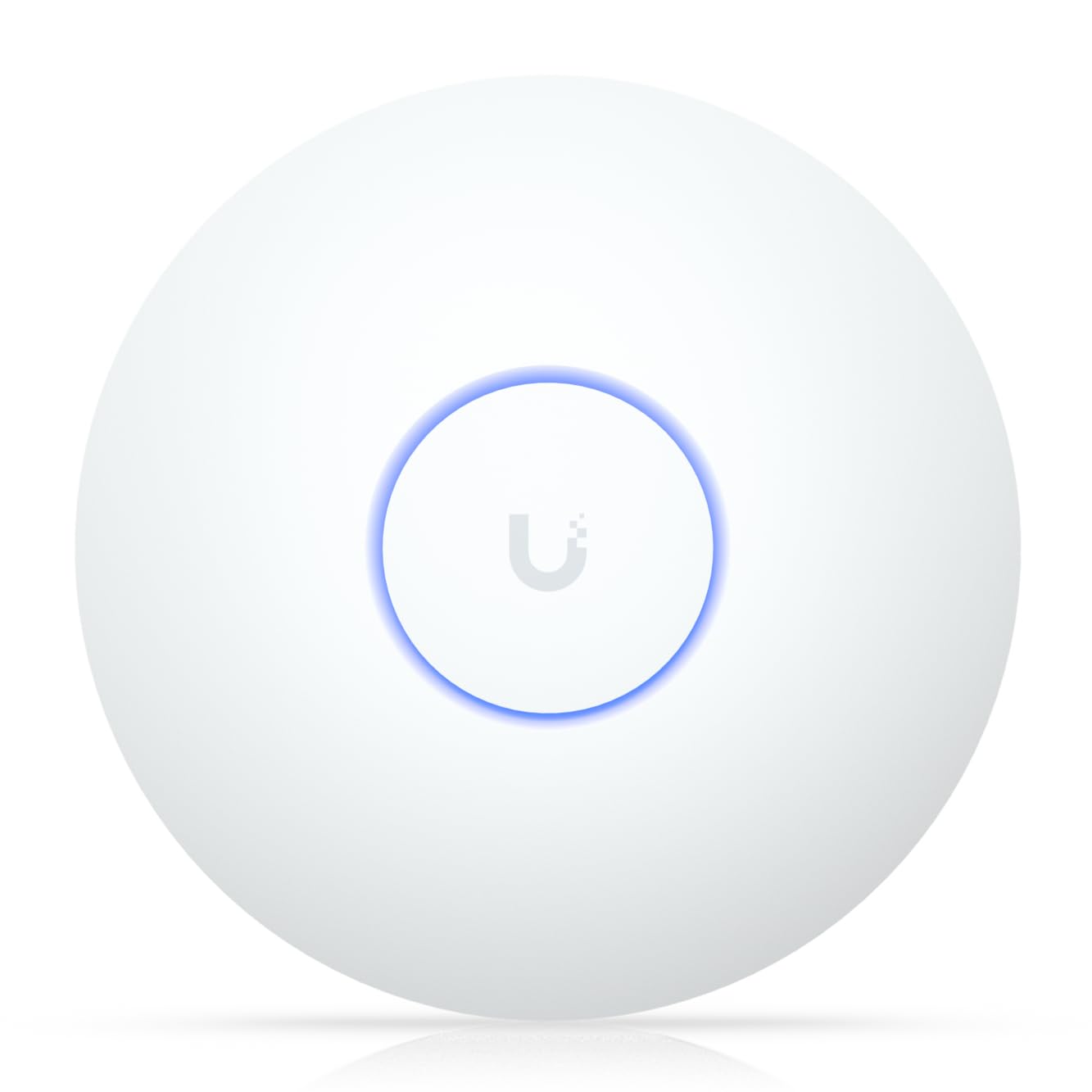
A Wi-Fi 7 long-range unit for one big indoor space, not a whole campus.
Reach is the headline: coverage up to 150 feet indoors from a fixed indoor antenna. That is the spec that makes this different from a standard ceiling disc — it pushes a usable signal deeper into a long room, a warehouse floor, or a big open-plan space. The radio is Wi-Fi 7 (802.11ax on the specs sheet alongside Ethernet), the newest generation of the wireless standard, and it carries a 10-year EU spare-part availability duration, a strong signal that Ubiquiti plans to support it long term.
Owners talk about build quality first and ease of setup second. Build and reliability get mixed reactions — some installs run great, and a recurring gripe is that it does not support WiFi7 in every firmware/config state, so check your controller’s current support notes before you buy expecting full Wi-Fi 7. The stated throughput of 1000 Mbps (megabits per second — the raw data rate) is also modest next to the multi-gig units on this page.
The big caveat is ecosystem. This is a UniFi product that wants a UniFi controller and app to manage it, so it slots into an existing Ubiquiti install beautifully and asks a newcomer to learn the platform. If you already run UniFi gear, it is a natural fit. If you are starting fresh, the free-cloud Omada path above is the shorter road.
large yards: Existing UniFi households and businesses that need one long-reach indoor AP.
standalone use: Anyone without a UniFi controller who wants a purely app-driven first setup.
9. Ubiquiti U7-PRO-XG Access Point
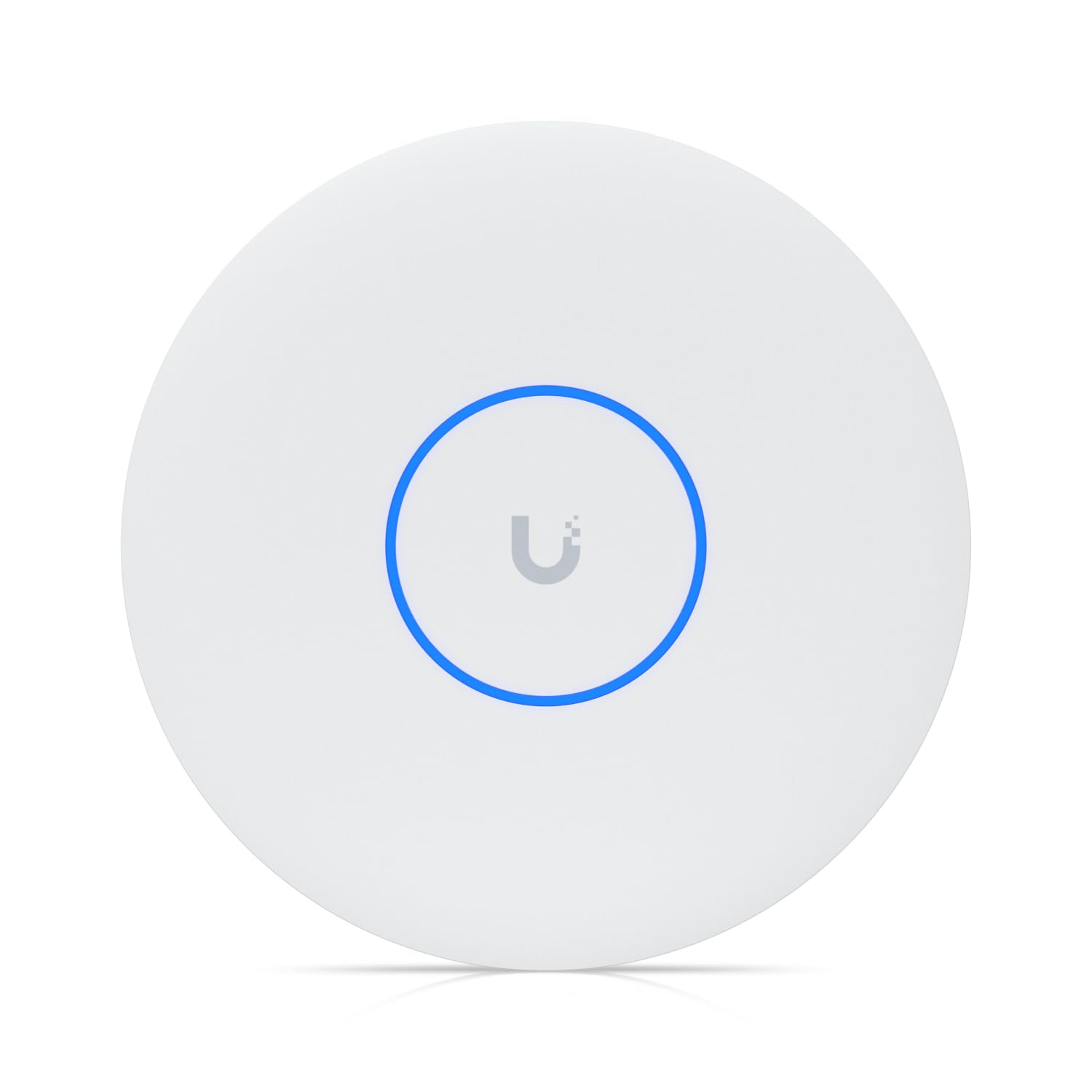
A 5.80 Gbit/s tri-band AP with 10 Gigabit Ethernet for serious networks.
The throughput figure tells you this is the top of the stack: 5.80 Gbit/s wireless transmission speed. It is a tri-band unit with a 6 GHz radio, and the standard list runs 802.11n/ac/ax/be/v/r/k — that includes Wi-Fi 7 (802.11be) and the fast-roaming protocols a busy floor depends on. The 10 Gigabit Ethernet port is the partner spec, feeding the radio a wired connection fast enough that the radio, not the cable, is the limit.
Compatibility is the dominant theme in owner reviews, which praise how cleanly it slots into a UniFi system. It slots straight into a UniFi system and is praised for that ease, and it keeps connections stable at distance — from a block away, in the words of one buyer. On a 10 Gbps uplink it performs exactly as the spec sheet promises.
Two limits are honest. It is genuinely enterprise-priced, so a home user with a single router gets far more radio than needed. And it lives inside the Ubiquiti ecosystem — no UniFi, no management. For a dense deployment of dozens of devices on a 6 GHz band with a fast backbone, though, this is the pick that keeps up.
10G uplink speed
- 5.80 Gbit/s tri-band Wi-Fi 7 with a 6 GHz radio
- 10 Gigabit Ethernet keeps the wired side ahead of the radio
- UniFi compatibility praised for slot-in ease
steep price tag
- Enterprise pricing that outstrips home needs
- Requires the Ubiquiti UniFi ecosystem to manage
heavy throughput: Dense business and enterprise networks on UniFi with a 10G backbone.
casual browsing: A single-room home install where a dual-band Wi-Fi 6 unit does the job.
Know the Specs
PoE and PoE+
Power over Ethernet sends electricity down the same cable as your data, so the AP needs only a network run to the ceiling. Standard 802.3at PoE+ is the common business choice and works with most PoE switches. Passive PoE needs the specific voltage the maker names. If a listing says the DC adapter is not included, plan for a PoE switch or an injector — otherwise the unit has no power source.
Wi-Fi 6 vs Wi-Fi 7
Wi-Fi 6 (802.11ax) is the sensible baseline for phones and laptops from recent years. Wi-Fi 7 adds a 6 GHz band and newer standards like 802.11be. It is worth it only if your devices support it and your uplink is fast enough to feed it. A newer radio on a slow 1 Gbps cable gains you little.
Rated speed and the 2.5G uplink
Rated speed is the combined figure across all bands. A 3000 Mbps AP cannot deliver that over a 1 Gbps Ethernet port, which is why 2.5G and 10 Gigabit ports matter on busy networks. The port on the AP sets the ceiling on the wired side; buy one that matches your network.
Coverage, IP65, and mounting
A ceiling AP throws signal outward and down in a dome, so a central hallway beats a corner shelf. Outdoor units need an IP65 housing and a vertical install so water runs off. For large areas, plan on more than one AP and rely on roaming standards like 802.11k/v/r so devices hop cleanly.
Common Questions
Is a wireless access point better than a Wi-Fi range extender?
Do I need a PoE switch to power a wireless access point?
Will a Wi-Fi 6 access point work with older phones and laptops?
How many access points do I need for a whole house?
Can an outdoor access point survive rain and snow?
What does the 2.5G port on an access point actually do?
Do I need a controller to run a wireless access point?
Does Wi-Fi 7 make a difference if my internet is slow?
The Bottom Line
For most buyers, the wireless access point to start with is the Omada EAP653. It gives you 3000 Mbps dual-band Wi-Fi 6, PoE+ power over one cable, and a 5-year warranty at a price that sits below most of the premium field. It is the crowd favorite at 4.5+ stars across 300+ ratings, and buyers report it holding up over years of use. If you want the power adapter and free cloud dashboard bundled in, the EAP650 is the same radio with an easier start. And if your Wi-Fi has to leave the building, the Cudy AP1300 Outdoor is the one to reach for.
How we choose
We do not accept paid placement. Every pick is matched to a real buyer and a real use-case; we do not hands-on test units.
Sources
Specifications: manufacturer listings and product documentation. Review insights: verified customer reviews, as of November 2026. Pricing: not shown on this page (it changes often); check the current price via the retailer link.
As an Amazon Associate, Tactical Gear Guy earns from qualifying purchases. This does not affect which products we feature.