Specs are compiled from manufacturer listings and verified buyer reviews and can change over time — please confirm the key details on the product page before buying.
If your printer drops off the Wi-Fi every second Tuesday and you have already crawled under the desk with a cable once this month, the fix is a machine that takes both connections and does not care which one wins. Every pick below handles a wired link through USB or Ethernet and a wireless link through Wi-Fi, so you can hardwire the office desktop and still print from your phone in the kitchen. The winner for most people is the HP LaserJet Pro 3101sdw — 35 black-and-white pages per minute, automatic two-sided printing, and both Ethernet and USB ports for a small team.
This guide is built by comparing the manufacturers’ published specifications and the patterns across verified customer reviews, so you get each pick’s real strengths and trade-offs instead of marketing spin.
Black-and-white laser units win on running cost, while inkjet and tank models win on color and photos. The trick is matching the connection type to the room, which is exactly what this guide on the wired and wireless printer does for each pick.
Top Picks


How To Choose The Best Wired and Wireless Printer
Start with the paper, not the printer. If nearly everything you print is a black-and-white document, a laser model gives you the cheapest page and the least fuss. If you print color photos, school projects, or product labels, an inkjet or ink-tank machine is the only way to get there.
Get the connection type straight before anything else
The wiring matters more than buyers expect. “Wired” usually means one of two ports — USB, which links the printer straight to one computer, or Ethernet, which plugs into your router and puts the printer on the whole network. Wireless is Wi-Fi, and it is the link that drops when the microwave runs or the router reboots.
A printer that carries both lets you run Ethernet to the desk and Wi-Fi to the phone. That dual path is why every pick here carries both a wired port and a wireless radio. The HP LaserJet Pro 3101sdw, for example, lists both Ethernet and USB as its hardware interfaces.
Match print speed to the job volume
Pages per minute, or ppm, tells you how fast the printer runs a normal document. A 14 ppm inkjet handles a homework essay fine. A 35 ppm laser keeps a five-person office from queuing up at the tray.
Two-sided printing, called duplex, does the flip for you. That saves paper and halves the stack you file. Every machine in this list has automatic duplex, so the field is level there — the real differences sit in speed, ink cost, and how well the connection holds.
Side-by-Side Comparison
| Model | Best For | B&W Speed | Color Speed | Wired Ports | Amazon |
|---|---|---|---|---|---|
| HP LaserJet Pro 3101sdw★ Best Overall | Small teams with monochrome volume | 35 ppm | — | Ethernet, USB | Amazon |
| Canon PIXMA TR7120Budget Champion | Budget home color printing | 14 ppm | 9 ppm | USB | Amazon |
| Epson WorkForce Pro WF-4833Most Versatile | High-capacity office paper handling | 25 ppm | 12 ppm | Ethernet, USB | Amazon |
| Canon imageCLASS MF273dw | Fast monochrome with a scanner | 30 ppm | — | USB | Amazon |
| HP Laserjet Pro 3001dw | Offices that need security features | 35 ppm | — | Ethernet, USB | Amazon |
| Brother HL-L2480DW | Work-from-home monochrome all-rounder | 36 ppm | — | Ethernet, USB | Amazon |
| HP LaserJet M234sdw | Compact small-team monochrome | 30 ppm | — | Ethernet, USB 2.0 | Amazon |
| Epson EcoTank ET-4950 | High-volume color with refill bottles | 18 ppm | 9 ppm | Ethernet, USB | Amazon |
| Brother MFC-L3780CDW | Small businesses needing fax and color | 31 ppm | 31 ppm | Gigabit Ethernet, USB | Amazon |
Detailed Reviews
1. HP LaserJet Pro 3101sdw
Our pick — 4.5+★ from 650+ verified ratings; the strongest balance of quality and price.
The workhorse that prints 35 pages a minute and never asks which cable you used.
Buy this if your office lives on black-and-white paperwork. The 3101sdw throws 35 pages per minute at a single-sided job, which means a 70-page contract prints while you refill your coffee. First page out takes about 7 seconds, so the wait after you hit print stays short. You get a 250-sheet input tray and a 50-sheet auto document feeder — the feeder being the slot that pulls a paper stack through for scanning, so you are not lifting the lid for every page.
Connectivity is the whole point here. The hardware interface lists Ethernet and USB, so you can wire it straight to the router for a rock-solid office link and skip the Wi-Fi dropouts altogether. The Wi-Fi is no slouch either — HP tunes it to hunt for the strongest connection — but Ethernet is the safer bet for a shared machine that five people rely on.
What wins people over is build quality; owners describe the output as sharp and professional, and reliability reports stay consistently strong. The honest catch: HP’s own listing states it accepts only cartridges with HP chips or circuitry, so third-party toner will not work. Budget for genuine toner and the running cost stays predictable — the introductory cartridge is rated at roughly 1,000 pages, so plan a replacement sooner than you might guess.
Where it earns the shirt
- 35 ppm black-and-white speed at 7 seconds to first page
- Ethernet plus USB plus Wi-Fi gives you three ways to stay online
- 250-sheet tray and 50-sheet ADF keep hands off the machine
- Genuine toner output reads sharp on plain paper
What to brace for
- Chips on cartridges block third-party toner
- Intro cartridge rated near 1,000 pages
- Connectivity chatter skews mixed in owner reports
Built for: a small team that prints black-and-white all day and wants a wired Ethernet backbone.
Think twice if: you want to shop cheap third-party toner — the chip lock stops you cold.
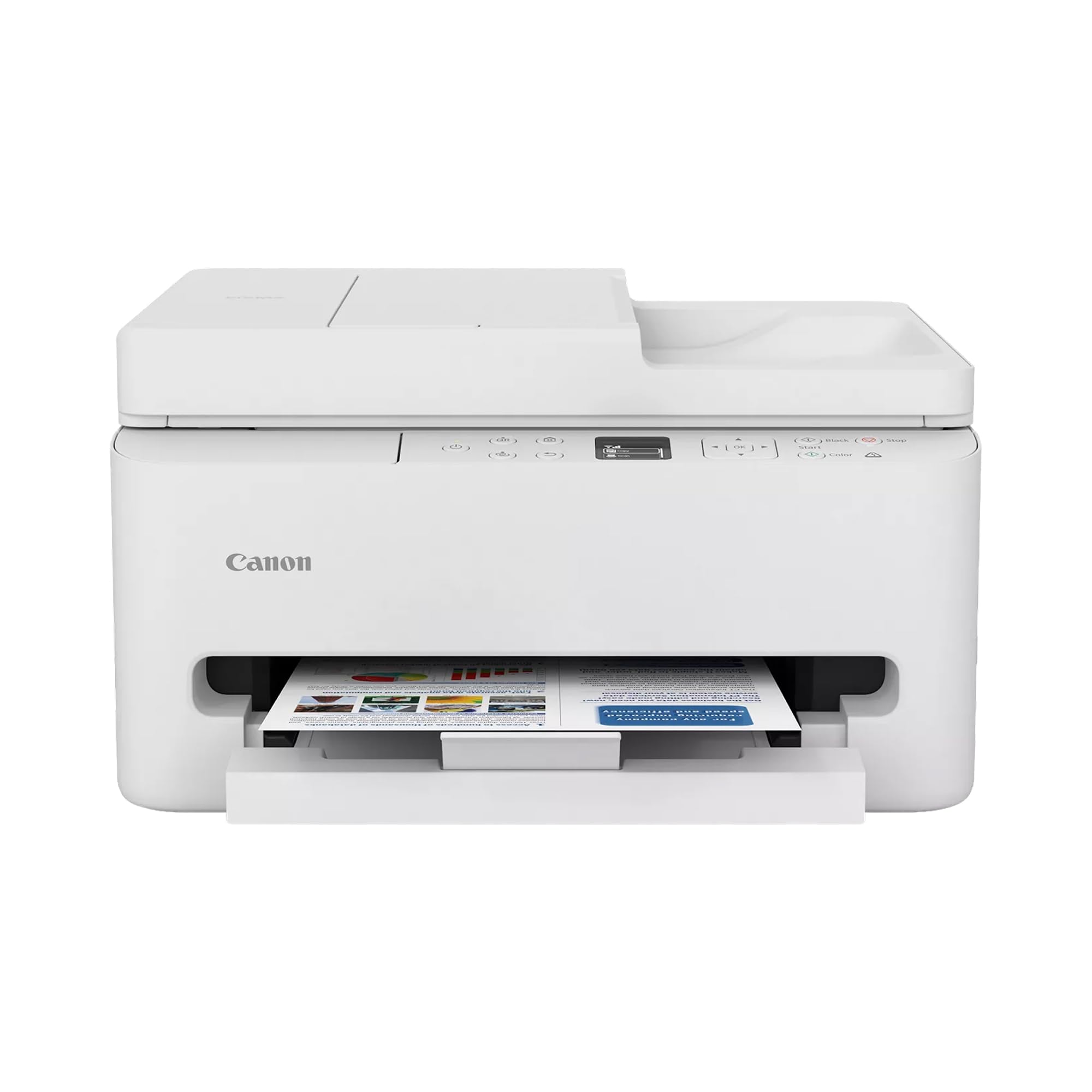
2. Canon PIXMA TR7120
The color inkjet that proves you do not need deep pockets to print photos.
Canon built this for home desks and the hybrid worker who prints a mix of schoolwork and the occasional photo. It runs 14 black-and-white pages per minute and 9 color, and duplex comes standard so a two-sided worksheet folds out without your help. The 1.42-inch monochrome OLED screen is a small status window showing ink levels and settings — small, but it beats squinting at blinking lights.
Where it beats the HP LaserJet Pro 3101sdw above is color: the TR7120 prints full color while that laser is monochrome only. Where it falls short is speed — 14 ppm versus 35. If you are printing a 50-page document, the Canon takes noticeably longer. The hybrid ink system (two cartridges that carry both pigment black for sharp text and dye color for photos) keeps photo output vivid without a five-cartridge setup.
The catch lives in the connection. Canon lists dual-band Wi-Fi — the radio that can sit on either the 2.4GHz or 5GHz band to dodge congestion — plus USB for a wired link. That USB port is your fallback when the wireless misbehaves, and the owner chatter suggests you will want it sometimes: connectivity gets mixed reviews, and the value story divides buyers too. The compact footprint helps, though, and the ADF handles multi-page scans without a lid lift.
Color on a budget: if photos and color homework matter more than raw speed, this is the value pick of the list.
The trade-off: dual-band Wi-Fi helps but does not guarantee a stable link — keep the USB cable handy for the tough days.
Reach for this if: you need color, a flatbed, and an ADF on a modest home budget.
Look elsewhere if: a 50-page black-and-white run needs to fly out in seconds.
3. Brother INKvestment 1365
A 500-sheet paper appetite and a fax machine in one — the busy-office inkjet.
This one wins the paper-holding contest. The WF-4833 takes 500 sheets across two 250-sheet trays, so the tray refill happens once a week instead of once a day. Print speeds land at 25 ppm black and 12 ppm color, and the auto duplex covers print, copy, scan, and fax alike — the fax function being the reason some small businesses still need a machine like this.
That 12 ppm color figure outruns the Canon PIXMA TR7120’s 9 ppm color, so color jobs clear faster here. The 4.3-inch LCD touchscreen is big enough to punch in a fax number or pick a scan destination without a manual. On the connection side, Epson lists USB, Ethernet, and wireless, plus Apple AirPrint and Mopria so a phone or tablet prints without a driver install.
Reliability is the weak spot. Print quality and value both split buyers — some love the output, others find it disappointing — and reliability is the wobbliest part of the story, with a chunk of owners reporting trouble. That does not rule it out; the 500-sheet capacity and 4.3-inch touchscreen are genuinely useful, and the Ethernet port is your reliable link. Just go in expecting to lean on that wired connection and the warranty.
Wins on paper handling
- 500-sheet capacity across two trays cuts refill trips
- 12 ppm color beats the Canon TR7120’s 9 ppm
- 4.3-inch touchscreen plus fax for paperwork-heavy offices
- USB, Ethernet, and wireless covers every desk
The honest caveats
- Reliability signals are the weakest on this list
- Print quality and value divide buyers
- Epson-brand cartridges only per the listing
Consider it if: high paper volume and a fax line matter more than a flawless track record.
Better to skip if: you want a set-and-forget machine — the reliability feedback cuts against that hope.
4. Canon imageCLASS MF273dw Monochrome Wireless Laser Printer

Five-second first pages, thirty a minute after that — the speedy little monochrome laser.
If you want the printer to feel instant, this is it. First page out in roughly 5.3 seconds is the fastest warm-up you will find here, and then 30 pages per minute black-and-white keeps pace. That 5.3-second figure edges the HP LaserJet Pro 3101sdw’s 7-second first page, so quick single-sheet jobs (a label, a receipt) finish before you have turned around.
The scanner and copier come aboard, so this is a true three-in-one: print, copy, and scan with an ADF for multi-page stacks. Duplex printing is automatic. The starter cartridge is a 700-page unit of Toner 071, and replacement carts are the 071 or 071 high-capacity, so you have a higher-yield option when the starter runs dry.
Print quality is what owners talk about most, and it comes through as crisp text. The wiring is USB, which anchors it to a single computer, while the wireless link handles the phones and laptops. Setup and Wi-Fi both split feedback — some find it simple, others wrestle — so budget a calm ten minutes for that first connection. The 700-page starter is on the lean side too, note before you plan a month of heavy printing.
Speed worth paying for: a 5.3-second first page and 30 ppm make this the quickest-feeling machine for short jobs.
One thing to know: the 700-page starter cartridge runs out faster than you would like; the 071 high-capacity option fixes that.
Made for: the desk that prints a page here, a page there, and wants it out right away.
Not for: you need color — this one is monochrome only.
5. HP Laserjet Pro 3001dw Wireless Black & White Printer
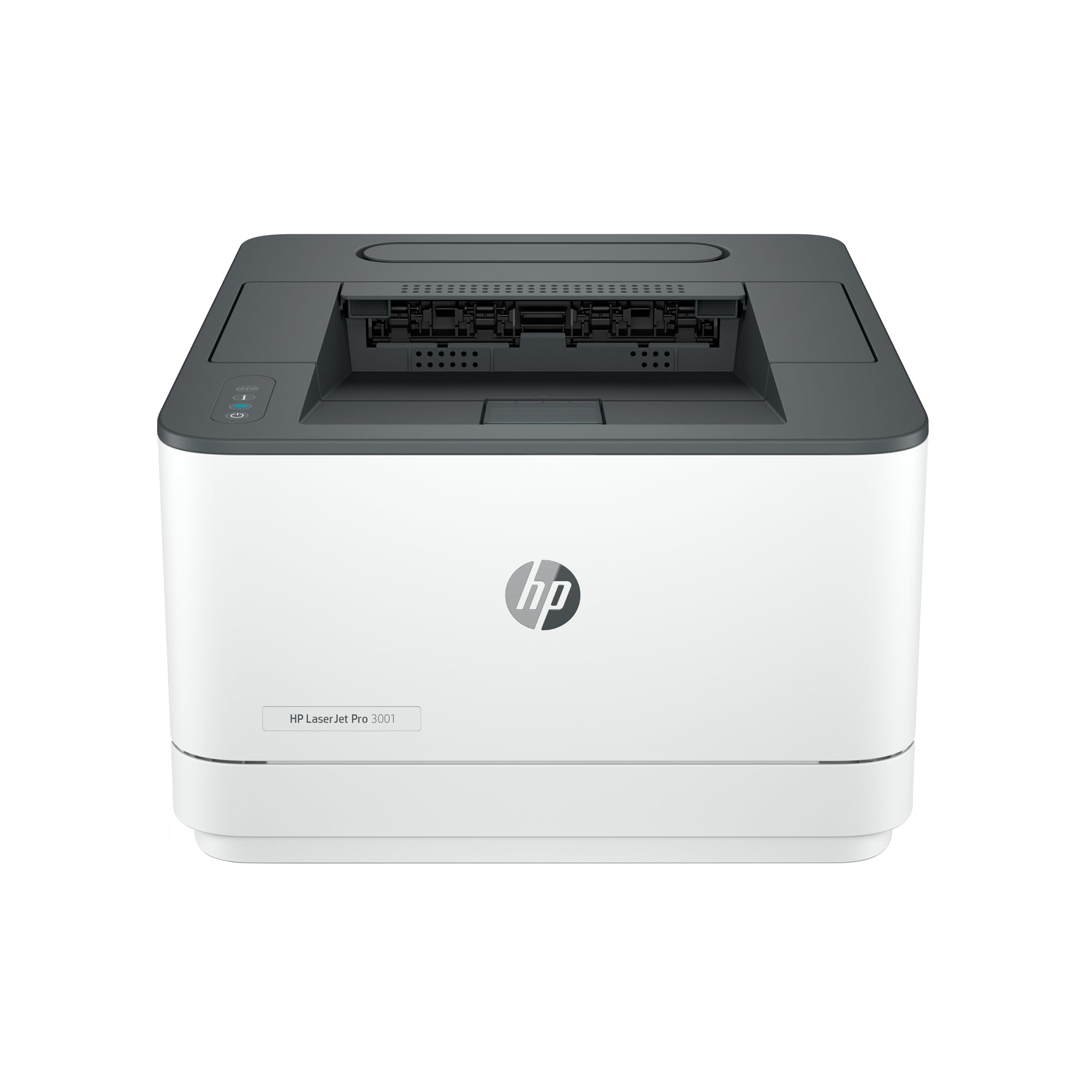
Thirty-five pages a minute with a security suite bolted to the side.
For a small office that handles client paperwork, security earns its keep. The 3001dw carries HP Wolf Pro Security with customizable settings, so you can lock down the printer’s access. Speed is right up top at 35 ppm black-and-white, and first page lands around 6.6 seconds — snappy enough that a single page does not feel like a wait.
Wiring is where this one shines for a shared desk: Ethernet and USB both appear in the hardware specs, so a network cable gives the whole office a stable link. Print quality reads crisp in owner reports, which is what you want on invoices and contracts. The Wi-Fi, though, is the weak spot — the wireless setup is widely described as painful, and drops get mentioned. If you buy this, run the Ethernet cable and forget the wireless experiment.
Where it differs from the laser teams above is message: this is not a color machine and never claims to be. It is a single-purpose black-and-white workhorse for a group of up to seven people, per HP’s own phrasing. That clarity is a strength — but with Wi-Fi setup widely described as painful, plan on the Ethernet cable as your primary link.
What earns its keep
- 35 ppm single-sided, 6.6 seconds to first page
- HP Wolf Pro Security with customizable settings
- Ethernet and USB for a rock-steady wired link
- Sharp black-and-white output for office paperwork
Where it stumbles
- Wireless setup draws complaint
- Monochrome only, no color jobs
- HP-chip-only cartridges limit cheap toner
Your pick if: you have an Ethernet run to the desk and only need black-and-white speed.
Rethink if: the printer has to ride entirely on Wi-Fi.
6. Brother HL-L2480DW Wireless Compact Monochrome Laser Printer

The quiet monochrome laser with the most connections of the bunch.
For the work-from-home desk that prints a little morning and a little night, this one fits. It runs 36 ppm black-and-white — the fastest monochrome speed on the list — yet owners describe it as quiet, which matters when the printer sits in the room you work in. The flatbed scan glass means a folded receipt or passport page scans without feeding it through a slot.
Connectivity is the widest here: USB 2.0 for one computer, dual-band Wi-Fi (2.4GHz and 5GHz), Wi-Fi Direct for printing without a network, and Ethernet for a cabled setup. That is four ways to stay connected, and the wired ports make this a genuine wired-and-wireless pick rather than a Wi-Fi-only gamble. The 2.7-inch touchscreen works as a control panel, letting you print from or scan to cloud apps.
The catch is the Wi-Fi — the wireless reviews split, some happy, some reporting dropped links. The reliable move is to run Ethernet and treat the wireless as convenient backup. The 250-sheet tray is generous for a home office, and the toner quality earns praise from owners who print a lot. The starter cartridge runs out at a familiar pace, so order a replacement early.
Four ways to connect: USB, Ethernet, dual-band Wi-Fi, and Wi-Fi Direct make this the most flexible wiring setup here.
Honest note: the wireless link can be finicky — the Ethernet port is why it still belongs on this list.
Choose it if: you want a quiet, fast monochrome home printer that can plug in or go wireless.
Keep shopping if: a full-color printer sits higher on your list.
7. HP LaserJet M234sdw Monochrome Laser Printer | All-in-One
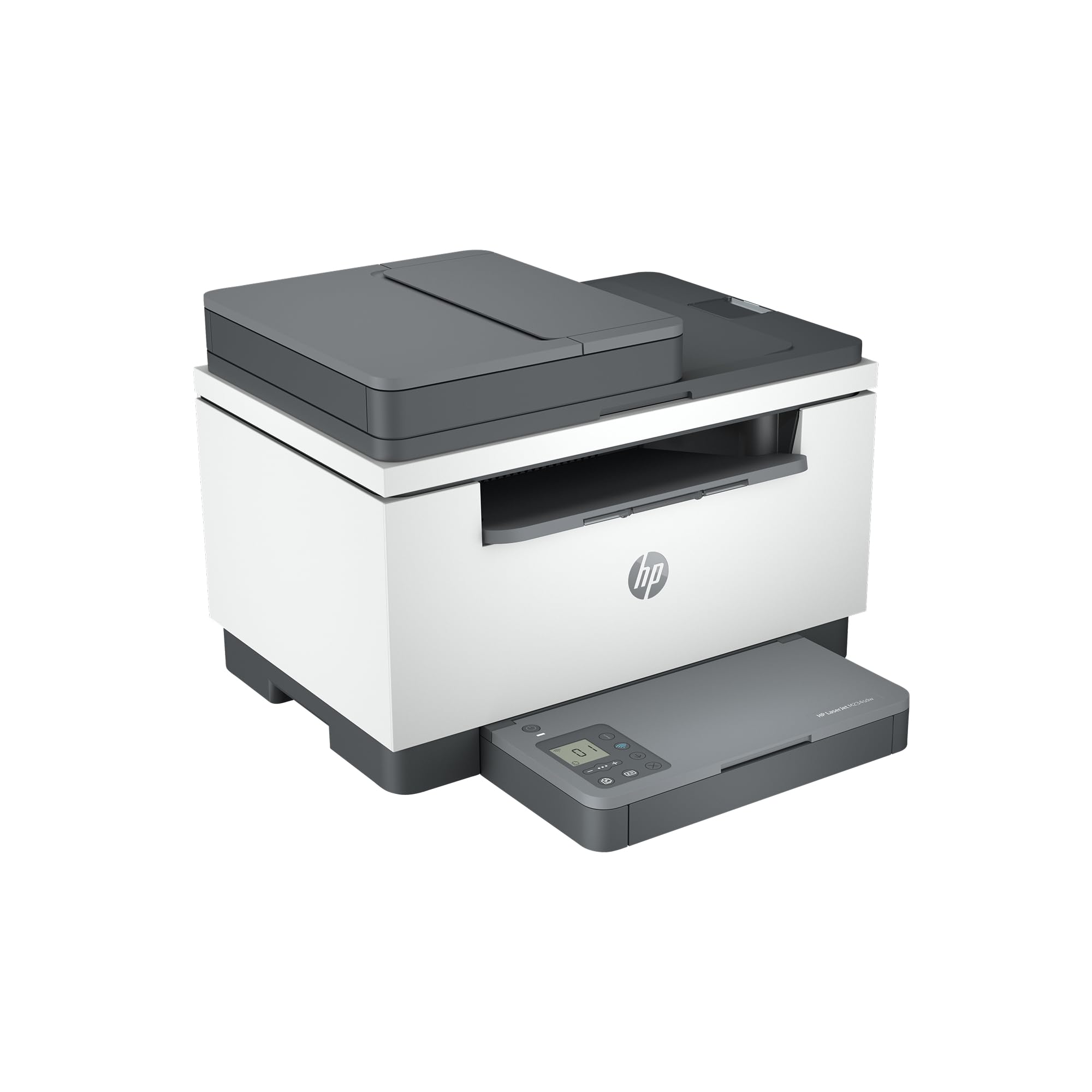
The compact monochrome all-in-one that fits where a bigger office printer will not.
A small team short on desk space will feel the difference here. The M234sdw hides 30 ppm black-and-white speed in a footprint that tucks against a wall, and two-sided printing runs at up to 19 images per minute — fast enough that a double-sided report still feels quick. The auto document feeder lifts for hands-free copying and scanning, which saves you from babysitting each page.
Beyond speed, HP builds in dual-band Wi-Fi with a self-reset feature that detects and resolves connectivity issues on its own. There is also Ethernet for a cabled desk and USB 2.0 direct to a computer, so you get the full wired-plus-wireless spread. Security features sit on top, and the HP Smart app lets you scan to the cloud from a phone.
The picture is not perfect. Wireless connectivity splits owners — some connect first try, others hit constant trouble — and reliability feedback is mixed. Print quality and ease of use, on the other hand, are where it shines. The catch for the thrifty is cartridge lock: the starter toner is rated around 700 pages, and HP’s chip restriction means only HP cartridges work. Plan running costs around genuine supplies.
Why it earns the spot
- 30 ppm single-sided, up to 19 ipm two-sided
- Compact body fits a tight desk corner
- Dual-band Wi-Fi with self-reset plus Ethernet and USB
- Crisp black-and-white documents
Keep in mind
- Wi-Fi reliability draws mixed reports
- Starter toner caps at roughly 700 pages
- HP cartridges only
A match for: a compact desk where a full-size office printer will not squeeze in.
Not for: color printing — this is a black-and-white machine only.
8. Epson EcoTank ET-4950
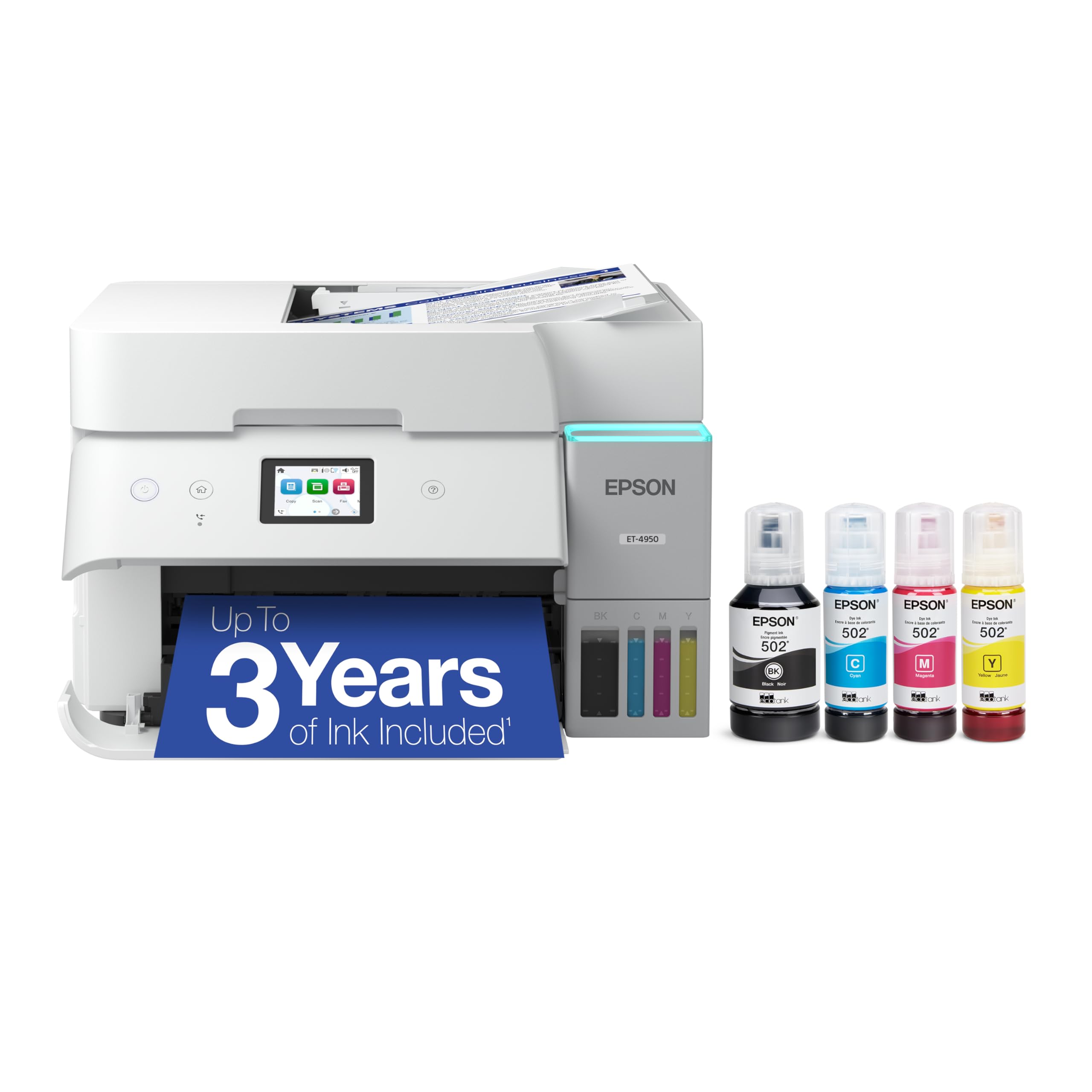
No cartridges, just bottles — and enough ink inside for thousands of pages.
The pitch is simple: the ink comes in bottles, not plastic cartridges. Epson ships the ET-4950 with enough ink to print up to 6,600 pages black and 5,500 pages color, and each bottle set is the equivalent of about 80 cartridges. That means a heavy print month does not trigger a cartridge purchase — you just top up a bottle. Speeds land at 18 ppm black and 9 ppm color.
The EcoFit bottles are keyed (a physical shape that only fits the right ink slot), so a cyan bottle will not go in the magenta tank. The 2.4-inch color display walks through the refill. Automatic duplex, a 250-sheet tray, and an auto document feeder handle the paper side. On the wiring front, the hardware interface lists Ethernet and USB, so you can drop an Ethernet line to the router and skip the Wi-Fi entirely for a stable office link — a real advantage if the wireless in your space is crowded.
The catch is the upfront spend: tank printers cost more to buy than cartridge inkjets, and the ET-4950 is a good example of that tradeoff. It is still a value pick if you print a lot — the bottle economics pay off over a heavy year. Print speed sits at 18 ppm, slower than the laser models above, so a frantic deadline job will move at a calmer pace.
The EcoTank advantage
- Up to 6,600 pages black / 5,500 color on the shipped ink
- Bottle set equals about 80 cartridges
- Keyed EcoFit refill prevents mixing colors
- Ethernet and USB give a wired path
Weighing it up
- Higher upfront spend than cartridge models
- 18 ppm is slower than the laser units
- Wi-Fi reliability draws mixed reports
Best for: the home office that prints enough volume to make ink bottles pay off.
Not for: the light printer who prints a page a week — you would wait months to recoup the tank premium.
9. Brother MFC-L3780CDW

A 31 ppm color all-in-one with fax, gigabit Ethernet, and the widest connection menu here.
Built for a small business that handles color documents and a fax line, the MFC-L3780CDW makes 31 ppm in black-and-white and 31 in color — the fastest color speed on this list, ahead of the Brother HL-L3280CDW’s 27 ppm. It also scans up to 29 ipm black and 22 ipm color, with single-pass duplex copy and scan so a two-sided stack feeds through once rather than twice.
The connection menu is the broadest here: Gigabit Ethernet (the fast wired standard for a shared office network), dual-band 2.4GHz and 5GHz Wi-Fi, Wi-Fi Direct for printing without a router, and a USB interface for a single computer. That mix makes it the most flexible all-rounder if “wired and wireless” is your non-negotiable. Toner selection is generous too — standard, high-yield, and super-high-yield versions of TN229 exist, letting you dial in cost per page.
Where it slips: print quality and connectivity both divide owners, and reliability chatter is mixed — the unit has many rave reviews and a vocal minority who hit snags. For a business that needs fax, high color speed, and gigabit wiring, those are reasonable tradeoffs. Plan on running the Ethernet cable so the wired side does the heavy lifting, and the machine delivers.
Top of the range: 31 ppm color, gigabit Ethernet, and fax make this the fullest-featured pick for a small business.
Fair warning: the mixed connectivity feedback means relying on the Ethernet port is the smart move.
Reach for this if: your business needs fax, fast color, and a wired gigabit network link.
Look elsewhere if: you only print black-and-white — a monochrome laser costs less to run.
Know the Specs
Pages Per Minute (PPM)
PPM is the printer’s running speed on a normal document. A 14 ppm inkjet is fine for a page or two; a 35 ppm laser keeps a busy office from lining up at the tray. Remember that color jobs usually print slower than black-and-white, and a big photo page takes longer than a text page. Match the speed to how many pages a typical workday produces.
Wired vs. Wireless (USB, Ethernet, Wi-Fi)
USB links the printer to one computer with a cable. Ethernet plugs into your router and lets the whole office print without a wireless connection. Wi-Fi frees you from cables but drops more often. The printers on this list carry both paths, so you can wire the connection to the desk and still print from a phone over Wi-Fi when it cooperates.
Laser vs. Inkjet vs. Tank
A laser uses toner powder and works fastest on text documents. An inkjet uses liquid cartridges and handles color and photos at lower cost upfront. A tank printer skips cartridges in favor of refill bottles, giving the most pages per fill but the highest purchase price. Choose based on what you print most, not what looks cheapest on day one.
Duplex Printing and ADF
Duplex means the printer prints both sides of a page automatically, saving paper and time. An ADF (auto document feeder) pulls a stack of pages through the scanner without you lifting the lid for each one. Both features matter most in offices that scan paperwork and file reports — they cut a chore that would otherwise slow you down.
Common Questions
Can I use the Ethernet cable and Wi-Fi at the same time?
Is a wired connection more reliable than wireless for a printer?
How long does a laser printer’s toner cartridge last?
Can I print from a phone to a wired Ethernet printer?
What is the difference between duplex printing and an ADF?
Do I need color, or is a monochrome laser enough for an office?
Can I use third-party toner or ink cartridges?
How much paper does each printer hold, and does tray size matter?
Does a tank printer really cut ink costs compared to cartridges?
What does Wi-Fi Direct do that regular Wi-Fi does not?
Should I run Ethernet to the printer if my Wi-Fi seems fine?
The Bottom Line
For the majority of shoppers, the wired and wireless printer winner is the HP LaserJet Pro 3101sdw because 35 pages a minute, a 250-sheet tray, a 50-sheet ADF, and Ethernet plus USB wiring cover a small team without a hiccup — and that wired port is the reliable link when Wi-Fi stumbles. If you want a quiet, flexible home-office machine with the widest connection menu, the Brother HL-L2480DW runs 36 ppm with USB, Ethernet, dual-band Wi-Fi, and Wi-Fi Direct all on board. And for high-volume color without cartridge swaps, the Epson EcoTank ET-4950 ships enough ink for up to 6,600 black and 5,500 color pages. Whichever you pick, plug in the Ethernet cable first and treat Wi-Fi as the convenience layer — that single habit removes the most common printer frustration.
How we choose
We do not accept paid placement. Every pick is matched to a real buyer and a real use-case; we do not hands-on test units.
Sources
Specifications: manufacturer listings and product documentation. Review insights: verified customer reviews, as of November 2026. Pricing: not shown on this page (it changes often); check the current price via the retailer link.
As an Amazon Associate, Tactical Gear Guy earns from qualifying purchases. This does not affect which products we feature.