Specs are compiled from manufacturer listings and verified buyer reviews and can change over time — please confirm the key details on the product page before buying.
You have a device that only speaks Ethernet — a printer, an NVR, a barn camera, a desktop — and the router is nowhere near it. A WiFi internet bridge fixes exactly that: it grabs your existing WiFi signal and hands it to that wired-only gadget through a normal network port. The picks below cover both jobs, from a card-sized adapter that turns one printer wireless to a paired outdoor kit that throws a link across a kilometre of open ground.
This guide is built by comparing the manufacturers’ published specifications and the patterns across verified customer reviews, so you get each pick’s real strengths and trade-offs instead of marketing spin.
The trick is matching the bridge to the job: an indoor adapter for one device, or a pre-paired outdoor pair for two buildings. Below are nine bridges sorted by what they actually do in a real installation — single adapters first, paired outdoor kits after.
Top Picks


How To Choose The Best WiFi Internet Bridge
Two bridges can look identical in a listing photo and do completely different jobs. One is a single adapter that gives one wired device a wireless uplink. The other is a matched pair that shoots a link between two buildings. Decide which of those you actually need before you read another spec.
One adapter or a paired kit?
A single adapter is the right call when your router is already in the building and one stubborn device just needs a network cable replaced. You plug it into the device’s Ethernet port, pair it with your existing WiFi, and it is done. A paired kit is different: two units talk to each other over a dedicated wireless link, so it works even when there is no usable WiFi signal at the far end. That is the option for a workshop, barn, or second building.
The Ethernet port is the real bottleneck
Plenty of bridges advertise big wireless numbers and then fit a 100 Mbps port on the wired side. That port caps everything behind it, so a 1200 Mbps radio still hands your device Fast Ethernet speeds. If you are moving files, streaming to a TV, or recording multiple cameras, look for a Gigabit (1000 Mbps) port. For a single printer or a low-bitrate sensor, 100 Mbps is perfectly fine.
2.4 GHz versus 5 GHz, in plain terms
The 2.4 GHz band (the older, slower radio frequency) pushes through walls and trees better but carries less data. The 5 GHz band is faster and cleaner but loses strength sooner and hates obstacles. Outdoor point-to-point kits almost always run 5 GHz or 5.8 GHz because you pair it with a directional antenna aimed at the other unit — no wall in the path. Indoor adapters usually do both bands and pick whichever your router offers.
Outdoor ratings and power, briefly
An IP65 rating means the housing is sealed against dust and against water jets, which is what you want on a pole in the rain. PoE (Power over Ethernet) means one cable carries both data and electricity up to the unit, so you do not need a mains socket on the roof. Both matter more than raw speed once the hardware is outside.
Side-by-Side Comparison
| Model | Best For | Wireless Rate | Band | Port Speed | Amazon |
|---|---|---|---|---|---|
| Omada EAP211-Bridge KIT★ Best Overall | Pre-paired kit for two buildings | 867 Mbps | 5 GHz | 3× 1000M | Amazon |
| BrosTrend AC7V2 Dual Band BridgeMost Popular | Whole-home device linking | 1200 Mbps | 2.4 + 5 GHz | RJ45 Ethernet | Amazon |
| UeeVii CPE820Best for Starlink | Long-range Starlink and camera links | 1 Gbps | 5.8 GHz | Gigabit | Amazon |
| Omada EAP215-Bridge KIT | Longest outdoor span with lightning protection | 867 Mbps | 5 GHz | 3× 1000M | Amazon |
| BrosTrend AC7P Adapter | Plug-in bridge for one wired gadget | 1200 Mbps | 2.4 + 5 GHz | 1 Gbps RJ45 | Amazon |
| Vonets VAP11AC | Camera and IoT bridging with active cooling | 1200 Mbps | 2.4 + 5 GHz | 100 Mbps RJ45 | Amazon |
| AdaLov CPE467 | Affordable 1.5KM outdoor point-to-point | 300 Mbps | 5.8 GHz | RJ45 | Amazon |
| Binardat 2-Pack Outdoor Bridge | Budget pole-to-pole link | 100 Mbps | 2.4 GHz | 100 Mbps | Amazon |
| Vonets VAP11N-300 | Cheapest way to free a printer or scale | 300 Mbps | 2.4 GHz | RJ45 | Amazon |
Detailed Reviews
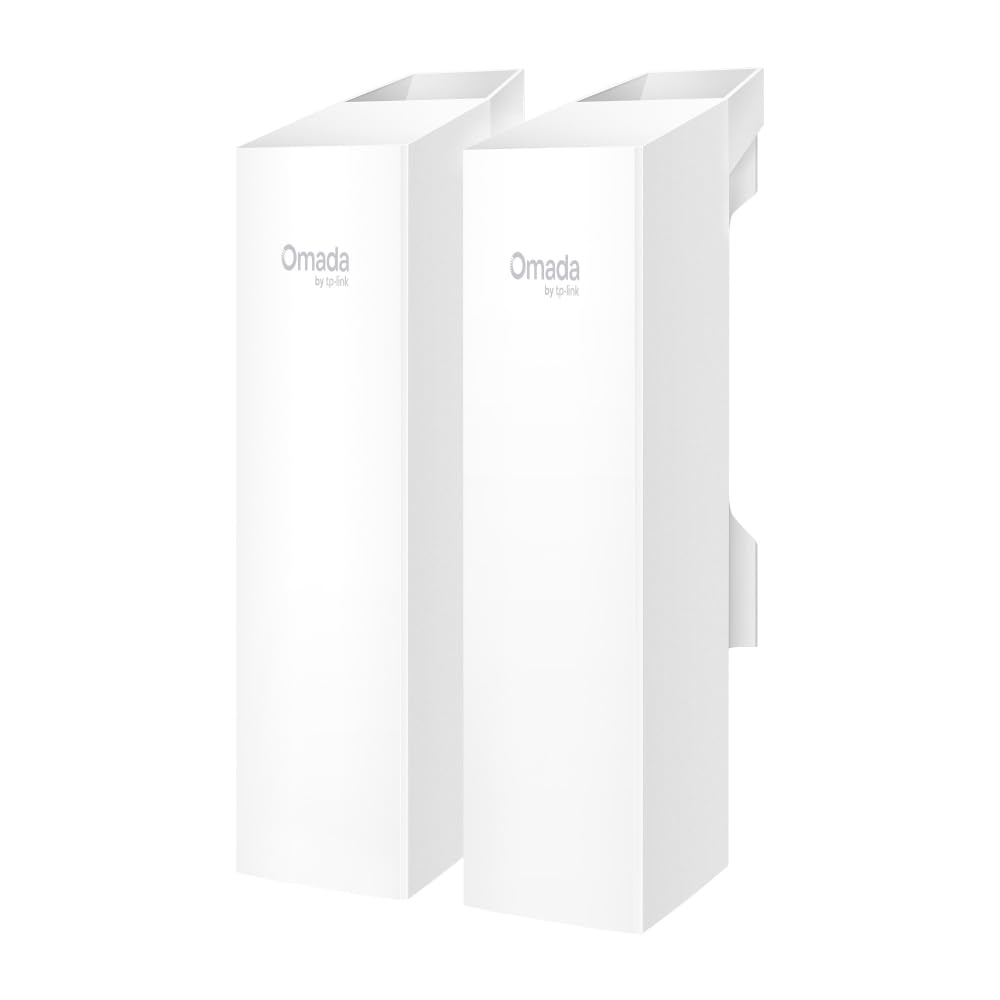
1. Omada EAP211-Bridge KIT, Point to Point Wireless Bridge
Our pick — 4.5+★ from 300+ verified ratings; the strongest balance of quality and price.
Two boxes that pair themselves and hand you three Gigabit ports.
This is the pick for someone linking a house to a detached garage, workshop, or second building — and who does not want to learn a network interface to do it. The kit arrives as two pre-configured units that auto-pair with each other, with LEDs that tell you at a glance whether the link is live. The wireless side runs 5 GHz at up to 867 Mbps, and the box carries three 1000M ports so you can hang a switch, a camera, or a desktop off the far end without adding hardware.
Range is the headline spec: a rated transmission span of up to 0.6 mile, or 1km, over 5 GHz. That is a serious step beyond the WiFi-repeater adapters in this list, which are built for a room or two. Owners consistently report that it simply comes up and works, and that the setup takes minutes rather than an afternoon. Throughput lands in the same usable zone the manufacturer quotes, with real installs seeing a few hundred Mbps across the link, more than enough for cameras and general browsing at the far building.
The honest limit is that this is a wireless hop, not a fibre run. Several owners note the practical distance lands nearer 300ft than the full kilometre, which is normal — the 0.6 mile figure assumes clean line of sight and no interference. Treat the headline number as a best case and a clear, high aim as your real friend. If your two points are separated by a dense tree line or a hill, plan for that gap in the budget.
What earns its place
- Arrives pre-paired — power both units and the LEDs confirm the link without a GUI visit
- Three 1000M ports give you room for a switch plus a device at the receiving end
- 867 Mbps on 5 GHz covers camera streams and everyday browsing across buildings
- Managed through the TP-Link Omada cloud platform alongside switches, gateways, and access points
Where it asks more of you
- Real-world span falls well short of 1km without clean line of sight
- 5 GHz only — nothing to fall back on if the path is obstructed
- Aiming both units is on you; a sloppy mount quietly costs you throughput
Reach for this if: you have two buildings on one property and want a wired-speed link without trenching a cable.
Think twice if: your two points have no clear sight line — the 5 GHz-only design has no fallback band to save you.
2. BrosTrend Dual Band 1200Mbps WiFi Bridge
Two external antennas doing the reaching so your printer does not have to.
If you want one adapter that a lot of other people have already bought and lived with, this is it — the crowd favourite here at 4.0+ stars across 880+ owners. It does one job: your wired device gets onto the WiFi network. An RJ45 port takes the cable, the dual-band radio (2.4 GHz plus 5 GHz, up to 1200 Mbps combined) does the wireless hop, and the two external antennas pull a stronger signal than the internal ones on a card-style bridge like the Vonets VAP11AC below.
The setup story is the reason it sells. You pair it with your router using WPS in seconds, or open the web interface if you would rather pick signals manually. Owners describe getting it running in about 10 minutes with no driver install. It works with essentially any LAN-only device — smart TV, printer, game console, Raspberry Pi, VoIP phone — so you do not have to check a compatibility list before ordering.
The catch worth knowing: this one is genuinely mixed on wireless reach. Some owners push a solid signal out to an outbuilding; others find it weak and the Ethernet side slower than they hoped. That split tells you it is sensitive to distance and what is between it and the router. Aim it close to the router side of the house, keep the path clear, and it behaves like the box says it will.
Why it leads the pack: dual-band flexibility, a WPS pairing that takes seconds, and a price that sits in the middle tier — hard to argue with for a single printer or TV.
The split verdict: signal quality and speed draw as much criticism as praise, so buy this for a device that is reasonably near your router, not one two walls and a floor away.
Best-matched use: turning a wired-only printer, TV, or console into a WiFi device in a normal-sized home.
Wrong tool for: a shed fifty feet from the house through brick — that is a paired outdoor kit’s job, not this one’s.
3. UeeVii CPE820 5.8G Point-to-Point WiFi Starlink Extender
A 16 dBi directional antenna aimed down a valley, with a dial instead of a GUI.
Here is the bridge for someone pushing Starlink or a camera feed to a building that is properly far away. The CPE820 is a matched pair of 5.8 GHz units with a 16 dBi directional antenna (a high-gain, focused antenna that throws signal in one direction rather than spraying it around). Rated line-of-sight span is up to 3km, and the manufacturer is clear that real installs should stay under that. A digital display on the housing lets you pair by dialling rather than logging into a browser interface.
It is spec’d for video. The wireless link runs 5.8 GHz single-band with a rated 1 Gbps data transfer rate, and the manufacturer states the highest practical network speed you will see is 433 Mbps — that is the number to plan your camera count around, not the radio figure. It also handles the master-to-Starlink handoff, connecting to a Starlink V2 or V3 router or adapter to push that signal to a second building. The 24V PoE injectors are in the box, so one cable feeds each unit.
Buyers report fast, low-lag internet over the link and a strong signal, and it earns the second-highest rating on this list at 4.0+ stars. The honest caveat is reliability — that is the most-discussed topic on this product and it splits, with plenty of flawless first-try installs and a real minority who never got a link at all. Pairing by dial is easy; getting clean aim at 3km is the part that decides which camp you land in.
The case for the CPE820
- 16 dBi directional antenna rated for up to 3km barrier-free point-to-point
- Dial-based pairing on the digital display skips the browser setup entirely
- Built to extend a Starlink V2 or V3 router to a second building
- 24V PoE injectors and test cables included in the two-pack
Set your expectations here
- Plan around 433 Mbps as the ceiling, not the 1 Gbps radio figure
- Reliability is the most-discussed topic and it splits both ways
- 3km needs clear line of sight — trees and hills cut it back hard
Go this route if: Starlink is your source and you need it in a barn, shop, or second house down the property.
Not the pick if: you cannot get both units aimed at each other with nothing in between — the reliability split follows the aim.
4. Omada 5GHz AC867 Wireless Bridge EAP215-Bridge KIT

The same easy pairing as the top pick, stretched out to a rated 5km.
When the gap between your two points is measured in kilometres rather than feet, this is the TP-Link to look at. It is a pre-configured two-unit kit like the EAP211 above, but rated for up to 5km of 5 GHz transmission against that kit’s 1km. Same 867 Mbps wireless rate, same three 1000M ports, same auto-pairing with status LEDs. What changes is the outdoor hardening: an IP65 weatherproof enclosure and 6kV lightning protection, so a pole-mounted unit survives a storm season.
Power is flexible — run it from the included PoE adapter or a DC supply, whichever suits your run. Owners are most pleased with raw throughput once both units are aimed, and with how little setup the pre-pairing demands. Speed holds up well, and installations report stable throughput even in heavy rain, which is the test that separates a sealed outdoor unit from a fair-weather one. The 867 Mbps radio and Gigabit ports are a clear step above the 300 Mbps and 100 Mbps hardware further down this list.
Be realistic about the distance claim. Range is the one genuinely debated topic on this product, with some praising wide coverage and others saying real performance falls short of the advertised 5km. That is the nature of a wireless link: the rating assumes clean line of sight and a good aim, and a tree line, a hill, or a wet leafy canopy takes its share. Budget for that gap and this unit delivers.
What makes it the long-haul pick: 5km rated span, IP65 sealing, and 6kV lightning protection on a pre-paired kit — the outdoor credentials are the differentiator over the EAP211, not the wireless speed.
The distance caveat: treat 5km as best case with a clear path. The range topic is the one point of disagreement among owners, so aim carefully and verify your sight line before committing.
Built for: linking two distant buildings or a remote gate camera where the gap is real kilometres and the weather is real weather.
Look elsewhere if: both points are within a garden — the EAP211 does the same job for a shorter hop.
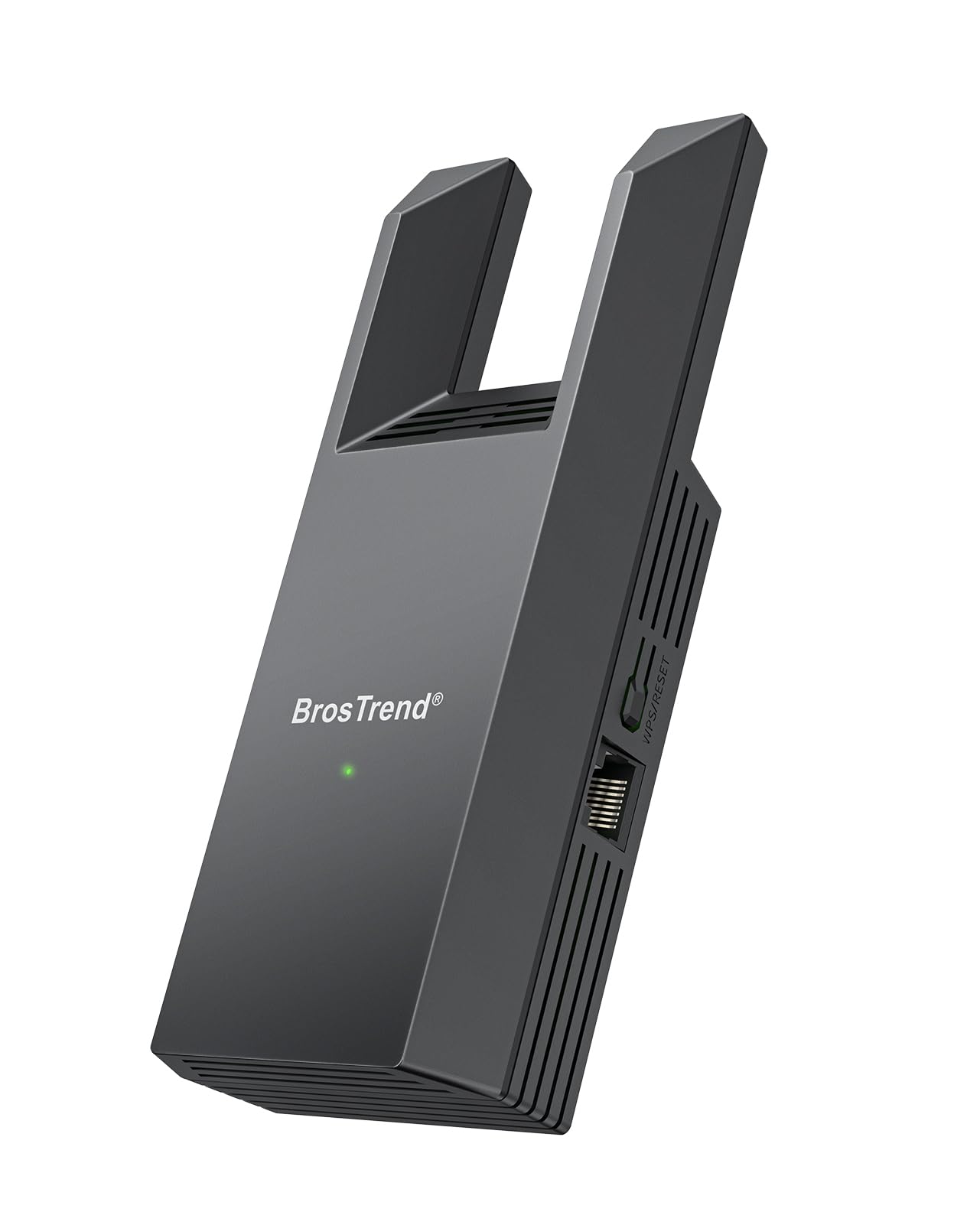
5. BrosTrend AC1200 WiFi to Ethernet Adapter AC7P
The adapter that refuses to slow your wired device down to Fast Ethernet.
The single most important number on this one is the port: a 1 Gbps RJ45 Ethernet port. That matters because the cheap end of this category ships 100 Mbps ports, which quietly cap your whole connection no matter how fast the radio is. This unit also carries dual-band AC1200 WiFi — 5 GHz up to 867 Mbps plus 2.4 GHz up to 300 Mbps — so the wireless uplink and the wired port are matched rather than fighting each other. Owners praise its speed more consistently than any other trait here.
Setup is genuinely tool-free. Pair it to your router with WPS in seconds, or open the web interface from a phone, tablet, or computer to pick a network and adjust settings. No driver install, which means it works the same on a smart TV, a desktop PC, a laptop, a printer, a game console, a Blu-ray player, or a VoIP phone. Compatibility earns strong marks from buyers across exactly that spread of devices.
It is a physically larger unit than the card-style adapters — a bit over half a foot tall in its 2.8″L x 1.9″W x 6.3″H body — so give it a little air behind the TV rather than tucking it flat against the wall. The other thing to accept is that this is a one-device bridge: it connects a single wired gadget, not a whole network. That is the design, not a fault.
The reasons to buy
- 1 Gbps RJ45 port avoids the 100 Mbps bottleneck the value models live with
- Dual band AC1200 — 867 Mbps on 5 GHz plus 300 Mbps on 2.4 GHz
- WPS pairing in seconds or a web interface, with no driver install at all
- Works across smart TVs, consoles, printers, PCs, and VoIP phones
Set it up right
- One wired device per adapter — it is not a multi-port switch
- The 6.3″H body wants a little clearance, unlike a flat card adapter
The right fit: anyone whose wired device deserves Gigabit and who is tired of 100 Mbps bridges choking a fast connection.
One to skip if: you need several devices on the far end at once — this bridge serves one port, so plan on a switch.
6. Vonets VAP11AC WiFi Bridge 1200Mbps

A tiny card with a built-in fan, made for cameras and IoT gadgets.
The detail that sets this Vonets apart from its cheaper sibling below is thermal: a new independent cooling fan is built in to handle hot, enclosed, complicated installs. That is a real consideration if the bridge lives in a cabinet with a DVR or an IP camera housing where heat builds. The wireless side is dual-band, running 300 Mbps on 2.4 GHz plus 900 Mbps on 5 GHz, with the 2.4 GHz band doing the heavy lifting for range and wall penetration.
It is built for the awkward jobs — surveillance, electronic scales, DVRs, IP cameras, medical equipment, and IoT devices where running a cable is difficult or impossible. It supports router function so it can receive and re-signal, and it takes power from a wide DC5V-24V range with USB or barrel-plug options. Card-sized, so it disappears behind a camera rather than needing shelf space.
The spec to read twice is the port: the wired connection is 100 Mbps, not Gigabit. For a single camera or a scale that is genuinely fine — those do not need Gigabit. For a big file transfer or a bank of cameras, you feel the ceiling. The other thing to know is the manufacturer’s own advice: read the manual or watch the configuration video before you start, because a clean first configuration is what keeps these installs trouble-free.
Where it fits best: an IP camera, DVR, or IoT device in a hot enclosure that needs a wireless uplink, with the fan and the wide DC5V-24V power range doing the practical work.
The port limit: the wired side is 100 Mbps. Match it to a camera or a sensor and it is invisible; ask it to move large files and you will feel it.
Worth grabbing for: camera and IoT installs where heat and cable runs are the headache, and the port speed is not the priority.
Choose the AC7P instead if: Gigabit on the wired side is what you actually need.
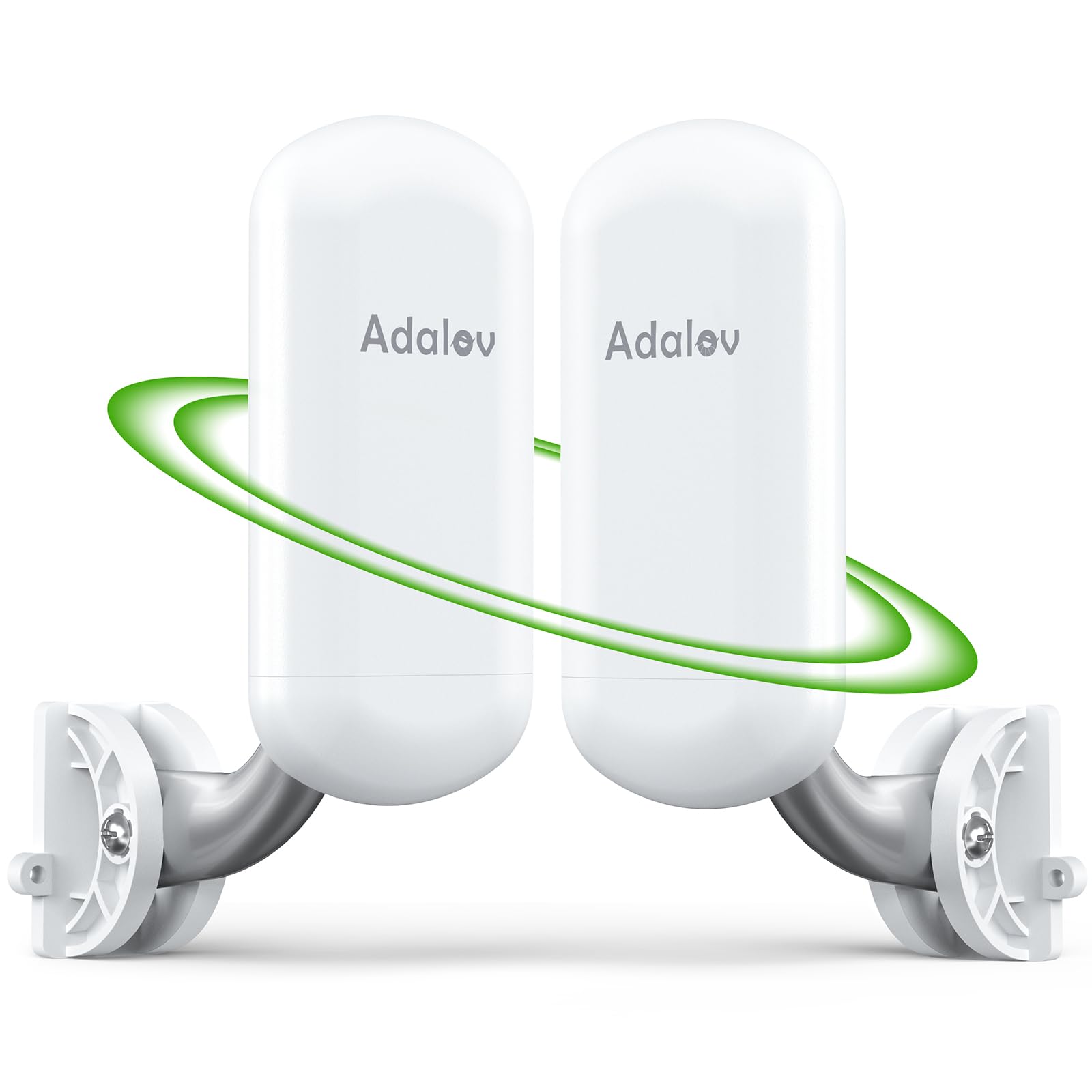
7. AdaLov CPE467 Outdoor Wireless Ethernet Bridge
Plug-and-play outdoor bridging with a directional antenna and no GUI required.
For a property where the two points are under a mile apart and you want the outdoor hardening without the top-tier outlay, this is the sensible middle. It runs 5.8 GHz through an 8 dBi high-gain directional antenna (a focused antenna that throws signal toward the far unit) and is rated for stable point-to-point connections up to 1.5KM in clear line of sight. Power comes from 24V PoE, so a single CAT-5 cable carries both data and electricity up the pole.
The physical kit is built for a real install. An IP65-rated weatherproof housing shrugs off rain and dust, and two mounting brackets let you fix it to a pole or a wall. The adjustable mount aligns in both horizontal and vertical directions, which is exactly what you need when you are dialling in a long shot to the other building. The manufacturer also highlights that it works for point-to-multipoint, so you can extend coverage across a large area rather than just one span.
Buyers rate reliability highest on this one, with the plug-and-play setup close behind. It is a plug-and-play design with no GUI access needed, which is the whole appeal for a non-networking installer. The figure to plan around is the 300 Mbps data transfer rate; that is plenty for cameras and standard browsing but not a substitute for a Gigabit line. And the line-of-sight rule is absolute — an obstruction between the units is the one thing that undercuts the range claim.
Why it earns the value badge
- 8 dBi directional antenna rated for 1.5KM point-to-point in clear sight
- IP65 housing handles rain, dust, and temperature swings
- 24V PoE means one CAT-5 cable does power and data together
- Two mounting brackets and an adjustable mount for horizontal and vertical aim
Plan for these
- 300 Mbps transfer rate — fine for cameras, not a file-moving backbone
- The 1.5KM figure depends on an unobstructed path
Pick this for: a self-installed 1.5KM outdoor link between a house and a workshop, garage, or remote camera, with no networking degree required.
Step up if: you need Gigabit throughput or lightning protection — the Omada kits above cover that ground.
8. Binardat Outdoor Wireless Bridge 2 Pack

The simplest pairing on the whole list: flip a switch, match a number.
If a browser interface makes you wince, this pair was designed for you. Two bridges ship in the box; you set one DIP switch to M (master) and the other to S (slave), then short-press the channel button until the LED numbers match. They auto-match, the SIG light comes on, and you are linked. That is the entire setup. It runs 2.4 GHz — the band that punches through obstacles better than 5 GHz — with a transmission distance rated 500 to 1000 meters and a maximum rate of 100 Mbps.
Wiring is straightforward once paired: the master’s Ethernet port goes to your router, NVR, or switch, and the slave’s port goes to the downstream camera, access point, or switch. Power comes from 12V DC or the included PoE supply. LEDs for power, LAN, signal, and channel give you a clear read on status, and a web GUI is there if you want to check device status or set wireless parameters. It supports point-to-point and point-to-multipoint, and can even run as a standalone WiFi access point with the default password.
The trade-off is speed and band. At 100 Mbps on 2.4 GHz, this is a link for a couple of cameras or general browsing at the far end, not a backbone. Owners mention it works reliably and is easy to set up, with effectiveness and network speed both drawing solid feedback — but keep your expectations in line with a 100 Mbps radio and you will be pleased.
The standout: a DIP-switch and channel-number pairing that anyone can follow, plus a 2.4 GHz band that tolerates obstacles better than the 5 GHz kits elsewhere on this list.
The speed reality: 100 Mbps maximum means this is a camera-and-browsing link, not a file-moving pipe. Buy it for the pairing simplicity, not the throughput.
Matches up with: someone wanting a 500M-1KM outdoor link who values the DIP-switch setup and 2.4 GHz wall-punching over raw speed.
Not ideal if: your downstream devices demand Gigabit — the 100 Mbps ceiling will show.
9. Vonets VAP11N-300 Mini WiFi Bridge

A card the size of a matchbox that quietly untethers a printer or a scale.
This is the entry-level, single-job bridge — the cheapest way onto this list, and the one to consider for a light task like freeing a network printer, an electronic scale, or an IoT gadget from its cable. It is genuinely tiny: at 0.06 kg it weighs a fraction of the BrosTrend AC1200 adapter, which comes in at 0.17 kg. That card-sized shape tucks behind a device where a bulkier unit would not fit.
Its wireless rate is 300 Mbps on 2.4 GHz with 802.11b/g/n, and the manufacturer quotes a point-to-point distance of up to 60 meters without obstacles for small data, dropping to under 50 meters for video. It supports three power methods — a DC2.5 power hole, a DC2.0 plug, and USB — on a wide DC5V-15V range with low power draw, so it can share a power source with the device it is serving. It also supports access point function and remembers up to 100 hotspots for quick reconnection.
Be clear-eyed about the split here. Setup is the thing that works: it is easy to configure and pair. Functionality, though, is the most-discussed topic and it divides — some units run perfectly and others do not connect, and a few lose their configuration after a power cut. That makes this a genuine fit call: brilliant for a light, low-stakes job where a small, cheap bridge is all you need, riskier as the backbone of anything important.
Where the little one shines
- 0.06 kg card-sized body fits where a bigger adapter will not
- Three power methods on a wide DC5V-15V range, under 2W draw
- Setup is straightforward and it remembers up to 100 hotspots
- 300 Mbps on 2.4 GHz with access point function built in
Be realistic about the split
- Functionality is the most-discussed topic and it divides — some units never connect
- A few lose their configuration after a power cut
- 2.4 GHz and 300 Mbps only — light-duty use, not a backbone
Best little helper for: a printer, a scale, or a low-stakes IoT device that just needs off the cable, with minimal space to spare.
Forward to a sturdier pick if: the connection matters — the reliability split here means this is not a backbone bridge.
Know the Specs
Data Transfer Rate vs Port Speed
The data transfer rate is the wireless figure — how much the radio can carry in theory, measured in Mbps or Gbps. The port speed is the wired side, and it is the one that caps your device. A 1200 Mbps bridge with a 100 Mbps port hands your gear 100 Mbps. That is why the Gigabit-port models in this list behave so differently from the 100 Mbps ones.
2.4 GHz, 5 GHz, and 5.8 GHz
The frequency band is the radio channel the bridge uses. The 2.4 GHz band reaches farther and pushes through obstacles but carries less data. 5 GHz is faster and cleaner but loses strength sooner. 5.8 GHz is the band most outdoor point-to-point kits use, paired with a directional antenna aimed at the far unit so it does not need to spray signal around.
IP65 and Lightning Protection
IP65 is a weatherproofing rating — sealed against dust and against water jets. It is what lets an outdoor unit sit on a pole in the rain. The 6kV lightning protection on a premium outdoor kit is a surge rating for the electronics, which matters on a roof or a mast where lightning is a real risk.
PoE and Wide-Voltage Power
PoE (Power over Ethernet) sends electricity and data up one cable, so a pole-mounted bridge needs no mains socket at the top. Wide-voltage DC input on the smaller indoor adapters means they can sip from a range of supplies, letting them share power with the device they are serving.
Common Questions
What is a WiFi internet bridge used for?
Can a WiFi bridge replace an Ethernet cable to my TV?
What is the difference between a single bridge and a point-to-point kit?
How far can an outdoor wireless bridge reach?
Does a WiFi bridge slow down my connection?
Do I need line of sight for an outdoor point-to-point bridge?
What does PoE mean on an outdoor bridge?
Is 2.4 GHz better than 5 GHz for an outdoor bridge?
Can a WiFi bridge work with a network printer that has no WiFi?
Will a WiFi bridge survive rain and heat outdoors?
The Bottom Line
For most people linking two buildings, the wifi internet bridge winner is the Omada EAP211-Bridge KIT because it arrives pre-paired, needs no interface visit, and gives you three Gigabit ports at the far end — the simplest path to a wired-speed link without trenching a cable. If your two points are genuinely kilometres apart and the weather is rough, reach for the Omada EAP215-Bridge KIT and its 5km rating with IP65 sealing and lightning protection. And for turning a single stubborn printer, TV, or console wireless inside the house, the BrosTrend AC7V2 is the one to grab — the crowd favourite at 4.0+ stars across 880+ owners, and the easiest first purchase on this list.
How we choose
We do not accept paid placement. Every pick is matched to a real buyer and a real use-case; we do not hands-on test units.
Sources
Specifications: manufacturer listings and product documentation. Review insights: verified customer reviews, as of November 2026. Pricing: not shown on this page (it changes often); check the current price via the retailer link.
As an Amazon Associate, Tactical Gear Guy earns from qualifying purchases. This does not affect which products we feature.