Specs are compiled from manufacturer listings and verified buyer reviews and can change over time — please confirm the key details on the product page before buying.
The hardest part of buying a wide format plotter isn’t the money — it’s figuring out which 24-inch or 36-inch machine won’t leave you fighting a paper feed at 11pm before a client deadline. Some of these printers handle roll media and cut sheets automatically and turn out crisp CAD linework in under a minute. Others will jam on every fifth sheet and make you wish you’d kept paying the print shop. This guide separates the two, using manufacturer specs and what owners actually experience after the honeymoon phase.
This guide is built by comparing the manufacturers’ published specifications and the patterns across verified customer reviews, so you get each pick’s real strengths and trade-offs instead of marketing spin.
You’ll see how roll width, ink configuration, and media handling shape daily output, plus which machines suit architects, engineers, and poster shops. The picks below span 24-, 36-, and 44-inch machines across budget tiers, with specs and owner reports side by side.
Top Picks
How To Choose The Best Wide Format Plotter
A plotter is a printer built to run paper wider than a standard sheet — typically on a roll. That extra width is what lets you print a full architectural drawing, a sewing pattern, or a storefront poster in one piece instead of taping pages together. Before you compare models, decide what you actually print, because every other spec follows from that.
Start With Roll Width, Not Price
The roll width is the widest paper the machine accepts. A 24-inch plotter handles A1 and D-size drawings; a 36-inch unit takes the wider sheet sizes architects and engineers often need. Buy narrower than your standard sheet and you’ll be back to piecing pages together. Buy wider than you need and you’re paying for roll stock you’ll rarely use.
Understand the Ink Setup
Entry and mid-range plotters usually take cartridges — often a black plus three colors for CAD work. Wide fine-art and poster machines add more colors, which costs more per tank but gives richer output. Look at the included ink volume on the spec sheet; some models ship with a full starter set, and that affects your first months of running cost.
Decide How Much Media Handling You Want
An automatic sheet feeder lets you run cut sheets without loading a roll. A media bin catches finished prints before they hit the floor. A horizontal cutter slices the roll cleanly between jobs. None of these are essential for occasional printing, but if you print daily, they’re the difference between a smooth workflow and constant babysitting.
Read Print Speed in Context
Plotter speeds often look oddly low because they’re quoted on large sheets, not letter pages. A machine rated around 1.3 pages per minute is quoting A1/D-size sheets, so a single poster can still finish in under a minute. Compare speeds only within the same sheet size, or the numbers mislead you.
Side-by-Side Comparison
| Model | Best For | Max Roll Width | Rated Speed | Wireless | Amazon |
|---|---|---|---|---|---|
| HP DesignJet T210 24-inch★ Best Overall | Everyday CAD and posters | 24-inch | 1.3 pages_per_minute | Wi-Fi 802.11 b/g/n | Amazon |
| HP DesignJet T210 24-inch (2-Year Care Pack)Onsite Support Pick | Owners wanting onsite support | 24-inch | 1.3 pages_per_minute | Wi-Fi included | Amazon |
| Canon imagePROGRAF TC-21 24-inchSpeed Specialist | High-volume line drawings | 24-inch | 20 pages_per_minute | Built-in Wi-Fi | Amazon |
| Epson SureColor T3170 24-inch | Compact desktop setups | 24-inch | 6 pages_per_minute | Wi-Fi Direct | Amazon |
| HP DesignJet T630 24-inch | Sheet-plus-roll versatility | 24-inch | 1.9 pages_per_minute | Wi-Fi 802.11 b/g/n | Amazon |
| HP DesignJet T630 36-inch | Wider engineering sheets | 36-inch | 2 pages_per_minute | Wi-Fi 802.11 b/g/n | Amazon |
| Epson SureColor T5170 36-inch | Fast large-format output | 36-inch | 6 pages_per_minute | Wireless plus Wi-Fi Direct | Amazon |
| HP DesignJet T650 36-inch | Busy technical offices | 36-inch | 2.4 pages_per_minute | Wi-Fi 802.11 | Amazon |
| Canon imagePROGRAF PRO-2100 24-inch | Fine-art and photo output | 24-inch | 30 pages_per_minute | — | Amazon |
Detailed Reviews
1. HP DesignJet T210 Large Format 24-inch Plotter Printer
Our pick — 4.0+★ from 100+ verified ratings; the strongest balance of quality and price.
The sensible default for anyone printing CAD drawings and posters at 24 inches wide.
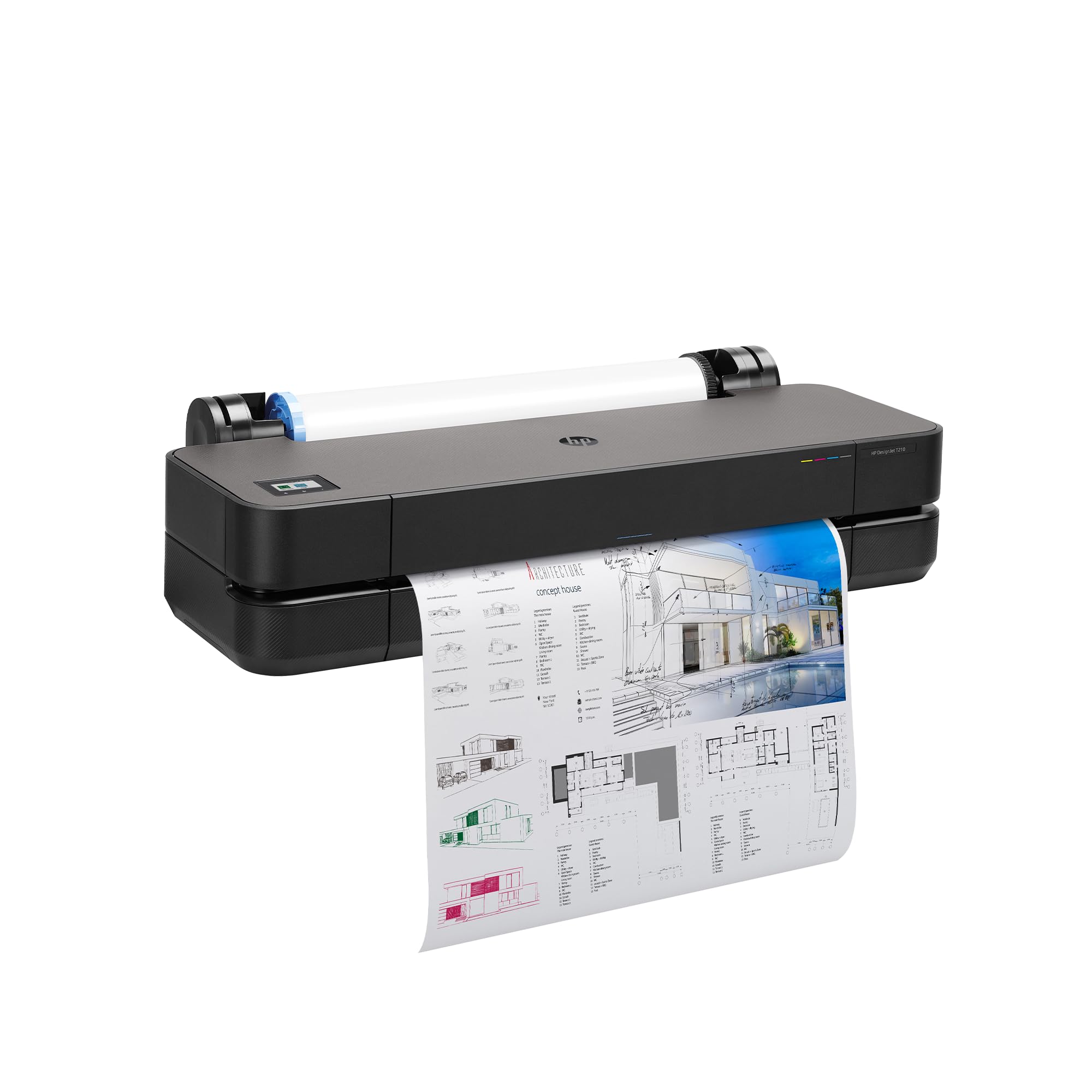
If you draw technical linework for a living and need it on paper the same afternoon, this is the plotter the crowd keeps pointing to. It takes media up to 24-inch wide on rolls and handles sheets up to 13 by 19 inches with the optional automatic sheet feeder. It also ships with HP Click, which preflights PDFs for errors and auto-nests jobs so you don’t waste a roll on a bad file. That PDF preflight catches file errors before a sheet leaves the machine, a step the Epson T3170’s driver setup doesn’t perform.
A full poster comes out in roughly 45 seconds, because the quoted 1.3 pages per minute is measured on A1/D-size sheets (the large 24-inch paper size). HP rates it at up to 59 A1/D prints per hour, and 500MB of memory backs that up. One machine on the office network handles a whole team’s requests, and you can send jobs from a phone through the HP Smart app. The Canon TC-21 is far quicker on paper at 20 pages per minute — a 15.4x gap in rated speed — but the T210’s PDF preflight (an automatic check of your file before printing) and familiar HP workflow are what win the everyday CAD crowd.
The trade-off is real but narrow. Buyers report that print quality draws the most praise by a wide margin, while reliability splits the room — plenty of owners run it flawlessly for architectural renderings and retail signage, but a handful hit early printhead failures. Wi-Fi setup can also be finicky for some, so if you’re on a wired network you sidestep that entirely. The 4.0+ star rating reflects a machine most people are happy with, with the occasional dud.
What it gets right
- Up to 24-inch rolls plus 13×19 sheets with the optional feeder
- HP Click preflights and auto-nests PDFs, saving roll waste
- Up to 59 A1/D prints per hour with 45-second page output
- Gigabit Ethernet, USB 2.0, and Wi-Fi 802.11 b/g/n built in
Where it stumbles
- Rated 1.3 pages per minute — slow versus Canon’s 20 ppm machines
- Reliability is genuinely mixed across owners
- Wi-Fi connection issues reported by some buyers
Go with this if: you print CAD, blueprints, or retail signage daily and want the smoothest file-handling workflow at 24 inches.
Think twice if: raw print volume matters more than file preflight — Canon’s TC-21 outpaces it on rated speed.
2. HP DesignJet T210 24-Inch Plotter
The same 24-inch workhorse, but backed by a two-year onsite support plan that puts a technician at your door.
This is the T210 with HP’s 2-Year Care Pack bolted on — and if a machine is going to break, that support matters more than any spec sheet. Onsite support means someone comes to you rather than you boxing a 24-inch plotter for shipping. An engineer printing 24 by 36 drawings sums up the value best: it beats paying a fortune to a print shop for full-size sheets. The core machine is identical to the standard T210 — 24-inch rolls, automatic horizontal cutter, 45-second A1/D page output, and 500MB of memory.
Owners who print blueprints every single day describe it as reliable from day one. That said, the same mixed reliability pattern as the base model applies — occasional early printhead failures do show up. The Care Pack doesn’t prevent a fault; it just softens the blow. The value angle is real: outside print costs add up fast, and cutting that line out of your monthly budget is reason enough to consider this over a cheaper machine with no coverage.
Why it earns its spot: same proven 24-inch T210 platform, but with a two-year onsite care plan that keeps a broken plotter from shutting down your workflow.
The honest catch: you pay more for the coverage on the same hardware, and the support plan doesn’t guarantee a flawless unit — the reliability pattern is identical to the base model.
Suits you if: a dead plotter would stop billable work and you want a technician rather than a return label.
Pass if: budget is tight and you’re comfortable handling your own support issues.
3. Canon imagePROGRAF TC-21 24-inch Large Format Printer
The architectural drafting machine that replaced a print shop for one firm — at 20 pages per minute.
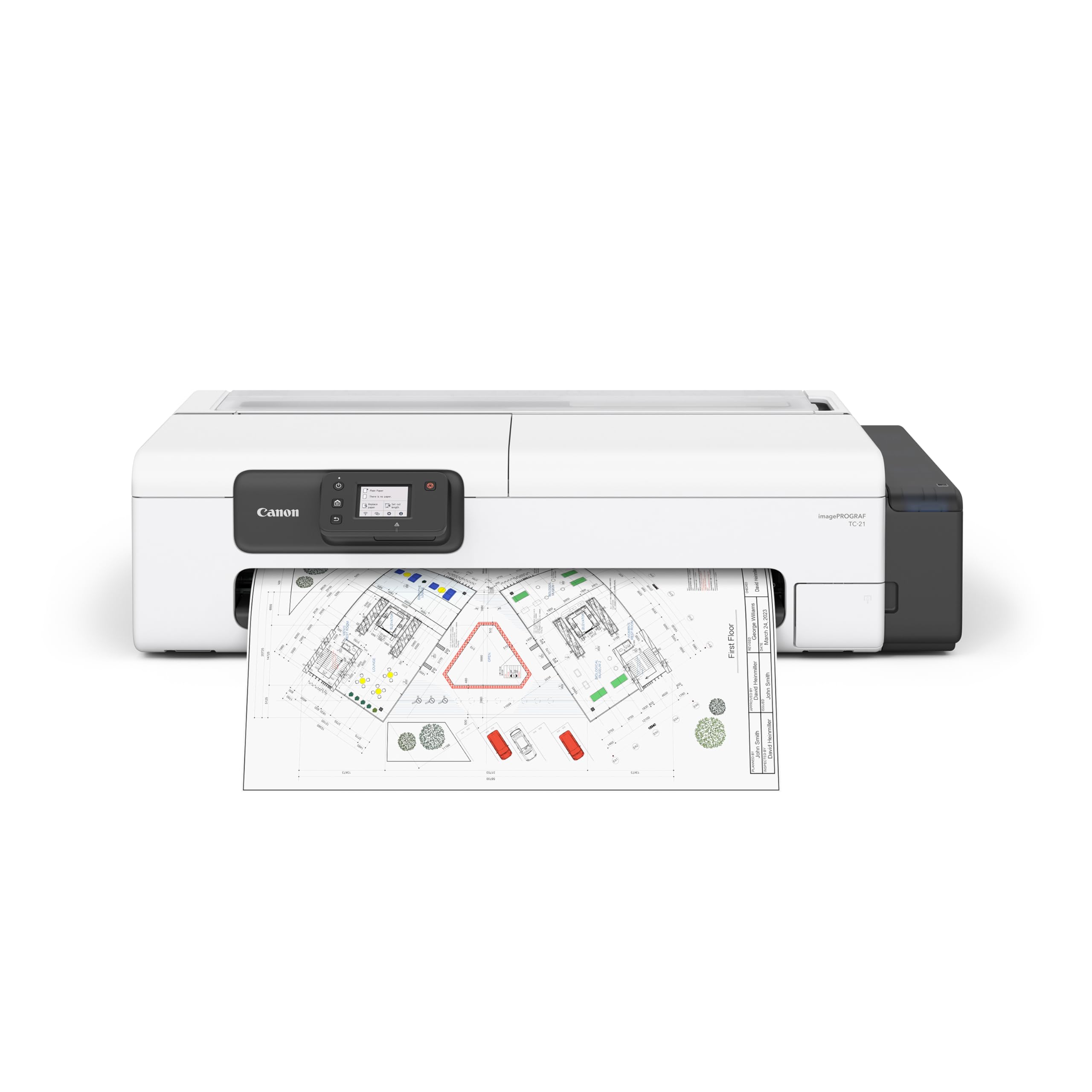
Twenty pages per minute is the headline, and it obliterates the HP T210’s 1.3 pages per minute by a margin you won’t need a calculator to feel. This plotter is built around the automatic roll and cut-sheet feeder, so it handles a variety of both without swapping paper sources. Architecture firms that used to outsource D-size drawings have brought that work in-house with it — a shift that pays for itself once monthly print-shop bills exceed the plotter’s cost. It ships with 280 ml of ink (70 ml per color) across four colors.
Raw throughput earns the speed reputation, but print quality draws the most owner discussion and splits both ways — crisp, vibrant sheets for some, blank pages or paper-alignment misses for others. Setup is similarly split; Canon’s video guides walk you through it well, but Windows 11 driver quirks trip up others. Paper loading is the recurring frustration — if the roll edge doesn’t seat just right, the machine won’t grab it. The 4-color ink system delivers crisp text and vibrant posters on good media, but it’s not a fine-art machine.
If you need to churn out A1/D-size line drawings at volume and can live with occasional driver fuss, this is the price of entry. If your priority is color accuracy or a machine that runs without coaxing, look elsewhere. At 71 pounds with a 44 by 29 by 16-inch footprint, it needs a real desk or stand — budget the space before you buy.
The trade-off: you’re buying speed and volume, not reliability polish — the paper-feed and driver complaints are the most repeated downside.
Worth it if: you print drawing after drawing daily and speed is the whole point.
Look elsewhere if: you want an easy, grippy paper feed and trouble-free driver setup out of the gate.
4. Epson SureColor T3170 Wireless Desktop Wide Format Plotter
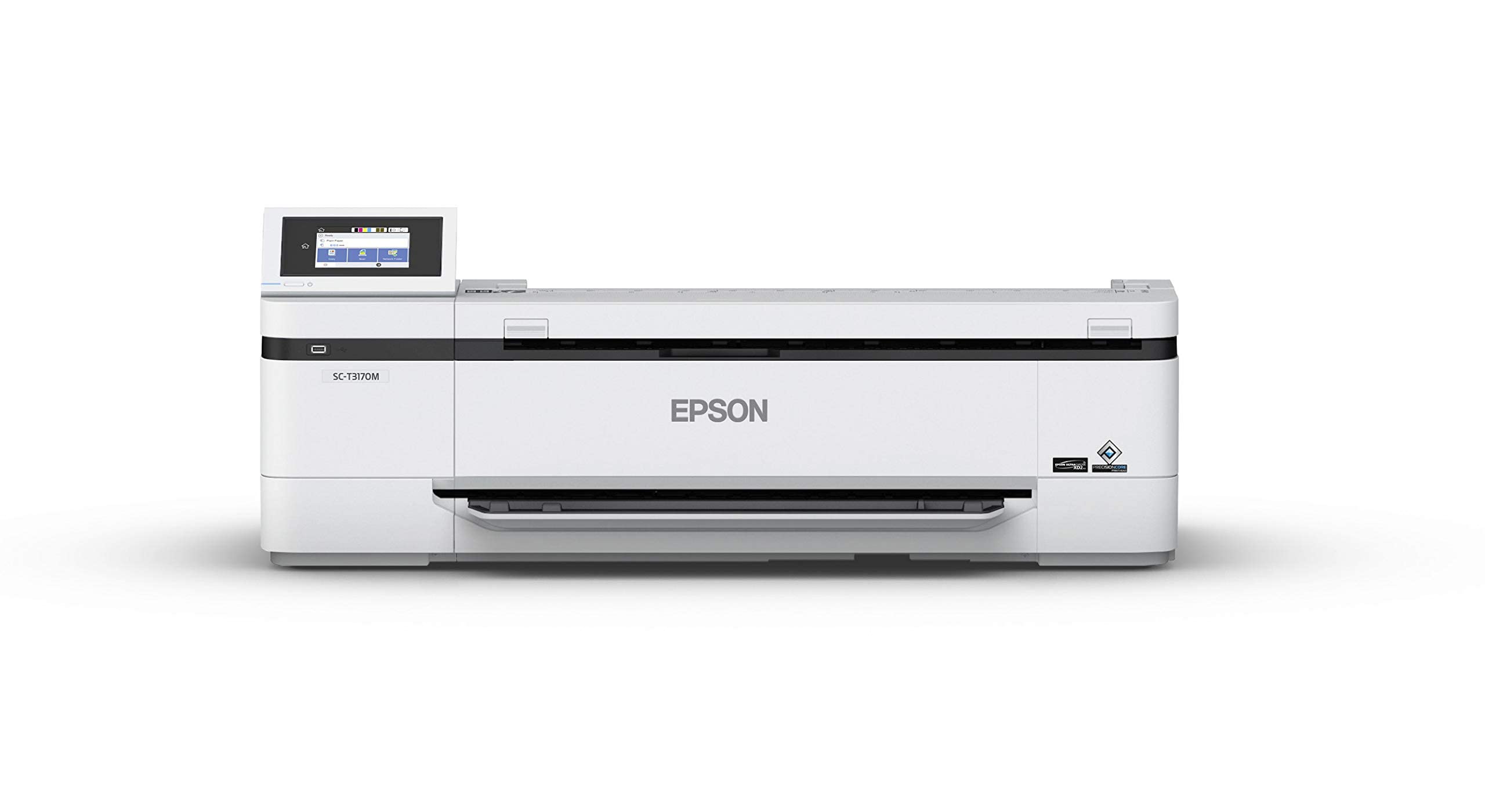
A plotter that actually fits on a desk — 34-second A1/D prints and a 4.3-inch touchscreen to run them.
Not every office has a room for a plotter, and Epson built this one to sit directly on a desktop. The footprint is small, and the 4.3-inch LCD color touchscreen handles most of the operation without diving into a computer. It produces accurate A1/D-size prints in 34 seconds. High-capacity cartridges run up to 50 mL per color and 80 mL for black, so you refill less often — a real cost saver if you print a lot of line drawings. Wi-Fi Direct lets you print from a phone or tablet without a router in the middle.
Build quality and setup draw the most praise here, and it shows in practice: owners convert these to specialty ink for film printing, or fire posters off straight from a phone gallery. The cartridge volume matters — a print business running 24-inch rolls appreciates not swapping ink every week. The catch is that printability itself tests patience for a subset of owners. Some units simply never worked, and feed problems damaged paper. The ink costs also sting at replacement time, which is the recurring gripe in the value column.
If desk space is tight and you want a machine with a real screen and wireless freedom, this earns its place. It’s also a sensible first step up from a home printer for anyone printing larger than letter size. Just confirm you have a return path, because a small share of units arrive defective.
Selling points
- Compact footprint that fits a desktop
- 34-second A1/D-size output with a 4.3-inch touchscreen
- Cartridges up to 50 mL color, 80 mL black
- Wi-Fi Direct for router-free printing from phones and tablets
Things to know
- Printability is mixed — some units never work fully
- Replacement ink is costly
- Paper feed can damage stock on some units
Your pick if: you need large-format printing in a tight home-office or studio corner.
Hold off if: you can’t afford a return hassle and value near-perfect reliability over a small footprint.
5. HP DesignJet T630 24-inch Plotter
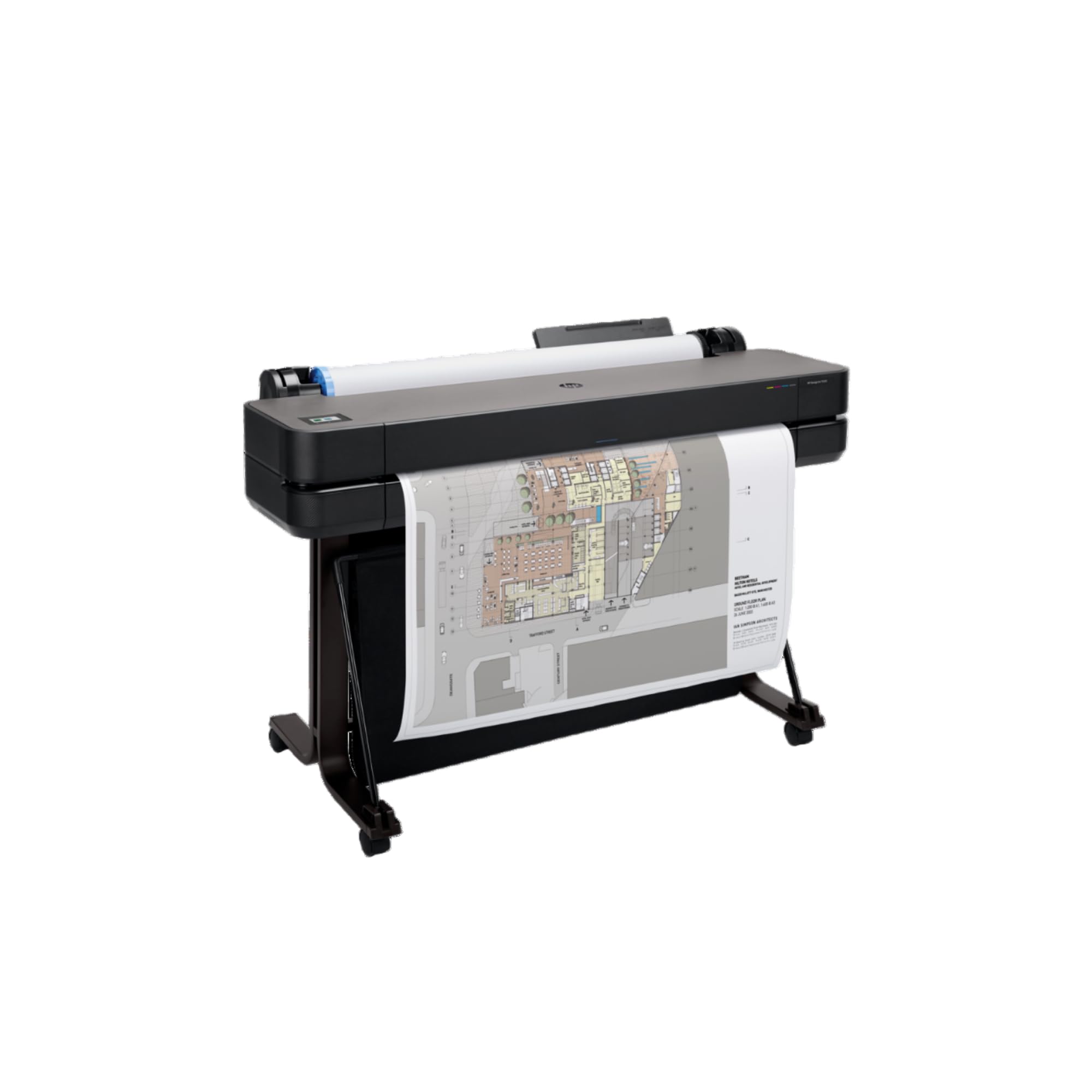
A complete 24-inch setup — stand, media bin, and automatic sheet feeder all in the box.
Where the base T210 asks you to buy the feeder separately, this T630 includes the automatic sheet feeder, a stand with a media bin, and the spindle. That means cut sheets and rolls switch automatically without you touching the paper source. Initial page print time is 30 seconds, and it runs at 1.9 pages per minute — a touch quicker than the T210’s 1.3. HP Click software is included for PDF error checking and auto-nesting, and it connects via Gigabit Ethernet, USB 2.0, or Wi-Fi 802.11 b/g/n.
This is the version to buy if you print a mix of roll posters and pre-cut sheets, and you want the machine on a proper stand at working height. The media bin also keeps finished prints off the floor — a small thing until you’ve stepped on a fresh poster. The trade-off is that it’s a newer listing without the review history of the T210, so you’re trusting the platform rather than a long track record. The core print engine and HP Click workflow are the same family, so owners of other T600-series machines report a familiar experience.
For a small office that wants everything included and set up once, the bundled stand and feeder remove the guesswork. If you only print rolls and never sheets, the base T210 saves you the kit you won’t use.
What you’re really buying: the complete desk-ready package — feeder, stand, and bin included — plus a slightly faster 1.9 pages per minute engine.
Worth noting: with limited owner feedback so far, there’s less real-world reliability data than the T210 carries.
Reach for this if: you want a plotter on a stand with a sheet feeder, ready to run mixed media from day one.
Skip the extras if: you only feed rolls — the base T210 does that job for less.
6. HP DesignJet T630 36-inch Plotter

The same T630 package, stretched to 36 inches so the wider engineering sheets fit in one piece.
If your drawings run wider than the 24-inch standard, this T630 takes rolls up to 36-inch wide — the size that keeps full engineering sheets whole instead of tiled. Like the 24-inch version, it includes the automatic sheet feeder, stand with media bin, and automatic horizontal cutter. Sheet and roll feed switch automatically, so you’re not manually changing sources between jobs. Initial page print time is 30 seconds, and it runs at 2 pages per minute with 48-bit color depth.
Owners of this class of machine use it for a wide range of work — middle-school teachers printing classroom materials, tailors printing full-size patterns, and professionals running blueprints and posters. Full-size patterns are a standout benefit for anyone doing garment or sewing work. The reliability split shows up here too: connection issues derail a subset of buyers, even as others print daily without trouble. Setup tends to be straightforward when it goes well, which most of the time it does.
The move from 24 to 36 inches is worth it only if your actual sheets need that width. For standard D-size drawings, the 24-inch T630 or T210 covers the job. For anything wider, this is the natural next rung up the HP ladder.
Fit for you if: your output regularly exceeds 24 inches and you want the feeder and stand bundled in.
Stay with 24-inch if: your drawings top out at D-size and the extra width would go unused.
7. Epson SureColor T5170 Printer

A 36-inch plotter that finishes an A1/D-size sheet in 31 seconds without breathing hard.
The number that matters here is 31 seconds — the rated time to produce an accurate A1/D-size print. That puts it in the same speed conversation as the Canon TC-21 on per-page output, though it’s a bigger 36-inch machine. It ships with a printer stand and a full set of initial ink cartridges (CMYK, 50 mL each). The 4.3-inch LCD touchscreen keeps operation simple, and the general design is compact for its width class. High-capacity ink means fewer interruptions.
For offices that run to 36-inch media and need output fast, this is the Epson answer to the wider sheet sizes. Wi-Fi Direct lets you print without a router, which is handy for a tablet-based workflow on a shop floor. The sub-32-second page time means you’re not standing around between jobs. Epson’s ink system is the recurring cost topic on this platform — output costs depend heavily on what media you load.
If your work is largely line drawings and technical renders that need to hit 36-inch, the speed here is the draw. If you’re printing fine-art or need more than four colors, a dedicated fine-art plotter serves you better. This one is a technical workhorse first.
The appeal: 36-inch output at 31 seconds per A1/D sheet, with a stand and a starter set of 50 mL CMYK inks in the box.
Pick this for: fast 36-inch technical printing with a touchscreen and router-free wireless.
Look elsewhere if: you need more than four ink colors for photographic or fine-art output.
8. HP DesignJet T650 36-inch Plotter

An 82-prints-per-hour 36-inch plotter with a dust cover and a two-year onsite warranty included.
This one is built for the office that never stops printing. HP rates it at up to 82 A1/D-size prints per hour, with an initial page time of 25 seconds — the fastest first-page start on HP’s 36-inch roster here. It carries 1GB of memory and includes the automatic sheet feeder, stand with media bin, and a dust cover. It handles rolls to 36 inches and sheets up to 13 by 19 inches. HP Click handles PDF error checking and auto-nesting to cut wasted media.
The 2-Year Care Pack with onsite support is the real differentiator at this tier — if the machine goes down, a technician comes to you. HP also rates its routine-maintenance ink use at up to 95% lower than competing plotters. Gigabit Ethernet, USB 2.0, and Wi-Fi 802.11 are all on board.
The catch is that the higher speed and support package come at premium money, and the machine has less owner history than the smaller T210. If you’re a construction firm or print department turning out drawings all day, that trade-off is easy to accept. If you print a few sheets a week, you’re overpaying for speed you won’t use.
Right for: busy technical offices that print at volume and want onsite repair coverage.
Wrong for: low-volume users who’d be paying for 82-per-hour speed they’ll never touch.
9. Canon imagePROGRAF PRO-2100 24-inch Fine Art Printer
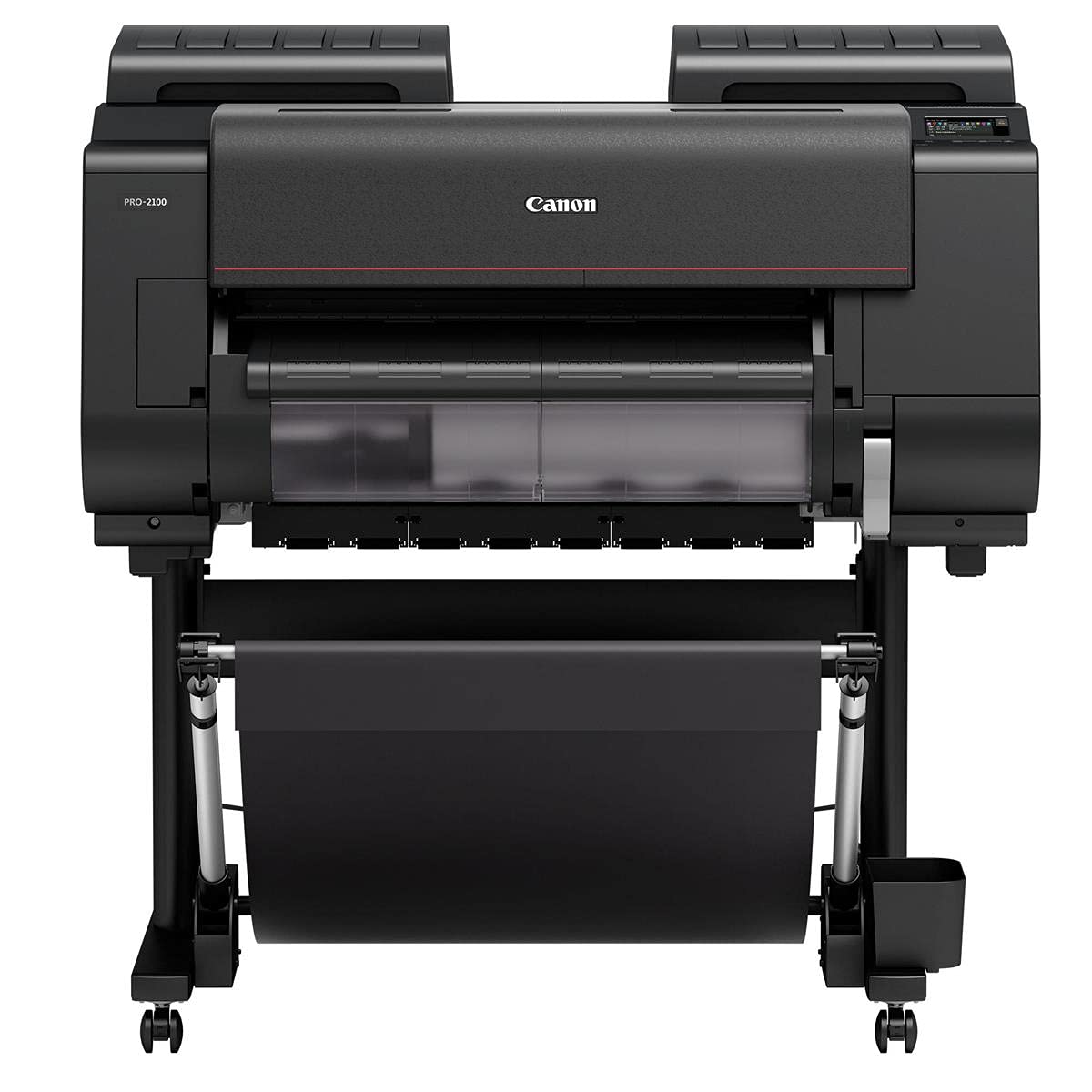
A 24-inch printer built for gallery-grade output, not CAD lines — with the highest satisfaction on this list.
This plotter is aimed at a different buyer entirely: photographers, artists, and print shops selling fine reproductions. Color quality is flawless right from the start, with deep blacks that owners call incredibly rich, powered by a 4.5+ star reputation that’s the envy of this whole roundup. It ships with a multifunction roll system, roll holder set, print head, maintenance cartridge, and rotary cutter. You can print straight from Photoshop or your editing software of choice. Setup and roll loading are described as improved and easy, which matters on a machine this expensive.
The print quality and ease of use that win people over are the two most praised aspects of this printer. It’s also rated at 30 pages per minute on B&W and 98 seconds for the initial page — a slow first print followed by fast throughput. One photographer switched over from a large-format Epson and reported the transition being smooth. Calibration can eat a week of experimentation before colors match perfectly, so plan for that if color accuracy is your whole business.
The honest wrinkle is ink cost, the most-debated aspect of ownership here — this class of printer drinks expensive pigment, and the running costs are real. That’s the price of gallery-ready color. If your work hangs on a wall or sells as a print, the output justifies the upkeep.
Where it shines
- Flawless out-of-the-box color and rich, deep blacks
- Easy setup and improved, easy roll loading
- Prints directly from Photoshop and editing software
- Multifunction roll system, cutter, and maintenance cartridge included
What to weigh
- Ink cost is the most-debated part of ownership
- Expect up to a week of calibration to dial in color
- 98-second initial page time
The one to grab if: your output is fine-art or photo reproduction and color accuracy is the product.
Keep shopping if: you need fast line drawings — this machine is priced and tuned for gallery work.
10. Canon imagePROGRAF TM-340 Printer
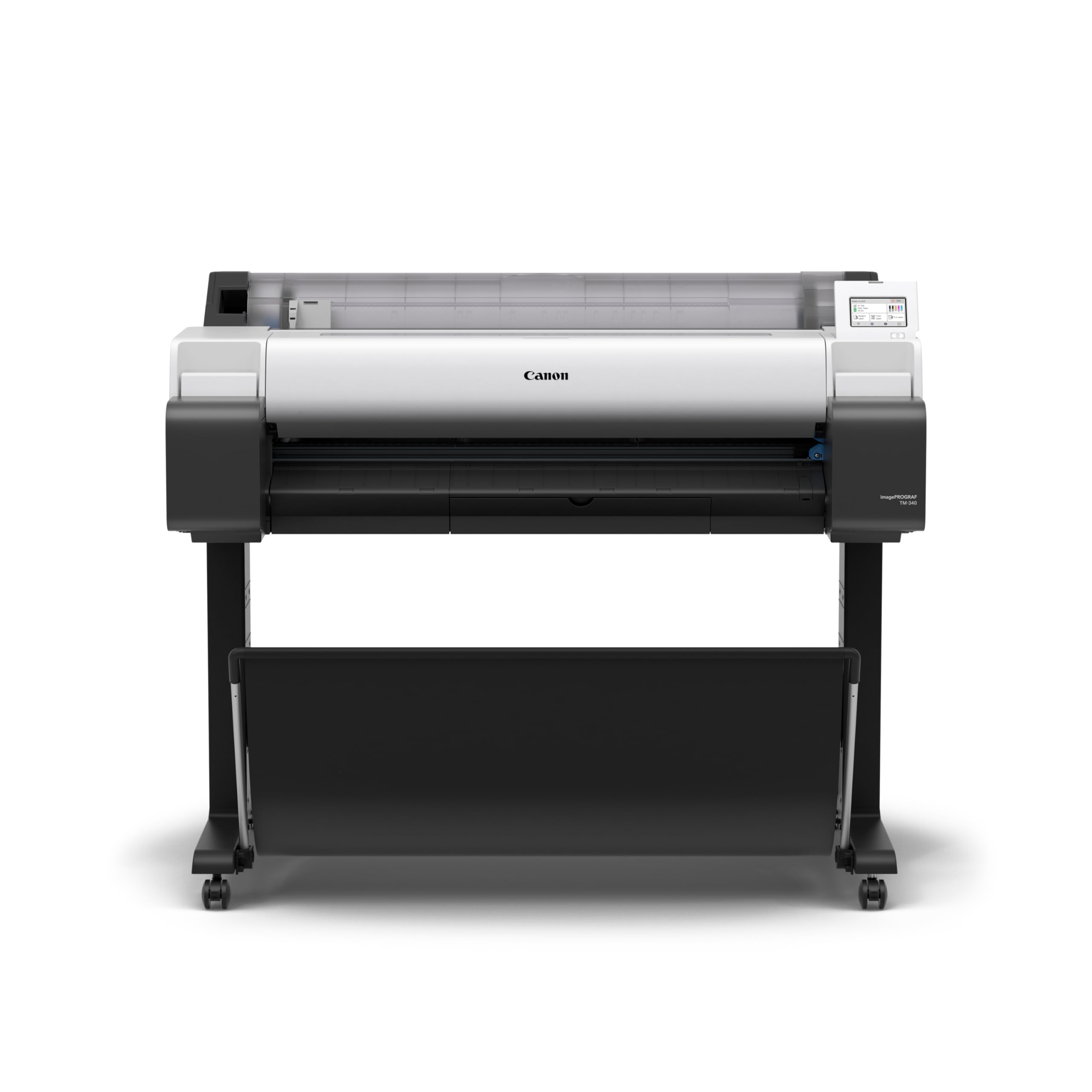
A 36-inch, 5-color signage machine that reads your media type and calibrates its own color.
The TM-340 is built for poster and signage production, and automatic media detection inute rating like the Canon TC-21 and a 1.0+ rating like the HP T210 aren’t apples to apples on paper feel, but both are quoting A1/D output.
Ink Configurations and Cost
Entry technical plotters usually run four colors — black plus cyan, magenta, and yellow. Fine-art and poster machines add colors, sometimes up to 11, and the extra channels cost more to fill. Some plotters ship with a starter ink volume; check the spec sheet for how much is included, because a full set is a real head start. Cartridge volume in milliliters (mL) tells you how long a tank lasts — 50 mL color and 80 mL black is common on mid-range Epson machines, while Canon workhorses ship with 280 to 300 mL included.
Media Handling Features
An automatic sheet feeder lets you print cut sheets without loading a roll. A media bin catches finished prints before they hit the floor. A horizontal cutter slices the roll cleanly between jobs. Automatic sheet/roll switch swaps sources without you touching the machine. These features separate the everyday-workflow machines from the occasional-use ones. If you print daily, the feeder and bin are worth having; for occasional jobs, they’re conveniences you can skip.
Common Questions
What size plotter do I need for architectural blueprints?
Can a wide format plotter print on cut sheets as well as rolls?
How fast does a plotter print a full-size poster?
How much ink does a wide format plotter use for routine maintenance?
Is a 24-inch plotter enough for sewing patterns?
Do wide format plotters work with Wi-Fi and smartphones?
Can I print fine art on a technical plotter?
What does on-site warranty mean for a plotter?
Do plotters need special paper or will regular printer paper work?
How much space does a wide format plotter need?
The Bottom Line
For most buyers, the HP DesignJet T210 24-inch is the sensible winner for the best wide format plotter — it takes 24-inch rolls, prints A1/D pages in about 45 seconds, and ships with HP Click’s file preflight to keep roll waste down. Its 4.0+ stars across 130+ ratings reflect a machine most CAD users are genuinely happy with, though reliability is the one aspect that splits opinion.
If color is the product you sell, the Canon PRO-2100 at 24 inches holds the highest satisfaction on this list and turns out gallery-grade output. For 36-inch engineering work, the HP T650 36-inch pairs up to 82 A1/D prints per hour with a two-year onsite care pack and may be the best value per sheet in the wide format class. And if bleed-to-44-inches fine art is the goal, the Canon PRO-4100 is the one to reach for.
The fastest way to right-size this decision is to match the roll width to your most common sheet size, then budget ink costs by output volume, not by sticker tier. Run that math before you buy, or the plotter ends up under a dust cover.
How we choose
We do not accept paid placement. Every pick is matched to a real buyer and a real use-case; we do not hands-on test units.
Sources
Specifications: manufacturer listings and product documentation. Review insights: verified customer reviews, as of November 2026. Pricing: not shown on this page (it changes often); check the current price via the retailer link.
As an Amazon Associate, Tactical Gear Guy earns from qualifying purchases. This does not affect which products we feature.