Specs are compiled from manufacturer listings and verified buyer reviews and can change over time — please confirm the key details on the product page before buying.
The short answer: if you print mostly text and want the fewest headaches, a monochrome laser that connects over Wi-Fi is the safest pick here. If you need colour photos or homework sheets, an inkjet all-in-one still makes more sense. This guide sorts nine real machines by what they actually do well, so you can match one to your desk instead of guessing.
This guide is built by comparing the manufacturers’ published specifications and the patterns across verified customer reviews, so you get each pick’s real strengths and trade-offs instead of marketing spin.
Every pick below is judged on the things that decide whether you keep a printer for years or want to throw it out the window — print speed, paper handling, and how reliably it stays on your network. Here is how to pick the right wi-fi printer without getting buried in spec sheets.
Top Picks


How To Choose The Best Wi-Fi Printer
Most printer regret comes from buying for the wrong job. Decide first whether you print words or pictures, because that single choice points you at a laser or an inkjet before you look at anything else.
Laser or inkjet: pick by what you print
A laser printer melts toner powder onto the page, which keeps black text sharp and the machine sitting idle for weeks without clogging. An inkjet sprays liquid ink, which is what you need for colour photos and vivid charts. If ninety percent of your pages are text, a laser usually serves you better over time.
Print speed and first-page-out time
Pages per minute (ppm) tells you how fast a long document finishes once it starts. First-page-out time is different — it measures how long the machine takes to warm up and hand you page one. A printer that hits 36 ppm still feels slow if it takes half a minute to wake up, so check both.
Wi-Fi bands and where the printer sits
Dual-band Wi-Fi (2.4GHz and 5GHz) means the printer can join either the long-range 2.4GHz lane or the faster, shorter 5GHz lane. If your router lives in another room, the printer needs a strong 2.4GHz signal more than raw speed. Sheet capacity matters too — a 250-sheet tray means fewer refills on big jobs.
Side-by-Side Comparison
| Model | Best For | Print Speed (B&W) | Duplex | Functions | Amazon |
|---|---|---|---|---|---|
| HP LaserJet Pro 3101sdw★ Best Overall | Small teams printing text | 35 ppm | Automatic | Print, Scan, Copy | Amazon |
| Brother MFC-L2900DWTop Performer | Busy small businesses | 36 ppm | Automatic | Print, Scan, Copy | Amazon |
| HP LaserJet M234sdwOffice Staple | 1–5 person offices | 30 ppm | Automatic | Print, Scan, Copy | Amazon |
| Brother HL-L2480DW | Home office with mixed jobs | 36 ppm | Automatic | Print, Scan, Copy | Amazon |
| Epson EcoTank ET-4950 | High-volume colour | 18 ppm | Automatic | Print, Scan, Copy, Fax | Amazon |
| Canon imageCLASS MF273dw | Fast first page, text only | 30 ppm | Automatic | Print, Scan, Copy | Amazon |
| Xerox B230 | Pure fast B&W volume | 36 ppm | Automatic | Print only | Amazon |
| Canon PIXMA TR7120 | Colour on a budget | 14 ppm | Automatic | Print, Scan, Copy | Amazon |
| HP Envy 6155 | Everyday home colour | 10 ppm | Automatic | Print, Scan, Copy | Amazon |
Detailed Reviews
1. HP LaserJet Pro 3101sdw
Our pick — 4.5+★ from 650+ verified ratings; the strongest balance of quality and price.
The do-everything monochrome laser that warms up in seven seconds and keeps pace.
For a small team that prints contracts, invoices and reports all day, this is the machine that stays out of your way. It puts out up to 35 pages per minute (ppm — how many sheets it finishes in a minute), so a thirty-page report lands in about a minute of steady work. The first page arrives in 7 seconds from a cold start, which is what you notice when you are standing at the tray waiting.
It scans and copies as well as it prints, and the auto document feeder holds 50 sheets — you drop a stack in and walk away while it pulls each page through. The 250-sheet input tray means you are not topping paper up every morning. Auto duplex (two-sided printing without you flipping pages) is on by default-able, so long documents use half the paper.
The wireless side is the one thing to think about. HP builds in Wi-Fi that looks for the best connection and reconnects on its own, and for most home and office networks it simply works. But connectivity is the area where experiences split — plenty of buyers report instant pairing, and a smaller group runs into dropouts that need a re-setup. Wired Ethernet is there as a fallback if your Wi-Fi is patchy.
Where it delivers
- 35 ppm black-and-white output clears big jobs fast
- 7-second first page means almost no standing around
- 50-sheet feeder plus 250-sheet tray handles busy days
- Sharp toner text on every page, not just the first
Worth knowing
- Wi-Fi drops out for a minority of owners who need a re-pair
- Black-and-white only — no colour photos
- Requires HP-chip cartridges, so third-party toner is blocked
Built for: small teams and home offices that live in black-and-white documents and want one box that prints, scans and copies.
Think twice if: you need colour, or your router is far enough away that a wired Ethernet cable is the more honest connection.
2. Brother MFC-L2900DW
The small-business workhorse that scans both sides of a stack in a single pass.
Where this Brother earns its keep is document handling. It runs at 36 ppm against the HP’s 35 ppm, and the 50-page auto document feeder does single-pass two-sided scanning — the scanner reads front and back of each sheet in one trip instead of dragging the page back through. For anyone digitising signed contracts, that is the difference between a coffee break and a chore.
Its 3.5-inch colour touchscreen is the biggest control panel here, and it scans straight to Google Drive, Dropbox and OneNote without a laptop. Dual-band Wi-Fi (2.4GHz and 5GHz), Ethernet and USB are all on board — three ways to connect, which is your hedge against a stubborn network. Brother says the fuser is tuned to warm up faster from sleep.
Quality and reliability are what carry this machine — sharp mono text and a drum rated to 15,000 pages before replacement. The honest catch is cost: the starter toner inside the box yields only 700 pages, so budget for a full cartridge fairly soon. A few buyers also feel the price is steep for what is, underneath, a black-and-white printer. It is a business tool priced like one.
Document speed, done right: single-pass duplex scanning plus a 50-sheet feeder makes this the fastest way here to turn paper into files. If your week involves archiving documents, that combination is worth the premium over the simpler lasers.
Reach for this if: your office scans as much as it prints and you want cloud destinations one tap from the touchscreen.
Look elsewhere if: you only print the odd page — the starter toner’s 700-page yield is thin for the asking price.
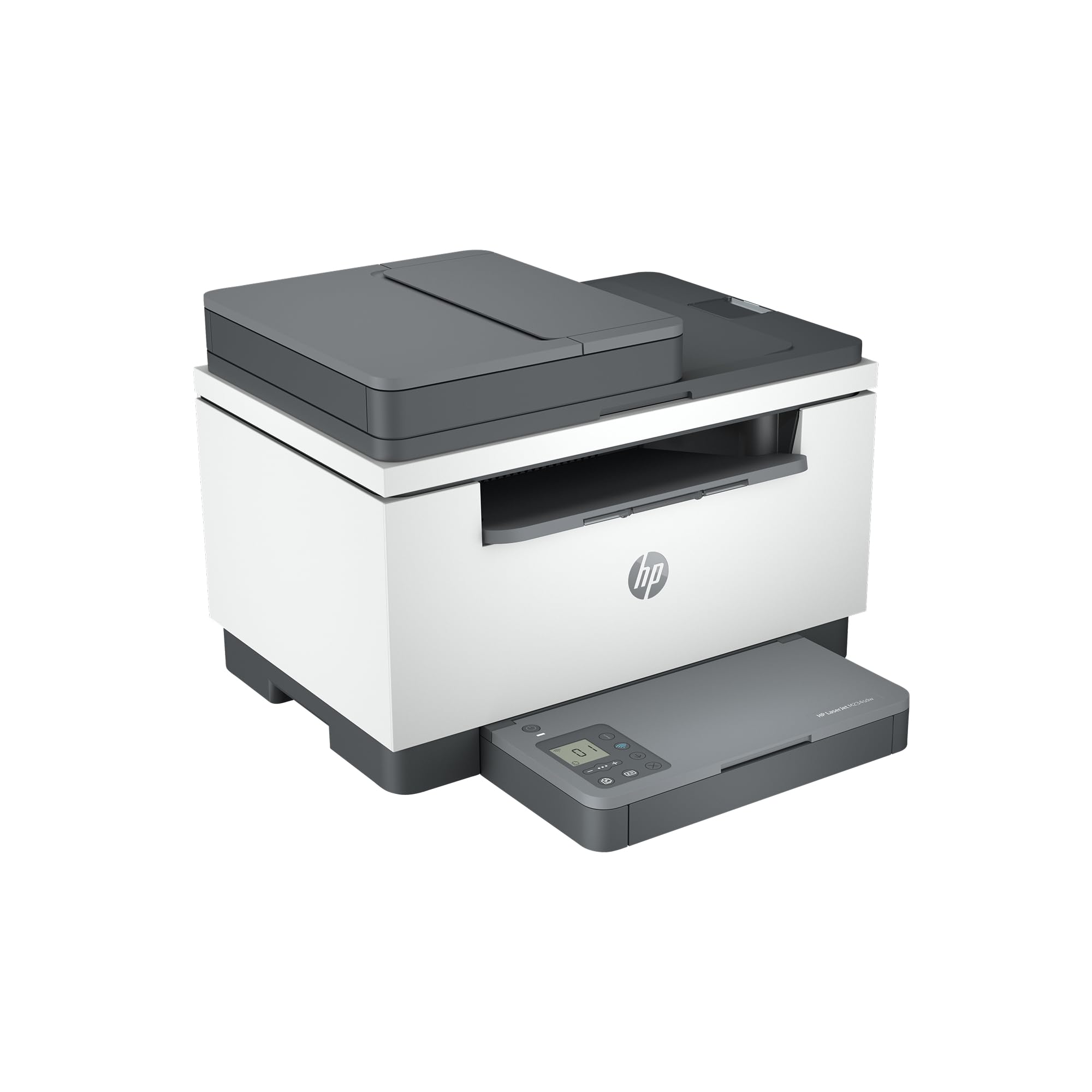
3. HP LaserJet M234sdw
Built for the one-to-five person team that wants text so sharp it looks printed, not copied.
HP pitches this one squarely at small teams, and the numbers back the pitch. It runs 30 black-and-white pages per minute single-sided, and up to 19 images per minute when it is flipping pages for two-sided work. The auto document feeder lets you scan and copy hands-free, which matters when you are processing a stack of receipts or forms.
The clever bit is the wireless behaviour. Dual-band Wi-Fi with self-reset automatically detects and resolves connection issues — the printer tries to fix its own network hiccups instead of leaving you to re-run setup. Ethernet is included if you would rather hard-wire it. Security features are built in too, which is more than most home printers bother with.
Crisp black text is the headline, and owners consistently single out how clean the output looks on ordinary paper. The mixed note is on the network and reliability side — a share of buyers hit connection trouble that takes patience to sort. It is also a touch slower than the 35–36 ppm machines here, so if pure throughput is your goal, look up the list. For everyday office text at 30 ppm, it is plenty.
Text quality first: the black-and-white output is the reason to choose it — dense, clean toner that makes reports look professionally produced. Pair that with self-resetting Wi-Fi and it is a low-fuss daily driver for a small team.
Best matched to: a 1–5 person office printing reports, contracts and forms where legibility is non-negotiable.
Pass on it if: your network is already fragile — the self-reset helps, but a cabled Ethernet run is the surer fix.
4. Brother HL-L2480DW

A compact laser that hides a flatbed scanner inside a footprint small enough for a desk corner.
This Brother packs a print-copy-scan trio into one of the tidier bodies on this list, with a flatbed glass for scanning books and odd-sized pages the document feeders cannot take. It keeps up at 36 ppm and adds auto duplex, so two-sided printing comes standard rather than as an extra. The 250-sheet tray means fewer interruptions on long runs.
The 2.7-inch touchscreen prints from and scans to Google Drive, Dropbox, Evernote and OneNote without a computer. Dual-band Wi-Fi (2.4GHz and 5GHz), Ethernet and USB give you three connection routes, and the Brother Mobile Connect app handles printing and toner tracking from your phone. An 8.5-second first page means quick single jobs feel quick.
Owners mention that pages look genuinely professional from a machine this size. They also mention quiet operation and long-lasting toner, and the 2.7-inch screen (a display about the size of a smartphone screen) is easy to learn. The weak spot is the wireless link: it works for most people but is the part most likely to need attention, so place the printer within good range of your router. On hardware alone, this is among the most balanced machines here.
What earns it a place
- Flatbed scanner plus 50-sheet feeder covers books and stacks
- 36 ppm with automatic two-sided printing built in
- 2.7″ touchscreen reaches Google Drive, Dropbox and OneNote direct
- Compact footprint fits a home desk without eating it
The small print
- Wireless reliability is its most uneven trait
- Starter cartridge runs out sooner than you might expect
- Black-and-white only
Made for: home-office workers who scan the occasional book page and print a steady stream of documents.
Be realistic about: the Wi-Fi — it is fine near a strong router, but weak-signal rooms will test your patience.
5. Epson EcoTank ET-4950
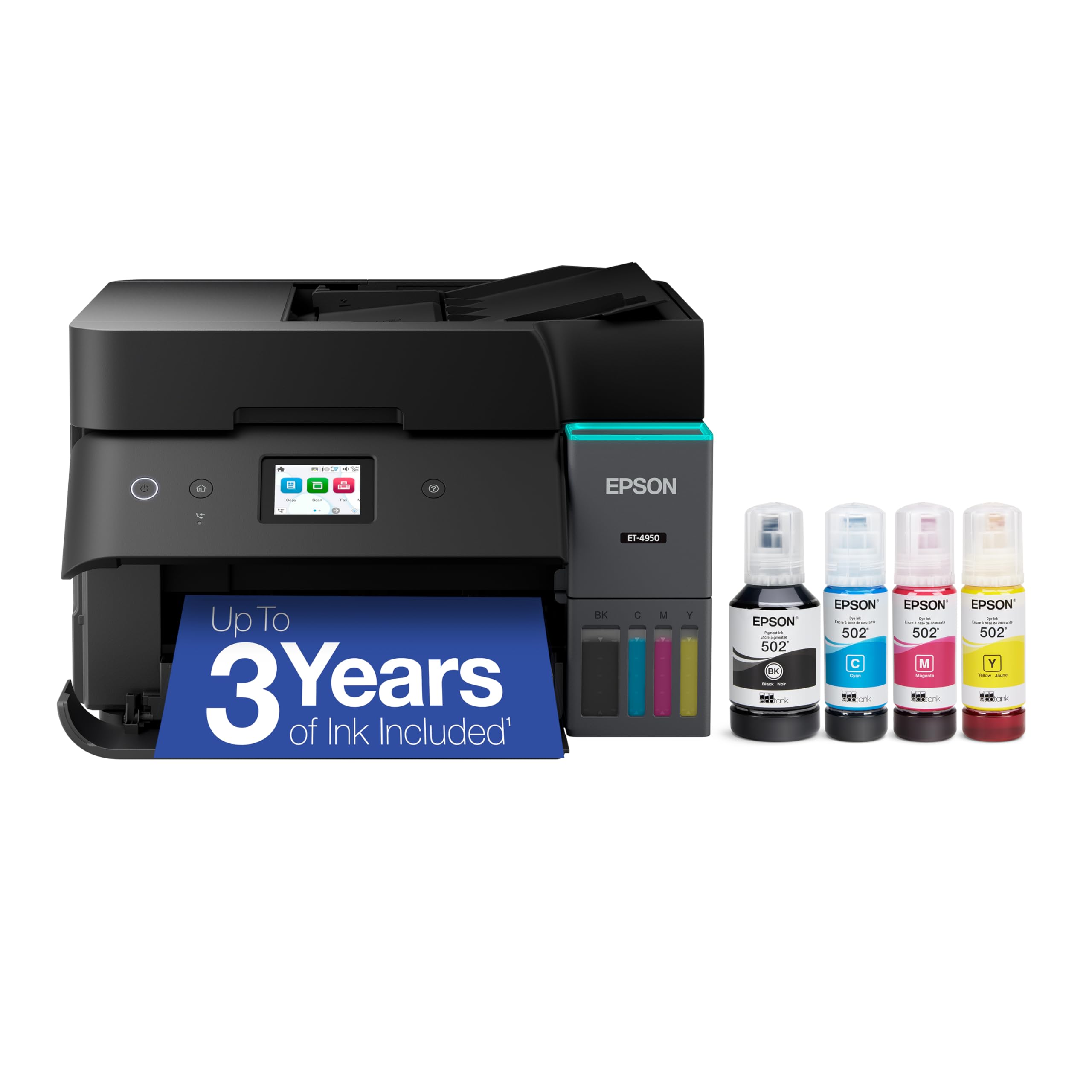
No cartridges to swap — just bottles you tip into a tank and forget about for months.
If you print colour heavily, this is the pick that changes the maths. Epson ships it with enough ink for up to 6,600 black and 5,500 colour pages, and each replacement bottle set equals about 80 cartridges. There is no cartridge to replace — four EcoFit bottles tip into keyed tanks so you cannot mix black into cyan by accident.
Speed is a deliberate trade. It runs 18 black and 9 colour ISO ppm (ISO being a standardised measurement, so the count is comparable across brands), which is well below the 30–36 ppm lasers above. Warm-up is effectively zero, though, so a single page starts almost instantly. You also get a fax, an auto document feeder, a 250-sheet tray, auto duplex and a 2.4-inch colour display — a full office loadout.
Print quality lands well — crisp images and clean two-sided pages. The recurring caveats are reliability and the network: some units frustrate, and Wi-Fi is the uneven aspect. Set it up carefully on a stable 2.4GHz connection and it settles down. This is the seventh EcoTank generation, and Epson has sold 100 million of them. The sheer ink capacity is the reason to buy it.
The maths that matters: 6,600 black pages from the start means you may not buy ink for a very long time. For a household printing colour regularly, that is a bigger deal than any spec-sheet figure.
Pick this when: you print colour photos or schoolwork in volume and hate buying cartridges.
Not the one for: speed-first print shops — 18 ppm black is a clear step behind the 36 ppm lasers.
6. Canon imageCLASS MF273dw

The printer that hands over a warm page in about the time it takes to tear one off.
First-page-out time is the spec most people ignore until they are standing at a printer. This Canon delivers page one in approximately 5.3 seconds — quicker than any other laser on this list, including the 7-second HP and the 8.5-second Brother. For a job where you print a single page here and there, that speed is what you actually feel.
Once going, it holds 30 ppm on black-and-white letter pages, matching the HP M234sdw and trailing the 36 ppm machines. It scans and copies through an auto document feeder, does automatic two-sided printing, and runs on 071 or 071 high-capacity toner — a cartridge family Canon sells widely, so replacements are easy to track down. A one-year limited warranty covers the hardware.
Print quality is the attribute that carries it, with output that looks the part on reports and forms. The thing to weigh is the starter cartridge: it yields 700 pages, so a full toner purchase comes around fairly early. Treat that as part of the real cost. Otherwise it is a tidy, quick-footed laser for a home or hybrid office that mostly prints text.
For you if: you print in short bursts and hate waiting on warm-up — 5.3 seconds is the fastest start here.
Skip over it if: you need colour or a large bundled toner supply from day one.
7. Xerox B230
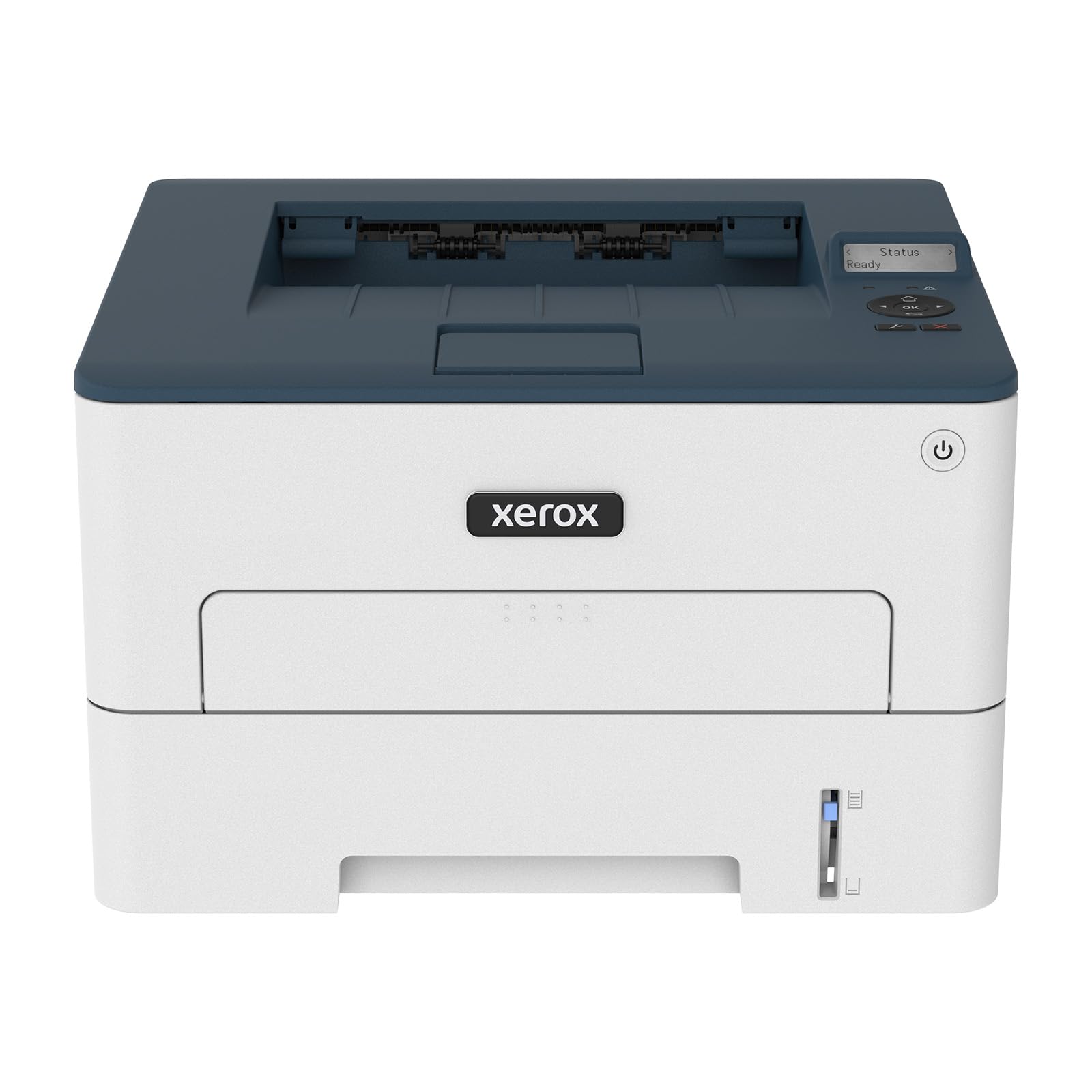
Pure print horsepower — no scanner, no colour, just a 36 ppm mono engine.
This is a print-only machine, and it is unashamed of that. Up to 36 ppm black-and-white output makes it one of the fastest here, matching the Brother MFC-L2900DW and beating the HP Envy 6155’s 10 ppm by a wide margin. For a small business pushing through invoices and shipping labels, raw speed is the whole point.
Wireless is handled through Wi-Fi, Apple AirPrint and Mopria — AirPrint lets an iPhone or Mac print without installing a driver, and Mopria does the same for Android. The Xerox Easy Assist App guides you through setup from a phone, which skips the old-style driver wrangling. Xerox rates it for offices printing up to 2,500 pages a month, and high-yield toner stretches the gaps between swaps.
Print quality is what people talk about most — sharp text and clean graphics that make reports look considered. The catch is setup and wireless: this is the least consistent machine on this list for connection smoothness, and it has the lowest rating of the group. If you are comfortable with a quick app-led install and mostly print from a phone or laptop, it earns its place. If you want a fuss-free first hour, look higher up the list.
When speed is everything: 36 ppm and print-only focus make it a pure volume tool. No scanning detours, no colour, just fast pages.
Suits: a small business or hybrid office that prints mono documents in bulk and never needs to scan.
Not ideal for: anyone who wants simple, trouble-free setup from the start — connectivity is this one’s weakest link.
8. Canon PIXMA TR7120
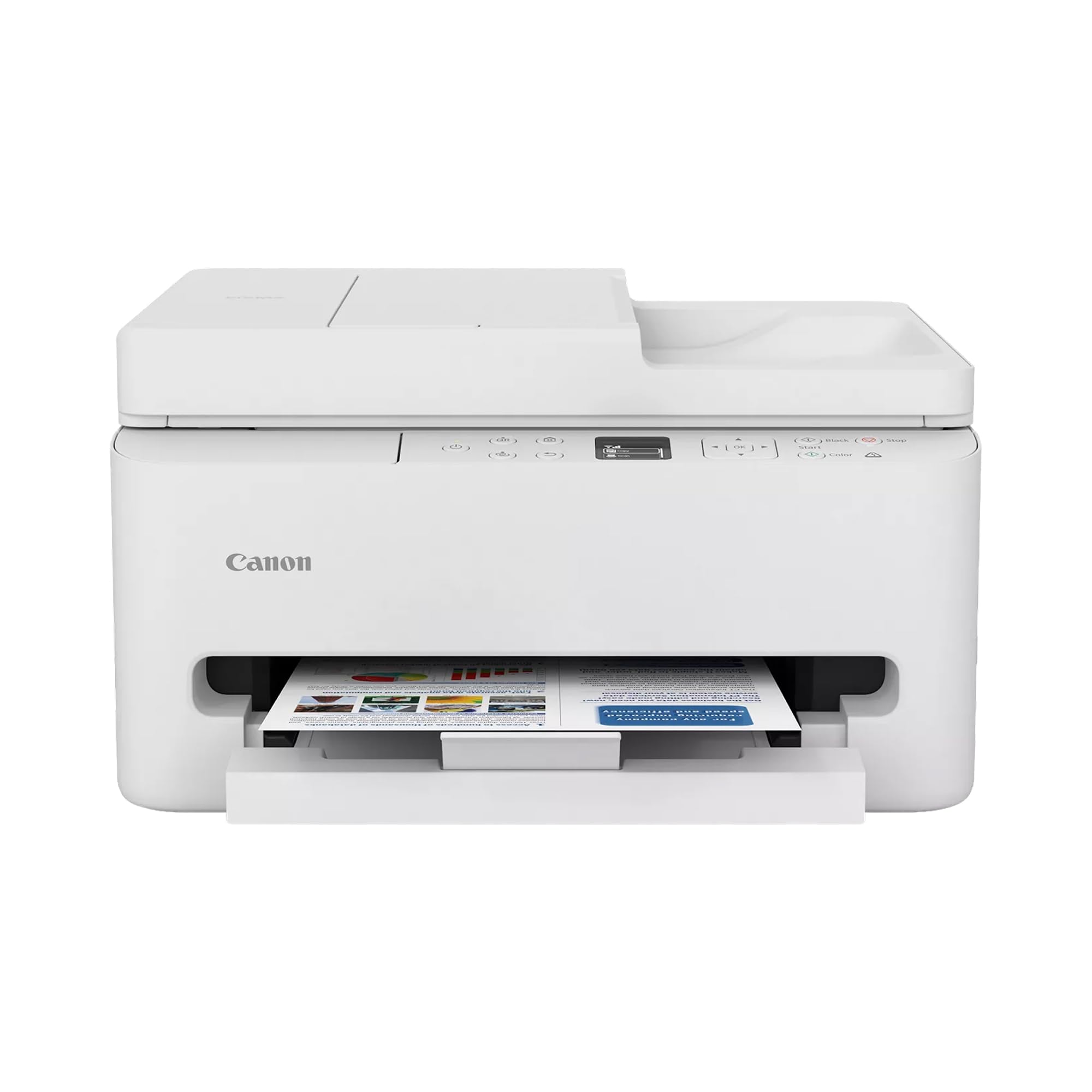
Affordable colour printing with a proper document feeder and a crisp little OLED panel.
For a home or hybrid worker who needs colour without spending laser money, this Canon makes a strong case. It prints 14 black-and-white and 9 colour pages per minute — the 9 colour figure edges out the HP Envy 6155’s 7 colour ppm, so colour documents come out a little quicker. A two-cartridge hybrid ink system handles the colour side and keeps things simple to swap.
Where it punches above its price is paper handling: an auto document feeder for multi-page scanning and copying, automatic two-sided printing, and support for pages up to 8.5 by 11 inches, bordered or not. The 1.42-inch monochrome OLED screen shows ink levels and status at a glance. Dual-band Wi-Fi lets it sit on 2.4GHz or 5GHz, and Alexa voice control is on board.
Setup and print quality are the strengths owners lean on, and the compact body fits small workspaces. The honest caveat is consistency — some buyers find it occasionally refuses to print, and value divides opinion. Ink costs on the two-cartridge system also creep up if you print a lot of photos. Run the maths against an ink-tank model if colour volume is heavy, and it is a solid everyday choice if it is occasional.
Worth choosing if: you want colour plus a document feeder at the entry end of the market.
Weigh up first: the recurring ink cost if you print photos regularly — a tank printer pays that back differently.
9. HP Envy 6155
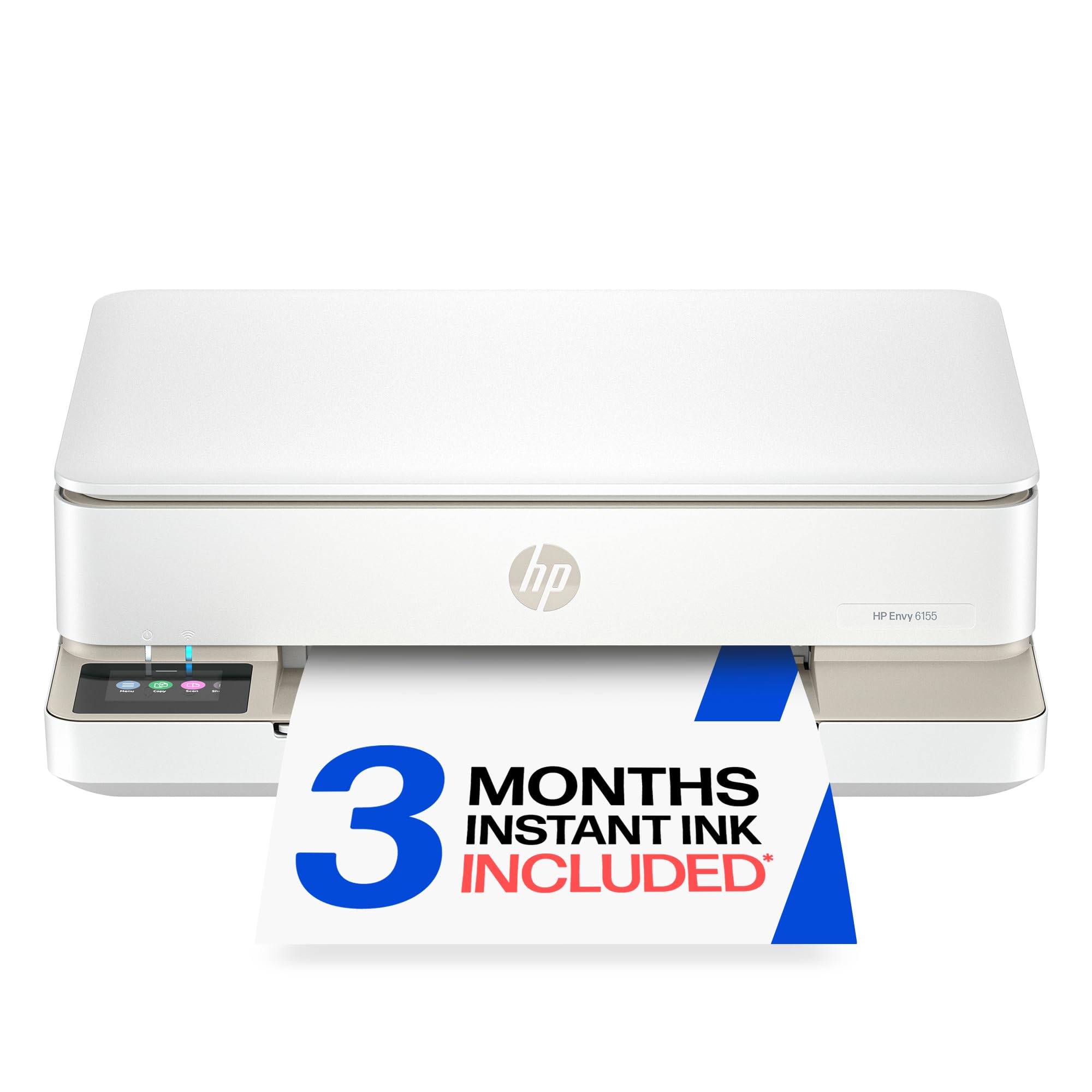
A small-footprint home printer built for homework sheets and the odd borderless photo.
If your printing is a homework page one day and a birthday-invite photo the next, this is the target audience. It handles everyday colour documents and borderless photos, printing up to 10 black-and-white and 7 colour pages per minute. That is the slowest engine here in raw terms — versus 36 ppm from the mono lasers — but for short home jobs it is rarely a bottleneck.
Comfort features matter more than speed at this size. It has a 2.4-inch colour touchscreen, auto two-sided printing, a 100-sheet tray, and a three-month Instant Ink trial that ships ink to your door before you run dry. HP’s P3 colour technology is designed to keep photos looking like they did on your screen, and the HP AI feature trims web pages and emails before printing so you do not get a stray third page. At least 60% of the plastic is recycled content, too.
Print and copy quality are what buyers like most, and the compact build slots into a small office or shelf. The split is functionality and connectivity — some units run cleanly, others hit snags that take work to resolve. Set it up on a stable dual-band network and it behaves. For light, colour-heavy home use, it fits a real gap that the mono lasers cannot fill.
Right-sized for family use: colour photos, homework and a touchscreen the whole household can work. The three-month ink trial makes the early running costs gentle.
Choose it for: a household printing colour documents and photos in small batches.
Move on if: you need speed or volume — 10 ppm and a 100-sheet tray are built for light, not heavy, duty.
Know the Specs
Pages per Minute and First-Page-Out
Pages per minute measures throughput once a job is running — how many sheets finish in sixty seconds. First-page-out time measures warm-up and hand-off for the very first page. On short single jobs the second figure dominates how fast the printer feels. The lasers here span from 5.3 seconds up to 8.5 seconds on page one.
Duplex Printing
Duplex means the printer flips and prints both sides itself, without you reloading. It saves paper on long documents and is standard across the picks in this list. Some lasers also list a separate two-sided speed, because flipping pages slows the working rate down.
Single-Pass Duplex Scanning
A standard document feeder pulls a page through, flips it, and reads the other side. Single-pass scanning catches both faces in one trip, which roughly halves the effort on two-sided stacks. It is the feature that turns a scanner from a chore into a task you start and leave.
Dual-Band Wi-Fi
Dual-band means the printer can join either the 2.4GHz band (reaches further through walls) or the 5GHz band (faster over short distances). If the printer sits near your router, 5GHz gives a snappier link. If it lives two rooms away, the 2.4GHz band is the one that keeps it online.
Common Questions
Do I need dual-band Wi-Fi on a printer to keep it connected reliably?
How fast does a laser printer put out the first page?
Is a laser or an inkjet better for printing photos?
What does auto duplex printing save me?
Can I scan to Google Drive or Dropbox straight from the printer?
Will a mono laser print colour documents at all?
How much paper does the tray hold?
Do I have to use branded toner or can I use third-party cartridges?
How do I set up a Wi-Fi printer if my router is in another room?
What is an ink tank printer and who should buy one?
The Bottom Line
If you print text documents all day, start with the HP LaserJet Pro 3101sdw. It prints 35 pages per minute (ppm) and puts the first page out in 7 seconds, so a 30-page report is ready before you finish your coffee. A 50-sheet feeder (an automatic document feeder that pulls in pages to scan or copy) and a 250-sheet tray (the main paper drawer) make it the most complete all-rounder here. If you scan as much as you print, choose the Brother MFC-L2900DW for its single-pass two-sided scanning (it scans both sides of a page in one go) and 3.5-inch touchscreen. For colour printing without constant cartridge swaps, reach for the Epson EcoTank ET-4950 — it comes with up to 6,600 black pages of ink in the box, so you can print months of documents before buying more.
How we choose
We do not accept paid placement. Every pick is matched to a real buyer and a real use-case; we do not hands-on test units.
Sources
Specifications: manufacturer listings and product documentation. Review insights: verified customer reviews, as of November 2026. Pricing: not shown on this page (it changes often); check the current price via the retailer link.
As an Amazon Associate, Tactical Gear Guy earns from qualifying purchases. This does not affect which products we feature.