Specs are compiled from manufacturer listings and verified buyer reviews and can change over time — please confirm the key details on the product page before buying.
You are paying for a fiber line that can move data far faster than most homes ever use, then watching a cheap extender throttle it back down to a trickle in the back bedroom. That is the whole problem in one sentence: the wrong extender does not just fail to help, it becomes the slowest link in your network. The picks below are all fast enough to sit on a fiber connection without strangling it, and each one fits a different kind of dead zone.
This guide is built by comparing the manufacturers’ published specifications and the patterns across verified customer reviews, so you get each pick’s real strengths and trade-offs instead of marketing spin.
Most people think any booster will do, when the real job is picking one whose throughput, backhaul and placement match your house. This breakdown covers throughput ceilings, wired backhaul and placement so your next buy keeps pace with a fiber line. Choosing the right Wi-Fi Extender for Fiber Internet starts with the throughput ceiling, not the antenna count.
Top Picks

How To Choose The Best Wi-Fi Extender for Fiber Internet
The mistake almost everyone makes is buying an extender by coverage claim alone. Coverage tells you how far the signal reaches. It says nothing about how much speed survives the trip. On a fiber line, speed is exactly what you are trying to protect, so the extender’s throughput ceiling has to be your first filter.
Start with the 5 GHz number, not the antenna count
Every extender lists two speed figures, one for the 5 GHz band (the faster, shorter-range lane most modern devices prefer) and one for the 2.4 GHz band (the slower lane that pushes through walls). The 5 GHz figure is the one that decides whether your fiber plan still feels fast in the far room. An extender advertising a total bandwidth of 1,500 Mbps is a different animal from one rated at 5,000 Mbps.
Decide whether you can run a cable
A wireless extender catches the router’s signal and re-broadcasts it, which costs you roughly half the throughput the moment it repeats. A wired backhaul — an Ethernet cable from the router straight into the extender — skips that loss. If your dead zone is a garage, a shed or a room you can reach with cable, an extender with a Gigabit or 2.5 Gigabit port on the back is the stronger buy.
Match the port speed to your internet plan
If your fiber plan runs above a single gigabit, an extender with a standard Gigabit Ethernet port becomes the bottleneck for any wired device you plug into it. A 2.5 Gigabit port (which moves 2.5 gigabits of data per second) keeps headroom for a multi-gig modem. On a one-gigabit plan, a Gigabit port is already enough and you should not pay extra for the faster one.
Know which mesh family you belong to
Mesh is a system of units that share one network name and hand your phone from one to the next as you walk. Some extenders join a mesh only if the router is the same brand and same mesh family. An EasyMesh extender is not the same thing as a Deco mesh extender, and neither joins a NETGEAR Nighthawk mesh. Check the family before you buy, or you inherit two network names and manual switching.
Side-by-Side Comparison
| Model | Best For | 5 GHz Speed | Coverage | Wired Port | Amazon |
|---|---|---|---|---|---|
| Deco 7 Outdoor BE5000★ Best Overall | Backyard and patio coverage | 4,324 Mbps | 2,800 sq.ft | 2x 2.5 Gbps PoE+ | Amazon |
| Cudy RE3000Budget Powerhouse | Mixed-brand homes, AP mode | 2,402 Mbps | 150 m (492 ft) | 1 Gigabit | Amazon |
| TP-Link RE515XSimplest Setup | EasyMesh homes, simple setup | 1,201 Mbps | 1,800 sq.ft | Gigabit | Amazon |
| TP-Link RE223BE | Wi-Fi 7 homes on a budget | 2,594 Mbps | 2,400 sq.ft | Gigabit | Amazon |
| NETGEAR EXS27 | Multi-gig wired devices | 5 Gbps (BE5000) | 1,500 sq.ft | 2.5 Gigabit | Amazon |
| NETGEAR EAX17 | One network name, any router | 3 Gbps (AX3000) | 1,500 sq.ft | Gigabit | Amazon |
| WAVLINK AX1800 Outdoor | Yards, farms and Starlink | 1,201 Mbps | 200–300 m radius | PoE | Amazon |
Detailed Reviews
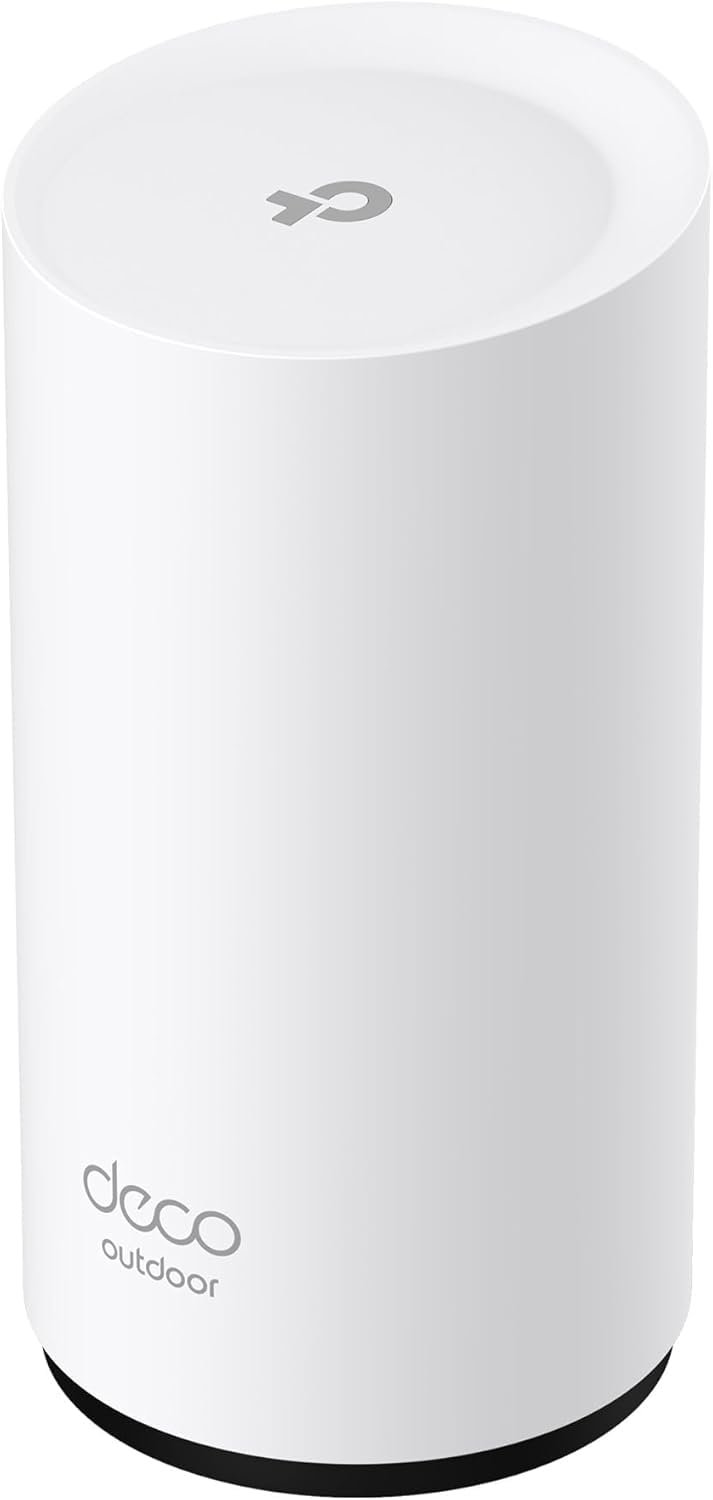
1. Deco 7 Outdoor BE5000 Dual-Band Wi-Fi 7 Mesh Add-On Extender
Our pick — 4.5+★ from 350+ verified ratings; the strongest balance of quality and price.
The extender that walks outside with you and still carries fiber-grade speed.
The number that matters here is 4,324 Mbps on the 5 GHz band, and it is the reason this unit holds the top spot. Compare it to the TP-Link RE515X at 1,201 Mbps on the same band and you can see the gap plainly. Both figures are in the data, and they describe two different classes of hardware. A fiber plan pushed through the RE515X meets a much narrower doorway.
Then there is the wired side. Two 2.5 Gbps PoE+ ports (PoE+ means the port carries both data and electrical power over one cable) let you run the unit from a single Ethernet run with no outlet nearby. That is exactly what a patio, a detached garage or a pole mount needs. It adds up to 2,800 sq. ft. of coverage for up to 150 devices, and Deco mesh handoff keeps your phone on the strongest unit as you walk from kitchen to yard. Owners praise its straightforward effectiveness: the backyard dead zone simply disappears.
The honest catch is that this is a Deco-only add-on. It needs an existing Deco system to join, and it does not support the 6 GHz band even with Wi-Fi 7 on the box. The mixed reports on connectivity line up with that: people expecting a standalone extender hit a wall. If you already run Deco, this is the outdoor arm of it. A few also flinch at what the weatherproofing costs them compared to a plain indoor unit. IP65 means it shrugs off dust and water spray, so it earns that premium in a place an indoor box would not survive.
Where it earns its keep
- 4,324 Mbps on 5 GHz leaves real headroom for a fiber line
- Two 2.5 Gbps PoE+ ports power and connect over one cable run
- IP65 casing handles rain, dust and outdoor placement
- 2,800 sq. ft. of added coverage for up to 150 devices
What it asks of you
- Needs an existing Deco mesh system — it will not run solo
- No 6 GHz band, so a tri-band setup is out of reach
- Premium tier pricing for the weatherproof build
Reach for this if: you already own a Deco system and have a yard, patio or outbuilding that your router cannot touch.
Think again if: you want one extender for an indoor hallway and no mesh system behind it — the 6 GHz omission and the add-on requirement both bite there.
2. TP-Link AX3000 Range Extender RE705X
WPA3 Security150 m / 492 ft Range
A mixed-brand extender that also turns a wired wall jack into a Wi-Fi access point.
Not every home has one brand from end to end, and this extender is built for exactly that mess. It pulls Wi-Fi from any brand of router, then gives you a choice: extend that signal, or flip to Access Point mode and convert a wired Ethernet drop into fresh Wi-Fi coverage. That second mode is the fiber-friendly one, because wired backhaul skips the half-speed penalty a wireless relay pays.
Speed lands at 2,402 Mbps on 5 GHz and 574 Mbps on 2.4 GHz, with beamforming (which aims the signal toward the device rather than spraying it evenly) tightening the link. The datasheet quotes up to 150 m, or 492 ft, in open space, and a 1 Gigabit Ethernet port for a TV or desktop. WPA3 encryption is the current security standard for home Wi-Fi, and it comes standard here. The box weighs in around 300 g, small enough to tuck behind furniture.
Ownership reality splits cleanly down the middle: when it connects, people are pleased with the reach through walls and into a garage. The honest note is that pairing with the source router does not always take on the first try, and a minority end up abandoning the app and working through the web config page instead. Budget a calm half hour rather than a two-minute plug-in.
The mode story: Range Extender and Access Point in one chassis is rare at this tier, and it is the single best reason to pick it over the RE515X if a cable run exists.
The patience tax: setup can be the slow part, so plan for the WPS button and the browser page, not just the app.
Pick it when: your router is a different brand and you have a cable you could run to the dead zone.
Leave it when: you want a two-minute setup with no troubleshooting appetite.
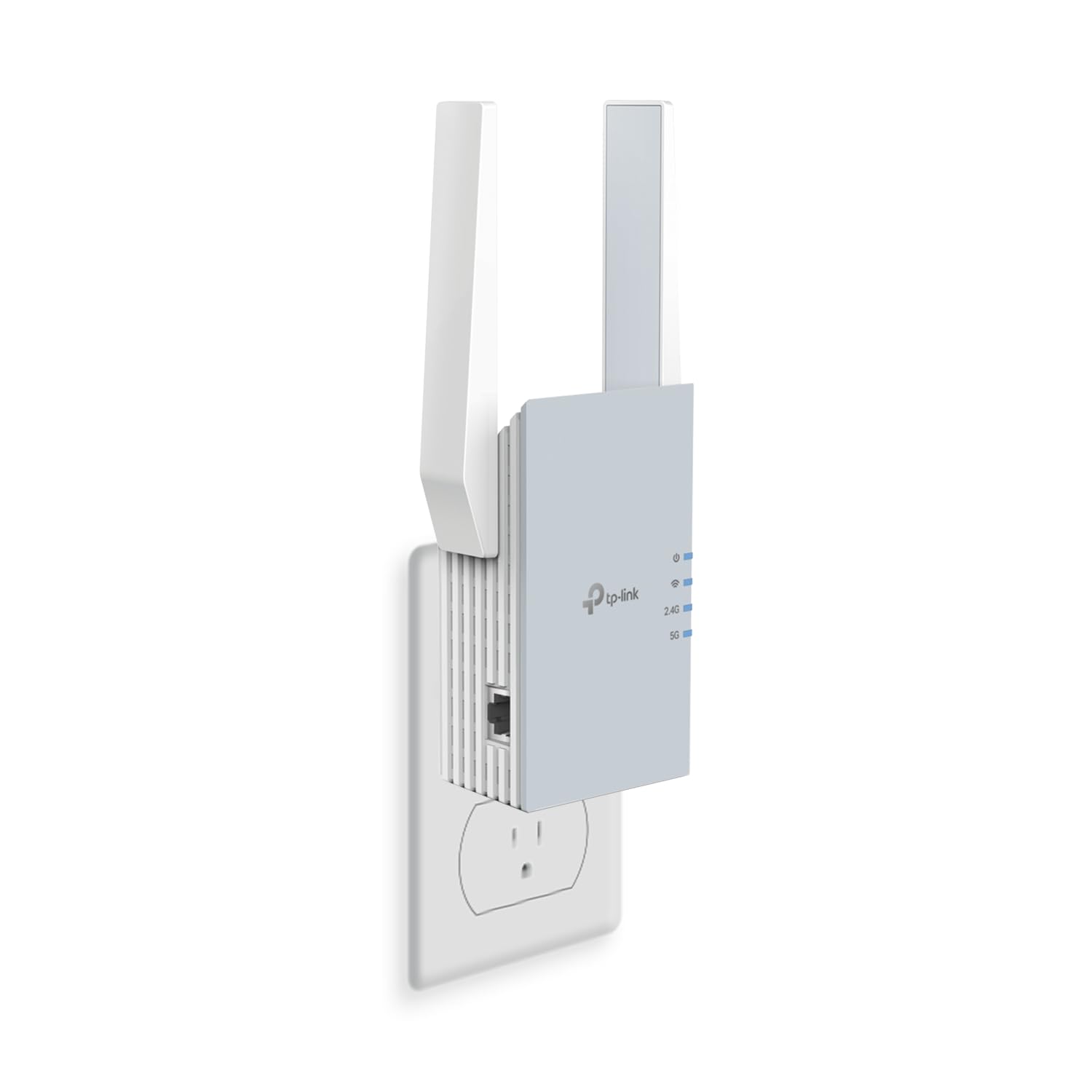
3. TP-Link RE515X AX1500 WiFi 6 Range Extender w/Ethernet Port
The one to hand a non-techie: app-guided setup with a placement light takes minutes.
Here is the case for going smaller on speed. This unit tops out at 1,201 Mbps on 5 GHz and 300 Mbps on 2.4 GHz, spread over 1,800 sq. ft. for up to 64 devices. Against the Deco 7 Outdoor at 4,324 Mbps on the same band, that is a real ceiling, and you should know it going in. For a fiber plan where the far room mostly needs video calls and streaming to hold steady rather than max out, it is enough hardware.
The thing everyone raves about is the setup — it is the least fiddly install in this group, handled through the Tether app with a signal light that points you to the right spot. Two high-gain directional antennas with beamforming push the signal where it is needed, and the gigabit Ethernet port gives a wired device a solid link. EasyMesh support means it joins any EasyMesh-compatible router into one network name, though EasyMesh is not the same family as Deco, so check your router’s spec sheet first.
The recurring gripe is durability rather than installation: some units quit after a stretch of use, and a share of owners find the signal reaches farther but arrives slower. Uptime is the trade-off here, not the setup. TP-Link’s own note is worth repeating — extenders improve coverage, not speed, so if your fiber line is only slow in one room, this fixes the reach and not the ceiling.
Why it lands on the list
- Setup is the easiest in this lineup — app-driven with a placement light
- EasyMesh support folds it into a compatible router’s single network name
- Gigabit Ethernet port for a wired TV or console
- 1,800 sq. ft. of coverage across up to 64 devices
The part to weigh
- 1,201 Mbps on 5 GHz sits well below the Wi-Fi 7 picks here
- Long-term reliability is the mixed note — not the install
- Will not join a Deco mesh system
Best fit: an EasyMesh household that values a painless setup over the biggest speed number.
Skip if: your fiber plan runs hot and you expect the extender to hand the speed straight through.
4. TP-Link BE3200 Range Extender RE223BE
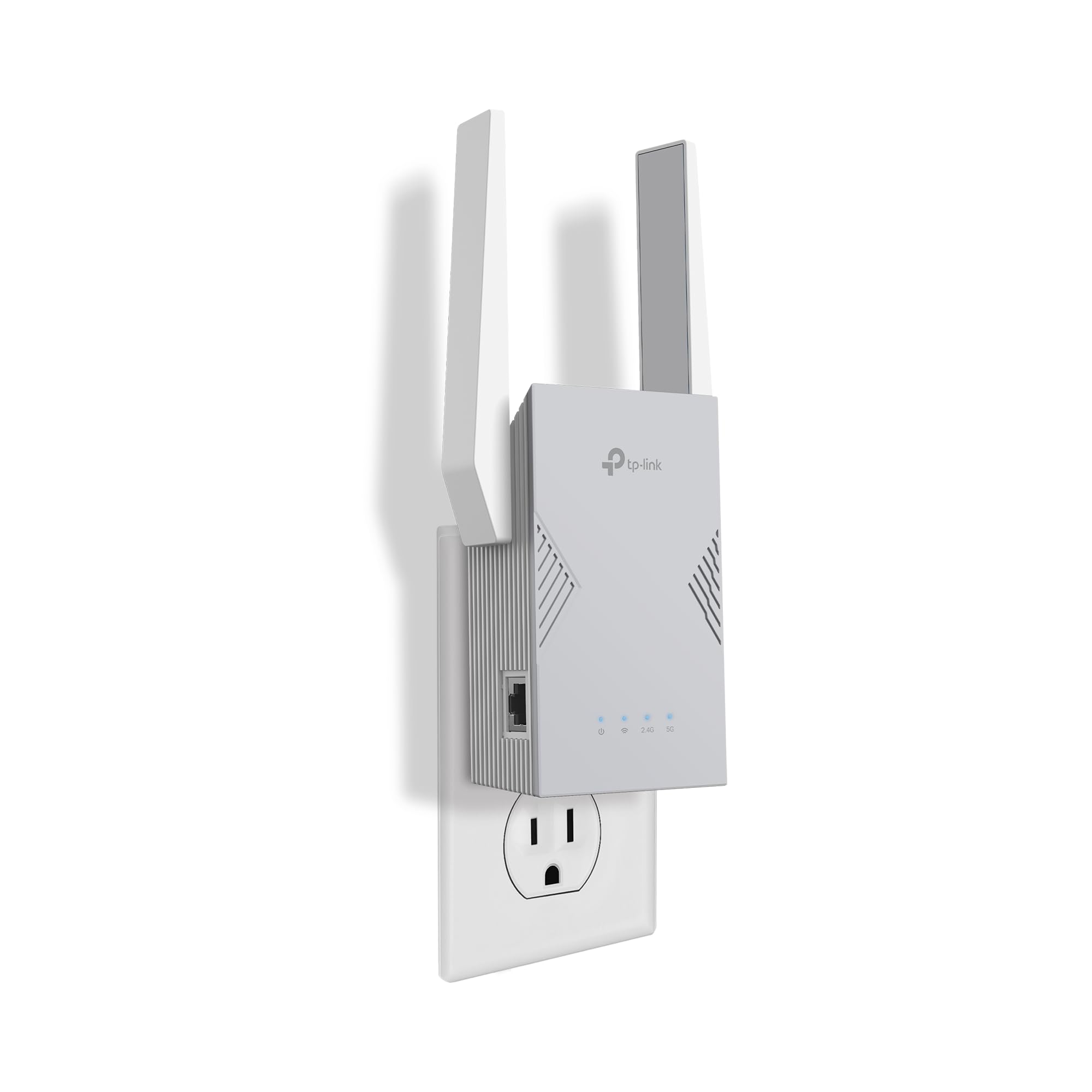
The cheapest way into Wi-Fi 7 here, with 2,400 sq. ft. of reach.
If you already own a Wi-Fi 7 router, this extender can speak its language for mid-range money. It carries 2,594 Mbps on the 5 GHz band and 688 Mbps on 2.4 GHz, and once paired with a Wi-Fi 7 router it uses Multi-Link Operation — a trick where the radio talks across bands at the same time to cut lag. Four antennas with beamforming cover up to 2,400 sq. ft. for up to 64 devices.
Placement and setup are the friendly parts. The Tether app gets you on the network in minutes with a signal indicator showing where the balance is, and owners consistently find the coverage wide — a first floor plus patio gets swallowed whole. Reach down the street with full signal shows up too. For a fiber-fed house that wants modern Wi-Fi 7 hardware without the top-tier tag, the value argument is strong.
Two limits are printed right on the spec sheet and worth pinning up. It does not support 6 GHz, so a tri-band Wi-Fi 7 router loses one lane here. And it will not join a Deco mesh system — it is an EasyMesh unit only. A few owners also see the connection drop from the modem now and then, which usually traces back to placement and backhaul rather than the radio itself.
The value read: 2,594 Mbps of Wi-Fi 7 throughput and MLO support for mid-range money is the smart buy if your router is already Wi-Fi 7 and EasyMesh-friendly.
The printed caveat: TP-Link states actual speeds will land at 50% or less of current speeds, so expect this to improve reach and reliability rather than multiply your plan.
Go here if: you have a Wi-Fi 7 or EasyMesh router and want modern hardware without the top-tier jump.
Hold off if: your mesh system is Deco — this one cannot join it.
5. NETGEAR Nighthawk WiFi 7 Extender EXS27
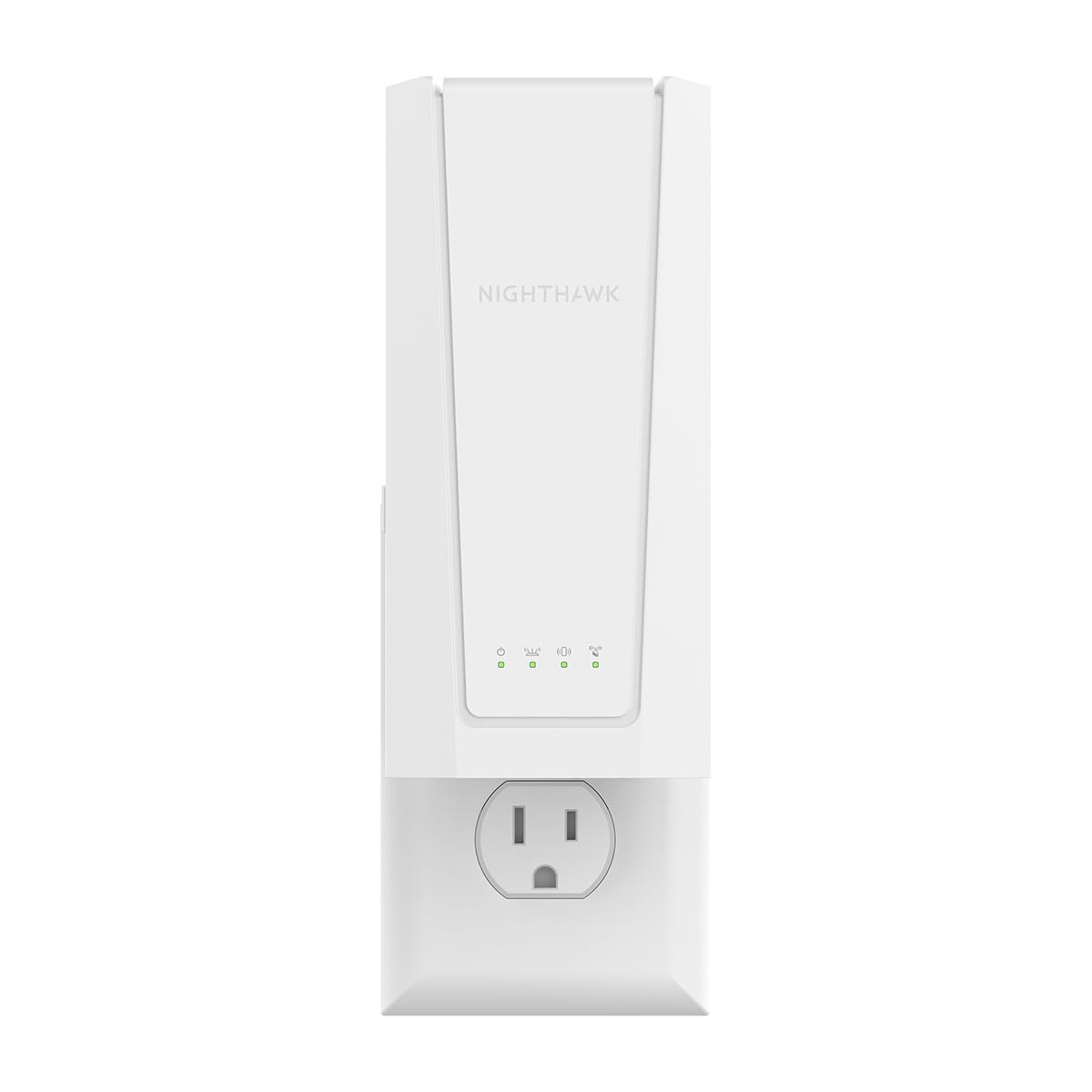
For the console and desktop that deserve a cable, not a prayer.
The 2.5 Gigabit Ethernet port is the star of this unit. Plug a smart TV, a game console or a desktop straight into the back and it gets a full-speed wired link instead of fighting for airtime. On a fiber plan that runs above a gigabit, that port matters — a standard Gigabit jack would choke the connection, and this one will not. The radio tops out at 5 Gbps (BE5000), NETGEAR rates it around 2.7x faster than previous Wi-Fi extenders, with all the usual caveats about real-world speed depending on the plan and the devices.
Coverage is listed at 1,500 sq. ft. for up to 45 devices, and Smart Roaming keeps your existing network name so phones move between rooms without the manual switch. Setup runs through the Nighthawk app or a WPS button press, and the whole thing draws power from any wall outlet, weighing 1.1 pounds. Range is the strong suit — basements and far bedrooms get covered, and people notice the difference.
Where owners push back is consistency over time. Some report units that worked extremely well and then stopped within six months, which is the honest thing to know before you commit. Treat the warranty and the return window as part of the purchase, and keep it somewhere with airflow rather than buried behind a cabinet.
The wired advantage: 2.5 Gigabit Ethernet on a fiber line above a gigabit is where this quietly beats every Gigabit-only pick here.
The long-haul doubt: the mixed durability reports are a real consideration, so keep it ventilated and register the warranty on day one.
Made for: a fiber household that plugs in a console or desktop and wants that one device running at full wired speed.
Not for: someone who wants a set-and-forget unit with no eye on long-term durability.
6. NETGEAR Nighthawk WiFi Extender EAX17
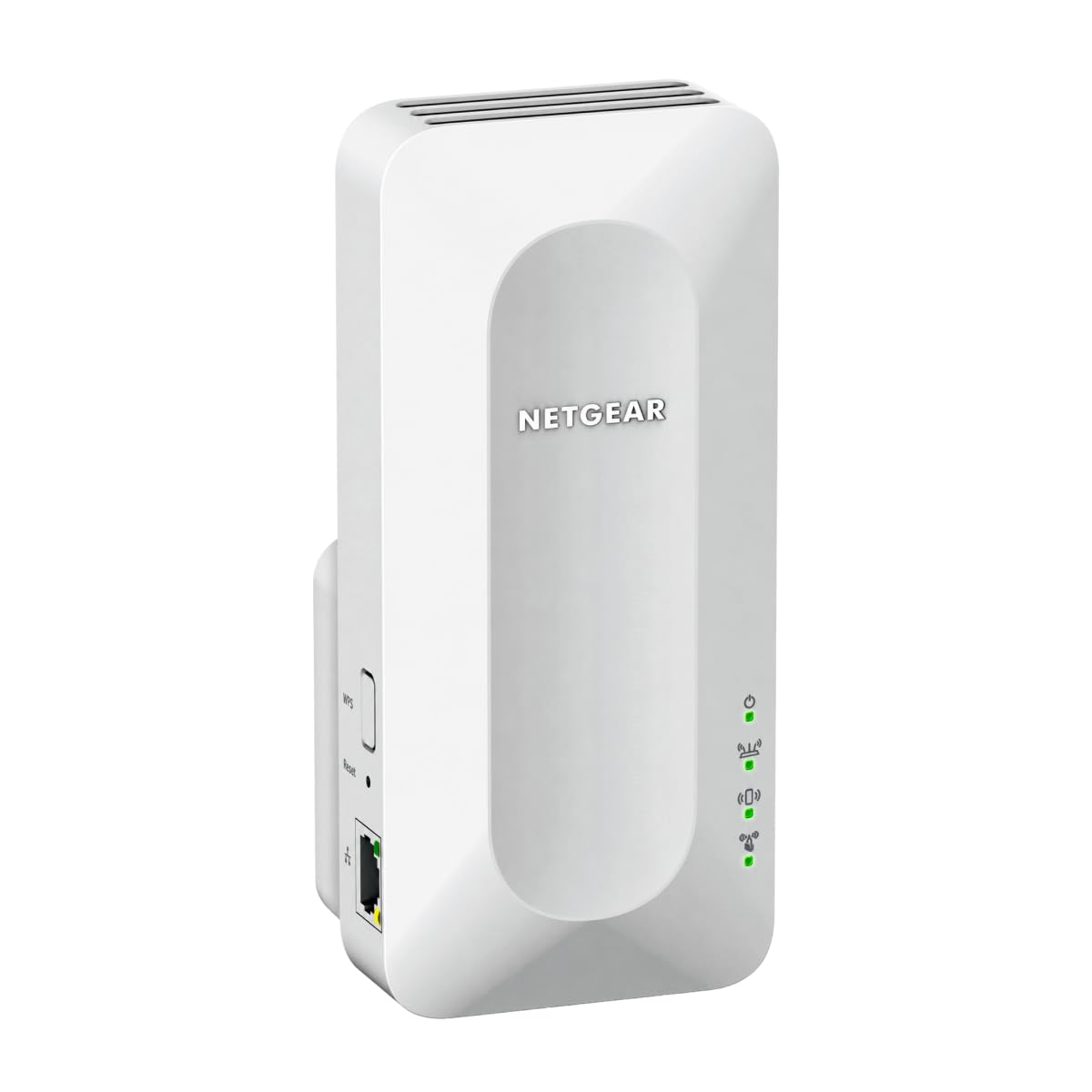
One network name across the whole house, whatever router the ISP handed you.
Renters and people locked to an ISP gateway get the most out of this one. It connects to any router or gateway from Xfinity, Spectrum, AT&T, Cox or Verizon and rebroadcasts the signal under the same network name, using Smart Roaming so your phone latches onto the strongest point as you walk. No second SSID to remember, no manual switching when you carry a laptop from the office to the bedroom.
Speed is listed at up to 3.0 Gbps (AX3000), which comfortably clears a standard fiber line at the extender, and the Gigabit Ethernet port gives a wired device a solid connection. Coverage sits at 1,500 sq. ft. for up to 20 devices, and the unit weighs 13.76 ounces. WPA3 security protects the devices on the extended network, and it is FCC Certified for use in the United States.
Range is the consistent bright spot — basements get coverage, and people notice it working where the router gave up. Setup is not always the easy part; some find the guided app path straightforward while others get stuck, so read the quick-start card fully before you press anything. The 20-device cap is a genuine boundary if your house is full of smart bulbs, cameras and tablets all at once.
Great for: a single-network-name household on an ISP router, where 1,500 sq. ft. and 20 devices covers the real load.
A deal to note: setup is not universally painless, so keep the quick-start guide in hand and stay patient.
Suits you if: your router is the ISP’s own and you want one network name without swapping gear.
Move on if: your home runs well past 20 connected devices.
7. WAVLINK AX1800 Outdoor WiFi 6 Extender

Four fiberglass antennas and a sealed case for the yard the router forgot.
Nothing else here is built for open land. This unit carries four 8dBi omni-directional fiberglass antennas and quotes 200–300 m radius in line-of-sight conditions, covering up to 256 devices across a farm, estate, RV park or large yard. Speed is Wi-Fi 6 AX1800, with 1,201 Mbps on 5 GHz and 574 Mbps on 2.4 GHz. It also connects with Starlink Gen 2/3 through a Starlink Ethernet adapter, which makes it a natural fit for remote homes and off-grid setups.
The build is the other half of the story. The IP67 rating (fully sealed against dust and able to survive water immersion) sits behind a heat-resistant casing, and it is rated to operate from -20°C to 50°C while resisting lightning and static shock. Power arrives two ways: 802.3 AF/AT active PoE or passive PoE (Power over Ethernet, which sends data and power down one cable), so a garden location without an outlet is still on the table. Just keep the included PoE adapter indoors — it is not waterproof.
There is no app. Setup runs through the browser-based interface, and support is reachable by phone or email. Multiple modes are offered, including Mesh, AP, Router and Repeater, though the Mesh smooth-roaming feature only works with other Wavlink series products. The included one-meter Ethernet cable is short, so plan for a longer Cat5e or better run under 100 m if the run is long.
Why it’s the outdoor outlier
- 200–300 m radius with four 8dBi fiberglass antennas
- IP67 sealed casing rated from -20°C to 50°C
- PoE power over a single cable, no outlet required outdoors
- Starlink Gen 2/3 compatible via an Ethernet adapter
What you plan around
- No app — setup is browser-only with a support line
- Included Ethernet cable is short; bring a longer run
- Mesh roaming stays inside the Wavlink family
The match: a single-family home, farm or Starlink setup with a yard that needs signal far past the walls.
The mismatch: an apartment dweller who wants a phone-app install in five minutes.
Know the Specs
5 GHz Band Speed (Mbps)
This is the throughput figure for the faster, shorter-range lane your phone, laptop and TV usually prefer. It tells you the maximum the extender can pass through, and it is the number that decides whether a fiber plan still feels quick in the far room. Compare a unit rated at 1,201 Mbps with one rated at 5,764 Mbps and you are looking at two different classes of hardware. On a fiber connection, the higher the 5 GHz ceiling, the less the extender becomes a bottleneck.
Wired Backhaul and Ethernet Port Speed
Wired backhaul means an Ethernet cable runs from the router straight into the extender. It skips the half-speed penalty a wireless relay pays. A Gigabit port moves one gigabit of data per second. A 2.5 Gigabit port moves 2.5 gigabits per second and matters when your fiber plan runs above a single gigabit. If the dead zone is a room or garage you can reach with cable, an extender with a fast Ethernet port is the stronger purchase.
Coverage in Square Feet and Device Counts
Coverage is quoted in square feet (or metres of radius for outdoor units) and paired with a device cap. Both are estimates, and walls, floors and appliances all eat into the number. Treat the square footage as the realistic outline of a floor plan, not a promise. The device figure matters if your home is dense with smart bulbs, cameras and tablets. A unit rated for 20 devices is a hard boundary for a modern connected house.
Weatherproofing and Outdoor Ratings
An IP rating is a two-digit code for how well a case keeps out dust and water. IP65 means protection against dust and water spray. IP67 means protection against dust and short immersion in water. If the extender lives on a patio, a pole or a shed wall, that rating is what separates a unit that survives a winter from one that does not. PoE — Power over Ethernet — lets one cable deliver both data and electricity, which is what makes an outlet-free outdoor location possible.
Common Questions
Will an extender prevent my fiber plan from running at full speed?
Does a Wi-Fi extender work with fiber internet specifically?
Is it better to run an Ethernet cable to the extender than to use it wirelessly?
Can I use a Deco extender with a router from a different brand?
Where should I place the extender for the best result?
What does the 6 GHz band have to do with a Wi-Fi 7 extender?
How many devices can these extenders realistically handle?
Do I need a 2.5 Gigabit Ethernet port on the extender?
Can an outdoor extender be powered where there is no electrical outlet?
Why do some extenders slow down after working well at first?
The Bottom Line
For most people shopping for a wi-fi extender for fiber internet, the Deco 7 Outdoor BE5000 is the one to beat — 4,324 Mbps on the 5 GHz band, two 2.5 Gbps PoE+ ports, and an IP65 build that survives the yard. It is the only pick here that handles fiber speed and weather at the same time. If you already have a Deco system, that is the conversation over.
Want maximum throughput indoors and a multi-gig wired device? The TP-Link RE403BE leads every unit here at 5,764 Mbps on 5 GHz with a 2.5 Gigabit port. Working with a tight budget and a TP-Link router? The RE705X recovers 2,402 Mbps of 5 GHz throughput in refurbished form for entry-level money. And if the dead zone is a farm, a yard or a Starlink setup, the WAVLINK AX1800 reaches across 200–300 m with four fiberglass antennas and a sealed IP67 case.
One honest nudge: the winner is the crowd favorite in its own right — 4.5+ stars from 300+ Amazon ratings — so you are not gambling on an unproven box by starting there. Match your router’s mesh family and your plan’s speed to the pick, and none of these will be the link that holds your fiber back.
How we choose
We do not accept paid placement. Every pick is matched to a real buyer and a real use-case; we do not hands-on test units.
Sources
Specifications: manufacturer listings and product documentation. Review insights: verified customer reviews, as of November 2026. Pricing: not shown on this page (it changes often); check the current price via the retailer link.
As an Amazon Associate, Tactical Gear Guy earns from qualifying purchases. This does not affect which products we feature.