Specs are compiled from manufacturer listings and verified buyer reviews and can change over time — please confirm the key details on the product page before buying.
Your router sits in one corner of the house and the far bedroom gets one bar. A wireless access point is the box you mount on the ceiling that fixes that — it plugs into your network with one Ethernet cable and broadcasts a fresh, strong Wi-Fi signal from wherever you put it. The picks below are dedicated access points, not routers, so you keep the gear you already own and just add coverage where it is thin.
This guide is built by comparing the manufacturers’ published specifications and the patterns across verified customer reviews, so you get each pick’s real strengths and trade-offs instead of marketing spin.
You are about to see Wi-Fi 6 and Wi-Fi 7 units, ceiling-mount and wall-mount designs, and PoE-powered boxes that draw their electricity straight from the network cable. Every one of these is a real access point with published specs — no router combos pretending to be one. Here is the shortlist of the best Wi-Fi Access Points for Home.
Top Picks


How To Choose The Best Wi-Fi Access Points for Home
An access point is not a router. A router runs your whole network and hands out addresses; an access point just extends the Wi-Fi. The mistake most first-timers make is buying an AP expecting it to replace their router — it will not. You keep your router and add an AP on the end of a cable.
Start with the uplink port, not the antenna count
The port where the AP connects back to your network is your real speed ceiling. A 2.5 Gigabit port (2,500 Mbps) moves far more data than a plain 1 Gigabit port, so the wireless side never gets bottlenecked by the wire. If your internet plan is modest, a 1G port is plenty. If you run a fast fiber line or move big files across your own network, a 2.5G port earns its keep.
Wi-Fi 6 or Wi-Fi 7?
Wi-Fi 6 is the mature standard and every phone, laptop, and smart TV you own already speaks it. Wi-Fi 7 adds speed and a feature called MLO (Multi-Link Operation — the AP uses more than one band at once for a steadier connection). Wi-Fi 7’s extra speed only shows up on Wi-Fi 7 phones and laptops. Buy Wi-Fi 7 for headroom on future devices; buy Wi-Fi 6 to save without giving up real-world performance.
Power over Ethernet, explained in one line
PoE sends both power and data down the same Ethernet cable, so you do not need a wall outlet up near the ceiling. You plug the cable into a PoE switch or the included injector, and the AP draws its power from that. Some models ship with a power adapter, some do not — check before you buy.
Side-by-Side Comparison
| Model | Best For | Speed Class | Uplink Port | Coverage / Devices | Amazon |
|---|---|---|---|---|---|
| Ubiquiti U7-Lite★ Best Overall | Best Overall | Wi-Fi 7, up to 4.3 Gbps | 2.5 GbE PoE | 1,250 ft², 200+ clients | Amazon |
| Tenda AX3000Budget Champion | Budget whole-home AP | Wi-Fi 6, up to 2976 Mbps | 802.3at PoE | 1,615 sq ft, up to 60 devices | Amazon |
| TP-Link Omada EAP650Top Performer | Easy cloud-managed Wi-Fi 6 | Wi-Fi 6, up to 2976 Mbps | DC adapter included | Wide/Extended coverage | Amazon |
| Cudy AP3000 | High device count | Wi-Fi 6, up to 2402 Mbps on 5 GHz | 2.5 GbE PoE | 1,400 ft², 150 devices | Amazon |
| Zyxel NWA50AXPRO | Flexible management choice | Wi-Fi 6, 3000 Mbps | 2.5G Multi-Gig | Wide coverage | Amazon |
| Tenda BE5010 | Wi-Fi 7 on a lean budget | Wi-Fi 7, up to 5010 Mbps | 2.5G PoE+ | Large area coverage | Amazon |
| TP-Link Omada EAP670 | Premium 6-stream performance | Wi-Fi 6, up to 5400 Mbps | 2.5G PoE+ | Up to 250+ clients | Amazon |
| NETGEAR WAX610 | Big footprint, easy cloud app | Wi-Fi 6, AX1800 | 2.5G port | 2,500 sq ft, 200 devices | Amazon |
| Ubiquiti U7 Long-Range | Long-reach indoor coverage | Wi-Fi 7 (U7-LR) | Ethernet | Up to 150 ft indoors | Amazon |
Detailed Reviews
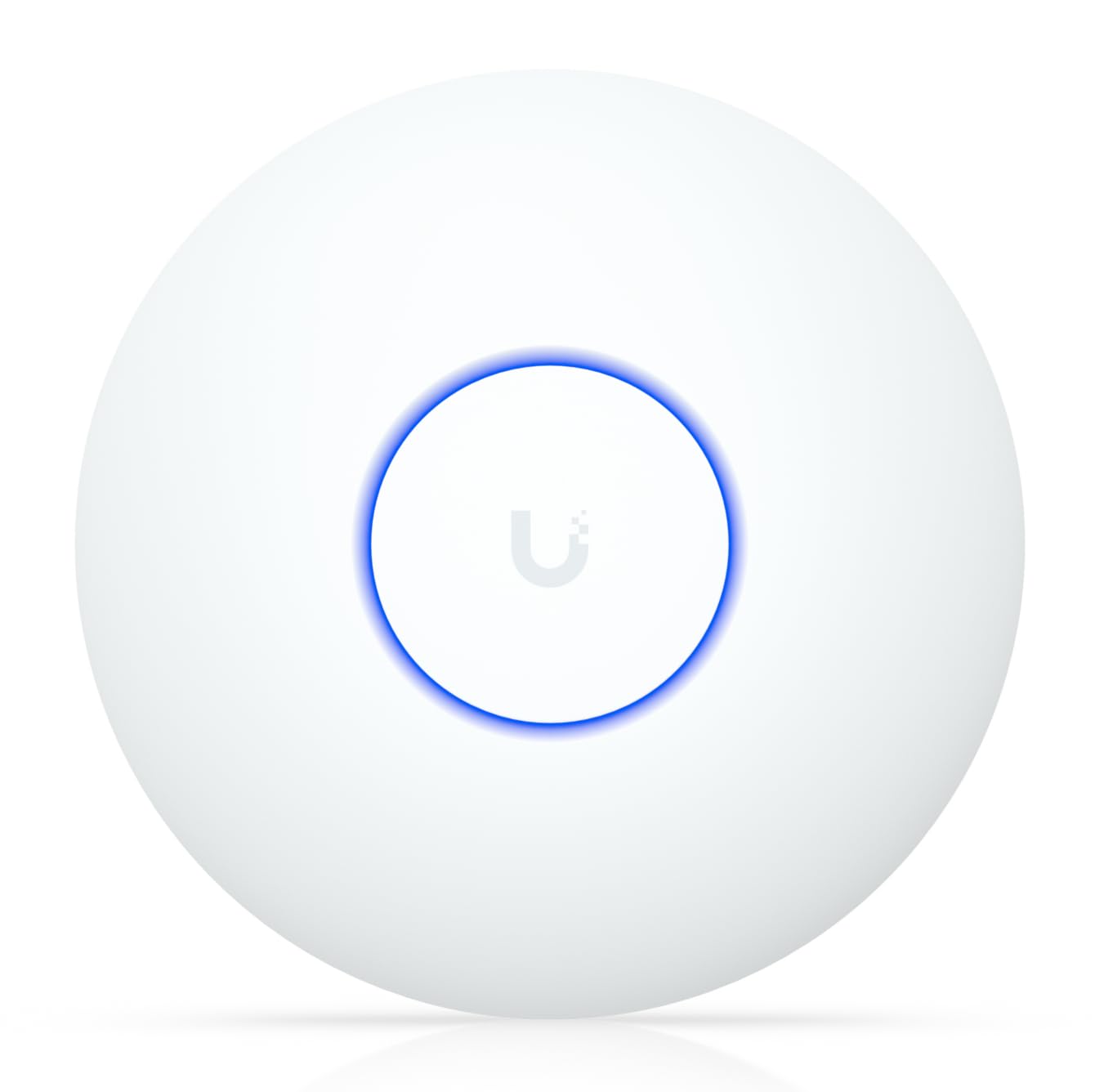
1. Ubiquiti U7-Lite UniFi Wi-Fi 7 Access Point
Our pick — 4.5+★ from 650+ verified ratings; the strongest balance of quality and price.
The Wi-Fi 7 ceiling AP that squeezes next-gen speed into a line-powered box.
The headline here is the wireless standard: this is a Wi-Fi 7 access point pushing up to 4.3 Gbps on the 5 GHz band. Compare that to the Wi-Fi 6 pick further down that tops out at 2402 Mbps on the same band, and the U7-Lite leads on raw ceiling headroom. That headroom only matters if your phone, laptop, or tablet is also Wi-Fi 7 — but it is the reason to buy now rather than swap gear again in two years.
Wiring is fuss-free because the single 2.5 Gigabit Ethernet port carries both power and data over PoE. That means one cable to the ceiling, no outlet hunt. Coverage lands at up to 1,250 ft² with 200+ clients, so a whole ranch-style floor plus a garage stays connected. Band steering shuffles devices between 2.4 and 5 GHz automatically, guest mode keeps visitors off your main network, and VLANs let you carve out separate segments if you run cameras or a home office.
The honest note is setup. This is management-inside-the-UniFi-app gear, and buyers split on how painless that feels — some fly through it, others wish it were browser-simple. Learn the app once and the rest is smooth. Also weigh the coverage figure: the Cudy below lists 1,400 ft² against this AP’s 1,250 ft², a real gap if you have a long, spread-out layout.
What wins you over
- Wi-Fi 7 wireless up to 4.3 Gbps on 5 GHz — future-proof for new devices
- One 2.5 GbE PoE cable handles power and data together
- 200+ client capacity, so a crowded house never chokes
The honest catch
- App-based setup feels daunting to some buyers
- Coverage at 1,250 ft² trails the Cudy’s 1,400 ft²
Reach for this if: you want next-gen Wi-Fi 7 speed and a clean single-cable ceiling mount.
Think twice if: you have no current Wi-Fi 7 devices and just want to save on last-gen gear.
2. Tenda Wi-Fi 6 AX3000 Ceiling Mount Access Point
The entry-level ceiling mount that covers the whole house without straining the wallet.
The number that sells this one is coverage: up to 1,615 sq ft from four high-gain antennas and independent signal boosters (FEM — a small amplifier that strengthens the outgoing signal so it punches through walls). That is bigger than the U7-Lite’s 1,250 ft², which is unusual for a cheaper unit. If your problem is one dead back bedroom, this is a practical fix.
Speed is AX3000 class, meaning up to 2402 Mbps on 5 GHz and 574 Mbps on 2.4 GHz with 160 MHz bandwidth — enough for 4K streaming and big file transfers. It handles up to 60 connected devices. That 60-device cap is the tightest here; the Cudy below lists 150. If yours is a busy home with dozens of gadgets, plan for that difference.
Mounting is ceiling or wall with brackets included, and 802.3at PoE pulls power from the included injector or a PoE switch. WPA3 encryption is on board, and the CloudFi app, cloud platform, or local web page all let you manage it. There is not much review history yet on this exact model, so weigh it on the spec sheet and the 3-year warranty. Think of it as the sensible value play, not the flagship.
Where the value lies: a generous 1,615 sq ft coverage footprint for a very approachable price, with the PoE injector in the box so you start immediately.
The trade-off worth knowing: 60-device capacity will feel tight in a phone-heavy household, and this is a newer listing with limited owner feedback to draw on.
Best for: a budget-conscious setup where raw coverage matters more than premium management.
Look elsewhere if: you need to connect well over 60 devices at once.
3. TP-Link Omada EAP650 AX3000 Wireless Access Point
The Omada pick that gives you cloud control and strong signal without a mystery setup.
Signal reach is the reason this one is worth a serious look. Buyers report solid signal up to 70 feet out, with one reaching over 400 Mbps downloads across the whole house. That is the kind of thing a 2976 Mbps AX3000 platform delivers when the placement is decent. A 5-year warranty backs it too.
Setup is genuinely easy, with a software interface that is simple to navigate. Free Omada cloud management means no extra hardware controller required — launch the app, scan the serial number on the box, and you are running. The ultra-slim body mounts on ceiling or wall and the power adapter is included, so you can go PoE or plug-and-play from the start.
One honest note: a few owners mention it runs warm under sustained load, since a fan-free design will heat up. Keep airflow around the mount and you are fine. On the plus side, the EAP650 holds a 4.5+ rating across 750+ reviews, the deepest review base in this lineup. That track record is why it earns this spot even though the EAP670 below offers more outright speed.
Why it stands out: rock-solid signal reach, genuinely simple software, and free cloud management with a 5-year warranty — an unusually proven package for the mid-range tier.
The catch to plan around: it warms up during heavy use, so give the ceiling mount a little breathing room.
Pick this when: you want proven, well-reviewed Wi-Fi 6 with easy cloud setup and a power adapter in the box.
Skip if: you are chasing the highest raw speed numbers and want Wi-Fi 7.
4. Cudy AP3000 AX3000 Wi-Fi 6 Ceiling Mount Access Point

The crowd-handler built for a house crammed with connected screens.
It is rated for 150 devices against the Tenda’s 60, which is the whole reason it makes this list. The Cudy AP3000 is rated for up to 150 recommended connected devices, against the Tenda’s 60. A 1.3 GHz dual-core processor and 512 MB of RAM carry that load, with OFDMA, MU-MIMO, and BSS Color to cut congestion. Fewer stutters when everyone is streaming at once.
Wireless is AX3000, up to 2402 Mbps on 5 GHz and 574 Mbps on 2.4 GHz, across up to 1,400 ft² with five internal antennas and beamforming. That 1,400 figure edges the U7-Lite’s 1,250 ft². Power is flexible: a shielded 2.5GbE PoE input, plus 802.3at/af PoE, 48–57V Passive PoE, or 12V DC. Be aware a power adapter is not included, so you either feed it with a PoE switch or supply your own DC brick.
Reliability is what people talk about most here, and there is some mixed feedback on raw speed — some call it fast, one describes it as almost too much for home use, which usually means it delivers. The multi-AP management, captive portal, and WPA3 round it out. Also note this is the highest priced of the four low-to-mid units in this group; you are paying for the device count and the flexible power options.
What the spec sheet gives you
- 150-device capacity — far ahead of many home-budget APs
- 2.5GbE PoE input plus multiple power paths for flexible installs
- 1,400 ft² coverage with beamforming
What to prepare for
- No power adapter in the box
- Speed feedback splits between fast and overkill
Choose it for: a smart-home sprawl with many devices and a need for a high-speed PoE install.
Reconsider if: you have no PoE switch and no spare 12V adapter, since neither is included.
5. Zyxel NWA50AXPRO AX3000 Wi-Fi 6 Access Point
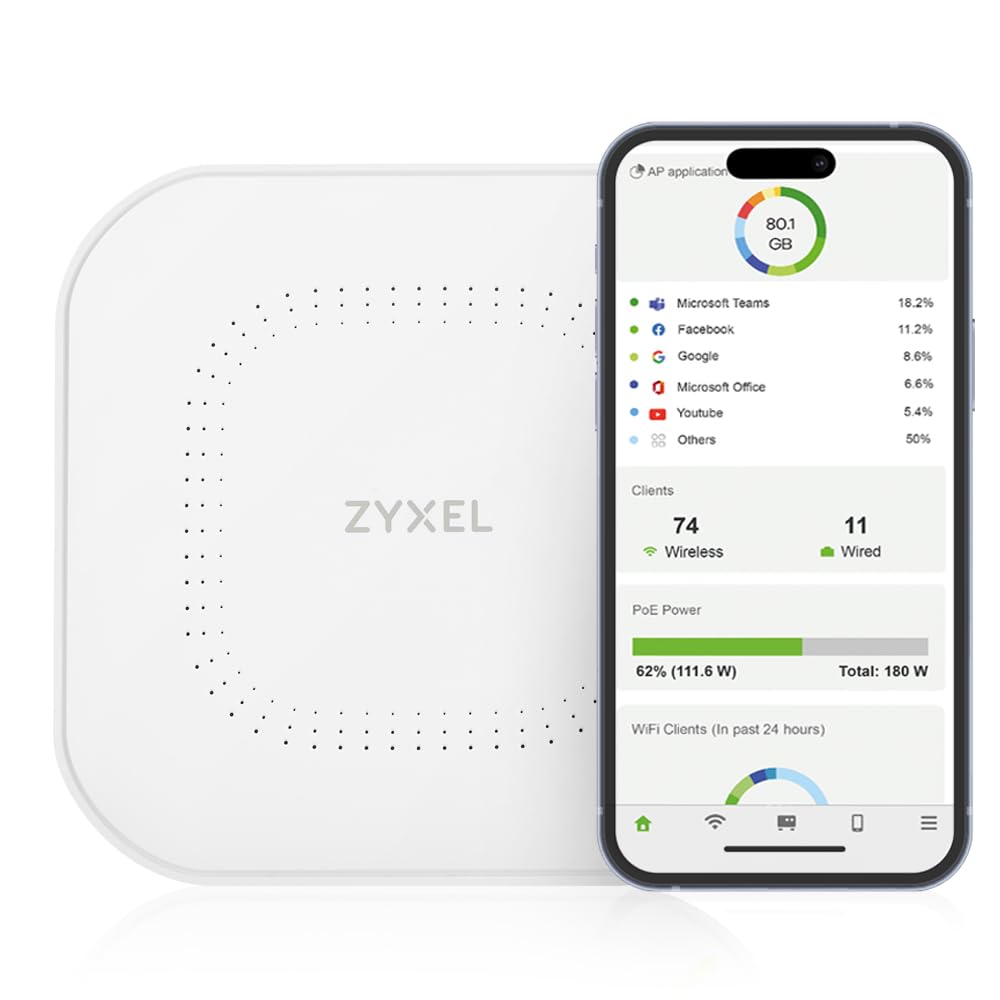
The one you can run local-only or from the cloud, your choice, no license fee.
This delivers 3000 Mbps of total throughput across a 160 MHz channel, and the 2.5 Gigabit multi-gig uplink removes the 1 Gbps ceiling that bottlenecks a fast fibre line. Crucially it runs on existing Cat5e cabling, so you can upgrade the speed without re-cabling the house. Three high-gain internal antennas push coverage across multiple floors.
what separates it from the Omada and UniFi picks is the management freedom. NebulaFlex (a feature that lets you switch management modes) lets you flip between a standalone local interface and the cloud Nebula Control Center with no extra cost or licensing. For some users, that local-first option is the deciding factor. Customers note reliability and steady speeds, working well with OpenWRT, and covering the whole home.
The honest wrinkle is configuration: some find the simple mode a breeze, others want more depth from it. If you are comfortable in a network admin page, you will be fine — if the idea of a firewall rule makes you wince, that local interface may frustrate. Rounding it out are OFDMA, MU-MIMO, VLAN tagging, band steering, WPA3, and 802.11r/k/v fast roaming, all the pro tools without a mandatory cloud lock-in.
The real appeal: switchable standalone or cloud management with no licensing, plus a 2.5G uplink that runs on the cable you already have.
Worth weighing: the configuration screen gets mixed reviews — the simple mode wins some, underwhelms others.
Made for: the tinkerer who wants to keep management local rather than tied to a cloud account.
Not your pick if: you would rather the software do everything with one tap.
6. Tenda BE5010 Wi-Fi 7 Access Point with 2.5G PoE+
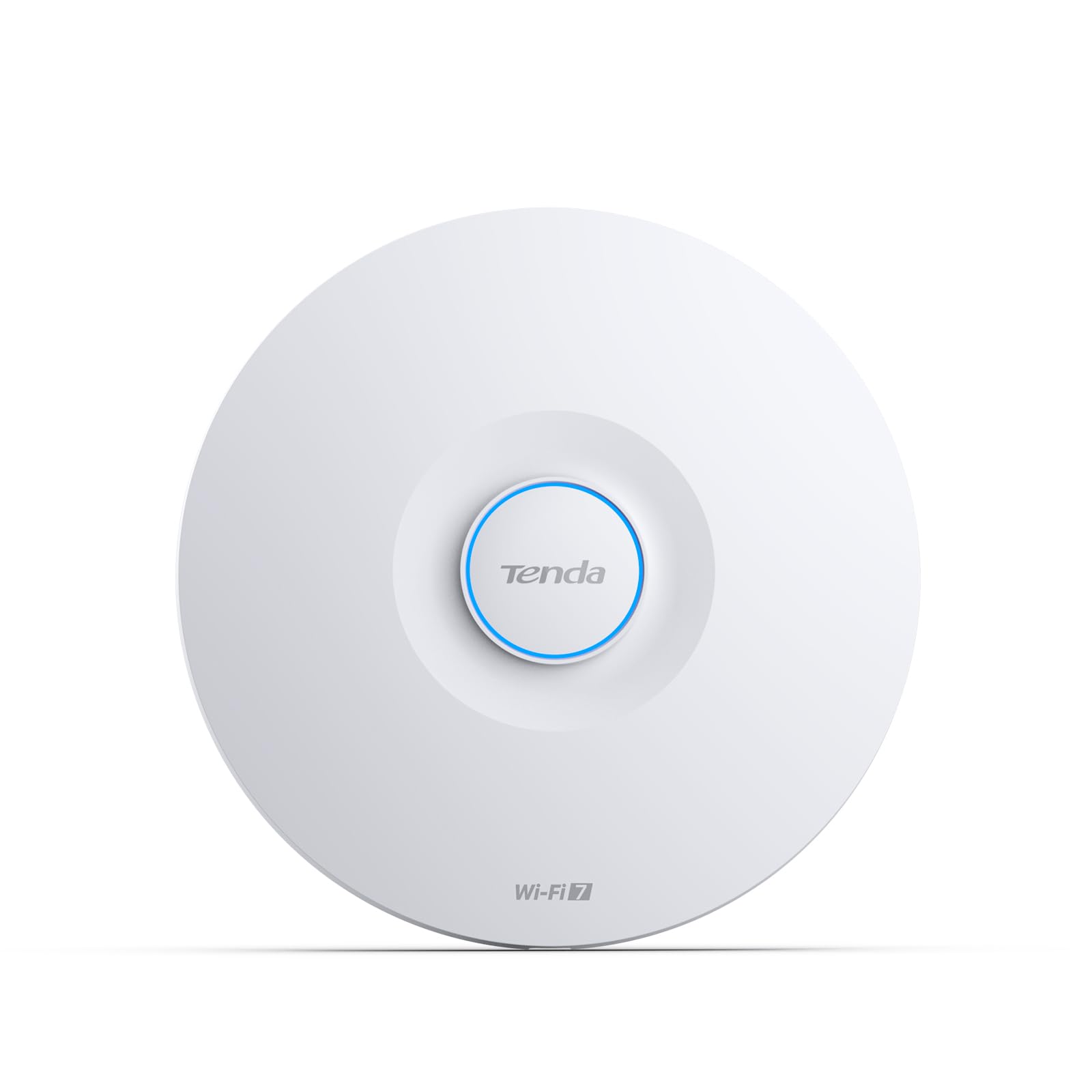
The next-gen choice that gets you into Wi-Fi 7 without the flagship price tag.
Wi-Fi 7 speed lands here at up to 5010 Mbps total — 4323 Mbps on 5 GHz and 688 Mbps on 2.4 GHz — with 4K-QAM and 160 MHz channels. The defining feature is MLO (Multi-Link Operation — the AP bonds more than one band at once so the connection stays steadier when one channel gets busy). Think fewer video-call freezes as you walk from room to room.
There is a 2.5G PoE+ uplink plus a separate Gigabit LAN port, so the fast wireless side is not throttled by a slow wire. Fast roaming via 802.11k/v/r auto-switches devices to the strongest AP, and the included PoE injector makes ceiling mounting straightforward. VLAN support and WPA3 security are there for anyone segmenting a home office or guest network. A 3-year warranty and lifetime support round it out.
The trade-off is that this is a newer listing with little owner feedback to lean on, so the spec sheet is your guide. Being Wi-Fi 7, it also wants Wi-Fi 7 devices on the other end to reach its full potential — your older gear will just run normally on the compatible bands. Compared with the pricier Wi-Fi 7 options further down, this is the accessible way to start.
Why next-gen buyers like it
- Wi-Fi 7 with MLO up to 5010 Mbps, a real step up from AX3000 class
- 2.5G PoE+ uplink plus a Gigabit LAN port for flexibility
- PoE injector included, 3-year warranty
The part to weigh
- Very limited review feedback to draw on
- Full Wi-Fi 7 speeds need matching devices
Grab this if: you want to leap to Wi-Fi 7 speed now without paying flagship money.
Hold off if: you would rather wait for more real-world feedback on the model.
7. TP-Link Omada EAP670 AX5400 Access Point

The six-stream heavyweight that turns a big house into one smooth network.
Six streams and up to 5400 Mbps: this is the speed leader among the Wi-Fi 6 units here. The EAP650 above tops out at 2976 Mbps, and this EAP670 boosts dual-band Wi-Fi up to 5400 Mbps — more lanes for more devices at once. Reviewers point out client speeds up to 1201 Mbps and coverage that handles a 3000 square foot house without trouble.
The 2.5 Gigabit port with PoE+ boosts total throughput, and you can power it from a TP-Link PoE+ switch or the included 12V adapter. Omada cloud management is free with no extra fees, and a 5-year warranty shows the confidence behind it.
For the extra money you get enterprise-grade performance the EAP650 cannot match on raw throughput. When paired with an Omada controller, you get mesh (multiple units working as one network), smooth roaming (devices switch access points without dropping), band steering (pushing devices to the best frequency), load balancing (sharing clients across access points), airtime fairness (giving each device a fair share of airtime), and beamforming (focusing the signal toward each device). If you already run an EAP650 and need more capacity, this is the natural step up; if the EAP650 already covers your space, you may not notice the difference.
Where the money goes: six streams, 5400 Mbps, 250+ clients, and a 2.5G PoE+ port — this is the throughput champion of the Omada pair.
Fit test: it is the higher-priced of the two Omada boxes, so it earns its place only if you are pushing lots of devices or a large footprint.
Right for: a large, device-heavy home that needs maximum Wi-Fi 6 throughput.
Overkill if: the EAP650’s 2976 Mbps already covers your layout comfortably.
8. NETGEAR WAX610 Cloud Managed Wi-Fi 6 Access Point
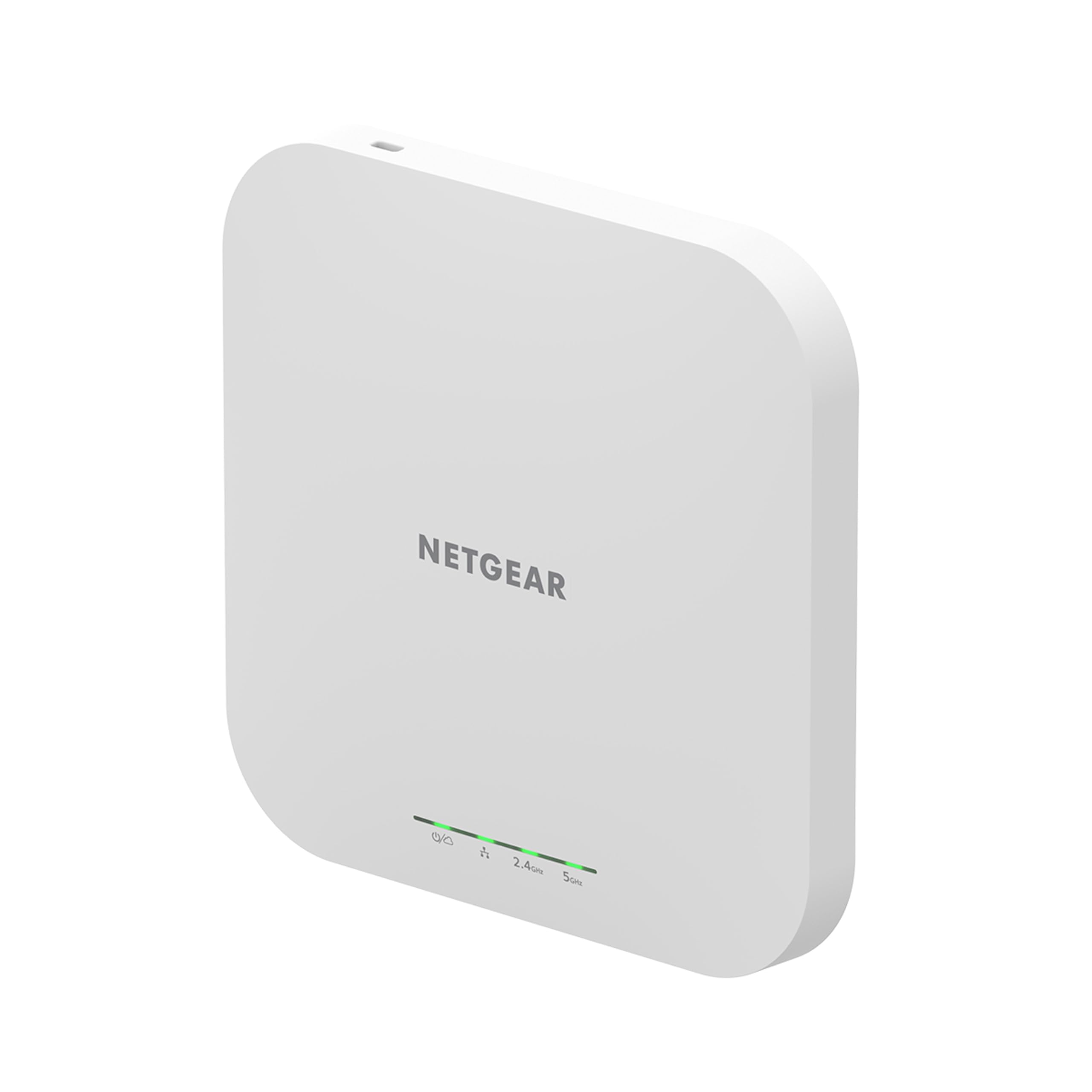
The wide-reach NETGEAR that covers two floors and a garage on one box.
Coverage is the draw here: up to 2,500 sq ft, the biggest square-footage figure in this lineup. If your house is long or has an awkward extension, one WAX610 can reach both floors — shoppers say exactly that, coverage spanning two levels. It supports up to 200 client devices, so a family of phones, tablets, and cameras fits with room to spare.
The port is 2.5G-capable, so wired backhaul keeps pace with a fast line. Power comes via PoE+ or the optional PAV12V adapter, which is sold separately — plan for that if you are not running a PoE switch. NETGEAR Insight gives remote management, and the setup and coverage are consistent good notes. Owners also like the thoughtful touches: up to 8 SSIDs, load balancing, band steering, assisted roaming, WPA3, network and client isolation, and rogue AP detection.
Worth knowing: performance and speed sit in mixed territory for some users, and at AX1800 it is the slower frame here than the AX3000 and AX5400 units. That is the price of the huge footprint — fine for streaming and browsing, less suited if you move massive files. The money also lands near the top of this tier, so weigh the square-footage win against the speed ceiling.
What makes it worth it
- 2,500 sq ft coverage — the largest on this list
- 200-device capacity with 8 SSIDs and rogue AP detection
- NETGEAR Insight remote management
Points to consider
- AX1800 is the slowest speed class here
- Power adapter sold separately if you skip PoE
Go for it when: raw coverage over two floors is the priority and speed needs are everyday.
Look past it if: you need the top throughput numbers for heavy file work.
9. Ubiquiti U7 Long-Range Wi-Fi 7 Access Point
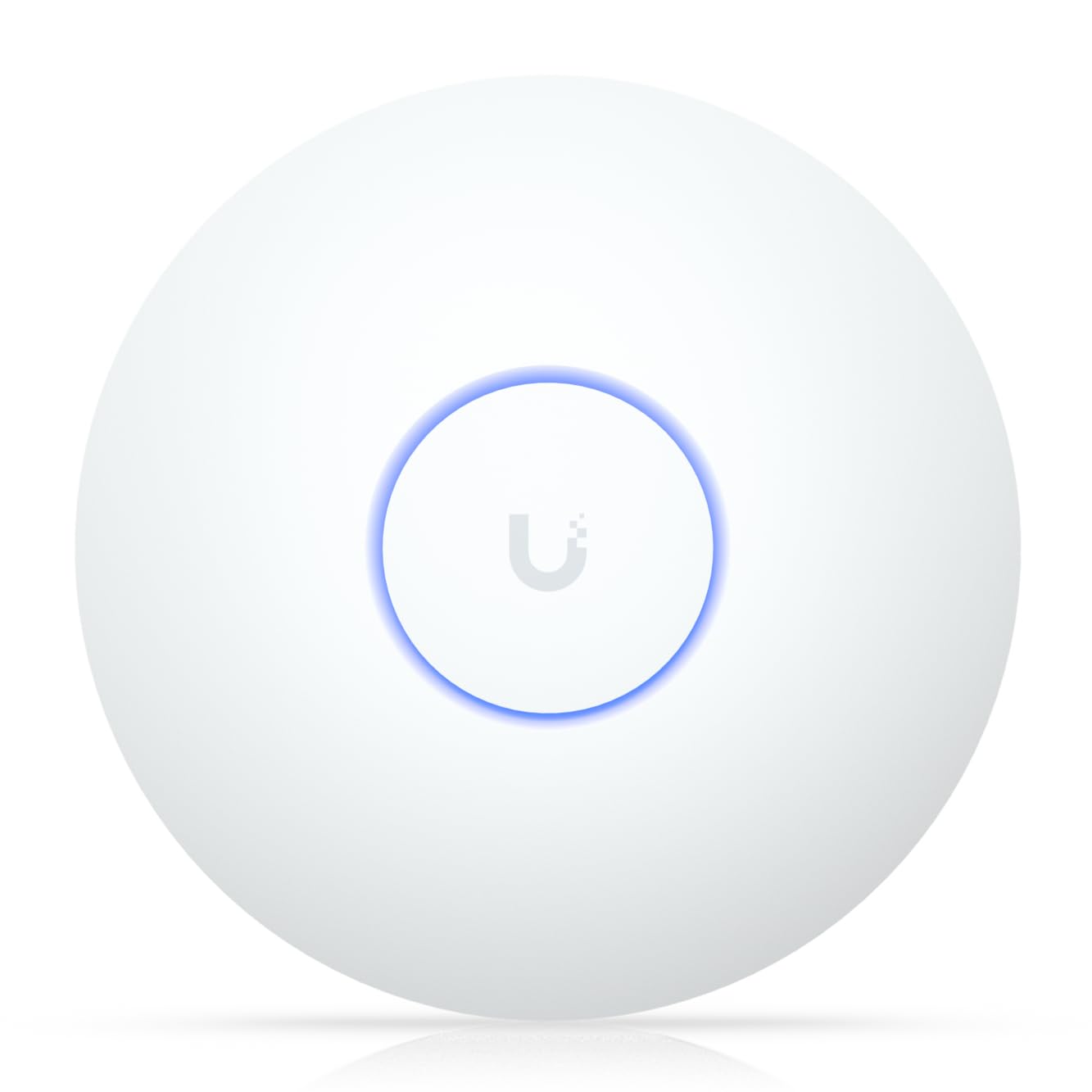
The long-throw indoor AP built for distance, not for a crowded room.
Distance is the whole story: coverage up to 150 feet indoors, aimed at reaching the far garages, sheds, or outbuildings one ordinary AP cannot touch. This is the U7-LR, a Wi-Fi 7 unit with a 1000 Mbps data rate, ceiling or wall mountable, and app-based management. Pick it when the problem is range rather than device count.
Buyers call it an outstanding access point with easy setup, and it holds the highest rating of any single unit here, 4.7 across 150+ reviews. That reputation for build quality is what earns it a place despite the straightforward spec sheet. If you want to extend a Ubiquiti-based network into the far corners of your property, this is the piece that does it.
The catch, and it is a real one: reliability feedback is mixed, and some users note Wi-Fi 7 support can disappoint depending on their setup. So this is a range specialist, not a one-box-fits-everything buy. If you need broad speed and device capacity, the EAP670 or U7-Lite above cover those needs better. Bring it in for one job — reaching distance — and it delivers.
Standout strength: 150-foot indoor reach on a Wi-Fi 7 platform, for garage-and-outbuilding coverage a normal AP simply cannot hit.
Know before you buy: reliability notes are mixed and Wi-Fi 7 expectations can go unmet, so keep it as a dedicated long-range add-on.
Suited to: extending Wi-Fi out to the far corners of a large property or a detached building.
Not ideal for: a main whole-home AP where broad speed and client capacity matter more than reach.
Know the Specs
The uplink port (1G vs 2.5G)
This is the Ethernet jack that feeds the access point — the wire back to your router or switch. A 1 Gigabit port caps you near 1000 Mbps. A 2.5 Gigabit port raises that ceiling to 2500 Mbps, so the wireless side never waits on a slow cable. The Ubiquiti U7-Lite, Cudy AP3000, Zyxel NWA50AXPRO, Tenda BE5010, EAP670, and NETGEAR WAX610 all list a 2.5G port. If your internet plan is modest, a 1G port is still fine.
Power over Ethernet (PoE)
PoE sends power and data over the same Ethernet cable, so a ceiling AP needs no wall outlet up high. Standard 802.3at PoE handles most APs here. Some models ship with a PoE injector or power adapter; the Cudy AP3000 does not include a power adapter, so you supply PoE or a DC brick. Always check what is in the box before planning your install.
Wi-Fi 6 vs Wi-Fi 7
Wi-Fi 6 is the standard your current devices already use, delivering strong dual-band speeds. Wi-Fi 7 adds speed plus MLO (Multi-Link Operation — using more than one band at once for a steadier connection). Wi-Fi 7 helps most when your phones and laptops support it too. Buy Wi-Fi 6 to save, Wi-Fi 7 to future-proof.
Coverage area and client count
Square footage tells you the reach; the client number tells you how many devices connect at once without choking. The Tenda AX3000 lists 1,615 sq ft and 60 devices, while the Cudy AP3000 lists 1,400 ft² and 150 devices. A busy home with many gadgets wants a higher device count; a sparse home with strong device-agnostic broadcasting wants the bigger square footage.
Common Questions
Do I still need my router if I buy an access point?
Will an access point work in an apartment with thick walls?
Do I need a PoE switch or can I use the included adapter?
Is Wi-Fi 7 worth it over Wi-Fi 6 for a home network?
What is the difference between a 1G and a 2.5G uplink port?
How many devices can one access point handle?
Can I run more than one access point in the same house?
Does an access point improve both upload and download speeds?
Is a ceiling mount better than a wall mount?
The Bottom Line
For most homes, the wi-fi access points for home winner is the Ubiquiti U7-Lite because it pairs Wi-Fi 7 speed with a 2.5 GbE PoE single-cable mount and 200+ client capacity in a compact box. If you want proven, easy cloud setup at a lower tier, grab the TP-Link Omada EAP650 with its 5-year warranty. And for the largest square footage on one unit, the NETGEAR WAX610 is the one to reach for.
How we choose
We do not accept paid placement. Every pick is matched to a real buyer and a real use-case; we do not hands-on test units.
Sources
Specifications: manufacturer listings and product documentation. Review insights: verified customer reviews, as of November 2026. Pricing: not shown on this page (it changes often); check the current price via the retailer link.
As an Amazon Associate, Tactical Gear Guy earns from qualifying purchases. This does not affect which products we feature.