Specs are compiled from manufacturer listings and verified buyer reviews and can change over time — please confirm the key details on the product page before buying.
You want a white monitor that actually looks white on your desk, and here is the surprise: the shell color tells you almost nothing about picture quality. The panel inside decides that. The same bright white housing can hold a 1080p workhorse with a 144Hz refresh rate (how many times per second the image redraws), or a 4K creator screen with a wide color gamut (the range of colors it can physically display). Match the panel to how you use your desk, then enjoy the clean white look as a bonus. The short answer: the MSI PRO MP243W is the safest all-round pick, the two LG 4K models are the ones to study if you edit photos or read dense spreadsheets all day, and the KTC is the pick for fast gaming on a budget.
This guide is built by comparing the manufacturers’ published specifications and the patterns across verified customer reviews, so you get each pick’s real strengths and trade-offs instead of marketing spin.
Below you’ll find the white monitors that hold up under real desk lighting, with the panel specs that actually change how a screen looks and feels hour after hour. Every pick here is a genuine white-finish monitor, and this breakdown of the best white computer monitors focuses on what each panel does for your eyes and your work.
Top Picks
How To Choose The Best White Computer Monitors
Picking a white monitor is really two decisions stacked on top of each other. First you choose the panel that suits your work and your eyes. Then you confirm the stand and the finish match the rest of your desk. Get the panel wrong and the white finish won’t rescue the experience. Here is what actually moves the needle.
Resolution first: 1080p or 4K
Resolution is simply how many pixels (tiny light dots) the screen packs in. A 1920 x 1080 panel — called Full HD or 1080p — is plenty sharp for a 24-inch screen at normal arm’s length. A 3840 x 2160 panel, called 4K UHD, squeezes four times the pixels into the same space, so text looks noticeably crisper on a 27-inch display. If you read long documents, edit photos, or work in spreadsheets all day, 4K earns its keep. For fast gaming at a distance, 1080p with a high refresh rate often feels better than 4K with a slow one.
Refresh rate and response time: the motion story
Refresh rate, measured in hertz (Hz), is how many fresh frames the screen draws each second. At 60Hz you get 60 frames a second; at 144Hz or 240Hz the motion looks smoother and mouse movement feels tighter. Response time, measured in milliseconds (ms), is how fast a pixel changes color, and a lower number means less ghosting (a faint trail behind moving objects). Fast-paced shooters reward a 1ms panel with a high refresh rate; office work barely notices the difference.
Contrast, brightness, and color coverage
Contrast ratio describes the gap between the darkest black and the brightest white the panel can produce. A 1500:1 panel shows deeper blacks and punchier highlights than a 1000:1 one, which matters for movies and photos. Brightness, measured in cd/m² (candelas per square meter), tells you how well the screen fights glare from a window; 300 cd/m² is fine for a dim room, while 400 cd/m² holds up better in daylight. Color gamut, given as a percentage of a standard like sRGB or DCI-P3, tells you how much of the color range the panel can show — higher is better for creative work.
The stand and the white finish
A tilt-only stand lets you angle the screen up or down. A height-adjustable, swivel, and pivot stand lets you raise it to eye level and rotate it upright, which is easier on your neck over long sessions. Check that the white is on the housing and the stand, not just the bezel, if matching your desk matters. And confirm the VESA mount pattern — usually 100 x 100mm — if you plan to hang the screen on an arm.
Side-by-Side Comparison
| Model | Best For | Resolution | Refresh Rate | Panel / Contrast | Amazon |
|---|---|---|---|---|---|
| MSI PRO MP243W E14★ Best Overall | Everyday all-rounder | 1920 x 1080 | 144Hz | IPS / 1500:1 | Amazon |
| KTC H24F7Fastest Panel | Fast gaming | 1920 x 1080 | 240Hz | Fast IPS / 1000:1 | Amazon |
| Pixio PX246 Wave | Style-led gaming | 1920 x 1080 | 120Hz | IPS / 1000:1 | Amazon |
| Dell 24 Plus S2425HSM | Adjustable work desk | 1920 x 1080 | 144Hz | LCD / 1500:1 | Amazon |
| LG 27UP650K-W | 4K detail work | 3840 x 2160 | 60Hz | IPS / 1200:1 | Amazon |
| LG 27US500-W | Big 4K on a budget | 3840 x 2160 | — | IPS / 1000:1 | Amazon |
| Dell 27 S2725QC | 4K plus USB-C | 3840 x 2160 | 120Hz | IPS / 1500:1 | Amazon |
Detailed Reviews
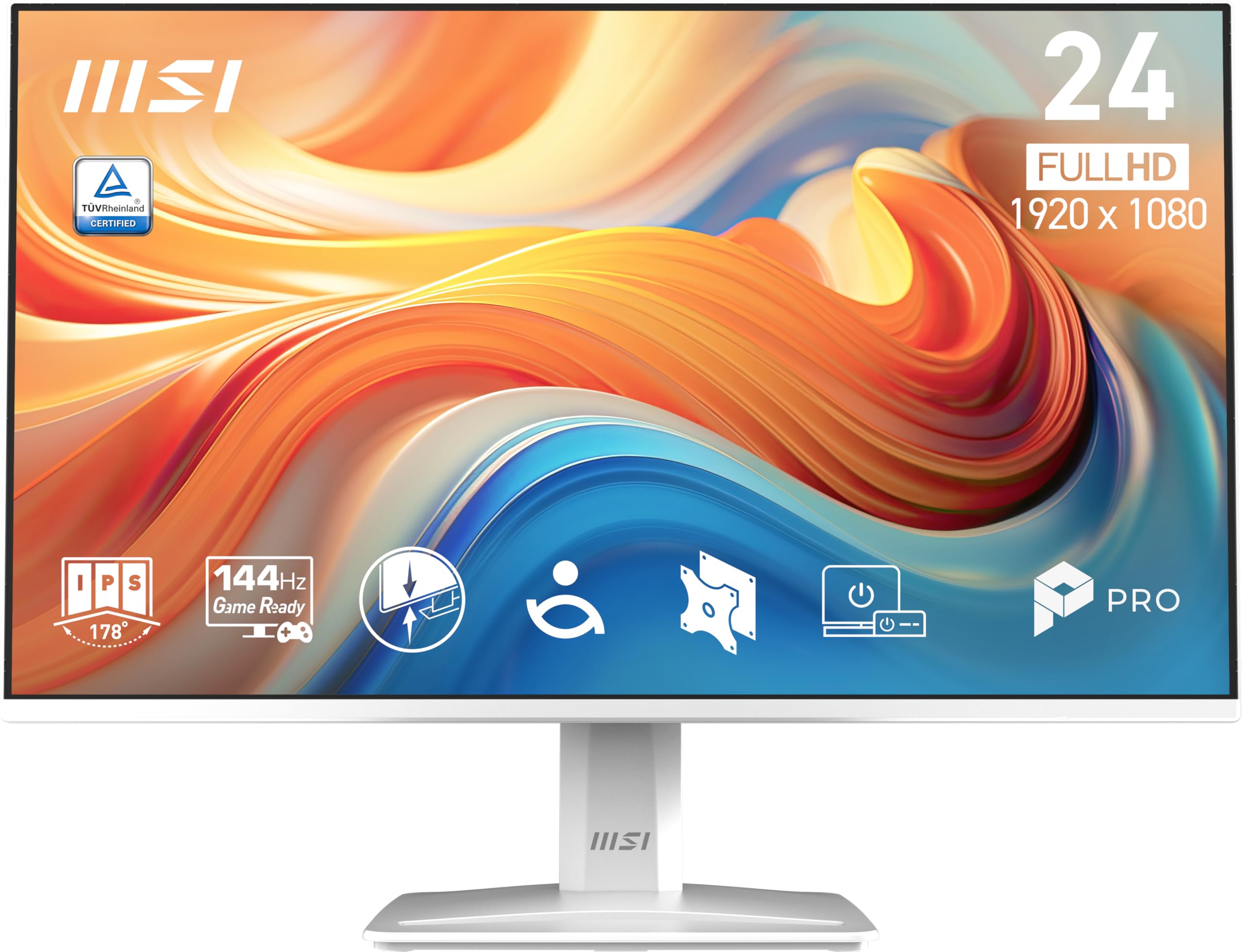
1. msi PRO MP243W E14 24-inch IPS Monitor
Our pick — 4.5+★ from 400+ verified ratings; the strongest balance of quality and price.
The white 24-inch that nails smooth motion and punchy contrast without asking you to pick a side.
Most white monitors force a trade-off — you get the clean finish but settle for a slow 60Hz panel. This MSI sidesteps that. It pairs a 1920 x 1080 IPS screen with a 144Hz refresh rate, so dragging windows, scrolling long pages, and fast games all look fluid. The IPS panel keeps colors steady when you look from the side, with 178°/178° viewing angles that hold up if a friend pulls up a chair.
Contrast is where this one pulls ahead of its stablemates. The 1500:1 ratio beats the 1000:1 panel in the KTC H24F7, and in plain terms that means deeper blacks behind dark-mode text and brighter highlights in movies. MSI also ships TÜV Rheinland certified Flicker Free and Low Blue Light, which cuts the invisible flicker and blue light that tire your eyes during long sessions. Adaptive Sync (FreeSync compatible) matches the screen’s refresh to your graphics card’s output, so frames stay tear-free across the range.
What wins people over, judged by the review pages, is the screen itself — crisp visuals, vibrant color, and a thin-bezel look that reads modern on a white desk. A tilt stand covers -5° to 20°, and the 100 x 100mm VESA mount lets you hang it on an arm. The honest catch: the stand only tilts, so if you want to raise the screen to eye level you’ll need a VESA arm or a stack of books. It’s also a 1080p panel, so fine text won’t look as sharp as a 4K screen at the same size. Neither is a dealbreaker for a gaming or general-work setup.
What earns its place
- 144Hz refresh plus 1ms response keeps fast games and scrolling smooth
- 1500:1 contrast out-punches the KTC’s 1000:1 for darker blacks
- FreeSync Adaptive Sync kills screen tearing across the frame range
- TÜV certified Flicker Free and Low Blue Light ease long sessions
Where it asks you to compromise
- Tilt-only stand — no height adjustment without a VESA arm
- 1080p resolution means softer fine text than a 4K panel
Reach for this if: you want one white screen that handles gaming, spreadsheets, and streaming without a compromise on motion or contrast.
Think twice if: you edit photos for a living and need 4K pixel density at 27 inches — the LG 27UP650K-W is the sharper tool.
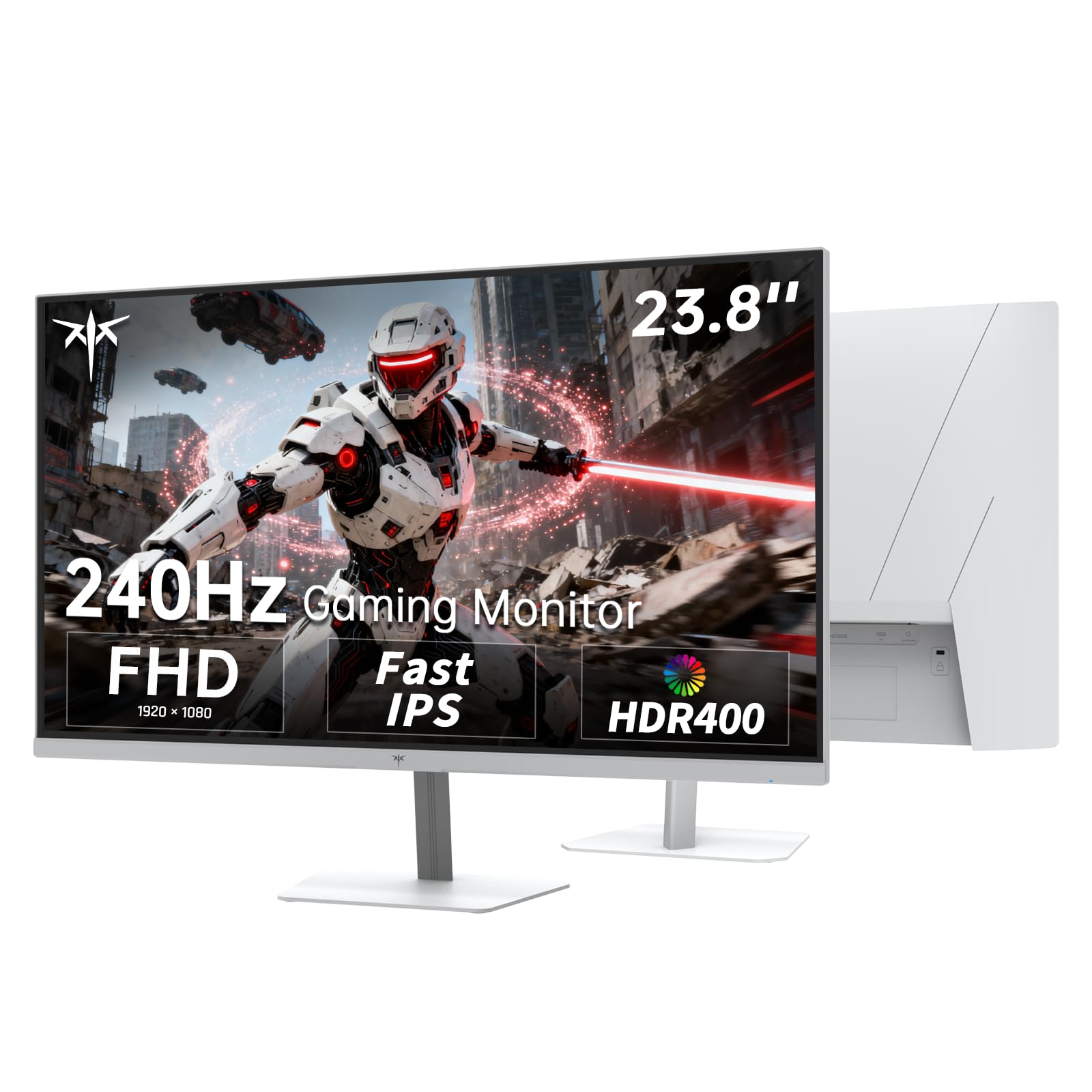
2. KTC 24 Inch 240Hz Gaming Monitor H24F7
A 240Hz white panel that makes the MSI’s 144Hz feel like a warm-up lap.
If your priority is frame rate above all else, this is the number that matters: 240Hz. That’s 240Hz versus the 60Hz of the LG 27UP650K-W, and it means the image redraws 240 times every second so fast turns and flick shots track cleanly. The 1ms MPRT response time (how quickly a pixel moves between frames) keeps ghosting down during intense play. Adaptive Sync works with both FreeSync and G-Sync, so it plays nice with either graphics card camp.
The Fast IPS panel carries a 116% sRGB color gamut, which is wider than the MSI’s 87 and the reason game worlds look more saturated here. Brightness hits 400 cd/m² with HDR400 support, so daylight glare is less of a fight and highlights pop in supported games. A 100 x 100mm VESA mount and a -5° to 15° tilt let you angle it for comfort.
Here’s the sensible caveat: the contrast ratio is 1000:1, lower than the MSI’s 1500:1, so blacks look a touch lighter in a dark room. And this is a 1080p screen — perfectly matched to competitive gaming, less ideal for detailed photo editing. For a fast white gaming display, though, the motion is the whole point and it delivers.
The gaming-first read: 240Hz plus 1ms MPRT is a genuine step up for competitive shooters, and the 116% sRGB gamut keeps colors lively.
The trade you accept: 1000:1 contrast means blacks aren’t as deep as the MSI’s, and the tilt-only stand won’t rise to eye level on its own.
Built for: competitive gamers who want the highest refresh rate on this list and don’t need 4K detail.
Look elsewhere if: you work in dark-mode all day and want inky blacks — the higher-contrast MSI reads better there.
3. Pixio PX246 Wave White 24 inch Gaming Monitor
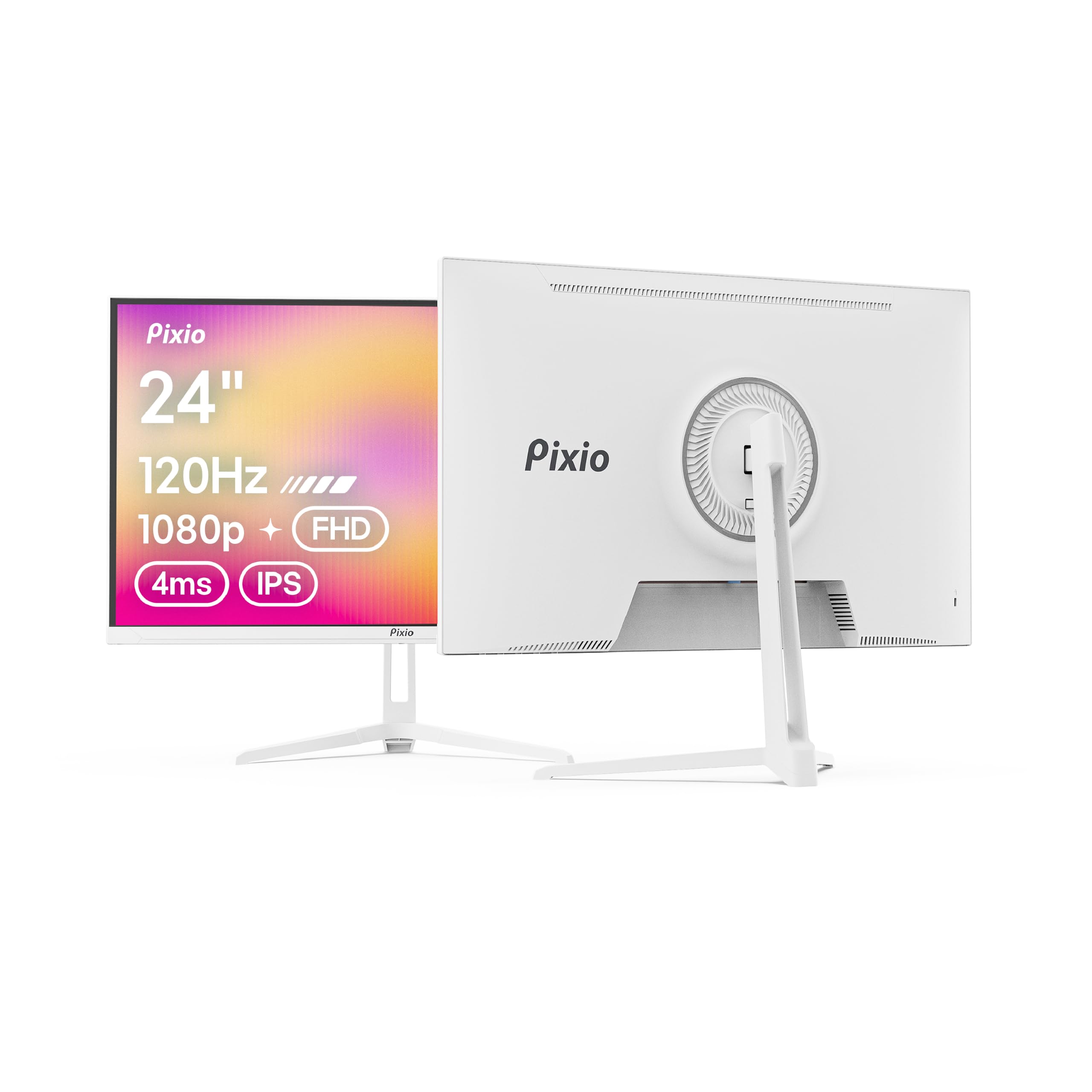
A white panel with a soft pastel finish and speakers built in, so your desk stays clean.
You will spot this one by its color first — a soft pastel finish that separates it from the pure-white shells on the rest of this list. The screen is a 24-inch 1080p IPS panel at a 120Hz refresh rate (the image redraws 120 times per second), which sits between the LG’s 60Hz and the KTC’s 240Hz. Adaptive Sync (a feature that syncs the screen to your graphics card) keeps frames tear-free, and a 4ms GTG response time (grey-to-grey, how fast a pixel changes color) keeps motion reasonably clean for casual play.
Two features make it a tidy-desk pick. Built-in speakers mean no separate speaker clutter, and a blue light filter plus Flicker-Free backlight ease long sessions. The slim, modern profile looks good on an open desk. What wins people over most is the overall quality and the color, and it sets up easily.
Be realistic about the mixed reports. Some owners say the built-in speakers are surprisingly good and others find them just adequate, so plan on external speakers if audio matters. Functionality gets split feedback too — most units work well, but a few report trouble down the line. It’s the trade you accept for the distinctive finish and the built-in audio at this spot on the list.
The style angle: that pastel-white finish is unlike anything else here, and the 120Hz IPS panel plus built-in speakers make it a self-contained desk centerpiece.
The honest note: speaker quality and long-term function both draw mixed reviews — fine for casual use, worth a second look if you need rock-solid reliability or serious audio.
A natural fit for: a style-conscious desk that wants a softer white tone and doesn’t want to buy speakers separately.
Worth a pass if: you need the deepest blacks or the fastest motion — the MSI and KTC each beat it on those fronts.
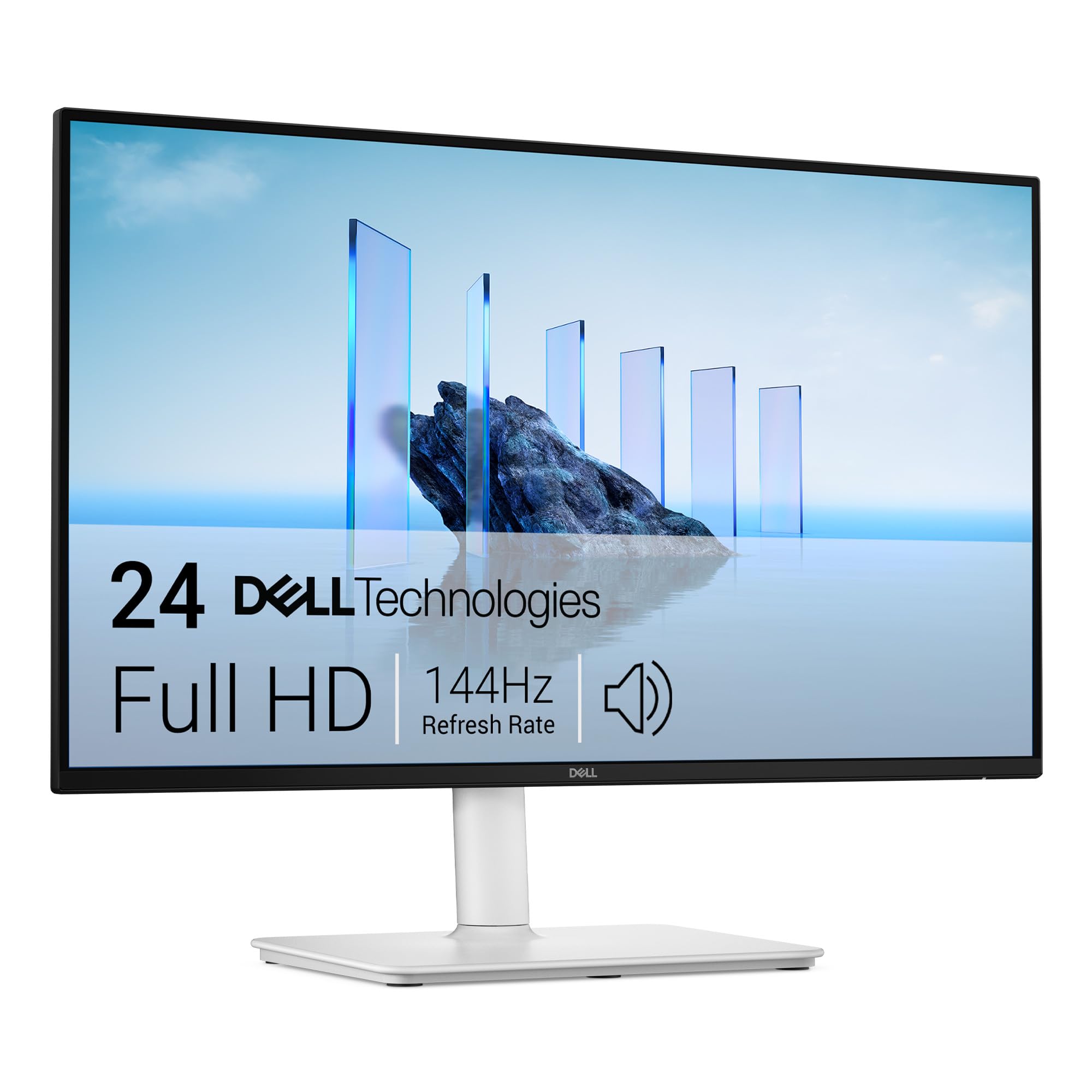
4. Dell 24 Plus Monitor S2425HSM
The one you can raise, tilt, swivel, and pivot to eye level so your neck stops complaining.
Plenty of white monitors look clean but sit fixed at one height. This Dell does the opposite. The stand gives you height, tilt, pivot, and swivel adjustment, so you can lift the screen to eye level and rotate it upright for reading long documents. That single feature makes it the most ergonomic pick on the list for a full workday at the desk.
The panel is a 23.8-inch FHD 1920 x 1080 screen at 144Hz with 1ms MPRT, and its 1500:1 contrast ratio matches the MSI’s for deep blacks behind dark-mode text. AMD FreeSync keeps the picture tear-free. Integrated dual 3W speakers deliver a wider range of frequencies than a single tiny driver, so you get usable sound without adding speakers. The 4-star TÜV-certified display reduces blue light without washing out color, and the anti-glare screen handles window reflections.
The catch is simple: it’s a 1080p panel, so pixel density sits below the 4K LGs at 27 inches. For documents and spreadsheets at 24 inches, though, 1080p stays sharp. If you want a white screen that adjusts to your posture rather than the reverse, this is the ergonomic pick.
Why the desk crowd likes it
- Height, tilt, pivot, and swivel — raise it to eye level
- 1500:1 contrast matches the MSI for dark-mode depth
- Dual 3W speakers mean no extra audio gear
- 144Hz plus 1ms MPRT keeps motion smooth
Keep in mind
- 1080p only — not the pixel density of a 4K screen
- One HDMI 1.4 connection in the box
Made for: anyone who spends the day at the desk and wants the screen to meet their eye line, not the reverse.
Skip the adjustment fuss if: you already use a monitor arm — the MSI does the same job for less.
5. LG 27UP650K-W 27-inch Ultrafine 4K UHD IPS Monitor

A 4K white panel that makes small text razor-sharp and squeezes every detail out of a photo.
If your day is filled with dense spreadsheets, long documents, or photo edits, resolution is the spec that changes everything. This LG runs 3840 x 2160 versus 1920 x 1080 on the 1080p picks, all on a 27-inch IPS panel. The result is text so crisp you stop leaning in. A 95% DCI-P3 color gamut means colors render close to how they were captured, which creative work cares about deeply.
Brightness lands at 400 cd/m² with VESA DisplayHDR 400 support, so highlights in HDR content look brighter than an ordinary panel. The 5ms response time is slower than the 1ms on the MSI and KTC, but for reading and editing that gap never shows up. Reader Mode and Flicker Safe ease long sessions, and Black Stabilizer brightens dark scenes if you game on the side. An ergonomic stand adjusts height, tilt, and pivot.
The clear trade-off: this is a 60Hz panel. Fast competitive shooters feel less fluid than on the 240Hz KTC. For 4K clarity on a clean white 27-inch desk, that’s a trade most detail-first buyers happily make.
The resolution payoff: 3840 x 2160 on 27 inches versus 1920 x 1080 on the 1080p picks — text and photos look sharper than the 24-inch MSI can manage.
The honest cost: at 5ms and 60Hz this is a workhorse, not a speed machine, so fast shooters lose the edge the KTC’s 240Hz gives.
The right screen for: spreadsheet-heavy, document-heavy, or photo-focused desks that want maximum sharpness in a white 27-inch shell.
Not the one for: competitive gamers chasing frame rate — the 60Hz refresh leaves motion fluidity on the table.
6. LG 27US500-W Ultrafine 27-Inch 4K UHD Monitor
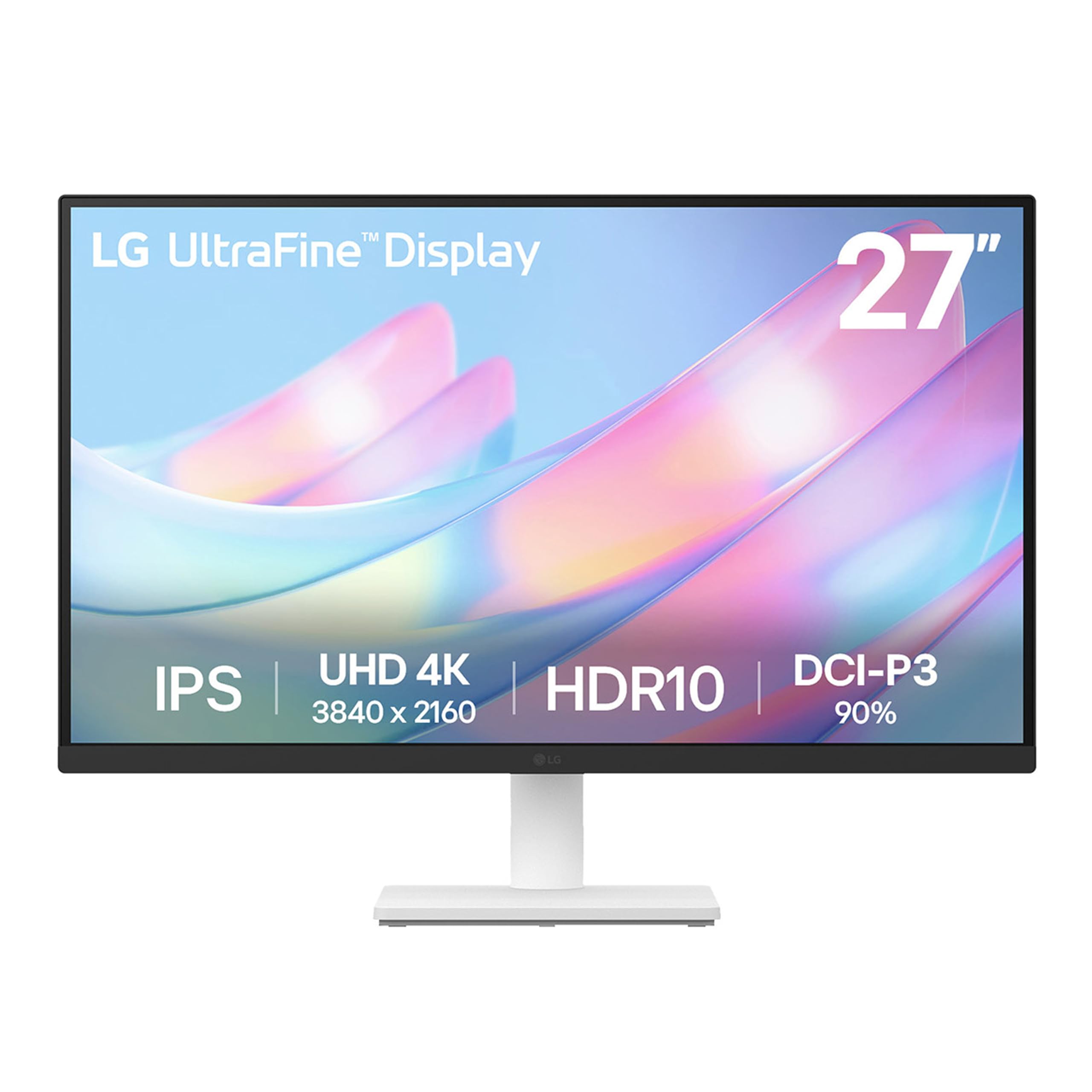
A 27-inch 4K white panel with a borderless look and a lot of pixels for the money.
Here’s a 4K screen that puts the pixels front and center. The 3840 x 2160 IPS panel on a 27-inch frame is sharper than a 1080p monitor — more than enough to view highly detailed digital imagery at full size. A 90% DCI-P3 color gamut keeps color expression wide, and HDR10 support gives supported content more depth. The borderless design looks clean on a white desk, and Onscreen Control lets you split the screen or change options with a few mouse clicks.
The 1000:1 contrast ratio is a step below the Dell’s 1500:1, so blacks read slightly lighter in a dark room. Brightness sits at 300 cd/m², fine for a controlled space but not the brightest here. This is a 60Hz-style creative panel with a tilt-adjustable stand rather than the height-and-pivot flexibility of the Dell 24 Plus.
The stand is the honest weak spot — it’s frequently called the shakiest part of the monitor, so plan on a VESA arm if you want rock-solid positioning. Most owners are happy with the picture, which is the part that matters. Value-wise, you’re getting a 27-inch 4K IPS panel in white without paying the top of the range.
Where the pixels land: 3840 x 2160 at 27 inches is the sharpness story, and a 90% DCI-P3 gamut keeps creative work colorful.
What to know going in: the stand is the shakiest part of the monitor and height isn’t adjustable — a VESA arm fixes both.
Worth a look if: you want a 27-inch 4K white screen for detailed work and plan to mount it on an arm anyway.
Hold off if: you need a rock-steady stock stand from the start — the Dell 24 Plus stands firmer.
7. Dell 27 Monitor S2725QC 4K UHD IPS 120Hz
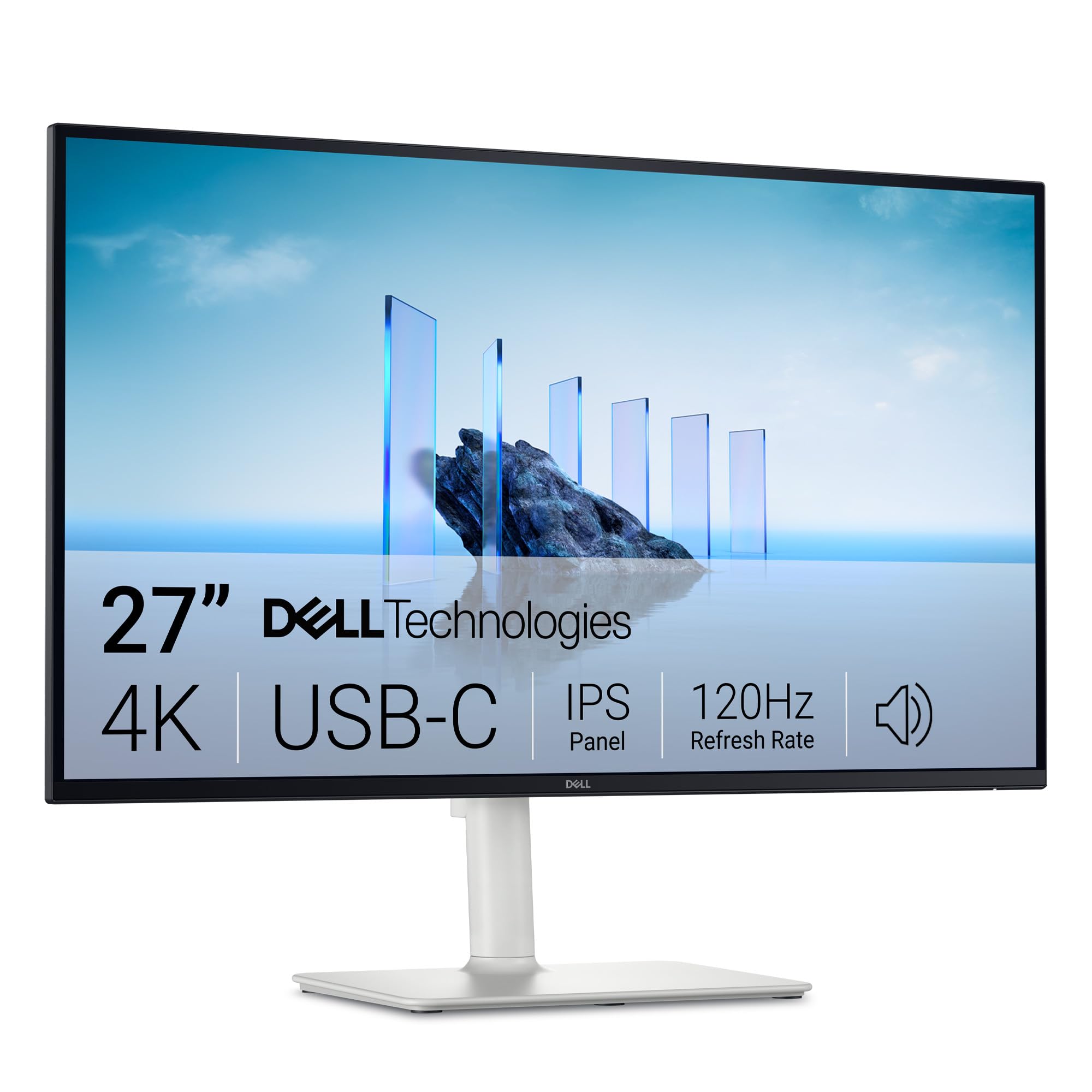
4K sharpness and 120Hz smoothness meet a single USB-C cable that also charges your laptop.
This is the pick that asks the least of your desk. A single USB-C cable carries video and up to 65W power delivery, so your laptop charges while the screen runs — one cable, no dock jungle. The panel is 4K UHD 3840 x 2160 on 27 inches with 120Hz refresh, versus the 60Hz of the two LG 4K models. So you get crisp text and smooth motion from the same screen, which is rare in a white monitor.
Colors are vivid with 99% sRGB coverage, and the 1500:1 contrast ratio beats the LG 27US500-W’s 1000:1 and matches the Dell 24 Plus for depth. It’s HDR ready for a bit more punch. Re-engineered speakers give more detail and a wider frequency response than the previous generation, and the anti-glare screen keeps reflections down. Height, pivot, swivel, and tilt adjustment let you dial the position in.
The catch: the built-in speakers are a convenience, not a hi-fi setup, so pair real speakers if audio is central. And it’s the priciest white monitor here — the premium buys the 4K-plus-120Hz-plus-USB-C combination. If you plug in a laptop daily, that convenience is the whole reason to stretch to this pick.
The one-cable advantage
- USB-C with up to 65W power delivery charges a laptop and carries video in one cable
- 4K at 120Hz versus the LG 4K models’ 60Hz for smoother motion
- 1500:1 contrast matches the Dell 24 Plus for dark-mode depth
- Full height, pivot, swivel, and tilt adjustment
What you give up
- Built-in speakers are convenience-grade, not hi-fi
- The top of this white-monitor range on value
The match for: a laptop-first desk that wants 4K, 120Hz, and single-cable charging in one clean white screen.
Save the stretch if: you work from a desktop tower — the LG 27UP650K-W does 4K detail without paying for USB-C.
Know the Specs
Resolution (1080p vs 4K)
Resolution is the pixel count — 1920 x 1080 for Full HD and 3840 x 2160 for 4K UHD. A 4K panel packs four times the pixels of a 1080p one, so text and fine detail look crisper at the same physical size. On a 24-inch screen, 1080p stays sharp at normal viewing distance; on a 27-inch screen, 4K is where documents and photos really shine.
Refresh Rate and Response Time
Refresh rate in hertz tells you how many frames the screen draws per second — 60Hz, 120Hz, 144Hz, 240Hz. Higher means smoother motion and tighter mouse feel. Response time in milliseconds is how fast a pixel changes color; lower means less ghosting behind fast movement. A 1ms panel with a high refresh rate suits competitive gaming, while a slower panel suits reading and editing.
Contrast Ratio
Contrast ratio compares the brightest white to the darkest black the panel can show. A 1500:1 screen produces deeper blacks and more visible shadow detail than a 1000:1 one. That difference shows up most in dark-mode reading, movies, and photos with lots of shadow — the higher the first number, the more depth you see.
Color Gamut and Brightness
Color gamut, listed as a percentage of sRGB or DCI-P3, tells you how much of the color range the panel can display — higher is better for creative work. Brightness in cd/m² tells you how hard the screen fights glare; around 300 cd/m² works in a dim room, while 400 cd/m² holds up better in daylight. Pair a wide gamut with good brightness for photo and video work.
Common Questions
Does a white monitor show fingerprints and smudges more than a black one?
Is 1080p sharp enough on a 24-inch monitor for office work?
What is the difference between 144Hz and 240Hz for gaming?
Will a 4K monitor work well with a Mac laptop over HDMI?
Do I need a monitor arm to use these white monitors?
Can I use a built-in speaker monitor as my only audio?
What refresh rate do I need for photo and video editing?
How much power does a USB-C monitor deliver to a laptop?
Is a higher contrast ratio better for dark-room viewing?
Do white monitors yellow or discolor over time?
The Bottom Line
For most desks, the white monitor to buy is the MSI PRO MP243W E14 because it balances a 144Hz IPS panel, a 1500:1 contrast ratio, and eye-comfort certification without a compromise that hurts. If 4K detail is the whole reason you’re shopping, reach for the LG 27UP650K-W and its 3840 x 2160 panel. And if you want 4K plus the convenience of single-cable USB-C charging, the Dell 27 S2725QC is the one to bring home. Any of these white panels will sharpen up a desk; matching resolution and refresh rate to your actual work is what keeps the pick feeling right for years.
How we choose
We do not accept paid placement. Every pick is matched to a real buyer and a real use-case; we do not hands-on test units.
Sources
Specifications: manufacturer listings and product documentation. Review insights: verified customer reviews, as of November 2026. Pricing: not shown on this page (it changes often); check the current price via the retailer link.
As an Amazon Associate, Tactical Gear Guy earns from qualifying purchases. This does not affect which products we feature.