Specs are compiled from manufacturer listings and verified buyer reviews and can change over time — please confirm the key details on the product page before buying.
You want to look put-together on a call without stacking three apps before you join. The short answer: the OBSBOT Tiny 3 is the one most buyers should start with, because it pairs a real 4K picture with built-in beauty, background and tracking tools that run straight from its own software. Below you get five cameras that actually ship filter or effect modes, sorted by what each one does best.
This guide is built by comparing the manufacturers’ published specifications and the patterns across verified customer reviews, so you get each pick’s real strengths and trade-offs instead of marketing spin.
You will see which cameras bake filters into the hardware, which need the companion app to open up them, and which ones turn a plain desk into a lit set. Every pick here has a filter or effect mode you can switch on mid-call, so you can match one to your setup.
Top Picks
How To Choose The Best Webcam with Filters
Filters are easy to advertise and hard to get right. A filter is a software layer that adjusts your picture — smoothing skin, tinting the image, blurring the background — and it only looks good when the camera underneath it captures a clean frame first. Buy for the sensor and the autofocus, then confirm the filter set matches how you actually stream.
Where the filters actually live
On nearly every camera here the filter mode runs through the maker’s own desktop app, not a dial on the camera body. The UGREEN FineCam Pro ships 7 built-in filter modes you switch inside its software. The OBSBOT models route Beauty Mode and Background Blur through OBSBOT Center. If you present from a work laptop with locked-down software, confirm you can install that app before you buy.
Sensor size decides whether the filter has anything to work with
A bigger sensor gathers more light, so your face arrives at the filter already clean instead of grainy. The OBSBOT Tiny 3 uses a 1/1.28″ CMOS, the EMEET S600L and UGREEN FineCam Pro both use a 1/2″ sensor, and the OBSBOT Meet Flip uses a 1/2″ CMOS too. A smoothing filter on a noisy image smears the grain into a soft blur.
Autofocus keeps the effect locked to your face
PDAF (phase detection autofocus — a focus method that measures how far off sharpness is and snaps to it) is the spec that stops a filter from drifting. The EMEET locks focus in 0.2s from 10 cm to infinity. The OBSBOT Tiny 3 uses Dual All-Pixel PDAF. A camera that hunts for focus mid-sentence will visibly wobble your beauty mode.
Frame rate and resolution for the way you broadcast
4K@30FPS gives you a sharp still-feeling image for meetings and recorded content. 1080P@120FPS trades resolution for smooth motion, which matters if you gesture a lot or demo physical objects. Both OBSBOT Tiny models offer that pairing. The UGREEN and EMEET run 4K@30FPS with 1080P@60FPS as the smoother option.
Side-by-Side Comparison
| Model | Best For | Top Resolution | Sensor | Filter / Effect Mode | Amazon |
|---|---|---|---|---|---|
| OBSBOT Tiny 3★ Best Overall | All-round pick for streamers and teachers | 4K@30FPS / 1080P@120FPS | 1/1.28″ CMOS | Beauty Mode, Background Blur via OBSBOT Center | Amazon |
| EMEET S600LBudget Champion | Budget-friendly pick with a built-in light | 4K@30FPS / 1080P@60FPS | 1/2.0″ Samsung sensor | Beauty effects via EMEET STUDIO plus 4 light modes | Amazon |
| UGREEN FineCam Pro | Most filter presets from the start | 4K@30FPS / 1080P@60FPS | 1/2″ Sony sensor | 7 built-in filter modes plus portrait mode | Amazon |
| OBSBOT Meet Flip | Travel and meeting notes on the go | 4K | 1/2″ CMOS | Beauty Mode plus AI framing and gesture control | Amazon |
| OBSBOT Tiny 3 Lite | Premium step-down of the flagship | 4K@30FPS / 1080P@120FPS | 1/2″ CMOS | Beauty Mode, Background Blur via OBSBOT Center | Amazon |
Detailed Reviews
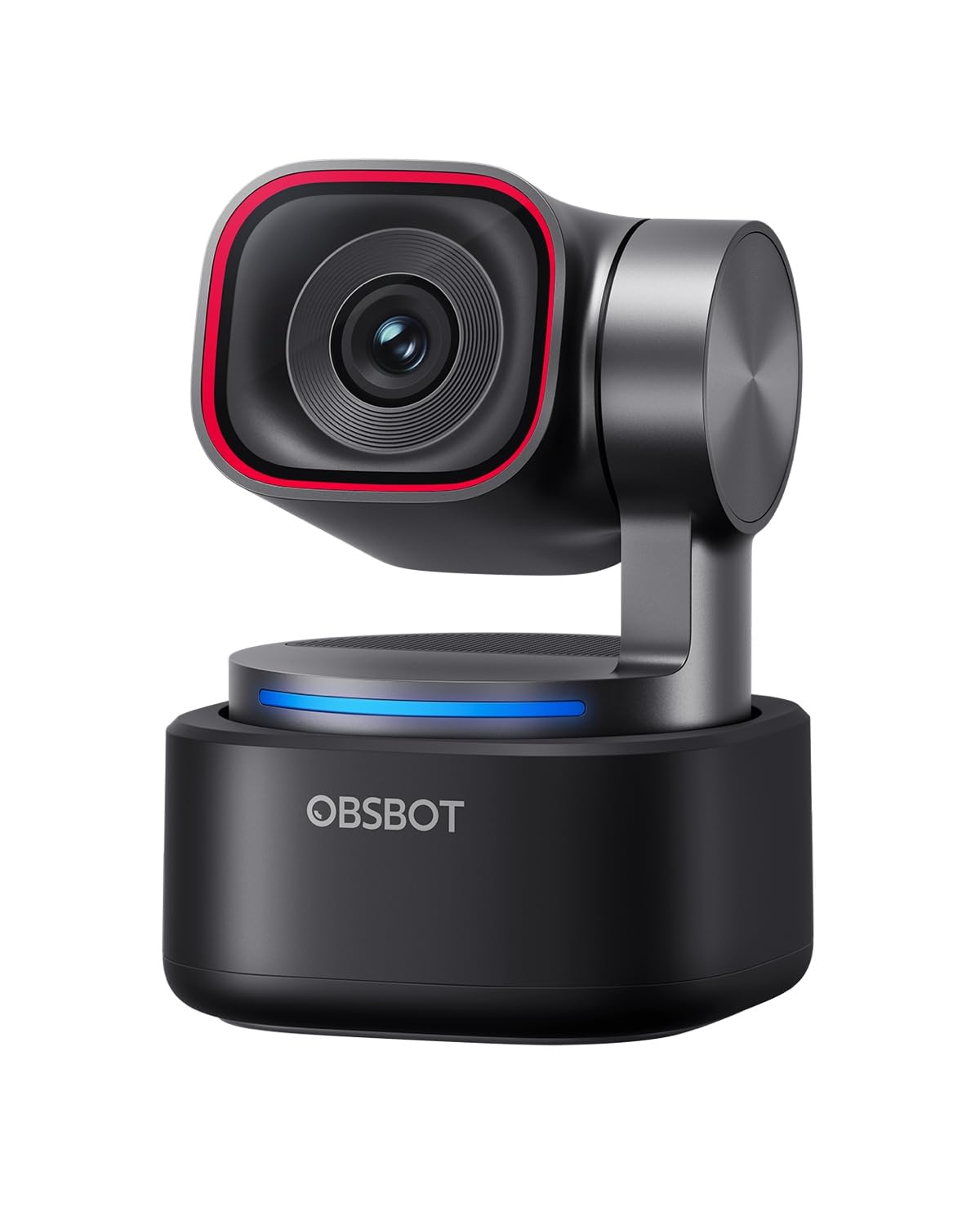
1. OBSBOT Tiny 3 AI-Powered Spatial Audio 4K Webcam
Our pick — 4.0+★ from 250+ verified ratings; the strongest balance of quality and price.
A motorised little gimbal that follows you around the room while beauty mode smooths the frame.
The Tiny 3 is the pick if you move while you talk — teaching a whiteboard, pacing a demo, or standing up mid-call. Its AI Tracking 2.0 locks onto a single person, a whole group, or over 200 types of objects, and the gimbal physically pans to keep you framed. Do that with an ordinary fixed webcam and you walk out of shot. Beauty Mode and Background Blur live in the OBSBOT Center software, so your filter and your tracking work from the same control panel. That saves you from juggling a second app mid-meeting.
The imaging side is where it pulls ahead. It uses a 1/1.28″ CMOS sensor — the largest light-gathering surface in this lineup — with a Wide ISO Domain of 0-12800 and DCG HDR to hold detail in a dim room. It shoots 4K@30FPS or 1080P@120FPS. Digital zoom reaches 4x, against 2x on the UGREEN FineCam Pro.
Audio got real attention too. A triple-mic array pairs one omnidirectional mic with two MEMS directional mics (small mics aimed at voices) and runs five audio modes. You can also wake it, zoom, and switch presets by voice or a wave of your hand. The honest catch: that gesture and voice control occasionally misfires, and OBSBOT’s own guidance is to switch it off if the gimbal behaves erratically. The software suite leans on your PC, and it needs Windows 10 64-bit or macOS 11.0 or later. There is no onboard storage — the camera relies on your computer.
Why it earns the top slot
- 1/1.28″ CMOS with Wide ISO 0-12800 and DCG HDR for dim rooms
- AI Tracking 2.0 follows a person, a group, or 200+ object types on a moving gimbal
- Triple-mic array with omnidirectional plus two MEMS directional mics and five audio modes
- Beauty Mode, Background Blur and Teleprompter all inside OBSBOT Center
- Voice and gesture control for wake, track, zoom and presets
Where it asks more of you
- Voice and gesture control can misfire; OBSBOT suggests turning it off if the gimbal is erratic
- No onboard storage — everything routes through your PC or Mac
- Needs Windows 10 64-bit or macOS 11.0 or later to run the software
Reach for this if: you present on your feet and want the camera to chase you, with beauty and blur one click away in OBSBOT Center.
Look elsewhere if: you want filters that work with zero software install — the UGREEN FineCam Pro trades the gimbal for 7 ready filter modes.
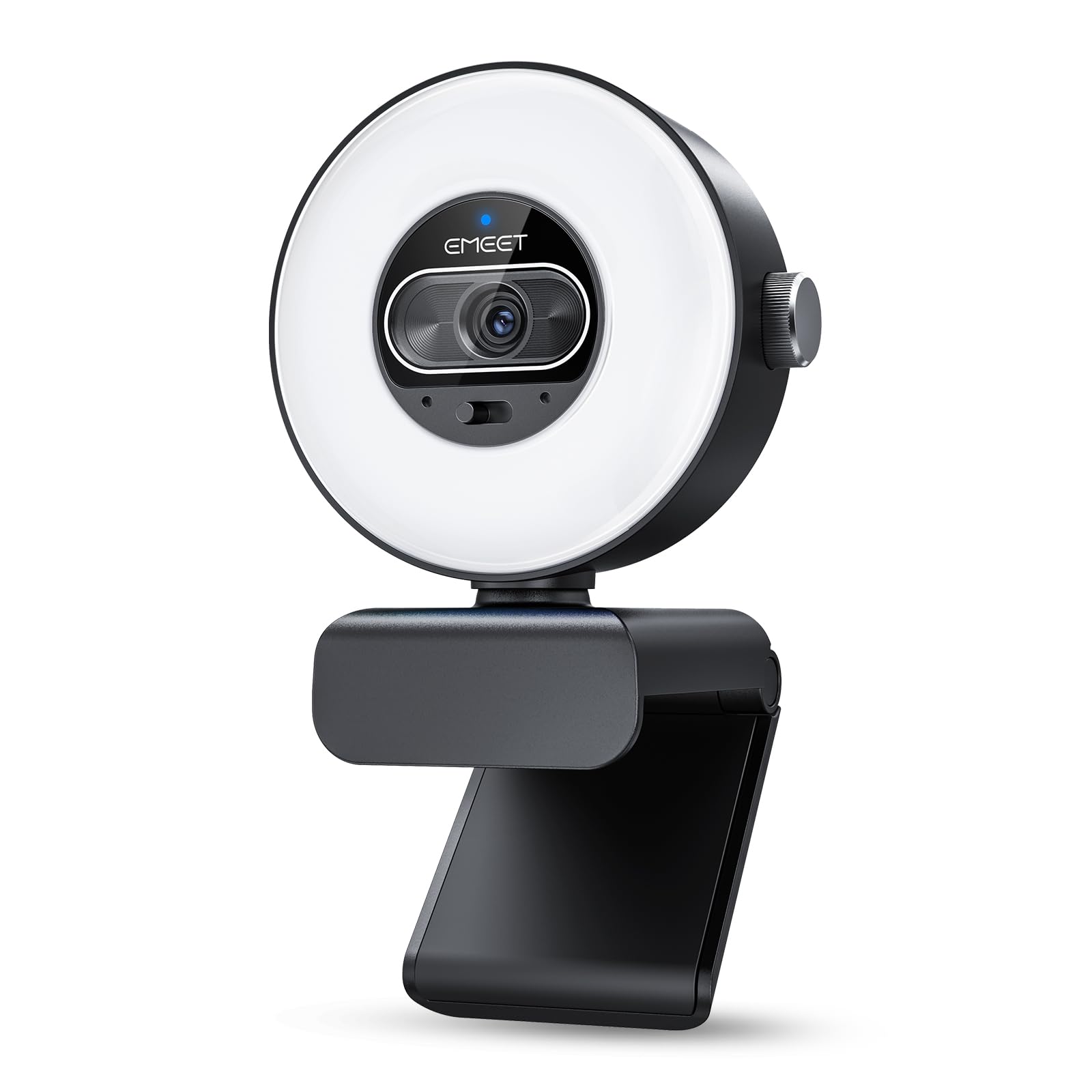
2. EMEET S600L 4K Webcam for Streaming with Light
Trades a floating gimbal for a ring of light that fixes your face before any filter runs.
If your problem is a dark desk rather than a wandering body, this is the smarter buy. It rings the lens with a light that runs in 4 modes — Cool White, Warm White, Natural White and Ambient Light — and auto-balances exposure the moment it switches on. That means no harsh shadow across your cheeks and no blown-out forehead. The beauty effects in EMEET STUDIO then top up the smoothing, rather than doing all the heavy lifting alone. Lighting is a more-discussed point here than you might expect, and it splits opinion, so set your expectations around a helper light rather than a studio softbox.
The picture rides a 1/2.0″ Samsung sensor with true 4K@30FPS or smoother 1080P@60FPS. Its PDAF autofocus locks in 0.2s from 10 cm to infinity, and the lens gives a natural 73° field of view. The mount is more flexible than most — 360° horizontal rotation and ±15° tilt, plus a standard 1/4″ mount for a tripod. You can flip between landscape and portrait, which suits vertical live streams. Dual mics pick up your voice within 10 ft.
Setup runs over USB 2.0 with a Type-C cable, a C-A adapter, and 6.6 ft of reach — enough slack to route behind a monitor. A privacy cover slides on and off, and the dial on the body switches light modes and brightness without opening software. Worth naming plainly: the ring light polarises people. Some expect a camera-mounted flash and find the soft fill underwhelming instead. Treat it as a desk light that flatters your face, not a replacement for a proper key light, and the results land where they should for a starter camera.
Best for a dark room: the 4 light modes and auto exposure balance do more for a dim workspace than a filter alone ever could, and the 0.2s PDAF keeps focus tight.
The honest adjustment: expect a soft fill light, not a bright studio lamp — most of the disappointment around here traces back to that mismatch.
This suits: first-time streamers and home-office workers who need to be seen clearly without buying a separate light.
Rethink it if: you already light your desk properly and want the filter suite to be the star — the UGREEN’s 7 filter modes fit that job better.
3. UGREEN FineCam Pro 4K Webcam with 1/2″ Sensor
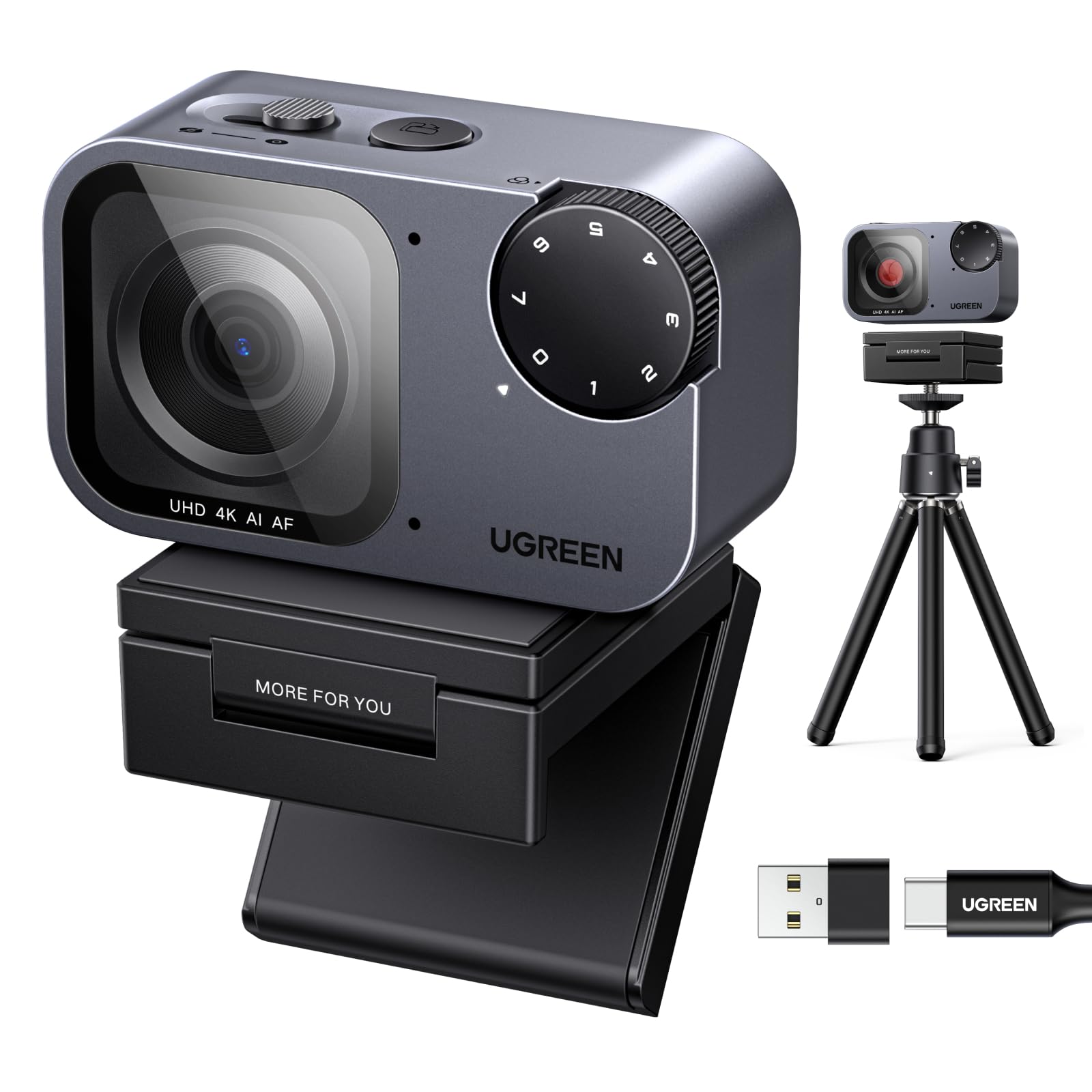
Seven photographic filter tones built straight into the camera software, no third-party app required.
This is the one to grab when the look of the frame matters as much as the sharpness. It digitally replicates classic photographic tones across 7 built-in filter modes, and it supports a 2K 9:16 portrait mode when you rotate it 90 degrees. So a vertical live stream can carry the same warm or cool tone as your horizontal one. The 1/2″ Sony sensor shoots 4K@30FPS with 1080P@60FPS behind it, and its low-light handling is built for dim rooms. The 2x digital zoom is tighter than the OBSBOT Tiny 3’s 4x, so cropping hard into a scene is not its strength.
Two features earn their place beside the filters. PDAF autofocus snaps quickly, and Face AE acts as an intelligent fill-light that keeps your face readable when you sit against a bright window. A dual-mic array with AI noise reduction picks up a clear voice across a 360-degree range, so background chatter gets suppressed. AI auto-framing keeps a group composed without you nudging the camera, and hand gestures toggle framing or zoom. Plug and play works with no driver on Windows 11/10/8, macOS and Linux, and an extendable tripod comes in the box.
Here is the part to weigh up. Owner sentiment on this one is genuinely split — quality and video quality both draw mixed reactions rather than a clear thumbs-up. That is a fit note, not a disqualifier: the hardware spec is strong for the tier, and the filter set is the deepest here. If you expect a plug-in-and-forget camera that everyone agrees looks flawless, this is the riskier pick of the five. If you want the widest choice of looks and you will spend an evening dialling it in, the 7 modes and 9:16 portrait support deliver on that brief.
What it brings to the desk
- 7 built-in filters digitising classic photographic tones
- 2K 9:16 portrait mode for vertical streams
- 1/2″ Sony sensor with 4K@30FPS and Face AE fill-light
- Dual noise-cancelling mics with 360-degree pickup
- Privacy cover and extendable tripod in the box
The part to weigh up
- Owner feedback on quality and video is mixed rather than glowing
- 2x digital zoom is narrower than the 4x the OBSBOT models offer
- Best looks come after tuning — not a simple plug-in-and-forget camera
Go this way if: you want the biggest filter palette and vertical streaming in one camera, and you are happy to tune it.
Think twice if: you need overwhelming owner consensus — the mixed quality feedback means a safer crowd pick is the Tiny 3.
4. OBSBOT Meet Flip Foldable 4K Webcam
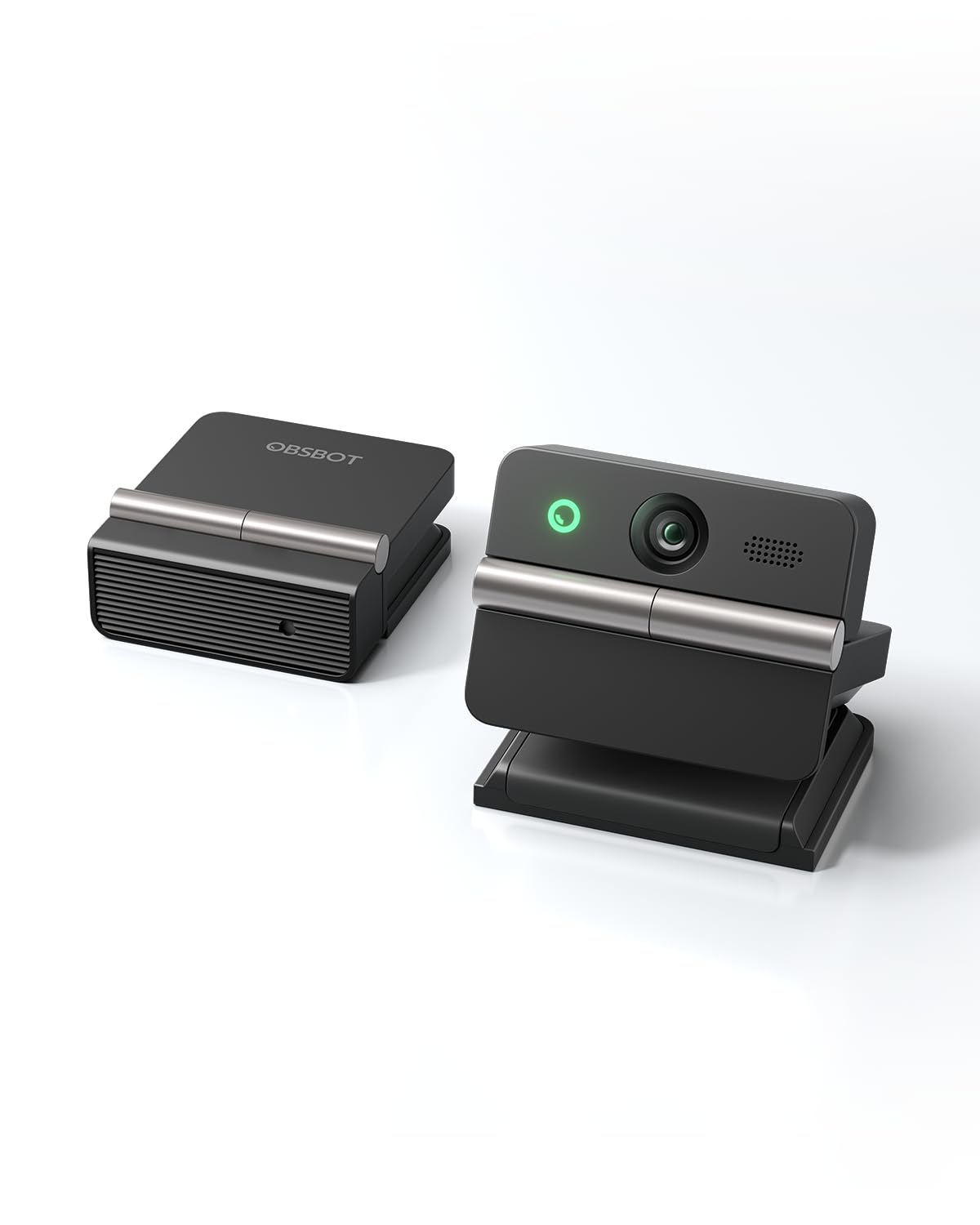
Folds shut for the laptop bag — and transcribes the meeting while beauty mode keeps you presentable.
At 37.7g (about the weight of a couple of AA batteries) this is the bag-dweller. It flips open to sit on a monitor with its own integrated stand and folds shut when you move on — and that fold also triggers sleep mode, which gives you a physical privacy cover. A 1/2″ CMOS sensor delivers the 4K image with HDR holding colour steady as the light changes. Beauty Mode sits in the software layer alongside background tools, so your filter travels with the camera.
The feature that separates it from a plain webcam is the AI meeting companion. It runs real-time transcription, smart highlights and AI meeting summaries, so you walk away from a call with notes rather than a memory. Teleprompter support keeps a script in view for presentations. A dual-mic system with omnidirectional and directional pickup runs four audio modes. PDAF focus snaps and holds, and AI auto framing keeps a group composed whether you are alone or with colleagues.
Effective still resolution is 48 mp — a clear step behind the Tiny 3’s 50 mp figure, though both are far beyond what a 4K call ever needs. Digital zoom reaches 4x, matching the Tiny 3. Control is by gesture: face the camera and use the open-hand gesture for framing, the pointing gesture for zoom. One caveat to expect: functionality is a mixed point in owner feedback, so treat the AI note-taking as a helpful extra rather than the reason alone to buy.
Pick it for the commute: 37.7g, a flip-open stand, and a fold that doubles as a privacy shutter make it the obvious one to toss in a bag.
Skip the expectation of polish: the AI meeting tools are handy but functionality splits opinion, so buy for the portability and the 4K picture first.
Best matched to: remote workers who join calls from coworking spaces and hotel desks and want notes taken for them.
Not your camera if: you never leave your desk — a fixed-mount model gives the same filter set without paying for the fold.
5. OBSBOT Tiny 3 Lite AI-Powered Spatial Audio 4K Webcam
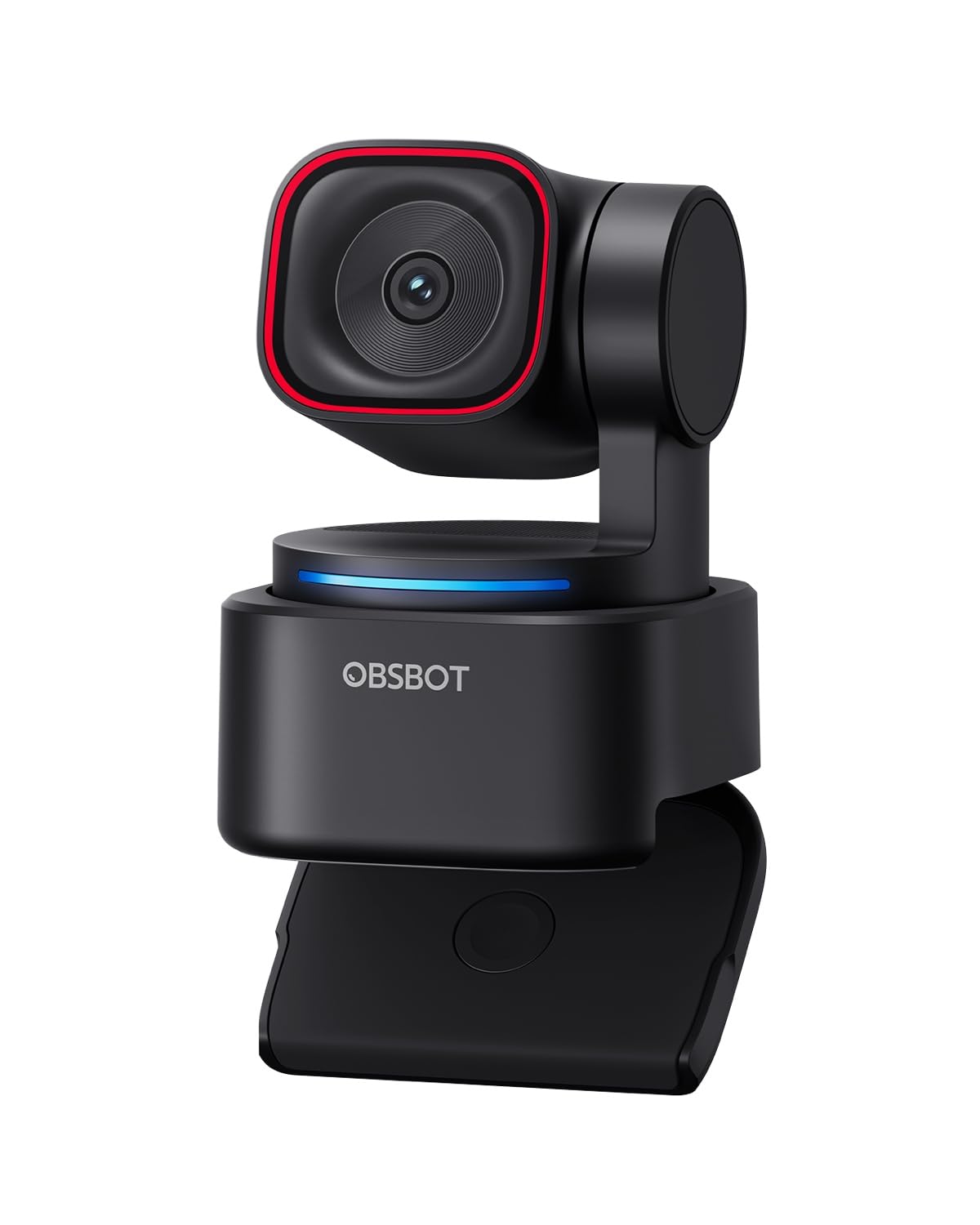
The flagship’s moving-gimbal trick and triple mics, stepped down to a 1/2″ sensor.
Think of this as the Tiny 3 with a smaller light sensor. It keeps AI Tracking 2.0 — single person, whole group, or over 200 object types — and the pan-tilt gimbal that physically follows you. It keeps the triple-mic array with an omnidirectional mic plus two MEMS directional mics and five audio modes. It keeps voice and gesture control for wake, track, zoom and presets. And it keeps Beauty Mode, Background Blur and Teleprompter inside OBSBOT Center. If the moving-camera filter combo is what you are after and the top model stretches the budget, this lands most of the experience.
Where it parts ways is the sensor. It carries a 1/2″ CMOS instead of the 1/1.28″ unit, with a Wide ISO Domain of 100-6400 and HDR rather than the wider 0-12800 range. Video is the same pairing of 4K@30FPS and 1080P@120FPS. Effective still resolution reads 48 mp, against 50 mp on the Tiny 3. Precision PDAF autofocus and 4x digital zoom carry over, so sharpness and reach feel familiar. The 4x zoom also sits ahead of the UGREEN FineCam Pro’s 2x.
Two owner signals deserve a mention before you decide. Reliability is a mixed point in the feedback, and software is the most critical thread — so budget time to install and update OBSBOT Center properly. Connectivity also draws mixed notes, which makes the USB-C to USB-A adapter in the box worth keeping in the drawer. Those are small frictions around a camera that otherwise impresses. If you want the tracking-and-filter package and can live with a slightly smaller sensor, it is a sensible premium step-down.
The step-down trade: a 1/2″ CMOS with ISO 100-6400 and 48 mp stills, versus the Tiny 3’s 1/1.28″ sensor, ISO 0-12800 and 50 mp — same tricks, less light-headroom.
Software needs a tidy setup: OBSBOT Center is where the filters live, and it is the most criticised piece of the package, so install it properly on day one.
Worth it for: streamers who want the gimbal tracking and triple-mic audio, but do not need the top model’s bigger sensor.
Only if you will babysit the app: the software and connectivity caveats mean it rewards a patient setup rather than a plug-and-go buyer.
Know the Specs
Sensor Size and ISO Range
The sensor is the slab of silicon that turns light into your image. A larger sensor, like the 1/1.28″ CMOS in the OBSBOT Tiny 3, collects more light than a 1/2″ unit. The ISO range (how sensitive the sensor is to light) tells you how well it copes when you dim the room. The Tiny 3 runs Wide ISO 0-12800 and the Tiny 3 Lite runs 100-6400. A wider range means a filter has cleaner footage to smooth, so your face looks less grainy on a night call.
Filters and Software Layer
Filters are applied by software, not the lens. That software runs either in the maker’s desktop app or in a broadcast program like OBS. The UGREEN FineCam Pro packs 7 built-in filter modes. The OBSBOT models put Beauty Mode and Background Blur inside OBSBOT Center. The EMEET S600L pairs beauty effects in EMEET STUDIO with 4 ring-light modes. Check the app supports your operating system before you buy, because a filter you cannot switch on is no filter at all.
Common Questions
Do these webcams apply filters on their own or through an app?
Will a filter still work if I stream through OBS or Zoom?
Does a bigger sensor actually improve how a beauty filter looks?
Can I use these cameras on a Mac as well as a PC?
What does PDAF autofocus do for a filtered picture?
Is a built-in ring light better than a software beauty filter?
Do any of these cameras have a physical privacy cover?
Can I shoot vertical video with a webcam for short-form streaming?
How much zoom range do these cameras give me?
The Bottom Line
The strongest all-rounder here is the OBSBOT Tiny 3. Its 1/1.28″ CMOS with Wide ISO 0-12800, its AI Tracking 2.0 gimbal and its Beauty Mode in OBSBOT Center cover the filter job and the follow-you job at once. If your desk is dark and you want light before filters, the EMEET S600L and its 4 light modes are the budget-friendly way in. And if the filter palette itself is your priority, the UGREEN FineCam Pro puts 7 built-in filter modes on the table. Pick by the problem you actually have — a moving body, a dim room, or a need for more looks — and the right camera is easy to spot.
How we choose
We do not accept paid placement. Every pick is matched to a real buyer and a real use-case; we do not hands-on test units.
Sources
Specifications: manufacturer listings and product documentation. Review insights: verified customer reviews, as of November 2026. Pricing: not shown on this page (it changes often); check the current price via the retailer link.
As an Amazon Associate, Tactical Gear Guy earns from qualifying purchases. This does not affect which products we feature.