Specs are compiled from manufacturer listings and verified buyer reviews and can change over time — please confirm the key details on the product page before buying.
Buying a wall mount touch screen monitor is mostly a mounting question disguised as a screen question. Match the VESA pattern and run the USB touch cable, and almost any of these panels will serve you for years. Get them wrong, and the panel will not hang or your finger will not register. This guide walks through seven panels that genuinely mount to a wall, from a 15.6-inch open frame unit built for cabinets to a 27-inch desk screen with 100 x 100 mm VESA holes on the back.
This guide is built by comparing the manufacturers’ published specifications and the patterns across verified customer reviews, so you get each pick’s real strengths and trade-offs instead of marketing spin.
You will see which panels survive dust and splashes, which one flips sideways for a kiosk, and which one wants a laptop docked to it. By the end you will know which specs — VESA pattern, IP/IK rating, touch cable — decide your install. The shortlist below covers every practical setup for a wall mount touch screen monitor.
Top Picks

How To Choose The Best Wall Mount Touch Screen Monitor
The first thing to settle is not the screen — it is the wall. A touch panel that hangs off a bracket needs a VESA pattern (the grid of screw holes on the back, measured in millimetres) that matches your mount. Most panels here use 100 x 100 mm, but one of the premium picks runs a 50 x 50 mm pattern for panel mounting. Check your bracket before you fall for a display.
Match the touch cable to your computer
Touch input travels on a separate USB cable from the video signal. A monitor may take HDMI or VGA for the picture and still need a USB-B connection before your finger does anything. If you plan to hang this on a wall across the room, plan the cable run for both. A panel advertised as touch-capable without that USB link is just a display with a glass front.
Decide how rough the environment is
An office wall and a workshop wall ask for different glass. If dust, oil, or splashes are part of the day, look for a front IP65 rating (sealed against dust and water jets from the front) and an IK rating (how hard a knock the glass survives). If it is a quiet meeting room, a standard office monitor with VESA holes does the job and gives you more ports for less fuss.
Think about orientation before you drill
Kiosk and menu-board installs often want a portrait screen. Open frame designs that support portrait or landscape give you that freedom. A desk-style monitor with a tilt stand can flip in software, but the physical bracket may not agree. Read the mounting line in the spec sheet, not the marketing photos.
Side-by-Side Comparison
| Model | Best For | Screen Size | Resolution | Touch Points | Amazon |
|---|---|---|---|---|---|
| GreenTouch 21.5″ Open Frame★ Best Overall | Rough industrial walls | 21.5 inch | 1920 x 1080 | 10-point | Amazon |
| FYHXele 24″ TouchscreenBest Value | Kiosks and gyms | 24 inch | 1920 x 1080 | 10-point | Amazon |
| CUNPU 27″ Touchscreen | Big desk or wall spreadsheets | 27 inch | 1920 x 1080 | 10-point | Amazon |
| Bosunre 15.6″ Open Frame | Tight cabinets and panels | 15.6 inch | 1920 x 1080 | 10-point | Amazon |
| ASUS BE24ECSBT | Laptop docking at a desk | 23.8 inch | 1920 x 1080 | 10-point | Amazon |
| RIUIIN 21.5″ Kiosk Monitor | Vending and menu boards | 21.5 inch | 1920 x 1080 | 10-point | Amazon |
Detailed Reviews
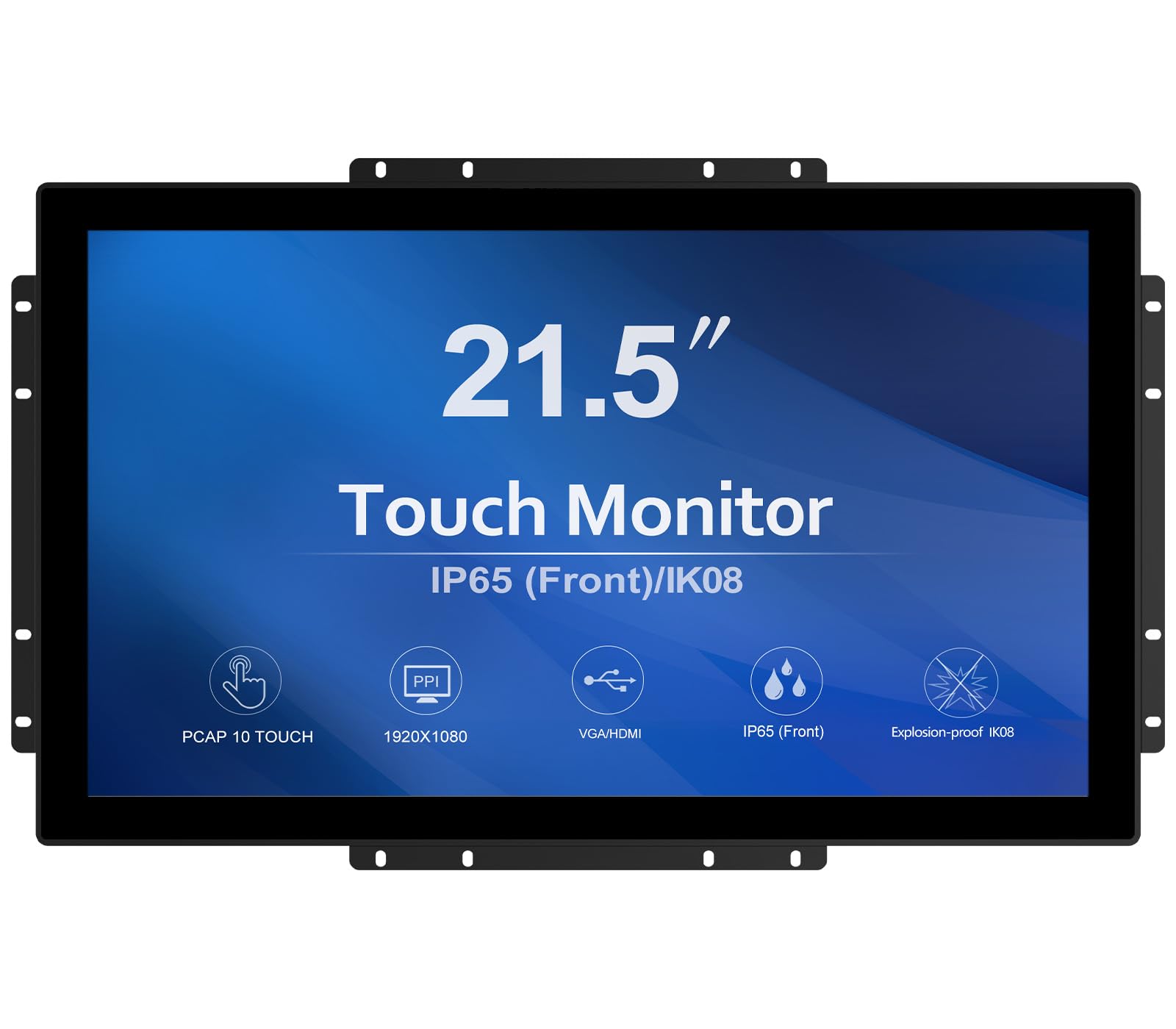
1. GreenTouch 21.5 inch Open Frame Touch Monitor
Our pick — 4.5+★ from 90+ verified ratings; the strongest balance of quality and price.
Built to survive a workshop wall, not a quiet office one.
The number that earns this panel the top spot is IK08 — an impact rating for the 3mm tempered cover glass on the front (a scale for how hard a knock it shrugs off), so a bumped trolley or a dropped tool is not the end of the install. That glass is sealed to the front IP65 standard too, which means dust, dirt and liquid splashes stay outside the panel. For a wall-mounted screen in a garage, factory floor or busy service counter, that combination is the whole reason to pay for an open-frame design.
On the picture side you get 1920 x 1080 pixels (full HD, so text and small interface buttons stay sharp), a 1000:1 contrast ratio (the gap between the darkest and brightest parts of the image, so black text on a pale spreadsheet reads cleanly) and a 1.77:1 aspect ratio that matches a standard widescreen video feed. The touch layer is projected capacitive with 10 points of contact, so two hands on the glass register as two fingers rather than confusing the panel. Ports cover HDMI, VGA, DVI and audio, which matters if the computer already on the wall runs an older graphics output.
What wins buyers over here is the overall build — the metal housing is the point people talk about, and it is the reason this panel has held up across long shifts for owners running it in business settings. The 10-point touch tracks two hands cleanly and the 1080p picture stays sharp. The catch is heft and depth: at 4.6 kg it is a hair heavier than the 4.45 kg CUNPU 27-inch above it in size class, and the chassis runs 1.82 inches deep, so it sits proud of the wall rather than flush. Plan the bracket for that standoff.
Sells itself on
- IK08 impact rating on 3mm tempered glass means knocks are survivable
- Front IP65 seal keeps dust and splashes out of the panel
- 10-point capacitive touch reads two hands at once without lag
- Full port set: HDMI, VGA, DVI and audio for legacy machines
Weigh before you drill
- 4.6 kg and 1.82 inches deep — it needs a mount rated for the bulk
- 250-nit brightness is fine indoors but not a sunlit window wall
Reach for this one if: your wall lives in a workshop, garage or service bay where bumps and splashes are normal.
Look elsewhere if: you want a slim display that sits nearly flush to plaster in a clean office.
2. FYHXele 24 Inch Touchscreen Monitor, IPS FHD 1080P, 100Hz
A 100Hz touch panel for a kiosk or gym wall, at the friendliest end of the range.
Most touch panels on a wall refresh the picture 60 times a second. This one does it 100 times a second — a 100Hz refresh rate for a smoother, less smeary image when a finger drags a map or a menu scrolls by. That is a 67% higher refresh figure than the 60 Hz CUNPU 27-inch in this list, and it makes the FYHXele feel noticeably livelier for anything interactive. The 24-inch IPS panel (In-Plane Switching, a screen type that keeps colours steady when you view from an angle) holds its 178° viewing angle, so a screen hung high on a wall still reads true to someone standing off to the side.
Touch is 10-point capacitive and works with a finger or a capacitive pen. There is a 180° horizontal flip on the screen, which is handy when the mount sits at an awkward height. Brightness is 300 cd (candela, the standard measure of screen brightness — bright enough for a lit indoor room), and the 1000:1 contrast keeps interface text clean. The VESA pattern is a standard 100 x 100 mm, and owners running it as a retail kiosk confirm it bolts up as expected.
Image quality is the thing that gets praised here — the picture is crisp and easy to read from any seat in the room, and the touch responds the moment Windows loads. The honest wrinkle is reliability: a handful of buyers have ended up with a unit that would not power on or flickered from the start, and a few Raspberry Pi users found the touch did not play nicely with their setup. Treat it as a screen to buy from a seller with a solid return path, and it is a lot of interactive monitor for the money.
Why it earns its spot: 100Hz touch response, an IPS panel that holds colour from any angle, and 300-nit brightness all land in a package that businesses buy for counters and gyms.
The one caveat: out-of-box failures get mentioned enough to make a good returns policy part of the plan, and Pi users should verify touch support first.
Best fit: retail counters, gym floors and warehouse stations that want a bright, snappy touch screen on a standard VESA bracket.
Skip the gamble if: you need guaranteed 24/7 duty with zero setup risk.
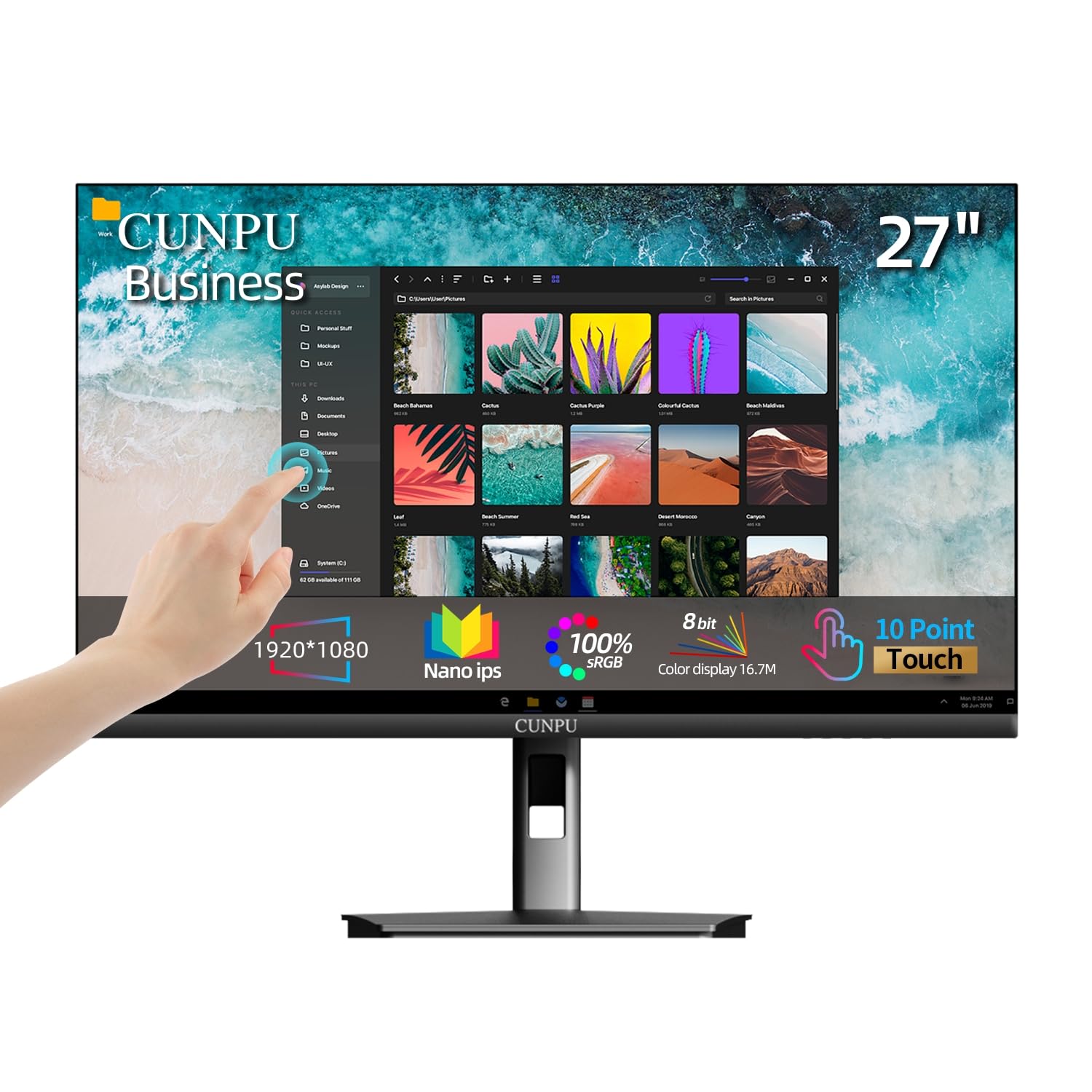
3. CUNPU 27″ 10-Point Touchscreen Monitor 1080P Nano IPS
The biggest panel here, with a 27-inch spread that turns a wall into a workboard.
At 27 inches this is the largest screen in the group — a full 73% more diagonal than the 15.6-inch Bosunre open frame, which is the difference between a control panel and a genuine wall display. The 1920 x 1080 resolution, 178° viewing angle and 100% sRGB colour coverage (a colour range close to what standard monitors reproduce, so photos and charts look natural) make it a sensible second screen for design or spreadsheet work. HDR10 support adds deeper contrast in supported video, and blue-light reduction plus flicker-free backlighting keeps long shifts easier on the eyes.
Touch is 10-point and driver-free: plug in the USB-B cable and pinch, rotate and drag work right away. The 100 x 100 mm VESA and tilt design mean it can hang on a wall or sit as a desk screen. Where it stumbles is touch consistency. A portion of buyers report touch that never worked properly, so this is a panel to test thoroughly inside the return window. Owners praise the build quality and reliability most, and the value read is a 27-inch touch display for a mid-range outlay.
One oddity worth flagging — some of the review commentary describes this as a pink gaming monitor, which is clearly a mix-up in the listing’s review pool and not what you are buying here. Judge it on the actual specs: 27-inch, 1920 x 1080, 60Hz, HDMI and VGA with USB for touch. For a wall-mounted workboard where 27 inches of canvas matters most, it is the package to beat.
Where the size pays off
- 27-inch 1080p panel is the biggest in this list
- 100% sRGB and HDR10 for accurate colour work
- Driver-free 10-point touch — just plug in USB-B
- Tilt stand plus 100 x 100 mm VESA for wall or desk
What to watch
- Touch reliability is mixed — test it the day it arrives
- 60Hz refresh is the slowest here, so fast drags look less smooth
Pick it for: a wall-mounted workboard where a 27-inch canvas beats a smaller, snappier panel.
Pass if: you need touch that must work first time with no testing period.
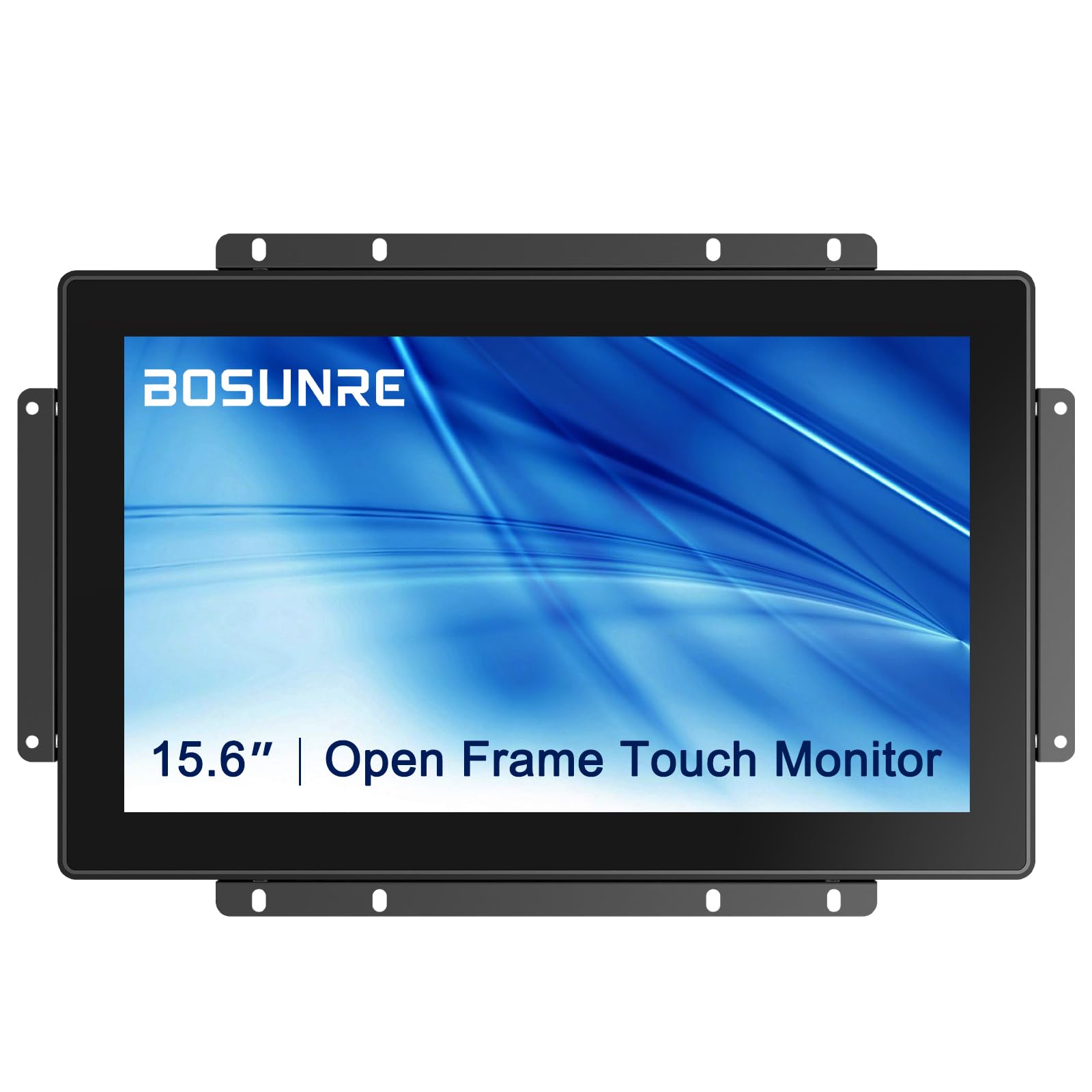
4. Bosunre 15.6 Inch Open Frame Touch Display
When the wall gives you a cabinet door, not a living-room span.
Fifteen-point-six inches is the size that slips into a control cabinet, a kiosk opening or a machine fascia — and it is the most compact of the open-frame panels here, roughly a quarter the diagonal span of the 27-inch CUNPU. The 1920 x 1080 resolution on a smaller panel means a denser pixel count, so text on a HMI screen stays legible at close range. It runs a 10-point capacitive touch layer under 3mm tempered glass, and the front is sealed to IP65 so dust, dirt and liquids stay on the outside where they belong.
There is a 16:9 widescreen ratio and a front bezel made of plastic, which keeps the weight down for a panel-mount bracket. Signal inputs are HD-MI and VGA, and the box includes the HD-MI cable, VGA cable, USB touch cable, power cable and an OSD button board — the last of those lets you mount the menu buttons remotely rather than fishing behind the glass. Multi-touch is supported on Windows 7, 8, 10 and 11, plus native Android and Linux. Windows XP needs a switch to mouse mode, so an ancient machine will lose the finger gestures.
The panel is built with industrial-grade parts for 24/7 duty and comes with a 24-month warranty that excludes human-error damage. It also carries the option to mount in portrait or landscape, which is the reason vending and access-control installs gravitate to it. With a very small review pool, the track record is thinner than the veteran picks — that is the trade-off for a niche panel that fits a hole nothing else will.
What it nails: a compact 15.6-inch 1080p panel with IP65 front protection and every cable in the box, so the install is one order.
The honest limit: few owners have reported back yet, so you are trusting the spec sheet and the 24-month warranty more than a long review history.
Made for: cabinet doors, kiosk openings and machine panels where a big screen literally will not fit.
Think twice if: you want proof from a large body of owners before you buy.
5. ASUS BE24ECSBT 24 Inch Touchscreen Monitor

One USB-C cable carries picture, touch and power to your laptop from the wall.
Here is the panel for somebody who wants a wall display they can also dock a laptop into. The USB-C port delivers up to 80W of power delivery — enough to charge a laptop through the same single cable that carries the video and the touch signal. That means no separate power brick dangling down the plaster. The 23.8-inch frameless IPS panel runs 1920 x 1080, and the ergonomic stand adjusts +35 to -5 tilt, 180 swivel, 90 pivot and 130mm of height — and the whole thing is VESA wall mountable when you want it off the desk for good.
Ports go well beyond the basics: USB-C, HDMI, DisplayPort in and out for daisy-chaining a second display, an earphone jack and a USB hub. A built-in webcam adds video calling without a clip-on camera. There is a 3-year warranty with advanced replacement and repair service — the longest coverage in this group — and a free 1-month Adobe Creative Cloud subscription with the purchase, valid through 8/31/2028.
Performance is what lands here: the screen runs without glitches across long sessions and the joystick-style settings lever on the bottom front makes menu changes quick. Touch is where reviews split. Some find it excellent and smooth, while a portion report the touch simply not working or causing their machine to crash. If the touch layer is the whole reason you are buying, buy it somewhere you can return it and test it fast.
The standout: up to 80W over USB-C plus DisplayPort daisy-chaining and a 3-year advanced replacement warranty make it the most connected panel in this list.
The risk to size: touch reliability is genuinely mixed, so this is a dock-first screen where touch is a bonus, not a guarantee.
Right for: a laptop user who wants one-cable docking, a webcam and a wall-mountable screen with serious warranty cover.
Wrong for: anyone whose entire install depends on touch working flawlessly.
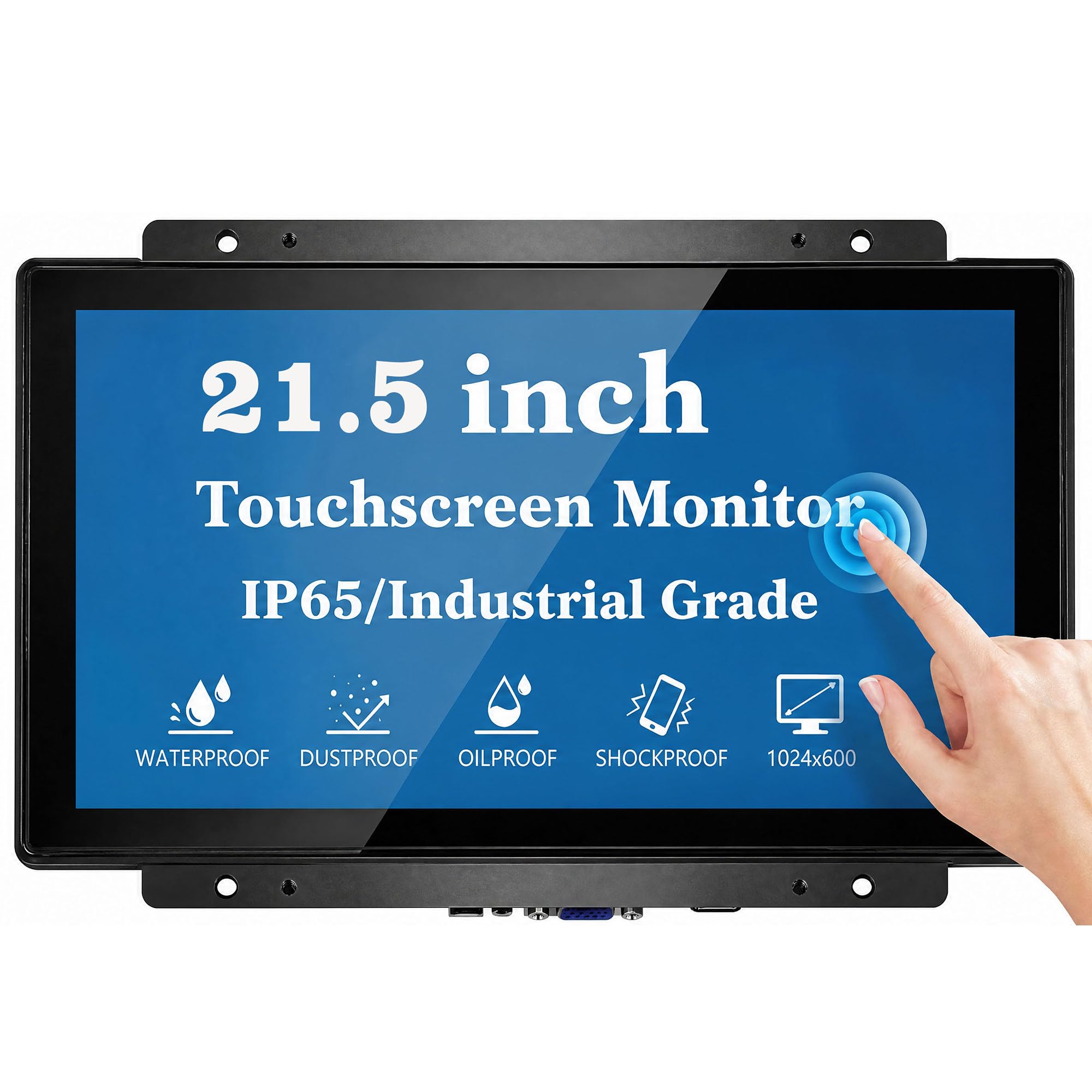
6. RIUIIN 21.5 Inch Open Frame Touch Monitor
The glass here is rated to take a hit and the panel is aged before it ships.
Two numbers separate this panel from the rest. First, IK09 on the 3mm tempered cover glass — one step above the IK08 rating on the GreenTouch, meaning the glass survives a harder impact before it cracks. That is a genuine advantage for a wall in a public space where trolleys, bags and elbows find the screen. Second, every unit gets a 72-hour aging test at 50°C before it ships, the kind of burn-in check that matters when the panel will run 7x24h in a vending or automation install.
The 21.5-inch screen runs 1920 x 1080 with a 2000:1 contrast ratio — the highest on this list, so dark interface elements sit against lighter backgrounds with more separation. Front IP65 protects against dust, oil and liquid. The glass uses G+G capacitive technology for 10-point touch, and it connects over standard HDMI and VGA, with the USB cable required for touch input just like the others. The 50 x 50 mm VESA pattern is smaller than the 100 x 100 mm standard, so double-check your bracket before you drill.
Compatibility covers Windows 11, 10, 8 and 7 plus Linux, with an upgrade code available for older Windows XP machines. You also get FCC, CE and RoHS certifications, a 3-year warranty and a 15-year supply-cycle commitment — the sort of thing a business wants when it plans to reorder the same panel for a fleet of kiosks. The 50 x 50 mm mount is the one practical snag, and the small review pool means the spec sheet and the aging test are doing the heavy lifting.
Industrial credentials
- IK09 glass survives a harder knock than IK08 panels
- 2000:1 contrast — the highest of the group
- 72-hour aging test at 50°C before shipping
- 3-year warranty and 15-year supply commitment
Check before you buy
- 50 x 50 mm VESA is smaller than the 100 x 100 mm standard
- Only a handful of reviews so far — few owner stories to lean on
Built for: vending machines, POS terminals and public kiosks where glass takes abuse and uptime is everything.
Only skip it if: your bracket is a 100 x 100 mm pattern and you cannot adapt it.
Know the Specs
VESA pattern
The VESA pattern is the square grid of screw holes on the back of the screen, given in millimetres. Most panels here use 100 x 100 mm, but the RIUIIN runs a 50 x 50 mm pattern, so a mount built for the bigger grid will not bolt straight on. Match the hole spacing on your bracket before you commit.
IP and IK ratings
IP65 on the front means the panel is sealed against dust and low-pressure water jets, which is what keeps a workshop or kitchen screen alive. The IK number rates how hard an impact the glass survives before it cracks — IK08 sits below IK09, so a higher number buys you more abuse tolerance in a public space.
Touch points and the USB cable
A 10-point capacitive touch layer reads up to ten fingers at once, which is what makes pinch and rotate gestures work. The touch signal rides a separate USB cable from the HDMI or VGA video cable, so a wall install needs both runs planned. Without the USB link, you have a display, not a touch screen.
Refresh rate and brightness
Refresh rate is how many times per second the picture redraws — 60Hz is the standard, and 100Hz on the FYHXele makes fast drags smoother. Brightness in nits (candela per square metre) decides whether the screen reads in a bright room; 250 to 300 nits suits indoor walls, and a window wall needs more.
Common Questions
Do I need a special mount for a wall mount touch screen monitor?
Why does my touch screen need both an HDMI and a USB cable?
What does IP65 mean on an open frame touch monitor?
Can I mount these touch monitors vertically in portrait mode?
Will a wall mount touch screen work with a Raspberry Pi?
What is the difference between IK08 and IK09 glass?
Do these panels run 24 hours a day without trouble?
Is a 10-point touch screen better than a standard touch monitor?
Can I connect a laptop to a wall mount touch screen with one cable?
How do I keep a menu lever or OSD buttons reachable behind a wall mounted screen?
The Bottom Line
For a wall that sees real work, the winner is the GreenTouch 21.5 inch Open Frame because its IK08 glass, front IP65 seal and 10-point touch are built for exactly that kind of punishment. If you want a bright, lively panel for a kiosk or gym at the value end, grab the FYHXele 24 Inch and its 100Hz refresh. And for a wall display you can also dock a laptop into with one cable, the ASUS BE24ECSBT is the one to reach for.
How we choose
We do not accept paid placement. Every pick is matched to a real buyer and a real use-case; we do not hands-on test units.
Sources
Specifications: manufacturer listings and product documentation. Review insights: verified customer reviews, as of November 2026. Pricing: not shown on this page (it changes often); check the current price via the retailer link.
As an Amazon Associate, Tactical Gear Guy earns from qualifying purchases. This does not affect which products we feature.