Specs are compiled from manufacturer listings and verified buyer reviews and can change over time — please confirm the key details on the product page before buying.
Here’s the short answer: the Mryzzsf 3D VR Headset is the one worth starting with, because it gives you a 120-degree field of view (how wide the picture looks) and a controller in the box. A phone-dock headset is the only kind that works with your Android phone. You slide your phone in, adjust the lenses, and the screen becomes your window. The specs that actually matter are field of view, pupil-distance and focal adjustment, and whether a controller is bundled.
This guide is built by comparing the manufacturers’ published specifications and the patterns across verified customer reviews, so you get each pick’s real strengths and trade-offs instead of marketing spin.
None of these goggles have a screen or a battery of their own — your phone does all the work, which is why they cost a fraction of a standalone headset. Below you’ll find the field of view, phone-size fit, and lens adjustment for each pick so you can match one to the phone already in your pocket with these VR Goggles for Android.
Top Picks


How To Choose The Best VR Goggles for Android
Your Android phone does all the work here: it is the screen, the processor, and the battery. The goggles are just the frame that holds it at the right distance from your eyes. So every buying decision depends on three things: will my phone physically fit, will the lenses line up with my eyes, and how much of the image can I actually see.
Match the stated phone-size range to your handset
Every headset here lists a screen-size window it accepts, and these ranges genuinely differ. The Mryzzsf and TECKNET models take phones from 5.0 to 7.0 inches and 4.7 to 7.2 inches respectively, while the Sharper Image unit tops out at smartphones up to 6.7 inches in height. Measure your phone’s screen diagonally before you commit — a large flagship that falls outside the range simply will not seat properly against the lens housing.
Field of view: the number that decides immersion
Field of view, or FOV, is the angle of the world you can see through the lenses, measured in degrees. A wider number fills more of your vision and makes the virtual world feel surrounding rather than distant. The Mryzzsf headset lists 120 degrees and the Sharper Image model matches at 120 degrees, while the TECKNET and the two SENYHPHC/VR SHINECON units sit at 110 and 100 degrees. Anything in the triple digits is workable; the wider figures are the ones that pull you in.
Lens adjustment for glasses and myopia
Pupil distance adjustment moves the two lenses closer together or further apart to match your eyes, and focal adjustment shifts them forward or back. Several headsets here also state support for naked-eye viewing with myopia up to 600 degrees, which means you can take your glasses off and still get a sharp image. If you wear prescription glasses, look for a model that explicitly says it works with them — the Heromask Essentials states that directly.
Side-by-Side Comparison
| Model | Best For | Field of View | Phone Size Range | Controller | Amazon |
|---|---|---|---|---|---|
| Mryzzsf 3D VR Headset★ Best Overall | Widest view with a controller in the box | 120 degrees | 5.0–7.0 inch | Included remote | Amazon |
| TECKNET VR HeadsetLong-Session Pick | Lightweight long sessions with blue-light lenses | 110 degrees | 4.7–7.2 inch | Not listed | Amazon |
| Heromask Essentials | Glasses wearers wanting triple lens adjustment | — | Up to 16 cm x 8 cm | Not listed | Amazon |
| Heromask Kids Geography | Younger kids learning through VR games | — | Most Android and iOS phones | Mechanical button | Amazon |
| SENYHPHC VR Headset | Built-in audio with a Bluetooth remote | 100 degrees | 4.7–7.0 inch | Bluetooth remote | Amazon |
| VR SHINECON VR Headset | Short-focal PMMA lenses and a remote | 100 degrees | 4.7–6.0 inch | Remote control | Amazon |
| Sharper Image Bluetooth VR | Built-in speakers and wireless audio | 120 degrees | Up to 6.7 inch height | Touchscreen button | Amazon |
Detailed Reviews
1. 3D VR Headset Controller
Our pick — 4.0+★ from 30+ verified ratings; the strongest balance of quality and price.
The widest window on this list, and the only one that hands you a controller in the box.
Start with the angle. In practice that wider cone of vision is the difference between watching a 3D film through a letterbox and feeling like you’re sitting inside the scene.
The bundle is what makes this the pick to start with. Inside the box you get the 3D VR glasses, a remote controller, a cleaning cloth, and an English user manual — so there’s no separate accessory to track down before your first game. The controller connects to your phone and lets you play and pause music and nudge the volume up or down without pulling the headset off your face.
Fit runs from 5.0 to 7.0 inch smartphones, which covers a long list of Android handsets from the Galaxy S8 and Note 8 through the S22 and S21 Ultra, plus the A20e and A50. The head strap is fully adjustable, and there’s a soft nose piece to take pressure off the bridge of your nose. Pupil distance and object distance both adjust, which is how you dial in a sharp image instead of a double-edged one.
What earns it the top spot
- 120-degree field of view — the widest spec here, and 9 degrees wider than the TECKNET
- Remote controller bundled in, so games are playable straight from the start
- 5.0–7.0 inch range covers a broad spread of Android phones
- Adjustable pupil and object distance for a cleaner image
What to weigh first
- No stated myopia range, so glasses wearers should plan to keep their frames on
- It’s the newest listing in the group, so the long-term track record is still short
Reach for this if: you want the widest view available here plus a controller without buying anything extra.
Think twice if: you need a stated myopia figure for glasses-free viewing — the TECKNET lists one and this does not.
2. TECKNET VR Headset
At 268 grams, this is the one that won’t leave a dent in your cheekbones after an hour.
Weight is the spec that separates a headset you keep on from one you peel off after twenty minutes. This one comes in at 268g, and paired with the breathable soft foam mask, it’s built to keep airflow moving across your face during longer sessions. The adjustable headband and soft nose rest are there to spread that weight rather than dump it on your nose.
What wins people over here is the build — the construction quality is the thing owners single out most, and it shows in the feel of the housing rather than the spec sheet. The lenses are a second strong point: they’re coated to block blue light, and the dual independent lens design pairs with adjustable pupil distance and focal length to cut the double-image effect. Myopia up to 600 degrees is supported for naked-eye viewing, so a glasses-wearer can take the frames off and still get a usable picture.
The honest catch is long-term durability: some feedback points to parts that give out after a while. A portion of the feedback points to parts that give out after a while, so treat the adjustable gears gently rather than forcing them. It also loses the field-of-view contest to the Mryzzsf above — 110 degrees against 120 — though 110 is still a genuinely wide window. The compatible range does run wider, though, taking phones from 4.7 to 7.2 inches.
The weight argument: 268g plus a breathable foam mask is the combination that makes a two-hour movie session bearable, and the 4.7–7.2 inch range swallows almost any Android handset you own.
The durability question: long-term reliability is the mixed note in the feedback, so plan on careful handling of the adjustment mechanism rather than rough stuffing into a bag.
Best matched to: marathon movie watchers and glasses wearers who need the 600-degree myopia support.
Worth a second look if: you’d rather have the extra 10 degrees of view the Mryzzsf offers.
3. Heromask Essentials VR Headset
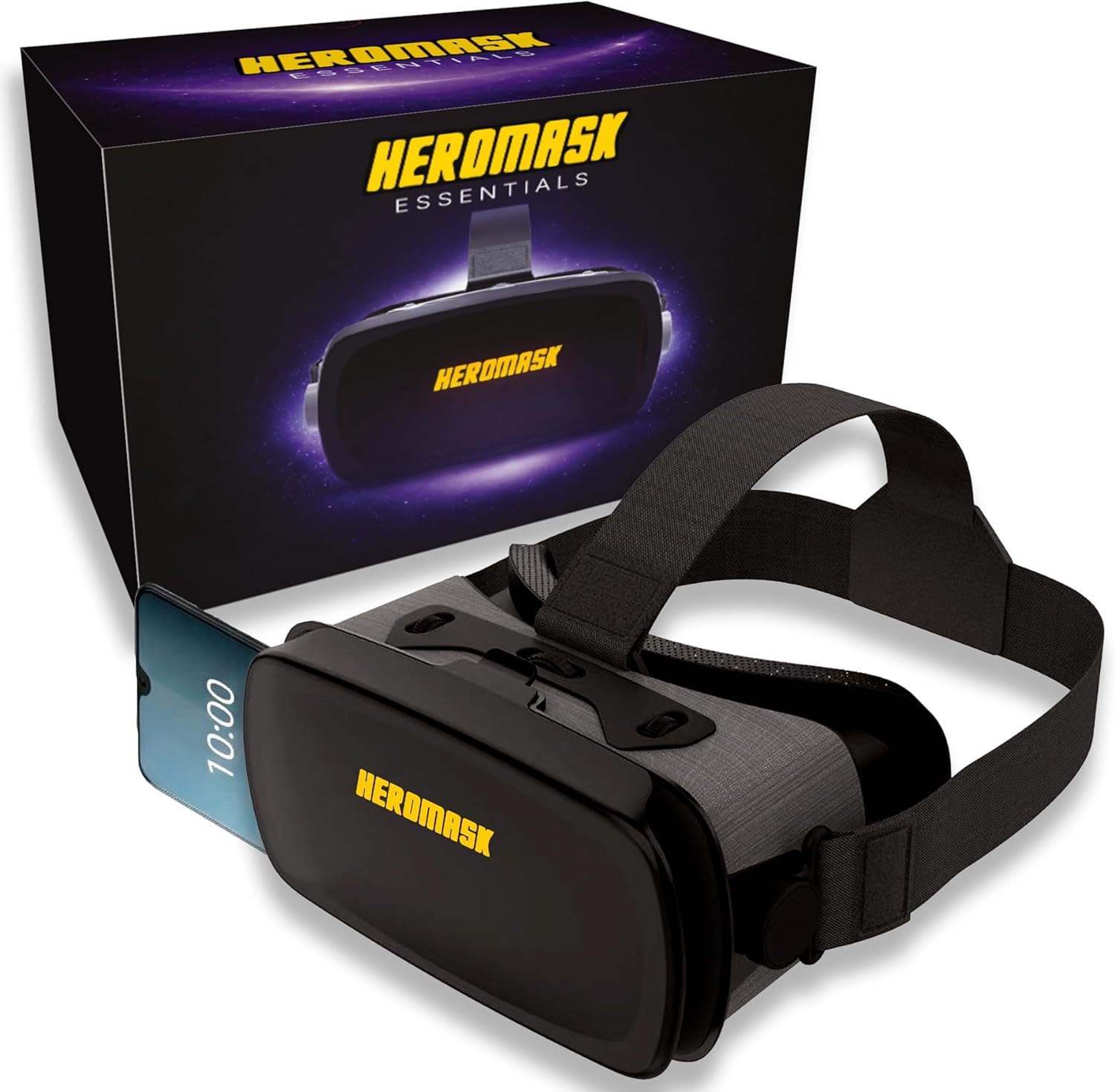
If you wear prescription glasses, this is the headset that says so out loud.
Most goggles assume bare eyes. The Heromask Essentials states directly that it works with prescription glasses, so you don’t have to choose between a sharp picture and keeping your frames on. The maker says its HD lenses deliver sharper images with less distortion and more vivid colour than earlier models. There’s also triple interpupillary adjustment — three points of tuning for the distance between your pupils — so you can fine-tune the view to your face.
Compatibility is stated by physical size rather than a diagonal in inches: it fits phones with screens up to 16 cm x 8 cm, and the maker lists iPhone, Samsung, Xiaomi, Huawei and OPPO among the supported brands. The adjustable straps suit different head sizes, and the soft cushioning is shaped to sit against your face without pressing. It’s built for longer sessions, from teens through adults.
You’ll spend your first evening on content. It runs VR videos on YouTube, virtual reality games from Google Play and the App Store, virtual museum tours, and rich travel footage. It also ships with a curated guide to the best VR apps, handpicked by the maker’s team. A two-year warranty against factory damage backs it. The trade-off: no field-of-view figure is published, so you’re buying on lens quality and glasses support rather than a headline angle number.
Why glasses wearers should care: explicit prescription-glasses support plus triple interpupillary adjustment is a combination almost nothing else on this list offers.
Check before you buy: no stated FOV means you can’t compare the viewing angle on paper — and the 16 cm x 8 cm phone limit is a hard ceiling worth measuring against.
Your pick if: you wear glasses daily and want a headset engineered around that fact, with a family-friendly strap setup.
Look elsewhere if: a published field-of-view number is non-negotiable for your comparison shopping.
4. Heromask VR Headset Kids 5-12
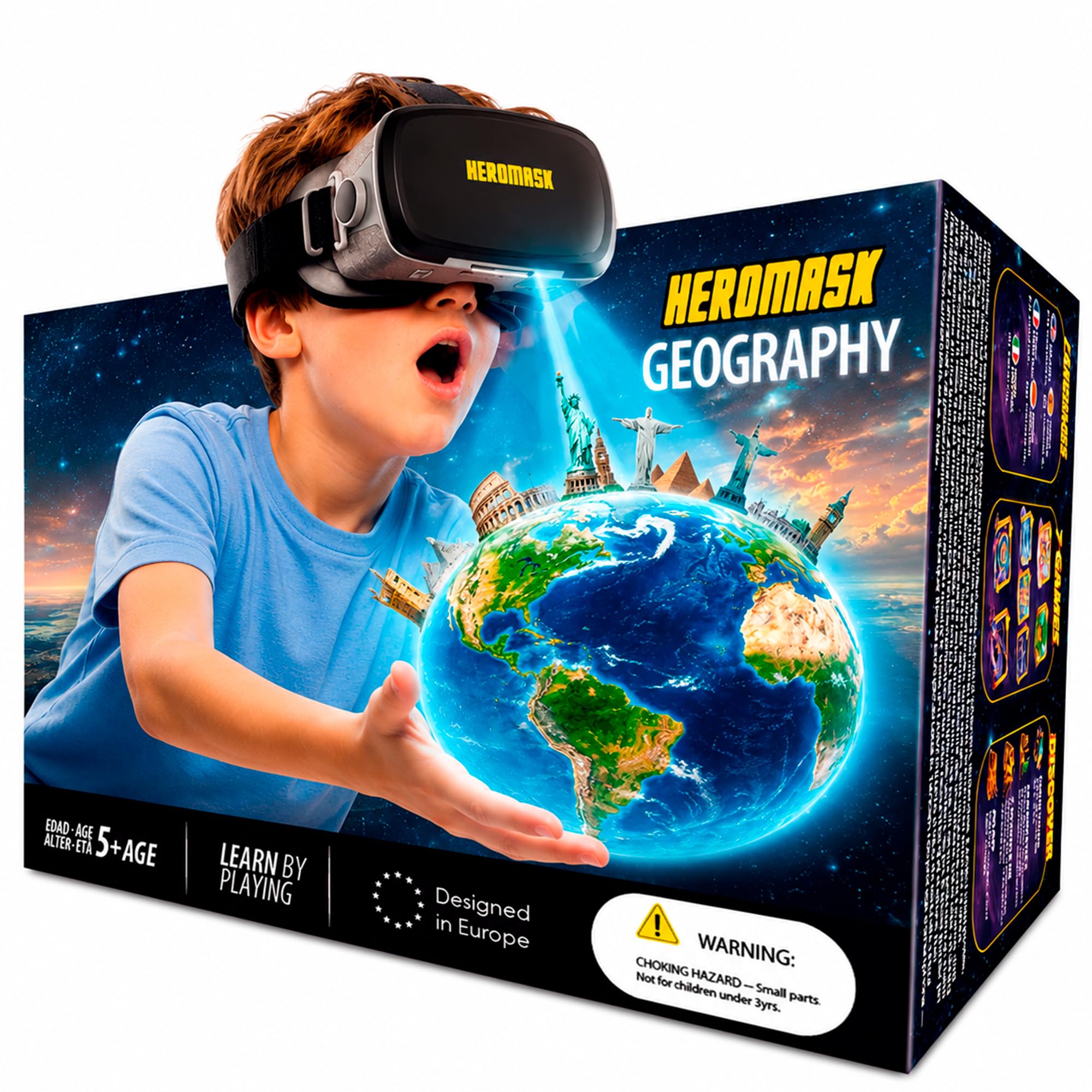
A headset that turns geography homework into a laser-firing game for ages 5 to 12.
This is the one headset here with a built-in reason to put it on. It ships with the Heromask Geography app, an activation code and a quick guide, and the games cover countries and capitals, world flags, continents and oceans, famous landmarks and cultural facts. The maker says the games were developed with teachers to build memory, general knowledge and world awareness, and kids fire laser beams with the mechanical button as they play.
The hardware is deliberately simple. It’s a durable headset with adjustable lenses and a mechanical button that needs no batteries, so there’s nothing to charge and nothing to lose. It works with most Android and iOS smartphones, and once the app is installed it runs without an internet connection — useful for car trips and waiting rooms where the Wi-Fi is unreliable. A microfibre cloth comes in the box for keeping the lenses clear.
The honest limit is the age range: the geography content is pitched at kids 5 to 12. This is built for kids 5 to 12, and the geography content is pitched there, so an adult looking for films and 360-degree travel footage will find the library thin. If you’re buying for yourself, the Heromask Essentials above is the adult counterpart with the same brand behind it. If you’re buying for a child who’s resistant to schoolwork, this is the version that sneaks the learning in.
Where it earns its place
- Bundled geography app with an activation code, so it’s playable the day it arrives
- Mechanical button that runs without batteries — nothing to charge
- Works offline once installed, which matters for travel and car rides
- Adjustable lenses and a cloth included for the whole family to share
Where it stops short
- Content is aimed at ages 5–12, so adult film and travel viewing is limited
- No field-of-view figure published to compare against the wider-angle picks
The gift call: buy it for a child in the 5–12 bracket and the geography games do the entertaining.
The mismatch: an adult shopping for movie nights should step up to the Essentials model instead.
5. Virtual Reality Headset Remote Controller
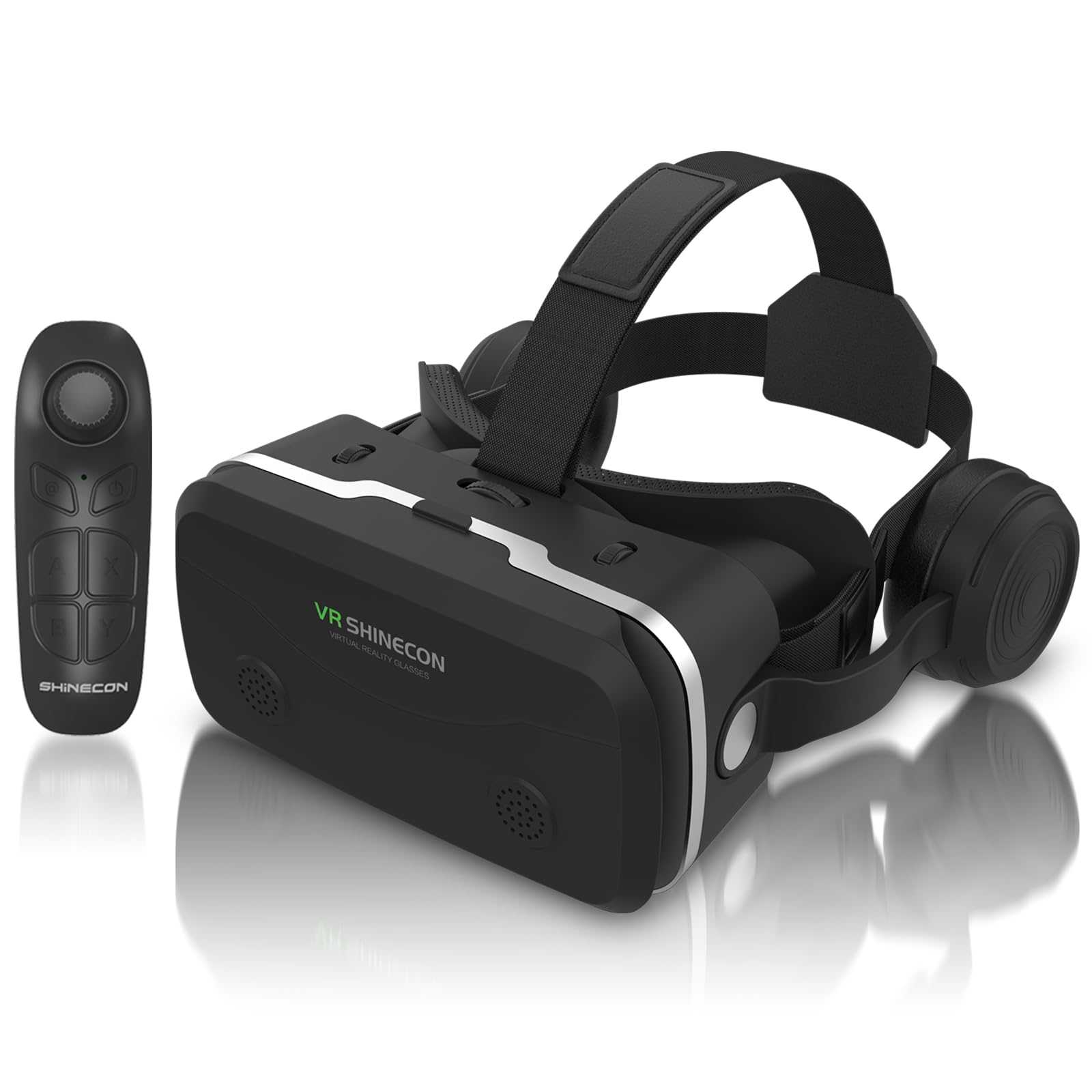
Adjustable earphones built into the headset, so the sound comes with the picture.
Audio is usually the part everyone forgets. This headset includes adjustable earphones on the frame, and the maker’s 3D phase sound technology is aimed at creating a sense of space around the audio rather than a flat stereo spread. There’s a 3.5mm headphone jack for wired sets, and the stated fallback is your own Bluetooth headset paired to the phone if the jack doesn’t suit you.
The optics get a specific number: 42mm double spherical optical lenses with a 100-degree wide view, and the short focal length is designed to mimic natural vision. Two lenses are built independently, with pupil distance and object distance adjustment for myopic viewers. Naked-eye viewing is supported for myopia below 0-600 degrees, and there’s direct viewing with myopic glasses if you’d rather keep them on.
Setup is a three-step routine: download a VR app, search for a 3D video in the left-and-right format, then slot the phone in and adjust the pupil distance. The Bluetooth remote handles volume, fast-forward and call answering — though the maker notes that some software and games don’t support the remote, and iOS 11.2.5 or higher can limit some remote functions due to system restrictions. The 4.7 to 7.0 inch range covers most Android handsets, and the 60Hz refresh figure matches what most phone screens output anyway.
The sound story: built-in adjustable earphones plus a 3.5mm jack and Bluetooth fallback means you’re not hunting for a separate audio solution on day one.
The remote reality: app-level compatibility for the Bluetooth remote is uneven, so expect a few titles to need touchscreen control instead.
Fits you if: you want the headphones built into the headset and a 100-degree view with myopia support.
Look past it if: you need the remote to work universally across every game you own.
6. VR SHINECON VR Headset

Japanese SLR optical PMMA lenses in a 45mm short-focal design, paired with a remote.
The lens material is the talking point here. VR SHINECON uses PMMA — a clear optical plastic — in a 45mm short focal length design, which the maker says brings a 100-degree wide angle of view closer to the real angle of human eyes. That’s the same 100-degree figure as the SENYHPHC above, and 20 degrees narrower than the Mryzzsf’s 120-degree spec. If a wide window is your priority, the numbers say so plainly.
Adjustment is where this one asks for patience. The two lenses are designed independently with pupil distance and object distance controls, and naked-eye viewing works for myopia below 0-600 degrees or with myopic glasses on. Getting those dials right takes some fiddling — adjustability is the recurring friction point in the feedback, so budget a few minutes on the first setup rather than expecting a perfect picture straight away.
The rest of the package is familiar: a Bluetooth remote controller, bottom-mounted buttons for volume and one-key call answering, and a 3.5mm headphone jack (the standard round headphone plug) — or use your own Bluetooth headset instead. The phone range is the narrowest in this guide at 4.7 to 6.0 inches. If you carry a large handset, check that figure carefully before ordering, because a phone outside the range won’t seat properly.
The optics case: PMMA lens material and a 45mm short focal length are real specifications you can weigh against the plastic optics in cheaper housings.
The fit warning: 4.7–6.0 inches is a tight phone window, and the adjustment dials reward patience over speed.
Worth it for: smaller-phone owners who care about lens material and want a bundled remote.
Not for you if: your Android handset measures above 6.0 inches — it simply won’t fit the cradle.
7. Sharper Image Bluetooth VR Headset with Earphones
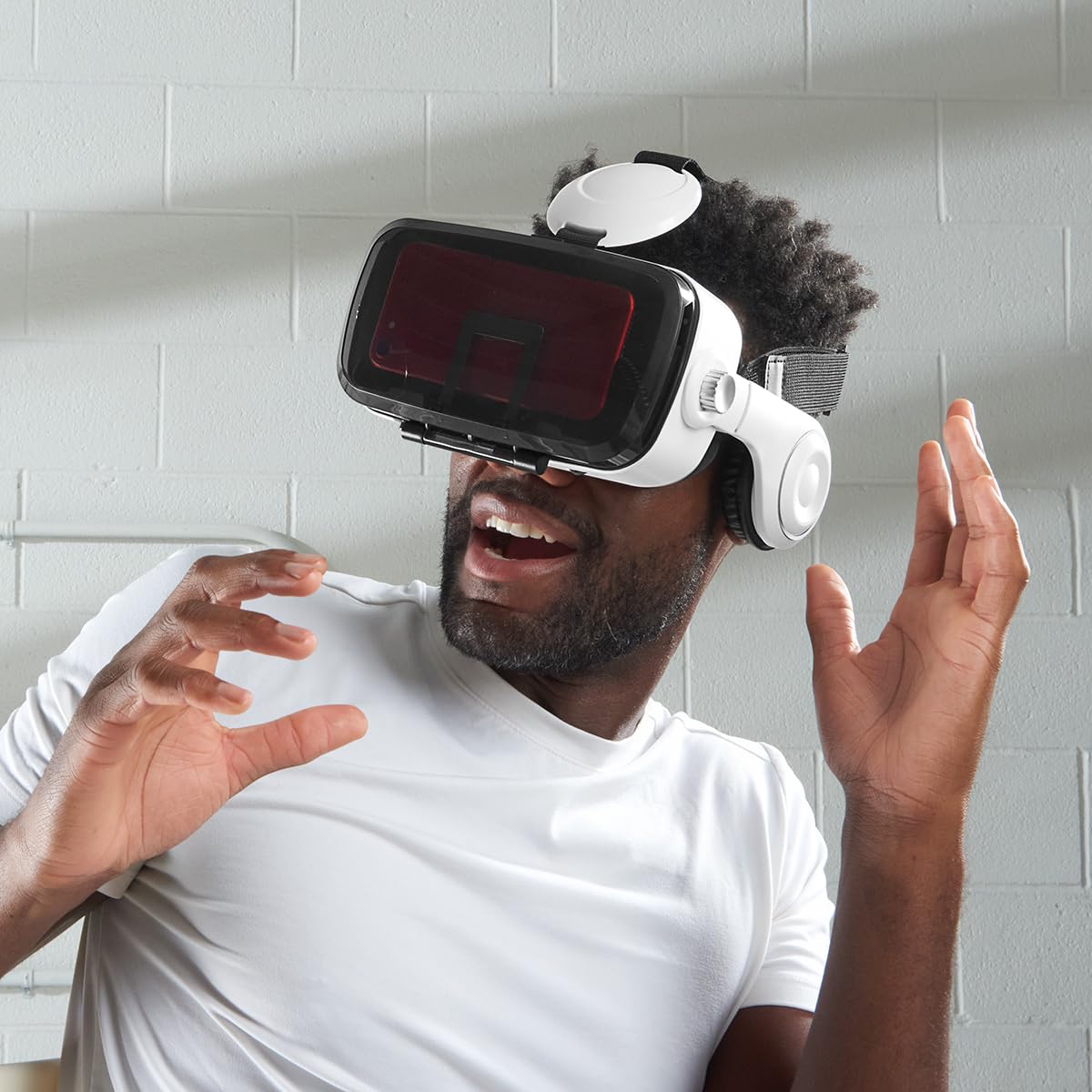
Speakers built into the headset and a 120-degree view — but check your phone height first.
Two numbers stand out. The field of view is listed at 120 degrees, matching the Mryzzsf at the top of this list, so you get the same wide picture. Display support is stated at 1080p with a maximum resolution of 1080×1920 — which is what most Android phones output anyway, so you’re not losing sharpness. The look is distinct too: a white housing rather than the black that dominates this category.
The audio approach is the reason to consider it. Built-in speakers and Bluetooth connectivity mean no wires running from the headset to your phone, and the touchscreen button on the housing handles control. Insert your smartphone, and games, videos and movies all play in three dimensions without a cable tethering you to anything.
Here’s the constraint that matters most: compatibility is stated as smartphones up to 6.7 inches in height, with iPhone 12, 12 Pro, 13 and 13 Pro plus Galaxy S21, S22, S10e/S10 and S9+/S8+ named. That’s a height limit, not a diagonal, so measure your handset’s height before you commit. Feedback on how well it functions is genuinely split, so treat this as a pick for someone drawn to the wireless audio and the wider view rather than the safest all-round bet.
What’s genuinely different: built-in speakers with Bluetooth wireless freedom, a 120-degree view and a 1080p display ceiling make it a real alternative to the wired crowd.
What to verify: the 6.7-inch height limit is a hard gate — a tall phone won’t seat, no matter how good the rest looks.
Suits you when: the wireless speaker audio and the 120-degree view are worth a slightly riskier track record to you.
Pass it by if: your phone measures past 6.7 inches in height or you want the most consistent feedback in this group.
Know the Specs
Field of View (FOV) in Degrees
Field of view is the angle of the virtual world your eyes can take in through the lenses, measured in degrees. A wider angle fills more of your vision and makes the scene feel surrounding; a narrower one frames it like looking through a letterbox. The headsets here range from 100 degrees up to 120 degrees, so the spread is real. The thing to know is that FOV is a property of the lens housing, not your phone — you can’t upgrade it later, so it’s worth weighing up front.
Phone Size Compatibility Ranges
Each headset lists the phone sizes it physically accepts, and the ranges genuinely differ — one takes 4.7 to 7.2 inches, another tops out at 4.7 to 6.0 inches. Some makers state a diagonal screen range and others state a height limit, which is why you should compare against the exact measurement they publish rather than assuming your handset fits. A phone that falls outside the range won’t seat against the lens housing correctly, and no amount of adjustment fixes that.
Common Questions
Will these VR goggles work with my Android phone?
Do I need to download apps for the headset to show anything?
Can I use these VR goggles if I wear prescription glasses?
What does field of view actually change about the experience?
Is a wider field of view always better for watching movies?
What is pupil distance adjustment and do I need it?
Will a Bluetooth remote controller work with every VR game?
How long can I comfortably wear a phone VR headset?
Do these headsets have their own screen or battery?
Can my child use one of these headsets safely?
The Bottom Line
For most people shopping for vr goggles for android, the headset worth starting with is the Mryzzsf 3D VR Headset. Its 120-degree field of view is the widest in this guide and 9 degrees wider than the TECKNET, so you see more of the scene at once. The remote controller also comes in the box rather than as an extra purchase. If long movie sessions matter more than angle, the TECKNET brings 268g of weight and anti-blue-light lenses to the table. For a child in the 5-to-12 bracket, the Heromask Geography turns the headset into something they’ll actually ask to use.
One practical note before you decide: these headsets are the cheapest way into VR precisely because your phone does the heavy lifting, so the field-of-view figure and the phone-size range are the two things you cannot change later.
How we choose
We do not accept paid placement. Every pick is matched to a real buyer and a real use-case; we do not hands-on test units.
Sources
Specifications: manufacturer listings and product documentation. Review insights: verified customer reviews, as of November 2026. Pricing: not shown on this page (it changes often); check the current price via the retailer link.
As an Amazon Associate, Tactical Gear Guy earns from qualifying purchases. This does not affect which products we feature.