Specs are compiled from manufacturer listings and verified buyer reviews and can change over time — please confirm the key details on the product page before buying.
You want your old corded desk phones to keep working over an internet line without buying new hardware. That is exactly what a VoIP phone adapter does — it is the small box that turns a regular analog handset plug into a SIP connection your provider can talk to. Match the FXS port count to your handsets, the encryption to your provider’s requirements, and the provisioning method to how much manual typing you want to do. Get the port count wrong and you are short a jack; get the encryption wrong and your PBX refuses to register the box.
This guide is built by comparing the manufacturers’ published specifications and the patterns across verified customer reviews, so you get each pick’s real strengths and trade-offs instead of marketing spin.
Below are seven adapters, from the Grandstream HT802 v2 business gateway to the magicJack that replaces a monthly phone bill. Each entry spells out the ports, the encryption, and the setup path so you can match one to your line.
Top Picks

How To Choose The Best VoIP Phone Adapter
Start with the phones already sitting on your desk. An adapter does not create a phone line — it converts the analog signal from a handset into a data stream your VoIP provider understands. Count how many handsets you need to run at once, then buy an adapter with at least that many FXS ports (the telephone-style jacks that accept a normal phone plug).
Ports and lines are not the same number
A two-port adapter like the Grandstream HT802 v2 gives you two FXS jacks and supports two SIP profiles (two separate accounts on one provider or two different providers). If you run a front desk phone and a fax machine, that is the right shape. If you only need one handset, a single-port box saves desk space but leaves no spare jack for a second phone or a fax.
Does your provider need encryption
Business lines increasingly require TLS (Transport Layer Security, the encryption that scrambles the signaling between your adapter and the provider’s server) plus SRTP (Secure Real-time Protocol, which encrypts the actual voice stream). Adapters that list both are the ones that will register against a security-conscious PBX without extra work. Consumer services usually do not care, but a corporate IT desk often will.
The fax question
Fax over IP is where cheap adapters fall apart. T.38 is the standard that lets a fax machine negotiate timing over a data network instead of a copper line; without it, pages drop or arrive half-scrambled. If a fax machine is part of your office, buy only an adapter that lists T.38 — the Grandstream HT802 v2, FLYINGVOICE FTA5102E2, and Cisco ATA 191 all do.
Setup: web page or auto-provision
Every adapter here is configured through a web interface, but the amount of typing varies wildly. Some pull their settings automatically from a provisioning server via TR-069 (a remote-management standard) or an XML config file, which means you enter the server address once and the rest arrives on its own. Others want you to type in the SIP server, username, and password by hand. Check which method your provider supports before the box arrives, or you will type every SIP field by hand.
Side-by-Side Comparison
| Model | Best For | FXS Ports | Network Port | Fax / Security | Amazon |
|---|---|---|---|---|---|
| Grandstream HT802 v2★ Best Overall | Two handsets on a business PBX | 2 | Single 10/100Mbps | T.38 fax, TLS + SRTP | Amazon |
| magicJack VOIP Phone AdapterBest Value | Home users cutting the phone bill | 2 ports | Ethernet | No fax spec listed | Amazon |
| Grandstream 2-Port ATA with Gigabit NAT Router | One box for phones plus routing | 2 | Dual Gigabit | TLS + SRTP | Amazon |
| FLYINGVOICE FTA5102E2 | Small offices with a fax line | 2 | 2 LAN ports | T.38, T.30, G.711 | Amazon |
| Cisco SPA122 (Renewed) | Budget-conscious Cisco shops | 2 | 10/100Base-TX | Fast Ethernet | Amazon |
| Ubiquiti Talk Telephone Adapter | Existing UniFi deployments | — | Ethernet | UniFi integration | Amazon |
| Cisco ATA 191 | Multiplatform offices with fax | 2 | Single 10/100 Mbps | SIP/SRTP over TLS, SHA-2 | Amazon |
Detailed Reviews
1. Grandstream HT802 v2 2xFXS Gateway
Our pick — 4.5+★ from 250+ verified ratings; the strongest balance of quality and price.
Two phone jacks, one ethernet cable, and the cleanest path from a landline desk to a business PBX.
The number that decides this one for most offices is two — two FXS ports (the standard telephone jacks that take a normal handset plug) and two SIP profiles (two separate accounts, or two different providers on the same box). You plug your front-desk phone into PHONE1 and the fax into PHONE2 and both register independently. A single 10/100Mbps ethernet port carries the traffic back to your network, and the four LED indicators (POWER, NET, PHONE1, PHONE2) tell you at a glance which leg of the setup is failing.
What makes it the safest pick for a business line is the security and failover layer underneath. Calls are protected with TLS and SRTP encryption, so the signaling and the voice stream both travel scrambled. The SIP server failover feature automatically switches to a secondary server if your main one loses connection — meaning a provider outage does not have to mean a dead dial tone. Add T.38 support for running a fax machine over IP and you have the complete office kit in a plastic enclosure that weighs 313 g.
Provisioning is where Grandstream earns its keep in a managed office. The adapter can pull its entire configuration over TR-069 (a remote-management standard your IT provider can push settings through) or from an XML config file, so you point it at your server once and the SIP credentials arrive on their own. If you run Grandstream’s UCM series of IP PBXs, it configures itself with zero manual entry. Voice quality holds up too — talking over a VoIP PBX sounds clean, with no echo or choppiness creeping into the conversation. Setup is the one split decision: it clicks fast for people who have configured an ATA before and turns fiddly for first-timers who do not know which field asks for what. Grandstream also asks that you update the firmware to 1.0.19.11 or newer immediately, so budget five minutes for that before you test a call.
Where it carries the room
- Two FXS ports and two SIP profiles give you two independent lines on one gateway
- Automatic SIP failover to a backup server keeps dial tone alive through an outage
- TLS and SRTP encryption protect both signaling and voice
- T.38 handles fax over IP without a separate box
What to walk in knowing
- Network port is 10/100Mbps, not gigabit
- Firmware must be updated to 1.0.19.11 or newer right after unboxing
- Manual setup turns tricky without a provisioning server or prior ATA experience
Reach for this if: you are wiring two handsets or a phone plus a fax into a business PBX and want encryption and failover built in.
Look elsewhere if: your network is gigabit end to end — the single 10/100Mbps port is the ceiling here.
2. magicJack VOIP Phone Adapter
The one that replaces a phone company instead of plugging into one — twelve months of US and Canada calling with no monthly bill attached.
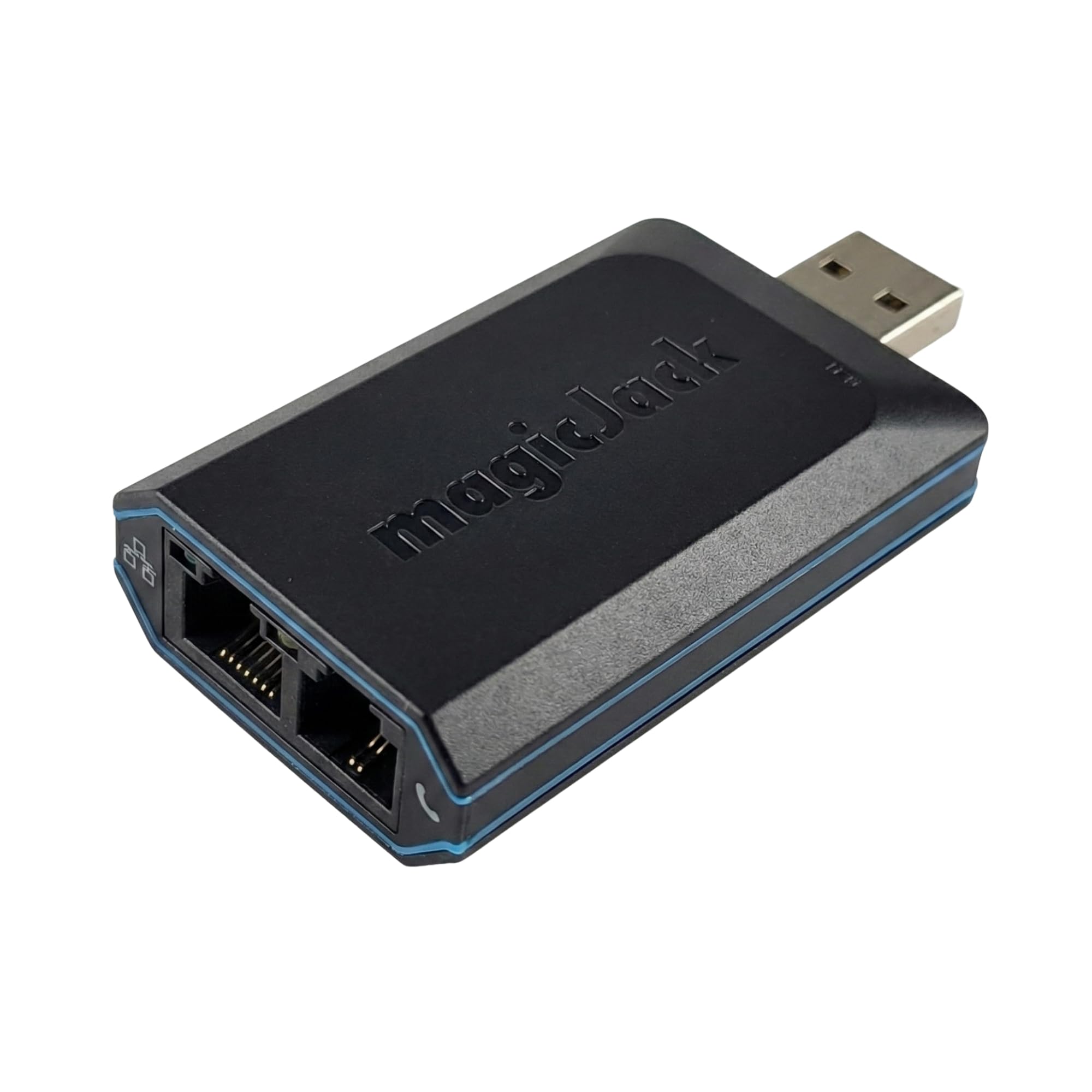
Twelve months of free local and long-distance calling to the US, Canada, Puerto Rico, and the Virgin Islands is the headline, and it is the reason this box outsells every purpose-built ATA on this page. Caller ID, voicemail, call waiting, call forwarding, and conference calling are all included with no extra line item. You plug it into high-speed internet and then into any cordless or landline phone you already own, and the phone rings like a landline always did.
What wins people over is simply that it works like the phone it replaced — the thing functions, and it does so while knocking a recurring bill off the household budget. The hardware side got a genuine bump for remote workers: a faster CPU (four times the speed) and more memory inside, aimed at keeping calls steady on a busy home network. Setup is short. Connect it to WiFi and the power outlet, follow the step-by-step sheet, and you are dialing; the box ships with the ethernet cord, a USB extension, and the power adapter.
The honest catch is call quality, which splits opinions sharply. A good share of users say it sounds just like a landline; others hear an echo or a thin, poor connection, and that seems to track with how crowded the local network is rather than the hardware itself. If your home internet already stutters on video calls, expect the same wobble here. There is also a one-time fee if you want to port your existing number over, and free magicJack-to-magicJack calling worldwide rides on top of the plan. At 7 x 6 x 1 inches it is about an inch and a half deeper than the FLYINGVOICE FTA5102E2 at 4.72 x 3.15 x 1.26 inches, so give it a little shelf room.
Plain-dollar read: for a household that just wants a home phone back without a monthly line charge, this is the shortest route — and the mobile app that rings your smartphone alongside the home handset means you never miss a call when you are out.
The fine print: the plan runs twelve months, and the voice quality is only as steady as your internet connection; a crowded network is where the echo complaints come from.
Best fit for: a home or home office that wants unlimited US and Canada calling on an existing cordless handset with no monthly bill.
Think twice if: you need a business-grade ATA with fax support and encryption for a corporate PBX.
3. Grandstream 2-Port ATA with Gigabit NAT Router
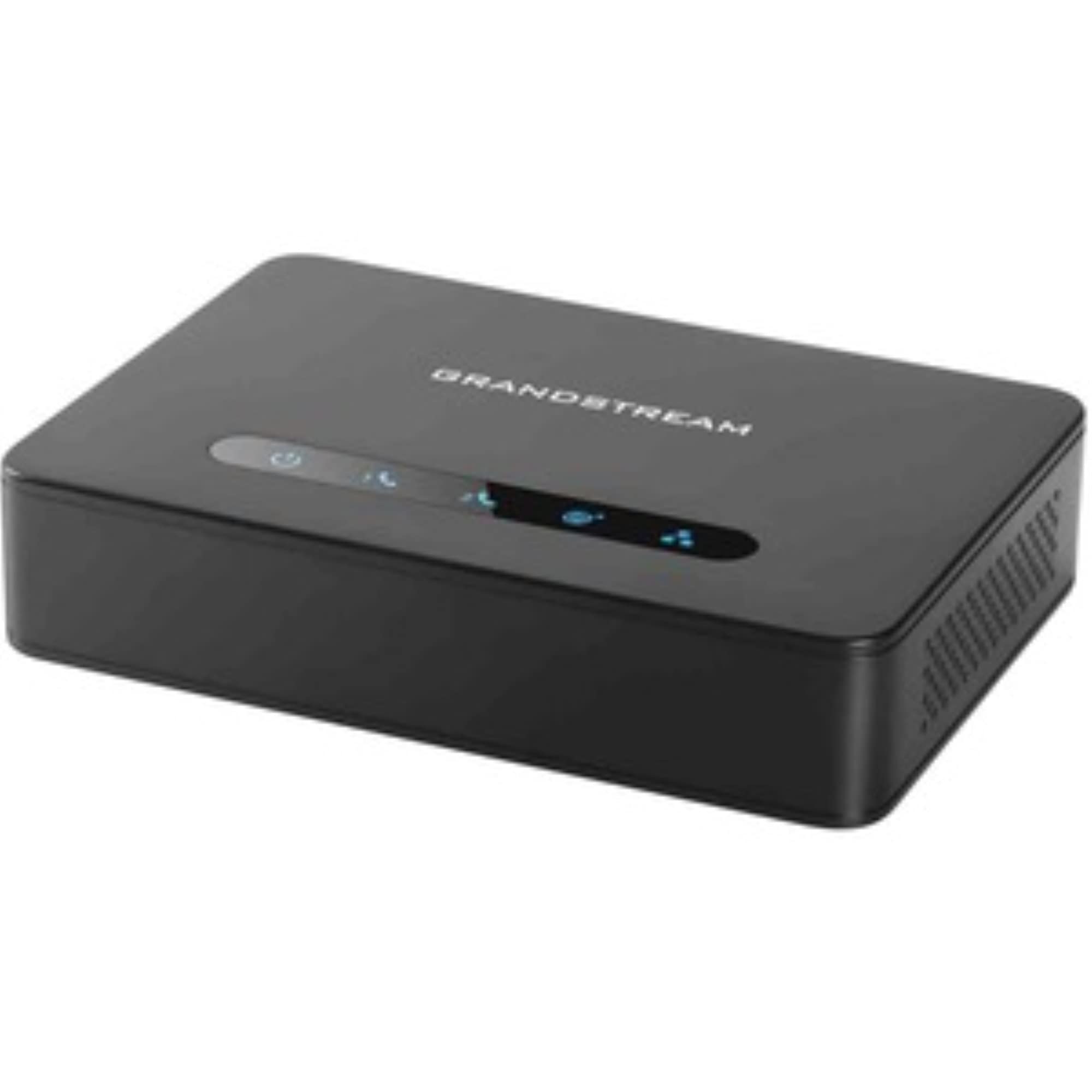
Two phone jacks and a router in the same chassis — one box handles your handsets and your desk network at once.
Most adapters on this list give you phone ports and nothing else. This one is different: two FXS ports on the front end plus dual Gigabit ports and a built-in NAT router on the back end, handling routing speeds up to 100MBps. That means the same device that converts your analog handsets to SIP can also sit between your modem and your computers, splitting traffic without a second switch on the shelf. For a small office running out of power outlets behind the reception desk, that consolidation is the whole reason to pick it.
What earns the trust of the people who install these is reliability — it is the trait discussed most often, and the reviews line up behind it. It talks to a range of SIP ITSP providers (the carriers that sell you the actual phone service), and it comes up working as soon as it is plugged in. Two SIP profiles through the two FXS ports means you can hang two separate lines off it, exactly like its HT802 v2 sibling, and TLS plus SRTP encryption wraps both the signaling and the voice stream the same way.
Where it asks for patience is the configuration page. The web interface is dense — the sort of screen that makes a first-time installer hunt for the right field — so if you have never set up a SIP account before, expect to read a guide or get your provider on the phone. Once the SIP fields are filled in correctly, the settings hold and you rarely reopen the page. With the router and the ATA in one chassis, you also gain a tidy cabling story: one power brick, one ethernet handoff to the network, and two phone cords going out to the desk.
Two devices, one footprint: the built-in NAT router is a genuine space-saver, and the dual Gigabit ports are the networking upgrade the single-port HT802 v2 does not offer.
Where it stings: the web configuration screens are not built for beginners — the setup step drags for anyone new to SIP.
Pick this one when: a small office wants the phone adapter and the router in the same chassis and can spare an hour for configuration.
Pass it up when: you only need one handset and would rather not manage a router inside your phone adapter.
4. FLYINGVOICE FTA5102E2 Analog Telephone Adapter

A desk-corner box for small offices that still send faxes — and it handles the fax standards without an add-on purchase.
The standout is size. At 4.72 x 3.15 x 1.26 inches this is the most compact adapter on the page, and against the magicJack at 7 x 6 x 1 inches it takes up far less shelf behind a reception monitor. Two FXS ports and two SIP lines mean two handsets or a phone plus a fax on one device, and two LAN ports give you a little room to daisy-chain your network without a switch.
Fax support is genuinely thorough here. It reads T.38 and T.30 along with G.711 (a standard audio codec for voice traffic), and the listing notes those fax standards carry no additional purchase cost — which is more than many competitors will promise. Under the hood there is a 38% performance increase over its predecessor and double the flash memory, aimed at keeping high-volume business calling stable and leaving headroom for advanced VoIP features later. Three-way conferencing is built in for small meetings, and setup is done through a web page from a computer or a phone browser.
Now the part to check against your provider carefully: this adapter supports SIP V2 and works with most VoIP service providers, but the listing explicitly excludes AT&T, Verizon, Magic Jack, ooma, and Google Voice. If your carrier is on that list, this box is not the one. The one-year-plus track record of setup praise lines up with the plain web login — the configuration screens are friendly enough for someone who has never touched an ATA. Just do the provider check first, because the fit is the whole decision here.
The fax angle: T.38, T.30, and G.711 support with no extra purchase puts this ahead of adapters that treat fax as an afterthought.
Check before you buy: AT&T, Verizon, Magic Jack, ooma, and Google Voice are explicitly excluded from its compatibility list.
Built for: small offices, hotel desks, and call centers running two analog lines with a fax machine in the mix.
Not for: anyone on AT&T, Verizon, Magic Jack, ooma, or Google Voice — verify your provider lands outside that list first.
5. Cisco SPA122 Small Business ATA with Router (Renewed)

A factory-refurbished Cisco that puts the phone adapter and a small router in one brick, at the entry end of the Cisco range.
This is the route to Cisco switching and voice without paying new-hardware coin. It is a Certified Refurbished unit, which means it was functionally tested, cleaned, inspected, and repackaged before resale, and it ships with all the relevant accessories and a minimum 90-day warranty. The router half uses 10/100Base-TX fast ethernet, which is enough for a couple of handsets and a desktop but not a gigabit backbone. The adapter is 5.28 ounces and small enough to vanish behind a monitor.
For a small business already standardizing on Cisco gear, the SPA122 is the bridge that lets old analog handsets ride the same network. Voice control is part of the design, and the enclosure is RoHS-compliant — a small detail that matters if your procurement paperwork tracks environmental compliance. If you need the newest features or a long hardware warranty, look at the ATA 191 instead; if you need two phone lines on a tight budget and can live with a refurbished box and a 90-day warranty, this is the practical pick.
The trade-off is honest and simple: refurbished means a generic box, a 90-day warranty instead of a full year, and no guarantee the original seller’s configuration is cleared. Budget a little time to factory-reset it and log in with the default credentials before you trust it with a line. Once reset and configured, it does the job a small business ATA is supposed to do — two phones, one network handoff, no surprises.
Choose it if: you want Cisco voice hardware and a small router in one unit and are comfortable with refurbished gear and a 90-day warranty.
Leave it if: you need a full manufacturer warranty or gigabit ethernet on the LAN port.
6. Ubiquiti Talk Telephone Adapter

The only pick here that speaks UniFi natively — plug an analog handset into your existing Ubiquiti network and it joins the same management console.
If your office already runs UniFi gear, the decision is close to made for you. This adapter bridges a traditional analog telephone onto an IP-based network and integrates directly into the UniFi ecosystem, so call routing and auto-attendant become features you configure in the console you already use, not a second pane of glass. It is 5.16 x 4.33 x 1.1 inches and weighs 0.6 kg, and the plastic chassis is compact enough to sit on a desk without stealing the space a full IP phone would.
Multi-line operation is on the spec sheet, and the voice quality is the other draw — the listing pitches it as clear and enhanced. The fit is narrow though: it is built to be an analog telephone adapter for a UniFi deployment, and that is the only ecosystem it is designed to slot into. If your network is Cisco, Grandstream, or a generic SIP provider, the same money buys you a Two-Port ATA or an ATA 191 that will register with a mainstream provider without the UniFi requirement.
Treat it as an ecosystem accessory rather than a universal adapter. For a UniFi household or small office, the integration and desk footprint justify the top-end position. For anyone else, the compatibility ceiling is the entire story — check your console first.
Why UniFi shops pick it
- Native UniFi integration — call routing and auto-attendant land in the same management console
- Multi-line operation on file
- Compact plastic chassis at 5.16 x 4.33 x 1.1 inches
The ecosystem fence
- Built for UniFi deployments — not the pick for other PBX ecosystems
- Top-end price tier with no third-party configuration path advertised
Right call for: a UniFi office or household adding analog handsets to an existing Ubiquiti console.
Wrong call for: anyone outside UniFi and shopping for a universal SIP ATA.
7. Cisco ATA 191 Multiplatform Analog Telephone Adapter
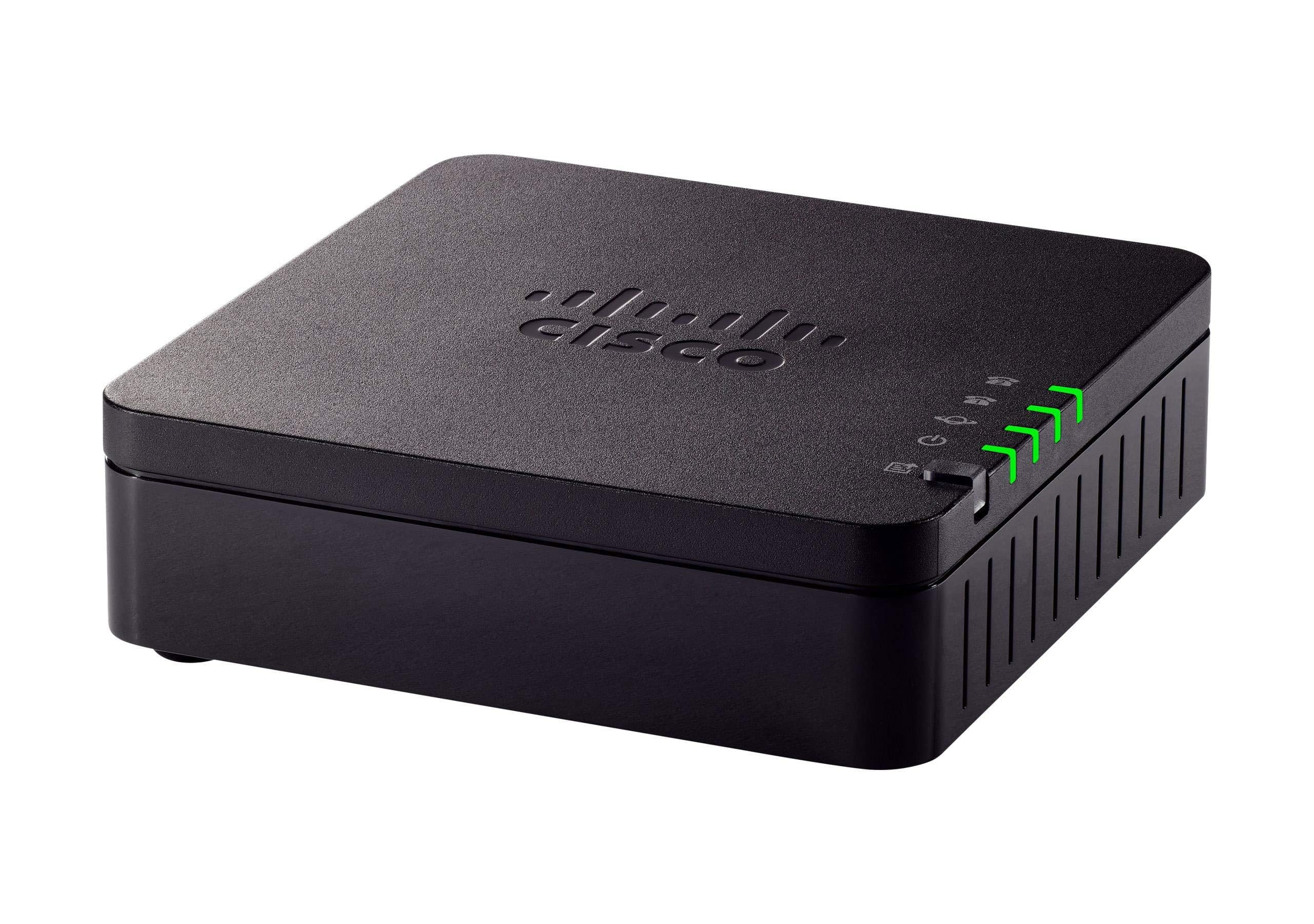
The premium multi-platform bridge — two phone jacks, a full security suite, and the voice preprocessing that kills echo before it reaches the handset.
Two RJ-11 FXS ports and one 10/100Mbps RJ-45 ethernet port is the practical spine of this adapter — standard telephone jacks in, a single network cable out. The audio chain is where Cisco separates itself from a basic gateway. It runs advanced preprocessing, high-performance echo cancellation, voice activity detection, and comfort noise generation, so the person on the other end sounds like a person and the silence between words does not rattle. That is the kind of engineering that matters on a busy support desk where a headset is on from morning to afternoon.
Security is the deepest here of anything on this page. The adapter supports Transport Layer Security, Secure Hash Algorithm (SHA-2, the newer hashing standard for authentication), and the newer Secure Real-time Protocol cipher suites — the combination that a modern PBX expects from an endpoint. It is built to work with Cisco UCM versions 8.5(1), 8.6(2), 9.1(2), and 10.0(1) and later, supporting SIP with SRTP/TLS over SIP. In a mixed-vendor office, the Multiplatform label is the point: it talks to Cisco as readily as to a SIP provider that is not Cisco. The chassis is 1.1 x 3.9 x 3.9 inches and weighs 4.64 ounces, so it disappears beside a monitor.
The fit note is reliability, which lands as a split opinion — some installs run flawlessly, and a few report issues that require attention. That is the honest read on any enterprise-grade endpoint: the hardware is capable, and the outcome depends on the configuration matching your PBX. The 1-year limited hardware warranty is the real differentiator against the refurbished path. For an office that needs an encrypted, multi-platform adapter and values a full year of coverage, this is the strongest finish on the page.
What earns the premium
- Advanced echo cancellation, voice activity detection, and comfort noise generation on every call
- Deepest security stack here — TLS, SHA-2, and SRTP cipher suites
- Multiplatform deployment with a 1-year limited hardware warranty
What to size up first
- 1 x 3.9 x 3.9 inches in a plastic chassis — no router built in
- Enterprise configuration means the setup effort scales with the PBX
Go here for: a multi-platform office that needs encrypted voice and a full-year warranty on the adapter.
Skip the premium when: a basic two-port gateway with the same 10/100Mbps port already covers your desk.
Know the Specs
FXS Ports and SIP Lines
An FXS port is the telephone-style jack that accepts an analog handset — not the ethernet jack. Two FXS ports let you connect two phones, or a phone and a fax machine, to the same adapter. A SIP line is a separate account on your provider’s server; an adapter with two SIP profiles can register two accounts, either with one carrier or two different ones. Match the SIP profile count to the number of independent phone numbers you need.
Ethernet Port Speed and NAT
The network port decides how the adapter conversations with your switch or router. A 10/100Mbps port is enough for voice traffic; it only becomes limiting if the adapter is also passing other data. On a unit with a built-in NAT router, the routing speed is capped at 100MBps, so it is fine for a small office and tight for a dense one. Dual Gigabit ports on a two-port ATA double the headroom when the adapter also routes.
Encryption: TLS, SRTP, and SHA-2
TLS encrypts the signaling — the setup conversation that authenticates your adapter with the provider. SRTP encrypts the actual voice packets. SHA-2 is the hashing standard used to verify that authentication without exposing credentials. A provider that requires encrypted endpoints will not register a device missing any of these; if your line is business-critical, check the security list before you buy.
Fax over IP and T.38
A fax machine expects a continuous analog signal, and an IP network delivers voice in packets. T.38 is the standard that lets the two meet halfway, re-timing the fax data so pages arrive complete. T.30 and G.711 support round out the fax stack on adapters designed for it. If a fax still lives in your office, run a test page before you commit — fax performance varies more than voice does.
Common Questions
Can I use a VoIP phone adapter with my existing analog phone?
Will a VoIP adapter work with a fax machine?
How many phones can one adapter run?
Do I need a router built into the adapter?
What does TLS and SRTP encryption actually do for my calls?
What is TR-069 provisioning and why should I care?
Will a refurbished adapter like the Cisco SPA122 work the same as a new one?
Can I move my existing phone number over to a VoIP adapter?
Does the Ubiquiti Talk Telephone Adapter work outside a UniFi network?
Do I need to update the firmware before using a new adapter?
The Bottom Line
The voip phone adapter that wins this list is the Grandstream HT802 v2, because two FXS ports, two SIP profiles, TLS and SRTP encryption, T.38 fax, and automatic failover cover the full office job in one box — and it remains a crowd favorite at 4.5+ stars across 200+ ratings. If you are cutting the home phone bill rather than wiring a business line, reach for the magicJack and let it replace the monthly charge outright. And for a multi-platform office that wants the deepest security stack and a full-year warranty, the Cisco ATA 191 is the one to order.
How we choose
We do not accept paid placement. Every pick is matched to a real buyer and a real use-case; we do not hands-on test units.
Sources
Specifications: manufacturer listings and product documentation. Review insights: verified customer reviews, as of November 2026. Pricing: not shown on this page (it changes often); check the current price via the retailer link.
As an Amazon Associate, Tactical Gear Guy earns from qualifying purchases. This does not affect which products we feature.