Specs are compiled from manufacturer listings and verified buyer reviews and can change over time — please confirm the key details on the product page before buying.
A 34-inch ultrawide replaces two monitors with one wide panel, so your neck stops swiveling between screens and your games fill your whole field of view. The catch is that these panels vary wildly in refresh rate, panel type and curve radius, and the wrong pick leaves you with motion blur, washed-out blacks or a desk that suddenly feels crowded. Below you get the honest breakdown of which ultrawide suits a gamer, which suits a work-from-home desk, and which specs actually change what you see.
This guide is built by comparing the manufacturers’ published specifications and the patterns across verified customer reviews, so you get each pick’s real strengths and trade-offs instead of marketing spin.
Every monitor here uses a 21:9 or wider panel, so the real decision is curve, panel type and refresh rate rather than raw size. This breakdown covers the best ultrawide PC monitor for gaming, spreadsheets and everything between.
Top Picks


How To Choose The Best Ultrawide PC Monitor
Start with your desk, not the spec sheet. An ultrawide is roughly a third wider than a normal 16:9 screen of the same height, so measure the wall space and the distance from your eyes to the panel before anything else. Once that fits, three numbers decide whether you will love the screen or fight it daily.
Panel type decides your blacks and your burn-in risk
A VA panel (the common LCD type in budget and mid-range ultrawides) gives you deep blacks and high contrast, so dark game scenes stay dark instead of glowing grey. An IPS or LED panel tends to hold color better across wide viewing angles. A QD-OLED panel lights each pixel individually, which means near-infinite contrast and instant pixel response — but OLED panels can develop burn-in, which is why several here ship with pixel-cleaning routines and burn-in warranty cover.
Refresh rate and response time in plain terms
Refresh rate is how many times per second the picture redraws, measured in hertz (Hz). A 100Hz panel redraws 100 times a second, which already smooths scrolling and camera pans noticeably over a standard 60Hz office screen. A 180Hz or 240Hz panel goes further, and paired with a low response time (the milliseconds a pixel takes to change color) it keeps fast motion from smearing. For work and casual play, 100Hz to 120Hz is plenty. For competitive shooters, chase the higher numbers.
Curve radius and the resolution that fills it
A smaller curve number wraps the screen tighter around your face. The curve number (1500R, 1800R, 1000R, 800R) is the radius of the arc in millimeters. An 800R panel bends hard around your face, so the edges sit in your peripheral vision. That feels odd on a spreadsheet. Resolution matters just as much. 3440 x 1440 is the standard ultrawide balance. A 5120 x 2160 or 7680 x 2160 panel gives far more desktop room, but you need a strong graphics card to drive it at high refresh rates.
Side-by-Side Comparison
| Model | Best For | Resolution | Refresh Rate | Panel Type | Amazon |
|---|---|---|---|---|---|
| Alienware AW3425DWM★ Best Overall | All-round gaming and desk work | 3440 x 1440 | 180Hz | LED | Amazon |
| Acer Nitro EDA340CURBudget Champion | Tight budgets and first ultrawides | 3440 x 1440 | 120Hz | LCD | Amazon |
| KOORUI 34 Inch 200HzFastest Value | High refresh on a lean budget | 3440 x 1440 | 200Hz | VA | Amazon |
| Samsung ViewFinity S50GC | Flat-screen spreadsheet work | 3440 x 1440 | 100Hz | LCD | Amazon |
| ASUS TUF VG34VQ3B | Balanced gaming and streaming | 3440 x 1440 | 180Hz | LED | Amazon |
| ASUS ROG XG34WCDG | QD-OLED color on a mid budget | 3440 x 1440 | 175Hz | QD-OLED | Amazon |
| MSI MAG 341CQP | Bright HDR and text clarity | 3440 x 1440 | 280Hz | QD-OLED | Amazon |
| Alienware AW3425DW | Serious competitive OLED play | 3440 x 1440 | 240Hz | QD-OLED | Amazon |
| LG 45GX900A-B | Big-screen OLED immersion | 3440 x 1440 | 240Hz | OLED | Amazon |
| Samsung Odyssey Neo G9 57″ | Replacing a whole multi-monitor wall | 7680 x 2160 | 240Hz | VA (Mini LED) | Amazon |
| Dell UltraSharp U4025QW | Professional multitasking and KVM | 5120 x 2160 | 120Hz | LED | Amazon |
Detailed Reviews
1. Alienware 34 Curved Gaming Monitor AW3425DWM
Our pick — 4.5+★ from 750+ verified ratings; the strongest balance of quality and price.
The all-rounder that hits 180Hz without forcing you into OLED territory.
One wide screen can handle shooters on Saturday and spreadsheets on Monday. The 180Hz refresh rate (the panel redraws 180 times a second) keeps fast camera pans fluid. The 1ms grey-to-grey response time — the speed a pixel changes shade — means you are not staring at ghost trails behind a moving target. That 1ms beats the Samsung ViewFinity S50GC’s 5ms by a wide margin. In a fast game, that is the difference between crisp motion and smear.
The 1500R curve is the gentle kind, so the edges tilt toward you just enough to keep your eyes from traveling. Resolution sits at 3440 x 1440, which fits two full documents side by side with room for a chat window. Color coverage is DCI-P3 95% (a wide color space used for games and film) and it carries VESA DisplayHDR 400 certification, so HDR content gets a genuine brightness lift rather than a fake one.
What wins people over is the build and finish — the dark metallic blue base and back look better than the “black” listing suggests, and the picture quality earns the bulk of the praise in owner write-ups. A hardware low blue light mode cuts eye strain over long sessions without washing out the colors. The honest catch is the USB port selection: both are Type-A, so a USB-C device like a modern laptop dock needs an adapter. The height and tilt adjustments make it easy to line up with a second screen.
What holds up under scrutiny
- 180Hz refresh with 1ms grey-to-grey keeps fast games sharp
- 3440 x 1440 panel fits two documents side by side
- DCI-P3 95% coverage with VESA DisplayHDR 400 certification
- Console mode and hardware low blue light for long sessions
Where it asks you to compromise
- Both USB ports are Type-A, so USB-C gear needs an adapter
- LED panel rather than OLED, so blacks are deep but not perfect
Reach for it if: you want one screen for competitive play and daily work without paying OLED prices.
Look elsewhere if: your desk is built around USB-C docks, or you need true per-pixel blacks.
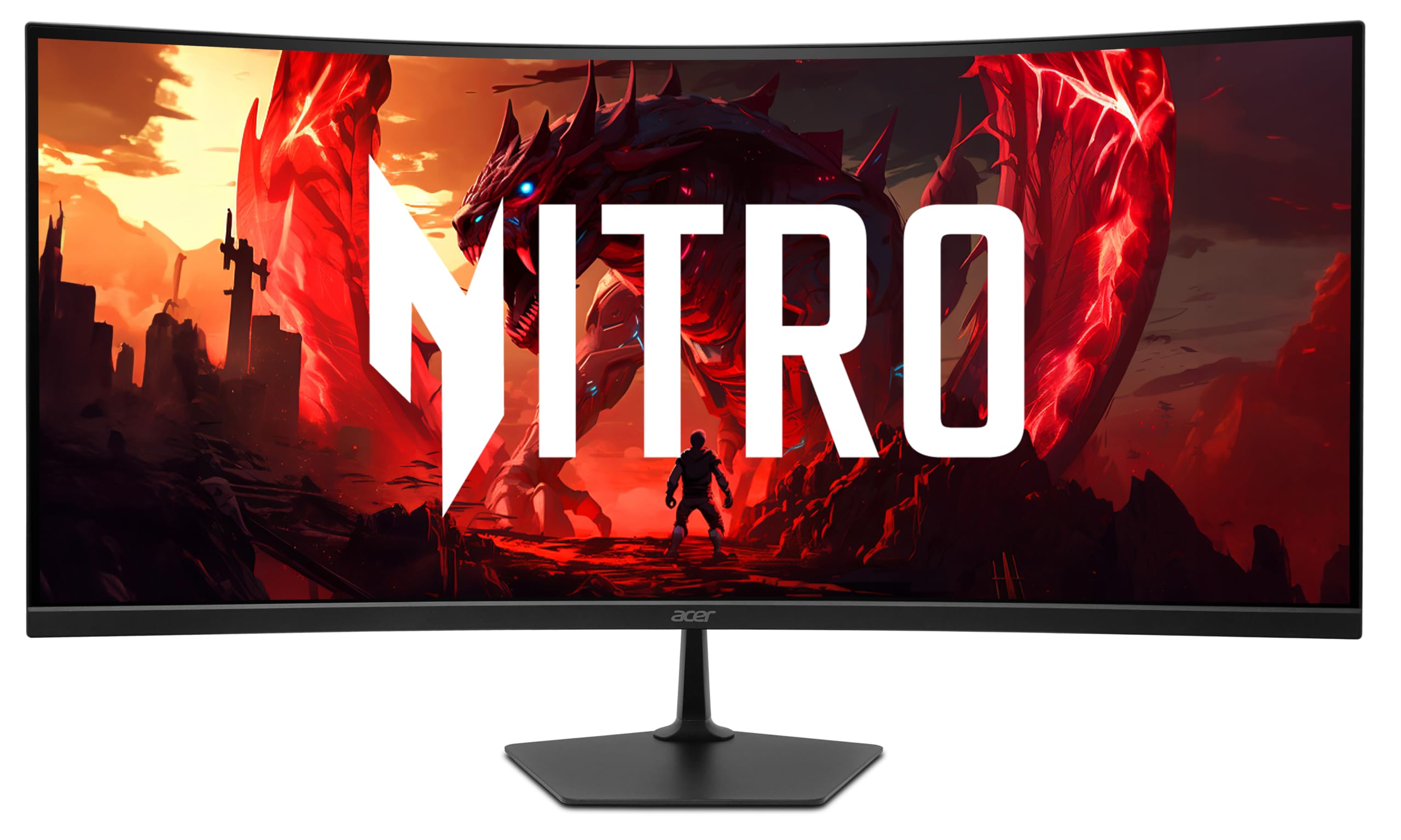
2. Acer Nitro 34in WQHD Curved 120Hz EDA340CUR
A first ultrawide that costs less than a graphics card upgrade.
For a first step into 21:9, the Acer Nitro gets you the wide 3440 x 1440 picture and a 120Hz refresh rate (double the redraw speed of a standard office screen) without stretching the budget. The zero-frame design shaves the bezels down so the panel reads as one uninterrupted view. A 1500R curve wraps the edges toward your eyes, and the tilt range runs from -5 to 20 degrees so you can angle it for a comfortable neck position.
The 1ms VRB response time (Acer’s motion-blur reduction mode) keeps fast 2D scenes from smearing, and AMD FreeSync Premium syncs the panel’s refresh to your graphics card so frames stop tearing. Ports cover one DisplayPort 1.4 and two HDMI 2.1 connections, with an HDMI cable in the box. Color coverage is sRGB 99%, which means everyday web and document colors render accurately rather than oversaturated.
Display quality is the thing the review pages settle on, and owners talk about it hitting above its class. Two practical notes: the stand only tilts, so height adjustment means adding a VESA 100 x 100mm arm, and one buyer found that keeping the monitor at full resolution depends on the cable and graphics card behind it. Set your connection up properly and it delivers a clean, wide desktop for the money.
Value read: you get the wide 3440 x 1440 canvas at 120Hz with FreeSync Premium and two HDMI 2.1 ports — the essentials, nothing you will not use.
Fit note: the tilt-only stand and the sRGB 99% coverage suit a work desktop more than a color-critical editing bay.
Right for: a first ultrawide on a tight budget where the wide desktop matters more than the highest frame rate.
Think twice if: you need height adjustment from the start or a curved stand that swivels.
3. KOORUI 34 Inch 200Hz Ultrawide Curved WQHD Gaming Monitor
A 200Hz panel and a hard 1000R curve for people who want to feel the corner of the map.
The number that jumps off the page is 200Hz — double the refresh rate of the Samsung ViewFinity S50GC’s 100Hz. Over a DisplayPort 1.4 connection the panel runs all the way up to 200 frames a second, so a fast-moving target stays a solid shape instead of a blur. The trade-off is that HDMI 2.0 caps out at 100Hz/120Hz, so your cable choice decides whether you get the headline speed.
Contrast is the other headline. Color coverage is DCI-P3 95% and 125% sRGB, paired with 400 nits of brightness and HDR 400, which keeps highlights punchy. The 1000R curve is much tighter than the 1500R panels here — it wraps hard around your seat.
The Eagle Wing stand tilts from -5 to 20 degrees, swivels 15 degrees each way and lifts 110mm, so you can line it up without a VESA arm. A three-year spare-parts and twelve-month replacement warranty backs the panel. Picture-in-Picture and Picture-by-Picture modes let you run two sources on one screen, and the Black Equalizer brightens dark corners.
Why gamers gravitate here
- Up to 200Hz over DisplayPort 1.4 for smooth fast motion
- 4000:1 contrast ratio for deep, defined shadow detail
- Full tilt, swivel and 110mm height adjustment on the stand
- PIP, PBP and Black Equalizer for multi-source setups
The fine print to read first
- HDMI is limited to 100Hz/120Hz, so you need DisplayPort for full speed
- The 1000R curve is aggressive and takes adjustment on documents
Pick this one when: frame rate is the whole point and you own a DisplayPort cable.
Pass if: you want a gentle curve for spreadsheet work — 1000R is a hard wrap.
4. Samsung 34″ ViewFinity S50GC Ultrawide QHD Monitor

The flat ultrawide for people who would rather have a straight edge than a wrap.
Not every desk wants a curve, and the ViewFinity S50GC is the pick for that desk. Its 3440 x 1440 panel lays flat, so text lines up perfectly edge to edge and a document does not bend away from you. The 100Hz refresh rate (faster than the 60Hz office standard) keeps scrolling and motion blur manageable. The 21:9 aspect ratio spreads two windows cleanly across one surface.
Samsung leans hard on eye comfort here. An ambient light sensor reads the room and adjusts brightness automatically, Eye Saver Mode trims excess blue light, and Flicker Free kills the faint screen flicker that tires eyes over long days. HDR10 support displays over 1 billion colors (compared with 16.7 million on typical SDR), so bright scenes lift and dark scenes deepen. PBP shows two sources at native resolution, while PIP shrinks a second source into a corner.
The thin bezels make it look nearly gapless in a dual-screen setup. Picture quality earns regular praise for true dark blacks, and the build stays reliable over months of daily use. The honesty note: this is a VA-style panel, so colors can look slightly off from the start and benefit from a quick calibration. The response time is 5ms — soft by gaming standards — so this is a workhorse, not a tournament monitor.
The workday angle: an ambient light sensor, Eye Saver Mode and Flicker Free together with PBP and PIP make this a genuine multitasking surface for one desk and one person.
Where it falls short for gaming: a 5ms response time is slower than the 1ms panels above, so fast shooters will smear more.
Built for: a WFH desk where spreadsheets, documents and the occasional video matter more than frame rate.
Not the pick if: you want a curved panel or competitive-grade motion.
5. ASUS TUF Gaming VG34VQ3B 34 Inch 1440p 180Hz

TUF build, a 180Hz panel and speakers built in — a desk setup in one box.
The 180Hz refresh rate lines this up with the Alienware AW3425DWM above, and the 1ms MPRT response time (ASUS’s motion-blur reduction spec) keeps fast action legible. ASUS Extreme Low Motion Blur Sync pushes it further by strobing the backlight to cut the faint trailing edge behind moving objects. The 1500R curve bends the 34-inch 3440 x 1440 panel gently around your view.
A 4,000:1 static contrast ratio (the same ballpark as the KOORUI above, and higher than the Alienware’s 3,000:1) gives dark scenes real depth. Color coverage reaches 90% of DCI-P3, so games and video look rich rather than flat. Built-in speakers mean you get audio without a separate set, and DisplayWidget Center software lets you tweak settings with a mouse instead of the joystick. Four USB 3.2 Gen 1 Type-A ports sit on the back for peripherals.
The three-year warranty and the included DisplayPort, USB Type-B to A cable and L-shaped screwdriver make setup painless. Owner experience is broadly positive on picture quality and size, with the occasional report of a dead pixel or a screen that stopped working — a small-tail risk rather than the norm.
The strong side of the ledger
- 180Hz with 1ms MPRT and ELMB Sync for clean motion
- 4,000:1 contrast ratio for proper dark-scene depth
- Built-in speakers and four USB 3.2 Gen 1 Type-A ports
- Three-year manufacturer warranty and full cable kit in the box
Small compromises to weigh
- Some smearing reported around small, highly saturated shapes
- 90% DCI-P3 coverage trails the OLED panels here for color range
the balance for: a mid-range build that wants 180Hz speed plus a stand, speakers and ports sorted in one purchase.
Look past it if: you need the widest color gamut or pixel-perfect output for editing.
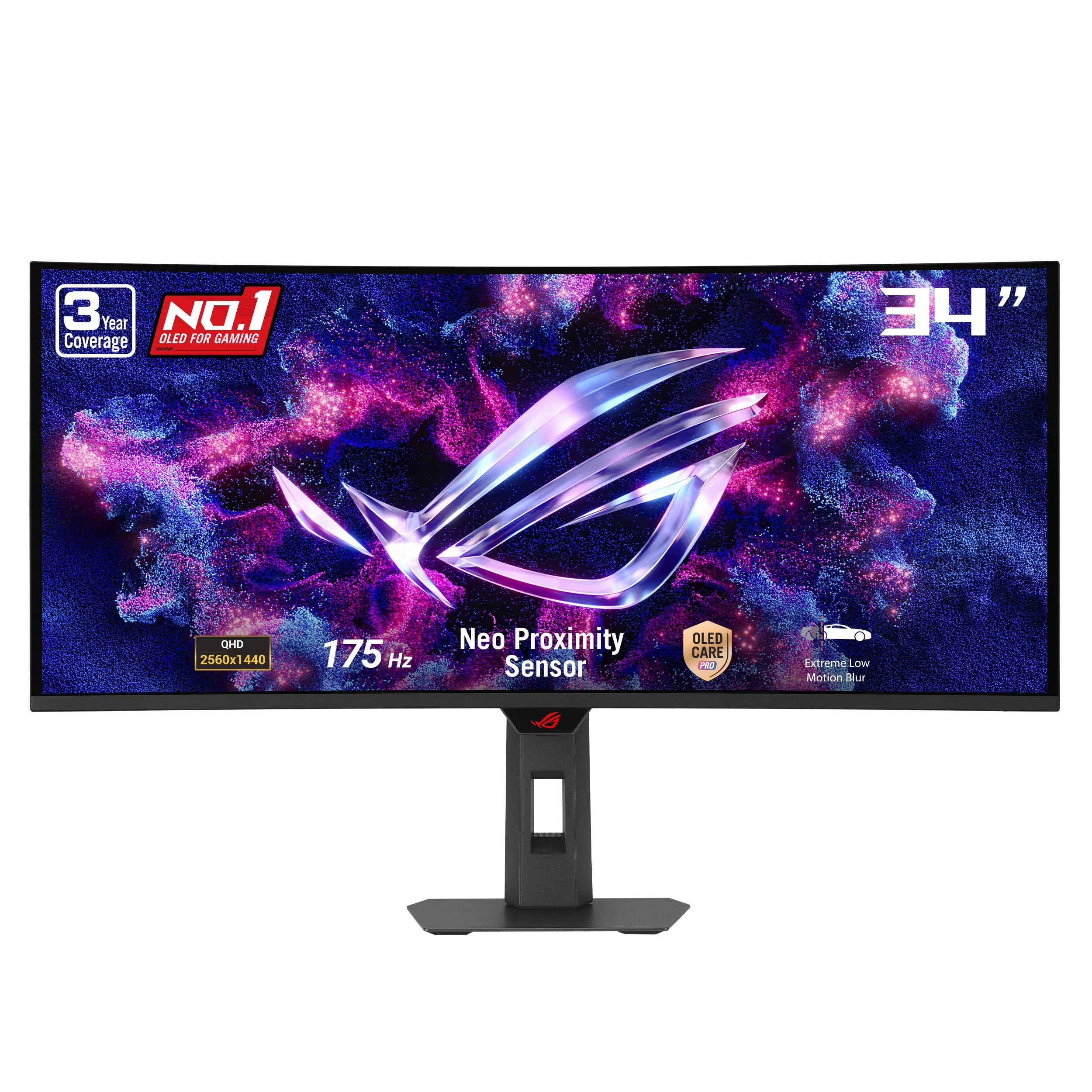
6. ASUS ROG XG34WCDG 34 Inch 1440p 175Hz Ultrawide OLED
Your cheapest door into a QD-OLED ultrawide — with a burn-in warranty attached.
A 0.03ms response time is the spec that changes everything. On this QD-OLED panel each pixel lights itself, so the tiny gap between frames disappears and fast motion stays razor sharp. The 175Hz refresh rate pairs with that for smooth play, and VESA DisplayHDR 400 True Black certification delivers genuinely black blacks instead of a backlight glow. DCI-P3 coverage hits 99.3%, with true 10-bit color and Delta E under 2 accuracy for photo and video work.
Worrying about burn-in is the standard objection to OLED, and ASUS bought down that risk three ways. The OLED Care Pro software runs pixel maintenance, a Neo Proximity Sensor detects when you leave your seat and blanks the screen, and the three-year warranty includes burn-in coverage. A DisplayWidget Center app lets you control those functions with a mouse. G-Sync Compatible variable refresh rate keeps frames tear-free across a wide range of frame rates.
The honest side is in the review pages: picture quality and the widescreen panel draw strong praise, but the software and firmware take criticism for rough edges, and one reported screen-refresh routine that runs about six minutes. Adjustability feedback is mixed too. This is a stunning display that asks for a bit of patience with its firmware.
What you are really buying: per-pixel 0.03ms motion and DisplayHDR 400 True Black at the lowest price point for a QD-OLED ultrawide, backed by three-year burn-in coverage.
The trade-off: firmware and software polish lag the hardware, and the panel wants periodic pixel refresh routines.
Choose it for: a first OLED ultrawide where color accuracy and near-zero blur matter and you will tolerate a little software fuss.
Elsewhere if: you need flawless firmware or do long stretches of static desktop work.
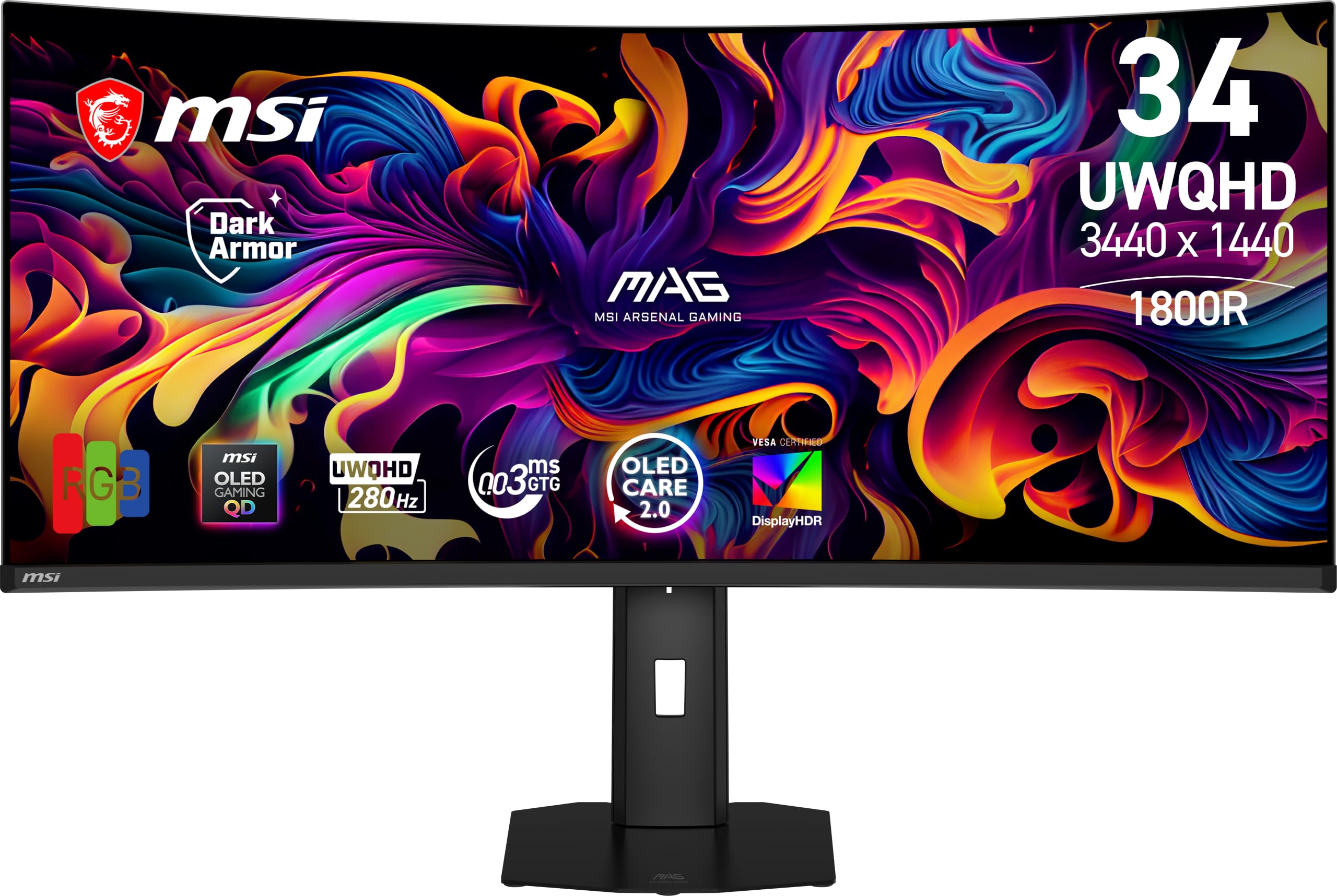
7. MSI MAG 341CQP QD-OLED X28 34″ UWQHD
280Hz on an OLED panel with a 1300-nit peak — the fastest, brightest combos here.
The 280Hz refresh rate (more redraws per second than any other pick on this list) makes motion look like real life on a QD-OLED. A 0.03ms response time pairs with that so the pixels chase the frames without lag. MSI’s fifth-gen QD-OLED panel uses an RGB Stripe sub-pixel layout (the pixel pattern that decides how crisp text looks), and the improvement to text clarity shows up in how clean small fonts render.
Brightness is the other headline. A 1300-nit peak brightness drives VESA DisplayHDR True Black 500, so HDR highlights blaze and the blacks stay truly black. Delta E under 2 means color error is low enough for editing as well as gaming. The DarkArmor Film coating delivers 40% deeper blacks and a 2.5x more scratch-resistant surface, per MSI. The 5-layer tandem OLED panel with EL Gen 3 tech hits up to 30% light efficiency, and VESA ClearMR 15000 certification scores motion clarity.
The catch that shows up in reviews is cable management. Owners find the cable ports sit where wires show beneath the monitor, and the box ships with a DisplayPort cable only, so a laptop-only HDMI device needs a separate cable. Picture quality itself earns consistent praise — the vibrant colors and night-black blacks are the recurring theme. The 21:9 panel and 100% color gamut hold up for both work and play.
The case for the MAG
- 280Hz on a QD-OLED panel with 0.03ms pixel response
- 1300-nit peak brightness with DisplayHDR True Black 500
- RGB Stripe sub-pixel layout sharpens text clarity
- DarkArmor Film resists scratches while deepening blacks
What buyers grumble about
- Cable ports sit where wires show below the screen
- Only a DisplayPort cable in the box — HDMI devices need their own
Made for: gamers who want the absolute fastest OLED and the brightest HDR in one ultrawide.
Better elsewhere if: a tidy cable run under the monitor is a must.
8. Alienware AW3425DW 34 240Hz QD-OLED Curved Gaming Monitor

A 240Hz QD-OLED with a 0.03ms response, aimed squarely at competitive play.
Esports players chase frame rate and pixel speed, and this Alienware delivers both: 240Hz refresh with a 0.03ms response time on a QD-OLED panel. That combination keeps a strafing target razor crisp. The 1800R curve bends the 3440 x 1440 panel into your view without the hard wrap of the 1000R panels above. It carries VESA DisplayHDR TrueBlack 400, DCI-P3 99.3% color coverage and Delta E under 2 accuracy, so color work holds up alongside gaming.
The sync options are the complete set: NVIDIA G-Sync Compatible, AMD FreeSync Premium Pro and VESA AdaptiveSync. Whatever graphics card you run, the monitor adapts its refresh to stop tearing. Peak HDR brightness reaches 1000 nits, and the contrast ratio is listed as infinite — the practical effect of pixels that switch off completely. The included kit covers DisplayPort, HDMI and USB Type-A to Type-B cables.
The picture quality earns strong praise for crisp visuals and pure blacks, and the deep shadows in games are a recurring theme. Owners also flag a few reliability and durability risks worth knowing: reports of screen burn-in over time, a flicker that cuts to a solid color, and a peeling panel. Those are tail risks rather than the norm, but on an OLED panel, using the burn-in care tools and keeping static content moving protects your investment.
The speed story: 240Hz plus 0.03ms response is the competitive gamer’s combination, and G-Sync Compatible, FreeSync Premium Pro and VESA AdaptiveSync mean it hooks up to any card.
Worth planning around: OLED burn-in and panel reliability need care — run the care tools and avoid long static layouts.
Destination pick for: a serious competitive player who wants 240Hz OLED speed and cannot compromise on sync compatibility.
Skip if: your day is mostly static documents that stay on screen for hours.
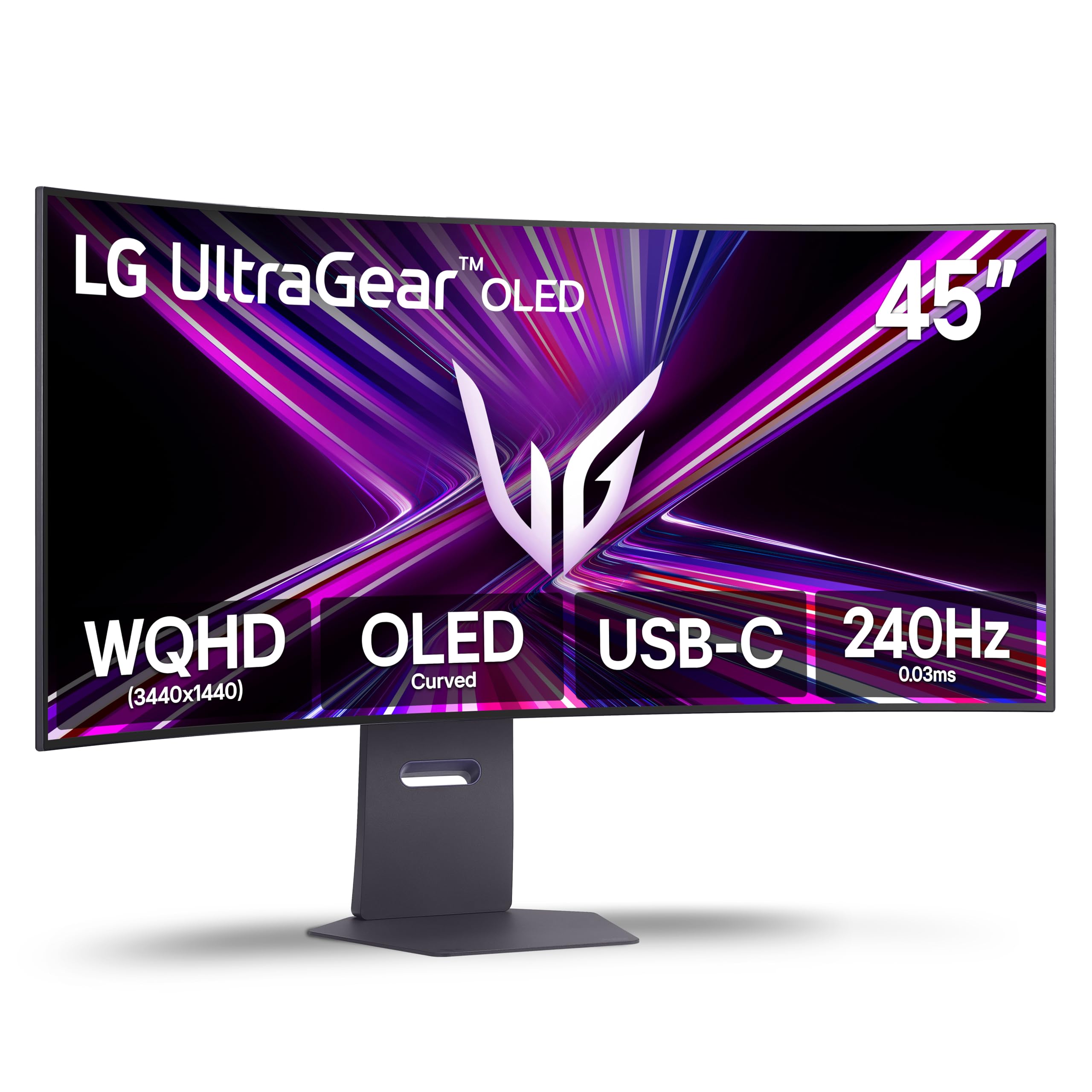
9. LG 45GX900A-B 45-Inch Ultragear OLED Curved Monitor
A 45-inch OLED with an 800R curve that pulls the action into your peripheral vision.
Size is the story here. The 45-inch 3440 x 1440 OLED panel offers more screen area than a 49-inch 32:9 screen, per LG, and the steep 800R curve wraps the whole thing around your face. Up to 240Hz refresh with a 0.03ms grey-to-grey response time keeps fast games smooth, and DCI-P3 coverage reaches 98.5% with a 1.5M:1 contrast ratio. VESA DisplayHDR True Black 400 certification backs the HDR.
Colors and blacks are the recurring theme in reviews — vivid color, deep black, smooth motion for fast games. The 21:9 layout suits both gaming and office work; the height is tall enough that documents do not feel cramped. Connectivity is built for a modern desk: HDMI 2.1, DisplayPort 1.4 and USB Type-C with 65W power delivery, so a laptop charges over the same cable that feeds the screen.
OLED burn-in is the trade-off you accept. LG includes a two-year limited warranty and OLED Care pixel-cleaning tools to keep the panel sharp. Review sentiment is split on sharpness and long-term reliability, with occasional reports of dead pixels — so buy from a seller with a solid return path. The steep curve that makes games so intense is also something you either love or fight on a spreadsheet.
Standout strengths
- 45-inch 3440 x 1440 OLED with more area than a 49-inch 32:9
- Up to 240Hz with 0.03ms grey-to-grey response
- USB Type-C with 65W power delivery for one-cable laptops
- HDMI 2.1 and DisplayPort 1.4 for consoles and PCs alike
Trade-offs to accept
- The 800R curve is very tight on a work desktop
- Two-year warranty is shorter than the three-year panels above
Best for: an rich 45-inch OLED where the size and the wrap-around curve are the draw.
Not for: a straight-line spreadsheet desk or anyone unsure about a heavy curve.
10. Samsung Odyssey Neo G9 G95NC

The 57-inch dual-4K monster that replaces two monitors with one curved wall.
A 7680 x 2160 resolution is the headline. That DUHD panel is as wide as two 4K monitors side by side, so you can run a game on one half and a browser on the other without ever touching a window bar. The 240Hz refresh rate and 1ms grey-to-grey response time keep fast scenes crisp, and DisplayPort 2.1 carries that speed at full resolution with variable refresh. AMD FreeSync Premium Pro handles the sync.
The lighting tech is what makes a VA panel look premium. Quantum Matrix Technology with Quantum Mini LEDs splits the backlight into 2,392 local dimming zones, so bright objects stay bright while the black around them goes genuinely dark. VESA DisplayHDR 1000 certification sits alongside a 1,000,000:1 contrast ratio. CoreSync projects on-screen colors onto the desk, easy to notice in a dark room.
Setup flexibility is where this earns its desk-command role: PBP shows two sources at native resolution, PIP resizes a second source on up to 25% of the screen, and the stand swivels, tilts and adjusts height. Two honest notes from the field: the panel runs warm, so airflow around it matters, and reliability reports are mixed — some panels last years, others fail. Running your own graphics card with enough bandwidth for DUHD at high refresh is the real gate.
The draw: 7680 x 2160 across 57 inches with 240Hz and DisplayPort 2.1 is a workstation and an rich display in one.
What to plan for: serious graphics-card horsepower, desk airflow, and mixed reliability reports on the panel.
Right pick when: you want to delete a multi-monitor setup and replace it with one enormous curved panel.
Look elsewhere if: your graphics card cannot drive dual-4K at high refresh, or your desk cannot take 57 inches.
11. Dell UltraSharp U4025QW 40″ 5K2K WUHD Curved Monitor
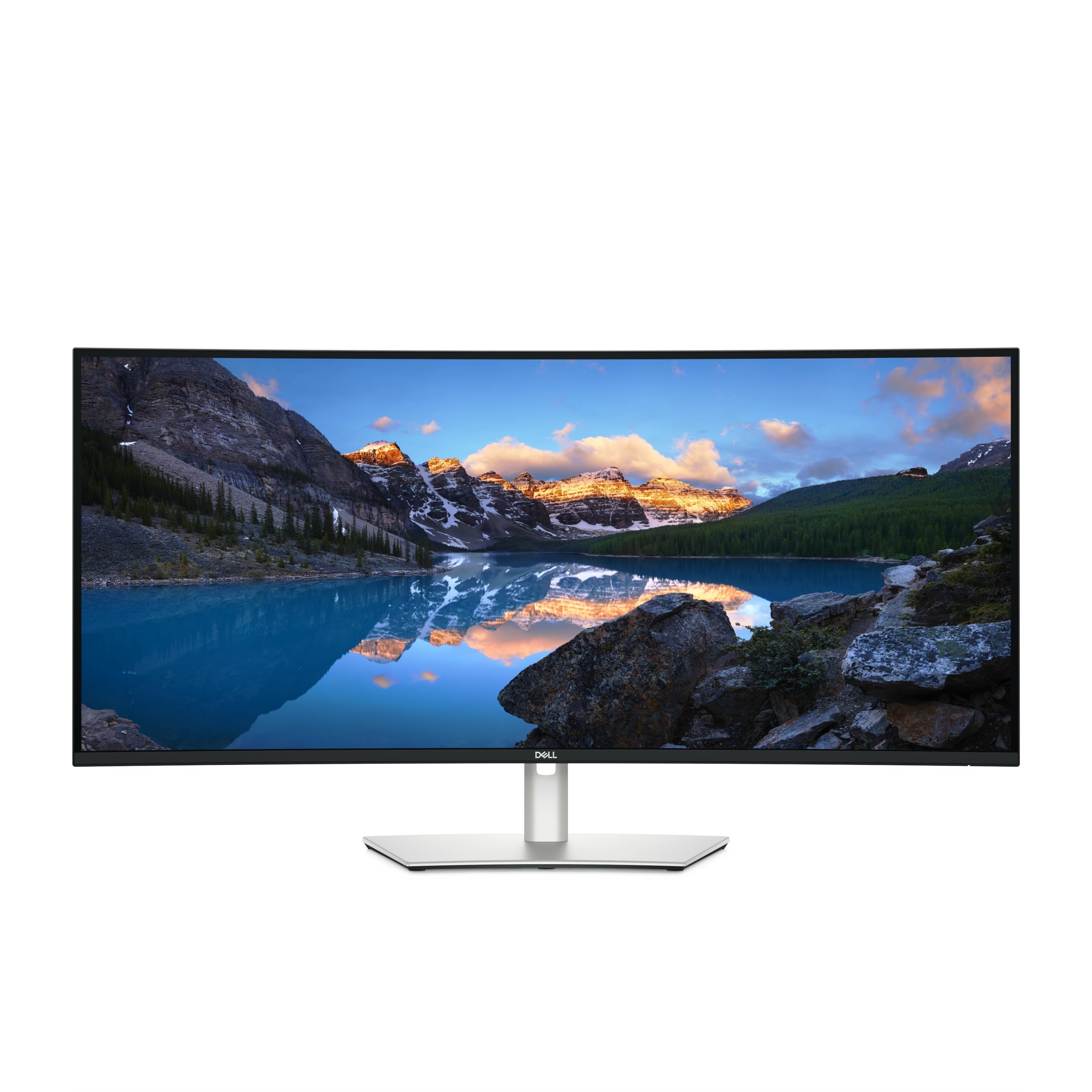
A 5K2K productivity panel for people who stare at spreadsheets all day.
If your monitor is a work tool first, this is the pick. A 5120 x 2160 resolution gives you enough desktop room to keep a full-size drawing and a spreadsheet open together, and at 39.7 inches the panel stays sharp at normal viewing distance. The 120Hz refresh rate makes scrolling and cursor motion noticeably smoother than a standard 60Hz office screen. Text clarity is the standout — crisp letters edge to edge, which matters when you read documents for ten hours a day.
The built-in KVM is the feature that earns its place on a mixed Mac and PC desk. Plug a laptop and a desktop into the monitor and switch between them with one keyboard and mouse. The 600-nit brightness keeps the screen readable in a bright room, and the USB-C and Thunderbolt connections handle data and video in one cable. Image quality is praised for perfect contrast, which suits drawings and photos as well as text.
The honest catch is the speakers — a common complaint — so plan on a separate set of speakers or headphones. And value for money is the most debated point, which is fair for a pro-grade panel. The Dell works across PC and Mac, and the resolution holds up whether you run Windows or macOS.
Why it earns top billing for work
- 5120 x 2160 resolution at 39.7 inches for vast desktop room
- Built-in KVM switches a laptop and desktop on one keyboard and mouse
- 600-nit brightness keeps the screen readable in a bright office
- USB-C and Thunderbolt connectivity in one cable
Where it gives ground
- Built-in speakers are weak — plan on external audio
- Value for money is the most debated critique
Built for: a professional desk that runs a Mac and a PC side by side and needs crisp text at 5K2K.
Not aimed at: gamers chasing high refresh and OLED motion — this is a workspace panel first.
Know the Specs
Refresh rate and response time
Refresh rate (in hertz) is how many times per second the picture redraws — 100Hz means 100 redraws a second, which already smooths scrolling and camera pans noticeably over a standard 60Hz office screen. Response time (in milliseconds) is how long a pixel takes to change color; a lower number keeps fast motion from smearing. A 1ms panel holds up in shooters where a 5ms panel shows ghost trails, while a 100Hz to 120Hz panel is plenty for work and casual play.
Panel type: VA, IPS, LED and OLED
VA panels give deep blacks and high contrast at lower cost, which is why many mid-range ultrawides use them. IPS and LED panels tend to hold color better across wide viewing angles. A QD-OLED panel lights each pixel individually for near-infinite contrast and instant response. But OLED panels can develop burn-in, so many ship with pixel-cleaning routines and burn-in warranty cover. The resolution and curve matter too. A 3440 x 1440 panel is the standard ultrawide balance. A 5120 x 2160 or 7680 x 2160 panel gives far more desktop room, but you need a strong graphics card to drive it at high refresh rates.
Common Questions
Will a 34-inch ultrawide fit my desk if I currently run two 24-inch monitors?
Is a 100Hz ultrawide enough for gaming, or do I need 180Hz or more?
What is the difference between a 1500R and an 800R curve in real use?
Do I need a special graphics card to run an ultrawide at full resolution?
Does OLED burn-in still happen on ultrawide gaming monitors?
Can I use an ultrawide monitor with a laptop over USB-C?
What do Picture-by-Picture and Picture-in-Picture actually let me do?
Is a curved ultrawide bad for text and spreadsheet work?
What is a KVM switch and why do ultrawide buyers care about it?
Is a VA panel good enough, or should I only buy OLED?
The Bottom Line
For most people, the ultrawide pc monitor winner is the Alienware AW3425DWM because it pairs a 180Hz refresh rate with a 1ms response, DCI-P3 95% color and a gentle 1500R curve that works for games and documents alike. If you want OLED speed and per-pixel contrast, reach for the Alienware AW3425DW with its 240Hz panel and 0.03ms response. And for a professional desk running a Mac and a PC side by side, the Dell UltraSharp U4025QW is the one with the 5120 x 2160 panel and built-in KVM. The crowd favorite still earns its spot at 4.5+ stars across 700+ ratings — pick the panel type that matches your day and the curve that matches your desk.
How we choose
We do not accept paid placement. Every pick is matched to a real buyer and a real use-case; we do not hands-on test units.
Sources
Specifications: manufacturer listings and product documentation. Review insights: verified customer reviews, as of November 2026. Pricing: not shown on this page (it changes often); check the current price via the retailer link.
As an Amazon Associate, Tactical Gear Guy earns from qualifying purchases. This does not affect which products we feature.