Specs are compiled from manufacturer listings and verified buyer reviews and can change over time — please confirm the key details on the product page before buying.
Buying an ultrawide gaming monitor is mostly a decision about how wide you want to go and how much speed you need. A 34-inch 21:9 screen is the easy default — wide enough to see more of the map, still comfortable on a normal desk. A 49-inch 32:9 screen replaces two monitors at once, which is why so many people never go back. The picks below are split by what actually matters: refresh rate in Hz (how many times per second the picture updates), response time in milliseconds (how fast a pixel changes colour), panel type, and curve radius.
This guide is built by comparing the manufacturers’ published specifications and the patterns across verified customer reviews, so you get each pick’s real strengths and trade-offs instead of marketing spin.
Speed and panel type decide more than raw size here, so the picks below are grouped by what each screen does best. Whether you chase frames in shooters or spread three windows across one desk, the picks below are sorted by refresh rate, curve radius and panel type so you can match one to your setup.
Top Picks


How To Choose The Best Ultrawide Gaming Monitors
Start with the width you can actually live with. A 34-inch 21:9 panel is roughly a third wider than a standard 16:9 screen and fits most desks without a monitor arm. A 49-inch 32:9 panel is the equivalent of two 27-inch screens side by side, so it needs real desk depth and a graphics card that can push the extra pixels.
Refresh rate and response time: the two numbers that decide how a game feels
Refresh rate, measured in Hz, is how many times per second the panel redraws. A 144Hz screen redraws 144 times a second, and a 250Hz screen redraws 250 times, which is why fast camera turns stop looking like a slideshow. Response time, measured in milliseconds, is how quickly a single pixel shifts from one colour to the next. Slow pixels leave a smear behind moving objects, so a 0.03ms OLED and a 1ms VA panel do not feel the same in a firefight.
Panel type: VA, IPS or OLED
VA panels are the value workhorse — deep blacks and strong contrast for the money, though dark-scene smearing can show up. OLED panels switch individual pixels off completely, which is where the near-infinite contrast comes from, and they carry care routines to guard against burn-in (a faint ghost of a static image left on screen). IPS sits between the two on contrast but holds colour well from an angle.
Curve radius and adaptive sync
The R number describes the curve: 1500R means a circle with a 1500mm radius, and the smaller the number, the tighter the wrap. An 800R curve on a 34-inch panel pulls the edges toward your eyes; a 1000R curve on a 49-inch panel does the same job across a much wider surface. Adaptive sync — sold as FreeSync or G-SYNC Compatible — matches the panel’s refresh to your graphics card’s frame rate so you stop seeing torn frames.
Side-by-Side Comparison
| Model | Best For | Resolution | Refresh Rate | Panel Type | Amazon |
|---|---|---|---|---|---|
| Alienware AW3425DWM★ Best Overall | Balanced all-rounder | 3440 x 1440 | 180Hz | LED | Amazon |
| ASUS TUF VG34WQML5AFastest Value | Fastest budget speed | 3440 x 1440 | 250Hz | LED | Amazon |
| ASUS TUF VG34VQ3BEntry Point | Entry-level 34-inch | 3440 x 1440 | 180Hz | LED | Amazon |
| INNOCN 49C1G | Widest screen for the money | 3840 x 1080 | 144Hz | VA | Amazon |
| Samsung Odyssey G9 G91F | HDR gaming immersion | 5120 x 1440 | 144Hz | VA | Amazon |
| LG 34GX900A-B | OLED speed and colour | 3440 x 1440 | 240Hz | OLED | Amazon |
| MSI MAG 341CQP X28 | Tightest OLED curve | 3440 x 1440 | 280Hz | OLED | Amazon |
| Alienware AW3425DW | OLED colour accuracy | 3440 x 1440 | 240Hz | OLED | Amazon |
| MSI MAG 341CQP | OLED multitasking with KVM | 3440 x 1440 | 175Hz | OLED | Amazon |
| Samsung Odyssey Neo G9 G95NC | No-compromise dual 4K | 7680 x 2160 | 240Hz | VA | Amazon |
Detailed Reviews
1. Alienware 34 Curved Gaming Monitor AW3425DWM
Our pick — 4.5+★ from 750+ verified ratings; the strongest balance of quality and price.
A 180Hz 34-inch ultrawide that covers gaming and work without an OLED premium or a panel-care routine.
This is the screen for the buyer who wants one monitor to do everything — shooters on the weekend, spreadsheets and video calls on the weekdays — without paying an OLED premium. The panel gives you WQHD resolution at 3440 x 1440 across a 34-inch 1500R curve, so you get roughly a third more horizontal room than a standard 16:9 screen while keeping a curve gentle enough that straight lines still look straight.
The speed side is fully covered: 180Hz refresh, a 1ms gray-to-gray response (the time a pixel takes to shift between grey shades, the most demanding measure), AMD FreeSync Premium and VESA AdaptiveSync to stop frame tearing. Colour coverage is DCI-P3 95% with VESA DisplayHDR 400 certification, and the contrast ratio lands at 3,000:1 — a notch above the 1,500,000:1 black depth the OLED picks advertise, but at 3,000:1 you still get properly dark edges in dim scenes. There is also a dedicated console mode and a hardware low blue light setting that trims eye strain without washing the colours out.
What consistently wins people over is overall build and finish — this is not a plasticky afterthought of a monitor. The 34-inch size draws a few mixed notes, mostly from people expecting the immersion of a much wider panel, so treat this as a two-window workspace rather than a dual-monitor replacement. Colour work is covered by the DCI-P3 95% figure, and the included stand handles height and tilt adjustment, so you are not hunting for a VESA arm on day one.
Where it earns its keep
- 180Hz with a 1ms gray-to-gray response keeps fast camera turns clean.
- WQHD 3440 x 1440 on a 34-inch 1500R curve is wide without being a desk problem.
- DCI-P3 95% and DisplayHDR 400 give you genuine colour headroom for gaming and light editing.
- Console mode plus hardware low blue light covers both couch and desk sessions.
The small print
- Contrast at 3,000:1 trails the OLED picks below on pure black depth.
- The 34-inch span feels narrow next to the 49-inch options if you want a true dual-screen swap.
- Height and tilt adjust, but there is no swivel in the listed feature set.
Reach for this if: you want one 34-inch ultrawide that games and works without a panel-care routine or a premium bill.
Look elsewhere if: you need the inky blacks of OLED or the panorama of a 32:9 screen.
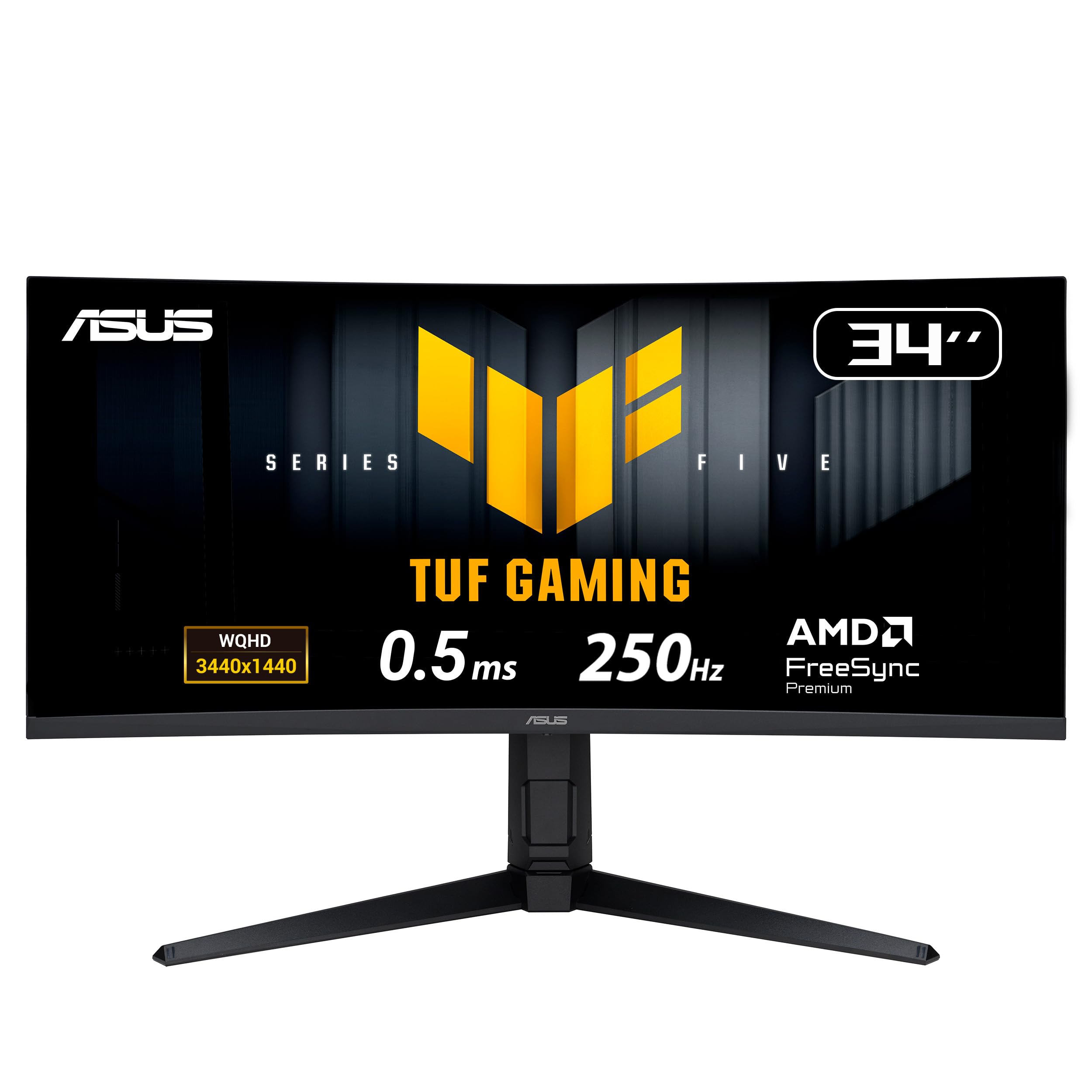
2. ASUS TUF Gaming VG34WQML5A 34 Inch 1440p 250Hz Ultrawide
250Hz and a 0.5ms response make this the fastest panel under the OLED picks.
The head-to-head here is stark: this panel runs 250Hz against the 180Hz of the Alienware above, and its 0.5ms minimum response is exactly twice as fast as the 1ms gray-to-gray figure on the ASUS VG34VQ3B below. If you play competitive shooters and every frame of latency counts, that pairing is the argument for this monitor in one line.
The colour side is no slouch either. ASUS lists sRGB 130% coverage and DCI-P3 95%, which is a wider colour push than the VG34VQ3B’s 90% DCI-P3 and a noticeably wider one than the WA3425DWM’s 95% DCI-P3 on a different scale — the 130 sRGB figure is the one that tells you this panel pushes colour beyond the standard range. Contrast sits at 4000:1, so dark scenes hold up, and HDR comes in as DisplayHDR 400 with HDR-10 support. FreeSync Premium Pro handles variable refresh by default, and ELMB SYNC lets you run the blur-reduction strobing and adaptive sync at the same time.
Desk ergonomics are better than the tier suggests: the stand tilts, swivels and rises through 130mm of height travel, and a joystick handles on-screen menu navigation instead of a ring of hidden buttons. You also get built-in speakers, an earphone jack, two DisplayPort 1.4 inputs and two HDMI 2.1 ports. The honest caveat is warranty confidence versus price — value lands as a mixed note in owner feedback, and a 3-year manufacturer warranty is the counterweight ASUS puts on the table.
What owners settle on: monitor quality in the broadest sense is the consistent theme — panel uniformity, the stand, the menu system all hold up in daily use rather than just on day one. Picture quality at 1440p gets its own nod, which matters because 3440 x 1440 across 34 inches is where cheap panels usually show their seams.
One thing to plan for: 250Hz is only worth having if your graphics card can push frames that fast at 3440 x 1440. If you are running a mid-tier GPU, you will spend most sessions well under the ceiling — the 0.5ms response still helps at lower frame rates, but the headline number will sit unused.
Best fit: competitive players who want the highest refresh and lowest response on this list without an OLED’s care routine.
Think twice if: you want proven long-term value noise, since owner sentiment on price is split rather than settled.
3. ASUS TUF Gaming VG34VQ3B 34 Inch 1440p 180Hz Ultrawide
Four USB ports on the back of a 34-inch ultrawide do more for your desk than one extra Hz ever will.
Most ultrawides at this level give you a DisplayPort and two HDMI inputs and call it a day. This one ships with four USB 3.2 Gen 1 Type-A ports on top of HDMI and DisplayPort, which turns the monitor into the hub for your keyboard, mouse, headset and a thumb drive.
The panel itself is a 34-inch QHD 3440 x 1440 on a 1500R curve at 180Hz, paired with a 1ms MPRT response (motion picture response time — the blur-based measure rather than the grey-to-grey one). ASUS ELMB SYNC lets that blur reduction run alongside FreeSync Premium’s variable refresh. Colour covers 90% of DCI-P3, contrast is listed at 4,000:1 static, and there are built-in speakers plus DisplayWidget Center software for adjusting settings from the desktop. A 3-year warranty sits on top.
Longevity is the one thing worth going in with your eyes open on. The reliability record is genuinely split — smooth sailing for most, with a handful of panels that stopped working without warning. That is the trade-off of an entry-tier panel with an aggressive feature list. Buy it knowing the warranty is three years, and treat the USB hub as the practical upgrade it is.
The case, briefly: four USB 3.2 ports, a 180Hz 3440 x 1440 panel, ELMB SYNC and speakers for an entry-level outlay. The connectivity alone separates it from most of the class.
Where it leaves room: 90% DCI-P3 sits below the wider colour coverage on the pricier ASUS above, so creators wanting more gamut should look up the list. Reliability is the bigger unknown, and it is the honest reason some buyers will step up to a panel with a longer track record.
Buy it for: the port count — a 34-inch 180Hz panel that doubles as a rear USB hub for a full desk setup.
Step up if: you want the widest colour gamut and the cleanest reliability history in the range.
4. INNOCN 49″ Curved Gaming Monitor 49C1G 32:9

A 32:9 panel as wide as two 27-inch screens, with USB-C delivering 65W to a laptop over the same cable.
This is the panel for the person whose workday looks like three windows side by side and whose evening looks like a racing sim. The 32:9 super-ultrawide shape adds substantially more horizontal real estate than the 21:9 picks above — it is closer in width to a pair of monitors than to a single ultrawide. Resolution is 3840 x 1080, so you get width rather than pixel density; text and game detail sit at double-FHD sharpness per half, not 1440p.
The connectivity is the standout, and it is a serious list: one USB-C port pushing 65W of power delivery, one DisplayPort 1.4, one HDMI 2.1, two USB-A, one USB-B, an RJ45 ethernet jack and a 3.5mm audio out. Plug a laptop into the USB-C and you get video, data and charging down one cable. PIP and PBP split-screen lets you run two sources at native resolution at once, so a work machine and a console can share the glass. The VA panel delivers 3000:1 contrast with 99% sRGB coverage and DisplayHDR 400, and the stand tilts, swivels and rises.
Two honest notes worth hearing before you commit. The 3840 x 1080 resolution is the compromise — the width is enormous, the vertical sharpness is not, and some owners notice it when reading small text up close. Durability is the recurring gripe in owner feedback, so treat the glass with care and check the warranty terms on arrival. Set against the price, though, no other panel here gives you this much physical screen for the outlay.
Right for: multitaskers and sim racers who want a 49-inch 32:9 canvas with USB-C 65W laptop charging and a built-in ethernet port.
Consider the trade: 3840 x 1080 gives width but not 1440p vertical density, and durability is the weakest part of the package.
5. SAMSUNG 49-inch Odyssey G9 (G91F) DQHD 144Hz

A 1000R curve that pulls the 32:9 edges into your periphery, with DisplayHDR 600 behind the brightness.
The curve is the first thing you notice. At 1000R on a 32:9 panel, the edges lean in toward you hard enough that the screen stops feeling like a rectangle and starts feeling like a cockpit. Resolution is DQHD at 5120 x 1440 across the full width — this is the panel that pairs 32:9 width with real 1440p vertical sharpness, where the INNOCN above trades that away for a wider-for-the-money pitch.
DisplayHDR 600 is the differentiator over the rest of the field. Most monitors here list DisplayHDR 400; the step to 600 raises the brightness ceiling so highlights genuinely punch and dark scenes hold shadow detail. Speed comes from 144Hz with a 1ms response and AMD FreeSync Premium Pro, with variable refresh keeping GPU and panel in step. Split-screen play and Picture-in-Picture are built in, and Auto Source Switch+ flips to a device the moment you power it on.
Now the honest part: HDR punch and performance are the two areas where owner feedback is genuinely mixed rather than unanimous. Some find the brightness underwhelming given the HDR tier, and MacBook Pro compatibility is the specific setup that does not play nicely. Windows and Surface Pro buyers report a much smoother experience. Brightness on the spec sheet reads 280 cd, which is modest for this class — set expectations accordingly and run HDR where the content supports it.
Pick it for: the 1000R 32:9 cockpit feel and DisplayHDR 600, provided you are on Windows or Surface rather than a MacBook.
Hold off if: you want the brightest HDR image on the list or need MacBook Pro compatibility.
6. LG 34GX900A-B 34-Inch UltraGear WQHD OLED
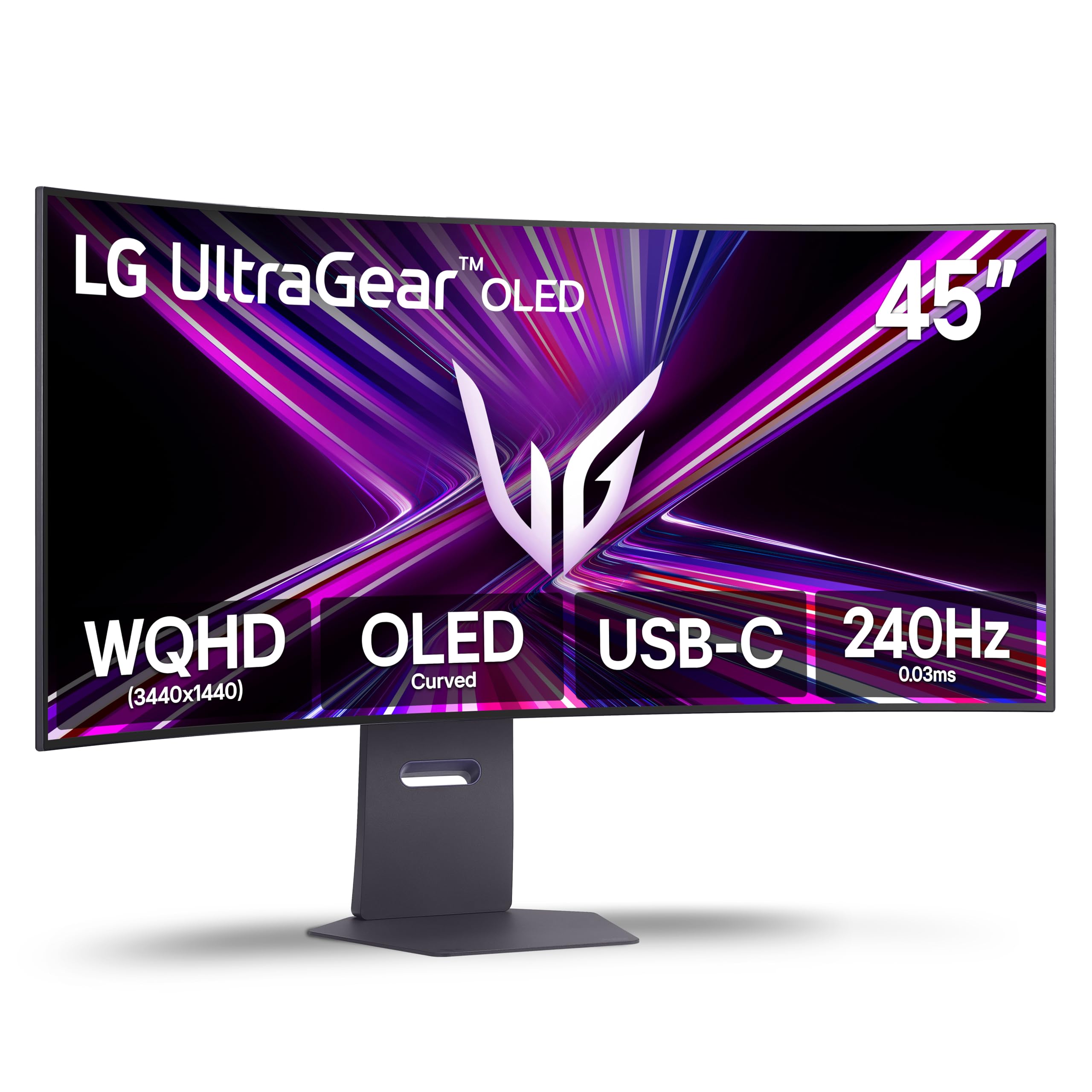
A 1,500,000:1 contrast ratio and a 0.03ms response put this OLED at the front of the speed pack.
Against this panel’s 0.03ms pixel switching, a 1ms VA panel leaves visible smear behind moving targets. This panel runs 240Hz with a 0.03ms gray-to-grey response, and that response figure is the one that changes how motion reads — a pixel that switches in three hundredths of a millisecond leaves effectively no smear behind a moving target. Contrast is listed at 1,500,000:1, which is where the “deep blacks” stories come from. Brightness peaks up to 1300 nits at APL 1.5% (a small bright area on a mostly dark screen), and colour covers 98.5% of DCI-P3.
The 800R curve is the tightest on a 34-inch panel in this roundup, and on an OLED where the edges already sit close, it wraps the image further into your periphery than the 1500R panels above and below. G-SYNC Compatible joins FreeSync Premium Pro so PC and next-gen console both get tear-free sync. Connectivity covers HDMI 2.1, DisplayPort 1.4 and USB Type-C with 65W power delivery, which means a laptop can drive the display and charge through the same cable. The Switch app carves the screen into up to six zones for work layouts.
OLED asks for a little housekeeping in return. LG includes pixel cleaning tools and a 2-year limited warranty that specifically covers the OLED panel, and the listed peak brightness at full-field APL (brightness quoted at 275 candela per square metre in the specs) is far below the headline number — so treat the big figure as a highlight measurement, not a full-screen one.
Why speed chasers pick it
- 0.03ms gray-to-gray response and 240Hz make motion look near-smooth.
- DCI-P3 98.5% with OLED blacks gives colour and depth at once.
- USB-C 65W power delivery handles laptop charging off the same cable.
- 800R curve wraps a 34-inch panel tighter than any other 21:9 here.
What OLED asks of you
- Panel care tools and a 2-year warranty are your burn-in defence — a routine VA or IPS never needs.
- The 1300-nit peak is an APL 1.5% figure, not full-screen brightness.
- Three figures above the entry ASUS panels if you are shopping purely on price.
Go here for: the fastest response on the list and OLED depth at 240Hz, with panel-care tools and a 2-year OLED warranty backing it.
Think again if: you want a set-and-forget panel with no pixel-cleaning sessions.
7. MSI MAG 341CQP QD-OLED X28 34″ UWQHD
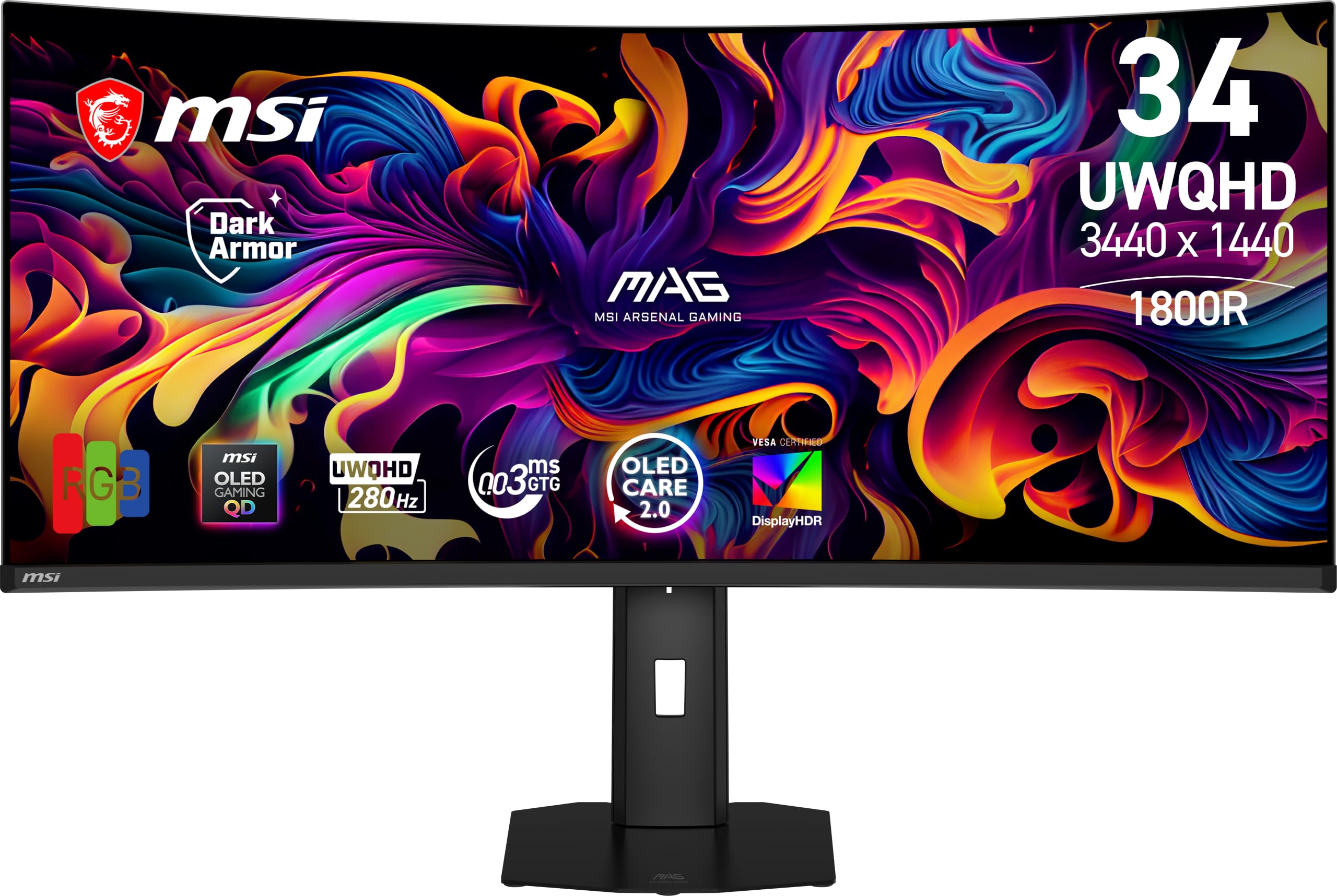
280Hz on a QD-OLED, with an RGB Stripe sub-pixel layout that sharpens small text.
The refresh number is the headline and it is not a small one. At 280Hz this panel runs faster than any other 34-inch screen here — the LG OLED above hits 240Hz, the Samsung 49-inch G91F sits at 144Hz — and the 0.03ms response keeps motion blur at bay. What makes the X28 different from the older QD-OLED generation is the RGB Stripe sub-pixel layout, and that layout is the reason text clarity improves; traditional QD-OLED panels have fringing on small text, and the stripe arrangement pushes back at it.
The brightness and HDR numbers are heavy: 1300 nits peak with VESA DisplayHDR True Black 500 and VESA ClearMR 15000 certification, which is the formal motion-clarity rating. DarkArmor Film — the anti-reflection coating — is listed as delivering 40% deeper blacks and a 2.5x more scratch-resistant surface. Colour lands at 100% of the gamut with Delta E≤2, which means the colours are accurate enough that a designer and a gamer can share the screen.
Connectivity covers DisplayPort 1.4a, HDMI 2.1 and USB Type-C, and the AI Care Sensor watches for when you leave the desk and dims the panel to spare the OLED material. The physical footprint is real: the stand footprint is listed at 31.96 inches wide and the panel weighs 31.8 pounds, so measure your desk before you commit. Cable management is the recurring gripe — plan for a VESA arm if tidy routing matters to you.
What wins people over: the display itself, in the broadest terms — colour quality is brought up specifically, with blacks described as dark as night, and text clarity gets singled out as the improvement that makes QD-OLED usable for work as well as play.
Best for: buyers who want the highest refresh here and the newest panel generation that fixes QD-OLED text fringing.
Weigh first: 31.8 pounds and a 31.96-inch stand footprint take real desk space, and cable routing is fiddly.
8. Alienware 34 240Hz QD-OLED Curved Gaming Monitor AW3425DW

QD-OLED colour tuned to Delta E<2, wrapped in an 1800R curve that stays comfortable.
For anyone who does colour-sensitive work and games on the same screen, this is where the specification reads like a shopping list. DCI-P3 coverage is 99.3%, Delta E<2 means colour error is small enough to be invisible to the eye, and DisplayHDR TrueBlack 400 with 1000 nits peak HDR brightness gives you a contrast ratio listed as infinite — OLED pixels turn fully off, so black is genuinely black rather than near-black.
The speed side matches the LG above at 240Hz, and the 1800R curve is the gentler option versus the LG’s 800R, which is the right call if you plan to sit far back or share the screen. Adaptive sync covers NVIDIA G-SYNC Compatible, AMD FreeSync Premium Pro and VESA AdaptiveSync in one package, so the panel works with whichever graphics card lands in your build. Height, swivel and tilt adjustment are all on the stand.
What the spec sheet cannot tell you is how the panel reads in a dark room, and this is where the picture depth earns its keep — the deep shadows in games land as deep shadows, not grey mush, and colour quality holds up on both sides of the work-play line. Reliability and durability are the honest qualifiers; OLED material ages, and this is a panel you should care for deliberately rather than treat like a budget VA.
The straight read: if colour accuracy is non-negotiable and you want 240Hz OLED speed to go with it, the Delta E<2 rating and 99.3% DCI-P3 coverage make the choice easy — as long as you accept the OLED trade-off on long-term panel care.
Choose it if: you edit colour and game on one display and want 240Hz OLED with the tightest colour-error figure on the list.
Size the trade: OLED material needs care over years, and the 1800R curve is gentler than the 800R LG, so it is less rich edge-to-edge.
9. MSI MAG 341CQP QD-OLED 34 Curved 175Hz

One keyboard and mouse, two machines, no switch box on the desk.
The KVM is the feature that sells this panel — a KVM switch (keyboard, video, mouse) lets one set of peripherals drive two connected computers, so a work laptop and a gaming tower share the screen without unplugging anything. That is the practical difference between this and the higher-refresh MSI above, and for anyone working hybrid it changes the desk more than 100 extra Hz ever would.
Underneath, this is still a QD-OLED panel running 3440 x 1440 on a 21:9 curve at 175Hz with a 0.03ms gray-to-gray response and Delta E≤2 colour accuracy. True Black HDR 400 handles the contrast, 250 nits is the listed brightness, and adaptive sync smooths out frame pacing. Console Mode is note separately: the HDMI 2.1 port runs at the full 48 Gbps bandwidth, so a next-gen console gets the full signal rather than a cut-down one.
MSI OLED Care 2.0 is included to reduce the risk of image sticking — the faint ghost a static HUD can leave on an OLED over time — and the Gaming Intelligence app tunes settings per game. This is the older generation QD-OLED versus the X28 above, so text clarity is the one area where the newer panel pulls ahead. If you mostly play on one machine, the higher-refresh X28 is the stronger gaming pick; if you toggle between two, the KVM here wins outright.
Who it fits: hybrid workers who want OLED contrast plus a single-cable KVM handoff between two computers, with a full-bandwidth HDMI 2.1 port for a console.
The narrow miss: 175Hz is a step behind the 240Hz and 280Hz OLED picks above, so pure speed chasers should look up the list. Text clarity is the second trade versus the newer X28 panel.
Reach for it when: two computers share one desk and you want OLED depth with a built-in KVM handling the switch.
Skip the KVM: if you only ever plug in one machine — the higher-refresh X28 or Alienware OLED gives you more speed for the same kind of outlay.
10. Samsung 57″ Odyssey Neo G9 (G95NC) Dual 4K UHD 1000R

Two 4K panels fused into one 57-inch wall of pixels, at 240Hz.
This is the ceiling of the category, and the numbers say so plainly. Resolution is 7680 x 2160 — Dual UHD, the equivalent of two 4K monitors side by side on a single 1000R curved surface. Refresh lands at 240Hz with a 1ms gray-to-gray response, and DisplayPort 2.1 support is what lets the panel hit those figures at full resolution with variable refresh enabled, which is the piece most ultrawides still cannot do.
Quantum Matrix Technology with Quantum Mini LEDs is the reason this competes with OLED on contrast while staying a VA panel. 2,392 local dimming zones control brightness per zone, paired with 12-bit black levels and VESA DisplayHDR 1000 — a 1,000-nit peak and a 1,000,000:1 contrast ratio. The practical effect is that shadow detail holds in dark corners where a panel without local dimming would crush it, and enemies hiding in a dim room stay visible. FreeSync Premium Pro handles the sync, and CoreSync projects on-screen colours into the room.
Then there is the honest half. Quality control and reliability are where owner sentiment splits wide — a 57-inch VA panel with 2,392 dimming zones has a lot of parts that can go wrong, and the record is genuinely uneven. Picture quality also comes in mixed, with the high resolution earning praise but some buyers finding the finish less than they expected from a flagship. The screen is also enormous by design, so measure your desk depth and viewing distance before ordering anything this wide.
For the buyer who wants it all: Dual 4K at 240Hz with DisplayPort 2.1 and 2,392 dimming zones — no other screen here comes close on raw canvas size.
Be sure of the commitment: quality control is inconsistent and the panel wants a large room, not just a large desk.
Know the Specs
Refresh Rate (Hz)
Hz counts how many times per second the panel redraws. A 144Hz screen refreshes 144 times a second; a 280Hz panel refreshes 280 times, which is why fast camera pans stop tearing into frames. Higher Hz only pays off if your graphics card can feed frames that fast at the resolution you run — a 3440 x 1440 panel is much harder to feed than a 2560 x 1080 one, so match the refresh to your hardware before paying for it.
Response Time (ms)
Response time is how long a pixel takes to change colour, measured in milliseconds. A 0.03ms OLED pixel switches almost instantly; a 1ms VA panel is quick enough that most players never see the gap. The figure quoted is usually either gray-to-gray (a pixel shifting between shades) or MPRT (a blur-based motion measure) — they are not directly comparable, so treat the number as a rough signal of speed rather than a like-for-like across brands.
Panel Type: VA vs OLED
A VA panel stays lit and blocks light with liquid crystals, which is why it needs local dimming zones to control brightness in dark scenes. An OLED switches each pixel on and off individually, so black is genuinely off and contrast has no ceiling — but OLED material ages unevenly, which is why pixel cleaning routines and care tools exist. VA panels have no burn-in risk and cost less. OLED gives you speed and black depth and asks for care in return.
Curve Radius and Aspect Ratio
The R figure is a radius in millimetres — 1500R means a 1500mm circle, 1000R a tighter 1000mm one, so the lower the number, the more the edges bend toward you. Aspect ratio is the shape: 21:9 is a wide single screen, 32:9 is effectively two 16:9 panels fused together. A 21:9 34-inch fits most desks; a 32:9 49-inch or 57-inch takes real depth and usually a larger viewing distance.
Common Questions
Will a 34-inch ultrawide fit on a standard desk?
Is 3440 x 1440 hard to run for my graphics card?
What is the difference between 21:9 and 32:9?
Does OLED burn-in happen on gaming monitors?
Do I need a DisplayPort 2.1 cable to get full speed from a dual 4K monitor?
Will a curved ultrawide cause eye strain over a long session?
What does FreeSync Premium Pro versus G-SYNC Compatible actually mean?
Is a 0.03ms OLED really better than a 1ms VA panel?
Can I connect a laptop and a console to the same ultrawide at once?
Do ultrawide monitors have built-in speakers or do I need separate ones?
Why does the brightness figure on an OLED look lower than the peak claim?
The Bottom Line
The Alienware AW3425DWM takes the top spot because it gets the fundamentals right without asking you to manage a panel. A 180Hz refresh, a 1ms gray-to-gray response, DCI-P3 95% colour and a 1500R WQHD curve is a complete package for gaming and work, and it holds steady across the widest spread of owner experience on this list — 750+ ratings at 4.5+ stars is the strongest crowd signal here. If you want the highest refresh without an OLED care routine, the ASUS TUF VG34WQML5A runs 250Hz at a 0.5ms response and is the pure speed buy at the entry tier. For colour-accurate OLED at 240Hz, the Alienware AW3425DW leads on Delta E<2 and 99.3% DCI-P3. And if you want the biggest canvas money can currently put on a desk, the Samsung 57-inch Odyssey Neo G9 delivers Dual 4K at 240Hz with 2,392 dimming zones — nothing else here comes close on sheer width.
How we choose
We do not accept paid placement. Every pick is matched to a real buyer and a real use-case; we do not hands-on test units.
Sources
Specifications: manufacturer listings and product documentation. Review insights: verified customer reviews, as of November 2026. Pricing: not shown on this page (it changes often); check the current price via the retailer link.
As an Amazon Associate, Tactical Gear Guy earns from qualifying purchases. This does not affect which products we feature.