Specs are compiled from manufacturer listings and verified buyer reviews and can change over time — please confirm the key details on the product page before buying.
You want one thing from a gaming monitor: motion that keeps up with your hands. A panel that smears or stutters turns a good game into a frustrating one, and every pick here was sorted on panel type, refresh rate, and response time. Below you will find published specs, honest trade-offs, and a clear answer on which one fits how you actually play.
This guide is built by comparing the manufacturers’ published specifications and the patterns across verified customer reviews, so you get each pick’s real strengths and trade-offs instead of marketing spin.
Start with the panel type, the refresh rate, and the response time — those three decide how a monitor feels in motion, and every pick here is sorted around them. Here is the honest shortlist of top computer monitors for gaming.
Top Picks

How To Choose a Gaming Monitor
The mistake most first-time buyers make is shopping by brand or by the biggest hertz number on the box. A 240Hz IPS panel with visible edge light bleed will frustrate you more than a clean 180Hz screen. Decide what frame rate your graphics card can actually push, then match the panel’s refresh rate to that.
Refresh rate is your ceiling, not your floor
Refresh rate is how many times per second the screen redraws the picture, written in hertz (Hz). A 240Hz panel redraws 240 times a second, so a fast flick shot lands where you aimed instead of smearing behind it. If your card tops out around 100 frames per second, a 300Hz panel will not make you faster — it will just idle above your frame rate.
Panel type decides how motion and black levels feel
IPS panels give you wide viewing angles and steady color from off-center, which is why so many competitive picks use them. OLED panels switch each pixel on and off individually, so dark scenes go genuinely dark and response time drops into fractions of a millisecond. The trade-off is that OLED can show image retention if you leave a static desktop bar in place for hours.
Response time and adaptive sync keep frames clean
Response time, measured in milliseconds (ms), is how fast a pixel changes color — lower means less ghosting trailing behind moving objects. Adaptive sync (FreeSync or G-SYNC) matches the screen’s refresh to your card’s frame output so you do not get tearing when frames arrive unevenly. Check whether your card supports FreeSync or G-SYNC before you commit.
Side-by-Side Comparison
| Model | Best For | Refresh Rate | Resolution | Panel Type | Amazon |
|---|---|---|---|---|---|
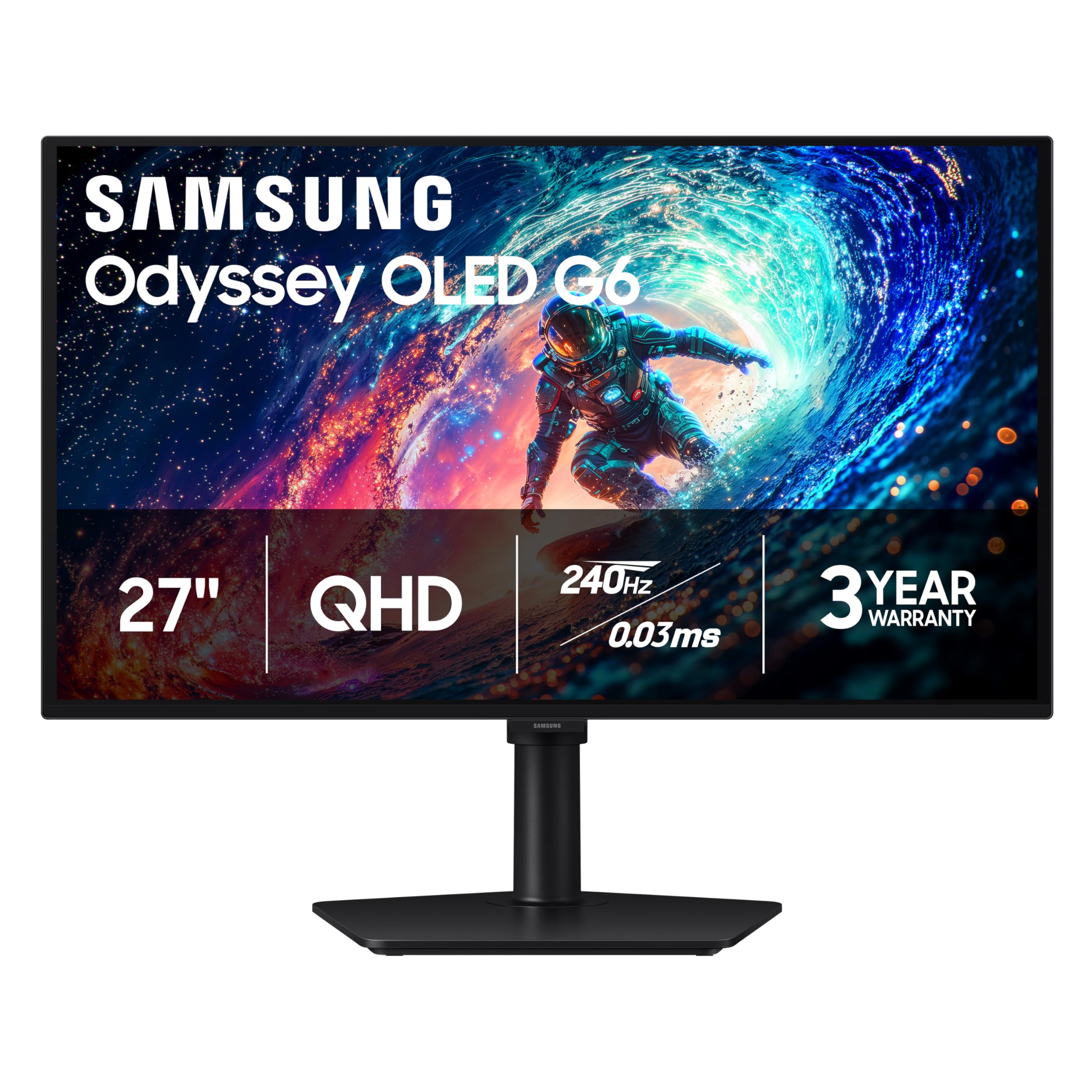
| Samsung 27″ Odyssey OLED G6 (G61SH)★ Best Overall | Deep blacks and fast motion | 240Hz | 2560 x 1440 | QD-OLED | Amazon |
| Alienware 27 AW2725DMBalanced Pick | Balanced all-round gaming | 180Hz | 2560 x 1440 | Fast IPS | Amazon |
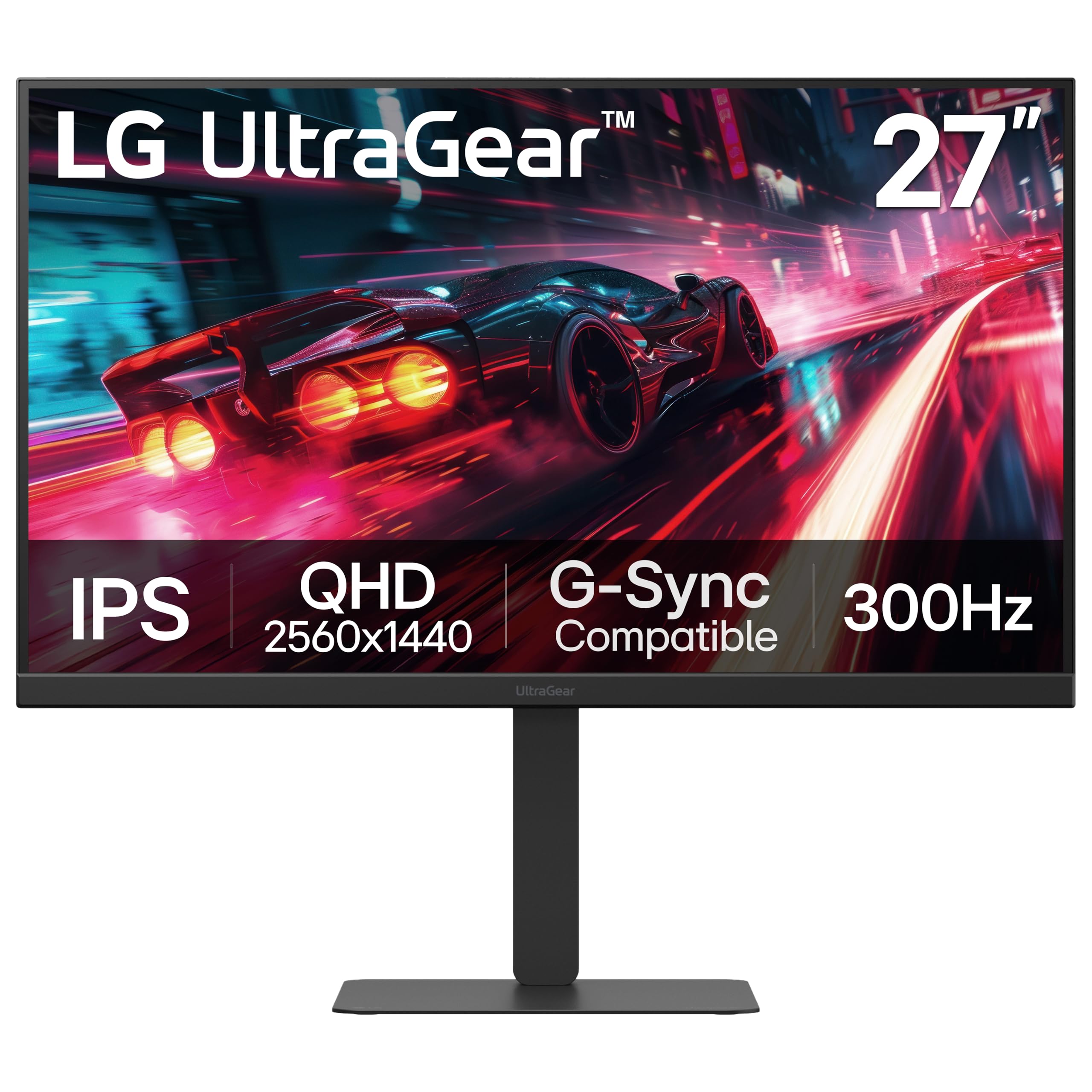
| LG 27G640A-B UltragearSpeed Leader | Highest refresh on a budget | 300Hz | 2560 x 1440 | IPS | Amazon |
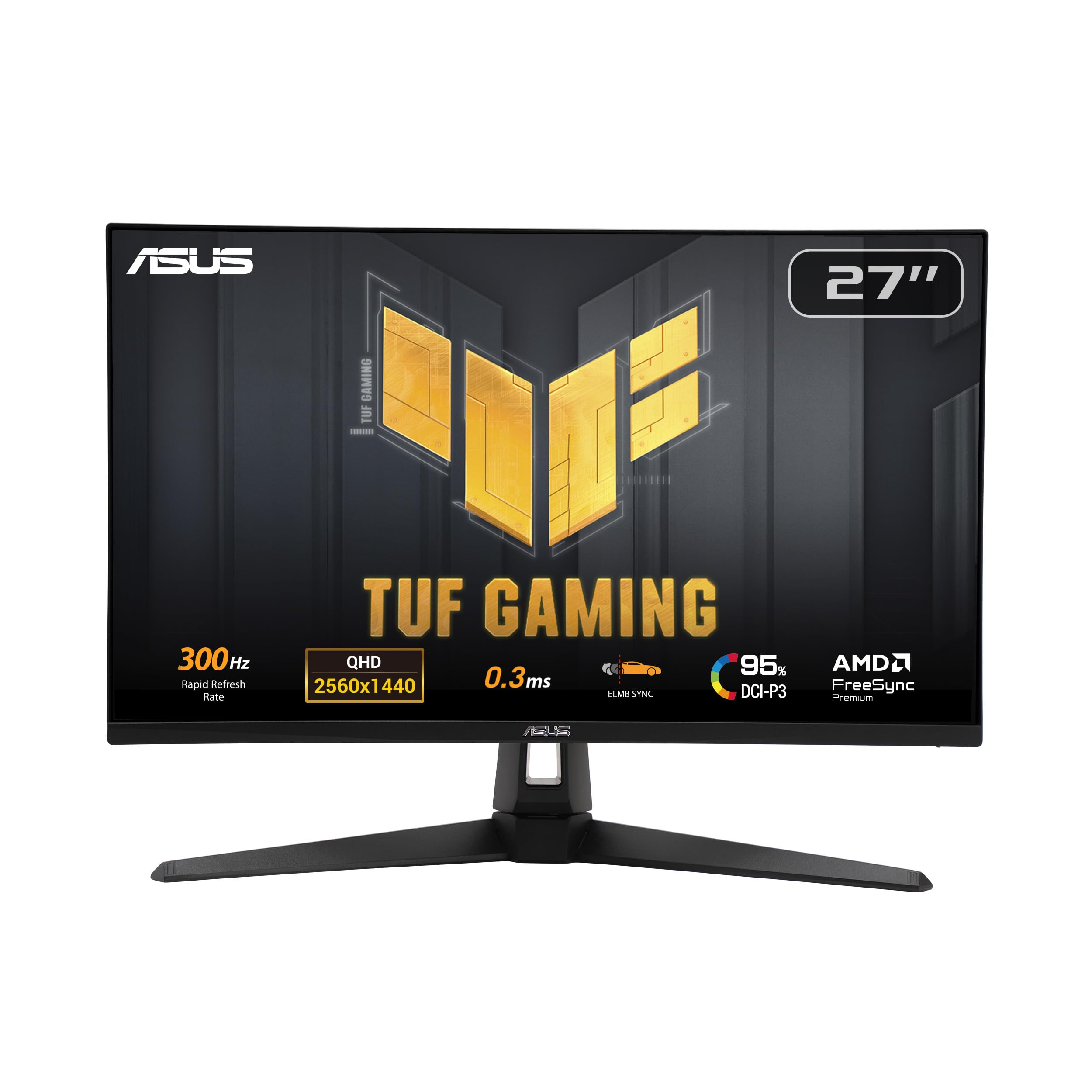
| ASUS TUF Gaming VG27AQM5A | Fast IPS with low blur | 300Hz | 2560 x 1440 | Fast IPS | Amazon |
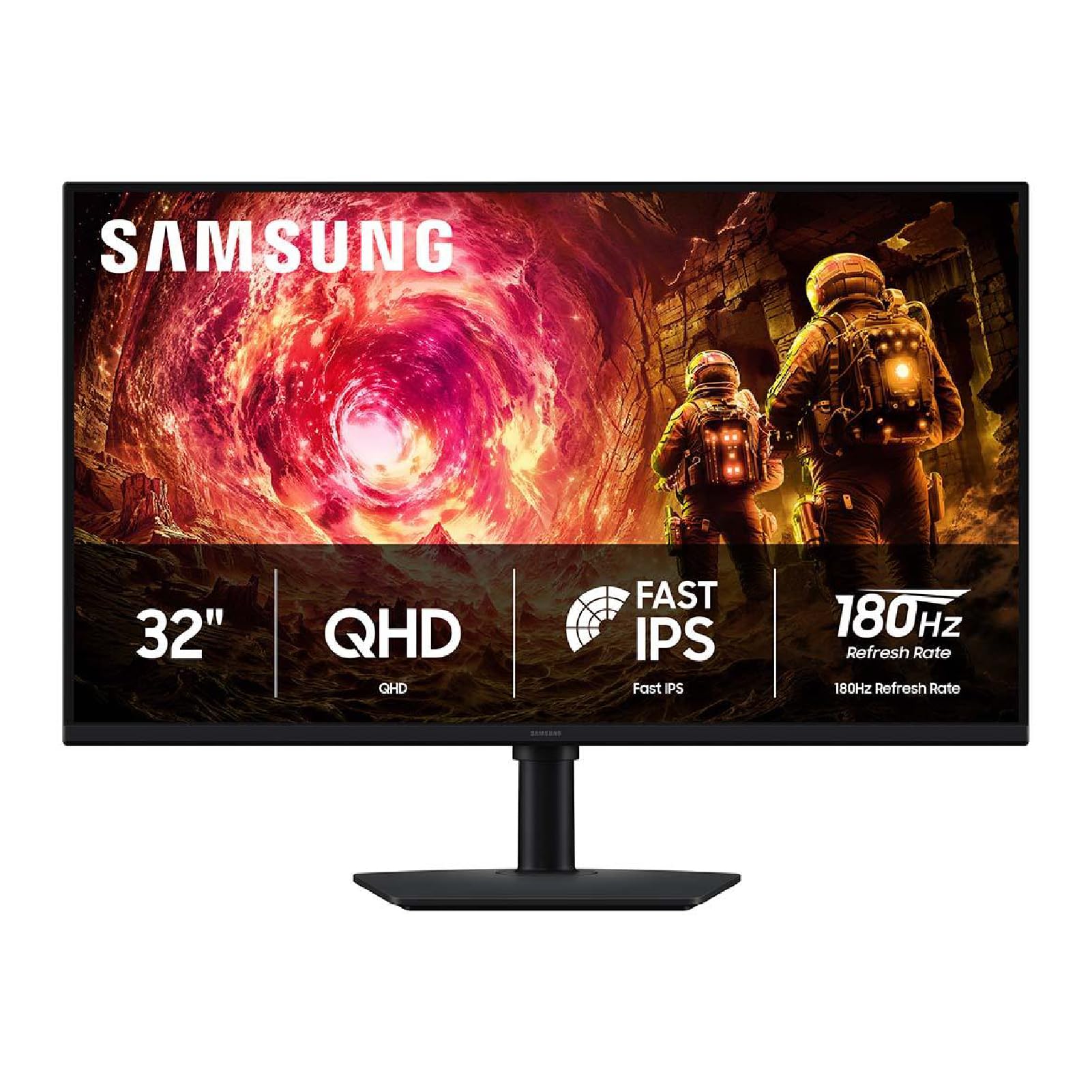
| Samsung 32″ Odyssey G5 (G50F) | Big-screen QHD value | 180Hz | 2560 x 1440 | IPS | Amazon |
| Acer Nitro XV272U W2bmiiprx | Entry-level 240Hz | 240Hz | 2560 x 1440 | IPS | Amazon |
| ASUS ROG XG27AQDMG | Glossy OLED clarity | 240Hz | 2560 x 1440 | WOLED | Amazon |
| Alienware 34 AW3425DW | Ultrawide immersion | 240Hz | 3440 x 1440 | QD-OLED | Amazon |
| MSI MPG 321URXW | 4K OLED for play and work | 240Hz | 3840 x 2160 | QD-OLED | Amazon |
Detailed Reviews
1. Samsung Odyssey OLED G6 G61SH
Our pick — 4.5+★ from 450+ verified ratings; the strongest balance of quality and price.
A 1,000,000:1 contrast ratio that makes night maps actually look like night.
This is the pick for the player who wants both speed and dark-scene depth from one 27-inch QHD screen. The QD-OLED panel reaches a 1,000,000:1 contrast ratio, against the 1,000:1 of the Acer Nitro XV272U, so shadows stay genuinely black and you can pick a silhouette out of a dark corner instead of squinting at gray mush.
Motion is just as serious. A 240Hz refresh rate pairs with a 0.03ms response time, and that response time is 0.03ms versus the LG 27G640A-B’s 1ms. In plain terms, a fast pan does not bleed a trail behind your crosshair. AMD FreeSync Premium handles the frame sync, and HDR10 lifts highlights for more separation between a muzzle flash and the wall behind it.
What wins people over is the quality of the panel itself — that is the single most-discussed strength here — followed closely by the colors, which are Pantone Validated and cover 2100+ lifelike colors with 110+ skin tone shades. The catch worth knowing: OLED text has never been as crisp as LCD text, and this panel sits around 4/5 on text clarity. If you split your day between spreadsheets and shooters, expect slightly fuzzier small fonts.
What sells it
- 1,000,000:1 contrast ratio for real black in dark scenes
- 0.03ms response time crushes motion ghosting
- 240Hz with FreeSync Premium keeps frames tear-free
- Glare Free coating cuts reflection from a window behind you
- Height-adjustable stand pivots, tilts, and swivels
Where it asks patience
- Text clarity sits around 4/5, so small fonts look softer
- OLED panels need care with static elements to avoid image retention
Buy it when: you play fast games and want deep blacks on a 27-inch QHD desk setup.
Hold off when: your day is mostly documents and you need razor-sharp small text over contrast.
2. Alienware AW2725DM Gaming Monitor
The steady all-rounder that works with whatever system you already own.
Plenty of people buy a gaming monitor and then discover their console or card does not speak its sync language. This Alienware covers both bases with G-SYNC and FreeSync support on a 27-inch QHD Fast IPS panel, and buyers report it working happily with an Xbox Series X as well as with desktop graphics cards.
The 180Hz refresh rate is honest rather than extreme, but it is the safer ceiling if your hardware hovers around 120 frames per second. You still get a 1ms gray-to-gray response time, plus DCI-P3 95% color coverage and VESA DisplayHDR 400 certification, so colors stay vivid without the panel chasing numbers it cannot hold. Quality is the strength that carries this one, with value for money running right behind it.
Two practical details matter here. There is a dedicated console mode for couch sessions, and a hardware-based low blue light solution dims the harsh end of the spectrum without washing out your color. The honest caveat is IPS glow, which a few people notice in dark scenes — normal for this panel type and easy to live with in a lit room.
Best for mixed setups: a card or console that sits mid-range, where 180Hz is reachable and 300Hz would be wasted headroom.
One more thing: the included cables cover DisplayPort 1.4 and HDMI 1.8m, so you can unbox and play without a shopping trip.
The fit: you want a dependable QHD screen that juggles PC and console without sync headaches.
Skip if: you are chasing the absolute highest frame rate and refuse to settle below 240Hz.
3. LG 27G640A-B 27-inch Ultragear QHD IPS Gaming Monitor
300Hz on a 27-inch QHD IPS panel — the frame ceiling most cards cannot even reach.
If your rig can genuinely push high frame rates, this is the panel that keeps up: 300Hz against the Alienware AW2725DM’s 180Hz. Competitive shooters feel it immediately — a strafing target stays a clean shape instead of a smear. The 1ms gray-to-gray response time keeps ghosting down, and both FreeSync Premium and G-SYNC compatibility mean you are covered whichever card brand you run.
Color and brightness hold their end up too. You get up to 95% DCI-P3 coverage, VESA DisplayHDR 400, and a 1300:1 contrast ratio, which is a step above the usual 1000:1 IPS figure and gives dark rooms a bit more shape. Monitor quality is the thing owners rave about most, and a 27-inch IPS panel holds its color from wide angles, so a second chair beside your desk is not a compromise.
The connectivity is where it earns a spot on a work desk as well as a game desk. USB Type-C with 15W power delivery, dual HDMI 2.1 ports, and DisplayPort 1.4 cover a laptop and a console without a switcher. The recurring gripe is screen reliability — a few units flicker or reboot — so buy from a seller with a clean return path. Built-in speakers exist but sound thin, which is fine if you game on a headset.
Worth it for: high-refresh competitors who want one cable to a laptop and 300Hz when they switch to the desktop.
Think twice if: you run a mid-range card and would rather spend the headroom on contrast than hertz.
4. ASUS TUF Gaming VG27AQM5A
Fast IPS at 300Hz with a 0.3ms response — built to erase the blur trail.
ASUS takes the motion-clarity angle seriously here. A 0.3ms gray-to-gray response time on a Fast IPS panel is quick enough that fast camera turns stay readable, and ASUS Extreme Low Motion Blur Sync runs blur reduction and variable refresh at the same time — something many panels make you choose between. You get 300Hz, matching the LG above, on a 27-inch QHD screen.
Color is not an afterthought: 95% DCI-P3 coverage keeps a game’s palette looking the way the artist intended, and Shadow Boost lifts detail out of dark corners without blowing out the bright parts of the same frame. The 1300:1 contrast ratio matches the LG’s figure. There is also integrated audio for quick sessions and a 3-year manufacturer warranty, which is longer coverage than most of this list offers.
Reliability is the mixed note. Some units run flawlessly for months while others arrive refusing to power on, so register the warranty the day it lands. On the desk-friendly side, DisplayWidget Center lets you change settings with a mouse instead of hunting through joystick menus, and the panel takes HDMI, DisplayPort, USB, and USB Type-C inputs.
Reasons it earns the desk space
- 0.3ms GTG response time keeps fast pans sharp
- ELMB Sync runs blur reduction with variable refresh
- 95% DCI-P3 color coverage
- 3-year manufacturer warranty
- DisplayWidget Center tunes settings from your desktop
The honest notes
- Reliability is uneven — a small share of units fail to power on
- Built-in speakers are basic and bettered by a headset
Pick this one if: blur-free motion matters more to you than deep blacks, and you want a long warranty behind it.
Look elsewhere if: you want OLED-level contrast and cannot tolerate any chance of a dead-on-arrival unit.
5. Samsung 32” Odyssey G5 (G50F) Series QHD Gaming Monitor
A 32-inch QHD panel that trades hertz for screen real estate — and wins on immersion.
Screen size is the first thing you notice, and this Odyssey G5 goes bigger than any other 27-inch pick here at 32 inches. On a QHD 2560 x 1440 panel that extra area means you sit further back and the world fills more of your view. The IPS panel holds a 178° viewing angle, so couch co-op or a second chair still gets crisp color.
The 180Hz refresh rate with 1ms gray-to-gray response keeps action smooth, and G-Sync compatibility syncs the panel to your GPU to cut choppiness and tearing. What owners praise most is the display quality itself, with value for money running a close second — the picture stays crisp and the dark areas read genuinely dark. HDR10 adds brighter highlights and more depth to shadowed scenes.
Two gaming helpers are worth calling out. Black Equalizer brightens the deepest shadows so a camper in a dark corner is not invisible, and Virtual Aim Point sharpens your aim reference. The trade-off is brightness — some find it plenty bright while others call it dim, so a room with strong daylight behind you may want curtains. The height-adjustable stand pivots, tilts, and swivels to compensate.
Where it fits: a desk with room for a 32-inch panel where immersion beats chasing the highest refresh number.
Watch for: the panel sits at 300 cd/㎡ brightness, so a sunlit room washes it out more than a brighter screen would.
Go for it if: you want the biggest QHD picture here without stepping into premium pricing.
Not for you if: your desk is shallow or your room is flooded with daylight all afternoon.
6. Acer Nitro XV272U W2bmiiprx

The entry ticket to 240Hz QHD — as long as you feed it DisplayPort.
Here is the one detail that catches people out: this monitor hits 240Hz over DisplayPort and drops to 144Hz over HDMI. Plug your PC in with the included DisplayPort cable and you get the full 240Hz on a 27-inch 2560 x 1440 IPS panel. Use HDMI and you are capped at 144Hz, which is still smooth but not what you paid for.
For an entry-level screen the responsiveness is genuinely there. Response time runs 1ms gray-to-gray, up to 0.5ms gray-to-gray, with AMD FreeSync Premium smoothing frame delivery. The 0.233mm pixel pitch keeps QHD detail tight on a 27-inch panel, and 99 color gamut coverage gives you a properly saturated image. Quality is the most-praised trait, with picture quality next in line.
The honest side is brightness and ghosting. Some panels arrive with noticeable light bleed through the edges, and fast scenes can show a little ghosting if you push brightness high. Those are the two things to check in your first week while the return window is open. The stand is more flexible than most budget screens, with 4.7 inches of height travel, 360° swivel, and pivot plus or minus 90°, and it is VESA 100 x 100mm compatible for an arm swap.
Reach for this if: you are building a first QHD gaming setup and want 240Hz without a premium spend.
Pass if: you need perfect uniformity in dark rooms and would rather pay for a cleaner panel.
7. ASUS ROG XG27AQDMG
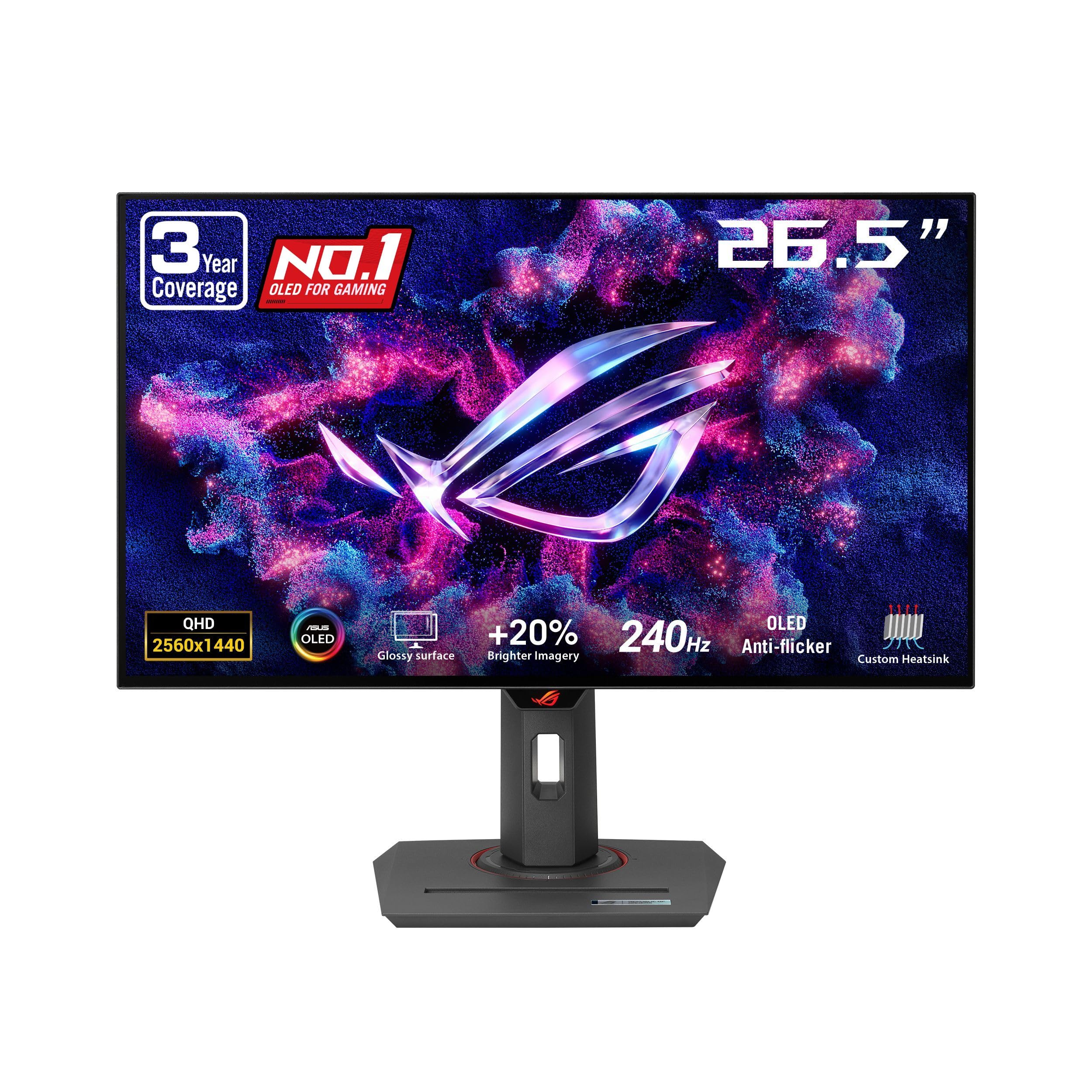
A glossy third-gen WOLED panel where black actually disappears into the bezel.
The glossy finish is the differentiator on this 26.5-inch QHD WOLED panel. Where a matte coating scatters light and softens the image slightly, gloss keeps colors cleaner and blacks deeper, which is why games look better on it. A 240Hz refresh rate pairs with a 0.03ms response time, and 99% DCI-P3 coverage keeps the palette faithful.
OLED’s old weakness was burn-in and flicker, and ASUS attacks both. A custom heatsink with advanced airflow plus ASUS OLED Care functions work to reduce burn-in risk, and ROG’s own anti-flicker technology smooths the refresh-rate swings that cause visible pulsing. Third-generation WOLED brings brighter full-white windows and clearer text than earlier panels of this type. The 3-year warranty includes burn-in coverage, which matters with an OLED desk screen.
The catch is image retention. On static desktop elements left in place for long stretches, a faint ghost of that element can linger, so use the screen saver and hiding-taskbar settings. If you mostly game and stream, you will rarely notice it; if you park a spreadsheet on screen all day, this panel wants a little discipline. DisplayWidget software handles settings from the desktop.
Best paired with: a gamer who wants glossy OLED punch and will run the built-in OLED care routines.
Consider another panel if: your screen doubles as a static work display for eight hours a day.
8. Alienware 34 240Hz QD-OLED Curved Gaming Monitor – AW3425DW

The 1800R curve wraps 34 inches of QD-OLED around you and holds it there.
Wide has a point. This panel runs 3440 x 1440 across 34.2 inches on a 21:9 aspect ratio, so your peripheral vision gets filled and the edges bend toward you on an 1800R curve. For racing games and open-world titles, that wraparound is the entire reason to buy it over a flat 27-inch screen.
The numbers back the immersion. QD-OLED delivers a 1,500,000:1 contrast ratio with DisplayHDR TrueBlack 400, and DCI-P3 99.3% coverage with Delta E<2 accuracy means the colors land close to reference. A 0.03ms response time and 240Hz refresh keep motion clean. Adaptive sync is covered by NVIDIA G-SYNC Compatible, AMD FreeSync Premium Pro, and VESA AdaptiveSync, so either card brand works.
Picture quality is what earns the money here — crisp visuals, top-notch resolution, and deep, pure blacks that make shadowed scenes feel solid. The honest note is brightness: peak HDR brightness is high, but the panel’s base brightness figure sits at 250, so a bright room dulls the effect. Reliability and durability get mixed reads, so buy from a seller with straightforward returns.
Why it earns the desk: the ultrawide field of view plus QD-OLED black levels are a combination the 27-inch picks simply cannot offer.
Space check: a 34.2-inch curved panel needs real desk depth, so measure before you commit.
For the immersion chaser: sim racers and open-world players who want the edges of the screen to disappear.
Wrong pick if: you play twitch shooters where a flat, narrow panel keeps your eyes on one target zone.
9. MSI MPG 321URXW QD-OLED 31.5 Inch 4K UHD Gaming Monitor

4K at 240Hz on a QD-OLED panel — the do-everything screen if your desk and budget allow.
This is the sharpest resolution on the list, at 3840 x 2160 across 31.5 inches, and it still runs 240Hz with a 0.03ms gray-to-gray response time. That combination means you get the detail of 4K plus the motion speed of a competitive panel in one screen. A 1,500,000:1 native contrast ratio and DisplayHDR True Black 400 certification with up to 1000 nits peak brightness give highlights real punch against genuinely black shadows.
Color accuracy is serious here. A 10-bit Quantum Dot OLED panel displays 1.07 billion colors at 99% DCI-P3 with Delta E ≤2, so a game’s palette renders the way it was mastered. Quality and image quality are the two traits that carry it in owner feedback. An enhanced sub-pixel arrangement improves sharpness, which helps on desktop text where earlier OLED panels struggled.
The productivity side is unusually strong for a gaming screen: KVM 1.0 lets two machines share one keyboard and mouse, USB Type-C with Power Delivery feeds a laptop, and a fanless graphene heatsink works with OLED Care 2.0 to help prevent burn-in. One honest caveat — some units have been reported to shut off after about 10 minutes of use, so test yours early and keep the return path open.
What makes it the top-tier pick
- 3840 x 2160 at 240Hz with 0.03ms response
- 99% DCI-P3 with Delta E ≤2 accuracy
- KVM 1.0 for two-machine setups
- USB Type-C with Power Delivery
- Fanless graphene heatsink with OLED Care 2.0
Read before you buy
- A share of units have been reported to power off after about 10 minutes
- Premium tier, so it is the biggest spend on this list
Made for: one monitor that games at 4K and works as a serious productivity display with KVM.
Better to avoid if: you want the lowest-risk panel and cannot tolerate any chance of an early shutdown.
Know the Specs
Refresh rate in hertz
Refresh rate is how many times per second the panel redraws the image. A 240Hz screen can show 240 frames a second, so a fast-moving target stays a clean shape. Match refresh rate to what your graphics card can actually output — a 300Hz panel fed by a card stuck near 100 frames per second gains you nothing.
Response time in milliseconds
Response time is how quickly a pixel switches from one color to another. Lower numbers mean less ghosting trailing behind fast objects. OLED panels reach figures like 0.03ms, while IPS panels typically sit around 1ms — both are fast enough that the bigger difference comes from how cleanly the panel is tuned.
Panel type: IPS vs OLED
IPS panels deliver wide viewing angles and steady color, which suits competitive play and a second chair beside your desk. OLED panels switch each pixel individually, so dark scenes go genuinely black and motion stays crisp. The trade is that OLED wants care with static elements to avoid image retention.
Resolution and contrast ratio
Resolution in pixels decides how much detail fits on screen — 2560 x 1440 is sharp on a 27-inch panel, while 3840 x 2160 packs in more. Contrast ratio describes the gap between the brightest white and the darkest black; higher means shadows stay deep and readable instead of turning gray.
Common Questions
Will a 240Hz monitor make a difference if my graphics card cannot hit 240 frames per second?
Does HDMI limit the refresh rate on these gaming monitors?
Is FreeSync or G-SYNC the better adaptive sync choice?
Will 1440p look sharp enough on a 32-inch gaming monitor?
Do OLED gaming monitors burn in from game HUDs?
Can I mount these gaming monitors on a desk arm instead of the included stand?
What is the difference between QD-OLED and WOLED on a gaming monitor?
How much USB Type-C power should I expect from a gaming monitor?
Can a curved ultrawide like the Alienware 34 work for competitive shooters?
Do built-in monitor speakers sound good enough to skip a headset?
The Bottom Line
For most players, the top computer monitors for gaming winner is the Samsung 27″ Odyssey OLED G6 because its QD-OLED panel pairs a 1,000,000:1 contrast ratio with a 0.03ms response time and 240Hz, giving you deep blacks and clean motion in one 27-inch QHD screen. If you want the highest refresh rate on a tighter budget, grab the LG 27G640A-B and its 300Hz panel. And for a single 4K screen that games and works, the MSI MPG 321URXW is the one to reach for.
One honest nudge: the Samsung G6 is the strongest all-round pick here and the one to start with if you are unsure — but if your card tops out well below 240 frames per second, spend the money on a bigger 32-inch panel or a curved ultrawide instead and you will feel the difference every session.
How we choose
We do not accept paid placement. Every pick is matched to a real buyer and a real use-case; we do not hands-on test units.
Sources
Specifications: manufacturer listings and product documentation. Review insights: verified customer reviews, as of November 2026. Pricing: not shown on this page (it changes often); check the current price via the retailer link.
As an Amazon Associate, Tactical Gear Guy earns from qualifying purchases. This does not affect which products we feature.