Specs are compiled from manufacturer listings and verified buyer reviews and can change over time — please confirm the key details on the product page before buying.
You bought a Switch 2, and your old microSD card will not work in it. That is the short answer most buyers learn the hard way. The console only accepts a microSD Express card (the newer PCIe-based card standard Nintendo switched to), so a standard UHS-I card simply will not read. Your pick depends on how many games you keep installed at once. The Samsung 256GB card for Switch 2 is the crowd favorite here — 4.5+ stars across 4,000+ owners — because it is plug-and-play and it works. Below you get the full picture on every card worth considering, including the 1TB options for people who never want to delete a game again.
This guide is built by comparing the manufacturers’ published specifications and the patterns across verified customer reviews, so you get each pick’s real strengths and trade-offs instead of marketing spin.
Storage fills up faster than most people expect, and games are not small anymore. A faster card cuts both download times and load screens. Here is what actually matters when shopping for a switch 2 microsd express card.
Top Picks


How To Choose The Best switch 2 microsd express card
The first decision is not capacity or brand. It is the standard. A Switch 2 will only read a microSD Express card, and there is no adapter or workaround that changes that. Standard microSD cards that worked in the original Switch cannot be used here. Once you accept that, the rest is straightforward: pick a capacity you will not have to replace next year, and check the read and write speed numbers.
Read speed versus write speed
Read speed (how fast the card hands data back to the console) is what governs loading times between levels and opening a game. Write speed (how fast the card accepts data) controls how long a download takes to land on the card. The cards here range from 100MB/s read up to 890MB/s read, and that gap shows up in actual load screens. Every product here states its read speed on the listing, so compare those numbers directly rather than trusting a marketing adjective.
Capacity and how fast it fills
256GB is the sensible starting point for most people — enough room for a healthy collection of games without overpaying for space you will not touch. 512GB suits people who keep three or four big titles installed at once. The 1TB cards are for players who dislike deleting anything and want to download the whole library. Think about how many titles you realistically rotate in a month, not how many you own.
Durability and warranty
A card in a handheld gets dropped, sat on, and carried around. Look for the durability claims in the listing — shock proof, waterproof, X-ray proof — and note the warranty length. A long warranty is what lets you fill the card without worrying about it.
Side-by-Side Comparison
| Model | Best For | Capacity | Read Speed | Write Speed | Amazon |
|---|---|---|---|---|---|
| Samsung microSD Express 256GB★ Best Overall | Plug-and-play for most Switch 2 owners | 256 GB | 100 MB/s | — | Amazon |
| PNY 128GB microSD ExpressBudget Entry | Budget-friendly entry to Express speeds | 128 GB | 890 MB/s | 550 MB/s | Amazon |
| Silicon Power 256GB ExpressBalanced Pick | Balanced speed in a mid-range card | 256 GB | 880 MB/s | 700 MB/s | Amazon |
| Integral Gamer’s Edge X 256GB | Fast reads with a value angle | 256 GB | 890 MB/s | 750 MB/s | Amazon |
| Samsung 512GB Express | Bigger library without going to 1TB | 512 GB | 800 MB/s | — | Amazon |
| Amazon Basics 512GB Express | High read speed with large capacity | 512 GB | 880 MB/s | 650 MB/s | Amazon |
| addlink 1TB Express | Premium capacity for hoarders | 1 TB | 880 MB/s | 750 MB/s | Amazon |
| GIGASTONE 1TB Express | Top-end storage with data recovery | 1 TB | 800 MB/s | 650 MB/s | Amazon |
Detailed Reviews
1. Samsung microSD Express Card – 256GB for Nintendo Switch™ 2
Our pick — 4.5+★ from 4,000+ verified ratings; the strongest balance of quality and price.
The card Nintendo actually badges for its own console — and the one most Switch 2 owners end up with.
The spec that matters here is simpler than the rest of the field: this card is sold as a Nintendo-branded product for the Switch 2, and buyers describe it as a plug-and-play solution that just works. If you would rather not compare PCIe generations and read-speed figures, that certainty is worth paying for. You slot it in, the console reads it, and you get 256GB — room for a healthy collection of games without deleting the ones you love.
The 100MB/s read speed is the lowest number on this list, and you should know that going in. In practice, what wins people over is straightforward: it functions. The card behaves exactly as the console expects because it is built and sold for that console, and that reliability is the thing owners talk about most. Games run, saves stay put, and nothing about the experience feels experimental.
Where it gets honest: value is the one point buyers push back on. You are paying something of a brand premium for the Nintendo name and the certainty that comes with it. If you are comfortable doing your own spec homework, a faster third-party card costs less per gigabyte — the PNY above reads at 890MB/s versus the 100MB/s here, and that gap is real. But if you want zero guesswork, this is the zero-guesswork pick.
What Sold Me
- Official Nintendo-badged card, so compatibility is not a question
- 256GB holds a full rotation of games without constant deleting
- Plug-and-play install — the console reads it immediately
Where It Falls Behind
- The 100MB/s read speed is the slowest figure in this lineup
- You pay a premium for the badge versus equally fast third-party cards
Buy this if: you want a card that simply works with no research required and you are happy at 256GB.
Consider the field if: you want maximum read speed for your money and do not mind vetting a third-party brand yourself.
2. PNY 128GB microSD Express
Small capacity, big speed — the PNY punches well above its price bracket.
PNY’s 128GB card lists up to 890MB/s read and up to 550MB/s write, which is faster reads than the Samsung 256GB card above at roughly a quarter of the storage. If load screens annoy you more than library size, that trade makes sense. The card also carries an A1 app-performance rating, which matters if you ever run apps directly from the card rather than just storing games on it.
The storage ceiling is the obvious catch. 128GB fills quickly once you install a couple of AAA titles, and you will be managing space sooner than most people like. The card’s durability claims are extensive — shock proof, temperature proof, waterproof, drop proof, X-ray proof, and more — with a lifetime limited warranty backing it up. For a card that rides in a handheld, that is genuinely reassuring.
The value case: highest read speed per dollar in this lineup, and a lifetime warranty to back it up.
The ceiling: at 128GB, this is a card for a small rotation of games, not a full library.
Reach for it if: fast loads matter more than storage and you keep your installed list tight.
Look elsewhere if: you want to stop thinking about capacity — the 256GB and up tiers give you breathing room.
3. Silicon Power microSDXC Express 256GB
A 256GB Express card with the kind of build specs usually reserved for industrial gear.
Silicon Power built this card around an SM2708 chip with SD Express 7.1, PCIe Gen 3×1, and NVMe protocol — which is a lot of jargon for one simple outcome: fast access. The stated numbers are up to 880MB/s read and 700MB/s write. Compare that to the PNY’s 550MB/s write speed and the gap is sharp here. If you download large games often, that extra write speed means less time staring at a progress bar.
The physical durability is where this card separates itself. Silicon Power rates it for more than 10,000 insertions and an operating range from 0°C to 70°C. It is also rated for a 1.5m drop and ±15kV/±4kV ESD (static electricity) protection. A 10-year limited warranty covers the whole thing. Those are numbers that suggest the card was tested, not just marketed.
The trade you are making: this is a less famous name than Samsung or PNY, and the card carries a 256GB capacity ceiling. Price-to-performance lands in the mid-range, which suits most buyers nicely. Anyone chasing the absolute top speed or the biggest library should keep reading.
Build quality where it counts: 10,000-insertion rating, a 1.5m drop rating, and a 10-year limited warranty — this card is built to survive a handheld’s life.
The trade-off: it tops out at 256GB, so the moment you want a 1TB library this is the wrong card.
Suits the player who wants serious durability and fast writes at 256GB without paying premium pricing.
Skip if your library has already outgrown 256GB — the higher-capacity picks below handle that.
4. Integral Gamer’s Edge X 256GB
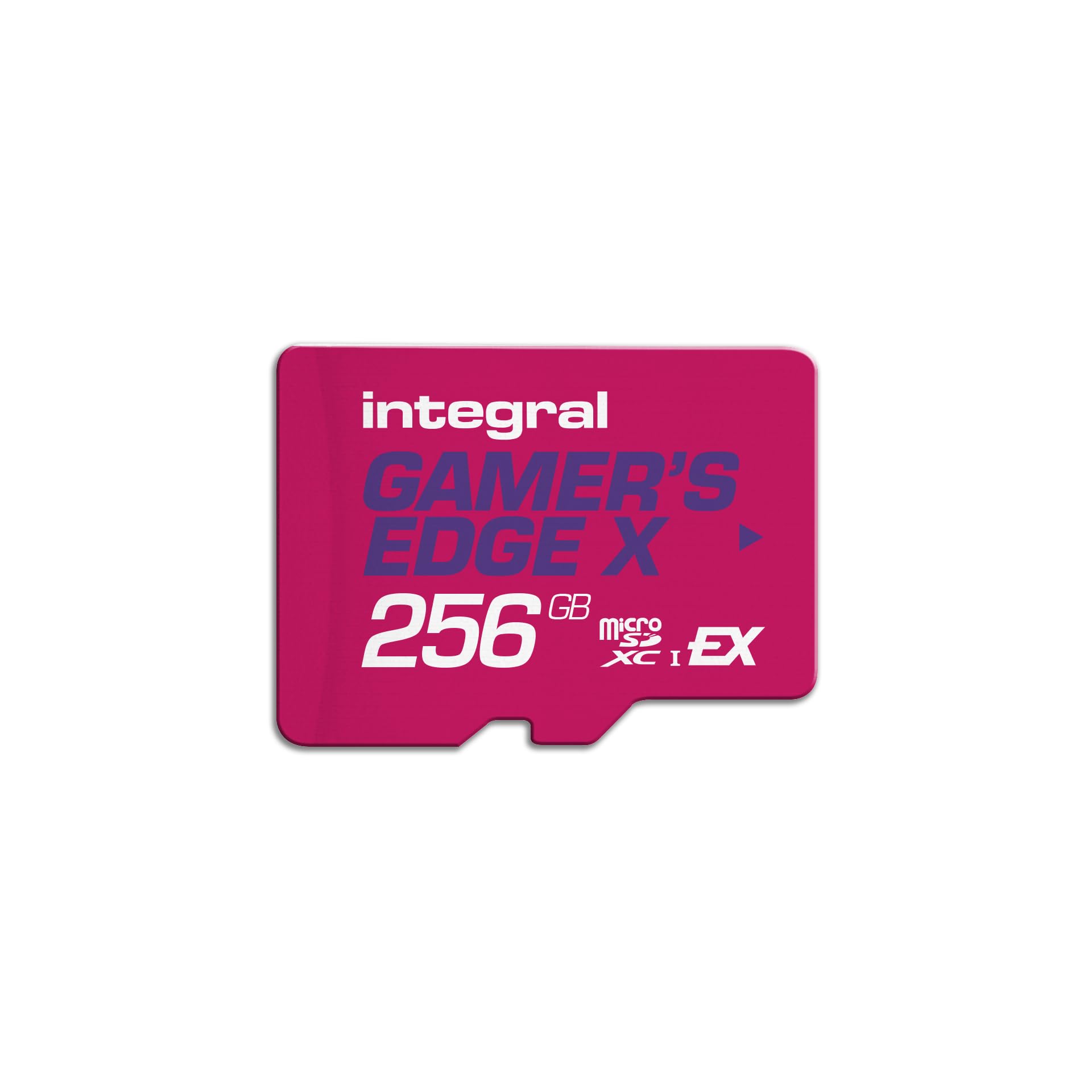
The card that pairs 890MB/s reads with 750MB/s writes and still has room to be the value pick.
Integral states up to 890MB/s read and up to 750MB/s write on this Gamer’s Edge X card, with PCIe Gen 3 and NVMe underpinning the whole thing. That write speed matches the addlink 1TB card above, which is remarkable given this one is a 256GB model. For anyone who downloads games regularly, that combination of speed and price class is where the value story lives.
The A2 app-performance rating is a quiet advantage. It means apps launch from the card faster, not just games stored on it, so if you use the Switch 2 for anything beyond pure gaming, this helps. The card is also shockproof, waterproof, and X-ray proof, and Integral claims over 50 million memory cards sold. UK-based customer support rounds out the package if you value a reachable human when something goes wrong.
The catch, as with every 256GB card here, is the ceiling. Once you cross into a big multi-title library you will be deleting downloads to make room. And while this card is fast, it is not the biggest. Buyers who want to install everything and never clean up will outgrow it inside a year.
Why It Earns A Spot
- 890MB/s read and 750MB/s write — the fastest write figure of the 256GB cards here
- A2 app rating, so apps and games both benefit
- Shockproof, waterproof, X-ray proof build
What To Weigh
- 256GB fills fast for serious libraries
- No card slot for a full library — the 1TB picks are the answer for hoarders
Best for: someone who wants the top write speed at the 256GB size and values A2 app launch speeds.
Think twice if: your installed list is already pushing past a few AAA games — capacity, not speed, becomes the limit.
5. Samsung MB-MK512T-IT/EC 512 GB

Samsung doubles the capacity of its Switch 2 card — 512GB of room without jumping to 1TB.
You get room for a big game library without deleting titles to make space, thanks to 512GB of capacity. The card moves data at up to 800MB/s (megabytes per second, a measure of how fast files load). Its interface is listed as PCIe Gen 3.0 x1, NVMe 1.3, and SD 7.1 / UHS-I SDR 104 — that is the technical way of saying it runs on the same modern standard the Switch 2 expects. For anyone who keeps a serious game library installed, 512GB is the balance.
Samsung’s durability claims here are broad: water resistant, heat resistant, X-ray proof, magnetic proof, fall proof, and wear-resistant. The listing also notes a caveat worth heeding — transfer speed may be limited to UHS-I speed if your host device does not support Express. On a Switch 2 that is not a problem. On older devices, expect slower numbers.
The trade-off you should know: this card does not include a microSD-to-SD adapter. If you plan to move it into a camera or laptop that uses full-size SD, you will need an adapter separately. For purely Switch 2 use, that is a non-issue.
Why 512GB makes sense: at 800MB/s read with a PCIe Gen 3.0 x1 interface, this card handles a serious library without slowing you down.
The operational note: no SD adapter in the box, so buyers needing to shuttle it into a full-size SD device should plan for that.
The right call if: you want Samsung reliability and enough room for a substantial AAA library without stepping up to 1TB pricing.
Not for you if: you need a card that can also slot into a full-size SD reader from the start.
6. Amazon Basics 512GB microSD Express
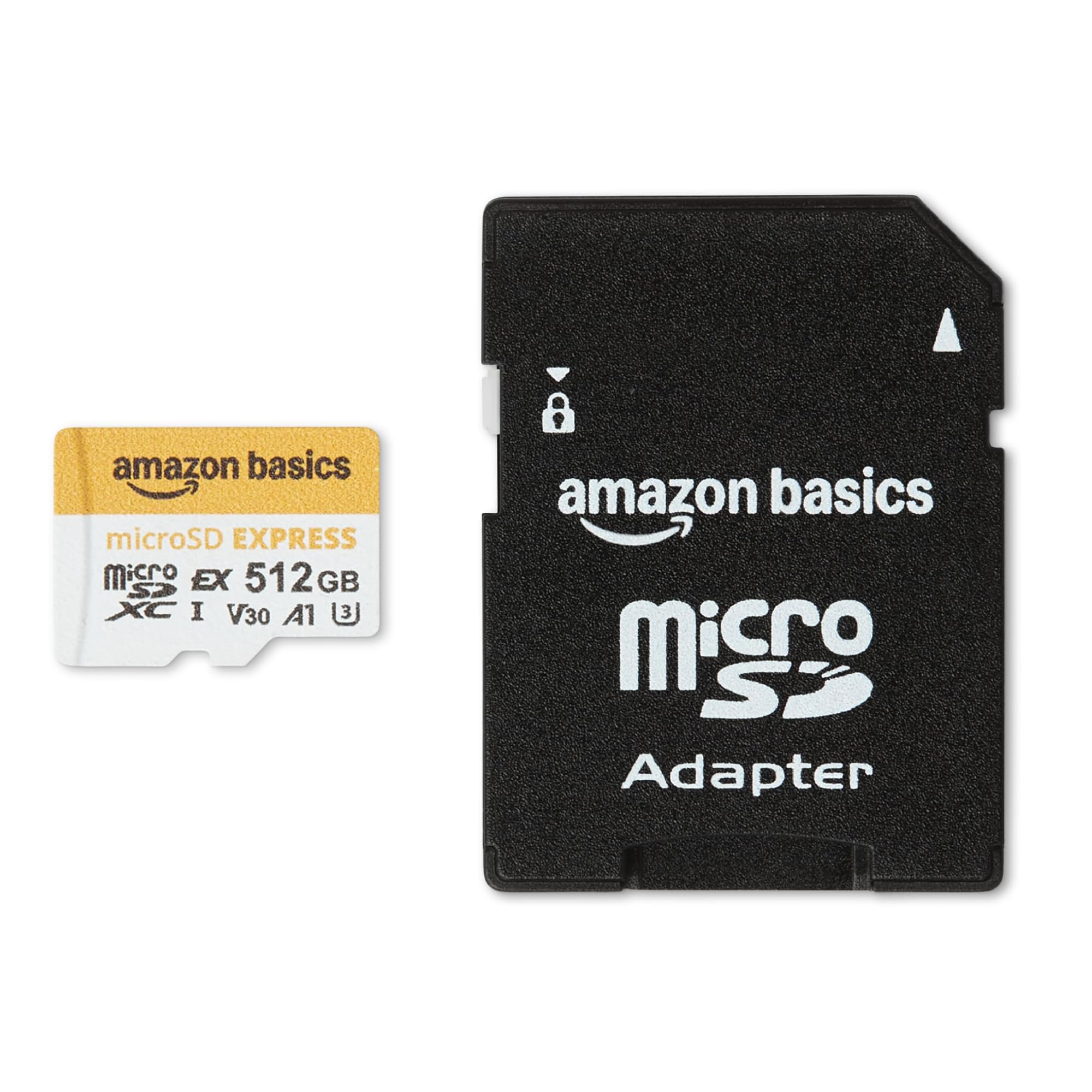
Amazon’s own-brand Express card brings an 880MB/s read speed to a 512GB capacity.
Here is a direct comparison worth noting. Amazon Basics lists up to 880MB/s read on this 512GB card, while the Samsung 512GB above tops out at 800MB/s — a small but real difference if load screens are your priority. Write speed on the Basics card is listed at up to 650MB/s. That means downloads land quickly without the card becoming the bottleneck on a fast connection.
Durability covers the usual bases for this class: waterproof, humidity-proof, drop-proof, shock-proof, magnetic-proof, X-ray proof, and wear-out proof. The card is backward compatible with UHS-I host devices, so it will still work in a tablet, drone, or camera — though slower, per the listing’s note about device capacity limits. On a Switch 2, it runs as it should.
What you give up here is brand reputation. Amazon Basics does not have the same track record as Samsung or PNY, so buyers who want the confidence of a household name will pay more elsewhere. If that does not bother you, this card gives you 512GB at 880MB/s reads (how fast the card sends data to the console) — a solid mix of speed and capacity.
The value read: 880MB/s read at 512GB is a competitive figure that beats the Samsung 512GB card’s 800MB/s read speed.
Honest caveat: if brand pedigree matters more than headline specs, this card asks you to trust a store brand instead.
Pick this for: the highest read speed you can get at 512GB, and broad device compatibility beyond the Switch 2.
Hold off if: the Amazon Basics name gives you pause next to established card makers.
7. addlink 1TB microSD Express
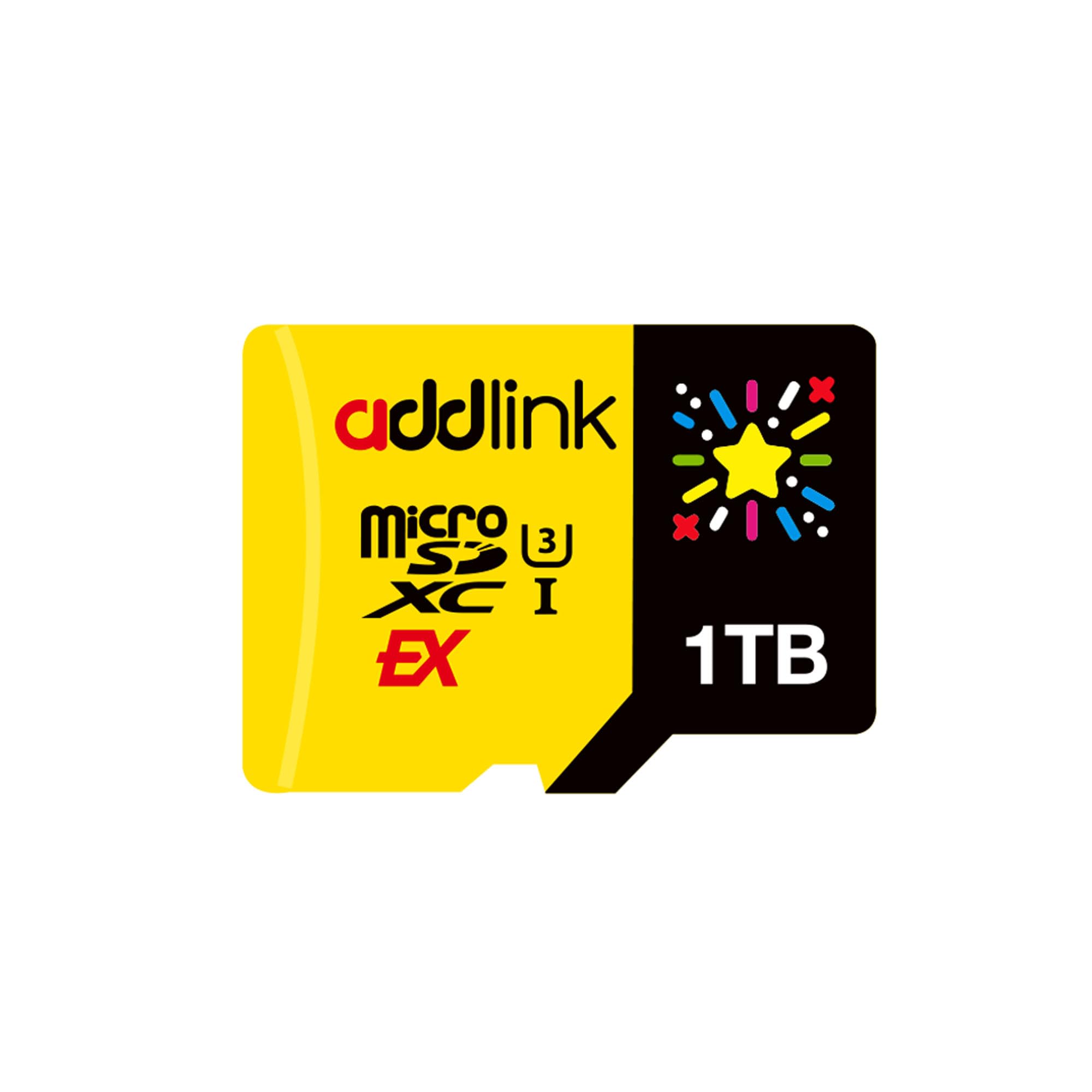
A full terabyte of Express storage for players who refuse to delete a game.
The main number is 1TB, and the addlink card pairs it with up to 880MB/s read and 750MB/s write. That write speed matches the Integral 256GB above, so you get top-tier write performance at eight times the capacity. The card is designed for the Switch 2, and addlink also lists compatibility with Steam Deck, ROG Ally, and Android gaming phones. If you game across more than one handheld, this card moves with you.
Build durability covers drop, shock, water, dust, static, and X-ray proofing. A 5-year limited warranty backs it up. The card’s compatibility is what wins people over in reviews — it simply works in the consoles it claims to support, and buyers report so repeatedly. For a 1TB card, that matters, because you are trusting it with an entire library.
The honest concerns here are worth stating. Storage capacity draws mixed feedback, with reports of the advertised capacity not always matching what some buyers see. Value for money is also a debated point — 1TB of Express storage is expensive, and the cost per gigabyte does not improve as much as buyers might hope at this tier. Reliability is another split point. The card performs, but it asks you to accept some variance for the capacity.
The case for the addlink: 1TB with 880MB/s read and 750MB/s write — a full library that never needs managing.
Where the doubt starts: value and storage consistency draw mixed feedback, so check that the full capacity reads as advertised before you trust it with everything.
Worth it when: your library is large enough that capacity is the bottleneck, not speed.
Skip the 1TB tier if: you are comfortable deleting games — you are paying a real premium for capacity you might not fill.
8. GIGASTONE 1TB microSD Express

A 1TB Express card with a recovery promise no other pick in this lineup matches.
GIGASTONE’s 1TB card lists up to 800MB/s read and 650MB/s write, with SD 7.1 and V30 U3 ratings. That read speed matches the Samsung 512GB above, but at double the capacity. If you are looking purely at storage per card, this is the biggest card on the list. The inclusion of a microSD-to-SD adapter is a practical touch — a detail several higher-priced cards omit — so it moves cleanly into full-size SD slots.
The standout promise is the 5-year free data recovery. If a card carrying your entire game library — plus any screenshots and clips — fails, that service matters. It is backed by a 5-year limited warranty. Buyers respond well to the card’s function and build quality, and it works with the Switch 2 without fuss.
The limit is simple: at a terabyte, you are at the top of the pricing range, and the card’s headline speeds are not the fastest of the 1TB cards. If raw speed-per-dollar is your metric, the addlink above is the better comparison. If the recovery service and adapter matter more to you, this is the better fit.
What Makes It Stand Out
- 1TB storage with 800MB/s read and 650MB/s write
- 5-year free data recovery — a rare inclusion at any tier
- Includes a microSD-to-SD adapter
What It Costs You
- Read speed matches the Samsung 512GB card, not the faster 1TB options
- Top of the pricing range for this class
Built for: gamers who want a full terabyte plus a recovery guarantee in case something goes wrong.
Skip if: you are chasing the fastest 1TB speeds and do not value the data recovery service.
Know the Specs
MicroSD Express (The Card Type)
MicroSD Express is a newer card standard that uses a PCIe interface instead of the older UHS-I circuitry. You can spot it because the card is physically the same size, but it can only be read by devices built to support it. The Switch 2 is one of those devices. Older microSD cards — even very fast UHS-I ones — will not work, no matter how much they cost.
Read Speed in MB/s
Read speed is measured in megabytes per second and describes how fast the card hands saved data back to the console. Higher read speed means faster load times and quicker game launches. On this list, the numbers run from 100MB/s on the Samsung Nintendo card up to 890MB/s on the PNY and Integral cards. Read speed is the spec you feel every time a game loads.
Common Questions
Can I use my old Switch microSD card in a Switch 2?
What happens if I put a regular microSD card into a Switch 2?
How much capacity do I need for a Switch 2 game library?
Does read speed matter more than capacity?
Can I transfer a microSD Express card between devices?
Are these cards backward compatible with UHS-I devices?
Is a 1TB card worth it for a Switch 2?
Do I need a microSD-to-SD adapter?
How long do these cards last?
What is the difference between V30 and A1 or A2 ratings?
The Bottom Line
For most people, the switch 2 microsd express card winner is the Samsung 256GB. It is officially built for the console, so it works with zero guesswork, and 256GB covers a serious game library. If you want the fastest read speeds at 512GB, reach for the Integral Gamer’s Edge X, with 890MB/s read and 750MB/s write (how fast the card saves data). And if you refuse to delete a single game, the addlink 1TB gives you a full terabyte at 880MB/s read. With read speeds this close, capacity and warranty break the tie — match the card to your library size, not the biggest number on the box.
How we choose
We do not accept paid placement. Every pick is matched to a real buyer and a real use-case; we do not hands-on test units.
Sources
Specifications: manufacturer listings and product documentation. Review insights: verified customer reviews, as of November 2026. Pricing: not shown on this page (it changes often); check the current price via the retailer link.
As an Amazon Associate, Tactical Gear Guy earns from qualifying purchases. This does not affect which products we feature.