Specs are compiled from manufacturer listings and verified buyer reviews and can change over time — please confirm the key details on the product page before buying.
Your menu board washes out when the afternoon sun hits the front windows, or your promo loop freezes mid-shift and nobody on staff knows how to restart it. That is the real problem behind supermarket digital signage. The screens that work are built for shops — commercial panels rated for continuous operation, bright enough to read under store lighting, and simple enough that a clerk can swap a price image without calling IT. This guide separates panels rated for continuous commercial duty from consumer TVs that fail under all-day store use.
This guide is built by comparing the manufacturers’ published specifications and the patterns across verified customer reviews, so you get each pick’s real strengths and trade-offs instead of marketing spin.
Brightness, resolution, and remote content control are what decide whether a screen survives a supermarket floor, and the picks below sort them by those exact numbers. Here is the practical breakdown of supermarket digital signage.
Top Picks


How To Choose The Best Supermarket Digital Signage
A supermarket is a hard place for a screen. Overhead lighting is bright and constant, customers stand close and read fine print, and the display runs through every shift, every day. The spec sheet that matters is the one that answers three questions: will it stay readable, will it stay alive, and can you change the content without a service call?
Brightness decides whether prices stay readable
Brightness is measured in nits (also written cd/m²), which is essentially how hard the panel pushes light at the viewer. A panel at 350 nits is fine in a shaded corner. A panel at 500 nits or 1000 nits holds up better near windows and under strong overhead fixtures. If your screen sits in direct sunlight, dim output is the number-one reason a promo becomes unreadable.
Resolution versus viewing distance
A 4K UHD panel (3840 x 2160 pixels — four times the detail of standard full HD) is not marketing filler. Grocery signage shows dense price grids, ingredient text, and small unit pricing, and more pixels keep that text crisp when a customer stands two feet away. A 1920 x 1080 full HD panel is still perfectly usable for large-format promo images and big prices.
Content control: CMS and playback modes
A CMS (content management system) is the software layer that lets you upload images, schedule them, and push new prices from a laptop or phone. Without one, you are copying files onto a USB stick and walking to the screen. Look for USB plug-and-play automatic loop playback as the minimum, and remote CMS as the upgrade that saves the most staff time.
Commercial duty and mounting
Consumer TVs are generally not built for around-the-clock operation; commercial signage is. Check for a stated continuous-playback duty cycle, a lifespan figure where listed, and the mounting format you actually need — wall bracket, floor stand, or a rolling kiosk. VESA hole spacing (the standard bolt pattern on the back) tells you which bracket fits.
Side-by-Side Comparison
| Model | Best For | Brightness | Resolution | Format | Amazon |
|---|---|---|---|---|---|
| Samsung Business QB55R 55″★ Best Overall | Wall-mounted aisle and window panels | 350 cd/m² | 3840 x 2160 | 55″ wall mount | Amazon |
| MWE 32″ Indoor Digital SignageMost Portable | Rolling promo boards for events and lobbies | — | 1920 x 1080 | 32″ foldable kiosk | Amazon |
| Canlarriz 43″ 1000-NitBrightest Panel | Bright storefront and window displays | 1000 cd | 3840 x 2160 | 43″ wall mount | Amazon |
| RIXZSIW 32″ Touchscreen | Interactive counters and self-service | 350 lm | 1920 x 1080 | 32″ touch wall mount | Amazon |
| MENSETIC 43″ Signage | Everyday menu boards with built-in CMS | 500 cd/m² | 1920 x 1080 | 43″ wall or stand | Amazon |
| Samsung BE65T-H Pro TV 65″ | Big-picture promo walls with simple app control | 250 nits | 4K Crystal UHD | 65″ TV | Amazon |
| YCKJNB 65″ Floor Kiosk | Touch-screen wayfinding and product lookup | 500 cd/m² | 3840 x 2160 | 65″ floor kiosk | Amazon |
| YIXZSWD 75″ Floor Kiosk | Large entrance and lobby statements | — | 3840 x 2160 | 75″ floor kiosk | Amazon |
Detailed Reviews
1. Samsung QB55R 55 inch Display
Our pick — 4.0+★ from 50+ verified ratings; the strongest balance of quality and price.
The grocery-aisle workhorse that puts a 4K picture on the wall with no media box bolted behind it.
This is the screen to buy if you want a clean wall panel above a produce section or behind a checkout row. The all-in-one part matters most: system-on-chip (SoC) technology and an embedded media player mean the display plays your content itself, so there is no separate PC or media player hanging off the back collecting dust. You mount it, you feed it files over Wi-Fi or Bluetooth from a tablet or phone, and it runs.
The picture is where the money goes. It pushes a 4K UHD image at 3840 x 2160 with dynamic Crystal Color, and the contrast ratio sits at 4,000:1 — a measure of how deep the blacks go against the bright areas. Compare that to the 32-inch touchscreen wall unit further down this list at 1,200:1, and the Samsung holds a far punchier image for price-and-promo graphics. Its 55-inch panel and 350 cd/m² brightness suit a wall that is not sitting in direct sun. Intelligent UHD upscaling also cleans up older standard-definition clips, which matters if you are still running legacy promo footage.
The practical extras are what keep staff sane. Built-in speakers mean no separate audio box for a promo video with sound. Cisco WebEx room kit compatibility turns the same screen into a conferencing display for the back office. And the slim frame with clean cable management keeps a customer-facing wall looking tidy rather than improvised. This is a 4.0+ star panel with a deep enough review history behind it to trust the picture quality, and it earns the top spot on overall balance rather than on any single headline number.
What earns it first place
- Self-contained playback — no extra media player to buy, mount, or troubleshoot
- 4,000:1 contrast and 4K UHD keep dense price grids sharp up close
- Wi-Fi and Bluetooth let you push content from a phone or tablet
- Built-in speakers and WebEx room kit support cover both promo and meetings
Where it asks you to compromise
- 350 cd/m² is modest brightness — a panel facing a bright window will need shading
- Slim frame and glossy screen mean fingerprints and reflections show
Reach for this if: you want a tidy wall panel that plays its own content with no extra gear behind it.
Think twice if: the screen faces a sunlit window — the 350 cd/m² output is the weak link there.
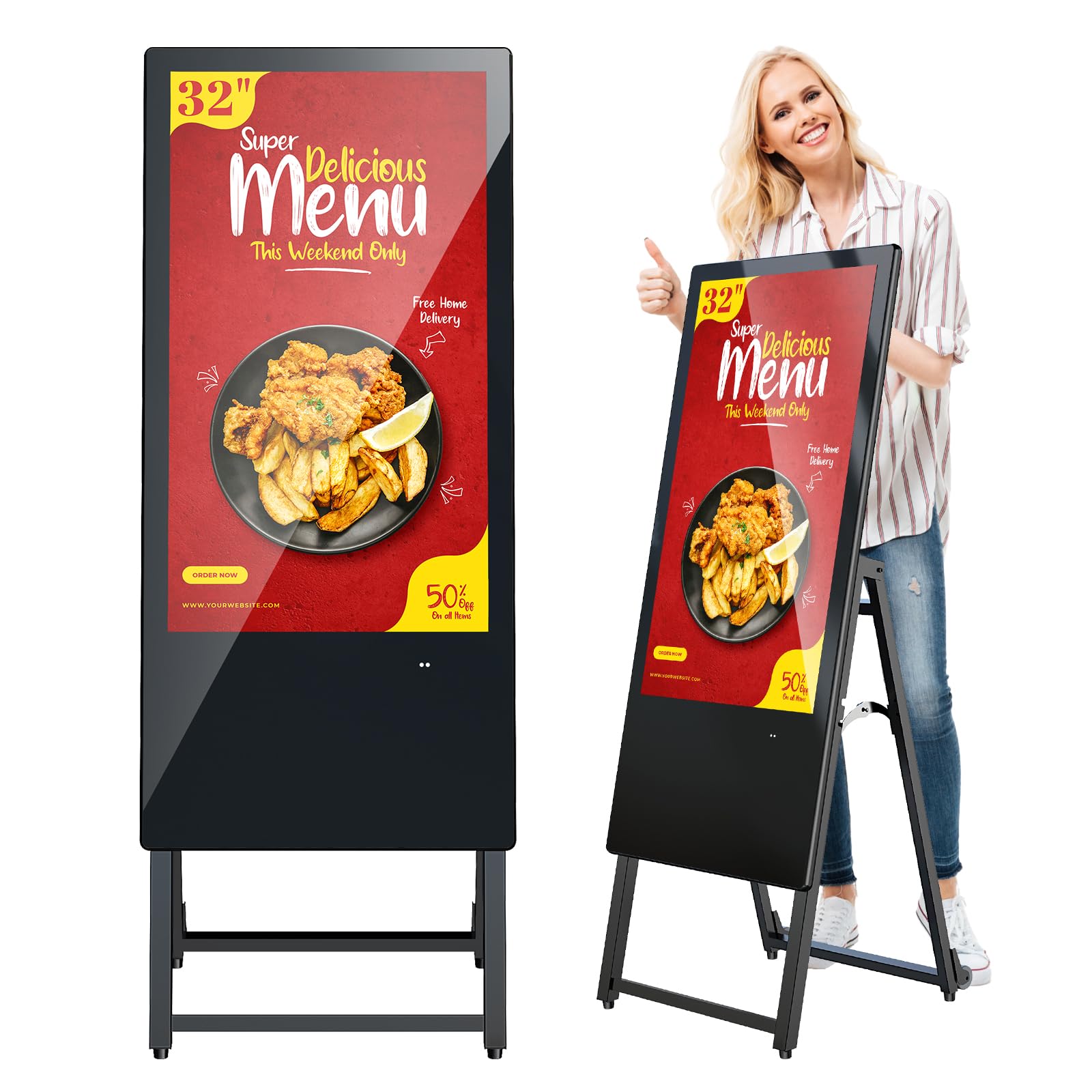
2. MWE 32 Inch Digital Signage Monitor
A promo board on wheels that folds down and rolls wherever the customers are standing today.
Most signage is bolted to a wall and stays there. This one is built around movement: it folds, it has built-in wheels, and it rolls from the entrance to the seasonal aisle to a weekend tasting table. For a supermarket running rotating displays — holiday promos, a bakery feature, a trade-show booth — that mobility is the whole purchase. Fire it up and it plays from a USB stick in an automatic loop, no setup wizard involved.
The 32-inch IPS panel (IPS is a screen type that keeps colors stable when you view from the side, so a shopper walking past at an angle still sees a readable image) delivers 1920 x 1080 full HD with a wide 178° viewing angle. Staff can push new content over Wi-Fi through the MWE CMS, or schedule timed on/off so the screen sleeps outside store hours. It is rated for 7 days and 24 hours of continuous playback, which is the duty cycle a shop actually needs. Owners consistently treat it as a professional-looking display, and product quality is what comes up first in their feedback — the build and the support behind it are the recurring strength.
The honest catch here is brightness: the spec block lists no nit figure, so this is a shop-floor and lobby screen rather than a window display meant to fight direct sun. The included USB stick, mount hardware, and three-year warranty for quality defects round out the package. If your promo layout rotates between the entrance, seasonal aisle, and tasting table, the folding wheeled kiosk beats a fixed wall panel.
The mobility case: a rolling, folding 32-inch full HD kiosk with USB plug-and-play and CMS control is the right shape for a store that rotates promos across the floor.
The fair caveat: no brightness figure is published, so treat it as an indoor-light display, not a sunlit-window one.
Best fit: shops that need a promo board that travels — entrances, events, rotating in-store spots.
Look elsewhere if: your one fixed job is a front window that takes direct afternoon sun.
3. Canlarriz 43″ Digital Signage Display
The window-fighter — 1000 nits of brightness on a razor-thin 4K bezel built to survive sunlight.
If your problem is glare, start here. The 1000 cd brightness figure is the highest on this list, and it is the number that decides whether a promo stays readable when the front glass of the store is catching the afternoon sun. Pair that with a 4K UHD panel at 3840 x 2160 and a 93 color gamut, and you get vivid, saturated graphics that hold up at distance. The 178° viewing angle means a customer walking the length of the frontage still sees the full picture. The chassis is all-metal with intelligent heat dissipation, and a 50,000-hour lifespan is the kind of figure you want to see on a screen that stays on all day.
The design details are aimed at a window install. A 6.8mm ultra-narrow bezel and a 3.5cm slim profile give the panel a built-in look rather than a hung-TV look, and the flush-mount approach leaves zero gap at the wall. It runs Android 11 with 4GB RAM and 32GB storage, enough to hold a library of promo images and video locally. The free CMS lets you update content and build playlists remotely from a phone or computer, and multi-screen zones handle a video, a QR code, and a countdown tile all on one panel. Owners describe the picture as sharp and the color as rich when the unit is behaving.
Here is the part to weigh honestly: buyer feedback on this one is genuinely split. Some units run day in and day out with no fuss; other buyers report the software freezing and the panel failing to display, and some find the brightness dims when it faces direct sunlight. Setup is called both straightforward and tedious depending on the owner. That makes it a strong pick for a bright, fixed window display if you are prepared to test the unit thoroughly in your first weeks — and it ships in reinforced wooden freight packaging with a three-year warranty, so transit and defects are covered.
Go for it when: a bright window is your install spot and the 1000-nit output is the deciding factor.
Weigh the risk: mixed owner reports on software stability mean you should bench-test the panel early.
4. RIXZSIW 32 inch Digital Signage
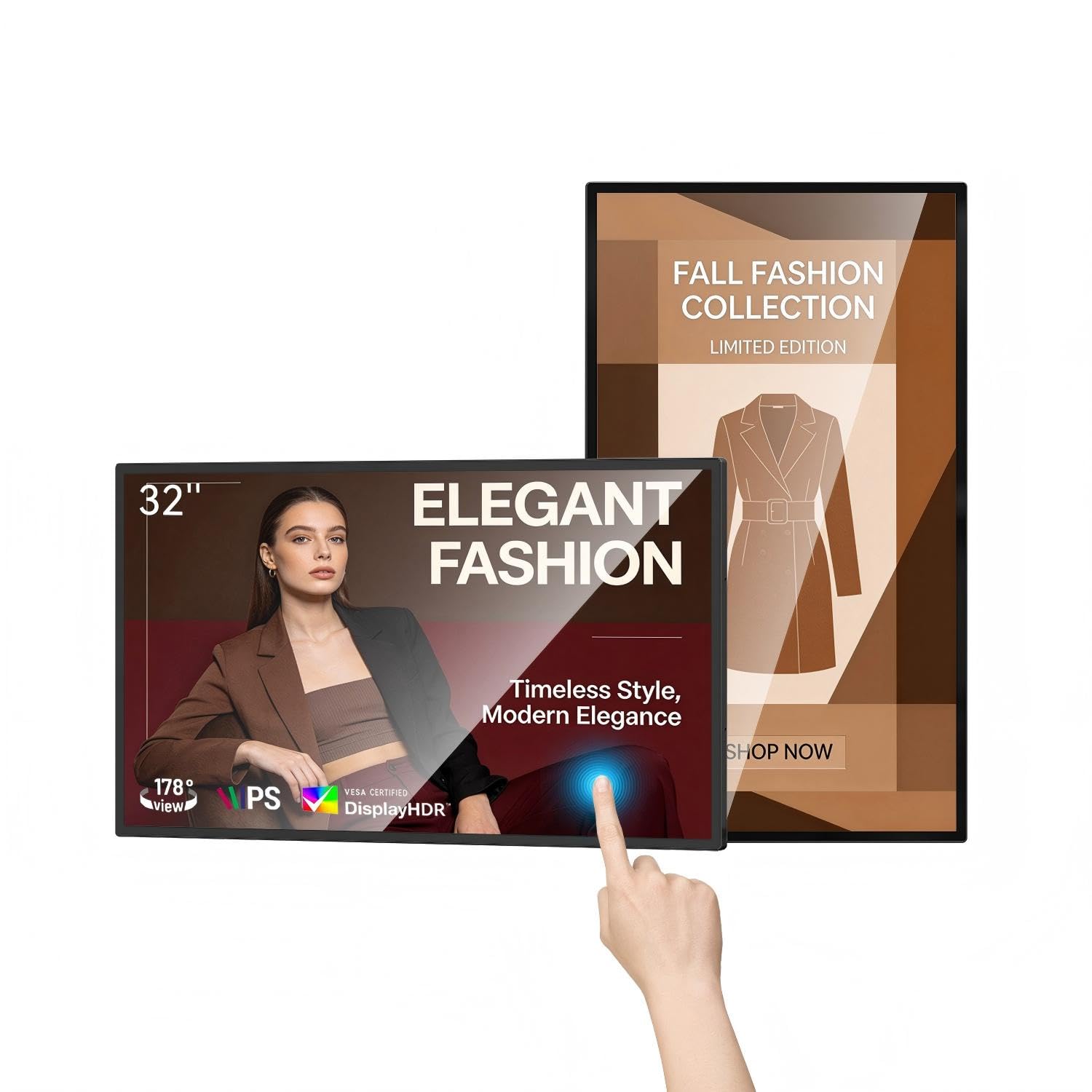
A 10-point touch panel for counters where customers tap through products instead of just staring at them.
Not every supermarket screen is passive. This 32-inch panel turns the display into a self-service tool — customers can tap a product lookup, walk through a deli menu, or pull up a store map. The touch layer is the reason to pick it: 10-point PCAP capacitive touch (a glass screen that registers up to ten fingers at once, so two or three people can use it together) on a 1920 x 1080 full HD panel. A 350-nit brightness and 1,200:1 contrast ratio keep the image clear for text-heavy interactive menus.
The anti-glare glass (AG, for anti-glare) is a quiet win for a supermarket. It reduces reflections from overhead lighting, which is exactly what makes touchscreen counters frustrating to read. Inside, Android with 4GB RAM and 32GB storage runs compatible apps and interactive content, and the HDMI input lets it double as a monitor, mirrored screen, or extended second display off a laptop or mini PC. USB playback and optional MWE CMS handle scheduled content, and it is built for continuous 24/7 commercial operation with scheduled power on/off.
Mounting flexibility is broader than most: standard 400 x 200 mm VESA holes and an included wall bracket cover wall, standing, suspended, monitor-arm, and embedded installs. The catch a buyer should know is the low review footprint — this is a newer listing with only a handful of ratings, so the long-term durability picture is thin compared to the Samsung or the MWE. It also tops out at full HD rather than 4K. If your supermarket needs a tap-and-learn counter station for product lookups or deli menus, the 10-point touch and anti-glare glass justify it.
Why a counter would want it: real 10-point touch, anti-glare glass, and 400 x 200 mm VESA versatility make it a do-it-all interactive station.
The honest gap: a thin review history and full-HD ceiling mean it is a less proven long-term bet than the bigger-name picks.
Pounce on it if: shoppers need to tap through content at a counter, kiosk, or reception point.
Hold off if: your screen is passive signage above an aisle — you would be paying for touch you never use.
5. MENSETIC 43 Inches Digital Signage Display
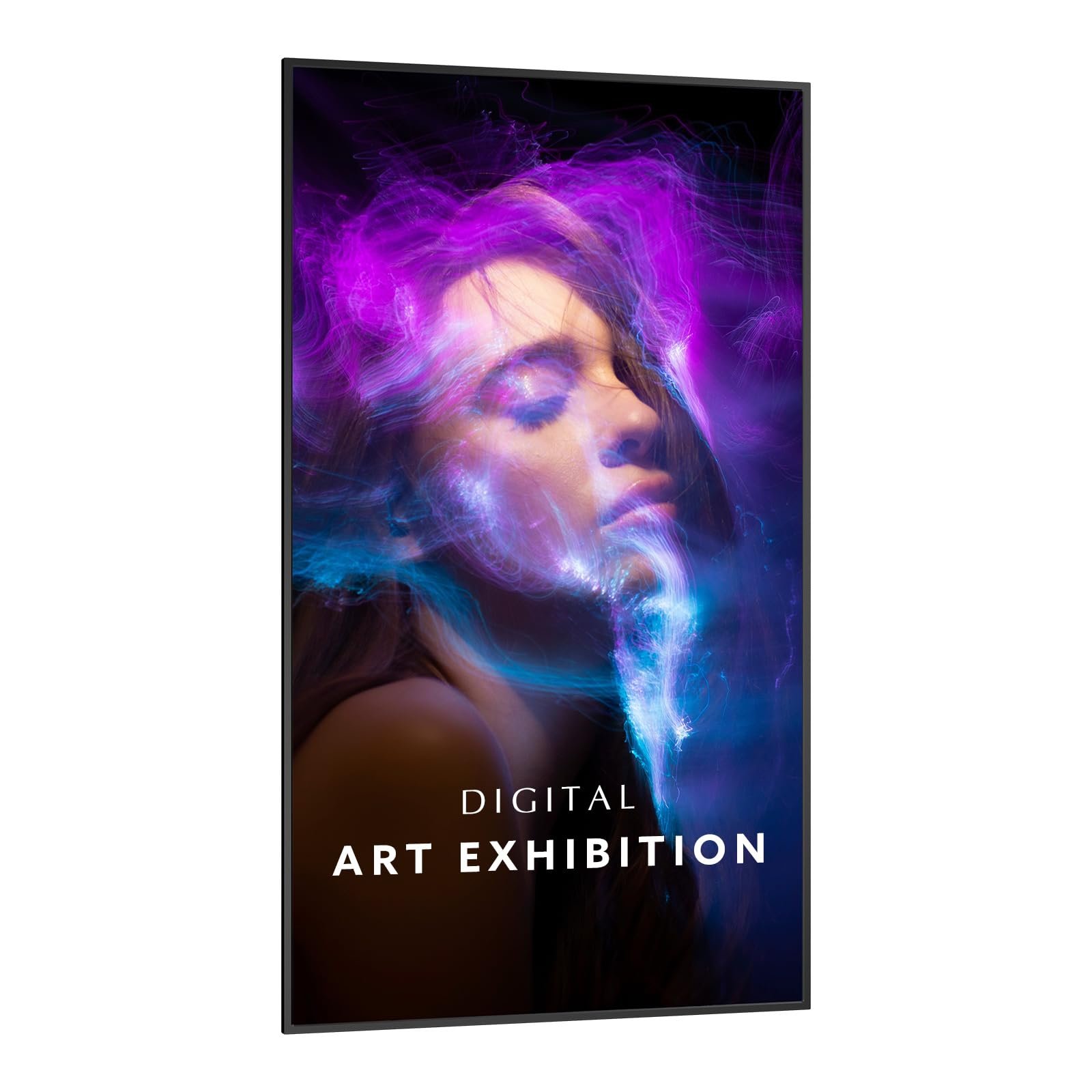
A 43-inch menu board with the management software already inside, so nobody has to learn a new platform.
Here is the pick for a bakery case or deli counter that needs to change prices weekly without a technician. The CMS (content management system) is built in — you create, schedule, and publish images, videos, slideshows, text, and web pages right from the panel. USB local updates and automatic power on/off are there for the days you just want to drop a file in. A 43-inch LED panel at 1920 x 1080 with 500 cd/m² brightness and a 1,200:1 contrast ratio keeps the menu clear under normal store lighting.
Under the hood it runs a quad-core A73 processor (a four-core chip) with 4GB RAM and 32GB ROM, which keeps video playback smooth through a full day. The 28mm ultra-thin body looks sharp on a wall, and it installs either wall-mounted or on a mobile stand. Connectivity is generous: 1 Type-C, 1 audio out, 2 USB 3.0, 3 HDMI in, and 1 RJ45 Ethernet port, so you can feed it from a media player, a computer, or a camera. A 60 Hz refresh rate keeps motion clean on promo reels.
Where it differs from the Canlarriz above is duty rating. That screen states a 1000-nit window-fighting output; this one runs 500 cd/m² and aims itself at indoor menu boards behind glass or in a lit aisle rather than a sunbaked storefront. It is also a newer listing with a smaller review base than the Samsung QB55R. For weekly deli or bakery price changes, the built-in CMS lets staff publish from the panel without a separate platform or a technician.
What makes it easy to run
- CMS built in — schedule and publish without an outside platform
- Quad-core A73 with 4GB RAM and 32GB ROM keeps playback smooth
- Three HDMI inputs plus USB 3.0 and Ethernet cover almost any source
- 28mm slim body works wall-mounted or on a mobile stand
Where it stops short
- 500 cd/m² is a bright indoor figure, not a direct-sun one
- Shorter review history than the top Samsung pick
Ideal for: a menu board or promo wall that gets refreshed frequently and needs easy publishing.
Skip if: your screen faces the sun — go to the 1000-nit option for that job.
6. Samsung 65-Inch BE65T-H Pro TV Commercial Digital Signage

A 65-inch Samsung promo wall driven from your phone, if you accept what it will not do.
Buy this one for the picture size and the software, not for flexibility. A 65-inch Crystal UHD panel gives you a wall-filling promo display for a store entrance or a back wall, and the Samsung Pro TV app on your phone or tablet lets you build content and schedule it with a guided setup. Inside is a 4,700:1 contrast ratio — the deepest on this whole list, edging past the Samsung QB55R’s 4,000:1 — which keeps colors rich and blacks solid on-brand graphics.
Two things define what this screen actually is. First, it is a commercial-grade television, and it runs on a stated 16/7 operating time, so it is designed for long business-hours runs but not for the around-the-clock duty the dedicated signage panels claim. Second, and this is the part buyers routinely miss: it only supports YouTube. To play consumer apps like Netflix or Amazon Prime Video, you need an external media player. Feedback on this one is genuinely mixed here — the standout praise is for the picture quality and color, while reliability concerns include LED failure and random video blackouts over time, plus the app limitation. The 250-nit brightness is the lowest here, so it wants a controlled lighting spot rather than a sunlit window.
Where it fits cleanly is a supermarket back wall or break area where you want a large, vivid brand video or a price-and-promo slideshow running off YouTube or your own app on a phone. It has 2 HDMI, 2 USB, Wi-Fi 5, Bluetooth, and built-in speakers. If you need a general-purpose smart TV for staff or a web browser, this YouTube-only panel is the wrong screen.
What the big screen buys you: 65 inches of Crystal UHD with the sharpest contrast on the list at 4,700:1 and easy phone-driven content.
The limit to accept: 250-nit brightness plus YouTube-only app support mean it is a controlled-lighting, YouTube-fed display — not a 24/7 signage panel.
Choose it if: you want a big, vivid 65-inch promo wall driven from a phone over YouTube.
Pick something else if: you need Netflix, Prime Video, or around-the-clock signage duty — this is not that screen.
7. YCKJNB 65 inch Digital Signage Kiosk

A 65-inch 4K touch kiosk that stands on the floor and lets customers find what they came for.
Floor-standing kiosks do a different job than wall panels: they invite a customer to walk up and interact. This 65-inch unit runs a 4K IPS display at 3840 x 2160 with a 178° viewing angle, so a shopper looking down at it from the side still gets a clear, sharp picture. Touch and non-touch versions are offered, and it runs Android with two 8Ω 5W speakers for promo audio. A split-screen mode plays images and video at the same time — useful for a product video beside a QR code.
Content handling is where it earns its keep. It supports USB plug-and-play, a media player box inside, HDMI input, and Wi-Fi or Ethernet for network updates. There is a real content management layer for managing and updating what plays. The front panel also takes free logo and poster customization — send a file after purchase and put your store branding on the frame. It is backed by a three-year after-sales warranty.
The trade-off is physical commitment: a floor-standing 65-inch kiosk occupies real floor space, so it wants a spot where it will not block a walkway. It is also the kind of higher-ticket install where the durability record is only starting to build — the review base is modest compared to the Samsung BE65T-H’s deep history. What you get in return is a touch-capable, brandable 4K station, which is a different product from a passive wall screen.
The floor-kiosk case: 4K IPS touch, split-screen playback, and free logo customization make it a customer-facing brand station rather than a passive advert.
The space cost: a 65-inch stander eats aisles, so plan its position before it arrives.
Worth it if: you want a branded, touch-capable 4K kiosk customers walk up to and use.
Steer clear if: you only need a passive wall promo and cannot spare the floor footprint.
8. YIXZSWD 75 Inch Digital Signage Kiosk
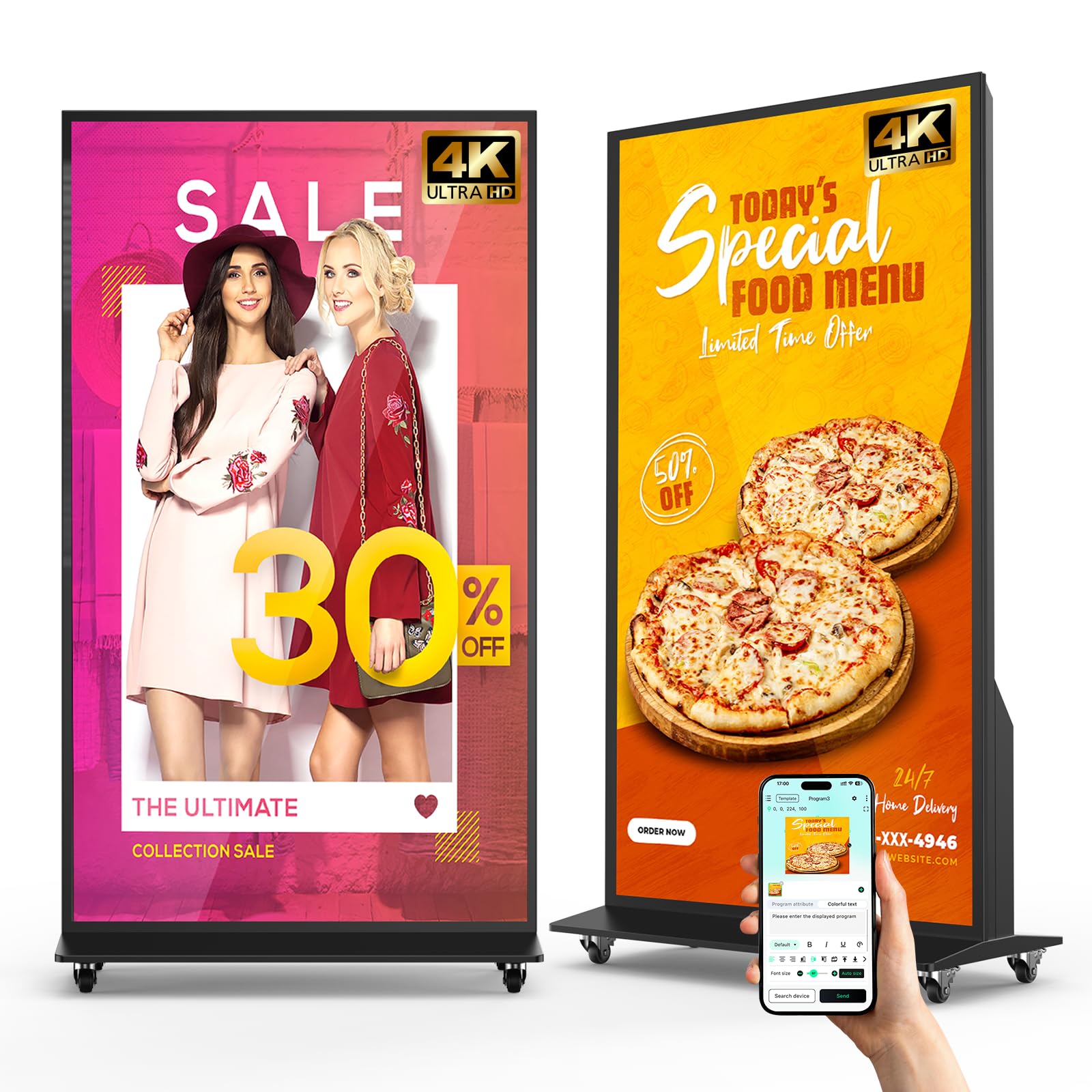
The 75-inch entrance statement — the biggest screen here, with remote CMS management built in.
If your signage lives at the store entrance or in a lobby where it needs to stop people mid-stride, size is the spec that decides it. This 75-inch floor-standing kiosk runs a 4K UHD panel at 3840 x 2160 with a 178° ultra-wide angle, so the promo reads clearly from the far end of the aisle. It is the largest display on this list, and the free-standing format suits an open floor better than a wall mount in a big-box store.
The software side is genuinely capable for a remote-managed store. It runs Android 11.0, supports USB plug-and-play with automatic playback, and connects over HDMI, Wi-Fi, or Ethernet. A one-click split-screen mode stacks videos, pictures, ad text, schedules, and QR codes in multiple windows without fiddly setup. The remote CMS lets you upload ads and schedule content from a PC or phone across single or multiple screens at once. An energy-saving timer handles daily on/off to match business hours, which cuts wasted power and eases screen wear.
Two things to plan for. At 75 inches standing on a floor base, it needs real clearance and a deliberate position. And the review base here is still young, so long-term durability is less proven than the Samsung TVs above — though it carries a three-year after-sales warranty and ships with wheels, mounting screws, and a full tool kit. If you want the largest screen here to anchor an entrance or lobby, this 75-inch kiosk is the one.
Reach for it when: you need the biggest floor-standing statement an entrance or lobby can hold.
Factor in first: a 75-inch kiosk needs floor clearance and forward planning before delivery day.
Know the Specs
Brightness in nits (cd/m²)
This is how hard the panel pushes light toward the viewer. More nits means the screen stays readable when ambient light is strong. A 250-350 nit screen suits a shaded wall; a 500 nit screen holds up in a lit store; a 1000 nit screen is the one you want facing a sunlit window. When a listing publishes no nit figure at all, treat the display as an indoor-light product and keep it out of direct sun.
Contrast ratio and viewing angle
Contrast ratio compares the brightest white to the deepest black — a 4,700:1 panel holds richer, deeper blacks than a 1,200:1 one, which matters for image-heavy promos. Viewing angle (often 178°) is how far off-center you can stand before colors fade or invert; a wide angle matters in a grocery aisle where shoppers approach from the side rather than head-on.
Resolution and local storage
4K UHD (3840 x 2160) keeps dense price grids and small unit-pricing text sharp up close, while full HD (1920 x 1080) is fine for large promo images. RAM (working memory, in GB) and ROM or storage (in GB) decide how smoothly the panel runs its own apps and how many clips you can store locally without streaming everything over the network.
Duty cycle and CMS
Duty cycle is how long the screen is rated to run without a break — a consumer TV typically is not built for around-the-clock operation, while a commercial signage panel states a continuous-playback rating. A CMS (content management system) is the software that pushes scheduled content remotely; having it built in saves staff from walking to the screen with a USB stick for every price change.
Common Questions
Can I use a regular consumer TV as supermarket signage?
How bright does a supermarket display need to be?
Does the Samsung BE65T-H Pro TV play Netflix or Amazon Prime Video?
What is a CMS and do I need one for in-store signage?
Should I pick a wall-mounted panel or a floor-standing kiosk?
Do these screens work as touch self-service kiosks?
Can the screens run continuously, and can I schedule them to turn off after hours?
What does the 4K UHD resolution actually do for a grocery display?
Is the 43 inch Canlarriz more reliable than the Samsung panels?
Do I need to keep these screens out of direct sunlight?
The Bottom Line
For most supermarket setups, the supermarket digital signage winner is the Samsung Business QB55R 55 inch because it plays its own content with no media box behind it, keeps a 4,000:1 contrast ratio for sharp, punchy price graphics, and has the deepest review history of the panels here. If the brightest possible window display is what you need, grab the Canlarriz 43 inch 1000-Nit. And for rolling, seasonal promo duty that moves around the floor, the MWE 32 inch foldable kiosk is the one to reach for.
The single nudge: the Samsung QB55R holds the strongest balance of 4K picture, self-contained playback, and owner confidence across this whole line-up, so it pays to lock in the proven pick rather than chase a single brighter spec.
How we choose
We do not accept paid placement. Every pick is matched to a real buyer and a real use-case; we do not hands-on test units.
Sources
Specifications: manufacturer listings and product documentation. Review insights: verified customer reviews, as of November 2026. Pricing: not shown on this page (it changes often); check the current price via the retailer link.
As an Amazon Associate, Tactical Gear Guy earns from qualifying purchases. This does not affect which products we feature.