Specs are compiled from manufacturer listings and verified buyer reviews and can change over time — please confirm the key details on the product page before buying.
If your PC takes forever to boot and games sit on loading screens, the part holding you back is almost always the drive. Swapping in a modern SSD card (a solid-state drive that stores your files with no moving parts) is the single upgrade that makes an old machine feel new again — Windows starts in seconds instead of minutes, and levels load before you finish sipping your coffee. The tricky part is that these drives look nearly identical in the listing photos, so the real decision depends on three things: how fast the drive reads and writes, how much storage you get, and whether it physically fits your motherboard.
This guide is built by comparing the manufacturers’ published specifications and the patterns across verified customer reviews, so you get each pick’s real strengths and trade-offs instead of marketing spin.
Speed numbers get thrown around loosely in this category, so every pick below is matched to the slot it actually fits and the workload it actually handles. By the end you will know exactly which SSD Card for PC belongs in your build.
Top Picks

How To Choose The Best SSD Card for PC
Buying the wrong drive is rarely about quality — it is about fit. A blazing-fast card is useless if your board has no free M.2 slot, or if the drive arrives with a heatsink too tall for the space under your graphics card. Sort the physical fit first, then let speed and capacity decide the rest.
Check the slot and the key notch before anything else
An M.2 slot is the small connector on your motherboard that takes a stick-shaped drive. Most modern boards have at least one, and many have two or three. Look at the notch pattern on the card’s edge connector — an M-key notch fits an NVMe slot, which is what every drive on this list uses. If your board only has an older SATA-style M.2 slot, an NVMe drive will not talk to it, so check the manual first.
Gen 4 speed versus what your board can feed it
A PCIe Gen 4 drive (the fourth generation of the fast internal connection standard) can read data far quicker than the older Gen 3 drives. The catch is that your motherboard and CPU need to support Gen 4 to reach those top speeds. If your system only handles Gen 3, most of these cards still work — they just drop back to the slower ceiling, which is why backward compatibility matters in the spec sheet.
How much storage actually makes sense
Modern games routinely eat a large slice of a drive, and a single big title can take up a serious chunk of your free space. A 500GB card works as a boot drive for a light user, but a 1TB card is the practical starting point for anyone who plays several games or edits video. If you already have a boot drive and just want room for a library, capacity becomes the deciding column.
When you need a heatsink and when you do not
A heatsink is the metal plate that pulls heat off the drive’s controller chip (the part that runs the drive) so it does not slow itself down under long transfers. Many motherboards ship with their own M.2 heatsink cover, which means you may never need one on the card. If your board has no cover and you plan on big sustained writes — like moving a folder of 4K footage — a card that comes with a heatsink already attached saves you the extra purchase and the guesswork.
Side-by-Side Comparison
| Model | Best For | Capacity | Read Speed | Form Factor | Amazon |
|---|---|---|---|---|---|
| Samsung SSD 990 PRO 1TB★ Best Overall | Fastest all-round PC and PS5 drive | 1 TB | Up to 7,450 MB/s | M.2 2280 | Amazon |
| Crucial P310 1TBTop Performer | Laptop and handheld upgrades | 1 TB | Up to 7,100 MB/s | 2280 M.2 | Amazon |
| Acer Predator GM7 1TBPremium Pick | Gaming and content creation | 1 TB | Up to 7,400 MB/s | M.2 2280 | Amazon |
| SANDISK Optimus 5100 1TB | Creator workloads and large files | 1 TB | Up to 7,100 MB/s | M.2 2280 | Amazon |
| Lexar NM790 1TB | PS5 expansion with heatsink on board | 1 TB | Up to 7,400 MB/s | M.2 2280 | Amazon |
| TEAMGROUP MP44Q 1TB | Budget 1TB Gen 4 storage | 1 TB | Up to 7,000 MB/s | M.2 2280 | Amazon |
| SIX X7400 1TB | PS5 and desktop expansion with tools included | 1 TB | Up to 7,350 MB/s | M.2 2280 | Amazon |
| Kingston NV3 1TB | Reliable everyday Gen 4 upgrade | 1 TB | Up to 6,000 MB/s | M.2 2280 | Amazon |
| Western Digital WD Green SN3000 500GB | Budget boot drive for thin laptops | 500 GB | Up to 5,000 MB/s | M2 | Amazon |
Detailed Reviews
1. Samsung SSD 990 PRO 1TB, PCIe 4.0 M.2 2280
Our pick — 4.5+★ from 13,500+ verified ratings; the strongest balance of quality and price.
The fastest card here, built for Gen 4 boards that want 7,450 MB/s reads.
Here is the number that decides this pick: up to 7,450 MB/s sequential read speed, which is the rate at which the drive pulls data off the chip. That is a big jump over the older 980 PRO it replaces, and it makes Windows boot and games load in a blink. Random read and write speeds also climb 40% and 55% respectively over that older drive — the random figure is what matters for the small, scattered files an operating system touches constantly. Reviewers report boots around 15 seconds, and gamers treat it as a load-screen killer on DirectStorage PC titles and the PS5.
Owners who fill it wall to wall keep saying the same thing: the storage headroom outlasts their game library. Installation is genuinely simple — the M.2 2280 card screws down flat, and programs are launching instantly right after the clone. Samsung Magician gives you a dashboard to watch drive health and grab firmware updates, which takes a lot of the guesswork out of long-term ownership. The nickel-coated controller handles thermal control on its own, so it keeps its pace during long transfers instead of throttling.
The honest trade-off is that you are paying top-tier money for a Gen 4 drive (PCIe 4.0, the older of the two current speed standards) when Gen 5 hardware exists. For a real PC upgrade, though, the speed headroom and the 4.5+ star reputation across 13,000+ owners make it the safest fast pick in the room — and it leads the Western Digital SN3000 outright on transfer rate, 7,450 MB/s against 5,000 MB/s. If your board is a Gen 4 machine and you want the drive to stop thinking about, this is it.
What the benchmarks back up
- Up to 7,450 MB/s reads — the fastest card on this list
- Reviewers report 15-second boots and near-instant program launches
- 40%/55% random speed gain over the 980 PRO means snappier everyday use
- Nickel-coated controller manages heat without extra hardware
Where it costs you
- Premium-tier price for a Gen 4 drive in a Gen 5 world
- 1TB fills fast if you hoard big game installs
Go for it if: you have a Gen 4 board and want the fastest, most battle-tested card you can slot in without research regret.
Hold off if: your budget is tight or your board is Gen 3 — you would be paying for speed you cannot feed.
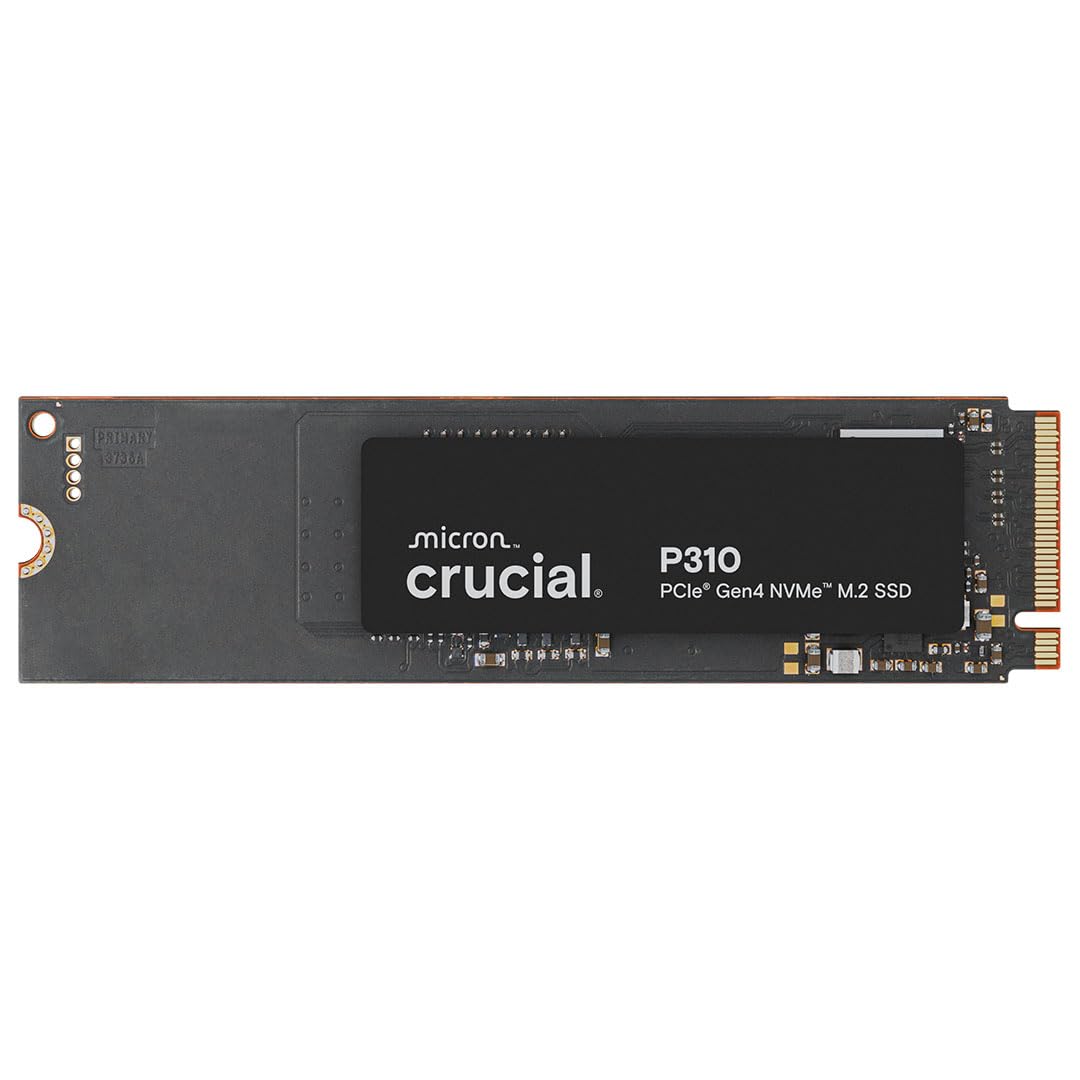
2. Crucial P310 1TB SSD, PCIe Gen4 NVMe M.2 2280
Built for the cramped insides of a handheld or a thin laptop, not just a roomy desktop.
The Crucial P310 is the pick for anyone upgrading a laptop, a mini PC, or a handheld gaming console. It reads at up to 7,100 MB/s and writes at up to 6,000 MB/s, which is quick enough that applications snap open and games ditch their loading bars. Crucial calls it up to 2x faster than the previous Gen 3 generation, and it folds in Adobe Photoshop, Illustrator, Excel, and PowerPoint as the everyday tasks that benefit most.
What owners lean on is reliability — the drive working right from the start and staying there. Read and write speeds stay quick during real work, and games load noticeably faster than whatever spinning or older drive it replaced. Installation is straightforward across a spread of systems, from GMKtec mini PCs to the PS5, and owners of Mac Minis note it added real breathing room to their storage. The bundle includes Acronis cloning software plus a month of Adobe Creative Cloud All-Apps, which is a genuinely useful extra for a fresh build.
The fit question: backward compatibility with PCIe Gen 3 systems means it drops into an older board without drama, so you are not locked out of an upgrade just because your machine predates Gen 4. Standard Gen4 NVMe performance keeps it planted for casual gamers and home users rather than spec chasers.
The caveat: it targets mainstream machines, so if you are chasing the absolute top read number on this page, the Samsung card edges ahead — 7,450 MB/s versus 7,100 MB/s.
Best match for: a laptop or handheld owner who needs a drive that just works on first boot.
Look elsewhere if: you are building a no-compromise desktop and want the highest read speed on the shelf.
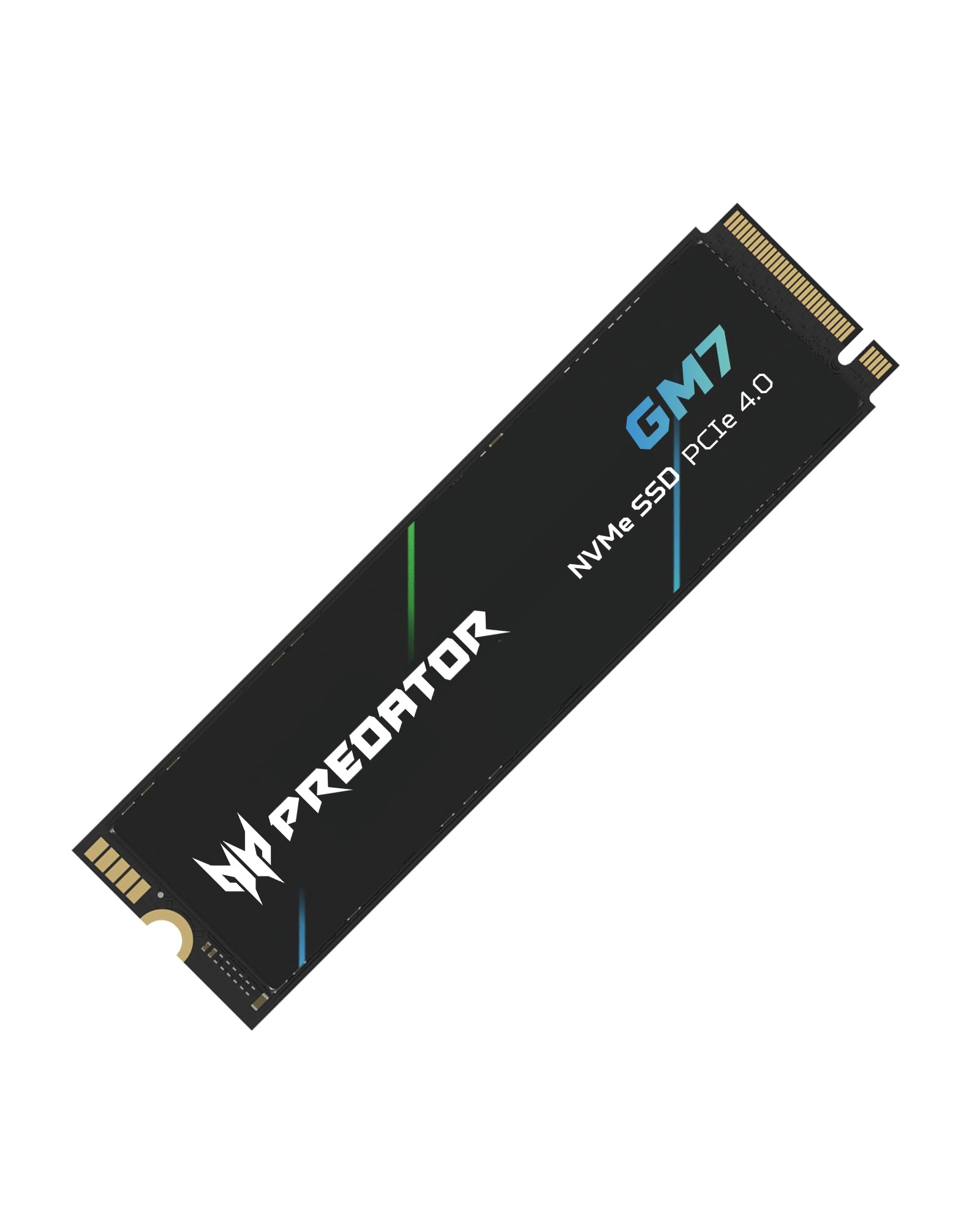
3. Acer Predator GM7 1TB SSD, PCIe Gen 4 x4 NVMe 2.0
A gaming-first card that leans on smart caching to keep game loads short.
Read speeds reach up to 7,400 MB/s and writes up to 6,500 MB/s on this drive, which is right near the top of what PCIe 4.0 can deliver. What separates it is the pair of caching tricks: HMB, short for Host Memory Buffer (the drive borrows a small slice of your system memory as a scratchpad), and an SLC Cache (a fast staging area inside the drive that soaks up bursts of writing). Together they keep game loads quick and file transfers moving without stutter.
Buyers report it working without fuss and hitting performance that exceeds expectations. The drive stays cool under load thanks to thermal throttling and power management — the controller dials itself back automatically rather than cooking. It runs on TLC NAND (a type of flash memory built for a balance of speed and longevity) and carries TRIM support, which keeps the drive tidy over years of deletes. The included Biwin Intelligence software bundles performance testing, data migration, and drive cloning into one tool, which saves you hunting for separate utilities during setup.
Gaming read: the read ceiling sits just behind the Samsung card — 7,400 MB/s versus 7,450 MB/s — which in a real game load is effectively a tie. Where the GM7 flexes is the gaming and content-creation angle, with extra storage of 200-300 GB noted by owners moving up from smaller drives.
The honest catch: Acer lists a data transfer rate of 7,200 MB/s in its spec sheet even though the marketing claims 7,400 MB/s read. Treat the lower published figure as the conservative number and you will never be disappointed.
Buy this one when: gaming and video work are your main jobs and you want caching built in from day one.
Think twice if: you want the absolute single highest number — the Samsung card still holds the read crown.
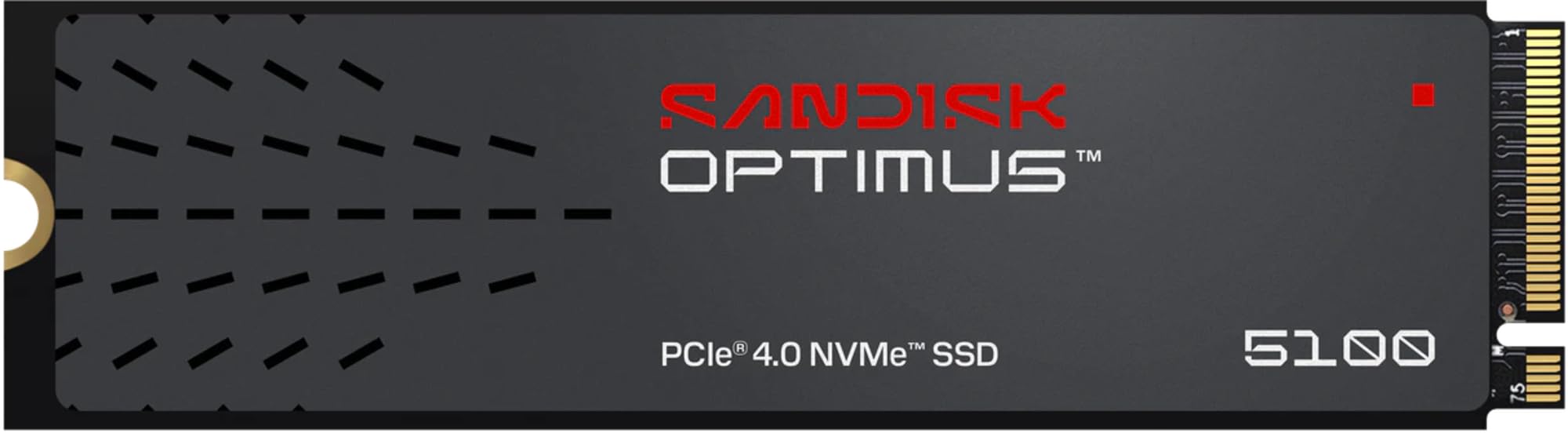
4. SANDISK Optimus 5100 1TB NVMe SSD, PCIe 4.0
Endurance and low power first — made for footage, not just frame rates.
This drive carries an endurance rating up to 1,200 TBW on its largest model — TBW stands for terabytes written, the total volume of data the drive is rated to handle across its life — and it is designed squarely for creator workloads. Reads hit up to 7,100 MB/s and writes up to 6,700 MB/s, so launching editor applications is quick rather than a coffee break.
The power-efficient architecture keeps it cool and light on a laptop battery while still delivering serious throughput. SanDisk builds it on 8th-generation BiCS QLC 3D CBA NAND, which is the flash memory technology underneath, and offers capacities from 500GB up to 4TB if you need to scale. The downloadable SANDISK Dashboard app lets you watch performance and check for firmware updates in one place, and owners mention reliability plus responsiveness in game and work sessions that hold up over time.
Its one soft spot is the QLC NAND base — the same flash that makes the larger capacities affordable can slow on very long sustained writes compared with the TLC-based cards. For chopping clips and storing a footage archive, that is rarely a problem you will feel. For a creator who values endurance over bragging rights, it is a sensible anchor in the build.
Reach for this if: your drive is a working tool for video and photos and you want endurance built for the grind.
Pass on it if: you only game and want the fastest card, not the most durable one.
5. Lexar 1TB NM790 NVMe SSD w/Heatsink

The one that ships with its own cooling plate already bolted on.
Read speeds up to 7,400 MB/s and writes up to 6,500 MB/s put this drive in the upper bracket, and the 1000TBW endurance rating tells you how much writing it is built to take. Lexar pitches it as 2x faster than PCIe Gen 3 SSDs, which is the step up most older machines feel immediately. The heatsink is the reason it earns a spot: for a PS5 expansion or a desktop with no M.2 cover, the cooling is already sorted without you shopping for a separate plate.
The design keeps heat under control and sips power — Lexar claims up to 40% less power consumption than DRAM cache-enabled PCIe Gen 4 SSDs, which is welcome in a laptop or a compact build. HMB 3.0 activates the DRAM cache function using your system memory for smoother transfer speed, and performance in PS5 systems is the use case owners point to most. Installation is quick, and the roomy storage gives games and media plenty of place to live with no heat problems surfacing in reports.
The heatsink advantage: a built-in cooling plate means the drive holds its speed during long write sessions rather than dialing back. It leads on endurance in its price range with that 1000TBW figure, which is meaningful if you rewrite large files often.
One thing to weigh: PS5 compatibility draws some mixed feedback in the reviews, so double-check your console’s firmware version before you order if a console install is the whole point.
Ideal for: PS5 owners and anyone whose board lacks an M.2 cover — the cooling arrives included.
Second-guess it if: you only need a simple desktop boot drive and would rather not pay for a heatsink you already have.
6. TEAMGROUP MP44Q 1TB Gen 4×4 M.2 2280 PCIe 4.0

A 1TB Gen 4 card that clears 7,000 MB/s without demanding premium money.
The MP44Q reads at up to 7,000 MB/s and writes at up to 5,900 MB/s, which keeps it firmly in Gen 4 territory for a price that undercuts most of the list. It is built on 3D QLC NAND, which is the flash type that makes higher capacities affordable, and it comes with a graphene heat dissipation label stuck to the top to help shed heat. The drive is rated for a 5-year warranty, and TEAMGROUP includes intelligent S.M.A.R.T. monitoring software so you can watch drive health over time.
Customers note the drive performing as advertised, including staying solid after a year of steady use. One owner copied 190GB of data in just 70 seconds, which shows the speed is not just on paper. Installation is straightforward, and the value for heavy workloads and gaming comes up repeatedly in the reviews. Real storage capacity lands at the level serious users need for a games and media library.
One word of warning from the maker, and it is worth heeding: confirm your motherboard, CPU, and BIOS support the drive before you buy. QLC flash also tends to trail TLC on the longest sustained writes, though most buyers will never push it hard enough to notice. If you want a spacious Gen 4 boot drive without the flagship markup, this is the value play.
Worth grabbing if: you want big Gen 4 speeds and 1TB of room on a value-tier budget.
Double-check first: your BIOS and board compatibility — TEAMGROUP explicitly warns that an unsupported system will not play nice.
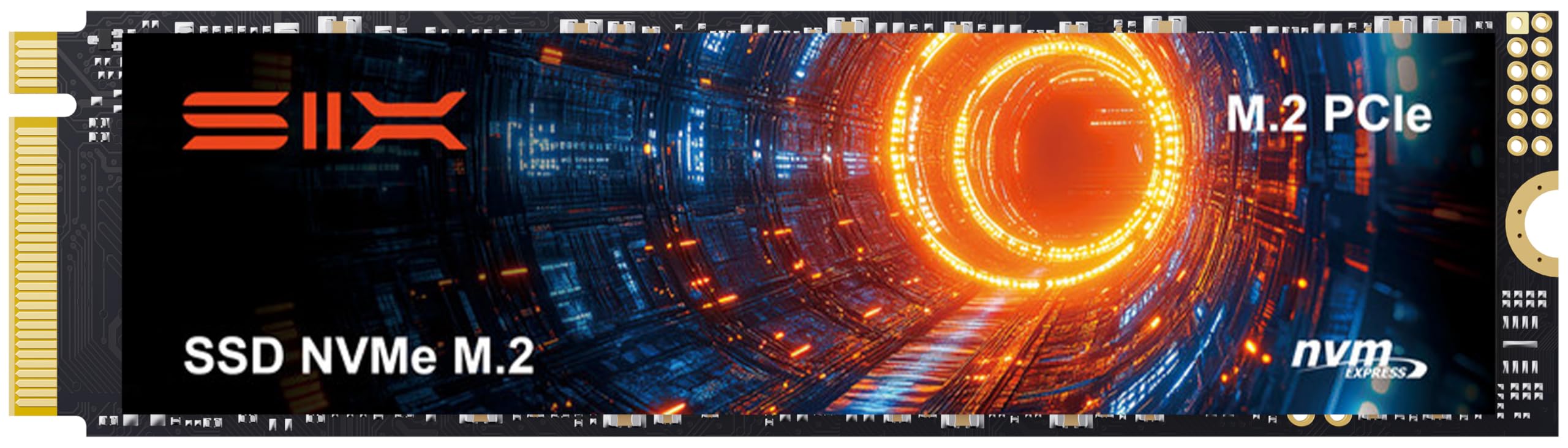
7. SIX X7400 NVMe M.2 SSD PCIe 4.0 1TB with Heatsink
The starter-friendly card that puts the screwdriver in the box with the drive.
Read speeds up to 7,350 MB/s put this drive close behind the top cards, and it is pitched for both desktop builds and PS5 expansion. The phrase “for tech-savvy users or hardcore gamer” appears in the listing for good reason — the package includes a screw, screwdriver, and heatsink, so a first-time installer is not left scrambling for tools. Reliability is what the reviews keep coming back to, with the drive working cleanly and holding up under real use.
Performance under load is strong for heavy computing, from data analytics to content creation and gaming, and SIX claims up to 40% fast performance for heavy-duty applications. It supports backward compatibility so an older system is not shut out. The 5-year limited warranty gives you a long runway of coverage, and installation is reported as straightforward even for people stepping into an M.2 slot for the first time.
What buyers notice: reliability and performance are the twin themes, and the included screwdriver plus heatsink make this the rare drive that arrives truly ready to install. It leads the Kingston NV3 on raw read speed — 7,350 MB/s against 6,000 MB/s.
Small caveats to file away: the heatsink draws mixed feedback for fit, so measure the clearance under your graphics card before you commit. Compatibility also varies by system, which is worth a quick check against your board model.
Great choice if: you are installing your first SSD and want the tools and cooling in one box.
Look past it if: you have a tight slot and already own a motherboard heatsink to reuse.
8. Kingston NV3 1TB M.2 2280 NVMe SSD, PCIe 4.0 Gen 4×4

The everyday workhorse for people who want the upgrade done and forgotten.
Read speeds up to 6,000 MB/s and writes up to 4,000 MB/s make this a solid Gen 4 drive without chasing the very top of the speed table. The pitch is “high speed, low power storage,” which fits a laptop or an always-on desktop where efficiency matters. It includes Acronis cloning software so you can move your old drive’s contents over before you pull it, and Kingston backs it with a 5-year limited warranty.
Owners describe a drive that performs well and holds up to expectation, and it has even earned a following among Unifi controller users who value steady operation. One owner reports a 7-year-old laptop feeling like new after the swap. It is backward compatible, so it drops into an older system and steps down to the speed your board can feed it, and the transfer rates leave no complaint about value.
The reliability story: quality is the trait the reviews praise most, ahead of even the value, which says plenty about how it holds up in everyday machines.
Where it sits in the lineup: its 6,000 MB/s read trails the top cards on this page, so if you are chasing headline speed, this is the conservative choice rather than the fastest.
Pick it for: a simple, dependable Gen 4 upgrade in a laptop or a home desktop.
skip it if: you want the highest read numbers — the flagships on this list pass it on paper.
9. Western Digital 500GB WD Green SN3000 NVMe SSD
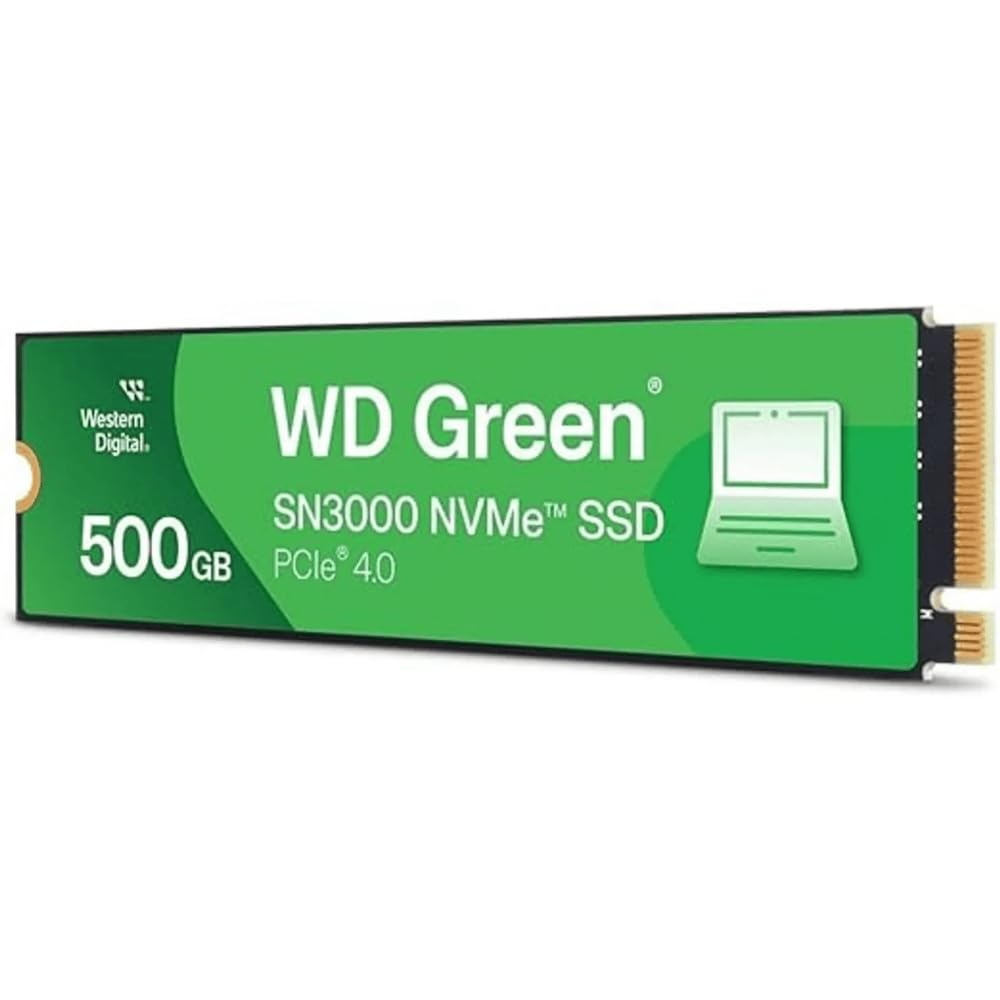
A slim, single-sided card built to slide into the tightest laptops.
This is the entry point to Gen 4 storage, reading at up to 5,000 MB/s to fix slow boots and sluggish app launches. The single-sided M.2 2280 design is the detail that matters most for thin laptops and small PCs — chips sit on one face only, so the card fits where a double-sided drive would jam. It is compatible with both desktops and laptops, and Western Digital includes free Acronis True Image migration software to move your data across.
Owners say it boots up and runs fast, and it is treated as good value for the money. Quality is the strength the reviews lean on, which is what you want from a drive carrying your system files. Western Digital’s nCache 4.0 technology and NVMe support keep file transfers and multitasking responsive, and capacities scale up to 2TB if you want more room than this one model offers.
Where it earns its place: the single-sided build is the real selling point for thin laptops, where space is measured in millimetres. It is the only 500GB option here, so treat it as a boot or secondary drive rather than a full games library.
The honest limit: 5,000 MB/s is the slowest read on this page, and 500GB fills quickly with big games. Its long-term role is the machine that just needs to feel fast again.
Made for: a thin laptop or small form-factor PC that needs a slimmer card and a boot drive.
Leave it if: you need room for a large game library — the 1TB cards on this list suit that better.
Know the Specs
Sequential Read and Write Speed
Read speed is how fast the drive pulls data off the chip, and write speed is how fast it saves new data. Both are measured in MB/s — megabytes per second, or millions of bytes moved every second. Higher read speed means games and apps load sooner; higher write speed means big file transfers finish faster. The cards on this list range from 5,000 MB/s up to 7,450 MB/s reads, so a flagship drive can pull data noticeably quicker than an entry-level one. Real-world speed also depends on your board, your CPU, and how full the drive is.
Form Factor and the M.2 Slot
M.2 2280 is the size code: the 22 is the width in millimetres and the 80 is the length, so it is a stick roughly 22mm wide and 80mm long. This is the slot most modern desktops and laptops use for an SSD card. Single-sided drives keep all chips on one face so they fit thin laptops, while double-sided drives can be thicker. Always confirm your slot is an NVMe M.2 slot and not an older SATA-style one, and check your manual for the key notch pattern before ordering.
PCIe Gen 4 versus Gen 3
PCIe is the internal connection standard that feeds data between your drive and the rest of your system. Gen 4 is the fourth generation, and it allows far higher throughput than Gen 3. A Gen 4 drive on a Gen 3 board will still work — it simply runs at the slower generation’s ceiling. That is why backward compatibility matters and why matching the drive to your board’s generation matters just as much. A card rated at 7,450 MB/s on a Gen 3 system will not reach that number.
Endurance and TBW
TBW stands for terabytes written — the total volume of data a drive is rated to handle over its life. A higher TBW means the drive is built for more sustained writing, which suits video editors and heavy users. Endurance depends on the NAND flash type inside: TLC flash (triple-level cell) tends to last longer under sustained writes, while QLC flash (quad-level cell) makes higher capacities more affordable. For most gamers and home users, endurance is comfortable either way; for a creator pushing footage daily, the TBW figure is worth checking.
Common Questions
Will an M.2 2280 SSD card fit my PC?
Do I need a heatsink on my SSD?
Will a Gen 4 SSD work on a Gen 3 motherboard?
How long does an SSD card last before it wears out?
Can I clone my old drive onto a new SSD card?
Is a 1TB SSD better than a 500GB one?
Will an SSD card speed up my old laptop?
Which is faster, the Samsung 990 PRO or the WD Green SN3000?
TLC or QLC flash — which should I choose?
Do these SSD cards work in a PS5?
The Bottom Line
For most people hunting the best ssd card for pc, the winner is the Samsung SSD 990 PRO 1TB because its up-to-7,450 MB/s reads are the fastest here and its 4.5+ star reputation rests on a huge base of owners who trust it with their boot drive. If you want a drive that fits a laptop or handheld first, grab the Crucial P310 for its broad backward-compatible fit. And for PS5 expansion or a board with no M.2 cover, the Lexar NM790 arrives with the heatsink already on board. If you want big speed on a tighter budget, the TEAMGROUP MP44Q clears 7,000 MB/s and makes the value case worth a hard look before you check out.
How we choose
We do not accept paid placement. Every pick is matched to a real buyer and a real use-case; we do not hands-on test units.
Sources
Specifications: manufacturer listings and product documentation. Review insights: verified customer reviews, as of November 2026. Pricing: not shown on this page (it changes often); check the current price via the retailer link.
As an Amazon Associate, Tactical Gear Guy earns from qualifying purchases. This does not affect which products we feature.