Specs are compiled from manufacturer listings and verified buyer reviews and can change over time — please confirm the key details on the product page before buying.
Can everyone in the room see the screen clearly, and can the software keep up with your meetings? The boards below split into two camps: big 65- and 75-inch 4K displays (4K means four times the detail of standard HD) for conference rooms, and smaller 55-inch units for huddle spaces and tight offices. The COOLHOOD 65″ wins overall on its 6ms touch response and octa-core Android 13 setup.
This guide is built by comparing the manufacturers’ published specifications and the patterns across verified customer reviews, so you get each pick’s real strengths and trade-offs instead of marketing spin.
Below you’ll find the exact touch-response, storage and panel numbers that separate a board your team actually uses from one that gathers dust in the corner. Every pick here is judged on those numbers, not on marketing copy.
Top Picks
How To Choose The Best Smart Whiteboards for Business
A smart whiteboard is a whole-room purchase, not a desk accessory. You are buying a display your team will stare at for hours, a touch surface people will write on with their fingers, and a computer that has to run your meeting apps without stuttering. Get the screen size wrong and the back row squints; get the software wrong and the board becomes an expensive TV.
Match the diagonal to the room, not the wall
A 55-inch board suits a huddle room where everyone sits close. A 65-inch panel is the general-purpose conference-room size. A 75-inch board earns its place in a large training room where people sit several rows back. Measure the distance from the screen to the furthest chair before you decide — that gap is what actually dictates the diagonal you need.
Touch response and precision beat touch-point counts
Multi-touch numbers get printed in huge type, but a 20-point panel and a 40-point panel feel nearly identical when two people write at once. What you actually feel is response time, quoted here in milliseconds, and precision, quoted in millimetres. A 6ms response with ±1mm precision is what makes handwriting look like ink instead of a laggy scribble.
Storage and processor determine whether the board ages well
Look for the onboard storage and RAM numbers before anything else in the processor line. A board with 8GB of RAM and 128GB of storage will keep apps responsive for years, while a leaner configuration can start to drag as your team installs more software. The processor model matters too — an octa-core chip handles split-screen presentations and app switching far better than a basic one.
Decide early between Android-only and dual-OS
An Android board is simple to deploy and gives you the Play Store, meeting apps, and screen mirroring straight away. If your IT team insists on running Windows software, look for an OPS slot — an expansion bay that accepts a Windows PC module, sold separately, so the board can boot into either system. Buying an Android board with no OPS slot closes that door permanently.
Side-by-Side Comparison
| Model | Best For | Screen Size | Touch Points | RAM + Storage | Amazon |
|---|---|---|---|---|---|
| COOLHOOD 65″ Smart Board★ Best Overall | All-round conference rooms | 65 in | 20-point | 128GB storage | Amazon |
| Pluss 65″ 4K Interactive Smart BoardGoogle Certified | Google Workspace teams | 65 in | 40-point | 8GB + 128GB | Amazon |
| JASZDOT 65″ Smart Board | Port-heavy installs | 65 in | 20-point | 8GB + 128GB | Amazon |
| YCKJNB 55″ Smart Board | Video-first meeting rooms | 55 in | 20-point | — | Amazon |
| JAV 75 Inch Smart Board Pro | Large training rooms | 75 in | — | 8GB + 128GB | Amazon |
| Vibe S1 55 Inch | Huddle rooms and small teams | 55 in | 10-point | 8GB + 128GB | Amazon |
| Samsung Pro 75″ Interactive Display | Brand-standardized offices | 75 in | 20-point | — | Amazon |
Detailed Reviews
1. COOLHOOD 65″ Smart Board
Our pick — 4.5+★ from 800+ verified ratings; the strongest balance of quality and price.
A 65-inch 4K panel with an octa-core brain and handwriting that keeps up with your pen.
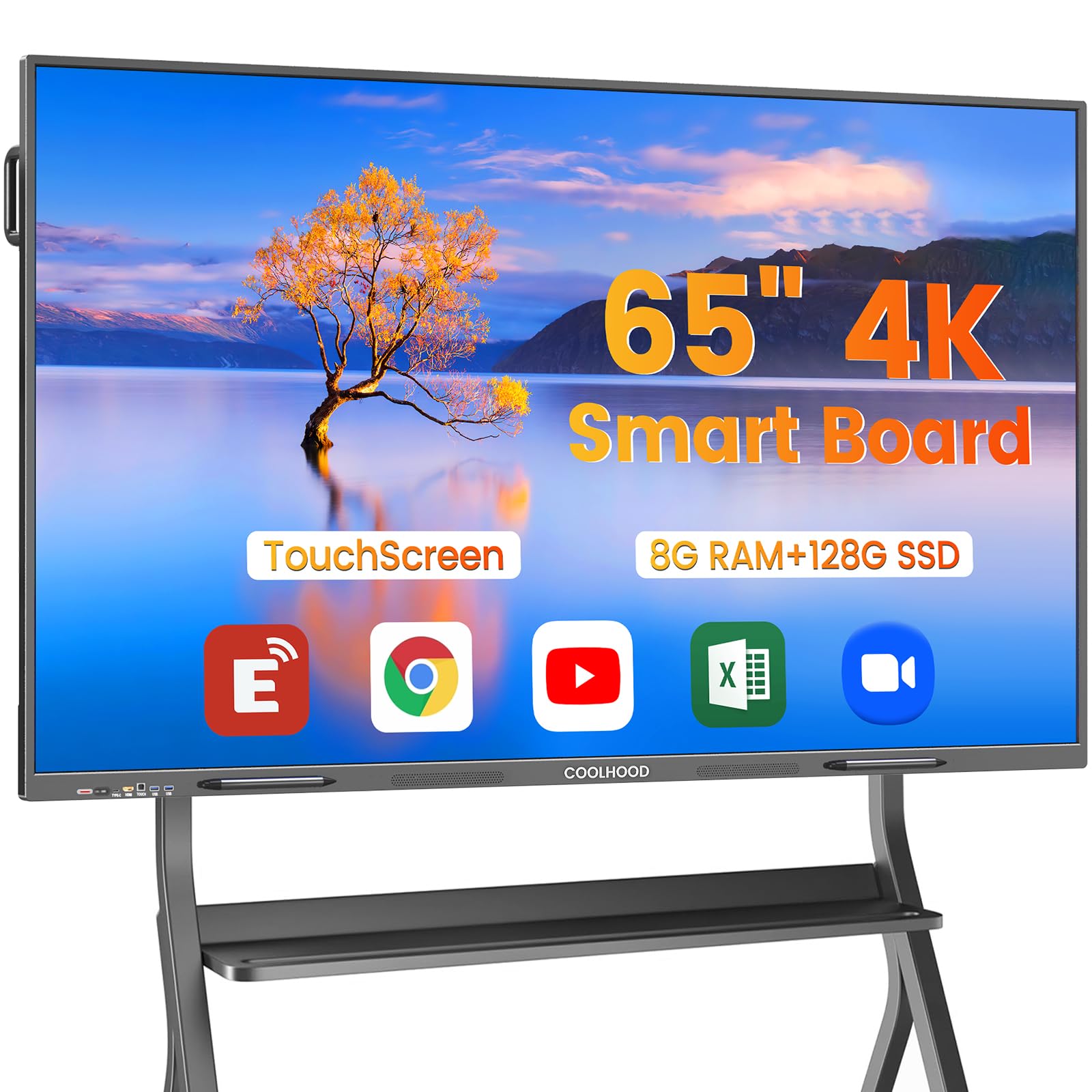
For a conference room that has to do everything — whiteboarding, video calls, file sharing, app switching mid-meeting — this is the one. The COOLHOOD runs an octa-core processor (eight processing cores working in parallel: 4 A73 performance cores plus 4 A53 efficiency cores), paired with Android 13 and 128GB of storage. In plain terms, that is enough muscle to hold a split-screen presentation and a browser tab open without the board stuttering under you.
What wins people over is how the touch feels. The system quotes a 6ms response time (the delay between your finger moving and the line appearing) and ±1mm precision (how close the line lands to where you actually touched). Sketching and annotating a document feel like ink, not input lag. Twenty touch points means several people can write at once, which covers the reality of most team whiteboarding sessions.
The open app ecosystem is the other half of the pitch — download whatever your business actually runs, and save work straight to cloud storage or send files out by QR code with a scan. Zoom, Google Meet, Teams and Webex all run on it. The catch worth knowing before you order: the wall mount is in the box but the mobile stand ships separately and costs extra, so if you want the board to roll between rooms, plan for that second purchase.
coolhood room fit
- 6ms response and ±1mm precision translate into genuinely natural handwriting
- Octa-core chip with Android 13 and 128GB keeps app switching smooth
- QR-code file sharing skips the email-yourself-the-notes scramble
- Runs Zoom, Meet, Teams and Webex without extra hardware
mounting prep needed
- The mobile stand is sold separately — the box includes the wall mount only
- 65 inches needs a genuine conference-room wall, not a narrow hallway
best for: Teams who want one 65-inch board to handle whiteboarding, conferencing and app work without a Windows PC in the room.
plan ahead if: you need the board on wheels — budget for the stand as a separate item.
2. Pluss 65″ 4K UHD Interactive Smart Board
The board that doubles the touch count of the COOLHOOD and adds a Windows escape hatch.
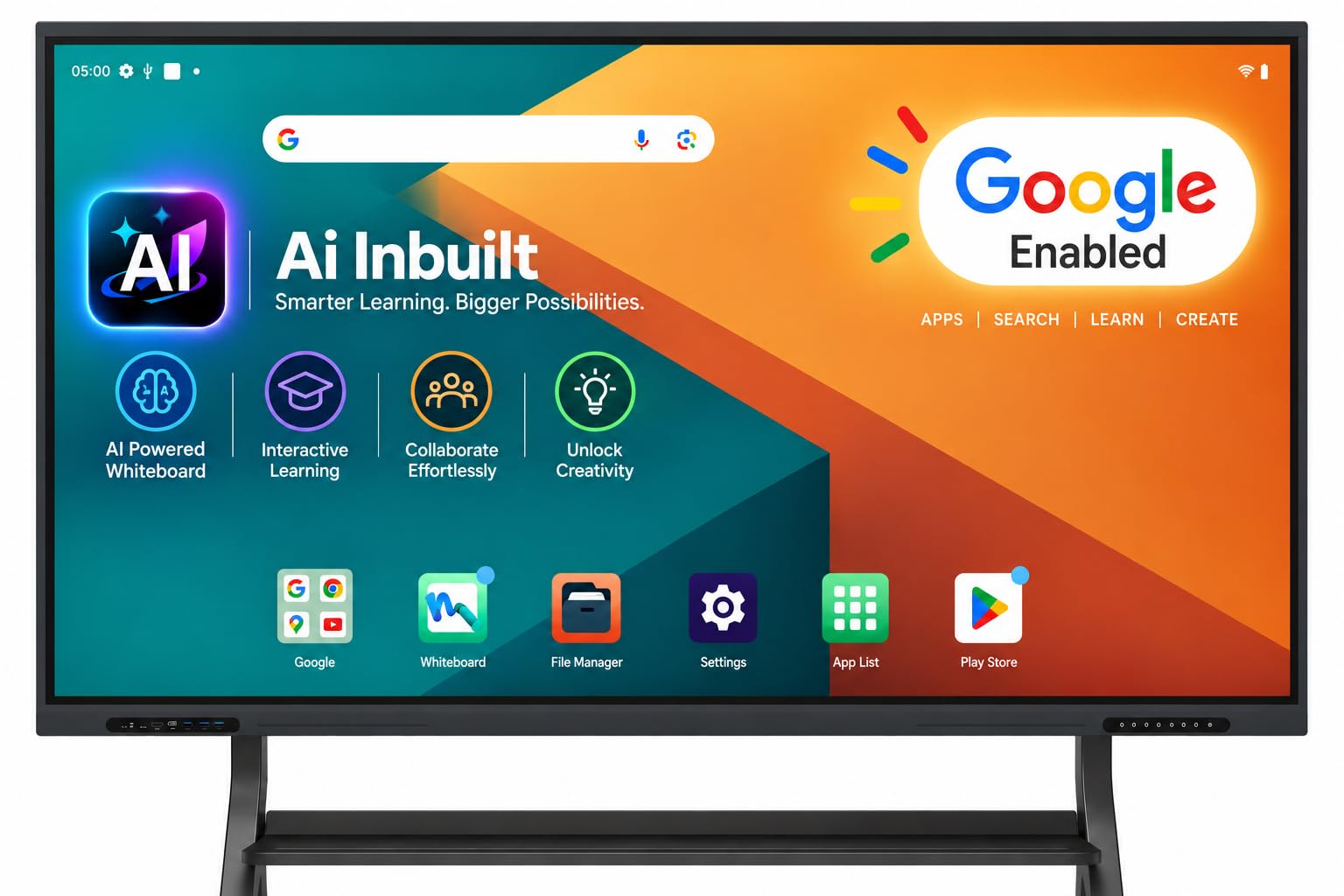
If your company lives inside Google Workspace, start here. This is officially Google EDLA certified (Enterprise Device Licensing Agreement — the licence that lets a device ship with full Google Play Store and Workspace access), so Drive, Docs, Sheets, Meet and Classroom are all native. Android 14 runs on an A16 processor with 8GB of RAM and 128GB of storage, which is a configuration built to keep several apps live at once.
Here is the head-to-head that matters: the Pluss supports 40 simultaneous touch points against the COOLHOOD’s 20. That is double the write-at-once headroom, which is overkill for two people and genuinely useful in a room where a workshop crowd swarms the glass. The panel is a 3840 × 2160 native 4K display with 10.7 billion colours (10-bit colour depth), a 1200:1 contrast ratio and a 178° viewing angle, so people standing off to the side still see accurate colour.
The detail that separates it from most Android-only boards is the OPS slot — an Open Pluggable Specification bay that accepts a Windows PC module, sold separately, turning the board into a dual-boot Android-and-Windows machine. Neither the COOLHOOD nor the JASZDOT offers that. One listing quirk to know: the spec sheet lists a 65-inch board while the product copy describes a 55-inch display, so confirm the diagonal with the seller before you commit wall space.
pluss google appeal: certified Play Store access plus an OPS bay that lets IT add Windows later without replacing the whole board.
confirm before order: the 65-inch title and the 55-inch description in the listing disagree — get the size in writing.
reach for this if: you want Google Workspace from the start and a future Windows upgrade path.
look elsewhere if: you need a guaranteed 65-inch panel today and can’t wait on seller confirmation.
3. JASZDOT 65″ Smart Board
Bright, flicker-free and stacked with ports on three sides — the installer’s favourite.
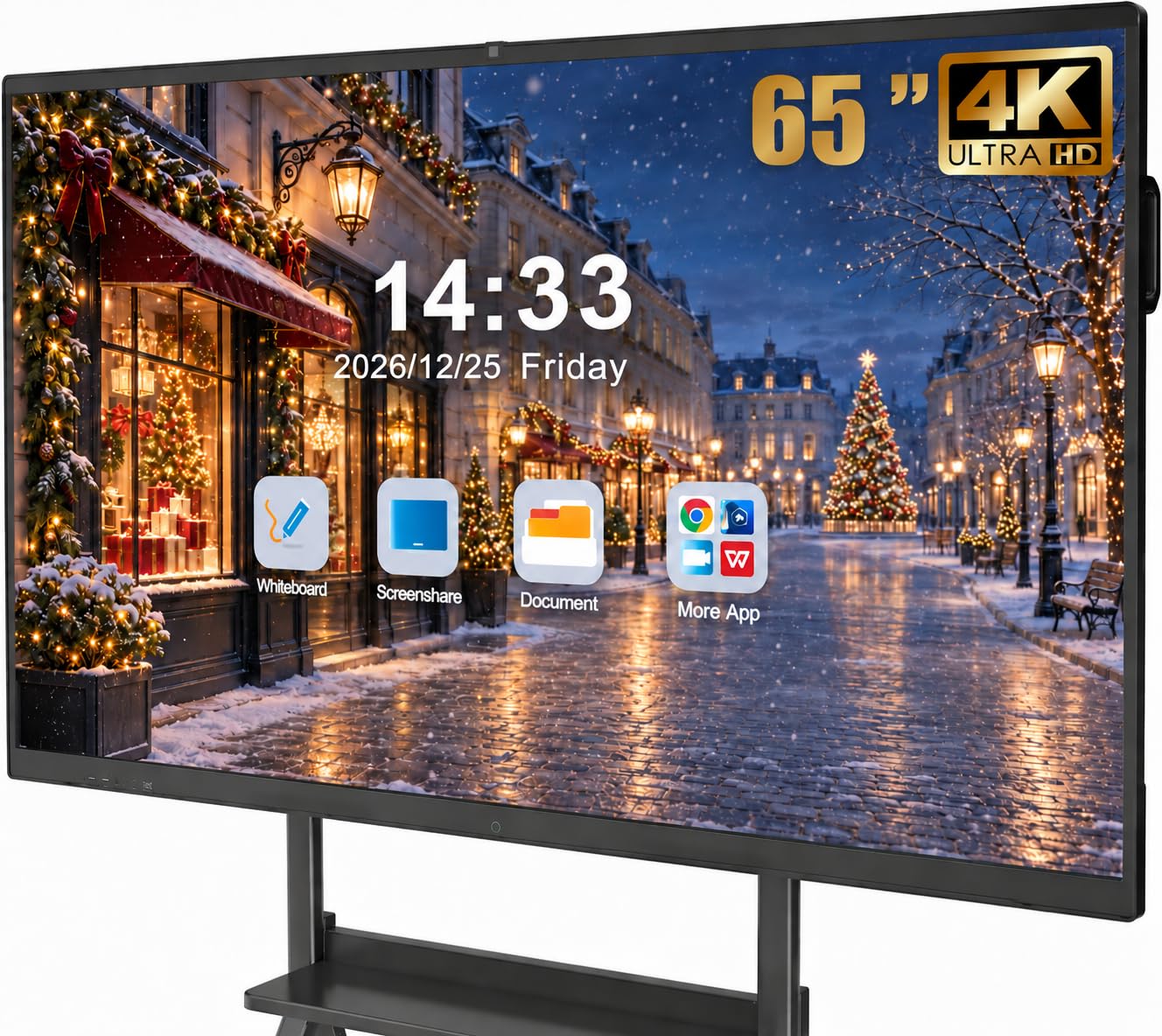
Where this board pulls ahead is the thing you notice on day one: a 4K panel rated over 400 nits of brightness (how much light the screen throws out). That matters in a room with windows and no blinds you can close, because the picture stays readable instead of washing out. Flicker-free and eye-care tech back it up for long training sessions where people stare at the screen for hours.
Software is Android 14 with 8GB of RAM and 128GB of storage — the same generous configuration the Pluss runs, and a step up on memory from leaner Android boards. The 20-point infrared touch carries ±1mm precision and a 6ms response time, so handwriting recognition, one-touch colour switching and instant cloud saving all land where you expect. There’s also a built-in video conferencing hub for hybrid meetings.
Then there’s the connectivity, and it is unusually thorough. The front panel gives you two USB, one HDMI and one TOUCH input for plug-and-go laptops. The rear adds a TF card slot, RS232 and a headphone jack. The bottom row runs LAN IN and LAN OUT, VGA, MIC IN, AV IN and OUT, coaxial and DisplayPort. In an older building where you’re integrating legacy gear, that spread is the difference between a clean install and a drawer full of adapters. At 65 inches it is the larger sibling to the 55-inch YCKJNB — a full ten inches more diagonal, which is what lets the back row of a training room read the screen comfortably.
the right call for: training rooms and classrooms with mixed-generation equipment that all needs to plug in somewhere.
the honest trade-off: all those ports mean a busier install — have a plan for cable routing before the wall mount goes up.
4. YCKJNB 55″ Smart Board
A 55-inch huddle-room board with a baked-in conferencing kit: camera, eight mics, two speakers.
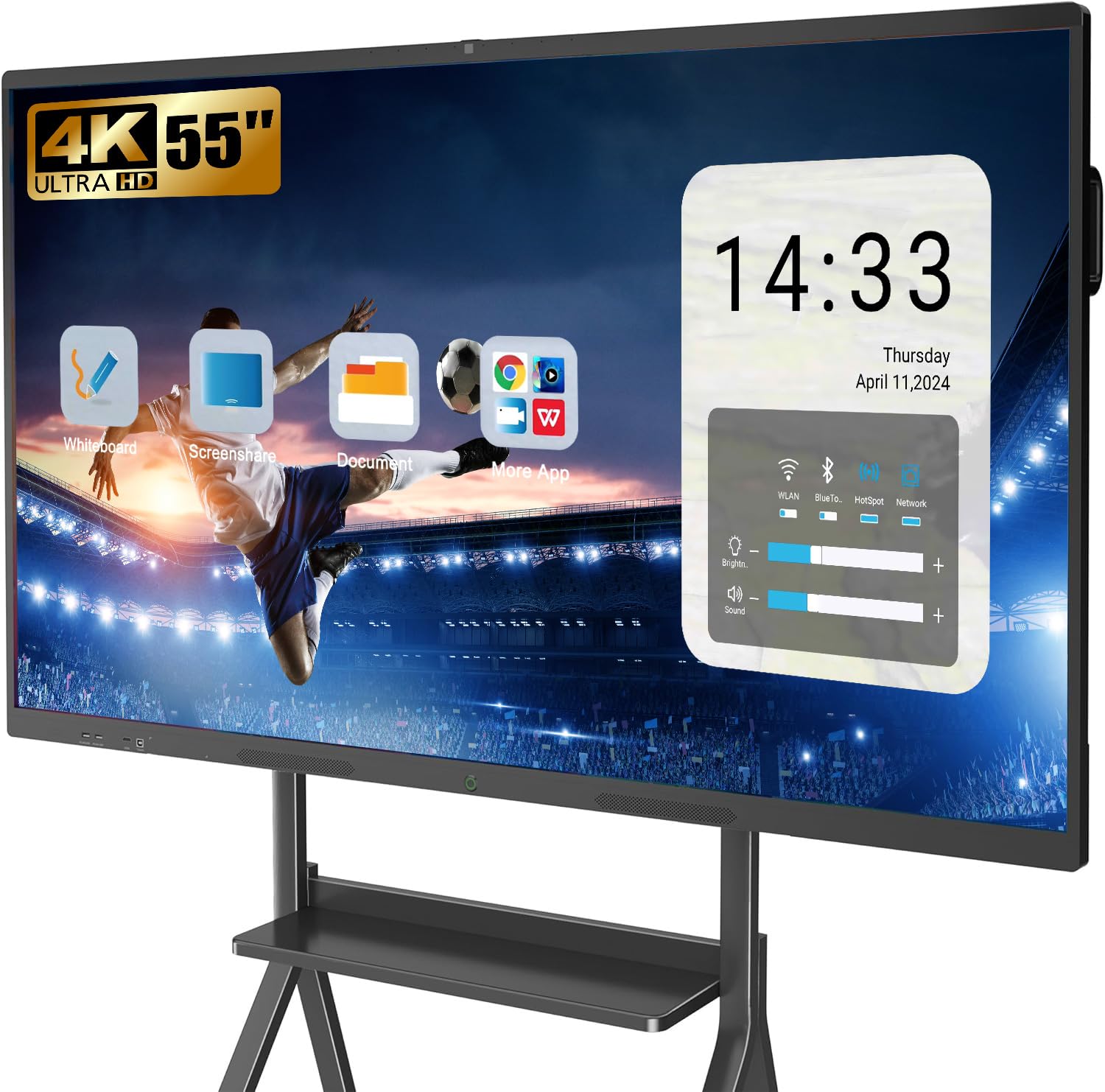
Most boards assume you’ll bolt on your own webcam and speakerphone. This one arrives with the conference already built in — a 13MP camera, 8 array microphones (an array is a cluster of mics that work together to pick up voices around the table) and two 20W speakers. For a team that spends most of the day on video calls with remote colleagues, that is a meaningful shortcut: nothing to mount, nothing to test separately.
The display is a 3840 × 2160 4K LED panel with a 10000:1 contrast ratio — the deepest contrast figure in this group, which shows in dark text on white boardwork and in video content. Stable infrared 20-point multi-touch handles annotation on documents and images. Up to four people can wirelessly project at once, with reverse touch control so you can drive a laptop from the board itself. Android 13 runs the open app ecosystem underneath.
Fifty-five inches is the compact end of this list, so it’s the right size for a small meeting room and the wrong size for a lecture hall. The wall bracket is included, and if you’d rather have the board on a rolling stand, the brand sells two stand styles separately. This is a board for a tight room where everyone sits within a few feet of the glass, and it’s priced in that mid-range space rather than the premium tier.
pick this when: video calling is the main job and you want the camera, mics and speakers already sorted.
skip it if: your room is large enough to need a 65- or 75-inch diagonal.
5. JAV 75 Inch Smart Board Pro
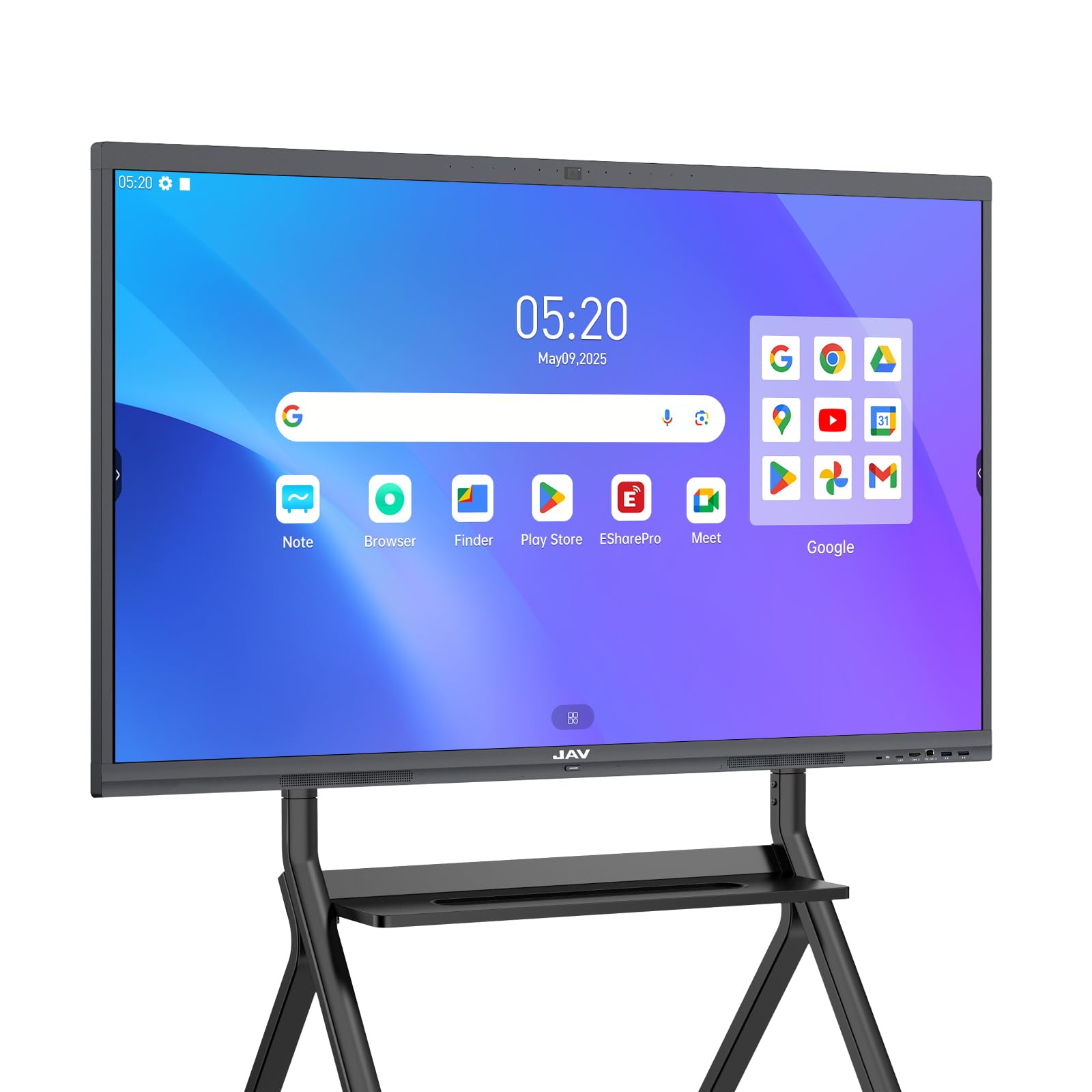
Seventy-five inches of anti-glare 4K glass for rooms where the back row needs to see.
When a room is deep — a training space, a lecture-style setup, a big boardroom — 65 inches stops being enough and you need the 75-inch class. This JAV delivers a 3840 × 2160 4K screen behind 4mm anti-glare tempered glass, which cuts reflections in a brightly lit room. It carries a 48MP AI camera for remote sessions and Google EDLA certification, so Play Store and Workspace apps are native. Android 14 with 8GB and 128GB keeps it running the same generous configuration as the smaller premium boards.
What lands with buyers here is how it works in daily use. Functionality is the thing owners come back to praise — the board just does its jobs, whether that’s annotating a PDF, presenting slides or mirroring a laptop. Connectivity follows close behind, with wireless pairing that connects to Mac, Windows, iOS and Android devices without fuss. It is also straightforward for a non-technical operator to walk up to and start writing.
The honest side: this is an 80-pound panel, so the wall mount install is a two-person job and you want to hit studs, not drywall anchors. At this size the board also dominates a wall — measure the room first. On value, views split: some owners call it affordable for the size, others feel the outlay is steep, which for a 75-inch 4K interactive board with a 48MP camera is a fair debate rather than a defect.
jav back-row clarity
- 75-inch 4K panel with 4mm anti-glare glass cuts glare in sunny rooms
- 48MP AI camera for remote participants and hybrid sessions
- Google EDLA certified with native Workspace app access
- Android 14 with 8GB + 128GB storage
bulky 75 install
- 80 pounds means a serious two-person wall install on solid studs
- A 75-inch board needs a genuinely large wall to feel right
the match for: training rooms and large conference halls where visibility at distance is non-negotiable.
think twice if: your room is small — a 75-inch panel will overpower it.
6. Vibe S1 55 Inch All-in-One Smart Board

A 55-inch huddle board with an infinite whiteboard canvas and 250+ apps behind it.
For a small team that wants cloud-native collaboration on a compact 55-inch screen, this one is worth a close look. It runs VibeOS on Chromium OS, gives you an infinite canvas to ideate on, and lets you annotate any PDF or third-party app. The 10-point infrared touch carries a response time under 8ms, which keeps pen-to-paper handwriting feeling natural. Split-screen mode lets you pull references from Chrome and YouTube while your video call stays visible.
The hardware fits the huddle-room brief: Wi-Fi 6 (the faster wireless standard that handles crowded office networks better than older Wi-Fi), Bluetooth 5.2, and an Arm RK3588 chip running 8GB of RAM and 128GB of storage. IT will appreciate the fleet management feature on Chromium OS, which lets admins manage users and devices without walking room to room. Versatility is what gets the most praise — this board handles meetings, presentations, teaching and EOC-style work in one device.
What you should go in eyes-open about is reliability and compatibility. Compatibility is also uneven: it integrates with the big-name apps, but some work apps won’t run on Chromium OS. Check your critical software runs before you standardize a fleet.
vibe huddle favorite: infinite-canvas whiteboarding plus split-screen references alongside the video call — a genuinely flexible 55-inch setup.
verify ports first: enterprise app compatibility and long-term reliability, given mixed feedback on both fronts.
best suited to: small teams in huddle rooms who work primarily inside cloud apps and want fleet management built in.
worth a second look if: you depend on a specific work app that may not run on Chromium OS.
7. Samsung Pro 75″ Interactive Display

Seventy-five inches, six screens at once, and up to 50 devices talking to it.
This is the board for organizations that want a name they already trust on the wall. The Samsung Pro runs a 4K UHD touchscreen at 3840 × 2160 with a 4000:1 contrast ratio, backed by 20 touchpoints so a full team can contribute at once. Universal pairing handles casting from Apple, Google and other familiar devices — stream, share or present from the phone already in your pocket.
The standout trick is SmartView+ (Samsung’s multi-device sharing feature): it wirelessly connects up to 50 devices and lets you view up to six screens simultaneously. In a real meeting that means a presentation on one pane, a team doc on another and a video call alongside — without anyone unplugging anything. The stylus or a fingertip both work for writing, and embedded customizable templates speed up daily whiteboarding.
Weigh the practical side before you commit. This is a 145-pound panel — the heaviest here by a wide margin — so the wall install is a genuine structural question, not a quick drill-and-hang. It carries Wi-Fi and Bluetooth, built-in speakers, USB-C and HDMI connectivity, and ships with an OPS box in the included components. For a single departmental board or a home-office setup where the brand matters, it’s a well-specified choice; just budget for professional mounting.
a strong fit for: offices standardizing on Samsung where multi-device SmartView+ casting is a real workflow need.
the real constraint: at 145 pounds it needs structural mounting — plan for a professional install.
Know the Specs
Touch response time (ms) and precision (mm)
Response time is the delay between your finger moving and the line appearing on screen — quoted here in milliseconds, with 6ms on several boards. Precision is how close the line lands to where you actually touched, quoted in millimetres, with ±1mm on most of these models. Together they decide whether handwriting feels like ink or like dragging a heavy cursor. Touch-point count is how many fingers register at once — 20-point, 40-point or 10-point — which matters more in a room full of collaborators than in a two-person meeting.
RAM and onboard storage (GB)
RAM is the working memory that keeps your apps responsive while several are open; storage is where the apps, files and whiteboard saves live. A board with 8GB of RAM and 128GB of storage will stay snappy as your team installs more software. The processor matters too — an octa-core chip handles split-screen presentations and instant app switching better than a basic one. A Google EDLA certification is separate from these numbers; it’s a licence that gives the device full Play Store and Google Workspace access.
Common Questions
What does Google EDLA certification actually get me on a smart whiteboard?
Do I really need 40 touch points or will 20 do?
Can I add a Windows PC to an Android smart board?
What screen size fits a conference room versus a huddle room?
How do these boards share files with remote team members?
Is a built-in camera and microphone worth it, or should I add my own?
Will a 4K panel look sharp in a brightly lit room?
How heavy are the large 75-inch boards to wall-mount?
Do these smart whiteboards run the meeting apps my team already uses?
The Bottom Line
For most offices, the best smart whiteboards for business pick is the COOLHOOD 65″. Its 65-inch 4K panel, octa-core chip (eight processing cores for smooth multitasking), 128GB of storage, and 6ms touch response (a tap registers in 6 thousandths of a second) handle whiteboarding and conferencing without extra gear. Its 6ms touch response and open app ecosystem are what owners single out. If your team runs on Google Workspace and you want a future Windows path, grab the Pluss 65″ and its OPS slot (a bay for a plug-in Windows PC module). For a large training room where the back row must read the screen, reach for the JAV 75 Inch with its 4mm anti-glare glass (a thin coating that cuts reflections). One honest nudge: the COOLHOOD’s strong owner consensus for 6ms touch and open-app flexibility makes it the safest place to put your budget first.
How we choose
We do not accept paid placement. Every pick is matched to a real buyer and a real use-case; we do not hands-on test units.
Sources
Specifications: manufacturer listings and product documentation. Review insights: verified customer reviews, as of November 2026. Pricing: not shown on this page (it changes often); check the current price via the retailer link.
As an Amazon Associate, Tactical Gear Guy earns from qualifying purchases. This does not affect which products we feature.