Specs are compiled from manufacturer listings and verified buyer reviews and can change over time — please confirm the key details on the product page before buying.
A smart TV box is worth buying only if it fixes one of two problems: your TV’s built-in apps are slow and abandoned, or you are tired of switching inputs and remotes to find something to watch. The nine boxes below solve those two problems in very different ways, and the gap between the best and the rest is mostly about one thing: whether the box keeps its connection and its software support long enough to still be useful next year.
This guide is built by comparing the manufacturers’ published specifications and the patterns across verified customer reviews, so you get each pick’s real strengths and trade-offs instead of marketing spin.
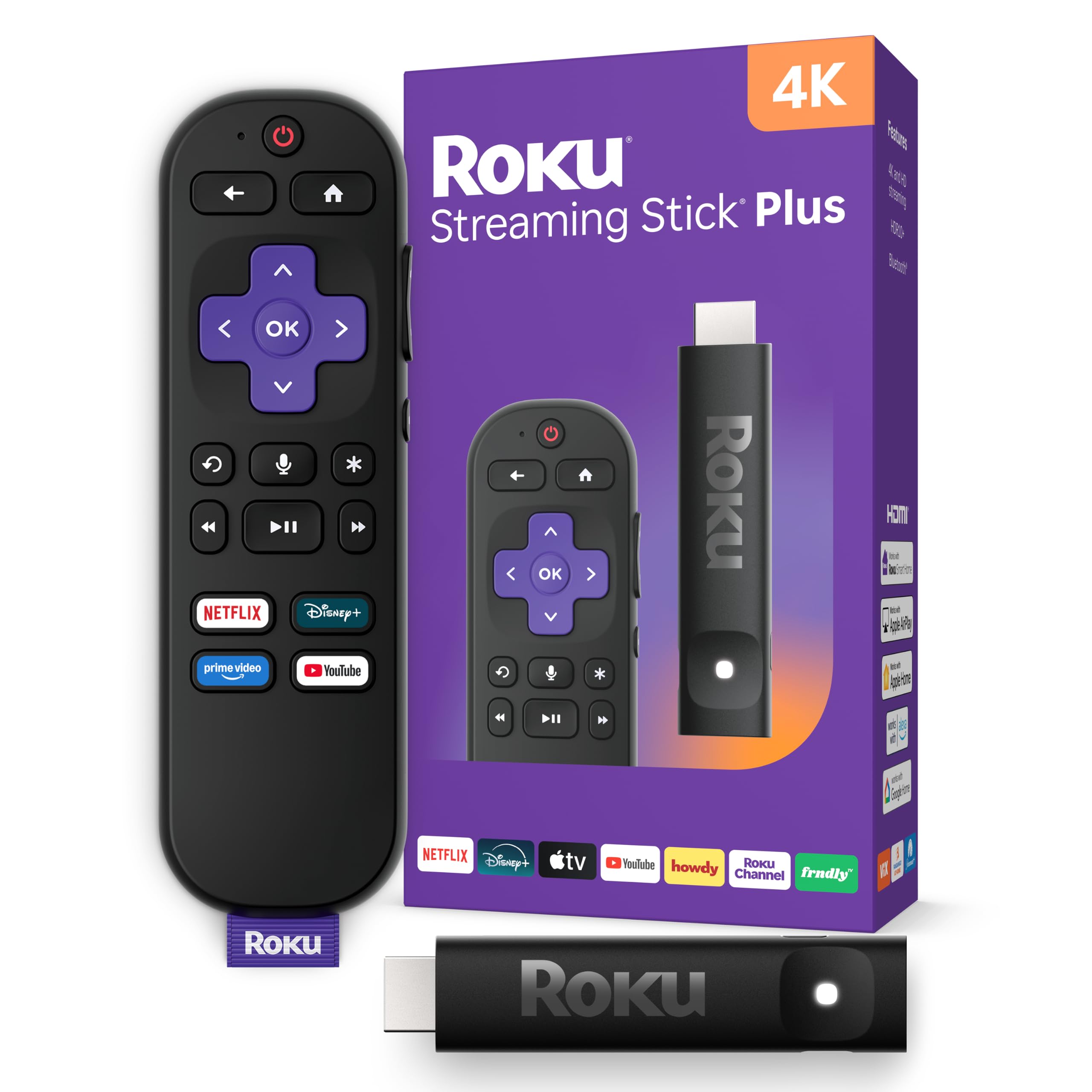
Some boxes here plug straight into an HDMI port and hide behind the TV, while others sit on a shelf and add an Ethernet jack. The Roku Streaming Stick Plus is the crowd favorite at 4.5+ stars across 11,000+ owners, and the safest starting point for most people. Below you get the full breakdown of the smart tv box market, sorted by what each device actually does well.
Top Picks

How To Choose The Best Smart TV Box
Start with the port, not the processor. A TV stick (a small dongle that plugs directly into an HDMI port) hides behind the television and draws power from it, so there is no extra cable to route. A TV box (a separate square unit that sits on a shelf) usually adds a wired Ethernet jack and a USB port for external storage. Neither shape is better — they fit different living rooms.
Resolution: 4K vs 2K, and what your TV can show
4K means roughly four times the pixels of standard 1080p, and every 4K box here needs a 4K television and a 4K streaming subscription tier to actually deliver it. If your TV tops out at 1080p, a 2K stick like the onn. Android TV stick will look identical and cost less. Buying a 4K box for a 1080p screen is the most common wasted upgrade in this category.
Memory and storage: the numbers that decide app speed
RAM is the box’s working memory — 2GB is the current baseline, and less than that makes app switching feel sticky. ROM is storage for installed apps: 16GB holds a reasonable app library, 32GB gives you real headroom, and 8GB fills up fast once you add a few streaming services plus a game or two. If a box’s listing does not state its RAM, treat that as a warning sign.
Connectivity: Wi-Fi band and the Ethernet question
Dual-band Wi-Fi (2.4GHz and 5GHz) matters because the 5GHz band carries high-bitrate 4K video with far fewer interruptions. Wi-Fi 6E adds a further lane of spectrum, and a wired Ethernet port removes wireless entirely — the most reliable option if your router sits near the TV. Boxes that list only 2.4GHz Wi-Fi are the ones most likely to stutter on a busy evening.
The remote and the platform decide your daily experience
You will use the remote and the home screen far more than any spec sheet suggests, so weigh both as heavily as the processor. A voice remote with a microphone button lets you say a title instead of typing it letter by letter. The platform underneath — Google TV, Android TV, or Roku’s own interface — determines which apps are available and how recommendations are organized. Check that your must-have streaming apps are supported on the platform before you commit.
Side-by-Side Comparison
| Model | Best For | Resolution | RAM / Storage | Connectivity | Amazon |
|---|---|---|---|---|---|
| Roku Streaming Stick Plus★ Best Overall | Most people | 4K & HDR10+ | — | Bluetooth, Wi-Fi | Amazon |
| Android TV Box 10.0 Tx1 MiniSmallest Footprint | Wall-mounted setups | 4K UHD decoding | 2GB / 16GB | 2.4G Wi-Fi | Amazon |
| onn. Android TV 2K FHD StickBest for 1080p TVs | 1080p TVs | 2K FHD | — | HDMI, Wi-Fi | Amazon |
| KICKPI KP1 | Latest Android TV | 4K HDR | 2GB / 16GB | Bluetooth, Ethernet, HDMI, Wi-Fi | Amazon |
| onn. Google TV 4K Streaming Box | Google TV on a budget | 4K | 8GB storage | HDMI | Amazon |
| Infomir MAG555 | Wired home theater | 4K at 60fps | 16GB storage | Bluetooth, Ethernet, HDMI 2.1, Wi-Fi | Amazon |
| Amazon Fire TV Cube | Hands-free control | 4K Ultra HD | — | Wi-Fi 6E | Amazon |
| Xiaomi TV Box S 3rd Gen | Dolby Vision fans | 4K at 60FPS | 2GB / 32GB | Wi-Fi, Bluetooth 5.2, HDMI 2.1 | Amazon |
| Google Streamer 4K | Smart home hub | 4K HDR, Dolby Vision | 32GB storage | Ethernet, Wi-Fi | Amazon |
Detailed Reviews
1. Roku Streaming Stick Plus with Voice Remote – 4K & HDR10+
Our pick — 4.5+★ from 11,000+ verified ratings; the strongest balance of quality and price.
The stick that hides behind your TV and still delivers full 4K — with no wall outlet needed.
Here is the number that decides it: 80 grams. That is the entire Roku Streaming Stick Plus, at 80 grams versus the onn. Google TV 4K Streaming Box at 340 grams — a difference you feel the moment you plug it in and let it hang from the HDMI port without sagging or needing a support bracket. It measures 3.7 inches long and 0.8 inches wide, narrow enough that it will not block the HDMI ports stacked next to it.
It pulls power straight from the TV’s own USB port, so there is no second cable running down to a wall outlet and no extra adapter clutter behind the screen. You get 4K picture with HDR10+ (the format that adds scene-by-scene brightness and color data), plus one remote that powers up the TV, adjusts volume, and takes voice commands for searching titles. Packing it for a trip means logging into your own account on a hotel TV instead of someone else’s device.
The catch is the remote. Amazon’s own review summary flags remote control as the one genuinely split topic — plenty of people find it excellent, others hit buttons that stop responding. The fix is usually a fresh pair of batteries or a re-pair, but it is the reason this is not a flawless recommendation. Connectivity is the other mixed note, so if your router is far from the TV, a box with an Ethernet port is the calmer choice.
What earns it the top spot
- Full 4K with HDR10+ from a stick that weighs just 80 g
- Draws power from the TV, so no wall outlet and no extra cord
- One remote handles power, volume, and voice search
- Travels easily — your own login on any hotel TV
Where it asks patience
- The remote is the most split topic in owner feedback — some units need re-pairing
- Wireless-only, so a weak signal near the TV shows up as stutter
- No Ethernet port and no USB storage expansion
Reach for this if: you want 4K streaming with the least clutter and the fewest cables, and your Wi-Fi reaches the TV comfortably.
Look elsewhere if: your router is on the far side of the house — the MAG555 or Google Streamer gives you a wired jack instead.
2. Tx1 Mini Tv Box
A 2.3-inch cube you can stick to the wall behind the screen and forget about.
At 2.3 by 2.3 by 1 inch and 150 grams, this is a genuinely tiny box — the onn. Google TV 4K Streaming Box is 6.89 by 3.78 by 2.05 inches by comparison. The package includes a sticker so you can mount it to the wall under a bracket or behind a wall-mounted TV, which is the real reason to pick it over a stick: you get a separate box with a full-size remote and a USB 2.0 port, and it still disappears.
Inside is 2GB of RAM and 16GB of storage, paired with an Allwinner H313 quad-core ARM Cortex A53 processor (four cores on a power-efficient design) running Android 10.0. It decodes 4K video and handles common audio and video formats. The ports are plain and useful: one USB 2.0, one HDMI, one AV, and the power input. Setup is three steps — HDMI cable to the TV, power cable, then pick your Wi-Fi network.
The honest trade-off is connectivity. This box lists 2.4G Wi-Fi only, which is the slower band, and the reliability aspect in owner feedback is genuinely split — some units hold a signal fine, others drop it. Value is the other sour note, which for a device this small is worth weighing against a well-known brand stick. Treat it as a compact secondary-TV solution rather than the main screen in a busy household.
The size argument: nothing else here mounts to a wall this easily, and 16GB of storage plus a USB port is more than most sticks offer.
The compromise: 2.4G-only Wi-Fi and a split reliability record make it a fit for guest rooms, garages, and workshops more than a living-room primary.
The box this suits: a wall-mounted TV in a spare room where space behind the screen is tight and a wired connection is not an option.
Pass on it when: the TV is your main screen and you need a rock-steady 5GHz signal every night.
3. ONN Android TV 2K FHD Streaming Stick
A 1080p stick with a voice mic button — the right buy only if your TV is not 4K.
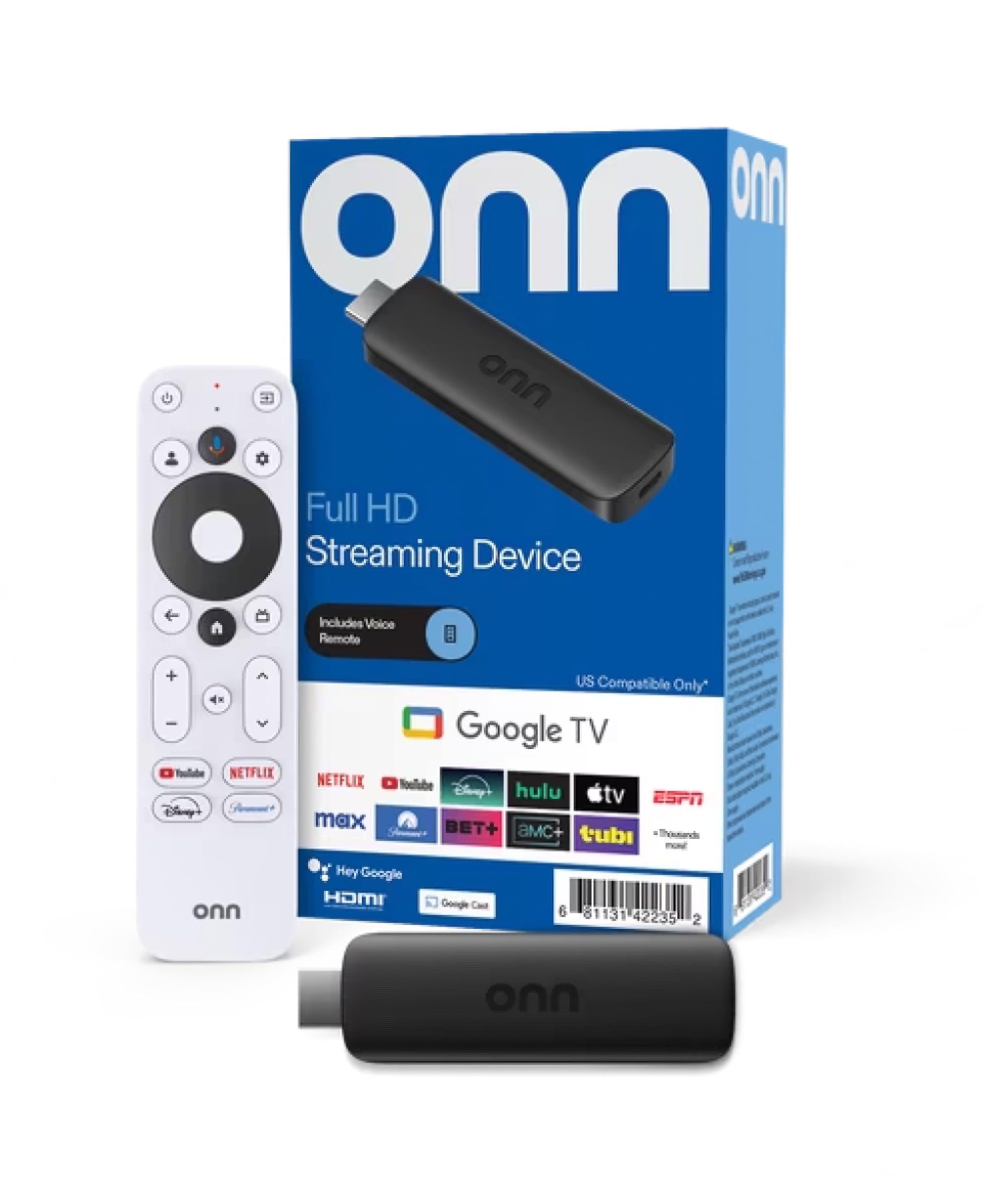
Buy this one for a specific reason: your television maxes out at 1080p. This is a 2K resolution stick, so spending more on a 4K box would buy you pixels your screen cannot show. It runs Android TV with thousands of apps from the Play Store, includes YouTube and Play Movies & TV, and the remote carries a mic button so you can hold it down and ask for a show instead of typing it out. Chromecast built-in lets you push photos, video, and music from a phone, tablet, or PC straight to the screen with one tap.
The box includes everything to start: the streaming device, an HDMI cable measuring 11.8 inches (30 cm), a remote that takes 2 AAA batteries which are included, a power adapter, and a manual. The 16:9 aspect ratio and Dolby audio output match what most older TVs expect. Owners consistently talk about picture quality and easy setup as the two things this stick gets right.
Connectivity is the part to check before you buy. Owner feedback on this specific stick raises real problems connecting to Wi-Fi and to phone hotspots — that is a genuine limitation, not a one-off. There is also no expansion beyond what the stick ships with, and value gets split opinions because a 4K stick from a bigger name often lands in a similar tier. Confirm your network is a standard home router before committing.
The scenario it fits: a bedroom or kitchen TV that is 1080p and already has decent Wi-Fi, where you want voice search and casting without paying for 4K you cannot use.
The deal to check first: several owners hit Wi-Fi and hotspot connection trouble, so this stick wants a strong, ordinary home network.
4. KP1 Android TV Box
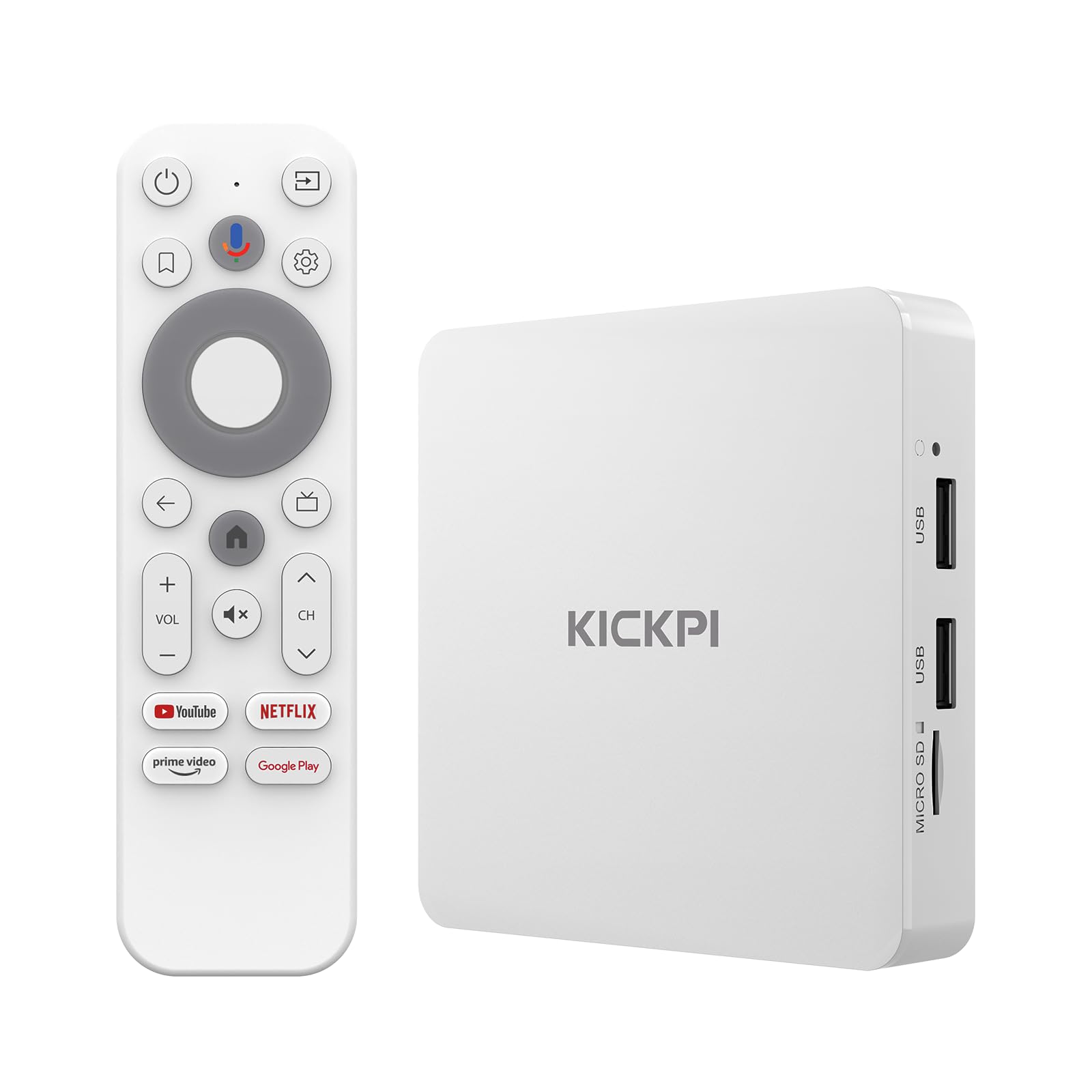
The Google-certified box that runs Android TV 14 with 16GB of storage, against 8GB on the cheapest 4K options.
Google certification is the detail that carries this one. Because the KP1 is certified, it ships with the real Google TV interface and the official Netflix, Prime Video, Disney+, Apple TV+ and Hulu apps rather than side-loaded versions — the maker states access to over 700,000 movies and shows across those services in 4K HDR. Underneath sits an Amlogic S905Y4 quad-core Cortex-A35 processor, a chip built for streaming playback rather than gaming.
Storage is where it pulls ahead of the budget 4K crowd: 16GB of ROM against the onn. Google TV 4K Streaming Box’s 8GB — 16GB versus 8GB, more room for installed apps and downloads. The 2GB of RAM keeps app switching responsive, and a USB port lets you add external storage for locally saved media. Over-the-air updates keep the system current, and the white casing measures 3.78 inches square and 0.91 inches tall at 122 grams.
Setup is the aspect owners agree on most — the guided Google TV flow gets you past account login and app installs quickly. Reliability, though, is the mixed column here: some units behave exactly as described while others throw errors, and quality opinions split just as wide. That is the honest picture, and it explains why a certified box at this position sits below the Roku on consistency. Buy it for the newest Android version and the expandable storage, and keep the return window in mind.
Why it stands out: Android TV 14, a Google certification badge, 16GB of storage, and a voice remote with Google Assistant on one device.
What to keep in mind: error reports show up in owner feedback often enough that buying from a seller with easy returns is a smart move.
Worth it for: anyone who wants the newest Android TV build and double the app storage of an entry 4K box, with an Ethernet port in reach.
Think twice if: you want zero fuss — the Roku has the longer consistency record.
5. onn. Google TV 4K Streaming Box

A box rather than a stick — and at 340 grams, you will notice the difference on the shelf.
Weight is the first thing to understand here. This onn. box comes in at 340 grams and measures 6.89 by 3.78 by 2.05 inches, so it is a device that sits on a media console rather than dangling from an HDMI port. Against the Roku stick’s 80 grams, this box is 340 grams — it needs its own spot and its own power, while the Roku disappears behind the panel. If your TV is wall-mounted with no shelf below, that matters more than any spec.
What you get is Google TV in 4K with voice control and 8GB of storage for apps. Google TV’s home screen pulls titles from every service you subscribe to onto one row, which is the practical reason people pick this platform over a plain app grid. The 8GB of storage is the limit to plan around: it holds a solid app library but leaves little room for downloads.
The performance side draws genuine praise — owners describe it as a good box for watching movies and TV shows. The reliability side is the opposite: multiple reports of units that stop working properly. That split is the whole story of this pick. It delivers Google TV’s interface and 4K output in a simple black box, and it asks you to accept a shorter track record than the leaders on this list.
The buyer it matches: someone with a media shelf, a 4K TV, and a preference for Google TV’s unified watchlist over a stick hanging off the back panel.
The trade-off to accept: 8GB of storage fills quickly, and the working-forever record is thinner than the top picks here.
6. Infomir MAG555

The one that plugs in with a cable and stops worrying about your Wi-Fi entirely.
For anyone whose router sits near the television, this is the pick that ends buffering arguments. It has both dual-band Wi-Fi (2.4GHz and 5GHz) with 2×2 MIMO — two antennas working together for a steadier signal — and a dedicated Ethernet port. Wiring it in removes wireless from the equation completely, which is the most reliable route to high-bitrate 4K. Add HDMI 2.1 with HDCP support and two USB 2.0 ports for external media, and it slots into a proper home theater setup.
The picture side runs 4K Ultra HD at 60 fps (60 frames per second, so fast motion stays smooth) using an Amlogic S905Y4-B chipset with Dolby Audio. It runs official Google TV 12 with the licensed Netflix, Prime Video, Disney+ and YouTube apps through the Play Store. Voice control comes from a Bluetooth remote with Google Assistant built in, and Chromecast is included for casting from a phone. The chassis measures 106 by 106 by 23.5 mm and weighs 12.8 ounces.
Owner feedback is warmest about video quality — the image is the standout. Functionality, ease of use, app compatibility and value all land in mixed territory, with satisfied and dissatisfied owners on both sides. Read that as a device that rewards a setup where the wired connection is doing the heavy lifting; if you are relying on the wireless alone, you may not see the same result.
Where it wins: Ethernet plus dual-band 2×2 MIMO Wi-Fi, HDMI 2.1, two USB 2.0 ports, and 4K at 60 fps from one compact box.
Where it asks for a good setup: opinions split across functionality and app compatibility, so this is a better fit for a wired living-room install than a fiddly one.
Buy it when: you have an Ethernet drop behind the TV and want a box that treats a cable as its first choice, not a fallback.
Skip the wired route if: your TV is nowhere near the router — you would be paying for a port you cannot use.
7. Amazon Fire TV Cube
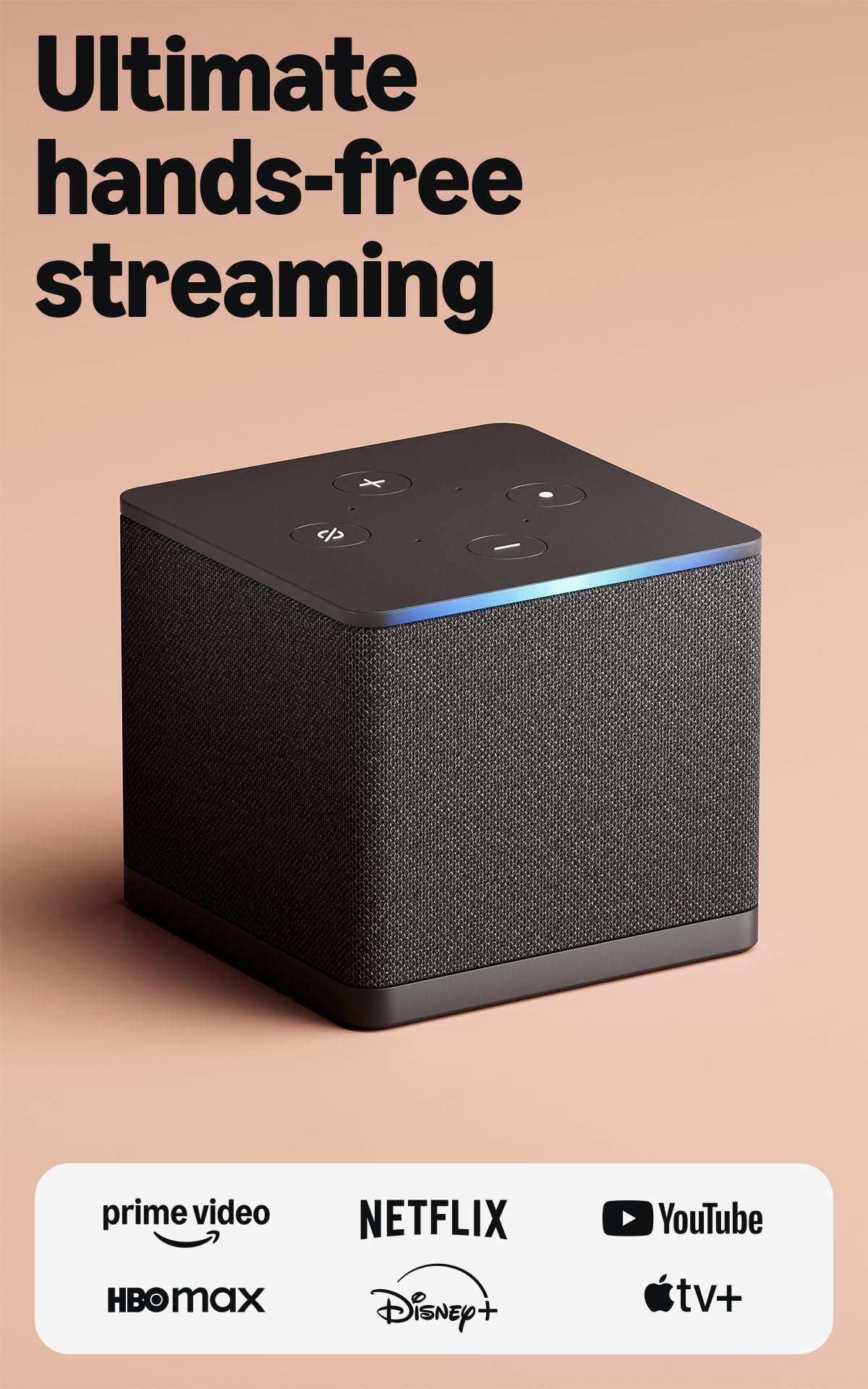
A box with microphones and speakers inside, so you never pick up the remote at all.
The defining feature here is not on a spec line most people check: the Fire TV Cube has a built-in microphone array and speakers. That means you talk to it from across the room without touching anything — pause, search, switch inputs, or check the weather. It also controls a compatible TV, soundbar, or receiver by voice, and it can hop between streaming, your cable box, a game console, or a webcam without swapping remotes. An off button electronically disconnects the microphones when you want it quiet.
Inside is an octa-core processor (eight cores) that Amazon describes as its fastest-ever streaming player, and the maker claims it is 2X as powerful as the Fire TV Stick 4K Max — a manufacturer figure rather than an independent test. It is the first streaming media player with Wi-Fi 6E support, which adds a clean band of spectrum for less congestion in crowded apartment buildings. Picture output is 4K with Dolby Vision, HDR, and Dolby Atmos audio.
What people respond to is the picture and the pace — 4K Ultra HD with clear sound drawn from Fire TV’s own description, and a box that starts apps without the lag and hiccups that plague cheaper hardware. If you are not already living in Amazon’s ecosystem, though, the Alexa-first interface is a bigger adjustment than a Google TV box, and the deep smart-home integration only pays off if you own Ring cameras or similar gear.
Why the Cube is different
- Built-in microphones and speakers for genuinely hands-free control
- One of the few players with Wi-Fi 6E for congested homes
- Octa-core processor and fast app starts
- Voice control of your TV, soundbar, and receiver
Before you commit
- Alexa-led interface suits Amazon households far better than Google ones
- The 2X claim over the Fire TV Stick 4K Max comes from Amazon, not independent testing
- Smart-home extras only pay off with compatible devices
Made for: the household that already uses Alexa and wants to stop hunting for the remote entirely.
Not the fit for: Google TV loyalists who would rather have Android’s app library than Amazon’s voice-first home screen.
8. Xiaomi TV Box S 3rd Gen

32GB of storage, plus both Dolby Vision and Dolby Atmos in one unit.
Start with the storage figure, because it is the one that changes how you use the box: 32GB of internal storage. That is 32GB against the KP1’s 16GB and the onn. Google TV box’s 8GB, so you can keep a full spread of streaming apps plus downloads and still have room. Paired with 2GB of RAM and a quad-core CPU running up to 2.5GHz, plus an ARM G310 V2 GPU, the Xiaomi handles navigation and app switching without the stutter that shows up on entry hardware.
Picture and sound are where this pick earns its premium position. It supports 4K at 3840 x 2160 and 60FPS, with both Dolby Vision and HDR10+ for contrast, brightness, and color — two competing high-dynamic-range formats covered in one device, which is unusual. Audio runs through Dolby Audio and DTS:X surround. Google TV handles the interface with Google Assistant voice search, and connectivity covers dual-band Wi-Fi, Bluetooth 5.2, HDMI 2.1, USB 2.0, and Google Cast for mirroring. It measures 3.82 inches square and 0.67 inches tall at 91.2 grams, so it slides into a narrow gap.
Owners consistently say it performs better than a Firestick and sets up easily. The split notes fall on connectivity — some report internet connection problems — and on the remote, which works well for most and not at all for a few. Value gets divided opinion too, which is fair for a premium-priced box. If your TV supports Dolby Vision, this is the pick that actually uses it.
The upgrade that matters: Dolby Vision and HDR10+ together with 32GB of storage — matching the most storage on this list.
The asterisk: connectivity complaints surface often enough that a strong 5GHz signal, or a mesh node near the TV, is worth arranging first.
Right for you if: your TV handles Dolby Vision and you want the storage to stop deleting apps to make room.
Not the pick for: a weak-signal room — the connection reports here make a wired box the safer bet.
9. Google Streamer 4K

Google’s own box, with 32GB of storage and the slickest interface on this list.
This is the premium answer, and the case for it is speed and polish. Google’s own description promises 4K HDR with Dolby Vision, and the interface pulls titles from every service onto one home screen with recommendations tailored per person in the house — so each family member sees their own row. A watchlist syncs across the TV, a phone app, and Google search, so a show you spot on your phone is waiting when you sit down. Dolby Atmos support lets you connect compatible speakers for 3D sound.
The hardware backs it up: 32GB of storage, Ethernet and Wi-Fi connectivity, and a voice remote with two AAA batteries included in the box. It measures 6.4 by 3 by 1 inches and weighs 5.7 ounces, so it is a small slab in a porcelain finish rather than a hidden stick. One practical note from the maker: an HDMI 2.1 cable is required and sold separately, so check what came with your TV before you sit down to set it up.
The picture and pace are what owners talk about most — a clean 4K image and speed that does not lag the way cheaper hardware does, with an interface simple enough for older family members to navigate. The mixed columns are functionality, value, remote, and connectivity, so opinions divide mainly on whether the premium is justified. Functionality gripes tend to track the smart-home features, which only matter if you own compatible devices.
The strongest argument: 32GB of storage, Dolby Vision, Dolby Atmos, Ethernet, and a remote simple enough that a grandparent can use it.
The caveat: no HDMI cable in the box, and the premium over the Xiaomi buys interface polish more than raw picture capability.
This is your box if: you want the most polished Google TV experience, plenty of storage, and a home screen the whole family can navigate unaided.
Look at the Xiaomi instead when: you want Dolby Vision with 32GB of storage and do not need Google’s smart-home extras.
Know the Specs
Resolution and HDR formats
Resolution is the pixel count the box can output — 4K means roughly four times the detail of standard 1080p. HDR (high dynamic range) is separate: it widens the gap between the darkest and brightest parts of a scene so shadows keep detail and highlights do not blow out. Dolby Vision and HDR10+ are two competing HDR formats, and a box that supports both, like the Xiaomi TV Box S, covers more content than one that lists only one. You need a matching TV and a matching streaming tier to see any of it.
RAM and ROM
RAM is working memory — the space the box uses while apps are running. 2GB is the practical baseline in this category; below that, switching between apps feels sticky. ROM is storage for installed apps and downloads. 8GB fills quickly once you add a few streaming services, 16GB gives comfortable room, and 32GB means you stop uninstalling things to make space.
Wi-Fi bands and Ethernet
Dual-band Wi-Fi means the box can use both the 2.4GHz band (longer range, slower) and the 5GHz band (shorter range, faster). High-bitrate 4K video wants 5GHz or better. Wi-Fi 6E adds a further band of spectrum for congested areas, while a wired Ethernet port removes wireless from the picture entirely — the most dependable route if your router is close to the television.
Voice remotes and casting
A voice remote carries a microphone so you can say a title instead of typing it with arrow keys. Chromecast and Google Cast let you push content from a phone, tablet, or laptop to the TV with one tap. Hands-free control, like the Fire TV Cube’s built-in microphone array, goes a step further by listening from across the room without the remote at all.
Common Questions
Do I need a 4K box if my TV is only 1080p?
What is the difference between RAM and storage on a TV box?
Will a smart TV box work with an older television?
Is a wired Ethernet connection better than Wi-Fi for 4K streaming?
Can I take a streaming stick to a hotel or on holiday?
How much storage do I need for streaming apps?
Do these boxes let me cast from my phone?
Will a smart TV box control my TV’s power and volume?
Which is easier to set up, a Google TV box or a Roku stick?
Does a smart TV box work with a projector or a monitor?
The Bottom Line
For most people, the smart tv box that ends the search is the Roku Streaming Stick Plus, because it delivers 4K and HDR10+ from an 80-gram stick that draws power from your TV and adds no cables to the back of the furniture. If a wired connection matters more than clutter, the Infomir MAG555 pairs Ethernet with 4K at 60 fps. And for the most polished Google TV experience with 32GB of storage, the Google Streamer 4K is the one worth the step up.
The Roku’s 4.5+ star standing across more than eleven thousand owners is the longest track record on this list, and in a category where software support decides whether a box stays useful, that history is the most valuable spec of all.
How we choose
We do not accept paid placement. Every pick is matched to a real buyer and a real use-case; we do not hands-on test units.
Sources
Specifications: manufacturer listings and product documentation. Review insights: verified customer reviews, as of November 2026. Pricing: not shown on this page (it changes often); check the current price via the retailer link.
As an Amazon Associate, Tactical Gear Guy earns from qualifying purchases. This does not affect which products we feature.