Specs are compiled from manufacturer listings and verified buyer reviews and can change over time — please confirm the key details on the product page before buying.
Your chat scrolls out of view the moment the game takes over your main screen. A small second display beside your main monitor keeps chat, alerts and viewer counts in your peripheral vision for the whole session. Any pick below does that job. The real choice is between a slim travel panel, a touchscreen you can tap, and a tiny bar screen that tucks under your main display. One honesty note first: this list uses flexible matching for screen sizes roughly 7 to 15 inches. So not every pick is the exact size you typed into the search bar — the nearest same-type screen does the same job, and we say which is which.
This guide is built by comparing the manufacturers’ published specifications and the patterns across verified customer reviews, so you get each pick’s real strengths and trade-offs instead of marketing spin.
Chat needs a narrow, readable panel, not a big one. What follows is a practical walk-through of the best Small Monitor for Twitch Chat, covering ports, brightness, mounting and the honest trade-off on each screen.
Top Picks
How To Choose The Best Small Monitor for Twitch Chat
Chat is fast-moving text, so refresh smoothness and contrast matter more than colour accuracy or response time. You want a panel that stays readable from an angle, connects in one cable, and sits where your eyes already go during a stream. Here is what to check before you buy.
Screen size and where it actually sits
Anything from roughly 10 to 15.6 inches works as a chat side panel. A 15.6-inch screen gives you full-width chat columns and readable names. A 10-inch panel is easier to tuck under or beside your main display, so it never competes for desk space.
Brightness and contrast in plain numbers
Brightness is measured in nits, and a higher number means chat text holds up better under room light. Contrast — written as a ratio like 1000:1 or 2000:1 — decides how cleanly light text separates from a dark chat background. A higher contrast ratio keeps that separation crisper.
The one-cable question
USB-C with DisplayPort Alt Mode (a USB-C port that can carry video as well as power) means one cable handles both picture and power. Mini HDMI is the fallback for older laptops and consoles. If your laptop only has full-size HDMI, check what adapter is in the box.
Standing it up without clutter
A kickstand or smart cover works on a desk. VESA holes (a standard screw pattern on the back) let you clamp the screen to an arm and free up desk space. A 1/4-inch tripod socket lets you mount the panel on a camera tripod at eye height — handy for a stream setup.
Side-by-Side Comparison
| Model | Best For | Screen Size | Resolution | Brightness | Amazon |
|---|---|---|---|---|---|
| AOC 16T20★ Best Overall | All-round chat panel | 15.6 in | 1920 x 1080 | — | Amazon |
| Kado 15.6″ FHDBest Desk Mount | Desk arm setups | 15.6 in | 1920 x 1080 | — | Amazon |
| Veout 14″ FHD+Best for Travel | Travel and small desks | 14 in | 1920 x 1200 | 300 nits | Amazon |
| Kado 75Hz | Smooth motion on stream | 15.6 in | 1920 x 1080 | — | Amazon |
| MSI Pro MP165 E6 | Tripod-mount chat rig | 15.6 in | 1920 x 1080 | — | Amazon |
| Omiodo 10.5″ | Lightest full-colour panel | 10.5 in | 1920 x 1280 | 420 cd/m² | Amazon |
| ELECROW 10.1″ Touch | Tap-to-moderate chat | 10.1 in | 1280 x 800 | 250 cd/m² | Amazon |
| ASUS ZenScreen MB169CK | Anti-glare in bright rooms | 15.6 in | 1920 x 1080 | 300 nits | Amazon |
| KOGODA 10.25″ Bar | Under-monitor chat strip | 10.25 in | 1920 x 720 | 400 nits | Amazon |
Detailed Reviews
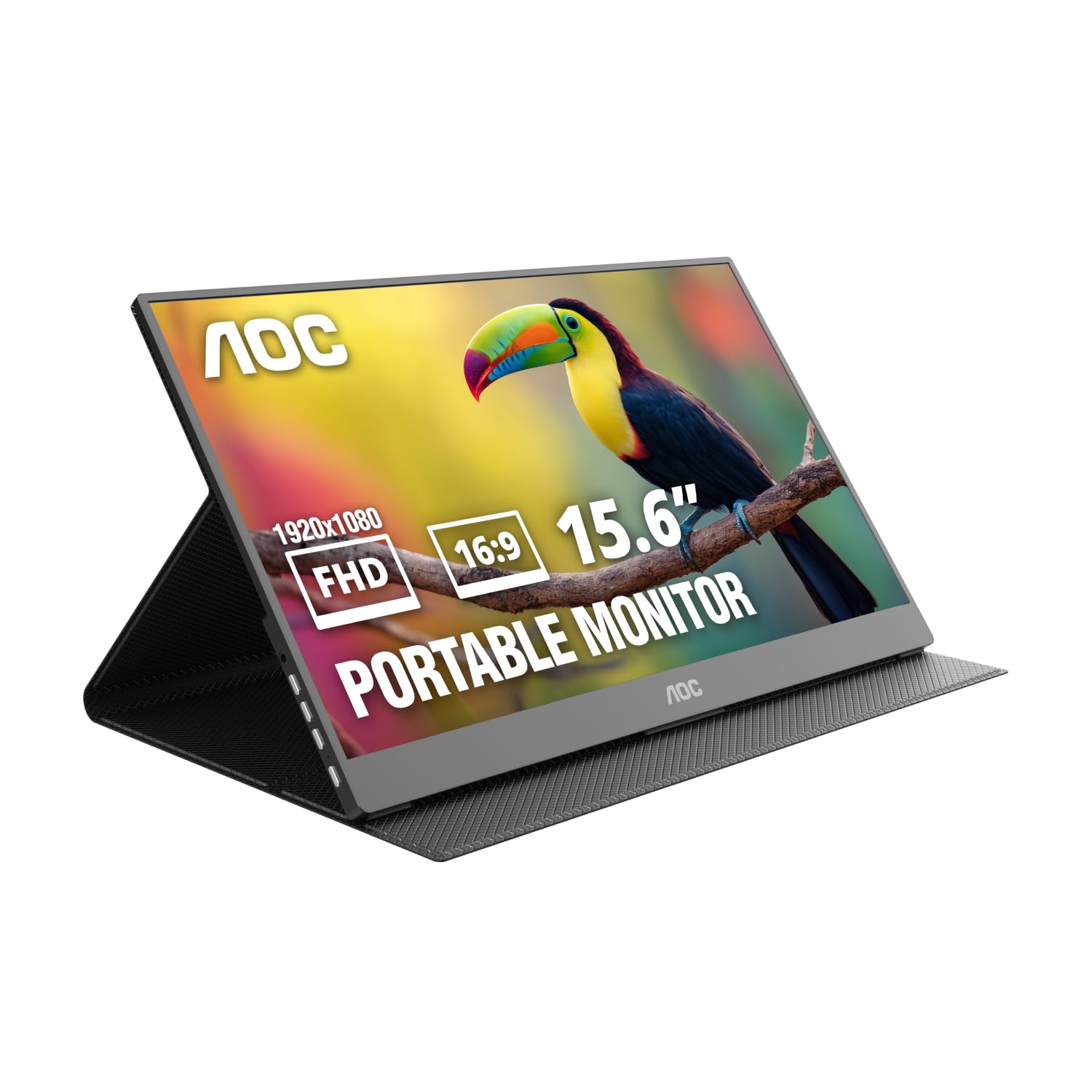
1. AOC 16T20 Portable Monitor
Our pick — 4.5+★ from 850+ verified ratings; the strongest balance of quality and price.
A 15.6-inch 1080p side screen that runs chat, alerts and a spare browser tab off one USB-C cable.
This is the panel that fits the most setups without a fuss. It is a 15.6-inch screen at 1920 x 1080 full HD (1080p means roughly two million pixels across the display), and that resolution matters for chat because every viewer name and emote stays sharp rather than blocky. Text is the whole job here, so a crisp 1080p panel is exactly what you want.
It wins on connectivity. Two USB-C ports plus a Mini HDMI input let the same screen take a laptop, a PS5, an Xbox or a Switch with no drivers to install. Plug in one USB-C cable and your chat window lands on the second display with no drivers to install. An IPS panel (the type of LCD that keeps colours steady when you look from the side) gives 170°/170° viewing angles. Angle the screen toward your seat and you can still read chat clearly at a glance.
Slim and light enough to move between rooms: it is listed at 1.5 pounds and 0.38 inches deep, so it slides into a laptop bag with room to spare. The included smart cover folds into a stand and protects the screen when it is packed away. With 850+ ratings sitting at 4.5+ out of 5, this is the crowd favourite of the group, though the Kado budget option has drawn more ratings overall — this one simply holds the higher score.
Why chat duty suits it
- 1920 x 1080 full HD keeps usernames and emotes readable, not blurry.
- Two USB-C ports plus Mini HDMI cover laptop, phone and console in one screen.
- 170°/170° IPS angles mean chat holds up when the screen is turned toward you.
- Smart cover doubles as a stand and as protection in a bag.
The trade-offs worth knowing
- At 15.6 inches it takes real desk width beside your main monitor.
- No brightness figure is published, so a very bright room is a gamble.
Go for it if: you want one screen that runs chat off your laptop today and a console tomorrow, with no adapter hunting.
Worth a second look: the panel is wide — measure the gap beside your main display before it arrives.
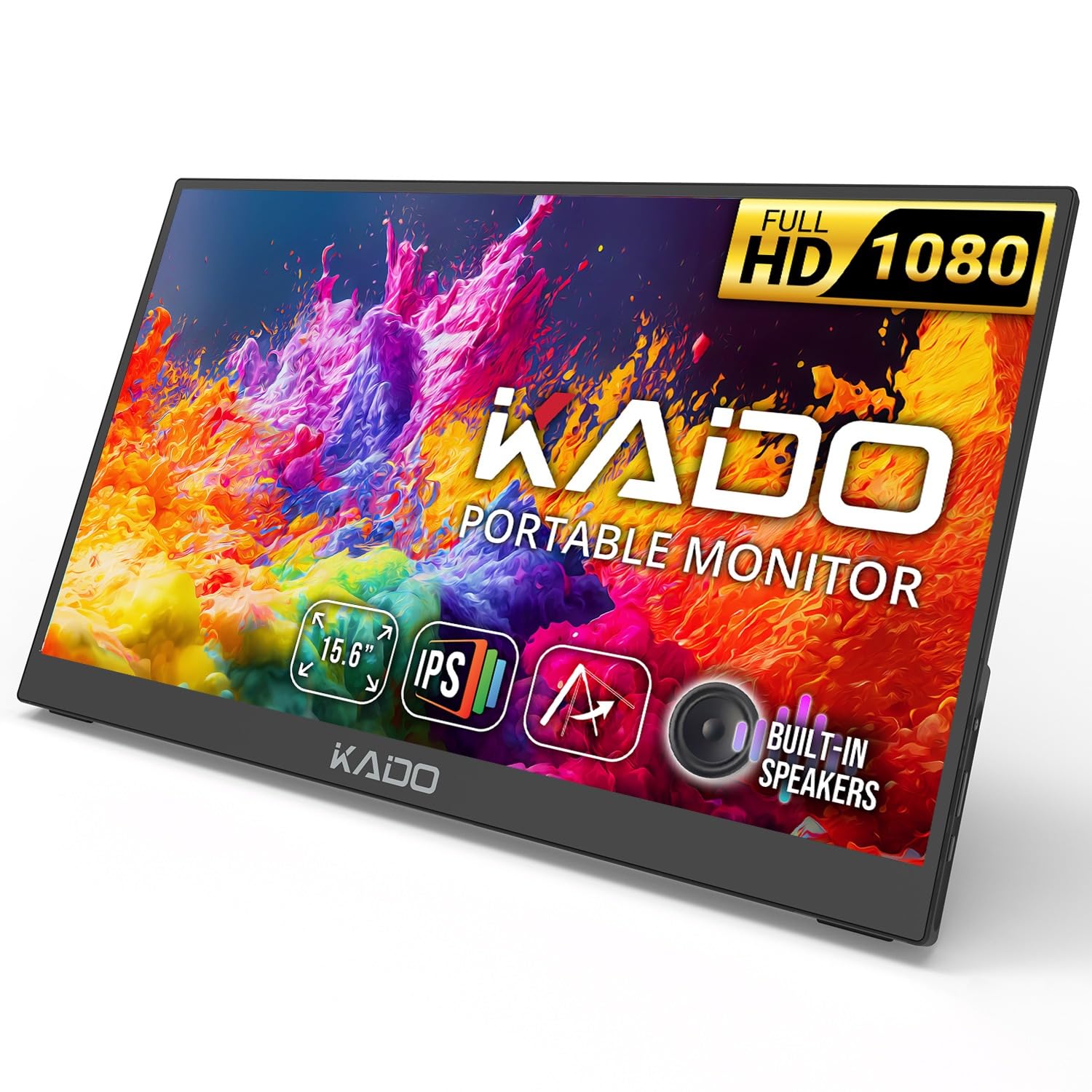
2. Kado 15.6-Inch Portable Monitor
A 15.6-inch 1080p panel with 75x75mm VESA holes that bolts to a monitor arm and lifts chat off the desk.
If your desk is already full, this is the one to look at. It carries a 75x75mm VESA pattern (a standard square of screw holes on the back), so you can bolt it to a monitor arm and lift chat up and out of the way entirely. That is a different approach from a kickstand — nothing sits on your desk at all.
The picture is a 15.6-inch 1920 x 1080 IPS panel with a 2000:1 contrast ratio (how sharply light and dark areas separate). That ratio is double the AOC’s 1000:1 above, so dark chat backgrounds and white text split with more definition. Built-in speakers mean you can hear stream alerts without reaching for headphones, and USB-C reverse charging keeps your laptop topped up while the chat screen runs off the same cable.
For travelling streamers, it is 0.36 inches thick and connects over USB-C in DisplayPort Alt Mode or HDMI to laptops, Macs, phones, Xbox and PlayStation. With 250+ ratings at 4.0+ out of 5, it is a solid, well-liked panel. The honest note: the single USB-C and HDMI setup is leaner than the AOC’s dual USB-C, so a two-laptop desk swap takes a replug.
Where it earns its place: VESA mounting plus reverse charging is the combo that makes it disappear into a permanent streaming desk — arm-mounted chat, laptop powering itself, no cable spaghetti.
The catch: one USB-C and one HDMI is enough for most rigs, but if you hot-swap between a laptop and a console mid-stream you will be reaching behind the screen.
Reach for this if: you already own a monitor arm and want chat sitting at eye level with nothing on the desk.
Look elsewhere if: you need two USB-C devices hooked up at the same time.
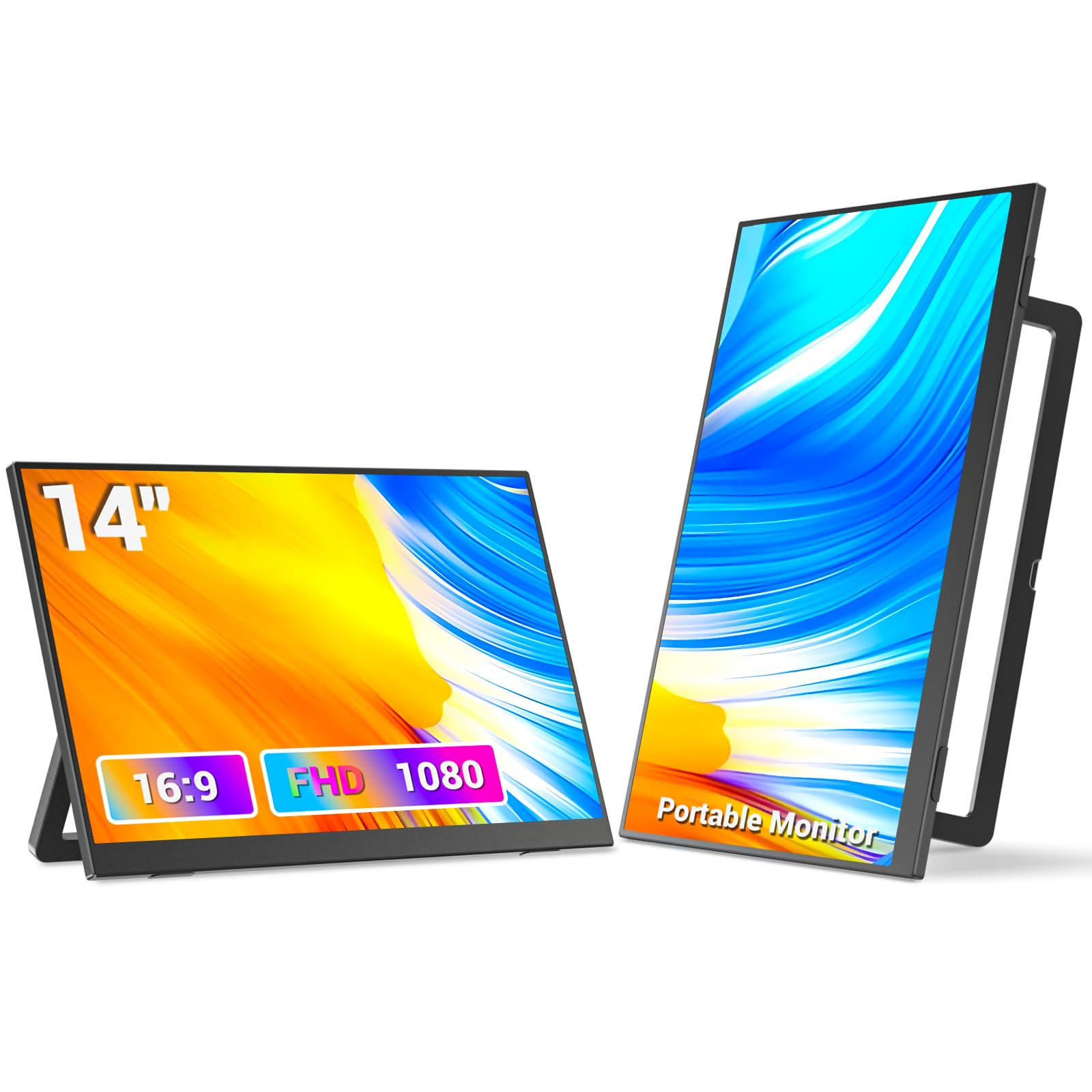
3. Veout 14inch Portable Monitor
A 14-inch 1920 x 1200 panel with taller chat rows and a 180° swivel stand that swings to portrait.
Chat scrolling is a vertical game, and this panel gives you more of it. The screen tops out at 1920 x 1200 rather than 1080p (1920 x 1080), so you get taller rows of chat before anything gets cut off. It is also the most compact full HD option here at 14 inches. A 180° swivel stand lets you swing it portrait — handy when you want a tall, narrow chat column running beside the game.
The brightness figure is published at 300 nits (nits measure how much light the screen throws out), and that is enough to hold chat legible in a normally lit room. It trims to 0.3 inches thin — the slimmest in this group — and weighs in at 1.5 kg as listed. That weight gap is real: the MSI at 0.78kg is roughly half the heft, so the Veout is the one you pack when the bag stays near a desk rather than strapped to your back.
The buyer consensus is warm here — the panel is called light and easy to plug in, with the display clearer than a laptop’s own screen in some cases. One recurring note is that colour accuracy is not editing-grade, so treat this as a chat and productivity screen rather than a colour-critical one. Multi-modes cover Extended, Mirror, Portrait and Picture-By-Picture, all from one USB-C cable.
What makes it a chat favourite
- 1920 x 1200 gives you taller chat columns than standard 1080p.
- 180° swivel stand swings to portrait for a narrow stream chat feed.
- 0.3 inches thin slips into a laptop bag alongside the computer.
What to weigh first
- 1.5 kg is noticeably heavier than the MSI’s 0.78kg if you carry it daily.
- Colours are fine for chat but not tuned for photo or video editing.
Best for: streamers who want a taller, more compact chat screen that travels in the same bag as the laptop.
Think twice if: you commute on foot with the bag on your back every day — the weight shows up eventually.
4. Kado 15.6-Inch 75Hz Portable Monitor
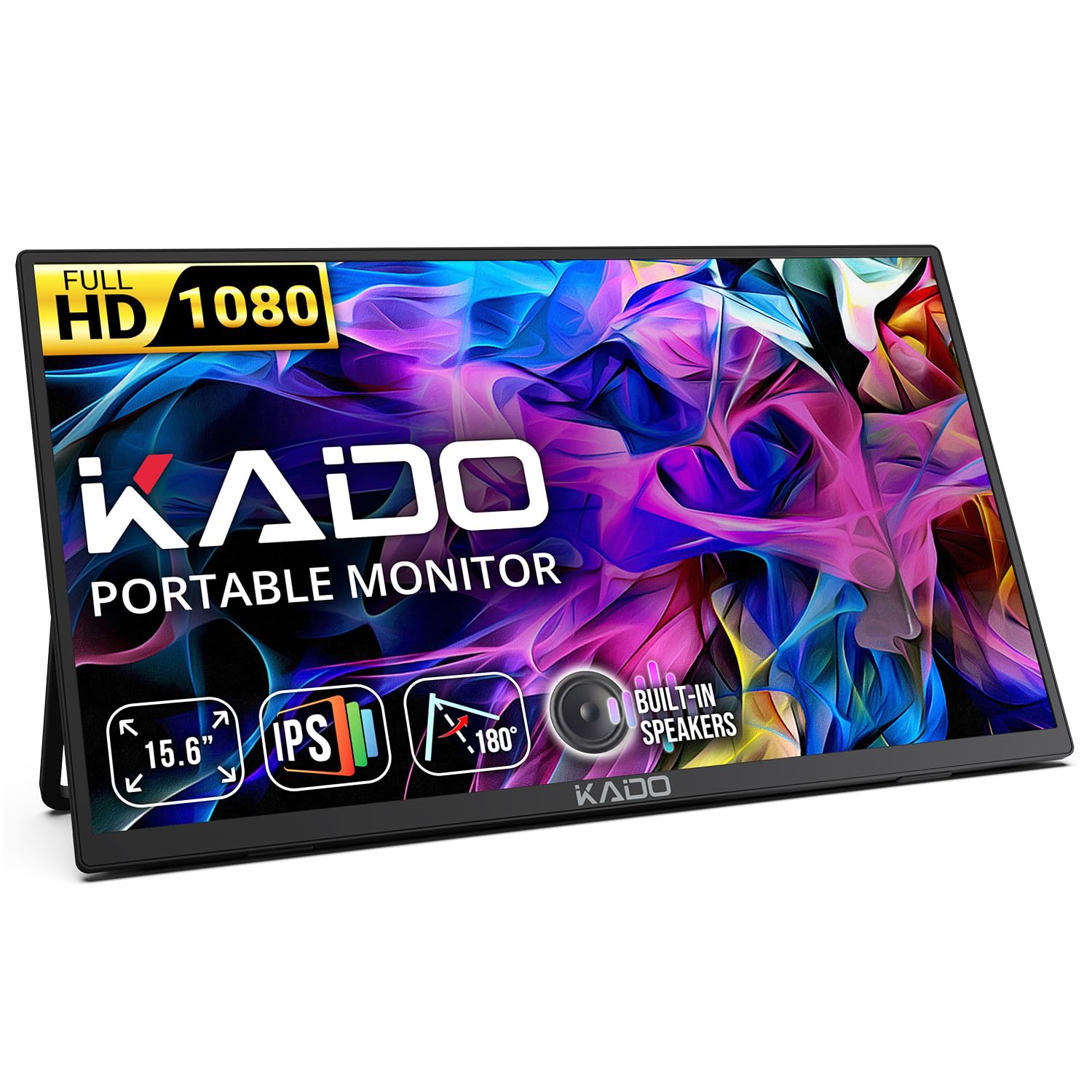
A 75Hz panel that redraws 25% more often than 60Hz, so fast-scrolling chat moves without smearing.
Refresh rate is how many times a second the screen redraws — 75Hz means 75 refreshes every second, and the manufacturer states that is 25% higher than standard 60Hz portable screens. For chat, the payoff is subtle but real: rapid message streams and emote spam move smoothly instead of smearing. The rest of the picture is a 15.6-inch 1920 x 1080 IPS panel with that same 2000:1 contrast ratio, double the AOC’s 1000:1.
Power delivery is the standout spec. It pushes 45W of USB-C reverse charging back into your laptop, so the chat screen does not drain the machine it is helping. A 180° adjustable kickstand flips between landscape and portrait, so you can stand it tall as a narrow chat feed or wide as a full layout. The 100x100mm VESA pattern (the standard screw-hole spacing for monitor arms) takes an arm mount if you want it off the desk. Built-in speakers handle alert pings.
At 650+ ratings and 4.0+ out of 5 this is a well-travelled model. The 45W figure is specific to this unit — the Kado 15.6″ FHD above does not publish a wattage, so if topping up your laptop mid-stream matters, this is the Kado to pick.
Why it beats the slower panels: the 75Hz panel with 45W passthrough is a two-part win — chat moves more cleanly and your laptop battery stops nosediving during long sessions.
Pick this one: when smooth motion and laptop top-up both matter, and you want a single cable to do the heavy lifting.
Not for you: if a plain 60Hz chat readout is all you’ll ever need, the cheaper Kado covers it.
5. MSI Pro MP165 E6 Portable Monitor

A camera tripod socket turns your chat screen into an eye-level floating panel.
Most portable monitors expect a desk. This one has a built-in 1/4-inch tripod mount — the same thread as a camera — so you can screw it onto a tripod and raise chat to exactly eye height, hands free. For a streamer who talks to camera and wants chat in the sight line, that is a genuinely different setup from a kickstand.
It is the lightest 15.6-inch panel in this list at 0.78kg and 1.38cm thick — roughly half the weight of the Veout. The screen is a 15.6-inch Full HD IPS panel at 1920 x 1080 and 60Hz, which sits between the 75Hz Kado and the standard panels. That gives you more screen area than the 14-inch Veout, at 15.6 in versus 14 in. TÜV Rheinland Low Blue Light and Flicker Free certification (a label for reduced blue light and screen flicker) covers long viewing sessions. The Pro MP165 also carries FreeSync (a tech that smooths frame timing in games), though for chat duty the eye-care side matters more.
The build and cable design are what buyers single out. L-shaped cable plugs sit flush against the body so nothing sticks out into your bag, and a protection pouch ships in the box. Quality is the aspect the review pages praise most, with picture quality close behind. One caveat worth flagging: display over USB can be hit and miss with some phones, and Dex-style phone mirroring has been reported not to open — a laptop or console is the reliable route.
Where it shines: a 1/4-inch tripod mount and a 0.78kg body make this the most position-flexible screen here — raise it, angle it, pack it flat.
One honest limit: phone mirroring over USB is not guaranteed, so keep a laptop or console as your chat source.
Great fit for: streamers with a tripod or arm and a laptop or console as the chat source — the mount flexibility is the reason to buy.
Not the pick if: you plan to run chat mirrored off an Android phone over USB-C.
6. Omiodo 10.5″ Portable Monitor with Smart Cover 1280P HDR
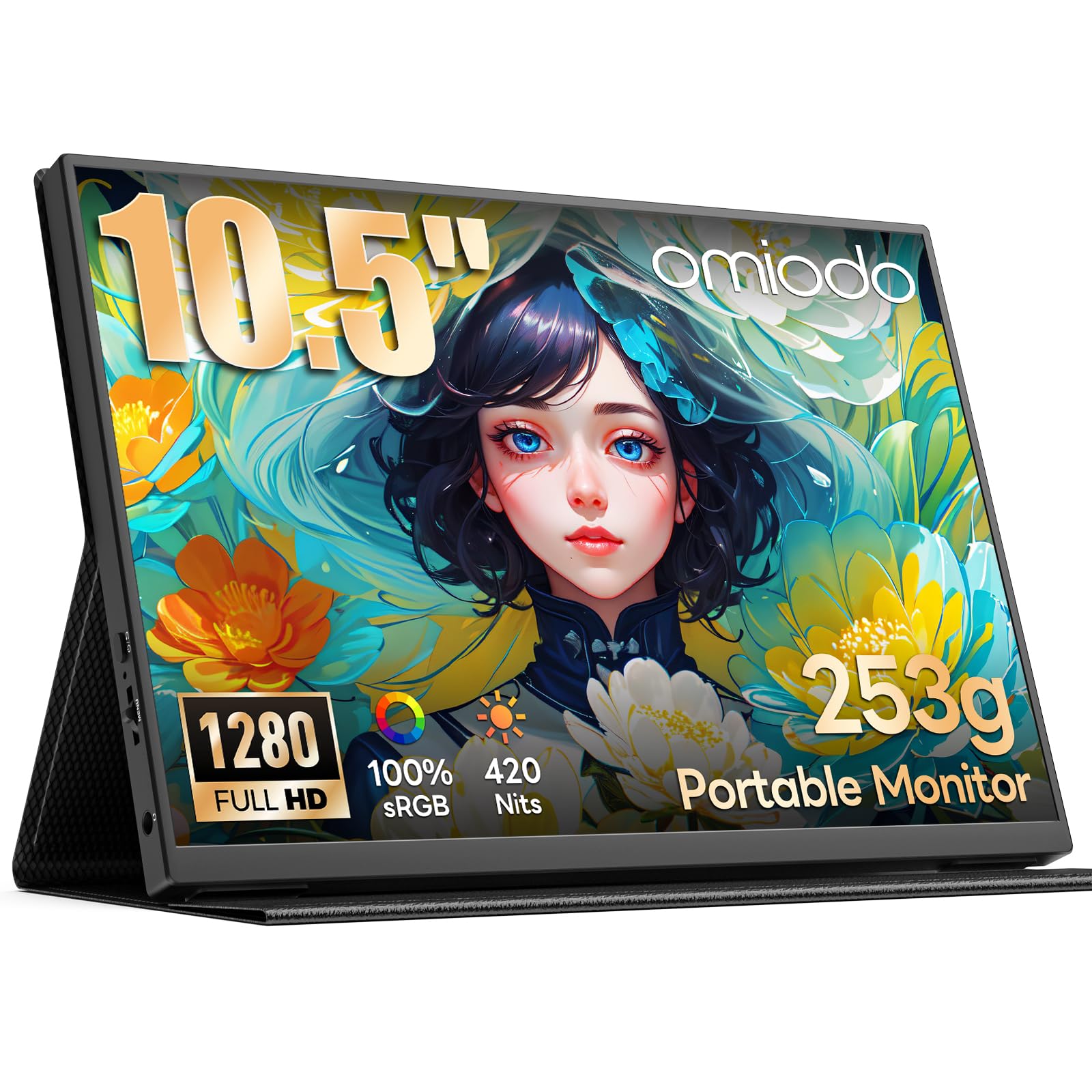
Weighs 253g and hits 420 cd/m², so chat stays readable by a window.
For a panel this small, the numbers are unusual. It is a 10.5-inch screen at 1920 x 1280 with 420 cd/m² brightness — that is 120 nits above the Veout and the ASUS, both rated at 300. In real terms, chat text stays legible when the lamp is on or the blinds are open behind you, which is exactly where dim panels wash out. Full 100% sRGB coverage means the colours are accurate too, so the display holds up beyond chat.
The weight is the other headline: 253g in the listing, light enough to mount on a magnetic stand or tuck under a monitor without sagging. A foldable magnetic cover doubles as a stand, and a built-in speaker gives you a basic audio path for alerts. Single USB-C carries video and power together, cutting the cable count at your desk.
Buyers rate this highly for quality and value, calling out a crisp display and quick setup, but note that the panel runs larger in a bag than its size suggests and one mentions a little heft at times. Treat it as a small-screen that still wants its own slot.
Why it earns its place
- 420 cd/m² brightness beats the 300-nit panels for daytime chat reading.
- 253g lets it mount without a heavy stand or sag.
- 1920 x 1280 resolution keeps text sharp at a small footprint.
Before you commit
- The reported weight in a bag feels heavier than 253g alone suggests.
- At 10.5 inches, long chat columns scroll more than on a 15.6-inch panel.
Best suited to: a bright desk or a laptop bag where weight is the priority and 420 cd/m² keeps chat readable.
Skip if: you want wide chat columns — this one is compact by design.
7. ELECROW 10.1 Inch Touchscreen Monitor
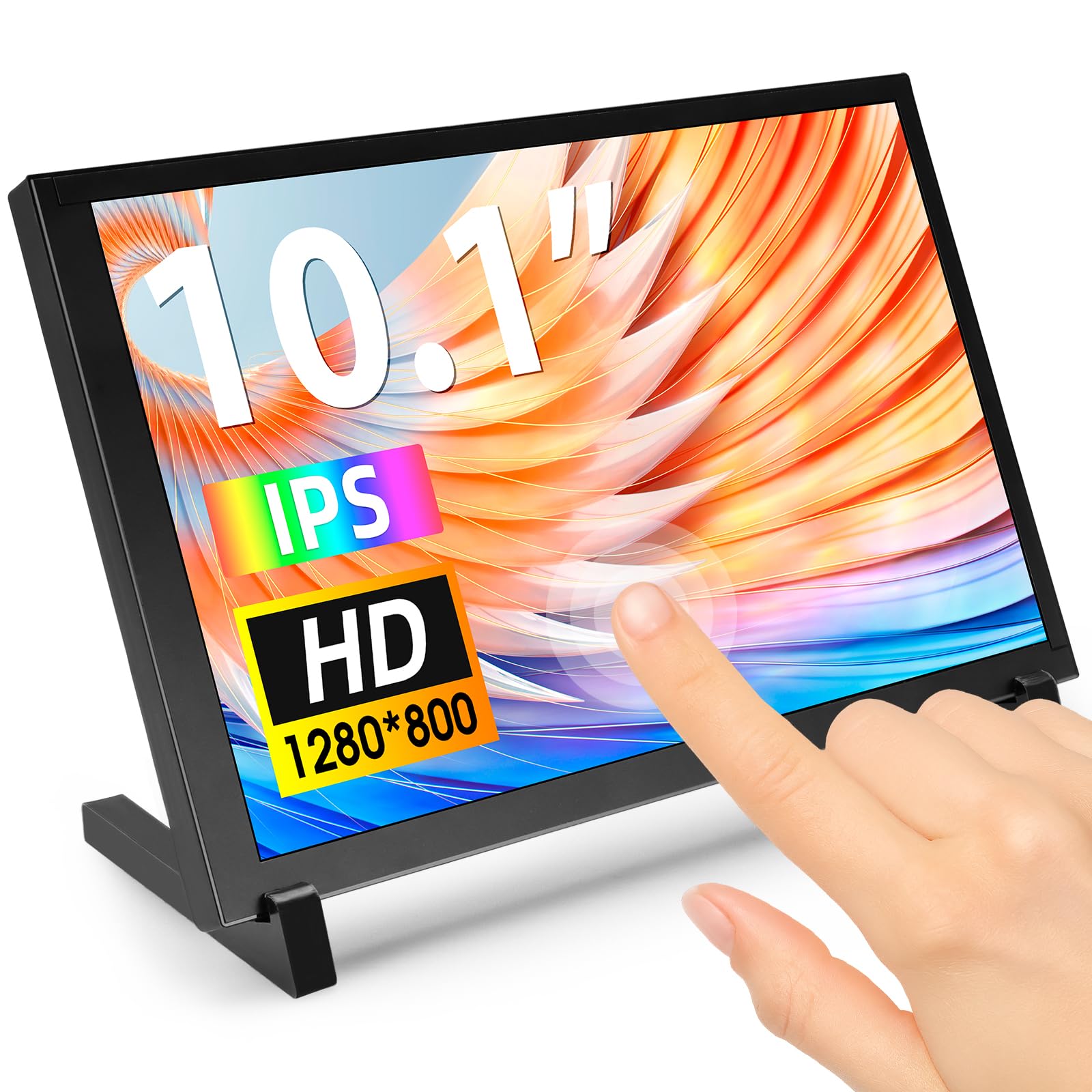
A small touch screen that lets you tap chat commands instead of reaching for a mouse.
This one is for the streamer who wants to interact, not just watch. It is a 10.1-inch 1280 x 800 IPS panel with 5-point touch on Windows 11, 10, 8 and 7, and single-point touch on Raspberry Pi OS, Ubuntu, Kali Linux and Win10 IoT. Twist it as a touch chat controller by day, and a Raspberry Pi stat display by night.
The physical build is built for mounting: 4 screw holes on the back let you wall-mount it or stack it against a Raspberry Pi or other single-board computer, and a protective acrylic case guards the screen. It weighs 521g in the listing, and that is the honest weight you’re dealing with — heavier than the Omiodo at 253g, but with a touch layer and metalwork to show for it. Video comes over HDMI and touch over USB, so it is a two-cable setup rather than one.
Touch responsiveness and display quality are the two things buyers praise most here, with the screen called exactly as described and the resolution noted as excellent for its size. Chat via Discord on the same monitor is a use that turns up in reviews and works well. Watch the brightness: it is 250 cd/m², the dimmest in this group, so a bright room dims the chat text.
The reason to pick it: 5-point touch on Windows turns your chat window into something you tap — quick moderation, jumping between channels, no mouse trip.
Reality check: at 250 cd/m² it’s the dimmest screen here, and touch runs over a separate USB cable, so your desk gains one more lead.
Choose this if: tapping chat and poking a Pi dashboard is part of your workflow, and your room light stays moderate.
Look past it if: you need a brightly lit room and only ever need a passive chat readout.
8. ASUS ZenScreen MB169CK 15.6 Inch 1080p Portable Monitor
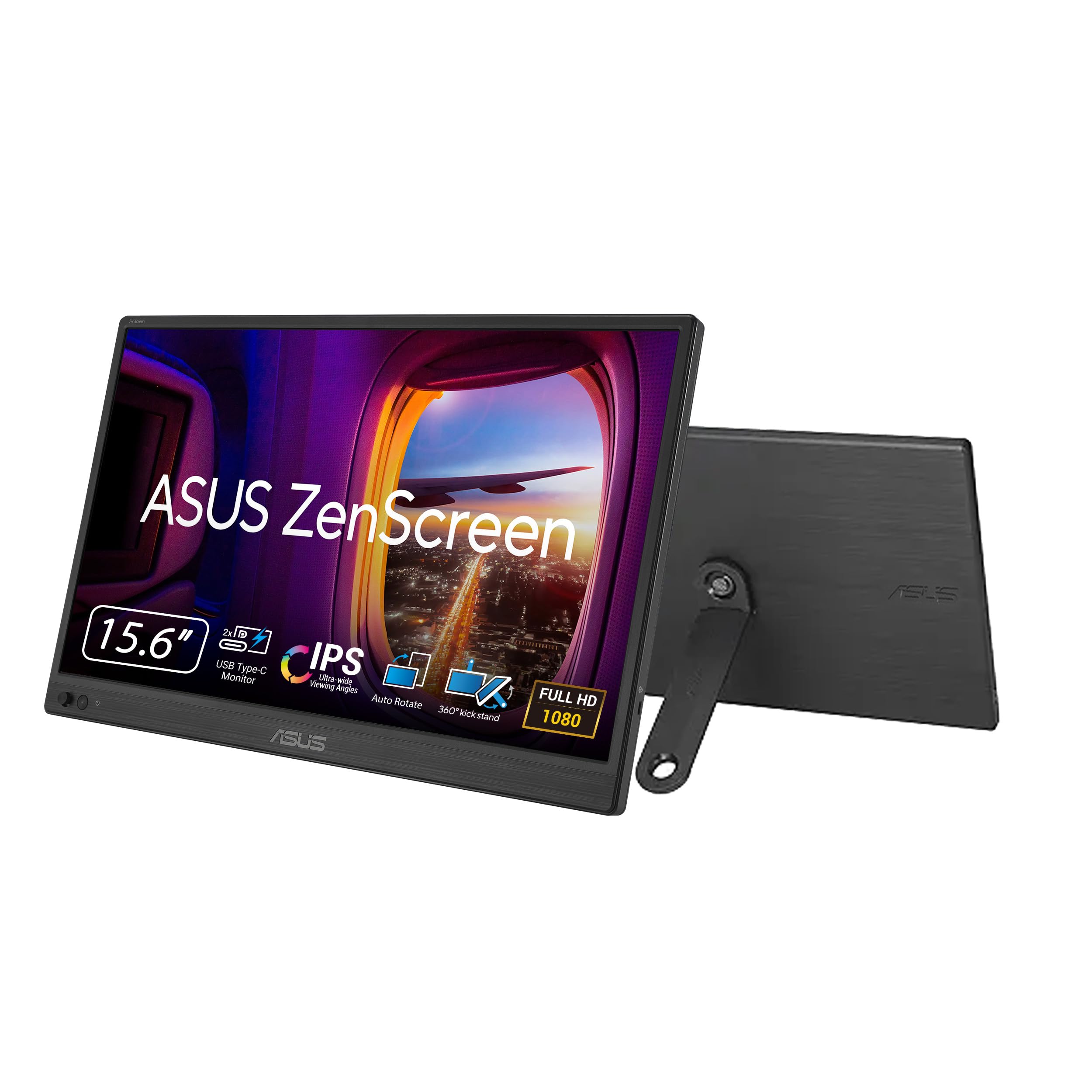
Anti-glare coating kills desk reflections so chat stays clean under any lamp.
A glossy screen turns your ceiling light into a bright smear across the chat. This ASUS fixes that with an anti-glare finish on a 15.6-inch 1080p IPS panel, so a desk lamp or window glare doesn’t wipe out the text. It carries 300 nits brightness, and the 360 kickstand plus tripod socket let you angle it wherever the glare isn’t.
The build is the slimmest of the 15.6-inch group at 11.8mm thin and 0.78kg — a travel-friendly weight that matches the MSI. It runs on a single USB-C cable for power and video, keeping your desk clean. Auto-Rotate software flips between portrait and landscape so a narrow portrait chat column is one adjustment away, and eye-care features (flicker-free and low blue light) help during long late sessions. A three-year warranty with advanced replacement is a longer coverage term than the other picks describe.
Buyers report a split on this one. Picture quality draws praise, while brightness and resolution get mixed marks. Durability is the weakest note — owners mention an occasional unit feels flimsy, and one arrived with a stiff included cable. With 300+ ratings at 4.0+ out of 5 it is still well-liked. Pick it for anti-glare or warranty, not for a bright room.
Its edge: anti-glare coating plus a 3-year warranty make it the screen to trust on a glare-prone desk over the long haul.
Where it gives ground: 300 nits is modest and durability is the recurring gripe — handle it like the thin panel it is.
The right call if: reflections are wrecking your chat readability and you want longer warranty coverage.
Pass if: you need a bright, rugged screen — this one trades brightness for the anti-glare coat.
9. KOGODA 10.25″ Stretched Bar Monitor, Mini Touchscreen for PC
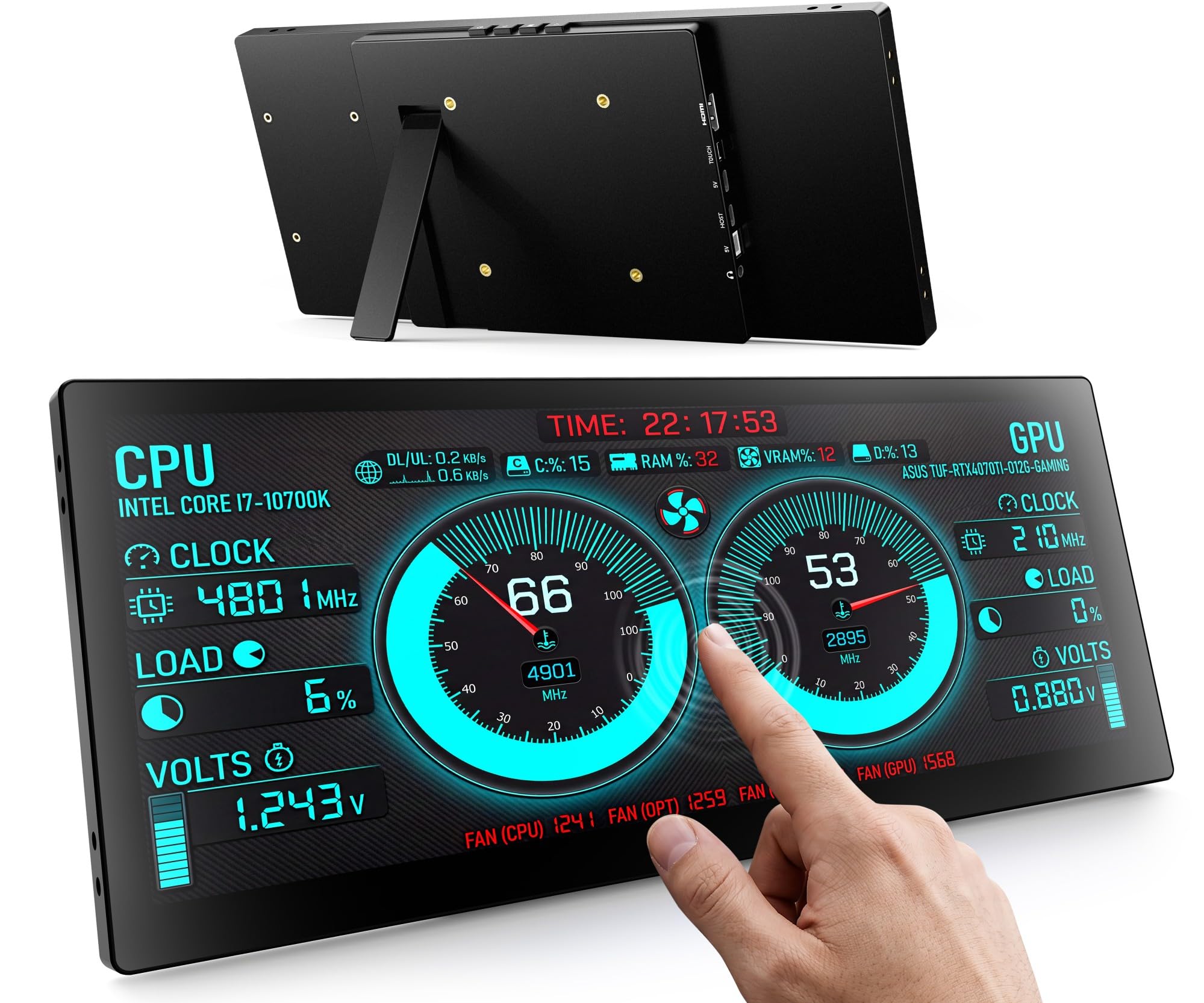
A wide, short bar screen that parks chat in a strip under your main display.
This one is built differently from everything above. Instead of a 16:9 rectangle, it is a 10.25-inch stretched panel at a 65:24 aspect ratio (a long, narrow strip shape) at 1920 x 720. It sits under or beside your main monitor without taking up a full screen’s space. That shape is made for a chat feed scrolling in one tidy band across your desk edge.
The panel is an IPS unit with 400 nits, 16.7M colours, 1000:1 contrast and 178° viewing angles, and it supports 5-point touch for tapping. An anodized aluminium body resists scratches and fingerprints, and the 85° rotating stand hides inside the back with a magnet. One full-feature USB-C cable carries video, touch data and 5V power together, though HDMI and DC 5V are there if you need them. There is also a free Windows utility that returns your cursor to the main screen after you tap the bar — handy when you’re poking chat mid-game.
Screen quality is the top praise here, with reliability close behind — buyers call it sharp, plug-and-play solid, and vivid indoors. The recurring caveat is brightness: it tops out under USB power, so it’s a dim-room screen rather than a sunlight one.
What a bar screen does well
- The 65:24 shape fits chat in a strip without eating a full 16:9 slot.
- Single USB-C runs video, touch and power together.
- Built-in cursor-return utility keeps taps from dragging your mouse off the main screen.
Where it stops short
- Brightness tops out under USB power, so it’s a low-light screen.
- The 1920 x 720 resolution means less vertical detail than a standard 1080p panel.
Perfect when: you want a chat strip tucked under the main display and will tap it to moderate, in a dim-ish room.
Think again if: your stream room is bright — this panel’s brightness is capped by its USB feed.
Know the Specs
Brightness (nits or cd/m²)
Brightness measures how much light the screen pushes out, written as nits or cd/m² (they mean the same thing here). A higher number keeps chat text readable when a lamp or window is behind you. The range in this list runs from 250 at the dim end up to 420, so match the figure to your room.
Contrast ratio
Contrast is the gap between the brightest white and the darkest black, shown as a ratio. Chat lives on a dark background with light text, so a higher ratio (2000:1 versus 1000:1) keeps the white letters cleaner against the black. It rarely affects colour, but it does affect glare-free legibility.
Refresh rate (Hz)
Refresh rate is how many times a second the screen redraws. 60Hz is standard; 75Hz redraws more often, so fast-scrolling chat and alerts look smoother. If your chat moves quickly or you mirror gameplay, the higher figure helps.
USB-C DisplayPort Alt Mode
This is a USB-C port that can carry video as well as power, so one cable feeds both the screen and your laptop. It cuts cable clutter at your desk. Look for reverse charging too — a wattage figure like 45W tells you how much it can send back to your laptop.
Resolution and aspect ratio
Resolution is the pixel count; 1920 x 1080 is a wide 16:9 rectangle, while 1920 x 1200 is taller for more chat rows. A bar screen at 1920 x 720 is a long, narrow strip. Match the shape to where you want the screen to sit.
Mounting: VESA, stand and tripod
A kickstand covers desk use. VESA holes (a screw pattern such as 75x75mm or 100x100mm) fit a monitor arm. A 1/4-inch tripod socket lets you screw the panel onto a camera tripod for eye-height chat. Choose the mount that fits your setup before you commit.
Common Questions
Will a small portable monitor work as a Twitch chat screen?
Does a 15.6-inch screen take too much desk space for chat?
Do I need a touchscreen to moderate Twitch chat?
Can I run chat off my phone on these monitors?
What is DisplayPort Alt Mode and why does it matter for a chat screen?
Is 75Hz better than 60Hz for scrolling chat?
Do these monitors have speakers for stream alerts?
What brightness do I need if a window is behind my desk?
Can I mount one of these on a monitor arm or tripod?
Do portable monitors draw power from my laptop?
The Bottom Line
For most streamers, the small monitor for twitch chat worth buying is the AOC 16T20. It is a 15.6-inch 1920 x 1080 IPS panel with dual USB-C and Mini HDMI, a smart cover stand, and the highest score of the group at 4.5+ out of 5. Want chat floating on an arm? Grab the Kado 15.6″ FHD with its 75x75mm VESA mount and reverse charging. For a chat strip tucked under your main display, reach for the KOGODA 10.25″ Bar. The pull toward that top AOC is real — the higher score with hundreds of ratings behind it says most people get on with it fine.
How we choose
We do not accept paid placement. Every pick is matched to a real buyer and a real use-case; we do not hands-on test units.
Sources
Specifications: manufacturer listings and product documentation. Review insights: verified customer reviews, as of November 2026. Pricing: not shown on this page (it changes often); check the current price via the retailer link.
As an Amazon Associate, Tactical Gear Guy earns from qualifying purchases. This does not affect which products we feature.