Specs are compiled from manufacturer listings and verified buyer reviews and can change over time — please confirm the key details on the product page before buying.
If you are buying a screen to advertise, inform, or queue-manage inside a shop, salon, clinic, or showroom, the quick answer is this: you want a panel built to run all day, not a living-room set that shuts down features you need. The picks below are all in the small-screen band, roughly 24 to 50 inches, and they split into two clear camps — consumer smart TVs that stream anything and commercial signage displays that run 16 hours a day. One honest note before you scroll: this list uses flexible, human-like matching for that small-screen band, so not every pick is the exact number or spec you searched. The nearest same-type size serves the same purpose, and we flag where it matters.
This guide is built by comparing the manufacturers’ published specifications and the patterns across verified customer reviews, so you get each pick’s real strengths and trade-offs instead of marketing spin.
From a Roku-powered QLED that livens up a waiting room to Samsung commercial panels with signage software built in, here is the real shortlist for a small business TV.
Top Picks


How To Choose The Best Small Business TV
A screen behind the counter has a different job than the one in your living room. It has to stay readable under shop lighting, show the same menu or promo for months, and not demand a streaming subscription just to display a poster. Getting the choice right starts with three questions: how many hours a day it runs, what you need on the screen, and how bright the room is.
Duty rating: 16/7 operation versus living-room use
Commercial displays list an operating duty cycle, and you will see 16/7 on several picks here — that means 16 hours a day, 7 days a week. A signage panel built for that rhythm is the safer bet for a shop that opens early and closes late. A consumer TV that streams everything is fine for shorter trading hours, but check the duty figure before you leave it on from open to close.
Built-in signage software versus a streaming app
Commercial panels often ship with a signage player built in, so you upload images and videos and the screen loops them without a laptop tethered to it. Consumer smart TVs stream apps instead — great for a waiting room that wants news or music videos, less useful if you need a scheduled promo rotation you can update from a phone.
Brightness, glare, and where the screen sits
Brightness is measured in nits, and it decides whether your screen washes out near a window. You will see 250 nits and 300 nit panels in this group. If the screen faces direct daylight, a matte or anti-glare finish matters as much as the nits — one pick here carries an anti-glare screen specifically for that reason. In a dim interior, a standard consumer panel reads perfectly well.
Ports and app support: read the fine print
Check the HDMI count and whether the panel is locked to limited apps. Some commercial sets support only YouTube from the start and need an external media player for Netflix or Prime Video. If your plan is to stream popular services, confirm that before you buy; if your plan is signage, the built-in player and port count matter far more than app store access.
Side-by-Side Comparison
| Model | Best For | Screen Size | Panel Type / Resolution | Refresh Rate | Amazon |
|---|---|---|---|---|---|
| TCL 43-Inch R7D Series QLED Roku TV★ Best Overall | Streaming-savvy front desk or waiting room | 43 inches | QLED, 4K UHD | 60 Hz | Amazon |
| FPD 43 Inch 1080p Smart Android TVBest Value | Budget-friendly streaming and casting | 43 inches | LED, 1080p Full HD | — | Amazon |
| TCL 43-Inch F7D Series QLED Fire TVSmart Home Pick | Alexa-run smart home and streaming hub | 43 inches | QLED, 4K UHD | 60 Hz | Amazon |
| Samsung 43” 4K BEFX-H Business Pro TV | CMS-managed signage in a small shop | 43 inches | LED, 4K UHD | 60 Hz | Amazon |
| Samsung 43-Inch BE43T-H Pro TV | Long-hours signage with wide viewing | 43 inches | LED, 4K UHD | — | Amazon |
| Samsung 43” QET Series LFD Display | Multi-location signs with remote management | 43 inches | LED, 4K UHD | — | Amazon |
| LG 43UR640S9UD 43″ Smart LED-LCD TV | Fast-refresh 4K with hotel-style controls | 43 inches | LED, 4K UHD | 120 Hz | Amazon |
Detailed Reviews
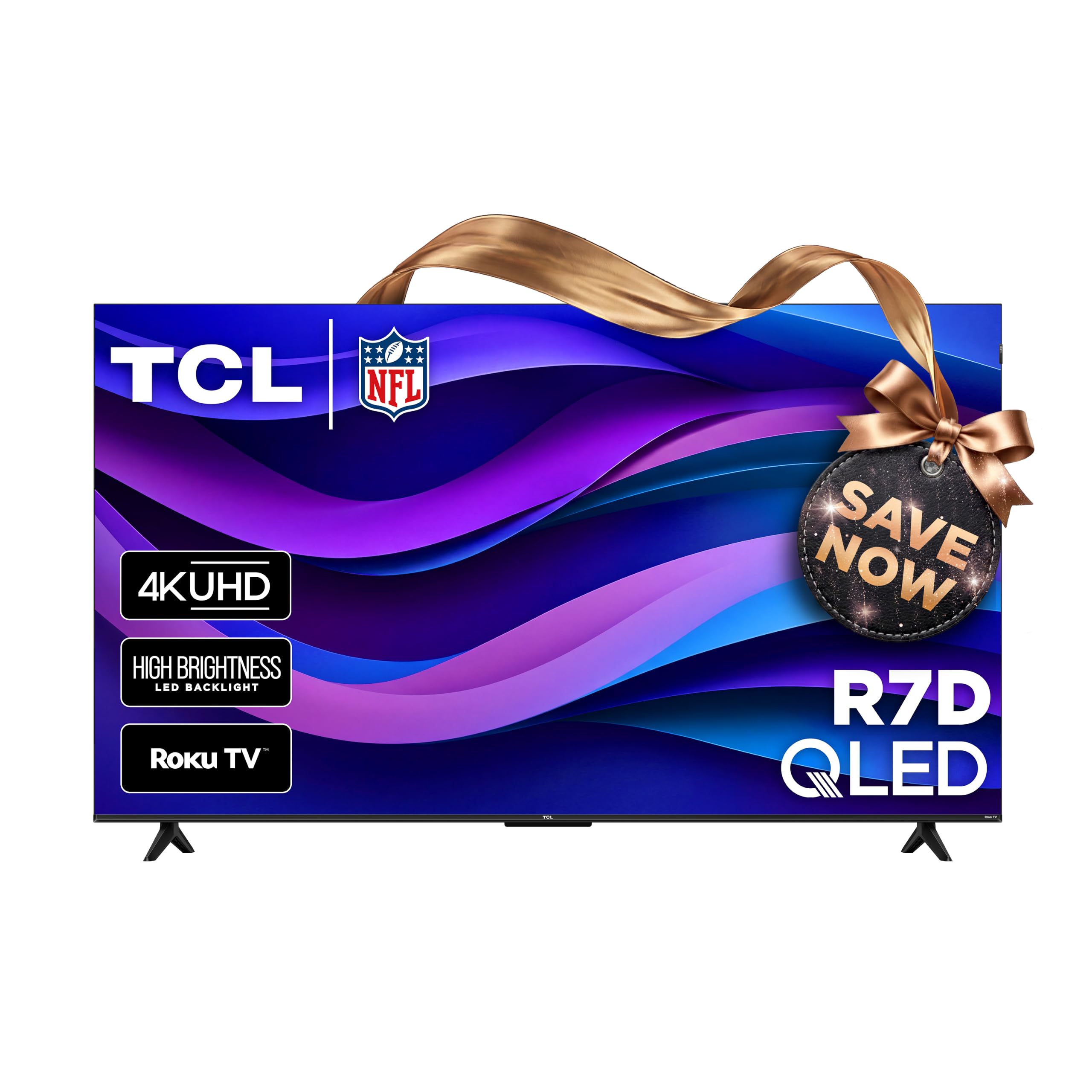
1. TCL 43-Inch R7D Series QLED 4K UHD HDR Smart Roku TV, 43R7D
Our pick — 4.5+★ from 90+ verified ratings; the strongest balance of quality and price.
The one that turns a plain front desk into a proper display without a streaming box in sight.
If your shop has a screen that needs to do double duty — promo loop in the morning, news channel in the quiet hour — a Roku-powered QLED is the simplest path. The 43-inch screen carries a 4K UHD panel (3840×2160 pixels, the high-resolution format that keeps text and product photos crisp up close), and it accepts every common HDR format: HDR10, HDR10+, and HLG. In plain terms, HDR keeps text and product photos bright and saturated rather than flat.
Speed of motion is handled by Motion Rate 240 with MEMC (a processing feature that smooths fast movement), so a sports highlight or looping action video doesn’t judder across the screen. The Roku home screen puts live local news, sports, and free channels on one grid — no separate streaming box required, which matters when the TV is tucked behind a counter. Connectivity is where this pick genuinely leads: it offers 3 HDMI inputs against the Samsung BE43T-H Pro TV’s 2, so you can leave a soundbar, a console, and a signage player plugged in at once without swapping cables. Contrast it with the LG’s 120 Hz refresh, though — the TCL runs at 60 Hz, which is plenty for static signage but a step behind for fast gaming.
What wins people over is the build quality — it draws more positive feedback than any other trait on this set — with the picture quality close behind. Setup is consistently described as quick, and the slim metal FullView bezel keeps the screen nearly edge to edge so it looks clean on a wall. The honest trade-off is reliability: feedback there is genuinely split, with plenty of sets running flawlessly alongside some odd hiccups such as a remote that stops responding. That’s why this one makes the most sense for a shop with short trading hours and a streaming plan, not as a panel you leave lit 16 hours a day.
The case for the R7D
- 3 HDMI ports (including ARC/eARC) let you stack a soundbar, console, and player at once — one more than the Samsung BE43T-H
- Roku smart OS streams live news, sports, and free channels with no extra box
- Works with Amazon Alexa, Google Home, and Apple HomeKit, plus Google Cast and AirPlay 2 for phone-to-screen mirroring
- Motion Rate 240 with MEMC smooths fast sports and action
What to weigh first
- Reliability feedback is split — some sets have minor faults like an unresponsive remote
- 60 Hz refresh falls short of the LG’s 120 Hz for rapid gaming
- No built-in signage player, so a promo loop means a streaming app or an external device
Reach for this if: you want a sharp 4K streaming screen for a waiting room or counter with flexible hours.
Look elsewhere if: you need a display rated for 16-hour daily signage duty with a scheduled promo loop.
2. FPD 43 Inch Smart Android TV
A budget Android screen that casts anything you send it — if you can live with the reliability question.
The Android TV operating system gives you the usual app grid, and Google Cast sends content straight from your phone or tablet to the screen.
Setup is the strong suit here — reviewers consistently describe it as quick to get running, and the Android interface is familiar if you have ever used a Google-powered TV. Picture quality lands well too, with most feedback positive. The honest picture is more complicated on quality and value, where opinions split fairly evenly, and reliability is the genuine weak spot: a recurring pattern in the feedback is a unit that quits after about an hour of use. That makes it fine for a break-room screen or a light-duty front counter, risky if the set is your sole sign all day.
Ports and casting are decent for the tier, though connectivity feedback is mixed too, so keep a cable backup handy if the Wi-Fi in your unit is weak. What it does well is put a big, castable Android screen in a small business for a light spend — the trade-off is you should buy it expecting to lean on a warranty if you draw a faulty one.
Where it earns its keep: Cast-from-phone convenience and a 1080p picture that holds up in close quarters, at the lowest tier in this group.
The catch to size up: Reliability is the recurring concern, with some units stopping within about an hour — a real risk if this screen is your main customer-facing display.
Best suited to: a break room or secondary counter where casting is more important than uptime.
Think twice if: the screen is the only sign your customers will see all day.
3. TCL 43-Inch F7D Series QLED 4K UHD HDR Smart Fire TV, 43F7D
An Alexa-run 4K QLED that manages your lights as easily as it plays your promo reel.
Where the Roku-powered R7D is a streaming-first screen, this F7D hands the controls to Alexa and leans harder into smart-home duty. Quantum Dot QLED technology, which is a layer that widens the range of colors the screen can show, delivers over a billion shades across a 43-inch 4K panel. It supports every major HDR format — Dolby Vision, HDR10+, HDR10, and HLG — so your product shots and video look accurate whichever format they arrive in. On the audio side, Dolby Atmos and DTS:X support gives you broader soundbar compatibility than most sets in this band.
For a shop with connected lighting or cameras, the practical win is that this screen isn’t locked to one ecosystem. Alexa, Apple AirPlay 2, and Apple HomeKit all work, so you can pull up security camera feeds, dim the lights, and play a promo loop from the same remote. Motion Rate 240 with MEMC keeps fast sports and action smooth, and Auto Game Mode with an on-screen Game Bar makes tuning a console quick if you keep one behind the counter.
The honest weak spot is sound. Audio quality draws more criticism than anything else on this set — owners describe it as thin — so plan on adding a soundbar, which the 3 HDMI inputs make easy to keep wired. Quality and picture both get strong marks overall, though reliability is split like its R7D sibling. All told, this is the sharper pick if your business runs on Alexa; the built-in speakers are the part you will likely replace first.
Why it fits a smart shop
- Alexa, Apple HomeKit, and AirPlay 2 — view cameras and lights from the screen
- Dolby Vision and HDR10+ work alongside Dolby Atmos and DTS:X for wide compatibility
- Auto Game Mode and Game Bar simplify console setup
- Quantum Dot QLED shows over a billion shades
Room for improvement
- Built-in audio is thin — a soundbar is worth budgeting for
- Reliability feedback is mixed, so keep the warranty handy
- Connectivity is occasionally described as dropping off streaming services
Ours to recommend if: your shop already runs on Alexa or HomeKit and you want a 4K screen that fits the routine.
One caveat: the speakers are the weakest link, so factor a soundbar into the plan.
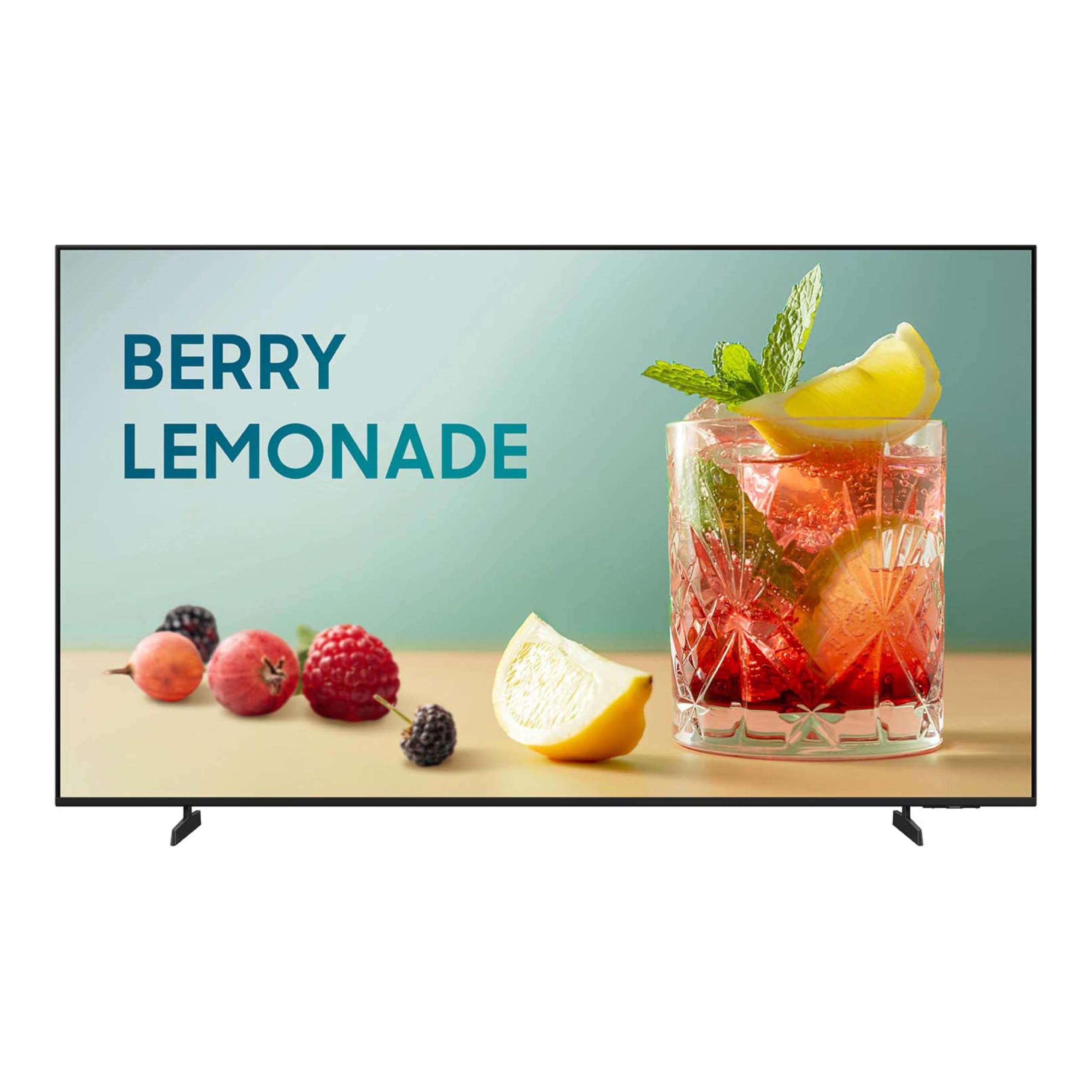
4. Samsung 43” 4K BEFX-H Business Pro TV
Built to run store promos on a schedule, not to stream movie night.
Strictly speaking, this is the one on the list sold as a digital signage display first and a TV second. The 43-inch 4K UHD panel brings High Dynamic Range for deeper contrast, and the brightness is listed at 300 nit — brighter than the Samsung BE43T-H Pro TV’s 250 nits, which gives it an edge in a space with more ambient light. The 3-side bezel-less design lets it sit flush on a wall or a shelf without a heavy black border pulling the eye away from your content.
What separates it from a consumer set is the management layer. It works with Samsung’s Visual eXperience Transformation (VXT), Samsung Knox security, the Samsung Business TV App, and SmartThings Pro — all tools that let you create, schedule, and secure on-screen content from one place. For a shop selling seasonal promos or in-store merchandise, that means you update the display from a phone instead of plugging in a laptop. Built-in memory holds a power cable, remote, and stand, and control is by app or remote.
Here’s the honest part: this is the newest Samsung in the list and it comes with the least review history, so you are buying a bit more on spec than on a proven track record. Nothing in the available feedback flags a particular fault, but with a small sample size that silence is not the same as a guarantee. What you can count on is a commercial-tuned display with 300 nits — 50 more than the BE43T-H — and a deeper signage toolkit.
Where the value sits: 300 nits of brightness and a CMS-compatible management suite in one flush-mount 4K panel — the signage-minded answer to the cheaper BE43T-H’s 250 nits.
What to plan around: The track record is short, so treat this as a spec-driven buy and confirm the signage software you need is supported before you commit.
Reach for this if: you want a brighter commercial panel with Samsung’s content-management tools built for promo rotation.
Look elsewhere if: you need a long, well-documented ownership history before you spend.
5. Samsung 43-Inch BE43T-H Pro TV

The workhorse for shops that stay open late — a commercial panel rated to run 16 hours a day, 7 days a week.
This is the pick that answers the uptime question head-on. Samsung lists it for 16/7 operation, meaning 16 hours a day, 7 days a week — the kind of duty cycle a bakery or barber shop needs when the sign has to stay lit from dawn until closing. The 43-inch Crystal UHD panel is four times the resolution of Full HD, so product shots and price boards look smooth and accurate. Brightness sits at 250 nits, which reads well indoors but is the lower figure next to the BEFX-H’s 300 nit panel.
Managing it from a phone is the everyday convenience: the Samsung Pro TV app walks you through setup and lets you build and schedule content without extra hardware. Ports include 2 HDMI, 2 USB, and RF antenna inputs, with Wi-Fi 5 and Bluetooth on board. The catch you must read before buying: this is a commercial-grade set that only supports YouTube from the start — for Netflix or Prime Video you would need an external media player. If your plan is signage, that is fine; if your plan is streaming, it isn’t the right screen.
The picture is the bright spot, described with real enthusiasm as vivid and true to color. Reliability and compatibility are the split areas — LED failures, random video blackouts, and a handful of units arriving physically damaged turn up in the feedback, and the app restriction catches some buyers off guard. The takeaway: run it as a dedicated signage panel driven by the Pro TV app, not as a general-purpose smart TV.
Where it stands out
- Rated for 16/7 operation — built for all-day trading hours
- Samsung Pro TV app builds and schedules content without extra hardware
- 2 HDMI, 2 USB, and RF inputs plus Wi-Fi 5 and Bluetooth
- Crystal UHD panel at 4X Full HD resolution with vivid color
The trade-offs
- Limited to YouTube natively — Netflix and Prime need an external player
- 250 nits is the dimmer of the two Samsung Pro-class panels here
- Reliability reports include LED failures and video blackouts
Ours to recommend if: your sign runs long hours and loops content you schedule from a phone.
One caveat: expect to add a media player if you also want mainstream streaming apps.
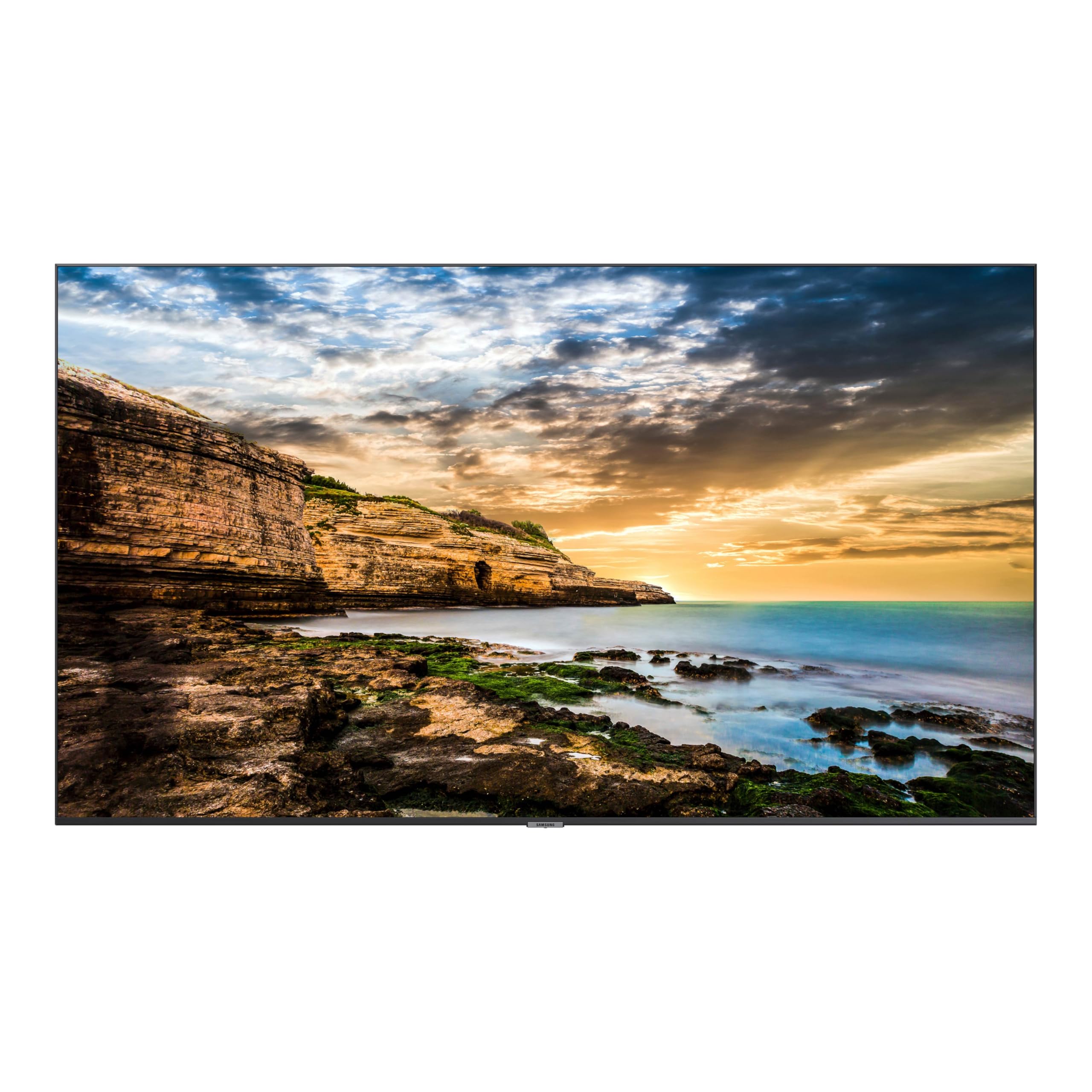
6. SAMSUNG 43” QET Series LFD Display
The multi-location answer: a signage panel that manages itself and carries a 3-year onsite commercial warranty.
If you run more than one screen or more than one site, the QET Series is built for exactly that. The integrated MagicINFO Lite Player loops on-demand or pre-scheduled images and videos without a laptop tethered to it, and a connection to the MagicINFO server lets you monitor and manage multiple displays from one place. The Crystal 4K processor and UHD resolution keep the content sharp, with a listed 8ms response time — a quick figure that keeps motion clips clean — and 300 cd/m² brightness paired with a 4000:1 contrast ratio.
Two details make it a natural fit for a shop that can’t afford downtime. It carries a full 3-year onsite commercial warranty and is rated for 16/7 operation, so it is meant to run through the trading week without complaint. An anti-glare screen cuts reflections if the panel faces a window, it is wall-mountable with pivot adjustment, and built-in speakers save you a separate audio run. The super-slim bezel keeps a multi-screen wall looking tidy.
Display quality is what people single out here, with reliability close behind, and both hold up well. Picture quality is the mixed area — some see a crisp image, a few report visual defects such as dark marks on the panel. Given the 3-year onsite warranty and MagicINFO server support, this is the pick when managing content across locations matters more than the lowest spend.
Why multi-site owners lean in
- MagicINFO Lite Player loops scheduled content with no external PC
- MagicINFO server support lets you manage displays in multiple locations
- 3-year onsite commercial warranty and 16/7 operation
- Anti-glare screen and super-slim bezel for bright, visible spaces
What to keep in mind
- Picture quality is the split area — a few report dark defects on the panel
- Pricier than the consumer streaming sets for signage-focused buyers
- Overkill if you run a single screen with no scheduling needs
Reach for this if: you run multiple screens or sites and want them managed from one server.
Skip it for: a single simple display where a consumer set covers the job.
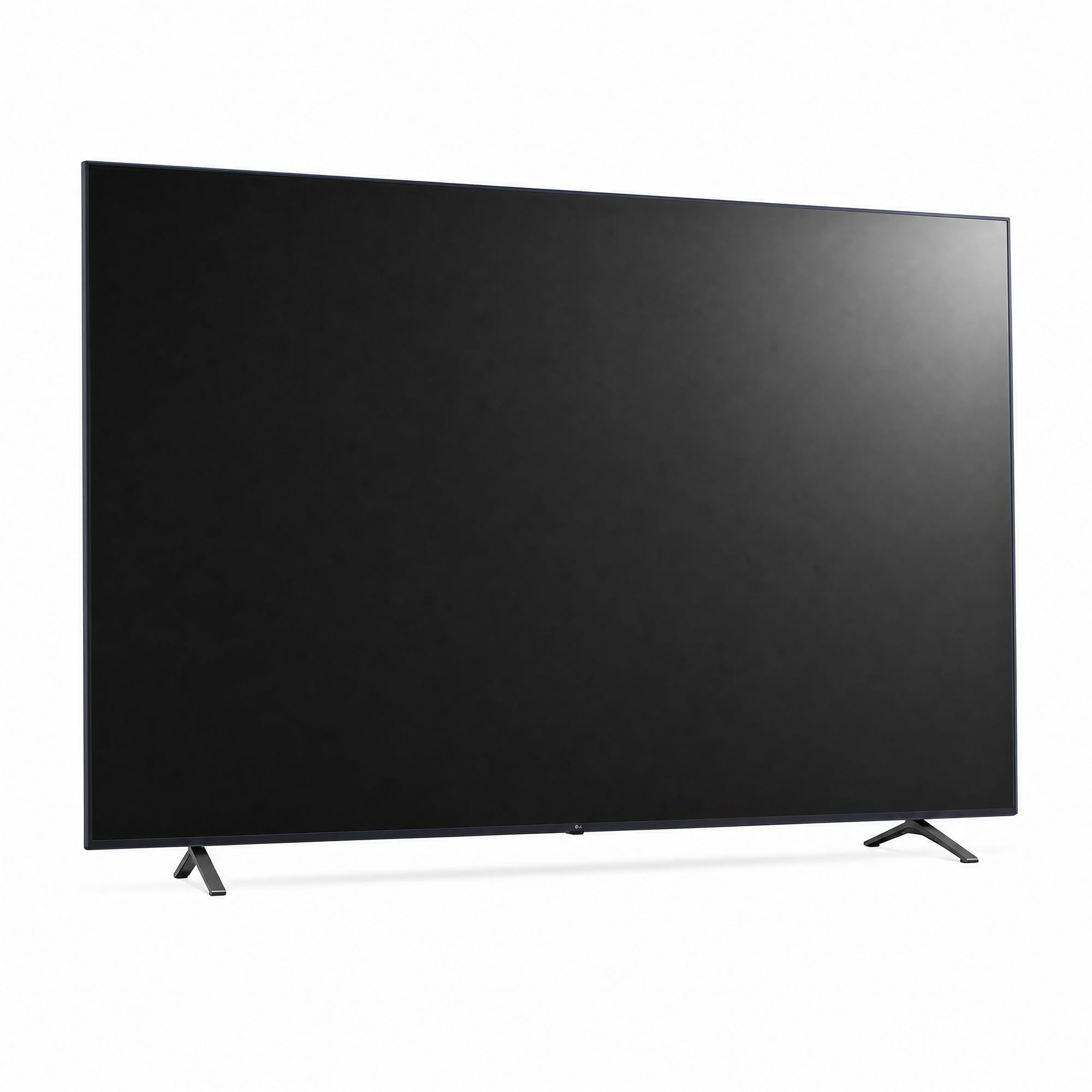
7. LG 43UR640S9UD 43″ Smart LED-LCD TV 4K UHD, TAA Compliant
The refresh-rate leader of the group, with the kind of locked-down controls a managed property actually wants.
A 120 Hz refresh rate is the standout number here, and it is the highest in this group — double the 60 Hz you get on the TCL sets. In real terms, 120 Hz keeps fast sports and games free of motion blur — useful if the screen doubles as a lounge viewing set. The 43-inch IPS panel delivers a 2160p 4K UHD resolution (3840 x 2160), and Direct LED lighting helps push a brighter picture result.
What makes this feel like a business set is the control layer. It carries Hotel Mode, USB Cloning, IP Control, and Wake on LAN (a feature that powers the screen on remotely over a network), plus a Welcome Message option and a Sleep Timer. That combination suits a clinic, managed property, or franchise where you want to lock the settings and push updates over the network instead of visiting each screen. Connectivity is generous, with 3 HDMI ports so a laptop, phone, and signage player can all stay connected at once, alongside Ethernet, USB, and Wi-Fi.
Picture quality is the favorable area, with value and overall quality the more divided ones — that split is why it sits at the top of the spend in this group rather than mid-pack. Consider it the choice for a fast-refresh viewing screen or a managed set where hotel-style lockout controls matter; if all you need is a promo loop, a cheaper signage panel covers it.
Ours to recommend for: the 120 Hz refresh and network controls — the fastest-moving, most lockable screen in this lineup, and the reason it commands the highest spend.
Hold off if: you just need a static promo board — the refresh rate and hotel controls are wasted on a screensaver-style sign.
Best for: a lounge, clinic, or managed property that wants smooth motion and remote lockout control.
Not the one if: your only job is looping a poster — a simpler signage panel fits better.
Know the Specs
Duty cycle and nits
A duty cycle like 16/7 tells you how hard the panel is rated to work — 16 hours a day, 7 days a week in this case. Brightness in nits decides whether the screen stays readable under shop lighting or washes out near a window. Higher nits help in bright spaces; anti-glare finishes like the one on the QET Series cut reflections too.
Refresh rate, HDR, and resolution
Refresh rate in Hz is how many times per second the image updates, so 120 Hz beats 60 Hz for fast sports and games. HDR formats (HDR10, HDR10+, HLG, Dolby Vision) widen the contrast range so detail holds in bright and dark scenes. Resolution labels like 1080p and 4K UHD tell you how sharp the picture is up close.
Connectivity and app support
HDMI ports let you keep a soundbar, console, and player connected at once; more ports mean less cable swapping. Commercial sets sometimes limit native apps to YouTube and need an external media player for Netflix or Prime — check this before you buy if streaming matters.
Signage software and management
Management tools like MagicINFO Lite, the Samsung Business TV App, and VXT let you schedule and update content remotely. Built-in players loop content without a tethered laptop. For multiple locations, a server connection lets you watch and update every display from one place.
Common Questions
Can I use a regular consumer smart TV as a small business screen?
What does 16/7 operation actually mean for my shop?
Will a commercial Samsung TV play Netflix or Amazon Prime?
How do 60 Hz and 120 Hz refresh rate differ on a business screen?
What is the difference between a digital signage display and a normal TV?
Do I need a media player if I choose a signage panel?
How bright should the screen be for a shop with a window?
Can I manage several screens across multiple locations from one place?
Which picks work best for showing security cameras and controlling lights?
Is a 43-inch screen the right size for a small business display?
The Bottom Line
For most small businesses that want a sharp, streaming-friendly screen, the small business tv to beat is the TCL R7D Series QLED Roku TV — a 4K QLED with the most HDMI inputs here and a familiar Roku home screen that streams news, sports, and promo clips without extra hardware. If your screen needs to run long hours and loop scheduled content, reach for the Samsung BE43T-H Pro TV for its 16/7 duty rating, or the Samsung QET Series if you manage multiple locations. And for fast-motion viewing with lockout controls, the LG 43UR640S9UD is the refresh-rate leader. Whichever you choose, match the panel’s duty rating and app support to your trading hours and content plan.
How we choose
We do not accept paid placement. Every pick is matched to a real buyer and a real use-case; we do not hands-on test units.
Sources
Specifications: manufacturer listings and product documentation. Review insights: verified customer reviews, as of November 2026. Pricing: not shown on this page (it changes often); check the current price via the retailer link.
As an Amazon Associate, Tactical Gear Guy earns from qualifying purchases. This does not affect which products we feature.