Specs are compiled from manufacturer listings and verified buyer reviews and can change over time — please confirm the key details on the product page before buying.
You want one thing from a digital frame: photos that look right without you babysitting an app. The good news is that a 10-inch frame with a crisp 1280×800 screen now sells at everyday budget prices. The catch most buyers hit first is storage — several frames ship with 16GB, and the system software eats a big slice of that before your first picture lands. The other trap is Wi-Fi band: a handful of these only join a 2.4GHz network, so a 5GHz-only router can leave you stuck at setup.
This guide is built by comparing the manufacturers’ published specifications and the patterns across verified customer reviews, so you get each pick’s real strengths and trade-offs instead of marketing spin.
Below you’ll find the display, storage, and sharing differences that actually change your day, plus the honest limits on each frame. Everything here is judged on screen resolution, built-in memory, and how photos get from your phone to the glass, so picking a photo viewer device stops being a guessing game.
Top Picks

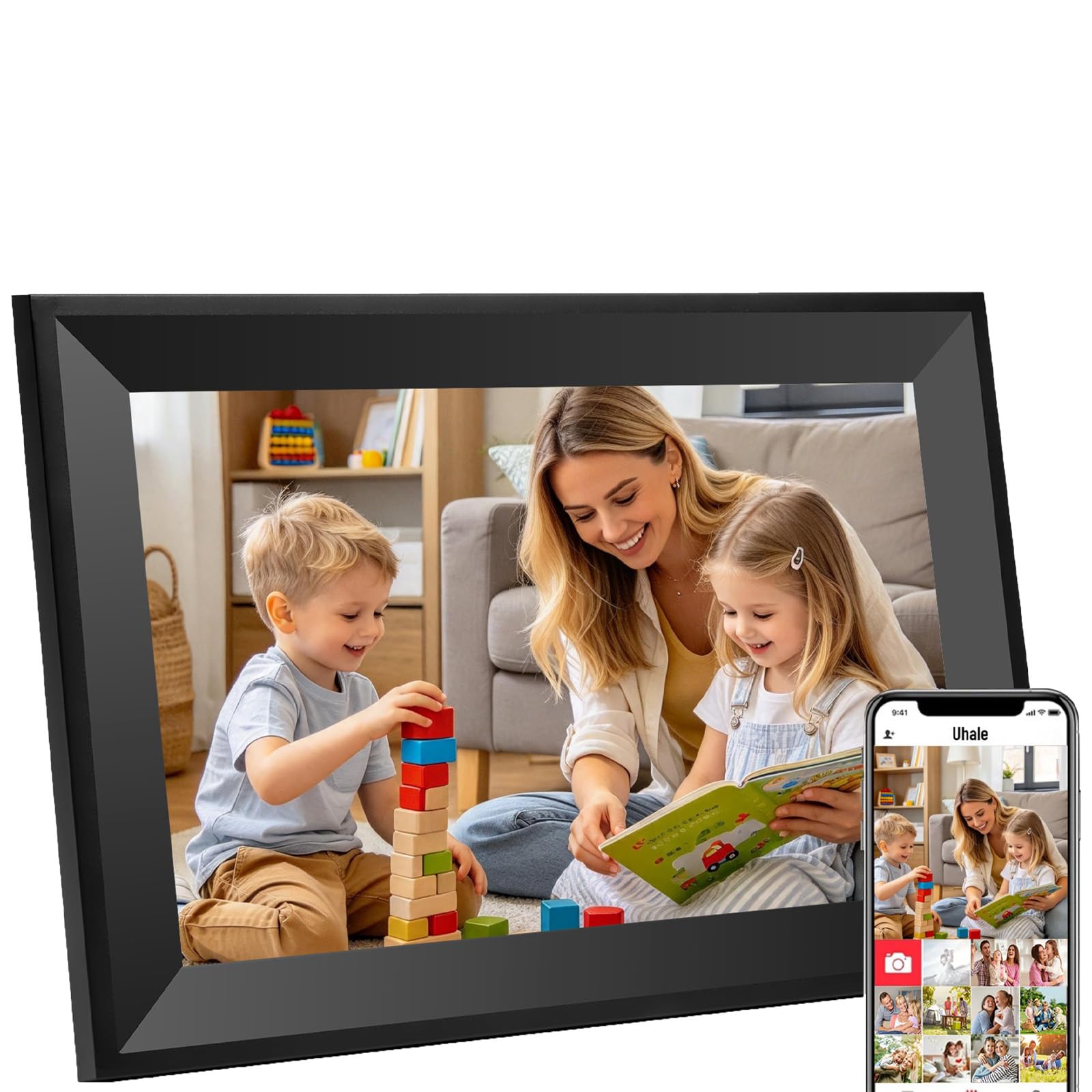

How To Choose The Best Photo Viewer Device
A digital frame sits on a shelf or wall for years, so focus on three things: how the screen looks in a lit room, how much memory you can actually use, and how easily a photo moves from a phone to the frame. Get those three right and the rest of the spec sheet barely matters.
Resolution and panel type come before anything else
You will notice the screen most when you walk past it sideways. A 1280×800 IPS panel (IPS means the picture stays bright and correct even from an angle) is the current standard on 10-inch frames. A 15.6-inch frame steps up to 1920×1080 Full HD, which matters most when the frame hangs across a room.
Storage is smaller than the box suggests
Built-in memory is quoted in gigabytes, and that figure is the ceiling, not what you get. System software occupies a share before any photo is added, so a 16GB frame fills faster than the number implies. If you plan to keep years of pictures on the frame itself, 32GB or 64GB buys real breathing room, and microSD or USB expansion helps on several models.
2.4GHz Wi-Fi is the compatibility snag to check
Several frames connect only to a 2.4GHz Wi-Fi network (the older, longer-range band), not the faster 5GHz one. If your router hides the 2.4GHz band or runs 5GHz only, setup can stall. A mobile hotspot or a card-based transfer gets you around it, but it is worth knowing before the box is open.
Side-by-Side Comparison
| Model | Best For | Display | Built-In Storage | Screen Resolution | Amazon |
|---|---|---|---|---|---|
| Aura Digital HD Picture Frame (10″ Carver Fossil)★ Best Overall | Gifting with preloaded photos | 10.1 inches | Unlimited (free cloud) | HD | Amazon |
| Uhale Smart WiFi 10″ TouchscreenBudget First Frame | Budget first frame | 10.1 inches | 16 GB | — | Amazon |
| Uhale 10.1-inch HD Touch ScreenSimple Family Sharing | Simple family sharing | 10.1 inches | 16 GB | 1280×800 | Amazon |
| AEEZO 10.1” WiFi Frame (32GB) | Big memory on a budget | 10.1 inches | 32 GB | 1280×800 | Amazon |
| Frameo 10.1″ WiFi Frame (32GB) | Offline loading via SD/USB | 10.1 inches | 32 GB | 1280×800 | Amazon |
| RCA 10.1” WiFi Frame | Wall mounting | 10.1 inches | 32 GB | 1280×800 | Amazon |
| Nixplay 10.1″ WiFi Frame | Alexa and cloud playlists | 10.1 inches | 32 GB | 1280×800 | Amazon |
| Frameo 15.6″ Big Screen | Room-scale display | 15.6 inches | 64 GB | 1920×1080 | Amazon |
| Pix-Star LUX 10.4” | No-glare 4:3 viewing | 10 inches | 16 GB | 1280×960 | Amazon |
Detailed Reviews
1. Aura Digital HD Picture Frame (10″ Carver Fossil)
Our pick — 4.5+★ from 14,000+ verified ratings; the strongest balance of quality and price.
The frame you preload with photos before gifting, with no subscription fee hanging over the recipient.
The Aura solves the storage math that dogs cheaper frames. There is no fixed gigabyte ceiling — photos and videos come through the free Aura app, email, text, iCloud, or Google Photos, and the frame adds unlimited photos and videos with no subscription fee. That 10.1-inch display is calibrated for color and automatically adjusts brightness to your room’s lighting, so a hallway frame and a nightstand frame both look right.
Setup is the part owners talk about most, and it is genuinely quick: connect to Wi-Fi, add photos, and you are running. You can even preload photos, videos, and a message before the box is opened, which turns a last-minute gift into something that works the second it is unwrapped. Portrait pairing and adjustable slideshow speed let you hang two shots side by side deliberately rather than by accident. Video support covers clips up to 30 seconds with sound, plus iOS live photos and wireless screen mirroring from a Windows PC.
The catch is the one Aura asks of you: it is Wi-Fi and app dependent. Photos cannot be loaded from an SD card or a USB stick here, so if the recipient’s home network is fussy, you are sorting that out first. It is also 3.4 pounds in a plastic frame — substantial, not a floating piece of glass. Neither undercuts what it does, but they set who it fits.
What earns the top spot
- Unlimited photos and videos with no subscription fee
- Preload photos, videos, and a message before gifting
- Auto-adjusting brightness matched to room light
- Up-to-30-second video with sound and live-photo support
Where it makes you adapt
- No SD card or USB loading — Wi-Fi and app only
- 3.4 lb in a plastic frame, so placement matters
Reach for this if: you want a gift that works from the start and never asks the recipient for a storage fee.
Think twice for: a household where loading from a card is the only reliable path.
2. Uhale Smart WiFi Digital Picture Frame 10″ Touchscreen
A 10.1-inch touchscreen frame with no subscription fee at an entry-level price.
The price tier grabs attention, but the 16GB of built-in storage decides your experience. It is quoted as room for over 30,000 photos, yet buyers who own it say the vast majority of that space is already taken by system data before you add a single picture. In practice, treat 16GB as a generous working set, not a lifetime archive.
You get wide viewing angles and accurate color from the 10.1-inch IPS touchscreen, and a direction sensor flips between landscape and portrait automatically as you set the frame down. Owners praise the picture quality most, and packing 16GB into a frame this cheap is the main reason to consider it. Setup runs through the Uhale app (CCPA and GDPR compliant, TRUSTe certified — privacy certifications that mean the app is audited for how it handles your data) with no limit on connections, and videos go up to 30 seconds.
Wi-Fi connectivity and overall reliability draw a mixed response from owners, and some report the usable storage feels tighter than the number suggests. That does not make it a bad pick — it makes it a cheap first frame, not a decade-long archive.
The smart read: If you want a cheap second screen for a grandparent’s kitchen counter and you are fine refreshing the photo set, this does the job. If you want to load decades of pictures once and forget it, the 32GB frames later in this list serve you better.
Suits you when: the budget is the deciding factor and a touchscreen matters more than the size of the memory.
Keep moving if: you need every gigabyte free for photos rather than shared with system files.
3. Uhale Digital Picture Frame, 10.1-inch HD Touch Screen
A 1280×800 IPS touchscreen with a 178° viewing angle that stays readable from across the room.
You can read the screen clearly from the sofa thanks to a 10.1-inch 1280×800 IPS display with a 178° viewing angle. That wide angle means you do not have to stand right in front of it — the picture holds up from across the room and stays legible from the kitchen. The touchscreen gives you direct control over slideshows, time, weather, brightness, and settings rather than burying everything behind an app.
Sharing is private by design. Uhale uses point-to-point transmission and end-to-end encryption for family photos, and it carries CCPA and GDPR compliance plus TRUSTe certification, so the app is audited for data handling. Built-in 16GB covers a large photo set, and microSD support up to 32GB adds offline viewing and a way to move files without the network. Setup is measured in minutes, not an afternoon — under five minutes by most accounts, with the 10.1-inch screen doing most of the work of making it feel friendly.
The trade-off sits in the middle of the pack: Wi-Fi connectivity and reliability get a mixed response from owners, and 16GB is the same shared-with-system-data figure that affects its sibling. For a family sending pictures to a parent’s frame a few times a week, that rarely bites. For someone archiving thousands of shots, capacity becomes the point of friction.
Why it earns a place: the 178° IPS angle and direct touchscreen control make it the easiest of the budget Uhale pair to live with, and the microSD slot gives you an offline escape hatch.
The honest catch: you are working with 16GB again, and some owners find the Wi-Fi connection less reliable than they would like.
Pick this for: a parent or grandparent who wants to browse photos by touching the screen directly.
Look elsewhere if: your family shoots video-heavy and you need storage headroom from day one.
4. AEEZO 10.1” WiFi Electronic Photo Frame (32GB)
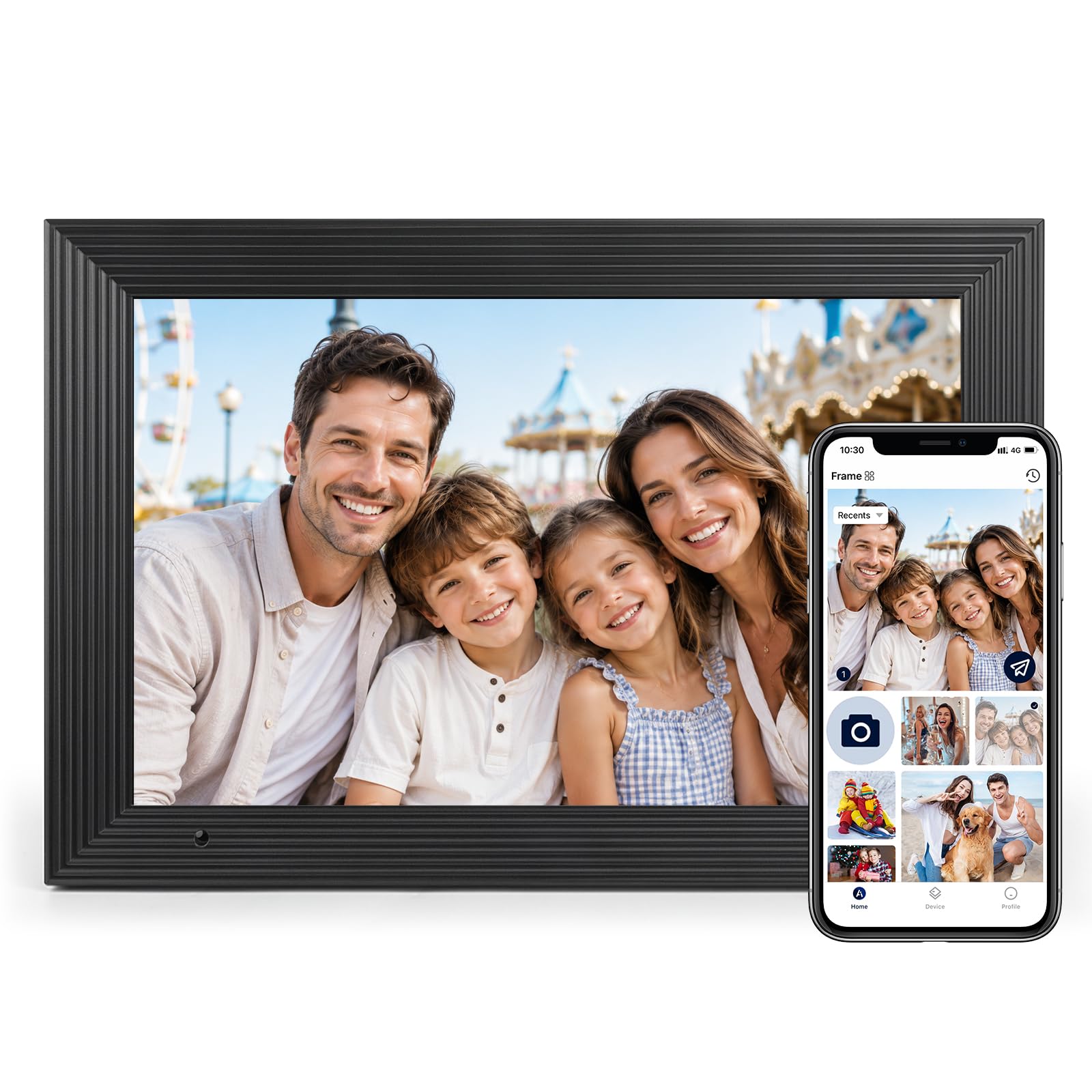
Double the memory of the Uhale frames at the same screen size and the same budget tier.
The 32GB of internal storage is the defining number — it holds over 50,000 photos directly on the frame, which is roughly double what the 16GB Uhale models are quoted at. If you have ever watched a frame fill up and start deleting memories to make room, that gap matters. There is also microSD support up to 64GB for file management, with one honest wrinkle: photos and videos do not play straight from the card — you import them first.
The 1280×800 IPS touchscreen carries adjustable brightness and a built-in light sensor that matches screen brightness to your room automatically, so a bright afternoon and a dim evening both look correct. A gravity sensor auto-orients the frame for portrait or landscape depending on how you set it down. There is a Fill Frame mode if you want to stretch a photo to fill the glass rather than see the borders — a small feature that saves a lot of squinting at odd-shaped shots. Time and weather can sit in the corner.
Compatibility is the one place to check before you buy: this frame connects only to 2.4GHz Wi-Fi, not 5GHz. If your router is 5GHz only, you can use your phone’s mobile hotspot to get past setup, but it is worth knowing. Reliability gets a mixed read from owners — most say it works well, though a few report it quitting unexpectedly — which is the normal risk of a budget frame with a big memory chip.
The case for the AEEZO
- 32GB holds over 50,000 photos on the frame itself
- Light sensor adjusts brightness automatically
- microSD expansion up to 64GB for imports
- Fill Frame mode gives you control over photo borders
What you are signing up for
- 2.4GHz Wi-Fi only — no 5GHz network support
- A minority of buyers report units quitting early
Best for: someone who wants a large photo library on a budget frame and does not want to touch the app after setup.
Not for: a 5GHz-only home network without a hotspot workaround ready.
5. Frameo 10.1″ Digital Picture Frame WiFi (32GB)
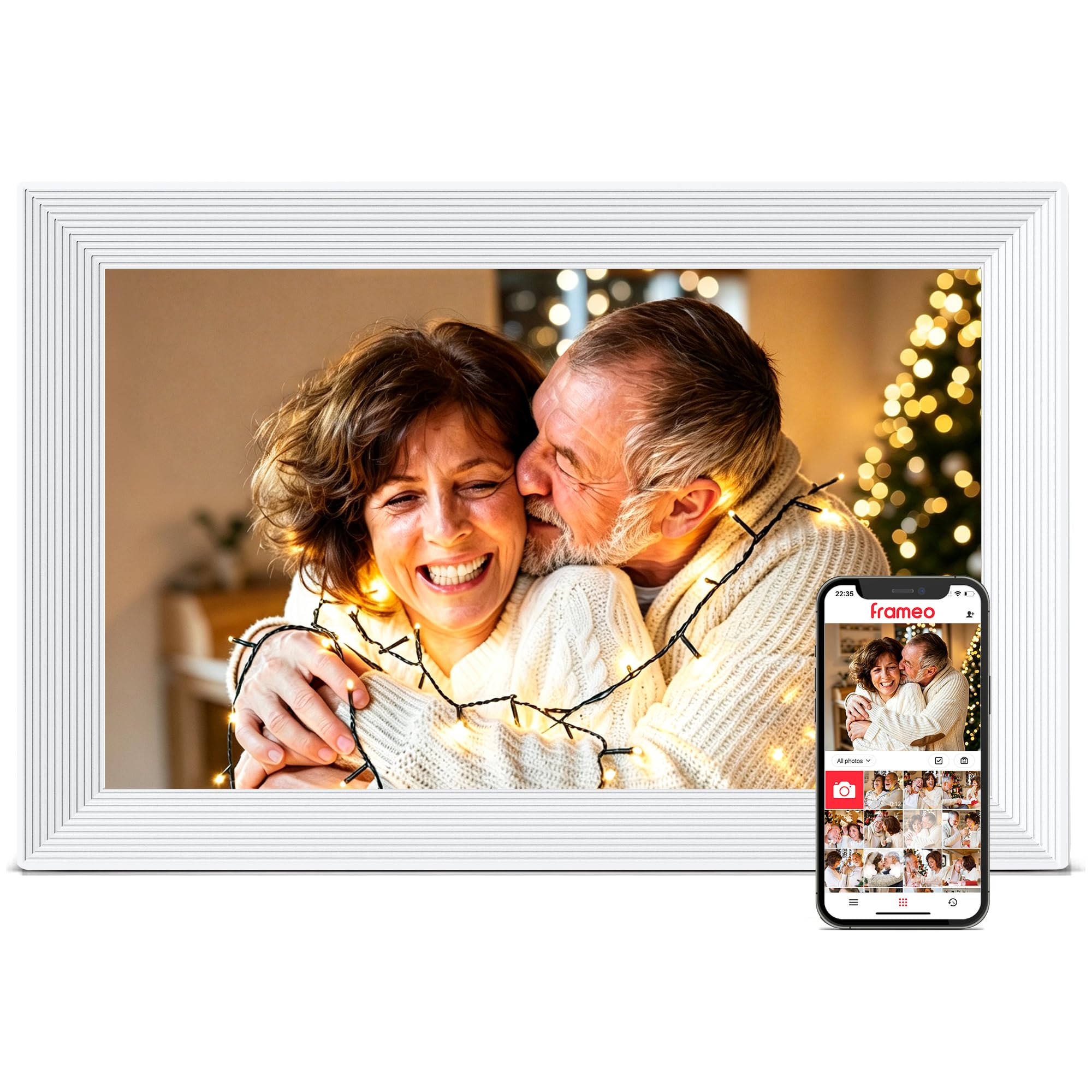
The frame built for the household that never got around to sorting its Wi-Fi.
Most frames assume a working 2.4GHz network. This one assumes nothing. Photos load from a microSD card or a USB-C drive in FAT32 format, or through a USB-C cable straight from a computer, so you can populate a frame with zero network involved. File support covers JPG, JPEG, BMP, and PNG images plus MP4 video. That makes it the rare pick that works for a grandparent who prefers the simplest setup and for anyone whose router hides the 2.4GHz band.
Once you do connect, Frameo handles instant sharing over Wi-Fi with unlimited members, and it reads a 1280×800 IPS panel with wide viewing angles. The 32GB of built-in storage holds 10,000+ photos at roughly 3MB each, with up to 32GB of external storage for growth. There are small pleasures baked in too: a Greeting feature sends themed pictures for a birthday, a React feature lets you answer a received photo with an emoji, and a sleep mode cuts brightness on a schedule.
Know the two conditions before you buy. It supports 2.4GHz Wi-Fi only, and it must stay plugged into power — there is no battery. Use the power adapter that ships in the box. Neither is unusual at this tier, but plan the power cord route before you drill for a wall mount.
What makes it distinct: the offline loading path — SD, USB-C drive, or cable — is the reason to choose it over every Wi-Fi-only frame here.
The limit you live with: the frame needs its cord and its 2.4GHz network for the sharing features that sell it.
Choose it for: a recipient with unreliable Wi-Fi or a preference for card-based loading.
Pass it over if: you want a frame that runs untethered or on a faster 5GHz network.
6. RCA 10.1” WiFi Digital Picture Frame (32GB)

A 1280×800 touchscreen you can hang on the wall or stand on a desk.
The 32GB of built-in memory is quoted as room for over 60,000 photos, and RCA pairs that with expansion to 64GB through a USB or SD card for import, export, and backup. That combination — a large internal figure plus a real expansion slot — makes it the frame for someone who wants the whole family archive on the glass and a backup path beside it. The 10.1-inch HD IPS touchscreen runs at 1280×800 and is bright enough to see clearly from a distance, which is the point of hanging a frame at eye level and walking past it.
You can hang it flush on the wall or stand it on a desk because the stand detaches. Pop it off and the frame hangs flush for decoration; leave it on and it sits on a desk. Sharing runs through the Uhale app on Android or iOS with no limit on users, and you can also upload from a computer through the Uhale website — a route that saves you from a phone-only workflow. Playback settings cover single or loop playback, play order, hiding specific images, brightness, and sleep mode.
The mixed note is reliability, which a minority of owners raise — the frame is otherwise a straightforward performer, and the connectivity behavior (a connection to a 2.4GHz network) is the usual one for this class. If you need a frame that never misses a slideshow cycle, budget for the warranty conversation; if you want a versatile display point, the stand-to-wall flexibility earns its place.
The detail that sells it: hang it or stand it — the detachable stand gives you a placement choice most frames in this group do not offer.
Beyond the gloss: it is a 32GB frame with a big quoted photo count, but some owners have reliability stories worth hearing before you commit.
Good match if: you want one frame that works on a shelf today and a wall next month.
Reconsider if: you want the frame to be the family’s only display and cannot tolerate a hiccup.
7. Nixplay 10.1″ WiFi Digital Photo Frame

The frame for the family that already runs its life through Amazon Alexa.
Nixplay brings a 10.1-inch IPS HD touchscreen at 1280×800 (a 16:10 aspect ratio, so portrait and landscape both fill the glass without heavy cropping) and a sharing model built around cloud playlists. FamilyCircles lets everyone contribute to a playlist for a wedding, a graduation, or a vacation, and the frame plays that collection across devices. Free cloud storage means you can sync an old account to a new frame with one click and migrate photos without losing anything. Note that an SD card is not supported — this frame lives in the cloud.
The feature that separates it from every other pick here is Nixplay-SenseMe, a smart sensor that wakes the frame when you walk into the room and puts it to sleep when you leave. Add Amazon Alexa support and you can ask for the playlist you want by voice. The frame also handles email-to-frame sharing and a desktop web app, so a family member without a smartphone can still send pictures. Multiple frames can be linked to one app, which suits a household that wants a kitchen frame and a hallway frame showing the same feed.
The honest caveat is longevity. A minority of owners mention units that stopped working after about a year and a half, so this is a frame to buy for its cloud ecosystem rather than as a decade-long appliance. The 32GB of built-in memory eases local storage concerns, but the selling point is the network of people and services around it.
Why the Nixplay stands out
- Free cloud storage with one-click migration
- SenseMe wakes and sleeps the frame on your presence
- Amazon Alexa playlist requests by voice
- FamilyCircles lets relatives co-build playlists
The fine print
- No SD card support — cloud-centric by design
- Some customers note failures around the year-and-a-half mark
Worth it if: your family already shares photos through cloud services and you want voice control in the mix.
Walk away if: you need card-based loading or you expect a decade of service from a single unit.
8. Frameo 15.6″ Digital Picture Frame WiFi (64GB)

A 15.6-inch Full HD panel that turns a wall into a photo gallery.
You get the largest screen and the largest memory in this group: a 15.6-inch 1920×1080 IPS touchscreen and 64GB of built-in storage rated for up to 100,000 photos. Full HD on a panel this size means faces stay sharp rather than turning into soft blobs, and the wide viewing angles keep the picture true whether you stand in front of it or walk past at an angle. It works equally well on a tabletop or mounted to the wall.
The screen size changes the use case. A frame this large competes with a printed canvas or a gallery wall, and it makes sense in a living room where a 10-inch frame would look lost. Sharing runs through the Frameo app on iOS and Android, with warm captions attached to each memory. Media loads from SD card or USB drive too, but note the compatibility warning: format the drive to FAT32 first, and a 32GB card or drive is the safest size — 64GB or 128GB may not work reliably. That is the opposite of the storage rhetoric, so plan accordingly.
Where it gives ground is memory-at-scale vs the small print: the 64GB label is generous, but the practical expansion path caps lower than the internal figure implies. The Frameo ecosystem is trusted by millions for private sharing, which is a reassuring base. For a wall display that dwarfs the others, this is the pick.
The clear advantage: no other frame here matches a 15.6-inch 1920×1080 screen and 64GB of internal storage at once.
What to plan for: stick to a 32GB SD card or USB drive formatted to FAT32 if you want expansion to behave.
Best fit: a living room or dining room wall where a large, bright photo display anchors the space.
Not ideal if: you have a small shelf or a narrow tabletop and need the frame to fit in tight quarters.
9. Pix-Star LUX 10.4” Wi-Fi Digital Picture Frame
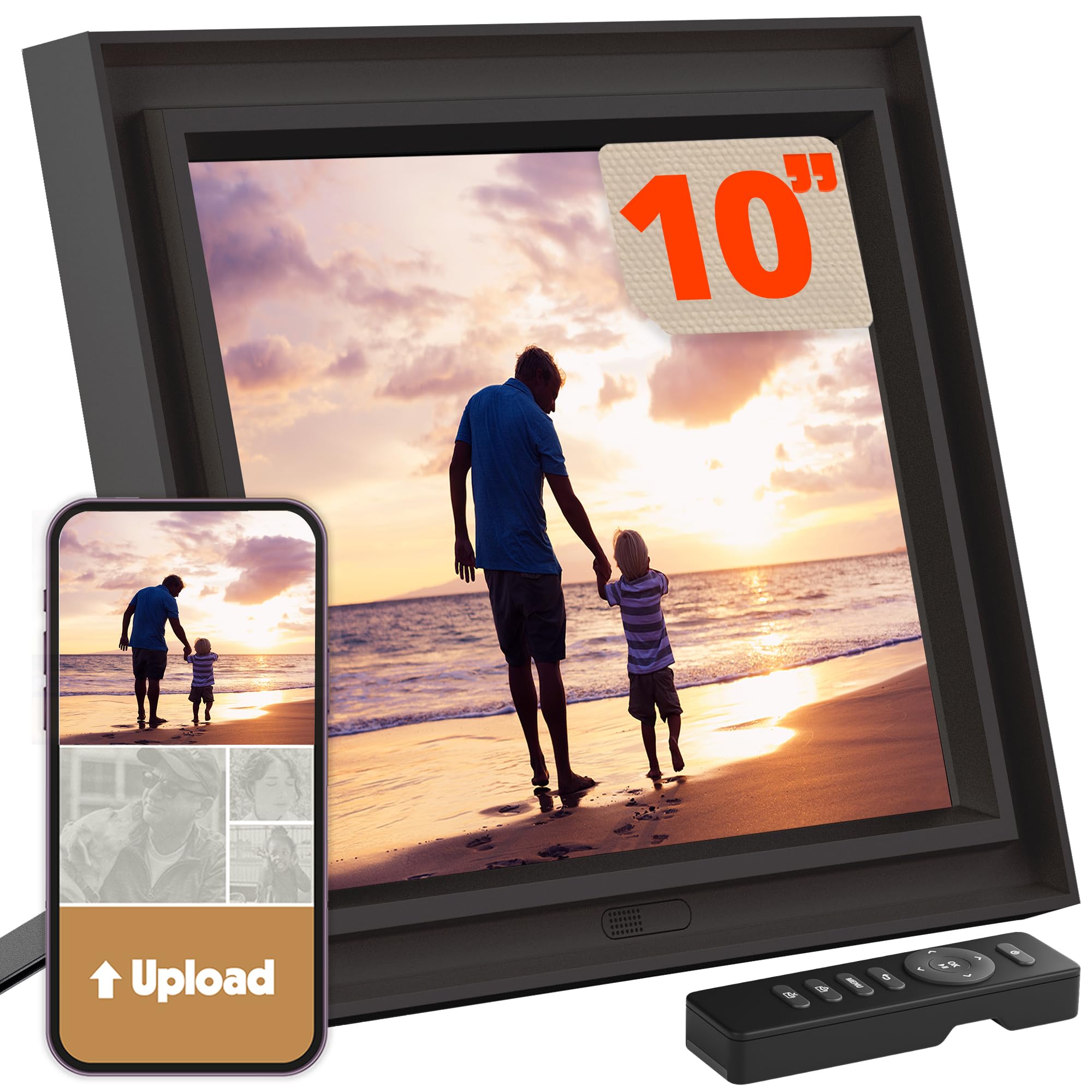
The 4:3 no-glare frame that shows your phone photos uncropped.
Here is a spec almost nobody else in this group offers: a 4:3 aspect ratio IPS display with a no-glare screen. Most frames use a wide 16:10 or 16:9 panel, which means a phone photo shot in 4:3 gets cropped or letterboxed. Pix-Star preserves the original composition instead, so what you framed is what appears. Resolution is 1280×960, which is adequate for iPhone pictures and clean across the glass. The no-glare finish is the quiet win — a frame near a window keeps its colors instead of turning into a mirror.
Storage runs on unlimited cloud, free forever with no subscription fees, and you can manage up to 25 Pix-Star frames from one account — useful if you are the family’s designated photo person. Loading is unusually flexible: a personalized frame email address, the iOS and Android app, syncing from several online services, USB stick, SD card, or sending directly from one Pix-Star frame to another. There is a motion sensor to save power, and the frame keeps working when Wi-Fi goes down, showing saved photos plus weather, calendar events, web radio, and simple brain games.
The counterweight is functionality and connectivity, both of which draw a mixed response from owners, and the 16GB of built-in memory is the smaller figure in this group. It is a frame for someone who values the photo composition and the no-glare screen over raw local storage. Appearance is what wins people over — it looks like a real piece of decor rather than a tablet on a stand.
Its singular strength: 4:3 with no glare means uncropped phone photos and a screen that stays readable near a window.
Where it asks a trade: 16GB built-in and mixed reliability/connectivity reports mean it is a style-and-composition pick, not a storage one.
Reach for it if: your photos are phone shots and you want them shown whole, without glare ruining the picture.
Skip the hassle if: you need maximum free local storage or rock-solid connectivity above everything.
Know the Specs
Display size, resolution, and aspect ratio
The diagonal measurement (10.1 inches is common, with one 15.6-inch option here) tells you how much wall or shelf the frame occupies. Resolution — 1280×800 on most 10-inch frames, 1920×1080 on the large one — decides how sharp faces look up close. Aspect ratio controls cropping: a 16:9 or 16:10 panel suits widescreen video, while a 4:3 panel keeps a phone photo uncropped, which is why the Pix-Star stands apart. IPS technology keeps the colors true from an angle, so the frame is readable from the sofa.
Built-in storage and expansion
Storage is quoted as a maximum, and the system software claims a slice before you add a photo. A 16GB frame fills quickly with a big library, while 32GB or 64GB leaves room and is quoted at tens of thousands of photos. Expansion over microSD or USB adds flexibility, but two rules apply: on some frames you must import files before they play, and on the 15.6-inch model a 32GB card or drive formatted to FAT32 is the reliable size — larger cards may not work. Free cloud storage on a few models sidesteps the local limit entirely.
Common Questions
Do I need Wi-Fi to use a digital picture frame?
Why does my frame show less storage than the box says?
Will a 5GHz Wi-Fi network work with these frames?
How many photos will a 32GB frame actually hold?
Can I load photos onto a frame without an app?
Do these frames rotate photos for portrait and landscape automatically?
What is the difference between IPS and a standard screen?
Do I need a subscription to store photos in the cloud?
Can these frames be mounted on a wall?
Will the frame still work if I cannot connect Wi-Fi during setup?
The Bottom Line
For most buyers, the photo viewer device that gets the job done is the Aura Digital HD Picture Frame. It sidesteps the storage question entirely by pairing unlimited photos and videos with no subscription, and the preload-and-gift setup means the frame works before the recipient ever touches an app. Choose the Frameo 15.6″ if you want a wall display that dwarfs everything else with Full HD and 64GB. For a recipient with unreliable Wi-Fi, the Frameo 10.1″ loads from a card or cable and asks nothing of the network. Whichever you pick, match the storage to the size of the library and confirm the frame joins your router’s Wi-Fi band before you commit.
How we choose
We do not accept paid placement. Every pick is matched to a real buyer and a real use-case; we do not hands-on test units.
Sources
Specifications: manufacturer listings and product documentation. Review insights: verified customer reviews, as of November 2026. Pricing: not shown on this page (it changes often); check the current price via the retailer link.
As an Amazon Associate, Tactical Gear Guy earns from qualifying purchases. This does not affect which products we feature.