Specs are compiled from manufacturer listings and verified buyer reviews and can change over time — please confirm the key details on the product page before buying.
You do not need the biggest copier on the shelf. You need one that copies a stack of documents without jamming, holds enough paper that you are not refilling it every morning, and does not cost a fortune in toner every quarter. The machines below all print, scan and copy, and each one is genuinely good at a different slice of office work — heavy black-and-white volume, color presentations, or quiet corner-of-the-room duty.
This guide is built by comparing the manufacturers’ published specifications and the patterns across verified customer reviews, so you get each pick’s real strengths and trade-offs instead of marketing spin.
Copy machines live or die on paper handling and cost per page, so the picks below are sorted by how much real work they can take. Here is the practical shortlist of the best office copy machine options, ranked by what each one actually does well.
Top Picks

How To Choose The Best Office Copy Machine
Most office copier regrets start with one wrong assumption: that a bigger, pricier machine is automatically a better machine. In practice your copy machine sits idle most of the day, then has to swallow a 40-page contract and spit out collated sets while two people wait. The pick that matters is the one that matches your real monthly page count and your real document type — black-and-white forms, or color slide handouts.
Start with the document type, not the speed
If nearly everything you copy is black text on white — invoices, contracts, patient forms, shipping paperwork — a monochrome laser copier is the efficient answer. Color lasers use four toner cartridges (cyan, magenta, yellow, black), and every color page draws on all of them. A mono machine drains one cartridge, which keeps refills simpler and less frequent.
Weigh the automatic document feeder honestly
The automatic document feeder (ADF) is the tray on top that pulls pages in one at a time so you do not lift the lid 30 times. A 50-sheet feeder handles a typical meeting packet without babysitting. Machines with a single-pass duplex scanner flip the page internally, so a double-sided original is captured in one run rather than two.
Tray capacity and toner yield set your refill rhythm
A 250-sheet cassette is the common baseline and roughly covers a busy week of light copying. Multi-purpose trays add a second path for envelopes and card stock without emptying your main cassette. On toner, look at the stated page yield on the starter cartridge — a low-yield starter tells you replacements will come around quickly.
Match the footprint to the desk you actually have
Office lasers are heavy, dense machines. A compact color unit can sit on a sturdy side desk; a business-class multifunction with a large touchscreen and big paper drawer really wants its own stand. Measure the spot before you buy, and plan for the weight.
Side-by-Side Comparison
| Model | Best For | Copy Speed (B&W ppm) | Color Copying | First Page Out | Amazon |
|---|---|---|---|---|---|
| HP LaserJet Pro 3101sdw★ Best Overall | Fast black-and-white copying on a small desk | 35 | No (mono) | 7 seconds | Amazon |
| Canon Color imageCLASS MF662CdwBest Warranty | Color handouts with a long warranty | 26 | Yes, 26 ppm | 10.3 seconds | Amazon |
| Xerox C245Compact Pick | Compact color copying on a tight desk | 26 | Yes, 26 ppm | — | Amazon |
| Canon imageCLASS MF465dw | High-volume black-and-white copying and scanning | 42 | No (mono) | 5 seconds | Amazon |
| Brother HL-L3300CDW | Color copying for a home office | 19 | Yes, 19 ppm | — | Amazon |
| HP Color LaserJet Pro MFP 3301fdw | Color copying plus fax for a small team | 26 | Yes, 26 ppm | — | Amazon |
| Brother MFC-L8930CDW | Busy workgroups that scan and copy in bulk | 33 | Yes, 33 ppm | — | Amazon |
| KYOCERA ECOSYS MA4500ix | Heavy monochrome volume with a fast first page | 47 | No (mono) | 2-5 seconds | Amazon |
| Brother MFC-L9570CDW | Color copy, scan and fax in one floor unit | 42 | Yes, 40 ppm | — | Amazon |
| Xerox VersaLink C405/DN | Color copying with an app-driven touchscreen | 36 | Yes, 36 ppm | — | Amazon |
| KYOCERA 1102P43NL0 | Large-floor color copying with big paper capacity | 24 | Yes, 24 ppm | — | Amazon |
Detailed Reviews
1. HP LaserJet Pro 3101sdw All-in-One
Our pick — 4.5+★ from 650+ verified ratings; the strongest balance of quality and price.
The quiet workhorse that answers on the first page, not the fifth.
If your small team copies text documents all day, this is the sane default. The first page lands in your hand in 7 seconds, then it keeps going at 35 pages per minute in black and white. That combo explains the 4.5+ stars across 600+ ratings — the strongest showing on this list. A 7-second first page means short copy jobs never leave anyone standing at the tray.
Plain reliability is what wins people over. Buyers report a machine that prints without fuss and comes back online by itself after a power cut — which matters when the whole office is standing at the tray. Setup is the other recurring theme: wireless configuration is deliberately simple. The 250-sheet input tray plus 50-sheet automatic document feeder (the top tray that pulls originals in one at a time) means you are not babysitting a big copy run. Automatic two-sided printing is included, so double-sided handouts come out collated without you re-feeding anything.
The catch is color. This is a monochrome machine, so anything with a logo, chart or photo prints in grayscale — if your copying is mostly color presentations, look at the Canon MF662Cdw or the Brother HL-L3300CDW instead. Connectivity also splits opinion: most buyers connect instantly, but a minority fight the Wi-Fi setup. Wired Ethernet and USB are both on board, which is the reliable fallback if your wireless is unreliable.
fast duplex scanning
- 7-second first page keeps short copy jobs snappy
- 35 ppm black-and-white output holds up under a queue
- 250-sheet tray plus 50-sheet feeder cuts refill trips
- Automatic two-sided copying saves paper on every packet
toner cost climbs
- No color copying at all
- Some buyers hit Wi-Fi pairing trouble; Ethernet is the fix
small workgroups: the small office that runs on black-and-white paperwork and hates waiting.
heavy color jobs: your copies need color — this one never will.
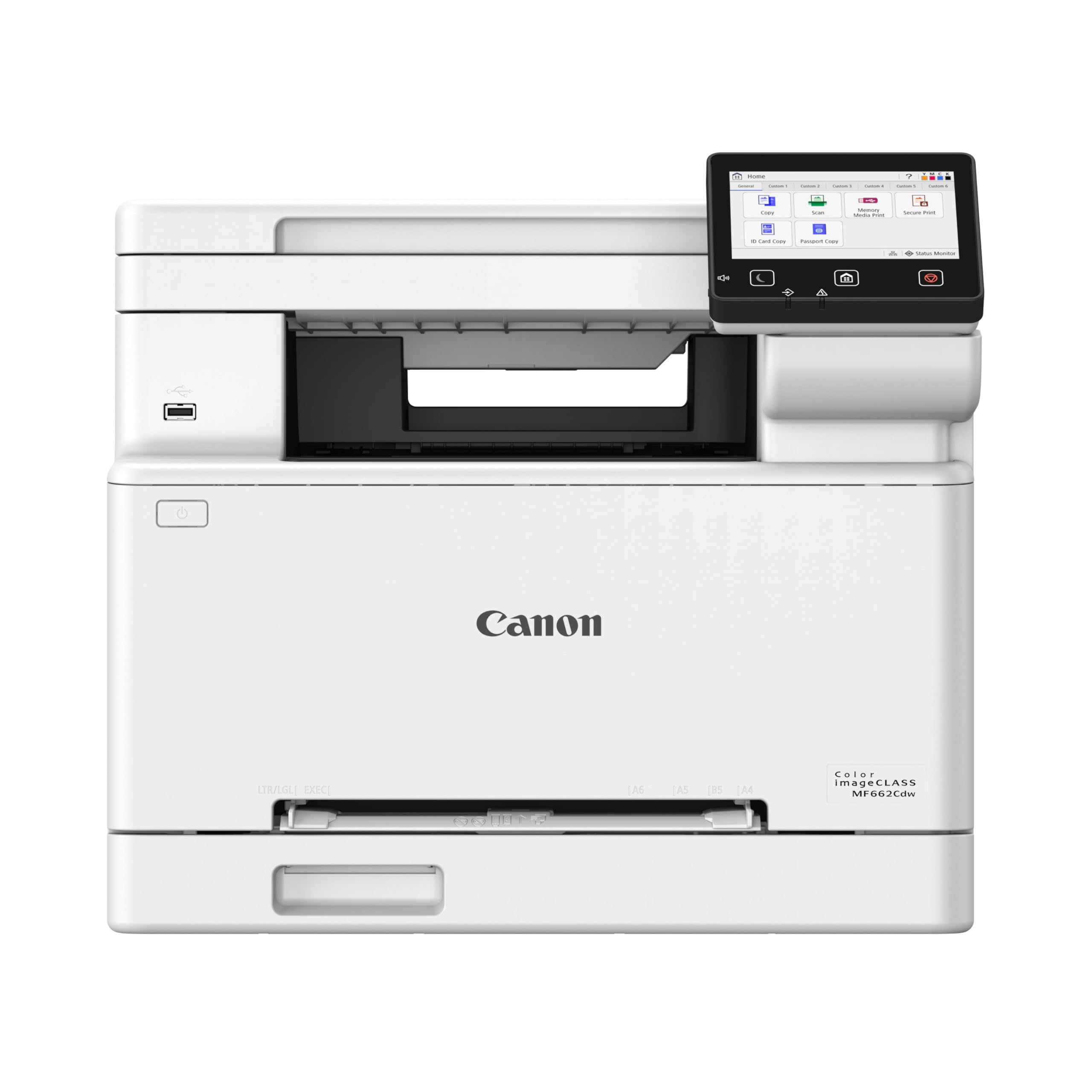
2. Canon Color imageCLASS MF662Cdw
Color copies with a three-year safety net and a touchscreen that makes sense.
Three years of limited warranty is the headline here — real confidence for equipment that sits in a shared office. The trade-off is pace: this Canon copies at 26 pages per minute, against the HP 3101sdw’s 35 ppm. The monochrome HP is simply faster on straight black-and-white volume. What the Canon adds is color, and it does 26 ppm in both color and monochrome. Its first page takes 10.3 seconds versus the HP’s 7 seconds, so snappy it is not.
Copy quality is what earned the fan base: sharp text, rich color, and a 5-inch color touchscreen with an Application Library that puts your most-used copy and scan shortcuts one tap away. Paper handling is a 250-sheet cassette plus a single-sheet multipurpose tray for odd items, with automatic two-sided copying built in. The starter toner set is 500 yield in cyan, magenta and yellow with 700 yield in black — enough to get running, but plan replacements sooner than you might expect.
Two honest caveats. First, Wi-Fi is the weak link — a recurring complaint is the connection dropping, so plan on Ethernet if your network is demanding. Second, this is a flatbed-and-feeder machine rather than a document workhorse, so heavy double-sided scanning of long files is not its strength. Color toner cost is the other check to make before you commit: four cartridges is a bigger refill bill than one.
crisp color output: a color laser that copies both black-and-white and full color at the same 26 ppm, backed by a warranty longer than most rivals.
toner refills pricey: starter cartridges are short-dated, so budget for a full replacement set early and factor color toner into your monthly running cost.
color-heavy offices: an office that copies color handouts and wants a warranty to lean on.
mono-only printing: heavy double-sided scanning and bulletproof wireless — a mono high-volume machine serves that better.
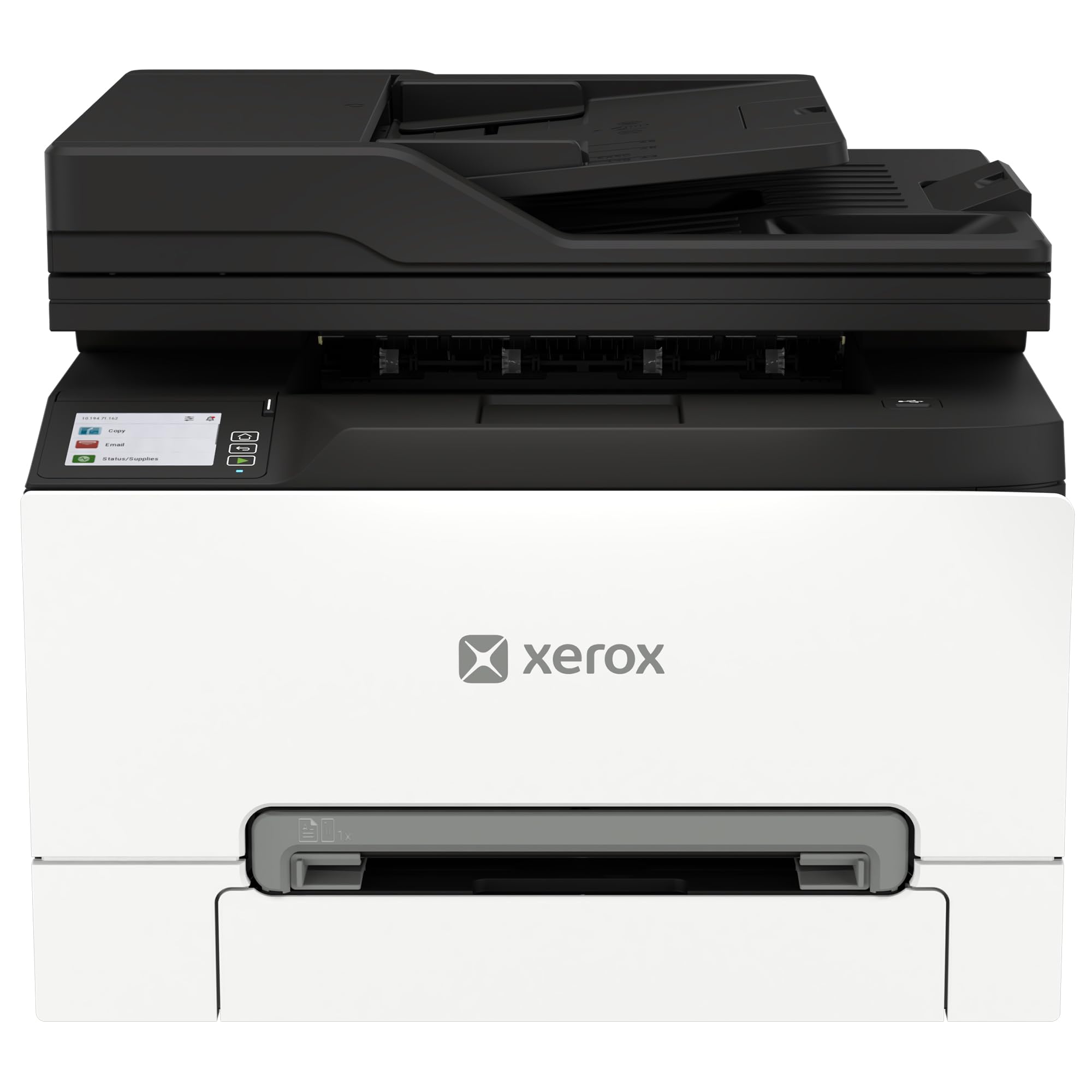
3. Xerox C245 Wireless Color All-in-One
A full color copier that fits a corner desk without owning the room.
You get color copying, scanning and printing at 26 pages per minute, plus a 50-sheet document feeder that pulls multi-page originals through in one go. The longer version: this Xerox is built for the person who has a desk, not a copy room. It is designed to sit compactly on a small surface — exactly the constraint in a home office, a consultant’s spare room or a remote team’s shared corner.
Dual-band Wi-Fi, Apple AirPrint and Mopria cover laptop and phone printing, and the Xerox Easy Assist app walks you through guided setup rather than a manual. Xerox positions it for light professional duty at up to 1,500 pages per month, and standard-yield toner suits lighter use while high-yield cartridges lower the cost per page over time. Ethernet and USB are both on board for a wired desk.
The honest note is that it is a lighter-duty machine by design — the standard toner is meant for modest volume, and the spec sheet gives a high monthly ceiling rather than a heavy-duty rating. It is also a fairly recent Amazon exclusive, so long-term reliability history is thin. If your office copies thousands of pages a month, a business-class unit below is the better fit.
home offices: color copying where floor space is the constraint and monthly volume stays modest.
high-volume teams: you need a proven track record — this one is new to the market.
4. Canon imageCLASS MF465dw

The black-and-white speed demon that turns a stack into collated sets.
Forty-two pages per minute in black and white, with a first page out in roughly 5 seconds, is the kind of pace that changes how a copy run feels. The second half of the pitch is the scanner: a 50-sheet, one-pass automatic document feeder that captures up to 100 images per minute in black and white and 80 in color on letter-size double-sided pages. If your office lives on signed contracts and multi-page forms, that scanning muscle matters as much as the copy speed.
Paper capacity scales further than most here — a 250-sheet cassette, a 100-sheet multipurpose tray, and an optional cassette that takes the total to 900 sheets. A 5-inch color touchscreen drives the Application Library for your common tasks, and it is a 4-in-1 with fax included. You also get a 3-year limited warranty. Owners point to the printing performance as the reason it earns its keep, and the speed and scanning follow close behind.
Where it presses back: this is monochrome only, so no color copying whatsoever. The menu system on the panel draws mixed reactions — some find it tricky to navigate, though the touchscreen and app route work around it. It is a big, heavy floor-class machine, so give it a proper stand rather than a flimsy side table.
sturdy mono output
- 42 ppm mono copying with a 5-second first page
- One-pass duplex feeder scanning at 100 images per minute in black and white
- Up to 900 sheets total paper capacity with the optional cassette
- Fax and a 3-year limited warranty included
no color prints
- Black and white only, no color copies
- Panel menus take some learning
- Large footprint and heavy build
dense paperwork: an office that copies and scans long black-and-white documents all day long.
color marketing: a single color copy ever needs to happen.
5. Brother HL-L3300CDW

Color laser copies from a flatbed, at a pace that suits a quiet home office.
At 19 pages per minute in both color and black and white, this is the slowest color machine on the list — noticeably behind the Canon MF465dw’s 42 ppm mono pace. That is the honest framing, and it is fine: this Brother targets the home office and small work-from-home setup where volume is modest and quality is the point. Laser-quality color output and a flatbed scan glass let you copy a single page, a book page or a receipt without a feeder at all.
Connection options are the quiet strength: built-in dual-band wireless on both 2.4GHz and 5GHz, plus Wi-Fi Direct (a mode that lets a device connect straight to the printer with no router in between) and a USB port for a single local computer. Build quality feels solid. The toner design runs longer between changes than the ink cartridges many home offices are replacing — buyers switching from inkjets say that is why they stopped worrying about refills.
Two things to know. First, it is heavy for a compact unit, so clear a sturdy spot rather than a flimsy shelf. Second, running costs draw a mixed reaction — some call the output affordable page after page, while others feel the LED-printer value is not quite there. It also offers no document feeder, so multi-page copying is a page-by-page job on the glass.
compact color laser: a small office that copies in color on a flatbed and wants dual-band wireless that actually holds a connection.
toner runs dry: check the cost of a full four-cartridge set, since color copying burns through all of them.
tight spaces: you copy the odd color page and want straightforward wireless in a home office.
big print runs: high-volume multi-page runs — no feeder and 19 ppm make that a chore.
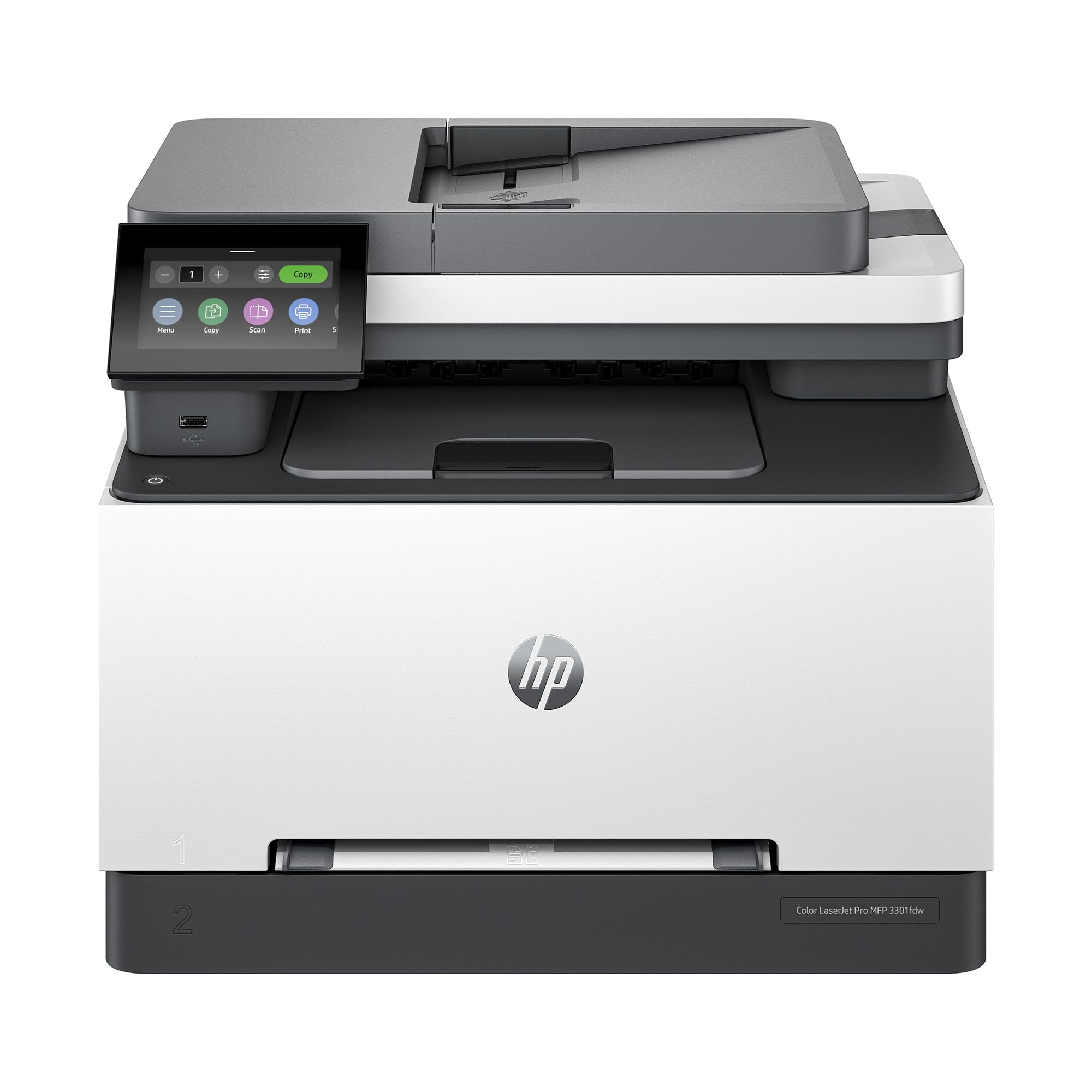
6. HP Color LaserJet Pro MFP 3301fdw
Full color copy, scan and fax — with more reasons to pause than most here.
On paper this is a lot of machine: color copying at 26 pages per minute in black and white and color, two-sided single-pass scanning, an auto document feeder, a 250-sheet tray, fax, and dual-band Wi-Fi with a self-reset that detects and clears connection problems on its own. TerraJet toner is the color engine, and HP positions it for small teams that copy professional color documents. At 41.4 pounds, the body is a genuine desk-class unit.
The honest part is that buyer feedback here is much more divided than on the other HP above — reliability, value and wireless connectivity all draw significant criticism, and this is the lowest-rated pick on the list. That said, plenty of owners describe fast, quiet, high-quality output and easy network setup including phones. Treat it as a machine whose feature set is excellent and whose long-term consistency varies unit to unit; buying with a support plan in mind is sensible.
Locked cartridges are also worth knowing: HP designs this printer to accept only cartridges with HP chips, so third-party toner will not work and firmware updates enforce it. If you want the cheapest toner route, that is a reason to choose another machine. If you want one box that does color copy, scan, duplex and fax, it is the most complete feature set here at this size.
busy front desks: you want color copying plus fax from one compact floor unit and can live with variable reliability.
low print volume: if a dependable track record tops your list — the HP 3101sdw and Canon MF465dw are safer bets.
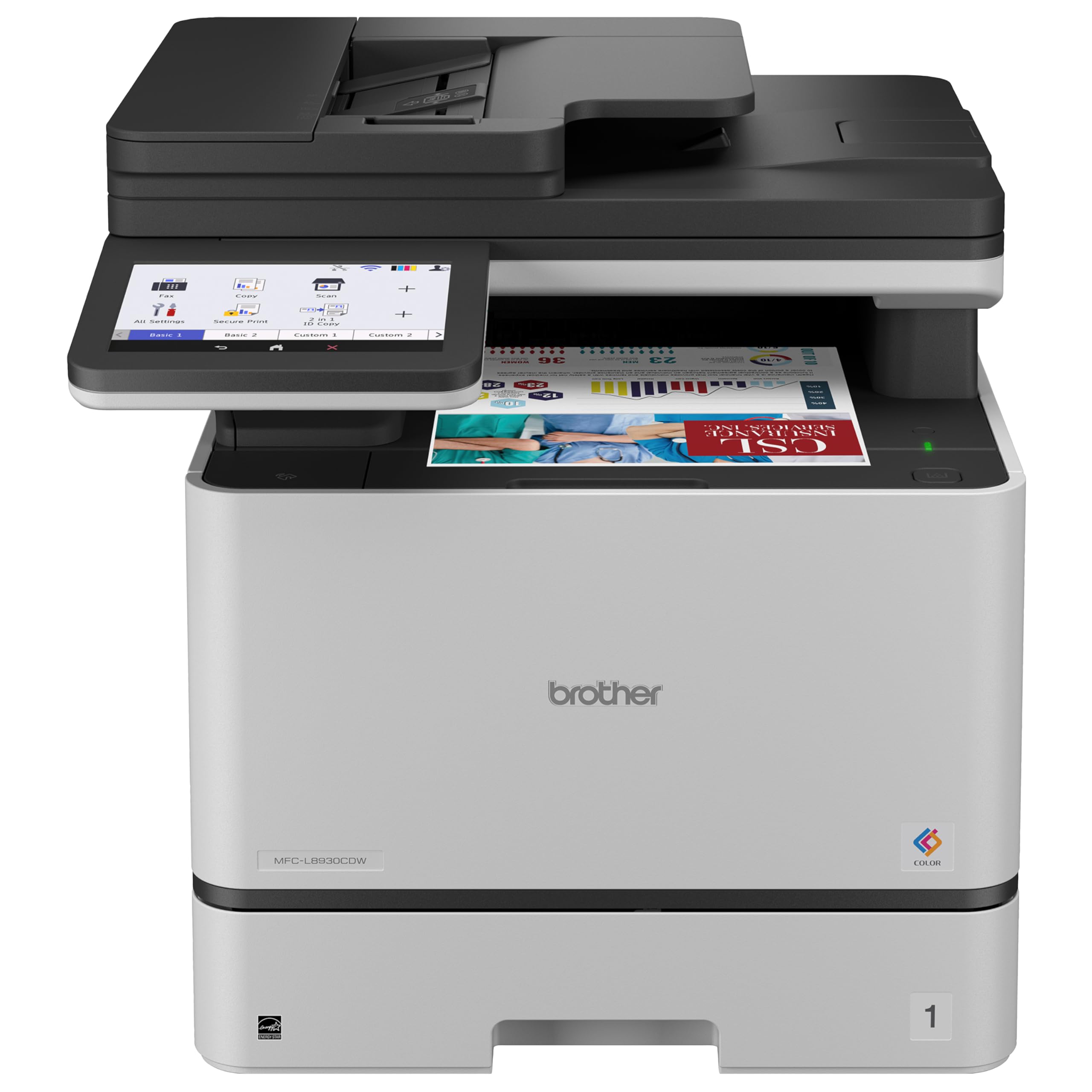
7. Brother MFC-L8930CDW Business Color Laser
A genuine workgroup copier — fast color, fast scanning, and a huge touchscreen.
Thirty-three pages per minute in color and black and white for both printing and copying sits at the top of the color machines here. Add two-sided scanning up to 104 images per minute through an 80-page automatic document feeder, and this is a machine designed to clear a queue rather than serve one person. The 7-inch color touchscreen with up to 64 customized shortcuts is the control surface — program your most-used copy jobs and they are one tap away.
Running cost is a real strength: it ships with 3,000-page black and 1,800-page color standard-yield toner, and the TN635XXL cartridges go to 7,500 pages in black and 6,500 in color. Wired networking covers built-in dual-band wireless and Gigabit Ethernet, so a busy office can run it on cable. Security is unusually thorough for this tier — an integrated NFC card reader for badge authentication and layered document protection — and it is EPEAT Gold rated and ENERGY STAR certified.
The counterpoint is size and upkeep. At 71.2 pounds and roughly two feet in each direction, it needs a dedicated stand. Print quality and color draw consistent praise, but reliability is more mixed — some offices report error messages interrupting daily work. Toner life draws two-sided feedback: some find it runs out faster than expected, even as the high-yield cartridges lower cost for others.
high monthly duty
- 33 ppm color copying to match a busy queue
- 104 images-per-minute two-sided scanning via an 80-sheet feeder
- High-yield TN635XXL toner rated to 7,500 black and 6,500 color pages
- Gigabit Ethernet, NFC badge auth and 7-inch touchscreen
large footprint
- 71.2 pounds — it needs its own stand
- Reliability feedback is mixed
- Toner life experiences vary
department floors: a real office with a dedicated stand and enough monthly volume to justify high-yield toner.
home corners: a one-person corner where the machine sits idle most days.
8. KYOCERA ECOSYS MA4500ix

The fastest mono copier here, and the quickest off the mark.
Forty-seven pages per minute in black and white is the highest copy speed on this list, and a first page in roughly 2 to 5 seconds is quicker than any other pick — the Canon MF465dw, next fastest at a 5-second first page, trails it. Output resolution is 1200 x 1200 dpi (dots per inch, the measure of print sharpness), well above the standard copy grade, so dense text and fine lines come through sharp. A 7-inch color touchscreen handles operation, and the TK-3402 black toner keeps the running model simple: one cartridge, not four.
This is the machine for a document-heavy office — law offices, clinics, warehouses full of forms — where color never enters the conversation and the only question is throughput. Kyocera positions optional enhanced security tiers to protect the device, data and network, and Ethernet is the standard wired connection. One toner colour means no cyan, magenta or yellow to stock.
The obvious limits: no color, so a color handout is out of the question. As a higher-end Kyocera in its range, the buyer base here is smaller, so long-term reliability evidence spreads thinner than the big high-volume picks. And a large mono floor machine is a deliberate purchase — you are buying speed and thrift, not lifestyle features.
steady documents: a document factory that copies thousands of black-and-white pages and never needs color.
color needs: color handouts or compact size matter more than raw mono speed.
9. Brother MFC-L9570CDW

Copy, scan, print and fax in one office-class box, at near-top mono speed.
Copying at up to 42 pages per minute in black and white and 40 in color puts this Brother in the fast lane — the same ceiling as the Canon MF465dw, but with color on board. The multifunction set is complete: copier, printer, scanner and fax, with automatic duplex so double-sided documents copy without manual re-feeding. For an office that wants one machine handling every document job and can give it a permanent spot, that breadth is exactly the point.
The panel is a touchscreen, and setup and downloading the scanner software and driver are described as straightforward, with scanning from a phone working the way you would hope. Print speed is the trait that draws the most approval, and the multifunction repertoire — scanning to phone or email — is the second.
What to be ready for: reliability reports are divided, ranging from flawless to machines that stop working after months, and value splits the same way. A recurring annoyance is a deep sleep mode that is slow to wake. This is a machine to buy with a plan for service and a tolerance for quirks — the features are right, the consistency is not guaranteed.
heavy duty cycle: color copying at 40 ppm plus fax and duplex scanning in one unit is a genuinely complete office copier.
service contract needed: given variable reported reliability, know your support route before the warranty clock starts.
enterprise fleets: consolidate copying, scanning and faxing into a single office-class machine.
casual users: if uptime is everything, the Canon or HP mono machines are steadier bets.
10. Xerox VersaLink C405/DN

A tablet-style copier built to walk you through jobs, not fight you.
You get 36 pages per minute in color and black and white, with a touch interface that treats copy jobs like phone apps — gestural input and preloaded ConnectKey apps that share a common feel, so complex jobs take fewer steps. On-screen access to the Xerox App Gallery extends it further, including a translation app that turns scanned documents into another language. If unfamiliar staff operate the copier, a friendly interface pays for itself in avoided help-desk calls.
It ships with starter toner at 2,000-page capacity for cyan, magenta and yellow and 3,000 pages for black, and duplex (double-sided) copying is automatic. Ethernet and USB are both on board, and the standard warranty is one year. Setup wizards and step-by-step configuration mean it can be running without a technician, and owners who use it describe fast, excellent printing.
The cost story is the sticking point. Genuine Xerox toner is priced high, and some owners mention it costs as much as the printer did — running cost per page is the number to work out before committing. Reliability and build quality also draw mixed feedback, and setting up takes more expertise than a basic machine; reports of machines failing early do exist. It is a capable, friendly copier that asks for genuine supplies and a little IT patience.
design studios: offices that value an intuitive touchscreen and color copying over rock-bottom toner cost.
simple setups: genuine toner is expensive — run the cost-per-page math first.
11. KYOCERA 1102P43NL0 Color Multifunction

A floor-standing color copier that holds up to 1,600 sheets so refills stop interrupting work.
This one is in a different class of machine. Copying runs at 24 pages per minute in both color and black and white, with a 1200 x 1200 dpi (dots per inch, the measure of print sharpness) output resolution and a paper capacity of up to 1,600 sheets — the largest on this list, so an all-day copy run does not halt to reload. It is a big, 23.2-inch-deep floor-standing unit that stands 29.6 inches tall, and Kyocera calls for professional setup and installation rather than a do-it-yourself unboxing.
A 4.3-inch color touchscreen handles operation, and HyPAS capability lets it run Kyocera business applications directly — useful if you have specific document workflows. Mobile support covers Apple AirPrint, Google Cloud Print, Mopria and KYOCERA Mobile Print, plus a USB host port for direct printing and scanning from a drive. Kyocera Fleet Services, a cloud monitoring system, is aimed at keeping the device up and helping control costs.
The trade-off is the speed: at 24 pages per minute in color it is the slowest color pick here, so the big paper drawer is what you are paying for rather than blistering pace. It is also a substantial installation — plan for delivery, placement and a technician visit rather than setting it on a desk. For an office that copies in volume and would rather refill once a day than every hour, the capacity is the answer.
scales to volume
- Up to 1,600 sheets of paper capacity
- 1200 x 1200 dpi at 24 ppm in color and mono
- HyPAS app support and cloud fleet monitoring
- AirPrint, Google Cloud Print, Mopria and Mobile Print
oversized for small
- Professional installation required
- 24 ppm is the slowest color speed here
- Large floor footprint and stand depth
large campuses: a real copy room where paper capacity matters more than raw speed.
tiny offices: a desk and a person refilling once a week.
Know the Specs
Pages per minute (ppm) and first-page time
Ppm is how many letter-size pages a copier completes in a minute once it is warm and running — it decides how long a big stack takes. First-page time is how long from pressing copy to the first sheet arriving; it matters most for short jobs, because a fast machine still waiting to warm up feels slower than its headline speed suggests. A 7-second first page makes a single-page copy feel instant.
Automatic document feeder and duplex scanning
An automatic document feeder (ADF) is the top tray that pulls originals through one at a time so multi-page copying is hands-off. A one-pass duplex scanner flips the page internally to capture both sides without you re-feeding, so a double-sided contract is scanned in one run. A 50-sheet feeder handles a typical packet; an 80-sheet feeder handles a longer file.
Toner yield and cost per page
Laser copiers use toner, a fine powder cartridge, rather than ink. Yield is the page count a cartridge is rated for — a starter cartridge yielding 500 pages means replacements come around fast. High-yield versions are rated higher and lower your cost per page over time. Color machines carry four cartridges (cyan, magenta, yellow, black) so every color page draws on all of them.
Paper capacity and footprint
Tray capacity is how many sheets a cassette holds before you refill. A 250-sheet cassette is a common baseline; multi-purpose trays add a second path for envelopes and card stock. Larger machines add optional cassettes for higher capacity. Footprint and weight decide where it lives — compact units fit a sturdy side desk, while a 40-pound-plus business model needs its own stand.
Common Questions
Can an office copy machine also print and scan from my laptop and phone?
Is a monochrome copier cheaper to run than a color one?
How many pages per minute do I actually need for a small office?
What is the difference between an automatic document feeder and a flatbed scanner?
Will third-party toner cartridges work in these machines?
How much space and weight should I plan for an office copier?
Can these copy machines handle double-sided documents without re-feeding?
Do these copiers work with USB as well as Wi-Fi?
What does duplex printing and copying mean on a copier?
Is a laser copy machine better than an inkjet for office copying?
The Bottom Line
For most offices, the best office copy machine is the HP LaserJet Pro 3101sdw — a 7-second first page, 35 ppm black-and-white copies, a 250-sheet tray and a 50-sheet feeder, all with the steadiest reliability reputation on this list. If your copies need color with a warranty behind them, reach for the Canon Color imageCLASS MF662Cdw. And for a document-heavy office that copies long black-and-white files all day, the Canon imageCLASS MF465dw with its 42 ppm speed and one-pass duplex scanner is the one to reach for.
Before you buy, match the machine to your real monthly page count and document type. A mono workhorse that runs flawlessly beats a feature-packed color unit you fight with every week.
How we choose
We do not accept paid placement. Every pick is matched to a real buyer and a real use-case; we do not hands-on test units.
Sources
Specifications: manufacturer listings and product documentation. Review insights: verified customer reviews, as of November 2026. Pricing: not shown on this page (it changes often); check the current price via the retailer link.
As an Amazon Associate, Tactical Gear Guy earns from qualifying purchases. This does not affect which products we feature.